Power Tools version 1.3.0.0 от 11.08.23 for Farming Simulator 2022 (v1.12x)
Write the reason for your dislike:
If you do not explain the reason, but write an unintelligible text, you will be deprived of the opportunity to evaluate the mods.
Cancelfrom ModsFire Download (0,038 MB)
from ShareMods How to install the mod


Сategory
Description
Using a single key (default F12), you activate the Power Tools menu. From there, you can quickly jump to various functions without using the mouse or navigating through multiple menus.
Main features:
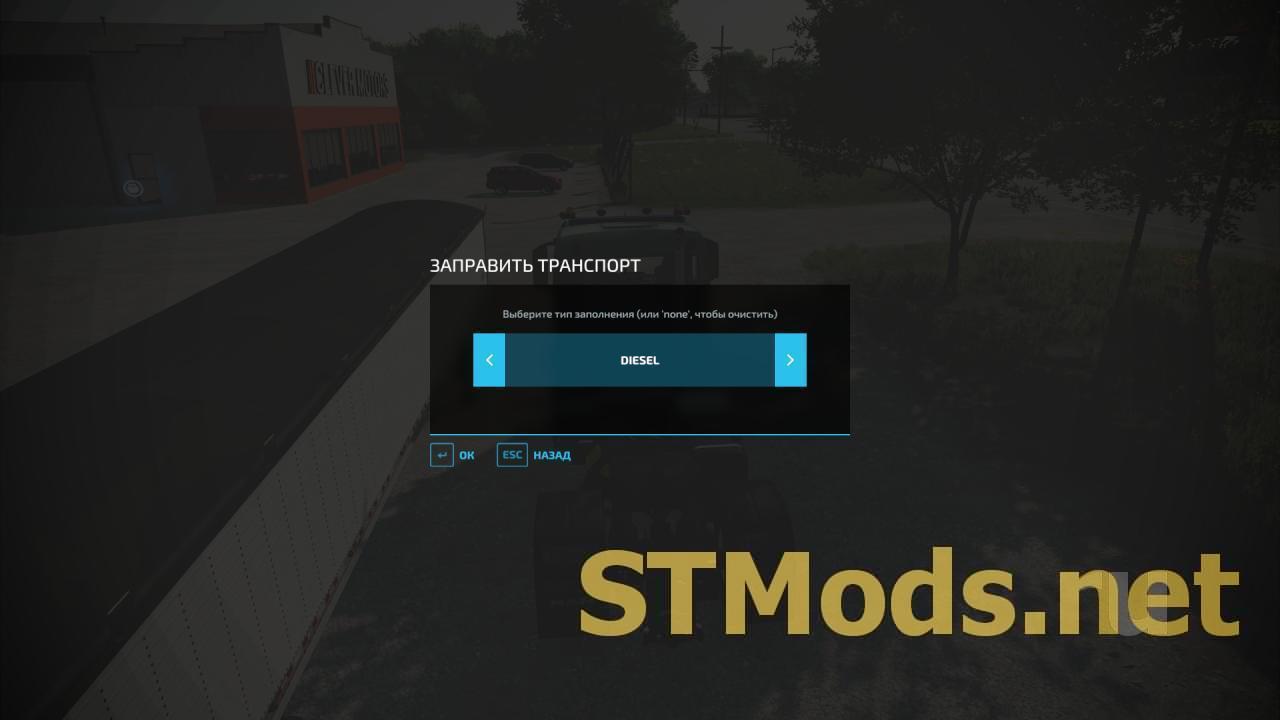
- Refuel a vehicle;
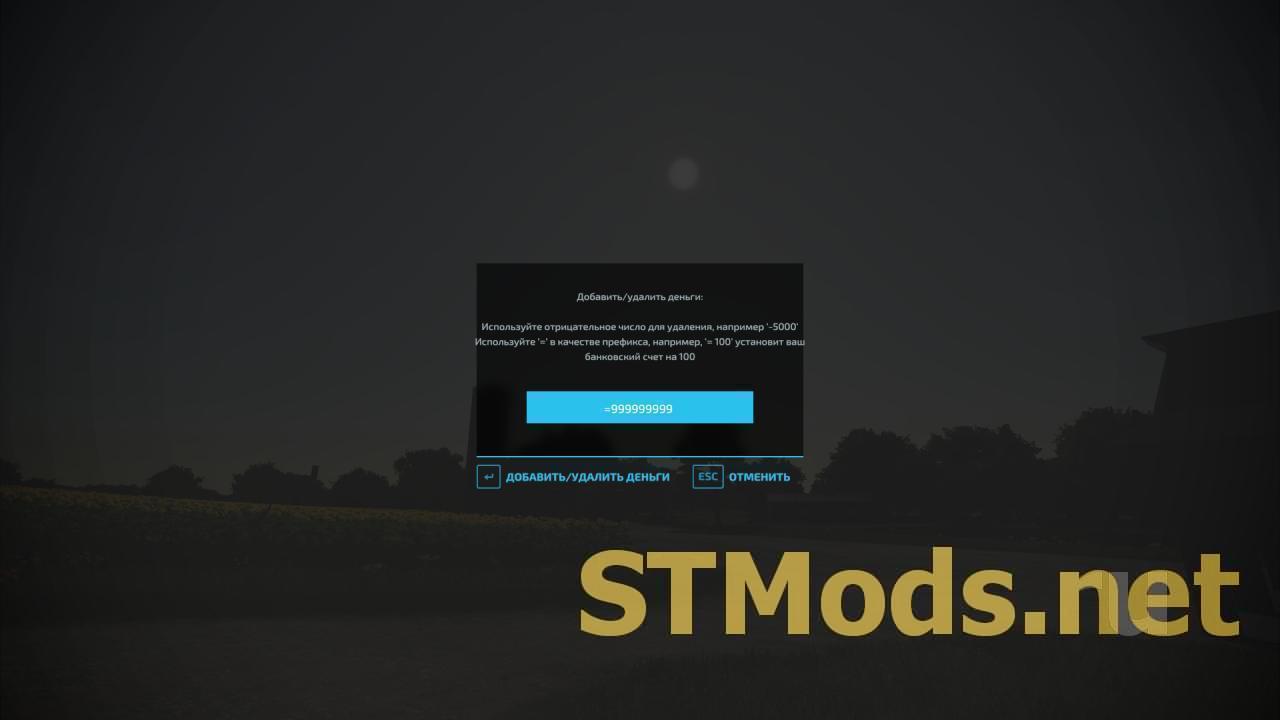
- Add/remove money;
- Create pallets of any type (including production materials such as sugar and clothing);
- Create bales of any type – supports round/square, all sizes, and all types (straw, silage, cotton, etc.);
- Quickly exit the current game and go to the main menu (or restart the save, see below);
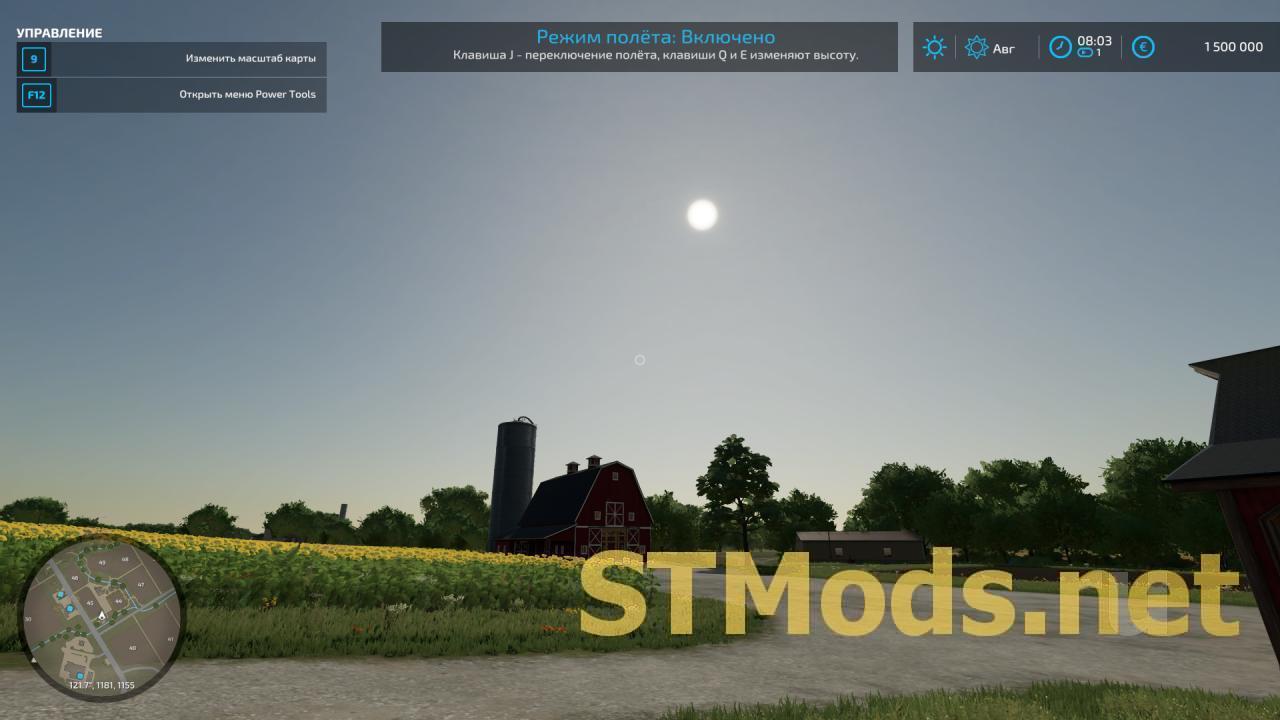
- Toggle "Flight Mode" (then use J to activate flight mode, and Q/E to ascend/descend in the air);
- Enable/disable HUD (user interface);
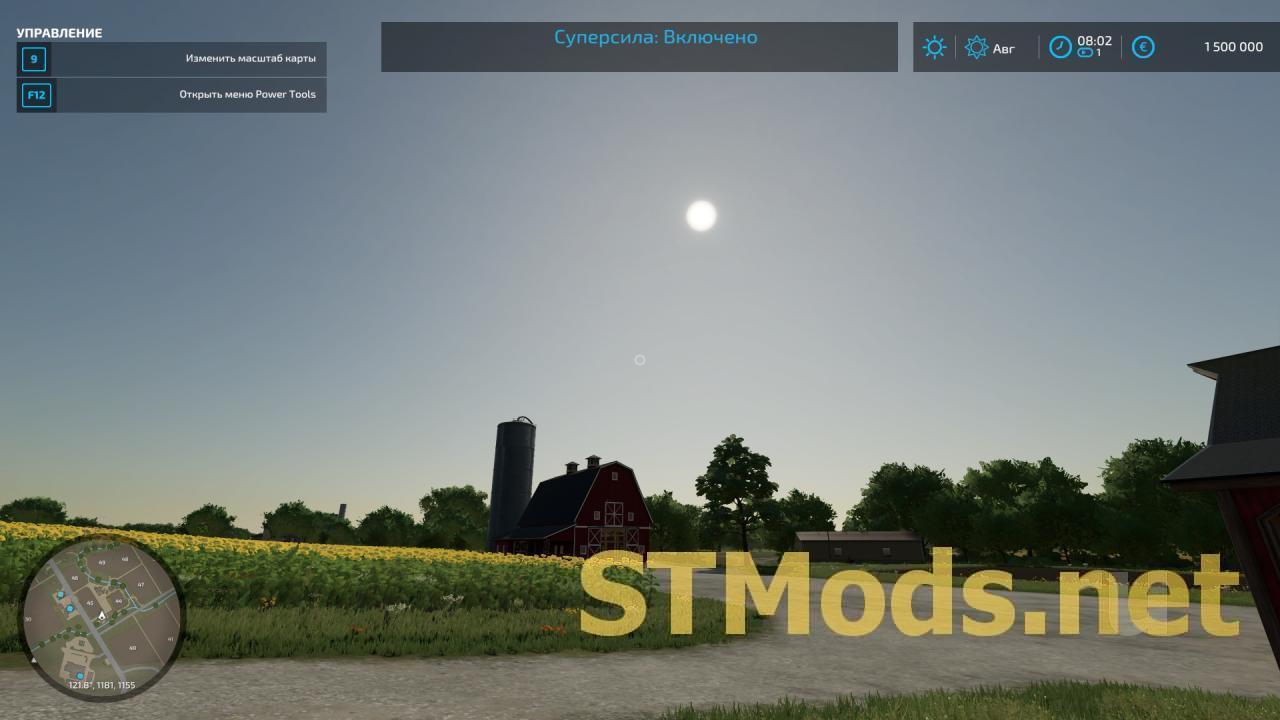
- Toggle "Superpower" mode.
Notes:
- To reset your money (or set a specific amount), use '=' as a prefix, for example, '= 100' will set your bank account to 100.
- If you select the "Exit to menu" option when you started the game with launch parameters '-restart -autoStartSavegameId 1', the game will automatically restart your save.
- You also have the console command 'ee' to exit the game (to the Main Menu).
- Filling and/or refueling vehicles and filling trailers and creating bales/pallets currently only works if you are the host of the game (e.g., single player or standalone multiplayer) and does not work on dedicated servers.
Version 1.3.0.0 от 11.08.23 for Farming Simulator 2022 (v1.12x):
- The last command can be repeated using a hotkey (experimental feature);
- Added the "Restart saved game" command (different from exiting to the menu);
- Added new console commands (see notes);
- Modified the exit/restart function for faster restarting.
Rules for writing comments. For non-compliance - ban!
Forbidden:- Use of profanity in messages
- Communication is not on the topic of the material
- Any insults of other users, including the author of the material
- Writing messages in whole or in part in CAPITAL letters (Caps Lock)
- Expressing your opinion without supporting it with arguments
- The use of links to third-party sites, or the use of images/videos/other content containing the aforementioned links
Rules for writing reviews
The review must necessarily be about a specific material (not about the uploader, not about the author and all his works in general)
Forbidden:- Use of profanity (mat)
- Writing a review in whole or in part in CAPITAL letters (Caps Lock)
- Expressing your opinion without supporting it with arguments
- The use of links to third-party sites, or the use of images/videos/other content containing the aforementioned links
There are no reviews yet. Be the first!
Log in to your account to add a review
Version 1.3.0.0 for Farming Simulator 2022 (v1.8.2.0):
With the Power Tools you have quick and easy access to some "quality of life" features. Especially useful if you are a modder or do mod reviews.
Using a single key/button (configurable, default F12) you activate the Power Tools menu. From there you can quikly navigate to the different functions without the need for a mouse or navigating through multiple menus.
Main features:
- Add/remove money to your farm
- Fill vehicle - supports vehicles with multiple tanks/storage units and accepts any filltype supported by the vehicle *
- Spawn any type of pallet (including production materials like sugar and clothes) *
- Spawn any type of bale - supports round/square, all sizes and all types (straw, silage, cotton etc) *
- Spawn tree logs - currently only supports birch, spruce and pine (in a limited number of lengths) *
- Quickly save the current game, ether via hotkey or the menu *
- Quickly exit current game and go to the main menu (or restart the savegame, see below)
- Toggle "Flight mode" (then use J to activate flight mode and Q/E to ascend/descend in the air)
- Toggle HUD/interface on/off
- Toggle "Super strength" mode
IMPORTANT: Features marked with an asterisk (*) isn't available on dedicated servers, only in singleplayer and self-hosted multiplayer.
NOTES:
- To reset your money (or set to a specific amount) use '=' as a prefix, e.g. '=100' would set your bank account to 100
- If you choose the "Exit to menu" option when also have started the game with the '-restart -autoStartSavegameId 1' startup flags, the game will automagically restart your savegame
- You also have the console command 'ee' to exit the game (to main menu)
- Many of the features requires that you have admin access (to prevent cheating in multiplayer) - in single player everyone is admin though :)
- Filling vehicles, saving the game and spawning bales/pallets/trees currently only work if you are the host of the game (i.e. single player or self-hosted multiplayer) and does not work on dedicated servers
Changes:
- The last command to create objects/products can be repeated using a hot key (experimental feature).
from ModsFire Download (0,035 MB)
from ShareMods

Version 1.2.0.0 for Farming Simulator 2022 (v1.2x):
With the Power Tools you have quick and easy access to some "quality of life" features. Especially useful if you are a modder or do mod reviews.
Using a single key/button (configurable, default F12) you activate the Power Tools menu. From there you can quikly navigate to the different functions without the need for a mouse or navigating through multiple menus.
Main features:
- Add/remove money to your farm
- Fill vehicle - supports vehicles with multiple tanks/storage units and accepts any filltype supported by the vehicle *
- Spawn any type of pallet (including production materials like sugar and clothes) *
- Spawn any type of bale - supports round/square, all sizes and all types (straw, silage, cotton etc) *
- Spawn tree logs - currently only supports birch, spruce and pine (in a limited number of lengths) *
- Quickly save the current game, ether via hotkey or the menu *
- Quickly exit current game and go to the main menu (or restart the savegame, see below)
- Toggle "Flight mode" (then use J to activate flight mode and Q/E to ascend/descend in the air)
- Toggle HUD/interface on/off
- Toggle "Super strength" mode
IMPORTANT: Features marked with an asterisk (*) isn't available on dedicated servers, only in singleplayer and self-hosted multiplayer.
NOTES:
- To reset your money (or set to a specific amount) use '=' as a prefix, e.g. '=100' would set your bank account to 100
- If you choose the "Exit to menu" option when also have started the game with the '-restart -autoStartSavegameId 1' startup flags, the game will automagically restart your savegame
- You also have the console command 'ee' to exit the game (to main menu)
- Many of the features requires that you have admin access (to prevent cheating in multiplayer) - in single player everyone is admin though :)
- Filling vehicles, saving the game and spawning bales/pallets/trees currently only work if you are the host of the game (i.e. single player or self-hosted multiplayer) and does not work on dedicated servers

from ModsFire Download (0,035 MB)
from ShareMods

 Spintires: MudRunner
 SnowRunner
 Euro Truck Simulator 2
 American Truck Simulator
 Farming Simulator 2017
 Farming Simulator 2019
 Farming Simulator 2022
 BeamNG.drive
 City Car Driving
 Farming Simulator 20
 OMSI 2
 Assetto Corsa
 MXB
MXB
