How to Sow, Fertilize, and Mow Grass in FS 20
Grass is used in many places, but not every player knows how to properly sow, fertilize, and mow grass in Farming Simulator 20. In this guide, we will figure out how to correctly handle grass in FS20, what equipment we will need for this, and what grass is generally used for.
First of all, we will need a special cultivator for grass. In fact, many cultivators support a special processing function for grass. When buying, make sure there is the same icon as in the screenshot below. If such an icon is present, it means the cultivator is suitable for us. In our case, we will buy the Discolander XM 52.
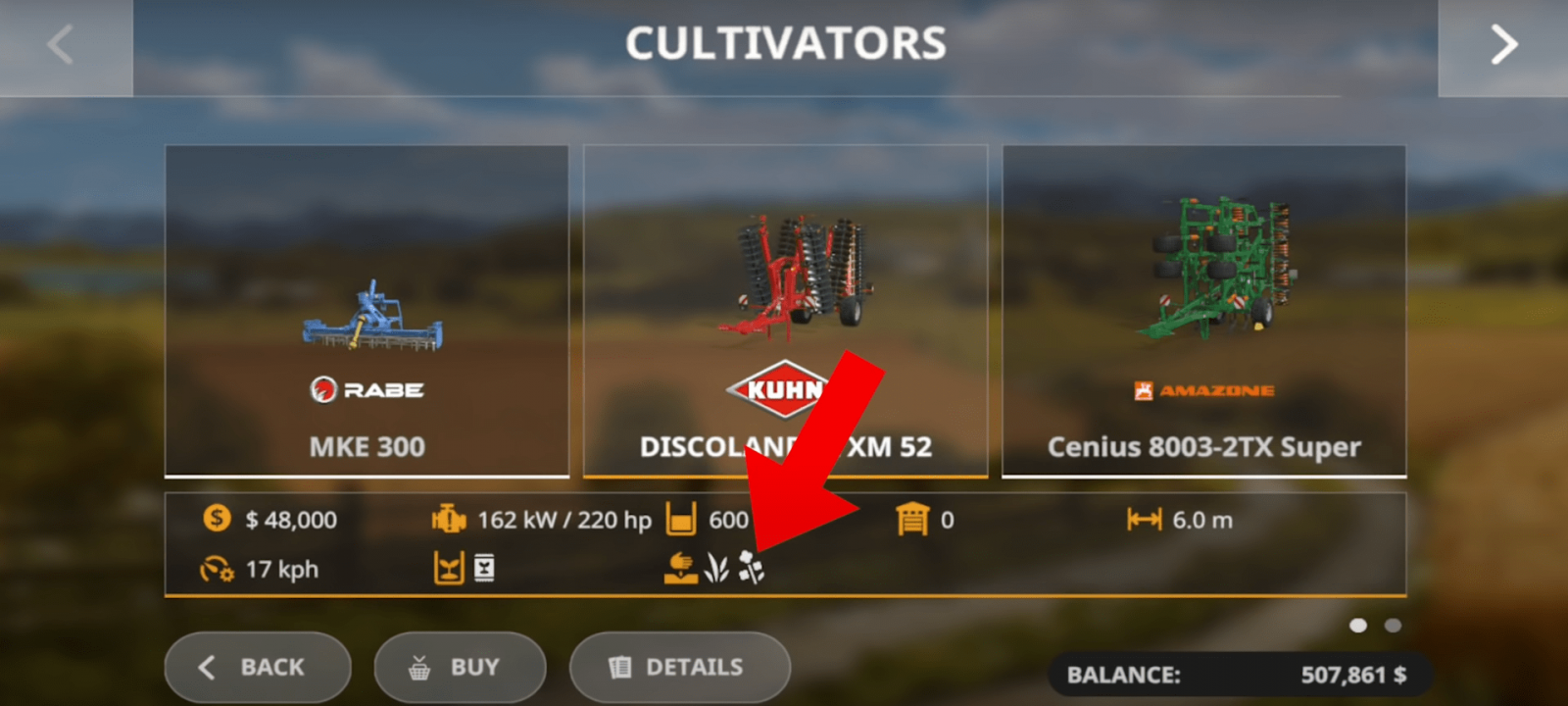
Great, we already have the cultivator we need. It's time to finally get to work. Attach our brand-new cultivator to the tractor and head to our field that needs to be prepared for sowing. The Discolander XM 52 has one very important feature. Thanks to this cultivator, you can not only cultivate the soil but also simultaneously sow grass and canola. Yes, it sounds quite strange, but in practice, it works very simply. Let's get started:
- Attach our Discolander XM 52 to the tractor and fill it with seeds. Refilling takes literally a second, so it won't take much time;
- Approach our field where we plan to grow grass, lower/open our tool, and wait for the animation to finish;
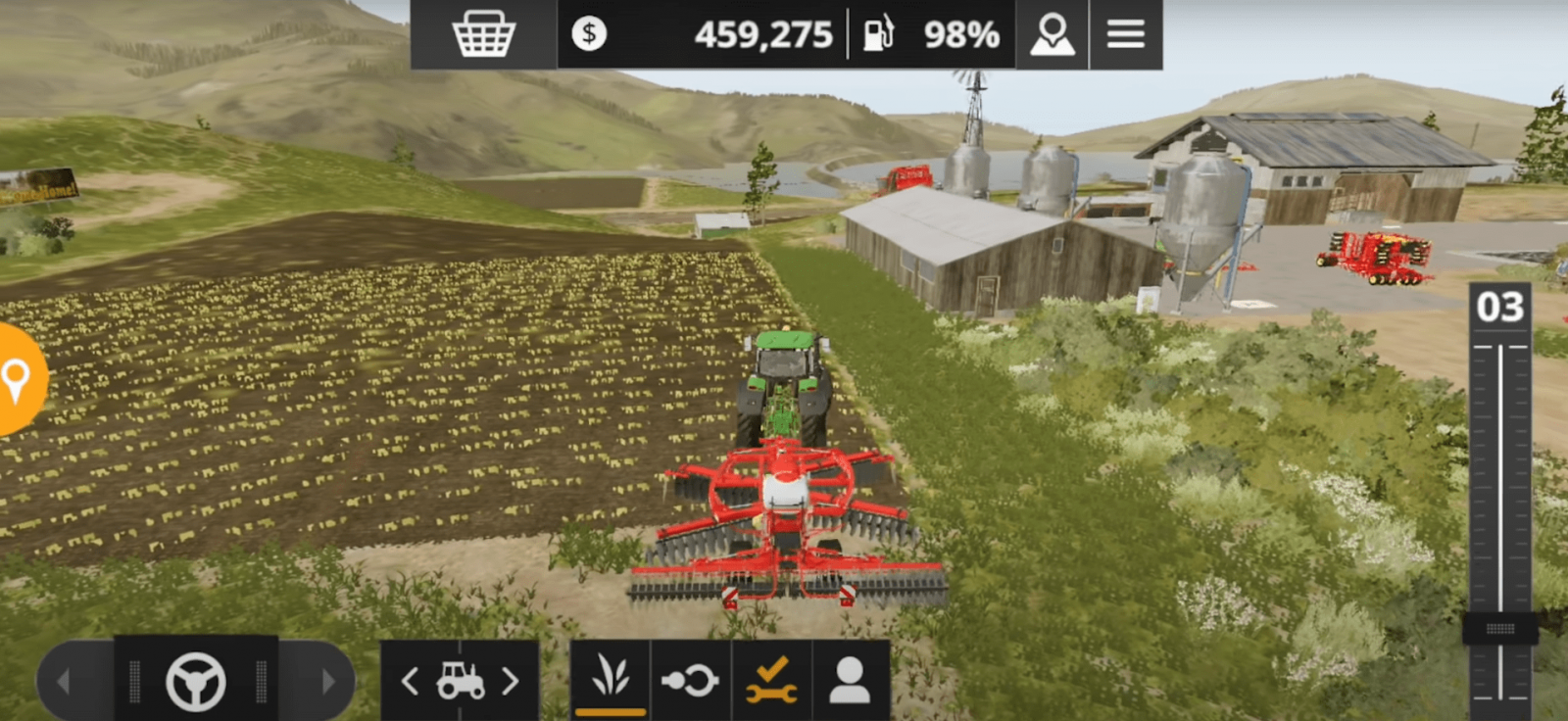
- Now stand at any edge of our field and calmly, without rushing, drive across the entire field. Our cultivator simultaneously cultivates the soil and sows the seeds.
The first stage of our work is complete. The soil is successfully cultivated, the seeds are sown, now it's time to do an equally important task – fertilize the field. Remember, fertilizing is not mandatory but very important, as fertilizers significantly increase the yield of any crop. Follow these steps:
- Buy a sprayer/spreader for fertilizers if you don't have one yet;
- Attach it to our tractor;
- Refill our sprayer, which takes just a few seconds. Fertilizers can be obtained in different ways; in the case of a sprayer, liquid fertilizers are required, not solid ones;
- Drive again to the edge of our field where grass is already growing, open the tool (usually, sprayers have a fairly large working radius);
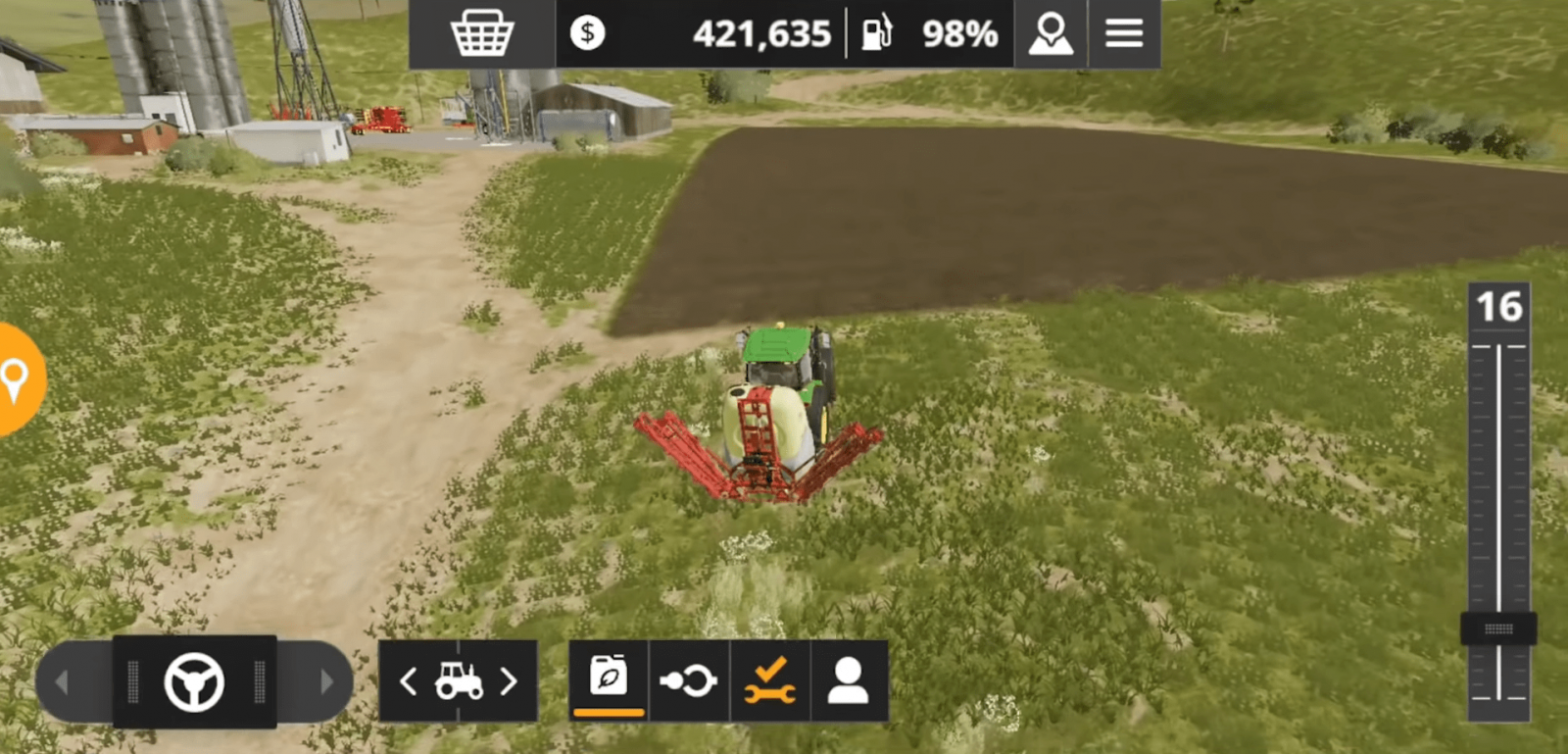
- Fertilize the entire field by driving over it once.
Okay, the process is complete. Now we just need to wait a bit for the grass to grow. This won't take too long. Wait until the grass is fully grown, and then start the next stage. For the next stage, we will need a mower. Go to the store, to the "Mowers" category, and buy the mower you need.
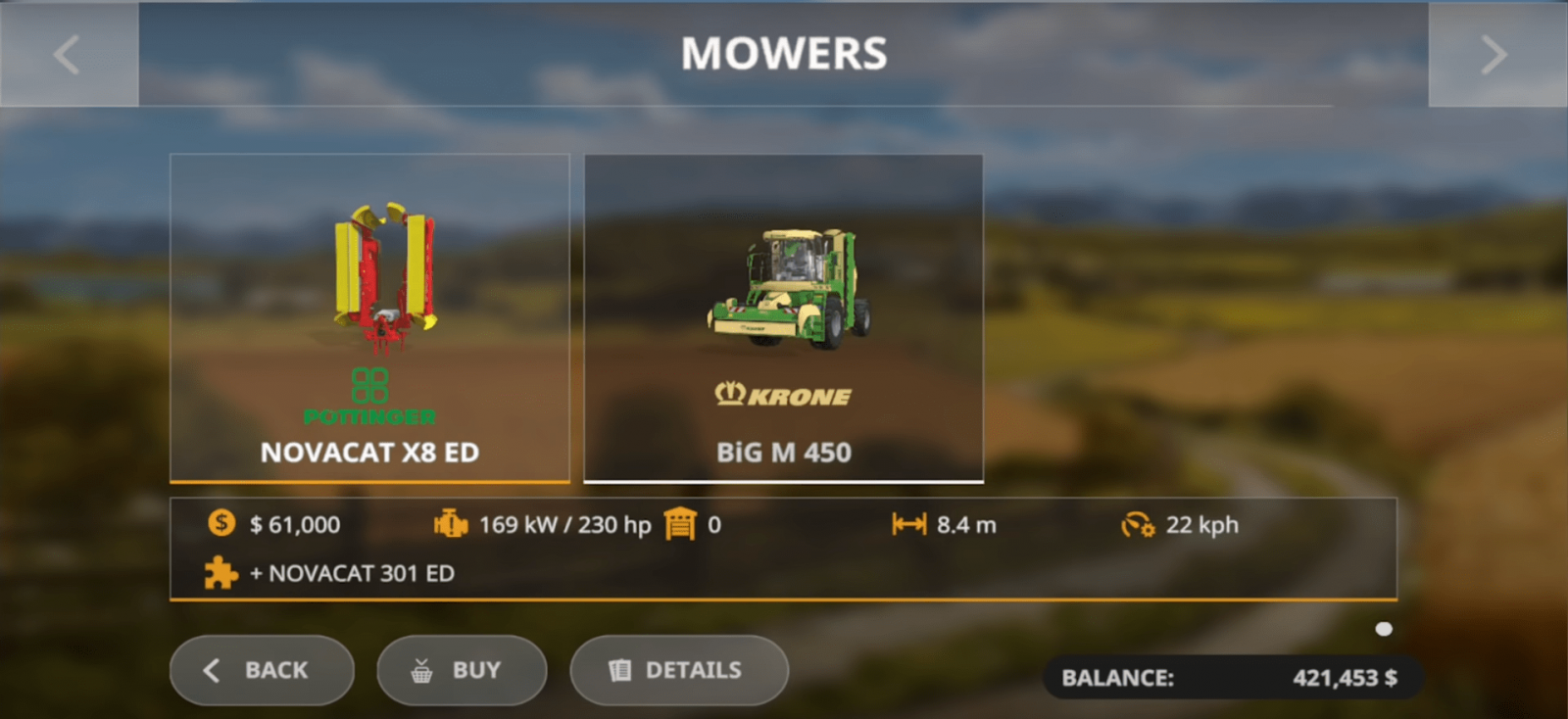
Head to the store and attach the purchased mower to our tractor. Return to our field where the grass needs to be mowed.
Note! There is a strange bug with the mower in Farming Simulator 20. The mower attaches at the back, but another part of the mower suddenly appears in front of the tractor. It looks odd, but don't worry, everything is fine.
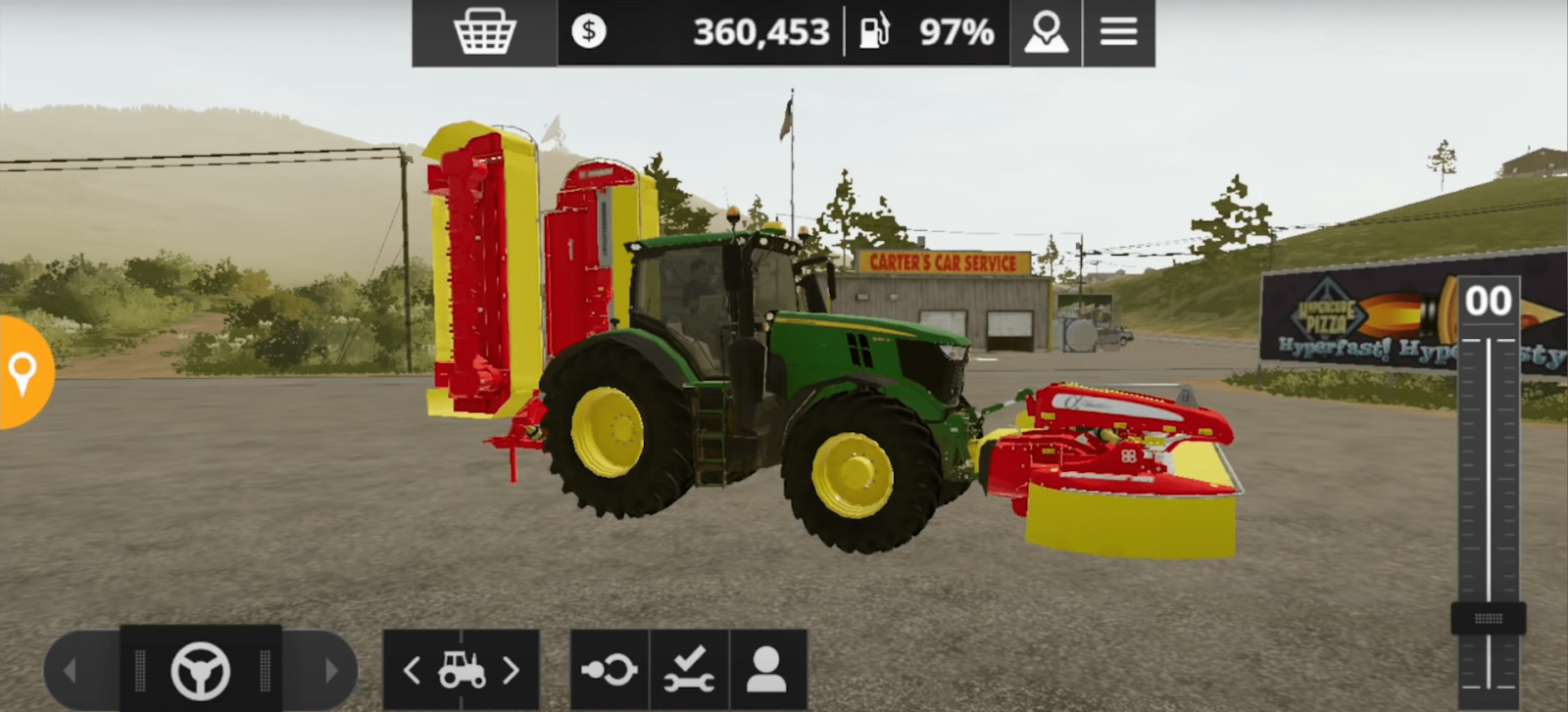
Now let's proceed with the process:
- Drive to our field and open the mower;
- Stand near the edge and drive across the entire field. If you do everything correctly, there will be an animation, and the appearance of the grass will change, meaning you will see that the grass has been mowed;
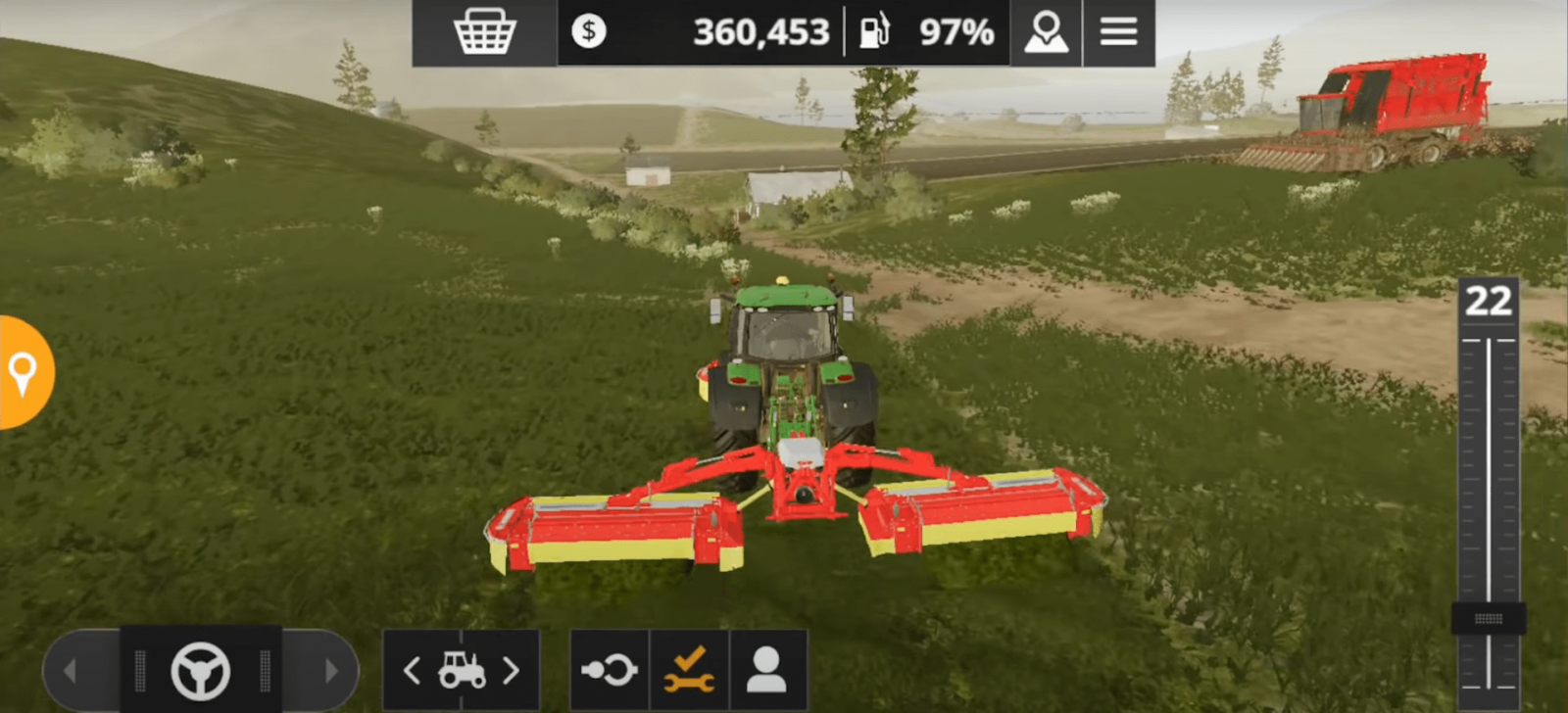
- When the entire field is mowed, you can detach the mower and decide what to do next with all this grass.
So, we have figured out how to sow, fertilize, and mow grass in Farming Simulator 20. But there is one more very important point – what to do with all this mowed grass? There are several options. If you need grass in this form, you can buy a baler tool and make bales out of all the collected grass. Or you can use a loading wagon (a special trailer) to collect and transport all this grass. If you need hay, you can dry all this grass.
By the way, grass is mostly used in animal husbandry. Many animals use grass as food, and hay is also heavily required in animal husbandry and some other areas. So now you know how to get grass and hay in FS20.
Write the reason for your dislike:
If you do not explain the reason, but write an unintelligible text, you will be deprived of the opportunity to evaluate the mods, news and articles.
CancelRead more
Comments
Rules for writing comments. For non-compliance - ban!
Forbidden:- Use of profanity in messages
- Communication is not on the topic of the material
- Any insults of other users, including the author of the material
- Writing messages in whole or in part in CAPITAL letters (Caps Lock)
- Expressing your opinion without supporting it with arguments
- The use of links to third-party sites, or the use of images/videos/other content containing the aforementioned links

 Spintires: MudRunner
 SnowRunner
 Euro Truck Simulator 2
 American Truck Simulator
 Farming Simulator 2017
 Farming Simulator 2019
 Farming Simulator 2022
 BeamNG.drive
 City Car Driving
 Farming Simulator 20
 OMSI 2
 Assetto Corsa
 MXB
MXB