How to Feed Cows in Farming Simulator 20
Farming Simulator 20 is the mobile version of the popular FS game series. Here, the player has a choice: to engage in farming and crop cultivation, livestock breeding, or something else. However, each process has its own features that you need to know to avoid mistakes. In this guide, we will figure out how to feed cows in FS20. It’s quite simple and done in a few steps.
Buying a trailer and the animals themselves
First of all, we need to buy cows. To do this, buy a special trailer for transporting animals, attach this trailer to our tractor, drive to the store where animals are sold (animal dealer, shown on the map). The store has many different cows; the choice is yours. Select the desired cow and the number of cows, then press the "confirm" button. Congratulations, you have bought a cow!
Note! You can transport several animals at once in one trailer. This all directly depends on the type of trailer and its capacity.
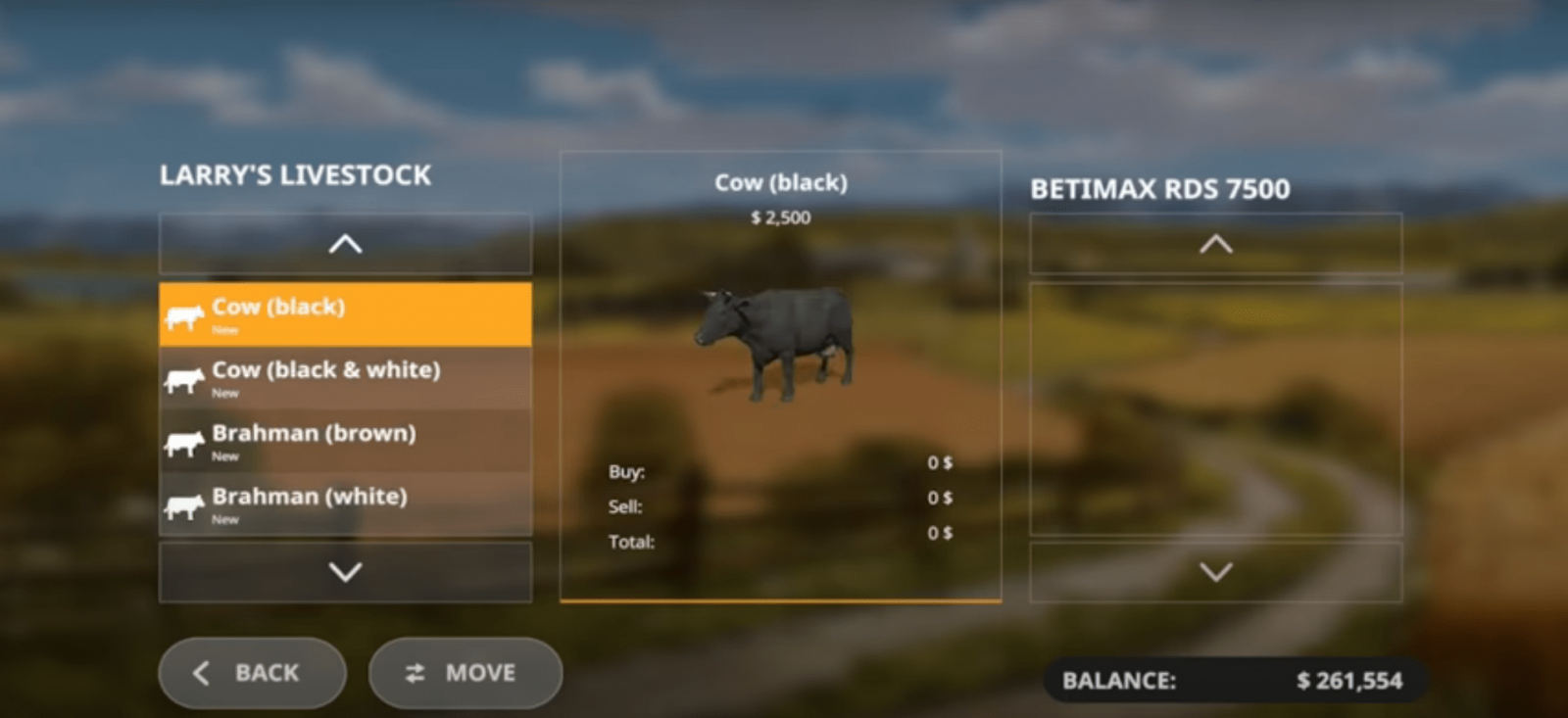
Now make sure the cows are in our trailer, and head to our farm where the cowshed (cow pen) is located. Near your cowshed, there will be an icon. You need to drive up to this icon, and a special menu will open where you can unload the trailer and move the animals into the pen. In the menu, select the animals you want to keep in this cowshed (to do this, press the orange button in the middle, between the "Confirm" and "Back" buttons). That’s it, press "confirm".
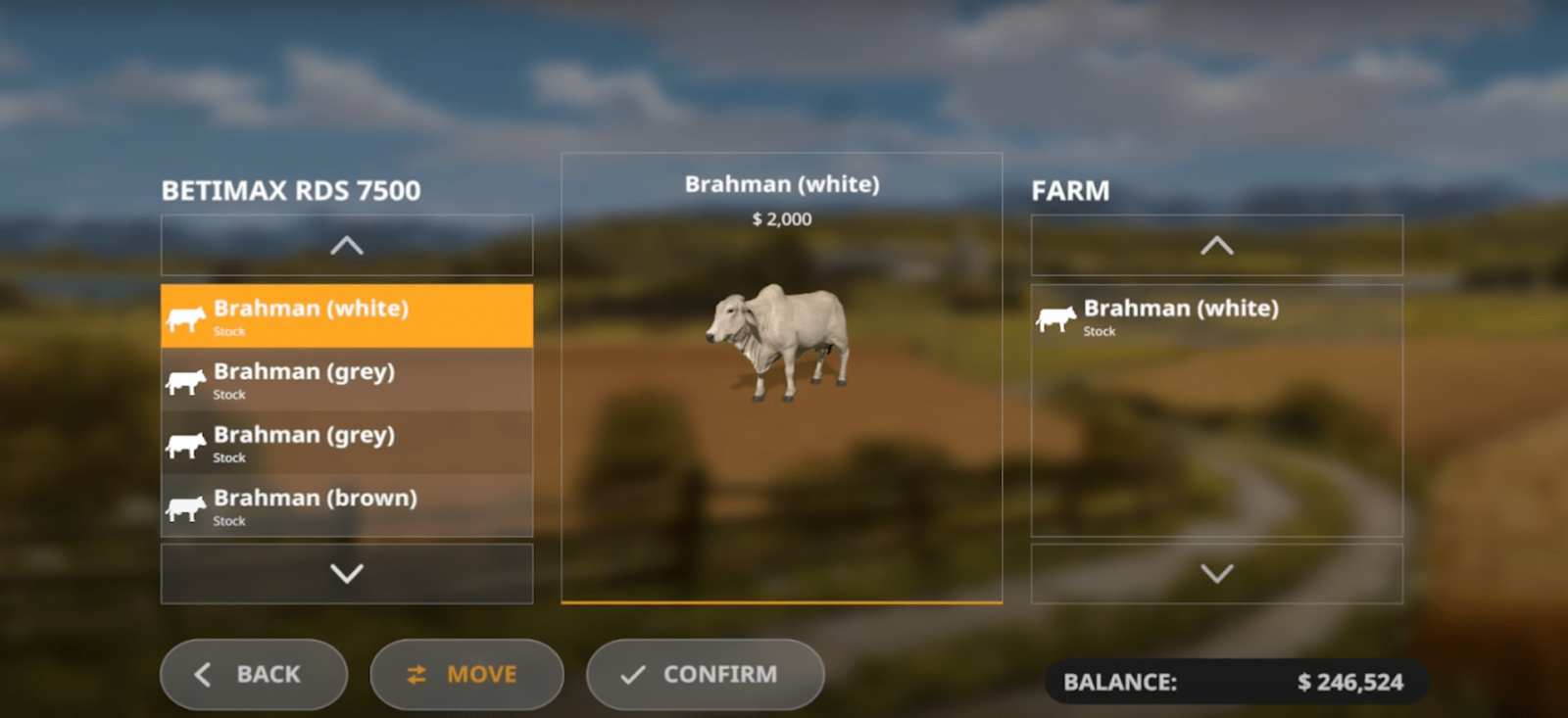
After that, your cows will already be in the cowshed.
Animal needs: feed
Your cows (like any other animals) have needs. You need to take care of your animals: feed and water them, and only then will you receive the necessary resources from them: milk, manure.
First, go to the animal menu, where all the current animals you own and their needs are displayed. Check this menu every 3-4 minutes to make sure everything is fine with the animals. In the corresponding menu, you will see the type of cow, how long ago you bought this cow, how much milk, manure, and slurry you have received, and productivity in percentage. In the right window, the requirements will be shown.
Cows need to be fed grass and hay. Getting grass is simple: first, mow the area where grass grows with a mower, then use a baler, which will collect all this grass (or hay) and turn it into a bale.
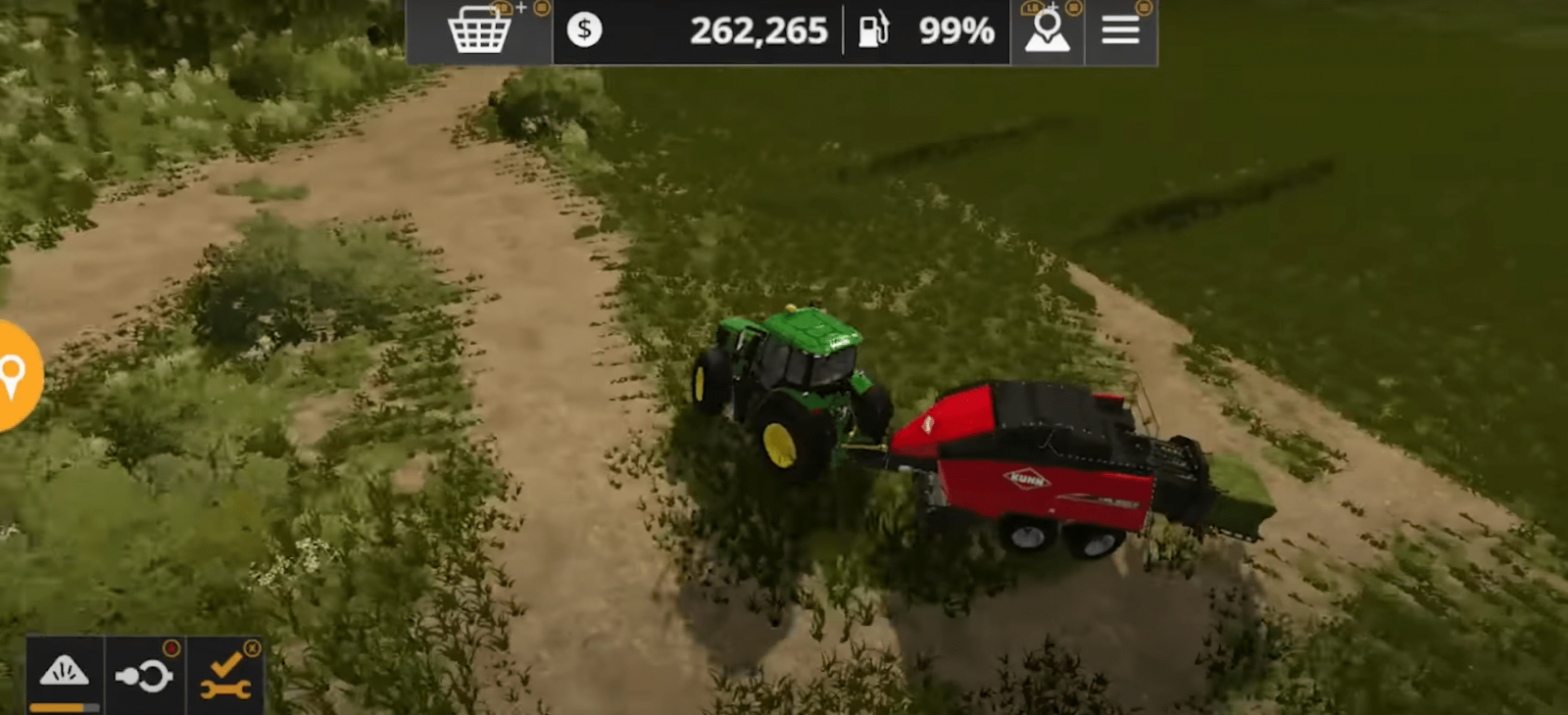
Next, we will need a special trailer for transporting bales. Attach the trailer to our tractor and go collect the grass bales. Collect all the bales, then drive to our cowshed, to the icon where the bales are unloaded (see screenshot).
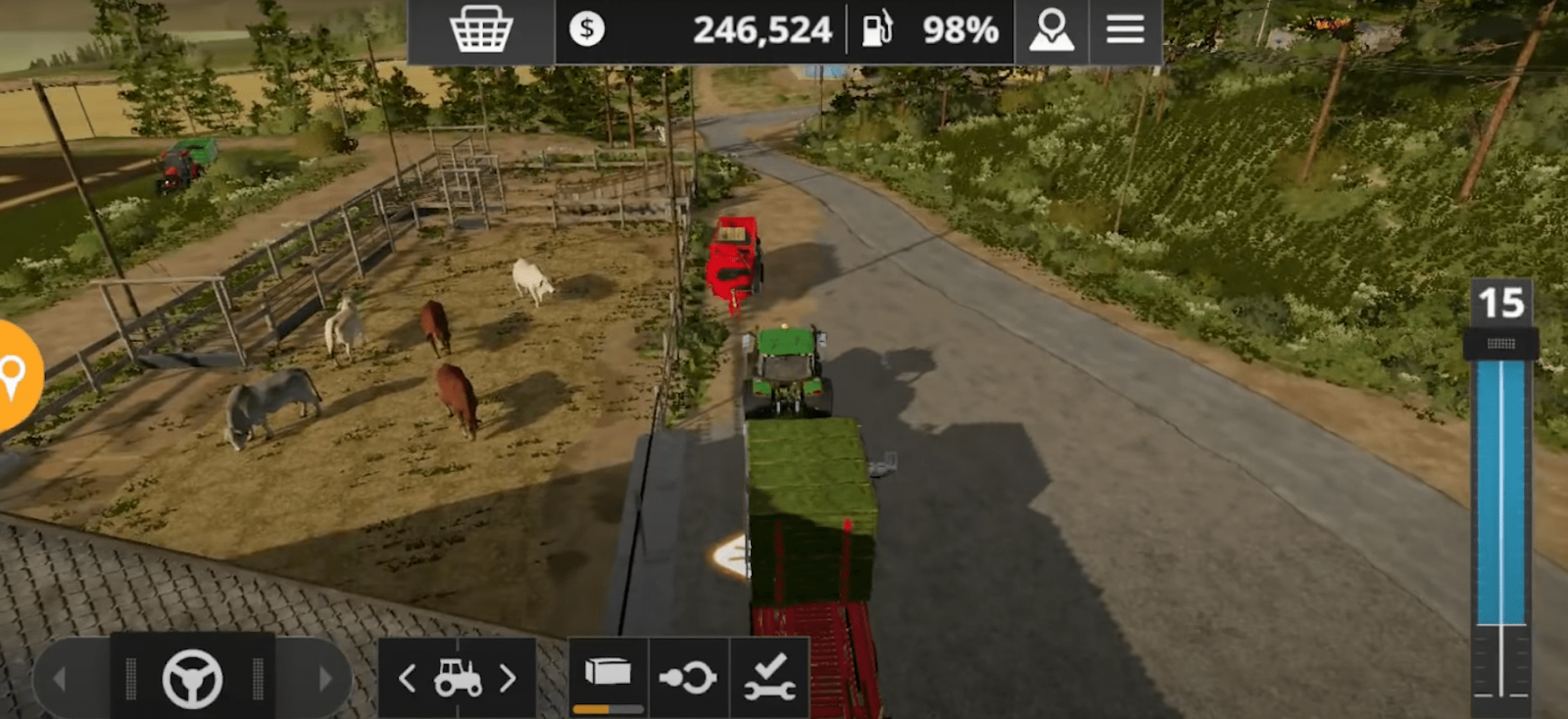
Wait for the unloading. Note that some bales will disappear immediately, while others will remain at the point where you unloaded them. Don’t worry, over time these bales will automatically disappear as soon as the cows need food.
The same situation applies to hay bales. Just use the baler, then load all the bales into our trailer with the automatic unloading function, drive to the cowshed, and unload.
Go back to the animal menu and see that they already have enough food.
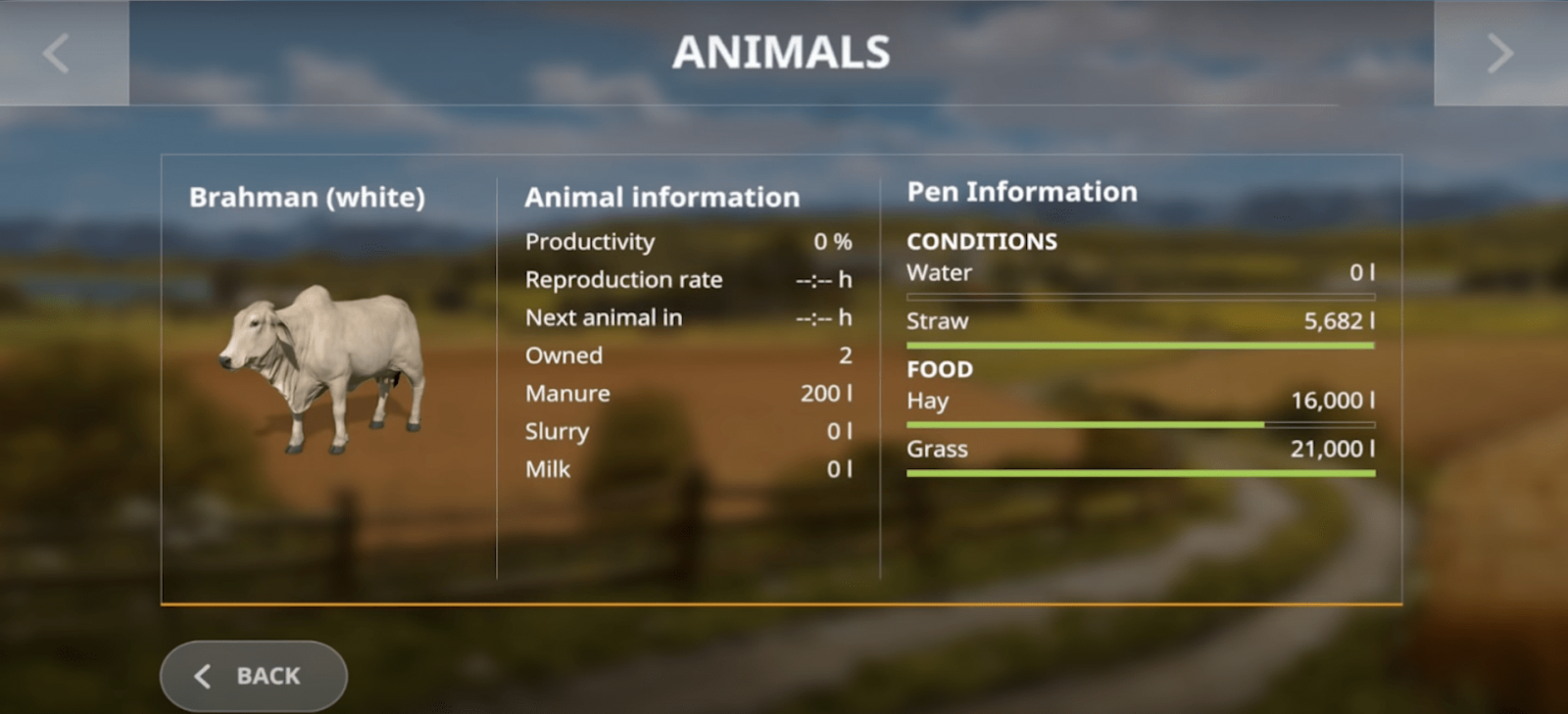
Important note! If you want your cows to produce manure, which can be used as free fertilizer, don’t forget to give them straw. Straw is unloaded separately from hay and grass bales, at a special point (it has its own icon).
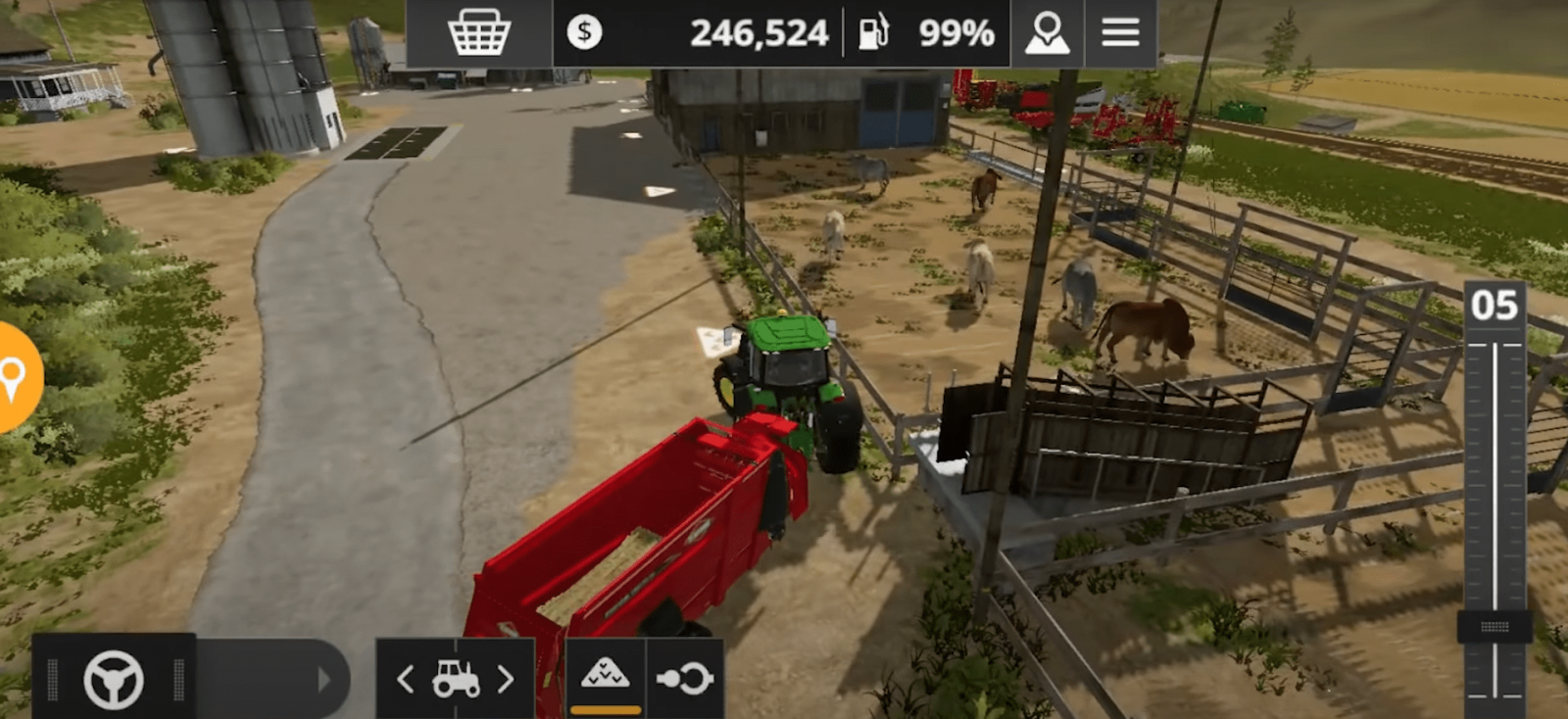
Straw unloads automatically as soon as you place the trailer in the correct position (as shown in the screenshot).
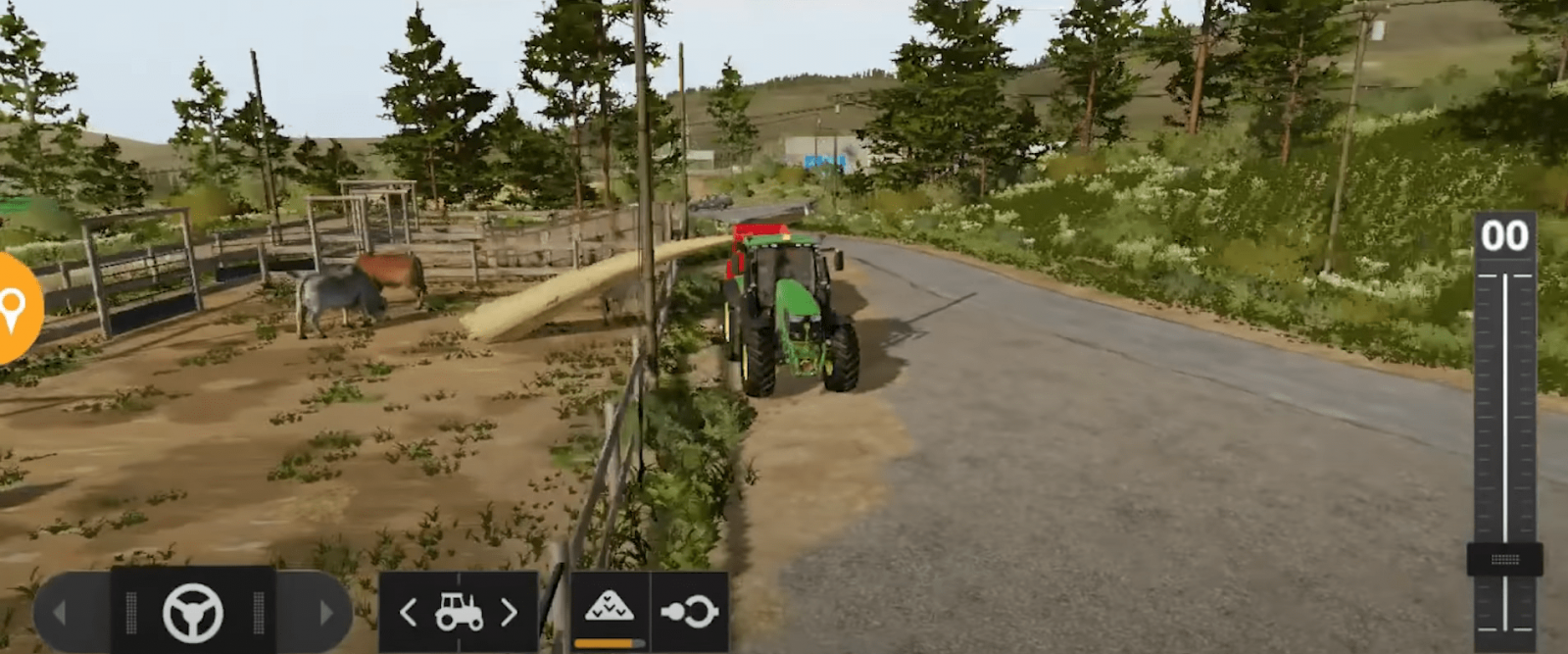
Animal needs: water
Now it’s time to give our cows water. For this, water is required. Buy a trailer for transporting water. Attach our empty trailer to the tractor and look for a water source. There are many water sources, so it won’t be difficult to find one. Drive up to the icon near the water source and start filling our trailer. Water filling starts automatically.
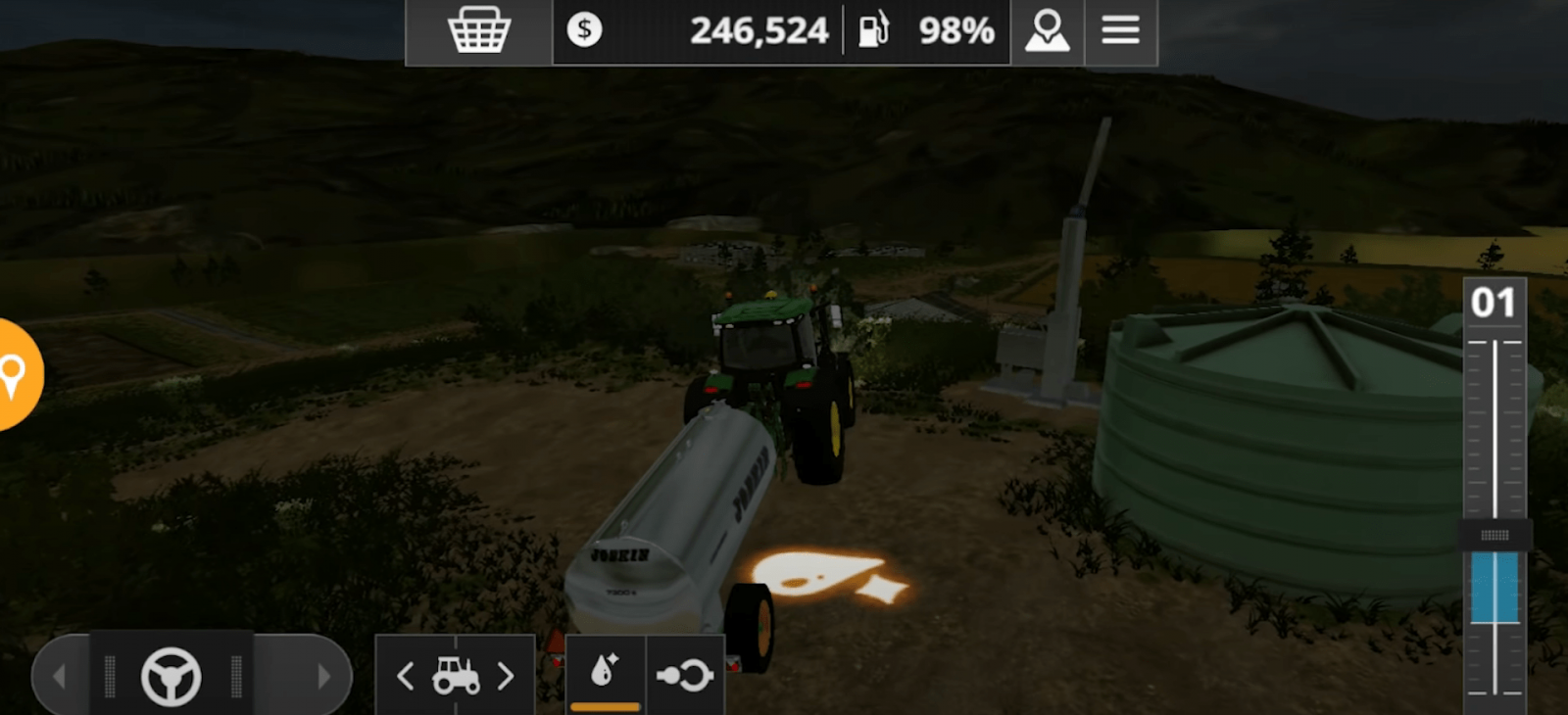
As soon as the trailer is full, return to our cowshed. Drive up to the water unloading point (there is an icon, see screenshot). Water from the trailer begins to unload, and now your cows have water. Open the menu again and make sure that in the needs window your cows have enough water to drink, and productivity is at 100%.
So, we have figured out how to feed and water cows in Farming Simulator 20.
Write the reason for your dislike:
If you do not explain the reason, but write an unintelligible text, you will be deprived of the opportunity to evaluate the mods, news and articles.
CancelRead more
Comments
Rules for writing comments. For non-compliance - ban!
Forbidden:- Use of profanity in messages
- Communication is not on the topic of the material
- Any insults of other users, including the author of the material
- Writing messages in whole or in part in CAPITAL letters (Caps Lock)
- Expressing your opinion without supporting it with arguments
- The use of links to third-party sites, or the use of images/videos/other content containing the aforementioned links

 Spintires: MudRunner
 SnowRunner
 Euro Truck Simulator 2
 American Truck Simulator
 Farming Simulator 2017
 Farming Simulator 2019
 Farming Simulator 2022
 BeamNG.drive
 City Car Driving
 Farming Simulator 20
 OMSI 2
 Assetto Corsa
 MXB
MXB