Introduction to Shops and Dealers
In this guide, we will explore how to make purchases in Farming Simulator 22 and how to sell old equipment that is no longer used. We will look at the in-game store and dealers available in FS22.
Store Menu
The store menu has quite a few tabs, and it may seem complicated to a newcomer. However, it’s actually quite simple. Let’s figure out what’s what.
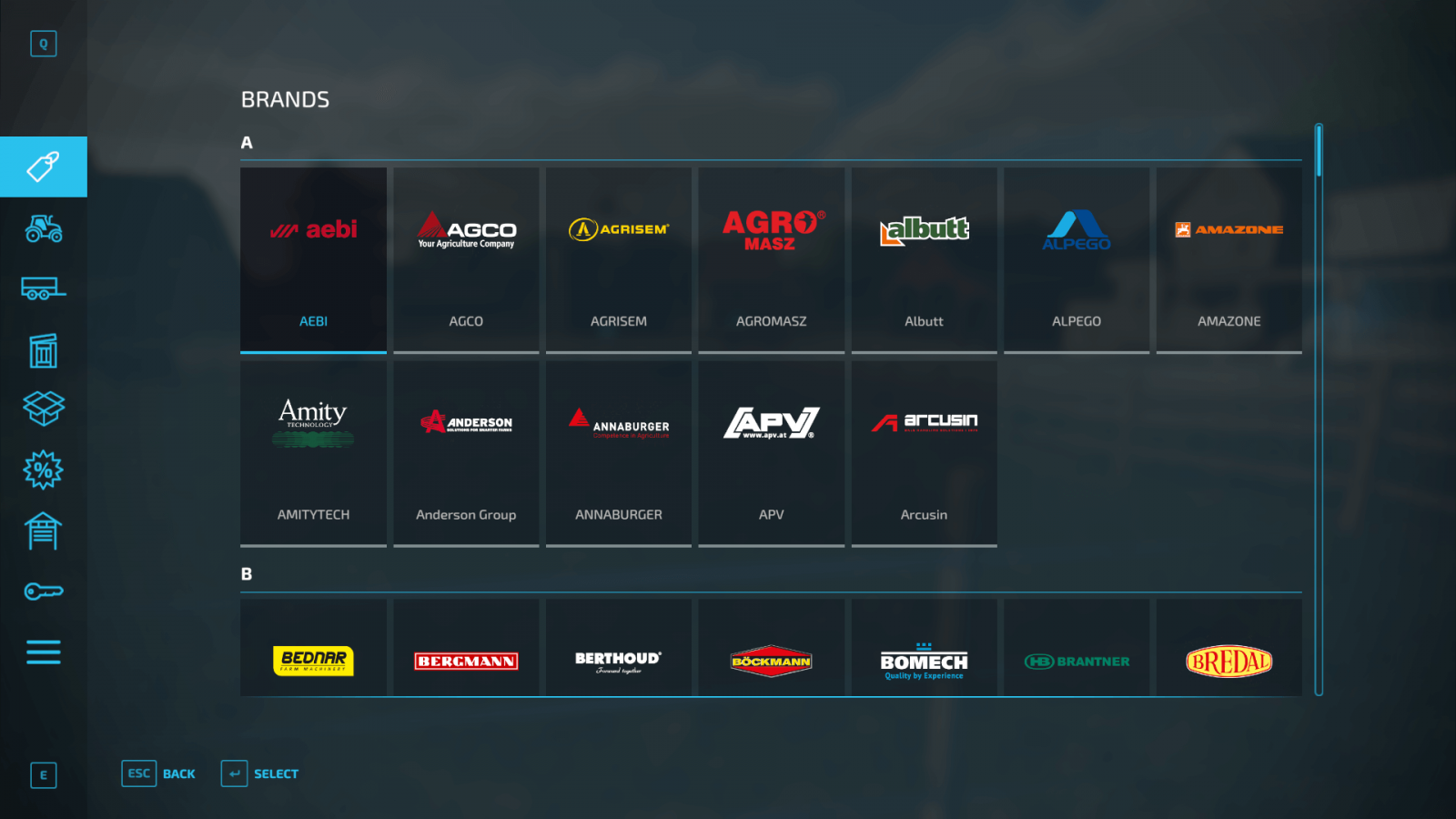
- The first thing to pay attention to is the Brands tab. If your goal is to use equipment from only one brand, you have that option, and the store has a convenient feature for this.
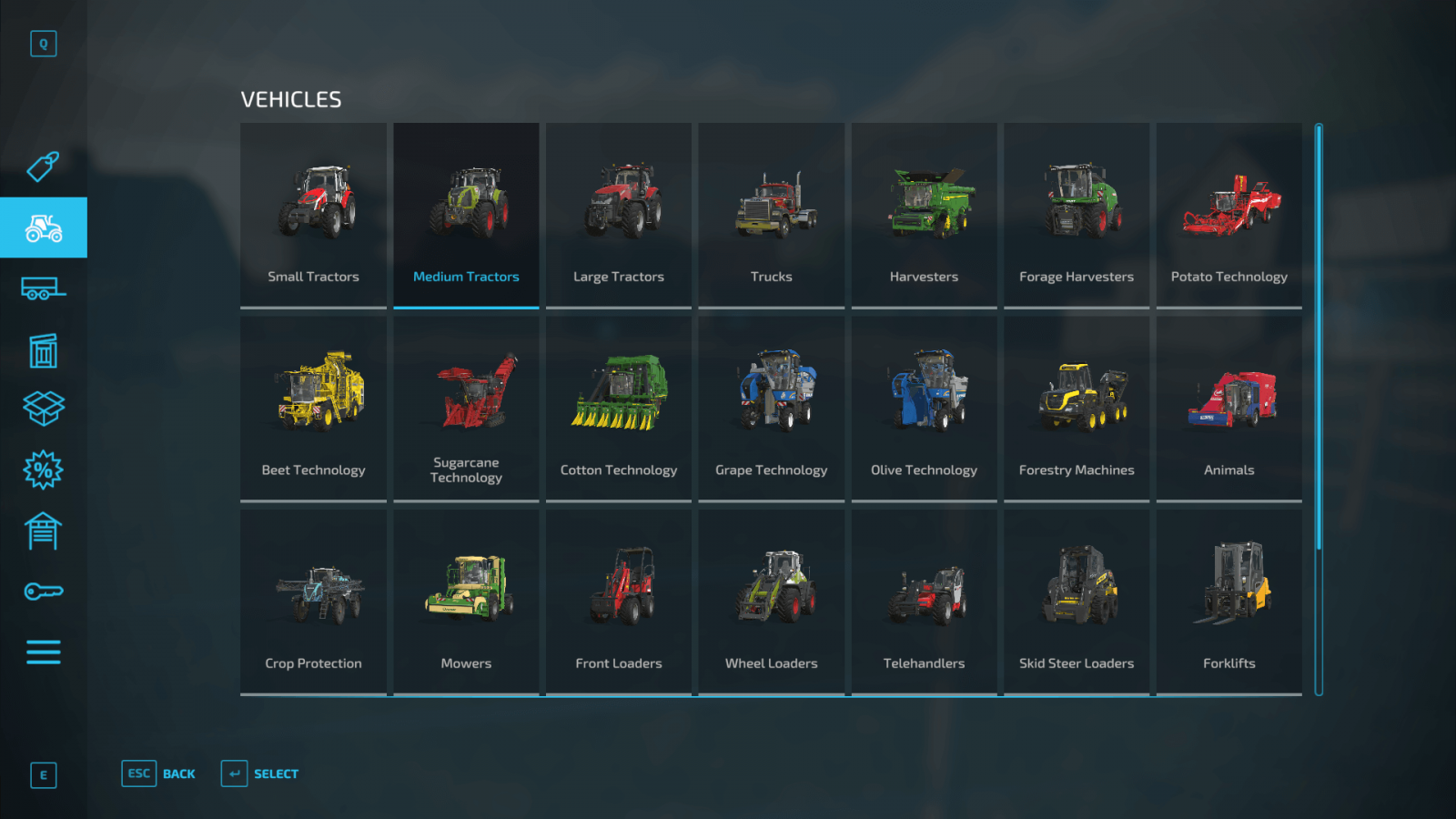
- In the Vehicles tab, you can select different categories. If you are looking for a light tractor, you can filter to show only light ones; if a medium tractor, only medium, and so on. Just select the appropriate category, and only the vehicles you need will appear automatically.
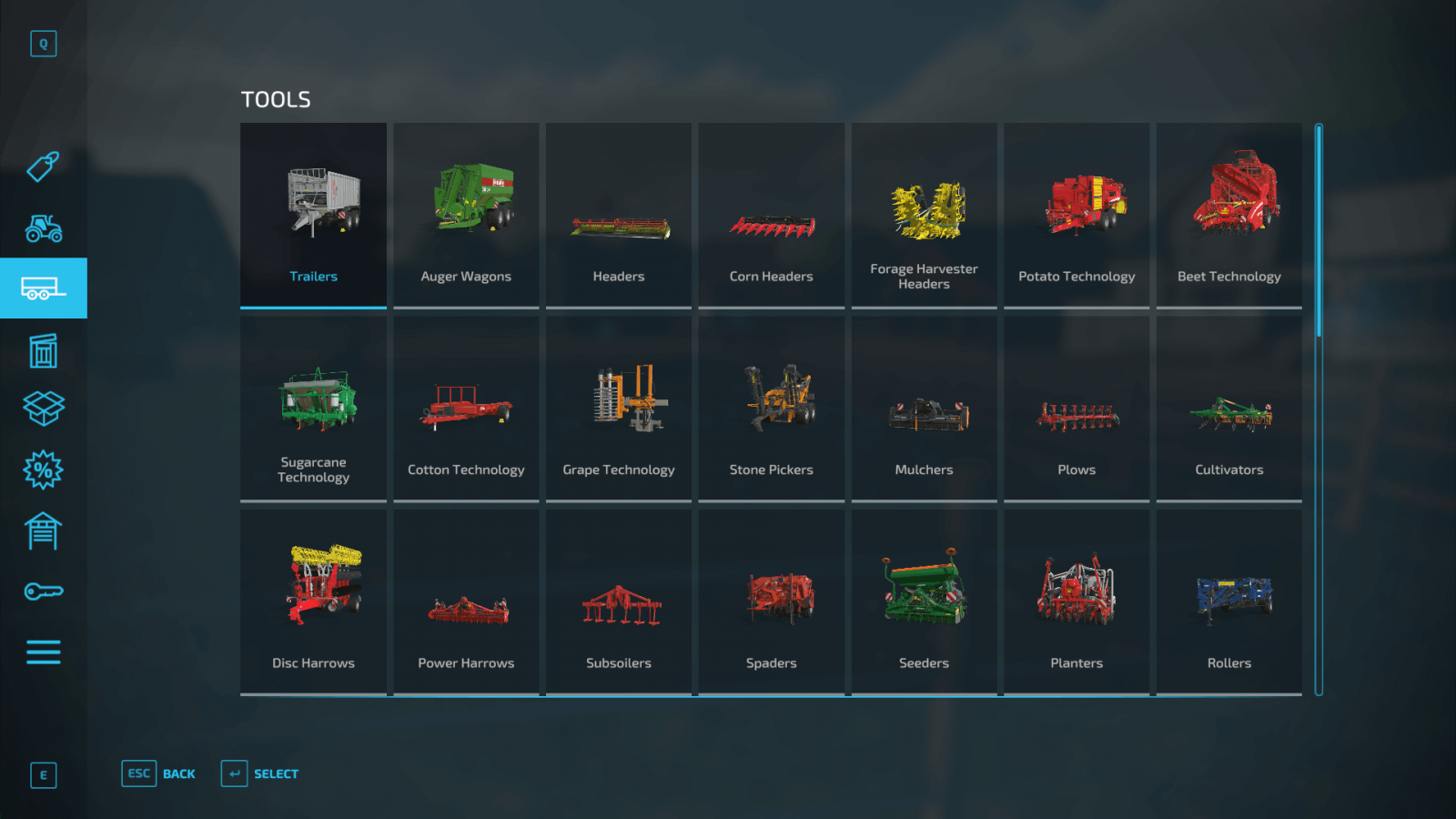
- There is a separate Tools tab, where tools that work in conjunction with your vehicles are displayed separately: cultivators, mowers, seeders. Naturally, you can select all these categories separately and view cultivators, mowers, and other tools individually.
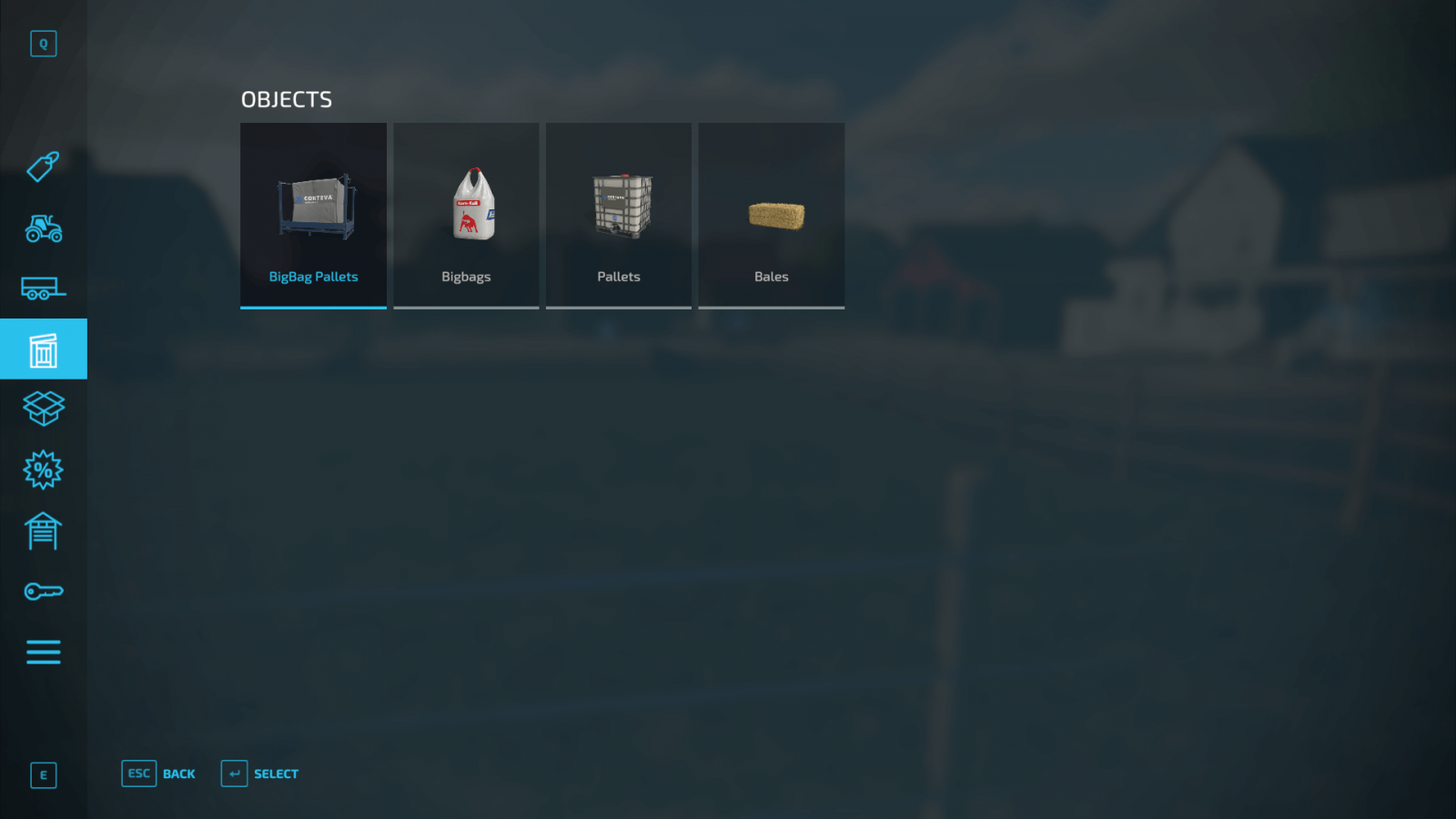
- Moving on to the Objects section, which displays important items: pallets, bales, large bags (big bags), animal feed, various fertilizers, and more. Note that this category includes the so-called Seed Bigbag – a bag containing seeds of all types of crops you want to plant. Additionally, there are large bags containing wheat and oats. These bags are ideal as animal feed.
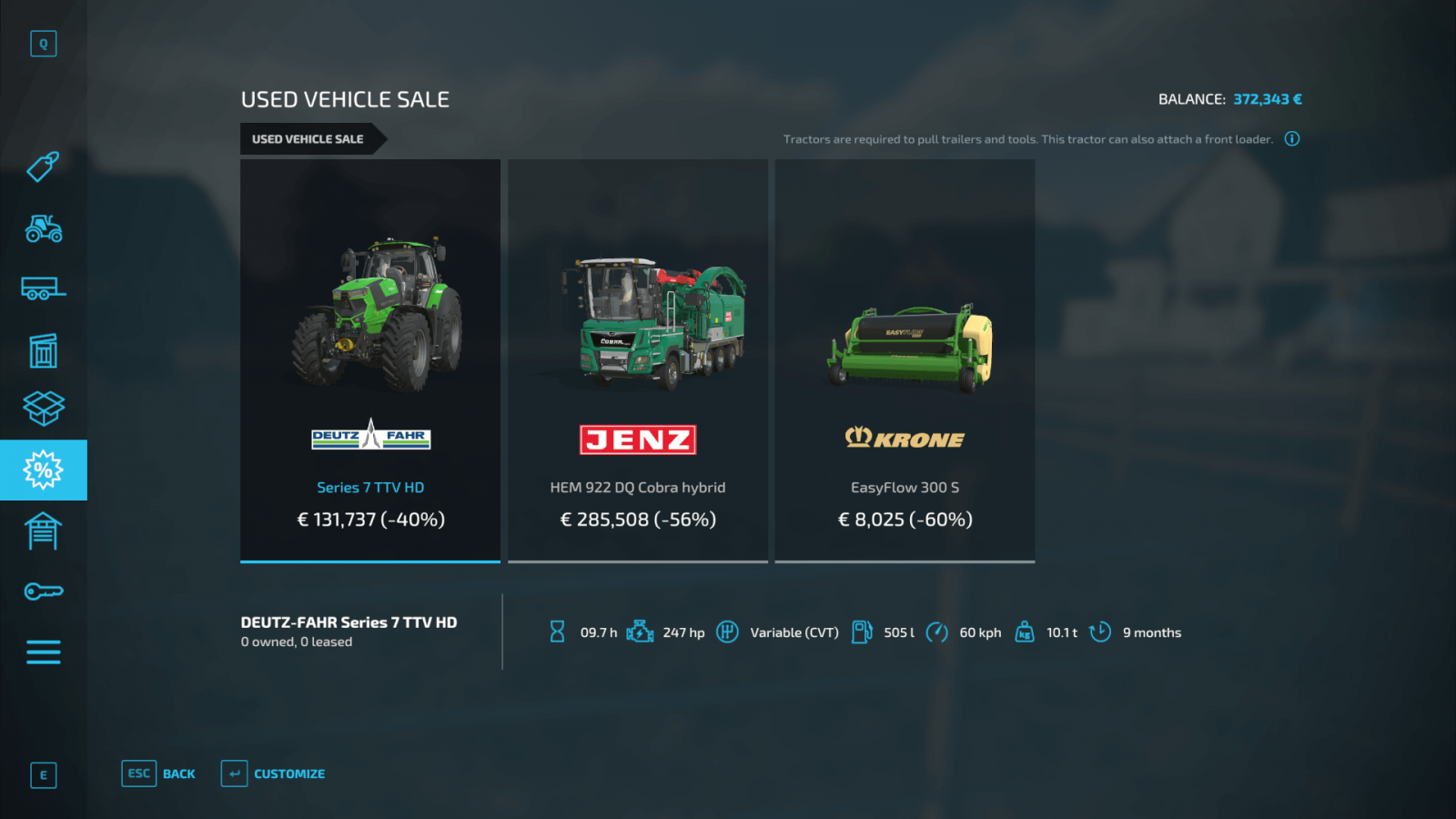
- A very interesting tab is the Used Vehicles Sale. This category is constantly updated. New offers are added, old ones removed. If you want to save money and buy used equipment, Farming Simulator 22 offers this option. However, this equipment may have some drawbacks both technically and visually (https://stmods.ru/farming_simu...).
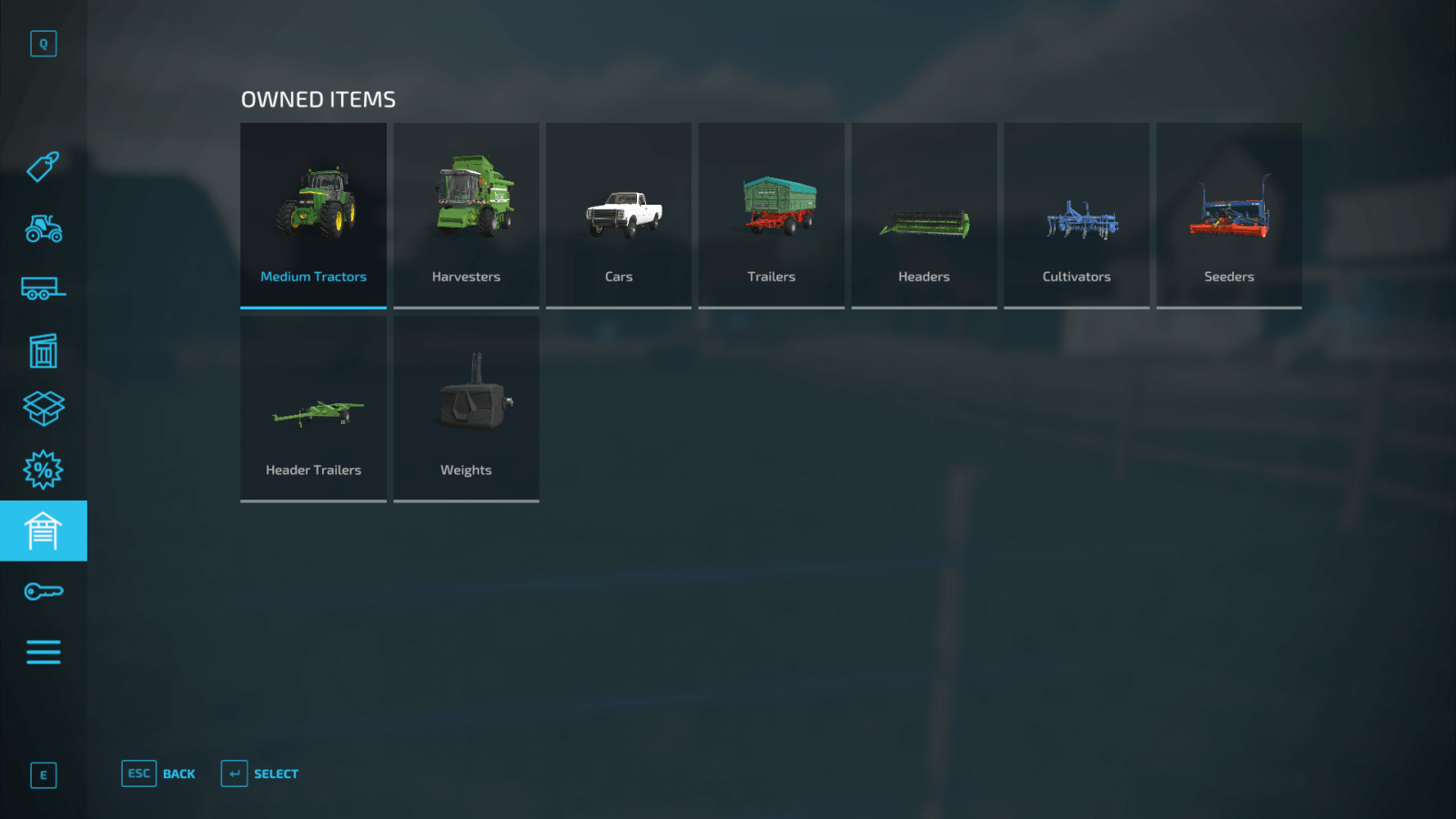
- If you want to see all the tools and equipment you have already purchased, there is a separate category called Owned Items. From this tab, you can sell equipment. Simply click on the desired equipment and show its current location on the map.
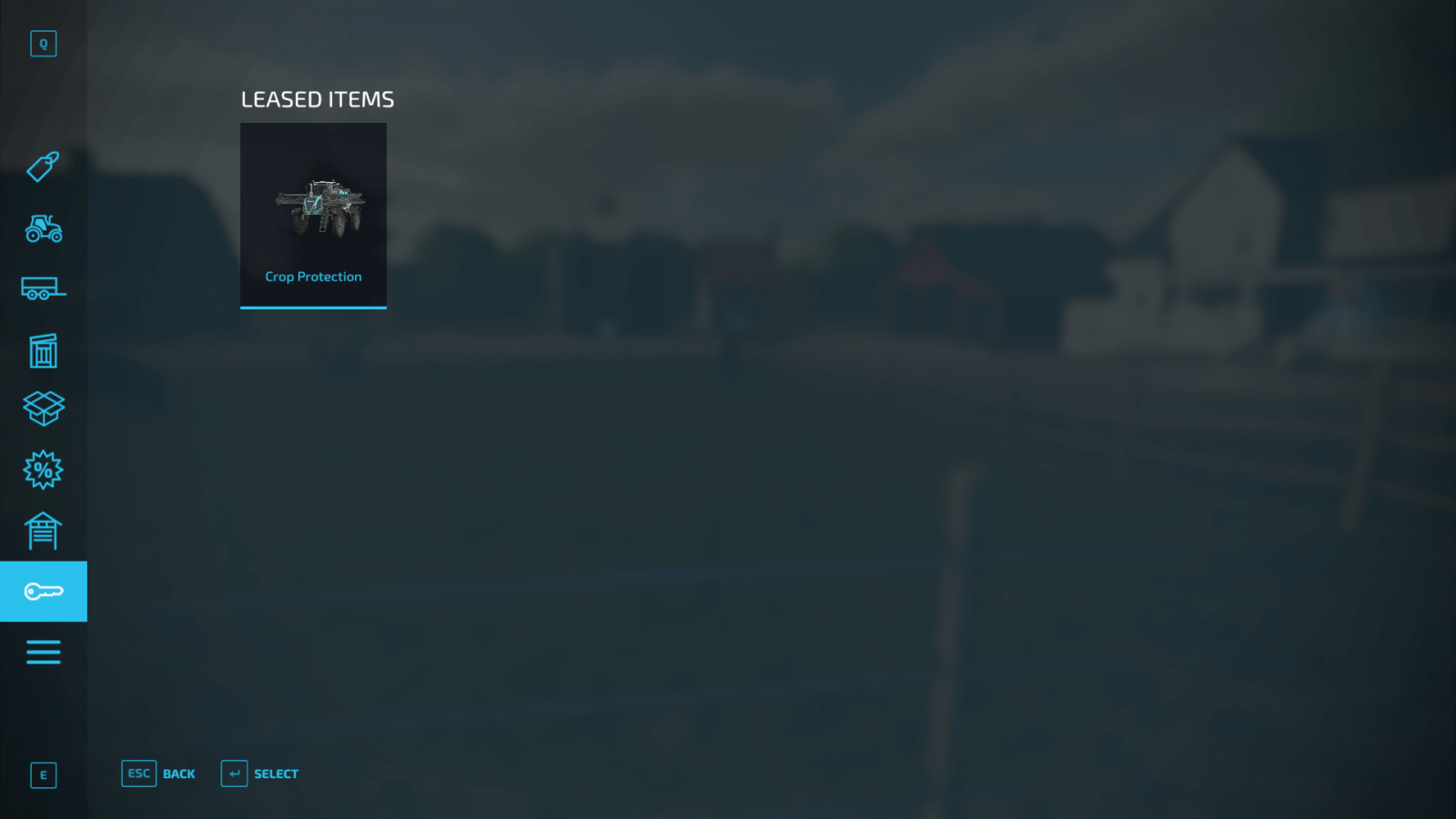
- FS22 also allows you to rent equipment. But you have to pay for the rental. You can keep track of all rented equipment in the Leased Items section. From this menu, you can return all rented equipment and stop paying for it.
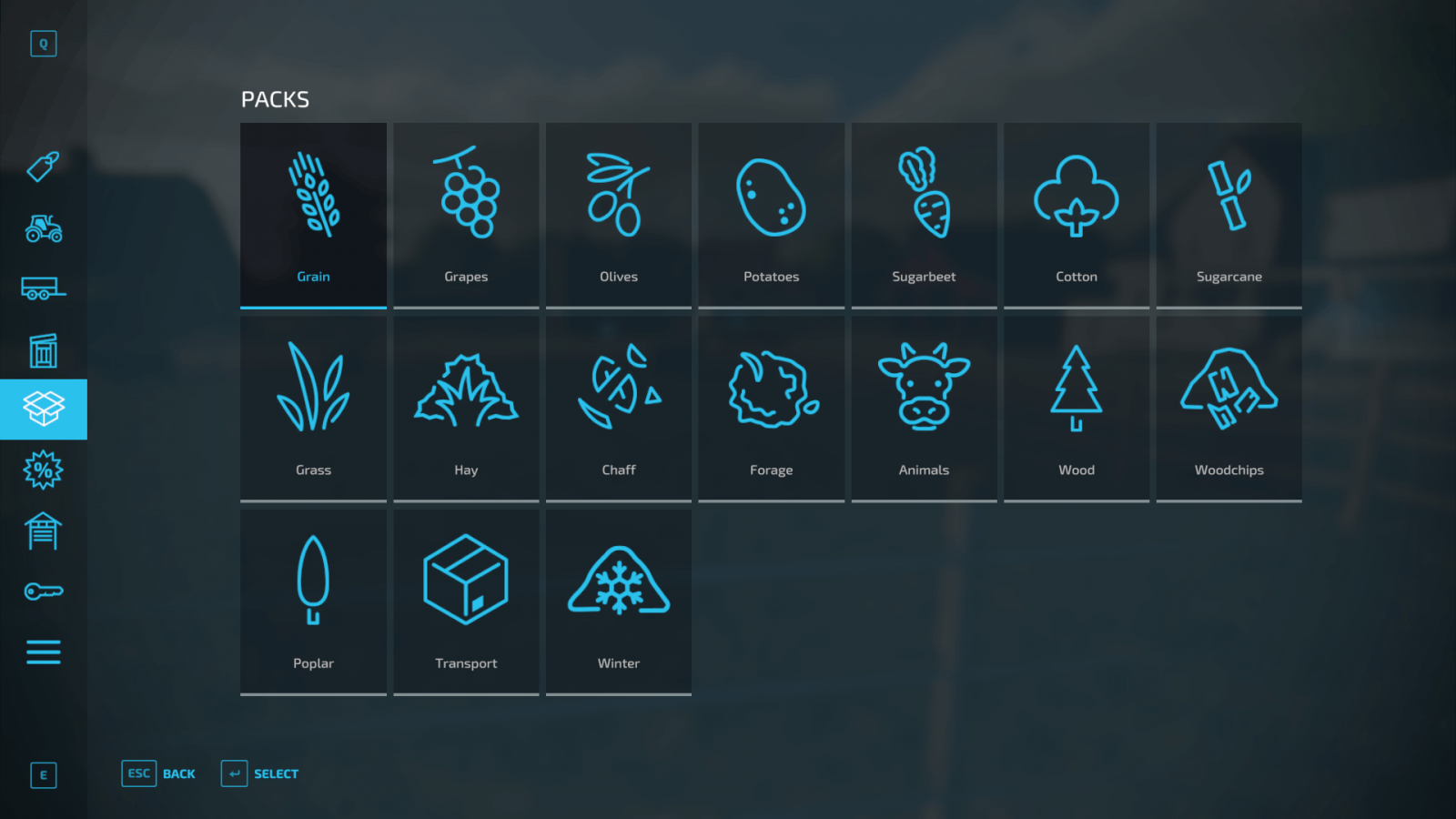
- You can also purchase equipment or item packs directly in the Packs tab. Packs contain various items and equipment you will need for a specific type of work. If you need everything for sowing, it’s much easier and more cost-effective to buy the corresponding pack rather than purchasing everything separately. Moreover, if you already own a tractor or cultivator included in the pack, you can skip buying those, and the pack will cost less.
Buying Equipment
Now let’s look at an example. Say you want to buy a tractor and a cultivator. Let’s do it!
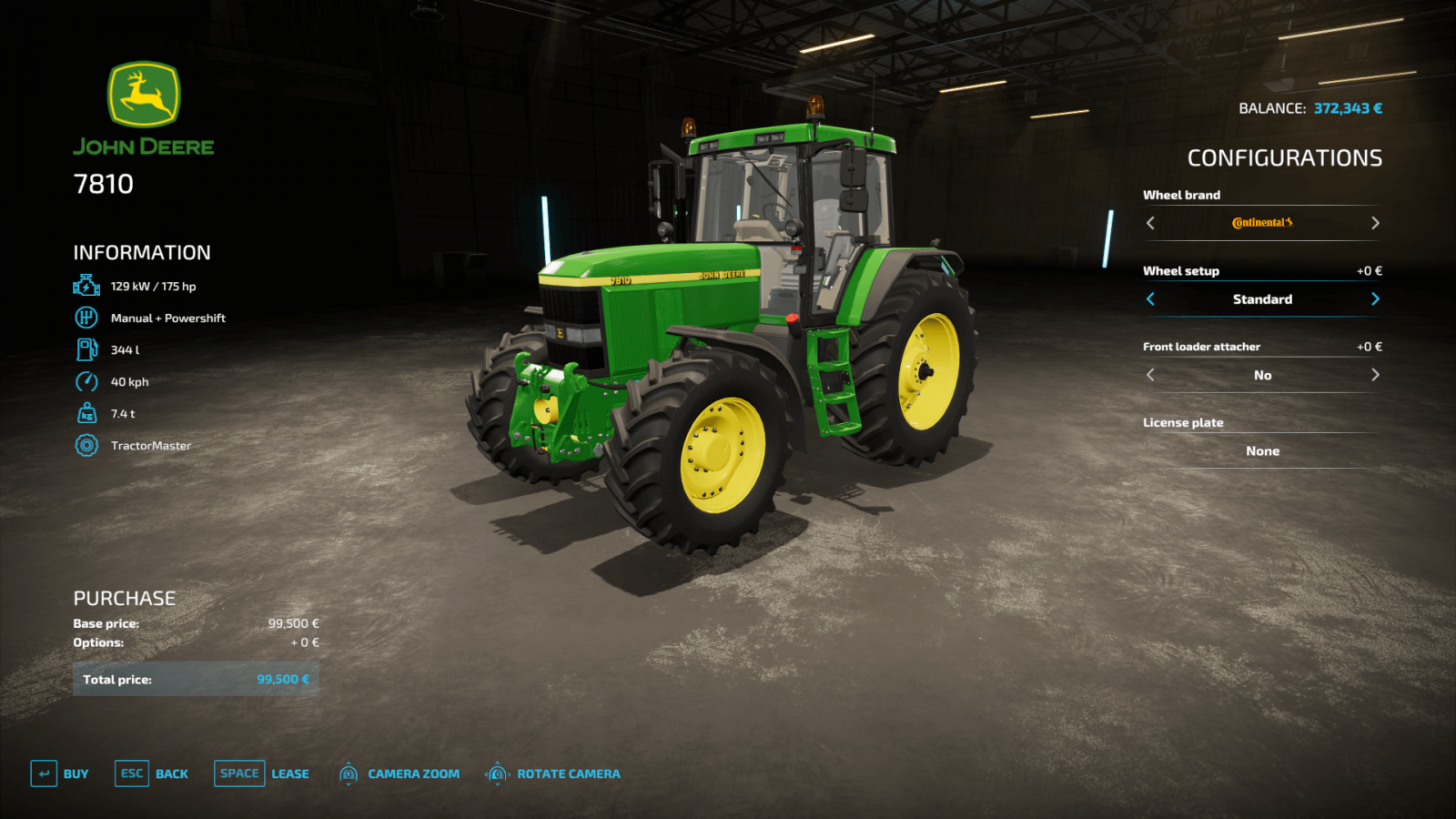
- Go to the Medium Tractors section and select the tractor you want. In our case, it will be the John Deere 7810, as it is a powerful tractor of good quality and power, suitable for most farm tasks.
- Check the information on the left, where the tractor’s power is displayed. All important information about the vehicle or tool is shown on the left, and you need to make sure the tractor and tool you buy are compatible (the tractor has enough power to use the tool).
- Now you can choose configurations. Want to swap the wheels for branded ones? No problem, but the price may differ, and you’ll have to pay a bit more for higher-quality wheels. Note that some brands offer narrow wheel options, which are very useful if you have crop destruction settings enabled. You don’t need to buy all available upgrades at once. You can always return to the store later and upgrade your vehicle.
- That’s it, just click the Buy button and confirm your purchase. Congratulations on your purchase! If you want to rent the vehicle instead, you can do that in the same menu.
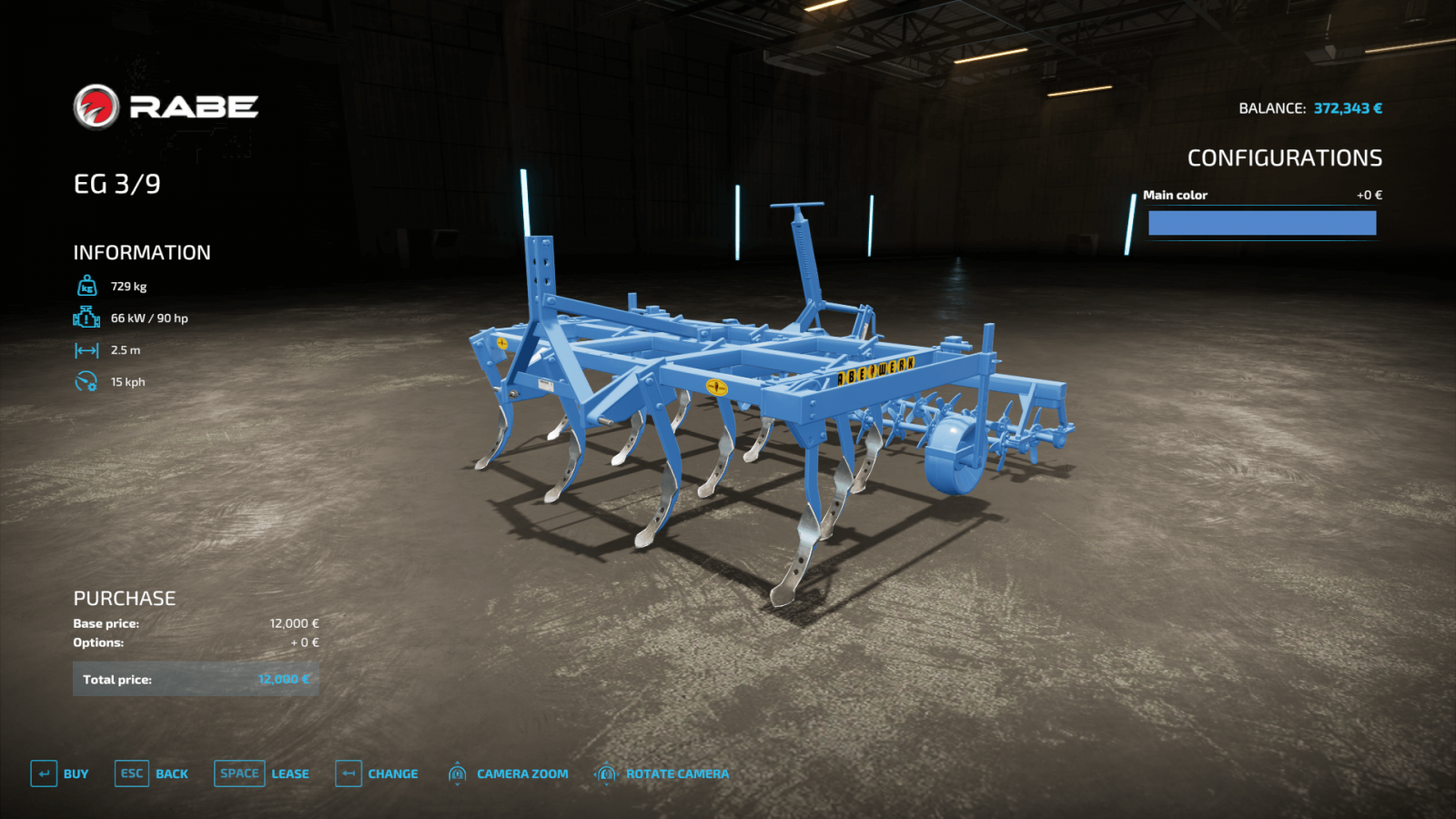
- Now buy the tool. Let’s buy the RABE EG cultivator. Go to the Tools section and select the corresponding cultivator. Check the information on the left and see that this tool requires at least 90 horsepower (hp). The John Deere 7810 we bought has just enough power for this. So, buy it without hesitation. Click the Buy button. Done, you just bought your first cultivator!
Visiting the Dealership
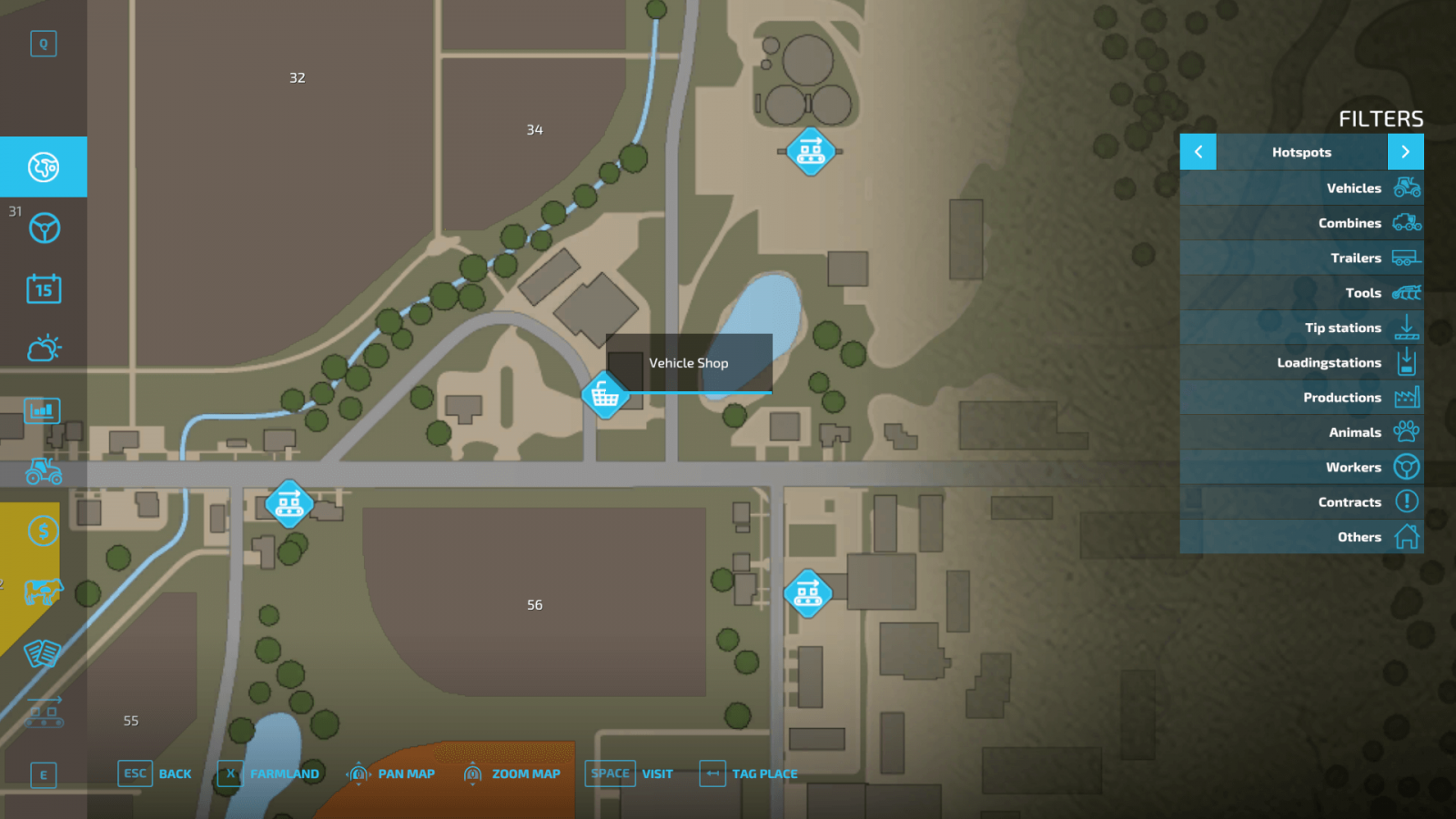
All purchased equipment appears in front of the local store. You can quickly teleport to the store using the standard map. If you prefer not to teleport, you can drive there yourself—just place a marker on the map, and the route will be shown on your mini-map.
When you arrive, you will see your purchased equipment. Also, you will notice two glowing signs. The first sign is for entering the store, the second is for the dealer. There, you can view the specs of your purchased equipment, repair it, and even change its color if that option is available.
Done! Now you know how to buy equipment in Farming Simulator 22!
Write the reason for your dislike:
If you do not explain the reason, but write an unintelligible text, you will be deprived of the opportunity to evaluate the mods, news and articles.
CancelRead more
Comments
Rules for writing comments. For non-compliance - ban!
Forbidden:- Use of profanity in messages
- Communication is not on the topic of the material
- Any insults of other users, including the author of the material
- Writing messages in whole or in part in CAPITAL letters (Caps Lock)
- Expressing your opinion without supporting it with arguments
- The use of links to third-party sites, or the use of images/videos/other content containing the aforementioned links

 Spintires: MudRunner
 SnowRunner
 Euro Truck Simulator 2
 American Truck Simulator
 Farming Simulator 2017
 Farming Simulator 2019
 Farming Simulator 2022
 BeamNG.drive
 City Car Driving
 Farming Simulator 20
 OMSI 2
 Assetto Corsa
 MXB
MXB