Materials of the author «admin» 607
|
|
NEWS | ||
|
6.9K
|
0
0 |
||
22 Oct 2025 at 12:44
Game Development Plans and Changelog
Pavel Zagrebelny (lead game developer):
"Greetings, gentlemen!
Unfortunately, our relationship with our publisher Oovee continues to deteriorate. At the moment, they refuse to talk to me and are withholding the due payments.
This is unfortunate, but it doesn’t significantly affect the development itself. I have finished another round of improvements to all the subsystems in the game! And I will start working on one of the new features, most likely it will be tracks!
Tracked vehicles will crush trees, so many subsystems in the game will be changed accordingly. Meanwhile, my assistants are improving models, sounds, and creating the game’s soundtrack.
After that, it might be time to make Spintires-2 (we can confidently say that Spintires will no longer be an Early Access Game).
It will feature a greater draw distance, larger maps (procedurally generated), realistic soft tire physics, beautiful destruction of trucks, buildings, and bridges, snow and ice (!!!), rain and slush (!!!), wind, various graphical enhancements, and, of course, a more complex and interesting gameplay.
This is the plan for 2-3 years, so expect an awesome truck game. Meanwhile, here is the list of changes and a couple of pictures..."
Free translation by Khan:
9/12/2015
- shadows added for static objects at night
- added effect of terrain blocking light passage
- shadows from sunlight added on terrain
- improved SFX impact on vehicles
- new certified mod: Ural-375
- improved models of MAZ-535, 537
4/12/2015
- gamepad support for all UI interactions
- gamepad support for all in-game interactions
- gamepad button hints for all actions
- improved gamepad controller layout
- hotkeys for all dialogs (ESC, ENTER)
- mouse wheel support for scrolling UI
- UI fixes and improvements
- ESC key no longer used for game controls
- no differential lock control on steering wheels in hardcore mode
- improved differential lock mechanics
- improved manipulator control mechanism
- improved trucks, trailers, and cargo
- improved behavior of lost cargo
- improved appearance of water waves
- fixed water visual effects (fog)
- improved day and night visual effects
- localization fixes
- performance optimizations (better performance gains for low-end systems)
- visually improved navigation mode
- improved some sounds, added new ones
- mud and visual damage now saved in save files
- added delay for air brakes activation
- fixed: correct spawning of vehicles even if some mods failed to load
- fixed: correct behavior of "friends only" lobby checkbox
- many other minor fixes
- changes in mod editor: fixed auto-renaming process during Steam Workshop mod packaging
Original:
9/12/15
- shadows for static objects at night added*
- indirect light terrain occlusion added*
- terrain sunlight shadows added*
- truck impact SFX improved
- new certified mod: ural-375
- maz 535, 537 models improvements
4/12/15
- gamepad support for all UI interactions*
- gamepad support for all game interactions
- gamepad controls hints for all actions*
- gamepad controls layout improved
- UI hotkeys for all dialogs (ESC, ENTER)
- UI support mouse wheel scroll for scrollbars
- UI/flow fixes and improvements
- ESC key cant be used as a game control key anymore
- no steering wheels diff lock in hardcore mode*
- diff lock mechanics improved
- better IK mechanism controls (forest cranes)
- assets improvements (trucks, trailers, loads)
- better detection for loads falling out off truck
- waterwave SFX improved
- water visuals fixed (fog)
- daytime,nighttime visuals improved
- localisation fixes
- performance optimisations (and better performance scaling for low-end)*
- navigation mode visuals improved*
- various sounds improved, new sounds added
- decals (mud, damage) stored in savefile
- pneumo brakes time delay added
- bugfix: spawn correct trucks even if some mods failed to load
- bugfix: correct behaviour for "friends only" lobby flag
- many many other small bugfixes
- EDITOR: fix auto-renaming process while packing steam workshop mod
"Greetings, gentlemen!
Unfortunately, our relationship with our publisher Oovee continues to deteriorate. At the moment, they refuse to talk to me and are withholding the due payments.
This is unfortunate, but it doesn’t significantly affect the development itself. I have finished another round of improvements to all the subsystems in the game! And I will start working on one of the new features, most likely it will be tracks!
Tracked vehicles will crush trees, so many subsystems in the game will be changed accordingly. Meanwhile, my assistants are improving models, sounds, and creating the game’s soundtrack.
After that, it might be time to make Spintires-2 (we can confidently say that Spintires will no longer be an Early Access Game).
It will feature a greater draw distance, larger maps (procedurally generated), realistic soft tire physics, beautiful destruction of trucks, buildings, and bridges, snow and ice (!!!), rain and slush (!!!), wind, various graphical enhancements, and, of course, a more complex and interesting gameplay.
This is the plan for 2-3 years, so expect an awesome truck game. Meanwhile, here is the list of changes and a couple of pictures..."
Free translation by Khan:
9/12/2015
- shadows added for static objects at night
- added effect of terrain blocking light passage
- shadows from sunlight added on terrain
- improved SFX impact on vehicles
- new certified mod: Ural-375
- improved models of MAZ-535, 537
4/12/2015
- gamepad support for all UI interactions
- gamepad support for all in-game interactions
- gamepad button hints for all actions
- improved gamepad controller layout
- hotkeys for all dialogs (ESC, ENTER)
- mouse wheel support for scrolling UI
- UI fixes and improvements
- ESC key no longer used for game controls
- no differential lock control on steering wheels in hardcore mode
- improved differential lock mechanics
- improved manipulator control mechanism
- improved trucks, trailers, and cargo
- improved behavior of lost cargo
- improved appearance of water waves
- fixed water visual effects (fog)
- improved day and night visual effects
- localization fixes
- performance optimizations (better performance gains for low-end systems)
- visually improved navigation mode
- improved some sounds, added new ones
- mud and visual damage now saved in save files
- added delay for air brakes activation
- fixed: correct spawning of vehicles even if some mods failed to load
- fixed: correct behavior of "friends only" lobby checkbox
- many other minor fixes
- changes in mod editor: fixed auto-renaming process during Steam Workshop mod packaging
Original:
9/12/15
- shadows for static objects at night added*
- indirect light terrain occlusion added*
- terrain sunlight shadows added*
- truck impact SFX improved
- new certified mod: ural-375
- maz 535, 537 models improvements
4/12/15
- gamepad support for all UI interactions*
- gamepad support for all game interactions
- gamepad controls hints for all actions*
- gamepad controls layout improved
- UI hotkeys for all dialogs (ESC, ENTER)
- UI support mouse wheel scroll for scrollbars
- UI/flow fixes and improvements
- ESC key cant be used as a game control key anymore
- no steering wheels diff lock in hardcore mode*
- diff lock mechanics improved
- better IK mechanism controls (forest cranes)
- assets improvements (trucks, trailers, loads)
- better detection for loads falling out off truck
- waterwave SFX improved
- water visuals fixed (fog)
- daytime,nighttime visuals improved
- localisation fixes
- performance optimisations (and better performance scaling for low-end)*
- navigation mode visuals improved*
- various sounds improved, new sounds added
- decals (mud, damage) stored in savefile
- pneumo brakes time delay added
- bugfix: spawn correct trucks even if some mods failed to load
- bugfix: correct behaviour for "friends only" lobby flag
- many many other small bugfixes
- EDITOR: fix auto-renaming process while packing steam workshop mod
|
|
NEWS | ||
|
3.6K
|
0
0 |
||
22 Oct 2025 at 12:43
Reece Bolton - Oovee: Spintires Will Grow
Message from Reece Bolton (Oovee employee) from the official forum:
"Hello everyone, February is postponed for good beginnings, I hope you all had a wonderful New Year and no one is sick!
If you’ve started to worry – we are still here. Right now we have very little interesting information for you, we are finishing up agreements and signing contracts with some business partners, which will significantly expand Spintires and lead to its exponential growth.
A lengthy part of this process consists of drafting contracts and you should understand that both we and our business partners are bound by a non-disclosure agreement, which means we will only be able to release information publicly once all contract points have been discussed and agreed upon.
As you may have noticed, there was a small update released on Tuesday, February 2. This update contains fixes for the Havok engine (issues with the winch, collisions, trees, etc. have been resolved).
Spintires is currently on sale at 50% off on Steam as part of the Chinese New Year sale, so know that if you or someone you know wanted to buy Spintires but haven’t done so yet – now is the time.
We keep hauling cargo, and we love watching the mods that appear in the workshop – keep it up!"
Translated by: Alexey Sinyov
Original
"Hello everyone, February is postponed for good beginnings, I hope you all had a wonderful New Year and no one is sick!
If you’ve started to worry – we are still here. Right now we have very little interesting information for you, we are finishing up agreements and signing contracts with some business partners, which will significantly expand Spintires and lead to its exponential growth.
A lengthy part of this process consists of drafting contracts and you should understand that both we and our business partners are bound by a non-disclosure agreement, which means we will only be able to release information publicly once all contract points have been discussed and agreed upon.
As you may have noticed, there was a small update released on Tuesday, February 2. This update contains fixes for the Havok engine (issues with the winch, collisions, trees, etc. have been resolved).
Spintires is currently on sale at 50% off on Steam as part of the Chinese New Year sale, so know that if you or someone you know wanted to buy Spintires but haven’t done so yet – now is the time.
We keep hauling cargo, and we love watching the mods that appear in the workshop – keep it up!"
Translated by: Alexey Sinyov
Original
|
|
NEWS | ||
|
7.7K
|
0
0 |
||
22 Oct 2025 at 12:42
Updated MAZ Trucks
Rumor has it that the next game update will also affect the models of the MAZ-535 and MAZ-537 trucks. Screenshots are available: before and after. As can be seen, the main changes will be made to the transmission of these trucks.
|
|
NEWS | ||
|
6.2K
|
0
0 |
||
22 Oct 2025 at 12:41
High-Quality Suspension Detailing: Steering Rack
There is information that the next update will add mechanisms such as the "Steering Rack" and "Steering Knuckles," and most likely, the suspension on the UAZ and ZIL models will be more detailed to see how it moves. Regarding the Racks, Pavel Zagrebelny himself (the game's lead developer) reportedly mentioned them, but most likely, the knuckles will be included as well.
|
|
NEWS | ||
|
4.8K
|
0
0 |
||
22 Oct 2025 at 12:40
Weekly News
A bit of news about what Pavel has done for the game recently (in the last week) and what will be done:
Done:
- The steering wheel now rotates in the cabin.
- The drive shafts in the wheels of MAZ trucks now spin.
What will be done soon:
- Multiplayer saves (!!!).
- Fully functional steering rack for all vehicles.
- Possibly new special effects with smoke and dirt on truck models.
- Track technology (for now, Pavel is considering where to start their development).
Done:
- The steering wheel now rotates in the cabin.
- The drive shafts in the wheels of MAZ trucks now spin.
What will be done soon:
- Multiplayer saves (!!!).
- Fully functional steering rack for all vehicles.
- Possibly new special effects with smoke and dirt on truck models.
- Track technology (for now, Pavel is considering where to start their development).
|
|
NEWS | ||
|
3.4K
|
0
0 |
||
22 Oct 2025 at 12:39
New Bridges in SpinTires
There is information that bridges will be changed in a future update. Meanwhile, work on the update continues.
New bridge and old one.
New bridge and old one.
|
|
NEWS | ||
|
5.5K
|
0
0 |
||
22 Oct 2025 at 12:38
New Mud and Water Behavior
A bit of news from the developer:
Recently, Pavel (the lead developer of SpinTires) has done:
- A new technology for placing (spreading) mud and water on the ground/water (the first 4 pictures, before/after, look at the water and the spots where the mud falls).
- New shapes and dynamics of waves on the water. (5th picture, before/after).
These technologies will allow for a higher quality display of mud when driving tracked vehicles. =)
Unofficial "news" from Oovee:
"We are not doing anything to develop the game. =)".
Original
Recently, Pavel (the lead developer of SpinTires) has done:
- A new technology for placing (spreading) mud and water on the ground/water (the first 4 pictures, before/after, look at the water and the spots where the mud falls).
- New shapes and dynamics of waves on the water. (5th picture, before/after).
These technologies will allow for a higher quality display of mud when driving tracked vehicles. =)
Unofficial "news" from Oovee:
"We are not doing anything to develop the game. =)".
Original
|
|
NEWS | ||
|
5.2K
|
0
0 |
||
22 Oct 2025 at 12:37
Checkpoint and Mud Tracks
A new batch of rumors:
Checkpoints (control posts) will be added to the maps. There is no information on how they will work. It is still unknown whether they will be simply impassable objects on the map or if they can be opened (obtain a pass).
Tracks will now be left by mud on the ground (possibly on asphalt and other surfaces as well) (2nd and 3rd pictures).
All these changes are promised to delight us in the upcoming update.
P.S.: Meanwhile, the game on Steam has rolled back to version 17.11.15. The developer does not know the reason. Oovee has not responded yet. Maybe they are already trying to roll out the update, but something went wrong?
UPDATE 24.02.16: The game has updated again to 25.12.15c. Waiting for official statements..
Checkpoints (control posts) will be added to the maps. There is no information on how they will work. It is still unknown whether they will be simply impassable objects on the map or if they can be opened (obtain a pass).
Tracks will now be left by mud on the ground (possibly on asphalt and other surfaces as well) (2nd and 3rd pictures).
All these changes are promised to delight us in the upcoming update.
P.S.: Meanwhile, the game on Steam has rolled back to version 17.11.15. The developer does not know the reason. Oovee has not responded yet. Maybe they are already trying to roll out the update, but something went wrong?
UPDATE 24.02.16: The game has updated again to 25.12.15c. Waiting for official statements..
|
|
NEWS | ||
|
4.9K
|
0
0 |
||
22 Oct 2025 at 12:36
Ural-375, Checkpoints, and Steam Controller Support in Upcoming Update
"Yeah, the game doesn’t work at all, and they’re busy with checkpoints" © SPINTIRES Hardcore.
A fresh batch of screenshots from the developers.
Yes, despite the game crashing issues and the unclear situation with user maps, the developers are pretending everything is fine and are working on improving the game.
In the upcoming update, we can expect a new Ural-375 (screenshots 1-3), checkpoints (blockposts), which we have already written about and will actually be openable (screenshot 4). The screenshot shows that you will only be able to pass through this checkpoint with an empty vehicle (no cargo).
Additionally, judging by the last (5th) screenshot, there will be support for the Steam Controller (according to other sources, the Xbox controller).
Well, we wait... We wait almost as much as for the crash fixes!
P.S.: As always, not a word about the update release date.
A fresh batch of screenshots from the developers.
Yes, despite the game crashing issues and the unclear situation with user maps, the developers are pretending everything is fine and are working on improving the game.
In the upcoming update, we can expect a new Ural-375 (screenshots 1-3), checkpoints (blockposts), which we have already written about and will actually be openable (screenshot 4). The screenshot shows that you will only be able to pass through this checkpoint with an empty vehicle (no cargo).
Additionally, judging by the last (5th) screenshot, there will be support for the Steam Controller (according to other sources, the Xbox controller).
Well, we wait... We wait almost as much as for the crash fixes!
P.S.: As always, not a word about the update release date.
|
|
NEWS | ||
|
2.8K
|
0
0 |
||
22 Oct 2025 at 12:35
SpinTires not available on Steam
Due to the untimely upload of the patch fixing the game’s bug by OOVEE, the purchase of SpinTires on Steam is temporarily blocked.
A few days ago, Pavel handed over the patch for upload to the public (release) version of the game to OOVEE representatives. But OOVEE decided to test and upload the patch only today (there are doubts about today’s release upload due to OOVEE’s sluggishness). The reason for this is the blocking of game sales on Steam due to a large number of complaints about the game’s non-functionality. Simply put—the publisher’s main source of income has been cut off. We are monitoring their further actions.
By the way, players can continue playing, but buying or gifting the game through Steam will not be possible.
Moreover, OOVEE still has no intention of communicating with Pavel or giving him money. Receiving updates and patches—sure, but testing, making contact, or transferring money—that’s not OOVEE’s business...
For the game’s fans: Don’t worry, the game is developing and will continue to develop at the same pace. Pavel is always working on the game, but he will not hand over updates to a dishonest publisher, just as they won’t give money to Pavel. The exception is that Pavel will always support the game with patches and fixes; everything depends solely on OOVEE’s timeliness in uploading patches.
Furthermore, even if the publisher abandons the game, Pavel will continue developing it, but under a “different banner,” i.e., the core and engine will be the same, but the truck concept will be somewhat different.
A few days ago, Pavel handed over the patch for upload to the public (release) version of the game to OOVEE representatives. But OOVEE decided to test and upload the patch only today (there are doubts about today’s release upload due to OOVEE’s sluggishness). The reason for this is the blocking of game sales on Steam due to a large number of complaints about the game’s non-functionality. Simply put—the publisher’s main source of income has been cut off. We are monitoring their further actions.
By the way, players can continue playing, but buying or gifting the game through Steam will not be possible.
Moreover, OOVEE still has no intention of communicating with Pavel or giving him money. Receiving updates and patches—sure, but testing, making contact, or transferring money—that’s not OOVEE’s business...
For the game’s fans: Don’t worry, the game is developing and will continue to develop at the same pace. Pavel is always working on the game, but he will not hand over updates to a dishonest publisher, just as they won’t give money to Pavel. The exception is that Pavel will always support the game with patches and fixes; everything depends solely on OOVEE’s timeliness in uploading patches.
Furthermore, even if the publisher abandons the game, Pavel will continue developing it, but under a “different banner,” i.e., the core and engine will be the same, but the truck concept will be somewhat different.
|
|
NEWS | ||
|
8.2K
|
0
0 |
||
22 Oct 2025 at 12:34
SpinTires Updated to 03.03.16
Today, the game SpinTires has been updated to version 03.03.16.
Fixed errors causing crashes.
Some assets in the game have been disabled due to causing errors. The assets will be restored in the next update once the code error is fixed.
P.S.: To ensure the game works properly after the update, you need to delete the custom fixes (2 files), if you installed them.
Original:
First we apologize again for the recent issue causing crashing of spintires and the delay in resolving this.
We are pleased to say we have now released a fix for the recent crash onto Steam.
In the next few days we will release a full and frank statement regarding the cause of the problem and how we plan to avoid this happening again, as well as details of the next update we have been working on since the start of 2016 which we plan to start testing next week.
For now follow the instructions below and start to play Spintires again!
If Steam is running, exit Steam before follwing these steps.
If you applied the dll fix made by forum user Localhost that was on the forum, please remove it first.
Start Steam and it should automatically download the update.
Now start the game, it should display 03-03-2016 in the bottom left corner.
If you have mods or custom changes and face any problems after trying the above please follow the steps below:
- Shut down Steam
- Go to Steam folder and then to steamapps\common\Spintires\Media and temporary move ALL your mods to other directory (also delete any dump files you might find)
By default it is: C:\Program Files (x86)\Steam\steamapps\common\Spintires\
- Press combination Logo Windows + R, enter %appdata%\Spintires and click OK
- Delete all subfolders and files except UserSaves (this will reset your config)
- Run Steam
- If the game was already updated please verify local game files, otherwise wait until automatic update is applied
- Run the game
- Re-add your mods
If after following these steps you get a message "game files differ, multiplayer and achievements", then please follow this guide.
Fixed errors causing crashes.
Some assets in the game have been disabled due to causing errors. The assets will be restored in the next update once the code error is fixed.
P.S.: To ensure the game works properly after the update, you need to delete the custom fixes (2 files), if you installed them.
Original:
First we apologize again for the recent issue causing crashing of spintires and the delay in resolving this.
We are pleased to say we have now released a fix for the recent crash onto Steam.
In the next few days we will release a full and frank statement regarding the cause of the problem and how we plan to avoid this happening again, as well as details of the next update we have been working on since the start of 2016 which we plan to start testing next week.
For now follow the instructions below and start to play Spintires again!
If Steam is running, exit Steam before follwing these steps.
If you applied the dll fix made by forum user Localhost that was on the forum, please remove it first.
Start Steam and it should automatically download the update.
Now start the game, it should display 03-03-2016 in the bottom left corner.
If you have mods or custom changes and face any problems after trying the above please follow the steps below:
- Shut down Steam
- Go to Steam folder and then to steamapps\common\Spintires\Media and temporary move ALL your mods to other directory (also delete any dump files you might find)
By default it is: C:\Program Files (x86)\Steam\steamapps\common\Spintires\
- Press combination Logo Windows + R, enter %appdata%\Spintires and click OK
- Delete all subfolders and files except UserSaves (this will reset your config)
- Run Steam
- If the game was already updated please verify local game files, otherwise wait until automatic update is applied
- Run the game
- Re-add your mods
If after following these steps you get a message "game files differ, multiplayer and achievements", then please follow this guide.
|
|
NEWS | ||
|
3.1K
|
0
0 |
||
22 Oct 2025 at 12:33
Development Updates and Steam Sales Resumption
Latest news on the current development of SpinTires:
- The sky has been made a bluer color.
- The Ural-375 truck has been added.
- Improved color and size of the headlights.
In addition, there is information that Pavel (the lead developer) is working on overall improvements to the game's graphics, physics, interface, and performance.
All this, and possibly more, is expected in a future update.
Screenshots: before and after.
- The sky has been made a bluer color.
- The Ural-375 truck has been added.
- Improved color and size of the headlights.
In addition, there is information that Pavel (the lead developer) is working on overall improvements to the game's graphics, physics, interface, and performance.
All this, and possibly more, is expected in a future update.
Screenshots: before and after.
|
|
NEWS | ||
|
4.2K
|
0
0 |
||
22 Oct 2025 at 12:32
Upcoming Update Teaser
Reece Bolton - Oovee writes:
"Hello everyone, after the last few weeks of issues, bugs, and subsequent fixes, we mentioned that we had stopped working on the update.
And now, after the weekend, we have resumed work on the update. Next week we expect to have the update ready for testing and will let you know what new features will be added and what will be fixed. We now know for sure that after the update the game will have full support for the new Steam controller (screenshot 3)."
There is information that trailers will now have pneumatic air hoses and cables (screenshots 4 and 5).
Screenshot 1 – gearbox in the game.
Screenshot 2 – new drive shafts.
Original
"Hello everyone, after the last few weeks of issues, bugs, and subsequent fixes, we mentioned that we had stopped working on the update.
And now, after the weekend, we have resumed work on the update. Next week we expect to have the update ready for testing and will let you know what new features will be added and what will be fixed. We now know for sure that after the update the game will have full support for the new Steam controller (screenshot 3)."
There is information that trailers will now have pneumatic air hoses and cables (screenshots 4 and 5).
Screenshot 1 – gearbox in the game.
Screenshot 2 – new drive shafts.
Original
|
|
NEWS | ||
|
6.1K
|
0
0 |
||
22 Oct 2025 at 12:31
Workshop Maps for Steam
March 8th brought a peculiar gift for the game SpinTires: users found a way to upload maps to the Workshop. Of course, this is unofficial, and there is no guarantee that all uploaded maps won’t be removed in an hour, but for now everything works – installs and plays.
Instructions on how to upload a map to the Steam Workshop:
1. Download STEAMCMD from here, unpack it anywhere, for example to C:\Mods.
2. In the editor, create a new mod, open it in the Workshop, for example http://steamcommunity.com/sharedfiles/filedetails/?id.. . We need the mod ID – in this case 641729430. In the _mods folder, look at the name of the folder of the newly created mod – 26400396 (see screenshot).
3. Create a .ZIP archive with your map files (.stg and .dds in the levels folder, your objects, textures, and other files if any). Rename the strings.xml file to 26400396.xml (it must be inside the archive), the archive name must be 26400396.zip in this case.
4. Create an empty folder anywhere, for example C:\Mods\level_test, inside it create a folder named content (resulting in C:\Mods\level_test\content), then copy the previously created archive into it, in our example 26400396.zip.
5. Next, create a map preview by converting the .DDS to a .PNG file named preview.png, the image size is usually 515x512, maximum file size 1023 KB, copy this file to C:\Mods\level_test.
6. Create the content.vdf file:
"workshopitem"
{
"appid" "263280"
"contentfolder" "C:\\Mods\\level_test\\content"
"previewfile" "C:\\Mods\\level_test\\preview.png"
"visibility" "2"
"title" "Your Map Name"
"description" "map description"
"changenote" "release notes"
"publishedfileid" "641729430"
}
7. Create the batch file upload.cmd in the folder C:\Mods\level_test:
"C:\Mods\steamcmd.exe" +login your_login your_password +workshop_build_item "C:\Mods\level_test\content.vdf" +quit
pause
8. As a result, the folder C:\Mods\level_test should have the following structure:
C:\Mods\level_test
|- content
...|- 26400396.zip
|- content.vdf
|- preview.png
|- upload.cmd
9. Run upload.cmd. If everything is done correctly, a new map will appear in your Workshop items.
Instructions on how to upload a map to the Steam Workshop:
1. Download STEAMCMD from here, unpack it anywhere, for example to C:\Mods.
2. In the editor, create a new mod, open it in the Workshop, for example http://steamcommunity.com/sharedfiles/filedetails/?id.. . We need the mod ID – in this case 641729430. In the _mods folder, look at the name of the folder of the newly created mod – 26400396 (see screenshot).
3. Create a .ZIP archive with your map files (.stg and .dds in the levels folder, your objects, textures, and other files if any). Rename the strings.xml file to 26400396.xml (it must be inside the archive), the archive name must be 26400396.zip in this case.
4. Create an empty folder anywhere, for example C:\Mods\level_test, inside it create a folder named content (resulting in C:\Mods\level_test\content), then copy the previously created archive into it, in our example 26400396.zip.
5. Next, create a map preview by converting the .DDS to a .PNG file named preview.png, the image size is usually 515x512, maximum file size 1023 KB, copy this file to C:\Mods\level_test.
6. Create the content.vdf file:
"workshopitem"
{
"appid" "263280"
"contentfolder" "C:\\Mods\\level_test\\content"
"previewfile" "C:\\Mods\\level_test\\preview.png"
"visibility" "2"
"title" "Your Map Name"
"description" "map description"
"changenote" "release notes"
"publishedfileid" "641729430"
}
7. Create the batch file upload.cmd in the folder C:\Mods\level_test:
"C:\Mods\steamcmd.exe" +login your_login your_password +workshop_build_item "C:\Mods\level_test\content.vdf" +quit
pause
8. As a result, the folder C:\Mods\level_test should have the following structure:
C:\Mods\level_test
|- content
...|- 26400396.zip
|- content.vdf
|- preview.png
|- upload.cmd
9. Run upload.cmd. If everything is done correctly, a new map will appear in your Workshop items.
|
|
NEWS | ||
|
11.7K
|
0
0 |
||
22 Oct 2025 at 12:30
BAT-M. Coming Soon!
Are you also waiting for tracked vehicles in the game? They promise it soon! (I know, they've been promising it for a long time) Apparently, the first will be the BAT-M roadlayer. All that's left is to wait and hope..
|
|
NEWS | ||
|
4.3K
|
0
0 |
||
22 Oct 2025 at 12:29
Game Development Progress by the Creator and Dedicated Players
Q&A with Pavel Zagrebelny (lead game developer):
Q: How soon can we expect the BAT-M?
A: Unfortunately, don’t expect it any sooner than 4-5 months.
Q: What are you working on now? What’s the priority?
A: A secret project... in terms of new features – I’m considering adding rainbow stains from gasoline, visualization of gasoline in jerrycans, and the ability to skip the night in cabins (making the day-night cycle correspondingly longer).
Q: What do you mean by gasoline visualization?
A: A sloshing liquid visible through the tank. It won’t leak. The idea is to visually emphasize the importance of gasoline.
Q: As I understand it, the BAT-M is probably being created for new features and missions? Am I right? The bucket wasn’t made just for show. Will it be possible to push earth? Or only to fell trees!
A: About pushing earth, I don’t know yet... maybe! But I think it will also have a grapple for the forest, and you’ll be able to load with it instead of a crane.
Answers provided by Rinat Ibragimov in the SPINTIRES™ group
Meanwhile, players aren’t sitting idle:
This time, “2 new WIP compasses and a grid map, in UHD format” are presented!
Regarding free access to the new content, it’s not known yet, but let’s hope we’ll all be able to enjoy it in our game.
Source: Spin Tires-Alliance
Q: How soon can we expect the BAT-M?
A: Unfortunately, don’t expect it any sooner than 4-5 months.
Q: What are you working on now? What’s the priority?
A: A secret project... in terms of new features – I’m considering adding rainbow stains from gasoline, visualization of gasoline in jerrycans, and the ability to skip the night in cabins (making the day-night cycle correspondingly longer).
Q: What do you mean by gasoline visualization?
A: A sloshing liquid visible through the tank. It won’t leak. The idea is to visually emphasize the importance of gasoline.
Q: As I understand it, the BAT-M is probably being created for new features and missions? Am I right? The bucket wasn’t made just for show. Will it be possible to push earth? Or only to fell trees!
A: About pushing earth, I don’t know yet... maybe! But I think it will also have a grapple for the forest, and you’ll be able to load with it instead of a crane.
Answers provided by Rinat Ibragimov in the SPINTIRES™ group
Meanwhile, players aren’t sitting idle:
This time, “2 new WIP compasses and a grid map, in UHD format” are presented!
Regarding free access to the new content, it’s not known yet, but let’s hope we’ll all be able to enjoy it in our game.
Source: Spin Tires-Alliance
|
|
NEWS | ||
|
3.1K
|
0
0 |
||
22 Oct 2025 at 12:28
Petition for Timely Updates and Fulfilled Promises
Dear friends, I have written a petition in which I tried to reflect the main demands to the representatives of Oovee Game Studios.
I ask you to support me in this difficult matter, and if you have any suggestions, please do not hesitate to express them!
Administrators of groups related to this game, please repost this post in all your groups to attract public attention to this petition. We are all interested in ensuring that the Spintires project does not fade away but continues to develop!
Rinat Ibragimov.
Link to the petition on the official game forum
Link to the petition on change.org
I ask you to support me in this difficult matter, and if you have any suggestions, please do not hesitate to express them!
Administrators of groups related to this game, please repost this post in all your groups to attract public attention to this petition. We are all interested in ensuring that the Spintires project does not fade away but continues to develop!
Rinat Ibragimov.
Link to the petition on the official game forum
Link to the petition on change.org
|
|
NEWS | ||
|
11.7K
|
0
0 |
||
22 Oct 2025 at 12:27
Tracks in SpinTires
And yet they rotate... I'm talking about the tracks! The tracks in SpinTires, CARL!
It so happened that in the game SpinTires everything is different from the rest: here we have a unique physics engine that allows for the most realistic off-road vehicle movement to date; and the game was essentially created by one person - that's an enormous effort! Unfortunately, the game is now being "polished" by the players themselves, although the developer continues to work, but people are tired of waiting.
Okay, releasing patches that prevent game crashes and add extra features (like with the camera, etc.). But here are the tracks! Just look at them! By the way, the cannon seems to rotate along with the camera.
Of course, this is only a test sample and everything works not quite well: only one track rotates, and its grip on the surface seems to be small. But still, this is a step forward, let's see what happens next and wait for a mod for general testing :)
The author of this marvel is a foreign modder with the nickname Bad Noob.
It so happened that in the game SpinTires everything is different from the rest: here we have a unique physics engine that allows for the most realistic off-road vehicle movement to date; and the game was essentially created by one person - that's an enormous effort! Unfortunately, the game is now being "polished" by the players themselves, although the developer continues to work, but people are tired of waiting.
Okay, releasing patches that prevent game crashes and add extra features (like with the camera, etc.). But here are the tracks! Just look at them! By the way, the cannon seems to rotate along with the camera.
Of course, this is only a test sample and everything works not quite well: only one track rotates, and its grip on the surface seems to be small. But still, this is a step forward, let's see what happens next and wait for a mod for general testing :)
The author of this marvel is a foreign modder with the nickname Bad Noob.
|
|
NEWS | ||
|
5.4K
|
0
0 |
||
22 Oct 2025 at 12:26
Development News: Liquids, Reeds, and Shadows
Demonstration of liquids in vehicle containers (fuel in the tank, etc.) - screenshots 1 and 5.
Maps slightly modified, reeds added to the lake - screenshot 2.
Lighting mode settings - screenshots 3 and 4.
Demonstration of night shadows - screenshot 5.
More screenshots here.
Maps slightly modified, reeds added to the lake - screenshot 2.
Lighting mode settings - screenshots 3 and 4.
Demonstration of night shadows - screenshot 5.
More screenshots here.
|
|
NEWS | ||
|
4.3K
|
0
0 |
||
22 Oct 2025 at 12:25
Latest News from Pavel
- The feature with the fuel level in the tank and barrels is just a simple gimmick;
- At this point, nothing grand is being done, just minor fixes and improvements (1 screenshot);
- Notably, the Watch will now be used, which will be tied to a new gameplay element;
- Expansion of missions is planned – they will not be limited to just logs;
- The last fix, which came out recently, is something Oovee is tinkering with, Pavel knows nothing about it;
- A new project to replace Spintires is coming! And it will surpass it in every way!
- The new project will implement everything that Spintires lacks. Naturally, this new game will have no connection to Oovee in any way, it will have a new name, but the engine will be the same.
- At this point, nothing grand is being done, just minor fixes and improvements (1 screenshot);
- Notably, the Watch will now be used, which will be tied to a new gameplay element;
- Expansion of missions is planned – they will not be limited to just logs;
- The last fix, which came out recently, is something Oovee is tinkering with, Pavel knows nothing about it;
- A new project to replace Spintires is coming! And it will surpass it in every way!
- The new project will implement everything that Spintires lacks. Naturally, this new game will have no connection to Oovee in any way, it will have a new name, but the engine will be the same.
|
|
NEWS | ||
|
12.9K
|
0
0 |
||
22 Oct 2025 at 12:24
More About Tracks in SpinTires or DT-75 with Working Tracks
The foreign modder woodingot created his own version of tracks, with a fully implemented turning mechanism and fully segmented tracks.
Performance does not drop when using the mod. So all that’s left is to wait for the release of this mod!
Performance does not drop when using the mod. So all that’s left is to wait for the release of this mod!
|
|
NEWS | ||
|
8.2K
|
0
0 |
||
22 Oct 2025 at 12:23
SpinTires coming to consoles in 2017
Written by Zane Saxton (Oovee staff):
"We have been working hard to secure a partnership, and we are now very pleased to announce that Spintires will be released on consoles such as Xbox One and PS4 in early 2017.
If you’re not a console fan, don’t worry, because this is also good news for PC fans, as it means we will be expanding the development team for that platform as well! It took us some time to finalize this agreement and announce it, but work has already begun, and over the next few months you will hear more news about the progress of the console port and updates for the PC platform.
Thank you very much for your continued support, love, and inspiration."
Source
"We have been working hard to secure a partnership, and we are now very pleased to announce that Spintires will be released on consoles such as Xbox One and PS4 in early 2017.
If you’re not a console fan, don’t worry, because this is also good news for PC fans, as it means we will be expanding the development team for that platform as well! It took us some time to finalize this agreement and announce it, but work has already begun, and over the next few months you will hear more news about the progress of the console port and updates for the PC platform.
Thank you very much for your continued support, love, and inspiration."
Source
|
|
NEWS | ||
|
6K
|
0
0 |
||
22 Oct 2025 at 12:22
Private Conversation with the Developer
Writes Yura Ismailov:"Hello everyone, guys - men! I haven't been here for a long time, I came to share some news about the game if anyone is interested:So, as we all know, Pavel is coding (porting) the game to next-generation Consoles, I asked him: how is that possible? After all, no one gave money! And he says he has Different Publishers! specifically for Consoles! Still not exactly clear who, but he says at least - Russians. yeah...But I said: how will the game do on consoles? what will be new?He says nothing Global but: new trucks, maps, modes, improvements in graphics/physics/controls ...Well, I asked: what about PC, how about it? different publisher - different rules. He replied that it’s not clear yet if this same content will be on PC!!! yeah :))At the moment he is working hard on porting the game.And what will you say about Gusli? - not planned yet! the official statement about the port says that all this will last until 2017 PC is unclear, there will be no Gusli on consoles, PC + Console = more time to do something, or the game will simply cease to exist and they will start a New project - money for which Pavel will scrape together from Consoles...What do you say?"
|
|
NEWS | ||
|
9.5K
|
0
0 |
||
22 Oct 2025 at 12:21
New UAZ in SpinTires
Pavel Zagrebelny (the lead developer of SpinTires) shared a screenshot of the new 3D model of the UAZ and its addons.
This gives confidence that the game's development has not been stopped. We are waiting for the next update.
This gives confidence that the game's development has not been stopped. We are waiting for the next update.
|
|
NEWS | ||
|
16K
|
0
0 |
||
22 Oct 2025 at 12:20
SpinTires, Naughty Dog, and DT-75
Naughty Dog knows about Spin Tires! 😊;
By the way, water will be significantly improved in the new release!
DT-75. Developed by Alexander Burov.
New information has come from the game developers. The game's development is ongoing. Over the past six months, the game has changed a lot, mainly in terms of graphics. The next six months will be dedicated to something new, beyond graphics, which we will all learn about closer to the New Year.
In the meantime, stay tuned for news. There may be several more different screenshots and lists of changes within the week.
On behalf of the site administration and the developers—thank you to everyone who believes in the game! It is alive, it lives, and it will live! The game will develop in small steps as long as you support it with your word.
By the way, water will be significantly improved in the new release!
DT-75. Developed by Alexander Burov.
New information has come from the game developers. The game's development is ongoing. Over the past six months, the game has changed a lot, mainly in terms of graphics. The next six months will be dedicated to something new, beyond graphics, which we will all learn about closer to the New Year.
In the meantime, stay tuned for news. There may be several more different screenshots and lists of changes within the week.
On behalf of the site administration and the developers—thank you to everyone who believes in the game! It is alive, it lives, and it will live! The game will develop in small steps as long as you support it with your word.
|
|
NEWS | ||
|
20.7K
|
0
0 |
||
22 Oct 2025 at 12:19
SpinTires Plus Patch Usage and Setup Guide
Instructions are relevant for Spintires Plus 7
Instruction author: Sashok Sempyat
Open the SpintiresPlus_config file with any text editor (Notepad, Notepad++, etc.) and configure it as you need, save, and continue with the instructions
Config DebugMode="false" WireframeMode="false
BugFixes
DPIIndependentCursorSize="-1" -
FixSunkenMud="true" fixes the invisible mud bug (true-on, false-off everywhere below)
WheelmassBug
SuspensionFix="true" - (following sections with dashes for modders)
TireDeformationFix="true" -
MudSinkingFix="true" vehicle sinking into soil or mud (if you stand still for a long time on soft ground, the vehicle sinks)
MaxDeformationPressure="25e6" -
Camera
CabinCameraMaxAngle="-1" -
DetachCameraFromSteering="true" prevents the camera from moving together with the steering wheels.
NoCabinCameraReset="true" prevents the cabin camera from automatically zooming in when the truck is moving.
NoAutoZoom="true" prevents the camera from automatically zooming during driving
NoAdvancedAutoZoom="true" prevents the camera from automatically zooming when entering/exiting advanced mode
NoAutoZoomOnStations="true" prevents the camera from automatically zooming when stopping at gas stations, sawmills, garages
RightSideCameraKey="160" -
UncapZoom="true" free camera (disable if it significantly reduces FPS)
UncapX360Zoom="false" free camera for X360 controller.
ExternalMinimap
EnableMinimap="false" -
MinimapPositionX="-1280" -
MinimapPositionY="0" -
MinimapWidth="1280" -
MinimapHeight="1024" -
MinimapMarkerSize="16" -
MinimapAdapter="1" -
Gameplay
AlternateDifflockDamage="false" difflock damage in simulator mode is slightly more realistic than default, as it is based on the difference in angular wheel speed and is less forgiving.
AlwaysShowDevMenu="false" cheat shows the polygon menu on maps (with respawn, reload, refuel options)
AlwaysAllowSpawnLocators="false" -
HardcoreAutoLogs="true" logging in simulator mode is enabled
LegacyCloaks="true" overlapping scout points do not reveal each other's territories
LoadPointsPerObjective="-1" -
NoDamage="false" cheat no damage
UnlimitedFuel="false" cheat infinite fuel
Graphics
DisableDOF="true" disables depth of field (blur of objects very close or very far from the camera).
IncreaseTerrainLOD="false" -
NoVisualDamage="false" disables visual damage; effects such as sparks, oil leaks trigger when your truck is sufficiently damaged.
RenderDistanceIncrease="128" increases the rendering distance of mud by this number; some other objects are also affected. Default value: 0, maximum 255, 0 disables the feature, values in the last 18 numbers are practically meaningless due to additional engine limitations. For your information, the default rendering distance is 6 units, this will be 6+RenderDistanceIncrease.
AspectRatio="-1" -
FOV="-1" -
HUD
HideHUD_SteamInfo="false" -
HideHUD_3dUI="false" -
Misc
AllowCustomObjectsInMP="false" prevents the "game files differ from original..." error when playing MP maps with custom objects.
DisableSuspensionDamage="true" disables damage received when driving at moderate speed over rough terrain and disables speed damage (damage received when driving on any terrain, even perfectly flat).
HavokBufferSize="5000000" size in bytes of the Havok buffer used to store temporary data (e.g., collisions). Try increasing this if the game crashes when too many objects or two vehicles approach each other. By default, the game uses 500000. 0 disables the feature.
ShifterReleaseFix="true" -
TrailerLoadFix="true" allows forcibly loading logs onto trailers even if your truck is "incorrectly positioned". The further from the correct position, the higher the chance to trigger a glitch with spinning and scattering everything around (recommended to enable as many people struggle with this)
Modding
ExtraAddonProperties="true" -
MapsCanOverrideCloakMesh="true" -
OrientableShafts="true" -
SupportCustomShafts="true" -
SupportSkidSteering="true" -
SupportAdditionalConstraints="true" -
SupportSilentLinkedSteering="true" -
SuspensionTunableInWheelsSets="true" -
UnclampedXML="true" -
UnclampedManualLoads="true" -
UnpresetWheels="true" -
WheelsetsCanRequireAddons="true" -
NewGameOptions
DisableCloaks="false" cheat map is unlocked
ScrollableMapMenu="true" the map can now be scrolled using the mouse wheel or page up/down. No scrollbar, but the menu responds correctly.
SelectStartupAddons="false" allows selecting which addons are installed on your truck when starting a new game. Takes the form of a new menu that appears on the loading screen. Tip: you can enter * in the search bar to see which addons are currently available. Addons of locked trucks can also be configured independently of the author.
ShowLockedTrucksAtSelectionScreen="false" locked trucks also appear in the selection list and can be configured. Warning: there is no way to know if a truck is locked or not on this map.
TimeCycle
FreezeTimeOfDayAt="-1" freezes the time of day at a specific hour. Valid range: 0-24. For example, 14.5 locks time at 2:30 PM. Negative value disables the feature.
GameDayDurationInRealSeconds="-1" duration of the game day in real-life seconds. This does not affect fuel consumption if expressed in liters per real-life minute. The original game uses 1 day = 2700s. Negative or 0 values disable the feature.
Winch
BatteryPoweredWinch="false" electric winch works with the engine off (even if no fuel or maximum damage is received)
ReleaseWinchKey="88"
WinchRange="-1" length of the winch cable in meters. Due to engine limitations, you cannot set more than 40m. Default value is 14m. Any negative value disables the feature
OtherDlls
LoadDll="SpintiresPlusPlugin.dll"
LoadDll="Plugin2.dll"
d3d9DllOverride=""
Instruction author: Sashok Sempyat
Open the SpintiresPlus_config file with any text editor (Notepad, Notepad++, etc.) and configure it as you need, save, and continue with the instructions
Config DebugMode="false" WireframeMode="false
BugFixes
DPIIndependentCursorSize="-1" -
FixSunkenMud="true" fixes the invisible mud bug (true-on, false-off everywhere below)
WheelmassBug
SuspensionFix="true" - (following sections with dashes for modders)
TireDeformationFix="true" -
MudSinkingFix="true" vehicle sinking into soil or mud (if you stand still for a long time on soft ground, the vehicle sinks)
MaxDeformationPressure="25e6" -
Camera
CabinCameraMaxAngle="-1" -
DetachCameraFromSteering="true" prevents the camera from moving together with the steering wheels.
NoCabinCameraReset="true" prevents the cabin camera from automatically zooming in when the truck is moving.
NoAutoZoom="true" prevents the camera from automatically zooming during driving
NoAdvancedAutoZoom="true" prevents the camera from automatically zooming when entering/exiting advanced mode
NoAutoZoomOnStations="true" prevents the camera from automatically zooming when stopping at gas stations, sawmills, garages
RightSideCameraKey="160" -
UncapZoom="true" free camera (disable if it significantly reduces FPS)
UncapX360Zoom="false" free camera for X360 controller.
ExternalMinimap
EnableMinimap="false" -
MinimapPositionX="-1280" -
MinimapPositionY="0" -
MinimapWidth="1280" -
MinimapHeight="1024" -
MinimapMarkerSize="16" -
MinimapAdapter="1" -
Gameplay
AlternateDifflockDamage="false" difflock damage in simulator mode is slightly more realistic than default, as it is based on the difference in angular wheel speed and is less forgiving.
AlwaysShowDevMenu="false" cheat shows the polygon menu on maps (with respawn, reload, refuel options)
AlwaysAllowSpawnLocators="false" -
HardcoreAutoLogs="true" logging in simulator mode is enabled
LegacyCloaks="true" overlapping scout points do not reveal each other's territories
LoadPointsPerObjective="-1" -
NoDamage="false" cheat no damage
UnlimitedFuel="false" cheat infinite fuel
Graphics
DisableDOF="true" disables depth of field (blur of objects very close or very far from the camera).
IncreaseTerrainLOD="false" -
NoVisualDamage="false" disables visual damage; effects such as sparks, oil leaks trigger when your truck is sufficiently damaged.
RenderDistanceIncrease="128" increases the rendering distance of mud by this number; some other objects are also affected. Default value: 0, maximum 255, 0 disables the feature, values in the last 18 numbers are practically meaningless due to additional engine limitations. For your information, the default rendering distance is 6 units, this will be 6+RenderDistanceIncrease.
AspectRatio="-1" -
FOV="-1" -
HUD
HideHUD_SteamInfo="false" -
HideHUD_3dUI="false" -
Misc
AllowCustomObjectsInMP="false" prevents the "game files differ from original..." error when playing MP maps with custom objects.
DisableSuspensionDamage="true" disables damage received when driving at moderate speed over rough terrain and disables speed damage (damage received when driving on any terrain, even perfectly flat).
HavokBufferSize="5000000" size in bytes of the Havok buffer used to store temporary data (e.g., collisions). Try increasing this if the game crashes when too many objects or two vehicles approach each other. By default, the game uses 500000. 0 disables the feature.
ShifterReleaseFix="true" -
TrailerLoadFix="true" allows forcibly loading logs onto trailers even if your truck is "incorrectly positioned". The further from the correct position, the higher the chance to trigger a glitch with spinning and scattering everything around (recommended to enable as many people struggle with this)
Modding
ExtraAddonProperties="true" -
MapsCanOverrideCloakMesh="true" -
OrientableShafts="true" -
SupportCustomShafts="true" -
SupportSkidSteering="true" -
SupportAdditionalConstraints="true" -
SupportSilentLinkedSteering="true" -
SuspensionTunableInWheelsSets="true" -
UnclampedXML="true" -
UnclampedManualLoads="true" -
UnpresetWheels="true" -
WheelsetsCanRequireAddons="true" -
NewGameOptions
DisableCloaks="false" cheat map is unlocked
ScrollableMapMenu="true" the map can now be scrolled using the mouse wheel or page up/down. No scrollbar, but the menu responds correctly.
SelectStartupAddons="false" allows selecting which addons are installed on your truck when starting a new game. Takes the form of a new menu that appears on the loading screen. Tip: you can enter * in the search bar to see which addons are currently available. Addons of locked trucks can also be configured independently of the author.
ShowLockedTrucksAtSelectionScreen="false" locked trucks also appear in the selection list and can be configured. Warning: there is no way to know if a truck is locked or not on this map.
TimeCycle
FreezeTimeOfDayAt="-1" freezes the time of day at a specific hour. Valid range: 0-24. For example, 14.5 locks time at 2:30 PM. Negative value disables the feature.
GameDayDurationInRealSeconds="-1" duration of the game day in real-life seconds. This does not affect fuel consumption if expressed in liters per real-life minute. The original game uses 1 day = 2700s. Negative or 0 values disable the feature.
Winch
BatteryPoweredWinch="false" electric winch works with the engine off (even if no fuel or maximum damage is received)
ReleaseWinchKey="88"
WinchRange="-1" length of the winch cable in meters. Due to engine limitations, you cannot set more than 40m. Default value is 14m. Any negative value disables the feature
OtherDlls
LoadDll="SpintiresPlusPlugin.dll"
LoadDll="Plugin2.dll"
d3d9DllOverride=""
|
|
NEWS | ||
|
16.5K
|
0
0 |
||
22 Oct 2025 at 12:18
SpinTires Plus Configurator
The administration of STMods.ru has prepared a small surprise for you.
We are tired of seeing questions like "how to configure SpinTires Plus?". Even when we posted a translated instruction on configuring SpinTires Plus, there were comments like "still nothing is clear!".
We worked a bit for you! Meet the SpinTires Plus Configurator
Configure SpinTires Plus simply by checking/unchecking boxes (or entering values) next to the necessary items. As a result, the configurator outputs the SpintiresPlus_config.xml file with all the settings. Don’t forget to copy the resulting file into the game folder :)
At the moment, not all options are implemented, only the most necessary ones. We would be glad to hear your feedback and suggestions about this service.
As far as we know, this is the only service in the Russian internet segment, and possibly on the entire internet. If we are mistaken – please correct us.
You can download SpinTires Plus here
We are tired of seeing questions like "how to configure SpinTires Plus?". Even when we posted a translated instruction on configuring SpinTires Plus, there were comments like "still nothing is clear!".
We worked a bit for you! Meet the SpinTires Plus Configurator
Configure SpinTires Plus simply by checking/unchecking boxes (or entering values) next to the necessary items. As a result, the configurator outputs the SpintiresPlus_config.xml file with all the settings. Don’t forget to copy the resulting file into the game folder :)
At the moment, not all options are implemented, only the most necessary ones. We would be glad to hear your feedback and suggestions about this service.
As far as we know, this is the only service in the Russian internet segment, and possibly on the entire internet. If we are mistaken – please correct us.
You can download SpinTires Plus here
|
|
NEWS | ||
|
6.7K
|
0
0 |
||
22 Oct 2025 at 12:17
The Future of SpinTires on Consoles and PC
Pavel Zagrebelny (SpinTires developer) told us a little about the future of Spintires.
At the moment, Pavel is working on porting the game to PS4 and Xbox One consoles. Right now, he is porting the game to PS4, and the game is already running at 60 FPS on the console.
On consoles, the game will differ significantly from the PC version in terms of improvements and updates. There will also be no mod support on consoles, but Pavel will take the most interesting and appropriate mods (with the authors' permission) and add them to the game. Pavel also assures that in the future all developments will, one way or another, make their way to PC. And then there will definitely be a release with tracks, and everything will go according to plan (snow, cockpit view, gameplay, etc.). Basically, the plans remain the same as they were.
Pavel did not comment on Oovee, and people quite understand that the company is no longer involved in the development of the PC game.
The console release is scheduled for around early 2017.
Also, here is a screenshot from the developer as a teaser!
Source: SpinTires
At the moment, Pavel is working on porting the game to PS4 and Xbox One consoles. Right now, he is porting the game to PS4, and the game is already running at 60 FPS on the console.
On consoles, the game will differ significantly from the PC version in terms of improvements and updates. There will also be no mod support on consoles, but Pavel will take the most interesting and appropriate mods (with the authors' permission) and add them to the game. Pavel also assures that in the future all developments will, one way or another, make their way to PC. And then there will definitely be a release with tracks, and everything will go according to plan (snow, cockpit view, gameplay, etc.). Basically, the plans remain the same as they were.
Pavel did not comment on Oovee, and people quite understand that the company is no longer involved in the development of the PC game.
The console release is scheduled for around early 2017.
Also, here is a screenshot from the developer as a teaser!
Source: SpinTires
|
|
NEWS | ||
|
9.1K
|
0
0 |
||
22 Oct 2025 at 12:16
Rumors: Pavel is Collecting Mods
We have information that the lead game developer Pavel Zagrebelny is collecting mods from the workshop to update the game on PC.
Whether the update will consist solely of mods or include other changes is unknown. The release date of this update is also unknown.
Source: Spintires Карты 19rus\ Spintires 19rus Maps
Whether the update will consist solely of mods or include other changes is unknown. The release date of this update is also unknown.
Source: Spintires Карты 19rus\ Spintires 19rus Maps
|
|
NEWS | ||
|
25.2K
|
0
0 |
||
22 Oct 2025 at 12:15
New SpinTires Release 2017
Writes Vitargan177:
"Everything I could beg from the developer 😊;
But nevertheless, we can believe in the best!
That they haven't forgotten about us and haven't abandoned the game!"
Well, let's at least wait for a mini-update, and then 2017 :)
"Everything I could beg from the developer 😊;
But nevertheless, we can believe in the best!
That they haven't forgotten about us and haven't abandoned the game!"
Well, let's at least wait for a mini-update, and then 2017 :)
|
|
NEWS | ||
|
8.3K
|
0
0 |
||
22 Oct 2025 at 12:14
SpinTires on Mail.Ru Game Store
Greetings, Spintires fans!
I want to share some news with you – today Spintires launches in a new game store on Mail.Ru! (https://games.mail.ru/play/game/spintires)
I think many of you are waiting for a new version of the game – I have to disappoint you, it’s essentially the same version available on Steam –
just without Steam integration. Therefore, it has no multiplayer or workshop.
However, it has its own advantages:
- 14 new vehicles selected from the most popular user mods, with fixes and Russian localization
- Improved graphics and interface (SSAO, tire tracks, water splashes, dirt chunks, color and fog settings, navigation mode, improved font)
- Enhanced physics and controls (soft ground settings, improved gear lever movement, wheel locks, improved camera control)
- New in-game achievements
- Improved in-game hints
- New menu soundtrack
- Price lower than on Steam!
Overall, if you’re interested in Single Player mode – the improvements won’t disappoint you!
Pavel Zagrebelny
I want to share some news with you – today Spintires launches in a new game store on Mail.Ru! (https://games.mail.ru/play/game/spintires)
I think many of you are waiting for a new version of the game – I have to disappoint you, it’s essentially the same version available on Steam –
just without Steam integration. Therefore, it has no multiplayer or workshop.
However, it has its own advantages:
- 14 new vehicles selected from the most popular user mods, with fixes and Russian localization
- Improved graphics and interface (SSAO, tire tracks, water splashes, dirt chunks, color and fog settings, navigation mode, improved font)
- Enhanced physics and controls (soft ground settings, improved gear lever movement, wheel locks, improved camera control)
- New in-game achievements
- Improved in-game hints
- New menu soundtrack
- Price lower than on Steam!
Overall, if you’re interested in Single Player mode – the improvements won’t disappoint you!
Pavel Zagrebelny
|
|
NEWS | ||
|
13.3K
|
0
0 |
||
22 Oct 2025 at 12:13
Waiting for SpinTires 2
Dmitry managed to find out from Pavel about the changes in the new version of the game.
Well, if everything that was said really gets done, it won’t be a pity to spend money to buy the game again. What do you think?
The dialogue was shared by Dmitry Bogelman
Well, if everything that was said really gets done, it won’t be a pity to spend money to buy the game again. What do you think?
The dialogue was shared by Dmitry Bogelman
|
|
NEWS | ||
|
4.7K
|
0
0 |
||
22 Oct 2025 at 12:12
Questions for the SpinTires Developer
Gentlemen, some rather unpleasant news: what many feared and almost everyone predicted has been confirmed by the lead developer of SpinTires, Pavel Zagrebelny.
SpinTires on Steam most likely will not be updated, while the Mail version might get multiplayer under very fortunate circumstances.
The question arises: where will SpinTires be updated, and will it be updated at all?
The conversation was shared by Dmitry Bogelman
SpinTires on Steam most likely will not be updated, while the Mail version might get multiplayer under very fortunate circumstances.
The question arises: where will SpinTires be updated, and will it be updated at all?
The conversation was shared by Dmitry Bogelman
|
|
NEWS | ||
|
18K
|
0
0 |
||
22 Oct 2025 at 12:11
The Log Era in SpinTires is Ending!
Get ready to experience something completely new in a classic game! The "Special Breed. Processing" project is fully completed.
What makes this project unique? Finally, a mechanism for loading and unloading new cargo has been implemented, which completely eliminates the dropping of logs. That is, when you press the "Drop Cargo" button or accidentally tip over, exactly what you loaded will fall out, not logs. This has allowed players to load and transport packages of lumber, as well as master a new loading method – the forklift!
In addition to new cargo and a high-quality map, you will be offered modifications that change the physics behavior of standard sticks and stones, enabling a mountain collapse that intensifies the storyline.
A convenient program will automatically install the project on your computer. You only need to specify the game folder. The installed program will appear in the "Start" menu and can be just as easily uninstalled automatically after completion.
However, I must inform you that despite all my wishes, the project cannot be free. No matter how much we want it, no matter how hard we try.
So, what will you get by deciding to purchase this project:
- A high-quality 32x32 map (one kilometer by one kilometer) with an unusual storyline.
- Two exclusive cargo types in the form of packages of beams worth 2 points and plywood pallets worth 4 points.
- A set of storyline-required equipment: forklifts, tractors, and two specially assembled vehicles for this project: ZIL-131 and KRAZ-260 marked "TimberStorm Edition." Add-ons for all vehicles are in Russian.
- Along with the map, you will be offered two modifications that change the physics behavior of sticks and stones. As promised, the "stones" modification is released together with the map.
- Thanks to the "Stones" modification, a mountain collapse has been implemented, intensifying the storyline.
- A convenient single-file program that will install the project automatically. You only need to specify the game folder. The compressed size is 588 megabytes. Installation requires 1.54 gigabytes. The installed program will appear in the "Start" menu and can be just as easily uninstalled automatically after completion.
Important to know!
- Loading beams (2 points) is only possible on the ZIL-131.
- Loading plywood (6 points) is possible on a flatbed semi-trailer that can be attached to any vehicle.
Acknowledgments:
- Den Huan for patience, immense contribution to the project’s development, and support;
- Psix19rus for support and consistently valuable advice;
- Darius, muzden, msergt, Roman Kovalchuk for provided models and mods.
The project price is quite reasonable – 140 rubles.
Buy (support the project)
What makes this project unique? Finally, a mechanism for loading and unloading new cargo has been implemented, which completely eliminates the dropping of logs. That is, when you press the "Drop Cargo" button or accidentally tip over, exactly what you loaded will fall out, not logs. This has allowed players to load and transport packages of lumber, as well as master a new loading method – the forklift!
In addition to new cargo and a high-quality map, you will be offered modifications that change the physics behavior of standard sticks and stones, enabling a mountain collapse that intensifies the storyline.
A convenient program will automatically install the project on your computer. You only need to specify the game folder. The installed program will appear in the "Start" menu and can be just as easily uninstalled automatically after completion.
However, I must inform you that despite all my wishes, the project cannot be free. No matter how much we want it, no matter how hard we try.
So, what will you get by deciding to purchase this project:
- A high-quality 32x32 map (one kilometer by one kilometer) with an unusual storyline.
- Two exclusive cargo types in the form of packages of beams worth 2 points and plywood pallets worth 4 points.
- A set of storyline-required equipment: forklifts, tractors, and two specially assembled vehicles for this project: ZIL-131 and KRAZ-260 marked "TimberStorm Edition." Add-ons for all vehicles are in Russian.
- Along with the map, you will be offered two modifications that change the physics behavior of sticks and stones. As promised, the "stones" modification is released together with the map.
- Thanks to the "Stones" modification, a mountain collapse has been implemented, intensifying the storyline.
- A convenient single-file program that will install the project automatically. You only need to specify the game folder. The compressed size is 588 megabytes. Installation requires 1.54 gigabytes. The installed program will appear in the "Start" menu and can be just as easily uninstalled automatically after completion.
Important to know!
- Loading beams (2 points) is only possible on the ZIL-131.
- Loading plywood (6 points) is possible on a flatbed semi-trailer that can be attached to any vehicle.
Acknowledgments:
- Den Huan for patience, immense contribution to the project’s development, and support;
- Psix19rus for support and consistently valuable advice;
- Darius, muzden, msergt, Roman Kovalchuk for provided models and mods.
The project price is quite reasonable – 140 rubles.
Buy (support the project)
|
|
NEWS | ||
|
14.8K
|
0
0 |
||
22 Oct 2025 at 12:10
Spintires ABR Maps Autumn Map
Author: Andrey Smelykh /abr/. VK Group Spintires abr maps
v.03.03.2016
- KrAZ 255, KaMAZ 6522, UAZ
- 1 garage
- 1 logging site
- 6 sawmills
- 13 scouting points
- 1 fuel station
The following objects have been created for the map and are available for further use in the editor:
- Several types of dirt roads.
- Asphalt roads have thickness.
- New curbs and sidewalks.
- New stones.
- Checkpoint with automatic barrier.
- Several types of oaks and poplars, and existing trees have autumn coloring.
- Swamps and swamp vegetation: bulrush, cattail, tussocks, etc.
- New types of ground surface materials.
- New types of autumn foliage, including leaves flying up from under the wheels.
- Many new objects: city buildings, road signs, a new fence, and dynamic gates.
Installation: copy the contents of the Media folder into the Media folder, or install via Generic Mod Enabler
We wish you pleasant autumn impressions!
level_autumn for v.03.03.2016
content of Media to copy to Media folder or use Generic Mod Enabler
- KrAZ 255, KaMAZ 6522, UAZ
- 1 garage
- 1 lumber
- 6 objective stations
- 13 cloakings
- 1 fuel station
The following objects are created for the map:
- Several kinds of ground roads.
- Asphalt roads have a thickness.
- New curbs and sidewalks.
- New stones.
- Checkpoint with automatic gate.
- Several kinds of oaks and poplars, and the existing trees got autumnal color.
- Swamps and swamp vegetation: bulrush, cattail, tussock, etc.
- New types of materials of the earth's surface.
- New types of autumn foliage, including foliage, flying from under the wheels.
- New objects: buildings, road signs, a new fence and a dynamic gate.
We wish you a Nice autumn impressions!
Buy (150 RUB)
v.03.03.2016
- KrAZ 255, KaMAZ 6522, UAZ
- 1 garage
- 1 logging site
- 6 sawmills
- 13 scouting points
- 1 fuel station
The following objects have been created for the map and are available for further use in the editor:
- Several types of dirt roads.
- Asphalt roads have thickness.
- New curbs and sidewalks.
- New stones.
- Checkpoint with automatic barrier.
- Several types of oaks and poplars, and existing trees have autumn coloring.
- Swamps and swamp vegetation: bulrush, cattail, tussocks, etc.
- New types of ground surface materials.
- New types of autumn foliage, including leaves flying up from under the wheels.
- Many new objects: city buildings, road signs, a new fence, and dynamic gates.
Installation: copy the contents of the Media folder into the Media folder, or install via Generic Mod Enabler
We wish you pleasant autumn impressions!
level_autumn for v.03.03.2016
content of Media to copy to Media folder or use Generic Mod Enabler
- KrAZ 255, KaMAZ 6522, UAZ
- 1 garage
- 1 lumber
- 6 objective stations
- 13 cloakings
- 1 fuel station
The following objects are created for the map:
- Several kinds of ground roads.
- Asphalt roads have a thickness.
- New curbs and sidewalks.
- New stones.
- Checkpoint with automatic gate.
- Several kinds of oaks and poplars, and the existing trees got autumnal color.
- Swamps and swamp vegetation: bulrush, cattail, tussock, etc.
- New types of materials of the earth's surface.
- New types of autumn foliage, including foliage, flying from under the wheels.
- New objects: buildings, road signs, a new fence and a dynamic gate.
We wish you a Nice autumn impressions!
Buy (150 RUB)
|
|
NEWS | ||
|
17.9K
|
0
0 |
||
22 Oct 2025 at 12:09
Private Map "K2 Pevek" - Now Free!
Continuing the series of winter maps. After Kamchatka, we moved to another point in the Far North of Russia (still extreme :-)) - Pevek - a small settlement in the Chukotka district of Russia.
The map was made based on a real map of the area, with some fantasy added, of course.
The map is private.
On the map:
4 sawmills
5 scouting points
1 logging site
1 loading point
1 garage (open)
1 gas station,
Transport:
Replaceable, open:
Kamaz-6522,
Ural-4320
GAZ-66
Kraz-255
Closed, non-replaceable:
Kirovets K-700
Maximum map size (1x1 km)
PS: At night near the forest, you will hear wolf howls; additionally, there is a winter menu map (see screenshots)
UPD 10.02.17: The map is now available for download to everyone!
Download the “K2 Pevek” map
The map was made based on a real map of the area, with some fantasy added, of course.
The map is private.
On the map:
4 sawmills
5 scouting points
1 logging site
1 loading point
1 garage (open)
1 gas station,
Transport:
Replaceable, open:
Kamaz-6522,
Ural-4320
GAZ-66
Kraz-255
Closed, non-replaceable:
Kirovets K-700
Maximum map size (1x1 km)
PS: At night near the forest, you will hear wolf howls; additionally, there is a winter menu map (see screenshots)
UPD 10.02.17: The map is now available for download to everyone!
Download the “K2 Pevek” map
|
|
NEWS | ||
|
2.7K
|
0
0 |
||
22 Oct 2025 at 12:08
Updates for Published Website Content
Hello, friends!
Today we have a small update on the site – an attempt to bring order to the materials.
Many have probably noticed that there are mods that update quite frequently, and until today, a separate independent page was created on the site for each new version, with its own comments, ratings, etc. Agree, this was not very correct, since in fact it’s the same material. As a result, the number of materials on the site reached almost 5000, of which 30-40% are just updates. We did not solve the problem of frequent mod updates, but we did solve the problem of material duplication (due to updates).
The idea is that each material will have a single page, and all updates will accumulate on that page.
Example here
Attention! To everyone who adds materials!
You can upload a new material as before, but you no longer need to upload updates for the material separately!
Now on each material’s page (if you are logged in) there is an "Add update" button, which will take you to a shortened submission form (fewer fields than when adding a new material). This will make adding updates easier!
Please note that when adding an update, the "Description" field should contain the description of the update itself (i.e., the list of changes), not the description of the material (since the material description was added with the original material). If you think the material description needs to be changed after the update, write about it in the update description (specifying WHAT needs to be changed), and the moderator will take your opinion into account when reviewing the update.
Also note that each update will have its own screenshots (up to 5), and the main screenshots for the material will be considered those of the latest update. Remember that the "face" of the material (on the main page and similar) is the first screenshot – make it the most high-quality and informative.
We now have a big job ahead to merge already added materials and updates into a single page. However, we believe this will help bring order to the materials on the site.
P.S.: Due to the developer’s clumsiness major changes in the material structure, the way likes (dislikes) are stored has also changed, so all ratings have been reset again.
As always, please report any errors found by email to [email protected] or to me via VK PM
Thank you for being with us!
Today we have a small update on the site – an attempt to bring order to the materials.
Many have probably noticed that there are mods that update quite frequently, and until today, a separate independent page was created on the site for each new version, with its own comments, ratings, etc. Agree, this was not very correct, since in fact it’s the same material. As a result, the number of materials on the site reached almost 5000, of which 30-40% are just updates. We did not solve the problem of frequent mod updates, but we did solve the problem of material duplication (due to updates).
The idea is that each material will have a single page, and all updates will accumulate on that page.
Example here
Attention! To everyone who adds materials!
You can upload a new material as before, but you no longer need to upload updates for the material separately!
Now on each material’s page (if you are logged in) there is an "Add update" button, which will take you to a shortened submission form (fewer fields than when adding a new material). This will make adding updates easier!
Please note that when adding an update, the "Description" field should contain the description of the update itself (i.e., the list of changes), not the description of the material (since the material description was added with the original material). If you think the material description needs to be changed after the update, write about it in the update description (specifying WHAT needs to be changed), and the moderator will take your opinion into account when reviewing the update.
Also note that each update will have its own screenshots (up to 5), and the main screenshots for the material will be considered those of the latest update. Remember that the "face" of the material (on the main page and similar) is the first screenshot – make it the most high-quality and informative.
We now have a big job ahead to merge already added materials and updates into a single page. However, we believe this will help bring order to the materials on the site.
P.S.: Due to the developer’s clumsiness major changes in the material structure, the way likes (dislikes) are stored has also changed, so all ratings have been reset again.
As always, please report any errors found by email to [email protected] or to me via VK PM
Thank you for being with us!
|
|
NEWS | ||
|
1.9K
|
0
0 |
||
22 Oct 2025 at 12:07
Added "Contests and Giveaways from Partners" Section
Hello, friends!
Who loves contests and giveaways?
We have created a special section just for you, where contests and giveaways held by our partners will be collected.
Now it’s even easier to find out about new contests!
There is a button for this in the right block of the site:
Contests and Giveaways from Partners
Wishing you frequent wins!
We remind you that we are always happy to cooperate.
The main condition for new partners: the size of your community (or YouTube channel) audience must be at least 5,000 people. Conditions for placement in the right block are negotiable.
If you want to become a partner, write to the admin on VK or at [email protected]
Thank you for being with us!
Who loves contests and giveaways?
We have created a special section just for you, where contests and giveaways held by our partners will be collected.
Now it’s even easier to find out about new contests!
There is a button for this in the right block of the site:
Contests and Giveaways from Partners
Wishing you frequent wins!
We remind you that we are always happy to cooperate.
The main condition for new partners: the size of your community (or YouTube channel) audience must be at least 5,000 people. Conditions for placement in the right block are negotiable.
If you want to become a partner, write to the admin on VK or at [email protected]
Thank you for being with us!
|
|
NEWS | ||
|
2.3K
|
0
0 |
||
22 Oct 2025 at 12:06
How to Buy Any Steam Game with a 15% Discount
Did you know that through our partner XAM GAMING™ you can buy any game from the Steam store with a 15% discount?!
It's very simple to do:
1. Go to the special "product" Any Steam game with a 15% discount
2. Write to the seller, specifying the link to the desired game on Steam.
3. Discuss the payment terms and receiving the licensed copy of the game.
Please note that to receive the discount, you must be a subscriber of the XAM GAMING™ group.
Buy any Steam game with a 15% discount!
It's very simple to do:
1. Go to the special "product" Any Steam game with a 15% discount
2. Write to the seller, specifying the link to the desired game on Steam.
3. Discuss the payment terms and receiving the licensed copy of the game.
Please note that to receive the discount, you must be a subscriber of the XAM GAMING™ group.
Buy any Steam game with a 15% discount!
|
|
NEWS | ||
|
7.5K
|
0
0 |
||
22 Oct 2025 at 12:05
SpinTires Trophy Raid Tournament
The roar of engines, healing mud baths, excitement, and adrenaline! Here, just participating is almost a victory! Test yourself at "TrophyStorm" – the first open SpinTires trophy raid championship!
The map author for the tournament is a regular and active participant in well-known trophies such as "Ladoga," "Tverskaya Zemlya," "Spring Thaw," and "Autumn Marathon." Participants and spectators can expect an exciting journey in charged off-road vehicles through abandoned forest roads, rocky fords, clearings, swamps, and many other natural obstacles. There will be plenty of drive, fierce competition between participants, battles with swamps and forests, with the vehicles, and with themselves! The races will be held in a play-off mode live on YouTube.
Tournament winners will receive respect and worthy prizes!
1st place – 2,000 rubles
2nd place – 1,500 rubles
3rd place – 1,000 rubles
Audience Choice Award – 500 rubles
Any owner of a licensed Steam version of the game can participate in the competition!
Rules, race schedules, as well as news and stream recordings can be found in the “TrophyStorm” group
Applications for participation are accepted until 21:00 (MSK) on 29.04.2017
The first races will take place on May 1!
Subscribe, participate, win!
UPD: application acceptance is closed!
The map author for the tournament is a regular and active participant in well-known trophies such as "Ladoga," "Tverskaya Zemlya," "Spring Thaw," and "Autumn Marathon." Participants and spectators can expect an exciting journey in charged off-road vehicles through abandoned forest roads, rocky fords, clearings, swamps, and many other natural obstacles. There will be plenty of drive, fierce competition between participants, battles with swamps and forests, with the vehicles, and with themselves! The races will be held in a play-off mode live on YouTube.
Tournament winners will receive respect and worthy prizes!
1st place – 2,000 rubles
2nd place – 1,500 rubles
3rd place – 1,000 rubles
Audience Choice Award – 500 rubles
Any owner of a licensed Steam version of the game can participate in the competition!
Rules, race schedules, as well as news and stream recordings can be found in the “TrophyStorm” group
Applications for participation are accepted until 21:00 (MSK) on 29.04.2017
The first races will take place on May 1!
Subscribe, participate, win!
UPD: application acceptance is closed!
|
|
NEWS | ||
|
2K
|
0
0 |
||
22 Oct 2025 at 12:04
Material Reviews
Hello, friends!
The idea has been in the air for a long time, and finally, we managed to implement it.
You can write a review for the material and give it a rating (from 1 to 5). We understand that your opinion and rating may change with each update of the material, so we have specifically given you the ability to change the review text and its rating at any time.
Please note that your review should reflect your opinion in detail, so the minimum length of the review has been set to 50 characters.
Please note that the average rating for the material (as shown in the first screenshot) will be assigned when a particular material has at least 10 reviews; otherwise, the rating may be subjective.
For now, reviews are operating in test mode. Let's try it out and write. Please report any errors you find in the comments.
Thank you for being with us!
The idea has been in the air for a long time, and finally, we managed to implement it.
You can write a review for the material and give it a rating (from 1 to 5). We understand that your opinion and rating may change with each update of the material, so we have specifically given you the ability to change the review text and its rating at any time.
Please note that your review should reflect your opinion in detail, so the minimum length of the review has been set to 50 characters.
Please note that the average rating for the material (as shown in the first screenshot) will be assigned when a particular material has at least 10 reviews; otherwise, the rating may be subjective.
For now, reviews are operating in test mode. Let's try it out and write. Please report any errors you find in the comments.
Thank you for being with us!
|
|
NEWS | ||
|
12.4K
|
0
0 |
||
22 Oct 2025 at 12:03
Twin Peaks Paid Map Now Free
For true fans and connoisseurs of SpinTires, a hardcore map from the author of the maps "Lesozavodsk," "Primorye," "Front," and others.
Currently one of the most challenging maps. Created to show what a real SpinTires should be like! Gather your friends and test your skills!!! Solo play can take more than 30 hours on cheat monsters. In a friendly group, up to 7 hours.
The map features 10 sawmills, 3 loading points, 4 garages, 1 gas station, 4 vehicles at the start, with the rest scattered across the map. The difficulty of the map is not in deep mud or trial-like jumps over rocks, but in the gameplay itself. Sometimes you need to think about the choice of vehicle, its size, and trailer.
The archive contains two versions of the map, differing in difficulty.
Buy (150 rub.)
UPD 03.08.17: The map has become free and is now publicly available
Download for free
Currently one of the most challenging maps. Created to show what a real SpinTires should be like! Gather your friends and test your skills!!! Solo play can take more than 30 hours on cheat monsters. In a friendly group, up to 7 hours.
The map features 10 sawmills, 3 loading points, 4 garages, 1 gas station, 4 vehicles at the start, with the rest scattered across the map. The difficulty of the map is not in deep mud or trial-like jumps over rocks, but in the gameplay itself. Sometimes you need to think about the choice of vehicle, its size, and trailer.
The archive contains two versions of the map, differing in difficulty.
Buy (150 rub.)
UPD 03.08.17: The map has become free and is now publicly available
Download for free
|
|
NEWS | ||
|
5.6K
|
0
0 |
||
22 Oct 2025 at 12:02
SpinTires Trophy Raid Tournament Finale
Dear viewers and fans!
Only the best of the best had a chance to reach the finals of the Spintires championship in the TrophyStorm trophy raids! They went through a tough journey, knocking out one competitor after another. Neither swamps, nor dense forests, nor breakdowns, nor even rollovers and loss of precious points could stop them. These guys swept through the tournament table like an unstoppable wave, plunging their opponents into despair and trampling all their hopes into the mud, to the very bottom! And now they are ready to fight for the title of Champion!
The stream will take place at 21:00 (MSK) here https://youtu.be/KC7aErrHbJQ (Torhadd) and here https://youtu.be/mcyEgvYjD9M (Mr. BoS)
Races every day at 18:00 (MSK)
Only the best of the best had a chance to reach the finals of the Spintires championship in the TrophyStorm trophy raids! They went through a tough journey, knocking out one competitor after another. Neither swamps, nor dense forests, nor breakdowns, nor even rollovers and loss of precious points could stop them. These guys swept through the tournament table like an unstoppable wave, plunging their opponents into despair and trampling all their hopes into the mud, to the very bottom! And now they are ready to fight for the title of Champion!
The stream will take place at 21:00 (MSK) here https://youtu.be/KC7aErrHbJQ (Torhadd) and here https://youtu.be/mcyEgvYjD9M (Mr. BoS)
Races every day at 18:00 (MSK)
|
|
NEWS | ||
|
18.4K
|
0
0 |
||
22 Oct 2025 at 12:01
Dynamic Weather in SpinTires - New Videos!
Friends, it has become reliably known that players with the nicknames Draconus and Templar GFX are actively working on weather conditions for the game SpinTires!
Here is what Draconus says:
"This is an amazing day, truly, my friends! I received a message on my Dev page from the legendary Templar GFX ... hes, the guy who has been making all the cool global stuff on Mods.db for many years, like the Better Dynamic Mud mod. He and I are teaming up and starting work on dynamic changing weather in SpinTires, since Templar GFX has a great idea to make this a reality... and he will be working on other things in SpinTires, as well as with the Unreal 4 project .... An incredibly talented person, just like me))) So, we will have fully dynamic rain, the ground, buildings, and vehicles will get wet. Light rain or downpours will alternate from time to time or stop for a while, and the new particle system can handle all kinds of weather, so it can rain, which suddenly changes to wet snow... as the work progresses, I will publish our achievements."
New video! Downpour
New video! Fading rain
Here is what Draconus says:
"This is an amazing day, truly, my friends! I received a message on my Dev page from the legendary Templar GFX ... hes, the guy who has been making all the cool global stuff on Mods.db for many years, like the Better Dynamic Mud mod. He and I are teaming up and starting work on dynamic changing weather in SpinTires, since Templar GFX has a great idea to make this a reality... and he will be working on other things in SpinTires, as well as with the Unreal 4 project .... An incredibly talented person, just like me))) So, we will have fully dynamic rain, the ground, buildings, and vehicles will get wet. Light rain or downpours will alternate from time to time or stop for a while, and the new particle system can handle all kinds of weather, so it can rain, which suddenly changes to wet snow... as the work progresses, I will publish our achievements."
New video! Downpour
New video! Fading rain
|
|
NEWS | ||
|
1.9K
|
0
0 |
||
22 Oct 2025 at 12:00
American Truck Simulator Section Opened
Continuing to expand the site :)
Many have requested a section specifically for this game!
Now the site will have mods and materials for American Truck Simulator.
The section is already open and will gradually be filled with mods and materials!
We would be glad if you also help us fill the new sections of the site with materials!)
Thank you for being with us!
Many have requested a section specifically for this game!
Now the site will have mods and materials for American Truck Simulator.
The section is already open and will gradually be filled with mods and materials!
We would be glad if you also help us fill the new sections of the site with materials!)
Thank you for being with us!
|
|
NEWS | ||
|
1.9K
|
0
0 |
||
22 Oct 2025 at 11:59
Private Messages on the Website
Hello, friends!
Now registered users can send private messages to each other!
This is especially relevant if you want to contact the author of the material (provided the material was uploaded by the author themselves).
Permanent address of the private messages page: https://stmods.ru/messages/
On the left is the list of conversations with a user search bar, on the right – the selected conversation.
Additionally, you can send a message to a user from their page (for example, https://stmods.ru/user/Khan/) and from the material page (the mail icon next to the uploader’s nickname).
By the way, if a message is written in green, it means the interlocutor has not read it yet. This applies both to the last message in the conversation list and to messages inside the conversation itself.
However, there is a downside: there is no auto-refresh of messages like in chats. Currently, messages work like on many websites and forums, which means to receive new messages, you need to refresh the page or press the corresponding button above the conversation.
For now, private messages are working in test mode. Try it out, send messages. Please report any bugs in the comments.
Thank you for being with us!
Now registered users can send private messages to each other!
This is especially relevant if you want to contact the author of the material (provided the material was uploaded by the author themselves).
Permanent address of the private messages page: https://stmods.ru/messages/
On the left is the list of conversations with a user search bar, on the right – the selected conversation.
Additionally, you can send a message to a user from their page (for example, https://stmods.ru/user/Khan/) and from the material page (the mail icon next to the uploader’s nickname).
By the way, if a message is written in green, it means the interlocutor has not read it yet. This applies both to the last message in the conversation list and to messages inside the conversation itself.
However, there is a downside: there is no auto-refresh of messages like in chats. Currently, messages work like on many websites and forums, which means to receive new messages, you need to refresh the page or press the corresponding button above the conversation.
For now, private messages are working in test mode. Try it out, send messages. Please report any bugs in the comments.
Thank you for being with us!
|
|
NEWS | ||
|
10.6K
|
0
0 |
||
22 Oct 2025 at 11:58
From a Conversation with the SpinTires Developer
Hello, friends!
We have some information for you about the future of the SpinTires world.
We managed to talk with Pavel Zagrebelny and ask him a few questions:
- Pavel, hello! There are many rumors online about the further development plans of the game (up to creating a second version of the game). We would like to hear the official version from you (it would be ideal if with details and screenshots) to share with our subscribers.
Pavel: Hi! Unfortunately, I can’t share any concrete news about the game yet. An announcement should be coming soon! The game is not abandoned! The process is ongoing! =)
- Well, alright. We never get tired of waiting!) Can you at least say whether it will be a separate game or an update to the current one? Who will be the publisher (if it’s new)?
Pavel: It will definitely be a new game, not a Steam update. There are just too many changes. Almost every detail has changed. For Steam copy owners, we’ll try to offer a discount. I can’t say who the publisher will be yet – I don’t know myself for sure.
- That’s understandable, so much time has passed. Many are already set on it being a new game and have long stopped believing the current one will be updated. It’s a pity you can’t share details. Maybe you can say when the announcement is planned? When is the release? Maybe a beta test?
Pavel: There won’t be a beta test, the announcement should be within a few weeks. The release will be within a couple of months =)
- An optimistic forecast! Let’s hope it all goes that way :) Will the new version be on Steam?
Pavel: Yes, on Steam
- Great! Since you can’t talk about the details of the new version, maybe you can share your opinion on the current state of the game? I mean what players and modders have achieved. For example, tracked vehicles, (pseudo) amphibious vehicles, etc. Did you expect it to get this far?
Pavel: I didn’t expect it. Well, it’s cool, a lot of interesting stuff has been done =) It’s just a pity that the game and engine themselves are a bit wonky. But in the future, I’ll try to make the new version more mod-friendly!
- You’d think it couldn’t get more mod-friendly, considering how much modders have already done :) As far as I remember, there was no official statement about the goals of releasing the game on the Mail.ru platform. Tell us why it was done and whether it brought the expected results? Will the new version be on a different engine?
Pavel: Still on the same one for now. The Mail.ru version didn’t bring the expected results =) ... The new one is not a sequel, more like a remake with improvements.
That’s all. Well then – we wait, wait, hope, and believe :)
Thank you for being with us!
We have some information for you about the future of the SpinTires world.
We managed to talk with Pavel Zagrebelny and ask him a few questions:
- Pavel, hello! There are many rumors online about the further development plans of the game (up to creating a second version of the game). We would like to hear the official version from you (it would be ideal if with details and screenshots) to share with our subscribers.
Pavel: Hi! Unfortunately, I can’t share any concrete news about the game yet. An announcement should be coming soon! The game is not abandoned! The process is ongoing! =)
- Well, alright. We never get tired of waiting!) Can you at least say whether it will be a separate game or an update to the current one? Who will be the publisher (if it’s new)?
Pavel: It will definitely be a new game, not a Steam update. There are just too many changes. Almost every detail has changed. For Steam copy owners, we’ll try to offer a discount. I can’t say who the publisher will be yet – I don’t know myself for sure.
- That’s understandable, so much time has passed. Many are already set on it being a new game and have long stopped believing the current one will be updated. It’s a pity you can’t share details. Maybe you can say when the announcement is planned? When is the release? Maybe a beta test?
Pavel: There won’t be a beta test, the announcement should be within a few weeks. The release will be within a couple of months =)
- An optimistic forecast! Let’s hope it all goes that way :) Will the new version be on Steam?
Pavel: Yes, on Steam
- Great! Since you can’t talk about the details of the new version, maybe you can share your opinion on the current state of the game? I mean what players and modders have achieved. For example, tracked vehicles, (pseudo) amphibious vehicles, etc. Did you expect it to get this far?
Pavel: I didn’t expect it. Well, it’s cool, a lot of interesting stuff has been done =) It’s just a pity that the game and engine themselves are a bit wonky. But in the future, I’ll try to make the new version more mod-friendly!
- You’d think it couldn’t get more mod-friendly, considering how much modders have already done :) As far as I remember, there was no official statement about the goals of releasing the game on the Mail.ru platform. Tell us why it was done and whether it brought the expected results? Will the new version be on a different engine?
Pavel: Still on the same one for now. The Mail.ru version didn’t bring the expected results =) ... The new one is not a sequel, more like a remake with improvements.
That’s all. Well then – we wait, wait, hope, and believe :)
Thank you for being with us!
|
|
NEWS | ||
|
7K
|
0
0 |
||
22 Oct 2025 at 11:57
Euro Truck Simulator 2 Update 1.28 Open Beta
This update will bring the long-awaited functionality of double trailers to the game. Initially, double trailer transport jobs will appear only in the Scandinavian countries, where, as is known, they are legal. In the future, we will look into where local regulations in European countries and surrounding areas allow the operation of double trailers, to expand your transport options further down the line. Nevertheless, we are confident it will be great fun to drive double trailers on the narrow roads and steep hills of Scandinavia.
Another notable update is the ability to use alternative backgrounds for the game's main menu.
Additionally, the visual representation of glowing headlights and lamps has been updated to be more realistic, eliminating excessive glare at close range.
Minor changes:
- Support for the auxiliary braking system (engine brake and retarder combined into one control)
- Fixed license plate changes in states/countries where city formats are missing
- Fixed braking system and parking brake behavior
- Fixed quiet tire noise
- Improved retarder (better behavior with cruise control, does not brake with throttle open, icon while driving)
- Steam Inventory support, allowing distribution of rewards from upcoming World of Trucks events
If you want to participate in Open Beta testing, you can find this version in the public_beta branch on Steam. The access method is as follows: Steam client → Library → right-click on Euro Truck Simulator 2 → Properties → Beta tab → public_beta → 1.28 public beta version. No password required.
We remind you that the Open Beta release is specifically intended to allow modders to adapt their works ahead of the official update release.
Another notable update is the ability to use alternative backgrounds for the game's main menu.
Additionally, the visual representation of glowing headlights and lamps has been updated to be more realistic, eliminating excessive glare at close range.
Minor changes:
- Support for the auxiliary braking system (engine brake and retarder combined into one control)
- Fixed license plate changes in states/countries where city formats are missing
- Fixed braking system and parking brake behavior
- Fixed quiet tire noise
- Improved retarder (better behavior with cruise control, does not brake with throttle open, icon while driving)
- Steam Inventory support, allowing distribution of rewards from upcoming World of Trucks events
If you want to participate in Open Beta testing, you can find this version in the public_beta branch on Steam. The access method is as follows: Steam client → Library → right-click on Euro Truck Simulator 2 → Properties → Beta tab → public_beta → 1.28 public beta version. No password required.
We remind you that the Open Beta release is specifically intended to allow modders to adapt their works ahead of the official update release.
|
|
NEWS | ||
|
3.2K
|
0
0 |
||
22 Oct 2025 at 11:56
American Truck Simulator Update 1.28 Open Beta
You might be wondering about the game version number suddenly jumping to 1.28, as the current version is 1.6. We decided to unify the versioning of ETS2 and ATS to simplify communication about game updates both internally and externally. The version number is used to indicate that ETS2 has gone through 27 major updates, while ATS has gone through 6 major changes since the game’s release. But we realized that this is not critical information. More relevant and important is to provide information that the updates are based on the same core functionality update. Progress is synchronized in both games.
As usual, this update is full of wonderful features for you. Double trailers are the main feature of this update. But since Nevada has different rules, we decided to add something special for our fans. Introducing triple trailers and double Rocky Mountain doubles, which are now part of the ATS Nevada economy!
Key changes:
- Double (and more) trailers
- Main menu background customization
- Improved visual representation of glowing headlights and lamps
Minor changes:
- Support for auxiliary braking system (engine brake and retarder combined into one control)
- Fixed license plate changes in states/countries where city formats are missing
- Fixed braking system and parking brake behavior
- Fixed quiet tire noise
- Improved retarder (better behavior with cruise control, does not brake with open throttle, icon while moving)
- Steam Inventory support allowing distribution of rewards from upcoming World of Trucks events
If you want to participate in Open Beta testing, you can find this version in the public_beta branch on Steam. The access method is as follows: Steam client → Library → right-click on American Truck Simulator → Properties → Beta tab → public_beta → 1.28 public beta version. No password required.
We remind you that the Open Beta release is made specifically so that modders can adapt their works to the official update release.
As usual, this update is full of wonderful features for you. Double trailers are the main feature of this update. But since Nevada has different rules, we decided to add something special for our fans. Introducing triple trailers and double Rocky Mountain doubles, which are now part of the ATS Nevada economy!
Key changes:
- Double (and more) trailers
- Main menu background customization
- Improved visual representation of glowing headlights and lamps
Minor changes:
- Support for auxiliary braking system (engine brake and retarder combined into one control)
- Fixed license plate changes in states/countries where city formats are missing
- Fixed braking system and parking brake behavior
- Fixed quiet tire noise
- Improved retarder (better behavior with cruise control, does not brake with open throttle, icon while moving)
- Steam Inventory support allowing distribution of rewards from upcoming World of Trucks events
If you want to participate in Open Beta testing, you can find this version in the public_beta branch on Steam. The access method is as follows: Steam client → Library → right-click on American Truck Simulator → Properties → Beta tab → public_beta → 1.28 public beta version. No password required.
We remind you that the Open Beta release is made specifically so that modders can adapt their works to the official update release.
|
|
NEWS | ||
|
5.2K
|
0
0 |
||
22 Oct 2025 at 11:55
BeamNG.drive Update 0.10
Our first update focusing on audio!
Audio
Procedural track
Connect any two nodes
Support for direct drive steering wheels
Playback menu
New radial menu
Dynamic field of view option for increased speed sensitivity
Transbrake for cars with brakes
Improved shifting logic
Added new car engine mixing to avoid sound phase issues and improve quality
Built-in customizable BeamNG plugin for controlling new car engine sounds
Improved FMOD sound library integration
Exposed engine mod parameters (equalizer, volume control)
Added internal filter for all vehicles
Added filter changes depending on camera angle to the vehicle
Added new asphalt roll and skid sounds
Added starter motor and noise-absorbing gears
Setup of new 2D and 3D ambient sounds
Created ambient zones (SFX Spaces) and ambient 3D emitters on all maps
Added dynamic reverberation for tunnels on all maps
Added dynamic environmental reverberation for remote driving
Significantly reduced audio latency and smoother sound
New vehicles and parts:
Added "Box Utility" trailer (regular and large)
Dryvan: added "Loading Ramp" part. Added "Beam Industries" decal
Old General Pessima: Ported exhausts from Hatch. Added "Racing Livery" decal
Hopper: added "Windshield Bar" and "Spare Wheel"
Torque converters and flywheels are now separate parts with various selection options
Added 265/35R18 Race tire for 18×11 wheels
Physics:
Added ability to connect two nodes
Improved initial connection stability
Pressure modeling for tires, balls, drops, etc.; now fully volumetric
Added Lua function "getRelativeAirDensity" returning air density relative to sea level air density
Improved aerodynamic debug visualization. Now shows independent normal, drag, lift lines, and angle of attack. Normal line length is related to surface area at the point
Groundwater hydrodynamic friction no longer limited
Wheel angular velocity calculation now more accurate using full numerical precision
Displayed parameter "torqueArm2" used by wheel torque reaction
L-beams are now anisotropic, allowing different compression/expansion parameters
Added "beamPrecompressionTime" parameter for beam beams, allowing gradual beam compression over duration
Added beam deformation limits (using "deformLimit" and "deformLimitExpansion" parameters) to reduce vehicle stretching
Added perpendicular and orthogonal functions to mathlib.lua. They return a vector perpendicular to a given vector
Improved vehicle memory recovery
Minor speed optimizations
Improvements and fixes in physics core sound APIs:
Added dead zone support at path ends in bindings
Updated bindings for SpeedLink Drift OZ steering wheel
Added input map for Heusinkveld Engineering Sim Shifter Sequential
Added input map for SimXperience AccuForce steering wheel
Added force feedback support for SimXperience and OpenSimWheel simulators
Improved default force feedback settings for Logitech G27 and G29
Added new binding for switching to previous camera, not just next (not assigned to any key or button by default)
Added new binding for editing UI applications (shift + alt + U)
Added support for direct switching to any camera via bindings (default row numbers), regardless of enabled state
Normalized force feedback strength between vehicles
Enhancements for input handling for vehicles without engines
Changed clutch speed for kbd/button for more forgiving offset
Artificial Intelligence:
Improvements to AI racing line calculation. Now considers vehicle position and direction.
Optimized AI racing tires (converges faster)
Improvements in AI path routing
Fixed BeamNGWaypoint radial route calculations (manual waypoint)
AI settings now persist when restoring vehicle ("i", "r")
Improved AI steering: calculates target position using circular interpolation on AI path nodes, creating more accurate movement trajectories.
Added ability to specify road drivability that AI considers during pathfinding.
Added ability to set desired drivability for AI in JSON scenario files
Fixed AI traffic in Rock Island jungles
Exceptional AI depth fixes in Rock Island jungles
Fixes and additions to AI roads on the US East Coast
Added new onAiModeChange callback
Implemented selective vehicle tracking in vehicle ("common": {"enableTracking": true})
Added support for ball as AI target
Replay:
Added playback menu to control panel and main menu
More consistent arrow key search shortcut behavior
Added informative text when playback does not open correctly
More efficient search
Audio
Procedural track
Connect any two nodes
Support for direct drive steering wheels
Playback menu
New radial menu
Dynamic field of view option for increased speed sensitivity
Transbrake for cars with brakes
Improved shifting logic
Added new car engine mixing to avoid sound phase issues and improve quality
Built-in customizable BeamNG plugin for controlling new car engine sounds
Improved FMOD sound library integration
Exposed engine mod parameters (equalizer, volume control)
Added internal filter for all vehicles
Added filter changes depending on camera angle to the vehicle
Added new asphalt roll and skid sounds
Added starter motor and noise-absorbing gears
Setup of new 2D and 3D ambient sounds
Created ambient zones (SFX Spaces) and ambient 3D emitters on all maps
Added dynamic reverberation for tunnels on all maps
Added dynamic environmental reverberation for remote driving
Significantly reduced audio latency and smoother sound
New vehicles and parts:
Added "Box Utility" trailer (regular and large)
Dryvan: added "Loading Ramp" part. Added "Beam Industries" decal
Old General Pessima: Ported exhausts from Hatch. Added "Racing Livery" decal
Hopper: added "Windshield Bar" and "Spare Wheel"
Torque converters and flywheels are now separate parts with various selection options
Added 265/35R18 Race tire for 18×11 wheels
Physics:
Added ability to connect two nodes
Improved initial connection stability
Pressure modeling for tires, balls, drops, etc.; now fully volumetric
Added Lua function "getRelativeAirDensity" returning air density relative to sea level air density
Improved aerodynamic debug visualization. Now shows independent normal, drag, lift lines, and angle of attack. Normal line length is related to surface area at the point
Groundwater hydrodynamic friction no longer limited
Wheel angular velocity calculation now more accurate using full numerical precision
Displayed parameter "torqueArm2" used by wheel torque reaction
L-beams are now anisotropic, allowing different compression/expansion parameters
Added "beamPrecompressionTime" parameter for beam beams, allowing gradual beam compression over duration
Added beam deformation limits (using "deformLimit" and "deformLimitExpansion" parameters) to reduce vehicle stretching
Added perpendicular and orthogonal functions to mathlib.lua. They return a vector perpendicular to a given vector
Improved vehicle memory recovery
Minor speed optimizations
Improvements and fixes in physics core sound APIs:
Added dead zone support at path ends in bindings
Updated bindings for SpeedLink Drift OZ steering wheel
Added input map for Heusinkveld Engineering Sim Shifter Sequential
Added input map for SimXperience AccuForce steering wheel
Added force feedback support for SimXperience and OpenSimWheel simulators
Improved default force feedback settings for Logitech G27 and G29
Added new binding for switching to previous camera, not just next (not assigned to any key or button by default)
Added new binding for editing UI applications (shift + alt + U)
Added support for direct switching to any camera via bindings (default row numbers), regardless of enabled state
Normalized force feedback strength between vehicles
Enhancements for input handling for vehicles without engines
Changed clutch speed for kbd/button for more forgiving offset
Artificial Intelligence:
Improvements to AI racing line calculation. Now considers vehicle position and direction.
Optimized AI racing tires (converges faster)
Improvements in AI path routing
Fixed BeamNGWaypoint radial route calculations (manual waypoint)
AI settings now persist when restoring vehicle ("i", "r")
Improved AI steering: calculates target position using circular interpolation on AI path nodes, creating more accurate movement trajectories.
Added ability to specify road drivability that AI considers during pathfinding.
Added ability to set desired drivability for AI in JSON scenario files
Fixed AI traffic in Rock Island jungles
Exceptional AI depth fixes in Rock Island jungles
Fixes and additions to AI roads on the US East Coast
Added new onAiModeChange callback
Implemented selective vehicle tracking in vehicle ("common": {"enableTracking": true})
Added support for ball as AI target
Replay:
Added playback menu to control panel and main menu
More consistent arrow key search shortcut behavior
Added informative text when playback does not open correctly
More efficient search
|
|
NEWS | ||
|
14.9K
|
0
0 |
||
22 Oct 2025 at 11:54
Spintires: Mudrunner Announcement. Pre-order Available!
Greetings, gentlemen!
Today the announcement of the new version of Spintires took place!
It is called Mudrunner: A Spintires game (or Spintires: Mudrunner)
Website: http://mudrunner-spintires.com/ru
The essence of the game remains the same, but everything has been heavily reworked and improved. Here are some of the main innovations:
- 9 single-player missions (with bonus tasks)
- significantly redesigned maps from the old game (and the Volcano map is completely redone), new features for playing on maps (checkpoints, the ability to teleport vehicles, random vehicle spawns on the map)
- for those who haven't played the old game, a full tutorial and simple game progression have been added (maps unlock sequentially)
- general game improvements: multiplayer saves, voice chat, cabin view, improved physics of vegetation, mud, and water
- full support for user maps in the workshop (with the ability to create custom tasks for maps)*
And much more!
But the main thing is, of course, the graphical improvements, which can be appreciated even from the screenshots!
For owners of the old game – 50% discount on Steam!
PC system requirements have not changed.
The game will also be available for PS4 and Xbox One.
P.S.: Every day of delay in the release of the new version was spent improving the game!
* - possibly will be added in an update. I don’t think there’s any need to fear a repeat of the old game’s history; the new version will not be abandoned and will be regularly updated!
Pre-order is available on Steam: http://store.steampowered.com/app/675010/Spintires..
Pavel Zagrebelny. Source: SpinTires: Mudrunner
Today the announcement of the new version of Spintires took place!
It is called Mudrunner: A Spintires game (or Spintires: Mudrunner)
Website: http://mudrunner-spintires.com/ru
The essence of the game remains the same, but everything has been heavily reworked and improved. Here are some of the main innovations:
- 9 single-player missions (with bonus tasks)
- significantly redesigned maps from the old game (and the Volcano map is completely redone), new features for playing on maps (checkpoints, the ability to teleport vehicles, random vehicle spawns on the map)
- for those who haven't played the old game, a full tutorial and simple game progression have been added (maps unlock sequentially)
- general game improvements: multiplayer saves, voice chat, cabin view, improved physics of vegetation, mud, and water
- full support for user maps in the workshop (with the ability to create custom tasks for maps)*
And much more!
But the main thing is, of course, the graphical improvements, which can be appreciated even from the screenshots!
For owners of the old game – 50% discount on Steam!
PC system requirements have not changed.
The game will also be available for PS4 and Xbox One.
P.S.: Every day of delay in the release of the new version was spent improving the game!
* - possibly will be added in an update. I don’t think there’s any need to fear a repeat of the old game’s history; the new version will not be abandoned and will be regularly updated!
Pre-order is available on Steam: http://store.steampowered.com/app/675010/Spintires..
Pavel Zagrebelny. Source: SpinTires: Mudrunner
|
|
NEWS | ||
|
10.2K
|
0
0 |
||
22 Oct 2025 at 11:53
Game History and Its Future
A loose translation of an article from the Spintires: MudRunner group
In 2014, trees shook and everything rumbled as players drove trucks, getting stuck in the mud. That was the captivating magic of Spintires, a serious simulation of the simple attempt to drive through rough and impassable Russian terrain. But ongoing development stalled in a prolonged dispute between developer Pavel Zagrebelny and the publishers Oovee Game Studio, and Spintires seemed to remain as rust in cyber-mud.
Well! In an unexpected and tangled turn, Spintires has returned with a new edition, now released by a different studio and with a different publisher (update: with Zagrebelny, since he is the game’s creator). Focus Home Interactive today announced the release of Spintires: MudRunner, an expanded and expandable future edition of Spintires, coming in October.
Spintires: MudRunner is being developed by Saber Interactive, developers who created Will Rock and Inversion, and also worked on games including Quake Champions. Focus Home says what to expect:
“Compared to its predecessor, this huge update includes a new Sandbox Map pack combining 5 standard maps that have been completely reworked, and a new Challenge mode with 9 new unique maps, 13 new vehicles, and other comprehensive and accompanying improvements.”
But since this is an update rather than a sequel, we decided to offer people who own the original Spintires on Steam a 50% discount.
“No, I have no idea how the new Spintires is being re-released, and why by a different company, with different developers? Presumably Focus bought or licensed the rights to Spintires, but how did this happen, and how involved is Zagrebelny in all this? [strikethrough text begins] Zagrebelny discussed the new version during a Russian interview in July, so it seems he is making... the game? [editor’s note – This refers to Pavel’s Q&A about the game announcement a month ago] But Focus only mentions Saber. I asked Focus to understand what’s going on. [strikethrough text ends]”
Update: “Focus Home tells us that Zagrebelny has returned to Saber Interactive with his game Spintires: MudRunner as its official owner and lead developer. That is, he came to us with the game, and we supported him.”
The development of Spintires was complicated. During its successful Kickstarter campaign in 2013, tensions between Zagrebelny and Oovee threatened the game’s fate. For several years, Pavel accused Oovee of refusing to support the game; there were occasional temporary reconciliations, but only briefly. Rumors increasingly spoke of publisher sabotage, while the game’s massive sales suggested Oovee was receiving a very large and unjustified income. They only “supported” the game for the first two years after release, then completely stopped contacting Zagrebelny and the rest of the community—there were no official statements on the Oovee forum for over 16 months.
Whatever the new agreement with Zagrebelny is, Focus is at least a stable and predictable publisher.
It’s a shame all this is tied to such an interesting game. As Adam said in his Spintires review:
“In the world of Spintires, skills are measured in inches of control, not miles per hour, and the terrain changes and deforms as trucks pass over it. This is a game where excessive throttle won’t save the driver. There are no verbs like ‘overtake,’ ‘drift,’ or ‘vroom!’ but there are ‘muck,’ ‘press,’ and ‘think.’ The last one is probably the most important. For all this, the game is made of mess and mud; Spintires is a game of precision and care. To cross difficult and shifting terrain, every wheel turn and pedal press must be carefully calculated and measured.”
You can feel powerful playing this game on PC: a serious simulation of something so dirty it almost sounds like a joke—“mucking about in the mud”—but it’s genuinely thrilling.
In 2014, trees shook and everything rumbled as players drove trucks, getting stuck in the mud. That was the captivating magic of Spintires, a serious simulation of the simple attempt to drive through rough and impassable Russian terrain. But ongoing development stalled in a prolonged dispute between developer Pavel Zagrebelny and the publishers Oovee Game Studio, and Spintires seemed to remain as rust in cyber-mud.
Well! In an unexpected and tangled turn, Spintires has returned with a new edition, now released by a different studio and with a different publisher (update: with Zagrebelny, since he is the game’s creator). Focus Home Interactive today announced the release of Spintires: MudRunner, an expanded and expandable future edition of Spintires, coming in October.
Spintires: MudRunner is being developed by Saber Interactive, developers who created Will Rock and Inversion, and also worked on games including Quake Champions. Focus Home says what to expect:
“Compared to its predecessor, this huge update includes a new Sandbox Map pack combining 5 standard maps that have been completely reworked, and a new Challenge mode with 9 new unique maps, 13 new vehicles, and other comprehensive and accompanying improvements.”
But since this is an update rather than a sequel, we decided to offer people who own the original Spintires on Steam a 50% discount.
“No, I have no idea how the new Spintires is being re-released, and why by a different company, with different developers? Presumably Focus bought or licensed the rights to Spintires, but how did this happen, and how involved is Zagrebelny in all this? [strikethrough text begins] Zagrebelny discussed the new version during a Russian interview in July, so it seems he is making... the game? [editor’s note – This refers to Pavel’s Q&A about the game announcement a month ago] But Focus only mentions Saber. I asked Focus to understand what’s going on. [strikethrough text ends]”
Update: “Focus Home tells us that Zagrebelny has returned to Saber Interactive with his game Spintires: MudRunner as its official owner and lead developer. That is, he came to us with the game, and we supported him.”
The development of Spintires was complicated. During its successful Kickstarter campaign in 2013, tensions between Zagrebelny and Oovee threatened the game’s fate. For several years, Pavel accused Oovee of refusing to support the game; there were occasional temporary reconciliations, but only briefly. Rumors increasingly spoke of publisher sabotage, while the game’s massive sales suggested Oovee was receiving a very large and unjustified income. They only “supported” the game for the first two years after release, then completely stopped contacting Zagrebelny and the rest of the community—there were no official statements on the Oovee forum for over 16 months.
Whatever the new agreement with Zagrebelny is, Focus is at least a stable and predictable publisher.
It’s a shame all this is tied to such an interesting game. As Adam said in his Spintires review:
“In the world of Spintires, skills are measured in inches of control, not miles per hour, and the terrain changes and deforms as trucks pass over it. This is a game where excessive throttle won’t save the driver. There are no verbs like ‘overtake,’ ‘drift,’ or ‘vroom!’ but there are ‘muck,’ ‘press,’ and ‘think.’ The last one is probably the most important. For all this, the game is made of mess and mud; Spintires is a game of precision and care. To cross difficult and shifting terrain, every wheel turn and pedal press must be carefully calculated and measured.”
You can feel powerful playing this game on PC: a serious simulation of something so dirty it almost sounds like a joke—“mucking about in the mud”—but it’s genuinely thrilling.
|
|
NEWS | ||
|
10.7K
|
0
0 |
||
22 Oct 2025 at 11:52
Spintires: MudRunner Q&A + Video
The Spintires: MudRunner team has compiled answers to the most frequently asked questions for you.
Additionally, a gameplay video from the Gamescom 2017 exhibition has been released.
- Does SpinTires: MudRunner support multi-USB? (Connecting steering wheels, pedals, gearboxes)
- Yes, on PC. The game supports gaming steering wheels, pedals, and gear levers, even if they are separate devices.
- Will progress be saved in multiplayer?
- Yes, SpinTires: MudRunner has progress saving in multiplayer.
- What is real-time mud?
- Mud, rivers, and other obstacles realistically react to the weight and movement of your vehicle, thanks to the game's enhanced physics engine. “Real-time mud” is the term we use to describe all of this.
- Will existing mods work?
- Yes, we have created a ModConverter tool, and it will be available immediately upon the game's release.
- Will there be mod support at launch?
- Yes, of course!
- When will the automatic camera scaling be fixed?
- Yes, we know many players don’t like it; we will fix this by the game’s release.
- Will there be VR support?
- No, there will be no VR support at the game’s launch!
- Will light, sound, and mud be synchronized in multiplayer?
- Due to technical limitations of the game engine, we currently cannot implement multiplayer synchronization of light, sound, and mud.
- Will there be a first-person view?
- At present, we are evaluating all options for implementing this view in SpinTires: MudRunner. More information will be available soon.
- Will there be a map editor?
- Yes, on PC. Since we will not support mods on consoles, there will be no map editor for consoles.
- Is SpinTires: MudRunner a re-release of SpinTires?
- SpinTires: MudRunner is the final version of SpinTires. Developed not only for PC but also, for the first time, for PS4 and XBOX ONE. It is a huge update compared to its predecessor, as this edition comes with a “completely new Sandbox that incorporates the original 5 maps, overall graphical improvements, a new Challenge mode with 9 new special maps, 13 new vehicles, and other comprehensive enhancements.” Those who already own SpinTires will receive a 50% discount on MudRunner. More information and details will be available very soon; follow us so you don’t miss any updates.
- Will there be a Nintendo Switch version?
- No, we currently have no plans.
- Can you explain Pavel’s involvement in SpinTires: MudRunner?
- Pavel Zagrebelny, the creator of the original SpinTires, has returned to Saber Interactive as the owner and lead developer of SpinTires: MudRunner, and is therefore fully involved in the project.
- Focus Home (us) will be the publisher, so we will release it and produce future updates (together with the development team) distributing it.
- Will this game be abandoned like SpinTires?
- No. At Focus Home Interactive, we have always supported our games during and after release. We firmly believe in SpinTires: MudRunner, and our goal is to create a great game that we intend to continue supporting with updates. We always pay close attention to community feedback. Both we and Saber will ensure that MudRunner receives attention and improvements after day one.
- What are the recommended settings and specifications?
- Recommended settings for SpinTires: MudRunner should be very similar to the original game but may change as the release approaches.
- Will there be Linux/Mac support?
- We do not plan to support Linux and Mac at launch.
- Will there be mod support on consoles?
- Currently, we do not plan to have mod support on consoles at launch.
- Will there be vehicle customization?
- No. This means you will not be able to change the vehicle’s color, add stickers, or other cosmetic changes. But rest assured, you will be able to modify vehicles for log transport, trailers, and other modifications as in the original SpinTires.
- How will delivery work?
- Exactly the same as before.
- Will there be an FPS limit in SpinTires: MudRunner?
- Yes, 30 FPS on consoles. 60 FPS on PC.
- Will there be a retail release or only digital?
- This will depend on the region. More detailed information will be published on the official website. http://mudrunner-spintires.com/shop
- Will there be 4K compatibility on consoles?
- We have discussed how to include PS4 Pro and Xbox One X support after release, but there are no results yet.
- What languages will be available?
- At launch, SpinTires: MudRunner will have 8 languages – English, French, German, Italian, Spanish, Portuguese, Russian, and Polish.
- Will there be tracked vehicles?
- After release.
- Will dedicated servers be supported?
- Possibly after release.
Additionally, a gameplay video from the Gamescom 2017 exhibition has been released.
- Does SpinTires: MudRunner support multi-USB? (Connecting steering wheels, pedals, gearboxes)
- Yes, on PC. The game supports gaming steering wheels, pedals, and gear levers, even if they are separate devices.
- Will progress be saved in multiplayer?
- Yes, SpinTires: MudRunner has progress saving in multiplayer.
- What is real-time mud?
- Mud, rivers, and other obstacles realistically react to the weight and movement of your vehicle, thanks to the game's enhanced physics engine. “Real-time mud” is the term we use to describe all of this.
- Will existing mods work?
- Yes, we have created a ModConverter tool, and it will be available immediately upon the game's release.
- Will there be mod support at launch?
- Yes, of course!
- When will the automatic camera scaling be fixed?
- Yes, we know many players don’t like it; we will fix this by the game’s release.
- Will there be VR support?
- No, there will be no VR support at the game’s launch!
- Will light, sound, and mud be synchronized in multiplayer?
- Due to technical limitations of the game engine, we currently cannot implement multiplayer synchronization of light, sound, and mud.
- Will there be a first-person view?
- At present, we are evaluating all options for implementing this view in SpinTires: MudRunner. More information will be available soon.
- Will there be a map editor?
- Yes, on PC. Since we will not support mods on consoles, there will be no map editor for consoles.
- Is SpinTires: MudRunner a re-release of SpinTires?
- SpinTires: MudRunner is the final version of SpinTires. Developed not only for PC but also, for the first time, for PS4 and XBOX ONE. It is a huge update compared to its predecessor, as this edition comes with a “completely new Sandbox that incorporates the original 5 maps, overall graphical improvements, a new Challenge mode with 9 new special maps, 13 new vehicles, and other comprehensive enhancements.” Those who already own SpinTires will receive a 50% discount on MudRunner. More information and details will be available very soon; follow us so you don’t miss any updates.
- Will there be a Nintendo Switch version?
- No, we currently have no plans.
- Can you explain Pavel’s involvement in SpinTires: MudRunner?
- Pavel Zagrebelny, the creator of the original SpinTires, has returned to Saber Interactive as the owner and lead developer of SpinTires: MudRunner, and is therefore fully involved in the project.
- Focus Home (us) will be the publisher, so we will release it and produce future updates (together with the development team) distributing it.
- Will this game be abandoned like SpinTires?
- No. At Focus Home Interactive, we have always supported our games during and after release. We firmly believe in SpinTires: MudRunner, and our goal is to create a great game that we intend to continue supporting with updates. We always pay close attention to community feedback. Both we and Saber will ensure that MudRunner receives attention and improvements after day one.
- What are the recommended settings and specifications?
- Recommended settings for SpinTires: MudRunner should be very similar to the original game but may change as the release approaches.
- Will there be Linux/Mac support?
- We do not plan to support Linux and Mac at launch.
- Will there be mod support on consoles?
- Currently, we do not plan to have mod support on consoles at launch.
- Will there be vehicle customization?
- No. This means you will not be able to change the vehicle’s color, add stickers, or other cosmetic changes. But rest assured, you will be able to modify vehicles for log transport, trailers, and other modifications as in the original SpinTires.
- How will delivery work?
- Exactly the same as before.
- Will there be an FPS limit in SpinTires: MudRunner?
- Yes, 30 FPS on consoles. 60 FPS on PC.
- Will there be a retail release or only digital?
- This will depend on the region. More detailed information will be published on the official website. http://mudrunner-spintires.com/shop
- Will there be 4K compatibility on consoles?
- We have discussed how to include PS4 Pro and Xbox One X support after release, but there are no results yet.
- What languages will be available?
- At launch, SpinTires: MudRunner will have 8 languages – English, French, German, Italian, Spanish, Portuguese, Russian, and Polish.
- Will there be tracked vehicles?
- After release.
- Will dedicated servers be supported?
- Possibly after release.
|
|
NEWS | ||
|
9.1K
|
0
0 |
||
22 Oct 2025 at 11:51
SpinTires Trophy Sprint Tournament - Final Race
The final race, where the three best drivers of the tournament will compete for the championship title! They have already proven their superiority more than once, but now they have to find out who will take the top step of the podium!
The race will start at 19:00 (MSK), don’t miss it!
[YouTube] https://youtu.be/eWq9RW24D8k
[Twitch] https://www.twitch.tv/timberstormtv
[GoodGame] https://goodgame.ru/channel/TimberStorm
Applications for the Spintires trophy sprint tournament opened on August 30, which means a new exciting off-road titan competition awaits us!
To participate, you need to have a licensed version of the game, be a subscriber of the “TrophyStorm. Trophy Raids in Spintires” community, join the voice Discord channel, and also complete registration. This can be done in the VK app that appeared in the right column or via the link https://timberstorm.timepad.ru/event/559724.
Please note, participation in the tournament costs 50 rubles.
Prizes await the winners!
For 1st place – 2,300 rubles
For 2nd place – 1,700 rubles
For 3rd place – 1,000 rubles
The race will start at 19:00 (MSK), don’t miss it!
[YouTube] https://youtu.be/eWq9RW24D8k
[Twitch] https://www.twitch.tv/timberstormtv
[GoodGame] https://goodgame.ru/channel/TimberStorm
Applications for the Spintires trophy sprint tournament opened on August 30, which means a new exciting off-road titan competition awaits us!
To participate, you need to have a licensed version of the game, be a subscriber of the “TrophyStorm. Trophy Raids in Spintires” community, join the voice Discord channel, and also complete registration. This can be done in the VK app that appeared in the right column or via the link https://timberstorm.timepad.ru/event/559724.
Please note, participation in the tournament costs 50 rubles.
Prizes await the winners!
For 1st place – 2,300 rubles
For 2nd place – 1,700 rubles
For 3rd place – 1,000 rubles
|
|
NEWS | ||
|
16.7K
|
0
0 |
||
22 Oct 2025 at 11:50
Dakar Rally Spintires by Mr.BoS and STMods.ru
YouTube - https://www.youtube.com/channel/UC8w550KF_KcFa1Bi_9lvHXA/
Twitch - https://www.twitch.tv/mrb0s
GoodGame - https://goodgame.ru/channel/ZadorinRUS/
Through rain and mud…
Through rivers and swamps…
Through sands and dunes….
Through impassable and high-risk terrain…
How far will you go to win?
Mr.BoS in cooperation with the site STMods.ru calls on experienced Loggers to overcome treacherous swamps, steep cliffs, impassable roads, and unexpected rockfalls. You will need to put in maximum effort to prove that YOU are the king of these forests, that you are THE ONE who fears nothing, THE ONE who says “NO” to fear and panic. You must prove to everyone that YOU are the winner of this era – the era of Spintires.
Some of the best mapmakers actively participate in building tracks and upgrading vehicles (Vladislav Sinitsyn "SVE", Mikhail Romanov "Kuzmich")
To participate in the tournament, you must submit an application and fulfill all https://vk.com/topic-142285038_36057723">conditions. Incorrectly filled applications will not be accepted.
You also need to share the post: https://vk.com/topic-142285038_36057723
Prizes await the winners!
1st place – 3000 rubles
2nd place – 2000 rubles
3rd place – 1000 rubles
Consolation prizes are also provided for those who take second place in the semifinal races, amounting to 500 rubles for each second-place finisher in the semifinals.
There will also be a Viewer’s Choice Prize – the game SpinTires Mudrunner, which will be released on October 31.
Participation in the tournament is free. But if you are not ready to compete, you should not submit an application just like that. Take this matter seriously.
If you are ready to financially support the organizing team, please write in private messages.
The tournament started on October 15. Race times are from 17:00 to 19:00 Moscow time.
Invite your friends to the tournament to cheer and participate.
Twitch - https://www.twitch.tv/mrb0s
GoodGame - https://goodgame.ru/channel/ZadorinRUS/
Through rain and mud…
Through rivers and swamps…
Through sands and dunes….
Through impassable and high-risk terrain…
How far will you go to win?
Mr.BoS in cooperation with the site STMods.ru calls on experienced Loggers to overcome treacherous swamps, steep cliffs, impassable roads, and unexpected rockfalls. You will need to put in maximum effort to prove that YOU are the king of these forests, that you are THE ONE who fears nothing, THE ONE who says “NO” to fear and panic. You must prove to everyone that YOU are the winner of this era – the era of Spintires.
Some of the best mapmakers actively participate in building tracks and upgrading vehicles (Vladislav Sinitsyn "SVE", Mikhail Romanov "Kuzmich")
To participate in the tournament, you must submit an application and fulfill all https://vk.com/topic-142285038_36057723">conditions. Incorrectly filled applications will not be accepted.
You also need to share the post: https://vk.com/topic-142285038_36057723
Prizes await the winners!
1st place – 3000 rubles
2nd place – 2000 rubles
3rd place – 1000 rubles
Consolation prizes are also provided for those who take second place in the semifinal races, amounting to 500 rubles for each second-place finisher in the semifinals.
There will also be a Viewer’s Choice Prize – the game SpinTires Mudrunner, which will be released on October 31.
Participation in the tournament is free. But if you are not ready to compete, you should not submit an application just like that. Take this matter seriously.
If you are ready to financially support the organizing team, please write in private messages.
The tournament started on October 15. Race times are from 17:00 to 19:00 Moscow time.
Invite your friends to the tournament to cheer and participate.
|
|
NEWS | ||
|
2.8K
|
0
0 |
||
22 Oct 2025 at 11:49
New Mexico DLC Promo Trailer
While we are putting the finishing touches on the New Mexico DLC for American Truck Simulator, we also need to finalize all marketing and promotional materials to be fully prepared for the release.
One of the key elements is the promotional video, and today we are finally happy with the result.
We decided not to sit on it until the release date. So we want to show this trailer to the game’s fans right now, before the launch, to whet your appetite. ;)
The exact release date of the expansion is not yet known. Nor is its content, except for the obvious addition of the state of New Mexico, where in Albuquerque, let us remind you, Walter White from “Breaking Bad” operated.
Will we be able to transport “blue ice” cargo? Probably not, but it doesn’t hurt to dream.
Source
One of the key elements is the promotional video, and today we are finally happy with the result.
We decided not to sit on it until the release date. So we want to show this trailer to the game’s fans right now, before the launch, to whet your appetite. ;)
The exact release date of the expansion is not yet known. Nor is its content, except for the obvious addition of the state of New Mexico, where in Albuquerque, let us remind you, Walter White from “Breaking Bad” operated.
Will we be able to transport “blue ice” cargo? Probably not, but it doesn’t hurt to dream.
Source
|
|
NEWS | ||
|
5K
|
0
0 |
||
22 Oct 2025 at 11:48
MudRunner News: Week 41, 2017
News about water in Spintires MudRunner
Question: Does the new water have a physical impact on vehicles, for example, can a very raging river overturn a vehicle with water currents or carry away a light vehicle, etc.?
Answer: Water has always had a physical impact, but its behavior has noticeably improved in MudRunner! The old water applied its impulses to the base of the physics bodies, so vehicles never overturned. Vehicles will now be much easier to overturn (by underwater currents when you are fully submerged). In short, the water flow now affects physics more naturally (the visual flow model has also been improved).
Trailers now have cables and air hoses: Unlike earlier versions, cables and air hoses have been improved.
Question: Will MudRunner have full controller support on PC (Steam)?
Answer: Of course!
Question: Will there be more options to customize each wheelset on vehicles?
Answer: This is one of the reasons why the "Change vehicle wheelset" feature was removed in MudRunner.
Question: Will it be possible to install addons on trailers, or attach a trailer to another trailer (if there are multiple)?
Answer: Possibly in updates.
Question: Have lighting issues been fixed?
Answer: Many improvements and fixes have been made to lighting.
Introducing the C-256 truck!
Vehicle description:
The C-256 is at its best when pulling logs. It is one of the only vehicles in the game capable of transporting long logs, making it your favorite carrier. With a jeep for scouting the map and a fuel tanker, the C-256 is an invaluable worker.
Technical specifications:
The C-256 has a 330-liter tank and a differential lock. It can take up to 600 damage units in the game. It has one garage point; after unlocking, the C-256 will become your main vehicle for transporting logs.
Strengths:
The C-256 is one of the few vehicles capable of transporting long logs in the game.
Weaknesses:
The C-256 is not equipped with all-wheel drive and struggles to overcome difficult terrain. Without a scouted route or a dedicated road, it won’t get far.
Addons:
The C-256 is one of the few vehicles capable of attaching an addon for transporting long logs. It can use other addons, but its poor off-road capability will spoil your desire to use it as a support vehicle.
Fuel tank – can transport fuel.
Semi-trailer tank – a trailer that can transport fuel.
Garage cart – a trailer that carries one garage point.
Garage parts – can carry two garage points.
Garage semi-trailer – a trailer that transports four garage points.
Garage trailer – a trailer with two garage points.
Logging platform – allows transporting medium/long logs.
Flatbed platform – allows transporting short logs.
Logging semi-trailer – a trailer that allows transporting medium/long logs.
Flatbed trailer – a trailer that allows transporting short logs.
Spare wheel – for vehicle repairs.
Coupling – allows attaching semi-trailers.
Repair parts – allows repairing other vehicles.
Semi-trailer cart – can repair other vehicles.
Service cart – can repair other vehicles.
Original
Question: Does the new water have a physical impact on vehicles, for example, can a very raging river overturn a vehicle with water currents or carry away a light vehicle, etc.?
Answer: Water has always had a physical impact, but its behavior has noticeably improved in MudRunner! The old water applied its impulses to the base of the physics bodies, so vehicles never overturned. Vehicles will now be much easier to overturn (by underwater currents when you are fully submerged). In short, the water flow now affects physics more naturally (the visual flow model has also been improved).
Trailers now have cables and air hoses: Unlike earlier versions, cables and air hoses have been improved.
Question: Will MudRunner have full controller support on PC (Steam)?
Answer: Of course!
Question: Will there be more options to customize each wheelset on vehicles?
Answer: This is one of the reasons why the "Change vehicle wheelset" feature was removed in MudRunner.
Question: Will it be possible to install addons on trailers, or attach a trailer to another trailer (if there are multiple)?
Answer: Possibly in updates.
Question: Have lighting issues been fixed?
Answer: Many improvements and fixes have been made to lighting.
Introducing the C-256 truck!
Vehicle description:
The C-256 is at its best when pulling logs. It is one of the only vehicles in the game capable of transporting long logs, making it your favorite carrier. With a jeep for scouting the map and a fuel tanker, the C-256 is an invaluable worker.
Technical specifications:
The C-256 has a 330-liter tank and a differential lock. It can take up to 600 damage units in the game. It has one garage point; after unlocking, the C-256 will become your main vehicle for transporting logs.
Strengths:
The C-256 is one of the few vehicles capable of transporting long logs in the game.
Weaknesses:
The C-256 is not equipped with all-wheel drive and struggles to overcome difficult terrain. Without a scouted route or a dedicated road, it won’t get far.
Addons:
The C-256 is one of the few vehicles capable of attaching an addon for transporting long logs. It can use other addons, but its poor off-road capability will spoil your desire to use it as a support vehicle.
Fuel tank – can transport fuel.
Semi-trailer tank – a trailer that can transport fuel.
Garage cart – a trailer that carries one garage point.
Garage parts – can carry two garage points.
Garage semi-trailer – a trailer that transports four garage points.
Garage trailer – a trailer with two garage points.
Logging platform – allows transporting medium/long logs.
Flatbed platform – allows transporting short logs.
Logging semi-trailer – a trailer that allows transporting medium/long logs.
Flatbed trailer – a trailer that allows transporting short logs.
Spare wheel – for vehicle repairs.
Coupling – allows attaching semi-trailers.
Repair parts – allows repairing other vehicles.
Semi-trailer cart – can repair other vehicles.
Service cart – can repair other vehicles.
Original
|
|
NEWS | ||
|
3.8K
|
0
0 |
||
22 Oct 2025 at 11:47
MudRunner News: Week 42, 2017
Question: Are there now bubbles from the exhaust when the exhaust is underwater?
Answer: Yes, there are.
Question: In Spintires MudRunner, there will be saves in multiplayer. Does this mean that if a client loses connection to the host during the game and later reconnects, they will be able to continue where they left off, or will everything reset (map markings, truck positions, etc.)?
Answer: Game progress is now always saved in multiplayer, for both the host and the client!
Question: Will loading and unloading points, vehicles, or anything else now be generated on the map?
Answer: Vehicles will now be randomly generated each time you start a map, so each of your sessions will be unique. As for changing loading and unloading locations – it’s not that simple! Maps are generally designed with specific routes that the player can choose when playing!
Original
References to working mirrors and a detailed dashboard, as well as a function to enable/disable the driver’s hands for modders, have been found in the Spintires: Mudrunner game files!
Introducing the D-537 truck!
The D-537 is a vehicle that will save you from trouble. Getting stuck in the mud and being swept away by the current when crossing a river is dangerous, but with the D-537, you can restore your vehicle on demand.
Technical specifications:
The D-537 has a fuel capacity of 600 liters, as well as all-wheel drive and a permanently active differential lock. It can take up to 800 damage points. Costing 4 balance points, once unlocked, the D-537 will be excellent protection if something goes wrong.
Strengths:
The D-537 is perfect for crossing terrain that most other vehicles cannot. It will get you where you need to go to save other vehicles that are beyond their limits.
Weaknesses:
The D-537 is a very heavy vehicle, so it consumes a lot of fuel.
Add-ons:
Fuel tank – can carry fuel.
Garage parts – can carry two garage points.
Garage trailer – trailer with two garage points.
Flatbed trailer – a trailer that allows carrying short logs.
Flatbed platform – allows carrying short logs.
Spare wheel – for vehicle repairs.
Coupling – allows attaching semi-trailers.
Service cart – can repair other vehicles.
Original
Answer: Yes, there are.
Question: In Spintires MudRunner, there will be saves in multiplayer. Does this mean that if a client loses connection to the host during the game and later reconnects, they will be able to continue where they left off, or will everything reset (map markings, truck positions, etc.)?
Answer: Game progress is now always saved in multiplayer, for both the host and the client!
Question: Will loading and unloading points, vehicles, or anything else now be generated on the map?
Answer: Vehicles will now be randomly generated each time you start a map, so each of your sessions will be unique. As for changing loading and unloading locations – it’s not that simple! Maps are generally designed with specific routes that the player can choose when playing!
Original
References to working mirrors and a detailed dashboard, as well as a function to enable/disable the driver’s hands for modders, have been found in the Spintires: Mudrunner game files!
Introducing the D-537 truck!
The D-537 is a vehicle that will save you from trouble. Getting stuck in the mud and being swept away by the current when crossing a river is dangerous, but with the D-537, you can restore your vehicle on demand.
Technical specifications:
The D-537 has a fuel capacity of 600 liters, as well as all-wheel drive and a permanently active differential lock. It can take up to 800 damage points. Costing 4 balance points, once unlocked, the D-537 will be excellent protection if something goes wrong.
Strengths:
The D-537 is perfect for crossing terrain that most other vehicles cannot. It will get you where you need to go to save other vehicles that are beyond their limits.
Weaknesses:
The D-537 is a very heavy vehicle, so it consumes a lot of fuel.
Add-ons:
Fuel tank – can carry fuel.
Garage parts – can carry two garage points.
Garage trailer – trailer with two garage points.
Flatbed trailer – a trailer that allows carrying short logs.
Flatbed platform – allows carrying short logs.
Spare wheel – for vehicle repairs.
Coupling – allows attaching semi-trailers.
Service cart – can repair other vehicles.
Original
|
|
NEWS | ||
|
3.5K
|
0
0 |
||
22 Oct 2025 at 11:46
American Truck Simulator 1.29 Open Beta Update
We are pleased to announce that the 1.29 beta update for American Truck Simulator has been released.
This new version includes quite a few changes and may also introduce new issues. This beta is necessary to identify and fix them.
Let’s take a closer look at what to expect in this update:
Main changes:
- Map improvements (over 600 miles of new roads) – US-101 (CA), I-15, US-93 (AZ), CA 190, and others.
- Complete overhaul of navigation algorithms (direction management, multiple modes)
- Rebalancing of exterior lighting
- Two new trailers (food-grade tank and mobile barrier)
Minor changes:
- New road signs (for example, the historic Route 66 sign)
- Time zone support (will be useful in the future!)
- 4 roads connecting the upcoming expansion with New Mexico
- Redesigned/new police vehicles (including strobes)
- Core engine and transmission info in the truck’s quick tooltip
- Trailers with state legal restrictions are towed only for services in those states
- AI traffic improvements
- A huge number of minor map bug fixes – visual glitches and speed limits
For modders:
- New interactive tool for exterior lighting and weather settings (included in the editor)
- New interactive tool for traffic tracking and rule debugging (part of the editor)
- Scene preview tool (part of the editor)
- New navigation parameters in map data
- Support service parameters in economy data
- Truck weight cost in economic data
If you want to participate in the open beta, you can find this version in the public_beta branch on Steam.
Access it as follows: Steam client → Library → right-click on American Truck Simulator → Properties → “Betas” tab → public_beta → 1.29 public beta. No password required.
As with previous Open Beta versions, please keep in mind that this is still just a beta update! You may encounter instability or bugs. It’s perfectly fine if you prefer to wait for the final release. But if you are interested in providing feedback at this stage, be sure to share your findings on our forum.
Source
This new version includes quite a few changes and may also introduce new issues. This beta is necessary to identify and fix them.
Let’s take a closer look at what to expect in this update:
Main changes:
- Map improvements (over 600 miles of new roads) – US-101 (CA), I-15, US-93 (AZ), CA 190, and others.
- Complete overhaul of navigation algorithms (direction management, multiple modes)
- Rebalancing of exterior lighting
- Two new trailers (food-grade tank and mobile barrier)
Minor changes:
- New road signs (for example, the historic Route 66 sign)
- Time zone support (will be useful in the future!)
- 4 roads connecting the upcoming expansion with New Mexico
- Redesigned/new police vehicles (including strobes)
- Core engine and transmission info in the truck’s quick tooltip
- Trailers with state legal restrictions are towed only for services in those states
- AI traffic improvements
- A huge number of minor map bug fixes – visual glitches and speed limits
For modders:
- New interactive tool for exterior lighting and weather settings (included in the editor)
- New interactive tool for traffic tracking and rule debugging (part of the editor)
- Scene preview tool (part of the editor)
- New navigation parameters in map data
- Support service parameters in economy data
- Truck weight cost in economic data
If you want to participate in the open beta, you can find this version in the public_beta branch on Steam.
Access it as follows: Steam client → Library → right-click on American Truck Simulator → Properties → “Betas” tab → public_beta → 1.29 public beta. No password required.
As with previous Open Beta versions, please keep in mind that this is still just a beta update! You may encounter instability or bugs. It’s perfectly fine if you prefer to wait for the final release. But if you are interested in providing feedback at this stage, be sure to share your findings on our forum.
Source
|
|
NEWS | ||
|
2.5K
|
0
0 |
||
22 Oct 2025 at 11:45
New Mexico DLC Released on Steam
The release of the American Truck Simulator: New Mexico map expansion is drawing closer, as SCS Software staff have repeatedly told us before. Just recently, the developers released a promo trailer for the expansion, and today the official expansion page appeared on the Steam digital distribution service.
There is no exact release date or price yet; there is only a note that the expansion is expected before the end of this year, as previously promised by the developers. Besides this, on the page we can see the features of the New Mexico expansion:
- Over 4,000 miles of new roads;
- 14 major cities in the state, including Albuquerque, Santa Fe, and Roswell;
- 11 unique rest and refueling stops;
- More than 600 new models and assets created from scratch;
- Unique and realistic interchanges, intersections, and highway crossings specially designed for the expansion;
- 8 new loading/unloading zones with new companies and industries;
- Unique landmarks, both natural and man-made;
- Unique achievements related to the New Mexico expansion.
Discover the subtle beauty of New Mexico’s landscape. Its nickname – “Land of Enchantment” – fits perfectly. Many unique natural landscapes will accompany you throughout all your freight hauls; no trip will be the same.
Drive through urban areas like Albuquerque, sparsely populated trading posts, and stop for rest in the middle of deserts, lush forests, and mountain ranges. New Mexico offers a lot in terms of landscape diversity. Cross the Rio Grande, visit the Carson National Forest, Baylor Peak, Pyramid Rock, and other natural landmarks.
Spend the night, rest, refuel, and repair your truck at one of the many unique truck stops along New Mexico’s highways. Enjoy the red sunsets as you pass by recognizable monumental rock formations.
New Mexico is the fifth largest state by area and the 36th most populous in the USA. This corner state has a diverse character that includes deserts, high plains, and mountains. The climate is generally semi-arid and arid because there is very little water in New Mexico.
By the way, the open beta testing of the 1.29 update for American Truck Simulator is currently underway.
Don’t miss your chance to participate!
There is no exact release date or price yet; there is only a note that the expansion is expected before the end of this year, as previously promised by the developers. Besides this, on the page we can see the features of the New Mexico expansion:
- Over 4,000 miles of new roads;
- 14 major cities in the state, including Albuquerque, Santa Fe, and Roswell;
- 11 unique rest and refueling stops;
- More than 600 new models and assets created from scratch;
- Unique and realistic interchanges, intersections, and highway crossings specially designed for the expansion;
- 8 new loading/unloading zones with new companies and industries;
- Unique landmarks, both natural and man-made;
- Unique achievements related to the New Mexico expansion.
Discover the subtle beauty of New Mexico’s landscape. Its nickname – “Land of Enchantment” – fits perfectly. Many unique natural landscapes will accompany you throughout all your freight hauls; no trip will be the same.
Drive through urban areas like Albuquerque, sparsely populated trading posts, and stop for rest in the middle of deserts, lush forests, and mountain ranges. New Mexico offers a lot in terms of landscape diversity. Cross the Rio Grande, visit the Carson National Forest, Baylor Peak, Pyramid Rock, and other natural landmarks.
Spend the night, rest, refuel, and repair your truck at one of the many unique truck stops along New Mexico’s highways. Enjoy the red sunsets as you pass by recognizable monumental rock formations.
New Mexico is the fifth largest state by area and the 36th most populous in the USA. This corner state has a diverse character that includes deserts, high plains, and mountains. The climate is generally semi-arid and arid because there is very little water in New Mexico.
By the way, the open beta testing of the 1.29 update for American Truck Simulator is currently underway.
Don’t miss your chance to participate!
|
|
NEWS | ||
|
3.9K
|
0
0 |
||
22 Oct 2025 at 11:44
Italy: Base Map Enhancements
Since the developers at SCS Software are currently hard at work on the next map expansion Euro Truck Simulator 2: Italia, which will introduce a highly detailed territory of Italy to the game, they have not forgotten about the base part of Italy that is available in the game from the start.
In the upcoming ETS 2 update, players will be able to see how the northern part of Italy has changed; surely those who frequently hauled cargo there will immediately notice the differences. The northern part of Italy, in its updated form, will be available to all owners of the base Euro Truck Simulator 2 game, and to drive its roads and enjoy the beautiful scenery, you will not need to purchase the Italia DLC. However, if you want to see all the beauties of the Italian region and drive to the very south of the country, the purchase will be necessary.
Although the base part of Italy already contains several cities and offers the opportunity to drive through the famous Po Valley, the developers decided not to stop there and completely redesigned the city of Milan, which was built entirely from scratch.
We are pleased to announce the upcoming release of the Euro Truck Simulator 2 - Italia expansion. The ETS2 map design team is working on it with sleeves rolled up, and soon you will be able to see beautiful Italy with your own eyes, a country with a rich history and developed industry.
Our map designers fell in love with this region during the material gathering stage — there is so much to see here! High mountains and sea coasts, well-tended farmland and rugged wild areas — from the very beginning, it was clear that we would have to work hard. We strive to make you feel Italy behind the wheel of your favorite truck. For example, driving through the Apennines, where tunnels and bridges alternate with winding switchbacks offering stunning views. And considering Italy’s geography, the new expansion includes quite a few cities and industrial sites.
In the upcoming ETS 2 update, players will be able to see how the northern part of Italy has changed; surely those who frequently hauled cargo there will immediately notice the differences. The northern part of Italy, in its updated form, will be available to all owners of the base Euro Truck Simulator 2 game, and to drive its roads and enjoy the beautiful scenery, you will not need to purchase the Italia DLC. However, if you want to see all the beauties of the Italian region and drive to the very south of the country, the purchase will be necessary.
Although the base part of Italy already contains several cities and offers the opportunity to drive through the famous Po Valley, the developers decided not to stop there and completely redesigned the city of Milan, which was built entirely from scratch.
We are pleased to announce the upcoming release of the Euro Truck Simulator 2 - Italia expansion. The ETS2 map design team is working on it with sleeves rolled up, and soon you will be able to see beautiful Italy with your own eyes, a country with a rich history and developed industry.
Our map designers fell in love with this region during the material gathering stage — there is so much to see here! High mountains and sea coasts, well-tended farmland and rugged wild areas — from the very beginning, it was clear that we would have to work hard. We strive to make you feel Italy behind the wheel of your favorite truck. For example, driving through the Apennines, where tunnels and bridges alternate with winding switchbacks offering stunning views. And considering Italy’s geography, the new expansion includes quite a few cities and industrial sites.
|
|
NEWS | ||
|
4K
|
0
0 |
||
22 Oct 2025 at 11:43
MudRunner News: Week 43, 2017
Are you already ready to celebrate Halloween and crush pumpkins in the game?
Release on October 31! Here is the time it will be available in your region (image).
Introducing the E-7310!
The biggest, most powerful vehicle in the game, the MAZ-7310, nothing and no one can stop it. It can drive where no one else can, and it can pull any vehicle out of the mud without any problems.
Technical specifications:
The E-7310 has an 800-liter fuel tank, all-wheel drive, and a permanently active differential lock. It can take up to 1000 damage points in the game.
This vehicle can be unlocked with 5 game points, and once unlocked, the E-7310 will serve as an assistant when others are unable to help.
Strengths:
The E-7310 excels at crossing hard terrain and can also tow any vehicles across a powerful river.
Weaknesses:
The E-7310 consumes a lot of fuel and, with the differential lock always on, has driving difficulties on asphalt.
Add-ons:
The E-7310 has few add-ons since it is a workhorse designed to assist other trucks:
Fuel tank – transports fuel.
Garage trailer – a trailer that provides 2 garage points.
Logging platform – can carry medium logs.
Flatbed platform – can carry short logs.
Spare wheel – for vehicle repairs.
Service cart – can repair other vehicles.
ZAZ-968M – the passenger car known as the "Zaporozhets" – now in MudRunner!
The ZAZ-968M is not exactly what you would call a work vehicle. You won’t use the ZAZ-968M to tow other cars or carry heavy loads, but it’s definitely suitable for transporting a Soviet refrigerator!
Technical specifications:
The ZAZ-968M has a 40-liter fuel tank, is not all-wheel drive, and has no differential lock. It won’t get stuck on almost any heavy terrain. It can take up to 160 damage points in the game. The ZAZ-968M is the least used vehicle in the game, so it doesn’t have much value in the game, but it is a reconnaissance vehicle.
Strengths:
The ZAZ-968M has one advantage over other vehicles in Spintires: MudRunner – it moves quickly on roads.
Weaknesses:
The ZAZ-968M cannot effectively move through mud, has a very small fuel tank, and can break from minor damage. The ZAZ-968M is also not a starting vehicle.
Add-ons:
The ZAZ-968M can carry only one add-on, a refrigerator:
Garage parts – provides one garage point.
Release on October 31! Here is the time it will be available in your region (image).
Introducing the E-7310!
The biggest, most powerful vehicle in the game, the MAZ-7310, nothing and no one can stop it. It can drive where no one else can, and it can pull any vehicle out of the mud without any problems.
Technical specifications:
The E-7310 has an 800-liter fuel tank, all-wheel drive, and a permanently active differential lock. It can take up to 1000 damage points in the game.
This vehicle can be unlocked with 5 game points, and once unlocked, the E-7310 will serve as an assistant when others are unable to help.
Strengths:
The E-7310 excels at crossing hard terrain and can also tow any vehicles across a powerful river.
Weaknesses:
The E-7310 consumes a lot of fuel and, with the differential lock always on, has driving difficulties on asphalt.
Add-ons:
The E-7310 has few add-ons since it is a workhorse designed to assist other trucks:
Fuel tank – transports fuel.
Garage trailer – a trailer that provides 2 garage points.
Logging platform – can carry medium logs.
Flatbed platform – can carry short logs.
Spare wheel – for vehicle repairs.
Service cart – can repair other vehicles.
ZAZ-968M – the passenger car known as the "Zaporozhets" – now in MudRunner!
The ZAZ-968M is not exactly what you would call a work vehicle. You won’t use the ZAZ-968M to tow other cars or carry heavy loads, but it’s definitely suitable for transporting a Soviet refrigerator!
Technical specifications:
The ZAZ-968M has a 40-liter fuel tank, is not all-wheel drive, and has no differential lock. It won’t get stuck on almost any heavy terrain. It can take up to 160 damage points in the game. The ZAZ-968M is the least used vehicle in the game, so it doesn’t have much value in the game, but it is a reconnaissance vehicle.
Strengths:
The ZAZ-968M has one advantage over other vehicles in Spintires: MudRunner – it moves quickly on roads.
Weaknesses:
The ZAZ-968M cannot effectively move through mud, has a very small fuel tank, and can break from minor damage. The ZAZ-968M is also not a starting vehicle.
Add-ons:
The ZAZ-968M can carry only one add-on, a refrigerator:
Garage parts – provides one garage point.
|
|
NEWS | ||
|
6.5K
|
0
0 |
||
22 Oct 2025 at 11:42
Euro Truck Simulator 2: Special Transport DLC Details
The first hints of the Special Transport DLC appeared even before last year’s New Year holidays. At that time, the developers thought they would be able to release this expansion within a few months, but unfortunately, the development took much more time and effort. After that, the developers showcased some content from the DLC at various events: at Gamescom 2017 during a closed presentation, they showed a new screenshot from the DLC; at Warsaw Games Week 2017, they brought a small demo of the expansion; then, they decided to announce it on television and invited representatives of the show “DVA3.” The developers have invested a great deal of time and effort into creating the Euro Truck Simulator 2: Special Transport DLC and today they would like to share the details with their fans.
A bit of history:
Some time ago, part of the development team took part in a convoy transporting an oversized load (a huge metal tank) to the Czech city of Mělník. This was a great opportunity for the developers to learn firsthand how the process of transporting such oversized cargo works. Over the following two days, the developers gathered data to make their expansion more realistic.
A lot of time has passed since then. The developers are now testing and polishing all aspects of the DLC. In the 14-minute video below, you can see how the oversized cargo transport currently looks in the Special Transport DLC.
Features of the Special Transport DLC:
- 11 new oversized cargoes (super heavy – up to 70 tons, wide – up to 6 meters, tall – up to 9 meters, long – up to 20 meters);
- 4 new semi-trailers;
- 17 unique routes for transporting oversized cargo (12 on the base game map, 2 for Scandinavia, 2 for Going East!, 1 for Vive la France!). The developers promise to continuously add new routes featuring complex oversized cargo transport.
- Over 80 new special cargo transport jobs;
- Escort vehicles: one escort vehicle will move ahead of the convoy, and the second will accompany the cargo from behind.
- Escort vehicles will be controlled by artificial intelligence.
- Special videos and cutscenes will play along the route.
- New object models, pedestrians, and animations will be placed along the routes.
- Pedestrians, journalists, and transport and special services staff who react to day and night changes as well as bad weather in the game;
- If the player does not follow the rules for transporting such oversized cargo, they risk failing the delivery mission.
- A new system of rest and stop zones so players can periodically save their transport progress;
- New flashing lights;
- New achievements;
- Players will receive increased experience points (XP) and higher payment for completing these types of deliveries.
Ready for this kind of transport? The developers hope to present players with truly interesting and challenging tasks.
There is no release date yet for the Euro Truck Simulator 2: Special Transport DLC, but the developers hope to launch it before the end of this year, roughly around the Christmas holidays (Catholic).
The end of the year promises to be exciting with lots of interesting things ahead, so stay tuned!
A bit of history:
Some time ago, part of the development team took part in a convoy transporting an oversized load (a huge metal tank) to the Czech city of Mělník. This was a great opportunity for the developers to learn firsthand how the process of transporting such oversized cargo works. Over the following two days, the developers gathered data to make their expansion more realistic.
A lot of time has passed since then. The developers are now testing and polishing all aspects of the DLC. In the 14-minute video below, you can see how the oversized cargo transport currently looks in the Special Transport DLC.
Features of the Special Transport DLC:
- 11 new oversized cargoes (super heavy – up to 70 tons, wide – up to 6 meters, tall – up to 9 meters, long – up to 20 meters);
- 4 new semi-trailers;
- 17 unique routes for transporting oversized cargo (12 on the base game map, 2 for Scandinavia, 2 for Going East!, 1 for Vive la France!). The developers promise to continuously add new routes featuring complex oversized cargo transport.
- Over 80 new special cargo transport jobs;
- Escort vehicles: one escort vehicle will move ahead of the convoy, and the second will accompany the cargo from behind.
- Escort vehicles will be controlled by artificial intelligence.
- Special videos and cutscenes will play along the route.
- New object models, pedestrians, and animations will be placed along the routes.
- Pedestrians, journalists, and transport and special services staff who react to day and night changes as well as bad weather in the game;
- If the player does not follow the rules for transporting such oversized cargo, they risk failing the delivery mission.
- A new system of rest and stop zones so players can periodically save their transport progress;
- New flashing lights;
- New achievements;
- Players will receive increased experience points (XP) and higher payment for completing these types of deliveries.
Ready for this kind of transport? The developers hope to present players with truly interesting and challenging tasks.
There is no release date yet for the Euro Truck Simulator 2: Special Transport DLC, but the developers hope to launch it before the end of this year, roughly around the Christmas holidays (Catholic).
The end of the year promises to be exciting with lots of interesting things ahead, so stay tuned!
|
|
NEWS | ||
|
9.5K
|
0
0 |
||
22 Oct 2025 at 11:41
Spintires: MudRunner Tips
MudRunner is quite a technical game, so we thought we’d give you some tips on how to best start completing missions in the game and how to avoid getting stuck in deep mud. This is especially important in multiplayer, as you and three of your friends will be fighting together against harsh conditions to get your job done! Be careful!
Tip 1 - How not to get stuck in the mud!
Getting stuck is a problem! To avoid this, you need to master the gearbox. Know the difference between 1st gear and 1+. 1+ works similarly to 1st gear but gives the vehicle extra RPM. Be careful! At low RPMs, your engine will stall.
In "Simulator (Hardcore)" mode, the differential lock is not available on automatic, so it’s important to shift gears manually!
Tip 2 - RPM control!
Reduce wheel spin by lowering your RPM! Avoid wheel slip to increase your vehicle’s off-road capability! You can adjust RPM by tapping the gear lever (without fully engaging the gear).
Tip 3 - Watch where you go!
Not every surface in MudRunner is the same. Pay close attention to where you’re driving, as different surfaces vary in friction and hardness. The darker the soil, the softer it is. Heavy vehicles benefit from RPM control and large tires, but there’s a risk of getting stuck. Light vehicles perform better on rocky and dry terrain.
Tip 4 - Using the winch!
Every vehicle is equipped with an essential tool – the winch. It’s necessary for pulling vehicles out of tough situations. The winch can be attached to various points on the vehicle and trees.
Tip 5 - Caution is key!
In "Simulator (Hardcore)" mode, the path to your objective will not be displayed while driving. You can take any route you like, but be careful! The world is dangerous, and many hazardous routes are hidden in plain sight. Head to higher ground using a scout vehicle or unlock observation points to better explore the map.
Tip 6 - Keep an eye on your fuel
Tasks can often turn from quick jobs into very long missions, and nothing makes this more stressful than running out of fuel in your vehicle. Make sure you have enough fuel to complete your task, or your job will quickly turn into a rescue mission.
Tip 7 - The right addons!
Make sure you take the right addons: log transport platforms, fuel tanks for carrying fuel, etc.
Tip 8 - Damage from objects!
Vehicles are sturdy, but they can still take damage. Hitting objects while moving can damage your truck, and driving deep into water can cause hydro-lock in the engine.
Source
Tip 1 - How not to get stuck in the mud!
Getting stuck is a problem! To avoid this, you need to master the gearbox. Know the difference between 1st gear and 1+. 1+ works similarly to 1st gear but gives the vehicle extra RPM. Be careful! At low RPMs, your engine will stall.
In "Simulator (Hardcore)" mode, the differential lock is not available on automatic, so it’s important to shift gears manually!
Tip 2 - RPM control!
Reduce wheel spin by lowering your RPM! Avoid wheel slip to increase your vehicle’s off-road capability! You can adjust RPM by tapping the gear lever (without fully engaging the gear).
Tip 3 - Watch where you go!
Not every surface in MudRunner is the same. Pay close attention to where you’re driving, as different surfaces vary in friction and hardness. The darker the soil, the softer it is. Heavy vehicles benefit from RPM control and large tires, but there’s a risk of getting stuck. Light vehicles perform better on rocky and dry terrain.
Tip 4 - Using the winch!
Every vehicle is equipped with an essential tool – the winch. It’s necessary for pulling vehicles out of tough situations. The winch can be attached to various points on the vehicle and trees.
Tip 5 - Caution is key!
In "Simulator (Hardcore)" mode, the path to your objective will not be displayed while driving. You can take any route you like, but be careful! The world is dangerous, and many hazardous routes are hidden in plain sight. Head to higher ground using a scout vehicle or unlock observation points to better explore the map.
Tip 6 - Keep an eye on your fuel
Tasks can often turn from quick jobs into very long missions, and nothing makes this more stressful than running out of fuel in your vehicle. Make sure you have enough fuel to complete your task, or your job will quickly turn into a rescue mission.
Tip 7 - The right addons!
Make sure you take the right addons: log transport platforms, fuel tanks for carrying fuel, etc.
Tip 8 - Damage from objects!
Vehicles are sturdy, but they can still take damage. Hitting objects while moving can damage your truck, and driving deep into water can cause hydro-lock in the engine.
Source
|
|
NEWS | ||
|
3.2K
|
0
0 |
||
22 Oct 2025 at 11:40
West Coast USA - Preview
Quite a lot of time has passed, but we are finally going to release West Coast USA in the next update, scheduled for November 2017.
What started as an experiment to see how feasible it was to create an urban environment has turned into a very detailed map in BeamNG.drive.
We are very excited to bring this project to completion and are looking only forward, considering all the ways the community uses it.
Happy Halloween! We have a small mod for you that includes an achievement: Halloween 2017 (305 MB) - enjoy!
What started as an experiment to see how feasible it was to create an urban environment has turned into a very detailed map in BeamNG.drive.
We are very excited to bring this project to completion and are looking only forward, considering all the ways the community uses it.
Happy Halloween! We have a small mod for you that includes an achievement: Halloween 2017 (305 MB) - enjoy!
|
|
NEWS | ||
|
2K
|
0
0 |
||
22 Oct 2025 at 11:39
New Mexico DLC for ATS releasing November 9
Today, the developers from SCS Software studio, after receiving the results of closed testing, announced the release date of the American Truck Simulator: New Mexico expansion – Thursday, November 9, 2017.
The digital distribution price on Steam is set at $11.99, €11.99, £8.99, and the DLC will also be sold in retail stores in some regions. Unfortunately, the price in ruble equivalent has not been announced yet, but in the very near future, we will be able to see it ourselves on the expansion page on Steam (the price is expected to be around 700 rubles).
You can read more about the expansion here.
The digital distribution price on Steam is set at $11.99, €11.99, £8.99, and the DLC will also be sold in retail stores in some regions. Unfortunately, the price in ruble equivalent has not been announced yet, but in the very near future, we will be able to see it ourselves on the expansion page on Steam (the price is expected to be around 700 rubles).
You can read more about the expansion here.
|
|
NEWS | ||
|
4.5K
|
0
0 |
||
22 Oct 2025 at 11:38
Spintires MonsterStorm Competition Awaits You!
It's time to saddle up and tame the monsters. You can find the arena and vehicles in the group's products (download links are in the descriptions).
To participate, you need to:
1. Be a subscriber of the community «TrophyStorm». Trophy Raids in Spintires;
2. Register in the Discord voice channel: https://discord.gg/Q2KwPCT
3. Register at https://timberstorm.timepad.ru/event/607024 or through the VK app;
4. Share the post.
As a gift from the competition sponsor ProstoCHEEZE, the first 30 participants can register for free using a promo code that will be posted in the group. Hurry up!
Participants will need to tame the monsters, saddle them, and make them do what the rider—the show participant—needs, not what these fierce arena warriors want. After all, you’ll also have to fight the irresistible urge to stomp on the gas pedal with both feet and launch yourself at full speed toward the nearest ramp! Tricks will only earn points if the vehicle stays on its wheels.
This time, participants will have the opportunity to practice thoroughly before performing by choosing a suitable monster. And if you want to tweak the vehicle settings—feel free to do whatever you like. The main goal is to demonstrate top driving skills and perform the best tricks, crushing any hope of victory in your opponents’ hearts.
The competition will take place on the “MonsterStorm” arena using any of these monsters: Grave Digger, Maximum Destruction, or Pastrana 199. Customizing your vehicles is not only allowed but even encouraged :)
The start is scheduled for November 11 at 18:00 (Moscow time).
The rules are posted in the "Documents" section in .pdf format.
The Arena’s sand is calling!
#TrophyStorm, #MonsterStorm
To participate, you need to:
1. Be a subscriber of the community «TrophyStorm». Trophy Raids in Spintires;
2. Register in the Discord voice channel: https://discord.gg/Q2KwPCT
3. Register at https://timberstorm.timepad.ru/event/607024 or through the VK app;
4. Share the post.
As a gift from the competition sponsor ProstoCHEEZE, the first 30 participants can register for free using a promo code that will be posted in the group. Hurry up!
Participants will need to tame the monsters, saddle them, and make them do what the rider—the show participant—needs, not what these fierce arena warriors want. After all, you’ll also have to fight the irresistible urge to stomp on the gas pedal with both feet and launch yourself at full speed toward the nearest ramp! Tricks will only earn points if the vehicle stays on its wheels.
This time, participants will have the opportunity to practice thoroughly before performing by choosing a suitable monster. And if you want to tweak the vehicle settings—feel free to do whatever you like. The main goal is to demonstrate top driving skills and perform the best tricks, crushing any hope of victory in your opponents’ hearts.
The competition will take place on the “MonsterStorm” arena using any of these monsters: Grave Digger, Maximum Destruction, or Pastrana 199. Customizing your vehicles is not only allowed but even encouraged :)
The start is scheduled for November 11 at 18:00 (Moscow time).
The rules are posted in the "Documents" section in .pdf format.
The Arena’s sand is calling!
#TrophyStorm, #MonsterStorm
|
|
NEWS | ||
|
13.1K
|
0
0 |
||
22 Oct 2025 at 11:37
Update 07.11.17 for Spintires: MudRunner
Today, November 9, 2017, Spintires: MudRunner on Steam has been updated to version 07.11.17.
The update includes technical bug fixes.
Focus Home Interactive and Saber Interactive:
Hello everyone,
It has been a week since Spintires: MudRunner was released, and we continue to work on some issues that still exist in the game.
Today's update is released for PC players, but a release on PS4 and Xbox One is expected soon. We thank you for your understanding.
Here are the main fixes:
Fixed an issue with the steering wheel / mouse cursor. (You can now use the wheel and mouse simultaneously).
Fixed the “.stg mismatch” error in multiplayer.
If you played with mods and then those mods were removed, the “Continue” panel will now correctly display the text “missing mod” instead of the truck name.
Fixed some crashes caused by mods.
Mods now update correctly during gameplay.
Mods containing only add-ons will no longer be available in multiplayer games.
When you rescue a vehicle with a trailer, the trailer is now detached.
The C-260 can now be used with a long trailer.
Minor user interface changes.
We will provide you with more information about the update release date as soon as we can. Please continue to give us your feedback so we can keep making Spintires: MudRunner the best game it can be together.
Thank you very much!
Source
We remind you that the main update implementing some of our "wishlist" features (unfortunately, they do not specify which ones) is promised to be released within a few weeks.
The update includes technical bug fixes.
Focus Home Interactive and Saber Interactive:
Hello everyone,
It has been a week since Spintires: MudRunner was released, and we continue to work on some issues that still exist in the game.
Today's update is released for PC players, but a release on PS4 and Xbox One is expected soon. We thank you for your understanding.
Here are the main fixes:
Fixed an issue with the steering wheel / mouse cursor. (You can now use the wheel and mouse simultaneously).
Fixed the “.stg mismatch” error in multiplayer.
If you played with mods and then those mods were removed, the “Continue” panel will now correctly display the text “missing mod” instead of the truck name.
Fixed some crashes caused by mods.
Mods now update correctly during gameplay.
Mods containing only add-ons will no longer be available in multiplayer games.
When you rescue a vehicle with a trailer, the trailer is now detached.
The C-260 can now be used with a long trailer.
Minor user interface changes.
We will provide you with more information about the update release date as soon as we can. Please continue to give us your feedback so we can keep making Spintires: MudRunner the best game it can be together.
Thank you very much!
Source
We remind you that the main update implementing some of our "wishlist" features (unfortunately, they do not specify which ones) is promised to be released within a few weeks.
|
|
NEWS | ||
|
3.8K
|
0
0 |
||
22 Oct 2025 at 11:36
American Truck Simulator New Mexico DLC and Update 1.29 Release
On November 9, the DLC American Truck Simulator - New Mexico was released!
The expansion adds thousands of kilometers of new roads, which you can already go explore, beautiful landscapes, cities, small towns in the deserts, and much more!
The price of the DLC on Steam is 399 rubles.
Features of the DLC New Mexico:
- More than 4 thousand miles of new roads;
- 14 major cities in the state, including Albuquerque, Santa Fe, and Roswell;
- 11 unique rest and refueling stops;
- Over 600 new models and assets created from scratch;
- Unique and realistic interchanges, intersections, and highway crossings specially created for the expansion;
- 8 new loading/unloading zones with new companies and industries;
- Unique landmarks, both natural and man-made;
- Unique achievements related to the New Mexico expansion.
In addition to the release of the American Truck Simulator: New Mexico expansion, SCS Software staff released the final version of the American Truck Simulator 1.29 update, which had been in open testing for the past several weeks. The developers thank everyone who participated in testing and helped catch bugs and errors.
Main innovations in 1.29:
- Updated and rebuilt the following roads (more than 600 miles of new routes added): US-101 (CA), I-15, US-93 (AZ), CA 190, and other minor routes;
- Updated the in-game navigation system, now new navigator settings are available in the options, allowing you to choose one of three modes: shortest route, optimal route, or route favoring local roads (narrow paths);
- Updated the in-game lighting system;
- Added two new semi-trailers: a food-grade tanker and a mobile barrier semi-trailer.
More details about the update can be found on the American Truck Simulator 1.29 Update page.
The expansion adds thousands of kilometers of new roads, which you can already go explore, beautiful landscapes, cities, small towns in the deserts, and much more!
The price of the DLC on Steam is 399 rubles.
Features of the DLC New Mexico:
- More than 4 thousand miles of new roads;
- 14 major cities in the state, including Albuquerque, Santa Fe, and Roswell;
- 11 unique rest and refueling stops;
- Over 600 new models and assets created from scratch;
- Unique and realistic interchanges, intersections, and highway crossings specially created for the expansion;
- 8 new loading/unloading zones with new companies and industries;
- Unique landmarks, both natural and man-made;
- Unique achievements related to the New Mexico expansion.
In addition to the release of the American Truck Simulator: New Mexico expansion, SCS Software staff released the final version of the American Truck Simulator 1.29 update, which had been in open testing for the past several weeks. The developers thank everyone who participated in testing and helped catch bugs and errors.
Main innovations in 1.29:
- Updated and rebuilt the following roads (more than 600 miles of new routes added): US-101 (CA), I-15, US-93 (AZ), CA 190, and other minor routes;
- Updated the in-game navigation system, now new navigator settings are available in the options, allowing you to choose one of three modes: shortest route, optimal route, or route favoring local roads (narrow paths);
- Updated the in-game lighting system;
- Added two new semi-trailers: a food-grade tanker and a mobile barrier semi-trailer.
More details about the update can be found on the American Truck Simulator 1.29 Update page.
|
|
NEWS | ||
|
7K
|
0
0 |
||
22 Oct 2025 at 11:35
Platinum Expansion DLC Release for Farming Simulator 17
Farming Simulator 17 Platinum Edition, the ultimate version of Farming Simulator 17, is now available!
The DLC Platinum Expansion became available on Steam on November 14 for 949 rubles.
In addition to the vast amount of content in Farming Simulator 17, the Platinum Edition offers many new features showcased in today’s release trailer!
This new video invites you to explore the South American game location, a breath of fresh air thanks to a complete change of scenery and greater gameplay opportunities for Farming Simulator players than ever before!
More than 280 units of authentic farming machines and equipment from over 80 manufacturers, making this version truly the most complete version of Farming Simulator 17. It includes brands from AGCO (Challenger, Fendt, Massey Ferguson, and Valtra), as well as new brands exclusive to the Platinum Edition, such as Stara, TT, Randon, FMŻ, and Gessner Industries.
Harvest crops, care for your livestock, engage in forestry, transport products using trucks, trailers, and trains, then sell these goods to expand your farm. Develop your farm online with other players and download community-created mods for continuously expanding gameplay!
Farming Simulator 17 Platinum Edition is now available!
The DLC Platinum Expansion became available on Steam on November 14 for 949 rubles.
In addition to the vast amount of content in Farming Simulator 17, the Platinum Edition offers many new features showcased in today’s release trailer!
This new video invites you to explore the South American game location, a breath of fresh air thanks to a complete change of scenery and greater gameplay opportunities for Farming Simulator players than ever before!
More than 280 units of authentic farming machines and equipment from over 80 manufacturers, making this version truly the most complete version of Farming Simulator 17. It includes brands from AGCO (Challenger, Fendt, Massey Ferguson, and Valtra), as well as new brands exclusive to the Platinum Edition, such as Stara, TT, Randon, FMŻ, and Gessner Industries.
Harvest crops, care for your livestock, engage in forestry, transport products using trucks, trailers, and trains, then sell these goods to expand your farm. Develop your farm online with other players and download community-created mods for continuously expanding gameplay!
Farming Simulator 17 Platinum Edition is now available!
|
|
NEWS | ||
|
8.3K
|
0
0 |
||
22 Oct 2025 at 11:34
Euro Truck Simulator 2 Update 1.30
I wonder why ETS 2 skips version 1.29 and immediately "jumps" to 1.30?
It's simple: both games (ETS 2 and ATS) were being prepared for the release of new expansions and major updates at the same time, but a few weeks before the start of the open testing of the American Truck Simulator 1.29 update, it was decided to temporarily freeze work on ETS 2 and focus on one of the games (in any case, they share the same base, so this did not set one game back compared to the other). After the release of ATS 1.29, it was finally decided that ETS 2 would skip version 1.29 and immediately update to 1.30, while American Truck Simulator would catch up with it in the near future.
The Euro Truck Simulator 2 1.30 update will bring a lot of exciting content to the game, and most importantly – all of it will be absolutely free!
Main innovations:
- Redesigned northern part of Italy, including a completely newly created city of Milan:
As we mentioned earlier, in this update the developers from SCS Software are releasing a redesigned part of the standard, "base" part of Italy. This is done in anticipation of the release of the Euro Truck Simulator 2: Italia expansion, which will add a full-fledged Italian region to the game.
- Updated navigation algorithm.
The new navigation system has already been used in American Truck Simulator since version 1.29, and now it’s time to add it to ETS 2. This is a large-scale update of the navigation functionality in the game, which required a lot of effort and time to implement, but now this functionality is ready and will surely please the game’s fans.
- Added support for time zones:
Time zone changes have appeared in ETS 2 as well. The addition of a time zone simulation system will allow for a higher quality approach to the further expansion of the Euro Truck Simulator 2 map. For now, time zone changes will only be noticeable when traveling from England to continental Europe and vice versa, since all other countries available in the game, except England, are in the same time zone.
- New SCANIA S and R series trucks:
The ETS 2 1.30 update adds new, long-awaited trucks, which have probably become the most detailed trucks in the game. Thus, you will be able to explore the redesigned northern part of Italy and look for other changes in these new trucks.
Other changes:
- The ZF-16 gearbox has been updated for the upcoming Italia expansion and adapted for all trucks on which it was previously unavailable;
- Improved map projection (more accurate environmental simulation), map panning settings;
- Added support for simulation of new engine types (for example, those installed in the 2017 DAF model range);
- Brief information (tooltip) about the truck will now display information about the installed engine type and gearbox;
- Trailers that are used only in certain countries will no longer appear outside those countries and will be used only in countries where they are legally allowed;
- Developers continued to improve DAF, Volvo, and SCANIA trucks;
- A variety of fixes and corrections on the game map, both in its base part and in regions added by expansions (DLC);
- Added a new trailer for transporting yachts.
Developer tools / modding:
- Added new functionality for lighting and weather settings (part of the Editor);
- Added new functionality for traffic rules settings and monitoring (part of the Editor);
- Added the ability to preview the constructed scene (part of the Editor);
- Added new navigation functionality in map parameters and data;
- Added data from service/support centers (garages) to economic parameters;
- Added data from weigh station prices to economic parameters.
On November 17, the open beta test of the 1.30 update for Euro Truck Simulator 2 was launched.
Anyone interested can participate in the open testing (no password required). To do this, select the test build of the game (public_beta – 1.30 public beta) in the game properties on Steam, under the “BETAS” tab. You can leave information about found bugs and issues on the developers’ forum.
It's simple: both games (ETS 2 and ATS) were being prepared for the release of new expansions and major updates at the same time, but a few weeks before the start of the open testing of the American Truck Simulator 1.29 update, it was decided to temporarily freeze work on ETS 2 and focus on one of the games (in any case, they share the same base, so this did not set one game back compared to the other). After the release of ATS 1.29, it was finally decided that ETS 2 would skip version 1.29 and immediately update to 1.30, while American Truck Simulator would catch up with it in the near future.
The Euro Truck Simulator 2 1.30 update will bring a lot of exciting content to the game, and most importantly – all of it will be absolutely free!
Main innovations:
- Redesigned northern part of Italy, including a completely newly created city of Milan:
As we mentioned earlier, in this update the developers from SCS Software are releasing a redesigned part of the standard, "base" part of Italy. This is done in anticipation of the release of the Euro Truck Simulator 2: Italia expansion, which will add a full-fledged Italian region to the game.
- Updated navigation algorithm.
The new navigation system has already been used in American Truck Simulator since version 1.29, and now it’s time to add it to ETS 2. This is a large-scale update of the navigation functionality in the game, which required a lot of effort and time to implement, but now this functionality is ready and will surely please the game’s fans.
- Added support for time zones:
Time zone changes have appeared in ETS 2 as well. The addition of a time zone simulation system will allow for a higher quality approach to the further expansion of the Euro Truck Simulator 2 map. For now, time zone changes will only be noticeable when traveling from England to continental Europe and vice versa, since all other countries available in the game, except England, are in the same time zone.
- New SCANIA S and R series trucks:
The ETS 2 1.30 update adds new, long-awaited trucks, which have probably become the most detailed trucks in the game. Thus, you will be able to explore the redesigned northern part of Italy and look for other changes in these new trucks.
Other changes:
- The ZF-16 gearbox has been updated for the upcoming Italia expansion and adapted for all trucks on which it was previously unavailable;
- Improved map projection (more accurate environmental simulation), map panning settings;
- Added support for simulation of new engine types (for example, those installed in the 2017 DAF model range);
- Brief information (tooltip) about the truck will now display information about the installed engine type and gearbox;
- Trailers that are used only in certain countries will no longer appear outside those countries and will be used only in countries where they are legally allowed;
- Developers continued to improve DAF, Volvo, and SCANIA trucks;
- A variety of fixes and corrections on the game map, both in its base part and in regions added by expansions (DLC);
- Added a new trailer for transporting yachts.
Developer tools / modding:
- Added new functionality for lighting and weather settings (part of the Editor);
- Added new functionality for traffic rules settings and monitoring (part of the Editor);
- Added the ability to preview the constructed scene (part of the Editor);
- Added new navigation functionality in map parameters and data;
- Added data from service/support centers (garages) to economic parameters;
- Added data from weigh station prices to economic parameters.
On November 17, the open beta test of the 1.30 update for Euro Truck Simulator 2 was launched.
Anyone interested can participate in the open testing (no password required). To do this, select the test build of the game (public_beta – 1.30 public beta) in the game properties on Steam, under the “BETAS” tab. You can leave information about found bugs and issues on the developers’ forum.
|
|
NEWS | ||
|
7.1K
|
0
0 |
||
22 Oct 2025 at 11:33
BeamNG.drive Update 0.11
Update 0.11 brought the first large urban area to BeamNG.drive, as well as many improvements such as clutch heating, siren and horn sounds, new effects, and much more.
In addition, you can now browse and download new mods directly from BeamNG.drive and easily save them all with a single click.
Main changes:
- Map West Coast USA
- Built-in mod repository (automatic mod updates available)
- Added simulation of vehicle behavior reaction to engine RPM changes (vehicle rocking during sudden RPM increases, especially noticeable with powerful engines) https://youtu.be/TIwv0UClSjs
Physics:
- Improved overall physics performance by approximately 10%.
- Improved heightmap interpolation. This smooths road surfaces and enhances the overall driving feel.
- Enhanced collision reaction force calculations between vehicles. This improves tarpaulin sides and increases payload capacity.
- Improved tire marking placement.
- Improved calculation of initial tire inflation pressure.
- Fixed pressure physics: previously, pressure stopped decreasing above 88 meters altitude.
- Fixed objects not moving during pause.
Powertrain:
- Implemented clutch heating with the possibility of overheating during intensive use.
- Improved clutch stability with the torque converter.
- Improved clutch for automatic transmission and parking mode.
- Added realistic nitrous oxide (NOS) injection support, including various tank sizes, visual effects of line clearing, and engine block explosions at excessive torque.
- Added sequential gearbox
Source
In addition, you can now browse and download new mods directly from BeamNG.drive and easily save them all with a single click.
Main changes:
- Map West Coast USA
- Built-in mod repository (automatic mod updates available)
- Added simulation of vehicle behavior reaction to engine RPM changes (vehicle rocking during sudden RPM increases, especially noticeable with powerful engines) https://youtu.be/TIwv0UClSjs
Physics:
- Improved overall physics performance by approximately 10%.
- Improved heightmap interpolation. This smooths road surfaces and enhances the overall driving feel.
- Enhanced collision reaction force calculations between vehicles. This improves tarpaulin sides and increases payload capacity.
- Improved tire marking placement.
- Improved calculation of initial tire inflation pressure.
- Fixed pressure physics: previously, pressure stopped decreasing above 88 meters altitude.
- Fixed objects not moving during pause.
Powertrain:
- Implemented clutch heating with the possibility of overheating during intensive use.
- Improved clutch stability with the torque converter.
- Improved clutch for automatic transmission and parking mode.
- Added realistic nitrous oxide (NOS) injection support, including various tank sizes, visual effects of line clearing, and engine block explosions at excessive torque.
- Added sequential gearbox
Source
|
|
NEWS | ||
|
6K
|
0
0 |
||
22 Oct 2025 at 11:32
Spintires: MudRunner Upcoming Update Announcement
Hello everyone,
It’s been a month since Spintires: MudRunner was released, and we’re excited to tell you about some new features we’re working on and plan to add to the game next week! If you missed what was in the last update, you can check it out here.
Currently, we plan for these features to appear on PC next week and on consoles a couple of weeks after that. We will provide a full changelog at the time of the update release.
New features on all platforms:
- A new third-person camera mode, where the vehicle will be centered (not off to the side).
- A new autosave system that automatically saves your game progress every five minutes.
- The ability to rotate the camera backward inside the cabin.
- Adjusted difficulty for loading logs onto trailers. It will be easier for players to straighten the truck for loading timber.
- Various settings and fixes.
On consoles:
- Wheel support will be introduced! The specifications of the wheels that will be supported will be published at the time of the console update release, in a couple of weeks.
On PC:
- More wheels will be officially supported, and many others will work correctly, though not all will have pedal or preset support.
- New hotkeys for quickly switching to and from the cabin view.
Of course, we continue working on other features such as
Steam Workshop map support for PC, functional mirrors, and more, as well as other content that should be a surprise.
Thank you, and let’s keep moving forward to release this update! Please keep sending your feedback as we continue working on Spintires: MudRunner.
See you soon!
Source
It’s been a month since Spintires: MudRunner was released, and we’re excited to tell you about some new features we’re working on and plan to add to the game next week! If you missed what was in the last update, you can check it out here.
Currently, we plan for these features to appear on PC next week and on consoles a couple of weeks after that. We will provide a full changelog at the time of the update release.
New features on all platforms:
- A new third-person camera mode, where the vehicle will be centered (not off to the side).
- A new autosave system that automatically saves your game progress every five minutes.
- The ability to rotate the camera backward inside the cabin.
- Adjusted difficulty for loading logs onto trailers. It will be easier for players to straighten the truck for loading timber.
- Various settings and fixes.
On consoles:
- Wheel support will be introduced! The specifications of the wheels that will be supported will be published at the time of the console update release, in a couple of weeks.
On PC:
- More wheels will be officially supported, and many others will work correctly, though not all will have pedal or preset support.
- New hotkeys for quickly switching to and from the cabin view.
Of course, we continue working on other features such as
Steam Workshop map support for PC, functional mirrors, and more, as well as other content that should be a surprise.
Thank you, and let’s keep moving forward to release this update! Please keep sending your feedback as we continue working on Spintires: MudRunner.
See you soon!
Source
|
|
NEWS | ||
|
1.9K
|
0
0 |
||
22 Oct 2025 at 11:31
User Comments on the Site
Hello, friends!
We are pleased to introduce a new feature on the site – now, to write a comment on an article, it is no longer necessary to use a VK account. A site account is enough!
At the moment, the main functionality has been implemented: writing comments with the ability to upload an image, editing and deleting your own comments, writing replies (one level of replies, like on VK), rating comments (upvotes and downvotes).
Please note, comments are now arranged in chronological order (newest at the bottom) (it’s unclear why VK comments are the opposite).
Comments are currently operating in test mode and are located below the VK comments. After testing and debugging, our own comments will be placed above the VK comments, and later, if VK comments fall out of use, they will be removed.
We allow anything to be written under this news (within reasonable limits) and encourage testing the comments’ robustness by any means :)
For all other pages, the commenting rules remain in effect! Comments that violate the rules will be deleted as before.
Thank you for being with us!
We are pleased to introduce a new feature on the site – now, to write a comment on an article, it is no longer necessary to use a VK account. A site account is enough!
At the moment, the main functionality has been implemented: writing comments with the ability to upload an image, editing and deleting your own comments, writing replies (one level of replies, like on VK), rating comments (upvotes and downvotes).
Please note, comments are now arranged in chronological order (newest at the bottom) (it’s unclear why VK comments are the opposite).
Comments are currently operating in test mode and are located below the VK comments. After testing and debugging, our own comments will be placed above the VK comments, and later, if VK comments fall out of use, they will be removed.
We allow anything to be written under this news (within reasonable limits) and encourage testing the comments’ robustness by any means :)
For all other pages, the commenting rules remain in effect! Comments that violate the rules will be deleted as before.
Thank you for being with us!
|
|
NEWS | ||
|
5.9K
|
0
0 |
||
22 Oct 2025 at 11:30
Welcome to Italy!
On December 5th, the long-awaited expansion for the Euro Truck Simulator 2 map, Euro Truck Simulator 2: Italia, was released, adding a full-fledged Italian region.
By purchasing the Italia DLC, you will be able to drive a tractor-trailer along roads typical of Italy with beautiful landscapes. Test your skills transporting cargo on Italian roads through the Apennines, where you can see incredible scenery, bridges, and tunnels. When you descend from the mountains, you will encounter plains with various agricultural fields, the seaside coast, or wilder plains with a dry climate.
The shape of the Italian peninsula and its geographical location have greatly influenced the placement of cities, which are located close to each other. Each city has its own industries, including the Carrara marble quarries and the largest metallurgical plant in Europe in Taranto.
Features of the ETS 2 – Italia expansion:
- 11,500 km of new roads;
- 19 new cities, including Rome, Naples, Palermo, and others;
- New unique models and objects;
- Realistic road infrastructure, including bypass roundabouts around major cities;
- New industries and companies;
- Italian toll booths on highways and road signs typical for Italy;
- Famous landmarks;
- Architecture typical of Italy;
- Redesigned vegetation suited to the Mediterranean climate;
- New cargoes;
- New achievements and trophies.
The Euro Truck Simulator 2: Italia expansion is already available to purchase on Steam for 699₽.
By purchasing the Italia DLC, you will be able to drive a tractor-trailer along roads typical of Italy with beautiful landscapes. Test your skills transporting cargo on Italian roads through the Apennines, where you can see incredible scenery, bridges, and tunnels. When you descend from the mountains, you will encounter plains with various agricultural fields, the seaside coast, or wilder plains with a dry climate.
The shape of the Italian peninsula and its geographical location have greatly influenced the placement of cities, which are located close to each other. Each city has its own industries, including the Carrara marble quarries and the largest metallurgical plant in Europe in Taranto.
Features of the ETS 2 – Italia expansion:
- 11,500 km of new roads;
- 19 new cities, including Rome, Naples, Palermo, and others;
- New unique models and objects;
- Realistic road infrastructure, including bypass roundabouts around major cities;
- New industries and companies;
- Italian toll booths on highways and road signs typical for Italy;
- Famous landmarks;
- Architecture typical of Italy;
- Redesigned vegetation suited to the Mediterranean climate;
- New cargoes;
- New achievements and trophies.
The Euro Truck Simulator 2: Italia expansion is already available to purchase on Steam for 699₽.
|
|
NEWS | ||
|
8.6K
|
0
0 |
||
22 Oct 2025 at 11:29
Update 30.11.17 for Spintires: MudRunner
Hello everyone,
A little over a month has passed since the launch of Spintires: MudRunner, and we are happy to announce that the second update for Spintires: MudRunner has been released today (December 7th, approx. trans.) for PC! The console version of the game will be updated in a couple of weeks and will include wheel support!
Here are the main additions and fixes:
Centered Camera:
- A new camera focused on vehicles has been added, which is now used by all players by default.
- Players can choose the old camera by unchecking "Center camera on truck" in the settings.
- The new camera has zoom to increase visibility.
- When using Quick Winch, the old camera is used if players use a controller.
Cabin in Cabin:
- New feature: you can lean out of the window to look back. Useful when reversing.
- The cabin camera cannot be activated underwater.
- The cabin camera now supports zoom.
- The cabin camera is now activated with the right mouse button.
- A key has been added to activate the camera.
Mods:
- In multiplayer, if mods were installed on the host (room creator, approx. trans.) and then a game room (lobby) was created with only modded trucks selected (not default), the client could not join and the game crashed. This is now fixed.
- The "Reload" button on the proving ground will now reload addon attachment positions (hook points).
- Long mod names will now be shortened.
Saving and Loading:
- Plants (trees) now save and load correctly from save files.
- When moving the camera, the map now loads more efficiently.
- The game now autosaves every 5 minutes.
Training and Challenges:
- The hint about front/rear cameras is now shown at the start of training and in the "Truck" challenge, and will no longer appear in the "Fix and Refuel" challenge.
- The additional task "Use the cabin camera when driving with a trailer" in the "Truck" challenge will now be correctly marked as "completed" when the player reaches the unloading zone.
- Both the old and new centered camera versions will now be shown in training.
Other:
- The requirement to align the trailer with the truck when loading logs onto the trailer has been removed.
- Multiplayer chat will no longer overlap with keyboard and gamepad hints at the bottom of the screen.
- The mouse will now work correctly after activating Steam Overlay with a gamepad or steering wheel.
- When clicking "Load" for log packing, the advanced mode will no longer be displayed.
- Various other settings and fixes.
We will provide more information about the update release date as soon as we can. Please continue to leave your feedback so we can keep making Spintires: MudRunner the best game it can be together.
Thank you very much! Focus Home Interactive and Saber Interactive
Source
A little over a month has passed since the launch of Spintires: MudRunner, and we are happy to announce that the second update for Spintires: MudRunner has been released today (December 7th, approx. trans.) for PC! The console version of the game will be updated in a couple of weeks and will include wheel support!
Here are the main additions and fixes:
Centered Camera:
- A new camera focused on vehicles has been added, which is now used by all players by default.
- Players can choose the old camera by unchecking "Center camera on truck" in the settings.
- The new camera has zoom to increase visibility.
- When using Quick Winch, the old camera is used if players use a controller.
Cabin in Cabin:
- New feature: you can lean out of the window to look back. Useful when reversing.
- The cabin camera cannot be activated underwater.
- The cabin camera now supports zoom.
- The cabin camera is now activated with the right mouse button.
- A key has been added to activate the camera.
Mods:
- In multiplayer, if mods were installed on the host (room creator, approx. trans.) and then a game room (lobby) was created with only modded trucks selected (not default), the client could not join and the game crashed. This is now fixed.
- The "Reload" button on the proving ground will now reload addon attachment positions (hook points).
- Long mod names will now be shortened.
Saving and Loading:
- Plants (trees) now save and load correctly from save files.
- When moving the camera, the map now loads more efficiently.
- The game now autosaves every 5 minutes.
Training and Challenges:
- The hint about front/rear cameras is now shown at the start of training and in the "Truck" challenge, and will no longer appear in the "Fix and Refuel" challenge.
- The additional task "Use the cabin camera when driving with a trailer" in the "Truck" challenge will now be correctly marked as "completed" when the player reaches the unloading zone.
- Both the old and new centered camera versions will now be shown in training.
Other:
- The requirement to align the trailer with the truck when loading logs onto the trailer has been removed.
- Multiplayer chat will no longer overlap with keyboard and gamepad hints at the bottom of the screen.
- The mouse will now work correctly after activating Steam Overlay with a gamepad or steering wheel.
- When clicking "Load" for log packing, the advanced mode will no longer be displayed.
- Various other settings and fixes.
We will provide more information about the update release date as soon as we can. Please continue to leave your feedback so we can keep making Spintires: MudRunner the best game it can be together.
Thank you very much! Focus Home Interactive and Saber Interactive
Source
|
|
NEWS | ||
|
3.7K
|
0
0 |
||
22 Oct 2025 at 11:28
10000 Materials on the Site! Contest!
Hello, friends!
Just recently (literally yesterday) the number of materials on the site surpassed the 10,000 mark. Ten thousand is a solid volume that encompasses the enormous work of mod and material creators, as well as the no less important work of moderators who decide what to publish and what to send back for revision (and sometimes even fix the formatting themselves), so that we see only the best mods for our favorite games on the site!
On the occasion of this event, we are launching a contest with very simple rules:
1) share a link to this news in any social network from the list: VKontakte, Facebook, Odnoklassniki, Twitter, Instagram
2) post the link to your social network post in the comments to this news (Attention! You must post it in your own comments on the site, not in VK comments!)
Requirement for the social network account: the account must be active and registered no later than December 7, 2017. Activity is determined by the presence of posts on the wall, friends, etc. If there is not a single post on the page in the last year, such an account is not suitable.
Prize: a licensed Steam key for any of the six games presented on the site: SpinTires, Spintires: MudRunner, Euro Truck Simulator 2, American Truck Simulator, Farming Simulator 2017, BeamNG.drive or a sum of 700 rubles (the winner chooses the prize).
There will be one winner, determined randomly on December 16 at 12:00 (noon Moscow time) among those who left a link in the comments.
You can post the news link in several social networks, then post several comments with different links and your chances of winning will increase!
Winner selection: all comments to the news (except VK comments) will be counted and a random number will be generated to determine the winning comment number. If the comment lacks a link to the post or the link is incorrect, the prize will be redrawn!
Thank you for being with us!
UPD: The contest is over. Winner: Sergey Prophet Antipov - https://vk.com/id33287450
#contestSTMods
Just recently (literally yesterday) the number of materials on the site surpassed the 10,000 mark. Ten thousand is a solid volume that encompasses the enormous work of mod and material creators, as well as the no less important work of moderators who decide what to publish and what to send back for revision (and sometimes even fix the formatting themselves), so that we see only the best mods for our favorite games on the site!
On the occasion of this event, we are launching a contest with very simple rules:
1) share a link to this news in any social network from the list: VKontakte, Facebook, Odnoklassniki, Twitter, Instagram
2) post the link to your social network post in the comments to this news (Attention! You must post it in your own comments on the site, not in VK comments!)
Requirement for the social network account: the account must be active and registered no later than December 7, 2017. Activity is determined by the presence of posts on the wall, friends, etc. If there is not a single post on the page in the last year, such an account is not suitable.
Prize: a licensed Steam key for any of the six games presented on the site: SpinTires, Spintires: MudRunner, Euro Truck Simulator 2, American Truck Simulator, Farming Simulator 2017, BeamNG.drive or a sum of 700 rubles (the winner chooses the prize).
There will be one winner, determined randomly on December 16 at 12:00 (noon Moscow time) among those who left a link in the comments.
You can post the news link in several social networks, then post several comments with different links and your chances of winning will increase!
Winner selection: all comments to the news (except VK comments) will be counted and a random number will be generated to determine the winning comment number. If the comment lacks a link to the post or the link is incorrect, the prize will be redrawn!
Thank you for being with us!
UPD: The contest is over. Winner: Sergey Prophet Antipov - https://vk.com/id33287450
#contestSTMods
|
|
NEWS | ||
|
14.6K
|
0
0 |
||
22 Oct 2025 at 11:27
Update 11.12.17 for Spintires: MudRunner
Today a small update was released, fixing a serious stability issue reported after last week's update, as well as adding some improvements.
The console update release is expected next week, as previously planned.
List of changes:
Camera:
- Camera zoom out when using the steering wheel
- Cabin camera is now assigned to the "3" key by default (on first game launch)
- Cabin camera can be activated with the right mouse button, but only when "move camera" mode is active (without hovering over the truck)
- Reduced sensitivity of the vertically oriented camera.
Audio:
- New and improved repair sounds
- Minor sound improvements
Fixes:
- Assigned the "3" key as a hotkey for the cabin camera for players launching the game for the first time
- Changed the label for exiting the cabin camera
- Restored missing labels "Engine stalled" and "Turn off differential lock"
- Trailer socket can now be activated with a gamepad when looking back in the cabin
- Fixed mod sorting by date/rank in the "Manage Mods" section
Other improvements:
- Vehicles are divided into three groups: stock | certified mods | uncertified mods
- Minor visual effects improvements (semi-transparent engine)
- Added headlight light projection textures (a slight improvement to headlight visual characteristics at night)
As always, please continue to let us know what you think about the game and report any issues or feedback you have. It all goes towards making Spintires: MudRunner the best game it can be!
Source
The console update release is expected next week, as previously planned.
List of changes:
Camera:
- Camera zoom out when using the steering wheel
- Cabin camera is now assigned to the "3" key by default (on first game launch)
- Cabin camera can be activated with the right mouse button, but only when "move camera" mode is active (without hovering over the truck)
- Reduced sensitivity of the vertically oriented camera.
Audio:
- New and improved repair sounds
- Minor sound improvements
Fixes:
- Assigned the "3" key as a hotkey for the cabin camera for players launching the game for the first time
- Changed the label for exiting the cabin camera
- Restored missing labels "Engine stalled" and "Turn off differential lock"
- Trailer socket can now be activated with a gamepad when looking back in the cabin
- Fixed mod sorting by date/rank in the "Manage Mods" section
Other improvements:
- Vehicles are divided into three groups: stock | certified mods | uncertified mods
- Minor visual effects improvements (semi-transparent engine)
- Added headlight light projection textures (a slight improvement to headlight visual characteristics at night)
As always, please continue to let us know what you think about the game and report any issues or feedback you have. It all goes towards making Spintires: MudRunner the best game it can be!
Source
|
|
NEWS | ||
|
1.9K
|
0
0 |
||
22 Oct 2025 at 11:26
Steam Winter Sale 2017-2018
As usual, many games on Steam can be purchased at a nice discount during the sale!
Spintires: MudRunner can be bought with a 70% discount for just 360 rubles (provided you already own Spintires; otherwise, the discount is only 20% (960 rubles)). Note that the regular Spintires costs 360 rubles without any discounts, so it’s more profitable to buy it first and then get MudRunner with the additional discount (you’ll spend 360 + 360 = 720 rubles versus 960 rubles for MudRunner)
http://store.steampowered.com/app/675010/Spintires..
Euro Truck Simulator 2 and American Truck Simulator have a huge 75% discount
http://store.steampowered.com/app/227300/Euro_Truc..
http://store.steampowered.com/app/270880/American_..
Farming Simulator 17 is 40% off
http://store.steampowered.com/app/447020/Farming_S..
And finally – BeamNG.drive can be purchased with a 20% discount
http://store.steampowered.com/app/284160/BeamNGdrive/
Note that the sale will last until 21:00 on January 4, 2018 (Moscow time).
Spintires: MudRunner can be bought with a 70% discount for just 360 rubles (provided you already own Spintires; otherwise, the discount is only 20% (960 rubles)). Note that the regular Spintires costs 360 rubles without any discounts, so it’s more profitable to buy it first and then get MudRunner with the additional discount (you’ll spend 360 + 360 = 720 rubles versus 960 rubles for MudRunner)
http://store.steampowered.com/app/675010/Spintires..
Euro Truck Simulator 2 and American Truck Simulator have a huge 75% discount
http://store.steampowered.com/app/227300/Euro_Truc..
http://store.steampowered.com/app/270880/American_..
Farming Simulator 17 is 40% off
http://store.steampowered.com/app/447020/Farming_S..
And finally – BeamNG.drive can be purchased with a 20% discount
http://store.steampowered.com/app/284160/BeamNGdrive/
Note that the sale will last until 21:00 on January 4, 2018 (Moscow time).
|
|
NEWS | ||
|
3.6K
|
0
0 |
||
22 Oct 2025 at 11:25
New Year Contest 2018!
Hello, friends!
In honor of the upcoming New Year, our team is announcing a contest:
1) Share a link to this news in any social network from the list: VKontakte, Facebook, Odnoklassniki, Twitter, Instagram
2) Post the link to your post in the comments to this news (Attention! You must post it in your own comments on the site, not in VK comments!)
Requirement for the social network account: the account must be active and registered no later than December 25, 2017. Activity is determined by the presence of posts on the wall, friends, etc. If there is not a single post on the page in the last year, such an account is not suitable.
You are allowed to post the news link in several social networks; in this case, post several comments with different links, and your chances of winning will increase!
This time there will be two winners! Each winner can choose their prize: a licensed Steam key for any of the six games presented on the site: SpinTires, Spintires: MudRunner, Euro Truck Simulator 2, American Truck Simulator, Farming Simulator 2017, BeamNG.drive, or a sum of 500 rubles.
Winners will be determined randomly on January 2, 2018, at 12:00 (noon Moscow time) among those who left a link in the comments.
Winner selection: all comments to the news (except VK comments) will be counted, and two random numbers will be generated, which will determine the winning comment numbers. If a comment lacks a link to a post or the link is incorrect, or both winning comments belong to the same person, the prize will be redrawn!
Please note that the prize in the form of a game is usually given as a gift on Steam, so make sure your Steam account allows adding friends.
Happy New Year!
Thank you for being with us!
Update: the contest is over!
Winners:
Vitaliy ツ"ღVITOSღ"ツ Krivchyenkov https://vk.com/id121742229
Evgeniy Kozhevnikov https://vk.com/id370949521
We had to redraw the second prize twice because the user with the nickname skrillex930 considered himself smarter than others and posted the link multiple times.
#STModsContest
In honor of the upcoming New Year, our team is announcing a contest:
1) Share a link to this news in any social network from the list: VKontakte, Facebook, Odnoklassniki, Twitter, Instagram
2) Post the link to your post in the comments to this news (Attention! You must post it in your own comments on the site, not in VK comments!)
Requirement for the social network account: the account must be active and registered no later than December 25, 2017. Activity is determined by the presence of posts on the wall, friends, etc. If there is not a single post on the page in the last year, such an account is not suitable.
You are allowed to post the news link in several social networks; in this case, post several comments with different links, and your chances of winning will increase!
This time there will be two winners! Each winner can choose their prize: a licensed Steam key for any of the six games presented on the site: SpinTires, Spintires: MudRunner, Euro Truck Simulator 2, American Truck Simulator, Farming Simulator 2017, BeamNG.drive, or a sum of 500 rubles.
Winners will be determined randomly on January 2, 2018, at 12:00 (noon Moscow time) among those who left a link in the comments.
Winner selection: all comments to the news (except VK comments) will be counted, and two random numbers will be generated, which will determine the winning comment numbers. If a comment lacks a link to a post or the link is incorrect, or both winning comments belong to the same person, the prize will be redrawn!
Please note that the prize in the form of a game is usually given as a gift on Steam, so make sure your Steam account allows adding friends.
Happy New Year!
Thank you for being with us!
Update: the contest is over!
Winners:
Vitaliy ツ"ღVITOSღ"ツ Krivchyenkov https://vk.com/id121742229
Evgeniy Kozhevnikov https://vk.com/id370949521
We had to redraw the second prize twice because the user with the nickname skrillex930 considered himself smarter than others and posted the link multiple times.
#STModsContest
|
|
NEWS | ||
|
1.7K
|
0
0 |
||
22 Oct 2025 at 11:24
Happy New Year!
Hello, friends!
The STMods.ru team sincerely congratulates you on the New Year 2018!
It is customary to sum up the past year and talk about plans for the coming year. We will not break the tradition :)
2017 was a very productive year for our project:
Over the year, we literally doubled in size: we added sections for BeamNG.drive, American Truck Simulator, and of course for Spintires: MudRunner!
An important (and complex) stage was the addition of updates for published materials. This was an attempt to bring order to the site and get rid of duplicate materials of different versions. In our opinion, although it did not solve all the related problems associated with updating materials, it helped to tidy things up quite well.
The Contests and Giveaways section was added.
In the same year, we added reviews for materials, which are in steady demand – many write and read them :)
Private messages on the site were long overdue and were enthusiastically received by users!
Finally, we made our own comments, which are still in beta testing but were definitely worth the effort.
Of course, this affected the traffic: the average daily audience of the site doubled – from ten to twenty thousand users!
As for plans – it’s hard to predict: naturally, the main plan is to continue delighting you with quality mods for our favorite games!
Of course, we will finish improving the comments so they work even better.
Work is already underway on notifications based on the VK principle: a bell if someone replied to your comment.
We will definitely work on implementing favorite authors and individual mods to make tracking liked materials even more convenient!
Maybe we will add a couple more sections (if worthy games are found).
We wish all users success in the coming year! May games become even more interesting, and mods only the most desired and high-quality!
Thank you for being with us!
The STMods.ru team sincerely congratulates you on the New Year 2018!
It is customary to sum up the past year and talk about plans for the coming year. We will not break the tradition :)
2017 was a very productive year for our project:
Over the year, we literally doubled in size: we added sections for BeamNG.drive, American Truck Simulator, and of course for Spintires: MudRunner!
An important (and complex) stage was the addition of updates for published materials. This was an attempt to bring order to the site and get rid of duplicate materials of different versions. In our opinion, although it did not solve all the related problems associated with updating materials, it helped to tidy things up quite well.
The Contests and Giveaways section was added.
In the same year, we added reviews for materials, which are in steady demand – many write and read them :)
Private messages on the site were long overdue and were enthusiastically received by users!
Finally, we made our own comments, which are still in beta testing but were definitely worth the effort.
Of course, this affected the traffic: the average daily audience of the site doubled – from ten to twenty thousand users!
As for plans – it’s hard to predict: naturally, the main plan is to continue delighting you with quality mods for our favorite games!
Of course, we will finish improving the comments so they work even better.
Work is already underway on notifications based on the VK principle: a bell if someone replied to your comment.
We will definitely work on implementing favorite authors and individual mods to make tracking liked materials even more convenient!
Maybe we will add a couple more sections (if worthy games are found).
We wish all users success in the coming year! May games become even more interesting, and mods only the most desired and high-quality!
Thank you for being with us!
|
|
NEWS | ||
|
6.6K
|
0
0 |
||
22 Oct 2025 at 11:23
American Truck Simulator Update 1.30
The last month of the past year was crazy for many, and the developers at SCS Software were no exception. They released a large number of updates and expansions for their projects but did not manage to release the American Truck Simulator 1.30 update, which was ready a couple of days before the holidays and vacations. Releasing this update at the end of December would have been quite risky because if a serious bug had been discovered, it would have been very difficult to fix it. Therefore, a decisive decision was made – to wait until the end of the holidays and vacations, and then release version 1.30 for American Truck Simulator.
This update mainly consists of fixing some bugs as well as improving the game's compatibility with various mods.
If your copy of the game is activated on Steam, it will update to the latest version automatically unless you have disabled this in the settings or forced support for one of the previous versions to maintain compatibility with mods that do not update. In any case, the ATS 1.30 update is already available on Steam.
List of changes:
- Added support for simulation of new engine types;
- Fixed terrain rendering when approaching unloaded sectors;
- Traffic will no longer use turn signals in cases where they failed to change lanes and no lane change occurred;
- Fixed triggers in some rest areas that did not appear in the interface after loading the game;
- Improved weight distribution calculation for semi-trailers with liftable axles;
- Various improvements and fixes to the editor (marks in the content browser, support for hidden geometry, collections, tool parameter information, search, traffic tools);
- Cleanup of OpenGL support;
- Fixed light source rendering at different times in HQ screenshots;
- Fixed bugs that could cause crashes when using roads without materials;
- Fixed bugs that caused crashes when attempting to create a new nameplate template in the cabin in custom mods;
- Updated localizations.
Source
This update mainly consists of fixing some bugs as well as improving the game's compatibility with various mods.
If your copy of the game is activated on Steam, it will update to the latest version automatically unless you have disabled this in the settings or forced support for one of the previous versions to maintain compatibility with mods that do not update. In any case, the ATS 1.30 update is already available on Steam.
List of changes:
- Added support for simulation of new engine types;
- Fixed terrain rendering when approaching unloaded sectors;
- Traffic will no longer use turn signals in cases where they failed to change lanes and no lane change occurred;
- Fixed triggers in some rest areas that did not appear in the interface after loading the game;
- Improved weight distribution calculation for semi-trailers with liftable axles;
- Various improvements and fixes to the editor (marks in the content browser, support for hidden geometry, collections, tool parameter information, search, traffic tools);
- Cleanup of OpenGL support;
- Fixed light source rendering at different times in HQ screenshots;
- Fixed bugs that could cause crashes when using roads without materials;
- Fixed bugs that caused crashes when attempting to create a new nameplate template in the cabin in custom mods;
- Updated localizations.
Source
|
|
NEWS | ||
|
7.5K
|
0
0 |
||
22 Oct 2025 at 11:22
FS17: ROPA DLC and Official Expansion 2 Coming Soon
ROPA Pack DLC for PC/Mac, PlayStation 4, and Xbox One...
Farming Simulator 17 will soon expand further as the long list of well-known manufacturers is joined by the ROPA brand.
The ROPA Pack brings six new vehicles and pieces of equipment to the game, creating an even more exciting gameplay experience.
The DLC will be available on March 13 for PlayStation 4, Xbox One, and PC/Mac.
... and Official Expansion 2 for PC
PC players will also be able to purchase these new vehicles and equipment at retail, as the ROPA DLC is part of the Official Expansion 2 DVD box. The package includes the ready-to-use ROPA Pack and two DLCs already released for the game, giving players access to 38 additional vehicles and pieces of equipment for Farming Simulator 17 and Farming Simulator 17 Platinum Edition:
- ROPA Pack
- KUHN Equipment Pack
- Big Bud Pack
For PC players who enjoy creating and adding their own content to the game, Farming Simulator 17 Official Expansion 2 also includes two eBooks (PDF) titled “Modding Simulator for Dummies” and “The Art of Modding,” as well as a series of tutorial videos showing how to create your mods step by step. Create your own vehicles, machines, fields, sites... and share your masterpieces with the community.
The ROPA Pack DLC will be available for digital download on PC/MAC, PlayStation 4, and Xbox One starting March 13, 2018. The DLC is also included in the PlayStation 4 and Xbox One Season Pass offer.
The ROPA Pack DLC will also be included in Official Expansion 2, the physical retail package for PC.
Please note: owning Farming Simulator 17 or Farming Simulator 17: Platinum Edition is required to access this DLC and Official Expansion 2.
Source
Farming Simulator 17 will soon expand further as the long list of well-known manufacturers is joined by the ROPA brand.
The ROPA Pack brings six new vehicles and pieces of equipment to the game, creating an even more exciting gameplay experience.
The DLC will be available on March 13 for PlayStation 4, Xbox One, and PC/Mac.
... and Official Expansion 2 for PC
PC players will also be able to purchase these new vehicles and equipment at retail, as the ROPA DLC is part of the Official Expansion 2 DVD box. The package includes the ready-to-use ROPA Pack and two DLCs already released for the game, giving players access to 38 additional vehicles and pieces of equipment for Farming Simulator 17 and Farming Simulator 17 Platinum Edition:
- ROPA Pack
- KUHN Equipment Pack
- Big Bud Pack
For PC players who enjoy creating and adding their own content to the game, Farming Simulator 17 Official Expansion 2 also includes two eBooks (PDF) titled “Modding Simulator for Dummies” and “The Art of Modding,” as well as a series of tutorial videos showing how to create your mods step by step. Create your own vehicles, machines, fields, sites... and share your masterpieces with the community.
The ROPA Pack DLC will be available for digital download on PC/MAC, PlayStation 4, and Xbox One starting March 13, 2018. The DLC is also included in the PlayStation 4 and Xbox One Season Pass offer.
The ROPA Pack DLC will also be included in Official Expansion 2, the physical retail package for PC.
Please note: owning Farming Simulator 17 or Farming Simulator 17: Platinum Edition is required to access this DLC and Official Expansion 2.
Source
|
|
NEWS | ||
|
10.6K
|
0
0 |
||
22 Oct 2025 at 11:21
Free DLC Announcement "Valley" for SpinTires: MudRunner + Screenshots
Update 24.01.18: screenshots added!
Hello everyone!
It’s been only two months since Spintires: MudRunner was released, and we are very pleased to announce the first DLC for Spintires: MudRunner - "The Valley"!
We plan to release it in February, and it will be a free content update for the game. First of all, it will introduce a completely new map called "The Valley," which is a very vast area with large forests. Similar to the "Flood" map in the game, you will start outside the garage and will need to unlock it as you progress.
In addition to the new map, we will also introduce three new powerful vehicles. These vehicles can be used on any map if you have enough unlocked progress points, but on The Valley map, they will be available immediately.
One of the new vehicles will be the LuAZ-969, a powerful 4x4 vehicle specially adapted for the rugged forest terrain of "The Valley."
The MAZ-6317, a six-wheeled truck with a large number of addons.
And the MZKT-7429, a very large 8x8 truck with a special hidden feature. We will share details about each of these vehicles ahead of the release, in weekly vehicle showcases and informational posts.
In the "The Valley" DLC, alongside the new vehicles and new map, there will also be eight new addons:
- Spare wheel for MAZ-6317;
- Spare wheel for LuAZ-969;
- Fuel cans for LuAZ-969;
- Garage parts for LuAZ-969;
- Repair parts for LuAZ-969;
- MZKT-7429 Advanced Trailer Hitch (Sanya, translate this, the translator is complaining!);
- Repair parts for MZKT-7429;
- Semi-trailer with garage parts for MZKT-7429 (also compatible with MAZ-7310);
- Semi-trailer for medium logs (compatible with some trucks).
For modders, there will be several new features available for creating maps and vehicles:
- Hitch device for MAZ-7310;
- New tree physics (currently only available in "The Valley");
- New type of dirt road surface, which will also initially be available only in "The Valley."
Players will be able to get muddy in "The Valley" immediately after the DLC release. So if you just bought the game and haven’t completed other maps, don’t worry – you can still drive around "The Valley."
The goals and objectives in "The Valley" will be the same as on the standard maps: unlock garages and fill all the sawmills on the map.
We look forward to sharing more about the upcoming DLC!
But that’s not all! In addition to this news, we would like to say that we plan to do monthly updates, share what we are working on, and implement some interesting things you keep asking for.
Source
Hello everyone!
It’s been only two months since Spintires: MudRunner was released, and we are very pleased to announce the first DLC for Spintires: MudRunner - "The Valley"!
We plan to release it in February, and it will be a free content update for the game. First of all, it will introduce a completely new map called "The Valley," which is a very vast area with large forests. Similar to the "Flood" map in the game, you will start outside the garage and will need to unlock it as you progress.
In addition to the new map, we will also introduce three new powerful vehicles. These vehicles can be used on any map if you have enough unlocked progress points, but on The Valley map, they will be available immediately.
One of the new vehicles will be the LuAZ-969, a powerful 4x4 vehicle specially adapted for the rugged forest terrain of "The Valley."
The MAZ-6317, a six-wheeled truck with a large number of addons.
And the MZKT-7429, a very large 8x8 truck with a special hidden feature. We will share details about each of these vehicles ahead of the release, in weekly vehicle showcases and informational posts.
In the "The Valley" DLC, alongside the new vehicles and new map, there will also be eight new addons:
- Spare wheel for MAZ-6317;
- Spare wheel for LuAZ-969;
- Fuel cans for LuAZ-969;
- Garage parts for LuAZ-969;
- Repair parts for LuAZ-969;
- MZKT-7429 Advanced Trailer Hitch (Sanya, translate this, the translator is complaining!);
- Repair parts for MZKT-7429;
- Semi-trailer with garage parts for MZKT-7429 (also compatible with MAZ-7310);
- Semi-trailer for medium logs (compatible with some trucks).
For modders, there will be several new features available for creating maps and vehicles:
- Hitch device for MAZ-7310;
- New tree physics (currently only available in "The Valley");
- New type of dirt road surface, which will also initially be available only in "The Valley."
Players will be able to get muddy in "The Valley" immediately after the DLC release. So if you just bought the game and haven’t completed other maps, don’t worry – you can still drive around "The Valley."
The goals and objectives in "The Valley" will be the same as on the standard maps: unlock garages and fill all the sawmills on the map.
We look forward to sharing more about the upcoming DLC!
But that’s not all! In addition to this news, we would like to say that we plan to do monthly updates, share what we are working on, and implement some interesting things you keep asking for.
Source
|
|
NEWS | ||
|
6.5K
|
0
0 |
||
22 Oct 2025 at 11:20
MZKT-7429 Showcase
"Valley" is a completely new and free expansion releasing on PC, PS4, and Xbox early this year. This first expansion will include entirely new game content with three new vehicles and a new map. Similar to the "Flood" map, you will start outside the garage, which must be unlocked first.
Ahead of the release of the "Valley" expansion, we brought back the vehicle presentation to tell you about the new transport added to the game in the free expansion!
Vehicle Description:
The second 8x8 vehicle to be added to Spintires: MudRunner. The E-7429 is another incredibly powerful vehicle with some hidden talents.
Specifications:
The E-7429 has an 800-liter fuel tank and is equipped with all-wheel drive as well as a differential lock. It can sustain up to 600 damage points. It will be unlocked immediately on the "Valley" map but requires 5 progress points on other maps.
Advantages:
The E-7429 is an excellent vehicle for traversing difficult terrain and can tow any vehicle. It can also handle any heavy loads.
Disadvantages:
The E-7429 is very fuel-hungry and not the fastest vehicle. Its lack of speed is compensated by its power.
Add-ons:
The E-7429 is a powerful vehicle and therefore carries important equipment for rescuing vehicles from difficult terrain. It is also the largest vehicle capable of towing trailers, making it a very useful service vehicle.
Fuel Tank – can carry fuel.
Garage Semi-Trailer – transports 4 garage points
Garage Trailer – trailer with two garage points.
Spare Wheel – for vehicle repairs.
Logging Platform – can carry medium logs.
Logging Platform Trailer – can carry medium logs.
Repair Kit – for vehicle repairs.
Hitch – allows attaching semi-trailers.
Board Trailer – a trailer that allows transporting short logs.
Source: https://vk.com/spintires?w=wall-33295160_148184
Original: https://forums.focus-home.com/topic/3172/vehicle-p..
Ahead of the release of the "Valley" expansion, we brought back the vehicle presentation to tell you about the new transport added to the game in the free expansion!
Vehicle Description:
The second 8x8 vehicle to be added to Spintires: MudRunner. The E-7429 is another incredibly powerful vehicle with some hidden talents.
Specifications:
The E-7429 has an 800-liter fuel tank and is equipped with all-wheel drive as well as a differential lock. It can sustain up to 600 damage points. It will be unlocked immediately on the "Valley" map but requires 5 progress points on other maps.
Advantages:
The E-7429 is an excellent vehicle for traversing difficult terrain and can tow any vehicle. It can also handle any heavy loads.
Disadvantages:
The E-7429 is very fuel-hungry and not the fastest vehicle. Its lack of speed is compensated by its power.
Add-ons:
The E-7429 is a powerful vehicle and therefore carries important equipment for rescuing vehicles from difficult terrain. It is also the largest vehicle capable of towing trailers, making it a very useful service vehicle.
Fuel Tank – can carry fuel.
Garage Semi-Trailer – transports 4 garage points
Garage Trailer – trailer with two garage points.
Spare Wheel – for vehicle repairs.
Logging Platform – can carry medium logs.
Logging Platform Trailer – can carry medium logs.
Repair Kit – for vehicle repairs.
Hitch – allows attaching semi-trailers.
Board Trailer – a trailer that allows transporting short logs.
Source: https://vk.com/spintires?w=wall-33295160_148184
Original: https://forums.focus-home.com/topic/3172/vehicle-p..
|
|
NEWS | ||
|
4.6K
|
0
0 |
||
22 Oct 2025 at 11:19
Where to Go? Beaver Knows! New Oregon State for American Truck Simulator
About two years have passed since the release of American Truck Simulator. These have been very intense and demanding times for the SCS Software development team, who have experienced a lot, including joyful moments. During this time, the original development team grew from 4 people to nearly forty currently. And the team continues to expand, as the developers understand that fans expect more new content and features and strive to accelerate their release.
The release of the latest New Mexico expansion was warmly received by both players and various critics and media outlets. The developers are grateful to everyone who left feedback about this expansion and shared their thoughts, as this is what gives the developers strength and energy to create new updates and the desire to make them even better than the previous ones.
The developers have already posted several photo hints about where the American map will develop next. It’s time to lift the veil and show the next step in the evolution of the ATS game world. There are several possible and logical directions... East? Or North? Or maybe Northeast? The development team assures that they are working in all these directions, but the northern direction will be released first. Ladies and gentlemen, meet... Oregon!
Oregon, also known as the "Beaver State," will be the new expansion. The developers always start working on a new region with great interest, and here it’s not just a new territory, but almost entirely new landscapes and nature. There are dense forests, a huge amount of low shrubs, quiet lakes, wide rivers, high mountains, and volcanoes, as well as the Pacific Ocean coastline — all within an area slightly larger than the entire United Kingdom!
The natural diversity is, of course, reflected in demographic and industrial scales. We can expect the local economy to expand with industries corresponding to Oregon’s reality, such as traditional logging and wood processing at sawmills, paper mills, and furniture manufacturing. The developers have not forgotten other industries, such as the technologically advanced Silicon Forest and other manufacturing centers.
Stay tuned for news so you don’t miss new details about the upcoming expansion of the American Truck Simulator map – Oregon.
Source
#OregonDLC
The release of the latest New Mexico expansion was warmly received by both players and various critics and media outlets. The developers are grateful to everyone who left feedback about this expansion and shared their thoughts, as this is what gives the developers strength and energy to create new updates and the desire to make them even better than the previous ones.
The developers have already posted several photo hints about where the American map will develop next. It’s time to lift the veil and show the next step in the evolution of the ATS game world. There are several possible and logical directions... East? Or North? Or maybe Northeast? The development team assures that they are working in all these directions, but the northern direction will be released first. Ladies and gentlemen, meet... Oregon!
Oregon, also known as the "Beaver State," will be the new expansion. The developers always start working on a new region with great interest, and here it’s not just a new territory, but almost entirely new landscapes and nature. There are dense forests, a huge amount of low shrubs, quiet lakes, wide rivers, high mountains, and volcanoes, as well as the Pacific Ocean coastline — all within an area slightly larger than the entire United Kingdom!
The natural diversity is, of course, reflected in demographic and industrial scales. We can expect the local economy to expand with industries corresponding to Oregon’s reality, such as traditional logging and wood processing at sawmills, paper mills, and furniture manufacturing. The developers have not forgotten other industries, such as the technologically advanced Silicon Forest and other manufacturing centers.
Stay tuned for news so you don’t miss new details about the upcoming expansion of the American Truck Simulator map – Oregon.
Source
#OregonDLC
|
|
NEWS | ||
|
5K
|
0
0 |
||
22 Oct 2025 at 11:18
MAZ-6317 Presentation
"Valley" is a completely new and free expansion releasing on PC, PS4, and Xbox early this year. This first expansion will include entirely new game content with three new vehicles and a new map. Similar to the "Flood" map, you will start outside a garage that must be unlocked first.
Ahead of the release of the "Valley" expansion, we brought back the vehicle presentation to tell you about the new transport added to the game in the free expansion!
Vehicle description:
The largest of the Class C vehicles, the C-6317 (Maz-6317) is a powerful all-purpose machine capable not only of carrying mounted equipment but also handling difficult terrain with dignity.
Specifications:
The C-6317 has a 330-liter fuel tank, all-wheel drive with differential locks, and can sustain up to 600 damage points. You will need to find it in the valley before you can drive it, but once you do, you will have a powerful and versatile vehicle for delivery.
Advantages:
The C-6317 is one of the few vehicles capable of towing the new medium log trailer and carrying 7 cargo points at once.
Disadvantages:
The C-6317 is not the most durable vehicle and cannot withstand heavy damage.
Add-ons:
The C-6317 is a powerful utility vehicle and, as such, comes with many add-ons.
Fuel tank - carries 1400 liters of fuel
Semi-trailer tank - carries 3200 liters of fuel
Garage parts - two garage points
Garage semi-trailer - trailer with four garage points
Garage trailer - trailer that carries two garage points
Logging platform - carries short logs
Platform with crane - allows crane use and can carry short logs
Medium log trailer - trailer that carries medium logs
Short log trailer - trailer that carries short logs
Spare wheel - carries 120 repair points
Hitch - allows towing trailers
Repair semi-trailer - trailer that carries 900 liters of fuel, 1200 repair points
Trailer semi-trailer - trailer that carries 600 units of fuel, 600 repair points
See you next week for the next vehicle presentation!
Original
Thanks for the image with Russian inscriptions to https://vk.com/spintires
Ahead of the release of the "Valley" expansion, we brought back the vehicle presentation to tell you about the new transport added to the game in the free expansion!
Vehicle description:
The largest of the Class C vehicles, the C-6317 (Maz-6317) is a powerful all-purpose machine capable not only of carrying mounted equipment but also handling difficult terrain with dignity.
Specifications:
The C-6317 has a 330-liter fuel tank, all-wheel drive with differential locks, and can sustain up to 600 damage points. You will need to find it in the valley before you can drive it, but once you do, you will have a powerful and versatile vehicle for delivery.
Advantages:
The C-6317 is one of the few vehicles capable of towing the new medium log trailer and carrying 7 cargo points at once.
Disadvantages:
The C-6317 is not the most durable vehicle and cannot withstand heavy damage.
Add-ons:
The C-6317 is a powerful utility vehicle and, as such, comes with many add-ons.
Fuel tank - carries 1400 liters of fuel
Semi-trailer tank - carries 3200 liters of fuel
Garage parts - two garage points
Garage semi-trailer - trailer with four garage points
Garage trailer - trailer that carries two garage points
Logging platform - carries short logs
Platform with crane - allows crane use and can carry short logs
Medium log trailer - trailer that carries medium logs
Short log trailer - trailer that carries short logs
Spare wheel - carries 120 repair points
Hitch - allows towing trailers
Repair semi-trailer - trailer that carries 900 liters of fuel, 1200 repair points
Trailer semi-trailer - trailer that carries 600 units of fuel, 600 repair points
See you next week for the next vehicle presentation!
Original
Thanks for the image with Russian inscriptions to https://vk.com/spintires
|
|
NEWS | ||
|
4.2K
|
0
0 |
||
22 Oct 2025 at 11:17
LuAZ-969 Showcase
"Valley" is a completely new and free expansion releasing on PC, PS4, and Xbox ONE on February 13, 2018. This first expansion will include entirely new content for the game with three new vehicles and a new map. Similar to the "Flood" map, you will start outside a garage that must be unlocked during the course of the map.
Ahead of the release of the "Valley" expansion, we brought back the vehicle presentation to tell you about the new transport added to the game in the free expansion!
Vehicle description:
The LuAZ-969 (A-969) is the first "convertible" type vehicle, a small scout car that will help you quickly explore the terrain and transport necessary supplies for vehicle repair and refueling, which can be very helpful on large maps.
Specifications:
The LuAZ-969 has a 40-liter fuel tank, features both all-wheel drive and a differential lock, and can withstand up to 300 damage units in the game. It will be immediately available on the "Valley" map and will become your primary vehicle for exploring the map and finding routes.
Advantages:
The LuAZ-969 is the first 4x4 vehicle capable of transporting fuel, so it will always come to the rescue in fuel shortage situations.
Disadvantages:
The LuAZ-969 can sink in deep water and tough mud, so driving it through severe off-road conditions is very risky.
Add-ons:
As a scout vehicle, the LuAZ-969 has a limited number of add-ons:
Fuel cans – carry 200 liters of fuel;
Garage parts – carry two garage points;
Spare wheel – carries 120 repair units;
Repair parts – carry 60 liters of fuel and 200 repair units.
Original
Ahead of the release of the "Valley" expansion, we brought back the vehicle presentation to tell you about the new transport added to the game in the free expansion!
Vehicle description:
The LuAZ-969 (A-969) is the first "convertible" type vehicle, a small scout car that will help you quickly explore the terrain and transport necessary supplies for vehicle repair and refueling, which can be very helpful on large maps.
Specifications:
The LuAZ-969 has a 40-liter fuel tank, features both all-wheel drive and a differential lock, and can withstand up to 300 damage units in the game. It will be immediately available on the "Valley" map and will become your primary vehicle for exploring the map and finding routes.
Advantages:
The LuAZ-969 is the first 4x4 vehicle capable of transporting fuel, so it will always come to the rescue in fuel shortage situations.
Disadvantages:
The LuAZ-969 can sink in deep water and tough mud, so driving it through severe off-road conditions is very risky.
Add-ons:
As a scout vehicle, the LuAZ-969 has a limited number of add-ons:
Fuel cans – carry 200 liters of fuel;
Garage parts – carry two garage points;
Spare wheel – carries 120 repair units;
Repair parts – carry 60 liters of fuel and 200 repair units.
Original
|
|
NEWS | ||
|
9.5K
|
0
0 |
||
22 Oct 2025 at 11:16
Update 29.01.18 + DLC Valley for Spintires: MudRunner
The Valley - a free DLC for Spintires: MudRunner - has been released! It is now available on PC, PS4, and Xbox One in all regions. Please note that on PS4 and Xbox One, you need to download the DLC separately from the game by adding it to your account in the respective stores.
What is included in this update:
New map: The Valley
Three vehicles: E-7429, C-6317, and A-969
Ten new addons:
C-6317 - Spare wheel
A-969 - Spare wheel
A-969 - Fuel tanks
A-969 - Garage parts
A-969 - Parts trailer
E-7429 - Hitch
E-7429 - Repair kit
E-7429 (compatible with E-7310 from the base game) Garage semi-trailer
Medium trailer (compatible with some default trucks)
Medium logs for the new medium trailer
Changelog:
All platforms (PC, PS4, and Xbox One):
- Labels are now automatically converted to uppercase
- Line breaks fixed for chat (previously messages did not wrap to the next line in chat)
- Minor improvements to spawn point selection
- Minor improvements in old camera mode
- Minor sound improvements
- Slight water shading and other texture enhancements
- Minor truck settings improvements
- Multiplayer room participants can now choose the trucks they will start the game with.
- Differential lock in simulator mode on the wheel will now behave the same as in arcade mode.
- Some vehicles can now toggle the differential lock on and off
- The ground has been made softer.
PC only:
- The game will now find servers faster.
- The room creator can now select up to eight mods for the game.
Original
What is included in this update:
New map: The Valley
Three vehicles: E-7429, C-6317, and A-969
Ten new addons:
C-6317 - Spare wheel
A-969 - Spare wheel
A-969 - Fuel tanks
A-969 - Garage parts
A-969 - Parts trailer
E-7429 - Hitch
E-7429 - Repair kit
E-7429 (compatible with E-7310 from the base game) Garage semi-trailer
Medium trailer (compatible with some default trucks)
Medium logs for the new medium trailer
Changelog:
All platforms (PC, PS4, and Xbox One):
- Labels are now automatically converted to uppercase
- Line breaks fixed for chat (previously messages did not wrap to the next line in chat)
- Minor improvements to spawn point selection
- Minor improvements in old camera mode
- Minor sound improvements
- Slight water shading and other texture enhancements
- Minor truck settings improvements
- Multiplayer room participants can now choose the trucks they will start the game with.
- Differential lock in simulator mode on the wheel will now behave the same as in arcade mode.
- Some vehicles can now toggle the differential lock on and off
- The ground has been made softer.
PC only:
- The game will now find servers faster.
- The room creator can now select up to eight mods for the game.
Original
|
|
NEWS | ||
|
9.9K
|
0
0 |
||
22 Oct 2025 at 11:15
Farming Simulator 19 Announcement + Official Trailer
The Farming Simulator series returns this year with an upgraded graphics engine, offering the brightest and most immersive visual effects to date, as well as the deepest and most comprehensive farming experience on consoles and PC.
Farming Simulator 19 will launch with three separate open worlds where you can develop and expand your farm, solo or with friends: two entirely new environments will be revealed soon, along with a fully enhanced version of the South American environment, which has been revamped to take advantage of the new engine’s capabilities.
With the addition of new brands, the Farming Simulator 19 garage will feature the most extensive vehicle list ever. The game will also introduce new types of agricultural activities, new animals including horses, completely new mechanics, and new crops – details will be revealed over the coming months and future events.
Farming like never before in 2018! Farming Simulator 19 will be released for PlayStation 4, Xbox One, and PC!
Original
Farming Simulator 19 will launch with three separate open worlds where you can develop and expand your farm, solo or with friends: two entirely new environments will be revealed soon, along with a fully enhanced version of the South American environment, which has been revamped to take advantage of the new engine’s capabilities.
With the addition of new brands, the Farming Simulator 19 garage will feature the most extensive vehicle list ever. The game will also introduce new types of agricultural activities, new animals including horses, completely new mechanics, and new crops – details will be revealed over the coming months and future events.
Farming like never before in 2018! Farming Simulator 19 will be released for PlayStation 4, Xbox One, and PC!
Original
|
|
NEWS | ||
|
4.2K
|
0
0 |
||
22 Oct 2025 at 11:14
Performance Fixes Public Beta Test
The development team at Focus Home Interactive is launching a public beta test for Spintires: MudRunner. The test version fixes performance issues that appeared after the release of the "The Valley" DLC. This beta test will run until Monday.
By using the beta version of the game, you will be able to play multiplayer with players who are using both the beta and non-beta versions.
To get the beta version of the game, you need to opt into it on Steam:
1. Right-click on Spintires: MudRunner in your Steam game library
2. Click “Properties” and go to the “BETAS” tab
3. Select public_beta from the dropdown menu.
After that, you will become a participant in the public beta test. This should fix any performance issues you have noticed since the release of the "The Valley" DLC.
If you continue to experience problems in this beta version, please provide the game logs (which can be found here: C:\Users\Name\AppData\Roaming\SpinTires MudRunner and upload them to WeTransfer.com – they are generated by holding SHIFT while launching the game) and your list of mods.
If the beta version turns out to be worse for you than the current version, please revert to the base game and send the developers the game logs and mod list as described above.
Please report in the comments on https://forums.focus-home.com/topic/5112/public-be..">this post whether the beta version fixes these issues; your feedback is highly valued by the developers!
Original: https://forums.focus-home.com/topic/5112/public-be..
By using the beta version of the game, you will be able to play multiplayer with players who are using both the beta and non-beta versions.
To get the beta version of the game, you need to opt into it on Steam:
1. Right-click on Spintires: MudRunner in your Steam game library
2. Click “Properties” and go to the “BETAS” tab
3. Select public_beta from the dropdown menu.
After that, you will become a participant in the public beta test. This should fix any performance issues you have noticed since the release of the "The Valley" DLC.
If you continue to experience problems in this beta version, please provide the game logs (which can be found here: C:\Users\Name\AppData\Roaming\SpinTires MudRunner and upload them to WeTransfer.com – they are generated by holding SHIFT while launching the game) and your list of mods.
If the beta version turns out to be worse for you than the current version, please revert to the base game and send the developers the game logs and mod list as described above.
Please report in the comments on https://forums.focus-home.com/topic/5112/public-be..">this post whether the beta version fixes these issues; your feedback is highly valued by the developers!
Original: https://forums.focus-home.com/topic/5112/public-be..
|
|
NEWS | ||
|
5.1K
|
0
0 |
||
22 Oct 2025 at 11:13
February Update News
Some time has passed since the developers released the "Valley" DLC on February 13, and they are happy to see so many players enjoying this map and the three new vehicles.
The developers noticed that some players create their own maps using screenshots of fully explored and completed maps or, in some cases, drawings. They assume that some of us would like to make maps based on minimap images, so they have packaged all the map images in high resolution so we can print them out and create our own maps from them. (Perhaps these maps await us in future updates and DLC – translator’s note).
The images can be found here: https://we.tl/IYVl6j93B6
The developers assure that they are actively working on the game and improving it, as they say, on all fronts, and mentioned several specific points.
Currently, an update is actively being developed to enable support for maps in the Steam Workshop and other useful features.
In addition, MudRunner USA (working title) is currently under active development. (The developers do not specify whether this is an update, DLC, or a new game – translator’s note). The developers note that the majority of the Spintires: MudRunner community is in the USA, so they are trying to support them with familiar content. They are also exploring licensing official vehicles for this. It is noted that MudRunner USA will be installed specifically in the USA (this may mean a localization of the game with local equipment and environment – translator’s note). The release is expected within this year.
In addition to MudRunner USA, the developers continue to explore options for adding mods to console versions of the game. They note that they highly value modifications and thank players for noticeably improving the game with their help. The best mods for consoles will most likely be released as DLC.
Finally, work is underway to port the game to Nintendo Switch. There are no details yet, but as soon as they appear, they promise to tell us.
In conclusion – the game creators are working on many different things at the moment, all of which will come later this year! We look forward to more news on each of them throughout the year.
Original
The developers noticed that some players create their own maps using screenshots of fully explored and completed maps or, in some cases, drawings. They assume that some of us would like to make maps based on minimap images, so they have packaged all the map images in high resolution so we can print them out and create our own maps from them. (Perhaps these maps await us in future updates and DLC – translator’s note).
The images can be found here: https://we.tl/IYVl6j93B6
The developers assure that they are actively working on the game and improving it, as they say, on all fronts, and mentioned several specific points.
Currently, an update is actively being developed to enable support for maps in the Steam Workshop and other useful features.
In addition, MudRunner USA (working title) is currently under active development. (The developers do not specify whether this is an update, DLC, or a new game – translator’s note). The developers note that the majority of the Spintires: MudRunner community is in the USA, so they are trying to support them with familiar content. They are also exploring licensing official vehicles for this. It is noted that MudRunner USA will be installed specifically in the USA (this may mean a localization of the game with local equipment and environment – translator’s note). The release is expected within this year.
In addition to MudRunner USA, the developers continue to explore options for adding mods to console versions of the game. They note that they highly value modifications and thank players for noticeably improving the game with their help. The best mods for consoles will most likely be released as DLC.
Finally, work is underway to port the game to Nintendo Switch. There are no details yet, but as soon as they appear, they promise to tell us.
In conclusion – the game creators are working on many different things at the moment, all of which will come later this year! We look forward to more news on each of them throughout the year.
Original
|
|
NEWS | ||
|
8.8K
|
0
0 |
||
22 Oct 2025 at 11:12
Official Announcement of Euro Truck Simulator 2: Beyond the Baltic Sea Expansion
At the beginning of February, the developers from SCS Software posted screenshots of the upcoming expansion and invited players to guess in which direction the Euro Truck Simulator 2 game world map would be expanded. There were many different options, but most players leaned towards the idea that the next ETS 2 expansion would extend the map towards the Baltic coast—and they were right! The working title of the expansion is “Beyond the Baltic Sea.”
On March 2, the developers officially announced that the next DLC expanding the Euro Truck Simulator 2 map, which they are currently working hard on, will add the Baltic countries to the game.
After the release of the Euro Truck Simulator 2: Beyond the Baltic Sea expansion, players who purchase it will be able to visit the following countries: Latvia, Lithuania, Estonia, the southern part of Finland, as well as a small part of Russia, where the country’s second-largest city—Saint Petersburg—will be featured.
This region has a very unique architecture, industry, and transport infrastructure, which gives the developers more opportunities when working on it. By purchasing the Euro Truck Simulator 2: Beyond the Baltic Sea expansion and exploring the new areas, you will surely notice its significant difference from everything the developers have released before.
In the coming weeks, the developers promise to share more details about the upcoming expansion.
Source
On March 2, the developers officially announced that the next DLC expanding the Euro Truck Simulator 2 map, which they are currently working hard on, will add the Baltic countries to the game.
After the release of the Euro Truck Simulator 2: Beyond the Baltic Sea expansion, players who purchase it will be able to visit the following countries: Latvia, Lithuania, Estonia, the southern part of Finland, as well as a small part of Russia, where the country’s second-largest city—Saint Petersburg—will be featured.
This region has a very unique architecture, industry, and transport infrastructure, which gives the developers more opportunities when working on it. By purchasing the Euro Truck Simulator 2: Beyond the Baltic Sea expansion and exploring the new areas, you will surely notice its significant difference from everything the developers have released before.
In the coming weeks, the developers promise to share more details about the upcoming expansion.
Source
|
|
NEWS | ||
|
9.1K
|
0
0 |
||
22 Oct 2025 at 11:11
Comparison of FS17 and FS19
For Farming Simulator 19, the developers made many improvements to the engine (GIANTS Engine), and the result is impressive. Many changes, especially in the so-called post-processing. High Dynamic Range (HDR) rendering allows displaying the full spectrum of colors simultaneously, the addition of Bloom makes light emission more realistic, thanks to SSAO all objects in the game now cast their own shadows, which will look realistic thanks to the new light scattering technique. The sun in the new dynamic sky now serves as a light source, and the clouds, which are now voxel-based 3D objects, reflect light incredibly realistically.
Finally, the game developers also made some improvements to surface textures. Various surfaces now not only look much more realistic but also react differently to light falling on them and reflect light more or less strongly depending on the material.
There were many technical terms here, but we are more interested in seeing with our own eyes how it looks as a result. Therefore, the developers show us the first two screenshots comparing FS17 and FS19.
The screenshots were taken at the same time of day, in the same place. The Estancia Lapacho mod is used, which will be included in FS17 Platinum Edition and FS19.
The developers note that it is still in a very early Alpha phase, so not all FS19 screenshots are final. Some changes will follow in further development.
Source
Finally, the game developers also made some improvements to surface textures. Various surfaces now not only look much more realistic but also react differently to light falling on them and reflect light more or less strongly depending on the material.
There were many technical terms here, but we are more interested in seeing with our own eyes how it looks as a result. Therefore, the developers show us the first two screenshots comparing FS17 and FS19.
The screenshots were taken at the same time of day, in the same place. The Estancia Lapacho mod is used, which will be included in FS17 Platinum Edition and FS19.
The developers note that it is still in a very early Alpha phase, so not all FS19 screenshots are final. Some changes will follow in further development.
Source
|
|
NEWS | ||
|
2K
|
0
0 |
||
22 Oct 2025 at 11:10
Favorites on the Website
Hello, friends!
Recently, we launched a new small feature on the site – Favorites (now you can collect all the materials you’re interested in in one place).
If you are logged into your account on the site, you will see a "Add to Favorites" button on the material page and on the author’s page; clicking it will add the material and the author to your favorites, respectively.
You can go to the favorites page by clicking this button again (the label will change to "In Favorites" after the first click) or from the user dropdown menu (in the top right corner of the site).
On the favorites page, you can expand the list of favorite materials and the list of favorite authors.
In addition to the usual sorting options, this section offers sorting by the time the material was added to favorites.
We hope you’ll like this feature.
Also, you can now edit messages in the private messages section within an hour after sending. This is very useful when you’ve already sent a message and noticed a mistake.
We’d be happy to hear your suggestions – what else to add/improve on the site.
P.S.: We are currently working on adding emojis to messages and comments.
Thank you for being with us!
Recently, we launched a new small feature on the site – Favorites (now you can collect all the materials you’re interested in in one place).
If you are logged into your account on the site, you will see a "Add to Favorites" button on the material page and on the author’s page; clicking it will add the material and the author to your favorites, respectively.
You can go to the favorites page by clicking this button again (the label will change to "In Favorites" after the first click) or from the user dropdown menu (in the top right corner of the site).
On the favorites page, you can expand the list of favorite materials and the list of favorite authors.
In addition to the usual sorting options, this section offers sorting by the time the material was added to favorites.
We hope you’ll like this feature.
Also, you can now edit messages in the private messages section within an hour after sending. This is very useful when you’ve already sent a message and noticed a mistake.
We’d be happy to hear your suggestions – what else to add/improve on the site.
P.S.: We are currently working on adding emojis to messages and comments.
Thank you for being with us!
|
|
NEWS | ||
|
3.3K
|
0
0 |
||
22 Oct 2025 at 11:09
Public Beta Testing of Maps in Steam Workshop
The public beta version of Spintires: MudRunner, which supports Workshop maps, is currently available on Steam.
To get the beta version of the game, you need to subscribe to it on Steam:
1. Right-click on Spintires: MudRunner in your Steam game library
2. Click "Properties" and go to the "BETAS" tab
3. Select public_beta from the dropdown menu.
In the same way, you can access the public beta of the SpinTires: Mudrunner Editor in Steam Tools.
Important information for modders: if you have manually edited game files, the update will overwrite them and you may experience performance and stability issues. Be sure to back up your files before updating.
Attention! The beta version of the game is incompatible with maps for previous versions (including maps for 29.01.18b) and vice versa – maps from the new beta version do not work in the latest stable version (29.01.18b).
For those creating their own maps for the game:
If you encounter an issue with missing starting vehicles on your map, you should open the map in the new version of the editor (the public beta version).
Also, you can upload the map to the Workshop, but only you and your friends will be able to see it. Public access to your maps will be enabled with the full release of Workshop maps – dates to be announced later.
Source
To get the beta version of the game, you need to subscribe to it on Steam:
1. Right-click on Spintires: MudRunner in your Steam game library
2. Click "Properties" and go to the "BETAS" tab
3. Select public_beta from the dropdown menu.
In the same way, you can access the public beta of the SpinTires: Mudrunner Editor in Steam Tools.
Important information for modders: if you have manually edited game files, the update will overwrite them and you may experience performance and stability issues. Be sure to back up your files before updating.
Attention! The beta version of the game is incompatible with maps for previous versions (including maps for 29.01.18b) and vice versa – maps from the new beta version do not work in the latest stable version (29.01.18b).
For those creating their own maps for the game:
If you encounter an issue with missing starting vehicles on your map, you should open the map in the new version of the editor (the public beta version).
Also, you can upload the map to the Workshop, but only you and your friends will be able to see it. Public access to your maps will be enabled with the full release of Workshop maps – dates to be announced later.
Source
|
|
NEWS | ||
|
3.1K
|
0
0 |
||
22 Oct 2025 at 11:08
March Update News: Workshop Maps, Future DLC, and MudRunner USA Information
The time has come for the developers to share news about MudRunner.
As we already know, public beta testing of Steam Workshop map support has been launched for PC players. This version also includes an updated editor.
Depending on how successful this testing goes, the developers plan to release an update for the stable PC version of the game. Please make sure you try the test version; your feedback is very valuable!
You can find out how to access the public beta here.
There is more news concerning the long-term development of the game.
The developers are very pleased with how players received the "Valley" DLC! It was the first expansion for Spintires: MudRunner, and it added not only a new map but also three new vehicles.
The developers are very happy that this content resonated with the community, and they are currently working on a similar expansion, which they plan to show us next month or a little later. The update will be available on PC, PS4, and Xbox One. More details will be shared soon.
As we already know, work is underway on MudRunner USA (working title), and the developers are still aiming to release this project this year.
Obviously, MudRunner USA is being developed for the USA and will be set in America, where a huge part of the Spintires community is located, so the developers want to showcase the most popular local vehicles in this version of the game.
The developers continue to explore options for adding mods to the console versions of Spintires: MudRunner and thank modders for their contribution in helping make Spintires: MudRunner a better game, but, as always—there are no concrete plans for implementing mods right now. Most likely, mods for the console versions of Spintires: MudRunner will be implemented as DLC.
Finally, work on the Spintires: MudRunner version for Nintendo Switch is still ongoing. No details yet, but they promise to share more in the future.
Source
As we already know, public beta testing of Steam Workshop map support has been launched for PC players. This version also includes an updated editor.
Depending on how successful this testing goes, the developers plan to release an update for the stable PC version of the game. Please make sure you try the test version; your feedback is very valuable!
You can find out how to access the public beta here.
There is more news concerning the long-term development of the game.
The developers are very pleased with how players received the "Valley" DLC! It was the first expansion for Spintires: MudRunner, and it added not only a new map but also three new vehicles.
The developers are very happy that this content resonated with the community, and they are currently working on a similar expansion, which they plan to show us next month or a little later. The update will be available on PC, PS4, and Xbox One. More details will be shared soon.
As we already know, work is underway on MudRunner USA (working title), and the developers are still aiming to release this project this year.
Obviously, MudRunner USA is being developed for the USA and will be set in America, where a huge part of the Spintires community is located, so the developers want to showcase the most popular local vehicles in this version of the game.
The developers continue to explore options for adding mods to the console versions of Spintires: MudRunner and thank modders for their contribution in helping make Spintires: MudRunner a better game, but, as always—there are no concrete plans for implementing mods right now. Most likely, mods for the console versions of Spintires: MudRunner will be implemented as DLC.
Finally, work on the Spintires: MudRunner version for Nintendo Switch is still ongoing. No details yet, but they promise to share more in the future.
Source
|
|
NEWS | ||
|
13.7K
|
0
0 |
||
22 Oct 2025 at 11:07
Mr.BoS and STMods.ru Best Map Contest 2018
Friends, hello everyone! On the Mr.BoS channel and on the STMods.ru website, as well as with the participation of everyone who cares about this game, a joint contest for the BEST MAP of 2018 is being held! Any map maker can participate in the contest. The main condition is that the map must be at least 32x32 in size and must be new (not a conversion from an old version of the game) and not publicly available. It is welcomed if you specify which mods are recommended for playing the map. Everything else is up to the discretion and imagination of the map makers.
The prize fund is 7000 rubles. Participation in the contest is free. You must submit an application to participate on the STMods.ru website by leaving a comment under this post. The last day to submit a map for the contest is May 3, 2018. Send the map for review and the contest via private message on VK or Discord or any other convenient way either to Mr.BoS (Alexander Zadorin on VK) or Alexey Sinev.
All maps that enter the contest will be tested and played through on the Mr.BoS channel. After playing them, voting will be held on the STMods.ru website and in the Mr.BoS VK group. All votes will be counted and taken into account.
After the voting, all maps will be made publicly available and uploaded by the map authors to the STMods.ru website. The maps will be played under code names (for example 1, 2, 3, 4, etc.). The map authors will also be revealed only after the voting to minimize biased voting. We do this to make the voting as objective and fair as possible. Authors who try to campaign during the voting will be disqualified.
The voting period is 1 week after all maps have been played through!
Total prize fund 7000 rubles
1st place - 4000
2nd place - 2000
3rd place - 1000
Additional prize from Mr.BoS - the game ETS2 as a gift at his discretion.
Update 02.04.18:
Voting procedure: depending on the number of participants, we randomly divide them into groups of 4-5 maps. Within a week, we play through (or simply review) all the maps in the group. At the beginning of the next week after reviewing all the maps in the group, a (one-week) vote starts to choose the best map from that group. At the same time, maps from the next group are shown, with voting for them starting at the beginning of the following week, and so on until all maps have been reviewed.
After all maps have been reviewed and group votes held, a final vote is created, with participants being the maps that won their weekly votes. The results of this vote will determine the best map!
We remind you that during the stream of a contest map, no viewer (not even the author) is allowed to reveal either the name or, especially, the author of the map. Otherwise, the map will be excluded from the contest.
Good luck!
Update 03.05.18: submission of works is closed. The first weekly vote starts on Monday.
Update 12.05.18: at the request of voters - maps that made it to the final vote will be made publicly available during the voting period without author attribution, so voters can try out each map before voting.
#bestMap2018
The prize fund is 7000 rubles. Participation in the contest is free. You must submit an application to participate on the STMods.ru website by leaving a comment under this post. The last day to submit a map for the contest is May 3, 2018. Send the map for review and the contest via private message on VK or Discord or any other convenient way either to Mr.BoS (Alexander Zadorin on VK) or Alexey Sinev.
All maps that enter the contest will be tested and played through on the Mr.BoS channel. After playing them, voting will be held on the STMods.ru website and in the Mr.BoS VK group. All votes will be counted and taken into account.
After the voting, all maps will be made publicly available and uploaded by the map authors to the STMods.ru website. The maps will be played under code names (for example 1, 2, 3, 4, etc.). The map authors will also be revealed only after the voting to minimize biased voting. We do this to make the voting as objective and fair as possible. Authors who try to campaign during the voting will be disqualified.
The voting period is 1 week after all maps have been played through!
Total prize fund 7000 rubles
1st place - 4000
2nd place - 2000
3rd place - 1000
Additional prize from Mr.BoS - the game ETS2 as a gift at his discretion.
Update 02.04.18:
Voting procedure: depending on the number of participants, we randomly divide them into groups of 4-5 maps. Within a week, we play through (or simply review) all the maps in the group. At the beginning of the next week after reviewing all the maps in the group, a (one-week) vote starts to choose the best map from that group. At the same time, maps from the next group are shown, with voting for them starting at the beginning of the following week, and so on until all maps have been reviewed.
After all maps have been reviewed and group votes held, a final vote is created, with participants being the maps that won their weekly votes. The results of this vote will determine the best map!
We remind you that during the stream of a contest map, no viewer (not even the author) is allowed to reveal either the name or, especially, the author of the map. Otherwise, the map will be excluded from the contest.
Good luck!
Update 03.05.18: submission of works is closed. The first weekly vote starts on Monday.
Update 12.05.18: at the request of voters - maps that made it to the final vote will be made publicly available during the voting period without author attribution, so voters can try out each map before voting.
#bestMap2018
|
|
NEWS | ||
|
5.6K
|
0
0 |
||
22 Oct 2025 at 11:06
New Mode - True Hardcore
Six months have passed since the release of SpinTires: MudRunner, and today the developers announced a new feature in SpinTires: MudRunner for all dedicated players and fans - a new simulator mode for SpinTires: MudRunner. This mode is "True Hardcore," which will make the game much harder and increase the difficulty of progression.
How does it work? Now you can encounter spots on the map that will be collapsing quicksand! These spots are randomly generated, and you will have to carefully plan and check your route to avoid getting stuck up to the roof. You will need to demonstrate all your winch mastery, as well as show all your truck driving skills, to avoid getting stuck in the sand forever.
Quicksand is deadly even in multiplayer, thanks to the fact that the sand can drag several trucks connected by a winch underground at once. To survive, be ready to stop immediately and lend a helping hand to your friends. If your vehicle sinks too deep underground, it will become inaccessible until the end of the map run.
You can try to pull the vehicle out if you really try hard, but it will require the work of your entire team as a single unit, and even if you manage to pull your vehicle out - it will remain inaccessible until you fully repair it.
Good luck, you will need it now — because the mud has truly become deadly!
Translation: Maxim Dvoryaninov
Source
How does it work? Now you can encounter spots on the map that will be collapsing quicksand! These spots are randomly generated, and you will have to carefully plan and check your route to avoid getting stuck up to the roof. You will need to demonstrate all your winch mastery, as well as show all your truck driving skills, to avoid getting stuck in the sand forever.
Quicksand is deadly even in multiplayer, thanks to the fact that the sand can drag several trucks connected by a winch underground at once. To survive, be ready to stop immediately and lend a helping hand to your friends. If your vehicle sinks too deep underground, it will become inaccessible until the end of the map run.
You can try to pull the vehicle out if you really try hard, but it will require the work of your entire team as a single unit, and even if you manage to pull your vehicle out - it will remain inaccessible until you fully repair it.
Good luck, you will need it now — because the mud has truly become deadly!
Translation: Maxim Dvoryaninov
Source
|
|
NEWS | ||
|
8.3K
|
0
0 |
||
22 Oct 2025 at 11:05
Update 18/03/06 for Spintires: MudRunner - Steam Workshop Map Support
Today the 18/03/06 update has been released, adding Steam Workshop map support for PC players. Now maps can officially be added and downloaded in the workshop just like vehicles.
In addition to the game, the Spintires: MudRunner Editor has also been updated. To help everyone get acquainted with the modding tools, the developers have created a detailed guide (Eng.). This manual teaches how to create both vehicles and maps.
Moreover, modders have already added quite a few useful n#scrollTop=0">modding guides.
Changes on the proving ground:
- You can finally select any vehicle, even if you don’t have enough progress points for normal gameplay.
- Dev level (?)
Editor changelog:
- Fixed bugs and improved map editing mode.
- Undo/redo history (CTRL+Z and CTRL+Y) now works for changing object position and orientation.
- Trucks are now better visualized on the map. Added a dialog for selecting truck/trailer/addon.
- Truck orientation can now be arbitrary. (Trucks no longer need to be grounded)
- Mods can now contain levels that export correctly to the workshop.
- Improvements made to the "import spintires-2016 level" feature (importing maps from the 2016 version).
- Vehicle textures are now better optimized during export to the workshop.
- Added a "default screenshot" feature for uploaded mods, including maps.
If you don’t want to switch to this update, you can stay on the old version by selecting the ver_18_01_29b branch in the available betas.
Source
voteInit(3);
In addition to the game, the Spintires: MudRunner Editor has also been updated. To help everyone get acquainted with the modding tools, the developers have created a detailed guide (Eng.). This manual teaches how to create both vehicles and maps.
Moreover, modders have already added quite a few useful n#scrollTop=0">modding guides.
Changes on the proving ground:
- You can finally select any vehicle, even if you don’t have enough progress points for normal gameplay.
- Dev level (?)
Editor changelog:
- Fixed bugs and improved map editing mode.
- Undo/redo history (CTRL+Z and CTRL+Y) now works for changing object position and orientation.
- Trucks are now better visualized on the map. Added a dialog for selecting truck/trailer/addon.
- Truck orientation can now be arbitrary. (Trucks no longer need to be grounded)
- Mods can now contain levels that export correctly to the workshop.
- Improvements made to the "import spintires-2016 level" feature (importing maps from the 2016 version).
- Vehicle textures are now better optimized during export to the workshop.
- Added a "default screenshot" feature for uploaded mods, including maps.
If you don’t want to switch to this update, you can stay on the old version by selecting the ver_18_01_29b branch in the available betas.
Source
voteInit(3);
|
|
NEWS | ||
|
4.7K
|
0
0 |
||
22 Oct 2025 at 11:04
BeamNG.drive Update 0.12 - Get Busy
The twelfth update for BeamNG.drive has been released! The new version adds another new vehicle and some interesting new features (described below), along with the traditional list of improvements, optimizations, settings, and bug fixes.
Highlights:
- New vehicle - Wentward DT40L bus - https://youtu.be/3sbU1YnzrMg" >https://youtu.be/3sbU1YnzrMg
- Bus game mode "Bus Routes" - https://youtu.be/3sbU1YnzrMg" >https://youtu.be/3sbU1YnzrMg
- New mini-campaign chapter "Hustle and Bustle".
- Added dynamic track creation tool: Track Builder
- Added more vehicle sounds - https://youtu.be/x3izDOHiuQY
Gameplay:
- New game mode "Bus Routes"
- Added mini-campaign chapter "Hustle and Bustle"
- Added Track Builder
- Fixed some issues with the tanker delivery scenario
- Improved some languages in scenario descriptions
- Improved "Airfield Brawl" scenario
- Improved navigation line
Vehicles:
- Added Wentward DT40L bus, featuring various skins, suspension, airbags, pneumatic doors, and "JATOs"
- Added ETK800/ ETK K stage 1 turbo, with about 440 hp
- Added ETK K "Trackday" configuration with better tires, suspension, brakes, spoiler, and stage 1 turbo
- New racing tires for 19×9 and 19×10 wheels (ETK wheels)
- Added new engine tuning options - engine management / ECU, engine internals
- 200BX: Street tuned config uses sport brakes
- Barstow: Fixed rear suspension instability with 15 × 8 Magnum wheels
- Bolide: Fixed exhaust issues
- ETK800, ETKC: reduced inertia, fixed shaking during burnouts, engine damage occurs in smaller crashes
- ETKI: improved suspension geometry, fixed rear suspension instability, reduced rear collision durability, Knallhart uses racing tires and RP02 wheels
- Grand Marshal: base tire grip fixed, police configurations get sport steering
- Hopper: fixed steering instability
and many other minor changes
More details: https://blog.beamng.com/get-busy/ (eng.)
Highlights:
- New vehicle - Wentward DT40L bus - https://youtu.be/3sbU1YnzrMg" >https://youtu.be/3sbU1YnzrMg
- Bus game mode "Bus Routes" - https://youtu.be/3sbU1YnzrMg" >https://youtu.be/3sbU1YnzrMg
- New mini-campaign chapter "Hustle and Bustle".
- Added dynamic track creation tool: Track Builder
- Added more vehicle sounds - https://youtu.be/x3izDOHiuQY
Gameplay:
- New game mode "Bus Routes"
- Added mini-campaign chapter "Hustle and Bustle"
- Added Track Builder
- Fixed some issues with the tanker delivery scenario
- Improved some languages in scenario descriptions
- Improved "Airfield Brawl" scenario
- Improved navigation line
Vehicles:
- Added Wentward DT40L bus, featuring various skins, suspension, airbags, pneumatic doors, and "JATOs"
- Added ETK800/ ETK K stage 1 turbo, with about 440 hp
- Added ETK K "Trackday" configuration with better tires, suspension, brakes, spoiler, and stage 1 turbo
- New racing tires for 19×9 and 19×10 wheels (ETK wheels)
- Added new engine tuning options - engine management / ECU, engine internals
- 200BX: Street tuned config uses sport brakes
- Barstow: Fixed rear suspension instability with 15 × 8 Magnum wheels
- Bolide: Fixed exhaust issues
- ETK800, ETKC: reduced inertia, fixed shaking during burnouts, engine damage occurs in smaller crashes
- ETKI: improved suspension geometry, fixed rear suspension instability, reduced rear collision durability, Knallhart uses racing tires and RP02 wheels
- Grand Marshal: base tire grip fixed, police configurations get sport steering
- Hopper: fixed steering instability
and many other minor changes
More details: https://blog.beamng.com/get-busy/ (eng.)
|
|
NEWS | ||
|
9.7K
|
0
0 |
||
22 Oct 2025 at 11:03
Implementing Connector Cable System in ETS 2 and ATS
The developers have shared one of the features of the upcoming 1.31 update – a system of hoses and cables between the tractor and trailers.
As seen in the video below, the developers managed to implement physics for the simulated cables and hoses for both Euro Truck Simulator 2 and American Truck Simulator. In fact, developing such a seemingly simple feature turned out to be quite a challenging task. It’s also important to remember that when adding this kind of functionality, the developers have to review all existing tractors and trailers in the games once again to add the new functionality for them as well.
The system of connecting cables and hoses will be available on all tractors and trailers, including double and triple trailers, where this functionality will also be present.
In the game settings, you will be able to choose one of three modes for this functionality:
- Full simulation of connecting cables – selecting this option will show cables and hoses between the tractor and all trailers;
- Simplified simulation – only the cables connecting the tractor and the first trailer will be visible here;
- Complete disabling of the connecting cables system.
As seen in the video below, the developers managed to implement physics for the simulated cables and hoses for both Euro Truck Simulator 2 and American Truck Simulator. In fact, developing such a seemingly simple feature turned out to be quite a challenging task. It’s also important to remember that when adding this kind of functionality, the developers have to review all existing tractors and trailers in the games once again to add the new functionality for them as well.
The system of connecting cables and hoses will be available on all tractors and trailers, including double and triple trailers, where this functionality will also be present.
In the game settings, you will be able to choose one of three modes for this functionality:
- Full simulation of connecting cables – selecting this option will show cables and hoses between the tractor and all trailers;
- Simplified simulation – only the cables connecting the tractor and the first trailer will be visible here;
- Complete disabling of the connecting cables system.
|
|
NEWS | ||
|
4.8K
|
0
0 |
||
22 Oct 2025 at 11:02
Farming Simulator Series Turns 10 Today
Exactly 10 years ago, on April 14, 2008, the success story of the Farming Simulator series began. From the very start, the first game in the series appealed to players and thus became a hit almost overnight. This marked the beginning of our still young company GIANTS Software and was the first step on the path to success.
Only four people worked on the first game in the series, and two of them, our CEO Christian Ammann and our Technical Director Stefan Geiger, two of the founders of GIANTS Software, would like to tell you about this journey in a short video today.
We would like to thank all our players for their loyalty. Ten years of Farming Simulator would never have been possible without all of you, because no game lives without its community. Our modders and players, our fans and streamers / YouTubers will always be part of the Farming Simulator family.
We have learned a lot over the past 10 years and improved the game piece by piece to offer you a constantly evolving gaming experience, and we are far from finished!
This applies to the next 10 years, and we promise: we will not rest, we will continue to develop, and we will look toward a bright and exciting future where our next game is going to show you what kind of farm you will enjoy like never before.
Source
Only four people worked on the first game in the series, and two of them, our CEO Christian Ammann and our Technical Director Stefan Geiger, two of the founders of GIANTS Software, would like to tell you about this journey in a short video today.
We would like to thank all our players for their loyalty. Ten years of Farming Simulator would never have been possible without all of you, because no game lives without its community. Our modders and players, our fans and streamers / YouTubers will always be part of the Farming Simulator family.
We have learned a lot over the past 10 years and improved the game piece by piece to offer you a constantly evolving gaming experience, and we are far from finished!
This applies to the next 10 years, and we promise: we will not rest, we will continue to develop, and we will look toward a bright and exciting future where our next game is going to show you what kind of farm you will enjoy like never before.
Source
|
|
NEWS | ||
|
1.9K
|
0
0 |
||
22 Oct 2025 at 11:01
Spintires: MudRunner Editor Mini-Update 16/04/2018
Today the Spintires: MudRunner development team released a small update for the Spintires: MudRunner Editor.
Changelog:
- Object coordinates are now correctly applied when set manually.
- It is now possible to specify trailers in the truck selection dialog (necessary for creating a trailer without a tractor).
- The "Create terrain" menu now works again for the editor's root "prebuild" folder.
And as always, please share any suggestions and issues you find.
Source
Changelog:
- Object coordinates are now correctly applied when set manually.
- It is now possible to specify trailers in the truck selection dialog (necessary for creating a trailer without a tractor).
- The "Create terrain" menu now works again for the editor's root "prebuild" folder.
And as always, please share any suggestions and issues you find.
Source
|
|
NEWS | ||
|
6.9K
|
0
0 |
||
22 Oct 2025 at 11:00
ATS Update 1.31
Update 1.31 will add quite a lot of new functionality to the games, including: the addition of connecting cables between the trailer and the tractor (with various visibility settings), as well as improved mirror functionality. For fans of exploring the game map, a new route CA120 will become available, which will pass through Yosemite National Park. Just remember that when driving commercial vehicles on such roads, you must comply with additional rules and restrictions. Also, three types of dump trailers with bottom unloading will be added to the game.
Players often ask developers to add some interesting features, and update 1.31 will fulfill several such wishes. Now, when searching for jobs, players will have new filters that will help find the necessary cargo faster, and the information panel with order details will be supplemented with new data. Also, do not forget about the many tweaks and fixes that update 1.31 brings to the game, the most noticeable being the automatic application of the parking brake on the tractor when entering the game after an unexpected crash or computer restart.
Developers continue to improve tools for creating mods and addons. Currently, they have only halfway completed the transition to a new technological process for working on textures, materials, and vegetation of road segments, which is used not only by the developers themselves but also by mod creators. Previously, developers used a kind of “stamps” with pre-made templates to save memory and disk space, but now they consider this approach outdated and suggest using the “brush” tool to simply “paint” what the designer intended when creating the environment. This approach is more flexible and allows conveying all the landscape features in the game. In turn, introducing this functionality requires all modders to resave all their previously released works using the updated editor. Developers hope that authors of popular community maps will update their works as soon as possible. Also, with the release of update 1.31, developers will drop support for outdated maps (released before the arrival of format 4.38). In other words, if a map was last updated before February 2017, it will no longer be supported by the game. Developers hope this change will not affect most popular mods.
Main changes:
- Added connecting cable system between tractor and trailer;
- Improved mirror visualization (correct field of view (FOV) relative to the driver’s head position, as well as correct reflection and curved mirror view visualization);
- Added new road CA120, which will pass through Yosemite National Park;
- Added new dump trailers with bottom unloading.
Minor changes:
- New filters added on the job search screen;
- Parking brake automatically engages after tractor loads (g_park_brake_init);
- Screenshot filenames will now be based on date and time;
- Increased accuracy of displayed order and trip data on the information panel;
- Fixed torque lock issue;
- Fixed tractor damage in dealer centers and when selecting jobs through agencies;
- Fixed warning messages about trailer damage;
- Fixed HDR interpolation.
Tools and mods:
- New brushes added to the map editor for creating and editing landscapes;
- Old maps are no longer supported by the game (before 4.38 format, due to brush functionality introduction);
- Mirror_data;
- Trailer parameters can specify whether it is autonomous or not;
- Variable shift length;
- Tractors in dealer centers no longer appear in the general list; the game reads all data and catalog entries;
- Steering wheel is no longer linked to the wheel model and is an independent object;
- Removed support for outdated attributes.
On April 14, the open beta test of American Truck Simulator update 1.31 was launched – developers warned that the build contains two known issues they plan to fix soon along with other bugs that testers may find. The open testing phase of update 1.31 for Euro Truck Simulator 2 will start a little later.
Anyone can participate in the open testing (no password required). To do this, select the test build of the game (public_beta – 1.31 public beta) in the game properties on Steam, under the “BETAS” tab. You can report found bugs and issues on the developers’ forum.
Players often ask developers to add some interesting features, and update 1.31 will fulfill several such wishes. Now, when searching for jobs, players will have new filters that will help find the necessary cargo faster, and the information panel with order details will be supplemented with new data. Also, do not forget about the many tweaks and fixes that update 1.31 brings to the game, the most noticeable being the automatic application of the parking brake on the tractor when entering the game after an unexpected crash or computer restart.
Developers continue to improve tools for creating mods and addons. Currently, they have only halfway completed the transition to a new technological process for working on textures, materials, and vegetation of road segments, which is used not only by the developers themselves but also by mod creators. Previously, developers used a kind of “stamps” with pre-made templates to save memory and disk space, but now they consider this approach outdated and suggest using the “brush” tool to simply “paint” what the designer intended when creating the environment. This approach is more flexible and allows conveying all the landscape features in the game. In turn, introducing this functionality requires all modders to resave all their previously released works using the updated editor. Developers hope that authors of popular community maps will update their works as soon as possible. Also, with the release of update 1.31, developers will drop support for outdated maps (released before the arrival of format 4.38). In other words, if a map was last updated before February 2017, it will no longer be supported by the game. Developers hope this change will not affect most popular mods.
Main changes:
- Added connecting cable system between tractor and trailer;
- Improved mirror visualization (correct field of view (FOV) relative to the driver’s head position, as well as correct reflection and curved mirror view visualization);
- Added new road CA120, which will pass through Yosemite National Park;
- Added new dump trailers with bottom unloading.
Minor changes:
- New filters added on the job search screen;
- Parking brake automatically engages after tractor loads (g_park_brake_init);
- Screenshot filenames will now be based on date and time;
- Increased accuracy of displayed order and trip data on the information panel;
- Fixed torque lock issue;
- Fixed tractor damage in dealer centers and when selecting jobs through agencies;
- Fixed warning messages about trailer damage;
- Fixed HDR interpolation.
Tools and mods:
- New brushes added to the map editor for creating and editing landscapes;
- Old maps are no longer supported by the game (before 4.38 format, due to brush functionality introduction);
- Mirror_data;
- Trailer parameters can specify whether it is autonomous or not;
- Variable shift length;
- Tractors in dealer centers no longer appear in the general list; the game reads all data and catalog entries;
- Steering wheel is no longer linked to the wheel model and is an independent object;
- Removed support for outdated attributes.
On April 14, the open beta test of American Truck Simulator update 1.31 was launched – developers warned that the build contains two known issues they plan to fix soon along with other bugs that testers may find. The open testing phase of update 1.31 for Euro Truck Simulator 2 will start a little later.
Anyone can participate in the open testing (no password required). To do this, select the test build of the game (public_beta – 1.31 public beta) in the game properties on Steam, under the “BETAS” tab. You can report found bugs and issues on the developers’ forum.
|
|
NEWS | ||
|
19.2K
|
0
0 |
||
22 Oct 2025 at 10:59
ETS 2 Update 1.31
Just recently, the open beta testing for American Truck Simulator update 1.31 started, and now it’s time to launch a similar phase for Euro Truck Simulator 2. Although update 1.31 adds many common features to both ETS 2 and ATS, there are also differences, which we will discuss today.
As mentioned earlier, the main innovation of version 1.31 is the functionality of the connecting cables between the tractor and the trailer, and we should not forget the updated mirror reflection rendering, which has become more accurate and realistic.
The ETS 2 1.31 update brings several new features exclusively to the European trucking simulator. The first, probably a very long-awaited feature after the release of similar functionality in ATS, is the system of random events on the roads. Now, dozens of different incidents that affect traffic can also occur on European roads. You will now be able to see everything from minor accidents to more serious incidents — including burned-out vehicles and emergency landings of small private planes right on the roadway. The second feature, which the developers kept secret until the last moment, at least until the announcement of the connecting cables system, is the introduction of Scania R and S tractors with an 8×4 wheel configuration.
Among smaller changes in the Euro Truck Simulator 2 1.31 update are new order search filters, an updated information panel with new order data, and the tractor automatically engaging the parking brake upon game launch after an unexpected crash or computer reboot. In addition to the changes listed above, the update includes other minor fixes, tweaks, and corrections. For example, license plates have been updated for some countries, affecting at least trailers and tractors from the UK.
The developers continue to improve tools for creating mods and addons. Currently, they have only halfway transitioned to a new technological process for working with textures, materials, and vegetation on road segments, which is used not only by the developers themselves but also by mod creators. Previously, developers used a kind of “stamp” with pre-made templates to save memory and disk space, but now they consider this approach outdated and suggest using a “brush” tool to simply “paint” what the designer envisions when creating the environment. This approach is more flexible and allows the game to convey all the landscape features. Introducing this functionality requires all modders to resave their previously released works using the updated editor. The developers hope that authors of popular community maps will update their works as soon as possible. Also, with the release of update 1.31, the developers will drop support for outdated maps (released before the 4.38 format). In other words, if a map was last updated before February 2017, it will no longer be supported by the game. The developers hope this change will not affect most popular mods.
Main changes:
- Added a system of connecting cables between the tractor and trailer;
- Improved mirror visualization (correct field of view (FOV) relative to the driver’s head position, as well as accurate rendering of reflections and curved mirror views);
- Random events system on the roads;
- New Scania R and S tractors with an 8×4 wheel configuration.
Minor changes:
- New filters added to the order search screen;
- UK trailers are no longer independent (autonomous) when assigning license plates;
- Parking brake automatically engages after tractor loading (g_park_brake_init);
- Screenshot filenames will now be based on date and time;
- Increased accuracy of displayed order and trip data on the information panel;
- Faster gear shifting when using new gearboxes (opticruise);
- Fixed/updated vehicle license plates in some countries (Belgium, Norway, Poland, Czech Republic);
- Fixed torque lock issue;
- Fixed tractor damage in dealer centers and when selecting orders through agencies;
- Fixed trailer damage warning messages;
- Fixed HDR interpolation.
Tools and mods:
- New brushes added to the map editor for creating and editing landscapes;
- Old maps are no longer supported by the game (pre-4.38 format, due to brush functionality introduction);
- Mirror_data;
- Trailer parameters can specify whether it is autonomous or not;
- Variable shift length;
- Tractors in dealer centers no longer appear in the general list; the game now reads all data and catalog entries;
- The steering wheel is no longer linked to the wheel model and is an independent object;
- Removed support for deprecated attributes.
On April 21, the open beta test for Euro Truck Simulator 2 update 1.31 was launched.
Anyone interested can participate in the open testing (no password required). To do this, select the test build of the game (public_beta – 1.31 public beta) in the game properties on Steam, under the “BETAS” tab. You can report found bugs and issues on the developers’ forum.
As mentioned earlier, the main innovation of version 1.31 is the functionality of the connecting cables between the tractor and the trailer, and we should not forget the updated mirror reflection rendering, which has become more accurate and realistic.
The ETS 2 1.31 update brings several new features exclusively to the European trucking simulator. The first, probably a very long-awaited feature after the release of similar functionality in ATS, is the system of random events on the roads. Now, dozens of different incidents that affect traffic can also occur on European roads. You will now be able to see everything from minor accidents to more serious incidents — including burned-out vehicles and emergency landings of small private planes right on the roadway. The second feature, which the developers kept secret until the last moment, at least until the announcement of the connecting cables system, is the introduction of Scania R and S tractors with an 8×4 wheel configuration.
Among smaller changes in the Euro Truck Simulator 2 1.31 update are new order search filters, an updated information panel with new order data, and the tractor automatically engaging the parking brake upon game launch after an unexpected crash or computer reboot. In addition to the changes listed above, the update includes other minor fixes, tweaks, and corrections. For example, license plates have been updated for some countries, affecting at least trailers and tractors from the UK.
The developers continue to improve tools for creating mods and addons. Currently, they have only halfway transitioned to a new technological process for working with textures, materials, and vegetation on road segments, which is used not only by the developers themselves but also by mod creators. Previously, developers used a kind of “stamp” with pre-made templates to save memory and disk space, but now they consider this approach outdated and suggest using a “brush” tool to simply “paint” what the designer envisions when creating the environment. This approach is more flexible and allows the game to convey all the landscape features. Introducing this functionality requires all modders to resave their previously released works using the updated editor. The developers hope that authors of popular community maps will update their works as soon as possible. Also, with the release of update 1.31, the developers will drop support for outdated maps (released before the 4.38 format). In other words, if a map was last updated before February 2017, it will no longer be supported by the game. The developers hope this change will not affect most popular mods.
Main changes:
- Added a system of connecting cables between the tractor and trailer;
- Improved mirror visualization (correct field of view (FOV) relative to the driver’s head position, as well as accurate rendering of reflections and curved mirror views);
- Random events system on the roads;
- New Scania R and S tractors with an 8×4 wheel configuration.
Minor changes:
- New filters added to the order search screen;
- UK trailers are no longer independent (autonomous) when assigning license plates;
- Parking brake automatically engages after tractor loading (g_park_brake_init);
- Screenshot filenames will now be based on date and time;
- Increased accuracy of displayed order and trip data on the information panel;
- Faster gear shifting when using new gearboxes (opticruise);
- Fixed/updated vehicle license plates in some countries (Belgium, Norway, Poland, Czech Republic);
- Fixed torque lock issue;
- Fixed tractor damage in dealer centers and when selecting orders through agencies;
- Fixed trailer damage warning messages;
- Fixed HDR interpolation.
Tools and mods:
- New brushes added to the map editor for creating and editing landscapes;
- Old maps are no longer supported by the game (pre-4.38 format, due to brush functionality introduction);
- Mirror_data;
- Trailer parameters can specify whether it is autonomous or not;
- Variable shift length;
- Tractors in dealer centers no longer appear in the general list; the game now reads all data and catalog entries;
- The steering wheel is no longer linked to the wheel model and is an independent object;
- Removed support for deprecated attributes.
On April 21, the open beta test for Euro Truck Simulator 2 update 1.31 was launched.
Anyone interested can participate in the open testing (no password required). To do this, select the test build of the game (public_beta – 1.31 public beta) in the game properties on Steam, under the “BETAS” tab. You can report found bugs and issues on the developers’ forum.
|
|
NEWS | ||
|
2.9K
|
0
0 |
||
22 Oct 2025 at 10:58
Oregon: Scenic Route 101
As soon as the developers at SCS Software complete work on the Oregon expansion and release it, all players will have the opportunity to drive almost the entire length of Route 101 (U.S. Route 101), which starts in Los Angeles and runs north through California and Oregon, ending in the state of Washington. Therefore, the entire route will only become available after the release of the map expansion including the state of Washington (when exactly is still unknown, but it will happen eventually). Below you can see screenshots from the new area around Route 101 between the cities of Eureka and Crescent City.
This scenic coastal highway is known for many landmarks, views, beaches, and popular rest stops. Many of these landmarks and beautiful spots have been brought into the game by the developers, who are still working on the new state, but what they have achieved so far is definitely worth the time spent on it.
Source
#OregonDLC
This scenic coastal highway is known for many landmarks, views, beaches, and popular rest stops. Many of these landmarks and beautiful spots have been brought into the game by the developers, who are still working on the new state, but what they have achieved so far is definitely worth the time spent on it.
Source
#OregonDLC
|
|
NEWS | ||
|
2.8K
|
0
0 |
||
22 Oct 2025 at 10:57
STModsWiki - STMods Knowledge Base
Hello, friends!
We are pleased to announce the launch of the Wiki project wiki.stmods.ru.
This project was created to organize and unite in one place the experience of mod developers for the games featured on the site https://stmods.ru/
First articles:
Config (registration) - comments on truck registration
Creating a modification when a model is available
Cached file
We hope for your participation! Don’t be shy, register, write what you know. What you don’t know – others will add. The Wiki is a collective encyclopedia. Let’s build a knowledge base bit by bit!
Thank you for being with us!
We are pleased to announce the launch of the Wiki project wiki.stmods.ru.
This project was created to organize and unite in one place the experience of mod developers for the games featured on the site https://stmods.ru/
First articles:
Config (registration) - comments on truck registration
Creating a modification when a model is available
Cached file
We hope for your participation! Don’t be shy, register, write what you know. What you don’t know – others will add. The Wiki is a collective encyclopedia. Let’s build a knowledge base bit by bit!
Thank you for being with us!
|
|
NEWS | ||
|
6K
|
0
0 |
||
22 Oct 2025 at 10:56
April Update News: Ridge DLC, New Scavenge Game Mode
Today the developers are pleased to announce Ridge, the second free DLC for Spintires: MudRunner, coming soon to PC, PS4, and Xbox One.
The Ridge DLC promises to introduce a new map called "Ridge," two new vehicles, and, for the first time, an entirely new game mode.
On the map, we will see a mountain ridge that divides the territory into two areas and is incredibly difficult to cross. This will be made even harder with the introduction of two new vehicles, the D-538 and B-6A. More detailed information about these vehicles will be provided in future vehicle-specific news.
These new additions will help players tackle the new challenging game mode introduced in Ridge – Scavenge.
The Scavenge mode, unique to the "Ridge" map, is a mode without logging camps. This means players won’t be able to simply take logs and transport them. Instead, there are now random "collection spots." These spots—two or three locations—are randomly selected each time you start the map, and logs spawn there that must be collected with the crane!
Currently, there is no specific planned release date for the Ridge DLC, but it is tentatively expected by the end of May.
The developers continue to work on MudRunner USA and still promise to share more information about it in the future, but are currently exploring options regarding licensed vehicles for it.
The development team thanks the dedicated modding community for helping make Spintires: MudRunner the best game, but for now, they are only exploring options and have no concrete plans for implementing mods on consoles in the short term.
Finally, the Nintendo Switch version of Spintires: MudRunner is still in development—no details yet.
Source
The Ridge DLC promises to introduce a new map called "Ridge," two new vehicles, and, for the first time, an entirely new game mode.
On the map, we will see a mountain ridge that divides the territory into two areas and is incredibly difficult to cross. This will be made even harder with the introduction of two new vehicles, the D-538 and B-6A. More detailed information about these vehicles will be provided in future vehicle-specific news.
These new additions will help players tackle the new challenging game mode introduced in Ridge – Scavenge.
The Scavenge mode, unique to the "Ridge" map, is a mode without logging camps. This means players won’t be able to simply take logs and transport them. Instead, there are now random "collection spots." These spots—two or three locations—are randomly selected each time you start the map, and logs spawn there that must be collected with the crane!
Currently, there is no specific planned release date for the Ridge DLC, but it is tentatively expected by the end of May.
The developers continue to work on MudRunner USA and still promise to share more information about it in the future, but are currently exploring options regarding licensed vehicles for it.
The development team thanks the dedicated modding community for helping make Spintires: MudRunner the best game, but for now, they are only exploring options and have no concrete plans for implementing mods on consoles in the short term.
Finally, the Nintendo Switch version of Spintires: MudRunner is still in development—no details yet.
Source
|
|
NEWS | ||
|
6K
|
0
0 |
||
22 Oct 2025 at 10:55
Best Map 2018 - Voting: Group 1
Hello, friends!
As part of the contest from Mr.BoS and STMods.ru for the best map of 2018, we are launching a vote – in the first stage, we will choose the best map in each group. There will be 5 such groups. Then, in a separate vote, we will select the best of the best!
This vote will last one week. After it ends, we will start voting for the next group, and so on.
Maps that make it to the final vote will be made publicly available without authorship attribution during the voting period, so voters can try out each map before voting.
Four maps participated in the first group; we invite you to familiarize yourself with them through the stream recordings and choose the best one:
#bestMap2018
As part of the contest from Mr.BoS and STMods.ru for the best map of 2018, we are launching a vote – in the first stage, we will choose the best map in each group. There will be 5 such groups. Then, in a separate vote, we will select the best of the best!
This vote will last one week. After it ends, we will start voting for the next group, and so on.
Maps that make it to the final vote will be made publicly available without authorship attribution during the voting period, so voters can try out each map before voting.
Four maps participated in the first group; we invite you to familiarize yourself with them through the stream recordings and choose the best one:
#bestMap2018
|
|
NEWS | ||
|
2.2K
|
0
0 |
||
22 Oct 2025 at 10:54
Oregon: Truck Stops
Recently, the developers showed us locations on the highway that we will see while traveling through the state of Oregon in the ATS Oregon DLC. This time, they showed us places where you can stop, refuel your truck, relax for a while, or stay overnight before continuing your long journey. There are some quite well-known truck stops in development...
... easily recognizable as unique landmarks. Some others are more generic, in the style of typical Oregon architecture. In the first four screenshots, you can see our concept of the famous Biggs Junction – one of the popular hotel network stops for tourists.
Source
#OregonDLC
... easily recognizable as unique landmarks. Some others are more generic, in the style of typical Oregon architecture. In the first four screenshots, you can see our concept of the famous Biggs Junction – one of the popular hotel network stops for tourists.
Source
#OregonDLC
|
|
NEWS | ||
|
5.1K
|
0
0 |
||
22 Oct 2025 at 10:53
Best Map 2018 - Voting: Group 2
Hello, friends!
As part of the contest from Mr.BoS and STMods.ru for the best map of 2018, we are launching a vote – in the first stage, we will choose the best map in each group. There will be 5 such groups. Then, in a separate vote, we will select the best of the best!
This voting will last one week. After it ends, we will start voting for the next group, and so on.
Maps that make it to the final vote will be made publicly available without author attribution during the voting period, so voters can try out each map before voting.
Four maps participated in the second group; we invite you to get acquainted with them through the stream recordings and choose the best one:
#bestMap2018
As part of the contest from Mr.BoS and STMods.ru for the best map of 2018, we are launching a vote – in the first stage, we will choose the best map in each group. There will be 5 such groups. Then, in a separate vote, we will select the best of the best!
This voting will last one week. After it ends, we will start voting for the next group, and so on.
Maps that make it to the final vote will be made publicly available without author attribution during the voting period, so voters can try out each map before voting.
Four maps participated in the second group; we invite you to get acquainted with them through the stream recordings and choose the best one:
#bestMap2018
|
|
NEWS | ||
|
1.8K
|
0
0 |
||
22 Oct 2025 at 10:52
TrophyStorm Competitions on the Website
Hello, friends!
Together with the “TrophyStorm” team, we proudly present to you the system for registering independent ranked races!
Now, to become a participant in the competitions and start winning, all you need to do is register an account on STMods.ru, link your Steam profile to it, and click the "Apply for participation" button. You can immediately start taking part in ranked races!
On the pages of this section, you can:
- Register to participate in competitions
- Link your Steam profile to your STMods account
- View the rankings table in real time
- Browse participant profiles
- Register your races
- Add confirmation screenshots
- Add links to race video recordings
- Receive notifications when a race involving you is registered and needs confirmation
- Exchange messages with participants directly on the site
- View lists of races and their participants
- View lists of approved and unapproved races
Earn ranking points to gain the opportunity to compete in tournaments and extra races. We wish you victory!
Thank you for being with us!
“TrophyStorm” Competitions
Together with the “TrophyStorm” team, we proudly present to you the system for registering independent ranked races!
Now, to become a participant in the competitions and start winning, all you need to do is register an account on STMods.ru, link your Steam profile to it, and click the "Apply for participation" button. You can immediately start taking part in ranked races!
On the pages of this section, you can:
- Register to participate in competitions
- Link your Steam profile to your STMods account
- View the rankings table in real time
- Browse participant profiles
- Register your races
- Add confirmation screenshots
- Add links to race video recordings
- Receive notifications when a race involving you is registered and needs confirmation
- Exchange messages with participants directly on the site
- View lists of races and their participants
- View lists of approved and unapproved races
Earn ranking points to gain the opportunity to compete in tournaments and extra races. We wish you victory!
Thank you for being with us!
“TrophyStorm” Competitions
|
|
NEWS | ||
|
5.8K
|
0
0 |
||
22 Oct 2025 at 10:51
Free DLC Announcement: The Ridge
SpinTires: MudRunner is an unparalleled off-road driving experience that attracts players to navigate impassable roads in harsh conditions. Available on PC and consoles, SpinTires: MudRunner will be expanded on May 29, 2018, with the new DLC "The Ridge." This free expansion includes a new map, new vehicles, and new addons for exploring the terrain.
"The Ridge" is a coastal map split in half by a mountain ridge. Players will need to act very carefully if they want to shorten travel time by crossing through the center of the mountain ridge.
In addition to the brand-new map, two new vehicles will be provided: the D-538 (MAZ-538) - a heavy tractor, and the B-6A (UMZ-6A) - a light tractor. These two vehicles can be used on any map, provided you have enough progress points to unlock the vehicles. The "Ridge" map can now be completed with a new type of log delivery called "Scavenging." Logs are now scattered across the map, and players will need to find them in various locations in the wilderness to complete the map and earn progress points.
SpinTires: MudRunner offers players incredible content and unique experiences – the game features a unique genre where players are given new tasks to solve real-world off-road challenges. Dedicated players and off-road enthusiasts will appreciate the highly realistic driving sensations thanks to the game's advanced physics engine, differential transmission system, tire-soil modeling, as well as realistic interactions with vegetation, mud, water, and your truck.
The DLC "The Ridge" will be released on PlayStation 4, Xbox One, and PC on May 29.
Original
"The Ridge" is a coastal map split in half by a mountain ridge. Players will need to act very carefully if they want to shorten travel time by crossing through the center of the mountain ridge.
In addition to the brand-new map, two new vehicles will be provided: the D-538 (MAZ-538) - a heavy tractor, and the B-6A (UMZ-6A) - a light tractor. These two vehicles can be used on any map, provided you have enough progress points to unlock the vehicles. The "Ridge" map can now be completed with a new type of log delivery called "Scavenging." Logs are now scattered across the map, and players will need to find them in various locations in the wilderness to complete the map and earn progress points.
SpinTires: MudRunner offers players incredible content and unique experiences – the game features a unique genre where players are given new tasks to solve real-world off-road challenges. Dedicated players and off-road enthusiasts will appreciate the highly realistic driving sensations thanks to the game's advanced physics engine, differential transmission system, tire-soil modeling, as well as realistic interactions with vegetation, mud, water, and your truck.
The DLC "The Ridge" will be released on PlayStation 4, Xbox One, and PC on May 29.
Original
|
|
NEWS | ||
|
3.7K
|
0
0 |
||
22 Oct 2025 at 10:50
Best Map 2018 - Voting: Group 3
Hello, friends!
As part of the contest from Mr.BoS and STMods.ru for the best map of 2018, we are launching a vote – in the first stage, we will choose the best map in each group. There will be 5 such groups. Then, in a separate vote, we will select the best of the best!
This voting will last one week. After it ends, we will start voting for the next group, and so on.
Maps that make it to the final vote will be made publicly available without author attribution during the voting period, so voters can try out each map before voting.
Four maps participated in the third group; we invite you to get acquainted with them through the stream recordings and choose the best one:
#bestMap2018
As part of the contest from Mr.BoS and STMods.ru for the best map of 2018, we are launching a vote – in the first stage, we will choose the best map in each group. There will be 5 such groups. Then, in a separate vote, we will select the best of the best!
This voting will last one week. After it ends, we will start voting for the next group, and so on.
Maps that make it to the final vote will be made publicly available without author attribution during the voting period, so voters can try out each map before voting.
Four maps participated in the third group; we invite you to get acquainted with them through the stream recordings and choose the best one:
#bestMap2018
|
|
NEWS | ||
|
4K
|
0
0 |
||
22 Oct 2025 at 10:49
UMZ-6A Tractor Presentation
"The Ridge (The Ridge)" is a completely new and free DLC that will be released on PC, PS4, and Xbox One on May 29, 2018. This is the second expansion for SpinTires: MudRunner and will include entirely new content for the game, including two new vehicles, a new map, and a brand-new game mode – Scavenge. The new map – The Ridge – will feature a ridge that splits the map in half and will require players to first scout the route and then make their way through the mountain.
In anticipation of the release of the "The Ridge" expansion, the developers continue to present vehicles to share information about the amazing new machines that will appear in the game with the new free DLC!
Vehicle description:
UMZ-6A (B-6A) – a vehicle more than capable of handling its assigned tonnage.
UMZ is the smallest tractor available in SpinTires: MudRunner.
This tractor has minimal off-road capabilities because it is rear-wheel drive; it belongs to Class A vehicles.
Technical specifications:
UMZ has a 120-liter fuel tank and can sustain up to 600 damage points.
This tractor is a tough little machine that can compete with more powerful vehicles.
This small, attractive tractor will likely become the new scout vehicle for new maps.
Advantages:
UMZ-6A can tow not only its own weight but also add-ons and can be moved to another truck, like Class A vehicles.
Disadvantages:
With only rear-wheel drive, the UMZ-6A is not very good off-road; its weak points are water obstacles and deep mud.
Add-ons:
- Service cart – 300 liters of fuel and 400 repair units.
- Fuel trailer – 900 liters of fuel.
- Fuel tanks – 120 liters of fuel.
Source
Translation assistance: vladn.
In anticipation of the release of the "The Ridge" expansion, the developers continue to present vehicles to share information about the amazing new machines that will appear in the game with the new free DLC!
Vehicle description:
UMZ-6A (B-6A) – a vehicle more than capable of handling its assigned tonnage.
UMZ is the smallest tractor available in SpinTires: MudRunner.
This tractor has minimal off-road capabilities because it is rear-wheel drive; it belongs to Class A vehicles.
Technical specifications:
UMZ has a 120-liter fuel tank and can sustain up to 600 damage points.
This tractor is a tough little machine that can compete with more powerful vehicles.
This small, attractive tractor will likely become the new scout vehicle for new maps.
Advantages:
UMZ-6A can tow not only its own weight but also add-ons and can be moved to another truck, like Class A vehicles.
Disadvantages:
With only rear-wheel drive, the UMZ-6A is not very good off-road; its weak points are water obstacles and deep mud.
Add-ons:
- Service cart – 300 liters of fuel and 400 repair units.
- Fuel trailer – 900 liters of fuel.
- Fuel tanks – 120 liters of fuel.
Source
Translation assistance: vladn.
|
|
NEWS | ||
|
5K
|
0
0 |
||
22 Oct 2025 at 10:48
Germany Update
As you know, the 1.31 update for Euro Truck Simulator 2 was recently released, which was warmly received by players, but time goes on and today the staff at SCS Software have begun to talk about the changes players can expect in the ETS 2 1.32 update.
One of the biggest requests from players, expressed in the comments, is the desire to see the old base map territories of the game in an updated form. The developers listened to these requests and some of the studio’s staff are already hard at work updating the base areas of the Euro Truck Simulator 2 map. The developers plan to update the old territories at least to the level of the latest expansions (Italy, France). Updating the old regions requires special care and attention, as there are many different dependencies, so the developers decided to start with the main region of the base map – Germany.
It will not be possible to overhaul the Germany map in a single update, as it is a fairly large territory comparable in scale to any of the individual expansions. Therefore, to avoid delaying the release of updates and expansions already in progress for American Truck Simulator and Euro Truck Simulator 2 (Baltics and Oregon), the developers decided to update the base map gradually. With each new game update, updated territories will be added. This way, they plan to update the entire old map and then move on to one of the first expansions released for the game that extended the playable area.
As you can see in the comparative screenshots provided (screenshots are shown in pairs – before and after), the developers have significantly reworked the autobahns, and they also plan to seriously overhaul some of the cities, while other settlements will be updated visually only – new textures, new vegetation will be added, and current shortcomings will be removed. What will be presented in the ETS 2 1.32 update will be just the first stage of large-scale changes that will progress from the northern regions of the map to the south. All changes will be available to all ETS 2 game owners completely free in future game updates.
Source
One of the biggest requests from players, expressed in the comments, is the desire to see the old base map territories of the game in an updated form. The developers listened to these requests and some of the studio’s staff are already hard at work updating the base areas of the Euro Truck Simulator 2 map. The developers plan to update the old territories at least to the level of the latest expansions (Italy, France). Updating the old regions requires special care and attention, as there are many different dependencies, so the developers decided to start with the main region of the base map – Germany.
It will not be possible to overhaul the Germany map in a single update, as it is a fairly large territory comparable in scale to any of the individual expansions. Therefore, to avoid delaying the release of updates and expansions already in progress for American Truck Simulator and Euro Truck Simulator 2 (Baltics and Oregon), the developers decided to update the base map gradually. With each new game update, updated territories will be added. This way, they plan to update the entire old map and then move on to one of the first expansions released for the game that extended the playable area.
As you can see in the comparative screenshots provided (screenshots are shown in pairs – before and after), the developers have significantly reworked the autobahns, and they also plan to seriously overhaul some of the cities, while other settlements will be updated visually only – new textures, new vegetation will be added, and current shortcomings will be removed. What will be presented in the ETS 2 1.32 update will be just the first stage of large-scale changes that will progress from the northern regions of the map to the south. All changes will be available to all ETS 2 game owners completely free in future game updates.
Source
|
|
NEWS | ||
|
4.1K
|
0
0 |
||
22 Oct 2025 at 10:47
MAZ-538 Showcase
"The Ridge (The Ridge)" is a completely new and free DLC that will be released on PC, PS4, and Xbox One on May 29, 2018. This is the second expansion for SpinTires: MudRunner and will include entirely new content for the game, including two new vehicles, a new map, and a brand-new game mode - Scavenge. The new map - The Ridge, will feature a ridge that splits the map in half and will require players to first scout the route and then sneak through the mountain.
Ahead of the release of the "The Ridge" expansion, the developers continue to present vehicles to share information about the amazing new machines that will appear in the game with the new free DLC!
Vehicle description:
Designed for the rugged terrain of The Ridge, the MAZ-538 (D-538) tractor is perfectly suited to support other vehicles during "Scavenge."
A large truck, well-prepared for off-road driving, the MAZ-538 is an excellent addition to the scout vehicle and can assist it in difficult situations.
Technical specifications:
The MAZ-538 has a 400-liter fuel tank and can withstand up to 800 damage points. It is a powerful vehicle capable of transporting heavy loads through mountainous terrain and easily delivering logs in "Scavenge" mode.
Advantages:
This is an all-wheel-drive tractor with a permanently locked differential; the MAZ-538 feels right at home on the rugged terrain of The Ridge.
Disadvantages:
The MAZ-538 is not very effective on asphalt surfaces, as it is exclusively an off-road tractor.
Add-ons:
- Spare wheel - 120 repair points.
- Fuel tanks - 120 liters of fuel.
- Loader - loading logs onto the trailer.
- Fuel trailer - 900 liters of fuel.
- Medium flatbed trailer - transporting medium logs (requires installed DLC - Valley)
- Garage trailer - 2 garage points.
- Flatbed trailer - transporting short logs.
- Service cart - 300 liters of fuel and 400 repair points.
Source
Ahead of the release of the "The Ridge" expansion, the developers continue to present vehicles to share information about the amazing new machines that will appear in the game with the new free DLC!
Vehicle description:
Designed for the rugged terrain of The Ridge, the MAZ-538 (D-538) tractor is perfectly suited to support other vehicles during "Scavenge."
A large truck, well-prepared for off-road driving, the MAZ-538 is an excellent addition to the scout vehicle and can assist it in difficult situations.
Technical specifications:
The MAZ-538 has a 400-liter fuel tank and can withstand up to 800 damage points. It is a powerful vehicle capable of transporting heavy loads through mountainous terrain and easily delivering logs in "Scavenge" mode.
Advantages:
This is an all-wheel-drive tractor with a permanently locked differential; the MAZ-538 feels right at home on the rugged terrain of The Ridge.
Disadvantages:
The MAZ-538 is not very effective on asphalt surfaces, as it is exclusively an off-road tractor.
Add-ons:
- Spare wheel - 120 repair points.
- Fuel tanks - 120 liters of fuel.
- Loader - loading logs onto the trailer.
- Fuel trailer - 900 liters of fuel.
- Medium flatbed trailer - transporting medium logs (requires installed DLC - Valley)
- Garage trailer - 2 garage points.
- Flatbed trailer - transporting short logs.
- Service cart - 300 liters of fuel and 400 repair points.
Source
|
|
NEWS | ||
|
16.6K
|
0
0 |
||
22 Oct 2025 at 10:46
Update 18/05/21 for SpinTires: MudRunner
Today the developers released a small (yeah, right – editorial note) update for SpinTires: MudRunner – this update is required for the DLC The Ridge, which will be released tomorrow.
The DLC is currently planned to be released on May 29 at 3 PM UTC.
Changelog:
- New game mode – Scavenging.
- New map – The Ridge.
- New vehicles – UMZ 6A and MAZ 538.
Improvements:
- Locked trucks are now covered with tarpaulin.
- Wheel physics improved (wheels are now softer).
- Loaders and cranes are now more powerful and move more smoothly.
- Automatic transmission improvements.
- Game stability improvements related to mods (fixed errors due to memory limitations).
- The in-game mod browser now displays mod information.
- Various other fixes.
If you don’t want to update to the new version of SpinTires: MudRunner, for example due to mod compatibility, you can select the branch ver_18_03_06 in the game’s properties under the beta tab.
And now the most interesting part – with the new DLC, license holders can play it right now! However, if you launch the game as usual, you won’t see the new content. But if you launch the game through SpinTiresMod.exe version 1.7.1, although the game version will be shown as old, all the new content will be available in the game!
The DLC is currently planned to be released on May 29 at 3 PM UTC.
Changelog:
- New game mode – Scavenging.
- New map – The Ridge.
- New vehicles – UMZ 6A and MAZ 538.
Improvements:
- Locked trucks are now covered with tarpaulin.
- Wheel physics improved (wheels are now softer).
- Loaders and cranes are now more powerful and move more smoothly.
- Automatic transmission improvements.
- Game stability improvements related to mods (fixed errors due to memory limitations).
- The in-game mod browser now displays mod information.
- Various other fixes.
If you don’t want to update to the new version of SpinTires: MudRunner, for example due to mod compatibility, you can select the branch ver_18_03_06 in the game’s properties under the beta tab.
And now the most interesting part – with the new DLC, license holders can play it right now! However, if you launch the game as usual, you won’t see the new content. But if you launch the game through SpinTiresMod.exe version 1.7.1, although the game version will be shown as old, all the new content will be available in the game!
|
|
NEWS | ||
|
4K
|
0
0 |
||
22 Oct 2025 at 10:45
Best Map 2018 - Voting: Group 4
Hello, friends!
As part of the contest from Mr.BoS and STMods.ru for the best map of 2018, we are launching a vote – in the first stage, we will choose the best map in each group. There will be 5 such groups. Then, in a separate vote, we will select the best of the best!
This vote will last one week. After it ends, we will start voting for the next group, and so on.
Maps that make it to the final vote will be made publicly available without author attribution during the voting period, so voters can try out each map before voting.
Four maps participated in the fourth group; we invite you to familiarize yourself with them through the stream recordings and choose the best one:
#bestMap2018
As part of the contest from Mr.BoS and STMods.ru for the best map of 2018, we are launching a vote – in the first stage, we will choose the best map in each group. There will be 5 such groups. Then, in a separate vote, we will select the best of the best!
This vote will last one week. After it ends, we will start voting for the next group, and so on.
Maps that make it to the final vote will be made publicly available without author attribution during the voting period, so voters can try out each map before voting.
Four maps participated in the fourth group; we invite you to familiarize yourself with them through the stream recordings and choose the best one:
#bestMap2018
|
|
NEWS | ||
|
3.8K
|
0
0 |
||
22 Oct 2025 at 10:44
Best Map 2018 - Voting: Group 5
Hello, friends!
As part of the contest from Mr.BoS and STMods.ru for the best map of 2018, we are launching a vote – in the first stage, we will choose the best map in each group. There will be 5 such groups. Then, in a separate vote, we will select the best of the best!
This vote will last one week. After it ends, we will start voting for the next group, and so on.
Maps that make it to the final vote will be made publicly available without author attribution during the voting period, so voters can try out each map before voting.
In the final fifth group, 4 maps also participated; we invite you to get acquainted with them through the stream recordings and choose the best one:
#bestMap2018
As part of the contest from Mr.BoS and STMods.ru for the best map of 2018, we are launching a vote – in the first stage, we will choose the best map in each group. There will be 5 such groups. Then, in a separate vote, we will select the best of the best!
This vote will last one week. After it ends, we will start voting for the next group, and so on.
Maps that make it to the final vote will be made publicly available without author attribution during the voting period, so voters can try out each map before voting.
In the final fifth group, 4 maps also participated; we invite you to get acquainted with them through the stream recordings and choose the best one:
#bestMap2018
|
|
NEWS | ||
|
7.4K
|
0
0 |
||
22 Oct 2025 at 10:43
Best Map 2018 - Voting: Final
Hello, friends!
As part of the contest from Mr.BoS and STMods.ru for the best map of 2018, after the qualifying rounds (group 1, group 2, group 3, group 4, group 5) we have 5 finalists.
This voting will continue until the evening of Saturday, June 23. The announcement of results was scheduled for June 24 has been postponed to June 25.
#bestMap2018
As part of the contest from Mr.BoS and STMods.ru for the best map of 2018, after the qualifying rounds (group 1, group 2, group 3, group 4, group 5) we have 5 finalists.
This voting will continue until the evening of Saturday, June 23. The announcement of results was scheduled for June 24 has been postponed to June 25.
#bestMap2018
|
|
NEWS | ||
|
6K
|
0
0 |
||
22 Oct 2025 at 10:42
BeamNG.drive and Automation Collaboration
If you like cars and car games, you have probably heard of Automation, a game where you can design and build your own cars in minute detail, from the body and chassis to the suspension and engine tuning. Automation has a large community of players who come up with incredible cars to share with each other, constantly discussing the intricacies of design.
We are now collaborating with the developers of Automation so that players can get behind the wheel of cars from Automation. Export your car from Automation to BeamNG.drive with a single click! Style, sound, and mechanical details – everything will be transformed into our game. Not only that, but we will be hosting your creations in our mod repository so you can share them with all BeamNG.drive players.
Cars are not the only fruit of our collaboration. We have also joined forces to recreate the test track from Automation. Located in the mountainous terrain of New Zealand’s South Island, the map features a complex American-style track and many unique features to explore. Do your best to replicate Automation’s lap simulations, or identify the strengths and weaknesses of your designs on various surfaces and obstacles.
In light of this development, both our games will be available on Steam for a cross-promo sale! If you own Automation or BeamNG.drive, you will be able to get a discount on the second game and join the fun.
Expect the joint release from BeamNG.drive and Automation on July 13. That’s when the cross-promo sale begins!
Source
We are now collaborating with the developers of Automation so that players can get behind the wheel of cars from Automation. Export your car from Automation to BeamNG.drive with a single click! Style, sound, and mechanical details – everything will be transformed into our game. Not only that, but we will be hosting your creations in our mod repository so you can share them with all BeamNG.drive players.
Cars are not the only fruit of our collaboration. We have also joined forces to recreate the test track from Automation. Located in the mountainous terrain of New Zealand’s South Island, the map features a complex American-style track and many unique features to explore. Do your best to replicate Automation’s lap simulations, or identify the strengths and weaknesses of your designs on various surfaces and obstacles.
In light of this development, both our games will be available on Steam for a cross-promo sale! If you own Automation or BeamNG.drive, you will be able to get a discount on the second game and join the fun.
Expect the joint release from BeamNG.drive and Automation on July 13. That’s when the cross-promo sale begins!
Source
|
|
NEWS | ||
|
5.2K
|
0
0 |
||
22 Oct 2025 at 10:41
New Brand and Features in the New Farming Simulator 19 Trailer
The world’s largest agricultural machinery company is coming to Farming Simulator 19!
The developers are excited to finally introduce the long-awaited John Deere brand, which will join the largest vehicle lineup in the history of Farming Simulator.
Farming Simulator 19 takes a big step forward with the most extensive vehicle roster the franchise has ever had! Players will take control of vehicles and machines accurately recreated from all the leading industry brands, such as Case IH, New Holland, Challenger, Fendt, Massey Ferguson, Valtra, Deutz-Fahr, Krone, and others. Now this list will be expanded by the world’s largest agricultural machinery manufacturer, John Deere. The brand will appear in the game with iconic tractors like the 8400R, which can be seen in the trailer.
Farming Simulator 19 will include new American and European environments where players can develop and expand their farms. The game also introduces many exciting new agricultural activities, including new machinery and crops like cotton and oats! Players will be able to increase their herds of pigs, cows, sheep, and chickens—or ride horses (for the first time in the game) and explore the new vast lands around the farm.
Farming Simulator 19 will be available in fall 2018 on PlayStation 4, Xbox One, and PC/Mac.
Source
The developers are excited to finally introduce the long-awaited John Deere brand, which will join the largest vehicle lineup in the history of Farming Simulator.
Farming Simulator 19 takes a big step forward with the most extensive vehicle roster the franchise has ever had! Players will take control of vehicles and machines accurately recreated from all the leading industry brands, such as Case IH, New Holland, Challenger, Fendt, Massey Ferguson, Valtra, Deutz-Fahr, Krone, and others. Now this list will be expanded by the world’s largest agricultural machinery manufacturer, John Deere. The brand will appear in the game with iconic tractors like the 8400R, which can be seen in the trailer.
Farming Simulator 19 will include new American and European environments where players can develop and expand their farms. The game also introduces many exciting new agricultural activities, including new machinery and crops like cotton and oats! Players will be able to increase their herds of pigs, cows, sheep, and chickens—or ride horses (for the first time in the game) and explore the new vast lands around the farm.
Farming Simulator 19 will be available in fall 2018 on PlayStation 4, Xbox One, and PC/Mac.
Source
|
|
NEWS | ||
|
2.7K
|
0
0 |
||
22 Oct 2025 at 10:40
Steam Summer Sale 2018
The Steam Summer Sale 2018 has started, during which many games are offered at a good discount!
Spintires - 40% (216 RUB) - https://store.steampowered.com/app/263280/SPINTIRES/
Spintires: MudRunner - 40% (719 RUB) - for Spintires owners - 90% (119.5 RUB) - https://store.steampowered.com/app/675010/Spintire..
Euro Truck Simulator 2 - 75% (149 RUB) - https://store.steampowered.com/app/227300/Euro_Tru..
American Truck Simulator - 75% (249 RUB) - https://store.steampowered.com/app/270880/American..
Farming Simulator 17 - 60% (479 RUB) - https://store.steampowered.com/app/447020/Farming_..
BeamNG.drive - 33% (300 RUB) - https://store.steampowered.com/app/284160/BeamNGdrive/
The sale ends on July 6, 2018!
Spintires - 40% (216 RUB) - https://store.steampowered.com/app/263280/SPINTIRES/
Spintires: MudRunner - 40% (719 RUB) - for Spintires owners - 90% (119.5 RUB) - https://store.steampowered.com/app/675010/Spintire..
Euro Truck Simulator 2 - 75% (149 RUB) - https://store.steampowered.com/app/227300/Euro_Tru..
American Truck Simulator - 75% (249 RUB) - https://store.steampowered.com/app/270880/American..
Farming Simulator 17 - 60% (479 RUB) - https://store.steampowered.com/app/447020/Farming_..
BeamNG.drive - 33% (300 RUB) - https://store.steampowered.com/app/284160/BeamNGdrive/
The sale ends on July 6, 2018!
|
|
NEWS | ||
|
1.4K
|
0
0 |
||
22 Oct 2025 at 10:36
Website Changes: June 2018
"We changed something, you might not even notice, but it was important to us" ©
Hello, friends!
Over the past month, we have made small but necessary changes to the site:
- Hashtags
Hashtag support has been implemented on the site: whether it’s in the description text of a material, a review, or a comment – type the hash symbol (#) followed by a word (or severalWordsWithoutSpaces). Multiple hashtags should be separated by commas.
After submission, hashtags automatically turn into links that lead to a search page for all materials with that hashtag.
For example: #bestMap2018 – now maps participating in or news about the recently held contest can easily be gathered in one place.
Or #TrophyStorm – all materials related to these competitions will be published with this hashtag.
- Blacklist in private messages
By popular demand, the ability to add an annoying interlocutor to a blacklist has been implemented – after that, they will no longer be able to send you private messages.
- Appearance of materials on the main page
Many who have added materials to the site noticed that after moderator approval, the material appeared on the main page with a delay of up to 5 minutes. This was due to the specifics of the site engine and has been the case since the introduction of material updates. Now, finally, this problem has been resolved and information appears on the main page without any delay!
As always, if something suddenly breaks – please contact us: https://stmods.ru/feedback.php
Thank you for being with us!
Hello, friends!
Over the past month, we have made small but necessary changes to the site:
- Hashtags
Hashtag support has been implemented on the site: whether it’s in the description text of a material, a review, or a comment – type the hash symbol (#) followed by a word (or severalWordsWithoutSpaces). Multiple hashtags should be separated by commas.
After submission, hashtags automatically turn into links that lead to a search page for all materials with that hashtag.
For example: #bestMap2018 – now maps participating in or news about the recently held contest can easily be gathered in one place.
Or #TrophyStorm – all materials related to these competitions will be published with this hashtag.
- Blacklist in private messages
By popular demand, the ability to add an annoying interlocutor to a blacklist has been implemented – after that, they will no longer be able to send you private messages.
- Appearance of materials on the main page
Many who have added materials to the site noticed that after moderator approval, the material appeared on the main page with a delay of up to 5 minutes. This was due to the specifics of the site engine and has been the case since the introduction of material updates. Now, finally, this problem has been resolved and information appears on the main page without any delay!
As always, if something suddenly breaks – please contact us: https://stmods.ru/feedback.php
Thank you for being with us!
|
|
NEWS | ||
|
3.5K
|
0
0 |
||
22 Oct 2025 at 10:35
Earnings from File Sharing Services: June 2018
Hello, friends!
Whether you upload materials to the site or only download them, you have probably noticed that file hosting services come in all kinds—similar yet so different.
If you upload material and want to earn at least a small reward from downloads, you will face the question: which file hosting service should you use?
Specifically for you, we have been collecting statistics for half a year on the top five most popular user file storage services to find out which one is more profitable to use.
About a month ago, competition in the world of file hosting services noticeably intensified when the well-known UploadFiles.eu underwent a kind of rebranding and became modsBase.com, simultaneously raising the payment for downloads. As soon as this became known to the administrations of ModsFire.com and Ur-Files.com (which also rebranded, the old name was YourFiles.space), they raised their download payments. This is easy to see in the table below—the payment for the last month has noticeably changed compared to the half-year period.
For us, this competition is only beneficial—as file hosting services compete for users, they are ready to increase payments for downloads.
File Hosting ServiceDownloads on STModsDownloads in Hosting AccountRatio of Downloads on STMods to Downloads in Hosting AccountPayment per 1000 Downloads (from hosting account) for the periodActual Payment per 1000 Downloads on STMods (converted by ratio)6 months1 monthModsFire.com42831574%$1.33$1.65$1.22 ~ €1.04Ur-Files.com (formerly YourFiles)46640487%$1.21$1.38$1.20 ~ €1.03modsBase.com (formerly UploadFiles)46341088%€0.98€1.15€1.01ShareMods.com47843391%€0.85€0.84€0.76ModsFile.com54534263%€1.08€1.04€0.65
Based on the test results, it can be said that currently the most profitable file hosting services are ModsFire.com, Ur-Files.com, and modsBase.com—in order of decreasing income.
The administration of STMods.ru maintains close contact with ModsFire.com and Ur-Files.com—only they (among the presented five) have Russian technical support, and representatives of these hosts have made it clear they will do their best to remain the most profitable services in their niche.
We understand that the situation may change over time and plan to continue collecting statistics to summarize such results every month or two and keep you informed.
If you still don’t have an account on a file hosting service, now is the perfect time to register:
https://modsfire.com/register?utm_source=pp&rf=79
https://ur-files.com/free2.html
https://modsbase.com/register.html
https://www.sharemods.com/?op=registration&next=payments--
http://modsfile.com/free332.html
Some links are referral links—if you register through our links, we will receive a small reward.
Know other worthy file hosting services? Write in the comments, but don’t forget the requirements such services must meet:
- file downloads must occur without waiting (no countdowns)
- no more than two advertising tabs (windows) of the browser may open per download session
- files must be stored indefinitely
- payments must be made via WebMoney or Yandex.Money (PayPal alone won’t get you far in Russia)
Thank you for being with us!
#EarningFromFileHosting
Whether you upload materials to the site or only download them, you have probably noticed that file hosting services come in all kinds—similar yet so different.
If you upload material and want to earn at least a small reward from downloads, you will face the question: which file hosting service should you use?
Specifically for you, we have been collecting statistics for half a year on the top five most popular user file storage services to find out which one is more profitable to use.
About a month ago, competition in the world of file hosting services noticeably intensified when the well-known UploadFiles.eu underwent a kind of rebranding and became modsBase.com, simultaneously raising the payment for downloads. As soon as this became known to the administrations of ModsFire.com and Ur-Files.com (which also rebranded, the old name was YourFiles.space), they raised their download payments. This is easy to see in the table below—the payment for the last month has noticeably changed compared to the half-year period.
For us, this competition is only beneficial—as file hosting services compete for users, they are ready to increase payments for downloads.
File Hosting ServiceDownloads on STModsDownloads in Hosting AccountRatio of Downloads on STMods to Downloads in Hosting AccountPayment per 1000 Downloads (from hosting account) for the periodActual Payment per 1000 Downloads on STMods (converted by ratio)6 months1 monthModsFire.com42831574%$1.33$1.65$1.22 ~ €1.04Ur-Files.com (formerly YourFiles)46640487%$1.21$1.38$1.20 ~ €1.03modsBase.com (formerly UploadFiles)46341088%€0.98€1.15€1.01ShareMods.com47843391%€0.85€0.84€0.76ModsFile.com54534263%€1.08€1.04€0.65
Based on the test results, it can be said that currently the most profitable file hosting services are ModsFire.com, Ur-Files.com, and modsBase.com—in order of decreasing income.
The administration of STMods.ru maintains close contact with ModsFire.com and Ur-Files.com—only they (among the presented five) have Russian technical support, and representatives of these hosts have made it clear they will do their best to remain the most profitable services in their niche.
We understand that the situation may change over time and plan to continue collecting statistics to summarize such results every month or two and keep you informed.
If you still don’t have an account on a file hosting service, now is the perfect time to register:
https://modsfire.com/register?utm_source=pp&rf=79
https://ur-files.com/free2.html
https://modsbase.com/register.html
https://www.sharemods.com/?op=registration&next=payments--
http://modsfile.com/free332.html
Some links are referral links—if you register through our links, we will receive a small reward.
Know other worthy file hosting services? Write in the comments, but don’t forget the requirements such services must meet:
- file downloads must occur without waiting (no countdowns)
- no more than two advertising tabs (windows) of the browser may open per download session
- files must be stored indefinitely
- payments must be made via WebMoney or Yandex.Money (PayPal alone won’t get you far in Russia)
Thank you for being with us!
#EarningFromFileHosting
|
|
NEWS | ||
|
3.5K
|
0
0 |
||
22 Oct 2025 at 10:33
Spintires: MudRunner Update - Editor x64
Hello, friends!
We inform you that Spintires: MudRunner - Editor Beta was updated on July 11, 2018.
Changelog:
- Added support for the 64-bit version of the editor.
- Fixes in the plugin operation in Notepad++.
- Various bug fixes.
Source
We inform you that Spintires: MudRunner - Editor Beta was updated on July 11, 2018.
Changelog:
- Added support for the 64-bit version of the editor.
- Fixes in the plugin operation in Notepad++.
- Various bug fixes.
Source
|
|
NEWS | ||
|
3K
|
0
0 |
||
22 Oct 2025 at 10:32
Oregon: Woodworking Industry
As American Truck Simulator and Euro Truck Simulator 2 continue to evolve, and as the development team grows, the developers are paying increasing attention to production chains and local industries within the game world. In fact, this is no small task – introducing enough new types of cargo and equipment to fill the economy, achieve variety, and maintain a proper balance of supply and demand. The developers see this as a long-term goal, but the objective is certainly to make freight transport more meaningful in the eyes of players – gradually moving away from the concept of random cargoes going from point A to point B.
In the state of Oregon, the developers plan to focus particularly on the woodworking industry, which is very well developed in this state in reality. Here, the main cargoes for players will be logs, wood, lumber, various wood products, and so on—in general, everything somehow related to wood. A wide range of diverse cargoes will make players visit not only urban or suburban loading zones but also their rural counterparts.
Previously, the developers had already shown some screenshots and video materials dedicated to the woodworking industry; today, they have prepared another small batch of screenshots showing new loading/unloading zones that will appear in the game along with the Oregon DLC expansion.
Source
#OregonDLC
In the state of Oregon, the developers plan to focus particularly on the woodworking industry, which is very well developed in this state in reality. Here, the main cargoes for players will be logs, wood, lumber, various wood products, and so on—in general, everything somehow related to wood. A wide range of diverse cargoes will make players visit not only urban or suburban loading zones but also their rural counterparts.
Previously, the developers had already shown some screenshots and video materials dedicated to the woodworking industry; today, they have prepared another small batch of screenshots showing new loading/unloading zones that will appear in the game along with the Oregon DLC expansion.
Source
#OregonDLC
|
|
NEWS | ||
|
4.6K
|
0
0 |
||
22 Oct 2025 at 10:31
BeamNG.drive Update 0.13: Collaboration with Automation
Cars from Automation, a map, and new sounds!
The update is the result of collaboration between the BeamNG.drive developers and the development team of the game Automation. Automation, developed by Camshaft Software, is a standalone game centered around managing your own car company and designing extremely detailed vehicles from scratch, and it also receives an update today.
This joint update allows BeamNG.drive players to drive cars designed by Automation players using the usual BeamNG mod repository. At the same time, Automation players have the option to export their vehicles, drive them in BeamNG.drive, and submit them to our mod repository, where they will become available to every BeamNG.drive player.
There are other important highlights in this update:
- Automation Test Track map
- new tire squeal sounds, updated metal screeching sound, new ambient sounds (gravel, sand, mud, grass, asphalt, rumble strips), turbochargers, superchargers, etc.
- Track Builder: new ramps, track gaps, and other improvements
- new skins for T-Series, ETK K-Series, Burnside, New-Gen Pessima, Barstow, Moonhawk, and others
and of course a huge list of improvements and fixes thanks to player feedback
Source
The update is the result of collaboration between the BeamNG.drive developers and the development team of the game Automation. Automation, developed by Camshaft Software, is a standalone game centered around managing your own car company and designing extremely detailed vehicles from scratch, and it also receives an update today.
This joint update allows BeamNG.drive players to drive cars designed by Automation players using the usual BeamNG mod repository. At the same time, Automation players have the option to export their vehicles, drive them in BeamNG.drive, and submit them to our mod repository, where they will become available to every BeamNG.drive player.
There are other important highlights in this update:
- Automation Test Track map
- new tire squeal sounds, updated metal screeching sound, new ambient sounds (gravel, sand, mud, grass, asphalt, rumble strips), turbochargers, superchargers, etc.
- Track Builder: new ramps, track gaps, and other improvements
- new skins for T-Series, ETK K-Series, Burnside, New-Gen Pessima, Barstow, Moonhawk, and others
and of course a huge list of improvements and fixes thanks to player feedback
Source
|
|
NEWS | ||
|
6.3K
|
0
0 |
||
22 Oct 2025 at 10:28
Rumors - DLC American Wilds
The developers already reported at the beginning of the year that a special expansion for the American market was in development; at that time it was called MudRunner USA (it was unclear whether it would be an expansion or a special version of the game) and was planned to be distributed in the USA.
A new wave of rumors brings more specifics: this is a paid DLC called American Wilds and it will most likely be distributed worldwide.
The DLC release on PC, PS4, Xbox One is scheduled for Q3 2018 (3rd quarter) (September 30).
The DLC release on Nintendo Switch is scheduled for Q4 2018 (November 30).
MudRunner’s release on Nintendo Switch is scheduled for Q4 2018.
We can’t say anything about the price yet; each region will have its own, and currently there is no exact figure. Approximately - from 2100₽ on PC. And from 3500₽ on PS4, Xbox One, and Nintendo Switch.
Source
A new wave of rumors brings more specifics: this is a paid DLC called American Wilds and it will most likely be distributed worldwide.
The DLC release on PC, PS4, Xbox One is scheduled for Q3 2018 (3rd quarter) (September 30).
The DLC release on Nintendo Switch is scheduled for Q4 2018 (November 30).
MudRunner’s release on Nintendo Switch is scheduled for Q4 2018.
We can’t say anything about the price yet; each region will have its own, and currently there is no exact figure. Approximately - from 2100₽ on PC. And from 3500₽ on PS4, Xbox One, and Nintendo Switch.
Source
|
|
NEWS | ||
|
9.8K
|
0
0 |
||
22 Oct 2025 at 10:25
Farming Simulator 19 Pre-order
The multimillion-selling franchise makes a huge leap forward in 2018 – the greatest farming simulator returns this year after a complete overhaul of the graphics engine, offering the most stunning and immersive graphics and special effects, along with the deepest and most comprehensive farming experience.
Farming Simulator 19 takes a giant step forward with the largest fleet of machinery in the franchise’s history! You will take control of faithfully recreated equipment from leading industry players, including, for the first time, John Deere, the world’s largest manufacturer of agricultural machinery, as well as Case IH, New Holland, Challenger, Fendt, Massey Ferguson, Valtra, Krone, Deutz-Fahr, and many others.
Farming Simulator 19 features new American and European territories where you can develop and expand your farm and engage in many new and exciting types of agricultural activities, including new machinery and crops such as cotton and oats! Raise pigs, cows, sheep, and chickens, or ride your horses, which for the first time gives you a completely new way to explore the vast expanses around your farm.
Farming Simulator 19 offers the richest and most complete farming experience ever available on consoles and PC, coming by the end of the year!
Key features:
- The biggest leap forward in the Farming Simulator franchise, delivering the most stunning and immersive graphics ever.
- Use and operate hundreds of faithfully recreated agricultural machines and attachments, including, for the first time, products from the world’s largest agricultural machinery manufacturer: John Deere.
- Raise pigs, cows, sheep, chickens, and, for the first time, horses.
- Ride your own horses to explore the vast open worlds, brimming with a wide variety of farming activities.
- Develop your farm online with other players (up to 16) and enrich your farming experience with community-created mods.
The game will be available on November 21, 2018.
Pre-order here: https://store.steampowered.com/app/787860/Farming_..
Do you think a mods section for FS19 will be needed on this site?
voteInit(10);
Farming Simulator 19 takes a giant step forward with the largest fleet of machinery in the franchise’s history! You will take control of faithfully recreated equipment from leading industry players, including, for the first time, John Deere, the world’s largest manufacturer of agricultural machinery, as well as Case IH, New Holland, Challenger, Fendt, Massey Ferguson, Valtra, Krone, Deutz-Fahr, and many others.
Farming Simulator 19 features new American and European territories where you can develop and expand your farm and engage in many new and exciting types of agricultural activities, including new machinery and crops such as cotton and oats! Raise pigs, cows, sheep, and chickens, or ride your horses, which for the first time gives you a completely new way to explore the vast expanses around your farm.
Farming Simulator 19 offers the richest and most complete farming experience ever available on consoles and PC, coming by the end of the year!
Key features:
- The biggest leap forward in the Farming Simulator franchise, delivering the most stunning and immersive graphics ever.
- Use and operate hundreds of faithfully recreated agricultural machines and attachments, including, for the first time, products from the world’s largest agricultural machinery manufacturer: John Deere.
- Raise pigs, cows, sheep, chickens, and, for the first time, horses.
- Ride your own horses to explore the vast open worlds, brimming with a wide variety of farming activities.
- Develop your farm online with other players (up to 16) and enrich your farming experience with community-created mods.
The game will be available on November 21, 2018.
Pre-order here: https://store.steampowered.com/app/787860/Farming_..
Do you think a mods section for FS19 will be needed on this site?
voteInit(10);
|
|
NEWS | ||
|
3.1K
|
0
0 |
||
22 Oct 2025 at 10:24
STMods Project Birthday! Contest!
Hello, friends!
On August 5, 2014, your humble servant timidly purchased the domain stmods.ru for a future project – a site with mods for the officially released summer 2014 game Spintires. Almost 4 years have passed since then, a lot has happened during this time (the admin even went to the army :D), but the main thing is – the project is alive and continues to develop! We now have 6 games in our arsenal and we do not intend to stop there!
In honor of the upcoming Birthday of the project, our team announces a contest:
1) share a link to this news on any social network from the list: VKontakte, Facebook, Odnoklassniki, Twitter, Instagram
2) post a link to your post in the comments to this news (Attention! You must post in your own comments on the site, not in VK comments!)
Requirement for the social network account: the account must be active and registered no later than July 22, 2018. Activity is determined by the presence of posts on the wall, friends, etc. If there is not a single post on the page in the last year – such an account definitely does not qualify.
You are allowed to post the news link on several social networks; in this case, post multiple comments (one comment – one link to a post) and your chances of winning will increase!
4 years – 4 winners! Each winner can choose their prize: a licensed Steam key for any of the five games presented on the site: SpinTires, Spintires: MudRunner, Euro Truck Simulator 2, American Truck Simulator, BeamNG.drive (Farming Simulator 2017 is not included because its price differs significantly from the others) or a sum of 600 rubles.
Winners will be determined randomly on August 5, 2018, at 12:00 (noon Moscow time) among those who left a link in the comments.
Winner selection: all comments to the news (except VK comments) will be counted and 4 random numbers will be generated to determine the winning comment numbers. If a comment lacks a link to a post or the link is incorrect, or if the winning comments belong to the same person – the prize will be redrawn!
Please note that the prize in the form of a game is usually given as a gift on Steam, so make sure your Steam account allows friend requests. Also, if you are not from Russia, there may be issues with gift delivery due to price differences in different regions; in that case, you will receive the cash prize!
UPD – Winners:
bogelma – Dmitry Bogelman – chose the prize American Truck Simulator
makslarkovich – Maksim Larkovich – chose money
volk12930 – Vlad Parubets – chose money
minasyan.seriy – Seriy Minasyan-Virabovich – chose Spintires: MudRunner
Thank you for being with us!
#STModsContest
On August 5, 2014, your humble servant timidly purchased the domain stmods.ru for a future project – a site with mods for the officially released summer 2014 game Spintires. Almost 4 years have passed since then, a lot has happened during this time (the admin even went to the army :D), but the main thing is – the project is alive and continues to develop! We now have 6 games in our arsenal and we do not intend to stop there!
In honor of the upcoming Birthday of the project, our team announces a contest:
1) share a link to this news on any social network from the list: VKontakte, Facebook, Odnoklassniki, Twitter, Instagram
2) post a link to your post in the comments to this news (Attention! You must post in your own comments on the site, not in VK comments!)
Requirement for the social network account: the account must be active and registered no later than July 22, 2018. Activity is determined by the presence of posts on the wall, friends, etc. If there is not a single post on the page in the last year – such an account definitely does not qualify.
You are allowed to post the news link on several social networks; in this case, post multiple comments (one comment – one link to a post) and your chances of winning will increase!
4 years – 4 winners! Each winner can choose their prize: a licensed Steam key for any of the five games presented on the site: SpinTires, Spintires: MudRunner, Euro Truck Simulator 2, American Truck Simulator, BeamNG.drive (Farming Simulator 2017 is not included because its price differs significantly from the others) or a sum of 600 rubles.
Winners will be determined randomly on August 5, 2018, at 12:00 (noon Moscow time) among those who left a link in the comments.
Winner selection: all comments to the news (except VK comments) will be counted and 4 random numbers will be generated to determine the winning comment numbers. If a comment lacks a link to a post or the link is incorrect, or if the winning comments belong to the same person – the prize will be redrawn!
Please note that the prize in the form of a game is usually given as a gift on Steam, so make sure your Steam account allows friend requests. Also, if you are not from Russia, there may be issues with gift delivery due to price differences in different regions; in that case, you will receive the cash prize!
UPD – Winners:
bogelma – Dmitry Bogelman – chose the prize American Truck Simulator
makslarkovich – Maksim Larkovich – chose money
volk12930 – Vlad Parubets – chose money
minasyan.seriy – Seriy Minasyan-Virabovich – chose Spintires: MudRunner
Thank you for being with us!
#STModsContest
|
|
NEWS | ||
|
3.4K
|
0
0 |
||
22 Oct 2025 at 10:23
DLC: Dutch Paint Jobs Pack
On July 26, a new DLC for ETS2 was released: Dutch Paint Jobs Pack, featuring a set of paint jobs for trucks dedicated, as the name suggests, to the Netherlands.
The release of the DLC is timed to an important date in the country's history – on July 26, 1581, the Netherlands declared their independence.
The DLC contains 4 truck paint jobs:
- Nederland Flag Decal
- Nederland Flag Metallic
- Dutch Lion
- Windmill Riverside
The DLC Dutch Paint Jobs Pack is already available on Steam, and its price in Russia is 29 rubles. There is also a 10% discount until August 3.
Source
The release of the DLC is timed to an important date in the country's history – on July 26, 1581, the Netherlands declared their independence.
The DLC contains 4 truck paint jobs:
- Nederland Flag Decal
- Nederland Flag Metallic
- Dutch Lion
- Windmill Riverside
The DLC Dutch Paint Jobs Pack is already available on Steam, and its price in Russia is 29 rubles. There is also a 10% discount until August 3.
Source
|
|
NEWS | ||
|
4K
|
0
0 |
||
22 Oct 2025 at 10:21
July Update News: American Wilds
The developers of Spintires: MudRunner have prepared more update news for us.
And they start with thanks! They thank the community for having sold over a million copies of the game. Without dedicated players, this number would have been unattainable!
This month, the developers tell us about the MudRunner USA expansion, which they have been teasing for some time..
So, first of all - the name. MudRunner USA will be called American Wilds and will be released as an expansion pack for Spintires: MudRunner for PC and consoles (PS4, Xbox One, and Nintendo Switch), with exact dates to be announced in the fall.
American Wilds will add some features, including two new maps and licensed vehicles. At the moment, the developers are not ready to name specific makes and models of the upcoming vehicles. We await news.
Pricing: American Wilds can be purchased as a standalone DLC or as part of Spintires: MudRunner, which will be called Spintires: MudRunner - American Wilds edition. Exact prices will be announced closer to release.
For now, the developers cannot even show screenshots of the future vehicles, as they are still in development (so we are publishing a screenshot of a mod) and thank players for their patience.
Source
In general, recent rumors have been confirmed.
And they start with thanks! They thank the community for having sold over a million copies of the game. Without dedicated players, this number would have been unattainable!
This month, the developers tell us about the MudRunner USA expansion, which they have been teasing for some time..
So, first of all - the name. MudRunner USA will be called American Wilds and will be released as an expansion pack for Spintires: MudRunner for PC and consoles (PS4, Xbox One, and Nintendo Switch), with exact dates to be announced in the fall.
American Wilds will add some features, including two new maps and licensed vehicles. At the moment, the developers are not ready to name specific makes and models of the upcoming vehicles. We await news.
Pricing: American Wilds can be purchased as a standalone DLC or as part of Spintires: MudRunner, which will be called Spintires: MudRunner - American Wilds edition. Exact prices will be announced closer to release.
For now, the developers cannot even show screenshots of the future vehicles, as they are still in development (so we are publishing a screenshot of a mod) and thank players for their patience.
Source
In general, recent rumors have been confirmed.
|
|
NEWS | ||
|
7.6K
|
0
0 |
||
22 Oct 2025 at 10:18
Custom Trailers in Update 1.32
The developers have already hinted that update 1.32 for Euro Truck Simulator 2 and American Truck Simulator will be somewhat special, as it will introduce a long-awaited feature – the ability to purchase semi-trailers as personal property.
Surely every player has already imagined such a system, its functionality, and the level of realism for purchased semi-trailers they dreamed of before; some expect minimal functionality, while others definitely expect maximum realism with a wealth of features. Currently, ETS 2 and ATS already have many different systems running in parallel, occasionally intersecting, while others are tightly dependent on each other. Therefore, when adding the functionality of personal semi-trailers, the developers had to consider all the factors already present in their games and avoid breaking them, so as not to ruin the achievements players have earned over many years. Thus, the introduction of new functionality, such as the ability to own semi-trailers, is quite extensive, but its implementation and testing should not take longer than the interval between two standard game updates. A fairly large team of developers has been working on this functionality for about a year.
The developers have tried to thoroughly work out the foundation, the core, of the personal semi-trailer functionality, but after the launch of update 1.32, some elements will still be unavailable for editing or use alongside this feature. However, don’t worry—these will be aligned and made available in subsequent game updates. The developers at SCS Software hope that update 1.32 will please many players, especially those fans who consider themselves part of the more hardcore community, especially since the semi-trailers you purchase in the game will feature customization and the ability to adjust many elements, similar to how it is done with trucks.
In the new semi-trailer shop section, you will be able to customize and paint your semi-trailer however you like. Various chassis types, container types, and many different paint jobs will be available. You will also be able to fully customize the wheels on your semi-trailer (just like with trucks). Using various paint jobs (in ETS 2), you can create your own semi-trailer paint style that fits the overall style of your company, and your hired drivers will be able to take the semi-trailers you have purchased and use them for cargo deliveries and order fulfillment.
Players will have access to the following types of semi-trailers: refrigerated, insulated, curtain-sided, and tankers. Additionally, in Euro Truck Simulator 2, players will be able to purchase double semi-trailers with different numbers of axles, up to 6-axle double semi-trailers. In American Truck Simulator, players will have access to semi-trailers 28, 45, 48, or 53 feet long, both double and triple (including the Rocky Mountain semi-trailer – availability of which depends on the geographic location of your headquarters to comply with transport restrictions and regulations in various US states). The games will offer various types of semi-trailers with different lengths and configurations, allowing players to transport any type of cargo currently available in the games.
The introduction of the ability to purchase semi-trailers as personal property means mandatory changes to the simulators’ economic components. Players will be able to use direct delivery functionality, allowing them to choose cargo types and kinds without hesitation, while others will be able to select cargo that fits the semi-trailer they previously purchased using the updated freight market and orders. The developers have tried to create as many new visual markers and icons as possible to help navigate the updated freight market pages.
Before the release of update 1.32 and the start of the open beta testing phase, the developers promise to share a lot more new information with us, and they also promise not to delay the transition to open testing.
Source
Surely every player has already imagined such a system, its functionality, and the level of realism for purchased semi-trailers they dreamed of before; some expect minimal functionality, while others definitely expect maximum realism with a wealth of features. Currently, ETS 2 and ATS already have many different systems running in parallel, occasionally intersecting, while others are tightly dependent on each other. Therefore, when adding the functionality of personal semi-trailers, the developers had to consider all the factors already present in their games and avoid breaking them, so as not to ruin the achievements players have earned over many years. Thus, the introduction of new functionality, such as the ability to own semi-trailers, is quite extensive, but its implementation and testing should not take longer than the interval between two standard game updates. A fairly large team of developers has been working on this functionality for about a year.
The developers have tried to thoroughly work out the foundation, the core, of the personal semi-trailer functionality, but after the launch of update 1.32, some elements will still be unavailable for editing or use alongside this feature. However, don’t worry—these will be aligned and made available in subsequent game updates. The developers at SCS Software hope that update 1.32 will please many players, especially those fans who consider themselves part of the more hardcore community, especially since the semi-trailers you purchase in the game will feature customization and the ability to adjust many elements, similar to how it is done with trucks.
In the new semi-trailer shop section, you will be able to customize and paint your semi-trailer however you like. Various chassis types, container types, and many different paint jobs will be available. You will also be able to fully customize the wheels on your semi-trailer (just like with trucks). Using various paint jobs (in ETS 2), you can create your own semi-trailer paint style that fits the overall style of your company, and your hired drivers will be able to take the semi-trailers you have purchased and use them for cargo deliveries and order fulfillment.
Players will have access to the following types of semi-trailers: refrigerated, insulated, curtain-sided, and tankers. Additionally, in Euro Truck Simulator 2, players will be able to purchase double semi-trailers with different numbers of axles, up to 6-axle double semi-trailers. In American Truck Simulator, players will have access to semi-trailers 28, 45, 48, or 53 feet long, both double and triple (including the Rocky Mountain semi-trailer – availability of which depends on the geographic location of your headquarters to comply with transport restrictions and regulations in various US states). The games will offer various types of semi-trailers with different lengths and configurations, allowing players to transport any type of cargo currently available in the games.
The introduction of the ability to purchase semi-trailers as personal property means mandatory changes to the simulators’ economic components. Players will be able to use direct delivery functionality, allowing them to choose cargo types and kinds without hesitation, while others will be able to select cargo that fits the semi-trailer they previously purchased using the updated freight market and orders. The developers have tried to create as many new visual markers and icons as possible to help navigate the updated freight market pages.
Before the release of update 1.32 and the start of the open beta testing phase, the developers promise to share a lot more new information with us, and they also promise not to delay the transition to open testing.
Source
|
|
NEWS | ||
|
19.1K
|
0
0 |
||
22 Oct 2025 at 10:17
ETS 2 Update 1.32
The open beta testing of update 1.32 for Euro Truck Simulator 2 has already started, and it will be available for American Truck Simulator a little later.
The main feature of this update is personal trailers, which everyone has been waiting for so long.
More than a year was spent developing this functionality. Now trailers can be purchased, customized, and painted. The trailer can be used by the owner themselves or by any of their drivers. However, the owner can also lock a specific trailer if they wish to use it exclusively.
While working on trailers, some had to be completely redone, and others partially redesigned. Double trailers are in the game, but their use is limited to certain regions only.
Owning trailers necessitated adding additional icons for accessing the new functionality through the game's main menu (desktop). Now there are two large widgets on the right side of the screen instead of three smaller ones. New screens were created for managing trailers, and several existing company management screens had to be modified to implement the new feature. At the same time, font clarity and color perception were improved.
The second big news is the beginning of the restoration of old parts of the ETS2 game world. It will take time to overhaul all the districts in need, but the first step has been taken. The road network in the northern part of Germany was replaced, and all German cities received a facelift. In fact, four German cities were destroyed and rebuilt from scratch.
Other additions and changes:
- Scania 2016 is now present in traffic, and the player will transport brand-new trucks from the factory in Södertälje to the dealer.
- Trucks in traffic now have cables to trailers, with an option to turn them for presentation purposes.
- Lighting has been adjusted and day-night synchronization in ATS has been refined.
- The game code has been optimized, which in some scenarios increases FPS.
- The speed limit in France has been reduced to 80 km/h on certain roads.
- The automatic parking brake is now disabled by default; therefore, those who like this feature need to enable it again in the game settings.
Source
The main feature of this update is personal trailers, which everyone has been waiting for so long.
More than a year was spent developing this functionality. Now trailers can be purchased, customized, and painted. The trailer can be used by the owner themselves or by any of their drivers. However, the owner can also lock a specific trailer if they wish to use it exclusively.
While working on trailers, some had to be completely redone, and others partially redesigned. Double trailers are in the game, but their use is limited to certain regions only.
Owning trailers necessitated adding additional icons for accessing the new functionality through the game's main menu (desktop). Now there are two large widgets on the right side of the screen instead of three smaller ones. New screens were created for managing trailers, and several existing company management screens had to be modified to implement the new feature. At the same time, font clarity and color perception were improved.
The second big news is the beginning of the restoration of old parts of the ETS2 game world. It will take time to overhaul all the districts in need, but the first step has been taken. The road network in the northern part of Germany was replaced, and all German cities received a facelift. In fact, four German cities were destroyed and rebuilt from scratch.
Other additions and changes:
- Scania 2016 is now present in traffic, and the player will transport brand-new trucks from the factory in Södertälje to the dealer.
- Trucks in traffic now have cables to trailers, with an option to turn them for presentation purposes.
- Lighting has been adjusted and day-night synchronization in ATS has been refined.
- The game code has been optimized, which in some scenarios increases FPS.
- The speed limit in France has been reduced to 80 km/h on certain roads.
- The automatic parking brake is now disabled by default; therefore, those who like this feature need to enable it again in the game settings.
Source
|
|
NEWS | ||
|
7.8K
|
0
0 |
||
22 Oct 2025 at 10:16
Beyond the Baltic Sea: Countryside and Nature Expansion
One of the reasons the developers decided to expand the game world to the northeast was to increase the variety of species along the road. They were looking for a change, and the Baltics definitely differ significantly from the previous DLC Italia. There are extensive areas intersected by the road network between major cities, and the developers are doing their best to emulate the driving experience on these roads with local architecture and small villages.
Since players will have to use narrow rural roads quite often, to achieve that special atmosphere, the developers reworked many previously released objects and models of plants, shrubs, and trees, affecting models of pines, birches, cherries, aspens, lindens, and oaks. There are also completely new representatives of flora – silver fir, hogweed.
Source
Since players will have to use narrow rural roads quite often, to achieve that special atmosphere, the developers reworked many previously released objects and models of plants, shrubs, and trees, affecting models of pines, birches, cherries, aspens, lindens, and oaks. There are also completely new representatives of flora – silver fir, hogweed.
Source
|
|
NEWS | ||
|
5.3K
|
0
0 |
||
22 Oct 2025 at 10:15
American Wilds: New Info, Screenshots, Prices
Spintires: MudRunner – American Wilds is the ultimate version of the indie hit Spintires: MudRunner, including all released DLCs as well as the upcoming American Wilds expansion, designed to diversify the gameplay. Step into the driver’s seat and take powerful off-road vehicles for a ride across extreme landscapes with incredible physics, with only a map and compass as your guides.
American Wilds will come with highly requested additions, including 2 new sandbox maps inspired by the rugged lands of Montana and North Dakota, new challenges, and most importantly, nine of the most iconic American vehicles from brands such as Western Star, Hummer, and Chevrolet.
In Spintires: MudRunner – American Wilds, you can drive more than 30 powerful vehicles and equip them with 60 addons tailored to specific missions!
Complete your tasks and timber deliveries across 10 unique sandbox maps and 11 challenge maps set in the wild landscapes of Siberia and, for the first time in MudRunner, the northern USA.
Overcome muddy terrains, raging rivers, and other obstacles that realistically respond to the weight and movement of your vehicle, powered by the game’s advanced physics engine.
With your map, compass, winch, and driving skills, play solo or join up to three other players in multiplayer mode.
On PC, download mods created by the passionate community to add variety to MudRunner.
The American Wilds expansion will be released this October on consoles and PC. New players will be able to purchase the standalone edition Spintires: MudRunner - American Wilds, which includes the full game and all currently available DLCs (including the American Wilds expansion).
Price: €29.95
“So, we will have Freightliner, Western Star, Hummer, and Chevrolet. Maybe someone can confirm this. (Hopefully, I didn’t spoil the official announcement...)” - TheDeestroyer
Source
UPD 19.08.18: Prices for Spintires: MudRunner - American Wilds have been revealed.
Price listed as: Spintires MudRunner + 2 DLC + American Wilds
PlayStation 4 - €39.99 - 3000 RUB - 1200 UAH
XBOX ONE - €39.99 - 3000 RUB - 1200 UAH
Switch - €39.99 - 3000 RUB - 1200 UAH
PC - €29.95 - 2200 RUB - 930 UAH
Source: https://vk.com/spintires
American Wilds will come with highly requested additions, including 2 new sandbox maps inspired by the rugged lands of Montana and North Dakota, new challenges, and most importantly, nine of the most iconic American vehicles from brands such as Western Star, Hummer, and Chevrolet.
In Spintires: MudRunner – American Wilds, you can drive more than 30 powerful vehicles and equip them with 60 addons tailored to specific missions!
Complete your tasks and timber deliveries across 10 unique sandbox maps and 11 challenge maps set in the wild landscapes of Siberia and, for the first time in MudRunner, the northern USA.
Overcome muddy terrains, raging rivers, and other obstacles that realistically respond to the weight and movement of your vehicle, powered by the game’s advanced physics engine.
With your map, compass, winch, and driving skills, play solo or join up to three other players in multiplayer mode.
On PC, download mods created by the passionate community to add variety to MudRunner.
The American Wilds expansion will be released this October on consoles and PC. New players will be able to purchase the standalone edition Spintires: MudRunner - American Wilds, which includes the full game and all currently available DLCs (including the American Wilds expansion).
Price: €29.95
“So, we will have Freightliner, Western Star, Hummer, and Chevrolet. Maybe someone can confirm this. (Hopefully, I didn’t spoil the official announcement...)” - TheDeestroyer
Source
UPD 19.08.18: Prices for Spintires: MudRunner - American Wilds have been revealed.
Price listed as: Spintires MudRunner + 2 DLC + American Wilds
PlayStation 4 - €39.99 - 3000 RUB - 1200 UAH
XBOX ONE - €39.99 - 3000 RUB - 1200 UAH
Switch - €39.99 - 3000 RUB - 1200 UAH
PC - €29.95 - 2200 RUB - 930 UAH
Source: https://vk.com/spintires
|
|
NEWS | ||
|
9.6K
|
0
0 |
||
22 Oct 2025 at 10:12
MudRunner 2 Announcement
Focus Home Interactive and Saber Interactive are pleased to announce the continuation of their collaboration on the development of a sequel to Spintires: MudRunner, which means that once again players will be able to take unusual all-terrain vehicles to overcome extreme landscapes.
MudRunner 2 brings back the series’ well-known physics engine, realistic driving mechanics, an intense environment, and sandbox gameplay, as well as many new features and improvements.
“Collaborating with Focus Home Interactive on Spintires: MudRunner was a great success for both of our studios,” says Matt Karch, CEO of Saber Interactive. “Thanks to their professionalism and ongoing enthusiasm for the project, the Focus team has proven to be the perfect partners for taking the next bold steps on our MudRunner journey.”
“We are proud to be working again with Saber Interactive on a series that has been a hit with both players and critics,” says Jürgen Goeldner, president of Focus Home Interactive. “With this new collaboration, we look forward to fruitful work with Saber Interactive to achieve our goal of delivering the ultimate off-road experience to players.”
MudRunner 2 is planned for PC and consoles. The game will be showcased next year, starting with the Focus What’s Next press event in the first quarter of 2019.
Source: https://forums.focus-home.com/topic/28154/mudrunne..
MudRunner 2 brings back the series’ well-known physics engine, realistic driving mechanics, an intense environment, and sandbox gameplay, as well as many new features and improvements.
“Collaborating with Focus Home Interactive on Spintires: MudRunner was a great success for both of our studios,” says Matt Karch, CEO of Saber Interactive. “Thanks to their professionalism and ongoing enthusiasm for the project, the Focus team has proven to be the perfect partners for taking the next bold steps on our MudRunner journey.”
“We are proud to be working again with Saber Interactive on a series that has been a hit with both players and critics,” says Jürgen Goeldner, president of Focus Home Interactive. “With this new collaboration, we look forward to fruitful work with Saber Interactive to achieve our goal of delivering the ultimate off-road experience to players.”
MudRunner 2 is planned for PC and consoles. The game will be showcased next year, starting with the Focus What’s Next press event in the first quarter of 2019.
Source: https://forums.focus-home.com/topic/28154/mudrunne..
|
|
NEWS | ||
|
2.3K
|
0
0 |
||
22 Oct 2025 at 10:11
News - Site Policy Changes
Hello, friends!
I got ahead of myself today by closing two sections for the back-end.
Thanks to your support, I quickly realized my mistake.
The sections are open, but adding materials is still unavailable (we have not yet decided what to do with new mods).
A huge thank you to everyone who cares! Your support came at just the right time in a difficult moment!
Thank you for being with us!
UPD 22.08.18:
After numerous requests from material authors, we have changed the principles regarding those who upload materials they do not own:
If the uploader is not the author of the mod, they must understand that this mod may not be published, and if it is published, it can be removed at any time without explanation (the reasons may vary, from the author's demands to decisions by regulatory authorities). Among other reasons, a mod may be removed so that the author can upload it themselves.
Thank you for your understanding.
I got ahead of myself today by closing two sections for the back-end.
Thanks to your support, I quickly realized my mistake.
The sections are open, but adding materials is still unavailable (we have not yet decided what to do with new mods).
A huge thank you to everyone who cares! Your support came at just the right time in a difficult moment!
Thank you for being with us!
UPD 22.08.18:
After numerous requests from material authors, we have changed the principles regarding those who upload materials they do not own:
If the uploader is not the author of the mod, they must understand that this mod may not be published, and if it is published, it can be removed at any time without explanation (the reasons may vary, from the author's demands to decisions by regulatory authorities). Among other reasons, a mod may be removed so that the author can upload it themselves.
Thank you for your understanding.
|
|
NEWS | ||
|
2.8K
|
0
0 |
||
22 Oct 2025 at 10:06
Oregon: Portland
While working on the state of Oregon for American Truck Simulator, the SCS Software team could not overlook the city of Portland, which is the largest in the state both in terms of population and transportation infrastructure. Here, there is not only a large industrial zone but also a port. All of this had to be reflected in the American truck simulator, not only in the appearance but also in the game’s economy.
From the early stage of terrain research, the developers realized that creating this city in the game would not be an easy task, as it lies right on the Willamette River. Ordinary locals often call Portland the city of bridges, which, as is clear, is due to the quite abundant number of bridges across the river. The transportation infrastructure is heavily reliant on bridges, and the water, which acts like a mirror reflecting the surrounding world, together with the bridges, is one of those objects in games that are difficult to optimize. Despite the large number of bridges, the main freight routes pass through only two bridges, which are the most important infrastructure objects in the city.
The development team spent a lot of effort and time creating the city of Portland. Indeed, it was quite challenging to optimize the layout and design to achieve an acceptable frame rate. They are quite satisfied with the result and believe it is very representative of the city as seen by a truck driver passing through, creating the right impression that everyone aimed for.
The DLC page is now available on Steam: American Truck Simulator - Oregon
Source
#OregonDLC
From the early stage of terrain research, the developers realized that creating this city in the game would not be an easy task, as it lies right on the Willamette River. Ordinary locals often call Portland the city of bridges, which, as is clear, is due to the quite abundant number of bridges across the river. The transportation infrastructure is heavily reliant on bridges, and the water, which acts like a mirror reflecting the surrounding world, together with the bridges, is one of those objects in games that are difficult to optimize. Despite the large number of bridges, the main freight routes pass through only two bridges, which are the most important infrastructure objects in the city.
The development team spent a lot of effort and time creating the city of Portland. Indeed, it was quite challenging to optimize the layout and design to achieve an acceptable frame rate. They are quite satisfied with the result and believe it is very representative of the city as seen by a truck driver passing through, creating the right impression that everyone aimed for.
The DLC page is now available on Steam: American Truck Simulator - Oregon
Source
#OregonDLC
|
|
NEWS | ||
|
4.3K
|
0
0 |
||
22 Oct 2025 at 10:05
August Update News: MudRunner 2
Hello everyone! Here is the development update for August of this year.
This month has been hot for us – we managed to attend Gamescom 2018 and announce Mudrunner 2! We will share more details about the upcoming game at our annual event "What's Next of Focus" in February, so stay tuned.
And now – let's get to what everyone has been waiting for. Introducing Spintires: MudRunner - American Wilds!
This expansion features nine iconic American vehicles, including Ford, Hummer, and Chevrolet! With American Wilds, players will have access to over 30 vehicles, and the game will include a total of 60 additional modules, 10 sandbox maps, and 11 challenge maps!
In the new expansion, you will roam across the USA and explore two new maps: Grizzly Creek and Mount Logmore. They were inspired by the rugged beauty of Montana, North Dakota, and Minnesota. Gather a group of 4 players – and head out to conquer off-road terrain, ford mountain rivers, and overcome other obstacles!
As with previous expansions for Spintires: MudRunner, we will gradually release presentations of new vehicles, maps, and modules for the vehicles introduced in the game. We will keep you updated and see you in the vastness of American Wilds!
Spintires: MudRunner - American Wilds will be released in fall 2018 on PC, PS4, and Xbox One.
Source
This month has been hot for us – we managed to attend Gamescom 2018 and announce Mudrunner 2! We will share more details about the upcoming game at our annual event "What's Next of Focus" in February, so stay tuned.
And now – let's get to what everyone has been waiting for. Introducing Spintires: MudRunner - American Wilds!
This expansion features nine iconic American vehicles, including Ford, Hummer, and Chevrolet! With American Wilds, players will have access to over 30 vehicles, and the game will include a total of 60 additional modules, 10 sandbox maps, and 11 challenge maps!
In the new expansion, you will roam across the USA and explore two new maps: Grizzly Creek and Mount Logmore. They were inspired by the rugged beauty of Montana, North Dakota, and Minnesota. Gather a group of 4 players – and head out to conquer off-road terrain, ford mountain rivers, and overcome other obstacles!
As with previous expansions for Spintires: MudRunner, we will gradually release presentations of new vehicles, maps, and modules for the vehicles introduced in the game. We will keep you updated and see you in the vastness of American Wilds!
Spintires: MudRunner - American Wilds will be released in fall 2018 on PC, PS4, and Xbox One.
Source
|
|
NEWS | ||
|
1.4K
|
0
0 |
||
22 Oct 2025 at 10:04
Earnings from File Sharing Services: July-August 2018
Hello, friends!
Whether you upload materials to the site or only download them, you have probably noticed that file hosting services can be quite different—some similar, others very different.
If you upload material and want to earn at least a small reward from downloads, you will face the question: which file hosting service should you use?
Specifically for you, we have been collecting statistics over six months on the five most popular user file storage services to find out which one is the most profitable to use.
Over the past two months, the income from Ur-Files.com and ShareMods.com has noticeably changed compared to June 2018—unfortunately, the changes are only negative for users (-€0.14 and -€0.07 per 1000 downloads, respectively). The other file hosts have shown admirable stability. Thus, in the battle for second place, modsBase.com and Ur-Files.com have swapped positions.
File Hosting ServiceDownloads on STModsDownloads in the file host accountRatio of STMods downloads to file host account downloadsPayment per 1000 downloads (from file host account) for the periodActual payment per 1000 downloads on STMods (adjusted by ratio)ModsFire.com59144175%$1.65$1.24 ~ €1.07modsBase.com (formerly UploadFiles)68458185%€1.17€0.99Ur-Files.com (formerly YourFiles)57449686%$1.20$1.03 ~ €0.89ShareMods.com79871990%€0.77€0.69ModsFile.com54534263%€0.99€0.63
Based on the test results, it can be said that currently the most profitable file hosting services are ModsFire.com, modsBase.com, and Ur-Files.com—in descending order of income.
The STMods.ru administration maintains close contact with ModsFire.com and Ur-Files.com—only they (among the five) have Russian technical support, and representatives of these hosts have indicated they will do their best to remain the most profitable services in their niche.
We understand that the situation may change over time and plan to continue collecting statistics to summarize such results every month or two and keep you informed.
If you still don’t have an account on a file hosting service, now is the perfect time to register:
https://modsfire.com/register?utm_source=pp&rf=79
https://ur-files.com/free2.html
https://modsbase.com/register.html
https://www.sharemods.com/?op=registration&next=payments--
http://modsfile.com/free332.html
Some links are referral links—if you register through our links, we will receive a small reward.
Know other worthy file hosting services? Write in the comments, but don’t forget the requirements these services should meet:
- file downloads must occur without waiting (no countdowns)
- no more than two advertising tabs (windows) of the browser may open per download session
- files must be stored indefinitely
- payments must be made via WebMoney or Yandex.Money (PayPal alone won’t get you far in Russia)
Thank you for being with us!
#EarningOnFileHosts
Whether you upload materials to the site or only download them, you have probably noticed that file hosting services can be quite different—some similar, others very different.
If you upload material and want to earn at least a small reward from downloads, you will face the question: which file hosting service should you use?
Specifically for you, we have been collecting statistics over six months on the five most popular user file storage services to find out which one is the most profitable to use.
Over the past two months, the income from Ur-Files.com and ShareMods.com has noticeably changed compared to June 2018—unfortunately, the changes are only negative for users (-€0.14 and -€0.07 per 1000 downloads, respectively). The other file hosts have shown admirable stability. Thus, in the battle for second place, modsBase.com and Ur-Files.com have swapped positions.
File Hosting ServiceDownloads on STModsDownloads in the file host accountRatio of STMods downloads to file host account downloadsPayment per 1000 downloads (from file host account) for the periodActual payment per 1000 downloads on STMods (adjusted by ratio)ModsFire.com59144175%$1.65$1.24 ~ €1.07modsBase.com (formerly UploadFiles)68458185%€1.17€0.99Ur-Files.com (formerly YourFiles)57449686%$1.20$1.03 ~ €0.89ShareMods.com79871990%€0.77€0.69ModsFile.com54534263%€0.99€0.63
Based on the test results, it can be said that currently the most profitable file hosting services are ModsFire.com, modsBase.com, and Ur-Files.com—in descending order of income.
The STMods.ru administration maintains close contact with ModsFire.com and Ur-Files.com—only they (among the five) have Russian technical support, and representatives of these hosts have indicated they will do their best to remain the most profitable services in their niche.
We understand that the situation may change over time and plan to continue collecting statistics to summarize such results every month or two and keep you informed.
If you still don’t have an account on a file hosting service, now is the perfect time to register:
https://modsfire.com/register?utm_source=pp&rf=79
https://ur-files.com/free2.html
https://modsbase.com/register.html
https://www.sharemods.com/?op=registration&next=payments--
http://modsfile.com/free332.html
Some links are referral links—if you register through our links, we will receive a small reward.
Know other worthy file hosting services? Write in the comments, but don’t forget the requirements these services should meet:
- file downloads must occur without waiting (no countdowns)
- no more than two advertising tabs (windows) of the browser may open per download session
- files must be stored indefinitely
- payments must be made via WebMoney or Yandex.Money (PayPal alone won’t get you far in Russia)
Thank you for being with us!
#EarningOnFileHosts
|
|
NEWS | ||
|
1.2K
|
0
0 |
||
22 Oct 2025 at 10:03
Website Updates: July-August 2018
Hello, friends!
The past two months have brought changes to the site and have been eventful.. But let's go in order:
- Information about who rated a comment
Added the ability to see who gave a plus/minus to comments (previously this was only available for reviews). To see it - hover over the plus or minus, and the tooltip will show "Liked/disliked by .. people" and a "Detailed list," which is a link.
- Complaints about comments
Added the ability to report a comment, just like with reviews. A lot of comments are posted daily on the site, and moderators cannot always quickly notice comments that violate the rules (plus a comment can be edited after being reviewed by a moderator). So if you notice a comment that breaks the rules - don’t hesitate to report it. To report - hover over the three horizontal dots in the upper right corner of the comment, and the tooltip will have a "Report" button. Together we will make the site cleaner!
- A material can now be in multiple categories simultaneously
The main news: a material can be placed in several categories at once, for example, the fire truck Kamaz-53212 was originally added to the "Special Equipment" section, but it didn’t stop being a truck. Now this misunderstanding has been fixed.
Moreover, it was logical to improve the search system - now you can search across multiple categories at once, and choose whether materials must be in all selected categories or just any of them. Thus, the search now also functions as a filter. Want to see all tractors that are specifically tracked? Please: you can leave the search field empty, but select the game, a couple of categories, and specify that the material must be in each of the selected categories - https://stmods.ru/search.php?search_request=&partition=mudrunner&partition2=tractors,tracked&p_type=and
And yes, there is a lot of work ahead to add existing materials to multiple categories as needed..
As always, if something suddenly breaks - please contact us: https://stmods.ru/feedback.php
- Changes in site policy
Also, in a moment of haste, we almost closed a couple of sections on the site due to authors who regretted sharing their mods for the benefit of the community and demanded their removal.
Result: the community loses mods and authors - more than 100 mods were deleted at the authors’ request (the main complaint from authors is that they are against modifications of their mods), the site policy has been changed in favor of original materials, and the bad guys promote themselves by riding on STMods’ popularity (to be fair, this also promotes STMods itself).
Thank you for being with us!
The past two months have brought changes to the site and have been eventful.. But let's go in order:
- Information about who rated a comment
Added the ability to see who gave a plus/minus to comments (previously this was only available for reviews). To see it - hover over the plus or minus, and the tooltip will show "Liked/disliked by .. people" and a "Detailed list," which is a link.
- Complaints about comments
Added the ability to report a comment, just like with reviews. A lot of comments are posted daily on the site, and moderators cannot always quickly notice comments that violate the rules (plus a comment can be edited after being reviewed by a moderator). So if you notice a comment that breaks the rules - don’t hesitate to report it. To report - hover over the three horizontal dots in the upper right corner of the comment, and the tooltip will have a "Report" button. Together we will make the site cleaner!
- A material can now be in multiple categories simultaneously
The main news: a material can be placed in several categories at once, for example, the fire truck Kamaz-53212 was originally added to the "Special Equipment" section, but it didn’t stop being a truck. Now this misunderstanding has been fixed.
Moreover, it was logical to improve the search system - now you can search across multiple categories at once, and choose whether materials must be in all selected categories or just any of them. Thus, the search now also functions as a filter. Want to see all tractors that are specifically tracked? Please: you can leave the search field empty, but select the game, a couple of categories, and specify that the material must be in each of the selected categories - https://stmods.ru/search.php?search_request=&partition=mudrunner&partition2=tractors,tracked&p_type=and
And yes, there is a lot of work ahead to add existing materials to multiple categories as needed..
As always, if something suddenly breaks - please contact us: https://stmods.ru/feedback.php
- Changes in site policy
Also, in a moment of haste, we almost closed a couple of sections on the site due to authors who regretted sharing their mods for the benefit of the community and demanded their removal.
Result: the community loses mods and authors - more than 100 mods were deleted at the authors’ request (the main complaint from authors is that they are against modifications of their mods), the site policy has been changed in favor of original materials, and the bad guys promote themselves by riding on STMods’ popularity (to be fair, this also promotes STMods itself).
Thank you for being with us!
|
|
NEWS | ||
|
3.5K
|
0
0 |
||
22 Oct 2025 at 10:02
STMods All - 2
Due to the events of recent months...
I am gradually coming to the realization that I am doing something wrong... I associate this with the popularity of the site. When the site was small, almost no one cared which mods were uploaded and where they came from. But the more popular it becomes, the more dissatisfied mod authors there are.
Some don’t like that their mods are taken without permission and altered or that add-ons are used in other vehicles. Others don’t like that mods are uploaded by other people who, it seems, are doing a good thing—delivering the mod to players as quickly as possible (and yes, receiving a small reward for it). I don’t understand these authors—they have every opportunity to do this before anyone else (if it’s important to them), but they don’t use it, and then they complain... And what’s most interesting—I’m sure that with other similar mod sites, authors either don’t make claims or no one even contacts the authors (I’ve heard this in comments)—and in my opinion, that’s the right approach.
Recently, we changed the site’s policy in favor of the authors, but clearly, it was done too late. Many authors are already justifiably upset, and players unfairly don’t see some mods.
Closing the Spintires sections was foolish—fortunately, I realized this quickly and the site users quickly made it clear to me. Thank you, it was nice to hear so many words of support! But sorry if I upset you again.
Personally, the site is already lost to me. I have made too many mistakes.
If anyone plans to create a similar site, allow me to give a few pieces of advice:
- If you collect mods on a site, you need to collect as many as possible that are freely available—regardless of the authors’ wishes. The faster a mod appears on the site compared to others, the more players will visit the site, and the more popular the resource will be.
- It is highly advisable to register the domain and hosting so that no one can find the owner to file a lawsuit (this is exactly what prevents me from returning to the old site policy now—and I don’t want to go to court). And yes, it’s better to register in another country.
Maybe I’m still wrong, but if I were making a new site now, I would do exactly that.
- When I started publishing pirated versions of games on the site, I thought that if problems arose, it would be because of that—I did not expect such actions from modders.
To players: the site was made especially for you, but due to certain reasons (mentioned above), it is not possible to maintain this resource at a decent level. But you will never be left without mods for your favorite game (details below).
To modders and map makers: you sink one site, and tomorrow others—better prepared for real life—will take its place. And you will either try to sink it, accept it, or stop making mods. If you stop, others will take your place. But players will not be left without mods—good mods will always be distributed (and used or made into other mods) by any means, regardless of the author’s wishes. And the sooner you understand this, the better for you.
In summary—the site remains, but over time some mods will disappear due to authors’ complaints. New mods will most likely not be uploaded or will be uploaded in much smaller numbers. This definitely concerns the Spintires sections, but will probably affect the sections for other games as well.
It may sound loud, but I predict that the departure of such a player from the Spintires world will affect the popularity of the game series itself. I will be glad if I’m wrong about this... Other games definitely won’t be affected.
And yes, don’t look for someone to blame if you are upset by this message. It’s not some Vitargan, Psych, or Mr. Boss—no. We are all to blame—everyone who makes and distributes mods. Even those who play are to blame :) If you didn’t download these mods, there wouldn’t be such a fight for your attention =)
Someone will say this is just another rant from the site admin and they will be right. But believe me—my nerves have been on edge for a long time. Messages saying this is some kind of PR stunt only make me smile (a nervous smile).
With this message, I express my thoughts and won’t be surprised if I’m wrong again. Moreover, I have no intention of offending or upsetting anyone with this message.
Peace to all, thank you for being with us.
I am gradually coming to the realization that I am doing something wrong... I associate this with the popularity of the site. When the site was small, almost no one cared which mods were uploaded and where they came from. But the more popular it becomes, the more dissatisfied mod authors there are.
Some don’t like that their mods are taken without permission and altered or that add-ons are used in other vehicles. Others don’t like that mods are uploaded by other people who, it seems, are doing a good thing—delivering the mod to players as quickly as possible (and yes, receiving a small reward for it). I don’t understand these authors—they have every opportunity to do this before anyone else (if it’s important to them), but they don’t use it, and then they complain... And what’s most interesting—I’m sure that with other similar mod sites, authors either don’t make claims or no one even contacts the authors (I’ve heard this in comments)—and in my opinion, that’s the right approach.
Recently, we changed the site’s policy in favor of the authors, but clearly, it was done too late. Many authors are already justifiably upset, and players unfairly don’t see some mods.
Closing the Spintires sections was foolish—fortunately, I realized this quickly and the site users quickly made it clear to me. Thank you, it was nice to hear so many words of support! But sorry if I upset you again.
Personally, the site is already lost to me. I have made too many mistakes.
If anyone plans to create a similar site, allow me to give a few pieces of advice:
- If you collect mods on a site, you need to collect as many as possible that are freely available—regardless of the authors’ wishes. The faster a mod appears on the site compared to others, the more players will visit the site, and the more popular the resource will be.
- It is highly advisable to register the domain and hosting so that no one can find the owner to file a lawsuit (this is exactly what prevents me from returning to the old site policy now—and I don’t want to go to court). And yes, it’s better to register in another country.
Maybe I’m still wrong, but if I were making a new site now, I would do exactly that.
- When I started publishing pirated versions of games on the site, I thought that if problems arose, it would be because of that—I did not expect such actions from modders.
To players: the site was made especially for you, but due to certain reasons (mentioned above), it is not possible to maintain this resource at a decent level. But you will never be left without mods for your favorite game (details below).
To modders and map makers: you sink one site, and tomorrow others—better prepared for real life—will take its place. And you will either try to sink it, accept it, or stop making mods. If you stop, others will take your place. But players will not be left without mods—good mods will always be distributed (and used or made into other mods) by any means, regardless of the author’s wishes. And the sooner you understand this, the better for you.
In summary—the site remains, but over time some mods will disappear due to authors’ complaints. New mods will most likely not be uploaded or will be uploaded in much smaller numbers. This definitely concerns the Spintires sections, but will probably affect the sections for other games as well.
It may sound loud, but I predict that the departure of such a player from the Spintires world will affect the popularity of the game series itself. I will be glad if I’m wrong about this... Other games definitely won’t be affected.
And yes, don’t look for someone to blame if you are upset by this message. It’s not some Vitargan, Psych, or Mr. Boss—no. We are all to blame—everyone who makes and distributes mods. Even those who play are to blame :) If you didn’t download these mods, there wouldn’t be such a fight for your attention =)
Someone will say this is just another rant from the site admin and they will be right. But believe me—my nerves have been on edge for a long time. Messages saying this is some kind of PR stunt only make me smile (a nervous smile).
With this message, I express my thoughts and won’t be surprised if I’m wrong again. Moreover, I have no intention of offending or upsetting anyone with this message.
Peace to all, thank you for being with us.
|
|
NEWS | ||
|
5.4K
|
0
0 |
||
22 Oct 2025 at 10:01
New Spintires: MudRunner - American Wilds Trailer
Take a look at the ruthlessness of the American wilderness in the upcoming expansion - American Wilds, releasing on consoles and PC this fall!
Although MudRunner 2 was announced just a few weeks ago, Sabre Interactive continues to support Spintires: MudRunner.
Even more new content is coming soon, as the American Wilds expansion will be released on October 23.
Spintires: MudRunner will also debut on Nintendo Switch later this year in November, along with all content released so far, including American Wilds.
The American Wilds Expansion includes all DLC, featuring 2 new maps inspired by the lands of Montana, North Dakota, and Minnesota, new challenges to overcome, and seven of the most iconic American trucks, including Hummer, Chevrolet, and Western Star... This means a total of more than: 30 vehicles, 60 addons, 10 maps, and 11 trials in Spintires: MudRunner - American Wilds Edition, which bundles all DLC (including American Wilds) as well as the original game.
Overcome challenging terrain, raging rivers, and other obstacles that realistically react to your vehicle’s weight and movement, based on the game’s advanced physics engine. Armed with your map, compass, winch, and driving skills, venture out solo or join up to three other players in co-op.
In the PC version of the game, you can load mods lovingly created by our wonderful gaming community!
The American Wilds expansion, as well as the special American Wilds Edition, which includes the original game and all previous expansions, will be released on PlayStation 4, Xbox One, and PC on October 23.
The Nintendo Switch version will launch in November.
Source: https://vk.com/spintires
Although MudRunner 2 was announced just a few weeks ago, Sabre Interactive continues to support Spintires: MudRunner.
Even more new content is coming soon, as the American Wilds expansion will be released on October 23.
Spintires: MudRunner will also debut on Nintendo Switch later this year in November, along with all content released so far, including American Wilds.
The American Wilds Expansion includes all DLC, featuring 2 new maps inspired by the lands of Montana, North Dakota, and Minnesota, new challenges to overcome, and seven of the most iconic American trucks, including Hummer, Chevrolet, and Western Star... This means a total of more than: 30 vehicles, 60 addons, 10 maps, and 11 trials in Spintires: MudRunner - American Wilds Edition, which bundles all DLC (including American Wilds) as well as the original game.
Overcome challenging terrain, raging rivers, and other obstacles that realistically react to your vehicle’s weight and movement, based on the game’s advanced physics engine. Armed with your map, compass, winch, and driving skills, venture out solo or join up to three other players in co-op.
In the PC version of the game, you can load mods lovingly created by our wonderful gaming community!
The American Wilds expansion, as well as the special American Wilds Edition, which includes the original game and all previous expansions, will be released on PlayStation 4, Xbox One, and PC on October 23.
The Nintendo Switch version will launch in November.
Source: https://vk.com/spintires
|
|
NEWS | ||
|
4K
|
0
0 |
||
22 Oct 2025 at 10:00
Hummer H1 Showcase
American Wilds is a new DLC for Spintires: MudRunner, set to be released in 2018! This large expansion will introduce entirely new content to the game, including several vehicles, two maps, and a completely new location – the United States of America!
Ahead of the American Wilds release, the developers are bringing back vehicle presentations, where they are happy to showcase new vehicles coming to the game, and today we will talk about the Hummer H1!
Vehicle description:
The Hummer H1 is a large and capable off-road vehicle thanks to its all-wheel drive system and differential lock capabilities.
Strengths:
The fast, maneuverable Hummer H1 feels at home on roads and in mud. It’s perfect for scouting.
Weaknesses:
With a limited number of addons, the Hummer H1 won’t become the main workhorse of your fleet.
Addons:
- Trunk cover (kunga): affects only the appearance.
- Repair parts – carries 20 liters of fuel and 150 repair points.
- Roof rack – 80 liters of fuel.
- Spare wheel – 60 repair points.
Spintires: MudRunner – American Wilds will be released for PC, PS4, and Xbox One on October 23, 2018, and in November for Nintendo Switch. It will be available as a DLC for Spintires: MudRunner, as well as a special edition Spintires: MudRunner – American Wilds, which will include the base game and all its expansions.
Source: https://forums.focus-home.com/topic/28258/vehicle-..
Ahead of the American Wilds release, the developers are bringing back vehicle presentations, where they are happy to showcase new vehicles coming to the game, and today we will talk about the Hummer H1!
Vehicle description:
The Hummer H1 is a large and capable off-road vehicle thanks to its all-wheel drive system and differential lock capabilities.
Strengths:
The fast, maneuverable Hummer H1 feels at home on roads and in mud. It’s perfect for scouting.
Weaknesses:
With a limited number of addons, the Hummer H1 won’t become the main workhorse of your fleet.
Addons:
- Trunk cover (kunga): affects only the appearance.
- Repair parts – carries 20 liters of fuel and 150 repair points.
- Roof rack – 80 liters of fuel.
- Spare wheel – 60 repair points.
Spintires: MudRunner – American Wilds will be released for PC, PS4, and Xbox One on October 23, 2018, and in November for Nintendo Switch. It will be available as a DLC for Spintires: MudRunner, as well as a special edition Spintires: MudRunner – American Wilds, which will include the base game and all its expansions.
Source: https://forums.focus-home.com/topic/28258/vehicle-..
|
|
NEWS | ||
|
3.3K
|
0
0 |
||
22 Oct 2025 at 9:59
ATS Update 1.32
The open beta testing phase of update 1.32 has ended, and the developers thank everyone who participated and helped find many different issues, bugs, and errors that were missed in the early testing stages. The ATS 1.32 update (including ETS 2 1.32) is one of the largest ever released, and the number of participants in the testing also pleasantly surprised the developers.
The ATS 1.32 (and ETS 2 1.32) updates are now available for download on Steam. For those using non-Steam versions of the game, the update will become available within the next few days.
Changelog:
- Added functionality to purchase semi-trailers as property;
- Updated the game’s user interface;
- Redesigned cargo filters;
- Reworked many old semi-trailers;
- Added the option to enable display of connector cables on traffic vehicles (activated in game settings);
- Accelerated rendering;
- Automatic parking brake activation is disabled by default;
- Added new roads: US-550 (New Mexico), US-95 (Arizona), US-191 (Arizona), the city of Clifton (Arizona);
- Redesigned the map area around the intersection of I-5 and I-80 highways;
- In California, driving with 53-foot semi-trailers is prohibited (40 feet measured from the kingpin to the rear axle);
For mod creators:
- The logistics system linking semi-trailers and cargo (cargo parameters, semi-trailer parameters, economy, etc.) has been completely redesigned. Many mods will require adaptation to work with update 1.32.
Source: https://steamcommunity.com/app/270880/allnews/
The ATS 1.32 (and ETS 2 1.32) updates are now available for download on Steam. For those using non-Steam versions of the game, the update will become available within the next few days.
Changelog:
- Added functionality to purchase semi-trailers as property;
- Updated the game’s user interface;
- Redesigned cargo filters;
- Reworked many old semi-trailers;
- Added the option to enable display of connector cables on traffic vehicles (activated in game settings);
- Accelerated rendering;
- Automatic parking brake activation is disabled by default;
- Added new roads: US-550 (New Mexico), US-95 (Arizona), US-191 (Arizona), the city of Clifton (Arizona);
- Redesigned the map area around the intersection of I-5 and I-80 highways;
- In California, driving with 53-foot semi-trailers is prohibited (40 feet measured from the kingpin to the rear axle);
For mod creators:
- The logistics system linking semi-trailers and cargo (cargo parameters, semi-trailer parameters, economy, etc.) has been completely redesigned. Many mods will require adaptation to work with update 1.32.
Source: https://steamcommunity.com/app/270880/allnews/
|
|
NEWS | ||
|
5.7K
|
0
0 |
||
22 Oct 2025 at 9:58
Krone Trailer Pack Expansion
Due to the release of the final version of the Euro Truck Simulator 2 1.32 update today, which includes the functionality to own semi-trailers, the developers did not delay and immediately released an add-on featuring Krone brand semi-trailers. The add-on is called Euro Truck Simulator 2 – Krone Trailer Pack and contains 6 different types of semi-trailers with customization and tuning options.
The add-on includes the following types of semi-trailers:
- Profi Liner;
- Cool Liner;
- Dry Liner;
- Profi Liner HD Flatbed;
- Profi Liner + Load Carrier (double);
- Box Liner (cannot be purchased yet in update 1.32).
As mentioned above – all semi-trailers can be customized and tuned to your liking.
The Euro Truck Simulator 2 – Krone Trailer Pack add-on is already available for purchase on Steam, with a base price of 159 RUB, but until September 24 it will be sold at a 20% discount (127 RUB).
Link to the add-on: https://store.steampowered.com/app/933610/Euro_Tru..
The add-on includes the following types of semi-trailers:
- Profi Liner;
- Cool Liner;
- Dry Liner;
- Profi Liner HD Flatbed;
- Profi Liner + Load Carrier (double);
- Box Liner (cannot be purchased yet in update 1.32).
As mentioned above – all semi-trailers can be customized and tuned to your liking.
The Euro Truck Simulator 2 – Krone Trailer Pack add-on is already available for purchase on Steam, with a base price of 159 RUB, but until September 24 it will be sold at a 20% discount (127 RUB).
Link to the add-on: https://store.steampowered.com/app/933610/Euro_Tru..
|
|
NEWS | ||
|
2.9K
|
0
0 |
||
22 Oct 2025 at 9:56
Chevrolet K5 Blazer Showcase
American Wilds is a new DLC for Spintires: MudRunner, set to be released in 2018! This large expansion will introduce entirely new content to the game, including several vehicles, two maps, and a brand-new location – the United States of America!
Today, we are introduced to the Chevrolet K5 Blazer:
Vehicle Description:
All-wheel drive and the ability to lock differentials make the Chevy K5 Blazer a very capable off-road vehicle. Additionally, it has decent speed, allowing for quick movement across the map for exploration purposes.
Gameplay Characteristics:
The "Blazer" is a fairly sturdy vehicle, with a durability of 300 units. It doesn’t have the most spacious fuel tank, but its fuel consumption is low, so it can handle long autonomous trips.
Strengths:
On familiar roads, the Blazer is agile and well-equipped to scout new routes as a starter vehicle, making it the best choice at the beginning of the map run.
Weaknesses:
While the K5 is quite self-sufficient for long trips, its limited number of addons means it won’t be able to last through the entire game without support.
Addons:
- Bumper (cosmetic).
- Light bar (cosmetic).
- Consumables – 20 liters of fuel and 150 repair points.
- Roof rack – 80 liters of fuel.
- Spare wheel – 60 repair points.
Spintires: MudRunner – American Wilds will be released for PC, PS4, and Xbox One on October 23, 2018, and in November for Nintendo Switch. It will be available as DLC for Spintires: MudRunner, as well as a special edition Spintires: MudRunner – American Wilds, which will include the base game and all its expansions.
Source: https://steamcommunity.com/games/675010/announceme..
Today, we are introduced to the Chevrolet K5 Blazer:
Vehicle Description:
All-wheel drive and the ability to lock differentials make the Chevy K5 Blazer a very capable off-road vehicle. Additionally, it has decent speed, allowing for quick movement across the map for exploration purposes.
Gameplay Characteristics:
The "Blazer" is a fairly sturdy vehicle, with a durability of 300 units. It doesn’t have the most spacious fuel tank, but its fuel consumption is low, so it can handle long autonomous trips.
Strengths:
On familiar roads, the Blazer is agile and well-equipped to scout new routes as a starter vehicle, making it the best choice at the beginning of the map run.
Weaknesses:
While the K5 is quite self-sufficient for long trips, its limited number of addons means it won’t be able to last through the entire game without support.
Addons:
- Bumper (cosmetic).
- Light bar (cosmetic).
- Consumables – 20 liters of fuel and 150 repair points.
- Roof rack – 80 liters of fuel.
- Spare wheel – 60 repair points.
Spintires: MudRunner – American Wilds will be released for PC, PS4, and Xbox One on October 23, 2018, and in November for Nintendo Switch. It will be available as DLC for Spintires: MudRunner, as well as a special edition Spintires: MudRunner – American Wilds, which will include the base game and all its expansions.
Source: https://steamcommunity.com/games/675010/announceme..
|
|
NEWS | ||
|
13.6K
|
0
0 |
||
22 Oct 2025 at 9:55
Beyond the Baltic Sea Expansion: Saint Petersburg
SCS Software employees told us about the largest city in the Euro Truck Simulator 2: Beyond the Baltic Sea expansion, the city of Saint Petersburg.
Saint Petersburg is the second largest city in Russia by size and population, with over five million residents. Its geographical location, combining the Neva River and the Gulf of Finland, posed a complex challenge for the developers in terms of accurately implementing the city in the game. The scale limitations of the game map also impose additional constraints on transferring real-world locations into the game world.
Saint Petersburg combines a vast number of cultural sites, landmarks, and well-known popular places—so many that it was difficult for the developers to make a final selection. However, by gathering all their efforts, they arrived at a unified list of landmarks and transport hubs that became the foundation of the city in the game. SCS Software staff hope that players, patriots, and local residents who decide to explore their city in Euro Truck Simulator 2 will support the developers' choices. In Saint Petersburg, the main transport arteries run through densely populated city districts, and designing these was another challenge for the developers. They had to apply many different tricks to achieve the necessary optimization. For example, creating the Western High-Speed Diameter in the game was a real problem for the developers, as this high-speed urban highway was built very recently and there are very few photos and videos of it online. But after thorough work, the developers managed to recreate the city as ordinary drivers see it in real life, with its features, aesthetics, and scale.
The expansion page is already available on Steam, where you can add it to your wishlist. There is no new information on the release date yet, but the developers promise to release Beyond the Baltic Sea before the end of this year.
Source
Saint Petersburg is the second largest city in Russia by size and population, with over five million residents. Its geographical location, combining the Neva River and the Gulf of Finland, posed a complex challenge for the developers in terms of accurately implementing the city in the game. The scale limitations of the game map also impose additional constraints on transferring real-world locations into the game world.
Saint Petersburg combines a vast number of cultural sites, landmarks, and well-known popular places—so many that it was difficult for the developers to make a final selection. However, by gathering all their efforts, they arrived at a unified list of landmarks and transport hubs that became the foundation of the city in the game. SCS Software staff hope that players, patriots, and local residents who decide to explore their city in Euro Truck Simulator 2 will support the developers' choices. In Saint Petersburg, the main transport arteries run through densely populated city districts, and designing these was another challenge for the developers. They had to apply many different tricks to achieve the necessary optimization. For example, creating the Western High-Speed Diameter in the game was a real problem for the developers, as this high-speed urban highway was built very recently and there are very few photos and videos of it online. But after thorough work, the developers managed to recreate the city as ordinary drivers see it in real life, with its features, aesthetics, and scale.
The expansion page is already available on Steam, where you can add it to your wishlist. There is no new information on the release date yet, but the developers promise to release Beyond the Baltic Sea before the end of this year.
Source
|
|
NEWS | ||
|
4.3K
|
0
0 |
||
22 Oct 2025 at 9:52
Video: Spintires: MudRunner - American Wilds Gameplay
A recording of the developers' stream has leaked online, showing the first gameplay: SpinTires MudRunner - American Wilds!
Enjoy watching!
Enjoy watching!
|
|
NEWS | ||
|
3.5K
|
0
0 |
||
22 Oct 2025 at 9:49
Western Star 6900XD Showcase
"American Wilds" is a brand new paid DLC that will be included with the game for newcomers to Spintires: MudRunner, as well as available separately - on OCTOBER 23, 2018. It is the third largest expansion of all, featuring completely new content for the game, including 9 new vehicles, two new maps, and an entirely new game setting - the United States of America!
UPD: The approximate price of the DLC has become known - $10 - considering regional prices in the CIS, it will cost around 350 rubles (half the price of the game itself).
Today we will tell you about the Western Star 6900XD!
Vehicle description:
The Western Star 6900XD is a powerful tractor capable of hauling very heavy loads. If you need to drag a load of logs from point A to point B and there is at least some kind of road between them, the fast and reliable 6900XD is definitely your choice.
Technical specifications:
600 durability units and a 330-liter fuel tank allow the 6900XD to confidently traverse off-road terrain without fear of getting stuck in a ditch or running out of fuel.
Advantages:
The 6900XD is a true workhorse in the American Wilds expansion; it hardly even needs asphalt. An excellent choice if you need to transport heavy loads on the axle through mud.
Disadvantages:
The 6900XD does not feel as confident on highways as the other vehicles in the expansion.
Add-ons:
- Flatbed semi-trailer: can transport vehicles!
- Fuel tank - 1400 liters of fuel.
- Fuel semi-trailer - 4200 liters of fuel
- Fuel trailer - 1800 liters of fuel
- Logging body: allows transporting short logs.
- Logging hitch: allows attaching a large logging semi-trailer.
- Large logging semi-trailer: allows transporting long logs.
- Medium logging semi-trailer: allows transporting medium logs.
- Standard hitch: allows attaching various trailers to the tractor.
- Technical module: holds up to 200 liters of fuel, provides 600 repair units and 2 garage points.
- Technical semi-trailer: holds up to 400 liters of fuel, provides 1000 repair units and 2 garage points.
Source: https://vk.com/wall-33295160_153394
Original: https://forums.focus-home.com/topic/29980/vehicle-..
UPD: The approximate price of the DLC has become known - $10 - considering regional prices in the CIS, it will cost around 350 rubles (half the price of the game itself).
Today we will tell you about the Western Star 6900XD!
Vehicle description:
The Western Star 6900XD is a powerful tractor capable of hauling very heavy loads. If you need to drag a load of logs from point A to point B and there is at least some kind of road between them, the fast and reliable 6900XD is definitely your choice.
Technical specifications:
600 durability units and a 330-liter fuel tank allow the 6900XD to confidently traverse off-road terrain without fear of getting stuck in a ditch or running out of fuel.
Advantages:
The 6900XD is a true workhorse in the American Wilds expansion; it hardly even needs asphalt. An excellent choice if you need to transport heavy loads on the axle through mud.
Disadvantages:
The 6900XD does not feel as confident on highways as the other vehicles in the expansion.
Add-ons:
- Flatbed semi-trailer: can transport vehicles!
- Fuel tank - 1400 liters of fuel.
- Fuel semi-trailer - 4200 liters of fuel
- Fuel trailer - 1800 liters of fuel
- Logging body: allows transporting short logs.
- Logging hitch: allows attaching a large logging semi-trailer.
- Large logging semi-trailer: allows transporting long logs.
- Medium logging semi-trailer: allows transporting medium logs.
- Standard hitch: allows attaching various trailers to the tractor.
- Technical module: holds up to 200 liters of fuel, provides 600 repair units and 2 garage points.
- Technical semi-trailer: holds up to 400 liters of fuel, provides 1000 repair units and 2 garage points.
Source: https://vk.com/wall-33295160_153394
Original: https://forums.focus-home.com/topic/29980/vehicle-..
|
|
NEWS | ||
|
4K
|
0
0 |
||
22 Oct 2025 at 9:46
Freightliner FLD 120 Truck Presentation 1988
"American Wilds" is a brand new paid DLC that will be included with the game Spintires: MudRunner, as well as available separately, on OCTOBER 23 of this year. It will feature a total of 9 vehicles and a completely new game location - the USA!
UPD: The approximate price of the DLC has become known - $10 - considering regional prices in the CIS, it will cost around 350 rubles (half the price of the game itself).
Today we will tell you about the Freightliner FLD 120!
Vehicle description:
The Freightliner FLD 120 is a powerful multifunctional highway tractor, one of the fastest trucks in Spintires: MudRunner. It is capable of transporting cargo very swiftly.
Technical specifications:
With 600 damage points and boasting a 330-liter fuel tank, the FLD 120 is not the best off-roader. You will use this vehicle to handle road transport and long distances on asphalt.
Advantages:
The Freightliner can be equipped with the maximum number of addons and even a crane. It makes for the perfect timber truck.
Disadvantages:
Access to the Freightliner can only be obtained with balance points. Unfortunately, you cannot get behind its wheel immediately.
Addons:
- Flatbed semi-trailer: can be used as a car carrier.
- Fuel tank - 1400 liters of fuel.
- Fuel semi-trailer - 4200 liters of fuel
- Fuel trailer - 1800 liters of fuel
- Timber truck body: allows transporting short logs.
- Timber truck hitch: allows attaching a large timber semi-trailer.
- Large timber semi-trailer: allows transporting long logs.
- Medium timber semi-trailer: allows transporting medium logs.
- Standard hitch: allows attaching various trailers to the tractor.
- Technical module: provides 600 repair points and 2 garage points.
- Technical semi-trailer: provides 1200 repair points and 4 garage points.
Source: https://vk.com/wall-33295160_153413
Original: https://forums.focus-home.com/topic/30687/vehicle-..
UPD: The approximate price of the DLC has become known - $10 - considering regional prices in the CIS, it will cost around 350 rubles (half the price of the game itself).
Today we will tell you about the Freightliner FLD 120!
Vehicle description:
The Freightliner FLD 120 is a powerful multifunctional highway tractor, one of the fastest trucks in Spintires: MudRunner. It is capable of transporting cargo very swiftly.
Technical specifications:
With 600 damage points and boasting a 330-liter fuel tank, the FLD 120 is not the best off-roader. You will use this vehicle to handle road transport and long distances on asphalt.
Advantages:
The Freightliner can be equipped with the maximum number of addons and even a crane. It makes for the perfect timber truck.
Disadvantages:
Access to the Freightliner can only be obtained with balance points. Unfortunately, you cannot get behind its wheel immediately.
Addons:
- Flatbed semi-trailer: can be used as a car carrier.
- Fuel tank - 1400 liters of fuel.
- Fuel semi-trailer - 4200 liters of fuel
- Fuel trailer - 1800 liters of fuel
- Timber truck body: allows transporting short logs.
- Timber truck hitch: allows attaching a large timber semi-trailer.
- Large timber semi-trailer: allows transporting long logs.
- Medium timber semi-trailer: allows transporting medium logs.
- Standard hitch: allows attaching various trailers to the tractor.
- Technical module: provides 600 repair points and 2 garage points.
- Technical semi-trailer: provides 1200 repair points and 4 garage points.
Source: https://vk.com/wall-33295160_153413
Original: https://forums.focus-home.com/topic/30687/vehicle-..
|
|
NEWS | ||
|
4K
|
0
0 |
||
22 Oct 2025 at 9:45
Earnings from File Sharing Sites: September 2018
Hello, friends!
Whether you upload materials to the site or only download them, you have probably noticed that file hosting services can be very similar yet so different.
If you upload material and want to earn at least a small reward from downloads, you will face the question: which file hosting service should you use?
Specifically for you, we have been collecting statistics for half a year on the top five most popular user file storage services to find out which one is the most profitable to use.
Over the past two months, there have been no significant changes in terms of income, and we initially planned to summarize the results only after the end of October, but we unexpectedly noticed important changes at ShareMods.com — the administration of this file hosting service has started actively promoting the sale of premium accounts (the cheapest is €9.99 per month - https://sharemods.com/premium.html). The point is that the free download option remains, but now you must view an additional advertising page (the third one — previously there were at most two), and then wait 5 seconds before downloading (thankfully, not 30 or 60 seconds). We have always had a warm attitude toward ShareMods, after all, it was the first file hosting service used in our project, and we know how accustomed users are to it. However, we believe these changes may strongly discourage users. There is an idea to completely stop using ShareMods links, but it would be better if you, our users, decide what is best. Therefore, we are launching a vote to decide whether to continue working with ShareMods.com.
voteInit(12);
The voting will last until October 15. Thank you for your opinion!
File Hosting ServiceDownloads on STModsDownloads in Hosting AccountRatio of Downloads on STMods to Downloads in Hosting AccountPayment per 1000 Downloads (from hosting account) for the periodActual Payment per 1000 Downloads on STMods (adjusted by ratio)ModsFire.com59144175%$1.67$1.25 ~ €1.08modsBase.com (formerly UploadFiles)68458185%€1.13€0.96Ur-Files.com (formerly YourFiles)57449686%$1.20$1.03 ~ €0.89ShareMods.com79871990%€0.71€0.64ModsFile.com54534263%€0.94€0.59
Based on the test results, it can be said that currently the most profitable file hosting services are ModsFire.com, modsBase.com, and Ur-Files.com — in descending order of income.
The STMods.ru administration maintains close contact with ModsFire.com and Ur-Files.com — they are the only ones among the five with Russian technical support, and representatives of these hosts have indicated that they will do everything possible to remain the most profitable services in their niche.
We understand that the situation may change over time, and we plan to continue collecting statistics to summarize similar results every month or two and keep you informed.
If you still don’t have an account on a file hosting service, now is the best time to register:
https://modsfire.com/register?utm_source=pp&rf=79
https://ur-files.com/free2.html
https://modsbase.com/register.html
https://www.sharemods.com/?op=registration&next=payments--
http://modsfile.com/free332.html
Some links are referral links — if you register through our links, we will receive a small reward.
Know other worthy file hosting services? Write in the comments, but don’t forget the requirements these services must meet:
- file downloads must occur without waiting (no countdowns)
- no more than two advertising tabs (windows) may open per download session
- files must be stored indefinitely
- payments must be made via WebMoney or Yandex.Money (PayPal alone won’t get you far in Russia)
Thank you for being with us!
#EarningFromFileHosting
Whether you upload materials to the site or only download them, you have probably noticed that file hosting services can be very similar yet so different.
If you upload material and want to earn at least a small reward from downloads, you will face the question: which file hosting service should you use?
Specifically for you, we have been collecting statistics for half a year on the top five most popular user file storage services to find out which one is the most profitable to use.
Over the past two months, there have been no significant changes in terms of income, and we initially planned to summarize the results only after the end of October, but we unexpectedly noticed important changes at ShareMods.com — the administration of this file hosting service has started actively promoting the sale of premium accounts (the cheapest is €9.99 per month - https://sharemods.com/premium.html). The point is that the free download option remains, but now you must view an additional advertising page (the third one — previously there were at most two), and then wait 5 seconds before downloading (thankfully, not 30 or 60 seconds). We have always had a warm attitude toward ShareMods, after all, it was the first file hosting service used in our project, and we know how accustomed users are to it. However, we believe these changes may strongly discourage users. There is an idea to completely stop using ShareMods links, but it would be better if you, our users, decide what is best. Therefore, we are launching a vote to decide whether to continue working with ShareMods.com.
voteInit(12);
The voting will last until October 15. Thank you for your opinion!
File Hosting ServiceDownloads on STModsDownloads in Hosting AccountRatio of Downloads on STMods to Downloads in Hosting AccountPayment per 1000 Downloads (from hosting account) for the periodActual Payment per 1000 Downloads on STMods (adjusted by ratio)ModsFire.com59144175%$1.67$1.25 ~ €1.08modsBase.com (formerly UploadFiles)68458185%€1.13€0.96Ur-Files.com (formerly YourFiles)57449686%$1.20$1.03 ~ €0.89ShareMods.com79871990%€0.71€0.64ModsFile.com54534263%€0.94€0.59
Based on the test results, it can be said that currently the most profitable file hosting services are ModsFire.com, modsBase.com, and Ur-Files.com — in descending order of income.
The STMods.ru administration maintains close contact with ModsFire.com and Ur-Files.com — they are the only ones among the five with Russian technical support, and representatives of these hosts have indicated that they will do everything possible to remain the most profitable services in their niche.
We understand that the situation may change over time, and we plan to continue collecting statistics to summarize similar results every month or two and keep you informed.
If you still don’t have an account on a file hosting service, now is the best time to register:
https://modsfire.com/register?utm_source=pp&rf=79
https://ur-files.com/free2.html
https://modsbase.com/register.html
https://www.sharemods.com/?op=registration&next=payments--
http://modsfile.com/free332.html
Some links are referral links — if you register through our links, we will receive a small reward.
Know other worthy file hosting services? Write in the comments, but don’t forget the requirements these services must meet:
- file downloads must occur without waiting (no countdowns)
- no more than two advertising tabs (windows) may open per download session
- files must be stored indefinitely
- payments must be made via WebMoney or Yandex.Money (PayPal alone won’t get you far in Russia)
Thank you for being with us!
#EarningFromFileHosting
|
|
NEWS | ||
|
2.3K
|
0
0 |
||
22 Oct 2025 at 9:44
New Project Owner
Hello, friends!
An important event has occurred in the life of the STMods project – a change of ownership. The site is passing into the hands of another person, but this does not mean at all that the new owner will ruin the project. On the contrary, he intends not only to maintain the project at its current level but also to continue developing it – plans include adding sections for new games, expanding the site’s functionality, and more. By the way, suggestions for the further development of the project can be written in the comments to this news.
The new administrator’s account – https://stmods.ru/user/admin/
Contact information in the “Feedback” section will be updated soon.
From this day forward, all issues will be handled through the new administrator – I will only assist him if needed.
Sincerely, Khan.
Thank you for being with us!
An important event has occurred in the life of the STMods project – a change of ownership. The site is passing into the hands of another person, but this does not mean at all that the new owner will ruin the project. On the contrary, he intends not only to maintain the project at its current level but also to continue developing it – plans include adding sections for new games, expanding the site’s functionality, and more. By the way, suggestions for the further development of the project can be written in the comments to this news.
The new administrator’s account – https://stmods.ru/user/admin/
Contact information in the “Feedback” section will be updated soon.
From this day forward, all issues will be handled through the new administrator – I will only assist him if needed.
Sincerely, Khan.
Thank you for being with us!
|
|
NEWS | ||
|
3.6K
|
0
0 |
||
22 Oct 2025 at 9:42
Chevrolet Bison Showcase
"American Wilds" is a brand new paid DLC that will be included with the game for newcomers to Spintires: MudRunner, as well as sold separately on OCTOBER 23, 2018. It is the third largest expansion of all, featuring completely new content for the game, including 9 new vehicles, two new maps, and an entirely new game setting – the United States of America!
UPD: The approximate price of the DLC has become known – $10 – considering regional prices in the CIS, it will cost around 350 rubles (half the price of the game itself).
Today we will tell you about the Chevrolet Bison
Vehicle description:
The "Bison" is a highway truck, fast and reliable. It is capable of delivering cargo quickly.
Technical specifications:
The "Bison" does not have all-wheel drive, so it’s not suitable for off-road driving. Its durability is 600 units, with a 330-liter fuel tank. This is enough for a long trip on the most "exciting" roads.
Advantages:
The Chevy Bison is one of the most powerful trucks in the game.
Disadvantages:
You cannot install a crane on the Chevrolet Bison, so loading logs onto it will have to be done from another vehicle. Therefore, it will require assistance to complete tasks on the map. Additionally, due to the lack of all-wheel drive, the Bison is completely unsuitable for off-road driving.
Add-ons:
- Flatbed semi-trailer: can be used as a car carrier.
- Fuel tank - 1400 liters.
- Fuel semi-trailer - 4200 liters
- Fuel trailer - 1800 liters
- Logging body: allows transporting short logs.
- Logging hitch: allows attaching a large logging semi-trailer.
- Large logging semi-trailer: allows transporting long logs.
- Medium logging semi-trailer: allows transporting medium logs.
- Standard hitch: allows attaching various trailers to the tractor.
- Service trailer: provides 600 repair and 2 garage points.
- Service semi-trailer: provides 1200 repair and 4 garage points.
Source: https://vk.com/spintires?w=wall-33295160_153451
Original: https://forums.focus-home.com/topic/30893/vehicle-..
UPD: The approximate price of the DLC has become known – $10 – considering regional prices in the CIS, it will cost around 350 rubles (half the price of the game itself).
Today we will tell you about the Chevrolet Bison
Vehicle description:
The "Bison" is a highway truck, fast and reliable. It is capable of delivering cargo quickly.
Technical specifications:
The "Bison" does not have all-wheel drive, so it’s not suitable for off-road driving. Its durability is 600 units, with a 330-liter fuel tank. This is enough for a long trip on the most "exciting" roads.
Advantages:
The Chevy Bison is one of the most powerful trucks in the game.
Disadvantages:
You cannot install a crane on the Chevrolet Bison, so loading logs onto it will have to be done from another vehicle. Therefore, it will require assistance to complete tasks on the map. Additionally, due to the lack of all-wheel drive, the Bison is completely unsuitable for off-road driving.
Add-ons:
- Flatbed semi-trailer: can be used as a car carrier.
- Fuel tank - 1400 liters.
- Fuel semi-trailer - 4200 liters
- Fuel trailer - 1800 liters
- Logging body: allows transporting short logs.
- Logging hitch: allows attaching a large logging semi-trailer.
- Large logging semi-trailer: allows transporting long logs.
- Medium logging semi-trailer: allows transporting medium logs.
- Standard hitch: allows attaching various trailers to the tractor.
- Service trailer: provides 600 repair and 2 garage points.
- Service semi-trailer: provides 1200 repair and 4 garage points.
Source: https://vk.com/spintires?w=wall-33295160_153451
Original: https://forums.focus-home.com/topic/30893/vehicle-..
|
|
NEWS | ||
|
3.3K
|
0
0 |
||
22 Oct 2025 at 9:41
Ford F150 Showcase
"American Wilds" is a brand new paid DLC that will be included with the game for newcomers to Spintires: MudRunner, as well as sold separately on OCTOBER 23, 2018. It is the third largest expansion of all, featuring completely new content for the game, including 9 new vehicles, two new maps, and an entirely new game setting – the United States of America!
UPD: The approximate price of the DLC has become known – $10 – considering regional prices in the CIS, it will cost around 350 rubles (half the price of the game itself).
Today we will talk about the Ford F150.
Compared to trucks, the F150 seems small, but its all-wheel drive and differential lock allow this powerful SUV to be used in many situations. And when all-wheel drive is not needed, you can always disconnect the front axle.
Technical specifications:
Compared to trucks, the F150 does not have the most spacious fuel tank – only 80 liters. Therefore, the Ford is well suited for scouting terrain, but on long trips it will need support and refueling. However, 300 durability points allow it to confidently traverse rough terrain.
Advantages:
A fast and maneuverable SUV. Performs excellently both on the road and off-road. A great choice for scouting and forging new routes.
Disadvantages:
Due to the limited set of additional modules, the Ford F150, like other jeeps, is unlikely to become the main "workhorse" of your fleet.
Add-ons:
- Truck bed cover (canopy): affects only the appearance.
- Repair module – holds up to 20 liters of fuel and provides 150 repair points.
- Roof rack – holds up to 80 liters of fuel.
- Spare wheel – provides 60 repair points.
Source: https://vk.com/spintires?w=wall-33295160_153462
Original: https://forums.focus-home.com/topic/30960/vehicle-..
UPD: The approximate price of the DLC has become known – $10 – considering regional prices in the CIS, it will cost around 350 rubles (half the price of the game itself).
Today we will talk about the Ford F150.
Compared to trucks, the F150 seems small, but its all-wheel drive and differential lock allow this powerful SUV to be used in many situations. And when all-wheel drive is not needed, you can always disconnect the front axle.
Technical specifications:
Compared to trucks, the F150 does not have the most spacious fuel tank – only 80 liters. Therefore, the Ford is well suited for scouting terrain, but on long trips it will need support and refueling. However, 300 durability points allow it to confidently traverse rough terrain.
Advantages:
A fast and maneuverable SUV. Performs excellently both on the road and off-road. A great choice for scouting and forging new routes.
Disadvantages:
Due to the limited set of additional modules, the Ford F150, like other jeeps, is unlikely to become the main "workhorse" of your fleet.
Add-ons:
- Truck bed cover (canopy): affects only the appearance.
- Repair module – holds up to 20 liters of fuel and provides 150 repair points.
- Roof rack – holds up to 80 liters of fuel.
- Spare wheel – provides 60 repair points.
Source: https://vk.com/spintires?w=wall-33295160_153462
Original: https://forums.focus-home.com/topic/30960/vehicle-..
|
|
NEWS | ||
|
2.1K
|
0
0 |
||
22 Oct 2025 at 9:38
New Section Selection and English Version of the Site
Hello, friends!
While we are preparing and considering future functionality updates for the project, several important topics have come up for discussion. All system updates that Khan planned to implement in the near future have been taken on by us and will definitely be completed, as well as new ideas that have arisen at this stage of work. Feel free to write to us in private messages if you have any suggestions for improving the site’s operation; we will gladly consider them.
Below, please participate in 2 polls. The new section will be created immediately (or almost immediately) after the voting on October 27. The site’s language version is more complicated; at this stage, it is important to understand whether it is needed at all.
I also want to inform you that VK comments will, most likely, be removed from the site. The reason is simple: there is no way to properly moderate messages, which causes many unpleasant problems. This will happen sooner or later, so I ask everyone who has not yet created an account to register.
voteInit(13);
voteInit(14);
Please leave any suggestions or wishes in the comments.
Thank you for being with us!
While we are preparing and considering future functionality updates for the project, several important topics have come up for discussion. All system updates that Khan planned to implement in the near future have been taken on by us and will definitely be completed, as well as new ideas that have arisen at this stage of work. Feel free to write to us in private messages if you have any suggestions for improving the site’s operation; we will gladly consider them.
Below, please participate in 2 polls. The new section will be created immediately (or almost immediately) after the voting on October 27. The site’s language version is more complicated; at this stage, it is important to understand whether it is needed at all.
I also want to inform you that VK comments will, most likely, be removed from the site. The reason is simple: there is no way to properly moderate messages, which causes many unpleasant problems. This will happen sooner or later, so I ask everyone who has not yet created an account to register.
voteInit(13);
voteInit(14);
Please leave any suggestions or wishes in the comments.
Thank you for being with us!
|
|
NEWS | ||
|
2.1K
|
0
0 |
||
22 Oct 2025 at 9:11
New Year Contest 2019!
Hello, friends!
In honor of the upcoming New Year, our team is announcing a contest:
1) Share a link to this news in any social network from the list: VKontakte, Facebook, Odnoklassniki, Twitter, Instagram
2) Post the link to your post in the comments to this news (Attention! It must be posted in your own comments on the site, not in VK comments!)
Requirement for the social network account: the account must be active and registered no later than December 25, 2018. Activity is determined by the presence of posts on the wall, friends, etc. If there is not a single post on the page in the last year – such an account is not suitable.
It is allowed to post the news link in several social networks; in this case, post several comments with different links, and your chances of winning will increase!
There will be 2 winners in total! Prize: an amount of 500 rubles on Qiwi or WMR.
Winners will be determined randomly on January 3, 2019, at 12:00 (noon Moscow time) among those who left a link in the comments.
Winner determination: all comments to the news (except VK comments) will be counted, and two random numbers will be generated, which will determine the numbers of the winning comments. If a comment turns out to be without a link to the post or the link is incorrect, or both winning comments are from the same person – the prize will be redrawn!
We also inform you that work on the site continues, updates are coming soon. Along with it, VK comments will be removed, so it is advisable to register to be able to comment on materials.
Happy New Year!
Thank you for being with us!
UPD: Comment number 4 and 34 won, chosen using random.org, broadcast below.
In honor of the upcoming New Year, our team is announcing a contest:
1) Share a link to this news in any social network from the list: VKontakte, Facebook, Odnoklassniki, Twitter, Instagram
2) Post the link to your post in the comments to this news (Attention! It must be posted in your own comments on the site, not in VK comments!)
Requirement for the social network account: the account must be active and registered no later than December 25, 2018. Activity is determined by the presence of posts on the wall, friends, etc. If there is not a single post on the page in the last year – such an account is not suitable.
It is allowed to post the news link in several social networks; in this case, post several comments with different links, and your chances of winning will increase!
There will be 2 winners in total! Prize: an amount of 500 rubles on Qiwi or WMR.
Winners will be determined randomly on January 3, 2019, at 12:00 (noon Moscow time) among those who left a link in the comments.
Winner determination: all comments to the news (except VK comments) will be counted, and two random numbers will be generated, which will determine the numbers of the winning comments. If a comment turns out to be without a link to the post or the link is incorrect, or both winning comments are from the same person – the prize will be redrawn!
We also inform you that work on the site continues, updates are coming soon. Along with it, VK comments will be removed, so it is advisable to register to be able to comment on materials.
Happy New Year!
Thank you for being with us!
UPD: Comment number 4 and 34 won, chosen using random.org, broadcast below.
|
|
NEWS | ||
|
1.4K
|
0
0 |
||
22 Oct 2025 at 8:58
Disable Comments Due to Hosting Issues and Site Migration to Dedicated Server
Hello, dear friends.
I believe many of you noticed that our website was down for several hours. This happened due to an unpleasant situation related to the hosting where our site is located. It exceeded certain limits, and restrictions were imposed on us. To lift the restrictions, we were required to disable comments, as they supposedly create a "high load."
P.S. It is worth adding that the site is operating normally; only the comments are unavailable. You can still add and download mods. Information about the transfer will be announced in advance, everyone will be warned, and file uploads will be stopped. The transfer may take several hours.
We ask everyone to be patient and understanding. We are working on this issue, and soon the site will be moved to a dedicated physical server where no one will interfere with us, and the capabilities will increase many times over.
Thank you for your understanding and for staying with us.
Follow the news; I will answer any questions in private messages.
I believe many of you noticed that our website was down for several hours. This happened due to an unpleasant situation related to the hosting where our site is located. It exceeded certain limits, and restrictions were imposed on us. To lift the restrictions, we were required to disable comments, as they supposedly create a "high load."
P.S. It is worth adding that the site is operating normally; only the comments are unavailable. You can still add and download mods. Information about the transfer will be announced in advance, everyone will be warned, and file uploads will be stopped. The transfer may take several hours.
We ask everyone to be patient and understanding. We are working on this issue, and soon the site will be moved to a dedicated physical server where no one will interfere with us, and the capabilities will increase many times over.
Thank you for your understanding and for staying with us.
Follow the news; I will answer any questions in private messages.
|
|
NEWS | ||
|
3.4K
|
0
0 |
||
22 Oct 2025 at 8:56
We Moved to Our Own Server!
Hello, dear friends.
UPD (February 4): Screenshot uploads are working again (mods, comments, private messages), you won’t be logged out too quickly from your account, and overall the system has been optimized.
If you see this news, it means your DNS has updated and you are viewing the current version of the site, which is now on our server rather than on hosting as before.
Please note that the server is not fully optimized yet; optimization will proceed gradually with the full transition and DNS update, so bugs and occasional incorrect behavior are still possible. Please report any such issues to the administration.
This move has been inevitable for quite some time, but circumstances pushed us to do it now. As the site grows, the load and limits increased (this was due to our former hosting). Now there are no technical limits to development, so soon we will delight you with a series of updates that we have been preparing for quite a while.
All the functions that existed before are working here. Performance is many times better than it was before the move.
WE KINDLY ASK YOU TO WRITE SUGGESTIONS FOR IMPROVING THE SITE (FROM A TECHNICAL POINT OF VIEW) IN THE COMMENTS; WE WILL CONSIDER ALL COMMENTS.
Follow the news, leave comments and your questions.
Thank you for your understanding and support!
P.S. Some screenshots in the latest added mods (no more than 30) may not display; don’t panic, within 1-2 days we will transfer all remaining information.
UPD (February 4): Screenshot uploads are working again (mods, comments, private messages), you won’t be logged out too quickly from your account, and overall the system has been optimized.
If you see this news, it means your DNS has updated and you are viewing the current version of the site, which is now on our server rather than on hosting as before.
Please note that the server is not fully optimized yet; optimization will proceed gradually with the full transition and DNS update, so bugs and occasional incorrect behavior are still possible. Please report any such issues to the administration.
This move has been inevitable for quite some time, but circumstances pushed us to do it now. As the site grows, the load and limits increased (this was due to our former hosting). Now there are no technical limits to development, so soon we will delight you with a series of updates that we have been preparing for quite a while.
All the functions that existed before are working here. Performance is many times better than it was before the move.
WE KINDLY ASK YOU TO WRITE SUGGESTIONS FOR IMPROVING THE SITE (FROM A TECHNICAL POINT OF VIEW) IN THE COMMENTS; WE WILL CONSIDER ALL COMMENTS.
Follow the news, leave comments and your questions.
Thank you for your understanding and support!
P.S. Some screenshots in the latest added mods (no more than 30) may not display; don’t panic, within 1-2 days we will transfer all remaining information.
|
|
NEWS | ||
|
7.9K
|
0
0 |
||
22 Oct 2025 at 8:17
New DLC Old-Timers and MudRunner 2
Recently, the developers announced the third free expansion for MudRunner. The new DLC will allow you to explore the wilderness of a new map, Rocky Hills, behind the wheel of two new 1950s vehicles - the Chevrolet Napco 3100 (1957) and the GMC DW950 (1952-1954).
These old gray veterans can’t wait to show you what they’re made of. Who ever said you can’t teach an old dog new tricks? As a scout vehicle, the Chevy Napco 3100 offers two brand-new addons: a log-loaded trailer (only on the Rocky Hills map) and a scout trailer.
And if you’re looking for versatility, check out the GMC DW950. The king of attachments, the GMC can be equipped with a ton of different implements to suit your needs.
Keep in mind that the Old-Timers expansion does not require the American Wilds expansion to work, but if you have American Wilds, don’t forget to try the addons from that expansion on the new Old-Timers vehicles!
The Rocky Hills map continues the theme of the American wilderness, and this time you’ll find yourself in an area of rocks and pine forests, where pickups will come in very handy.
We’d also like to touch a bit on MudRunner 2. A week ago, the developers showcased the game to journalists at the annual “What’s Next?” event, and it was very gratifying to see the reaction to our photos from the game presentations. (Old-Timers). More information from journalists should be coming in the days and weeks ahead, so stay tuned!
The release of MudRunner 2 is scheduled for 2019, not only for PC and consoles but also for iOS and Android.
These old gray veterans can’t wait to show you what they’re made of. Who ever said you can’t teach an old dog new tricks? As a scout vehicle, the Chevy Napco 3100 offers two brand-new addons: a log-loaded trailer (only on the Rocky Hills map) and a scout trailer.
And if you’re looking for versatility, check out the GMC DW950. The king of attachments, the GMC can be equipped with a ton of different implements to suit your needs.
Keep in mind that the Old-Timers expansion does not require the American Wilds expansion to work, but if you have American Wilds, don’t forget to try the addons from that expansion on the new Old-Timers vehicles!
The Rocky Hills map continues the theme of the American wilderness, and this time you’ll find yourself in an area of rocks and pine forests, where pickups will come in very handy.
We’d also like to touch a bit on MudRunner 2. A week ago, the developers showcased the game to journalists at the annual “What’s Next?” event, and it was very gratifying to see the reaction to our photos from the game presentations. (Old-Timers). More information from journalists should be coming in the days and weeks ahead, so stay tuned!
The release of MudRunner 2 is scheduled for 2019, not only for PC and consoles but also for iOS and Android.
|
|
NEWS | ||
|
3.8K
|
0
0 |
||
22 Oct 2025 at 8:16
DLC Old-Timers - Details and Release Date
There is news that Old-Timers will be released on April 30, and the developers have presented one of the vehicles for full breakdown – the GMC DW950! The new expansion will include 1 map and 2 vehicles.
Brief description:
If you need versatility and multifunctionality from a vehicle, then the GMC DW950 is definitely your choice. This veteran truck feels confident on the road, and you can also use a huge variety of different trailers with it.
In-game characteristics:
600 durability units allow the GMC DW950 to confidently carry on with its tasks even after an accident. And the 330-liter fuel tank is practically an opportunity to work from dawn till dusk without a lunch break.
Pros:
A huge range of additional modules, trailers, and a sturdy body make the GMC DW950 the perfect solution to all problems – as long as there is road surface under its wheels.
Cons:
The GMC DW950 is undoubtedly the king of the road. But when it comes to off-road, it doesn’t have such a good relationship.
Additional modules:
● Semi-trailer tanker: holds up to 3700 liters of fuel.
● Trailer tanker: holds up to 1600 liters of fuel.
● “Garage on wheels”: gives 2 garage points.
● Garage semi-trailer: gives 4 garage points.
● Garage trailer: gives 2 garage points.
● Logging body: allows transporting short logs.
● Logging body with crane: allows installing a crane and transporting short logs.
● Large logging trailer: allows transporting long logs.
● Medium logging trailer: allows transporting medium logs.
● Small logging trailer: allows transporting short logs.
● Standard tow hitch: allows attaching various trailers to the tractor.
● Technical semi-trailer: gives 1200 repair units and 4 garage points.
● Technical trailer: gives 600 repair units and 2 garage points.
Original: https://forums.focus-home.com/topic/37864/vehicle-..
Brief description:
If you need versatility and multifunctionality from a vehicle, then the GMC DW950 is definitely your choice. This veteran truck feels confident on the road, and you can also use a huge variety of different trailers with it.
In-game characteristics:
600 durability units allow the GMC DW950 to confidently carry on with its tasks even after an accident. And the 330-liter fuel tank is practically an opportunity to work from dawn till dusk without a lunch break.
Pros:
A huge range of additional modules, trailers, and a sturdy body make the GMC DW950 the perfect solution to all problems – as long as there is road surface under its wheels.
Cons:
The GMC DW950 is undoubtedly the king of the road. But when it comes to off-road, it doesn’t have such a good relationship.
Additional modules:
● Semi-trailer tanker: holds up to 3700 liters of fuel.
● Trailer tanker: holds up to 1600 liters of fuel.
● “Garage on wheels”: gives 2 garage points.
● Garage semi-trailer: gives 4 garage points.
● Garage trailer: gives 2 garage points.
● Logging body: allows transporting short logs.
● Logging body with crane: allows installing a crane and transporting short logs.
● Large logging trailer: allows transporting long logs.
● Medium logging trailer: allows transporting medium logs.
● Small logging trailer: allows transporting short logs.
● Standard tow hitch: allows attaching various trailers to the tractor.
● Technical semi-trailer: gives 1200 repair units and 4 garage points.
● Technical trailer: gives 600 repair units and 2 garage points.
Original: https://forums.focus-home.com/topic/37864/vehicle-..
|
|
NEWS | ||
|
8.4K
|
0
0 |
||
22 Oct 2025 at 8:15
ATS Update 1.35
Details of the upcoming American Truck Simulator update have become known; it will soon feature the OR-58 highway, which will connect two cities in Oregon – Eugene and Bend. The highway will be quite interesting, as there will be plenty to see and admire. There will also be the Salt Creek river, which flows into Odell Lake, the highest point in the region – Diamond Peak mountain, as well as part of the Willamette Pass ski resort.
And, of course, in update 1.35 the OR-140 highway will be completed after the update’s release. Now this highway will be sufficient to travel directly from Medford (Medford, Oregon) to Winnemucca (Winnemucca, Nevada) without any detours. The center of Klamath Falls was completely redesigned by the authors; via the OR-140 highway, it will also be possible to reach Upper Klamath Lake and the Fremont-Winema National Forest.
The updates also affected the CA-299 highway, which leads from Redding (Redding, California) to Canby (Canby, Oregon). Along this road, you will find a large number of agricultural lands, turns and winding roads (canyons, gorges), and one small town.
Some areas around cities, interchanges, and intersections have also been updated. A new garage has been added in Farmington (Farmington, New Mexico) along with a car dealership and a rest parking area.
No less attention was paid to road signs. The developers have brought them to their real-life appearance. This will be useful for those who like to drive without GPS navigators. With the new 1.35 update, navigation will be much easier. Signs have been updated throughout almost the entire state of Arizona and in some parts of California.
And, of course, in update 1.35 the OR-140 highway will be completed after the update’s release. Now this highway will be sufficient to travel directly from Medford (Medford, Oregon) to Winnemucca (Winnemucca, Nevada) without any detours. The center of Klamath Falls was completely redesigned by the authors; via the OR-140 highway, it will also be possible to reach Upper Klamath Lake and the Fremont-Winema National Forest.
The updates also affected the CA-299 highway, which leads from Redding (Redding, California) to Canby (Canby, Oregon). Along this road, you will find a large number of agricultural lands, turns and winding roads (canyons, gorges), and one small town.
Some areas around cities, interchanges, and intersections have also been updated. A new garage has been added in Farmington (Farmington, New Mexico) along with a car dealership and a rest parking area.
No less attention was paid to road signs. The developers have brought them to their real-life appearance. This will be useful for those who like to drive without GPS navigators. With the new 1.35 update, navigation will be much easier. Signs have been updated throughout almost the entire state of Arizona and in some parts of California.
|
|
NEWS | ||
|
20.1K
|
0
0 |
||
22 Oct 2025 at 8:14
ETS 2 Update 1.35
The new version of Euro Truck Simulator 2 will feature not only new roads but also two full-fledged routes in France. One will be located within the Vive la France! expansion area, and the other in the standard (base) part of the map.
The first road will connect highways A10 and A6, while the second will connect roads A6 and N44. Previous road and terrain updates were very well received by players, and the developers hope that these updates will also appeal to all fans and players.
Moreover, SCS Software will add the entire Sardinia region (the second largest island in the Mediterranean Sea) in patch 1.35.
You can reach the island of Sardinia by ferry departing from the port areas of Naples and Palermo, arriving at the port of Cagliari. The island will feature three main cities – Cagliari, Olbia, and Sassari – as well as small villages connected by minor roads; you won’t find highways here. The island will offer very picturesque surroundings and several landmarks, including the famous Church of Santa Maria di Betlem.
If you don’t like large and noisy highways, Sardinia will definitely appeal to you, and you might even consider relocating your company’s headquarters there.
This expansion will be available to everyone who has purchased the Euro Truck Simulator 2: Italia expansion.
The first road will connect highways A10 and A6, while the second will connect roads A6 and N44. Previous road and terrain updates were very well received by players, and the developers hope that these updates will also appeal to all fans and players.
Moreover, SCS Software will add the entire Sardinia region (the second largest island in the Mediterranean Sea) in patch 1.35.
You can reach the island of Sardinia by ferry departing from the port areas of Naples and Palermo, arriving at the port of Cagliari. The island will feature three main cities – Cagliari, Olbia, and Sassari – as well as small villages connected by minor roads; you won’t find highways here. The island will offer very picturesque surroundings and several landmarks, including the famous Church of Santa Maria di Betlem.
If you don’t like large and noisy highways, Sardinia will definitely appeal to you, and you might even consider relocating your company’s headquarters there.
This expansion will be available to everyone who has purchased the Euro Truck Simulator 2: Italia expansion.
|
|
NEWS | ||
|
3.2K
|
0
0 |
||
22 Oct 2025 at 8:08
Chevrolet Napco 3100 Presentation
The Old-Timers expansion launches on April 30 for PC, Xbox One, PS4, and Switch. In connection with this, we are pleased to introduce one of the new vehicles – the Chevrolet Napco 3100! Remember, this expansion includes a new map and two new vehicles.
Description:
The Chevrolet Napco 3100 is essentially a small pickup truck that can do it all. Take care of it, and it will serve you for life. And probably for your children’s lives, too. Don’t forget to try it out on the rocky slopes of the new Rocky Hills map!
Gameplay characteristics:
The Chevy Napco 3100 is a tank among reconnaissance vehicles. 350 durability points is no small feat! And the 80-liter fuel tank should be enough for any tasks you need to tackle.
Pros:
Increased ground clearance and a sturdy frame give the “Chevy” excellent maneuverability on rocky terrain. Plus, you’ll definitely find it useful to carry both garage points and repair modules at the same time (though that’s not an exclusive feature).
Cons:
We honestly don’t know. Most likely, it won’t survive an encounter with a dragon.
Additional modules:
- Bumper – cosmetic modification.
- “Garage on Wheels” – holds up to 80 liters of fuel and provides 1 garage point.
- Light panel – cosmetic modification.
- Repair module – holds up to 80 liters of fuel and provides 150 repair points.
- Recon vehicle trailer – provides 80 repair points and 1 garage point.
- Spare wheel – provides 60 repair points.
Description:
The Chevrolet Napco 3100 is essentially a small pickup truck that can do it all. Take care of it, and it will serve you for life. And probably for your children’s lives, too. Don’t forget to try it out on the rocky slopes of the new Rocky Hills map!
Gameplay characteristics:
The Chevy Napco 3100 is a tank among reconnaissance vehicles. 350 durability points is no small feat! And the 80-liter fuel tank should be enough for any tasks you need to tackle.
Pros:
Increased ground clearance and a sturdy frame give the “Chevy” excellent maneuverability on rocky terrain. Plus, you’ll definitely find it useful to carry both garage points and repair modules at the same time (though that’s not an exclusive feature).
Cons:
We honestly don’t know. Most likely, it won’t survive an encounter with a dragon.
Additional modules:
- Bumper – cosmetic modification.
- “Garage on Wheels” – holds up to 80 liters of fuel and provides 1 garage point.
- Light panel – cosmetic modification.
- Repair module – holds up to 80 liters of fuel and provides 150 repair points.
- Recon vehicle trailer – provides 80 repair points and 1 garage point.
- Spare wheel – provides 60 repair points.
|
|
NEWS | ||
|
1.2K
|
0
0 |
||
22 Oct 2025 at 8:07
Temporary Server Issues
Dear friends!
Today, I think many of you noticed that the website was unavailable for about 2 hours (during this time, a backup was being restored). This was due to a critical error in the database, which has been successfully fixed and will not happen again.
The site backup was restored to 2 hours before it stopped working. Therefore, some mods may have disappeared from the queue. Otherwise, there should be no problems or changes.
We apologize for the inconvenience and hope for your understanding!
Today, I think many of you noticed that the website was unavailable for about 2 hours (during this time, a backup was being restored). This was due to a critical error in the database, which has been successfully fixed and will not happen again.
The site backup was restored to 2 hours before it stopped working. Therefore, some mods may have disappeared from the queue. Otherwise, there should be no problems or changes.
We apologize for the inconvenience and hope for your understanding!
|
|
NEWS | ||
|
2.7K
|
0
0 |
||
22 Oct 2025 at 8:04
20000 Materials on the Site! Contest!
Hello, friends!
UPD 2: Winners have been determined
1st place - Comment number 23 (Sergej15)
2nd place - Comment number 58 (_m3m0$_)
3rd place - Comment number 16 (KZ.09)
UPD: You can participate without social networks
Not long ago, the number of materials on our site surpassed 20,000. We are giving away 3 prizes totaling about 2000 rubles.
On the occasion of this event, we are launching a contest with very simple rules:
1) Share a link to this news in any social network from the list: VKontakte, Facebook, Odnoklassniki, Twitter, Instagram
2) Post the link to your social network post in the comments to this news. How it should look: I’m participating LINK
OR (if you have more than 100 comments on our site)
1) Post a comment with the text: I’m participating
Requirement for the social network account: the account must be active and registered no later than December 7, 2017. Activity is determined by the presence of posts on the wall, friends, etc. If there are no posts on the page in the last year, such an account is not suitable. A total of 3 winners will be chosen.
Prizes:
1) A licensed Steam key for any of the 7 games featured on the site: SpinTires, Spintires: MudRunner, Euro Truck Simulator 2, American Truck Simulator, Farming Simulator 2017, Farming Simulator 2019, BeamNG.drive, or a sum of 700 rubles (the winner chooses the prize)
2) A licensed Steam key for SpinTires or Euro Truck Simulator 2, or 300 rubles
3) A licensed Steam key for Euro Truck Simulator 2, or 300 rubles
There will be 3 winners in total, who will be randomly selected on May 7 at 21:00 (Moscow time) among those who left a link in the comments.
You can post the news link in several social networks; then post multiple comments with different links to increase your chances of winning!
Winner selection: all comments to the news will be counted, and a random number will be generated to determine the winning comment number. If a comment lacks a link to the post or the link is incorrect, the prize will be redrawn!
Thank you for being with us!
#contestSTMods
UPD 2: Winners have been determined
1st place - Comment number 23 (Sergej15)
2nd place - Comment number 58 (_m3m0$_)
3rd place - Comment number 16 (KZ.09)
UPD: You can participate without social networks
Not long ago, the number of materials on our site surpassed 20,000. We are giving away 3 prizes totaling about 2000 rubles.
On the occasion of this event, we are launching a contest with very simple rules:
1) Share a link to this news in any social network from the list: VKontakte, Facebook, Odnoklassniki, Twitter, Instagram
2) Post the link to your social network post in the comments to this news. How it should look: I’m participating LINK
OR (if you have more than 100 comments on our site)
1) Post a comment with the text: I’m participating
Requirement for the social network account: the account must be active and registered no later than December 7, 2017. Activity is determined by the presence of posts on the wall, friends, etc. If there are no posts on the page in the last year, such an account is not suitable. A total of 3 winners will be chosen.
Prizes:
1) A licensed Steam key for any of the 7 games featured on the site: SpinTires, Spintires: MudRunner, Euro Truck Simulator 2, American Truck Simulator, Farming Simulator 2017, Farming Simulator 2019, BeamNG.drive, or a sum of 700 rubles (the winner chooses the prize)
2) A licensed Steam key for SpinTires or Euro Truck Simulator 2, or 300 rubles
3) A licensed Steam key for Euro Truck Simulator 2, or 300 rubles
There will be 3 winners in total, who will be randomly selected on May 7 at 21:00 (Moscow time) among those who left a link in the comments.
You can post the news link in several social networks; then post multiple comments with different links to increase your chances of winning!
Winner selection: all comments to the news will be counted, and a random number will be generated to determine the winning comment number. If a comment lacks a link to the post or the link is incorrect, the prize will be redrawn!
Thank you for being with us!
#contestSTMods
|
|
NEWS | ||
|
10K
|
0
0 |
||
21 Oct 2025 at 14:46
MudRunner 2 - Latest News and Features
Recently, new information about MudRunner 2 has appeared online (in connection with the start of the game test), featuring a fairly large list of new game features.
Features:
• Larger maps – maps in MudRunner 2 will be 4 times bigger!
• New types of terrain – besides American and Russian regions, MudRunner 2 will take you to Alaska (snow and more).
• More licensed vehicles – vehicles are one of the main elements in MudRunner 2, so naturally, we will be expanding our vehicle fleet! More various standard cars and trucks.
• Improved graphics – MudRunner 2 will have significantly enhanced visual environments, including more detailed vegetation, mud, water, lighting, etc.
• Cabin view – each cabin will now have its own unique detailing.
• Upgrades and additional modules for vehicles – MudRunner 2 will introduce new upgrade options and additional modules. They will noticeably affect the role of the vehicle you choose. Each kit will influence the vehicle’s characteristics, off-road capability, and other aspects.
• Vehicle customization – the ability to customize any vehicle will be added. For example: changing the color.
• New types of cargo – more various types of cargo. Plus, the weight of the transported cargo will now affect the vehicle’s characteristics and physics.
• Improved interface – a new updated, more user-friendly interface.
• Enhanced tutorial – MudRunner 2 will be easier to start for players unfamiliar with the universe. A small but still welcome bonus.
That’s all, stay tuned for updates!
Features:
• Larger maps – maps in MudRunner 2 will be 4 times bigger!
• New types of terrain – besides American and Russian regions, MudRunner 2 will take you to Alaska (snow and more).
• More licensed vehicles – vehicles are one of the main elements in MudRunner 2, so naturally, we will be expanding our vehicle fleet! More various standard cars and trucks.
• Improved graphics – MudRunner 2 will have significantly enhanced visual environments, including more detailed vegetation, mud, water, lighting, etc.
• Cabin view – each cabin will now have its own unique detailing.
• Upgrades and additional modules for vehicles – MudRunner 2 will introduce new upgrade options and additional modules. They will noticeably affect the role of the vehicle you choose. Each kit will influence the vehicle’s characteristics, off-road capability, and other aspects.
• Vehicle customization – the ability to customize any vehicle will be added. For example: changing the color.
• New types of cargo – more various types of cargo. Plus, the weight of the transported cargo will now affect the vehicle’s characteristics and physics.
• Improved interface – a new updated, more user-friendly interface.
• Enhanced tutorial – MudRunner 2 will be easier to start for players unfamiliar with the universe. A small but still welcome bonus.
That’s all, stay tuned for updates!
|
|
MOD UPDATE |
||
|
169
68 |
0
0 |
||
21 Oct 2025 at 7:29
DEUTZ D80 version 0.5 for Farming Simulator 2019 (v1.3.0.1)
The DEUTZ D80 tractor mod is still a beta version;
There is a design to choose from with configuration;
Tacho hizugefügt is installed, but there is no animation yet.
The hydraulic error is fixed!
Authors: Speedy_012, Modelleicher, Gaints, Admin.
There is a design to choose from with configuration;
Tacho hizugefügt is installed, but there is no animation yet.
The hydraulic error is fixed!
Authors: Speedy_012, Modelleicher, Gaints, Admin.
|
|
NEWS | ||
|
1.9K
|
0
0 |
||
19 Oct 2025 at 14:08
Site Changes: July 2019
Hello, friends!
Over the past week, we have added and updated a number of useful technical features on our website:
- Fixed a bug when uploading certain .png, .jpg images
The error occurred when uploading images with certain parameters or incorrect formats.
- Updating material without re-uploading images
A useful feature that was missing for more convenient material updates when the update itself is minor or has no visual changes. We save your time and server space. If you do not upload screenshots during the update, screenshots from the previous version of the mod or the first version will be displayed.
- Ability to pin a comment
Now the author of the material can, at their discretion, pin a particular comment under their mod (it will be highlighted in green and placed at the top as the first comment). A comment can also be pinned by an administrator/moderator. In this case, the author will not be able to replace the pinned comment.
- Comment sorting
The following sorting types are available: oldest first (default), newest first, and most popular first.
- Disabling comments
Now every author or person who publishes material can disable the ability to add comments when posting. This option was requested a lot – we implemented it.
- Removed the ability to give dislikes in the "Mods not for everyone" section.
No comments needed here :)
If you have suggestions for future updates – write them in the comments. Every proposal will be considered!
Thank you for being with us!
Over the past week, we have added and updated a number of useful technical features on our website:
- Fixed a bug when uploading certain .png, .jpg images
The error occurred when uploading images with certain parameters or incorrect formats.
- Updating material without re-uploading images
A useful feature that was missing for more convenient material updates when the update itself is minor or has no visual changes. We save your time and server space. If you do not upload screenshots during the update, screenshots from the previous version of the mod or the first version will be displayed.
- Ability to pin a comment
Now the author of the material can, at their discretion, pin a particular comment under their mod (it will be highlighted in green and placed at the top as the first comment). A comment can also be pinned by an administrator/moderator. In this case, the author will not be able to replace the pinned comment.
- Comment sorting
The following sorting types are available: oldest first (default), newest first, and most popular first.
- Disabling comments
Now every author or person who publishes material can disable the ability to add comments when posting. This option was requested a lot – we implemented it.
- Removed the ability to give dislikes in the "Mods not for everyone" section.
No comments needed here :)
If you have suggestions for future updates – write them in the comments. Every proposal will be considered!
Thank you for being with us!
|
|
NEWS | ||
|
7.8K
|
0
0 |
||
19 Oct 2025 at 8:30
New Patch 07/08/2019 for SpinTires: MudRunner
We are pleased to announce that the developers have released a new patch for Spintires: MudRunner today, featuring a new addon for the GMC DW950 and various bug fixes.
The changelog is as follows:
- Fixed a sound bug
- GMC DW950 now has its own unique tank addon
- 2 new parameters for the vehicle, presented via XML for modders, both in the "Engine" section:
1) EngineResponsiveness (default 0.04), controls how quickly the vehicle accelerates in response to user input.
2) ClutchDelay (default 0.1), engine idle time after shifting gears in automatic transmission mode.
- Random addons will no longer appear in "Polygon" mode.
- "RELOAD" in "Polygon" mode now updates textures just like "UPDATE".
- Minor player camera fixes
The developers also announced that they will soon delight us with news about MudRunner 2. We look forward to it!
That's all, stay tuned for updates!
The changelog is as follows:
- Fixed a sound bug
- GMC DW950 now has its own unique tank addon
- 2 new parameters for the vehicle, presented via XML for modders, both in the "Engine" section:
1) EngineResponsiveness (default 0.04), controls how quickly the vehicle accelerates in response to user input.
2) ClutchDelay (default 0.1), engine idle time after shifting gears in automatic transmission mode.
- Random addons will no longer appear in "Polygon" mode.
- "RELOAD" in "Polygon" mode now updates textures just like "UPDATE".
- Minor player camera fixes
The developers also announced that they will soon delight us with news about MudRunner 2. We look forward to it!
That's all, stay tuned for updates!
|
|
NEWS | ||
|
6.7K
|
0
0 |
||
18 Oct 2025 at 13:30
Spintires - Free Canyons DLC
Not long ago, the developers released the free Canyons DLC for Spintires, which adds a new map (steep slopes, mountains, canyons) and 1 new vehicle. The "Monster" with 6 wheels and two E-167 engines.
This pack includes:
E-167 truck - with its unique sounds.
"Canyon" map - with custom models.
Details on the developer's page.
This pack includes:
E-167 truck - with its unique sounds.
"Canyon" map - with custom models.
Details on the developer's page.
|
|
NEWS | ||
|
2.1K
|
0
0 |
||
18 Oct 2025 at 12:58
Site Updates: August 2019 and 5th Anniversary Giveaway
Hello, friends!
Over the past month, we have made the following update:
- The appearance of the material (mod) page has been changed. Now comments, reviews, videos (previously in comments, now separate), and previous versions are moved into tabs (as in the screenshot), which saves space and makes viewing the aforementioned information much more convenient.
If you have suggestions for future updates, please write them in the comments. Every suggestion will be considered!
Also, in honor of the website’s recent birthday (we are already 5 years old!), we are giving away 1000 rubles on QIWI. Any comment participates (only your first comment; if you have 2-3-4, they do not participate and will be redrawn if selected randomly).
P.S. The draw will be held on September 7, this Saturday.
UPDATE: The winner is user Shark777!
Thank you for being with us!
Over the past month, we have made the following update:
- The appearance of the material (mod) page has been changed. Now comments, reviews, videos (previously in comments, now separate), and previous versions are moved into tabs (as in the screenshot), which saves space and makes viewing the aforementioned information much more convenient.
If you have suggestions for future updates, please write them in the comments. Every suggestion will be considered!
Also, in honor of the website’s recent birthday (we are already 5 years old!), we are giving away 1000 rubles on QIWI. Any comment participates (only your first comment; if you have 2-3-4, they do not participate and will be redrawn if selected randomly).
P.S. The draw will be held on September 7, this Saturday.
UPDATE: The winner is user Shark777!
Thank you for being with us!
|
|
NEWS | ||
|
13.1K
|
0
0 |
||
17 Oct 2025 at 16:41
SnowRunner - Development News and New Details of the "Updated" Game
Today the first "development blog" was published, in which each review will feature one truck that will be in the final version of the game SnowRunner at release.
Did you know that MudRunner 2 changed its name to SnowRunner? Yes, it happened, and moreover, the game is set to receive a number of quite significant updates (especially a new engine), which, according to the developers, justifies changing the game’s name. Below we have listed some of the innovations. SnowRunner will be released next year on PC, PS4, and Xbox One.
A few details:
- The game is being developed on a new engine (possibly a reworked Swarm Engine from the game World War Z).
- There will be 3 new types of surfaces: snow (which will be very different from mud), ice, and icy roads.
- There will be many licensed vehicles (we will publish reviews every week, translations from official sources).
- There will be a detailed dashboard and a detailed truck/car interior.
- Anti-slip chains will appear for better traction in snow and mud.
- A snorkel will appear for crossing deep lakes.
- Realistic ice and snow physics (a lot of attention has been paid to this aspect of the game) + vehicle behavior on snow/ice.
- Long-awaited quests (missions) and many new types of tasks will appear.
- Maps will be connected by portals (tunnels between mountains).
- It will be possible to build and repair bridges from transported materials.
- Updated multiplayer.
- System requirements will remain roughly the same.
- Mud has been heavily reworked and now there will no longer be chunks of mud on tires. Also, the game physics have been significantly reworked and now take into account many more parameters than before.
- Increased draw distance.
- There will be both winter and autumn maps located in Russia and the USA.
- Among the American maps will be Alaska (winter map) and most likely Minnesota (autumn map). Nothing is known yet about the Russian maps.
- Map sizes will be increased by 4 times.
And much more!
Now to the truck review!
The first on our list is the Freightliner M916A1!
In SnowRunner, we want to implement fully recreated vehicle cabins, with working speedometers, tachometers, and engine temperature simulation. We want you to be fully immersed in the process while playing the simulator.
Also, this month the developers worked on the game profile screen. There you will be able to track all your statistics: money earned, completed missions, map exploration progress, unlocked vehicles, upgrades for them, etc. The more you play, the higher your rating. And the driver’s badge will reflect this.
Did you know that MudRunner 2 changed its name to SnowRunner? Yes, it happened, and moreover, the game is set to receive a number of quite significant updates (especially a new engine), which, according to the developers, justifies changing the game’s name. Below we have listed some of the innovations. SnowRunner will be released next year on PC, PS4, and Xbox One.
A few details:
- The game is being developed on a new engine (possibly a reworked Swarm Engine from the game World War Z).
- There will be 3 new types of surfaces: snow (which will be very different from mud), ice, and icy roads.
- There will be many licensed vehicles (we will publish reviews every week, translations from official sources).
- There will be a detailed dashboard and a detailed truck/car interior.
- Anti-slip chains will appear for better traction in snow and mud.
- A snorkel will appear for crossing deep lakes.
- Realistic ice and snow physics (a lot of attention has been paid to this aspect of the game) + vehicle behavior on snow/ice.
- Long-awaited quests (missions) and many new types of tasks will appear.
- Maps will be connected by portals (tunnels between mountains).
- It will be possible to build and repair bridges from transported materials.
- Updated multiplayer.
- System requirements will remain roughly the same.
- Mud has been heavily reworked and now there will no longer be chunks of mud on tires. Also, the game physics have been significantly reworked and now take into account many more parameters than before.
- Increased draw distance.
- There will be both winter and autumn maps located in Russia and the USA.
- Among the American maps will be Alaska (winter map) and most likely Minnesota (autumn map). Nothing is known yet about the Russian maps.
- Map sizes will be increased by 4 times.
And much more!
Now to the truck review!
The first on our list is the Freightliner M916A1!
In SnowRunner, we want to implement fully recreated vehicle cabins, with working speedometers, tachometers, and engine temperature simulation. We want you to be fully immersed in the process while playing the simulator.
Also, this month the developers worked on the game profile screen. There you will be able to track all your statistics: money earned, completed missions, map exploration progress, unlocked vehicles, upgrades for them, etc. The more you play, the higher your rating. And the driver’s badge will reflect this.
|
|
NEWS | ||
|
12K
|
0
0 |
||
17 Oct 2025 at 14:19
Spintires - New Aftermath DLC
A new Aftermath DLC for Spintires was recently added.
A small town is recovering after a severe storm that caused massive destruction and flooding. To help restore the village, we ask you to join the logging efforts. Take one of the new B-133 or B-133GYa (diesel) trucks and help rebuild the village after such catastrophic damage.
Make your way across a huge map with unique models (destroyed houses, bridges, shops, and so on) and flooded areas. Equip your truck with additional wheel, tire, exhaust pipe, trailer, and other accessory customizations.
Official Steam page of the DLC.
A small town is recovering after a severe storm that caused massive destruction and flooding. To help restore the village, we ask you to join the logging efforts. Take one of the new B-133 or B-133GYa (diesel) trucks and help rebuild the village after such catastrophic damage.
Make your way across a huge map with unique models (destroyed houses, bridges, shops, and so on) and flooded areas. Equip your truck with additional wheel, tire, exhaust pipe, trailer, and other accessory customizations.
Official Steam page of the DLC.
|
|
NEWS | ||
|
7.2K
|
0
0 |
||
17 Oct 2025 at 14:18
SnowRunner - Western Star 6900 TwinSteer Showcase
The developers have presented the new heavy-duty truck Western Star 6900 TwinSteer, which will be added to SnowRunner, continuing the series of new trucks. We look forward to the next updates from the developers!
Model: Western Star 6900 TwinSteer
Length: 7.34 meters
Width: 2.49 meters
Fuel tank capacity: 600 liters
All-wheel drive: unavailable
Diff lock: switchable
Role: heavy-duty truck
Model: Western Star 6900 TwinSteer
Length: 7.34 meters
Width: 2.49 meters
Fuel tank capacity: 600 liters
All-wheel drive: unavailable
Diff lock: switchable
Role: heavy-duty truck
|
|
NEWS | ||
|
6.6K
|
0
0 |
||
17 Oct 2025 at 11:45
SnowRunner - Don71 Showcase
For the game SnowRunner, a new passenger car Don71 has been presented. Stay tuned for news from the developers!
Model: Don71
Length: 3.7 meters
Width: 1.7 meters
Fuel tank capacity: 42 liters
All-wheel drive: switchable
Diff lock: unavailable
Role: reconnaissance
Model: Don71
Length: 3.7 meters
Width: 1.7 meters
Fuel tank capacity: 42 liters
All-wheel drive: switchable
Diff lock: unavailable
Role: reconnaissance
|
|
NEWS | ||
|
7.2K
|
0
0 |
||
17 Oct 2025 at 9:50
SnowRunner - Kolob 74941 Showcase
The new truck Kolob 74941 was presented today for SnowRunner. We continue to follow new presentations!
Model: Kolob 74941
Length: 10.5 meters
Width: 3.1 meters
Fuel tank capacity: 340 liters
All-wheel drive: switchable
Diff lock: switchable
Role: heavy tractor
Model: Kolob 74941
Length: 10.5 meters
Width: 3.1 meters
Fuel tank capacity: 340 liters
All-wheel drive: switchable
Diff lock: switchable
Role: heavy tractor
|
|
NEWS | ||
|
4.3K
|
0
0 |
||
16 Oct 2025 at 16:42
SnowRunner - Presentation of International Harvester Loadstar, Freightliner M916A1, and Azov 64-131
Not long ago, 3 new trucks were introduced (one of them an off-roader, the second for reconnaissance), which you will be able to see and try out in SnowRunner.
The International Loadstar 1700 truck will be a great scout for you, which despite its almost 6-meter length, has good off-road capabilities. It will also help with repairs or delivering fuel to any vehicle in trouble. The 130-liter tank capacity is enough not only to get into any wilderness but also to successfully get out of it (this is helped by the all-wheel drive with permanently engaged differential lock).
Information about the new vehicles is below and in the screenshots.
Model: International Harvester Loadstar
Length: 5.8 meters
Width: 2.3 meters
Tank capacity: 130 liters
All-wheel drive: always active
Diff lock: always active
Role: reconnaissance
Model: Freightliner M916A1
Length: 7.3 meters
Width: 2.5 meters
Tank capacity: 200 liters
All-wheel drive: switchable
Diff lock: always active
Role: off-roader
Model: Azov 64-131
Length: 8.5 meters
Width: 2.5 meters
Tank capacity: 350 liters
All-wheel drive: always active
Diff lock: always active
Role: off-roader
The International Loadstar 1700 truck will be a great scout for you, which despite its almost 6-meter length, has good off-road capabilities. It will also help with repairs or delivering fuel to any vehicle in trouble. The 130-liter tank capacity is enough not only to get into any wilderness but also to successfully get out of it (this is helped by the all-wheel drive with permanently engaged differential lock).
Information about the new vehicles is below and in the screenshots.
Model: International Harvester Loadstar
Length: 5.8 meters
Width: 2.3 meters
Tank capacity: 130 liters
All-wheel drive: always active
Diff lock: always active
Role: reconnaissance
Model: Freightliner M916A1
Length: 7.3 meters
Width: 2.5 meters
Tank capacity: 200 liters
All-wheel drive: switchable
Diff lock: always active
Role: off-roader
Model: Azov 64-131
Length: 8.5 meters
Width: 2.5 meters
Tank capacity: 350 liters
All-wheel drive: always active
Diff lock: always active
Role: off-roader
|
|
NEWS | ||
|
6.2K
|
0
0 |
||
16 Oct 2025 at 16:32
SnowRunner - October Development Update
At the end of October, the SnowRunner developers published a month’s worth of news with new screenshots and important information, including details about new vehicles.
The screenshots show Michigan. This is one of three regions that will be available to players. The developers report that the regions are several times larger than the standard map sizes from MudRunner. These regions themselves consist of several maps. Below are screenshots of these very locations.
The maps in SnowRunner are connected, and to move to a new map within a region, you will first need to find and reach a special passage. The maps are connected by tunnels, and by reaching these tunnels, you can move to another map. However, the passages are not open from the start, and you need to achieve certain goals to gain access to them.
The main goal is to give players more opportunities to explore the map. The developers have put a lot of effort into map design to make exploration an enjoyable experience. Their work includes: beautiful locations, music on each map, unique features, and backstory, which is no less important. They cited Michigan as an example, where amidst dangerous areas like forests and swamps, you can find small towns.
The music will also pleasantly surprise players, as there will be regionally themed musical accompaniments, performances on guitar and other instruments. Quite interesting!
These were the news for the entire month of October. The developers are working hard to deliver the highest quality content. SnowRunner is scheduled for release in early 2020, which is very soon!
The screenshots show Michigan. This is one of three regions that will be available to players. The developers report that the regions are several times larger than the standard map sizes from MudRunner. These regions themselves consist of several maps. Below are screenshots of these very locations.
The maps in SnowRunner are connected, and to move to a new map within a region, you will first need to find and reach a special passage. The maps are connected by tunnels, and by reaching these tunnels, you can move to another map. However, the passages are not open from the start, and you need to achieve certain goals to gain access to them.
The main goal is to give players more opportunities to explore the map. The developers have put a lot of effort into map design to make exploration an enjoyable experience. Their work includes: beautiful locations, music on each map, unique features, and backstory, which is no less important. They cited Michigan as an example, where amidst dangerous areas like forests and swamps, you can find small towns.
The music will also pleasantly surprise players, as there will be regionally themed musical accompaniments, performances on guitar and other instruments. Quite interesting!
These were the news for the entire month of October. The developers are working hard to deliver the highest quality content. SnowRunner is scheduled for release in early 2020, which is very soon!
|
|
NEWS | ||
|
4.9K
|
0
0 |
||
16 Oct 2025 at 13:12
SnowRunner - Fleetstar F2070A Showcase
The developers of SnowRunner continue to showcase new trucks and equipment that we will see very soon in the new game. Today, it's time for another heavy tractor!
Model: Fleetstar F2070A
Length: 8.3 meters
Width: 2.4 meters
Fuel tank capacity: 240 liters
All-wheel drive: available
Diff lock: unavailable
Role: heavy tractor
Model: Fleetstar F2070A
Length: 8.3 meters
Width: 2.4 meters
Fuel tank capacity: 240 liters
All-wheel drive: available
Diff lock: unavailable
Role: heavy tractor
|
|
NEWS | ||
|
5.3K
|
0
0 |
||
16 Oct 2025 at 11:42
SnowRunner - Tayga 6436 Showcase
Presentation of a new reliable off-road vehicle for SnowRunner with a good engine and transmission that will allow it to travel in many places where others cannot.
Model: Tayga 6436
Length: 8.3 meters
Width: 2.6 meters
Fuel tank capacity: 330 liters
All-wheel drive: always active
Diff lock: always active
Role: off-road vehicle
Model: Tayga 6436
Length: 8.3 meters
Width: 2.6 meters
Fuel tank capacity: 330 liters
All-wheel drive: always active
Diff lock: always active
Role: off-road vehicle
|
|
NEWS | ||
|
10.1K
|
0
0 |
||
16 Oct 2025 at 10:35
Spintires - Chernobyl DLC
Very soon, on December 13, a new official expansion for Spintires called Chernobyl will be released.
As you might have guessed, this expansion will add the Chernobyl Nuclear Power Plant exclusion zone to the game. Here, players will drive and collect cargo while completing various tasks. Two new trucks, the B-157 and B-505, and three achievements have also been added.
The map includes: the exclusion zone including the area near the power plant, the city of Pripyat, and the Red Forest.
The map will feature radioactive zones where vehicles take damage, and a Geiger counter to help avoid such areas.
So far, there is only a small teaser that provides almost no information.
We await more news.
As you might have guessed, this expansion will add the Chernobyl Nuclear Power Plant exclusion zone to the game. Here, players will drive and collect cargo while completing various tasks. Two new trucks, the B-157 and B-505, and three achievements have also been added.
The map includes: the exclusion zone including the area near the power plant, the city of Pripyat, and the Red Forest.
The map will feature radioactive zones where vehicles take damage, and a Geiger counter to help avoid such areas.
So far, there is only a small teaser that provides almost no information.
We await more news.
|
|
NEWS | ||
|
5.9K
|
0
0 |
||
16 Oct 2025 at 6:45
SnowRunner - November Development Update and DAN 96320 Showcase
The current month is almost over, and we have moved one month closer to the release of SnowRunner.
The game will feature three regions: Michigan, Alaska, and Taimyr. Each region consists of several maps, some of which are larger than the maps in MudRunner. Today, we focus on the Alaska region.
This month, the developers have mainly worked on the multiplayer aspect (player matchmaking system and voice chats). The global impact of other vehicles on the game has also been improved (in multiplayer).
Stay tuned for updates, the description of the new truck is below:
Model: DAN 96320
Length: 11.2 meters
Width: 2.9 meters
Fuel tank capacity: 350 liters
All-wheel drive: always active
Diff lock: always active
Role: heavy tractor unit
The game will feature three regions: Michigan, Alaska, and Taimyr. Each region consists of several maps, some of which are larger than the maps in MudRunner. Today, we focus on the Alaska region.
This month, the developers have mainly worked on the multiplayer aspect (player matchmaking system and voice chats). The global impact of other vehicles on the game has also been improved (in multiplayer).
Stay tuned for updates, the description of the new truck is below:
Model: DAN 96320
Length: 11.2 meters
Width: 2.9 meters
Fuel tank capacity: 350 liters
All-wheel drive: always active
Diff lock: always active
Role: heavy tractor unit
|
|
NEWS | ||
|
4.2K
|
0
0 |
||
15 Oct 2025 at 13:54
SnowRunner - Royal BM-17 Showcase
Another heavy tractor - an off-road vehicle with a military past was presented by the SnowRunner team. All specifications are available in text form below.
Model: Royal BM-17
Length: 8.6 meters
Width: 2.7 meters
Fuel tank capacity: 280 liters
All-wheel drive: switchable
Diff lock: unavailable
Role: off-road vehicle
Model: Royal BM-17
Length: 8.6 meters
Width: 2.7 meters
Fuel tank capacity: 280 liters
All-wheel drive: switchable
Diff lock: unavailable
Role: off-road vehicle
|
|
NEWS | ||
|
3.9K
|
0
0 |
||
15 Oct 2025 at 11:00
SnowRunner - White-Western Star 4964 Showcase
The series of presentations of new equipment for SnowRunner continues. The developers have showcased another truck, quite old and reliable, which is perfect for the role of a "tractor."
Model: White-Western Star 4964
Length: 8.7 meters
Width: 2.6 meters
Fuel tank capacity: 300 liters
All-wheel drive: upgradable
Diff lock: upgradable
Role: heavy tractor
Model: White-Western Star 4964
Length: 8.7 meters
Width: 2.6 meters
Fuel tank capacity: 300 liters
All-wheel drive: upgradable
Diff lock: upgradable
Role: heavy tractor
|
|
NEWS | ||
|
9K
|
0
0 |
||
15 Oct 2025 at 10:55
Spintires - Chernobyl DLC Release and Patch 1.4.0 (full)
The long-awaited (possibly not for everyone) Chernobyl DLC has been released and is now available for purchase on Steam. Along with the release, new screenshots and a full trailer have appeared.
A new patch 1.4.0 (full) was also introduced; below is the list of all changes/updates:
Added/New
- Ability to remove the 60 FPS limit.
- Orbital camera mode.
- Right-side viewing angles in classic camera mode. Press and hold 1 or 2.
- Zoom capability in free camera mode.
- Selector check.
- Animation in the main menu.
- In-game advertising (for example, in the main menu). Can be disabled in settings.
- Korean and Chinese translations.
Improvements
- Mouse wheel now works for scrolling through control menu items.
- Removed slight field of view increase when trucks were moving faster than 6 m/s.
- Greatly reduced the jump between each zoom level.
- Replaced free camera precision mode using 2 keys (Numpad 3/9) to change movement speed.
- Mechanisms that previously worked/activated with numbers in the advanced menu now use the Ctrl key. This is because camera modes are starting to appear on number keys.
- Freecam controls now have their own section in the controls menu.
- If your video card supports VFetch, the fog on the minimap will be smoother.
- Depth of field settings no longer depend on the time of day.
- Reduced the number of rain particles.
Fixes
- Fixed bugs and sticking issues with some joysticks/game wheels.
- Removed the achievement related to manual transmission.
- Classic camera will no longer move over obstacles when driving under obstacles.
- Changed the game intro.
- Fixed errors with UserMediaPaths.xml.
- Menu is now hidden when taking screenshots if "Show interface in screenshots" is disabled.
- Updated some achievements.
Official Chernobyl DLC page on Steam.
A new patch 1.4.0 (full) was also introduced; below is the list of all changes/updates:
Added/New
- Ability to remove the 60 FPS limit.
- Orbital camera mode.
- Right-side viewing angles in classic camera mode. Press and hold 1 or 2.
- Zoom capability in free camera mode.
- Selector check.
- Animation in the main menu.
- In-game advertising (for example, in the main menu). Can be disabled in settings.
- Korean and Chinese translations.
Improvements
- Mouse wheel now works for scrolling through control menu items.
- Removed slight field of view increase when trucks were moving faster than 6 m/s.
- Greatly reduced the jump between each zoom level.
- Replaced free camera precision mode using 2 keys (Numpad 3/9) to change movement speed.
- Mechanisms that previously worked/activated with numbers in the advanced menu now use the Ctrl key. This is because camera modes are starting to appear on number keys.
- Freecam controls now have their own section in the controls menu.
- If your video card supports VFetch, the fog on the minimap will be smoother.
- Depth of field settings no longer depend on the time of day.
- Reduced the number of rain particles.
Fixes
- Fixed bugs and sticking issues with some joysticks/game wheels.
- Removed the achievement related to manual transmission.
- Classic camera will no longer move over obstacles when driving under obstacles.
- Changed the game intro.
- Fixed errors with UserMediaPaths.xml.
- Menu is now hidden when taking screenshots if "Show interface in screenshots" is disabled.
- Updated some achievements.
Official Chernobyl DLC page on Steam.
|
|
NEWS | ||
|
5K
|
0
0 |
||
15 Oct 2025 at 8:54
SnowRunner - December Development Update and Azov 53-19 "Nara" Showcase
For the New Year, the developers of SnowRunner decided to delight us with a new update on the development progress. Previous updates covered Alaska and Michigan, and this time the focus is on the Russian region "Taymyr."
Players will venture into the swampy forests of Taymyr in search of work – not many people venture this far north on the server. You might manage to secure a contract with an oil exploration company, just be careful not to get stuck in the muddy swamps.
To make oil detection easier, a new device called the "seismic vibrator" has been added, which can be installed on certain vehicles, but not all.
SnowRunner vehicle list (at release)
At the game’s launch, there will be more than 40 different vehicle models; all currently available can be found here.
The developers also introduced a new truck, the Azov 53-19 «Nara», and no, it’s not a tank.
Model: Azov 53-19 «Nara»
Length: 9.4 meters
Width: 2.7 meters
Fuel tank capacity: 350 liters
All-wheel drive: always active
Diff lock: always active
Role: off-roader
Players will venture into the swampy forests of Taymyr in search of work – not many people venture this far north on the server. You might manage to secure a contract with an oil exploration company, just be careful not to get stuck in the muddy swamps.
To make oil detection easier, a new device called the "seismic vibrator" has been added, which can be installed on certain vehicles, but not all.
SnowRunner vehicle list (at release)
At the game’s launch, there will be more than 40 different vehicle models; all currently available can be found here.
The developers also introduced a new truck, the Azov 53-19 «Nara», and no, it’s not a tank.
Model: Azov 53-19 «Nara»
Length: 9.4 meters
Width: 2.7 meters
Fuel tank capacity: 350 liters
All-wheel drive: always active
Diff lock: always active
Role: off-roader
|
|
NEWS | ||
|
4.7K
|
0
0 |
||
15 Oct 2025 at 6:12
SnowRunner - Tuz-166 Showcase
Continuing the presentation of vehicles in SnowRunner. Today we have the Tuz-166. An old military off-roader for transporting soldiers, perfectly suited for the role of a scout.
Model: Tuz-166
Length: 3.9 meters
Width: 1.8 meters
Fuel tank capacity: 60 liters
All-wheel drive: always active
Diff lock: always active
Role: scout
Model: Tuz-166
Length: 3.9 meters
Width: 1.8 meters
Fuel tank capacity: 60 liters
All-wheel drive: always active
Diff lock: always active
Role: scout
|
|
NEWS | ||
|
2.2K
|
0
0 |
||
14 Oct 2025 at 16:21
New Year Contest 2020!
Hello, friends!
UPD: The contest is over. Stream inside.
Also note that we are simultaneously holding a contest for modders.
In honor of the upcoming New Year, our team is announcing a contest:
1) Share a link to this news in any social network from the list: VKontakte, Facebook, Odnoklassniki, Twitter, Instagram
2) Write a New Year greeting in the comments (once).
3) If you win, the administration will contact you. The post must remain on the wall; it will be checked by the administration. We verify the date.
Requirement for the social network account: the account must be active and registered no later than December 25, 2018. Activity is determined by the presence of posts on the wall, friends, etc. If there is not a single post on the page in the last year, such an account is not suitable.
It is allowed to post the news link in several social networks; in this case, post several comments with different links and your chances of winning will increase!
The winner will receive a license for any game presented on the site or 700 rubles on QIWI.
Winners will be determined randomly on January 10, 2020, among those who left a link in the comments.
Winner selection: all comments to the news (except VK comments) will be counted and one random number will be generated, which will determine the winning comment number.
The winner is NWolf26. Our congratulations.
Happy New Year!
Thank you for being with us!
UPD: The contest is over. Stream inside.
Also note that we are simultaneously holding a contest for modders.
In honor of the upcoming New Year, our team is announcing a contest:
1) Share a link to this news in any social network from the list: VKontakte, Facebook, Odnoklassniki, Twitter, Instagram
2) Write a New Year greeting in the comments (once).
3) If you win, the administration will contact you. The post must remain on the wall; it will be checked by the administration. We verify the date.
Requirement for the social network account: the account must be active and registered no later than December 25, 2018. Activity is determined by the presence of posts on the wall, friends, etc. If there is not a single post on the page in the last year, such an account is not suitable.
It is allowed to post the news link in several social networks; in this case, post several comments with different links and your chances of winning will increase!
The winner will receive a license for any game presented on the site or 700 rubles on QIWI.
Winners will be determined randomly on January 10, 2020, among those who left a link in the comments.
Winner selection: all comments to the news (except VK comments) will be counted and one random number will be generated, which will determine the winning comment number.
The winner is NWolf26. Our congratulations.
Happy New Year!
Thank you for being with us!
|
|
NEWS | ||
|
6.6K
|
0
0 |
||
14 Oct 2025 at 15:19
SnowRunner - Step310E Showcase and New Screenshots
Presentation of the new Step310E off-road vehicle for SnowRunner. It has a very powerful engine but a large overall weight, which negatively affects the vehicle's behavior in mud.
Model: Step310E
Length: 8 meters
Width: 2.2 meters
Fuel tank capacity: 220 liters
All-wheel drive: switchable
Diff lock: switchable
Role: off-road vehicle
Model: Step310E
Length: 8 meters
Width: 2.2 meters
Fuel tank capacity: 220 liters
All-wheel drive: switchable
Diff lock: switchable
Role: off-road vehicle
|
|
NEWS | ||
|
4.2K
|
0
0 |
||
14 Oct 2025 at 13:07
SnowRunner - Transtar 4070A Showcase and Bonus NAVISTAR 500-MV
Presentation of the Transtar 4070A tractor for SnowRunner. An excellent highway truck, not intended for off-road use.
There is also information about a bonus truck that will be available after pre-ordering. The news is unreliable, at least due to the release date (autumn).
Model: Transtar 4070A
Length: 6.6 meters
Width: 2.4 meters
Fuel tank capacity: 265 liters
All-wheel drive: unavailable
Diff lock: unavailable
Role: highway tractor
There is also information about a bonus truck that will be available after pre-ordering. The news is unreliable, at least due to the release date (autumn).
Model: Transtar 4070A
Length: 6.6 meters
Width: 2.4 meters
Fuel tank capacity: 265 liters
All-wheel drive: unavailable
Diff lock: unavailable
Role: highway tractor
|
|
NEWS | ||
|
4K
|
0
0 |
||
14 Oct 2025 at 10:02
SnowRunner - Voron AE-4380 Showcase
The developers have presented the new Voron AE-4380 off-road vehicle for SnowRunner. Once again, a powerful and efficient military tractor off-road vehicle, which first rolled off the assembly line in the 1970s as a military truck.
Model: Tuz-166
Length: 8.7 m
Width: 2.5 m
Fuel tank capacity: 250 liters
All-wheel drive: always active
Diff lock: always active
Role: off-road vehicle
Model: Tuz-166
Length: 8.7 m
Width: 2.5 m
Fuel tank capacity: 250 liters
All-wheel drive: always active
Diff lock: always active
Role: off-road vehicle
|
|
NEWS | ||
|
4.5K
|
0
0 |
||
14 Oct 2025 at 7:59
SnowRunner - Freightliner 114SD
Our guest today in the SnowRunner upcoming vehicles review is the light and reliable Freightliner 114SD. An excellent choice for transporting large quantities of construction materials.
Model: Freightliner 114SD
Length: 8.7 m
Width: 2.7 m
Fuel tank capacity: 300 liters
All-wheel drive: switchable
Diff lock: switchable
Role: off-roader
Model: Freightliner 114SD
Length: 8.7 m
Width: 2.7 m
Fuel tank capacity: 300 liters
All-wheel drive: switchable
Diff lock: switchable
Role: off-roader
|
|
NEWS | ||
|
4.1K
|
0
0 |
||
14 Oct 2025 at 6:34
SnowRunner - New Information from the Latest Developer Diary
In a recently released video from the "Developer Diaries" series, new interesting facts about SnowRunner have emerged.
What's new:
- Detailed snow and other soil types. Also, an improved engine.
- The maximum map size has been significantly increased (no specific amount mentioned, we already knew this from previous news).
- Mod support in the game will be implemented in partnership with the mod.io service. This means you won’t have to leave the game to download, install, or rate mods. This mainly concerns console players. Many companies have tried similar implementations, but all attempts have failed.
- Thanks to the sandbox genre of the game, you are free to choose your style, routes, and the order of completing missions in each region.
- Contracts (missions) can be accepted on one map and completed on another.
- Console mod support will be added as soon as it is ready.
- New built-in tools for creating mods, new tools for modifying vehicles.
- Improved online play, up to 3 people can join you.
That’s all. Stay tuned for updates.
What's new:
- Detailed snow and other soil types. Also, an improved engine.
- The maximum map size has been significantly increased (no specific amount mentioned, we already knew this from previous news).
- Mod support in the game will be implemented in partnership with the mod.io service. This means you won’t have to leave the game to download, install, or rate mods. This mainly concerns console players. Many companies have tried similar implementations, but all attempts have failed.
- Thanks to the sandbox genre of the game, you are free to choose your style, routes, and the order of completing missions in each region.
- Contracts (missions) can be accepted on one map and completed on another.
- Console mod support will be added as soon as it is ready.
- New built-in tools for creating mods, new tools for modifying vehicles.
- Improved online play, up to 3 people can join you.
That’s all. Stay tuned for updates.
|
|
NEWS | ||
|
5K
|
0
0 |
||
14 Oct 2025 at 6:06
SnowRunner - Derry Longhorn 3194 Showcase
In the latest SnowRunner update presentation, the developers showed us the Derry Longhorn 3194 truck.
The 3194 model was created in the 1970s in the USA. Despite high fuel consumption and a weak engine in the base configuration, these vehicles were actively used as tractors for transporting tanks – both within the USA and abroad.
Model: Derry Longhorn 3194
Length: 9.3 m
Width: 2.5 m
Fuel tank capacity: 370 liters
All-wheel drive: always active
Diff lock: unavailable
Role: heavy tractor
The 3194 model was created in the 1970s in the USA. Despite high fuel consumption and a weak engine in the base configuration, these vehicles were actively used as tractors for transporting tanks – both within the USA and abroad.
Model: Derry Longhorn 3194
Length: 9.3 m
Width: 2.5 m
Fuel tank capacity: 370 liters
All-wheel drive: always active
Diff lock: unavailable
Role: heavy tractor
|
|
NEWS | ||
|
8.3K
|
0
0 |
||
13 Oct 2025 at 16:40
Free Farming Simulator 2019 for Everyone!
In the Epic Games Store, from January 30 to February 6, you can get the game Farming Simulator 2019 completely free of charge.
To get the free version of the game, simply register on the developers' website and add the game to your account (link below).
Link to the game page on Epic Games - here.
To get the free version of the game, simply register on the developers' website and add the game to your account (link below).
Link to the game page on Epic Games - here.
|
|
NEWS | ||
|
2.2K
|
0
0 |
||
13 Oct 2025 at 16:10
Vote for Best Map - New Year Contest "Farewell 2019"
Hello, friends!
Today begins the voting stage to choose the best map of the "Departing 2019" contest. Submission of entries is over, it’s time to pick the best map!
Voting will last 10 days, inclusive.
An interesting experience that we will use in organizing similar contests in the future. Some mistakes were made during the process, but we successfully dealt with them and drew the necessary conclusions.
The prize fund has been increased:
1st place - 1500 rubles
2nd place - 500 rubles
3rd place - 300 rubles
Contest results:
1st place - Challenge map "Lumberjack Village" by Valerij
2nd place - Challenge map "Islanders" by Ruslan8
3rd place - Challenge map "Two Shores of the Village" by volgin136
Thank you all for participating! Wonderful works from wonderful authors, the authors’ names will appear on the maps within 24 hours!
List of participating maps:
- Challenge map "First"
- Challenge map "Swampiness"
- Challenge map "Train-like"
- Challenge map "Challenge 2020"
- Challenge map "Flood"
- Challenge map "Islanders"
- Challenge map "Northern work"
- Challenge map "Lumberjack Village"
voteInit(15);
There is also an idea to hold a larger-scale map contest for MudRunner, where all previous mistakes will be taken into account. With sponsors and a bigger prize fund. Let us know what you think of this idea.
voteInit(16);
Any suggestions or wishes, please leave them in the comments. Also, don’t forget to comment on your choice in the comments.
Thank you for being with us!
Today begins the voting stage to choose the best map of the "Departing 2019" contest. Submission of entries is over, it’s time to pick the best map!
Voting will last 10 days, inclusive.
An interesting experience that we will use in organizing similar contests in the future. Some mistakes were made during the process, but we successfully dealt with them and drew the necessary conclusions.
The prize fund has been increased:
1st place - 1500 rubles
2nd place - 500 rubles
3rd place - 300 rubles
Contest results:
1st place - Challenge map "Lumberjack Village" by Valerij
2nd place - Challenge map "Islanders" by Ruslan8
3rd place - Challenge map "Two Shores of the Village" by volgin136
Thank you all for participating! Wonderful works from wonderful authors, the authors’ names will appear on the maps within 24 hours!
List of participating maps:
- Challenge map "First"
- Challenge map "Swampiness"
- Challenge map "Train-like"
- Challenge map "Challenge 2020"
- Challenge map "Flood"
- Challenge map "Islanders"
- Challenge map "Northern work"
- Challenge map "Lumberjack Village"
voteInit(15);
There is also an idea to hold a larger-scale map contest for MudRunner, where all previous mistakes will be taken into account. With sponsors and a bigger prize fund. Let us know what you think of this idea.
voteInit(16);
Any suggestions or wishes, please leave them in the comments. Also, don’t forget to comment on your choice in the comments.
Thank you for being with us!
|
|
NEWS | ||
|
3.1K
|
0
0 |
||
13 Oct 2025 at 14:11
SnowRunner Developer Diaries: Visual Modifications
A bit of fresh details about SnowRunner from the latest post on the official developers' forum.
SnowRunner will have a very important feature – vehicle modification. This includes gameplay modifications such as engine upgrades, tire changes, suspension adjustments, and so on, as well as visual customization. Players will be able to change various exterior parts and paint their vehicles in beautiful colors.
Tuning is done in the garage, which still needs to be found on the maps. It is there that you can modify your vehicle both in terms of power/off-road capability and aesthetics. Different vehicles have different types of tuning available. However, it’s not that simple, because tuning requires experience and money, which are earned during gameplay.
There will be a wide variety of color options. You will even be able to paint your big truck in bright pink. Or, for example, you can change the rims, add extra headlights, or install new exhaust pipes. Every player will have the opportunity to create something unique, their own one-of-a-kind vehicle.
SnowRunner will have a very important feature – vehicle modification. This includes gameplay modifications such as engine upgrades, tire changes, suspension adjustments, and so on, as well as visual customization. Players will be able to change various exterior parts and paint their vehicles in beautiful colors.
Tuning is done in the garage, which still needs to be found on the maps. It is there that you can modify your vehicle both in terms of power/off-road capability and aesthetics. Different vehicles have different types of tuning available. However, it’s not that simple, because tuning requires experience and money, which are earned during gameplay.
There will be a wide variety of color options. You will even be able to paint your big truck in bright pink. Or, for example, you can change the rims, add extra headlights, or install new exhaust pipes. Every player will have the opportunity to create something unique, their own one-of-a-kind vehicle.
|
|
NEWS | ||
|
4K
|
0
0 |
||
13 Oct 2025 at 13:52
SnowRunner - New Screenshots from the Official Website
Fresh screenshots of SnowRunner from their official website. The site is currently unavailable (possibly due to load issues), but the screenshots were saved in time. There is also 1 piece of artwork. The screenshots clearly show details (mud, textures) and new vehicles.
Website: snowrunner-thegame.com
Website: snowrunner-thegame.com
|
|
NEWS | ||
|
5K
|
0
0 |
||
13 Oct 2025 at 13:24
SnowRunner - Alaska. New Developer Video
Alaska is one of the three regions in the game that will be featured in SnowRunner. This region consists of four huge, interconnected maps.
Ready to slide across the ice of frozen lakes and climb the snowy slopes of Alaska?
In the video, the developers showcased all the charms of this vast winter map, with many details noticeable.
Ready to slide across the ice of frozen lakes and climb the snowy slopes of Alaska?
In the video, the developers showcased all the charms of this vast winter map, with many details noticeable.
|
|
NEWS | ||
|
3.8K
|
0
0 |
||
13 Oct 2025 at 13:04
SnowRunner - Chevrolet Kodiak C70 Reskin
SnowRunner developers continue the "Vehicle Showcase" series. Today we have the Chevrolet Kodiak C70, first introduced in 1981 – it is an intermediate link between "scout" vehicles and full-size trucks.
Model: Chevrolet Kodiak C70
Length: 8.3 m
Width: 2.4 m
Fuel tank capacity: 200 liters
All-wheel drive: upgradeable
Diff lock: switchable
Role: powerful truck
Model: Chevrolet Kodiak C70
Length: 8.3 m
Width: 2.4 m
Fuel tank capacity: 200 liters
All-wheel drive: upgradeable
Diff lock: switchable
Role: powerful truck
|
|
NEWS | ||
|
11.9K
|
0
0 |
||
13 Oct 2025 at 12:21
DLC Iberia
In the new Iberia DLC, players in Euro Truck Simulator 2 will have the opportunity to visit the Iberian Peninsula, also known as Iberia. The peninsula is located in southwestern Europe. It is the second largest peninsula, covering 230,000 square miles. It has a huge population, being the second most populous peninsula in Europe with over 57,000,000 inhabitants. The area is generally mountainous.
Players will be able to visit this wonderful place in about a year, on December 3, 2020. Meanwhile, you can check out the latest screenshots. These locations will be available in the new DLC.
"A little" late, but the news is still relevant. Stay tuned for updates.
Players will be able to visit this wonderful place in about a year, on December 3, 2020. Meanwhile, you can check out the latest screenshots. These locations will be available in the new DLC.
"A little" late, but the news is still relevant. Stay tuned for updates.
|
|
NEWS | ||
|
7.8K
|
0
0 |
||
13 Oct 2025 at 10:39
SnowRunner - Surface Physics
According to the developers, SnowRunner will be evolutionary in many ways, including the interaction aspect and surface physics. Their goal is to develop the best surface physics and ensure the most efficient interaction with existing vehicles.
Screenshots are placed according to the points.
Base Viscosity
An interesting innovation in the game is base viscosity. Let's start with the fact that surfaces in SnowRunner will be of two types: deformable and non-deformable. For example, deformable surfaces include sand, mud, grass, and so on, while the second category includes concrete, asphalt, and other solid surfaces. This was also present in other games. However, now deformable surfaces will have their own level of viscosity. This means that the chance of getting stuck changes depending on the surface. Thus, the chance of getting stuck in mud or sand is higher than the chance of getting stuck while driving on grass. A sensible innovation, since in Mudrunner all surfaces had the same viscosity.
Moreover, in SnowRunner, identical surfaces can have different viscosities. For example, in lighter mud, the chance of getting stuck is lower than in darker mud. The darker the surface, the higher the chance of getting stuck.
For map developers, an interesting feature called "Deformation Data" has also been added. Regular players will not be able to see it. However, thanks to this feature, map developers can create various types of swamps, mud, and other places where players can easily get stuck. Such areas are painted using a special brush.
Yes, something similar could be found in Mudrunner. However, in SnowRunner, hidden deformations on certain surfaces cannot be too deep. That is, now everything is much more realistic, and driving on certain surfaces has become more predictable and easier.
A completely new feature in the new game is wet surfaces. Map developers will be able to make desired surfaces wet using a special brush. Previously, all surfaces in games looked dry. The new feature is called the "wetness mask" and adds a really cool capability. The wetness mask strongly affects the surface viscosity, since the wetter the place, the higher the chance of getting stuck. This can be used for various purposes.
Driving on Snow
SnowRunner has snow, lots of snow. At the same time, driving on snow differs from driving on mud. The depth of snow varies in different areas, and in some places, it will be easy to drive through, while in others, you will have to try hard. Map developers will be able to select the snow depth using a brush. Depending on the depth, the vehicle's behavior changes significantly.
Snow depth affects both gameplay in general and visual effects. For example, if the snow level is low, the wheels will dig into the mud, and in the case of a large amount of snow and high snow clumps, snow will fly out from under the wheels, and the vehicle's behavior will change significantly. Off-road tires will greatly facilitate driving on snow.
The color factor does not affect snow, which is quite reasonable, as with other viscous surfaces. That is, if the snow color is darker in certain areas for various reasons, it is unlikely to affect passability. At the same time, the wetness mask does not work on snow, meaning snow has a fixed "wetness."
If the maps are winter-themed, applying the wetness mask to non-deformable surfaces will turn these surfaces into ice. That is, vehicles will start sliding on this area unless certain types of tires are used.
The vehicle's weight also greatly influences many things. If the vehicle is heavily loaded or weighs a lot, passability will be significantly lower. That is, the vehicle will get stuck more easily in mud, snow, swamps, and so on. Consequently, you will constantly have to monitor the weight of your equipment so as not to complicate your progress.
Driving on Water
As in Mudrunner, in SnowRunner players will have the ability to drive on water. At the same time, the mechanics are almost identical. The heavier the vehicle, the less chance of various types of damage: flipping over, and so on. However, in SnowRunner, vehicles can be equipped with snorkels. Thanks to snorkels, the maximum depth at which the vehicle will not suffer any damage is determined.
Screenshots are placed according to the points.
Base Viscosity
An interesting innovation in the game is base viscosity. Let's start with the fact that surfaces in SnowRunner will be of two types: deformable and non-deformable. For example, deformable surfaces include sand, mud, grass, and so on, while the second category includes concrete, asphalt, and other solid surfaces. This was also present in other games. However, now deformable surfaces will have their own level of viscosity. This means that the chance of getting stuck changes depending on the surface. Thus, the chance of getting stuck in mud or sand is higher than the chance of getting stuck while driving on grass. A sensible innovation, since in Mudrunner all surfaces had the same viscosity.
Moreover, in SnowRunner, identical surfaces can have different viscosities. For example, in lighter mud, the chance of getting stuck is lower than in darker mud. The darker the surface, the higher the chance of getting stuck.
For map developers, an interesting feature called "Deformation Data" has also been added. Regular players will not be able to see it. However, thanks to this feature, map developers can create various types of swamps, mud, and other places where players can easily get stuck. Such areas are painted using a special brush.
Yes, something similar could be found in Mudrunner. However, in SnowRunner, hidden deformations on certain surfaces cannot be too deep. That is, now everything is much more realistic, and driving on certain surfaces has become more predictable and easier.
A completely new feature in the new game is wet surfaces. Map developers will be able to make desired surfaces wet using a special brush. Previously, all surfaces in games looked dry. The new feature is called the "wetness mask" and adds a really cool capability. The wetness mask strongly affects the surface viscosity, since the wetter the place, the higher the chance of getting stuck. This can be used for various purposes.
Driving on Snow
SnowRunner has snow, lots of snow. At the same time, driving on snow differs from driving on mud. The depth of snow varies in different areas, and in some places, it will be easy to drive through, while in others, you will have to try hard. Map developers will be able to select the snow depth using a brush. Depending on the depth, the vehicle's behavior changes significantly.
Snow depth affects both gameplay in general and visual effects. For example, if the snow level is low, the wheels will dig into the mud, and in the case of a large amount of snow and high snow clumps, snow will fly out from under the wheels, and the vehicle's behavior will change significantly. Off-road tires will greatly facilitate driving on snow.
The color factor does not affect snow, which is quite reasonable, as with other viscous surfaces. That is, if the snow color is darker in certain areas for various reasons, it is unlikely to affect passability. At the same time, the wetness mask does not work on snow, meaning snow has a fixed "wetness."
If the maps are winter-themed, applying the wetness mask to non-deformable surfaces will turn these surfaces into ice. That is, vehicles will start sliding on this area unless certain types of tires are used.
The vehicle's weight also greatly influences many things. If the vehicle is heavily loaded or weighs a lot, passability will be significantly lower. That is, the vehicle will get stuck more easily in mud, snow, swamps, and so on. Consequently, you will constantly have to monitor the weight of your equipment so as not to complicate your progress.
Driving on Water
As in Mudrunner, in SnowRunner players will have the ability to drive on water. At the same time, the mechanics are almost identical. The heavier the vehicle, the less chance of various types of damage: flipping over, and so on. However, in SnowRunner, vehicles can be equipped with snorkels. Thanks to snorkels, the maximum depth at which the vehicle will not suffer any damage is determined.
|
|
NEWS | ||
|
5.2K
|
0
0 |
||
13 Oct 2025 at 10:08
SnowRunner - Khan Lo4F Presentation
Continuing the "Vehicle Presentation" series for SnowRunner. Our guest today is the Khan Lo4F - a multifunctional vehicle that was actively used by both the military and the civilian population of the Eastern Bloc, including in the most inaccessible corners of the Soviet Union. The vehicle is still in use today.
Model: Khan Lo4F
Length: 4.5 m
Width: 2 m
Fuel tank capacity: 80 liters
All-wheel drive: always active
Diff lock: always active
Role: reconnaissance
Model: Khan Lo4F
Length: 4.5 m
Width: 2 m
Fuel tank capacity: 80 liters
All-wheel drive: always active
Diff lock: always active
Role: reconnaissance
|
|
NEWS | ||
|
6.1K
|
0
0 |
||
13 Oct 2025 at 8:35
SnowRunner - Release Date and Pre-order Information
On the official developer website - Epic Games Store, the SnowRunner pre-order has appeared with a release date and prices.
Standard Edition: 1399 rubles
Premium Edition (game + season pass): 2099 rubles
SnowRunner release date: April 28, 2020
System requirements will be specified later.
SnowRunner pre-order for PC on the official website (Epic Games Store).
Standard Edition: 1399 rubles
Premium Edition (game + season pass): 2099 rubles
SnowRunner release date: April 28, 2020
System requirements will be specified later.
SnowRunner pre-order for PC on the official website (Epic Games Store).
|
|
NEWS | ||
|
5.9K
|
0
0 |
||
13 Oct 2025 at 8:25
SnowRunner - New Trailer and Achievements
SnowRunner launches on April 28 on PS4, Xbox One, and PC. The pre-order option is officially open, news about this was released yesterday. With the pre-order, you will receive the Navistar 5000-MV.
Information about 37 different achievements that can be earned in SnowRunner has become available on the Xboxachievements website:
Some of them:
- Repair all the pipes in Alaska
- Find all vehicle upgrades in Michigan
- Crush 500 pumpkins
- Earn 100,000 credits
- Find all Lenin monuments in Taimyr
- Deliver all 3 oil rigs to their destinations in Alaska
- Complete each region on a single tank of fuel.
Information about 37 different achievements that can be earned in SnowRunner has become available on the Xboxachievements website:
Some of them:
- Repair all the pipes in Alaska
- Find all vehicle upgrades in Michigan
- Crush 500 pumpkins
- Earn 100,000 credits
- Find all Lenin monuments in Taimyr
- Deliver all 3 oil rigs to their destinations in Alaska
- Complete each region on a single tank of fuel.
|
|
NEWS | ||
|
5.2K
|
0
0 |
||
13 Oct 2025 at 7:39
SnowRunner - Developer Diary: Regions and Maps
SnowRunner is a wonderful game where players not only complete various tasks but also explore the edge of civilization, becoming pioneers of different dangerous and hard-to-pass terrains. The player battles the elements, completing tasks of varying difficulty in a wide range of locations. Overall, SnowRunner features three regions: Michigan, Alaska, and Taimyr.
The maps have been significantly redesigned, with improved detail and overall size. For example, some maps in MudRunner are 3-4 times smaller than those in SnowRunner. The developers want to further enhance cooperative play capabilities. Exploring large maps cooperatively is very engaging, and they want to see how it turns out. The territories are truly vast, and conquering them will require joint efforts.
Alaska and Michigan each consist of 4 different maps, while Taimyr has three. The regions and maps differ significantly in overall style and design, so exploring each map and region individually will be an interesting process. Each map will also have its own musical accompaniment and story.
The difficulty of the maps steadily increases. As you progress through the campaign, you will notice that the next map becomes more challenging. However, players are not restricted and can explore any region at any time. This does not mean the game will be either too easy or too hard. Everything is balanced, and on easy maps, you will encounter difficult quests, while on hard maps, there will be easier ones.
Moreover, during the main campaign, you will often move between maps. That is, after accepting a task on one map, there is a good chance you will need to travel to another map. To do this, you must reach a specific point on the map and transition using special tunnels. There will also be cases where moving to another location requires completing a series of different actions/tasks.
Michigan
The initial location where players’ journey begins. As mentioned above, you can explore any map/region at any time. However, if you follow the increasing difficulty level, Michigan is the easiest and first region. Michigan is located in America. It is a very dangerous area with many dense forests and, worse yet, swamps covered with various oil fields. Large companies compete with each other trying to earn income, and you will have to work for such companies. Michigan mainly features a lot of off-road terrain. However, compared to the other two regions, there are many more good roads here.
Alaska
In MudRunner, you traversed areas covered with deep, sticky mud. Welcome to Alaska – the complete opposite of the aforementioned terrains. Alaska is entirely covered with snow and ice. You definitely need to get winter tires, as there is a high chance you will slip off the road without them. Speaking of roads, in Alaska, roads are quite narrow, and falling off these narrow roads can lead to plunging and crashing.
Alaska is a rather wild area, mostly featuring frozen lakes, snow-covered rocks, and other difficult-to-pass terrains. However, even here you can find traces of civilization: various buildings, an airport, and so on. You just need to look carefully. A huge pipeline runs through all the maps of Alaska, and it’s not just a decorative detail. Your goal is to maintain the operation of this facility.
Taimyr
Taimyr is the last and arguably the most difficult area, the toughest region. It is also the only region in SnowRunner located in Russia. Taimyr is a peninsula, and on this peninsula, you won’t find any roads—don’t even try. The terrain is mostly covered with taiga and swamps. It is a harsh region where you will really have to work hard to complete the necessary tasks.
Among Taimyr’s tasks is the search for oil fields. For this, a new tool is used: the seismic module. But the tasks vary widely. As mentioned above, even in Taimyr, you can find easy tasks, and difficult tasks can be found somewhere in Michigan.
The maps have been significantly redesigned, with improved detail and overall size. For example, some maps in MudRunner are 3-4 times smaller than those in SnowRunner. The developers want to further enhance cooperative play capabilities. Exploring large maps cooperatively is very engaging, and they want to see how it turns out. The territories are truly vast, and conquering them will require joint efforts.
Alaska and Michigan each consist of 4 different maps, while Taimyr has three. The regions and maps differ significantly in overall style and design, so exploring each map and region individually will be an interesting process. Each map will also have its own musical accompaniment and story.
The difficulty of the maps steadily increases. As you progress through the campaign, you will notice that the next map becomes more challenging. However, players are not restricted and can explore any region at any time. This does not mean the game will be either too easy or too hard. Everything is balanced, and on easy maps, you will encounter difficult quests, while on hard maps, there will be easier ones.
Moreover, during the main campaign, you will often move between maps. That is, after accepting a task on one map, there is a good chance you will need to travel to another map. To do this, you must reach a specific point on the map and transition using special tunnels. There will also be cases where moving to another location requires completing a series of different actions/tasks.
Michigan
The initial location where players’ journey begins. As mentioned above, you can explore any map/region at any time. However, if you follow the increasing difficulty level, Michigan is the easiest and first region. Michigan is located in America. It is a very dangerous area with many dense forests and, worse yet, swamps covered with various oil fields. Large companies compete with each other trying to earn income, and you will have to work for such companies. Michigan mainly features a lot of off-road terrain. However, compared to the other two regions, there are many more good roads here.
Alaska
In MudRunner, you traversed areas covered with deep, sticky mud. Welcome to Alaska – the complete opposite of the aforementioned terrains. Alaska is entirely covered with snow and ice. You definitely need to get winter tires, as there is a high chance you will slip off the road without them. Speaking of roads, in Alaska, roads are quite narrow, and falling off these narrow roads can lead to plunging and crashing.
Alaska is a rather wild area, mostly featuring frozen lakes, snow-covered rocks, and other difficult-to-pass terrains. However, even here you can find traces of civilization: various buildings, an airport, and so on. You just need to look carefully. A huge pipeline runs through all the maps of Alaska, and it’s not just a decorative detail. Your goal is to maintain the operation of this facility.
Taimyr
Taimyr is the last and arguably the most difficult area, the toughest region. It is also the only region in SnowRunner located in Russia. Taimyr is a peninsula, and on this peninsula, you won’t find any roads—don’t even try. The terrain is mostly covered with taiga and swamps. It is a harsh region where you will really have to work hard to complete the necessary tasks.
Among Taimyr’s tasks is the search for oil fields. For this, a new tool is used: the seismic module. But the tasks vary widely. As mentioned above, even in Taimyr, you can find easy tasks, and difficult tasks can be found somewhere in Michigan.
|
|
NEWS | ||
|
3.3K
|
0
0 |
||
13 Oct 2025 at 7:26
SnowRunner - International PayStar 5070 Presentation
The developers presented us with the off-road vehicle International PayStar 5070 in the weekly "Vehicle Showcase" series - a multifunctional machine capable of performing a wide range of tasks in various conditions. Its versatility and fuel efficiency make it an excellent choice for daily work.
Model: International PayStar 5070
Length: 8.1 m
Width: 2.4 m
Fuel tank capacity: 240 liters
All-wheel drive: switchable
Diff lock: switchable
Role: off-road vehicle
Model: International PayStar 5070
Length: 8.1 m
Width: 2.4 m
Fuel tank capacity: 240 liters
All-wheel drive: switchable
Diff lock: switchable
Role: off-road vehicle
|
|
NEWS | ||
|
3K
|
0
0 |
||
12 Oct 2025 at 16:54
SnowRunner - New Conquer the Wilderness Trailer
In SnowRunner, you will conquer the off-road terrains of Alaska, Michigan, and Taimyr. Rushing rivers, sticky mud, snow drifts, frozen lakes – dangers lurk at every turn in this vast open world.
Explore the map from lookout towers, plan your route, upgrade and modify your vehicles in the garage (changing tire types, suspension, engine, and other equipment). And don’t forget to complete missions.
You don’t have to play alone; you can invite up to 3 friends to dive into the adventure together!
SnowRunner launches on April 28 for PS4, Xbox One, and PC (on the Epic Games Store). You can already pre-order SnowRunner and SnowRunner Premium Edition (to get access to exclusive bonuses).
Explore the map from lookout towers, plan your route, upgrade and modify your vehicles in the garage (changing tire types, suspension, engine, and other equipment). And don’t forget to complete missions.
You don’t have to play alone; you can invite up to 3 friends to dive into the adventure together!
SnowRunner launches on April 28 for PS4, Xbox One, and PC (on the Epic Games Store). You can already pre-order SnowRunner and SnowRunner Premium Edition (to get access to exclusive bonuses).
|
|
NEWS | ||
|
4.3K
|
0
0 |
||
12 Oct 2025 at 16:51
SnowRunner - Vehicle Mod
SnowRunner — an unparalleled off-road driving experience and an enhanced sequel to MudRunner.
SnowRunner is three things: big trucks, impassable wilderness, and a combination of the two for maximum fun. Today we will introduce you to all the possible vehicle modification options available in the game.
You can modify the following key parts – engine, transmission, suspension, tires, and other frame additions. Some of the upgrades can be unlocked on the maps as you progress.
Frame add-ons are more focused on specific tasks, such as conducting repairs or transporting extra fuel, up to huge platforms and cranes. There is also special equipment for oil extraction and exploration. The success of the assigned task will depend on the gear.
There are also a number of visual modifications that allow you to choose color schemes and patterns. Available for customization are: bumpers, rims, exhaust pipes, fenders, lights. All these upgrades can be unlocked with money and experience.
SnowRunner launches on April 28 for PS4, Xbox One, and PC (on Epic Games Store). Pre-orders are already available.
SnowRunner is three things: big trucks, impassable wilderness, and a combination of the two for maximum fun. Today we will introduce you to all the possible vehicle modification options available in the game.
You can modify the following key parts – engine, transmission, suspension, tires, and other frame additions. Some of the upgrades can be unlocked on the maps as you progress.
Frame add-ons are more focused on specific tasks, such as conducting repairs or transporting extra fuel, up to huge platforms and cranes. There is also special equipment for oil extraction and exploration. The success of the assigned task will depend on the gear.
There are also a number of visual modifications that allow you to choose color schemes and patterns. Available for customization are: bumpers, rims, exhaust pipes, fenders, lights. All these upgrades can be unlocked with money and experience.
SnowRunner launches on April 28 for PS4, Xbox One, and PC (on Epic Games Store). Pre-orders are already available.
|
|
NEWS | ||
|
3.2K
|
0
0 |
||
12 Oct 2025 at 16:47
SnowRunner - KOLOB 74760 Showcase
Another post from the "Vehicle Presentation" series. Today we have from the developers - KOLOB 74760. A multifunctional super heavy tractor, extremely effective in various fields of application.
Model: KOLOB 74760
Length: 9.7 m
Width: 3.3 m
Fuel tank capacity: 380 liters
All-wheel drive: always active
Diff lock: always active
Role: heavy truck
For those who haven't seen it - the new SnowRunner trailer.
Model: KOLOB 74760
Length: 9.7 m
Width: 3.3 m
Fuel tank capacity: 380 liters
All-wheel drive: always active
Diff lock: always active
Role: heavy truck
For those who haven't seen it - the new SnowRunner trailer.
|
|
NEWS | ||
|
3.1K
|
0
0 |
||
12 Oct 2025 at 15:33
SnowRunner - ANK Mk. 38 Showcase
We present to you the new ANK Mk. 38 off-road vehicle. The Mk.38 is a classic of military automotive engineering. A vehicle designed for off-road work.
Also, starting this week, equipment presentations will be published twice a week - on Tuesdays and Fridays.
Model: ANK Mk. 38
Length: 7.8 m
Width: 2.5 m
Fuel tank capacity: 200 liters
All-wheel drive: always active
Diff lock: always active
Role: off-road vehicle
Also, starting this week, equipment presentations will be published twice a week - on Tuesdays and Fridays.
Model: ANK Mk. 38
Length: 7.8 m
Width: 2.5 m
Fuel tank capacity: 200 liters
All-wheel drive: always active
Diff lock: always active
Role: off-road vehicle
|
|
NEWS | ||
|
2.4K
|
0
0 |
||
12 Oct 2025 at 14:26
SnowRunner - Hummer H2 SUT Showcase
Our guest today is the Hummer H2 SUT. A large and striking vehicle that combines the versatility of a military scout with the speed of a van. A reliable off-roader that can easily traverse swamps and forests.
Model: Hummer H2 SUT
Length: 4.8 m
Width: 2.1 m
Fuel tank capacity: 80 liters
All-wheel drive: switchable
Diff lock: upgradeable
Role: off-roader
Model: Hummer H2 SUT
Length: 4.8 m
Width: 2.1 m
Fuel tank capacity: 80 liters
All-wheel drive: switchable
Diff lock: upgradeable
Role: off-roader
|
|
NEWS | ||
|
2.7K
|
0
0 |
||
12 Oct 2025 at 13:32
SnowRunner - Voron Grad Showcase
Continuing the "Vehicle Presentation" series. Today we have on review - VoronGrad. An off-road tractor with a lightweight frame, reinforced suspension, and a fuel-efficient power unit. It is perfect for off-road and urban conditions.
Pre-order SnowRunner for PC (Epic Games Store): https://store.epicgames.com/stmods/snowrunner
Model: Voron Grad
Length: 8.9 m
Width: 2.5 m
Fuel tank capacity: 330 liters
All-wheel drive: switchable
Diff lock: switchable
Role: off-roader
Pre-order SnowRunner for PC (Epic Games Store): https://store.epicgames.com/stmods/snowrunner
Model: Voron Grad
Length: 8.9 m
Width: 2.5 m
Fuel tank capacity: 330 liters
All-wheel drive: switchable
Diff lock: switchable
Role: off-roader
|
|
NEWS | ||
|
6.4K
|
0
0 |
||
12 Oct 2025 at 12:03
Spintires Update v1.4.3 (full)
Patch v1.4.3 was released a little later than the developers had planned. It is now available on the official version of the game.
The developers are working hard on the next major update, which will include multiplayer saves, initially available in the public_beta branch.
Added:
- Options menu;
- Camera mode selector.
Improved:
- Improved control of mechanisms on some cargo vehicles. Cranes, hooks, and other equipment can now be activated using keys 5 through 0, whereas before it was a combination of CTRL + 1, CTRL + 2, and so on.
- If there is no trailer, pressing key 2 (default trailer camera activation) will not change anything, and the camera will not switch.
- Changed the orbital camera: focus position, focus point.
- Mods that affect the game’s DLC and modify these DLCs overall will now work like regular mods. That is, you just need to drop them into the Media folder and they will start working.
Fixes:
- Orbital camera. This camera no longer attaches to trailers.
- Fixed the “Plains” map, specifically a bug causing a white screen on loading.
- Lua scripts previously caused the game to crash. This has been fixed.
- Crashes occurring when loading mods have also been fixed.
- Changed/fixed the camera that attached to the manipulator.
- Added DLC map names to the main game localization. Consequently, these maps can now be viewed in the multiplayer lobby.
- Fixed a bug with spawn locator rings being visible on the map when pressing F1 even if they were inactive.
- Other minor changes related to the minimap when pressing F1.
- Fixes for gamepad controls.
- Fixed a bug allowing cameras to be bypassed using obstacles.
- Fixed a bug with an empty control menu showing an empty list.
- The main menu animation caused crashes. This will no longer happen.
- Ground textures disappearing at 8 PM in some cases have been fixed.
- Fixed engine braking with wheels when the clutch is disengaged.
- Some changes for the Chernobyl DLC. Modifications were made to some maps, and the 505 now appears with a sideboard.
The developers are working hard on the next major update, which will include multiplayer saves, initially available in the public_beta branch.
Added:
- Options menu;
- Camera mode selector.
Improved:
- Improved control of mechanisms on some cargo vehicles. Cranes, hooks, and other equipment can now be activated using keys 5 through 0, whereas before it was a combination of CTRL + 1, CTRL + 2, and so on.
- If there is no trailer, pressing key 2 (default trailer camera activation) will not change anything, and the camera will not switch.
- Changed the orbital camera: focus position, focus point.
- Mods that affect the game’s DLC and modify these DLCs overall will now work like regular mods. That is, you just need to drop them into the Media folder and they will start working.
Fixes:
- Orbital camera. This camera no longer attaches to trailers.
- Fixed the “Plains” map, specifically a bug causing a white screen on loading.
- Lua scripts previously caused the game to crash. This has been fixed.
- Crashes occurring when loading mods have also been fixed.
- Changed/fixed the camera that attached to the manipulator.
- Added DLC map names to the main game localization. Consequently, these maps can now be viewed in the multiplayer lobby.
- Fixed a bug with spawn locator rings being visible on the map when pressing F1 even if they were inactive.
- Other minor changes related to the minimap when pressing F1.
- Fixes for gamepad controls.
- Fixed a bug allowing cameras to be bypassed using obstacles.
- Fixed a bug with an empty control menu showing an empty list.
- The main menu animation caused crashes. This will no longer happen.
- Ground textures disappearing at 8 PM in some cases have been fixed.
- Fixed engine braking with wheels when the clutch is disengaged.
- Some changes for the Chernobyl DLC. Modifications were made to some maps, and the 505 now appears with a sideboard.
|
|
NEWS | ||
|
2K
|
0
0 |
||
12 Oct 2025 at 11:56
SnowRunner - Chevrolet CK 1500 Reveal and New Game Details
Today we have the Chevrolet CK 1500 for review. A versatile vehicle created in the 1980s, perfectly suited for any task. Spacious and highly off-road capable, it can carry loads and serve as a scout.
Model: Chevrolet CK 1500
Length: 4.9 m
Width: 1.9 m
Fuel tank capacity: 80 liters
All-wheel drive: switchable
Diff lock: upgradable
Role: scouting
New details:
1) All found trailers and trucks can be sold in the in-game store.
2) Garage size will be unlimited.
3) The number of vehicles simultaneously present on the map - 20 units.
4) The garage will have a special parking spot so that vehicles are accessible from any garage on the maps.
Pre-order SnowRunner for PC (Epic Games Store): https://store.epicgames.com/stmods/snowrunner
Model: Chevrolet CK 1500
Length: 4.9 m
Width: 1.9 m
Fuel tank capacity: 80 liters
All-wheel drive: switchable
Diff lock: upgradable
Role: scouting
New details:
1) All found trailers and trucks can be sold in the in-game store.
2) Garage size will be unlimited.
3) The number of vehicles simultaneously present on the map - 20 units.
4) The garage will have a special parking spot so that vehicles are accessible from any garage on the maps.
Pre-order SnowRunner for PC (Epic Games Store): https://store.epicgames.com/stmods/snowrunner
|
|
NEWS | ||
|
2.5K
|
0
0 |
||
12 Oct 2025 at 11:10
Idaho DLC News
In the new DLC for American Truck Simulator, we will be able to visit a new state on our journeys – Idaho. The area stands out with its large and beautiful mountains, as well as nature in general. In the northwestern state of Idaho, there are many outdoor recreation areas in mountainous locations. Most of Idaho's landscape consists of large mountains, rivers, and agricultural areas.
The release of the new DLC is expected in the second half of 2020. Meanwhile, we can enjoy screenshots that showcase all the charms of the new state, including beautiful cities, pristine lakes, and stunning regions overall.
Additionally, a number of prefabs that will be included in the game can be found, and we will be able to see them on our journeys. Older modular structures will receive a new look and will better harmonize with the game world.
Soon we will delight you with more news!
The release of the new DLC is expected in the second half of 2020. Meanwhile, we can enjoy screenshots that showcase all the charms of the new state, including beautiful cities, pristine lakes, and stunning regions overall.
Additionally, a number of prefabs that will be included in the game can be found, and we will be able to see them on our journeys. Older modular structures will receive a new look and will better harmonize with the game world.
Soon we will delight you with more news!
|
|
NEWS | ||
|
3.6K
|
0
0 |
||
12 Oct 2025 at 11:08
New Trailer Taimyr Taiga
The developers have released a new trailer for SnowRunner's Taimyr Taiga. The terrain here is challenging, so don't forget to prepare your vehicles and invite friends who can help you in the tough adventures across the new map.
Share your impressions in the comments.
Share your impressions in the comments.
|
|
NEWS | ||
|
3.1K
|
0
0 |
||
12 Oct 2025 at 10:53
SnowRunner - ZiKZ 5368 Showcase
The "Vehicle Presentation" series continues, next up is the ZiKZ 5368. A medium-sized truck from the 60s, it gained popularity due to its "durability." It is lightweight, has low fuel consumption, and performs excellently off-road.
Model: ZiKZ 5368
Length: 8.9 m
Width: 2.5 m
Fuel tank capacity: 190 liters
All-wheel drive: switchable
Diff lock: upgradeable
Role: off-roader
Model: ZiKZ 5368
Length: 8.9 m
Width: 2.5 m
Fuel tank capacity: 190 liters
All-wheel drive: switchable
Diff lock: upgradeable
Role: off-roader
|
|
NEWS | ||
|
5.7K
|
0
0 |
||
12 Oct 2025 at 10:52
DLC Iberia - Eco Regions
Iberia is known for its warm weather and beautiful landscapes and coastlines. However, despite all this, Iberia remains the second largest European peninsula, and the weather can vary greatly depending on where you are headed.
In some places, it can be too warm and bright, while in others you might encounter cool winter weather. The surrounding vegetation changes depending on the destination.
The main goal of the developers is to blend different parts of the region and create something unified from them. Let’s see if they manage to do this in the new major expansion for ETS 2.
The DLC will be released in December 2020.
In some places, it can be too warm and bright, while in others you might encounter cool winter weather. The surrounding vegetation changes depending on the destination.
The main goal of the developers is to blend different parts of the region and create something unified from them. Let’s see if they manage to do this in the new major expansion for ETS 2.
The DLC will be released in December 2020.
|
|
NEWS | ||
|
3.6K
|
0
0 |
||
12 Oct 2025 at 10:21
DLC Idaho - Historical Markers
Sometimes games can really teach you something new, as they are not only a good way to relax and unwind after a hard day at work. The developers of American Truck Simulator prove this once again, as the Idaho DLC will feature a rather interesting element that allows virtual travelers to better learn the history of various locations.
While traveling through the state of Idaho, you can come across quite interesting signs that were placed by Native Americans so that passersby could learn the history of important historical sites. The developers of American Truck Simulator have brought these signs into the game (there are more than 300 of them). Consequently, virtual travelers will truly have the chance to stop and find out where they are and what makes the place famous. It’s both enjoyable and informative!
While traveling through the state of Idaho, you can come across quite interesting signs that were placed by Native Americans so that passersby could learn the history of important historical sites. The developers of American Truck Simulator have brought these signs into the game (there are more than 300 of them). Consequently, virtual travelers will truly have the chance to stop and find out where they are and what makes the place famous. It’s both enjoyable and informative!
|
|
NEWS | ||
|
4.5K
|
0
0 |
||
12 Oct 2025 at 9:54
ATS Update 1.37 Beta
A new update is available for American Truck Simulator. The version of this update is 1.37, and the developers have finally decided to launch an open beta test for this update. According to them, they love offering their players new updates and adding new features to the game that players have long requested. Moreover, they greatly appreciate the support during the beta testing phase. The list of changes is quite extensive, but there are several special features that cannot be overlooked.
Working windows
In update 1.37, windows can now be rolled up and down. It might seem like a minor detail. However, it is precisely such small details that make great games, and this feature has been requested for a long time. Well, now everyone can enjoy it.
FMOD integration
The developers are trying to overhaul the game's sound system by adding FMOD support. Moreover, they plan to add the FMOD feature not only to American Truck Simulator but also to Euro Truck Simulator 2. The changes are already noticeable in the new patch, and it sounds pretty cool. Environmental sounds and vehicle sounds have been changed overall. Naturally, the system will continue to be refined and improved, and eventually, we will get the highest quality sound experience in the game.
Outside vehicle inspection
Want to take a walk around your truck and inspect it? Now you have that opportunity. Unfortunately, you still cannot exit the vehicle to explore the city and beautiful areas. However, you can exit your truck in the garage and inspect it. This feature can be used to zoom in as much as possible and customize every detail of your truck.
Food Tank – new trailer
A new trailer has been added to the game – Food Tank. As the name suggests, the trailer is designed for transporting food. However, Food Tank is more suitable for transporting liquid food products. The trailer can be customized.
To participate in the open beta test, you need to have a licensed copy of the game on Steam. Go to your library, right-click on the game, and select "Properties." Then go to the beta testing section and choose the desired version, after which the update will download, and you can launch the game.
Working windows
In update 1.37, windows can now be rolled up and down. It might seem like a minor detail. However, it is precisely such small details that make great games, and this feature has been requested for a long time. Well, now everyone can enjoy it.
FMOD integration
The developers are trying to overhaul the game's sound system by adding FMOD support. Moreover, they plan to add the FMOD feature not only to American Truck Simulator but also to Euro Truck Simulator 2. The changes are already noticeable in the new patch, and it sounds pretty cool. Environmental sounds and vehicle sounds have been changed overall. Naturally, the system will continue to be refined and improved, and eventually, we will get the highest quality sound experience in the game.
Outside vehicle inspection
Want to take a walk around your truck and inspect it? Now you have that opportunity. Unfortunately, you still cannot exit the vehicle to explore the city and beautiful areas. However, you can exit your truck in the garage and inspect it. This feature can be used to zoom in as much as possible and customize every detail of your truck.
Food Tank – new trailer
A new trailer has been added to the game – Food Tank. As the name suggests, the trailer is designed for transporting food. However, Food Tank is more suitable for transporting liquid food products. The trailer can be customized.
To participate in the open beta test, you need to have a licensed copy of the game on Steam. Go to your library, right-click on the game, and select "Properties." Then go to the beta testing section and choose the desired version, after which the update will download, and you can launch the game.
|
|
NEWS | ||
|
2.1K
|
0
0 |
||
12 Oct 2025 at 9:47
SnowRunner - TUZ 420 Showcase
Today the developers presented us with the TUZ 420. This military vehicle was used by the Eastern Bloc for hunting and fishing. One problem is the fuel supply, which runs out quite quickly.
Model: TUZ 420
Length: 7.7 m
Width: 3 m
Fuel tank capacity: 300 liters
All-wheel drive: always active
Diff lock: always active
Role: reconnaissance
Model: TUZ 420
Length: 7.7 m
Width: 3 m
Fuel tank capacity: 300 liters
All-wheel drive: always active
Diff lock: always active
Role: reconnaissance
|
|
NEWS | ||
|
3.7K
|
0
0 |
||
12 Oct 2025 at 9:46
SnowRunner - Overview Trailer and New Details
Recently, a new overview trailer for SnowRunner was released on the official channel. The developers showcased a new portion of gameplay, multiplayer, and physics. Russian subtitles are available.
A little news from the community manager of the development company:
- Completing SnowRunner will take you more than 100 hours. It depends on your playstyle.
- The game size after release will be no more than 10 GB.
- System requirements will be available closer to the release. The developers are still optimizing the game.
- In the coming weeks, a video will be released detailing the season pass.
- News about mirrors will be coming soon (we’re looking forward to it).
Pre-order SnowRunner for PC (Epic Games Store): https://store.epicgames.com/stmods/snowrunner
A little news from the community manager of the development company:
- Completing SnowRunner will take you more than 100 hours. It depends on your playstyle.
- The game size after release will be no more than 10 GB.
- System requirements will be available closer to the release. The developers are still optimizing the game.
- In the coming weeks, a video will be released detailing the season pass.
- News about mirrors will be coming soon (we’re looking forward to it).
Pre-order SnowRunner for PC (Epic Games Store): https://store.epicgames.com/stmods/snowrunner
|
|
NEWS | ||
|
4.5K
|
0
0 |
||
12 Oct 2025 at 9:02
SnowRunner Vehicle Mod
In SnowRunner, there will be quite extensive vehicle modification options. The developers have made sure you can tailor your vehicle to any of your needs (both cosmetic and practical). Each vehicle has its own list of available modifications. Below, we will describe the full range of what can be modified.
1. Engine
The engine is the heart of the vehicle, so it affects most characteristics: durability, torque, speed, and fuel consumption.
2. Transmission
Disabling the reducer in the transmission can give you more control over the vehicle. It affects fuel consumption. Having additional low gears can provide an advantage when driving through mud or rough terrain.
3. Suspension
Useful when driving over rocks and uneven terrain. Choose any type: high, low, or something in between. Something for every taste.
4. Tires
There are various types of tires suitable for different types of surfaces. There is also a universal tire option with high off-road capability. On snow, you can install chains to improve traction and handling.
5. Additional Modules
Installed on the vehicle frame, depending on the type of vehicle. For reconnaissance vehicles, as usual, you can install everything related to supply and repair (spare tires, additional fuel tanks, repair modules). On tractors, you can install cranes, flatbeds without sides, and special equipment that, for example, helps find oil.
The suspension will sag depending on the load.
6. Differential Lock Mechanism and All-Wheel Drive
In general, these features are initially installed on some vehicles (by default). Also, there are vehicles where you can manually toggle the drive on/off. Nevertheless, sometimes you have to go to the garage and acquire these capabilities yourself.
The differential lock and all-wheel drive can be in four states:
- Active
- Switchable
- Unavailable
- Upgradeable
- All-wheel drive (the vehicle can use all wheels, but not Newton’s bin).
It is important to note that when the differential lock is engaged, the vehicle performs better on uneven surfaces; if it is off, the ride will be smoother in turns.
Thanks to this lock, all wheels start rotating at the same speed (which is why turning becomes more difficult). At the same time, the lock provides more power to a single wheel if it has traction with the surface.
7. Snorkel
Allows you to ford water obstacles, protecting the engine from water. The main thing is not to forget to keep the top of the snorkel above the water level.
As a bonus, 2 screenshots from the vehicle cabin.
Stay tuned for updates!
1. Engine
The engine is the heart of the vehicle, so it affects most characteristics: durability, torque, speed, and fuel consumption.
2. Transmission
Disabling the reducer in the transmission can give you more control over the vehicle. It affects fuel consumption. Having additional low gears can provide an advantage when driving through mud or rough terrain.
3. Suspension
Useful when driving over rocks and uneven terrain. Choose any type: high, low, or something in between. Something for every taste.
4. Tires
There are various types of tires suitable for different types of surfaces. There is also a universal tire option with high off-road capability. On snow, you can install chains to improve traction and handling.
5. Additional Modules
Installed on the vehicle frame, depending on the type of vehicle. For reconnaissance vehicles, as usual, you can install everything related to supply and repair (spare tires, additional fuel tanks, repair modules). On tractors, you can install cranes, flatbeds without sides, and special equipment that, for example, helps find oil.
The suspension will sag depending on the load.
6. Differential Lock Mechanism and All-Wheel Drive
In general, these features are initially installed on some vehicles (by default). Also, there are vehicles where you can manually toggle the drive on/off. Nevertheless, sometimes you have to go to the garage and acquire these capabilities yourself.
The differential lock and all-wheel drive can be in four states:
- Active
- Switchable
- Unavailable
- Upgradeable
- All-wheel drive (the vehicle can use all wheels, but not Newton’s bin).
It is important to note that when the differential lock is engaged, the vehicle performs better on uneven surfaces; if it is off, the ride will be smoother in turns.
Thanks to this lock, all wheels start rotating at the same speed (which is why turning becomes more difficult). At the same time, the lock provides more power to a single wheel if it has traction with the surface.
7. Snorkel
Allows you to ford water obstacles, protecting the engine from water. The main thing is not to forget to keep the top of the snorkel above the water level.
As a bonus, 2 screenshots from the vehicle cabin.
Stay tuned for updates!
|
|
NEWS | ||
|
2.1K
|
0
0 |
||
12 Oct 2025 at 8:55
SnowRunner - GMC MH9500 Showcase
A powerful, reliable highway truck capable of easily handling any off-road terrain. Provided that the wheels and engine settings are selected correctly.
Model: GMC MH9500
Length: 8.7 m
Width: 2.5 m
Fuel tank capacity: 300 liters
All-wheel drive: unavailable
Diff lock: upgradable
Role: highway truck
Model: GMC MH9500
Length: 8.7 m
Width: 2.5 m
Fuel tank capacity: 300 liters
All-wheel drive: unavailable
Diff lock: upgradable
Role: highway truck
|
|
NEWS | ||
|
4.7K
|
0
0 |
||
12 Oct 2025 at 7:58
SnowRunner and MudRunner Map Size Comparison
The developers have published an image that clearly shows how much larger the map in SnowRunner will be compared to MudRunner. You can see that the map is several times bigger.
Share your thoughts in the comments.
Pre-order SnowRunner for PC (Epic Games Store): https://store.epicgames.com/stmods/snowrunner
Share your thoughts in the comments.
Pre-order SnowRunner for PC (Epic Games Store): https://store.epicgames.com/stmods/snowrunner
|
|
NEWS | ||
|
2.2K
|
0
0 |
||
12 Oct 2025 at 7:38
SnowRunner - Pacific P12 Presentation
The developers have presented a new super heavy-duty tractor - the Pacific P12. Initially, the factory installs it with a not very powerful engine, but with upgrades, you can fix this and turn the truck into an excellent all-terrain vehicle.
Model: Pacific P12
Length: 11 m
Width: 3.2 m
Fuel tank capacity: 350 liters
All-wheel drive: switchable
Diff lock: always active
Role: highway truck
Model: Pacific P12
Length: 11 m
Width: 3.2 m
Fuel tank capacity: 350 liters
All-wheel drive: switchable
Diff lock: always active
Role: highway truck
|
|
NEWS | ||
|
4.4K
|
0
0 |
||
12 Oct 2025 at 7:13
SnowRunner - Cargo and Trailers
In the new video, the developers showed and explained everything about the types of trailers and cargo we will be transporting in the game. The selection is vast, which will positively affect the variety, so there will be no chance to get bored.
The release will take place on April 28 this year on PC (Epic Games Store), Xbox One, and PS4.
Pre-order SnowRunner for PC (Epic Games Store): https://store.epicgames.com/stmods/snowrunner
The release will take place on April 28 this year on PC (Epic Games Store), Xbox One, and PS4.
Pre-order SnowRunner for PC (Epic Games Store): https://store.epicgames.com/stmods/snowrunner
|
|
NEWS | ||
|
3.2K
|
0
0 |
||
12 Oct 2025 at 7:06
SnowRunner - Feature Showcase in New Trailer
A new video showcasing some features of the game has been posted on the official SnowRunner channel.
Share your thoughts in the comments.
The release will take place on April 28.
Share your thoughts in the comments.
The release will take place on April 28.
|
|
NEWS | ||
|
4K
|
0
0 |
||
12 Oct 2025 at 6:50
Update 1.4.4 (full)
Details about the new update for SpinTires to 1.4.4 (full) have appeared online.
Details:
- DLC "Chernobyl": various map fixes and improvements.
- Cargo for loading into trailers no longer needs to be aligned with the truck for loading.
- Fixed decorations sticking when rotating the camera.
- The fixed engine brake stops the wheels in neutral position.
Details:
- DLC "Chernobyl": various map fixes and improvements.
- Cargo for loading into trailers no longer needs to be aligned with the truck for loading.
- Fixed decorations sticking when rotating the camera.
- The fixed engine brake stops the wheels in neutral position.
|
|
NEWS | ||
|
3K
|
0
0 |
||
12 Oct 2025 at 6:44
SnowRunner - Voron D-53233 Showcase
An efficient off-road vehicle for roads of any condition. Spacious tanks and a powerful engine – everything you need.
Model: Voron D-53233
Length: 8.7 m
Width: 2.4 m
Tank capacity: 270 liters
All-wheel drive: always active
Diff lock: always active
Role: off-road vehicle
Pre-order SnowRunner for PC (Epic Games Store): https://store.epicgames.com/stmods/snowrunner
Model: Voron D-53233
Length: 8.7 m
Width: 2.4 m
Tank capacity: 270 liters
All-wheel drive: always active
Diff lock: always active
Role: off-road vehicle
Pre-order SnowRunner for PC (Epic Games Store): https://store.epicgames.com/stmods/snowrunner
|
|
NEWS | ||
|
2.5K
|
0
0 |
||
11 Oct 2025 at 16:30
SnowRunner - Azov 73210 Showcase
Today we have a review of the Azov 73210. This 73-210 model was created as a platform for a mobile crane. Features include a sturdy chassis and a spacious fuel tank.
Model: Azov 73210
Length: 10.8 m
Width: 2.6 m
Fuel tank capacity: 350 liters
All-wheel drive: always active
Diff lock: always active
Role: heavy tractor
Another piece of good news – the game has gone to print. Everyone who hasn’t had a chance to buy the game can do so in the official store, link below.
Pre-order SnowRunner for PC (Epic Games Store): https://store.epicgames.com/stmods/snowrunner
Model: Azov 73210
Length: 10.8 m
Width: 2.6 m
Fuel tank capacity: 350 liters
All-wheel drive: always active
Diff lock: always active
Role: heavy tractor
Another piece of good news – the game has gone to print. Everyone who hasn’t had a chance to buy the game can do so in the official store, link below.
Pre-order SnowRunner for PC (Epic Games Store): https://store.epicgames.com/stmods/snowrunner
|
|
NEWS | ||
|
2.8K
|
0
0 |
||
11 Oct 2025 at 16:22
SnowRunner - Pony Presentation
1 April the developers decided to delight us with a new presentation.
Model: Pony
Mane length: varies
Horsepower: 1
Fuel tank capacity: medium
All-wheel drive on all hooves: yes
Role: good boy
Model: Pony
Mane length: varies
Horsepower: 1
Fuel tank capacity: medium
All-wheel drive on all hooves: yes
Role: good boy
|
|
NEWS | ||
|
2.9K
|
0
0 |
||
11 Oct 2025 at 15:58
SnowRunner - Michigan Trailer
A new video from the SnowRunner developers featuring an overview of the Michigan area. Colorful off-road terrain of Michigan. Complete tasks, contracts, and explore forest valleys and swamps.
|
|
NEWS | ||
|
2.5K
|
0
0 |
||
11 Oct 2025 at 15:39
SnowRunner - Derry Longhorn 4520 Showcase
New heavy tractor from the developers - Derry Longhorn 4520. A military tractor with an additional rear steerable axle that greatly enhances mobility. Powerful engine, military reliability - a true monster.
Model: Derry Longhorn 4520
Length: 9.2 m
Width: 2.9 m
Fuel tank capacity: 400 liters
All-wheel drive: switchable
Diff lock: switchable
Role: heavy tractor
Model: Derry Longhorn 4520
Length: 9.2 m
Width: 2.9 m
Fuel tank capacity: 400 liters
All-wheel drive: switchable
Diff lock: switchable
Role: heavy tractor
|
|
NEWS | ||
|
5.3K
|
0
0 |
||
11 Oct 2025 at 14:29
SnowRunner Seasonal Pass and Premium Edition
A new trailer from the developers, in which they talked about the season pass and the future of SnowRunner. They promise that the game will continue to be developed and updated after the official release. The season pass will add new maps, features, vehicles, buildings, and many other exciting things. They also talked about the Premium Edition. Russian subtitles are available.
|
|
NEWS | ||
|
2.2K
|
0
0 |
||
11 Oct 2025 at 14:25
SnowRunner - Ford CLT 9000 Showcase
Continuation of the "Vehicle Presentation" series with a new highway tractor - Ford CLT 9000. The perfect truck that provides maximum fuel efficiency (given good road conditions). Heavy and powerful.
Model: Ford CLT 9000
Length: 8.3 m
Width: 2.4 m
Fuel tank capacity: 280 liters
All-wheel drive: unavailable
Diff lock: unavailable
Role: highway tractor
Model: Ford CLT 9000
Length: 8.3 m
Width: 2.4 m
Fuel tank capacity: 280 liters
All-wheel drive: unavailable
Diff lock: unavailable
Role: highway tractor
|
|
NEWS | ||
|
2.3K
|
0
0 |
||
11 Oct 2025 at 13:39
SnowRunner - GMC MH9500 Showcase
The developers have announced a new series of short videos in which they will showcase and talk about branded vehicles that will be featured in the game. Today’s review is the GMC MH9500. One of the first trucks available in the garage.
Where to buy SnowRunner? It’s simple – here.
Where to buy SnowRunner? It’s simple – here.
|
|
NEWS | ||
|
3.2K
|
0
0 |
||
11 Oct 2025 at 13:28
SnowRunner - Azov 42-20 Antarctic Showcase
Azov 42-20 Antarctic is specially designed for use in the severe cold conditions of the North. Equipped with special armored wheels, a unique transmission, and a spacious fuel tank. It ignores any obstacles in its path. Perfect for a tractor.
Model: Azov 42-20 Antarctic
Length: 10.8 m
Width: 2.6 m
Fuel tank capacity: 340 liters
All-wheel drive: always active
Diff lock: switchable
Role: heavy tractor
Model: Azov 42-20 Antarctic
Length: 10.8 m
Width: 2.6 m
Fuel tank capacity: 340 liters
All-wheel drive: always active
Diff lock: switchable
Role: heavy tractor
|
|
NEWS | ||
|
2.1K
|
0
0 |
||
11 Oct 2025 at 13:18
Website Updates: April 2020
Hello, friends!
Over the past few weeks, we have added and updated a number of technical aspects on our website:
- Blocking and Warning System
Previously, blocks and warnings were given/removed manually. Now everything is fully automated. When a user receives the maximum number of warnings, they get a permanent block. When a block is issued, the user will receive a private message with the reason and the block expiration date – the block is lifted automatically.
- Preview of All Comments on the Account Page
We made it like for mods. By default, 50 comments are displayed, but you can show more. Plus, loading speed and page performance have improved for those with many comments.
- Display of a Limited Number of Comment Threads on the Mod Page
Similarly, we did this for comments under materials. Up to 30 threads are displayed, the rest load upon clicking a button.
- Fix for Duplicate News and Other Minor Bugs
Fixed a bug where news from one game was duplicated in the section for other games.
- Updated Site IP
Previously, due to problematic neighbors, the IP was blocked by some providers in Russia and Kazakhstan. Now the issue is resolved – there should be no access errors.
From Older Updates:
- Added the "SnowRunner" section
What We Haven't Forgotten:
- The popular mods block will be updated by the release of SnowRunner, adding two games at once (CCD and SnowRunner).
Some updates are minor but still important. We continue working on other planned tasks. You won’t have to wait long.
If you have suggestions for future updates – write them in the comments. Every proposal will be considered!
Thank you for being with us!
Over the past few weeks, we have added and updated a number of technical aspects on our website:
- Blocking and Warning System
Previously, blocks and warnings were given/removed manually. Now everything is fully automated. When a user receives the maximum number of warnings, they get a permanent block. When a block is issued, the user will receive a private message with the reason and the block expiration date – the block is lifted automatically.
- Preview of All Comments on the Account Page
We made it like for mods. By default, 50 comments are displayed, but you can show more. Plus, loading speed and page performance have improved for those with many comments.
- Display of a Limited Number of Comment Threads on the Mod Page
Similarly, we did this for comments under materials. Up to 30 threads are displayed, the rest load upon clicking a button.
- Fix for Duplicate News and Other Minor Bugs
Fixed a bug where news from one game was duplicated in the section for other games.
- Updated Site IP
Previously, due to problematic neighbors, the IP was blocked by some providers in Russia and Kazakhstan. Now the issue is resolved – there should be no access errors.
From Older Updates:
- Added the "SnowRunner" section
What We Haven't Forgotten:
- The popular mods block will be updated by the release of SnowRunner, adding two games at once (CCD and SnowRunner).
Some updates are minor but still important. We continue working on other planned tasks. You won’t have to wait long.
If you have suggestions for future updates – write them in the comments. Every proposal will be considered!
Thank you for being with us!
|
|
NEWS | ||
|
2.7K
|
0
0 |
||
11 Oct 2025 at 12:12
SnowRunner - YAR 87 Showcase
Today we have for review (presentation) - YAR 87. Overall, an experimental model that was specifically created for conquering off-road terrain. It features special low-pressure tires and all-wheel drive.
Model: YAR 87
Length: 5.7 m
Width: 2.5 m
Fuel tank capacity: 110 liters
All-wheel drive: switchable
Diff lock: always active
Role: reconnaissance
Model: YAR 87
Length: 5.7 m
Width: 2.5 m
Fuel tank capacity: 110 liters
All-wheel drive: switchable
Diff lock: always active
Role: reconnaissance
|
|
NEWS | ||
|
4.7K
|
0
0 |
||
11 Oct 2025 at 12:06
SnowRunner - New Gameplay Video and System Requirements
Recently, an exclusive gameplay video and system requirements for the game were published.
Where to buy SnowRunner? It's simple - here.
Minimum system requirements
OS: Windows 7/8/10 (64-bit)
Processor: Intel i3-4130 at 3.4 GHz / AMD Ryzen 3 2200U at 3.4 GHz
Memory: 8 GB
Video card: 2 GB, GeForce GTX 660 / Radeon R9 270
Disk space: 20 GB
DirectX: To be specified
Recommended system requirements
OS: Windows 7/8/10 (64-bit)
Processor: Intel i7-8700 at 3.2 GHz / AMD Ryzen 7 2700 at 3.2 GHz
Memory: 16 GB
Video card: 4 GB, GeForce GTX 970 / Radeon RX 580
Disk space: 20 GB
DirectX: To be specified
Where to buy SnowRunner? It's simple - here.
Minimum system requirements
OS: Windows 7/8/10 (64-bit)
Processor: Intel i3-4130 at 3.4 GHz / AMD Ryzen 3 2200U at 3.4 GHz
Memory: 8 GB
Video card: 2 GB, GeForce GTX 660 / Radeon R9 270
Disk space: 20 GB
DirectX: To be specified
Recommended system requirements
OS: Windows 7/8/10 (64-bit)
Processor: Intel i7-8700 at 3.2 GHz / AMD Ryzen 7 2700 at 3.2 GHz
Memory: 16 GB
Video card: 4 GB, GeForce GTX 970 / Radeon RX 580
Disk space: 20 GB
DirectX: To be specified
|
|
NEWS | ||
|
2.5K
|
0
0 |
||
11 Oct 2025 at 11:56
SnowRunner - Western Star 6900 TwinSteer Showcase and Quick Survey
New video from the short video presentation of SnowRunner vehicles. Today’s review - Western Star 6900 TwinSteer.
Share your impressions in the comments.
A small poll about system requirements.
voteInit(17);
Share your impressions in the comments.
A small poll about system requirements.
voteInit(17);
|
|
NEWS | ||
|
2.2K
|
0
0 |
||
11 Oct 2025 at 11:42
SnowRunner - New Trailer United We Drive
A new trailer titled "United We Drive" has been released. It features gameplay moments and new footage of the 3 main locations.
The release will take place on April 28 this year on PC (Epic Games Store), Xbox One, and PS4.
You can purchase it on the Epic Games Store - here.
The release will take place on April 28 this year on PC (Epic Games Store), Xbox One, and PS4.
You can purchase it on the Epic Games Store - here.
|
|
NEWS | ||
|
2.4K
|
0
0 |
||
11 Oct 2025 at 11:24
SnowRunner - Caterpillar 745C Showcase and Online Mode Trailer
The "Equipment Presentations" series continues! Our guest is the Caterpillar 745C. A powerful truck capable of traversing any terrain.
The developers have also released a new trailer where they talk about the online mode.
Model: Caterpillar 745C
Length: 10.6 m
Width: 3.5 m
Fuel tank capacity: 340 liters
All-wheel drive: always active
Diff lock: switchable
Role: heavy truck
The developers have also released a new trailer where they talk about the online mode.
Model: Caterpillar 745C
Length: 10.6 m
Width: 3.5 m
Fuel tank capacity: 340 liters
All-wheel drive: always active
Diff lock: switchable
Role: heavy truck
|
|
NEWS | ||
|
2.7K
|
0
0 |
||
11 Oct 2025 at 10:27
SnowRunner - New Batch of Screenshots
A new batch of screenshots has leaked online. You can see 2 different locations.
The release will take place exactly in 7 days - April 28 of this year on PC (Epic Games Store), Xbox One, and PS4.
You can buy SnowRunner on the Epic Games Store - here.
The release will take place exactly in 7 days - April 28 of this year on PC (Epic Games Store), Xbox One, and PS4.
You can buy SnowRunner on the Epic Games Store - here.
|
|
NEWS | ||
|
4.2K
|
0
0 |
||
11 Oct 2025 at 10:12
SnowRunner - Graphics, Game Engine, and Pacific P16 Presentation
The developers of the upcoming game SnowRunner have published new information regarding the graphics and game engine. They provided new details about the overall appearance of the game and improvements in this area.
It is worth starting with the fact that in SnowRunner, maps can be much larger than in MudRunner. While the maximum map size in MudRunner was 1x1 km, in SnowRunner this value will increase to 2x2 km. This opens up entirely new possibilities for map makers and players. Surfaces have become significantly more beautiful thanks to increased mesh resolution. Various decorations have been added to the background of the maps. In addition, the draw distance has also been increased, allowing players to fully enjoy the beauty of the map.
The number of layers in surface textures has also doubled compared to MudRunner. The number has increased from 2 to 4 layers. A special layer for snow has been added. Snow in SnowRunner has new physics, all complemented by new shaders. Thanks to the new shaders, snowy surfaces look very beautiful and realistic.
The developers implemented so-called PBR (Physically Based Rendering). PBR is physically accurate rendering, and all assets were created using PBR materials. To work correctly with PBR, the game’s lighting and shaders were reconfigured. HDR support was added, along with a new Bloom effect (halo effect).
Shadows in the game have undergone significant changes. In MudRunner, only various vehicles and machinery had dynamic shadows. However, all other objects did not have dynamic shadows. Now, dynamic shadows will be created based on a shading scheme. All objects around the camera will receive dynamic shadows. Changes also affected the anti-aliasing system. MudRunner used the FXAA filter. However, this filter had its drawbacks, the most annoying being jagged edges on textures. Now the TAA filter is used. Thanks to this filter, players will be able to fully enjoy the game’s graphical component.
Atmospheric effects are no less important a part of the game. In SnowRunner, the developers have significantly reworked weather effects. Known weather effects have been revamped. In addition to rain, there will now also be snow — a new weather condition. Highly detailed clouds with gaps and much more have been added.
The introduction of large maps caused quite obvious rendering problems. To keep everything detailed and prevent lag, the developers improved the plant rendering system. Additionally, LOD for trees and grass was improved. Textures received significant enhancements. According to the developers, a regular tree in the game will be hard to distinguish from a real one when viewed up close. The game supports texture resolutions up to 4K, but the load on the graphics card is balanced. The game itself is well optimized and will not heavily tax either PCs or consoles.
The release will take place very soon — April 28 of this year on PC (Epic Games Store), Xbox One, and PS4.
SnowRunner can be purchased on the Epic Games Store - here.
Model: Pacific P16
Length: 9.7 m
Width: 3.5 m
Fuel tank capacity: 300 liters
All-wheel drive: unavailable
Diff lock: always active
Role: heavy truck
It is worth starting with the fact that in SnowRunner, maps can be much larger than in MudRunner. While the maximum map size in MudRunner was 1x1 km, in SnowRunner this value will increase to 2x2 km. This opens up entirely new possibilities for map makers and players. Surfaces have become significantly more beautiful thanks to increased mesh resolution. Various decorations have been added to the background of the maps. In addition, the draw distance has also been increased, allowing players to fully enjoy the beauty of the map.
The number of layers in surface textures has also doubled compared to MudRunner. The number has increased from 2 to 4 layers. A special layer for snow has been added. Snow in SnowRunner has new physics, all complemented by new shaders. Thanks to the new shaders, snowy surfaces look very beautiful and realistic.
The developers implemented so-called PBR (Physically Based Rendering). PBR is physically accurate rendering, and all assets were created using PBR materials. To work correctly with PBR, the game’s lighting and shaders were reconfigured. HDR support was added, along with a new Bloom effect (halo effect).
Shadows in the game have undergone significant changes. In MudRunner, only various vehicles and machinery had dynamic shadows. However, all other objects did not have dynamic shadows. Now, dynamic shadows will be created based on a shading scheme. All objects around the camera will receive dynamic shadows. Changes also affected the anti-aliasing system. MudRunner used the FXAA filter. However, this filter had its drawbacks, the most annoying being jagged edges on textures. Now the TAA filter is used. Thanks to this filter, players will be able to fully enjoy the game’s graphical component.
Atmospheric effects are no less important a part of the game. In SnowRunner, the developers have significantly reworked weather effects. Known weather effects have been revamped. In addition to rain, there will now also be snow — a new weather condition. Highly detailed clouds with gaps and much more have been added.
The introduction of large maps caused quite obvious rendering problems. To keep everything detailed and prevent lag, the developers improved the plant rendering system. Additionally, LOD for trees and grass was improved. Textures received significant enhancements. According to the developers, a regular tree in the game will be hard to distinguish from a real one when viewed up close. The game supports texture resolutions up to 4K, but the load on the graphics card is balanced. The game itself is well optimized and will not heavily tax either PCs or consoles.
The release will take place very soon — April 28 of this year on PC (Epic Games Store), Xbox One, and PS4.
SnowRunner can be purchased on the Epic Games Store - here.
Model: Pacific P16
Length: 9.7 m
Width: 3.5 m
Fuel tank capacity: 300 liters
All-wheel drive: unavailable
Diff lock: always active
Role: heavy truck
|
|
NEWS | ||
|
2.7K
|
0
0 |
||
11 Oct 2025 at 9:56
SnowRunner - International Paystar 5070 Showcase
New video demonstration of techniques for SnowRunner. Today’s review features the International Paystar 5070.
|
|
NEWS | ||
|
3.4K
|
0
0 |
||
11 Oct 2025 at 9:36
SnowRunner - Official Release Date Announced
The exact release time of SnowRunner on all platforms - PC, PS4, Xbox One - has been announced.
The release will take place exactly in 5 days - April 28 of this year on PC (Epic Games Store), Xbox One, and PS4 (in Russia around 1 AM on April 28, not shown in the screenshot).
For those who have not yet purchased the game, you can do so in the Epic Games Store - here.
The release will take place exactly in 5 days - April 28 of this year on PC (Epic Games Store), Xbox One, and PS4 (in Russia around 1 AM on April 28, not shown in the screenshot).
For those who have not yet purchased the game, you can do so in the Epic Games Store - here.
|
|
NEWS | ||
|
3.8K
|
0
0 |
||
11 Oct 2025 at 9:24
Update 1.4.5
Fresh news about the 1.4.5 update for SpinTires.
Details:
- Camera direction fixed to horizontal.
- Camera stabilization during turns and reversing.
- Fixed a bug in the control menu caused by incorrect action sequence.
- Fixed collision of the gearbox on the 157 flatbed.
Details:
- Camera direction fixed to horizontal.
- Camera stabilization during turns and reversing.
- Fixed a bug in the control menu caused by incorrect action sequence.
- Fixed collision of the gearbox on the 157 flatbed.
|
|
NEWS | ||
|
2.8K
|
0
0 |
||
11 Oct 2025 at 9:15
SnowRunner - Caterpillar CT680 Showcase and Mirror Support Update
According to the official statement from the Focus Home community manager, mirror support in the PC version of SnowRunner will be available from the game's launch, while on consoles this feature will be added with patches after release.
Moreover, mod support in the game's online mode will not be available at launch; it will be added later along with patches.
Today’s review features a heavy and stylish tractor - Caterpillar CT680.
Model: Caterpillar CT680
Length: 8.2 m
Width: 2.6 m
Fuel tank capacity: 280 liters
All-wheel drive: upgradable
Diff lock: switchable
Role: heavy tractor
Moreover, mod support in the game's online mode will not be available at launch; it will be added later along with patches.
Today’s review features a heavy and stylish tractor - Caterpillar CT680.
Model: Caterpillar CT680
Length: 8.2 m
Width: 2.6 m
Fuel tank capacity: 280 liters
All-wheel drive: upgradable
Diff lock: switchable
Role: heavy tractor
|
|
NEWS | ||
|
5.6K
|
0
0 |
||
11 Oct 2025 at 7:49
Release Trailer and Giveaway of 1 SnowRunner Copy by STMods.ru
Perhaps someone has not yet seen the release trailer for SnowRunner; you can watch it below in this news post.
The sections SnowRunner mods and questions and answers about the game have started to be filled (anyone willing to help - please write to the administrator in a private message, rewards are available). We also welcome all YouTubers and are open to cooperation.
For those who have not yet purchased the game, you can do so at the Epic Games Store - here.
The STMods.ru website, together with its official VKontakte group, is launching a giveaway of 1 copy of SnowRunner for PC, PS4, or Xbox One (the winner chooses).
What do you need to do?
1. Share this news on social networks with your friends.
2. Be a member of our VKontakte group.
3. Subscribe to our YouTube channel and leave a comment with a link under this video on the wall of your social network account, where the repost of the news from point 1 can be found.
The results will be announced on May 7.
A random comment will be selected through a special service under the YouTube video (from point 3), and compliance with points 1 and 2 will be verified.
The sections SnowRunner mods and questions and answers about the game have started to be filled (anyone willing to help - please write to the administrator in a private message, rewards are available). We also welcome all YouTubers and are open to cooperation.
For those who have not yet purchased the game, you can do so at the Epic Games Store - here.
The STMods.ru website, together with its official VKontakte group, is launching a giveaway of 1 copy of SnowRunner for PC, PS4, or Xbox One (the winner chooses).
What do you need to do?
1. Share this news on social networks with your friends.
2. Be a member of our VKontakte group.
3. Subscribe to our YouTube channel and leave a comment with a link under this video on the wall of your social network account, where the repost of the news from point 1 can be found.
The results will be announced on May 7.
A random comment will be selected through a special service under the YouTube video (from point 3), and compliance with points 1 and 2 will be verified.
|
|
NEWS | ||
|
8K
|
0
0 |
||
11 Oct 2025 at 7:20
SnowRunner Update 4.7 and Chevrolet CK1500 Showcase
An update 4.7, Hotfix 30.04.2020 has been released for SnowRunner. The update is only for the PC version of the game. Various aspects of the game were affected, and fixes were made.
Physics:
- There was a bug in the game where trucks would inexplicably fall through textures, underground. The bug has been fixed.
GUI:
- Fixed errors related to the game's translation.
- Some gameplay issues and mod problems have been fixed.
- HUD elements will no longer appear when skipping the tutorial in the garage.
Co-op:
- Connection settings have been improved for easier use.
- You can receive game invitations even if you are already in a cooperative game.
- Now, when launching the game, you can always see the friends list. However, after returning to the menu, the bug may reoccur. Developers are working on a fix.
Devices:
- Fixes have been made for the Logitech G29 wheel: Force Feedback. Now, when pressing Alt + Tab (minimize), the device does not disconnect.
The developers also released a new video showcasing the Chevrolet CK1500.
Physics:
- There was a bug in the game where trucks would inexplicably fall through textures, underground. The bug has been fixed.
GUI:
- Fixed errors related to the game's translation.
- Some gameplay issues and mod problems have been fixed.
- HUD elements will no longer appear when skipping the tutorial in the garage.
Co-op:
- Connection settings have been improved for easier use.
- You can receive game invitations even if you are already in a cooperative game.
- Now, when launching the game, you can always see the friends list. However, after returning to the menu, the bug may reoccur. Developers are working on a fix.
Devices:
- Fixes have been made for the Logitech G29 wheel: Force Feedback. Now, when pressing Alt + Tab (minimize), the device does not disconnect.
The developers also released a new video showcasing the Chevrolet CK1500.
|
|
NEWS | ||
|
7.8K
|
0
0 |
||
11 Oct 2025 at 6:56
SnowRunner - First Phase of New Content
The developers have published a list of all the new content for the seasonal pass.
For players with the seasonal pass:
- Winter region "Kola Peninsula"
- New vehicle (based on the Gaz 66)
- New unique skins
- New cabin interior items
For all players:
- New Taimyr region "The Rift"
- New skins for vehicles and cabin interiors
- Tools for modding maps and interiors
- Extreme cargoes
- New missions
You can buy SnowRunner on the Epic Games Store - here.
You can also participate in the giveaway of 1 copy of SnowRunner.
For players with the seasonal pass:
- Winter region "Kola Peninsula"
- New vehicle (based on the Gaz 66)
- New unique skins
- New cabin interior items
For all players:
- New Taimyr region "The Rift"
- New skins for vehicles and cabin interiors
- Tools for modding maps and interiors
- Extreme cargoes
- New missions
You can buy SnowRunner on the Epic Games Store - here.
You can also participate in the giveaway of 1 copy of SnowRunner.
|
|
NEWS | ||
|
4.2K
|
0
0 |
||
11 Oct 2025 at 6:13
SnowRunner - Development News
The developers shared information about the content they are currently working on. The game was warmly received by both critics and players, and the developers are working hard on improvements and additional content for SnowRunner.
First of all, the developers expressed their gratitude to the players for their kind words and confirmed that they are monitoring all feedback and responding promptly to fix game bugs. Last week, a hotfix was released that fixed a large number of errors and bugs.
Developers' Plans
There are still many different kinds of errors and bugs in the game, and the developers fully understand this. These bugs affect both PC and consoles. First, the developers announced that another hotfix will be released this week, which will fix various errors: multiplayer issues, cargo duplication, and other bugs. The hotfix will be released for PC. For PS4, they promised to fix the issue with sudden crashes.
The SnowRunner developers also said that they are well aware of other bugs. For example, they specifically mentioned the save-related bug and issues with completing various missions. They know about all of this but cannot yet say when these bugs will be fixed.
Additionally, they shared information about other hotfixes as well as the first major update, but one thing at a time. First, there will be hotfixes for all platforms released gradually. Second, they are currently working on implementing steering wheel support in the game.
And most importantly – in a few weeks, there will be a major update. What will be in this update? Lots of free content, a new map (the fourth map of Taimyr), various skins. For some consoles, the major update will include a 4K texture pack, working rearview mirrors will be implemented, and much more!
First of all, the developers expressed their gratitude to the players for their kind words and confirmed that they are monitoring all feedback and responding promptly to fix game bugs. Last week, a hotfix was released that fixed a large number of errors and bugs.
Developers' Plans
There are still many different kinds of errors and bugs in the game, and the developers fully understand this. These bugs affect both PC and consoles. First, the developers announced that another hotfix will be released this week, which will fix various errors: multiplayer issues, cargo duplication, and other bugs. The hotfix will be released for PC. For PS4, they promised to fix the issue with sudden crashes.
The SnowRunner developers also said that they are well aware of other bugs. For example, they specifically mentioned the save-related bug and issues with completing various missions. They know about all of this but cannot yet say when these bugs will be fixed.
Additionally, they shared information about other hotfixes as well as the first major update, but one thing at a time. First, there will be hotfixes for all platforms released gradually. Second, they are currently working on implementing steering wheel support in the game.
And most importantly – in a few weeks, there will be a major update. What will be in this update? Lots of free content, a new map (the fourth map of Taimyr), various skins. For some consoles, the major update will include a 4K texture pack, working rearview mirrors will be implemented, and much more!
|
|
NEWS | ||
|
7K
|
0
0 |
||
10 Oct 2025 at 16:52
SnowRunner Update 1.2 (HotFix)
Another SnowRunner update is now available for PC. The development team continues to work diligently on all the bugs reported by players. This applies to all platforms.
One of the issues causing crashes on PS4 is still being fixed.
Fixes
Multiplayer:
- Additional fixes for the friends list and invitations. Not complete yet.
Cargo:
- Partial fix for the cargo duplication issue.
Miscellaneous:
- Additional fixes for crashes, collisions, user interface, and localization.
You can buy SnowRunner on the Epic Games Store - here.
Don’t miss your chance to participate in the giveaway of 1 copy of SnowRunner.
One of the issues causing crashes on PS4 is still being fixed.
Fixes
Multiplayer:
- Additional fixes for the friends list and invitations. Not complete yet.
Cargo:
- Partial fix for the cargo duplication issue.
Miscellaneous:
- Additional fixes for crashes, collisions, user interface, and localization.
You can buy SnowRunner on the Epic Games Store - here.
Don’t miss your chance to participate in the giveaway of 1 copy of SnowRunner.
|
|
NEWS | ||
|
2.1K
|
0
0 |
||
10 Oct 2025 at 16:11
DLC Idaho - Gas Stations
Truck stops (or simply gas stations) have become something like a resting place for drivers in real life. Each gas station has its own unique look, color schemes, shops, and more. It has become known that all of this will be added in the Idaho DLC for American Truck Simulator. Thus, each gas station (truck stop) will be unique in its own way.
At truck stops, players will be able to take a short break from long journeys, and of course, refuel their vehicle. Each gas station will have its own unique appearance. Now truck stops have become much larger compared to previous versions. This was done for greater realism.
In addition to changes to gas stations, the Idaho DLC will feature traffic lights with various designs in some cities. It may seem like a minor change. However, it adds realism and slightly changes the environment for drivers.
At truck stops, players will be able to take a short break from long journeys, and of course, refuel their vehicle. Each gas station will have its own unique appearance. Now truck stops have become much larger compared to previous versions. This was done for greater realism.
In addition to changes to gas stations, the Idaho DLC will feature traffic lights with various designs in some cities. It may seem like a minor change. However, it adds realism and slightly changes the environment for drivers.
|
|
NEWS | ||
|
11.5K
|
0
0 |
||
10 Oct 2025 at 16:03
ETS 2 Update 1.37
The long-awaited update 1.37 has been released for Euro Truck Simulator 2. The developers took into account all opinions and feedback during the closed beta test and delivered a complete update to the players.
The new update finally introduced a new sound engine. The new engine is based on the FMOD library. The engine noticeably changed the way sounds are mixed, specifically environmental sounds and vehicle sounds. Along with the new engine came new traffic, train, and other sounds. Additionally, sound settings have been expanded, allowing each player to customize everything as flexibly as possible.
Another no less important feature is the ability to open the truck windows. The noise level with open windows is significantly different from that with closed windows. Feel the difference between a soundproofed cabin and a version without insulation.
Bypass is a new feature that allows you to better examine your truck in order to fine-tune everything later. For tuning, an alternative camera control method was added. This alternative method works only in the service and gallery. This way, you can closely inspect various details of your vehicle and configure everything as efficiently as possible.
Many were waiting for new food trailers – and this update brought them. Food trailers can be purchased and fully customized to your taste.
The road network of four cities was updated: Reims, Metz, Dijon, Strasbourg. Many types of vegetation were also redesigned in terms of appearance. Their models were changed and textures improved. The same changes affected the landscape as a whole. Some road signs were completely updated/replaced.
Official support for Asus Aura Ready was added. More detailed information will be published by the developers soon, but for now, support has been added for ASUS keyboards, mice, RGB mats, and other devices. In honor of this, a new skin called ASUS ROG was added. This skin is completely free and can be obtained from the Steam Workshop.
The update improved AI movement. Loading screens were added/changed. A system of progressive fines for speeding was also introduced. Now vehicles must be sent for technical inspection at mandatory weigh stations. For Tobii Eye Tracking users, some changes/fixes were made, and the ability to customize the visibility of hotkeys was added.
The new update finally introduced a new sound engine. The new engine is based on the FMOD library. The engine noticeably changed the way sounds are mixed, specifically environmental sounds and vehicle sounds. Along with the new engine came new traffic, train, and other sounds. Additionally, sound settings have been expanded, allowing each player to customize everything as flexibly as possible.
Another no less important feature is the ability to open the truck windows. The noise level with open windows is significantly different from that with closed windows. Feel the difference between a soundproofed cabin and a version without insulation.
Bypass is a new feature that allows you to better examine your truck in order to fine-tune everything later. For tuning, an alternative camera control method was added. This alternative method works only in the service and gallery. This way, you can closely inspect various details of your vehicle and configure everything as efficiently as possible.
Many were waiting for new food trailers – and this update brought them. Food trailers can be purchased and fully customized to your taste.
The road network of four cities was updated: Reims, Metz, Dijon, Strasbourg. Many types of vegetation were also redesigned in terms of appearance. Their models were changed and textures improved. The same changes affected the landscape as a whole. Some road signs were completely updated/replaced.
Official support for Asus Aura Ready was added. More detailed information will be published by the developers soon, but for now, support has been added for ASUS keyboards, mice, RGB mats, and other devices. In honor of this, a new skin called ASUS ROG was added. This skin is completely free and can be obtained from the Steam Workshop.
The update improved AI movement. Loading screens were added/changed. A system of progressive fines for speeding was also introduced. Now vehicles must be sent for technical inspection at mandatory weigh stations. For Tobii Eye Tracking users, some changes/fixes were made, and the ability to customize the visibility of hotkeys was added.
|
|
NEWS | ||
|
3.8K
|
0
0 |
||
10 Oct 2025 at 15:17
SnowRunner Upcoming Updates
The developers announced that this week they plan to release a major update for all platforms, which will fix issues with crashes and annoying connection drops in online play on PS4. Problems with collisions, cargo, and missions will be addressed. A full list of changes will be published later.
Moreover, in a few weeks, another major update with new free content is planned. The fourth map of Taimyr, working mirrors on consoles, interregional cooperative play (Michigan-Alaska-Taimyr), and other exciting updates.
Moreover, in a few weeks, another major update with new free content is planned. The fourth map of Taimyr, working mirrors on consoles, interregional cooperative play (Michigan-Alaska-Taimyr), and other exciting updates.
|
|
NEWS | ||
|
5.6K
|
0
0 |
||
10 Oct 2025 at 14:57
SnowRunner - Patch 4.0
The developers have released a new update v4.0 (1.0.4) on all available platforms. Various issues have been fixed along with game crashes on PS4.
PC - Cooperative Mode
- Fixed an issue with cargo duplication.
- Fixed an issue with the main menu disappearing or freezing during game entry.
- Fixed cases where trucks overlapped without collision.
- Fixed incorrect display of names in the friends list.
PC - Game Stability
- Numerous stability improvements.
PC - Miscellaneous
- Fixed various crashes and game freezes.
- Fixed many rendering bugs.
- Fixed localization bugs.
Consoles - Cooperative Mode
- Fixed a bug with game invitations.
- Fixed an issue where the game host would freeze when a guest left if the host was changing the map with the guest’s vehicle.
Consoles - Game Stability
- Fixed a major rendering issue causing game crashes (PS4).
Consoles - Miscellaneous
- Fixed additional crashes and game freezes.
- Fixed issues with headlights and brake lights.
- Fixed terrain on some maps.
List of known bugs currently being worked on:
- Duplicate trucks in saves if the save file path contains non-Latin characters/letters.
- Black screen when opening the map.
- Smithville Dam: issue with truck duplication/disappearance.
- Trucks disappear or get stuck on every single-player load.
- Player vehicles falling through the ground in multiplayer.
- If you created a multiplayer game, you may lose your truck if you exit the game on the loading screen (e.g., when switching to another map).
A short video about mods has also been published, you can watch it below.
PC - Cooperative Mode
- Fixed an issue with cargo duplication.
- Fixed an issue with the main menu disappearing or freezing during game entry.
- Fixed cases where trucks overlapped without collision.
- Fixed incorrect display of names in the friends list.
PC - Game Stability
- Numerous stability improvements.
PC - Miscellaneous
- Fixed various crashes and game freezes.
- Fixed many rendering bugs.
- Fixed localization bugs.
Consoles - Cooperative Mode
- Fixed a bug with game invitations.
- Fixed an issue where the game host would freeze when a guest left if the host was changing the map with the guest’s vehicle.
Consoles - Game Stability
- Fixed a major rendering issue causing game crashes (PS4).
Consoles - Miscellaneous
- Fixed additional crashes and game freezes.
- Fixed issues with headlights and brake lights.
- Fixed terrain on some maps.
List of known bugs currently being worked on:
- Duplicate trucks in saves if the save file path contains non-Latin characters/letters.
- Black screen when opening the map.
- Smithville Dam: issue with truck duplication/disappearance.
- Trucks disappear or get stuck on every single-player load.
- Player vehicles falling through the ground in multiplayer.
- If you created a multiplayer game, you may lose your truck if you exit the game on the loading screen (e.g., when switching to another map).
A short video about mods has also been published, you can watch it below.
|
|
NEWS | ||
|
2.8K
|
0
0 |
||
10 Oct 2025 at 12:33
SnowRunner Development Schedule and New Trailer
The developers have published a development calendar and a new trailer to celebrate the game's release.
Last week, a list of upcoming SnowRunner updates/fixes was published, which Focus Home Interactive promises to keep updated with new issues and fix as quickly as possible. A large update test will begin soon; we are awaiting news.
Also, the SnowRunner season pass guarantees a whole year of new content, including new vehicles, maps, missions, and skins for everyone, modding tools, and much more.
For those who have not yet purchased the game, you can do so at the Epic Games Store - here.
Last week, a list of upcoming SnowRunner updates/fixes was published, which Focus Home Interactive promises to keep updated with new issues and fix as quickly as possible. A large update test will begin soon; we are awaiting news.
Also, the SnowRunner season pass guarantees a whole year of new content, including new vehicles, maps, missions, and skins for everyone, modding tools, and much more.
For those who have not yet purchased the game, you can do so at the Epic Games Store - here.
|
|
NEWS | ||
|
3.7K
|
0
0 |
||
10 Oct 2025 at 12:25
SnowRunner Patch 4.1
The SnowRunner developers have released a new patch 4.1 based on feedback and requests left by players. The patch includes a variety of fixes. However, some bugs may only be partially fixed. Therefore, if you encounter bugs in the game, you should report them to the developers. Today, a test server for PC players will be launched. On these test servers, you will be able to test the upcoming patch 5.0. Now, here are the updates in patch 4.1.
We remind you that the game can be purchased on the Epic Games Store - here.
Co-op
- In co-op mode, there was a bug where some vehicles would fall through the ground. The bug has been fixed.
- Fixed a bug where only offline friends were displayed instead of online ones.
- Khan39 will no longer disappear after a co-op session.
- Fixed a bug with infinite loading of the friends list.
- Fixed a bug with cargo duplication in co-op.
- Fixed a bug with duplication of upgrades for the host when the client detected a previously found upgrade.
- Offline friends are now hidden from the main menu.
- Another fix for a bug where the host would lose their truck if they exited the game during loading of a new map.
Saves
- Fixed a bug where trucks disappeared when loading the game after switching maps.
- The bug with truck duplication was fixed. This bug occurred if the save path contained Russian characters.
- Other minor fixes.
Mods
- Added the ability for modders to add localization files for their mods.
- Fixed the display of error messages in Blender.
- Fixed a bug with incorrect mod loading.
Crashes
- The game will no longer crash during the tutorial.
- Fixed a crash bug when attempting to switch to another map directly from the garage.
- The game will no longer crash if two players try to change the map simultaneously.
- Fixed a crash bug when returning to the main menu from the garage.
- Fixed a crash bug when two players with different game versions tried to connect to each other.
- Fixed multiplayer map crashes.
Miscellaneous
- Fixed water issues at the Smithville Dam.
- Fixed a bug in the "Not a drill" contract where the semi-trailer got stuck in the ground.
- Fixed a bug where trucks duplicated or disappeared in single-player mode after loading.
- Fixed a bug with duplication or disappearance of vehicles in the Michigan location.
- Fixed a bug where it was impossible to control the vehicle after attempting repairs.
We remind you that the game can be purchased on the Epic Games Store - here.
Co-op
- In co-op mode, there was a bug where some vehicles would fall through the ground. The bug has been fixed.
- Fixed a bug where only offline friends were displayed instead of online ones.
- Khan39 will no longer disappear after a co-op session.
- Fixed a bug with infinite loading of the friends list.
- Fixed a bug with cargo duplication in co-op.
- Fixed a bug with duplication of upgrades for the host when the client detected a previously found upgrade.
- Offline friends are now hidden from the main menu.
- Another fix for a bug where the host would lose their truck if they exited the game during loading of a new map.
Saves
- Fixed a bug where trucks disappeared when loading the game after switching maps.
- The bug with truck duplication was fixed. This bug occurred if the save path contained Russian characters.
- Other minor fixes.
Mods
- Added the ability for modders to add localization files for their mods.
- Fixed the display of error messages in Blender.
- Fixed a bug with incorrect mod loading.
Crashes
- The game will no longer crash during the tutorial.
- Fixed a crash bug when attempting to switch to another map directly from the garage.
- The game will no longer crash if two players try to change the map simultaneously.
- Fixed a crash bug when returning to the main menu from the garage.
- Fixed a crash bug when two players with different game versions tried to connect to each other.
- Fixed multiplayer map crashes.
Miscellaneous
- Fixed water issues at the Smithville Dam.
- Fixed a bug in the "Not a drill" contract where the semi-trailer got stuck in the ground.
- Fixed a bug where trucks duplicated or disappeared in single-player mode after loading.
- Fixed a bug with duplication or disappearance of vehicles in the Michigan location.
- Fixed a bug where it was impossible to control the vehicle after attempting repairs.
|
|
NEWS | ||
|
5.2K
|
0
0 |
||
10 Oct 2025 at 12:09
SnowRunner 5.0 Update Test Server
A public test server has been launched on EGS for PC for the upcoming free 5.0 update. Anyone interested can already try out the new features (if they have a license).
How to access the test server
The test server will appear in the Epic Games Store library as a separate application: “SnowRunner - Public test version.” If it doesn’t show up, restart the client. Then simply download and launch it like a separate game.
New features and content
- New map for Taimyr - “Ovrag”;
- 2 new skins for Derry Longhorn 3194 and KHAN Lo4F;
- Free camera on maps;
- Additional save slots;
- Mod counter;
- Feedback function settings;
- Players can now play co-op across different regions.
How to transfer saves from the main to the test server?
The main version save files are located at:
C:\Users\username\Documents\My Games\SnowRunner\base\storage\backupSlots\code
Copy them to the test version folder:
C:\Users\username\Documents\My Games\SnowRunnerBeta\base\storage\code
After that, restart the game and select the local save file when prompted which one to use.
How to access the test server
The test server will appear in the Epic Games Store library as a separate application: “SnowRunner - Public test version.” If it doesn’t show up, restart the client. Then simply download and launch it like a separate game.
New features and content
- New map for Taimyr - “Ovrag”;
- 2 new skins for Derry Longhorn 3194 and KHAN Lo4F;
- Free camera on maps;
- Additional save slots;
- Mod counter;
- Feedback function settings;
- Players can now play co-op across different regions.
How to transfer saves from the main to the test server?
The main version save files are located at:
C:\Users\username\Documents\My Games\SnowRunner\base\storage\backupSlots\code
Copy them to the test version folder:
C:\Users\username\Documents\My Games\SnowRunnerBeta\base\storage\code
After that, restart the game and select the local save file when prompted which one to use.
|
|
NEWS | ||
|
5.7K
|
0
0 |
||
10 Oct 2025 at 11:57
Vehicle Pack DLC - New Free DLC for SpinTires
In this update, players will receive new vehicles. In the two screenshots, you can see the MAZ-509 and the MTZ tractor.
The release date remains unknown.
There is also a rumor that the developers plan a major update for all standard vehicle models. What do you think about this?
Stay tuned for updates.
The release date remains unknown.
There is also a rumor that the developers plan a major update for all standard vehicle models. What do you think about this?
Stay tuned for updates.
|
|
NEWS | ||
|
5.3K
|
0
0 |
||
10 Oct 2025 at 11:00
SnowRunner PTS - Patch 5.1
The developers have provided a list of updates for the public test server - patch 5.1. Anyone with a license can now try out the current update.
General
- The truck engine automatically shuts off if the player is inactive
- Truck information in the garage is displayed in a tooltip on the mini-map
- Fixed correct operation of surface simulation
- Fixed bug with wheels passing through rocks
- Fixed cargo falling through the trailer
- Fixed missions related to the fuel trailer
- Fixed some collision bugs between trucks and trailers. And other more global issues with models passing through other models in the game
- Fixed music
- Game and memory consumption optimization
- Fixed the Tuz 166 leaf spring suspension using the wrong localization template
- Fixed Hummer tires using the wrong friction template
- Fixed mass of Khan 39 Marshal and other issues
- Fixed the "Truck Repair" mission on the Smithville Dam map
Co-op
- Fixed bug with detecting vehicles as a guest on other players’ maps
- Added region switching feature in multiplayer
- Guests can now create cargo in manual loading zones in co-op mode
- Fixed bug with incorrect player display on the global map
Interface
- Crane hook control moved to the functions menu
- Various vehicle status messages now display correctly
- Fixed rank display
- Support for new save slot
Environment
- Improved detail of various objects on the map
- Fixed crane
- Fixed rearview mirrors
- Fixed lighting
Steering Wheels
- Added proper feedback for driving collisions with various objects
- Support for force feedback settings
- Fixed pedal issues on Logitech G920 and other device detection problems
- Updated icons
Modding
- Added active mods counter
- Added mod description directly in the game
- Mod menu now shows modification loading status
- Added support for free camera on the proving grounds
- Improved proving grounds (winter and summer)
- Added scrollbar in the modifications menu
General
- The truck engine automatically shuts off if the player is inactive
- Truck information in the garage is displayed in a tooltip on the mini-map
- Fixed correct operation of surface simulation
- Fixed bug with wheels passing through rocks
- Fixed cargo falling through the trailer
- Fixed missions related to the fuel trailer
- Fixed some collision bugs between trucks and trailers. And other more global issues with models passing through other models in the game
- Fixed music
- Game and memory consumption optimization
- Fixed the Tuz 166 leaf spring suspension using the wrong localization template
- Fixed Hummer tires using the wrong friction template
- Fixed mass of Khan 39 Marshal and other issues
- Fixed the "Truck Repair" mission on the Smithville Dam map
Co-op
- Fixed bug with detecting vehicles as a guest on other players’ maps
- Added region switching feature in multiplayer
- Guests can now create cargo in manual loading zones in co-op mode
- Fixed bug with incorrect player display on the global map
Interface
- Crane hook control moved to the functions menu
- Various vehicle status messages now display correctly
- Fixed rank display
- Support for new save slot
Environment
- Improved detail of various objects on the map
- Fixed crane
- Fixed rearview mirrors
- Fixed lighting
Steering Wheels
- Added proper feedback for driving collisions with various objects
- Support for force feedback settings
- Fixed pedal issues on Logitech G920 and other device detection problems
- Updated icons
Modding
- Added active mods counter
- Added mod description directly in the game
- Mod menu now shows modification loading status
- Added support for free camera on the proving grounds
- Improved proving grounds (winter and summer)
- Added scrollbar in the modifications menu
|
|
NEWS | ||
|
3.4K
|
0
0 |
||
10 Oct 2025 at 9:56
SnowRunner PTS - Patch 5.2
The 5.2 patch for the SnowRunner test server was literally just released. Anyone with a license can now try out the current update.
Crashes
- Fixed a bug causing crashes from co-op after accepting an invitation.
- The game could crash when attempting to change the map in multiplayer. This has been fixed.
- Fixed a bug causing the game to freeze for 15 seconds when more than one save slot was present.
Co-op
- Fixed a co-op bug where a player could enter the host’s vehicle but couldn’t refuel it.
- Guests can now be refueled by the session host.
- Fixed an issue where, when changing maps and trying to unload using the crane, the cargo would fall through the truck. This will no longer happen.
Interface
- Fixed the missing currency symbol in the in-game store.
Graphics
- Fixed black textures that appeared on Black River.
Missions
- Fixed an issue with the “Pipeline Repair” mission. Previously, the contract couldn’t be unlocked in multiplayer when the guest met all the requirements. Now it works correctly.
- The bridge after the “Old Bridge Reconstruction” mission is now accessible again.
- Michigan progress can now reach 100%; previously, due to a bug, progress stopped at 98%.
Steering Wheels
All changes/fixes relate to custom steering wheel settings:
- You can now cancel evacuation through the function menu.
- Fixed a bug that prevented refueling/repairing the vehicle.
- The “Show Damage” option can now be accessed.
- You can now interact with game zones using custom settings.
- You can control the gearbox even if you have changed the main settings.
- Added the ability to toggle the “Region Explored” tab in the profile.
- Added the ability to interact with pop-up windows in interaction zones.
Miscellaneous
- The free camera is now disabled when exiting the “Mods Menu” test area.
- Cloud saves now sync even if local saves have been deleted.
- Fixed the “Kick Player” function.
- Added a DLC tag for the Khan Marshall paint job.
- Fixed button conflicts when selecting the second control scheme (“B”).
- Garage hints no longer overlap with the region change button in the garage.
- Added the ability to remap the first-person/third-person view toggle button in custom settings.
- Fixed empty hints for “Raise/Lower” interactions. Changes affect custom settings.
- Truck preview in the truck store now displays correctly.
Crashes
- Fixed a bug causing crashes from co-op after accepting an invitation.
- The game could crash when attempting to change the map in multiplayer. This has been fixed.
- Fixed a bug causing the game to freeze for 15 seconds when more than one save slot was present.
Co-op
- Fixed a co-op bug where a player could enter the host’s vehicle but couldn’t refuel it.
- Guests can now be refueled by the session host.
- Fixed an issue where, when changing maps and trying to unload using the crane, the cargo would fall through the truck. This will no longer happen.
Interface
- Fixed the missing currency symbol in the in-game store.
Graphics
- Fixed black textures that appeared on Black River.
Missions
- Fixed an issue with the “Pipeline Repair” mission. Previously, the contract couldn’t be unlocked in multiplayer when the guest met all the requirements. Now it works correctly.
- The bridge after the “Old Bridge Reconstruction” mission is now accessible again.
- Michigan progress can now reach 100%; previously, due to a bug, progress stopped at 98%.
Steering Wheels
All changes/fixes relate to custom steering wheel settings:
- You can now cancel evacuation through the function menu.
- Fixed a bug that prevented refueling/repairing the vehicle.
- The “Show Damage” option can now be accessed.
- You can now interact with game zones using custom settings.
- You can control the gearbox even if you have changed the main settings.
- Added the ability to toggle the “Region Explored” tab in the profile.
- Added the ability to interact with pop-up windows in interaction zones.
Miscellaneous
- The free camera is now disabled when exiting the “Mods Menu” test area.
- Cloud saves now sync even if local saves have been deleted.
- Fixed the “Kick Player” function.
- Added a DLC tag for the Khan Marshall paint job.
- Fixed button conflicts when selecting the second control scheme (“B”).
- Garage hints no longer overlap with the region change button in the garage.
- Added the ability to remap the first-person/third-person view toggle button in custom settings.
- Fixed empty hints for “Raise/Lower” interactions. Changes affect custom settings.
- Truck preview in the truck store now displays correctly.
|
|
NEWS | ||
|
2.7K
|
0
0 |
||
10 Oct 2025 at 9:04
SnowRunner PTS - Patch 5.3
Patch 5.3 with various fixes has been released for SnowRunner.
Trucks/Cargo
- Overturned cargo no longer causes duplication.
- Preview is now available in stores (previously impossible due to a bug).
- Fixed a bug where vehicles that were supposed to disappear after completing a quest simply did not disappear and remained on the map.
Co-op
- Fixed a bug where the host got stuck on the warning window. This bug occurred when the host tried to change the region.
Localization
- Various errors fixed for the Polish language.
- Fixed the "off" button for the French language.
Crashes
- Fixed infinite loading.
Interface
- Fixed a bug where the garage entry icon disappeared. This bug occurred when moving the camera over the map window.
- Fixed a bug with incorrect display of the Gearbox interface after exiting the garage.
Steering Wheels
- It was not possible to select the adjustment button action with custom settings. Now it is possible.
- The "Logitech G driving force shifter" now correctly places the "low gear +" function on the reverse gear handle when used together with the Logitech G920.
Other
- Fixed a bug preventing the completion of the "Old Timer" mission. The mission is located on the Ravine map.
- Fixed a bug preventing gear shifting if mouse sensitivity was set below 0.5.
For those who have not yet purchased the game, you can do so at the Epic Games Store - here.
Trucks/Cargo
- Overturned cargo no longer causes duplication.
- Preview is now available in stores (previously impossible due to a bug).
- Fixed a bug where vehicles that were supposed to disappear after completing a quest simply did not disappear and remained on the map.
Co-op
- Fixed a bug where the host got stuck on the warning window. This bug occurred when the host tried to change the region.
Localization
- Various errors fixed for the Polish language.
- Fixed the "off" button for the French language.
Crashes
- Fixed infinite loading.
Interface
- Fixed a bug where the garage entry icon disappeared. This bug occurred when moving the camera over the map window.
- Fixed a bug with incorrect display of the Gearbox interface after exiting the garage.
Steering Wheels
- It was not possible to select the adjustment button action with custom settings. Now it is possible.
- The "Logitech G driving force shifter" now correctly places the "low gear +" function on the reverse gear handle when used together with the Logitech G920.
Other
- Fixed a bug preventing the completion of the "Old Timer" mission. The mission is located on the Ravine map.
- Fixed a bug preventing gear shifting if mouse sensitivity was set below 0.5.
For those who have not yet purchased the game, you can do so at the Epic Games Store - here.
|
|
NEWS | ||
|
4.3K
|
0
0 |
||
10 Oct 2025 at 9:01
SnowRunner - May Development Update
The developers of SnowRunner have released some information about the new major update numbered 5.0. The update will be available for all platforms. You can even try the update right now by playing on the public test server. The developers are taking into account all the feedback from players on the public test server.
Changes in update 5.0
The first thing the developers promised to release with patch 5.0 is a large number of fixes for various bugs. The fixed bugs include the following issues: cargo duplication, falling through textures, bugs with additional devices like steering wheels (for personal computers), and more.
For consoles, update 5.0 will introduce working mirrors, as well as support for additional devices – steering wheels. This is a long-awaited update.
New features will also be added to the game for all platforms. Among the new content will be a new map called "The Ravine," various skins for your vehicles, force feedback for steering wheels, and much more. Additionally, the developers specifically highlighted new save slots, as well as a free camera on maps from mods.
And most importantly – this is not the full list, but only a small part of what the developers plan to release with the new major patch 5.0. The full list of updates will be released along with the new patch.
Release date
The new update 5.0 (unfinished version) can be tried even now – just join the public test server. However, the developers have not announced a specific release date. The reason for this is that they are not yet sure when they will be able to release this update, so they simply do not want to mislead their players.
Changes in update 5.0
The first thing the developers promised to release with patch 5.0 is a large number of fixes for various bugs. The fixed bugs include the following issues: cargo duplication, falling through textures, bugs with additional devices like steering wheels (for personal computers), and more.
For consoles, update 5.0 will introduce working mirrors, as well as support for additional devices – steering wheels. This is a long-awaited update.
New features will also be added to the game for all platforms. Among the new content will be a new map called "The Ravine," various skins for your vehicles, force feedback for steering wheels, and much more. Additionally, the developers specifically highlighted new save slots, as well as a free camera on maps from mods.
And most importantly – this is not the full list, but only a small part of what the developers plan to release with the new major patch 5.0. The full list of updates will be released along with the new patch.
Release date
The new update 5.0 (unfinished version) can be tried even now – just join the public test server. However, the developers have not announced a specific release date. The reason for this is that they are not yet sure when they will be able to release this update, so they simply do not want to mislead their players.
|
|
NEWS | ||
|
3.2K
|
0
0 |
||
10 Oct 2025 at 7:26
SnowRunner PTS - Patch 5.4
Update 5.4 has been released for the public test server in SnowRunner.
Vehicles
- Fixed a bug causing vehicles from DLC to disappear.
Co-op
- Changed the region switching mechanic. Now, when attempting to switch regions, the host will receive an invitation. If accepted, a countdown will start for all players in the session, after which the region will change.
- Fixed a bug where the host would get stuck in the warning window during region switching.
- Fixed an issue where a vehicle could be lost when a client disconnected from the session.
- Added buttons to the region change notification.
- Fixed collision issues with the garage after completing the “Restoring Key Buildings” quest.
- Fixed a bug where guests could not see players after entering their vehicles.
Localization
- The multiplayer region change notification will now display in multiple languages, not just English.
- Various localization fixes.
- Corrected incorrect names in settings.
- Fixed some punctuation errors.
Crashes
- Fixed a crash caused by binding buttons to additional functions in pop-up windows.
Interface
- Fixed an issue where disconnecting a controller would hide the region change notification.
- Fixed a bug where map markers disappeared when switching trucks.
- Fixed a bug causing duplicate hints when pressing the clutch button while using the winch.
- The modio login window now includes “Privacy Policy” and “Terms of Use” tabs.
- Removed the double confirmation when switching to a garage in another region.
- Increased the garage selection area. However, this only works if there is at least one truck in the garage.
- Region change notification buttons can now be interacted with using keyboard and gamepad.
- Fixed double-click issues when buying/selling trailers using a custom control scheme.
- Opening the map and switching tabs no longer breaks markers.
Other
- The “Great Nomad” quest can now be completed.
- The “Old Faithful” quest can now be completed.
- Fixed camera jitter when moving near various signs/banners.
- Evacuating to the garage in the “Landslides on the Map” competition mode will no longer count as a failure.
- Four-wheel drive can now be safely activated during map transitions and in loading zones.
- Fixed a bug where refueling from a trailer required for a mission would cause the mission to fail automatically.
- Changed the repair indicator. Previously, repair progress was shown in percentages; now it is shown in points.
For those who haven’t purchased the game yet, you can do so at the Epic Games Store - here.
Vehicles
- Fixed a bug causing vehicles from DLC to disappear.
Co-op
- Changed the region switching mechanic. Now, when attempting to switch regions, the host will receive an invitation. If accepted, a countdown will start for all players in the session, after which the region will change.
- Fixed a bug where the host would get stuck in the warning window during region switching.
- Fixed an issue where a vehicle could be lost when a client disconnected from the session.
- Added buttons to the region change notification.
- Fixed collision issues with the garage after completing the “Restoring Key Buildings” quest.
- Fixed a bug where guests could not see players after entering their vehicles.
Localization
- The multiplayer region change notification will now display in multiple languages, not just English.
- Various localization fixes.
- Corrected incorrect names in settings.
- Fixed some punctuation errors.
Crashes
- Fixed a crash caused by binding buttons to additional functions in pop-up windows.
Interface
- Fixed an issue where disconnecting a controller would hide the region change notification.
- Fixed a bug where map markers disappeared when switching trucks.
- Fixed a bug causing duplicate hints when pressing the clutch button while using the winch.
- The modio login window now includes “Privacy Policy” and “Terms of Use” tabs.
- Removed the double confirmation when switching to a garage in another region.
- Increased the garage selection area. However, this only works if there is at least one truck in the garage.
- Region change notification buttons can now be interacted with using keyboard and gamepad.
- Fixed double-click issues when buying/selling trailers using a custom control scheme.
- Opening the map and switching tabs no longer breaks markers.
Other
- The “Great Nomad” quest can now be completed.
- The “Old Faithful” quest can now be completed.
- Fixed camera jitter when moving near various signs/banners.
- Evacuating to the garage in the “Landslides on the Map” competition mode will no longer count as a failure.
- Four-wheel drive can now be safely activated during map transitions and in loading zones.
- Fixed a bug where refueling from a trailer required for a mission would cause the mission to fail automatically.
- Changed the repair indicator. Previously, repair progress was shown in percentages; now it is shown in points.
For those who haven’t purchased the game yet, you can do so at the Epic Games Store - here.
|
|
NEWS | ||
|
3.2K
|
0
0 |
||
10 Oct 2025 at 6:52
SnowRunner - Patch 5.0 Release Date
The developers announced that the long-awaited 5.0 update will be released on June 9 for PC and consoles.
We have already written about the update in more detail.
The main fix is working mirrors on all platforms. The developers have also released a new video.
For those who have not yet purchased the game, you can do so at the Epic Games Store - here.
We have already written about the update in more detail.
The main fix is working mirrors on all platforms. The developers have also released a new video.
For those who have not yet purchased the game, you can do so at the Epic Games Store - here.
|
|
NEWS | ||
|
3.6K
|
0
0 |
||
10 Oct 2025 at 6:51
Vehicle Pack DLC - New Screenshots
New screenshots of the C-509 and B-500 trucks have appeared, which will be included in the new free Vehicle Pack DLC for SpinTires.
|
|
NEWS | ||
|
3.7K
|
0
0 |
||
10 Oct 2025 at 6:18
SnowRunner PTS - Patch 5.5
A new update has been released for the public test server in SnowRunner: patch 5.5.
General changes
- There was a bug in the game where various vehicles could fly. For example, trucks with attached trailers could fly during truck switching, or trailers could fly when being attached. This issue has been fixed.
Steering wheels
- Due to bugs in the settings, control bindings for steering wheels could be missing or malfunctioning. All of this has been resolved.
Interface
- Fixed a bug with skipped animation.
Localization
- Now the screen displays information about the authors; it is no longer missing.
- The confirmation screen for returning to the main menu is now localized.
- Various translation errors for English and Japanese have been fixed.
- The fuel gauge had truncated text. It has been fixed.
- Visible messages in debug mode have been corrected.
General changes
- There was a bug in the game where various vehicles could fly. For example, trucks with attached trailers could fly during truck switching, or trailers could fly when being attached. This issue has been fixed.
Steering wheels
- Due to bugs in the settings, control bindings for steering wheels could be missing or malfunctioning. All of this has been resolved.
Interface
- Fixed a bug with skipped animation.
Localization
- Now the screen displays information about the authors; it is no longer missing.
- The confirmation screen for returning to the main menu is now localized.
- Various translation errors for English and Japanese have been fixed.
- The fuel gauge had truncated text. It has been fixed.
- Visible messages in debug mode have been corrected.
|
|
NEWS | ||
|
3.5K
|
0
0 |
||
9 Oct 2025 at 16:21
SnowRunner Patch 5.0
Previously, update 5.0 was only available on the public test server. However, now you can play this update on the standard client as well. In this update, the developers fixed a large number of bugs. Additionally, various changes were made for a more convenient gameplay experience. The first seasonal pass will be released soon. This pass will include various maps, new vehicles, a large number of missions, and more.
Public Test Server:
- The public test server has ceased operation. This means it is no longer accessible. The developers promise that the server will be relaunched when it is necessary to test the next major update.
General Changes:
- A new map, "Ravine," has been added to the game. The map is located in the Taimyr region.
- If the player is away from the computer for a long time, the vehicle engine will automatically turn off.
- Now, the popup window on the map will provide information about vehicles located in the garage.
- Fixed a bug that caused surface simulation to not work. This bug occurred in certain areas.
- Cargo will no longer fall through trailers.
- Now, trailer transport missions with fuel can be completed even if the tank is empty. Previously, this was impossible due to a bug.
- Vehicles will no longer disappear if the player exits the game during map loading.
- Fixed collision issues between trailers and vehicles.
- Fixed bugs related to in-game music.
- Improvements have been made to game optimization. Game performance has also been enhanced.
- Localization error for Tuz 166 has been fixed.
- Hummer tires now use the correct friction pattern.
- Previously, Khan 39 Marshall had issues with deep mud mechanics due to incorrect vehicle mass. Thanks to mass adjustments, everything now works correctly.
- Fixed bugs with the "Truck Repair" mission.
- Various collision-related changes for more realistic collision.
- If for any reason mission vehicles were not removed from the map after quest completion, they will now be automatically removed upon reloading the map.
- Fixed a co-op bug with the drilling rig during the "Lost Container" quest.
- Save files will no longer be corrupted due to infinite loading screens. Also, infinite loading occurrences have been greatly reduced.
Co-op:
- Having vehicles as a guest will no longer cause those vehicles to be added to the single-player found vehicles list.
- Region switching in multiplayer is now stable.
- Guests can now call trucks in the manual loading zone.
- Player icons in co-op now display correctly.
- Fixed a bug preventing refueling in multiplayer.
Interface:
- Crane support controls are now located in the functions menu.
- Warnings about fuel running out or engine damage now display correctly for all vehicles, including those found on the map.
- Fixed a bug with incorrect maximum rank display.
- Players can now choose different save slots.
- A new icon has been added for closed transitions.
Settings:
- Added an option to invert analog sticks on gamepads.
- An alternative metric measurement system is now available for players.
- Camera, map, profile, and vehicle control keys can now be reassigned.
Graphics:
- Fixed textures on some cranes.
- Level of detail improvements have been made across various map areas.
- Rearview mirrors on some devices have been repositioned slightly.
- Street lamps are present on all maps; previously, their lighting was weak. Lighting for them has been improved.
Steering Wheels:
- Force feedback settings have been added for PC steering wheels.
- Fixes have been made for pedals included with the Logitech G920.
- New interface icons designed for steering wheels.
- Fixed bugs related to steering wheel controls.
- The game now correctly displays the Logitech G29 steering wheel model.
Mods (for PC):
- A separate subscriber counter has been added in the mods section.
- Vehicle preview screens now support mod previews.
- The mod management menu shows mod loading status.
- A free camera is available for summer and winter polygon maps.
- A scrollbar has been added to the mods menu.
- Visual improvements have been made to the summer and winter polygon maps.
Consoles:
- A fix for headlight issues on PS4 has been implemented.
- High-quality textures have been added for PS4 Pro and Xbox One X users.
- Functional rearview mirrors are now available on consoles.
Public Test Server:
- The public test server has ceased operation. This means it is no longer accessible. The developers promise that the server will be relaunched when it is necessary to test the next major update.
General Changes:
- A new map, "Ravine," has been added to the game. The map is located in the Taimyr region.
- If the player is away from the computer for a long time, the vehicle engine will automatically turn off.
- Now, the popup window on the map will provide information about vehicles located in the garage.
- Fixed a bug that caused surface simulation to not work. This bug occurred in certain areas.
- Cargo will no longer fall through trailers.
- Now, trailer transport missions with fuel can be completed even if the tank is empty. Previously, this was impossible due to a bug.
- Vehicles will no longer disappear if the player exits the game during map loading.
- Fixed collision issues between trailers and vehicles.
- Fixed bugs related to in-game music.
- Improvements have been made to game optimization. Game performance has also been enhanced.
- Localization error for Tuz 166 has been fixed.
- Hummer tires now use the correct friction pattern.
- Previously, Khan 39 Marshall had issues with deep mud mechanics due to incorrect vehicle mass. Thanks to mass adjustments, everything now works correctly.
- Fixed bugs with the "Truck Repair" mission.
- Various collision-related changes for more realistic collision.
- If for any reason mission vehicles were not removed from the map after quest completion, they will now be automatically removed upon reloading the map.
- Fixed a co-op bug with the drilling rig during the "Lost Container" quest.
- Save files will no longer be corrupted due to infinite loading screens. Also, infinite loading occurrences have been greatly reduced.
Co-op:
- Having vehicles as a guest will no longer cause those vehicles to be added to the single-player found vehicles list.
- Region switching in multiplayer is now stable.
- Guests can now call trucks in the manual loading zone.
- Player icons in co-op now display correctly.
- Fixed a bug preventing refueling in multiplayer.
Interface:
- Crane support controls are now located in the functions menu.
- Warnings about fuel running out or engine damage now display correctly for all vehicles, including those found on the map.
- Fixed a bug with incorrect maximum rank display.
- Players can now choose different save slots.
- A new icon has been added for closed transitions.
Settings:
- Added an option to invert analog sticks on gamepads.
- An alternative metric measurement system is now available for players.
- Camera, map, profile, and vehicle control keys can now be reassigned.
Graphics:
- Fixed textures on some cranes.
- Level of detail improvements have been made across various map areas.
- Rearview mirrors on some devices have been repositioned slightly.
- Street lamps are present on all maps; previously, their lighting was weak. Lighting for them has been improved.
Steering Wheels:
- Force feedback settings have been added for PC steering wheels.
- Fixes have been made for pedals included with the Logitech G920.
- New interface icons designed for steering wheels.
- Fixed bugs related to steering wheel controls.
- The game now correctly displays the Logitech G29 steering wheel model.
Mods (for PC):
- A separate subscriber counter has been added in the mods section.
- Vehicle preview screens now support mod previews.
- The mod management menu shows mod loading status.
- A free camera is available for summer and winter polygon maps.
- A scrollbar has been added to the mods menu.
- Visual improvements have been made to the summer and winter polygon maps.
Consoles:
- A fix for headlight issues on PS4 has been implemented.
- High-quality textures have been added for PS4 Pro and Xbox One X users.
- Functional rearview mirrors are now available on consoles.
|
|
NEWS | ||
|
3K
|
0
0 |
||
9 Oct 2025 at 14:47
Vehicle Pack DLC - Release Next Week
Today SpinTires turns 6 years since its release! The developers decided to celebrate this occasion and announced the release of a free Vehicle Pack DLC next week. The update also affects multiplayer - saves will become available.
Congratulations to everyone! Enjoy a batch of new screenshots.
Congratulations to everyone! Enjoy a batch of new screenshots.
|
|
NEWS | ||
|
3.8K
|
0
0 |
||
9 Oct 2025 at 14:14
Volvo FH Tuning Pack and Operation: Genoa Bridge Event
For Euro Truck Simulator 2, the developers have released another tuning pack. According to them, they enjoy watching how players customize the appearance of their trucks. The tuning pack is designed for the Volvo FH. This truck has been loved by players from the very first seconds of the game, and now a special tuning pack is available for this truck.
The pack includes:
- Interior accessories (curtains, plaques, LEDs, and so on);
- 80+ exterior options (various bumpers, exhausts, lamps, fenders, masks, and so on);
- 2 new skins.
A new event has also started in the game – the construction of the Genoa bridge. This is a city in Italy. The bridge is being built to connect this city with France. During this event, you can also participate in building this bridge. You need to deliver various materials, fuel, and other supplies to the construction site.
The Genoa bridge is being built in the real world, and its construction will help solve a number of serious problems. The developers want to give their gaming community a chance to build this bridge right in the game to support the people of Genoa.
During this event, there will be 2 warehouses on each side of the bridge. Players need to deliver important materials to the construction site. However, besides deliveries, you also need to remove various types of waste: excavated soil and more. And sometimes you will have to deliver unnecessary equipment back.
Event walkthrough
The goal is 500,000 deliveries. Players will have both personal and collective goals. For achieving personal and collective goals, players will receive special rewards from the developers. As mentioned above, there are only 2 warehouses: the eastern warehouse (CDE EST) and the western warehouse (CDE Ovest). To complete the personal goal, you need to make 6 deliveries to each warehouse, that is, 12 deliveries in total.
In total, 1,000,000 deliveries must be made, not just 500,000: 500,000 for each warehouse. Deliveries are available from the following cities: Suzzara, Parma, Florence, Livorno, Bologna, Verona, Milan, Turin.
For achieving the personal goal, the World Of Trucks achievement is awarded. In addition, you can receive a new Steam inventory item – a new paint job. But that’s not all. If the collective goal is reached, meaning 500,000 deliveries have been made to each warehouse, and the player has completed their personal goal – the player will also receive a new accessory for the cabin.
The pack includes:
- Interior accessories (curtains, plaques, LEDs, and so on);
- 80+ exterior options (various bumpers, exhausts, lamps, fenders, masks, and so on);
- 2 new skins.
A new event has also started in the game – the construction of the Genoa bridge. This is a city in Italy. The bridge is being built to connect this city with France. During this event, you can also participate in building this bridge. You need to deliver various materials, fuel, and other supplies to the construction site.
The Genoa bridge is being built in the real world, and its construction will help solve a number of serious problems. The developers want to give their gaming community a chance to build this bridge right in the game to support the people of Genoa.
During this event, there will be 2 warehouses on each side of the bridge. Players need to deliver important materials to the construction site. However, besides deliveries, you also need to remove various types of waste: excavated soil and more. And sometimes you will have to deliver unnecessary equipment back.
Event walkthrough
The goal is 500,000 deliveries. Players will have both personal and collective goals. For achieving personal and collective goals, players will receive special rewards from the developers. As mentioned above, there are only 2 warehouses: the eastern warehouse (CDE EST) and the western warehouse (CDE Ovest). To complete the personal goal, you need to make 6 deliveries to each warehouse, that is, 12 deliveries in total.
In total, 1,000,000 deliveries must be made, not just 500,000: 500,000 for each warehouse. Deliveries are available from the following cities: Suzzara, Parma, Florence, Livorno, Bologna, Verona, Milan, Turin.
For achieving the personal goal, the World Of Trucks achievement is awarded. In addition, you can receive a new Steam inventory item – a new paint job. But that’s not all. If the collective goal is reached, meaning 500,000 deliveries have been made to each warehouse, and the player has completed their personal goal – the player will also receive a new accessory for the cabin.
|
|
NEWS | ||
|
2.6K
|
0
0 |
||
9 Oct 2025 at 13:28
SnowRunner - 20% Off
The developers have made a 20% discount in the Epic Games Store. Only 1129 rubles for 1 standard copy of the game.
You can buy SnowRunner with a 20% discount here.
Also available in Russian is an excellent interactive map for all standard SnowRunner locations - maprunner.info/ru
It displays all objects, vehicles, and upgrades that can be found on the map. It is possible to display the exact cargo available at a specific point on the map. Useful.
You can buy SnowRunner with a 20% discount here.
Also available in Russian is an excellent interactive map for all standard SnowRunner locations - maprunner.info/ru
It displays all objects, vehicles, and upgrades that can be found on the map. It is possible to display the exact cargo available at a specific point on the map. Useful.
|
|
NEWS | ||
|
3.2K
|
0
0 |
||
9 Oct 2025 at 12:52
SnowRunner - June Development Update
The SnowRunner developers are closely monitoring all feedback and are aware of the issues present in the game. They have published information about what to expect in the near future.
HotFix for PS4
A special hotfix will be released for consoles. The issue is that, following the latest update, PS4 experienced serious image quality problems. This happened due to recent changes related to rendering. The developers are aware of this problem and will soon release an update specifically for consoles to fix these issues. The developers are already working on optimizing the project, so the image quality problem will be resolved soon. Along with the hotfix, the developers plan to add support for certain steering wheel models – Logitech G29 and G920.
Test Server on PC
The game developers announced that a public test server will soon be available again for personal computers. Various new features will already be accessible on this server. The most important feature is the map editor. On the public test server, tools will be available that allow players to create their own maps.
However, players will not be able to create their own missions immediately upon the server’s launch. This feature will be added to the game a little later. The developers promised to announce the opening of the public test server separately from this news. We just have to wait.
Season Pass
The first phase of the season pass will be available soon. According to the SnowRunner developers, they will focus all their efforts on the first phase immediately after releasing the hotfix for PS4 and Xbox One consoles. The first phase includes a new map for Russia, as well as free skins, various cargoes, new challenges, and much more.
But there is good news for those who do not have a season pass. If your friend has purchased the season pass, you will also be able to enjoy all its benefits in multiplayer, even if you do not have the pass yourself. However, all the season pass content will not be available at once – the developers will divide the content into several updates.
HotFix for PS4
A special hotfix will be released for consoles. The issue is that, following the latest update, PS4 experienced serious image quality problems. This happened due to recent changes related to rendering. The developers are aware of this problem and will soon release an update specifically for consoles to fix these issues. The developers are already working on optimizing the project, so the image quality problem will be resolved soon. Along with the hotfix, the developers plan to add support for certain steering wheel models – Logitech G29 and G920.
Test Server on PC
The game developers announced that a public test server will soon be available again for personal computers. Various new features will already be accessible on this server. The most important feature is the map editor. On the public test server, tools will be available that allow players to create their own maps.
However, players will not be able to create their own missions immediately upon the server’s launch. This feature will be added to the game a little later. The developers promised to announce the opening of the public test server separately from this news. We just have to wait.
Season Pass
The first phase of the season pass will be available soon. According to the SnowRunner developers, they will focus all their efforts on the first phase immediately after releasing the hotfix for PS4 and Xbox One consoles. The first phase includes a new map for Russia, as well as free skins, various cargoes, new challenges, and much more.
But there is good news for those who do not have a season pass. If your friend has purchased the season pass, you will also be able to enjoy all its benefits in multiplayer, even if you do not have the pass yourself. However, all the season pass content will not be available at once – the developers will divide the content into several updates.
|
|
NEWS | ||
|
4.3K
|
0
0 |
||
9 Oct 2025 at 12:41
Vehicle Pack DLC - Now Available
An update 1.5.0 has been released for Spintires. In addition, a free vehicle pack – “Vehicle Pack DLC” – is now available on Steam. The pack contains a large number of various vehicles. Moreover, for the first time in a long while, the game features its first tractor.
C-509
The C-509 is an all-wheel-drive truck designed for carrying heavy loads: massive logs, various trailers. The truck has full drive and high suspension. An incredibly powerful truck from the new DLC.
B-500
The B-500 is the “little sister” of the C-509. This truck is slightly less powerful than the C-509. The B-500 is best used on relatively normal roads. However, the truck can also be used in more challenging conditions if needed. It has a large amount of mounted equipment (more than the C-509). That is why it can be used as a repair point, for unlocking the garage, etc.
B-431510
This vehicle has a rather long name, but it can be briefly called the B-130. A very powerful machine, although it doesn’t look like it at first glance. It has an extended chassis, which allows it to overcome various difficult-to-pass places.
B-80
The B-80 vehicle is not intended for off-road use. This is because it only supports RWD (rear-wheel drive), and it uses a very small engine, which simply lacks the power for off-road. However, the vehicle has a front loader and many addons.
In addition to all of the above, the new DLC includes new trailers: three types in total.
Update 1.5.0
Along with the new DLC pack, the developers also released a new update version 1.5.0. This update introduced a considerable number of changes. Among these changes, several important ones stand out. The first change is that multiplayer progress is now saved. This means you can save your progress in multiplayer and don’t have to start over every time, but continue from where you left off.
The second update is also related to multiplayer. Now it is not necessary to unlock a vehicle yourself. If your friend has unlocked a vehicle, you can switch to that vehicle from any point and continue playing with it.
And the game’s graphics have been significantly improved. Color schemes have been adjusted. Now the colors in the game are brighter, and everything looks much better. The difference is obvious.
Added:
- Multiplayer progress can now be saved.
- Players can unlock vehicles for each other while in the same multiplayer session, and the second player can instantly switch to the newly unlocked vehicle.
- Added a button to kick players from the lobby.
- New truck selection menu. In the new menu, trucks are arranged alphabetically, and there is a special search field by name.
- Non-Latin characters are now supported in the lobby.
- Other minor improvements.
Improvements and adjustments:
- Added a scroll bar in the map selection menu.
- Removed the in-game workshop browser.
- Changed LUT.xml and media.xml to improve graphics/brightness.
- Garage list sorting is now alphabetical. Trailers are always at the very bottom of the list.
- Other minor improvements/enhancements.
Fixes
- Previously, attempting to join a lobby using a map not installed by the user caused a game crash. Now it is simply impossible to join such lobbies until the map is installed.
- Fixed a bug with infinite suspension squeaking if the suspension level was zero.
- Fixed a bug where the sound indicated the handbrake was not released even when it was.
- Fixed random bugs/errors caused by physical interactions.
- Fixed brightness/contrast control tools.
- Fixed a bug with the compass incorrectly displayed under the minimap.
Notes:
- Each multiplayer participant has their own save slots.
- Resuming a multiplayer game does not require all previous session participants to be connected.
- When resuming a multiplayer game, all participants must have their own saves.
- Joining another multiplayer game on the same map will overwrite the old save.
- Multiplayer saves are independent of single-player saves, so you can safely start a new single-player game without affecting multiplayer saves.
C-509
The C-509 is an all-wheel-drive truck designed for carrying heavy loads: massive logs, various trailers. The truck has full drive and high suspension. An incredibly powerful truck from the new DLC.
B-500
The B-500 is the “little sister” of the C-509. This truck is slightly less powerful than the C-509. The B-500 is best used on relatively normal roads. However, the truck can also be used in more challenging conditions if needed. It has a large amount of mounted equipment (more than the C-509). That is why it can be used as a repair point, for unlocking the garage, etc.
B-431510
This vehicle has a rather long name, but it can be briefly called the B-130. A very powerful machine, although it doesn’t look like it at first glance. It has an extended chassis, which allows it to overcome various difficult-to-pass places.
B-80
The B-80 vehicle is not intended for off-road use. This is because it only supports RWD (rear-wheel drive), and it uses a very small engine, which simply lacks the power for off-road. However, the vehicle has a front loader and many addons.
In addition to all of the above, the new DLC includes new trailers: three types in total.
Update 1.5.0
Along with the new DLC pack, the developers also released a new update version 1.5.0. This update introduced a considerable number of changes. Among these changes, several important ones stand out. The first change is that multiplayer progress is now saved. This means you can save your progress in multiplayer and don’t have to start over every time, but continue from where you left off.
The second update is also related to multiplayer. Now it is not necessary to unlock a vehicle yourself. If your friend has unlocked a vehicle, you can switch to that vehicle from any point and continue playing with it.
And the game’s graphics have been significantly improved. Color schemes have been adjusted. Now the colors in the game are brighter, and everything looks much better. The difference is obvious.
Added:
- Multiplayer progress can now be saved.
- Players can unlock vehicles for each other while in the same multiplayer session, and the second player can instantly switch to the newly unlocked vehicle.
- Added a button to kick players from the lobby.
- New truck selection menu. In the new menu, trucks are arranged alphabetically, and there is a special search field by name.
- Non-Latin characters are now supported in the lobby.
- Other minor improvements.
Improvements and adjustments:
- Added a scroll bar in the map selection menu.
- Removed the in-game workshop browser.
- Changed LUT.xml and media.xml to improve graphics/brightness.
- Garage list sorting is now alphabetical. Trailers are always at the very bottom of the list.
- Other minor improvements/enhancements.
Fixes
- Previously, attempting to join a lobby using a map not installed by the user caused a game crash. Now it is simply impossible to join such lobbies until the map is installed.
- Fixed a bug with infinite suspension squeaking if the suspension level was zero.
- Fixed a bug where the sound indicated the handbrake was not released even when it was.
- Fixed random bugs/errors caused by physical interactions.
- Fixed brightness/contrast control tools.
- Fixed a bug with the compass incorrectly displayed under the minimap.
Notes:
- Each multiplayer participant has their own save slots.
- Resuming a multiplayer game does not require all previous session participants to be connected.
- When resuming a multiplayer game, all participants must have their own saves.
- Joining another multiplayer game on the same map will overwrite the old save.
- Multiplayer saves are independent of single-player saves, so you can safely start a new single-player game without affecting multiplayer saves.
|
|
NEWS | ||
|
6.4K
|
0
0 |
||
9 Oct 2025 at 11:37
SnowRunner PTS - Patch 6.0
The developers of SnowRunner have announced that a new update is available for the public test server. Previously, they mentioned that they would soon add a map editor to the public test server, allowing players to create new universal maps for the game. They have indeed kept their promise, and the public test server now features a map editor. In addition, the developers have also added patch 6.0. These updates are not yet available for the standard client but can be enjoyed on the PTS.
How to access the public test server
The public test server was added so that players could test and report various issues with new updates. After this open testing phase, the developers release updates for the official client, where every player can enjoy all the new features.
Every player has access to the public test server. Simply go to Epic Games, where the game was purchased, and download the available version called “SnowRunner – Public Test Version” from your library. After launching this version, you will become a participant in beta testing new updates and can enjoy all the features before the update is added to the official clients.
It is important to note that the public server is not connected to your save files, so your progress in the official game and on the test server are independent of each other.
New features on the PTS
So, what has been added to the public test server? Let’s start with the map editor. An alpha version of the editor has been added, meaning it is not final and will continue to be developed. New functions and features will be added. Along with the map editor, a vehicle editor was also introduced. To use the editor, navigate to ..\ SnowrunnerBeta \ en_us \ Sources \ BinEditor. Then launch the SnowRunnerEditor.exe file. That’s it—the editor is ready to use.
Patch 6.0
It is important to understand that this is not the final version of the patch, and many aspects will be changed before the official release. Also, if any content is tagged as DLC, only players who own the Season Pass will be able to use that content.
List of changes tagged as DLC:
- A new map called Kovdozero has been added. This map is available in the new region “Kola Peninsula.”
- A new skin has been added for the Tayga 6436 vehicle.
- New vehicles: TUZ 16 "Acteon," Ford 750 4x4.
- Observation tower addon.
Other:
- Fixed a bug where the winch would activate automatically even if the player did nothing.
- Fixed a bug with achievements. Now all achievements can be earned. Previously, some achievements were not awarded even when all conditions were met.
- Added the option to disable the flashing light transparency effect.
- Cargo icons have been redesigned.
- The refueling icon on the “Ravine” map is back in place.
- The crane control interface can now be hidden.
- New music theme for the main menu.
- New background for the main menu.
- Fixed a bug with trucks and the winch. This bug prevented use if the player was towing the truck with a winch while switching between maps.
How to access the public test server
The public test server was added so that players could test and report various issues with new updates. After this open testing phase, the developers release updates for the official client, where every player can enjoy all the new features.
Every player has access to the public test server. Simply go to Epic Games, where the game was purchased, and download the available version called “SnowRunner – Public Test Version” from your library. After launching this version, you will become a participant in beta testing new updates and can enjoy all the features before the update is added to the official clients.
It is important to note that the public server is not connected to your save files, so your progress in the official game and on the test server are independent of each other.
New features on the PTS
So, what has been added to the public test server? Let’s start with the map editor. An alpha version of the editor has been added, meaning it is not final and will continue to be developed. New functions and features will be added. Along with the map editor, a vehicle editor was also introduced. To use the editor, navigate to ..\ SnowrunnerBeta \ en_us \ Sources \ BinEditor. Then launch the SnowRunnerEditor.exe file. That’s it—the editor is ready to use.
Patch 6.0
It is important to understand that this is not the final version of the patch, and many aspects will be changed before the official release. Also, if any content is tagged as DLC, only players who own the Season Pass will be able to use that content.
List of changes tagged as DLC:
- A new map called Kovdozero has been added. This map is available in the new region “Kola Peninsula.”
- A new skin has been added for the Tayga 6436 vehicle.
- New vehicles: TUZ 16 "Acteon," Ford 750 4x4.
- Observation tower addon.
Other:
- Fixed a bug where the winch would activate automatically even if the player did nothing.
- Fixed a bug with achievements. Now all achievements can be earned. Previously, some achievements were not awarded even when all conditions were met.
- Added the option to disable the flashing light transparency effect.
- Cargo icons have been redesigned.
- The refueling icon on the “Ravine” map is back in place.
- The crane control interface can now be hidden.
- New music theme for the main menu.
- New background for the main menu.
- Fixed a bug with trucks and the winch. This bug prevented use if the player was towing the truck with a winch while switching between maps.
|
|
NEWS | ||
|
2.9K
|
0
0 |
||
9 Oct 2025 at 10:46
Update 1.5.1
A new update for SpinTires 1.5.1 is now available. You can also get a 50% discount on the game itself on Steam.
Improvements:
- More exhaust smoke added to the B-80.
- Improved suspension on the B-80.
- Steering speed adjustment for all vehicles in the "Vehicle Pack DLC".
Fixes:
- Fixed vehicle collision in multiplayer.
- Fixed missing rear light textures on the 817 trailer.
- Fixed the size of the night glare.
- Fixed trailer spawning.
- Fixed an issue with the B-431510 related to roof headlights.
- Fixed DLC zip files to avoid long loading times and freezes.
Improvements:
- More exhaust smoke added to the B-80.
- Improved suspension on the B-80.
- Steering speed adjustment for all vehicles in the "Vehicle Pack DLC".
Fixes:
- Fixed vehicle collision in multiplayer.
- Fixed missing rear light textures on the 817 trailer.
- Fixed the size of the night glare.
- Fixed trailer spawning.
- Fixed an issue with the B-431510 related to roof headlights.
- Fixed DLC zip files to avoid long loading times and freezes.
|
|
NEWS | ||
|
3.3K
|
0
0 |
||
9 Oct 2025 at 10:45
New SHERP DLC Ural Challenge
Oovee Games Studios have officially announced that they have started collaborating with the manufacturers of the SHERP all-terrain vehicle to release a new DLC for Spintires (coming in July).
Features:
- Max speed 40 km/h;
- Can overcome obstacles up to 1 meter high and slopes up to 35 degrees;
- Easily traverses rocks, sand, mud, fallen trees, moves on ice and water;
- Floats on water and climbs out onto ice without any problems.
The SHERP "Ural Challenge" expansion will consist of a 4x4 wheeled SHERP and a 10x10 wheeled SHERP (which includes a trailer). A highly detailed map of the Yugyd Va National Park in the Ural Mountains region will also be added, the perfect place to test your SHERP.
New features will be added, such as support for amphibious vehicles.
Features:
- Max speed 40 km/h;
- Can overcome obstacles up to 1 meter high and slopes up to 35 degrees;
- Easily traverses rocks, sand, mud, fallen trees, moves on ice and water;
- Floats on water and climbs out onto ice without any problems.
The SHERP "Ural Challenge" expansion will consist of a 4x4 wheeled SHERP and a 10x10 wheeled SHERP (which includes a trailer). A highly detailed map of the Yugyd Va National Park in the Ural Mountains region will also be added, the perfect place to test your SHERP.
New features will be added, such as support for amphibious vehicles.
|
|
NEWS | ||
|
3.5K
|
0
0 |
||
9 Oct 2025 at 10:33
ETS 2 Update 1.38 - Revamped French City Lille
The developers of Euro Truck Simulator 2 have published new information about the changes in the upcoming 1.38 update. The most significant changes are related to the French city of Lille.
Lille is a city that serves as an important link between Belgium and the Netherlands. Players of Euro Truck Simulator 2 know this city well. However, in the update, the city will receive a brand new, high-quality reskin. The city has been given a completely new look, conveying freshness and novelty.
Judging by the screenshots published by the developers, significant changes have been made to various plants: trees, flowers, grass, and more. In addition, the roads have been globally redesigned. This concerns both textures and layout. The road layout has been seriously revised and now more closely matches the real city. Furthermore, road signs have been reworked/reallocated, which is also very important.
Lille is a city that serves as an important link between Belgium and the Netherlands. Players of Euro Truck Simulator 2 know this city well. However, in the update, the city will receive a brand new, high-quality reskin. The city has been given a completely new look, conveying freshness and novelty.
Judging by the screenshots published by the developers, significant changes have been made to various plants: trees, flowers, grass, and more. In addition, the roads have been globally redesigned. This concerns both textures and layout. The road layout has been seriously revised and now more closely matches the real city. Furthermore, road signs have been reworked/reallocated, which is also very important.
|
|
NEWS | ||
|
1.2K
|
0
0 |
||
9 Oct 2025 at 10:27
ATS 1.38 - Updated Las Vegas
Quite recently, the developers of American Truck Simulator published a post in which a teaser for the upcoming update could be seen on the computer of one of the team members. Attentive players noticed this, and the developers indeed confirmed that it was done intentionally.
In the upcoming update, the ATS developers promise to revamp Las Vegas – the "Entertainment Capital of the World," as they called the city. Mainly, the surrounding landscapes of the city will be reworked. In addition, the road networks of Las Vegas will undergo significant changes.
The first change will be the addition of a new interstate connection. This refers to highway number 515, which connects I-15 with I-11. Thus, it will be possible to pass through this area without driving directly through the city. This is very important if you have a tight delivery schedule – you will be able to save quite a bit of time.
Some routes/roads have also received very significant changes. For example, US-93 has had its layout changed, with a new entry/exit point added, which should also save a lot of time. Moreover, the I-15 interchange has undergone major changes. In reality, this interchange is called the "spaghetti bowl." Now, thanks to the new layout, it will be clear even in the game why this road is called that.
Las Vegas Boulevard was also heavily reworked. A serious reconstruction was carried out. In addition, the legendary welcome sign to the fabulous Las Vegas is now located where it should be. And let's not forget about the new pedestrian island. From there, you can view the legendary sign.
Furthermore, Las Vegas now has a new truck stop. There, you can refuel your truck and rest.
In the upcoming update, the ATS developers promise to revamp Las Vegas – the "Entertainment Capital of the World," as they called the city. Mainly, the surrounding landscapes of the city will be reworked. In addition, the road networks of Las Vegas will undergo significant changes.
The first change will be the addition of a new interstate connection. This refers to highway number 515, which connects I-15 with I-11. Thus, it will be possible to pass through this area without driving directly through the city. This is very important if you have a tight delivery schedule – you will be able to save quite a bit of time.
Some routes/roads have also received very significant changes. For example, US-93 has had its layout changed, with a new entry/exit point added, which should also save a lot of time. Moreover, the I-15 interchange has undergone major changes. In reality, this interchange is called the "spaghetti bowl." Now, thanks to the new layout, it will be clear even in the game why this road is called that.
Las Vegas Boulevard was also heavily reworked. A serious reconstruction was carried out. In addition, the legendary welcome sign to the fabulous Las Vegas is now located where it should be. And let's not forget about the new pedestrian island. From there, you can view the legendary sign.
Furthermore, Las Vegas now has a new truck stop. There, you can refuel your truck and rest.
|
|
NEWS | ||
|
2.1K
|
0
0 |
||
9 Oct 2025 at 10:26
ATS 1.38 Open Beta
A beta version of update 1.38 is available for American Truck Simulator. The full release of this update is still a few weeks away, but you can already try the beta version. The city of Las Vegas was the first to be revamped, but that will be covered in another article.
In addition to Las Vegas, the city of El Centro was redesigned. The update is quite large and significant. Additionally, a new highway, US-191, has been added. This highway is located in Arizona. Changes were made to the location of the nearby US-491 airplane. There were also some other road-related changes, but they are less significant.
Among the major changes is the updated SSAO effect. This effect creates shadows in places where various objects connect with each other. This results in a realistic shadow effect and realistic lighting. In short – the SSAO effect creates shadows where they should be but were not before. This effect greatly influences the game’s appearance. The look of paint, chrome, and other materials is significantly improved. The SSAO effect can be adjusted in the settings if performance drops because of it. If the graphics processor is quite weak, it is recommended to disable this effect completely. The difference can be seen in the screenshots.
Equally important – the developers have added an RGB Color Picker feature. Players have requested this feature for a long time, and now it can be fully enjoyed in the game. Thanks to this feature, you can paint your truck using HSV, RGB, and HEX codes. You can save and try out various color combinations. This feature will definitely be useful for people who love customizing their vehicles.
List of changes
Map:
- Complete overhaul of Las Vegas. Road reconstruction, changes to vegetation (trees, grass, and more).
- Fully implemented US-191 highway.
- Added a new road called UT-56. Additionally, the US-93 road near Panaca has been implemented (but not fully).
- Added a new truck stop Ca-111.
- A brand new company called Plaster And Sons has been added in Logan.
- Almost all gas stations have been redesigned.
- Other road-related changes have been made. Various bugs have been fixed.
Vehicles:
- Added a new ambulance for Las Vegas.
- Added a new fire truck for Las Vegas.
- Improvements to the automatic transmission of all vehicles.
Sound:
- Updated FMOD.
- Fixed the retarder sound when the engine is off.
Miscellaneous:
- Added SSAO feature. The operation of this feature was described in detail above.
- Changes made to the Route Adviser feature.
- New presets for Tobii Eye Tracking.
- RGB color scheme for vehicle repainting.
In addition to Las Vegas, the city of El Centro was redesigned. The update is quite large and significant. Additionally, a new highway, US-191, has been added. This highway is located in Arizona. Changes were made to the location of the nearby US-491 airplane. There were also some other road-related changes, but they are less significant.
Among the major changes is the updated SSAO effect. This effect creates shadows in places where various objects connect with each other. This results in a realistic shadow effect and realistic lighting. In short – the SSAO effect creates shadows where they should be but were not before. This effect greatly influences the game’s appearance. The look of paint, chrome, and other materials is significantly improved. The SSAO effect can be adjusted in the settings if performance drops because of it. If the graphics processor is quite weak, it is recommended to disable this effect completely. The difference can be seen in the screenshots.
Equally important – the developers have added an RGB Color Picker feature. Players have requested this feature for a long time, and now it can be fully enjoyed in the game. Thanks to this feature, you can paint your truck using HSV, RGB, and HEX codes. You can save and try out various color combinations. This feature will definitely be useful for people who love customizing their vehicles.
List of changes
Map:
- Complete overhaul of Las Vegas. Road reconstruction, changes to vegetation (trees, grass, and more).
- Fully implemented US-191 highway.
- Added a new road called UT-56. Additionally, the US-93 road near Panaca has been implemented (but not fully).
- Added a new truck stop Ca-111.
- A brand new company called Plaster And Sons has been added in Logan.
- Almost all gas stations have been redesigned.
- Other road-related changes have been made. Various bugs have been fixed.
Vehicles:
- Added a new ambulance for Las Vegas.
- Added a new fire truck for Las Vegas.
- Improvements to the automatic transmission of all vehicles.
Sound:
- Updated FMOD.
- Fixed the retarder sound when the engine is off.
Miscellaneous:
- Added SSAO feature. The operation of this feature was described in detail above.
- Changes made to the Route Adviser feature.
- New presets for Tobii Eye Tracking.
- RGB color scheme for vehicle repainting.
|
|
NEWS | ||
|
2K
|
0
0 |
||
9 Oct 2025 at 10:25
Steam Summer Sale
City Car Driving developers have prepared a special summer offer for you on Steam.
From June 25 to July 9, they are holding a summer sale. With a 60% discount!
That means 300 rubles less for the best driving simulator.
You can buy it on the official game page on Steam.
From June 25 to July 9, they are holding a summer sale. With a 60% discount!
That means 300 rubles less for the best driving simulator.
You can buy it on the official game page on Steam.
|
|
NEWS | ||
|
6.6K
|
0
0 |
||
9 Oct 2025 at 8:29
MudRunner for iOS and Android
The developers promised a long time ago to release MudRunner for mobile devices. No one expected it, but the day has come – according to official information, the developers will release the mobile version of this game on July 15, 2020. The game will be available for download on Android and iOS systems.
The mobile version of the game differs little from the PC version and the console versions. The only difference is the interface, the GUI, which is quite normal in the case of porting. Thanks to the new engine, players will be able to experience new emotions, gain an incredibly cool experience, and explore various locations.
The mobile version is being handled by different developers, so the development of the PC version and the console versions will not slow down. Separate updates will be released for the mobile version by different developers, and separate ones for other platforms.
Pre-orders for the mobile version of the game are available. For iOS, you can pre-order right now, and on Google Play, you can add the game to your wishlist.
The mobile version of the game differs little from the PC version and the console versions. The only difference is the interface, the GUI, which is quite normal in the case of porting. Thanks to the new engine, players will be able to experience new emotions, gain an incredibly cool experience, and explore various locations.
The mobile version is being handled by different developers, so the development of the PC version and the console versions will not slow down. Separate updates will be released for the mobile version by different developers, and separate ones for other platforms.
Pre-orders for the mobile version of the game are available. For iOS, you can pre-order right now, and on Google Play, you can add the game to your wishlist.
|
|
NEWS | ||
|
2.1K
|
0
0 |
||
9 Oct 2025 at 6:26
SnowRunner - Season Pass Phase One! Starts July 15!
The 6.0 update with new content and various changes is coming very soon. The developers have published more information about the first phase of the seasonal pass, titled "Search And Recover." The first phase will be available on all platforms (PS4, PC, Xbox One) very soon – July 15. The first season will be released in two parts. Players will have the option to purchase the first phase of the seasonal pass separately. The first phase will add many new interesting features to the game: new adventures, mechanics, and more.
According to the developers, SnowRunner already has over a million players. However, they expect this number to increase significantly thanks to the seasonal pass, as a large amount of new content will be added to the game. With this phase, two new maps (snowy areas) will be added. There, players will need to find lost World War II equipment.
There are also new vehicles. There are only 2: the TUZ 16 "Actaeon" and the Ford 750 4x4 Crewcab. New paint jobs/skins, new mechanics (both gameplay and cosmetic), and many other new features will also be added.
Equally important, the update will bring new content for those who have not purchased the seasonal pass. On the already available maps, players will be able to complete entirely new missions. Additionally, the editor for creating mods on personal computers will be improved. Features for changing the cabin view will be added, as well as enhanced tools for map creation.
According to the developers, SnowRunner already has over a million players. However, they expect this number to increase significantly thanks to the seasonal pass, as a large amount of new content will be added to the game. With this phase, two new maps (snowy areas) will be added. There, players will need to find lost World War II equipment.
There are also new vehicles. There are only 2: the TUZ 16 "Actaeon" and the Ford 750 4x4 Crewcab. New paint jobs/skins, new mechanics (both gameplay and cosmetic), and many other new features will also be added.
Equally important, the update will bring new content for those who have not purchased the seasonal pass. On the already available maps, players will be able to complete entirely new missions. Additionally, the editor for creating mods on personal computers will be improved. Features for changing the cabin view will be added, as well as enhanced tools for map creation.
|
|
NEWS | ||
|
2.4K
|
0
0 |
||
9 Oct 2025 at 6:03
Development Diaries - Kovdozero Map
As already known, on July 15 a major update will be released – the first phase of the seasonal pass for PC, Xbox One, and PS4. Along with the update, a new map in a new region will be introduced. The Kovdozero map is located on the Kola Peninsula.
The first phase of the seasonal pass will add only two maps to the game. Kovdozero is the first map. The map is snowy but significantly different from the snowy expanses of Alaska. The map has its own soundtrack, and at night you can witness the northern lights. The map features a large number of abandoned buildings, ice-covered lakes, and much more.
New features have been added to the map that are not found anywhere else. For example, you need to carefully monitor the ice’s durability, or your truck might remain there forever as an ice block. The total size is 4 square kilometers. A completely new level of realism and hardcore.
During missions, players will mainly have to search for old Soviet structures: various military bases and more. Players will receive a good reward for completing missions. But it won’t be easy, as the weather conditions in this location are very harsh. Additionally, there are rare watchtowers, only one garage, and other buildings. In one of the missions, you can find the so-called Prototype Exploration Unit – a new research module that will unlock new gameplay possibilities. And most importantly – you can invite even those friends who don’t have the seasonal pass to this map!
The first phase of the seasonal pass will add only two maps to the game. Kovdozero is the first map. The map is snowy but significantly different from the snowy expanses of Alaska. The map has its own soundtrack, and at night you can witness the northern lights. The map features a large number of abandoned buildings, ice-covered lakes, and much more.
New features have been added to the map that are not found anywhere else. For example, you need to carefully monitor the ice’s durability, or your truck might remain there forever as an ice block. The total size is 4 square kilometers. A completely new level of realism and hardcore.
During missions, players will mainly have to search for old Soviet structures: various military bases and more. Players will receive a good reward for completing missions. But it won’t be easy, as the weather conditions in this location are very harsh. Additionally, there are rare watchtowers, only one garage, and other buildings. In one of the missions, you can find the so-called Prototype Exploration Unit – a new research module that will unlock new gameplay possibilities. And most importantly – you can invite even those friends who don’t have the seasonal pass to this map!
|
|
NEWS | ||
|
2.8K
|
0
0 |
||
8 Oct 2025 at 16:37
SnowRunner - TUZ 16 Actaeon Showcase
On the eve of the release of Phase 1 of the SnowRunner seasonal pass, the developers have resumed the weekly vehicle showcase. A long-known classic with all-wheel drive and a locking differential will be available on July 15 for seasonal pass holders.
Model: TUZ 16 Actaeon
Length: 5.8 m
Width: 2.3 m
Fuel tank capacity: 110 liters
All-wheel drive: switchable
Diff lock: switchable
Role: off-roader
Model: TUZ 16 Actaeon
Length: 5.8 m
Width: 2.3 m
Fuel tank capacity: 110 liters
All-wheel drive: switchable
Diff lock: switchable
Role: off-roader
|
|
NEWS | ||
|
5.9K
|
0
0 |
||
8 Oct 2025 at 16:04
Presentation - Ford F750
Today in the review we have the Ford F750 - a convenient and fast scout.
Model: Ford F750
Length: 7.7 m
Width: 2.35 m
Fuel tank capacity: 140 liters
All-wheel drive: upgradable
Diff lock: always active
Role: scouting
Model: Ford F750
Length: 7.7 m
Width: 2.35 m
Fuel tank capacity: 140 liters
All-wheel drive: upgradable
Diff lock: always active
Role: scouting
|
|
NEWS | ||
|
3K
|
0
0 |
||
8 Oct 2025 at 15:25
SHERP Ural Challenge DLC - Details
The new expansion will include a very detailed map of Yugyd Va National Park, numerous technical innovations. The map itself is the perfect environment to showcase the capabilities of the new SHERP vehicle. The map will also feature various missions, a destructible bridge, and other important points accessible only by water.
This DLC brings a bunch of new features or improvements to Spintires:
- Support for landing crafts.
- Self-inflating tires that are controllable.
- Differential steering.
- Vertical steering for articulated vehicles.
- Completely rewritten mud physics.
What’s included in the new vehicle pack:
- Officially licensed Sherp N ATV (4x4) with custom sounds.
- Officially licensed Sherp Ark ATV (10x10) with customizable sounds and crane mounts.
- A large and very detailed map heavily inspired by Yugyd Va National Park with various dynamic obstacles.
No exact release date yet, expected in July this year (this month).
This DLC brings a bunch of new features or improvements to Spintires:
- Support for landing crafts.
- Self-inflating tires that are controllable.
- Differential steering.
- Vertical steering for articulated vehicles.
- Completely rewritten mud physics.
What’s included in the new vehicle pack:
- Officially licensed Sherp N ATV (4x4) with custom sounds.
- Officially licensed Sherp Ark ATV (10x10) with customizable sounds and crane mounts.
- A large and very detailed map heavily inspired by Yugyd Va National Park with various dynamic obstacles.
No exact release date yet, expected in July this year (this month).
|
|
NEWS | ||
|
3.7K
|
0
0 |
||
8 Oct 2025 at 15:06
SnowRunner - Seasonal Pass Release!
The first update within the seasonal pass has been released. This update includes certain changes, new vehicles, a new map, and skins. Additionally, the developers have provided free bonuses for players who do not own the seasonal pass.
Seasonal pass owners now have access to a new map called "Kovdozero." The map is set in a new Russian region. It features various interesting missions, new gameplay opportunities, and importantly – 2 new vehicles: the TUZ 16 “Actaeon” and the Ford 750 4x4 CrewCab.
With the release of the second update, a new map will also be introduced, and players will gain the ability to customize vehicle interiors. Access to new missions and skins will be unlocked. Furthermore, the update will bring new enhanced tools for creating mods.
If your friend hasn’t purchased the seasonal pass – no worries! Just invite them to your lobby and play on the new map together.
General changes:
- Added a new map called “Kovdozero”;
- The new map features a mobile reconnaissance module that can be found and used;
- Two new trucks are located on the map;
- Added the TUZ 16 “Actaeon” vehicle;
- Added the Ford 750 4x4 vehicle;
- Added a new skin for the Tayga 6436;
- New background for the main menu;
- New musical accompaniment for the main menu.
Gameplay changes:
- Fixed bugs that prevented players from earning certain achievements;
- Beacons can now be turned off in the main menu;
- Empty trucks can now be used after being winched across a crossing. Previously, this was impossible due to a bug;
- Fixed a bug on the “Ovrag” map where upgrades did not unlock after using the watchtower;
- The paint scheme for the Kolob 74941 vehicle has been corrected;
- The paint scheme for the Derry Longhorn 3194 now works with bumpers;
- Fixed a bug in multiplayer where the gearbox would not shift into second gear;
- Fixed collision damage for the Kolob 74760.
Interface:
- New cargo icons;
- Tooltips now include information about available cargo;
- The “Ovrag” map now has a gas station icon;
- The crane control interface can now be hidden.
PC:
- An alpha version of the editor for creating maps and various vehicles is available for personal computers;
- Added the ability to play on user-created maps. To do this, click “Start Game” and select “User Scenarios.”
Consoles:
- Textures load faster on PS4 and Xbox One consoles;
- Improved support for Logitech G29 and G920.
Seasonal pass owners now have access to a new map called "Kovdozero." The map is set in a new Russian region. It features various interesting missions, new gameplay opportunities, and importantly – 2 new vehicles: the TUZ 16 “Actaeon” and the Ford 750 4x4 CrewCab.
With the release of the second update, a new map will also be introduced, and players will gain the ability to customize vehicle interiors. Access to new missions and skins will be unlocked. Furthermore, the update will bring new enhanced tools for creating mods.
If your friend hasn’t purchased the seasonal pass – no worries! Just invite them to your lobby and play on the new map together.
General changes:
- Added a new map called “Kovdozero”;
- The new map features a mobile reconnaissance module that can be found and used;
- Two new trucks are located on the map;
- Added the TUZ 16 “Actaeon” vehicle;
- Added the Ford 750 4x4 vehicle;
- Added a new skin for the Tayga 6436;
- New background for the main menu;
- New musical accompaniment for the main menu.
Gameplay changes:
- Fixed bugs that prevented players from earning certain achievements;
- Beacons can now be turned off in the main menu;
- Empty trucks can now be used after being winched across a crossing. Previously, this was impossible due to a bug;
- Fixed a bug on the “Ovrag” map where upgrades did not unlock after using the watchtower;
- The paint scheme for the Kolob 74941 vehicle has been corrected;
- The paint scheme for the Derry Longhorn 3194 now works with bumpers;
- Fixed a bug in multiplayer where the gearbox would not shift into second gear;
- Fixed collision damage for the Kolob 74760.
Interface:
- New cargo icons;
- Tooltips now include information about available cargo;
- The “Ovrag” map now has a gas station icon;
- The crane control interface can now be hidden.
PC:
- An alpha version of the editor for creating maps and various vehicles is available for personal computers;
- Added the ability to play on user-created maps. To do this, click “Start Game” and select “User Scenarios.”
Consoles:
- Textures load faster on PS4 and Xbox One consoles;
- Improved support for Logitech G29 and G920.
|
|
NEWS | ||
|
2K
|
0
0 |
||
8 Oct 2025 at 12:57
SnowRunner - Minor Fixes in 6.1
The developers have released a hotfix for SnowRunner (6.1), which:
- Fixes the disappearance of the DLC paint job on the Chevrolet Kodiak C70;
- Fixes freezing when opening the user profile on custom maps and the proving grounds.
That's all for now, stay tuned for news and updates.
- Fixes the disappearance of the DLC paint job on the Chevrolet Kodiak C70;
- Fixes freezing when opening the user profile on custom maps and the proving grounds.
That's all for now, stay tuned for news and updates.
|
|
NEWS | ||
|
4.1K
|
0
0 |
||
8 Oct 2025 at 12:56
Premium Edition Announcement
A new massive premium edition of the game has been announced, which will include all expansions and DLC. The expansion features 30 new vehicles. The release is scheduled for November 12. Along with this, the game will launch on PC, Mac, PS4, Xbox One, and Google Stadia.
Complete package
The update includes a copy of Farming Simulator 2019, all global updates, and 8 official DLCs. Overall: 3 official maps, more than 475 different vehicles from Case IH, New Holland, CLAAS, Challenger, Fendt, Massey Ferguson, Valtra, Krone, Deutz-Fahr, and, of course, John Deere and other brands will be available in the Premium Edition.
Edition bonus
- Art book (72 pages)
- Tutorial for modders
Available for purchase at Epic Store.
Complete package
The update includes a copy of Farming Simulator 2019, all global updates, and 8 official DLCs. Overall: 3 official maps, more than 475 different vehicles from Case IH, New Holland, CLAAS, Challenger, Fendt, Massey Ferguson, Valtra, Krone, Deutz-Fahr, and, of course, John Deere and other brands will be available in the Premium Edition.
Edition bonus
- Art book (72 pages)
- Tutorial for modders
Available for purchase at Epic Store.
|
|
NEWS | ||
|
12.6K
|
0
0 |
||
8 Oct 2025 at 12:48
ETS 2 Update 1.38
The new 1.38 patch is now available for all Euro Truck Simulator 2 players!
One of the most significant changes in the game, noticeable to absolutely everyone, is the addition of new branded dealer stores for each brand in most major cities across the map.
Also, don’t forget that the city of Lille (France) has been updated, which we wrote about earlier in the news. New roads, road signs, updated buildings, structure, and much more.
We are pleased to introduce SSAO – Screen Space Ambient Occlusion. This graphical option creates shadows in areas where objects meet, giving them a more realistic appearance. It is recommended to use on powerful machines, as weaker PCs may struggle to process shadows and lighting.
The developers also haven’t forgotten about the RGB Color Picker – a color palette that can be conveniently used to customize/paint your trucks. You can select colors using the cursor or by entering the code directly. Along with this, the interface and appearance of the GPS Route Advisor have been updated, with zoom functionality, distance information to waypoints, and much more available.
The chassis painting tool for the DAF XF Tuning Pack and the FH Tuning Pack for Volvo Trucks also received a minor update.
Below is a brief overview of all the updates.
Map
- Updated city of Lille
- Unique dealer stores
- New routes (3 special routes – Road to the Black Sea)
Vehicles
- Improved automatic transmission (new settings and modes)
- Ability to paint chassis for the XF Tuning Pack
- Steering dead zone fix
- Pneumatic signals on the roof
- New parts for FH Tuning Pack and updated chassis for Renault Trucks Range T
Features
- Enhanced graphics (SSAO)
- New Route Adviser and navigation
- RGB color palette for paint customization
- Tobii eye-tracking presets
Sound
- FMOD 2.01.01 updated
- Individual sounds for each truck
- Sound fixes
- AI logic fixes
One of the most significant changes in the game, noticeable to absolutely everyone, is the addition of new branded dealer stores for each brand in most major cities across the map.
Also, don’t forget that the city of Lille (France) has been updated, which we wrote about earlier in the news. New roads, road signs, updated buildings, structure, and much more.
We are pleased to introduce SSAO – Screen Space Ambient Occlusion. This graphical option creates shadows in areas where objects meet, giving them a more realistic appearance. It is recommended to use on powerful machines, as weaker PCs may struggle to process shadows and lighting.
The developers also haven’t forgotten about the RGB Color Picker – a color palette that can be conveniently used to customize/paint your trucks. You can select colors using the cursor or by entering the code directly. Along with this, the interface and appearance of the GPS Route Advisor have been updated, with zoom functionality, distance information to waypoints, and much more available.
The chassis painting tool for the DAF XF Tuning Pack and the FH Tuning Pack for Volvo Trucks also received a minor update.
Below is a brief overview of all the updates.
Map
- Updated city of Lille
- Unique dealer stores
- New routes (3 special routes – Road to the Black Sea)
Vehicles
- Improved automatic transmission (new settings and modes)
- Ability to paint chassis for the XF Tuning Pack
- Steering dead zone fix
- Pneumatic signals on the roof
- New parts for FH Tuning Pack and updated chassis for Renault Trucks Range T
Features
- Enhanced graphics (SSAO)
- New Route Adviser and navigation
- RGB color palette for paint customization
- Tobii eye-tracking presets
Sound
- FMOD 2.01.01 updated
- Individual sounds for each truck
- Sound fixes
- AI logic fixes
|
|
NEWS | ||
|
3K
|
0
0 |
||
8 Oct 2025 at 12:37
Update: ATS 1.38
The developers have released patch 1.38 for American Truck Simulator. Soon, the new Idaho DLC will also be released. In patch 1.38, the developers addressed various aspects of the game.
The city of Las Vegas has been significantly changed. The city underwent reconstruction. Intersections (interstate) have been updated. Textures have been reworked, vegetation added, beautiful landscapes, and much more. And this is not the full list of changes for this city.
But besides cities, parking lots/fuel stations were also reworked. Fuel stations in American Truck Simulator now have lanes with the proper width so trucks can refuel. So-called "navigation lines" have been implemented, which greatly help truck drivers avoid damage when entering and exiting. Also, a new fuel station has been added, located on the US-111 road.
The shadow system has been significantly improved. Now, so-called SSAO is used. This mode dynamically creates shadows in areas where there were none before. This option can be enabled in the game settings.
Since this update heavily affected the game's graphics, weaker computers may experience severe performance issues. After the new update, even small vehicles can cause performance drops, so it is recommended to select the correct scaling option in the settings and reduce the impact of SSAO. SSAO – Screen Space Ambient Occlusion. You can choose the SSAO quality there. The lower it is, the better the performance. You can also completely disable this effect there.
Additionally, a new feature has been added to the game that allows you to paint your purchased truck using various codes. That is, enter a code – get color schemes. HSV, RGB, and HEX codes are supported. The update is called RGB Color Picker. And now, the list of changes.
Map
- Reconstruction of Las Vegas.
- Added new road – US-191.
- Minor rework of US-93.
- Added road UT-56.
- CA-111. A new fuel station and parking lot have been added to the game.
- Rework of El Centro.
- Added the company Plaster And Sons in Logan.
- Rework of existing fuel stations.
- Reworked US-491 road.
- Shiprock reworked.
- Various map-related fixes.
Vehicles
- Improved automatic transmission operation.
- Added 2 new vehicles: ambulance and fire truck for Las Vegas.
Sound
- Updated FMOD to version 2.01.01.
- Fixed retarder sound when the engine is started.
- Gear shifts were removed for trains and electric vehicles.
Other
- SSAO functionality added.
- Route Adviser reworked.
- Tobii eye tracking support.
- Added the ability to use RGB, HSV, and HEX codes to select your vehicle’s color.
The city of Las Vegas has been significantly changed. The city underwent reconstruction. Intersections (interstate) have been updated. Textures have been reworked, vegetation added, beautiful landscapes, and much more. And this is not the full list of changes for this city.
But besides cities, parking lots/fuel stations were also reworked. Fuel stations in American Truck Simulator now have lanes with the proper width so trucks can refuel. So-called "navigation lines" have been implemented, which greatly help truck drivers avoid damage when entering and exiting. Also, a new fuel station has been added, located on the US-111 road.
The shadow system has been significantly improved. Now, so-called SSAO is used. This mode dynamically creates shadows in areas where there were none before. This option can be enabled in the game settings.
Since this update heavily affected the game's graphics, weaker computers may experience severe performance issues. After the new update, even small vehicles can cause performance drops, so it is recommended to select the correct scaling option in the settings and reduce the impact of SSAO. SSAO – Screen Space Ambient Occlusion. You can choose the SSAO quality there. The lower it is, the better the performance. You can also completely disable this effect there.
Additionally, a new feature has been added to the game that allows you to paint your purchased truck using various codes. That is, enter a code – get color schemes. HSV, RGB, and HEX codes are supported. The update is called RGB Color Picker. And now, the list of changes.
Map
- Reconstruction of Las Vegas.
- Added new road – US-191.
- Minor rework of US-93.
- Added road UT-56.
- CA-111. A new fuel station and parking lot have been added to the game.
- Rework of El Centro.
- Added the company Plaster And Sons in Logan.
- Rework of existing fuel stations.
- Reworked US-491 road.
- Shiprock reworked.
- Various map-related fixes.
Vehicles
- Improved automatic transmission operation.
- Added 2 new vehicles: ambulance and fire truck for Las Vegas.
Sound
- Updated FMOD to version 2.01.01.
- Fixed retarder sound when the engine is started.
- Gear shifts were removed for trains and electric vehicles.
Other
- SSAO functionality added.
- Route Adviser reworked.
- Tobii eye tracking support.
- Added the ability to use RGB, HSV, and HEX codes to select your vehicle’s color.
|
|
NEWS | ||
|
6.2K
|
0
0 |
||
8 Oct 2025 at 12:23
SnowRunner PTS - Patch 7.0
The SnowRunner developers have released another update for the public test server. The name of the new update is 7.0. The patch touched on various aspects of the game.
General changes
- A new map has been added. It is located in the Kola Peninsula region and is called "Imandra."
- A new vehicle has been added – the TUZ-108 Warthog.
- A new skin (paint job) has been added for the existing TUZ-166.
- A new addon is available – a metal detector.
- A new cabin decoration has been added – a dachshund.
- A new mode, or rather a new activity, has been added – challenges. Players will receive universal rewards for completing them.
- The ability to customize vehicle interiors. Currently supported are various stickers, accessories, and other small details.
Other changes
- Fixed an issue where the garage counter showed an incorrect number of player vehicles.
- Player profiles now include information about the location of trucks already owned by the player.
- If players are connected to the same network, they can play SnowRunner in cooperative mode.
- In co-op, players can now restart missions and contracts.
- New contracts have been added in Michigan.
- Recon vehicles now have crane attachment points on the roof. The only exception is the TUZ 420 Tatarin.
- Broken vehicles have been added to the test grounds. This was done for modders to test repair addons.
- Co-op now supports vehicle mods. When players connect to a host, vehicle mods used by the host are automatically downloaded. At the same time, when creating a session, it is possible to prohibit the use of additional vehicles added by mods.
- The heavy Russian crane now synchronizes properly in co-op mode.
- Fixed a bug where physics would disable in certain areas when players moved too far away. This bug caused cargo to fall through textures. This will no longer happen.
- Hints will now display only for the specific device in use. If you use a wheel, hints will be for the wheel, and so on.
- If you use Logitech G920 / G29, with this patch you will be able to control the camera using the d-pad.
- Responsiveness/feedback of Logitech wheels has been improved.
- Wheels will no longer fall through rocks.
- The Royal BM17 snorkel has been fixed.
- Fixed the AWD GMC MH9500 model.
- Saves are now deleted correctly.
- Fixed a bug with incorrect/different prices for buying/selling certain vehicles.
- Snow no longer flickers on railroads.
- Items no longer fly away when the player drives nearby.
Editor changes
- Custom assets on maps are now supported.
- You can configure gameplay zones (various buildings, garages, etc.).
- Reference maps have also been added.
- A modding guide can be found in the editor folder.
The list is not final, and the developers will soon publish more update details. The developers promise to fix even more bugs and add new features.
General changes
- A new map has been added. It is located in the Kola Peninsula region and is called "Imandra."
- A new vehicle has been added – the TUZ-108 Warthog.
- A new skin (paint job) has been added for the existing TUZ-166.
- A new addon is available – a metal detector.
- A new cabin decoration has been added – a dachshund.
- A new mode, or rather a new activity, has been added – challenges. Players will receive universal rewards for completing them.
- The ability to customize vehicle interiors. Currently supported are various stickers, accessories, and other small details.
Other changes
- Fixed an issue where the garage counter showed an incorrect number of player vehicles.
- Player profiles now include information about the location of trucks already owned by the player.
- If players are connected to the same network, they can play SnowRunner in cooperative mode.
- In co-op, players can now restart missions and contracts.
- New contracts have been added in Michigan.
- Recon vehicles now have crane attachment points on the roof. The only exception is the TUZ 420 Tatarin.
- Broken vehicles have been added to the test grounds. This was done for modders to test repair addons.
- Co-op now supports vehicle mods. When players connect to a host, vehicle mods used by the host are automatically downloaded. At the same time, when creating a session, it is possible to prohibit the use of additional vehicles added by mods.
- The heavy Russian crane now synchronizes properly in co-op mode.
- Fixed a bug where physics would disable in certain areas when players moved too far away. This bug caused cargo to fall through textures. This will no longer happen.
- Hints will now display only for the specific device in use. If you use a wheel, hints will be for the wheel, and so on.
- If you use Logitech G920 / G29, with this patch you will be able to control the camera using the d-pad.
- Responsiveness/feedback of Logitech wheels has been improved.
- Wheels will no longer fall through rocks.
- The Royal BM17 snorkel has been fixed.
- Fixed the AWD GMC MH9500 model.
- Saves are now deleted correctly.
- Fixed a bug with incorrect/different prices for buying/selling certain vehicles.
- Snow no longer flickers on railroads.
- Items no longer fly away when the player drives nearby.
Editor changes
- Custom assets on maps are now supported.
- You can configure gameplay zones (various buildings, garages, etc.).
- Reference maps have also been added.
- A modding guide can be found in the editor folder.
The list is not final, and the developers will soon publish more update details. The developers promise to fix even more bugs and add new features.
|
|
NEWS | ||
|
2.5K
|
0
0 |
||
8 Oct 2025 at 11:23
SnowRunner PTS - Patch 7.1
Patch 7.1 has been released for the SnowRunner public test server.
General changes:
- Truck availability information on the global map now displays correctly;
- Fixed a bug that caused cargo duplication. This error occurred when a client restarted a task in cooperative mode, provided the host was on a different map at the time of the restart;
- Redesigned interior camera settings for trucks (work is still ongoing, this is not the final version);
- Improved rendering of wet mud particles. These particles fly out from under the wheels;
- Added new icons for the "Imandra" map, specifically for new cargo located on the map;
- Edited the garage entry zone on the new map;
- Redesigned the trials interface;
- Fixed a bug that prevented the "Lost in the Wilderness" trial from completing;
- Made changes to the Voron Grad, Voron D-53233, and Tayga 6436. The front wheel positions were adjusted for these vehicles;
- New steering angle for the Western Star 6900 TwinSteer;
- Fixed recovery issues in multiplayer mode;
- Fixed a bug preventing key binding for winch pulling;
- Using the brush editor interface caused lag. These freezes have also been eliminated.
General changes:
- Truck availability information on the global map now displays correctly;
- Fixed a bug that caused cargo duplication. This error occurred when a client restarted a task in cooperative mode, provided the host was on a different map at the time of the restart;
- Redesigned interior camera settings for trucks (work is still ongoing, this is not the final version);
- Improved rendering of wet mud particles. These particles fly out from under the wheels;
- Added new icons for the "Imandra" map, specifically for new cargo located on the map;
- Edited the garage entry zone on the new map;
- Redesigned the trials interface;
- Fixed a bug that prevented the "Lost in the Wilderness" trial from completing;
- Made changes to the Voron Grad, Voron D-53233, and Tayga 6436. The front wheel positions were adjusted for these vehicles;
- New steering angle for the Western Star 6900 TwinSteer;
- Fixed recovery issues in multiplayer mode;
- Fixed a bug preventing key binding for winch pulling;
- Using the brush editor interface caused lag. These freezes have also been eliminated.
|
|
NEWS | ||
|
2.6K
|
0
0 |
||
8 Oct 2025 at 11:20
Great Plains of Colorado
Colorado is an incredibly beautiful region, known for its vast Rocky Mountains, national parks, and beautiful, modern cities. Additionally, this area is considered one of the most geographically diverse. The eastern part predominantly consists of plains.
A vast area for agriculture is also characteristic of this region, as the Great Plains stretch from north to south for more than 1,800 miles, and from east to west for about 500 miles. It is in these areas that agriculture is highly developed, producing food and various crops.
A wide variety of crops are grown on the Great Plains: wheat, cotton, soybeans, sorghum, and so on. But besides agricultural crops, livestock farming is also highly developed in these areas. Predominantly, the livestock consists of pigs as well as cattle.
Colorado has approximately 66,000,000 acres dedicated specifically to agricultural activities: farms, ranches, and more. That is why the state is considered one of the largest in this sector. With the new DLC, players will definitely be able to participate in the development of this industry, and the level of the economy will largely depend on their actions. Users will have access to interregional transportation, with cargo varying greatly: from bales of hay to farming equipment.
A vast area for agriculture is also characteristic of this region, as the Great Plains stretch from north to south for more than 1,800 miles, and from east to west for about 500 miles. It is in these areas that agriculture is highly developed, producing food and various crops.
A wide variety of crops are grown on the Great Plains: wheat, cotton, soybeans, sorghum, and so on. But besides agricultural crops, livestock farming is also highly developed in these areas. Predominantly, the livestock consists of pigs as well as cattle.
Colorado has approximately 66,000,000 acres dedicated specifically to agricultural activities: farms, ranches, and more. That is why the state is considered one of the largest in this sector. With the new DLC, players will definitely be able to participate in the development of this industry, and the level of the economy will largely depend on their actions. Users will have access to interregional transportation, with cargo varying greatly: from bales of hay to farming equipment.
|
|
NEWS | ||
|
2.2K
|
0
0 |
||
8 Oct 2025 at 10:41
SHERP Ural Challenge DLC - New Screenshots
The developers have released new screenshots of the map and vehicles from the SHERP Ural Challenge DLC for SpinTires.
Among them, the SHERP 10x10 was shown for the first time.
The release is scheduled for July/August this year. Coming soon.
Among them, the SHERP 10x10 was shown for the first time.
The release is scheduled for July/August this year. Coming soon.
|
|
NEWS | ||
|
3.3K
|
0
0 |
||
8 Oct 2025 at 10:35
SnowRunner PTS - Patch 7.2
The latest update 7.2 has been released for the public test server.
Vehicles:
- Tuz 108 Warthog received a fix for the positioning of its addons.
- Snorkel fix for Azov Antarctic.
- Fix for the bug with incorrect removal of repair glasses for Khan Marshall.
- Kolob 74941 received two changes at once. The position of the sun visor was corrected, and the tachometer needle was fixed.
- Improved handling for Freightliner m916a1.
- Model fix for AWD Western Star 6900 TwinSteer.
Mod Editor:
- When using custom scenarios, an error occurred when leaving the garage, causing the truck to behave incorrectly. This issue has been fixed.
- Fix for incorrectly displayed garage interior in custom scenarios.
Other changes:
- Figurines are now available for Tuz 108 Warthog.
- Load markers on the minimap have been fixed.
- All containers are now available in the "Containers in the River" mission.
- During the "Lost in the Wilderness" trial, repair parts and fuel now restore properly.
- Added a metal detector icon.
- The player profile is no longer accessible at the proving ground, as well as in trials.
- Fix for the bug preventing the host from accessing the truck under certain circumstances.
- Various connection fixes for players playing on the same local network.
Vehicles:
- Tuz 108 Warthog received a fix for the positioning of its addons.
- Snorkel fix for Azov Antarctic.
- Fix for the bug with incorrect removal of repair glasses for Khan Marshall.
- Kolob 74941 received two changes at once. The position of the sun visor was corrected, and the tachometer needle was fixed.
- Improved handling for Freightliner m916a1.
- Model fix for AWD Western Star 6900 TwinSteer.
Mod Editor:
- When using custom scenarios, an error occurred when leaving the garage, causing the truck to behave incorrectly. This issue has been fixed.
- Fix for incorrectly displayed garage interior in custom scenarios.
Other changes:
- Figurines are now available for Tuz 108 Warthog.
- Load markers on the minimap have been fixed.
- All containers are now available in the "Containers in the River" mission.
- During the "Lost in the Wilderness" trial, repair parts and fuel now restore properly.
- Added a metal detector icon.
- The player profile is no longer accessible at the proving ground, as well as in trials.
- Fix for the bug preventing the host from accessing the truck under certain circumstances.
- Various connection fixes for players playing on the same local network.
|
|
NEWS | ||
|
3.6K
|
0
0 |
||
8 Oct 2025 at 10:34
Update 1.6.0 and SHERP Ural Challenge DLC Release
The SHERP Ural Challenge DLC was released very recently, and the developers have just published new screenshots for the new expansion. Along with the DLC, players received the new patch 1.6.0, now available for everyone.
What's new in 1.6.0?
Added / New
- Tire inflation system (CTIS) is available on the following vehicles: SHERP N, SHERP ARK, B157, B131, C4310, C255, D535, E7310, B66, C4320.
- Differential steering, either by braking one side of the wheels or by reverse rotation (tank-like).
- Support for chassis with multiple steerable joints (e.g., twisting left/right and tilting the cabin up/down).
- Driver animation for vehicles controlled by levers instead of a steering wheel.
Improvements
- Much more realistic water interaction, now taking into account the shape of what is submerged and applying buoyancy, water flow pressure, and surface friction.
- Completely rewritten mud physics. New mud physics.
- Removed sleeping driver animation (his back cutting through the seats was a headache for both modders and developers).
- The driver now looks where the vehicle is going instead of looking at the camera.
- Increased maximum number of bones per mesh from 16 to 40.
- Improved brakes.
- Improved automatic transmission, downshifts better when driving uphill than before.
- Improved transmission.
- Mirror effect enabled on static models.
- The crane grabber turn button in the advanced menu was merged with the main crane operation button.
- Minor change in the advanced visual effects menu.
- Fixed "brown" water.
- Improved water particles, especially those used when amphibious vehicles move through water.
- Improved rain textures.
Fixes
- Crash during refueling in multiplayer.
- Some crashes when loading saves.
- Brakes now stop movement between the wheel and chassis instead of stopping all wheel movement.
- Removed speed damage.
- High-friction tires no longer cause absurdly high fuel consumption.
- Interface errors at refueling.
- Achievement names and descriptions.
- Launching the game without pressing the "casual" or "hardcore" button will start a hardcore game, even if the casual option is selected.
- Joining MP games via invitations or friends list sometimes did not work.
- Increased traction of K-700 and E-167 in mud.
- The rim of the D-535 wheel can deform like rubber.
What's new in 1.6.0?
Added / New
- Tire inflation system (CTIS) is available on the following vehicles: SHERP N, SHERP ARK, B157, B131, C4310, C255, D535, E7310, B66, C4320.
- Differential steering, either by braking one side of the wheels or by reverse rotation (tank-like).
- Support for chassis with multiple steerable joints (e.g., twisting left/right and tilting the cabin up/down).
- Driver animation for vehicles controlled by levers instead of a steering wheel.
Improvements
- Much more realistic water interaction, now taking into account the shape of what is submerged and applying buoyancy, water flow pressure, and surface friction.
- Completely rewritten mud physics. New mud physics.
- Removed sleeping driver animation (his back cutting through the seats was a headache for both modders and developers).
- The driver now looks where the vehicle is going instead of looking at the camera.
- Increased maximum number of bones per mesh from 16 to 40.
- Improved brakes.
- Improved automatic transmission, downshifts better when driving uphill than before.
- Improved transmission.
- Mirror effect enabled on static models.
- The crane grabber turn button in the advanced menu was merged with the main crane operation button.
- Minor change in the advanced visual effects menu.
- Fixed "brown" water.
- Improved water particles, especially those used when amphibious vehicles move through water.
- Improved rain textures.
Fixes
- Crash during refueling in multiplayer.
- Some crashes when loading saves.
- Brakes now stop movement between the wheel and chassis instead of stopping all wheel movement.
- Removed speed damage.
- High-friction tires no longer cause absurdly high fuel consumption.
- Interface errors at refueling.
- Achievement names and descriptions.
- Launching the game without pressing the "casual" or "hardcore" button will start a hardcore game, even if the casual option is selected.
- Joining MP games via invitations or friends list sometimes did not work.
- Increased traction of K-700 and E-167 in mud.
- The rim of the D-535 wheel can deform like rubber.
|
|
NEWS | ||
|
4.5K
|
0
0 |
||
8 Oct 2025 at 9:48
Update 1.6.1
The developers have released a small update v1.6.1 for SpinTires.
What the patch includes:
- Fix: switching to the Main Menu from the Escape menu generates a save for the main menu instead of a save for the player's level;
- Bug fixes: crash when detaching trailers via the advanced menu;
- Fixed missing textures for those who do not own the CH DLC;
- Missing tire sounds from the base game (if you did not own the Sherp DLC) - fixed.
What the patch includes:
- Fix: switching to the Main Menu from the Escape menu generates a save for the main menu instead of a save for the player's level;
- Bug fixes: crash when detaching trailers via the advanced menu;
- Fixed missing textures for those who do not own the CH DLC;
- Missing tire sounds from the base game (if you did not own the Sherp DLC) - fixed.
|
|
NEWS | ||
|
2.1K
|
0
0 |
||
8 Oct 2025 at 9:06
STMods Birthday! 6 Years! Giveaway!
Hello, friends!
UPD August 25: winners have been chosen.
On August 5 (the domain purchase date - the website's birthday), our site turned 6 years old! More than 33,000 modifications have been added, over 1,400 authors, and tens of thousands of comments/reviews. We are actively working on developing the site, including the next update; some elements of the upcoming update can already be noticed – more about them later and in a separate news post along with all other details.
The essence of the giveaway is simple – you need to leave a comment under this news post. 3 winners will receive any game (1 license copy) available on our site.
Winners will be chosen via random.org by comment number.
The giveaway ends on August 21, in 2 weeks!
UPD – Winners:
POWE®FULL™
Ellez
kuznetcuznetsoff2005
Users have received private messages from the administrator.
Thank you for being with us!
#STModsGiveaway
UPD August 25: winners have been chosen.
On August 5 (the domain purchase date - the website's birthday), our site turned 6 years old! More than 33,000 modifications have been added, over 1,400 authors, and tens of thousands of comments/reviews. We are actively working on developing the site, including the next update; some elements of the upcoming update can already be noticed – more about them later and in a separate news post along with all other details.
The essence of the giveaway is simple – you need to leave a comment under this news post. 3 winners will receive any game (1 license copy) available on our site.
Winners will be chosen via random.org by comment number.
The giveaway ends on August 21, in 2 weeks!
UPD – Winners:
POWE®FULL™
Ellez
kuznetcuznetsoff2005
Users have received private messages from the administrator.
Thank you for being with us!
#STModsGiveaway
|
|
NEWS | ||
|
3.3K
|
0
0 |
||
8 Oct 2025 at 6:37
SnowRunner PTS - Patch 7.4
A new patch has been released for the public test server in SnowRunner.
Interior Customization
- The Khan Lo4f cabin has been slightly modified, the position of the figurines has been fixed;
- Interior settings: the developers improved the highlighting of stickers.
Challenges
- "Lost in the Backwoods." There was a bug in the game where vehicles did not disappear from the list in the player's interface. This issue has been fixed;
- For some unknown reason, completed challenges were not marked as completed in the challenges menu. The bug has been fixed;
- Proper background images have been added to the challenges menu;
- Now, rewards for completing challenges are given only once upon first completion, not every time the challenge is completed.
Other Changes
- In Michigan, there is a contract called "Important Order." The contract has been divided into 3 stages;
- Refinement of the active suspension for the Tuz 108 Acteon;
- The suspension change button no longer disappears if you click the mouse quickly.
Interior Customization
- The Khan Lo4f cabin has been slightly modified, the position of the figurines has been fixed;
- Interior settings: the developers improved the highlighting of stickers.
Challenges
- "Lost in the Backwoods." There was a bug in the game where vehicles did not disappear from the list in the player's interface. This issue has been fixed;
- For some unknown reason, completed challenges were not marked as completed in the challenges menu. The bug has been fixed;
- Proper background images have been added to the challenges menu;
- Now, rewards for completing challenges are given only once upon first completion, not every time the challenge is completed.
Other Changes
- In Michigan, there is a contract called "Important Order." The contract has been divided into 3 stages;
- Refinement of the active suspension for the Tuz 108 Acteon;
- The suspension change button no longer disappears if you click the mouse quickly.
|
|
NEWS | ||
|
2.9K
|
0
0 |
||
8 Oct 2025 at 6:00
SnowRunner PTS - Minor Fix
The developers have released a new small update on the public test servers of SnowRunner.
This update:
- Fixes the black screen and crash when opening the map.
Stay tuned for news.
This update:
- Fixes the black screen and crash when opening the map.
Stay tuned for news.
|
|
NEWS | ||
|
2.8K
|
0
0 |
||
7 Oct 2025 at 14:35
SnowRunner PTS - Patch 8.0
A new update has been released for the public test server in SnowRunner.
Steering Wheels
- Logitech True Force Wheel G923. Support for this type of wheel has been added.
- There were certain issues with the Logitech G920 and Logitech G923 when used together with the D-Pad. The bug has been fixed.
- Wheel key bindings are now saved after exiting the game.
- Fixed a bug where the clutch pedal did not work when using the TX Racing Wheel Leather Edition.
- The gearbox for Logitech is now recognized properly.
- When using the Logitech G Saitek Farm Controller, the winch now works correctly.
Other Changes
- Fixed a bug in co-op where players would crash after completing certain contracts or after exploring towers.
- Fixed collision for the International Transtar 4070A when using the trapezoidal bumper and fuel tank.
- Fuel reserve is now displayed correctly in the selected metric system.
Steering Wheels
- Logitech True Force Wheel G923. Support for this type of wheel has been added.
- There were certain issues with the Logitech G920 and Logitech G923 when used together with the D-Pad. The bug has been fixed.
- Wheel key bindings are now saved after exiting the game.
- Fixed a bug where the clutch pedal did not work when using the TX Racing Wheel Leather Edition.
- The gearbox for Logitech is now recognized properly.
- When using the Logitech G Saitek Farm Controller, the winch now works correctly.
Other Changes
- Fixed a bug in co-op where players would crash after completing certain contracts or after exploring towers.
- Fixed collision for the International Transtar 4070A when using the trapezoidal bumper and fuel tank.
- Fuel reserve is now displayed correctly in the selected metric system.
|
|
NEWS | ||
|
4K
|
0
0 |
||
7 Oct 2025 at 13:58
MudRunner mobile - DLC «The Ridge»
Along with the "The Ridge" DLC, a free update is released featuring a list of fixes and improvements. Experience the new map "The Ridge," where players will have to find logs in the desert. 2 new vehicles: the heavy tractor D-538 and the light tractor B-6A.
You can purchase the Ridge DLC here: iOS Store and Android Playmarket. It can be found via search, just like the game.
Full list of changes:
- 1 map - "The Ridge";
- 2 vehicles - D-538 and B-6A;
- Push notifications;
- Gameplay and UX improvements;
- Stability fixes;
- Various bug fixes.
You can purchase the Ridge DLC here: iOS Store and Android Playmarket. It can be found via search, just like the game.
Full list of changes:
- 1 map - "The Ridge";
- 2 vehicles - D-538 and B-6A;
- Push notifications;
- Gameplay and UX improvements;
- Stability fixes;
- Various bug fixes.
|
|
NEWS | ||
|
2.2K
|
0
0 |
||
7 Oct 2025 at 13:57
SnowRunner PTS Small Patch
Not long ago, patch 8.0 was released, but the developers have already issued a small new patch with fixes for SnowRunner PTS.
What has been fixed:
- Fixed the contract settings for "Super Order" and "Cement for the Region" in Michigan.
- Fixed the trapezoidal bumper on the International Transtar 4070A.
- Fixed a bug where the snorkel functionality for the Royal BM17 depended on the installed bumper.
Stay tuned for updates!
What has been fixed:
- Fixed the contract settings for "Super Order" and "Cement for the Region" in Michigan.
- Fixed the trapezoidal bumper on the International Transtar 4070A.
- Fixed a bug where the snorkel functionality for the Royal BM17 depended on the installed bumper.
Stay tuned for updates!
|
|
NEWS | ||
|
2.8K
|
0
0 |
||
7 Oct 2025 at 12:39
SnowRunner PTS - Last Update of Patch 8
Another patch has been released and is ready for testing on the PTS. It contains one change:
- A fix for users who still couldn't connect to each other while on the same subnet.
The next patch will be number 9, which will include many fixes and improvements. It will also include Phase #2 content.
- A fix for users who still couldn't connect to each other while on the same subnet.
The next patch will be number 9, which will include many fixes and improvements. It will also include Phase #2 content.
|
|
NEWS | ||
|
6.1K
|
0
0 |
||
7 Oct 2025 at 11:28
SnowRunner - Imandra Update
Finally, the long-awaited update for SnowRunner has been released, called "Imandra." The update added a large amount of various interesting content, a big map, and much more.
New "Imandra" Content
- A new large snowy map has been added. The map is located in the Kola Peninsula region and is called Imandra.
- A new vehicle has been added – the TUZ 108 Warthog truck.
- The existing TUZ 166 truck received a new skin.
- A new semi-trailer in the form of a platform has been added, notable for its width.
- A metal detector has been added – a completely new module required for completing some tasks.
- A new figurine in the form of a dog.
- Challenges have been added, which take place on separate maps and reward players with various prizes (figurines).
- It is now possible to modify the interior. Moreover, modders have also gained the ability to change interiors, so mods for interiors of various vehicles will start appearing soon.
- New contracts are available in Michigan.
Game Improvements
- All scouts except the TUZ 420 Tatarin now have a crane attachment point. The point is located on the roof.
- Player profiles now include information about the locations of the player’s vehicles.
- Contracts and missions can now be reloaded/replayed in multiplayer mode.
- Dirt shaders have been improved.
- The Derry Longhorn 3194 received active suspension.
- Improved steering for the Freightliner m916a1.
- Improved turning angle for the Western Star 6900 TwinSteer.
Consoles
- Support has been added for Thrustmaster T150, T-GT, TX, and Logitech Driving Force Shifter.
- Performance on PlayStation 4 has been improved when driving on ice.
- Draw distance for rocks has been improved.
Steering Wheels
- Now, using Logitech G920/G29, the camera can be controlled with the D-pad.
- Input method hints are now displayed.
Bug Fixes
- Fixed the counter in the store interface.
- The bug with insufficient containers during the "containers in the river" mission has been fixed.
- Fixed the exhaust model on the Cat 745C.
- When using the Khan Marshall, specifically the spare parts boxes, they now correctly disappear from the vehicle.
- Fixed snorkel on the Azov Antarctic.
- The winch pull command can now be reassigned.
- Voron Grad, Voron D-53233, and Tayga 6436 received a fix for front wheel positioning.
- The Russian heavy crane now synchronizes correctly in multiplayer.
- Fixed a bug with physics simulation disabling for objects. This bug occurred when objects were far from the player, causing items, including player vehicles, to get stuck in textures.
- Wheels no longer sink into rock textures.
- Fixed snorkel on the Royal BM17.
- Minor decorative fixes for Kolob 74941 (visor, tachometer needle).
- Deleting a custom scenario now completely removes save data.
- Vehicles now have fixed prices, eliminating the bug with price discrepancies.
- Snow no longer flickers on the railroad.
- Items no longer “fly away” from the player when passing nearby.
- The global map now displays correct information about the player’s vehicles.
Modding
- Truck mods can now be used not only in single-player but also in co-op.
- When attempting to join a game with mods, the system will automatically install the required mods for the guest.
- It is now possible to choose which game to start: the base game or with mods. Thus, if mods are installed, you can still start the base game.
- Custom assets can now be added to maps, opening new possibilities for map creators.
- Gameplay zones can now be configured (placing garages, contracts, and much more).
- Custom map data from the editor will automatically update when returning to the main menu.
- Mod loading speed via mod.io subscription has been improved.
- New broken vehicles have been added to the polygon maps, making it much easier for modders to test repair modules.
New "Imandra" Content
- A new large snowy map has been added. The map is located in the Kola Peninsula region and is called Imandra.
- A new vehicle has been added – the TUZ 108 Warthog truck.
- The existing TUZ 166 truck received a new skin.
- A new semi-trailer in the form of a platform has been added, notable for its width.
- A metal detector has been added – a completely new module required for completing some tasks.
- A new figurine in the form of a dog.
- Challenges have been added, which take place on separate maps and reward players with various prizes (figurines).
- It is now possible to modify the interior. Moreover, modders have also gained the ability to change interiors, so mods for interiors of various vehicles will start appearing soon.
- New contracts are available in Michigan.
Game Improvements
- All scouts except the TUZ 420 Tatarin now have a crane attachment point. The point is located on the roof.
- Player profiles now include information about the locations of the player’s vehicles.
- Contracts and missions can now be reloaded/replayed in multiplayer mode.
- Dirt shaders have been improved.
- The Derry Longhorn 3194 received active suspension.
- Improved steering for the Freightliner m916a1.
- Improved turning angle for the Western Star 6900 TwinSteer.
Consoles
- Support has been added for Thrustmaster T150, T-GT, TX, and Logitech Driving Force Shifter.
- Performance on PlayStation 4 has been improved when driving on ice.
- Draw distance for rocks has been improved.
Steering Wheels
- Now, using Logitech G920/G29, the camera can be controlled with the D-pad.
- Input method hints are now displayed.
Bug Fixes
- Fixed the counter in the store interface.
- The bug with insufficient containers during the "containers in the river" mission has been fixed.
- Fixed the exhaust model on the Cat 745C.
- When using the Khan Marshall, specifically the spare parts boxes, they now correctly disappear from the vehicle.
- Fixed snorkel on the Azov Antarctic.
- The winch pull command can now be reassigned.
- Voron Grad, Voron D-53233, and Tayga 6436 received a fix for front wheel positioning.
- The Russian heavy crane now synchronizes correctly in multiplayer.
- Fixed a bug with physics simulation disabling for objects. This bug occurred when objects were far from the player, causing items, including player vehicles, to get stuck in textures.
- Wheels no longer sink into rock textures.
- Fixed snorkel on the Royal BM17.
- Minor decorative fixes for Kolob 74941 (visor, tachometer needle).
- Deleting a custom scenario now completely removes save data.
- Vehicles now have fixed prices, eliminating the bug with price discrepancies.
- Snow no longer flickers on the railroad.
- Items no longer “fly away” from the player when passing nearby.
- The global map now displays correct information about the player’s vehicles.
Modding
- Truck mods can now be used not only in single-player but also in co-op.
- When attempting to join a game with mods, the system will automatically install the required mods for the guest.
- It is now possible to choose which game to start: the base game or with mods. Thus, if mods are installed, you can still start the base game.
- Custom assets can now be added to maps, opening new possibilities for map creators.
- Gameplay zones can now be configured (placing garages, contracts, and much more).
- Custom map data from the editor will automatically update when returning to the main menu.
- Mod loading speed via mod.io subscription has been improved.
- New broken vehicles have been added to the polygon maps, making it much easier for modders to test repair modules.
|
|
NEWS | ||
|
4.4K
|
0
0 |
||
7 Oct 2025 at 9:44
SnowRunner Patch 8.0
The developers of SnowRunner have released another patch for the public version of the game, which mainly includes bug fixes.
Patch 8.0: General Changes
- Fixed some issues when playing over LAN.
- The game no longer crashes when opening the watchtower in cooperative mode.
- The fuel trailer capacity now displays correctly.
- The functionality of the Royal BM17 snorkel no longer depends on the installed bumper.
- The International Transtar 4070A with a trapezoidal bumper and tank was not working quite correctly. There were bugs with collision and overall vehicle behavior. The issue has been resolved.
Steering Wheels
- Logitech True Force Wheel G923 is now supported on all current platforms.
- Logitech G920 and Logitech G923 received a fix for an error where camera movement and the D-pad conflicted.
- Gear shifting settings are now saved after exiting the game.
- The clutch pedal now works with the TX Racing Wheel Leather Edition (previously did not work due to a bug).
- The winch now works correctly when using the Logitech G Saitek Farm Controller.
Patch 8.0: General Changes
- Fixed some issues when playing over LAN.
- The game no longer crashes when opening the watchtower in cooperative mode.
- The fuel trailer capacity now displays correctly.
- The functionality of the Royal BM17 snorkel no longer depends on the installed bumper.
- The International Transtar 4070A with a trapezoidal bumper and tank was not working quite correctly. There were bugs with collision and overall vehicle behavior. The issue has been resolved.
Steering Wheels
- Logitech True Force Wheel G923 is now supported on all current platforms.
- Logitech G920 and Logitech G923 received a fix for an error where camera movement and the D-pad conflicted.
- Gear shifting settings are now saved after exiting the game.
- The clutch pedal now works with the TX Racing Wheel Leather Edition (previously did not work due to a bug).
- The winch now works correctly when using the Logitech G Saitek Farm Controller.
|
|
NEWS | ||
|
3.7K
|
0
0 |
||
7 Oct 2025 at 8:36
SnowRunner - Clasico Pack and Chevrolet Apache 38 Showcase
The developers have introduced a new Clasico DLC pack, which includes the Chevrolet Apache 38 and an exclusive skin for it.
The 1959 Chevrolet Apache 38 6x6 is a reliable scout with switchable all-wheel drive and a locked differential. This unique and recognizable classic American vehicle model will assist you in exploring any new map. A winter skin is available for winter maps.
The exclusive add-on is not yet included in the season pass.
More details about the next season pass will be announced later.
Model: Chevrolet Apache 38
Length: 5.7 m
Width: 2.35 m
Fuel tank capacity: 95 liters
All-wheel drive: switchable
Diff lock: always on
Role: scout
The 1959 Chevrolet Apache 38 6x6 is a reliable scout with switchable all-wheel drive and a locked differential. This unique and recognizable classic American vehicle model will assist you in exploring any new map. A winter skin is available for winter maps.
The exclusive add-on is not yet included in the season pass.
More details about the next season pass will be announced later.
Model: Chevrolet Apache 38
Length: 5.7 m
Width: 2.35 m
Fuel tank capacity: 95 liters
All-wheel drive: switchable
Diff lock: always on
Role: scout
|
|
NEWS | ||
|
4.2K
|
0
0 |
||
7 Oct 2025 at 8:20
DLC Iberia - Barcelona
Barcelona is an incredibly beautiful place, surrounded on one side by a vast and beautiful sea, and on the other side by mountains. In the midst of all this beauty lies the city center, which is sure to appeal to all tourists and truckers alike. The latter, in addition to picturesque views, will also receive a wide range of orders to Barcelona and back.
As early as 2019, Barcelona attracted 9,500,000 visitors. This city has almost everything you need. Drivers will be able to fulfill contracts from a variety of industries, ranging from car factories to glass factories and contracts for the airport. You will definitely want to return to Barcelona again and again, not only to take on some high-paying contract but also to once more enjoy the rich history and sights of this region.
As early as 2019, Barcelona attracted 9,500,000 visitors. This city has almost everything you need. Drivers will be able to fulfill contracts from a variety of industries, ranging from car factories to glass factories and contracts for the airport. You will definitely want to return to Barcelona again and again, not only to take on some high-paying contract but also to once more enjoy the rich history and sights of this region.
|
|
NEWS | ||
|
3.1K
|
0
0 |
||
7 Oct 2025 at 8:19
SnowRunner - September Development Update
Recently, the SnowRunner developers released the DLC Clasico Pack, which was offered separately from the season pass. This caused serious issues and disputes with players, and the developers finally provided comments regarding the situation. According to them, the season pass will contain the vast majority of additional content. However, they may still release separate small DLCs, sell them separately, or distribute them for free.
It became clear that the developers will continue to release both paid and free DLCs that will add various vehicles, skins, and more. But in terms of quality, they will not even come close to the season pass, as the goal of the season pass is to provide the player with the best possible SnowRunner experience. Some of the smaller DLCs are completely unplanned. Some exclusive vehicles appeared in the game thanks to collaborations with certain brands and were not originally planned to be added. Such additional rarities are intended for those who want to collect rare vehicles and more, but they do not affect the gameplay experience.
Now a bit about the next (second) phase of the SnowRunner season pass. Since work on the first phase was recently completed, the developers have started working on the second phase. This phase is called "Explore and Expand." Additionally, the developers are actively working on other updates, and mods will soon become available on consoles. Let’s look at the content of the second phase.
New Region – Canada
- The region will consist of two new maps. These new maps will be huge – 4 km² each. This is the maximum map size, and exploring them will take a huge amount of time.
- This region is snowy. However, the developers created something unique – a semi-snowy region. Essentially, it’s a mix of snow and mud, where players can test their skills in a completely new way.
- The region will have its own objective – to build a processing plant. There are 3 new buildings in total. They can be constructed in any order, giving new opportunities to the player.
New Gameplay Formula
- Now exploring the map brings much more benefit. The main gameplay in the new region is exploring the map, searching for various materials and buildings. Buildings can be dismantled.
Vehicles
- Since material collection mechanics will be added to the game, appropriate equipment will be needed. A CAT forklift will be added. Thanks to this vehicle, the new collection mechanic can be fully realized.
- The CAT dump truck – a new vehicle, which is also the largest truck in the series.
- A new Russian truck.
- 3 new vehicle skins.
Other
- New decals will be available with the second phase of the season pass. Additionally, these decals can be attached to the vehicle body.
- Two new cargo types.
Free Content
As with the first phase, players who did not purchase the season pass will still receive free content, namely:
- New challenges. There are 2 in total.
- A new system for attaching trucks to trailers.
- Some areas will receive new contracts. These are Alaska and Taimyr.
- A mod browser available in SnowRunner.
- A new feature for modders. Now map creators will be able to create their own regions. This means that new regions can also have interconnected maps. This opens up completely new possibilities for mod makers.
- Multiplayer will now be available on unofficial maps. Players will be able to complete community maps together.
- Weather synchronization will be implemented in co-op play. It will no longer be the case that one player has bad weather while another has good weather.
- New settings such as FPS limit options, disabling the driver model, and more.
It became clear that the developers will continue to release both paid and free DLCs that will add various vehicles, skins, and more. But in terms of quality, they will not even come close to the season pass, as the goal of the season pass is to provide the player with the best possible SnowRunner experience. Some of the smaller DLCs are completely unplanned. Some exclusive vehicles appeared in the game thanks to collaborations with certain brands and were not originally planned to be added. Such additional rarities are intended for those who want to collect rare vehicles and more, but they do not affect the gameplay experience.
Now a bit about the next (second) phase of the SnowRunner season pass. Since work on the first phase was recently completed, the developers have started working on the second phase. This phase is called "Explore and Expand." Additionally, the developers are actively working on other updates, and mods will soon become available on consoles. Let’s look at the content of the second phase.
New Region – Canada
- The region will consist of two new maps. These new maps will be huge – 4 km² each. This is the maximum map size, and exploring them will take a huge amount of time.
- This region is snowy. However, the developers created something unique – a semi-snowy region. Essentially, it’s a mix of snow and mud, where players can test their skills in a completely new way.
- The region will have its own objective – to build a processing plant. There are 3 new buildings in total. They can be constructed in any order, giving new opportunities to the player.
New Gameplay Formula
- Now exploring the map brings much more benefit. The main gameplay in the new region is exploring the map, searching for various materials and buildings. Buildings can be dismantled.
Vehicles
- Since material collection mechanics will be added to the game, appropriate equipment will be needed. A CAT forklift will be added. Thanks to this vehicle, the new collection mechanic can be fully realized.
- The CAT dump truck – a new vehicle, which is also the largest truck in the series.
- A new Russian truck.
- 3 new vehicle skins.
Other
- New decals will be available with the second phase of the season pass. Additionally, these decals can be attached to the vehicle body.
- Two new cargo types.
Free Content
As with the first phase, players who did not purchase the season pass will still receive free content, namely:
- New challenges. There are 2 in total.
- A new system for attaching trucks to trailers.
- Some areas will receive new contracts. These are Alaska and Taimyr.
- A mod browser available in SnowRunner.
- A new feature for modders. Now map creators will be able to create their own regions. This means that new regions can also have interconnected maps. This opens up completely new possibilities for mod makers.
- Multiplayer will now be available on unofficial maps. Players will be able to complete community maps together.
- Weather synchronization will be implemented in co-op play. It will no longer be the case that one player has bad weather while another has good weather.
- New settings such as FPS limit options, disabling the driver model, and more.
|
|
NEWS | ||
|
2.7K
|
0
0 |
||
7 Oct 2025 at 7:56
SnowRunner - Up to 30% Off
The developers have offered a discount of up to 30% on SnowRunner in the Epic Game Store, valid only until 01.10.2020!
Discounts:
- 30% off the base game (979 rubles instead of 1399 rubles)
- 25% off the Premium Edition (1574 rubles instead of 2099 rubles)
- 15% off the Season Pass (721 rubles instead of 849 rubles)
You can buy SnowRunner at a discount here.
Discounts:
- 30% off the base game (979 rubles instead of 1399 rubles)
- 25% off the Premium Edition (1574 rubles instead of 2099 rubles)
- 15% off the Season Pass (721 rubles instead of 849 rubles)
You can buy SnowRunner at a discount here.
|
|
NEWS | ||
|
4.9K
|
0
0 |
||
7 Oct 2025 at 7:30
Alpine Farming Expansion: FAQ
The developers of Farming Simulator 19 have answered many questions regarding the upcoming Alpine Farming Expansion update. The development of the update is in full swing. However, players have a large number of questions, which the developers have tried to answer.
It should be understood that the developers did not answer all questions, only the most frequently asked ones. According to them, they cannot answer some questions because they do not have precise answers yet. Over time, they will respond to all questions, but for now, here is the FAQ.
For which devices will the update be available?
Answer: For PC, Mac, PS4, Xbox One, and Google Stadia on November 12.
Will the new update be included in the Premium Edition?
Answer: Yes, Alpine Farming Expansion is included in the Premium Edition for PC and consoles.
Will the new update be included in the Season Pass?
Answer: Yes, all Season Pass holders for consoles will receive the new update.
Will there be a physical version of the new update in the form of a disc and box?
Answer: Yes, physical copies will be available. However, they will not be available in all countries. The list of countries where the physical version will be available: Germany, Austria, Switzerland, Poland, Czech Republic, Slovakia, and Hungary.
How much will the new expansion cost?
Answer: Prices depend directly on the region. In regions using the euro, the price will be 19.99 euros. However, prices will vary in different regions.
What’s new in the Alpine Farming Expansion?
Answer: The new expansion will add many features: a new map, more than 30 new vehicles/machines, the ability to see house interiors from outside, new types of trees, and more.
Will the new map support the Seasons mod?
Answer: Yes, the developers are working to make the new map ready for Seasons right away. That means the map will support Seasons, adding a lot of realism.
How is the Rigitrac SKE 50 ELECTRIC charged?
Answer: It charges at a special charging station. A full charge takes about 10 minutes. The charge level can be checked on the display, where it is clearly shown.
Will new crops be added in the expansion?
Answer: No new crop types will be added with this expansion. The expansion focuses on animal husbandry and working with grass.
What design will the new map have?
Answer: Mainly, the new map will feature a hilly landscape.
How to transport the Aebi CC 66?
Answer: The Böckmann MH-AL 4320/35 will be used for transporting the Aebi CC 66 (it will also be added to the game with the new expansion). Manual transportation will no longer be required.
More information will be available soon.
It should be understood that the developers did not answer all questions, only the most frequently asked ones. According to them, they cannot answer some questions because they do not have precise answers yet. Over time, they will respond to all questions, but for now, here is the FAQ.
For which devices will the update be available?
Answer: For PC, Mac, PS4, Xbox One, and Google Stadia on November 12.
Will the new update be included in the Premium Edition?
Answer: Yes, Alpine Farming Expansion is included in the Premium Edition for PC and consoles.
Will the new update be included in the Season Pass?
Answer: Yes, all Season Pass holders for consoles will receive the new update.
Will there be a physical version of the new update in the form of a disc and box?
Answer: Yes, physical copies will be available. However, they will not be available in all countries. The list of countries where the physical version will be available: Germany, Austria, Switzerland, Poland, Czech Republic, Slovakia, and Hungary.
How much will the new expansion cost?
Answer: Prices depend directly on the region. In regions using the euro, the price will be 19.99 euros. However, prices will vary in different regions.
What’s new in the Alpine Farming Expansion?
Answer: The new expansion will add many features: a new map, more than 30 new vehicles/machines, the ability to see house interiors from outside, new types of trees, and more.
Will the new map support the Seasons mod?
Answer: Yes, the developers are working to make the new map ready for Seasons right away. That means the map will support Seasons, adding a lot of realism.
How is the Rigitrac SKE 50 ELECTRIC charged?
Answer: It charges at a special charging station. A full charge takes about 10 minutes. The charge level can be checked on the display, where it is clearly shown.
Will new crops be added in the expansion?
Answer: No new crop types will be added with this expansion. The expansion focuses on animal husbandry and working with grass.
What design will the new map have?
Answer: Mainly, the new map will feature a hilly landscape.
How to transport the Aebi CC 66?
Answer: The Böckmann MH-AL 4320/35 will be used for transporting the Aebi CC 66 (it will also be added to the game with the new expansion). Manual transportation will no longer be required.
More information will be available soon.
|
|
NEWS | ||
|
3.2K
|
0
0 |
||
7 Oct 2025 at 6:51
BeamNG.drive Update 0.20.2
Update v0.20.2 is now available for BeamNG Drive, it’s been out for quite a while, but we can’t miss the chance to talk about it. Maybe some people still don’t know about this news. The update fixed various bugs related to the audio system, vehicles, maps, as well as localization for the following languages: Spanish, French, Japanese, Korean, Portuguese, Russian, and Chinese.
Vehicles
- Gavril Bluebuck. Fixed the configuration of the lower part of the car, which caused tires with white stripes to be used instead of standard black tires.
- Gavril Roamer. Fixed weak mounting beams for additional lighting. Also fixed the position of the lighting instruments.
- Gavril Barstow. Fixed a bug where the exhaust pipe did not align properly with the exhaust manifold.
- Gavril Barstow. Fixed engine bay meshes.
- Gavril Barstow. Fixed steering shaft.
- Gavril Barstow. Other minor fixes for this vehicle.
- Fixed incorrect rear light settings for the 200BX.
- Fixed use of the wrong slot for standard 225/75R16 tires.
Levels
- Industrial. Fixed some textures and meshes.
- Derby Arenas. Fixed terrain. Improved some buildings. Updated some meshes. Improved textures. Improved spawn location. Art_v2 folders are now simply called “Art.” Old V1 Art folders removed. Level folders cleaned up.
- Small Island. Fixed incorrect path to materials. Added missing textures. Removed non-existent elements from this level.
- Italy. Fixed path to some textures.
Audio
- Changed the engine load calculation system at idle. Thanks to this, engine sounds are now more realistic.
- Fixed the impact detection system, so crash sounds will now play better, without delays (in most cases).
- Fixed Supercharger for backward compatibility.
UI
- Added official localization for the following languages: Spanish, French, Japanese, Korean, Portuguese (Brazil, Portugal), Russian, Chinese (Traditional, Simplified).
- Fixed a bug that caused the “Hide/Show” function not to work.
- Added missing translations for some game features.
- Other minor additions and fixes.
Miscellaneous
- The “clear cache” function no longer deletes saved vehicle configurations.
World Editor
- Fixed an error that caused a crash when creating a new road.
- Fixed a crash that sometimes (quite rarely) occurred when launching the editor.
- Fixed an issue with disappearing landscape objects in the editor.
- Added some missing files.
Vehicles
- Gavril Bluebuck. Fixed the configuration of the lower part of the car, which caused tires with white stripes to be used instead of standard black tires.
- Gavril Roamer. Fixed weak mounting beams for additional lighting. Also fixed the position of the lighting instruments.
- Gavril Barstow. Fixed a bug where the exhaust pipe did not align properly with the exhaust manifold.
- Gavril Barstow. Fixed engine bay meshes.
- Gavril Barstow. Fixed steering shaft.
- Gavril Barstow. Other minor fixes for this vehicle.
- Fixed incorrect rear light settings for the 200BX.
- Fixed use of the wrong slot for standard 225/75R16 tires.
Levels
- Industrial. Fixed some textures and meshes.
- Derby Arenas. Fixed terrain. Improved some buildings. Updated some meshes. Improved textures. Improved spawn location. Art_v2 folders are now simply called “Art.” Old V1 Art folders removed. Level folders cleaned up.
- Small Island. Fixed incorrect path to materials. Added missing textures. Removed non-existent elements from this level.
- Italy. Fixed path to some textures.
Audio
- Changed the engine load calculation system at idle. Thanks to this, engine sounds are now more realistic.
- Fixed the impact detection system, so crash sounds will now play better, without delays (in most cases).
- Fixed Supercharger for backward compatibility.
UI
- Added official localization for the following languages: Spanish, French, Japanese, Korean, Portuguese (Brazil, Portugal), Russian, Chinese (Traditional, Simplified).
- Fixed a bug that caused the “Hide/Show” function not to work.
- Added missing translations for some game features.
- Other minor additions and fixes.
Miscellaneous
- The “clear cache” function no longer deletes saved vehicle configurations.
World Editor
- Fixed an error that caused a crash when creating a new road.
- Fixed a crash that sometimes (quite rarely) occurred when launching the editor.
- Fixed an issue with disappearing landscape objects in the editor.
- Added some missing files.
|
|
NEWS | ||
|
7.1K
|
0
0 |
||
7 Oct 2025 at 6:08
SnowRunner Patch 10.0
Patch 10.0 changes for SnowRunner.
Locations and Vehicles
- New region called Yukon. The new region includes 2 maps.
- New trucks added: CAT TH357D, CAT 770 G, KRS 58 "Bandit". Work is still ongoing on the last truck.
- New paint job added for the International Scout 800.
- New paint scheme added for the International Loadstar 1700.
- Added 2 challenges.
- New settings added to the vehicle customization menu.
General Changes
- The center of mass was refined for the Azov 64131.
- Now a warning appears when competition conditions are violated.
- Crane supports no longer extend when the truck tilts.
- Trigger zones for destination points placed on bridges now display correctly.
- The challenges menu is now available in the main menu.
- Trucks can now be secured on trailers if designed for that.
- The cursor on the minimap no longer "shakes."
- Fixed a bug in the "Star in the Sky" quest where quest item markers did not disappear after restarting.
- Fixed a bug where the cargo marker did not appear during the "Star in the Sky" contract after using the metal detector.
- Challenge rewards are now granted even if the player completed the challenge before starting the main campaign.
- Wheels on the Imandra map no longer sink under the slabs.
- Fixed a bug preventing the launch of custom maps.
Multiplayer
- Full synchronization of weather conditions added so that weather does not differ between players on the same map in co-op.
- Fixed a bug where after disconnecting from co-op, the game had to be restarted to create a co-op session independently.
Settings
- Driver model can now be disabled in settings.
- FPS limit option added in settings. You can limit to 30 FPS, 60 FPS, or remove the limit entirely.
- KSIVA display can now be disabled.
- Fixed a bug where the target display was not saved when using two monitors after exiting the game.
Visuals
- Developers improved the quality of tree reflections in water.
- Improved wheel tracks on ice.
- Improved wave visualization. This refers to waves generated when a truck moves through water.
- For Zimnegorsk, Ravine, and White Valley, textures of the terrain between mud and water have been improved.
Steering Wheels
- Improvements made for the G923 True Force Feedback model on all current platforms.
- Vibration tactile effects setting added for the G923.
- Fixed feedback for Logitech G920.
- Brake pedal force can now be calibrated.
Modding
- An in-game mod io browser was added to download mods.
- Now possible to create regions; a corresponding plugin was added.
- Co-op mode support added for custom maps.
- Developer menu no longer activates when launching/reloading maps in custom scenarios.
- Funds are now automatically refunded if a mod purchased on modio is later removed for any reason.
- Object intersection indication added to the map editor.
- Localization support for maps added.
- Fixed a bug with truck sound packaging.
Locations and Vehicles
- New region called Yukon. The new region includes 2 maps.
- New trucks added: CAT TH357D, CAT 770 G, KRS 58 "Bandit". Work is still ongoing on the last truck.
- New paint job added for the International Scout 800.
- New paint scheme added for the International Loadstar 1700.
- Added 2 challenges.
- New settings added to the vehicle customization menu.
General Changes
- The center of mass was refined for the Azov 64131.
- Now a warning appears when competition conditions are violated.
- Crane supports no longer extend when the truck tilts.
- Trigger zones for destination points placed on bridges now display correctly.
- The challenges menu is now available in the main menu.
- Trucks can now be secured on trailers if designed for that.
- The cursor on the minimap no longer "shakes."
- Fixed a bug in the "Star in the Sky" quest where quest item markers did not disappear after restarting.
- Fixed a bug where the cargo marker did not appear during the "Star in the Sky" contract after using the metal detector.
- Challenge rewards are now granted even if the player completed the challenge before starting the main campaign.
- Wheels on the Imandra map no longer sink under the slabs.
- Fixed a bug preventing the launch of custom maps.
Multiplayer
- Full synchronization of weather conditions added so that weather does not differ between players on the same map in co-op.
- Fixed a bug where after disconnecting from co-op, the game had to be restarted to create a co-op session independently.
Settings
- Driver model can now be disabled in settings.
- FPS limit option added in settings. You can limit to 30 FPS, 60 FPS, or remove the limit entirely.
- KSIVA display can now be disabled.
- Fixed a bug where the target display was not saved when using two monitors after exiting the game.
Visuals
- Developers improved the quality of tree reflections in water.
- Improved wheel tracks on ice.
- Improved wave visualization. This refers to waves generated when a truck moves through water.
- For Zimnegorsk, Ravine, and White Valley, textures of the terrain between mud and water have been improved.
Steering Wheels
- Improvements made for the G923 True Force Feedback model on all current platforms.
- Vibration tactile effects setting added for the G923.
- Fixed feedback for Logitech G920.
- Brake pedal force can now be calibrated.
Modding
- An in-game mod io browser was added to download mods.
- Now possible to create regions; a corresponding plugin was added.
- Co-op mode support added for custom maps.
- Developer menu no longer activates when launching/reloading maps in custom scenarios.
- Funds are now automatically refunded if a mod purchased on modio is later removed for any reason.
- Object intersection indication added to the map editor.
- Localization support for maps added.
- Fixed a bug with truck sound packaging.
|
|
NEWS | ||
|
3.8K
|
0
0 |
||
6 Oct 2025 at 15:52
SnowRunner Update 9
The SnowRunner developers have released a small update for the game, fixing some bugs discovered by players. They also announced that work on the second phase is nearly 100% complete, and this update has recently become available on the public test server. Meanwhile, here are the changes in this small update:
- Fixed issues with Logitech G920 feedback.
- There was a problem in the game that prevented some users from playing on custom maps installed from mod.io. This error has been fixed.
- Vehicles no longer fall through trailers. This unpleasant bug occurred in certain cases but will no longer happen.
- Fixed a bug on the "Imandra" map where wheels did not align with the slab models.
- Fixed issues with Logitech G920 feedback.
- There was a problem in the game that prevented some users from playing on custom maps installed from mod.io. This error has been fixed.
- Vehicles no longer fall through trailers. This unpleasant bug occurred in certain cases but will no longer happen.
- Fixed a bug on the "Imandra" map where wheels did not align with the slab models.
|
|
NEWS | ||
|
4.7K
|
0
0 |
||
6 Oct 2025 at 15:51
SnowRunner Patch 10.1
An update – patch 10.1 – has already been released for the public test server in SnowRunner. The developers have made interesting changes and fixed bugs in this update, some of which became known thanks to player reports.
General changes
- The following accessories are now available only to DLC owners: "Rancho," "Dreamcatcher."
- The developers continue to adjust upgrades on the map.
- Work has been done on the cameras of the Caterpillar TH357 and Caterpillar 770G.
- Fixed a bug with incorrect winch attachment to the tanker trailer.
- Now, to complete the quest "Loader Usage Training," you need to load cargo onto the platform. Due to an error, the quest could be completed without this action, which was quite illogical.
- Fixed a bug with the quest "Hard Worker." If after completing this quest the player sold the Caterpillar 745C vehicle, it disappeared from the store and could no longer be purchased.
- Now in multiplayer, players can properly track tasks, ignoring warnings supposedly due to rank.
- When first loading a save on the public test server, an error occurred causing the wheel positions to be incorrect. This led to breakdowns. The error has been fixed.
Interface
- Hitboxes have been improved in two tabs: "Cargo Warehouse," "Loading."
- Fixed a bug with the garage icon moving along with the camera.
- Fixed a bug on Yukon. The bug occurred when previewing cargo. In this case, the cargo was displayed in an empty trailer or addon slot even after there were no available cargos left in the warehouse menu.
- The red bar in the cargo warehouse menu has been removed.
- Fixed a bug where the left arrow did not appear in the cargo loading menu.
- A DLC badge has been added for the International Loadstar 1700.
- "Tower Troubles" and "Snowy Valley." Award icons are now available for these challenges.
- An empty unloading zone will no longer be displayed as a target on the minimap.
- Icons from used unloading zones now correctly disappear from the map.
- During the "Long Haul" competition, the checkpoint icon will no longer disappear upon restart.
- The delivery point during the "Confidence" quest will now display correctly.
- "Help the Meteorologists" – a task where it is recommended to use a vehicle with a crane, and now the description will include the corresponding recommendation.
- "Snowy Valley" – fixed the destination point name.
Mod Browser
- Popular mods for today will now be displayed in the mod browser. This is now the default setting.
- There is now a "Show Activated Mods" feature, which is quite convenient.
- You can now scroll through pages using the mouse wheel.
Vehicles
- Caterpillar TH357 – the left mirror has been changed.
- The wheelbase of the Cat 770G has undergone certain changes. The width has been modified.
- Cat 770G – cargo slots have been removed.
- Caterpillar TH357 and Caterpillar 770G – fixed icons that were on the minimap. They are now correct.
- New sounds for the Cat TH357.
- The heavy stone trailer can now be found using the minimap.
- Taiga 6436 has had headlights added that can be installed on the bumper grille.
- The license plate of the Taiga 6436 vehicle will no longer be empty.
- Wheel chocks have received new textures.
Maps
- Quests have been adjusted for Big Salmon.
- Fixed a bug with the bridge in the Flooded Foothills. Wheels will no longer pass through textures in this location.
- On the same map, winch attachment points have been removed from decorative cargo.
- Imandra map: collision has been added for the Tuloma and Kendra Battery.
- On the Imandra map, the fence surrounding the airfield was not displayed on the minimap. This has been fixed.
- The "Epic Order" contract can now be completed without issues. Previously, a bug made this impossible.
- Fixed collision for the gold mine building.
- "Tower Troubles" challenge: puddles now display correctly.
General changes
- The following accessories are now available only to DLC owners: "Rancho," "Dreamcatcher."
- The developers continue to adjust upgrades on the map.
- Work has been done on the cameras of the Caterpillar TH357 and Caterpillar 770G.
- Fixed a bug with incorrect winch attachment to the tanker trailer.
- Now, to complete the quest "Loader Usage Training," you need to load cargo onto the platform. Due to an error, the quest could be completed without this action, which was quite illogical.
- Fixed a bug with the quest "Hard Worker." If after completing this quest the player sold the Caterpillar 745C vehicle, it disappeared from the store and could no longer be purchased.
- Now in multiplayer, players can properly track tasks, ignoring warnings supposedly due to rank.
- When first loading a save on the public test server, an error occurred causing the wheel positions to be incorrect. This led to breakdowns. The error has been fixed.
Interface
- Hitboxes have been improved in two tabs: "Cargo Warehouse," "Loading."
- Fixed a bug with the garage icon moving along with the camera.
- Fixed a bug on Yukon. The bug occurred when previewing cargo. In this case, the cargo was displayed in an empty trailer or addon slot even after there were no available cargos left in the warehouse menu.
- The red bar in the cargo warehouse menu has been removed.
- Fixed a bug where the left arrow did not appear in the cargo loading menu.
- A DLC badge has been added for the International Loadstar 1700.
- "Tower Troubles" and "Snowy Valley." Award icons are now available for these challenges.
- An empty unloading zone will no longer be displayed as a target on the minimap.
- Icons from used unloading zones now correctly disappear from the map.
- During the "Long Haul" competition, the checkpoint icon will no longer disappear upon restart.
- The delivery point during the "Confidence" quest will now display correctly.
- "Help the Meteorologists" – a task where it is recommended to use a vehicle with a crane, and now the description will include the corresponding recommendation.
- "Snowy Valley" – fixed the destination point name.
Mod Browser
- Popular mods for today will now be displayed in the mod browser. This is now the default setting.
- There is now a "Show Activated Mods" feature, which is quite convenient.
- You can now scroll through pages using the mouse wheel.
Vehicles
- Caterpillar TH357 – the left mirror has been changed.
- The wheelbase of the Cat 770G has undergone certain changes. The width has been modified.
- Cat 770G – cargo slots have been removed.
- Caterpillar TH357 and Caterpillar 770G – fixed icons that were on the minimap. They are now correct.
- New sounds for the Cat TH357.
- The heavy stone trailer can now be found using the minimap.
- Taiga 6436 has had headlights added that can be installed on the bumper grille.
- The license plate of the Taiga 6436 vehicle will no longer be empty.
- Wheel chocks have received new textures.
Maps
- Quests have been adjusted for Big Salmon.
- Fixed a bug with the bridge in the Flooded Foothills. Wheels will no longer pass through textures in this location.
- On the same map, winch attachment points have been removed from decorative cargo.
- Imandra map: collision has been added for the Tuloma and Kendra Battery.
- On the Imandra map, the fence surrounding the airfield was not displayed on the minimap. This has been fixed.
- The "Epic Order" contract can now be completed without issues. Previously, a bug made this impossible.
- Fixed collision for the gold mine building.
- "Tower Troubles" challenge: puddles now display correctly.
|
|
NEWS | ||
|
4.7K
|
0
0 |
||
6 Oct 2025 at 15:09
SnowRunner Patch 10.2
Developers have released patch 10.2 for the public test server. The new update fixes bugs and also includes work to enable mods on consoles. The developers also announced that mods for consoles will be available later, but not during the second phase of the seasonal pass.
Additionally, the developers stated that the update introduces a new mod packaging system. This is done to prepare mods for consoles. However, this has some unpleasant consequences. Thus, if mods are not repackaged properly, they will not work on the public test server. That is, mods on the main server will be repackaged one way, and on the standard server in a completely different way. With the release of update 10 on the standard servers, everything will fall into place.
General changes
- A timer is now present in the “King Rider” challenge.
- New feature for modders – the option to toggle the developer menu on/off.
- Fixed a bug where the contract stage with workers was not counted when delivering the required number of temporary shelters to the active unloading zone.
- The amount of cargo in production zones now correctly synchronizes between players in multiplayer mode.
- After completing truck delivery missions, the vehicle can no longer be found after restarting the quest.
Interface
- Crane control buttons now fully correspond to the hints in the description.
- The checkpoint in the “Battle Run” challenge no longer disappears upon restart.
- A bug where the number of workers differed between the description and the map in worker quests has been fixed.
- The factory now displays correctly on the “Pedro Bay” map.
- A background has been added to the global “Yukon” map.
- Yukon now has its own loading screens.
- When switching categories in the garage/shop using Q/E or RB/LB keys, only 3 categories were available. This has been fixed.
- On the Kola Peninsula maps, quest markers now appear immediately on the minimap.
- In co-op mode, the marker for the Cat TH357 disappears when any player reaches the vehicle.
- Fixed an annoying bug that allowed the camera to zoom out so far that the entire map was visible in 3D.
- Due to oversights, some vehicles in the shop could sell base components. This has been fixed.
- “Magnitude 5” mission: loading zone icons now appear and display correctly.
- “Swamps” and “Zimnegorsk” maps: fixed a bug where building icons were swapped.
Mod browser
- Filters in the mod browser are now saved.
- The window that notifies about successful mod loading has been redesigned and improved.
- Added a function to enable and disable all subscribed mods.
- Now you can subscribe to mods and activate them with a mouse click.
Maps
- The flying lamp will no longer appear on Big Salmon Mountain.
- On the same map, the fence will no longer break just by driving nearby. Bug fixed.
Additionally, the developers stated that the update introduces a new mod packaging system. This is done to prepare mods for consoles. However, this has some unpleasant consequences. Thus, if mods are not repackaged properly, they will not work on the public test server. That is, mods on the main server will be repackaged one way, and on the standard server in a completely different way. With the release of update 10 on the standard servers, everything will fall into place.
General changes
- A timer is now present in the “King Rider” challenge.
- New feature for modders – the option to toggle the developer menu on/off.
- Fixed a bug where the contract stage with workers was not counted when delivering the required number of temporary shelters to the active unloading zone.
- The amount of cargo in production zones now correctly synchronizes between players in multiplayer mode.
- After completing truck delivery missions, the vehicle can no longer be found after restarting the quest.
Interface
- Crane control buttons now fully correspond to the hints in the description.
- The checkpoint in the “Battle Run” challenge no longer disappears upon restart.
- A bug where the number of workers differed between the description and the map in worker quests has been fixed.
- The factory now displays correctly on the “Pedro Bay” map.
- A background has been added to the global “Yukon” map.
- Yukon now has its own loading screens.
- When switching categories in the garage/shop using Q/E or RB/LB keys, only 3 categories were available. This has been fixed.
- On the Kola Peninsula maps, quest markers now appear immediately on the minimap.
- In co-op mode, the marker for the Cat TH357 disappears when any player reaches the vehicle.
- Fixed an annoying bug that allowed the camera to zoom out so far that the entire map was visible in 3D.
- Due to oversights, some vehicles in the shop could sell base components. This has been fixed.
- “Magnitude 5” mission: loading zone icons now appear and display correctly.
- “Swamps” and “Zimnegorsk” maps: fixed a bug where building icons were swapped.
Mod browser
- Filters in the mod browser are now saved.
- The window that notifies about successful mod loading has been redesigned and improved.
- Added a function to enable and disable all subscribed mods.
- Now you can subscribe to mods and activate them with a mouse click.
Maps
- The flying lamp will no longer appear on Big Salmon Mountain.
- On the same map, the fence will no longer break just by driving nearby. Bug fixed.
|
|
NEWS | ||
|
3K
|
0
0 |
||
6 Oct 2025 at 14:18
SnowRunner PTS Patch 10.3
Patch 10.3 has been released for the public test server.
Changes:
- Developers continue working on the "Yukon" map.
- The Krs 58 Bandit has received an updated model.
- The "Reviving the Old Mine" contract now completes properly.
- Packed machinery no longer has a blur effect.
- After unlocking the watchtower, dismantlable buildings will no longer be marked on the minimap.
- A bug where flying mud from the wheels in some areas differed from the mud on the surface (the mud color was darker) has been fixed.
- Cargo left at the production point no longer disappears after restarting the game.
- A bug that caused the Caterpillar 770G and TH357 to unlock for purchase prematurely has been fixed.
- The production menu now displays the quantity of materials produced.
- Delivery vehicle tasks can now be completed if the vehicles are secured on the trailer.
- Vehicle parts will no longer shake when TAA anti-aliasing mode is selected.
- Performance is now normal when driving on breakable ice.
- Added the ability to secure the CAT 770G on a trailer.
- Some vehicles glitched when secured in the Azov 42-20 Antarctic bed. This has been fixed.
- The mod browser now has a single button to enable or disable all subscribed mods.
- The trailer no longer detaches from the truck during the completion phase of the "Telemetry" task.
- The interface now supports trailers with 8 cargo slots.
- Fixed the unloading zone for the "Power Line Maintenance" quest.
- Due to a bug, medium-sized pipes could not be found during the "Factory: Tanks" task. The bug has been fixed.
- Steering wheels now have an input method selection option.
Changes:
- Developers continue working on the "Yukon" map.
- The Krs 58 Bandit has received an updated model.
- The "Reviving the Old Mine" contract now completes properly.
- Packed machinery no longer has a blur effect.
- After unlocking the watchtower, dismantlable buildings will no longer be marked on the minimap.
- A bug where flying mud from the wheels in some areas differed from the mud on the surface (the mud color was darker) has been fixed.
- Cargo left at the production point no longer disappears after restarting the game.
- A bug that caused the Caterpillar 770G and TH357 to unlock for purchase prematurely has been fixed.
- The production menu now displays the quantity of materials produced.
- Delivery vehicle tasks can now be completed if the vehicles are secured on the trailer.
- Vehicle parts will no longer shake when TAA anti-aliasing mode is selected.
- Performance is now normal when driving on breakable ice.
- Added the ability to secure the CAT 770G on a trailer.
- Some vehicles glitched when secured in the Azov 42-20 Antarctic bed. This has been fixed.
- The mod browser now has a single button to enable or disable all subscribed mods.
- The trailer no longer detaches from the truck during the completion phase of the "Telemetry" task.
- The interface now supports trailers with 8 cargo slots.
- Fixed the unloading zone for the "Power Line Maintenance" quest.
- Due to a bug, medium-sized pipes could not be found during the "Factory: Tanks" task. The bug has been fixed.
- Steering wheels now have an input method selection option.
|
|
NEWS | ||
|
5.3K
|
0
0 |
||
6 Oct 2025 at 13:37
SnowRunner PTS - Patch 10.4
The developers have released another patch for the public test server, which includes a number of fixes and improvements.
General changes- On the map Flooded Foothills, there was a bug when creating concrete slabs where concrete blocks were created instead of slabs. The bug has been fixed.- Quest "Fallen from the Cliffs." The trigger zone has been changed.- The trailer no longer gets stuck on the barrier when moving between Yukon maps.- New sound effect when attaching trailers to vehicles.- Fixed multiplayer synchronization between host and client for anchored vehicles.- During construction in Yukon, the "Northern Bridge" will now have collision. The bug occurred during the construction animation playback.
Vehicles- A new repair module has been added for the KRS 58 Bandit.- The ANK Mk. 38 received a redesigned horn.- Fixed a bug with the Cat TH357. The moment when the wheels moved as the player tilted the forklift manipulator forward or backward has been fixed.
Interface- Steering wheel type selection options will no longer be empty.- When restarting missions, the mouse cursor will no longer get stuck/freeze.- In cooperative mode, the displayed cargo amount now updates correctly even if changed by another player.
Mods- Added the ability to play with locally installed mods if, for some reason, mod.io is not working.- In the in-game mod browser, the "Popular Today" filter showed different mods than the same filter on mod.io. This has been fixed.- Some changes that sped up mod loading.
General changes- On the map Flooded Foothills, there was a bug when creating concrete slabs where concrete blocks were created instead of slabs. The bug has been fixed.- Quest "Fallen from the Cliffs." The trigger zone has been changed.- The trailer no longer gets stuck on the barrier when moving between Yukon maps.- New sound effect when attaching trailers to vehicles.- Fixed multiplayer synchronization between host and client for anchored vehicles.- During construction in Yukon, the "Northern Bridge" will now have collision. The bug occurred during the construction animation playback.
Vehicles- A new repair module has been added for the KRS 58 Bandit.- The ANK Mk. 38 received a redesigned horn.- Fixed a bug with the Cat TH357. The moment when the wheels moved as the player tilted the forklift manipulator forward or backward has been fixed.
Interface- Steering wheel type selection options will no longer be empty.- When restarting missions, the mouse cursor will no longer get stuck/freeze.- In cooperative mode, the displayed cargo amount now updates correctly even if changed by another player.
Mods- Added the ability to play with locally installed mods if, for some reason, mod.io is not working.- In the in-game mod browser, the "Popular Today" filter showed different mods than the same filter on mod.io. This has been fixed.- Some changes that sped up mod loading.
|
|
NEWS | ||
|
4.7K
|
0
0 |
||
6 Oct 2025 at 12:09
Update 1.6.2
For Spintires, a Halloween update 1.6.2 has been released. The update is already available on Steam. Let's look at the changes.
Added- Ability to adjust brake power (//).
Improvements- Mud rebalancing. Now it’s easier to drive through mud.- Russian translation (thanks to Oldman777).- Rework of torque limits with unlocked differential.- The camera now works properly when the vehicle is upside down.- If interface text is too large and doesn’t fit within set boundaries, it will simply end with an ellipsis.- Rain now occurs slightly less often.- Optimization of collision boxes C509.- On vehicles with articulated steering (e.g., Sherp N), brake force is now dynamically adjusted.- Certain reworks of the Night DayTimeState value.- Improved controller and steering wheel support. Device response to braking has been enhanced.
Changes related to mud- Road tires are now less stiff.- Reduced grip for offroad tires.- Overall, mud resistance has been decreased, improving passability.
Fixes- The B66 spare tire was flipped.- Brightness settings for murky water have been reworked.- Certain fixes related to unlocked differential and torque. New limits on wheel rotation speed in mud have been introduced accordingly.- The camera used to freeze when switching between preset positions. This has been fixed.- Automatic transmission now correctly switches between reverse and forward modes.- All wheels on the Sherp N now have identical settings. Previously, they differed.- Wheels sometimes vibrated and moved when in contact with mud in certain situations. This bug has been fixed.- The game sometimes crashed when retracting the winch. Bug fixed.- Some menus (like the garage menu) were incorrectly displayed for a short time for unknown reasons. This will no longer happen.- In multiplayer, vehicles will no longer spawn inside each other, preventing getting stuck.- Fixed a bug where vehicles would easily flip over during sharp braking on a straight road if speed was medium or high.- For some reason, sparks (broken engine effect) appeared very frequently. The higher the frame rate, the more sparks appeared. This behavior has been corrected.- The handbrake now prevents wheel turning.- Fixed a bug with the side camera when switching between preset positions.- B80 tires were not getting dirty. Bug fixed.- There was a bug where the "Drop Cargo" command did not drop the cargo even though the correct key was pressed.- No more crashes when processing empty texts.- Various random crashes have been fixed.- Fixed some errors related to mud distribution on wheels. Mud was distributed unevenly and the mud height was incorrect.- Some other minor fixes.
Added- Ability to adjust brake power (//).
Improvements- Mud rebalancing. Now it’s easier to drive through mud.- Russian translation (thanks to Oldman777).- Rework of torque limits with unlocked differential.- The camera now works properly when the vehicle is upside down.- If interface text is too large and doesn’t fit within set boundaries, it will simply end with an ellipsis.- Rain now occurs slightly less often.- Optimization of collision boxes C509.- On vehicles with articulated steering (e.g., Sherp N), brake force is now dynamically adjusted.- Certain reworks of the Night DayTimeState value.- Improved controller and steering wheel support. Device response to braking has been enhanced.
Changes related to mud- Road tires are now less stiff.- Reduced grip for offroad tires.- Overall, mud resistance has been decreased, improving passability.
Fixes- The B66 spare tire was flipped.- Brightness settings for murky water have been reworked.- Certain fixes related to unlocked differential and torque. New limits on wheel rotation speed in mud have been introduced accordingly.- The camera used to freeze when switching between preset positions. This has been fixed.- Automatic transmission now correctly switches between reverse and forward modes.- All wheels on the Sherp N now have identical settings. Previously, they differed.- Wheels sometimes vibrated and moved when in contact with mud in certain situations. This bug has been fixed.- The game sometimes crashed when retracting the winch. Bug fixed.- Some menus (like the garage menu) were incorrectly displayed for a short time for unknown reasons. This will no longer happen.- In multiplayer, vehicles will no longer spawn inside each other, preventing getting stuck.- Fixed a bug where vehicles would easily flip over during sharp braking on a straight road if speed was medium or high.- For some reason, sparks (broken engine effect) appeared very frequently. The higher the frame rate, the more sparks appeared. This behavior has been corrected.- The handbrake now prevents wheel turning.- Fixed a bug with the side camera when switching between preset positions.- B80 tires were not getting dirty. Bug fixed.- There was a bug where the "Drop Cargo" command did not drop the cargo even though the correct key was pressed.- No more crashes when processing empty texts.- Various random crashes have been fixed.- Fixed some errors related to mud distribution on wheels. Mud was distributed unevenly and the mud height was incorrect.- Some other minor fixes.
|
|
NEWS | ||
|
4.5K
|
0
0 |
||
6 Oct 2025 at 9:21
Phase 2: Explore & Expand for SnowRunner - Release November 16
It has finally become known when the second phase of the seasonal pass for SnowRunner will be released. The game developers announced this in their blog. The second phase will be released on November 16. At the same time, this add-on will be available on all platforms: PC, PS, Xbox. Seasonal pass holders will get immediate access to the updates, as will owners of the premium edition. In addition, the second phase can be purchased separately for all three platforms without a seasonal pass subscription.
The second phase will feature many interesting things: new maps of the Yukon region, where players will face dangerous terrains: various rivers, snowy areas, and much more. It is worth highlighting the interesting missions and challenges that players will have to complete. A new resource collection mechanic will be added, including dismantling buildings for "parts." Furthermore, players will be able to acquire new vehicles, and besides the new equipment, the old equipment will also receive certain upgrades, including new skins.
But players without a seasonal pass will not be left without content. The developers will add a free update where players will have access to new challenges (in total, there are 2), new skins, various tasks for already existing maps, new gameplay features, a new type of cargo, and much more. All of this will be available very soon!
The second phase will feature many interesting things: new maps of the Yukon region, where players will face dangerous terrains: various rivers, snowy areas, and much more. It is worth highlighting the interesting missions and challenges that players will have to complete. A new resource collection mechanic will be added, including dismantling buildings for "parts." Furthermore, players will be able to acquire new vehicles, and besides the new equipment, the old equipment will also receive certain upgrades, including new skins.
But players without a seasonal pass will not be left without content. The developers will add a free update where players will have access to new challenges (in total, there are 2), new skins, various tasks for already existing maps, new gameplay features, a new type of cargo, and much more. All of this will be available very soon!
|
|
NEWS | ||
|
2.5K
|
0
0 |
||
6 Oct 2025 at 9:14
DLC Colorado - Release This Week
It has become known that on November 12, 2020, a new update for American Truck Simulator will be released, where players will be able to enjoy exploring a completely new area – a new state, which will come with the Colorado update. This is the seventh state in the game that players will be able to explore. The new state will open new roads and routes for gamers, diversifying the gameplay.
The update will convey the overall essence of Colorado, allowing players to enjoy the landscapes of this area and the driving experience. The map is quite large, but not so much that it takes forever to accomplish anything there.
Colorado is a unique and beautiful state, featuring incredibly beautiful natural landscapes. There you can find both emerald-green forests and mountainous areas. The region is so beautiful that you just want to drive around for hours and enjoy the natural scenery.
The update will convey the overall essence of Colorado, allowing players to enjoy the landscapes of this area and the driving experience. The map is quite large, but not so much that it takes forever to accomplish anything there.
Colorado is a unique and beautiful state, featuring incredibly beautiful natural landscapes. There you can find both emerald-green forests and mountainous areas. The region is so beautiful that you just want to drive around for hours and enjoy the natural scenery.
|
|
NEWS | ||
|
9.2K
|
0
0 |
||
6 Oct 2025 at 8:55
ETS 2 Update 1.39
The developers of Euro Truck Simulator 2 have completed the open beta test for the new patch version 1.39 and released the patch officially. The update is quite interesting and includes many fixes, improvements, new content, and much more.
Low-loader trailers have been redesigned. They received improved constructions and have been split into two types: now they come in short and extended versions. There is the ability to fully customize them, change colors, add various light sources, and more. This applies not only to the base game but also to add-ons (High Power Cargo Pack, Heavy Cargo Pack, Special Transport, and Schwarzmüller DLC).
The French city of Calais has been revamped and improved. The city is now more realistic and detailed, especially the industrial port. Various objects have been added to the city to give it a new beautiful look and enhance the atmosphere.
New Launcher Design
First of all, the developers updated the game launcher. You can notice how extensively the launcher’s design has been overhauled overall. The main reason for this change was to prepare for upcoming updates that will introduce new features to the game, which will require an improved launcher.
The new launcher is more user-friendly, visually appealing, supports many functions, but most importantly – you can configure the game directly from there without launching the game itself. You can change settings and customize everything to your liking.
Low-loader Trailers
New low-loader trailers will become available in the game, which are perfect for transporting various types of cargo. They support cargo from the Special Transport, Forest Machinery, and Heavy Cargo DLCs. There are only two versions of these trailers: long and short, and they can be customized in various ways. You will be able to change colors, add different parts, and other types of tuning.
Calais Revamp
Calais is a French city available in ETS 2. With this patch, the city will be significantly revamped. In the game, this city is one of the main ones and has been included since the game’s release. It was very important to change the city’s appearance to make it more beautiful, realistic, and modern.
The main changes affected the port of Calais. The port was extensively redesigned. Various objects were added to make the area more lively, beautiful, and realistic. Different types of terminals, gates, and more were added. The port’s entrance and exit were also thoroughly reworked to better match the real-life port of Calais.
Improvements and Fixes
Finally, the patch also addresses the base game itself, its bugs, malfunctions, and shortcomings. The developers fixed some existing bugs in the game, improved certain issues, and importantly – updated the sound.
Low-loader trailers have been redesigned. They received improved constructions and have been split into two types: now they come in short and extended versions. There is the ability to fully customize them, change colors, add various light sources, and more. This applies not only to the base game but also to add-ons (High Power Cargo Pack, Heavy Cargo Pack, Special Transport, and Schwarzmüller DLC).
The French city of Calais has been revamped and improved. The city is now more realistic and detailed, especially the industrial port. Various objects have been added to the city to give it a new beautiful look and enhance the atmosphere.
New Launcher Design
First of all, the developers updated the game launcher. You can notice how extensively the launcher’s design has been overhauled overall. The main reason for this change was to prepare for upcoming updates that will introduce new features to the game, which will require an improved launcher.
The new launcher is more user-friendly, visually appealing, supports many functions, but most importantly – you can configure the game directly from there without launching the game itself. You can change settings and customize everything to your liking.
Low-loader Trailers
New low-loader trailers will become available in the game, which are perfect for transporting various types of cargo. They support cargo from the Special Transport, Forest Machinery, and Heavy Cargo DLCs. There are only two versions of these trailers: long and short, and they can be customized in various ways. You will be able to change colors, add different parts, and other types of tuning.
Calais Revamp
Calais is a French city available in ETS 2. With this patch, the city will be significantly revamped. In the game, this city is one of the main ones and has been included since the game’s release. It was very important to change the city’s appearance to make it more beautiful, realistic, and modern.
The main changes affected the port of Calais. The port was extensively redesigned. Various objects were added to make the area more lively, beautiful, and realistic. Different types of terminals, gates, and more were added. The port’s entrance and exit were also thoroughly reworked to better match the real-life port of Calais.
Improvements and Fixes
Finally, the patch also addresses the base game itself, its bugs, malfunctions, and shortcomings. The developers fixed some existing bugs in the game, improved certain issues, and importantly – updated the sound.
|
|
NEWS | ||
|
5.7K
|
0
0 |
||
6 Oct 2025 at 7:17
SnowRunner Update 10
The largest update in the history of SnowRunner has been released – Update 10. This update touched many aspects of the game and added new content. Modders are recommended to repack their mods to ensure compatibility with the new update. This can be done using the new tools that were also added with Update 10.
Main Content
New region – Yukon. The region consists of two new maps. A beautiful new area to explore and complete various tasks.New vehicles added: CAT TH357D, CAT 770G, KRS 58 “Bandit.”New exclusive skins for the following vehicles: International Scout 800, International Loadstar 1700.New missions added to the standard maps. New quests are available in Alaska and Taimyr. New challenges added. There are 2 in total.New customization options available.
General Changes
Vehicles can now be secured on trailers specifically designed for transporting vehicles.New sounds can now be heard when activating ramps.Fixed an issue where, in certain situations, after selling the Caterpillar 745C, the vehicle could no longer be purchased. This has been corrected.The ANK MK 38 horn has been redesigned.Fixed a bug with cranes’ extendable supports.Adjusted the center of gravity for the Azov 64131.Destination activation zones now display correctly in the game.Fixed a bug where players did not receive rewards for completing challenges under certain conditions.
Maps
“Imandra” map: collision added for Tuloma and Kandra Battery Cannon.“Imandra” map: the fence near the airfield now appears on the minimap.Fixed an error where the quest icons for “Swamps” and “Zimnegorsk” were swapped.
Mods
A special mod browser has been added to the game. A regional mod plugin has also been added to the game.Custom maps can now be played cooperatively with friends.A refund system has been added for purchases if a mod is removed from mod.io.Localization support has been added.The developer menu no longer launches in custom scenarios upon restarting.Modders can now choose whether the developer menu is enabled or not. Various fixes.
Interface
The mouse cursor no longer gets stuck when restarting a mission.A warning now appears if the player is close to failing one of the competition conditions.The challenges menu can now be found in the main game menu.Under certain conditions, the mouse cursor could lag or jitter heavily on the minimap. This has been fixed.After restarting the “Star in the Sky” mission, quest item markers no longer remain on the screen.In the “Star in the Sky” mission, after using the metal detector, the yellow cargo marker now appears correctly.
Co-op
Weather conditions now synchronize properly in co-op mode.After exiting a co-op game, users could not create their own co-op session until restarting the game. This bug has been fixed.
Settings
The driver model can now be disabled in the settings.Maximum FPS can now be selected.The target monitor now saves correctly after restarting the game.KSIVA can now be toggled on and off.Motion blur can now be enabled or disabled.
Rendering
Improved appearance of waves created when a vehicle drives through water.Improved textures of wheel tracks on ice.Trees now have improved reflections in water.Improved textures of the surface between water and mud on some maps.
Steering Wheels
Improved G923 True Force Feedback support for all platforms.Added support for configuring haptic feedback effects for the G923.Brake pedal pressure can now be calibrated.Fanatec steering wheels now work on consoles.
Consoles
New graphics settings have been added for consoles.
Main Content
New region – Yukon. The region consists of two new maps. A beautiful new area to explore and complete various tasks.New vehicles added: CAT TH357D, CAT 770G, KRS 58 “Bandit.”New exclusive skins for the following vehicles: International Scout 800, International Loadstar 1700.New missions added to the standard maps. New quests are available in Alaska and Taimyr. New challenges added. There are 2 in total.New customization options available.
General Changes
Vehicles can now be secured on trailers specifically designed for transporting vehicles.New sounds can now be heard when activating ramps.Fixed an issue where, in certain situations, after selling the Caterpillar 745C, the vehicle could no longer be purchased. This has been corrected.The ANK MK 38 horn has been redesigned.Fixed a bug with cranes’ extendable supports.Adjusted the center of gravity for the Azov 64131.Destination activation zones now display correctly in the game.Fixed a bug where players did not receive rewards for completing challenges under certain conditions.
Maps
“Imandra” map: collision added for Tuloma and Kandra Battery Cannon.“Imandra” map: the fence near the airfield now appears on the minimap.Fixed an error where the quest icons for “Swamps” and “Zimnegorsk” were swapped.
Mods
A special mod browser has been added to the game. A regional mod plugin has also been added to the game.Custom maps can now be played cooperatively with friends.A refund system has been added for purchases if a mod is removed from mod.io.Localization support has been added.The developer menu no longer launches in custom scenarios upon restarting.Modders can now choose whether the developer menu is enabled or not. Various fixes.
Interface
The mouse cursor no longer gets stuck when restarting a mission.A warning now appears if the player is close to failing one of the competition conditions.The challenges menu can now be found in the main game menu.Under certain conditions, the mouse cursor could lag or jitter heavily on the minimap. This has been fixed.After restarting the “Star in the Sky” mission, quest item markers no longer remain on the screen.In the “Star in the Sky” mission, after using the metal detector, the yellow cargo marker now appears correctly.
Co-op
Weather conditions now synchronize properly in co-op mode.After exiting a co-op game, users could not create their own co-op session until restarting the game. This bug has been fixed.
Settings
The driver model can now be disabled in the settings.Maximum FPS can now be selected.The target monitor now saves correctly after restarting the game.KSIVA can now be toggled on and off.Motion blur can now be enabled or disabled.
Rendering
Improved appearance of waves created when a vehicle drives through water.Improved textures of wheel tracks on ice.Trees now have improved reflections in water.Improved textures of the surface between water and mud on some maps.
Steering Wheels
Improved G923 True Force Feedback support for all platforms.Added support for configuring haptic feedback effects for the G923.Brake pedal pressure can now be calibrated.Fanatec steering wheels now work on consoles.
Consoles
New graphics settings have been added for consoles.
|
|
NEWS | ||
|
5.6K
|
0
0 |
||
6 Oct 2025 at 7:11
Alpine Farming Expansion and Premium Edition Now Available
Finally, the Alpine Farming Expansion and the premium edition, which includes all DLCs and expansions for the game, have become available for FS19. All of the above are available for PC, Xbox One, and Google Stadia. The release happened very recently, so if you are not yet aware, this news will tell you everything important you need to know about the new expansion.
Alpine Farming: a new map and over 30 vehicles
The new Alpine Farming Expansion has added a huge amount of content to the game. With this expansion, you can farm in a completely new location in the Alpine mountain regions. To fully immerse yourself in the game and enhance your capabilities in the new location, the developers have added more than 30 vehicles to the game. They can be used for various purposes. Here is the list:
Aebi CC 66 mower;Aebi TT 281+;Agrar Landtechnik ADF 3200 slurry tanker;Böckmann MH-AL 4320/35 trailer;Bührer 6105 tractor;Unitrac 122 Ldrive;Lintrac 130;Lindner Utility platform;Lüönd Swiss-Elite S 31;Pöttinger ALPINHIT 4.4 H tedder;Pöttinger BOSS ALPIN 251 loader;Pöttinger EUROBOSS 330 TD loader;Pöttinger FARO 4010 D loader;Pöttinger HIT 8.9 T tedder;Pöttinger IMPRESS 125FC Pro baler;Pöttinger IMPRESS 125F Pro baler;Pöttinger LION 303 + AEROSEM 3002 harrow;Pöttinger NOVAALPIN 261 mower;Pöttinger NOVACAT 301 ALPHA MOTION mower;Pöttinger NOVADISC 812 mower;Pöttinger SERVO 25 plow;Pöttinger SYNKRO 3020 cultivator;Pöttinger Terradisc 3001 disc harrow;Pöttinger TOP 342 mower conditioner;Pöttinger TOP 612C mower conditioner;Rigitrac SKE 50 ELECTRIC tractor;Rigitrac SKH 75 tractor;Rigitrac SKH 150 tractor;Sepp Knüsel F 240 mower;SIP Air 300 F Alp;SIP Favorit 254;Stöckl Mistral 3400 SR manure spreader.
Premium Edition: FS19 Premium Edition
In addition to the new expansion, a separate version was added – the premium edition of the game, which contains the base game, all expansions, and DLCs added so far, including the new Alpine Farming Expansion.
In total, the premium edition includes 3 official maps, over 475 vehicles from Case IH, New Holland, CLAAS, Challenger, Fendt, Massey Ferguson, Valtra, Krone, Deutz-Fahr, John Deere, and many more. The expansions and DLCs included in the premium edition are:
Alpine Farming Expansion;Platinum Expansion;Anderson Group Equipment Pack;Bourgault DLC;John Deere Cotton DLC;Kverneland & Vicon Equipment Pack;John Deere XUV865M Gator DLC;HOLMER Terra Variant DLC;CLAAS DOMINATOR 108 SL MAXI DLC;CLAAS TORION 1914 Dev Mule DLC.
Bonus rewards:
72-page artbook;Farming Simulator C64 Edition (PC only);Modding Tutorial 4.0 (PC only).
The artbook is given as a bonus for purchasing the physical edition.
Alpine Farming: a new map and over 30 vehicles
The new Alpine Farming Expansion has added a huge amount of content to the game. With this expansion, you can farm in a completely new location in the Alpine mountain regions. To fully immerse yourself in the game and enhance your capabilities in the new location, the developers have added more than 30 vehicles to the game. They can be used for various purposes. Here is the list:
Aebi CC 66 mower;Aebi TT 281+;Agrar Landtechnik ADF 3200 slurry tanker;Böckmann MH-AL 4320/35 trailer;Bührer 6105 tractor;Unitrac 122 Ldrive;Lintrac 130;Lindner Utility platform;Lüönd Swiss-Elite S 31;Pöttinger ALPINHIT 4.4 H tedder;Pöttinger BOSS ALPIN 251 loader;Pöttinger EUROBOSS 330 TD loader;Pöttinger FARO 4010 D loader;Pöttinger HIT 8.9 T tedder;Pöttinger IMPRESS 125FC Pro baler;Pöttinger IMPRESS 125F Pro baler;Pöttinger LION 303 + AEROSEM 3002 harrow;Pöttinger NOVAALPIN 261 mower;Pöttinger NOVACAT 301 ALPHA MOTION mower;Pöttinger NOVADISC 812 mower;Pöttinger SERVO 25 plow;Pöttinger SYNKRO 3020 cultivator;Pöttinger Terradisc 3001 disc harrow;Pöttinger TOP 342 mower conditioner;Pöttinger TOP 612C mower conditioner;Rigitrac SKE 50 ELECTRIC tractor;Rigitrac SKH 75 tractor;Rigitrac SKH 150 tractor;Sepp Knüsel F 240 mower;SIP Air 300 F Alp;SIP Favorit 254;Stöckl Mistral 3400 SR manure spreader.
Premium Edition: FS19 Premium Edition
In addition to the new expansion, a separate version was added – the premium edition of the game, which contains the base game, all expansions, and DLCs added so far, including the new Alpine Farming Expansion.
In total, the premium edition includes 3 official maps, over 475 vehicles from Case IH, New Holland, CLAAS, Challenger, Fendt, Massey Ferguson, Valtra, Krone, Deutz-Fahr, John Deere, and many more. The expansions and DLCs included in the premium edition are:
Alpine Farming Expansion;Platinum Expansion;Anderson Group Equipment Pack;Bourgault DLC;John Deere Cotton DLC;Kverneland & Vicon Equipment Pack;John Deere XUV865M Gator DLC;HOLMER Terra Variant DLC;CLAAS DOMINATOR 108 SL MAXI DLC;CLAAS TORION 1914 Dev Mule DLC.
Bonus rewards:
72-page artbook;Farming Simulator C64 Edition (PC only);Modding Tutorial 4.0 (PC only).
The artbook is given as a bonus for purchasing the physical edition.
|
|
NEWS | ||
|
3.6K
|
0
0 |
||
6 Oct 2025 at 6:46
New Freightliner Cascadia Truck
SCS Software announced the most popular and highly anticipated Freightliner Cascadia truck for American Truck Simulator on the roads of North America. The developers promised to share more details about the new DLC very soon. Stay tuned for updates. In the meantime, you can check out the teaser and screenshot of the new truck.
|
|
NEWS | ||
|
2.5K
|
0
0 |
||
6 Oct 2025 at 6:05
Hint of a New DLC for SpinTires
The developers left a small hint about the upcoming setting of the new DLC on the company's official Facebook account. A screenshot was also published, which may be directly related to the new expansion.
Guess where we are headed next in the upcoming DLC?
Guess where we are headed next in the upcoming DLC?
|
|
NEWS | ||
|
3.1K
|
0
0 |
||
5 Oct 2025 at 16:52
Western Star 49X Available in SnowRunner
A unique opportunity has been added for everyone who wants to try one of the best trucks of our time in SnowRunner - the Western Star 49X.
You can purchase this add-on in the Epic Games Store, PlayStation Store, and Microsoft Store via the link.
You can purchase this add-on in the Epic Games Store, PlayStation Store, and Microsoft Store via the link.
|
|
NEWS | ||
|
3.7K
|
0
0 |
||
5 Oct 2025 at 16:36
China Adventure DLC - First Details and Release Date
The new China Adventure DLC for Spintires has been officially announced, which will take you on a journey through the dense, muddy forests of Wusu Foshan National Park and the steep, dangerous mountain ridges of the Dushanzi Grand Canyon.
This is the largest and most "daring" DLC to date, for the following reasons:
Two new maps: “Chinese Village” and “Chinese Canyons,” based on Wusu Foshan National Forest Park and the Dushanzi Grand Canyon;B-CA30, a super-powerful Chinese 6X6 truck with excellent off-road capabilities, including standard exhaust, fireproof exhaust, flatbed, fuel tank, spare wheel, garage parts, two utility loads, and two auxiliary fuel tanks for the superstructure;C-EQ2081, a super-powerful Chinese 6X6 cargo truck with a powerful diesel engine, designed for mountain operations. The C-EQ2081 includes: crane, crane support, platform, fuel tank, garage parts, spare wheel, auxiliary fuel tank, and utility load superstructure;B-CA10, a light but powerful Chinese 4X2 truck, perfect for narrow paths in the “Chinese villages.” The B-CA10 features standard exhaust, fireproof exhaust, flatbed, fuel tank, spare wheel, garage parts, and auxiliary fuel tank superstructures;New cargo types specially adapted for the DLC – rice cargo and industrial steel pipes;New achievements.
The DLC will be available on Steam on December 15, 2020. Just a little longer to go.
This is the largest and most "daring" DLC to date, for the following reasons:
Two new maps: “Chinese Village” and “Chinese Canyons,” based on Wusu Foshan National Forest Park and the Dushanzi Grand Canyon;B-CA30, a super-powerful Chinese 6X6 truck with excellent off-road capabilities, including standard exhaust, fireproof exhaust, flatbed, fuel tank, spare wheel, garage parts, two utility loads, and two auxiliary fuel tanks for the superstructure;C-EQ2081, a super-powerful Chinese 6X6 cargo truck with a powerful diesel engine, designed for mountain operations. The C-EQ2081 includes: crane, crane support, platform, fuel tank, garage parts, spare wheel, auxiliary fuel tank, and utility load superstructure;B-CA10, a light but powerful Chinese 4X2 truck, perfect for narrow paths in the “Chinese villages.” The B-CA10 features standard exhaust, fireproof exhaust, flatbed, fuel tank, spare wheel, garage parts, and auxiliary fuel tank superstructures;New cargo types specially adapted for the DLC – rice cargo and industrial steel pipes;New achievements.
The DLC will be available on Steam on December 15, 2020. Just a little longer to go.
|
|
NEWS | ||
|
6.3K
|
0
0 |
||
5 Oct 2025 at 16:22
Free MudRunner Giveaway on Epic Games
In the well-known Epic Games Store, the developers (or the store itself) have launched a free giveaway of MudRunner. You can claim the game for free within the next 7 days; the promotion will be active until December 3!
The game page is available at this link.
Hurry up and get your copy of the game!
The game page is available at this link.
Hurry up and get your copy of the game!
|
|
NEWS | ||
|
20.5K
|
0
0 |
||
5 Oct 2025 at 16:11
MudRunner Co-op for Steam and Epic Games Store
In the new update, the developers added the ability for cross-play multiplayer for owners of the Steam and Epic Games Store versions of the game; in the latter case, it is currently free.
If you play on Steam, to play with Epic Games Store (EGS) players, you need to have an EGS account and the game in your library accordingly. When entering the multiplayer menu, you will be able to enable the new cross-play feature.
For this, you will need to link the two accounts. Using this guide, you can link both accounts. Confirm the permission and play with your friends. All users with EGS will be able to connect to you, and you to them.
Also, in the new update, the developers made all mods created after June 2020 available in multiplayer (previously unavailable).
In case of errors, we recommend rolling back the update: MudRunner > Properties > BETAS > Select “vers_11_05_19”.
If you play on Steam, to play with Epic Games Store (EGS) players, you need to have an EGS account and the game in your library accordingly. When entering the multiplayer menu, you will be able to enable the new cross-play feature.
For this, you will need to link the two accounts. Using this guide, you can link both accounts. Confirm the permission and play with your friends. All users with EGS will be able to connect to you, and you to them.
Also, in the new update, the developers made all mods created after June 2020 available in multiplayer (previously unavailable).
In case of errors, we recommend rolling back the update: MudRunner > Properties > BETAS > Select “vers_11_05_19”.
|
|
NEWS | ||
|
5.6K
|
0
0 |
||
5 Oct 2025 at 16:10
Free DLC Precision Farming - Details and Release Date
Precision Farming will be available in Farming Simulator 2019. This was announced by the FS 19 developers in their news. Several months ago, the developers announced the so-called “Precision Farming Project” from EIT Food and John Deere for cooperative mode, for playing with other partners. The release is scheduled for December 8, 2020 (just over a week away). The DLC is completely free for all players. Currently, screenshots and a trailer of the add-on are available.
The goal of the new project is to give players more information about modern agriculture, but to do it in an interesting way – by integrating mechanics directly into the game. But what exactly is “precision farming”? Precision farming is also often called “precision agriculture” or “smart farming.” The essence of precision farming lies in using modern agricultural technology to increase efficiency. In other words, the main goal is to achieve the highest production quality while using fewer resources. This system is actively used worldwide.
Advantages of Precision Farming
Precision farming has many advantages, which is why this system is actively developed and used worldwide. Precision farming benefits almost every aspect of agriculture. Using this system is advantageous both for farmers engaged in agriculture and for consumers.
Crops and agricultural plants. Every farmer knows that crops have needs, and these needs differ. Precision farming allows analyzing and meeting the needs of crops through analysis and adaptation. Almost all work is done automatically, resulting in significantly improved crop quality, which benefits not only the farmer but also the consumer.Environment. Using precision farming is also very beneficial for the environment. When using chemicals and various resources, the exact amount is determined, avoiding excess use of resources, which benefits the soil and reduces runoff into waterways. Additionally, fuel is saved, which reduces environmental pollution. Farmers and economy. As mentioned above, precision farming helps save resources and reduce environmental pollution. Thanks to resource savings, investments in purchasing quality equipment pay off quickly, farm competitiveness increases, and in the long term, the farmer’s profit level rises.
How does precision farming work in general?
The operation of precision farming is based on high technology, so working with this method involves not only various agricultural machinery but also computers, various applications for these computers and mobile devices for data tracking, and much more. For example, there is GPS, which makes planting crops easier by more accurately determining the best places to do so. Optimized and automated schemes are used, saving both time and resources such as fuel and seeds.
In precision farming, the key point is automated data analysis and monitoring. Thanks to the above, it is possible to obtain information about soil quality, a complete overview of the farm, environmental factors affecting crop quality, and much more. This facilitates making the right decisions. Sensors can detect temperature, humidity, biomass, presence of diseases, and much more.
All this is done very quickly and efficiently, everything is documented and analyzed, which allows offering improvements for future crop cycles. Thanks to the development of artificial intelligence (AI), it becomes possible to help farmers make the right decisions and improve the quality of work and crops, which will also lead to reduced environmental impact.
Examples of real precision farming technologies
Below are examples of technologies used in precision farming. Note – this is not a list of features that will be available in the game with the introduction of precision farming, but simply a list of real-life precision farming capabilities.
Drones and satellites are used for mapping and remote monitoring of fields.Onboard computers and GPS systems in vehicles provide precise navigation and automated steering.Agricultural robots (AgBots) are an incredibly interesting technology. For example, autonomous tractors. They operate on autopilot. Everything is done automatically. The farmer intervenes only in case of an emergency.Various sensors allow identifying different changes, making soil care much easier. Each zone has its own sensors, allowing individual attention and improvement of each zone as much as possible.IoT systems allow connecting the entire system to one network and transmitting data. At the same time, worker involvement is not necessary; everything is done automatically. Software applications are used on various platforms for analysis and information management, field mapping, animal tracking, and much more.Machine learning (artificial intelligence). Drones, robots, and various devices are equipped with high-quality AI based on IoT systems. The computer receives data, generates possible solutions and improvements. Meanwhile, the AI learns and optimizes future proposals for problem-solving or quality improvement based on decisions made.
Precision Farming in Farming Simulator
The features of precision farming have been listed above. You will be able to check out the DLC itself on December 8, 2020! Stay tuned for updates!
The goal of the new project is to give players more information about modern agriculture, but to do it in an interesting way – by integrating mechanics directly into the game. But what exactly is “precision farming”? Precision farming is also often called “precision agriculture” or “smart farming.” The essence of precision farming lies in using modern agricultural technology to increase efficiency. In other words, the main goal is to achieve the highest production quality while using fewer resources. This system is actively used worldwide.
Advantages of Precision Farming
Precision farming has many advantages, which is why this system is actively developed and used worldwide. Precision farming benefits almost every aspect of agriculture. Using this system is advantageous both for farmers engaged in agriculture and for consumers.
Crops and agricultural plants. Every farmer knows that crops have needs, and these needs differ. Precision farming allows analyzing and meeting the needs of crops through analysis and adaptation. Almost all work is done automatically, resulting in significantly improved crop quality, which benefits not only the farmer but also the consumer.Environment. Using precision farming is also very beneficial for the environment. When using chemicals and various resources, the exact amount is determined, avoiding excess use of resources, which benefits the soil and reduces runoff into waterways. Additionally, fuel is saved, which reduces environmental pollution. Farmers and economy. As mentioned above, precision farming helps save resources and reduce environmental pollution. Thanks to resource savings, investments in purchasing quality equipment pay off quickly, farm competitiveness increases, and in the long term, the farmer’s profit level rises.
How does precision farming work in general?
The operation of precision farming is based on high technology, so working with this method involves not only various agricultural machinery but also computers, various applications for these computers and mobile devices for data tracking, and much more. For example, there is GPS, which makes planting crops easier by more accurately determining the best places to do so. Optimized and automated schemes are used, saving both time and resources such as fuel and seeds.
In precision farming, the key point is automated data analysis and monitoring. Thanks to the above, it is possible to obtain information about soil quality, a complete overview of the farm, environmental factors affecting crop quality, and much more. This facilitates making the right decisions. Sensors can detect temperature, humidity, biomass, presence of diseases, and much more.
All this is done very quickly and efficiently, everything is documented and analyzed, which allows offering improvements for future crop cycles. Thanks to the development of artificial intelligence (AI), it becomes possible to help farmers make the right decisions and improve the quality of work and crops, which will also lead to reduced environmental impact.
Examples of real precision farming technologies
Below are examples of technologies used in precision farming. Note – this is not a list of features that will be available in the game with the introduction of precision farming, but simply a list of real-life precision farming capabilities.
Drones and satellites are used for mapping and remote monitoring of fields.Onboard computers and GPS systems in vehicles provide precise navigation and automated steering.Agricultural robots (AgBots) are an incredibly interesting technology. For example, autonomous tractors. They operate on autopilot. Everything is done automatically. The farmer intervenes only in case of an emergency.Various sensors allow identifying different changes, making soil care much easier. Each zone has its own sensors, allowing individual attention and improvement of each zone as much as possible.IoT systems allow connecting the entire system to one network and transmitting data. At the same time, worker involvement is not necessary; everything is done automatically. Software applications are used on various platforms for analysis and information management, field mapping, animal tracking, and much more.Machine learning (artificial intelligence). Drones, robots, and various devices are equipped with high-quality AI based on IoT systems. The computer receives data, generates possible solutions and improvements. Meanwhile, the AI learns and optimizes future proposals for problem-solving or quality improvement based on decisions made.
Precision Farming in Farming Simulator
The features of precision farming have been listed above. You will be able to check out the DLC itself on December 8, 2020! Stay tuned for updates!
|
|
NEWS | ||
|
1.9K
|
0
0 |
||
5 Oct 2025 at 15:34
Website Updates: September-November 2020
Hello, friends!
The work has been ongoing in recent months, here is the information about the latest updates on the site:
- Similar materials when adding a mod
The site will display possible similar materials when adding a new mod to the site: title + author name + link to the mod page. Currently works in test mode.
- Original field when adding a mod
Allows you to select the original for the modification in case of reworking or converting a modification from another game. A corresponding warning icon will appear next to the mod title.
- "Link to material" button in the description editing field
A new button is available when editing the material description, allowing you to quickly and conveniently insert a direct link to the material in the description, just like in the previous item – through search and automatic selection. Useful for formatting requirements and other information related to mods on the site.
- Complaint function for mods
A new button next to each material that allows you to leave a complaint directly on a specific mod, similar to dislikes.
- Small security update The site may ask you to complete a captcha upon suspicious actions.
Minor updates:
"Update" icon on category pages next to each updated mod;Fixed double indentation in private messages;New visual editor for adding news. A pleasant internal update for the administration, making news formatting easier.
Work on planned updates continues, which will include more significant innovations.
If you have suggestions for future updates – please write in the comments. Every proposal will be considered!
Thank you for being with us!
The work has been ongoing in recent months, here is the information about the latest updates on the site:
- Similar materials when adding a mod
The site will display possible similar materials when adding a new mod to the site: title + author name + link to the mod page. Currently works in test mode.
- Original field when adding a mod
Allows you to select the original for the modification in case of reworking or converting a modification from another game. A corresponding warning icon will appear next to the mod title.
- "Link to material" button in the description editing field
A new button is available when editing the material description, allowing you to quickly and conveniently insert a direct link to the material in the description, just like in the previous item – through search and automatic selection. Useful for formatting requirements and other information related to mods on the site.
- Complaint function for mods
A new button next to each material that allows you to leave a complaint directly on a specific mod, similar to dislikes.
- Small security update The site may ask you to complete a captcha upon suspicious actions.
Minor updates:
"Update" icon on category pages next to each updated mod;Fixed double indentation in private messages;New visual editor for adding news. A pleasant internal update for the administration, making news formatting easier.
Work on planned updates continues, which will include more significant innovations.
If you have suggestions for future updates – please write in the comments. Every proposal will be considered!
Thank you for being with us!
|
|
NEWS | ||
|
12.4K
|
0
0 |
||
5 Oct 2025 at 14:26
Update 1.40 and Iberia DLC Release
The developers of Euro Truck Simulator 2 shared information about update 1.40 and the release of a major DLC – Iberia. The developers had grand plans, which were severely disrupted by the coronavirus pandemic. Due to the pandemic, the developers had to work remotely, which not only slowed down the work but also led to certain expenses. However, despite all this, the development team has expanded, and the developers are actively continuing to work on updates. They apparently will not return to their office before spring 2021, but development of updates continues.
The first thing that became known is that work is in full swing on improving the appearance of the games from the ETS2 developers. The graphics will become better, despite the fact that the work is being done remotely, which is not very convenient. The lighting system in the game will undergo very significant changes. The intensity of light sources will correspond to real values. HDR is used for rendering. A number of changes make the graphics in the game more realistic and beautiful, and much of this is achieved thanks to beautiful lighting. Regardless of where you are – the unified system will always provide a stable image.
There is a lot of work because almost everything needs to be reworked: from small stones to huge buildings, trees, vegetation, and more. Improving the quality of graphics in a single update would instantly increase the game's demands on computers. However, the developers are implementing and improving gradually, making the game higher quality without heavily burdening computers.
However, there is also some rather bad news – due to remote work, the developers simply will not be able to complete the development of updates and DLC by the end of this year. Many were expecting the new DLC, but it definitely will not be released this year – the developers announced this. The DLC is so large that working on it was difficult even under normal conditions, although the developers managed it. However, with the transition to remote work, they simply did not meet the deadlines, as there is still a lot of work to do. The Iberia DLC will use the new lighting system.
They managed to release the Colorado DLC using the old lighting system, but Iberia will be perfection. Before the release of major updates, smaller updates will continue to be released. Certain changes will be made not only for ETS2 but also for ATS. Iberia will be the first “test” of new systems and modules, and the games will gradually improve.
The Iberia DLC is not the only update that was postponed. There was a project to rework Germany. They have made significant progress, but they also have to wait until everything is optimized for update 1.40. And when will update 1.40 itself be released – this is already roughly known. The developers want to launch a closed beta test of the new update as early as January 2021 – very soon. Then there will be an open beta test, and when everything is perfect, the update will officially be released in the game.
The developers apologized repeatedly and said that all this is done to avoid releasing a raw product, and in the long term, the delay is even for the better, since there will be more time to test everything, improve it, and finally provide a finished product to the players. The wait is definitely worth it!
The first thing that became known is that work is in full swing on improving the appearance of the games from the ETS2 developers. The graphics will become better, despite the fact that the work is being done remotely, which is not very convenient. The lighting system in the game will undergo very significant changes. The intensity of light sources will correspond to real values. HDR is used for rendering. A number of changes make the graphics in the game more realistic and beautiful, and much of this is achieved thanks to beautiful lighting. Regardless of where you are – the unified system will always provide a stable image.
There is a lot of work because almost everything needs to be reworked: from small stones to huge buildings, trees, vegetation, and more. Improving the quality of graphics in a single update would instantly increase the game's demands on computers. However, the developers are implementing and improving gradually, making the game higher quality without heavily burdening computers.
However, there is also some rather bad news – due to remote work, the developers simply will not be able to complete the development of updates and DLC by the end of this year. Many were expecting the new DLC, but it definitely will not be released this year – the developers announced this. The DLC is so large that working on it was difficult even under normal conditions, although the developers managed it. However, with the transition to remote work, they simply did not meet the deadlines, as there is still a lot of work to do. The Iberia DLC will use the new lighting system.
They managed to release the Colorado DLC using the old lighting system, but Iberia will be perfection. Before the release of major updates, smaller updates will continue to be released. Certain changes will be made not only for ETS2 but also for ATS. Iberia will be the first “test” of new systems and modules, and the games will gradually improve.
The Iberia DLC is not the only update that was postponed. There was a project to rework Germany. They have made significant progress, but they also have to wait until everything is optimized for update 1.40. And when will update 1.40 itself be released – this is already roughly known. The developers want to launch a closed beta test of the new update as early as January 2021 – very soon. Then there will be an open beta test, and when everything is perfect, the update will officially be released in the game.
The developers apologized repeatedly and said that all this is done to avoid releasing a raw product, and in the long term, the delay is even for the better, since there will be more time to test everything, improve it, and finally provide a finished product to the players. The wait is definitely worth it!
|
|
NEWS | ||
|
2.8K
|
0
0 |
||
5 Oct 2025 at 12:20
Wyoming DLC Announcement
SCS Software recently announced a new expansion for American Truck Simulator that will add the state of Wyoming to the game. It is worth noting that the DLC is in the early stages of development.
Wyoming is famous for its natural beauty, wildlife, and small population (one of the smallest in the USA). The state flag features a bison.
The release date is currently unknown, but it will definitely happen in 2021. Follow the official DLC page on Steam.
Wyoming is famous for its natural beauty, wildlife, and small population (one of the smallest in the USA). The state flag features a bison.
The release date is currently unknown, but it will definitely happen in 2021. Follow the official DLC page on Steam.
|
|
NEWS | ||
|
3.1K
|
0
0 |
||
5 Oct 2025 at 11:41
SnowRunner Console Mods Available
Finally, the long-awaited moment has arrived! Mods for consoles are now available in SnowRunner. The developers have updated the game, introduced a number of fixes, as well as the ability to use a variety of high-quality mods in the game. The developers continue to work and encourage modders. The number of mods will gradually increase. Thanks to the convenient mod browser, console players will be able to easily open the library of available mods and download them.
General Changes
CAT TH357 received an alternative control system. Thanks to the new scheme, it is easy to manipulate the forks.Now the order to deliver trailers can be completed by holding over the unloading zone.Fixed a multiplayer bug where the building dismantling icon did not appear on the minimap.In the Yukon region in multiplayer, there was a bug that caused the game to crash if players approached the location where the building dismantling takes place. Now, to complete contracts in the Yukon region for delivering trailers, the correct quantity must be delivered. Previously, the quantity was indicated incorrectly.
Maps
The second unloading zone near the power line in the Yukon area has been removed.Yukon has been improved, various bugs fixed.
Vehicles
KRS 58 "Bandit" had a bug with the dashboard where the needles passed through textures. Bug fixed. KRS 58 "Bandit": mirrors no longer shake so much in the cockpit view.CAT 745C and Azov 4220 Antarctic received improved steering effort.Improved engine sound for Cat Th357.
Interface
For the "Epic Order" mission, materials now fully display; bug fixed. There are now pop-up windows in the game that notify about storage zones on the minimap.Players can now focus the camera and view mission objectives without activating the missions themselves.Added destination points on the map can now be easily moved.
General Changes
CAT TH357 received an alternative control system. Thanks to the new scheme, it is easy to manipulate the forks.Now the order to deliver trailers can be completed by holding over the unloading zone.Fixed a multiplayer bug where the building dismantling icon did not appear on the minimap.In the Yukon region in multiplayer, there was a bug that caused the game to crash if players approached the location where the building dismantling takes place. Now, to complete contracts in the Yukon region for delivering trailers, the correct quantity must be delivered. Previously, the quantity was indicated incorrectly.
Maps
The second unloading zone near the power line in the Yukon area has been removed.Yukon has been improved, various bugs fixed.
Vehicles
KRS 58 "Bandit" had a bug with the dashboard where the needles passed through textures. Bug fixed. KRS 58 "Bandit": mirrors no longer shake so much in the cockpit view.CAT 745C and Azov 4220 Antarctic received improved steering effort.Improved engine sound for Cat Th357.
Interface
For the "Epic Order" mission, materials now fully display; bug fixed. There are now pop-up windows in the game that notify about storage zones on the minimap.Players can now focus the camera and view mission objectives without activating the missions themselves.Added destination points on the map can now be easily moved.
|
|
NEWS | ||
|
3.8K
|
0
0 |
||
5 Oct 2025 at 11:33
China Adventure DLC Released
The official release of the new DLC for SpinTires has taken place, which includes:
Two new maps: "Chinese Village" and "Chinese Canyons," based on the Wusu Foshan National Forest Park and the Great Dushanzi Canyon.B-CA30, a super-powerful Chinese 6X6 truck with excellent off-road capabilities, including a standard exhaust system, fireproof exhaust system, flatbed, fuel tank, spare wheel, garage parts, two auxiliary loads, and two reserve fuel tanks.C-EQ2081, a super-powerful Chinese 6X6 cargo truck with a powerful diesel engine, designed for work in mountainous areas. Features of the C-EQ2081 include a crane, crane support, platform, fuel tank, garage parts, spare wheel, reserve fuel tank, and a utility load superstructure.B-CA10, a light Chinese 4X2 truck, perfect for narrow paths in the “Chinese Villages.” B-CA10 features include a standard exhaust, fire-safe exhaust, flatbed, fuel tank, spare wheels, parts, and reserve fuel tank additions. This truck also has chain wheels and wide off-road tires!
Additionally, there are new types of cargo specially adapted for the DLC – rice cargo and industrial steel pipes, as well as seven new challenging achievements.
You can purchase the Spintires China Adventure DLC on Steam.
The developers have also released a trailer for the release, which you can view below.
Two new maps: "Chinese Village" and "Chinese Canyons," based on the Wusu Foshan National Forest Park and the Great Dushanzi Canyon.B-CA30, a super-powerful Chinese 6X6 truck with excellent off-road capabilities, including a standard exhaust system, fireproof exhaust system, flatbed, fuel tank, spare wheel, garage parts, two auxiliary loads, and two reserve fuel tanks.C-EQ2081, a super-powerful Chinese 6X6 cargo truck with a powerful diesel engine, designed for work in mountainous areas. Features of the C-EQ2081 include a crane, crane support, platform, fuel tank, garage parts, spare wheel, reserve fuel tank, and a utility load superstructure.B-CA10, a light Chinese 4X2 truck, perfect for narrow paths in the “Chinese Villages.” B-CA10 features include a standard exhaust, fire-safe exhaust, flatbed, fuel tank, spare wheels, parts, and reserve fuel tank additions. This truck also has chain wheels and wide off-road tires!
Additionally, there are new types of cargo specially adapted for the DLC – rice cargo and industrial steel pipes, as well as seven new challenging achievements.
You can purchase the Spintires China Adventure DLC on Steam.
The developers have also released a trailer for the release, which you can view below.
|
|
NEWS | ||
|
4.6K
|
0
0 |
||
5 Oct 2025 at 11:32
Update 1.7.0
Along with the new DLC, the developers released update v1.7.0 for SpinTires.
Added:
Support for new cargo types.Added new cargo types: rice and metal pipes.Ambient sounds for each new map.Truck skidding sounds that vary on different surfaces.Added a bed superstructure to the B66 and new wide off-road tires.Added new wide off-road tires to the standard version of the game.Added ghost cargo meshes that will appear near/from the kiosk.
Improvements:Minimap icons and location descriptions.Objective, shop, and load on the interface area.The number of points required to complete a task or unlock a garage is no longer fixed at 8 and 4.Objectives, garages, cargo zones, and kiosks can have their own names.Improved game colors and lighting.Removed the vignette effect at night that obstructed visibility.Engine sound fix (note that EngineHeavy was removed).Reduced the amount of dust particles appearing in windy weather.Rain now occurs less frequently.Removed fisheye effect from the menu and user interface.Improved texture of the C-4320.New sand texture.Optimized mud code.Increased resolution of water reflections.Improved textures and suspension/handling of the C-4320.Enhanced suspension/handling of the B-66.Improved suspension/handling of the B-431510 and added wide off-road tires.Enhanced suspension/handling of the B-500/C-509.
Fixes:Game crashes or bugs when raising the winch on trucks.Orbital camera focus point on trailers moved backward.Calculation of mud contact surface multiplied by tire width doubled.Front wheels of the B80 sink deeply due to incorrect center of mass position.Flashes and lights no longer appear above the F1 minimap.Vehicles in the vehicle selection menu were affected by nighttime.Unable to control the escape menu and quit game menu when using free camera zoom.Autogearbox cannot switch to reverse mode on vehicles with very low brake.Reduced flickering of water reflections.Removed steering angle limit on agricultural trailers.Fixed random damage when switching wheel pairs or vehicles.Semi-trailers can now be mounted on the b130 without a fifth wheel.Spare wheel on B66 was flipped over.Auto-centering was constantly enabled on some in-game wheels.Trailer wheels now get dirty.
Mods:New <engine> type for restrictions: a speed-limited engine similar to a positional engine with a speed limiter.Wheel mass-independent suspension settings: SuspensionStrengthInNewtonsPerMeter and SuspensionDampingInNewtonSecondspermeter.Classes/wheels/*.xml can now specify track texture repeat distance. No need to redo textures every time your wheel’s aspect ratio changes.New parameters added for locators. Cargo types, displayed names, points required for unlocking/completion...
Added:
Support for new cargo types.Added new cargo types: rice and metal pipes.Ambient sounds for each new map.Truck skidding sounds that vary on different surfaces.Added a bed superstructure to the B66 and new wide off-road tires.Added new wide off-road tires to the standard version of the game.Added ghost cargo meshes that will appear near/from the kiosk.
Improvements:Minimap icons and location descriptions.Objective, shop, and load on the interface area.The number of points required to complete a task or unlock a garage is no longer fixed at 8 and 4.Objectives, garages, cargo zones, and kiosks can have their own names.Improved game colors and lighting.Removed the vignette effect at night that obstructed visibility.Engine sound fix (note that EngineHeavy was removed).Reduced the amount of dust particles appearing in windy weather.Rain now occurs less frequently.Removed fisheye effect from the menu and user interface.Improved texture of the C-4320.New sand texture.Optimized mud code.Increased resolution of water reflections.Improved textures and suspension/handling of the C-4320.Enhanced suspension/handling of the B-66.Improved suspension/handling of the B-431510 and added wide off-road tires.Enhanced suspension/handling of the B-500/C-509.
Fixes:Game crashes or bugs when raising the winch on trucks.Orbital camera focus point on trailers moved backward.Calculation of mud contact surface multiplied by tire width doubled.Front wheels of the B80 sink deeply due to incorrect center of mass position.Flashes and lights no longer appear above the F1 minimap.Vehicles in the vehicle selection menu were affected by nighttime.Unable to control the escape menu and quit game menu when using free camera zoom.Autogearbox cannot switch to reverse mode on vehicles with very low brake.Reduced flickering of water reflections.Removed steering angle limit on agricultural trailers.Fixed random damage when switching wheel pairs or vehicles.Semi-trailers can now be mounted on the b130 without a fifth wheel.Spare wheel on B66 was flipped over.Auto-centering was constantly enabled on some in-game wheels.Trailer wheels now get dirty.
Mods:New <engine> type for restrictions: a speed-limited engine similar to a positional engine with a speed limiter.Wheel mass-independent suspension settings: SuspensionStrengthInNewtonsPerMeter and SuspensionDampingInNewtonSecondspermeter.Classes/wheels/*.xml can now specify track texture repeat distance. No need to redo textures every time your wheel’s aspect ratio changes.New parameters added for locators. Cargo types, displayed names, points required for unlocking/completion...
|
|
NEWS | ||
|
4.1K
|
0
0 |
||
5 Oct 2025 at 11:21
Germany Update Announcement
Recently, the developers announced that some updates would be delayed due to the pandemic. Among these updates is the overhaul of Germany. However, despite all the challenges, the team has made significant progress, and we have received screenshots of the revamped Germany.
The main goal of the update is to transform old areas into more beautiful places that more closely resemble real regions of Germany. Old sections have been updated to give German cities a fresh, modern look. Additionally, as previously reported, the lighting system will be completely overhauled, and the screenshots were taken using this new system, so you can already see some of the changes.
The developers are not yet ready to release full details about the update, but some revamped locations are already known. For example, Stuttgart will receive a new airport area, improved and visually appealing. Furthermore, Dortmund has been relocated, as the city was previously on the wrong side of the autobahn.
Moreover, there will be a comprehensive overhaul of all highways, which have not been touched in updates for a long time. Some areas have received new roads thanks to modernization. New intersections and roads will be found in the game world with this update.
The main goal of the update is to transform old areas into more beautiful places that more closely resemble real regions of Germany. Old sections have been updated to give German cities a fresh, modern look. Additionally, as previously reported, the lighting system will be completely overhauled, and the screenshots were taken using this new system, so you can already see some of the changes.
The developers are not yet ready to release full details about the update, but some revamped locations are already known. For example, Stuttgart will receive a new airport area, improved and visually appealing. Furthermore, Dortmund has been relocated, as the city was previously on the wrong side of the autobahn.
Moreover, there will be a comprehensive overhaul of all highways, which have not been touched in updates for a long time. Some areas have received new roads thanks to modernization. New intersections and roads will be found in the game world with this update.
|
|
NEWS | ||
|
7.9K
|
0
0 |
||
5 Oct 2025 at 8:00
SnowRunner PTS Patch 12.0
An early version of Season 3 (patch 12.0) has been released for the SnowRunner public test server. Since this is an early version of the update, bugs are inevitable, but the developers promise to fix everything very quickly and efficiently.
New update content
A new region has been added;The International Paystar 5600TS vehicle has been added;BOAR 54318. This vehicle will be added to the game soon;The Step 310E received a new skin;New challenges have been added (available for free);Log transportation has been added. Logging delivery missions have been added to various maps;Trucks designed for log transportation have received new upgrades;You can now add curtains and windshield stickers in the customization menu;New parts for vehicle customization.
General changes and improvements
Support for adjustable low gear has been added. This is for special gearboxes;Music on the map will now play in random order;You can now remove almost any trailers from the map via the functions menu.
Fixes (general)
Trucks left on bridges before a restart no longer get stuck in textures;The “engine start” message will no longer appear when trying to winch a turned-off vehicle of another player;Camera fix for the KRS 58 Bandit;Beacons on trucks are now always off by default;“Tools for the Warehouse” mission. Fixed a bug with a trailer popping out of the ground;Fixed a bug with repeated detection of the target trailer. This bug occurred when restarting the game or mission;Oil stains will now remain on the water surface. Stains appear if the player’s truck is in the water;Fixed a bug where the garage displayed the wrong number of points;When the limit is reached, the host can no longer invite new players;Fixed a bug where the KRS 58 Bandit crane suddenly started rotating;Map markers now appear immediately, not after rotating the map;Trucks on the map no longer have a blur effect;Fixed a bug where the group management menu had a third slot available, even though the game was limited to 2 players;In co-op, the crane did not reset to its initial state for some players. This has been fixed;Fixed a bug where it was impossible to scroll through the entire upgrade menu and see the full list of trucks;Other minor fixes.
Mod Browser
Now a confirmation window appears when trying to unsubscribe from a mod;Due to a bug, the “sort by name” function worked in reverse – from the end of the alphabet;The complaint description window was limited to 30 characters. This has been fixed;Due to a bug, the mod list for connecting to a server (multiplayer) could be incomplete. Bug fixed;Fixed an error where mods were available in the truck store for the client in a co-op session without mods;Invitations now work in the mod browser and after exiting it as well.
Modding
A bug on custom maps where the found vehicles counter worked incorrectly has finally been fixed;Additional checks for mods have been added in the editor;You can now buy vehicles from different regions on custom maps;Modders now have the ability to use the geological exploration module;On custom maps, developers can now set both the player’s level and amount of money;Another improvement for custom maps. Map creators can set prices in the garage themselves.
Maps
“Smithville Dam” map. The manual loading zone is now highlighted;The “Equipment” mission now restarts correctly.
Trucks
WS49x. Mirrors have been moved.KRS Bandit received a new winch attachment point.
New update content
A new region has been added;The International Paystar 5600TS vehicle has been added;BOAR 54318. This vehicle will be added to the game soon;The Step 310E received a new skin;New challenges have been added (available for free);Log transportation has been added. Logging delivery missions have been added to various maps;Trucks designed for log transportation have received new upgrades;You can now add curtains and windshield stickers in the customization menu;New parts for vehicle customization.
General changes and improvements
Support for adjustable low gear has been added. This is for special gearboxes;Music on the map will now play in random order;You can now remove almost any trailers from the map via the functions menu.
Fixes (general)
Trucks left on bridges before a restart no longer get stuck in textures;The “engine start” message will no longer appear when trying to winch a turned-off vehicle of another player;Camera fix for the KRS 58 Bandit;Beacons on trucks are now always off by default;“Tools for the Warehouse” mission. Fixed a bug with a trailer popping out of the ground;Fixed a bug with repeated detection of the target trailer. This bug occurred when restarting the game or mission;Oil stains will now remain on the water surface. Stains appear if the player’s truck is in the water;Fixed a bug where the garage displayed the wrong number of points;When the limit is reached, the host can no longer invite new players;Fixed a bug where the KRS 58 Bandit crane suddenly started rotating;Map markers now appear immediately, not after rotating the map;Trucks on the map no longer have a blur effect;Fixed a bug where the group management menu had a third slot available, even though the game was limited to 2 players;In co-op, the crane did not reset to its initial state for some players. This has been fixed;Fixed a bug where it was impossible to scroll through the entire upgrade menu and see the full list of trucks;Other minor fixes.
Mod Browser
Now a confirmation window appears when trying to unsubscribe from a mod;Due to a bug, the “sort by name” function worked in reverse – from the end of the alphabet;The complaint description window was limited to 30 characters. This has been fixed;Due to a bug, the mod list for connecting to a server (multiplayer) could be incomplete. Bug fixed;Fixed an error where mods were available in the truck store for the client in a co-op session without mods;Invitations now work in the mod browser and after exiting it as well.
Modding
A bug on custom maps where the found vehicles counter worked incorrectly has finally been fixed;Additional checks for mods have been added in the editor;You can now buy vehicles from different regions on custom maps;Modders now have the ability to use the geological exploration module;On custom maps, developers can now set both the player’s level and amount of money;Another improvement for custom maps. Map creators can set prices in the garage themselves.
Maps
“Smithville Dam” map. The manual loading zone is now highlighted;The “Equipment” mission now restarts correctly.
Trucks
WS49x. Mirrors have been moved.KRS Bandit received a new winch attachment point.
|
|
NEWS | ||
|
5.2K
|
0
0 |
||
5 Oct 2025 at 7:27
New Year Contest 2021!
Hello, friends!
In honor of the upcoming New Year, our team is announcing a contest:
Share a link to this news in any social network from the list: VKontakte, Facebook, Odnoklassniki, Twitter, Instagram.Write a New Year greeting in the comments (once). If you win, the administration will contact you. The post must remain on the wall and will be checked by the administration. The date will be verified.
Requirement for the social network account: the account must be active and registered no later than December 30, 2020. Activity is determined by the presence of posts on the wall, friends, etc. If there is not a single post on the page in the last year, such an account is not suitable.
It is allowed to post the news link in several social networks; in this case, post several comments with different links, and your chances of winning will increase!
The winner will receive a license for any game presented on the site or 900 rubles to Yandex Money or SBER.
The winner will be determined randomly on January 10, 2021, among those who left a comment.
Winner selection: all comments to the news will be counted, and one random number will be generated, which will determine the winning comment number.
Happy New Year!
Thank you for being with us!
In honor of the upcoming New Year, our team is announcing a contest:
Share a link to this news in any social network from the list: VKontakte, Facebook, Odnoklassniki, Twitter, Instagram.Write a New Year greeting in the comments (once). If you win, the administration will contact you. The post must remain on the wall and will be checked by the administration. The date will be verified.
Requirement for the social network account: the account must be active and registered no later than December 30, 2020. Activity is determined by the presence of posts on the wall, friends, etc. If there is not a single post on the page in the last year, such an account is not suitable.
It is allowed to post the news link in several social networks; in this case, post several comments with different links, and your chances of winning will increase!
The winner will receive a license for any game presented on the site or 900 rubles to Yandex Money or SBER.
The winner will be determined randomly on January 10, 2021, among those who left a comment.
Winner selection: all comments to the news will be counted, and one random number will be generated, which will determine the winning comment number.
Happy New Year!
Thank you for being with us!
|
|
NEWS | ||
|
9.7K
|
0
0 |
||
4 Oct 2025 at 16:28
Update 1.7.1
Update 1.7.1 is now available on Steam, containing many bug fixes and some new achievements for the latest DLC!
Details:
- Added 4 additional achievements for the China DLC.- Fix: some translations started with "/".- Fixed bug: a towed vehicle will no longer try to start when it runs out of fuel.- Loading points, cargo yards, and targets on proving grounds now service and accept all cargo.- Raised the pipe on the pipe grid so that it sits above y=0. This allows it to spawn on base game kiosks.- Minor optimization: reduced the number of calls to SPINTIRES:IsOnProvingGround().- Fixed bug: extra space at the bottom of the locator itself could not be deferred in proving ground mode.- Fix: missing textures on the 817 chain trailer.- Fixed bug: the strike button was visible in the MP lobby even when there was no player to strike in the slot.- Fixed bug: removed vehicles do not collide with local vehicles (only with their wheels).- Fixed bug: collisions between the long logs addon and its trailer prevented remote MP trucks from leaving ghost mode.- Fixed bug: changing the GPS target on the minimap was not transferred to another player in MP for some time.- Fix: the onboard garage mini-trailer can be installed simultaneously on b66.- Fix: strange incorrect numbers instead of fuel consumption in the truck UI.- Improved the French translation of the word "camouflage".
Details:
- Added 4 additional achievements for the China DLC.- Fix: some translations started with "/".- Fixed bug: a towed vehicle will no longer try to start when it runs out of fuel.- Loading points, cargo yards, and targets on proving grounds now service and accept all cargo.- Raised the pipe on the pipe grid so that it sits above y=0. This allows it to spawn on base game kiosks.- Minor optimization: reduced the number of calls to SPINTIRES:IsOnProvingGround().- Fixed bug: extra space at the bottom of the locator itself could not be deferred in proving ground mode.- Fix: missing textures on the 817 chain trailer.- Fixed bug: the strike button was visible in the MP lobby even when there was no player to strike in the slot.- Fixed bug: removed vehicles do not collide with local vehicles (only with their wheels).- Fixed bug: collisions between the long logs addon and its trailer prevented remote MP trucks from leaving ghost mode.- Fixed bug: changing the GPS target on the minimap was not transferred to another player in MP for some time.- Fix: the onboard garage mini-trailer can be installed simultaneously on b66.- Fix: strange incorrect numbers instead of fuel consumption in the truck UI.- Improved the French translation of the word "camouflage".
|
|
NEWS | ||
|
9.5K
|
0
0 |
||
4 Oct 2025 at 13:27
SnowRunner PTS Patch 12.2
The public test server has received another update numbered 12.2.
General changes:
New sounds related to the locomotive and winch have been added to the game, so new sounds will be heard during winch operations.The trailer-generator received new visual effects.Logs have a new icon.
General fixes:
Fixed a co-op bug where the trailer-generator state was not synchronized. Duplication (item duping) can no longer be used in the cargo crafting zone.Fixed a bug where the activation button background did not disappear after leaving the interactive zone.In the sticker selection menu, the "Next slot" and "Previous slot" buttons used to appear even if there was only one free slot. This issue has been fixed. This bug occurred only when using stickers on the windshield.Cargo with a limited quantity is now correctly destroyed in the manual loading zone when selecting the corresponding function.Fixed synchronization bugs with the LP-4 crane in co-op.The train in the "Heavy Athletics" mission no longer floats in the air.The "Heavy Athletics" mission now completes correctly even if the winch was not used during train delivery. Fixed other duplication bugs.
Mod browser:
Fixed an issue with the selector freezing.
Maps:
The "Northern Branch" challenge received a number of improvements and fixes.Wisconsin has been slightly reworked, environment improved.Manual loading zones on the Big Salmon Peak map now display and highlight correctly.Main menu scene improved.
Vehicles:
Boar 45318 now has a reverse signal.The International Paystar 5600TS no longer supports installing the heavy Avto-23 crane.Fixed sound bugs for the International Paystar 5600TS.
General changes:
New sounds related to the locomotive and winch have been added to the game, so new sounds will be heard during winch operations.The trailer-generator received new visual effects.Logs have a new icon.
General fixes:
Fixed a co-op bug where the trailer-generator state was not synchronized. Duplication (item duping) can no longer be used in the cargo crafting zone.Fixed a bug where the activation button background did not disappear after leaving the interactive zone.In the sticker selection menu, the "Next slot" and "Previous slot" buttons used to appear even if there was only one free slot. This issue has been fixed. This bug occurred only when using stickers on the windshield.Cargo with a limited quantity is now correctly destroyed in the manual loading zone when selecting the corresponding function.Fixed synchronization bugs with the LP-4 crane in co-op.The train in the "Heavy Athletics" mission no longer floats in the air.The "Heavy Athletics" mission now completes correctly even if the winch was not used during train delivery. Fixed other duplication bugs.
Mod browser:
Fixed an issue with the selector freezing.
Maps:
The "Northern Branch" challenge received a number of improvements and fixes.Wisconsin has been slightly reworked, environment improved.Manual loading zones on the Big Salmon Peak map now display and highlight correctly.Main menu scene improved.
Vehicles:
Boar 45318 now has a reverse signal.The International Paystar 5600TS no longer supports installing the heavy Avto-23 crane.Fixed sound bugs for the International Paystar 5600TS.
|
|
NEWS | ||
|
3.9K
|
0
0 |
||
4 Oct 2025 at 12:49
SnowRunner Update 11.2 for PS4 and 11.1 for Xbox One
The developers unexpectedly released a patch for PC and consoles, mainly consisting of various fixes. A separate update (11.1) was released for Xbox One, and 11.2 for PS4 and personal computers.
Change list for Xbox One:
Fixed a bug that caused the game to crash when switching users in the mod browser. The game simply stopped responding, but the bug has been fixed. Guides were removed from the built-in mod browser.
Update 12.2 for computers and PlayStation 4
General changes:
Trucks on the Big Salmon Peak map no longer disappear upon refresh. The bug has been fixed. However, old vehicles cannot be restored. The number of trailers in the mission description and in the tracking status will no longer differ.
Mods:
Fixed an issue where some players had a negative balance. Now the negative balance will become positive.It is now possible to download missing map mods in co-op.After deleting a mod, the loading screen will no longer display a message about the missing mod. This bug occurred on consoles.In offline mode, a message about being unable to connect to mod.io kept appearing. This will no longer happen.Achievements are now automatically disabled in co-op when mods are activated.It is now impossible to unsubscribe from mods without confirming the action. This prevents accidentally unsubscribing from a mod.Mods marked as "not approved" for consoles no longer remain in subscriptions. Due to a bug, such mods could not be deleted, but now everything is fixed.
Change list for Xbox One:
Fixed a bug that caused the game to crash when switching users in the mod browser. The game simply stopped responding, but the bug has been fixed. Guides were removed from the built-in mod browser.
Update 12.2 for computers and PlayStation 4
General changes:
Trucks on the Big Salmon Peak map no longer disappear upon refresh. The bug has been fixed. However, old vehicles cannot be restored. The number of trailers in the mission description and in the tracking status will no longer differ.
Mods:
Fixed an issue where some players had a negative balance. Now the negative balance will become positive.It is now possible to download missing map mods in co-op.After deleting a mod, the loading screen will no longer display a message about the missing mod. This bug occurred on consoles.In offline mode, a message about being unable to connect to mod.io kept appearing. This will no longer happen.Achievements are now automatically disabled in co-op when mods are activated.It is now impossible to unsubscribe from mods without confirming the action. This prevents accidentally unsubscribing from a mod.Mods marked as "not approved" for consoles no longer remain in subscriptions. Due to a bug, such mods could not be deleted, but now everything is fixed.
|
|
NEWS | ||
|
5.5K
|
0
0 |
||
4 Oct 2025 at 12:42
SnowRunner PTS - Patch 12.3
The SnowRunner developers continue to actively work on new updates. The last update was released a few days ago, and now there is another patch, already numbered 12.3, currently only for the public test server.
General changes:
Wisconsin received a number of improvements and changes. Mostly, the changes are related to the quests in this region.Pacific P512 PF received the corresponding model.International Paystar 5600TS. Changes concern the license plate. Now the license plate is installed on the standard front bumper. Messages that appear in the manual log loading zones have been changed and improved.
Fixes:
There was a bug in the game where the locomotive could pass through textures, fly up, and so on. These errors have been fixed.When pressing the "Restore Crane" button, the IM50 stops animation no longer repeats or duplicates.The Boar 45318 truck has been redesigned and had its height adjusted.Khan 39 Marshall gearboxes no longer share the same name.Now the condition of the frames is correctly synchronized in multiplayer.Now you can safely select the mobile research module in the trailer store. For unknown reasons, this action was previously unavailable.Now long logs cannot be loaded without a log splitter.Fixed a bug with incorrect loading of medium-length logs.Now the crafting parameters at the Wisconsin sawmill switch correctly.
General changes:
Wisconsin received a number of improvements and changes. Mostly, the changes are related to the quests in this region.Pacific P512 PF received the corresponding model.International Paystar 5600TS. Changes concern the license plate. Now the license plate is installed on the standard front bumper. Messages that appear in the manual log loading zones have been changed and improved.
Fixes:
There was a bug in the game where the locomotive could pass through textures, fly up, and so on. These errors have been fixed.When pressing the "Restore Crane" button, the IM50 stops animation no longer repeats or duplicates.The Boar 45318 truck has been redesigned and had its height adjusted.Khan 39 Marshall gearboxes no longer share the same name.Now the condition of the frames is correctly synchronized in multiplayer.Now you can safely select the mobile research module in the trailer store. For unknown reasons, this action was previously unavailable.Now long logs cannot be loaded without a log splitter.Fixed a bug with incorrect loading of medium-length logs.Now the crafting parameters at the Wisconsin sawmill switch correctly.
|
|
NEWS | ||
|
4.4K
|
0
0 |
||
4 Oct 2025 at 12:41
GRIMME Equipment Pack Release January 26
Good news for Farming Simulator 2019 players. On January 26, 2021, a large GRIMME equipment pack will be released.
The pack contains high-quality premium equipment straight from Germany. The equipment is perfect for small and medium farms, but can also be used on large ones. It looks even better in multiplayer. All this equipment will be available on January 26 for just €4.99 (prices may vary depending on the region).
Thanks to the teams Peppe978-Team FSI Modding and GIANTS Software, the following equipment will become available in the game (mainly for working with potatoes):
GRIMME GH 2 - cultivator;GRIMME GH 4 - cultivator;GRIMME GH 8 - cultivator;GRIMME GL 32 E - potato planter;GRIMME GL 32 F - potato planter;GRIMME WH 200 Eco - harvester;GRIMME WH 200 S - harvester;GRIMME WR 200 CDW - harvester;GRIMME SE 85-55 - harvester;GRIMME GBF;GRIMME PS 511;GRIMME MultiTrailer 190 - trailer;GRIMME MultiTrailer 350 - trailer;Lizard Conveyor Belt - receiving hopper.
The pack contains high-quality premium equipment straight from Germany. The equipment is perfect for small and medium farms, but can also be used on large ones. It looks even better in multiplayer. All this equipment will be available on January 26 for just €4.99 (prices may vary depending on the region).
Thanks to the teams Peppe978-Team FSI Modding and GIANTS Software, the following equipment will become available in the game (mainly for working with potatoes):
GRIMME GH 2 - cultivator;GRIMME GH 4 - cultivator;GRIMME GH 8 - cultivator;GRIMME GL 32 E - potato planter;GRIMME GL 32 F - potato planter;GRIMME WH 200 Eco - harvester;GRIMME WH 200 S - harvester;GRIMME WR 200 CDW - harvester;GRIMME SE 85-55 - harvester;GRIMME GBF;GRIMME PS 511;GRIMME MultiTrailer 190 - trailer;GRIMME MultiTrailer 350 - trailer;Lizard Conveyor Belt - receiving hopper.
|
|
NEWS | ||
|
6.6K
|
0
0 |
||
4 Oct 2025 at 12:19
SnowRunner - January Development Update
The developers shared their plans and development news for the month of January. Players had many questions, and the developers tried to answer them all.
Return of the Forest
Many MudRunner fans missed the full-fledged log transportation system in SnowRunner. Good news – the classic log transportation gameplay is returning to the game with a new major update. Log transportation will be available both in the new Wisconsin region and on the old SnowRunner maps.
You will need to carefully plan every action, complete various wood transportation tasks, restore power supply, and so on. Many tasks will require the use of new generator trailers.
Season 3 content:
A completely new region – Wisconsin. This region features 2 very large maps. Each map is 4 square kilometers in size.New gameplay features, such as the classic log transportation system.New vehicles available: International PayStar Twin SteerPacific P512 PFBOAR 45318.New customization items.And of course, new modules are available.
There is also free content for those who do not purchase the season pass:
New challenges available. There are 2 in total.New missions added. These are available on the old maps of the standard edition of the game.Curtains for the cabin and other customization items.
The release of phase 3 is planned for February. However, it is unknown whether there will be any delays.
There is also a list of bugs that have been fixed or will be fixed very soon:
The endless loading of the friends list will no longer occur.On consoles, there was a bug where the money balance would go negative. This error was recently fixed.In Yukon, there is a mission involving trailers. However, the description had incorrect numbers. It stated that 10-15 trailers were needed, but this was incorrect; only 2-3 were required. The error has been fixed. According to the developers, the mission will need to be restarted. After that, the bug will disappear.On Pick-Big Salmon, vehicles were disappearing. Unfortunately, the lost vehicles cannot be recovered. However, the bug has been fixed and will not happen again.
New Mod Maker Reward System
The developers are once again revising the methods and system for monthly mod maker rewards. Previously, mods were rewarded based on the number of subscribers. The most popular mods received awards. However, this will no longer be the case. Now, the developers at Saber will personally select 5 mods each month that they liked and reward them. One mod is chosen from each of 5 categories. Here are the categories:
Vehicle Model. The first category. Developers will choose the mod with the highest quality and most beautiful vehicle model.Driving. This category selects the mod that offers players the coolest driving experience. This includes both authenticity and “unrestrained fun.” Map Design. This one is straightforward: the mod with the best design is chosen (almost everything is considered, from building design to the overall feel of the map).Map Environment. This differs slightly from design. The winner in this category is rewarded for the best environment and atmosphere of the map.“Unique Mod” Category. The most interesting category. This includes unique mods that, according to the developers, “go beyond the expected.” The more original and well-developed the mod, the higher the chance to be selected in this category.
There are also some restrictions. Here is the list:
Mods that give players an easy win are not considered. If a mod adds vehicles not licensed in SnowRunner, the developers simply cannot reward such mods due to copyright infringement.A mod can be rewarded regardless of whether it is suitable for consoles or not.The developers’ choice is subjective. It is unknown how people will react to their choices, whether they will agree or not, but in their opinion, this is simply the best way to reward mods to avoid manipulation and other issues.
Mods for Consoles
Now the developers will publish a list of mods for consoles released in the previous week every week. According to them, a new list will be published every Wednesday. However, the release date of the lists may easily change if there are too few mods or for other reasons. Due to copyright, the developers simply cannot publish some mods that include branded vehicles. If the vehicle is already in SnowRunner, it means the developers already have the license, and vehicles with that brand can be safely uploaded.
Return of the Forest
Many MudRunner fans missed the full-fledged log transportation system in SnowRunner. Good news – the classic log transportation gameplay is returning to the game with a new major update. Log transportation will be available both in the new Wisconsin region and on the old SnowRunner maps.
You will need to carefully plan every action, complete various wood transportation tasks, restore power supply, and so on. Many tasks will require the use of new generator trailers.
Season 3 content:
A completely new region – Wisconsin. This region features 2 very large maps. Each map is 4 square kilometers in size.New gameplay features, such as the classic log transportation system.New vehicles available: International PayStar Twin SteerPacific P512 PFBOAR 45318.New customization items.And of course, new modules are available.
There is also free content for those who do not purchase the season pass:
New challenges available. There are 2 in total.New missions added. These are available on the old maps of the standard edition of the game.Curtains for the cabin and other customization items.
The release of phase 3 is planned for February. However, it is unknown whether there will be any delays.
There is also a list of bugs that have been fixed or will be fixed very soon:
The endless loading of the friends list will no longer occur.On consoles, there was a bug where the money balance would go negative. This error was recently fixed.In Yukon, there is a mission involving trailers. However, the description had incorrect numbers. It stated that 10-15 trailers were needed, but this was incorrect; only 2-3 were required. The error has been fixed. According to the developers, the mission will need to be restarted. After that, the bug will disappear.On Pick-Big Salmon, vehicles were disappearing. Unfortunately, the lost vehicles cannot be recovered. However, the bug has been fixed and will not happen again.
New Mod Maker Reward System
The developers are once again revising the methods and system for monthly mod maker rewards. Previously, mods were rewarded based on the number of subscribers. The most popular mods received awards. However, this will no longer be the case. Now, the developers at Saber will personally select 5 mods each month that they liked and reward them. One mod is chosen from each of 5 categories. Here are the categories:
Vehicle Model. The first category. Developers will choose the mod with the highest quality and most beautiful vehicle model.Driving. This category selects the mod that offers players the coolest driving experience. This includes both authenticity and “unrestrained fun.” Map Design. This one is straightforward: the mod with the best design is chosen (almost everything is considered, from building design to the overall feel of the map).Map Environment. This differs slightly from design. The winner in this category is rewarded for the best environment and atmosphere of the map.“Unique Mod” Category. The most interesting category. This includes unique mods that, according to the developers, “go beyond the expected.” The more original and well-developed the mod, the higher the chance to be selected in this category.
There are also some restrictions. Here is the list:
Mods that give players an easy win are not considered. If a mod adds vehicles not licensed in SnowRunner, the developers simply cannot reward such mods due to copyright infringement.A mod can be rewarded regardless of whether it is suitable for consoles or not.The developers’ choice is subjective. It is unknown how people will react to their choices, whether they will agree or not, but in their opinion, this is simply the best way to reward mods to avoid manipulation and other issues.
Mods for Consoles
Now the developers will publish a list of mods for consoles released in the previous week every week. According to them, a new list will be published every Wednesday. However, the release date of the lists may easily change if there are too few mods or for other reasons. Due to copyright, the developers simply cannot publish some mods that include branded vehicles. If the vehicle is already in SnowRunner, it means the developers already have the license, and vehicles with that brand can be safely uploaded.
|
|
NEWS | ||
|
3.3K
|
0
0 |
||
4 Oct 2025 at 11:18
New Viewpoints in Update 1.40
The developers announced that the next game update will include new viewpoints in New Mexico and Oregon. Previously, they were added to Washington and Utah with the release of the last patch.
For those who don’t know what a "viewpoint" is: it’s a specific spot on the map where the player can activate an in-game cutscene featuring a short video showcasing nearby landmarks and the surrounding area. You can find the viewpoint on the map. The cutscene can be played an unlimited number of times.
Each viewpoint highlights the unique characteristics of its location. We’re looking forward to more details about the upcoming update. Stay tuned for news!
For those who don’t know what a "viewpoint" is: it’s a specific spot on the map where the player can activate an in-game cutscene featuring a short video showcasing nearby landmarks and the surrounding area. You can find the viewpoint on the map. The cutscene can be played an unlimited number of times.
Each viewpoint highlights the unique characteristics of its location. We’re looking forward to more details about the upcoming update. Stay tuned for news!
|
|
NEWS | ||
|
5.4K
|
0
0 |
||
4 Oct 2025 at 10:56
DLC Iberia - Toll Roads and Payment Stations
In the upcoming Iberia DLC, players will encounter toll roads. In Portugal and Spain, the highway network is very well developed. Toll roads are rare there, but they do exist. Players will definitely come across such toll highways in the new DLC.
There are also European countries where toll roads are completely normal and such roads are very common. The most vivid example is France. However, toll roads are not necessarily a bad thing, as drivers get the option to use less congested and faster routes. But the biggest downside is the cost, because if you use toll roads several times a day, it can become quite expensive.
In the Iberia DLC, players will encounter various toll road technologies. These include very old technology with toll barriers, as well as completely new technologies with tag tracking.
At the same time, the lighting system shown in the screenshots is still under development, so the final appearance of the game upon the new DLC’s release may differ from what we currently see in the screenshots.
There are also European countries where toll roads are completely normal and such roads are very common. The most vivid example is France. However, toll roads are not necessarily a bad thing, as drivers get the option to use less congested and faster routes. But the biggest downside is the cost, because if you use toll roads several times a day, it can become quite expensive.
In the Iberia DLC, players will encounter various toll road technologies. These include very old technology with toll barriers, as well as completely new technologies with tag tracking.
At the same time, the lighting system shown in the screenshots is still under development, so the final appearance of the game upon the new DLC’s release may differ from what we currently see in the screenshots.
|
|
NEWS | ||
|
4.2K
|
0
0 |
||
4 Oct 2025 at 10:43
BeamNG.drive Update 0.21.3
An update with various fixes and improvements has been released for BeamNG Drive.
Vehicles
Bruckell LeGran
Fixed temperature sensor;Fixed bug with switch duplication.
ETK 800
Fixed issue with license plates.
Gavril D-Series
Added new cargo: wooden crate and wooden planks.Reworked destructibility and damage.For the Desert Truck, the fuel cell no longer breaks so easily in frontal collisions.Various minor fixes.
Gavril H-Series
As with the D-Series, wooden crates and planks have been added as cargo.Added a roof basket for cargo transport.Minor fixes.
Hirochi SBR
Improved configuration descriptions.
Ibishu Covet, Vivace/Tograc
Fixed minor bugs.
AI
Improved ability to overtake and avoid oncoming vehicles on narrow roads.
Physics
Vibration at around 35 km/h has been adjusted for some vehicles.
Other changes
Fixed game engine bug related to Lua virtual input. Improved Korean and Portuguese localization.Other minor improvements and fixes.
Vehicles
Bruckell LeGran
Fixed temperature sensor;Fixed bug with switch duplication.
ETK 800
Fixed issue with license plates.
Gavril D-Series
Added new cargo: wooden crate and wooden planks.Reworked destructibility and damage.For the Desert Truck, the fuel cell no longer breaks so easily in frontal collisions.Various minor fixes.
Gavril H-Series
As with the D-Series, wooden crates and planks have been added as cargo.Added a roof basket for cargo transport.Minor fixes.
Hirochi SBR
Improved configuration descriptions.
Ibishu Covet, Vivace/Tograc
Fixed minor bugs.
AI
Improved ability to overtake and avoid oncoming vehicles on narrow roads.
Physics
Vibration at around 35 km/h has been adjusted for some vehicles.
Other changes
Fixed game engine bug related to Lua virtual input. Improved Korean and Portuguese localization.Other minor improvements and fixes.
|
|
NEWS | ||
|
3.8K
|
0
0 |
||
4 Oct 2025 at 10:42
GRIMME Equipment Pack Released
Your specialized set of potato equipment has just expanded: a new DLC from Peppe978-Team has been released, introducing the new official GRIMME equipment pack for Farming Simulator 19. A total of 14 new pieces of equipment.
We wrote more details about the new DLC in the latest news post GRIMME Equipment Pack release January 26. The price of the new add-on is 5 euros. It can be purchased on the official developers' website.
Below you can watch the release trailer and the new set of screenshots!
We wrote more details about the new DLC in the latest news post GRIMME Equipment Pack release January 26. The price of the new add-on is 5 euros. It can be purchased on the official developers' website.
Below you can watch the release trailer and the new set of screenshots!
|
|
NEWS | ||
|
7.8K
|
0
0 |
||
4 Oct 2025 at 10:08
DLC Iberia - First Look at the New Lighting System
The developers of Euro Truck Simulator 2 have posted a new video on their official channel showcasing the new Iberia DLC with a new lighting system.
This gameplay video will demonstrate the new visual lighting system. It is still in development, but the developers need feedback to continue their work. All from the first-person perspective, the journey begins from the port of Algeciras to Malaga!
This gameplay video will demonstrate the new visual lighting system. It is still in development, but the developers need feedback to continue their work. All from the first-person perspective, the journey begins from the port of Algeciras to Malaga!
|
|
NEWS | ||
|
4.8K
|
0
0 |
||
4 Oct 2025 at 9:25
Rumors of the Updated Kenworth T680 NextGen Presentation
There are rumors that on 11.02.21 there will be a presentation of the updated Kenworth T680 NextGen truck for American Truck Simulator.
This truck set a high standard of quality but is planning to raise it once again to become even stronger compared to other vehicles.
Will the developers manage to introduce the new truck into the game on time? Or will it happen much later, as has happened before?
We are waiting for official confirmation and release! Share your comments.
This truck set a high standard of quality but is planning to raise it once again to become even stronger compared to other vehicles.
Will the developers manage to introduce the new truck into the game on time? Or will it happen much later, as has happened before?
We are waiting for official confirmation and release! Share your comments.
|
|
NEWS | ||
|
3.3K
|
0
0 |
||
4 Oct 2025 at 8:08
Western Star 49X in the New Update
Update 1.40 for American Truck Simulator brings new content for the Western Star 49X: two types of sleeper cabs, 30 chassis options in 6x2, 6x4, 8x4, 8x6 axle configurations, and 5 cabs for front/rear axles.
Additionally, new bumper settings, hood mirrors, mudguards, grilles, gearboxes, and new interior color options are available.
Additionally, new bumper settings, hood mirrors, mudguards, grilles, gearboxes, and new interior color options are available.
|
|
NEWS | ||
|
16.3K
|
0
0 |
||
4 Oct 2025 at 8:07
ETS 2 Update 1.40 Beta
The developers have released a new 1.40 beta version for Euro Truck Simulator 2. Anyone interested can already test the new features right now.
This version is still in development, so any bugs will be fixed over the next few weeks until the official release. Let’s briefly go over all the updates.
New Visual Lighting System
The biggest change in the patch, noticeable to the naked eye. Even inside the character’s cabin, you will notice the new lighting system, which includes internal HDR components and better adapts to changes in daylight under various weather conditions.
The development team has made numerous changes to all game world objects (including most 2D/3D game assets), textures, and more. All this is to find a balance between visual quality and performance on low-end PCs. We will publish an article later with detailed before-and-after comparisons.
Germany Update
A complete overhaul of all highways and roads in one of the oldest areas of the base game, which has not been updated for a long time.
The areas around Dortmund, Cologne, Düsseldorf, and Duisburg have received not only a full reconstruction of the road network but also several new intersections and roads! The southern part of the Bundesautobahn 7 will also be available in this update.
New Cities in France
Two new cities that will be part of the free Vive La France DLC in the future.
The first is Bayonne, located in southwestern France. It is the capital of the French Basque Country and an important transport hub for drivers heading to Spain, as it is located near the border.
The second location is the smaller commune of Lac, located in the Pau district. For most, this city will simply be a picturesque landmark. Lac is home to the largest oil refinery in France.
Super Stripes Paint Pack
Two new paint options for your trucks.
How to Participate in Testing?
If you want to participate in the open beta testing, you can find this version in the public_beta branch on Steam:
Steam → LIBRARY → right-click on Euro Truck Simulator 2 → Properties → Betas tab → public_beta → 1.40. No password required. Wait for the update to download, then launch the game as usual. You can also undo the update the same way and revert to the current official version.
This version is still in development, so any bugs will be fixed over the next few weeks until the official release. Let’s briefly go over all the updates.
New Visual Lighting System
The biggest change in the patch, noticeable to the naked eye. Even inside the character’s cabin, you will notice the new lighting system, which includes internal HDR components and better adapts to changes in daylight under various weather conditions.
The development team has made numerous changes to all game world objects (including most 2D/3D game assets), textures, and more. All this is to find a balance between visual quality and performance on low-end PCs. We will publish an article later with detailed before-and-after comparisons.
Germany Update
A complete overhaul of all highways and roads in one of the oldest areas of the base game, which has not been updated for a long time.
The areas around Dortmund, Cologne, Düsseldorf, and Duisburg have received not only a full reconstruction of the road network but also several new intersections and roads! The southern part of the Bundesautobahn 7 will also be available in this update.
New Cities in France
Two new cities that will be part of the free Vive La France DLC in the future.
The first is Bayonne, located in southwestern France. It is the capital of the French Basque Country and an important transport hub for drivers heading to Spain, as it is located near the border.
The second location is the smaller commune of Lac, located in the Pau district. For most, this city will simply be a picturesque landmark. Lac is home to the largest oil refinery in France.
Super Stripes Paint Pack
Two new paint options for your trucks.
How to Participate in Testing?
If you want to participate in the open beta testing, you can find this version in the public_beta branch on Steam:
Steam → LIBRARY → right-click on Euro Truck Simulator 2 → Properties → Betas tab → public_beta → 1.40. No password required. Wait for the update to download, then launch the game as usual. You can also undo the update the same way and revert to the current official version.
|
|
NEWS | ||
|
5.2K
|
0
0 |
||
4 Oct 2025 at 7:22
Update: ATS 1.40 Beta
Finally, the American Truck Simulator community can participate in the open beta test of the major 1.40 update. This is only an initial version of the update, and not all features of the upcoming update are available in the beta test. You can also join the beta test to report bugs and help the developers. However, keep in mind that the update is quite large, and many available mods will stop working.
New Lighting
The developers have spoken many times about the new lighting system. In version 1.40, players will be able to see the result of this long and diligent work. It is a whole new lighting system: dynamic and very beautiful. The system changes lighting depending on where you are, the weather conditions, and other similar factors.
To ensure the new lighting system works correctly, a huge amount of work was done on the models and textures of some in-game objects. Immerse yourself even deeper into the game world with the new system!
Expanded Chassis Update
According to the game developers, many players requested an expanded range of chassis for the already available truck models. Finally, the developers decided to listen and, as a gift for the game's fifth anniversary, added this feature.
Players will have access to long and short chassis in many variations. Adapt your truck for the job. 4x2, 8x4, and 8x6 chassis types are available. The list:
Freightliner Cascadia: Day cab 4x2Mack Anthem: Day cab 4x2International LoneStar: Day cab & Sleepers 8x4Peterbilt 389: Day cab & Sleepers 8x4 & 8x6Volvo VNL: Day cab 4x2, Day cab & Sleepers 8x4Peterbilt 579: Day cab 4x2Kenworth W900: Day cab & Sleepers 8x4 & 8x6Kenworth T680: Day cab 4x2Western Star 49X: Day cab & Sleepers 8x4 & 8x6
Western Star 49X
The Western Star 49X will also receive improvements. This truck will get sleeper cab options (two new ones in total). In addition, the truck will receive a huge number of different options. But the most important thing is the 36 possible combinations of chassis, cab, and fuel tank. The developers talked about all the possibilities of this truck during live streams on several platforms: Twitch, YouTube, and Steam. The stream can be watched at any time.
With the new update, new camera points are also available in the game. These camera points can be reviewed or skipped. New camera points are available for Oregon as well as New Mexico.
To participate in the open beta test, you need to have a licensed copy of the game on Steam. Go to Steam, open your library, and follow the instructions:
In the library, right-click on American Truck Simulator;Go to “Properties”;Go to the “Betas” tab;Select the public_beta option;Choose 1.40;Save and wait for the download.
New Lighting
The developers have spoken many times about the new lighting system. In version 1.40, players will be able to see the result of this long and diligent work. It is a whole new lighting system: dynamic and very beautiful. The system changes lighting depending on where you are, the weather conditions, and other similar factors.
To ensure the new lighting system works correctly, a huge amount of work was done on the models and textures of some in-game objects. Immerse yourself even deeper into the game world with the new system!
Expanded Chassis Update
According to the game developers, many players requested an expanded range of chassis for the already available truck models. Finally, the developers decided to listen and, as a gift for the game's fifth anniversary, added this feature.
Players will have access to long and short chassis in many variations. Adapt your truck for the job. 4x2, 8x4, and 8x6 chassis types are available. The list:
Freightliner Cascadia: Day cab 4x2Mack Anthem: Day cab 4x2International LoneStar: Day cab & Sleepers 8x4Peterbilt 389: Day cab & Sleepers 8x4 & 8x6Volvo VNL: Day cab 4x2, Day cab & Sleepers 8x4Peterbilt 579: Day cab 4x2Kenworth W900: Day cab & Sleepers 8x4 & 8x6Kenworth T680: Day cab 4x2Western Star 49X: Day cab & Sleepers 8x4 & 8x6
Western Star 49X
The Western Star 49X will also receive improvements. This truck will get sleeper cab options (two new ones in total). In addition, the truck will receive a huge number of different options. But the most important thing is the 36 possible combinations of chassis, cab, and fuel tank. The developers talked about all the possibilities of this truck during live streams on several platforms: Twitch, YouTube, and Steam. The stream can be watched at any time.
With the new update, new camera points are also available in the game. These camera points can be reviewed or skipped. New camera points are available for Oregon as well as New Mexico.
To participate in the open beta test, you need to have a licensed copy of the game on Steam. Go to Steam, open your library, and follow the instructions:
In the library, right-click on American Truck Simulator;Go to “Properties”;Go to the “Betas” tab;Select the public_beta option;Choose 1.40;Save and wait for the download.
|
|
NEWS | ||
|
6.4K
|
0
0 |
||
4 Oct 2025 at 6:32
SnowRunner - Season Pass Phase 3 Now Available
Finally, phase 3 of the SnowRunner season pass is now available, and all players can take advantage of various bonuses and new content. Season pass holders will gain access to many features, but players without the pass will not be left empty-handed. As previously reported, this phase grants access to a new huge region consisting of two maps. The maps are quite large, featuring new equipment, new vehicles, customization items, and much more.
As mentioned earlier, in Wisconsin the main task for the player is transporting timber: all kinds of logs. The primary goal is to restore the railway station. The situation is complicated by various gameplay aspects. Do everything in your power to succeed and complete the assigned task.
Players without the season pass have also received a number of gifts: free trials, free quests, new types of cargo, and other pleasant things.
New Content
A completely new region. This is a huge region with two maps. Three new trucks.Various items for vehicle and equipment customization.New challenges available to everyone, including players without the season pass.New contracts available on old maps. Free, no pass required.Free additional modules.Various stickers and windshield curtains.
General Improvements
Special gearboxes have been improved. They now support adjustable low gear. This was clearly missing in the game.A minor change that causes music tracks to play in random order on the map. Trailers can now be detached using the function menu.
Fixes and Patches
Trucks and vehicles no longer get stuck on bridges or fall through textures.The "Engine Start" message no longer appears when you are not trying to start the engine but just using the winch.KRS 58 Bandit received several fixes; the camera now works correctly.Beacons now default to being turned off. Additionally, their state is now saved on trucks.During the "Tools for the Warehouse" mission, there was a visual bug with a trailer popping out of the ground. All fixed.If a truck is in water, oil traces will now be visible on the water surface.Fixed several bugs related to re-detecting trailers after quest restarts.Fixed bugs with incorrectly displayed information (for example, if the garage showed the wrong number of points needed for unlocking). Fixed some sound errors, including a bug with retractable supports.In co-op, it is no longer possible to invite players if the limit has already been reached.Map markers now move correctly and properly. No need to rotate the map anymore.Fixed a bug where readings were not converted (for example, miles to meters).In co-op, the crane now correctly returns to its initial position.Fixed desynchronization bugs. Other minor fixes and improvements.
Mod Browser
Now when you unsubscribe from a mod, a confirmation window appears to prevent accidental unsubscription.Sorting by name now works correctly.There was a bug in the mod browser where you could only write 30 characters when filing a complaint. This error has been fixed in the new patch.To join a player using mods, you need to have those mods installed on your client. However, for unknown reasons, the list sometimes did not display fully. This issue has been fixed.Co-op invitations now work correctly in the mod browser.The mod limit for cooperative play has been removed. Previously, if a player reached a certain number of mods, they could only start a single-player game, but multiplayer was unavailable.Other minor changes.
Modding
Fixed a bug with the found vehicles counter. Added additional checks for mods.Significantly expanded capabilities for modders. Now they can create additional modules, select player level, amount of money, truck sales regions (or none), and garage prices.
Consoles
Players can now disable the KSIVA message if they wish.The "Reset Settings" function works correctly.Settings no longer reset to default after restarting the game; everything is saved properly.Fixed an error where the game did not display the required dialog box when a user with the "You can see and download user mods" option blocked tried to access user-created content.
Maps
"Smithville Dam." On this map, the manual loading zone is now highlighted.The "Equipment" mission now restarts correctly.
Trucks
Mirrors on the WS49x are now positioned differently.KRS Bandit received a new winch attachment point.
As mentioned earlier, in Wisconsin the main task for the player is transporting timber: all kinds of logs. The primary goal is to restore the railway station. The situation is complicated by various gameplay aspects. Do everything in your power to succeed and complete the assigned task.
Players without the season pass have also received a number of gifts: free trials, free quests, new types of cargo, and other pleasant things.
New Content
A completely new region. This is a huge region with two maps. Three new trucks.Various items for vehicle and equipment customization.New challenges available to everyone, including players without the season pass.New contracts available on old maps. Free, no pass required.Free additional modules.Various stickers and windshield curtains.
General Improvements
Special gearboxes have been improved. They now support adjustable low gear. This was clearly missing in the game.A minor change that causes music tracks to play in random order on the map. Trailers can now be detached using the function menu.
Fixes and Patches
Trucks and vehicles no longer get stuck on bridges or fall through textures.The "Engine Start" message no longer appears when you are not trying to start the engine but just using the winch.KRS 58 Bandit received several fixes; the camera now works correctly.Beacons now default to being turned off. Additionally, their state is now saved on trucks.During the "Tools for the Warehouse" mission, there was a visual bug with a trailer popping out of the ground. All fixed.If a truck is in water, oil traces will now be visible on the water surface.Fixed several bugs related to re-detecting trailers after quest restarts.Fixed bugs with incorrectly displayed information (for example, if the garage showed the wrong number of points needed for unlocking). Fixed some sound errors, including a bug with retractable supports.In co-op, it is no longer possible to invite players if the limit has already been reached.Map markers now move correctly and properly. No need to rotate the map anymore.Fixed a bug where readings were not converted (for example, miles to meters).In co-op, the crane now correctly returns to its initial position.Fixed desynchronization bugs. Other minor fixes and improvements.
Mod Browser
Now when you unsubscribe from a mod, a confirmation window appears to prevent accidental unsubscription.Sorting by name now works correctly.There was a bug in the mod browser where you could only write 30 characters when filing a complaint. This error has been fixed in the new patch.To join a player using mods, you need to have those mods installed on your client. However, for unknown reasons, the list sometimes did not display fully. This issue has been fixed.Co-op invitations now work correctly in the mod browser.The mod limit for cooperative play has been removed. Previously, if a player reached a certain number of mods, they could only start a single-player game, but multiplayer was unavailable.Other minor changes.
Modding
Fixed a bug with the found vehicles counter. Added additional checks for mods.Significantly expanded capabilities for modders. Now they can create additional modules, select player level, amount of money, truck sales regions (or none), and garage prices.
Consoles
Players can now disable the KSIVA message if they wish.The "Reset Settings" function works correctly.Settings no longer reset to default after restarting the game; everything is saved properly.Fixed an error where the game did not display the required dialog box when a user with the "You can see and download user mods" option blocked tried to access user-created content.
Maps
"Smithville Dam." On this map, the manual loading zone is now highlighted.The "Equipment" mission now restarts correctly.
Trucks
Mirrors on the WS49x are now positioned differently.KRS Bandit received a new winch attachment point.
|
|
NEWS | ||
|
3.5K
|
0
0 |
||
3 Oct 2025 at 16:53
Lunar New Year Pack DLC Release
Lunar New Year is now celebrated not only in China but also in many different countries around the world. Every year, the developers added new paint jobs specifically for the Chinese Paint Jobs Pack. However, this year was an exception. They decided to release a completely new DLC for Euro Truck Simulator 2.
What does the new DLC consist of? It's simple, the new pack adds 12 skins, all based on zodiac signs (in the Chinese style, consisting of animals). The new paint jobs feature red and gold colors.
Additionally, with the release of the new DLC, certain changes were made to the Chinese Paint Jobs Pack. Now the Lunar New Year paint jobs have been moved to the new DLC. What's even nicer – owners of the Chinese Paint Jobs Pack DLC can get the new content as a gift, while other users can purchase it for $1.40.
What does the new DLC consist of? It's simple, the new pack adds 12 skins, all based on zodiac signs (in the Chinese style, consisting of animals). The new paint jobs feature red and gold colors.
Additionally, with the release of the new DLC, certain changes were made to the Chinese Paint Jobs Pack. Now the Lunar New Year paint jobs have been moved to the new DLC. What's even nicer – owners of the Chinese Paint Jobs Pack DLC can get the new content as a gift, while other users can purchase it for $1.40.
|
|
NEWS | ||
|
4K
|
0
0 |
||
3 Oct 2025 at 16:52
DLC Iberia - Cliffs and Vegetation
The developers of Euro Truck Simulator 2 have shared information regarding the Iberia DLC. The region features an extremely diverse landscape, incredible flora, climate, and biomes. After long and diligent work, the designers managed to beautifully recreate the area's vegetation, with all its beauty and variety.
The Iberian Peninsula has a drier climate than other regions. New grass textures were specially created for this location to beautifully recreate this dry area. While driving through this region, you will experience all the characteristics of a warm climate. Desert materials, special stones, and more have been added.
Additionally, special types of trees were created for the upcoming DLC. A huge amount of work was done. New palms, pines, orange trees, and much more have been added. The vegetation is as diverse as possible.
Many mistakenly believe that Iberia consists entirely of plains. However, this region has very beautiful rocky areas. A great deal of work was also done in this regard, as it was necessary to recreate cliffs, rocks, and soil in various color shades. This is a very colorful peninsula, and you will soon see for yourself. When creating all of the above, the developers used new tools that significantly eased the work of the map designers.
According to the developers, they continue to actively work on the Iberia DLC. New details are being added, and the graphical component is being improved. Once the work is completed, some time will be required for testing. When that time comes, the developers will announce the release date of the long-awaited expansion.
The Iberian Peninsula has a drier climate than other regions. New grass textures were specially created for this location to beautifully recreate this dry area. While driving through this region, you will experience all the characteristics of a warm climate. Desert materials, special stones, and more have been added.
Additionally, special types of trees were created for the upcoming DLC. A huge amount of work was done. New palms, pines, orange trees, and much more have been added. The vegetation is as diverse as possible.
Many mistakenly believe that Iberia consists entirely of plains. However, this region has very beautiful rocky areas. A great deal of work was also done in this regard, as it was necessary to recreate cliffs, rocks, and soil in various color shades. This is a very colorful peninsula, and you will soon see for yourself. When creating all of the above, the developers used new tools that significantly eased the work of the map designers.
According to the developers, they continue to actively work on the Iberia DLC. New details are being added, and the graphical component is being improved. Once the work is completed, some time will be required for testing. When that time comes, the developers will announce the release date of the long-awaited expansion.
|
|
NEWS | ||
|
4.1K
|
0
0 |
||
3 Oct 2025 at 15:51
DLC Wyoming - Industry
Wyoming is an incredible state, captivating with its dangerous beauty. Since the Wyoming expansion update for American Truck Simulator is coming soon, it makes sense to take a look at the key industries of this region.
It is important to understand that all aspects of the state are still under development. This means they are not yet finished, and the final appearance may differ from what can currently be seen in the screenshots, and the functionality may change and improve. The screenshots show markers of various colors. Green indicates trailers with jobs. Additionally, depending on the color of the marker, you can determine how difficult the parking is. If the color is red – the parking is of maximum difficulty, and yellow indicates medium difficulty.
It is a known fact that Wyoming is one of the least populated states in all of America. For this reason, there are large areas of undeveloped land in this state, where there simply are no big houses or other buildings. Such lands are ideal for agricultural activities. Wyoming will feature Livestock auction houses. This new industry is used for selling and exporting all kinds of livestock, including beef, in the production of which Wyoming excels.
It is no secret that in Wyoming (and throughout the USA) locomotives and trains play a very important role. With the new American Truck Simulator update, you will also be able to participate in an important task involving train maintenance, as trains are the connecting link for the entire United States. Truck drivers will be able to contribute by delivering important parts for trains, and of course – you will need to pick up cargo from the railway station and deliver it to the destination.
Wyoming has another very important industry – mining. This industry can confidently be called the most important for the entire economy of this region. In the new update, you will be able to visit a new location – a mine for extracting soda ash.
In addition to all of the above, drivers will be able to visit various quarries and chemical production plants. New jobs and new cargoes for delivery will be available there, so boredom is definitely not an option. Most importantly – drivers are not allowed near active mining sites, so the risk is minimal. If you visit the quarries, you can find dump trucks. And yes, you can also get behind the wheel of a dump truck.
The industries listed above are far from all, according to the developers. In fact, there will be many more industries. We are waiting for more information.
It is important to understand that all aspects of the state are still under development. This means they are not yet finished, and the final appearance may differ from what can currently be seen in the screenshots, and the functionality may change and improve. The screenshots show markers of various colors. Green indicates trailers with jobs. Additionally, depending on the color of the marker, you can determine how difficult the parking is. If the color is red – the parking is of maximum difficulty, and yellow indicates medium difficulty.
It is a known fact that Wyoming is one of the least populated states in all of America. For this reason, there are large areas of undeveloped land in this state, where there simply are no big houses or other buildings. Such lands are ideal for agricultural activities. Wyoming will feature Livestock auction houses. This new industry is used for selling and exporting all kinds of livestock, including beef, in the production of which Wyoming excels.
It is no secret that in Wyoming (and throughout the USA) locomotives and trains play a very important role. With the new American Truck Simulator update, you will also be able to participate in an important task involving train maintenance, as trains are the connecting link for the entire United States. Truck drivers will be able to contribute by delivering important parts for trains, and of course – you will need to pick up cargo from the railway station and deliver it to the destination.
Wyoming has another very important industry – mining. This industry can confidently be called the most important for the entire economy of this region. In the new update, you will be able to visit a new location – a mine for extracting soda ash.
In addition to all of the above, drivers will be able to visit various quarries and chemical production plants. New jobs and new cargoes for delivery will be available there, so boredom is definitely not an option. Most importantly – drivers are not allowed near active mining sites, so the risk is minimal. If you visit the quarries, you can find dump trucks. And yes, you can also get behind the wheel of a dump truck.
The industries listed above are far from all, according to the developers. In fact, there will be many more industries. We are waiting for more information.
|
|
NEWS | ||
|
5.5K
|
0
0 |
||
3 Oct 2025 at 14:15
DLC Iberia - Special Transport and New Gameplay Video
The development of the Iberia DLC is progressing actively, and the developers are revealing more and more interesting features every day. Recently, they published information regarding the Special Transport DLC. They shared what content will be added to the game and talked about the map expansion.
Let's start with the fact that this update will be the largest map expansion in the entire history of this game. Additionally, the needs of fans who enjoy transporting oversized and heavy cargo will definitely be met. On the new peninsula, you will find a total of 5 routes. These routes are intended for transport missions. Here is the list:
Lisbon to Ponte de SorGijón to NaviaOlhão to SetúbalMadrid to PuertollanoHuelva to Seville
These are not ordinary routes. Each road has its own features and tests the driver’s endurance. Show all your driving skills on the new routes and overcome the challenges. You will need to prepare carefully for transporting the new huge loads. Your success directly depends on choosing the right transmission and other actions. Don’t forget about the vehicle escort!
At the end of the news, the developers promised to provide more information about the long-awaited Iberia DLC. Well, all we can do is wait and hope that the hype around the new DLC will not be in vain.
Let's start with the fact that this update will be the largest map expansion in the entire history of this game. Additionally, the needs of fans who enjoy transporting oversized and heavy cargo will definitely be met. On the new peninsula, you will find a total of 5 routes. These routes are intended for transport missions. Here is the list:
Lisbon to Ponte de SorGijón to NaviaOlhão to SetúbalMadrid to PuertollanoHuelva to Seville
These are not ordinary routes. Each road has its own features and tests the driver’s endurance. Show all your driving skills on the new routes and overcome the challenges. You will need to prepare carefully for transporting the new huge loads. Your success directly depends on choosing the right transmission and other actions. Don’t forget about the vehicle escort!
At the end of the news, the developers promised to provide more information about the long-awaited Iberia DLC. Well, all we can do is wait and hope that the hype around the new DLC will not be in vain.
|
|
NEWS | ||
|
5K
|
0
0 |
||
3 Oct 2025 at 14:14
DLC Iberia - New Sounds Showcase
The developers of Euro Truck Simulator 2 approached the development of the Iberia DLC with full responsibility. This responsibility is felt in all aspects of the update, including sound, as some team members visited Spain to record and implement new sound effects. They captured not only the beautiful sounds of the local nature but also the sounds of industry. Finally, the developers have shared a video with us where we can listen to some of the Iberian sound effects.
|
|
NEWS | ||
|
3.7K
|
0
0 |
||
3 Oct 2025 at 13:49
BeamNG.drive Update 0.21.4
A fresh hotfix for the previous patch has been released, which fixes a number of bugs and adds small improvements to the game.
Interface
- Fixed some translations and improved text display in the menu.
Console
- Fixed a crash caused by excessively long text in the popup window.
Other
- Fixed files in the generated archive.
Interface
- Fixed some translations and improved text display in the menu.
Console
- Fixed a crash caused by excessively long text in the popup window.
Other
- Fixed files in the generated archive.
|
|
NEWS | ||
|
7.6K
|
0
0 |
||
3 Oct 2025 at 13:15
TruckersMP: New Feature for Alternative Transport
The developers want to diversify the gaming experience in TruckersMP – they announced this in their news article. The main concept of TruckersMP still revolves around trucks, cargo transportation, and various events. However, the game needs some variety, and everyone has their own views on this matter.
Many players have asked the developers for new vehicles. They often received messages requesting the addition of new cars, and even new buses. There were quite a few such proposals, and the developers began to consider what could be done.
Additionally, many have written and continue to write about the promised (back in 2019) new mode. According to the creators of TruckersMP, this mode is still frozen, meaning development is paused. However, the mode will not be completely abandoned; everything will be refined to good quality, and then players will be able to enjoy the new mode. When this will happen is unknown.
Over the next few weeks, the developers want to introduce a completely new system that will create unique situations in TruckersMP. What exactly this is and how it will look is still unclear, but it sounds very promising.
The most interesting part is the vehicles. It was mentioned above that the developers receive many requests to add new vehicles to the game. They started thinking about this and came to a common solution to this issue.
A new concept was devised. Thus, every 2 weeks the developers will start a vote. During the vote, players will be able to choose the vehicle they want to see in the game. There will be 2 votes in total. Everyone can participate in the first vote, while the second vote is only for people subscribed to them on Patreon (this is paid). These vehicles will be added to the game, and after 2 weeks they will be removed to add new ones chosen through the next vote. A simple but very good concept. Let’s see what this approach will lead to.
How the voting system works
Let’s look at an example of how the new voting system works. The first vote has already started; it began on March 1. The voting takes place on the developers’ Discord server, although the voting location will change. You can vote there if you have correctly linked your account from the official developers’ website – TruckersMP. If everything is correct, you will gain access to the voting channel. It’s simple. The second vote takes place on Patreon, and only so-called “Patrons,” subscribers who support the developers financially on a monthly basis, can participate.
The vote will close on March 5, 2021. A few days later, the vehicles chosen in the vote will be added to the game. Then, after 7 days, a new vote will begin. When the new vote is completed and the vehicles are ready to be added to the servers, the vehicles from previous votes will be removed and replaced with the new ones.
Many players have asked the developers for new vehicles. They often received messages requesting the addition of new cars, and even new buses. There were quite a few such proposals, and the developers began to consider what could be done.
Additionally, many have written and continue to write about the promised (back in 2019) new mode. According to the creators of TruckersMP, this mode is still frozen, meaning development is paused. However, the mode will not be completely abandoned; everything will be refined to good quality, and then players will be able to enjoy the new mode. When this will happen is unknown.
Over the next few weeks, the developers want to introduce a completely new system that will create unique situations in TruckersMP. What exactly this is and how it will look is still unclear, but it sounds very promising.
The most interesting part is the vehicles. It was mentioned above that the developers receive many requests to add new vehicles to the game. They started thinking about this and came to a common solution to this issue.
A new concept was devised. Thus, every 2 weeks the developers will start a vote. During the vote, players will be able to choose the vehicle they want to see in the game. There will be 2 votes in total. Everyone can participate in the first vote, while the second vote is only for people subscribed to them on Patreon (this is paid). These vehicles will be added to the game, and after 2 weeks they will be removed to add new ones chosen through the next vote. A simple but very good concept. Let’s see what this approach will lead to.
How the voting system works
Let’s look at an example of how the new voting system works. The first vote has already started; it began on March 1. The voting takes place on the developers’ Discord server, although the voting location will change. You can vote there if you have correctly linked your account from the official developers’ website – TruckersMP. If everything is correct, you will gain access to the voting channel. It’s simple. The second vote takes place on Patreon, and only so-called “Patrons,” subscribers who support the developers financially on a monthly basis, can participate.
The vote will close on March 5, 2021. A few days later, the vehicles chosen in the vote will be added to the game. Then, after 7 days, a new vote will begin. When the new vote is completed and the vehicles are ready to be added to the servers, the vehicles from previous votes will be removed and replaced with the new ones.
|
|
NEWS | ||
|
3.6K
|
0
0 |
||
3 Oct 2025 at 12:25
DLC Iberia - New Road Signs
Road signs are an integral part of driving. It’s hard to imagine how people would drive without road signs that regulate the flow of traffic. In ETS 2, you have already seen a large number of various signs, but in the Iberia DLC, you will see completely new ones. These signs are often used in Spain and Portugal.
These signs, as you might expect, are written in languages familiar to the locals: Spanish and Portuguese. These two languages are used for one reason – they are the main languages on the peninsula, which makes it convenient for most residents. There are quite a few new road signs, and you will definitely see them while exploring Iberia. They have been designed with a unique and beautiful style.
While traveling through Iberia, you may come across signs written in languages unfamiliar to you. In fact, these are Basque and Catalan. These languages are often used in certain regions of Spain. But signs will not only be in these languages. If you see such a sign, there will be another one nearby written in Spanish or Portuguese to make it clearer for the locals.
These signs, as you might expect, are written in languages familiar to the locals: Spanish and Portuguese. These two languages are used for one reason – they are the main languages on the peninsula, which makes it convenient for most residents. There are quite a few new road signs, and you will definitely see them while exploring Iberia. They have been designed with a unique and beautiful style.
While traveling through Iberia, you may come across signs written in languages unfamiliar to you. In fact, these are Basque and Catalan. These languages are often used in certain regions of Spain. But signs will not only be in these languages. If you see such a sign, there will be another one nearby written in Spanish or Portuguese to make it clearer for the locals.
|
|
NEWS | ||
|
18K
|
0
0 |
||
3 Oct 2025 at 12:23
DLC Heart of Russia - Announcement
Recently, the developers of Euro Truck Simulator 2 have often hinted at a new DLC, which is expected to be released after the long-awaited Iberia DLC. Many have shared their guesses. Some believed that the update would be related to Russia, and they were right. The new major expansion is called Heart Of Russia.
According to the developers, they have long wanted to reach Russia and give players the opportunity to visit the largest country by area. In the new expansion, players will be able to visit the capital of Russia – Moscow. Moreover, it will be possible to go beyond Moscow.
Russia is an incredibly vast country, so don’t expect to be able to travel across the entire nation. Creating a project of such scale would take years. However, the DLC is still very large, and the developers plan to add territories up to the upper reaches of the Volga.
Previously, the developers released expansions at the end of the year. Many players were used to this. However, it should be understood that following this cycle is no longer possible, as the expansions have become truly large. The Iberia DLC is already in the final stages of development, which is why the decision was made to share information about the new, larger DLC – Heart Of Russia.
It is difficult to predict when the expansion will be released, but development has already begun. The fact is that even the developers themselves do not roughly know when the DLC can be launched. The scale of the project is breathtaking. The development team for this expansion was created back in 2020. However, the team is still not fully formed. After completing work on the Iberia DLC, many developers will start working on the new Heart Of Russia expansion, and only then will maximum productivity and efficiency be achieved.
The developers want to release a finished product with a minimal number of bugs and maximum quality for their players. The major update will be available for purchase only when the developers are confident that everything is ready and the expansion is in a good and playable state, so all that remains is to wait for news – there will be more soon.
According to the developers, they have long wanted to reach Russia and give players the opportunity to visit the largest country by area. In the new expansion, players will be able to visit the capital of Russia – Moscow. Moreover, it will be possible to go beyond Moscow.
Russia is an incredibly vast country, so don’t expect to be able to travel across the entire nation. Creating a project of such scale would take years. However, the DLC is still very large, and the developers plan to add territories up to the upper reaches of the Volga.
Previously, the developers released expansions at the end of the year. Many players were used to this. However, it should be understood that following this cycle is no longer possible, as the expansions have become truly large. The Iberia DLC is already in the final stages of development, which is why the decision was made to share information about the new, larger DLC – Heart Of Russia.
It is difficult to predict when the expansion will be released, but development has already begun. The fact is that even the developers themselves do not roughly know when the DLC can be launched. The scale of the project is breathtaking. The development team for this expansion was created back in 2020. However, the team is still not fully formed. After completing work on the Iberia DLC, many developers will start working on the new Heart Of Russia expansion, and only then will maximum productivity and efficiency be achieved.
The developers want to release a finished product with a minimal number of bugs and maximum quality for their players. The major update will be available for purchase only when the developers are confident that everything is ready and the expansion is in a good and playable state, so all that remains is to wait for news – there will be more soon.
|
|
NEWS | ||
|
3.5K
|
0
0 |
||
3 Oct 2025 at 10:48
DLC Texas - Announcement
Today the developers officially announced the development of a new DLC dedicated to Texas, which was showcased during the Christmas livestream.
The Lone Star State, the second largest state in the USA both by area and population, will offer many unique attractions: from cities to coastal beaches, mountains, and deserts. Texas is diverse both geographically and culturally. The state is also the best for running your own business. It has the second largest economy after California. Numerous jobs, factories, and corporations.
Texas is also one of the best states in the USA for doing business! It boasts the second largest economy in the USA after California, with a huge number of companies and industries. There are many jobs, from livestock farming to energy and aerospace, so drivers deliver goods here year-round.
SCS has confirmed that this DLC for American Truck Simulator will be available this year. Alongside this expansion, the team is also working on another state.
Looking forward to the news!
The Lone Star State, the second largest state in the USA both by area and population, will offer many unique attractions: from cities to coastal beaches, mountains, and deserts. Texas is diverse both geographically and culturally. The state is also the best for running your own business. It has the second largest economy after California. Numerous jobs, factories, and corporations.
Texas is also one of the best states in the USA for doing business! It boasts the second largest economy in the USA after California, with a huge number of companies and industries. There are many jobs, from livestock farming to energy and aerospace, so drivers deliver goods here year-round.
SCS has confirmed that this DLC for American Truck Simulator will be available this year. Alongside this expansion, the team is also working on another state.
Looking forward to the news!
|
|
NEWS | ||
|
4K
|
0
0 |
||
3 Oct 2025 at 10:43
DLC Iberia - Porto, Portugal's Second Largest City
The developers are providing more and more information about the upcoming and very large Iberia expansion. This time they have published screenshots of the city of Porto. This city is one of the largest cities in Portugal, ranking second in size. It is located along the Golden River. It has incredible historical value, with very old buildings, churches, and more.
Since the city is situated along the river, it can be assumed that the fishing industry here is highly developed and plays an important role in the local economy. Sardines and hake are most commonly found here. These fish are caught and distributed to shops throughout the city. However, there is more than just the fishing industry. Porto also cultivates beans, olives (and therefore has a large olive oil production), oranges, and more.
The developers constantly share new information. There have already been reviews of various cities from the large DLC, and the review of Porto is far from the end. Additionally, the developers maintain constant contact with their players. During one of the live streams, viewers kept typing M (the map key) in the chat, hinting to the developers to show the entire Iberia DLC map. The players’ requests were heard, and they finally published the full map.
Since the city is situated along the river, it can be assumed that the fishing industry here is highly developed and plays an important role in the local economy. Sardines and hake are most commonly found here. These fish are caught and distributed to shops throughout the city. However, there is more than just the fishing industry. Porto also cultivates beans, olives (and therefore has a large olive oil production), oranges, and more.
The developers constantly share new information. There have already been reviews of various cities from the large DLC, and the review of Porto is far from the end. Additionally, the developers maintain constant contact with their players. During one of the live streams, viewers kept typing M (the map key) in the chat, hinting to the developers to show the entire Iberia DLC map. The players’ requests were heard, and they finally published the full map.
|
|
NEWS | ||
|
4.6K
|
0
0 |
||
3 Oct 2025 at 10:42
Rottne DLC Announcement
The developers have announced a new expansion for Farming Simulator 19. The expansion is called Rottne and adds new machinery to the game. There are 2 pieces of forestry equipment in total, namely:
Rottne H21D; Rottne F20D!
The Rottne H21D is an incredibly powerful and efficient harvester that will take the efficiency level of forestry machinery to a new height.
There is also a powerful and fast crane that allows you to transport heavy loads with maximum speed and efficiency. The crane is foldable. Therefore, you can reach your destination in a folded, compact form.
These machines will help you grow your forestry business. Pre-orders are available now, and the expansion will be available for download very soon – on March 16. Prices will vary depending on the region, but currently the price in euros is €3.99. The update will be available for PC, Mac, PS4, Xbox One, and Google Stadia.
Rottne H21D; Rottne F20D!
The Rottne H21D is an incredibly powerful and efficient harvester that will take the efficiency level of forestry machinery to a new height.
There is also a powerful and fast crane that allows you to transport heavy loads with maximum speed and efficiency. The crane is foldable. Therefore, you can reach your destination in a folded, compact form.
These machines will help you grow your forestry business. Pre-orders are available now, and the expansion will be available for download very soon – on March 16. Prices will vary depending on the region, but currently the price in euros is €3.99. The update will be available for PC, Mac, PS4, Xbox One, and Google Stadia.
|
|
NEWS | ||
|
3.2K
|
0
0 |
||
3 Oct 2025 at 9:48
DLC Iberia - Portuguese and Spanish Paint Sets
According to the developers, with the release of the new DLC, players will definitely want to paint their trucks in something new and beautiful. That is why this is the perfect moment to add new paint jobs. They will be added to the Spanish and Portuguese packs. The new paint jobs will be available after the release of the major expansion. Equally important, they will be free, so all players will be able to paint their trucks in honor of the DLC launch.
Both paint packs will receive new skins for trucks, but that’s far from all. You will have the opportunity to decorate the interiors of your vehicles with new accessories. In the case of the Portuguese pack, the accessory will be the Barcelos rooster, which is a symbol of love for life. The rooster is very commonly used in various parts of Portugal. Having visited this country, you will see the rooster symbol almost everywhere, in all kinds of decorations.
For the Spanish paint pack, the paint jobs will feature symbols of the region: the bison and hands. You will be able to paint your trucks with their images, but accessories are included as well. Tourists often buy an accessory in the form of the Consuegra windmills. Essentially, this is a distinctive symbol of the area. Small versions of the 16th-century windmills will decorate your vehicles with the update release.
Both paint packs will receive new skins for trucks, but that’s far from all. You will have the opportunity to decorate the interiors of your vehicles with new accessories. In the case of the Portuguese pack, the accessory will be the Barcelos rooster, which is a symbol of love for life. The rooster is very commonly used in various parts of Portugal. Having visited this country, you will see the rooster symbol almost everywhere, in all kinds of decorations.
For the Spanish paint pack, the paint jobs will feature symbols of the region: the bison and hands. You will be able to paint your trucks with their images, but accessories are included as well. Tourists often buy an accessory in the form of the Consuegra windmills. Essentially, this is a distinctive symbol of the area. Small versions of the 16th-century windmills will decorate your vehicles with the update release.
|
|
NEWS | ||
|
6.4K
|
0
0 |
||
3 Oct 2025 at 9:35
SnowRunner Update 12.2
A new update has been released for SnowRunner, available for both consoles and personal computers. The new update includes minor changes and fixes for known issues.
General Changes
Previously, video settings were not saved after restarting the game. This issue has been fixed with the new patch.When attempting to activate reverse gear, a bug caused the gear lever to move very slowly and unrealistically. The bug has been fixed.Improvements in optimization. The game now crashes much less frequently.Cooperative mode received a number of improvements and fixes related to the log transportation mechanics.
Console Changes
Mod memory on consoles has now been increased significantly – by at least 40%. A bug that sometimes appeared when trying to join a modded server, which imposed artificial operating system limits, has been fixed.There was a bug on Xbox. If a player entered the game offline and tried to access the mod browser, an error would appear showing authorization notifications. This will no longer happen.
General Changes
Previously, video settings were not saved after restarting the game. This issue has been fixed with the new patch.When attempting to activate reverse gear, a bug caused the gear lever to move very slowly and unrealistically. The bug has been fixed.Improvements in optimization. The game now crashes much less frequently.Cooperative mode received a number of improvements and fixes related to the log transportation mechanics.
Console Changes
Mod memory on consoles has now been increased significantly – by at least 40%. A bug that sometimes appeared when trying to join a modded server, which imposed artificial operating system limits, has been fixed.There was a bug on Xbox. If a player entered the game offline and tried to access the mod browser, an error would appear showing authorization notifications. This will no longer happen.
|
|
NEWS | ||
|
6.1K
|
0
0 |
||
3 Oct 2025 at 8:34
New Lighting System
The developers have been talking for a long time about a new lighting system for ETS 2 and American Truck Simulator. We have all been eagerly awaiting this praised system. We have seen many screenshots, videos, and articles about it, but recently the developers provided even more information, explaining when they came up with the idea, how everything was implemented, and other interesting details.
The new lighting system was conceived a very long time ago – over 10 years ago. However, due to the technical limitations of that time, it was very difficult to implement because the hardware was too weak. Now everything is different: 3D accelerators have more memory capacity, and programming as a whole has advanced to the point where this grand idea can be properly realized. The system will use a range of floating-point numbers. The main goal of the new system is to turn lighting into something beautiful and realistic, making the lighting of a simple lamp look distinctly different from daylight, just as it happens in real life, without using any tricks.
Developing the new system requires integrating correct values because even the smallest error in values can lead to unattractive visual consequences. The developers began actively testing all this almost 19 months ago. They were satisfied with the results, which is why they decided to see it through to the end.
News
Various methods and devices, including a light meter, were used to obtain the correct values. The developers initially hoped that simply changing the light sources would be enough. It was necessary to measure real values in lux, take into account factors such as day and night, other light sources like headlights and bulbs, weather conditions, and much more. This was an incredibly huge effort.
After calculating the internal lighting, an equally important process must be done – integration and adjustment for the game, including camera exposure. The light must dynamically adjust depending on many factors, including those mentioned above. Another important factor is lighting both inside and outside the cabin. All of this also needs to be calculated correctly. It’s hard to even imagine how much effort went into just the mathematical calculations, measuring real values, and so on – hundreds of hours were spent on this.
The changes are very noticeable, and the new lighting leads to incredible beautiful visual effects. For example, reflections on glossy surfaces now look stunning. Bodies of water, various glass surfaces, and more reflect so beautifully; the system changes so dynamically that you just want to travel endlessly, enjoying the game world. However, this also brought up another problem.
The new lighting system turned out to be so amazing that it was decided to rebalance almost all existing game textures for the new system. The thing is, when sun rays hit an object, the effect can vary. The effect directly depends on the surface material. There are many objects in the ETS and ATS game worlds, and everything had to be refined and made as realistic as possible.
Initially, the development team was quite small. Months of testing and hard work were conducted, and after refining and implementing graphical shaders, new specialists were brought into the team. It was impossible for a small team to complete the process; it would have taken too much time. Some lighting source adjustments were made automatically, but many sources had to be repositioned manually, which took a lot of time. Some add-ons were frozen or development slowed down to attract the necessary specialists to work on the new lighting. But it was worth it!
What this all means
Some people don’t understand why the developers emphasize the overhaul of the lighting system so much. In fact, this is a really big step for both current and upcoming games from these developers because this system is much better than the others and allows the engine to be fully unlocked. You will be able to appreciate this system in the major 1.40 update, but various refinements may take many hours and days of work.
Main changes
All light sources in the game have been adjusted: from the smallest to daylight and nighttime lighting. Some were redone automatically, but most were done manually.Real values were used with various mechanics, tactics, and devices. A herculean effort was made to obtain the necessary values and results.Dynamic changes of light sources, more realistic shadows, beautiful graphics.Almost all textures in the game have been reworked, and there are tens of thousands of them. Metallic objects will have different reflections, trees and other objects will have others, and so on. Everything depends on the material.A large number of various effects have been added.
The new lighting system was conceived a very long time ago – over 10 years ago. However, due to the technical limitations of that time, it was very difficult to implement because the hardware was too weak. Now everything is different: 3D accelerators have more memory capacity, and programming as a whole has advanced to the point where this grand idea can be properly realized. The system will use a range of floating-point numbers. The main goal of the new system is to turn lighting into something beautiful and realistic, making the lighting of a simple lamp look distinctly different from daylight, just as it happens in real life, without using any tricks.
Developing the new system requires integrating correct values because even the smallest error in values can lead to unattractive visual consequences. The developers began actively testing all this almost 19 months ago. They were satisfied with the results, which is why they decided to see it through to the end.
News
Various methods and devices, including a light meter, were used to obtain the correct values. The developers initially hoped that simply changing the light sources would be enough. It was necessary to measure real values in lux, take into account factors such as day and night, other light sources like headlights and bulbs, weather conditions, and much more. This was an incredibly huge effort.
After calculating the internal lighting, an equally important process must be done – integration and adjustment for the game, including camera exposure. The light must dynamically adjust depending on many factors, including those mentioned above. Another important factor is lighting both inside and outside the cabin. All of this also needs to be calculated correctly. It’s hard to even imagine how much effort went into just the mathematical calculations, measuring real values, and so on – hundreds of hours were spent on this.
The changes are very noticeable, and the new lighting leads to incredible beautiful visual effects. For example, reflections on glossy surfaces now look stunning. Bodies of water, various glass surfaces, and more reflect so beautifully; the system changes so dynamically that you just want to travel endlessly, enjoying the game world. However, this also brought up another problem.
The new lighting system turned out to be so amazing that it was decided to rebalance almost all existing game textures for the new system. The thing is, when sun rays hit an object, the effect can vary. The effect directly depends on the surface material. There are many objects in the ETS and ATS game worlds, and everything had to be refined and made as realistic as possible.
Initially, the development team was quite small. Months of testing and hard work were conducted, and after refining and implementing graphical shaders, new specialists were brought into the team. It was impossible for a small team to complete the process; it would have taken too much time. Some lighting source adjustments were made automatically, but many sources had to be repositioned manually, which took a lot of time. Some add-ons were frozen or development slowed down to attract the necessary specialists to work on the new lighting. But it was worth it!
What this all means
Some people don’t understand why the developers emphasize the overhaul of the lighting system so much. In fact, this is a really big step for both current and upcoming games from these developers because this system is much better than the others and allows the engine to be fully unlocked. You will be able to appreciate this system in the major 1.40 update, but various refinements may take many hours and days of work.
Main changes
All light sources in the game have been adjusted: from the smallest to daylight and nighttime lighting. Some were redone automatically, but most were done manually.Real values were used with various mechanics, tactics, and devices. A herculean effort was made to obtain the necessary values and results.Dynamic changes of light sources, more realistic shadows, beautiful graphics.Almost all textures in the game have been reworked, and there are tens of thousands of them. Metallic objects will have different reflections, trees and other objects will have others, and so on. Everything depends on the material.A large number of various effects have been added.
|
|
NEWS | ||
|
3.8K
|
0
0 |
||
3 Oct 2025 at 8:30
Update: ATS 1.40
Finally, the long-awaited release of patch 1.40 for ATS has arrived. Long days of development and testing are behind us. Undoubtedly, there will still be minor patches, but the main work on the update is complete, and the developers are ready to give players the opportunity to enjoy a major update!
Lighting System
Perhaps the biggest change is the new lighting system. So many articles have been written about it, so much work has been done – and it was all worth it. Many textures and systems in the game were reworked to implement this system. Thanks to this system, the graphics in the game reach a whole new level. Now you will enjoy your journey, a dynamic lighting system, improved shadows, and other cool effects!
This is not the final version of the lighting system, and further refinements and improvements will be made in this regard. The developers have announced this. But for now, the system is in a more than presentable state, so enjoy it. Let us remind you that beta testing has ended. However, players still have the opportunity to report issues to the developers, which increases the likelihood of fixing certain bugs.
New Chassis Options
The developers previously announced new types of chassis, and now they are available in the game. Short and long chassis, a wide selection for every taste. Currently, 3 types are available (but in total 9 extended variants): 4x2, 8x4, and 8x6. But what do the new chassis types offer? It’s simple!
The new chassis types give you completely new possibilities. The most vivid example is the 8x6, which is perfect for transporting practically any cargo, any load. As mentioned above, there are 9 chassis extensions in total: including variants with standard cabs, sleeper cabs, and so on.
Western Star 49x
The WS 49X vehicle has been overhauled in the new update. This vehicle has a wide variety of upgrade options: 36 chassis variants, fuel tanks, individual customization of various parts, sleeper configurations, and much more! You will be able to perfectly tailor this vehicle to your needs. In addition to the standard configuration types, the WS 49x now also has three new gearboxes.
Viewpoints
We are all already familiar with the viewpoint system in ATS. This system was already implemented in the game, but with the new update, new viewpoints are available. Thus, players will be able to unlock new viewpoints in Oregon and New Mexico.
When a viewpoint is activated, a short cutscene begins. There is an option to skip cutscenes. Additionally, there is an option to replay the scene if you accidentally skipped it or want to watch a beautiful mini-overview of the area again.
Other Changes
There are also minor changes. There are quite a few of them; the main changes are described above. Certain changes have been made to the interface, namely:
The vehicle adjustment menu has received a number of improvements. This menu opens with the F4 key. A full text search for cities or companies when selecting a job has been added.
Lighting System
Perhaps the biggest change is the new lighting system. So many articles have been written about it, so much work has been done – and it was all worth it. Many textures and systems in the game were reworked to implement this system. Thanks to this system, the graphics in the game reach a whole new level. Now you will enjoy your journey, a dynamic lighting system, improved shadows, and other cool effects!
This is not the final version of the lighting system, and further refinements and improvements will be made in this regard. The developers have announced this. But for now, the system is in a more than presentable state, so enjoy it. Let us remind you that beta testing has ended. However, players still have the opportunity to report issues to the developers, which increases the likelihood of fixing certain bugs.
New Chassis Options
The developers previously announced new types of chassis, and now they are available in the game. Short and long chassis, a wide selection for every taste. Currently, 3 types are available (but in total 9 extended variants): 4x2, 8x4, and 8x6. But what do the new chassis types offer? It’s simple!
The new chassis types give you completely new possibilities. The most vivid example is the 8x6, which is perfect for transporting practically any cargo, any load. As mentioned above, there are 9 chassis extensions in total: including variants with standard cabs, sleeper cabs, and so on.
Western Star 49x
The WS 49X vehicle has been overhauled in the new update. This vehicle has a wide variety of upgrade options: 36 chassis variants, fuel tanks, individual customization of various parts, sleeper configurations, and much more! You will be able to perfectly tailor this vehicle to your needs. In addition to the standard configuration types, the WS 49x now also has three new gearboxes.
Viewpoints
We are all already familiar with the viewpoint system in ATS. This system was already implemented in the game, but with the new update, new viewpoints are available. Thus, players will be able to unlock new viewpoints in Oregon and New Mexico.
When a viewpoint is activated, a short cutscene begins. There is an option to skip cutscenes. Additionally, there is an option to replay the scene if you accidentally skipped it or want to watch a beautiful mini-overview of the area again.
Other Changes
There are also minor changes. There are quite a few of them; the main changes are described above. Certain changes have been made to the interface, namely:
The vehicle adjustment menu has received a number of improvements. This menu opens with the F4 key. A full text search for cities or companies when selecting a job has been added.
|
|
NEWS | ||
|
6.6K
|
0
0 |
||
3 Oct 2025 at 7:14
ETS 2 Update 1.40
Recently, update 1.40 was released for ATS. A short time later, the same update was released for ETS 2! Yes, this wonderful update is now available for the main game client. Earlier we already wrote about the beta version.
The developers thanked everyone who participated in testing this update. Naturally, the changes are quite significant, and new patches fixing various issues will be released, but the update is already in a fairly presentable form. Changes include:
A new lighting system – the main feature of this update. The developers have repeatedly talked about the overhaul of visual lighting, and now we can enjoy it all.New French cities have been added.Textures of Germany have been revamped.New types of paint jobs have been added for vehicles (more precisely, for trailers). There are 2 in total. Text search can now be fully used on the job screen.The vehicle adjustment menu has been improved.
The developers thanked everyone who participated in testing this update. Naturally, the changes are quite significant, and new patches fixing various issues will be released, but the update is already in a fairly presentable form. Changes include:
A new lighting system – the main feature of this update. The developers have repeatedly talked about the overhaul of visual lighting, and now we can enjoy it all.New French cities have been added.Textures of Germany have been revamped.New types of paint jobs have been added for vehicles (more precisely, for trailers). There are 2 in total. Text search can now be fully used on the job screen.The vehicle adjustment menu has been improved.
|
|
NEWS | ||
|
2.9K
|
0
0 |
||
3 Oct 2025 at 7:13
DLC Iberia: Less Than a Month Until Release
Great news for those eagerly awaiting the Iberia expansion for ETS 2. It has become known that this update will be released to the public very soon. According to the developers, there is very little time left before the release of the largest update for ETS 2, and they are currently working even harder than before.
But when exactly will the big expansion be released? If things continue at this pace, the developers will officially announce the release date within a week. However, the good news doesn’t end there. The developers hinted that within a week they also plan to send early access keys for the major update to trusted and influential people. Naturally, this refers to major gaming media and prominent bloggers.
When the release date is officially announced, there will be a special live stream on the day of the release featuring Pavel Sebor. He will be the one to press the release button during the live stream, after which the update will become publicly available.
And finally – a giveaway from the developers. They thanked everyone who added the Iberia DLC to their Steam wishlist. More than 580,000 users have added this expansion to their wishlist, and in honor of this and the DLC’s release, there will be a small giveaway where the developers will select 5 random winners and give them activation keys for the new DLC completely free. To participate in the contest, you need to do the following:
Add the Iberia DLC to your Steam wishlist;Take a screenshot showing your profile and that Iberia is in your wishlist;Post this screenshot on Twitter or Instagram. Use the hashtag #ReadyForIberia (mandatory!) and tag the game developers’ page (also mandatory!);Wait for the results!
The contest results will be announced 3 hours before the official release of the major expansion, and all winners will be able to enjoy the new DLC several hours before its launch.
But when exactly will the big expansion be released? If things continue at this pace, the developers will officially announce the release date within a week. However, the good news doesn’t end there. The developers hinted that within a week they also plan to send early access keys for the major update to trusted and influential people. Naturally, this refers to major gaming media and prominent bloggers.
When the release date is officially announced, there will be a special live stream on the day of the release featuring Pavel Sebor. He will be the one to press the release button during the live stream, after which the update will become publicly available.
And finally – a giveaway from the developers. They thanked everyone who added the Iberia DLC to their Steam wishlist. More than 580,000 users have added this expansion to their wishlist, and in honor of this and the DLC’s release, there will be a small giveaway where the developers will select 5 random winners and give them activation keys for the new DLC completely free. To participate in the contest, you need to do the following:
Add the Iberia DLC to your Steam wishlist;Take a screenshot showing your profile and that Iberia is in your wishlist;Post this screenshot on Twitter or Instagram. Use the hashtag #ReadyForIberia (mandatory!) and tag the game developers’ page (also mandatory!);Wait for the results!
The contest results will be announced 3 hours before the official release of the major expansion, and all winners will be able to enjoy the new DLC several hours before its launch.
|
|
NEWS | ||
|
4.5K
|
0
0 |
||
3 Oct 2025 at 6:57
SnowRunner - March Development Update
March has come to an end, and the developers have published the development news for this month, as well as shared future plans.
Patch 12.2 and its changes
First of all, the developers noted update 12.2, which introduces a very important change for consoles. This concerns the increase of the RAM limit, but only on consoles. In addition, the update includes a number of game improvements as well as fixes for already known bugs. Well, such updates will be released constantly, since the game still has a large number of bugs, and the developers are promptly fixing them.
Mods for consoles and developers’ recommendations for modders
The next point is mods for consoles, a long-discussed topic that all console players are familiar with. Mods consume quite a lot of RAM, which is quite critical for consoles. In their blog, the developers asked modders to reduce RAM usage to the possible minimum. This will give users the opportunity to play with a larger number of mods simultaneously.
It is very important to name vehicle material files according to the plan specified by the developers, as this makes it easier to adjust texture streaming, which in turn affects game performance. Overall, this concerns modders or those planning to create their own mods for consoles. This is also an important recommendation for PC versions of mods. If the instructions are not followed, some mods may not be approved for consoles, and all the hard work will simply not pay off.
But even if all mods are perfectly optimized, this will not solve the problem of the limit on the number of mods used simultaneously, and the problem lies with the consoles themselves.
Moderation of mods for consoles
Many know well that mods for consoles go through moderation and testing. Until this moderation is passed, the mod is not published, and players do not have access to it. In case of rejection by the developers, the mod can be resubmitted. However, before resubmitting, it is necessary to fix the errors that caused the rejection.
Checking one mod takes a lot of time. A mod can be resubmitted multiple times. The most important thing is to achieve a good result so that the mod works correctly. The problem is that mods have already been published that caused unstable game performance on consoles. Because of this, it was decided to take this process more seriously and moderate everything more strictly. This method has a huge downside – the moderation time varies greatly. Thus, it is impossible to predict how long it will take for a mod to pass the check or be rejected. Some mods can be checked very quickly, while others may remain in moderation for a long time, for weeks.
This approach to moderation is encouraging, but the downsides are significant. It was decided to prioritize publishing mods that have already passed moderation before. That is, if a mod was updated or something similar and goes for re-moderation – such modifications are reviewed first. Next, high-quality large mods for various vehicles and maps will be considered. And only last will be mods that introduce gameplay and balance changes.
This is not the final approach, and this system will definitely be refined to moderate all added mods for consoles as quickly and efficiently as possible.
SnowRunner on Nintendo Switch
Good news for Nintendo Switch fans – soon you will be able to play SnowRunner on this device. Very soon, you will be able to pre-order the game. This is the full SnowRunner game that you can play anywhere. However, as you might expect, the graphics will be worse due to system limitations. Starting May 18, you will be able to start playing SnowRunner on Switch.
Fourth phase of the seasonal pass
Of course, how could we do without news about the seasonal pass. It is known that the events will take place in Russia. As always, the seasonal pass will introduce new types of equipment, vehicles, skins, gameplay improvements. And, of course, new huge maps – 4 of them, each huge, about 4 sq. km.
The maps are diverse, and in each you will need to perform various interesting tasks: helping people at the cosmodrome, building pipes, constructing different roads, repairing them, and much more. In general, your driving skills will definitely come in handy.
Soon, in the coming weeks, those interested will be able to test the fourth phase of the seasonal pass on the public test server. As usual, bugs will be fixed based on the tests, and the update will be officially released once everything is polished and presentable.
Truck tournament
And finally, the last thing the developers reported on is the truck tournament, which is in full swing. Already 18 vehicles have been knocked out of the tournament, but there is still more to come. The tournament runs 3 days a week: Tuesday, Thursday, Saturday.
Patch 12.2 and its changes
First of all, the developers noted update 12.2, which introduces a very important change for consoles. This concerns the increase of the RAM limit, but only on consoles. In addition, the update includes a number of game improvements as well as fixes for already known bugs. Well, such updates will be released constantly, since the game still has a large number of bugs, and the developers are promptly fixing them.
Mods for consoles and developers’ recommendations for modders
The next point is mods for consoles, a long-discussed topic that all console players are familiar with. Mods consume quite a lot of RAM, which is quite critical for consoles. In their blog, the developers asked modders to reduce RAM usage to the possible minimum. This will give users the opportunity to play with a larger number of mods simultaneously.
It is very important to name vehicle material files according to the plan specified by the developers, as this makes it easier to adjust texture streaming, which in turn affects game performance. Overall, this concerns modders or those planning to create their own mods for consoles. This is also an important recommendation for PC versions of mods. If the instructions are not followed, some mods may not be approved for consoles, and all the hard work will simply not pay off.
But even if all mods are perfectly optimized, this will not solve the problem of the limit on the number of mods used simultaneously, and the problem lies with the consoles themselves.
Moderation of mods for consoles
Many know well that mods for consoles go through moderation and testing. Until this moderation is passed, the mod is not published, and players do not have access to it. In case of rejection by the developers, the mod can be resubmitted. However, before resubmitting, it is necessary to fix the errors that caused the rejection.
Checking one mod takes a lot of time. A mod can be resubmitted multiple times. The most important thing is to achieve a good result so that the mod works correctly. The problem is that mods have already been published that caused unstable game performance on consoles. Because of this, it was decided to take this process more seriously and moderate everything more strictly. This method has a huge downside – the moderation time varies greatly. Thus, it is impossible to predict how long it will take for a mod to pass the check or be rejected. Some mods can be checked very quickly, while others may remain in moderation for a long time, for weeks.
This approach to moderation is encouraging, but the downsides are significant. It was decided to prioritize publishing mods that have already passed moderation before. That is, if a mod was updated or something similar and goes for re-moderation – such modifications are reviewed first. Next, high-quality large mods for various vehicles and maps will be considered. And only last will be mods that introduce gameplay and balance changes.
This is not the final approach, and this system will definitely be refined to moderate all added mods for consoles as quickly and efficiently as possible.
SnowRunner on Nintendo Switch
Good news for Nintendo Switch fans – soon you will be able to play SnowRunner on this device. Very soon, you will be able to pre-order the game. This is the full SnowRunner game that you can play anywhere. However, as you might expect, the graphics will be worse due to system limitations. Starting May 18, you will be able to start playing SnowRunner on Switch.
Fourth phase of the seasonal pass
Of course, how could we do without news about the seasonal pass. It is known that the events will take place in Russia. As always, the seasonal pass will introduce new types of equipment, vehicles, skins, gameplay improvements. And, of course, new huge maps – 4 of them, each huge, about 4 sq. km.
The maps are diverse, and in each you will need to perform various interesting tasks: helping people at the cosmodrome, building pipes, constructing different roads, repairing them, and much more. In general, your driving skills will definitely come in handy.
Soon, in the coming weeks, those interested will be able to test the fourth phase of the seasonal pass on the public test server. As usual, bugs will be fixed based on the tests, and the update will be officially released once everything is polished and presentable.
Truck tournament
And finally, the last thing the developers reported on is the truck tournament, which is in full swing. Already 18 vehicles have been knocked out of the tournament, but there is still more to come. The tournament runs 3 days a week: Tuesday, Thursday, Saturday.
|
|
NEWS | ||
|
7K
|
0
0 |
||
3 Oct 2025 at 6:36
SnowRunner PTS Patch 13.0
We are pleased to announce that you can now enjoy the content of the fourth phase of the SnowRunner seasonal pass. Naturally, the update is currently available only for testing on the public test server. Anyone interested can participate, and based on feedback, the developers will fix bugs and improve the content. The fourth phase is still in development, so don’t expect anything special just yet.
New Content
A whole new region has been added, consisting of 4 large maps. This is the Amur region. In the new region, you can visit the Cosmodrome, the Ursk River, and other locations.New vehicles have been added. There are 2 in total: the ZiKZ 605-R and the Khan 317 Sentinel.New types of decorations. In total, there are 5 hood ornaments for your vehicles, as well as new paint jobs for three vehicles: ZiKZ 5368, Tuz 420 "Tatarin", Azov 64131.As always after such updates, new challenges have been added to the game. There are 4 in total.
Hard Mode in SnowRunner
In this mode, trailers can only be scrapped, not sold.It is impossible to skip game time.Trucks are sold at half price, not full price.Vehicle evacuation costs money.Vehicles can only be taken out of the parking lot after payment.Vehicle repairs in the garage cost money.You now have to pay for auto-loading cargo.Fueling at gas stations is paid.After the 3rd attempt to participate in competitions, you can no longer enter.Familiar mission markers have been replaced by areas where you need to search for the objective.
Bug Fixes
The trailer now properly attaches to the truck’s fifth wheel. There was a bug with unlimited cargo when unloading on the loading platform. The issue has been fixed.Vehicle engines no longer start automatically.Fixed a multiplayer bug with incorrect counts of created cargo points.The text displaying the total fuel amount in the special generator window is now less transparent. Fixed a bug with inverted controls when turning the grapple. Controls are now normal.In multiplayer, there was a bug causing the winch sound to hang for other players. This no longer occurs.In co-op, the fuel amount value in the generator in the crafting menu now updates immediately.Fixed a bug where players lost all unpacked logs in single-player after loading them in multiplayer.In multiplayer, when trying to load cargo simultaneously with the host, the player lost the ability to load cargo entirely. The bug has been fixed.Fixed a bug on the “Swamps” map where it was impossible to load medium logs from the central station.Some mods for unknown reasons simply did not load on personal computers or got stuck in the queue. The issue has been fixed.Fixed a bug during the “Delivery of the Installation” mission where after restarting, the drilling rig did not reappear. Improved Logitech G923 controls, fixed control errors.
Truck Changes
Camera positioning during customization of the Caterpillar CT680 is now much more convenient. Truck frames used to remain in the same position when entering the garage; this has been fixed. This bug affected the Azov 42-20 Antarctica and Caterpillar 745C trucks.Another bug with the Azov 42-20 Antarctica was fixed. When exiting the garage, the truck’s mudguards lost their collision and stretched sideways, causing a visual glitch. This will no longer happen.Changed the steering knuckles of the Western Star 49X.
Other Changes
Now if the player has too much cargo in the trailer, a notification will appear warning that some cargo will be removed during packing.In missions with the seismic vibrator, distance is now displayed more accurately in miles. Now in the parking lot and in the store, you can filter to show only modified trucks.When towing, you can now start the engine of the towed vehicle.
Modding
Added crafting zones, generator, logging, manual unloading, as well as support for mutators and brushes. The editor now includes a metal detector function.You can now set DLC requirements. This is done to enable vehicle tweaks.Added support for third-party cargo.
New Content
A whole new region has been added, consisting of 4 large maps. This is the Amur region. In the new region, you can visit the Cosmodrome, the Ursk River, and other locations.New vehicles have been added. There are 2 in total: the ZiKZ 605-R and the Khan 317 Sentinel.New types of decorations. In total, there are 5 hood ornaments for your vehicles, as well as new paint jobs for three vehicles: ZiKZ 5368, Tuz 420 "Tatarin", Azov 64131.As always after such updates, new challenges have been added to the game. There are 4 in total.
Hard Mode in SnowRunner
In this mode, trailers can only be scrapped, not sold.It is impossible to skip game time.Trucks are sold at half price, not full price.Vehicle evacuation costs money.Vehicles can only be taken out of the parking lot after payment.Vehicle repairs in the garage cost money.You now have to pay for auto-loading cargo.Fueling at gas stations is paid.After the 3rd attempt to participate in competitions, you can no longer enter.Familiar mission markers have been replaced by areas where you need to search for the objective.
Bug Fixes
The trailer now properly attaches to the truck’s fifth wheel. There was a bug with unlimited cargo when unloading on the loading platform. The issue has been fixed.Vehicle engines no longer start automatically.Fixed a multiplayer bug with incorrect counts of created cargo points.The text displaying the total fuel amount in the special generator window is now less transparent. Fixed a bug with inverted controls when turning the grapple. Controls are now normal.In multiplayer, there was a bug causing the winch sound to hang for other players. This no longer occurs.In co-op, the fuel amount value in the generator in the crafting menu now updates immediately.Fixed a bug where players lost all unpacked logs in single-player after loading them in multiplayer.In multiplayer, when trying to load cargo simultaneously with the host, the player lost the ability to load cargo entirely. The bug has been fixed.Fixed a bug on the “Swamps” map where it was impossible to load medium logs from the central station.Some mods for unknown reasons simply did not load on personal computers or got stuck in the queue. The issue has been fixed.Fixed a bug during the “Delivery of the Installation” mission where after restarting, the drilling rig did not reappear. Improved Logitech G923 controls, fixed control errors.
Truck Changes
Camera positioning during customization of the Caterpillar CT680 is now much more convenient. Truck frames used to remain in the same position when entering the garage; this has been fixed. This bug affected the Azov 42-20 Antarctica and Caterpillar 745C trucks.Another bug with the Azov 42-20 Antarctica was fixed. When exiting the garage, the truck’s mudguards lost their collision and stretched sideways, causing a visual glitch. This will no longer happen.Changed the steering knuckles of the Western Star 49X.
Other Changes
Now if the player has too much cargo in the trailer, a notification will appear warning that some cargo will be removed during packing.In missions with the seismic vibrator, distance is now displayed more accurately in miles. Now in the parking lot and in the store, you can filter to show only modified trucks.When towing, you can now start the engine of the towed vehicle.
Modding
Added crafting zones, generator, logging, manual unloading, as well as support for mutators and brushes. The editor now includes a metal detector function.You can now set DLC requirements. This is done to enable vehicle tweaks.Added support for third-party cargo.
|
|
NEWS | ||
|
4.9K
|
0
0 |
||
3 Oct 2025 at 6:35
DLC Iberia: Release Date
The developers have announced the exact release date of the long-awaited Iberia DLC. The expansion will be available on April 8, 2021, at 7 PM Eastern Time!
They also showed us a new trailer for the DLC.
Along with the release, the developers promised to hold a stream where they will share many details about plans, updates, and more.
They also showed us a new trailer for the DLC.
Along with the release, the developers promised to hold a stream where they will share many details about plans, updates, and more.
|
|
NEWS | ||
|
4K
|
0
0 |
||
3 Oct 2025 at 6:09
SnowRunner PTS - Patch 13.1
The patch number 13.0 for the public test server was released quite recently. Now, small patches that fix errors from the major update will be released more frequently. Most fixes are made based on feedback from beta testers, so you can also report issues to the developers. Today, patch number 13.1 was released, which introduced certain fixes, namely:
The Amur region received improvements, various bugs were fixed.Players can now play on all four maps of the new region.The actions of creating and loading cargo were delayed. This bug was present in multiplayer. All fixed.To unlock new hood ornaments, you need to complete challenges. Previously, the ornaments were immediately available.If you start a new game in the new hardcore mode, trucks from the DLC will be removed from the garage.There was a bug with the "Weather Conditions" competition. Previously, if the competition ended in failure, it was impossible to retry it. This issue has been fixed.The supply refill zone at the Big Salmon Peak location no longer functions as a service station.Short logs are now available.
The Amur region received improvements, various bugs were fixed.Players can now play on all four maps of the new region.The actions of creating and loading cargo were delayed. This bug was present in multiplayer. All fixed.To unlock new hood ornaments, you need to complete challenges. Previously, the ornaments were immediately available.If you start a new game in the new hardcore mode, trucks from the DLC will be removed from the garage.There was a bug with the "Weather Conditions" competition. Previously, if the competition ended in failure, it was impossible to retry it. This issue has been fixed.The supply refill zone at the Big Salmon Peak location no longer functions as a service station.Short logs are now available.
|
|
NEWS | ||
|
5.5K
|
0
0 |
||
2 Oct 2025 at 16:38
New Patch - Multiplayer Improvements
The developers have presented us with an update featuring a number of fixes and the introduction of mods on both PC platforms!To play mods on different platforms, follow the instructions at the link https://bit.ly/3mmgmD0 (a translation will be published separately soon).Changes:- Multiplayer games with mods are now available for both versions of the game on PC. Cross-platform multiplayer games with mods are now also available.Fixes:- Fixed an issue where selected trucks in the lobby would reset to default after opening and closing the friends list;- Fixed an issue where accepting invitations did not open the lobby immediately if the player's game was not running;- Fixed an issue where messages sent in the lobby chat were received with significant delay;- Fixed an issue where the client’s name was displayed incorrectly after inviting a third player;- Fixed an issue where player nicknames appeared as "null" for hosts with different connection methods;- Fixed an issue with unstable voice chat behavior in the lobby;- Fixed an issue where Steam players could not be re-invited to a lobby they had previously left.
|
|
NEWS | ||
|
6.4K
|
0
0 |
||
2 Oct 2025 at 16:06
DLC Iberia: Now Available on Steam
The long-awaited Iberia DLC has been released and is now available for purchase on Steam.
Iberia is home to many historic villages and towns, narrow streets, old churches, and impressive castles. Visit the capital of Spain — Madrid, the coastal capital of Portugal — Lisbon, numerous coastal cities such as Malaga and Olyn, as well as many inland towns. Be an important part of a strong export economy by delivering cargo from Iberia across Europe.
Features:
Travel through the Tabernas Desert, often called "the only desert in continental Europe";Connect Iberia with the rest of Europe by delivering cargo from busy ports;Deliver car parts and whole vehicles to various car factories and back to shipping terminals;Take breaks at truck stops and fuel stations designed to closely match their real-life counterparts;See sights of all shapes and sizes, from medieval castles to statues of historical figures;Visit the "Rock of Gibraltar";Immerse yourself in new ambient sounds, from gentle wind in the valleys to birdsong;New mountains and valleys;Visit landmarks such as the Guadiana International Bridge and admire it from a bird’s-eye view with the new terrain overview feature;New achievements;Many new cities, map attached to the news.
Iberia is home to many historic villages and towns, narrow streets, old churches, and impressive castles. Visit the capital of Spain — Madrid, the coastal capital of Portugal — Lisbon, numerous coastal cities such as Malaga and Olyn, as well as many inland towns. Be an important part of a strong export economy by delivering cargo from Iberia across Europe.
Features:
Travel through the Tabernas Desert, often called "the only desert in continental Europe";Connect Iberia with the rest of Europe by delivering cargo from busy ports;Deliver car parts and whole vehicles to various car factories and back to shipping terminals;Take breaks at truck stops and fuel stations designed to closely match their real-life counterparts;See sights of all shapes and sizes, from medieval castles to statues of historical figures;Visit the "Rock of Gibraltar";Immerse yourself in new ambient sounds, from gentle wind in the valleys to birdsong;New mountains and valleys;Visit landmarks such as the Guadiana International Bridge and admire it from a bird’s-eye view with the new terrain overview feature;New achievements;Many new cities, map attached to the news.
|
|
NEWS | ||
|
4.1K
|
0
0 |
||
2 Oct 2025 at 15:04
SnowRunner PTS Patch 13.3
SnowRunner developers have released a minor patch with fixes for the public test server. Issues were addressed based on reports from regular player-testers, so you can also join the public test server at any time and help the developers polish the new major update.
Vehicles
Khan 317 Sentinel and ZiKZ 605-R received updated models;ZiKZ 605-R – addons have been reworked, and fixes applied. Suspension has also been fixed.
Hard Mode
If players enter the supply replenishment zone without addons or a trailer with repair points – a message appears notifying them of this.Rendering improvements have been made in the search area. This was done to improve visibility in snowy regions.
Fixes
Mods subscribed to by the player now appear correctly.It is no longer possible to create public cooperative games if mods are present.Fixed the description of the "For Hard-to-Reach Places" mission. The number of cargos in the description now matches the actual number on the map.Fixed a bug in the "Key to Start" contract. This concerns a bug with the hangar platform and the locomotive. The "Compatibility" button in the truck shop now works properly when clicked with the mouse.Fixed a cooperative bug where attempting to detach the winch would, for unknown reasons, cause a double click. This will no longer happen.
Vehicles
Khan 317 Sentinel and ZiKZ 605-R received updated models;ZiKZ 605-R – addons have been reworked, and fixes applied. Suspension has also been fixed.
Hard Mode
If players enter the supply replenishment zone without addons or a trailer with repair points – a message appears notifying them of this.Rendering improvements have been made in the search area. This was done to improve visibility in snowy regions.
Fixes
Mods subscribed to by the player now appear correctly.It is no longer possible to create public cooperative games if mods are present.Fixed the description of the "For Hard-to-Reach Places" mission. The number of cargos in the description now matches the actual number on the map.Fixed a bug in the "Key to Start" contract. This concerns a bug with the hangar platform and the locomotive. The "Compatibility" button in the truck shop now works properly when clicked with the mouse.Fixed a cooperative bug where attempting to detach the winch would, for unknown reasons, cause a double click. This will no longer happen.
|
|
NEWS | ||
|
4.3K
|
0
0 |
||
2 Oct 2025 at 14:47
SnowRunner PTS Patch 13.4
The latest update has been released for the SnowRunner public test server. The patch includes some changes to vehicle models as well as bug fixes. Let's review the full list of changes in patch 13.4.
The Khan 317 Sentinel vehicle received a number of changes. The model of this vehicle was updated. Additionally, the addons were redesigned.The ZiKZ 605-R received updated sounds.In hardcore mode, there used to be a "skip tutorial" label. However, since the tutorial is disabled in this mode anyway, this label (option) will no longer appear.The crane no longer automatically resets when you open the cargo control window.The player interface hiding system has been slightly improved. Now, when this option is enabled, developer tools will also be hidden.The "Production Means" mission now has a marker during its execution.The option for the on or off state of the towed vehicle now correctly displays when using your own trailer for towing.
You can read the news about the previous patch here.
The Khan 317 Sentinel vehicle received a number of changes. The model of this vehicle was updated. Additionally, the addons were redesigned.The ZiKZ 605-R received updated sounds.In hardcore mode, there used to be a "skip tutorial" label. However, since the tutorial is disabled in this mode anyway, this label (option) will no longer appear.The crane no longer automatically resets when you open the cargo control window.The player interface hiding system has been slightly improved. Now, when this option is enabled, developer tools will also be hidden.The "Production Means" mission now has a marker during its execution.The option for the on or off state of the towed vehicle now correctly displays when using your own trailer for towing.
You can read the news about the previous patch here.
|
|
NEWS | ||
|
3.2K
|
0
0 |
||
2 Oct 2025 at 14:28
SnowRunner PTS Patch 13.5
Another small patch 13.5 has become available for the PTS:- Fixed a bug where trucks visually repaired themselves after re-entering the game in hard mode;- Improved the suspension of the ZiKZ 605-R;- Fixed missing icons in the user interface;- Fixed controls for the log loader.
|
|
NEWS | ||
|
4.5K
|
0
0 |
||
2 Oct 2025 at 14:19
SnowRunner PTS - Patch 13.6
PTS patches for SnowRunner are released at an incredible speed and frequency. A new update numbered 13.6 was recently released. Change log:
ZiKZ 605-R and Khan 317 Sentinel now have their own images in the store.ZiKZ 605-R received customization improvements.The rocket semi-trailer now has higher quality collision.Fixed a bug that prevented winches from being properly attached in certain places when the interface overlapped attachment points.“Northern Emblem” curtains will no longer disappear randomly.Some objects had textures of too low quality. Fixed.There is a competition called “Fuel Eight” in the game, and in the description of this competition, the rewards section was overlapped by the cancel button. This issue has been fixed.Fixed an error with the logging trailer regarding the display of its capacity.
ZiKZ 605-R and Khan 317 Sentinel now have their own images in the store.ZiKZ 605-R received customization improvements.The rocket semi-trailer now has higher quality collision.Fixed a bug that prevented winches from being properly attached in certain places when the interface overlapped attachment points.“Northern Emblem” curtains will no longer disappear randomly.Some objects had textures of too low quality. Fixed.There is a competition called “Fuel Eight” in the game, and in the description of this competition, the rewards section was overlapped by the cancel button. This issue has been fixed.Fixed an error with the logging trailer regarding the display of its capacity.
|
|
NEWS | ||
|
4.7K
|
0
0 |
||
2 Oct 2025 at 13:43
SnowRunner PTR - Patch 13.7
The public test server for SnowRunner is continuously being updated. Players report various issues, and the developers fix them. Patch 13.7 has been released with more fixes and improvements. The patch is quite small, with few changes; let's take a look at them.
The maps of the Amur region (the new update area) have received musical accompaniment.The Khan 317 Sentinel has undergone several changes. The position of the vehicle's wheels has been changed. The suspension was also replaced, as well as the steering angle. And the last change for this vehicle is new color schemes.Overall, various graphical improvements have been made. The game is now more stable.
The maps of the Amur region (the new update area) have received musical accompaniment.The Khan 317 Sentinel has undergone several changes. The position of the vehicle's wheels has been changed. The suspension was also replaced, as well as the steering angle. And the last change for this vehicle is new color schemes.Overall, various graphical improvements have been made. The game is now more stable.
|
|
NEWS | ||
|
13.7K
|
0
0 |
||
2 Oct 2025 at 13:22
Farming Simulator 2022 - Teaser and First Details
Already tired of previous versions of Farming Simulator and want something new, right? Great news, the developers have announced that Farming Simulator 22 will be released this fall on platforms such as PC, Mac, PlayStation 5, Xbox Series X/S, PlayStation 4, Xbox One, and Stadia! A teaser trailer for the new game has also been published.
There is no full list of features yet, but the developers have clarified that we can expect new maps, agricultural machinery, new crops, as well as new and familiar brands. Seasonal support will be built into the game from the start, and other features will be announced soon!
The game will include general farming, forestry, and animal husbandry. According to GIANTS Software, the game will feature more than 400 pieces of equipment (vehicles, various tools) from over 100 well-known (and not so well-known) brands. New categories of machinery will be available, allowing farming in Farming Simulator 22 to reach a new level. Players will have complete freedom and choice.
Improved engine, enhanced performance, and a new level of realism
The new game is being developed on the updated GIANTS Engine 9, which greatly improves the overall quality of the project. Immediately noticeable is the improved AI (artificial intelligence). Additionally, the sound component of the project has been significantly enhanced.
The new engine significantly boosts performance. It is already known that DirectX 12 support will be available on Windows operating systems. Multithreaded optimization, texture streaming, and other features that improve overall performance should be highlighted. All of this has become possible thanks to the new engine.
What about mods for Farming Simulator 22? Of course, the new engine places even greater emphasis on mods, allowing the creation of truly captivating and high-quality projects. This also applies to last-generation consoles, as the developers promise more slots and expanded capabilities.
The developers will soon provide more information about the upcoming game. Then we will find out what the new and highly anticipated game has to offer!
There is no full list of features yet, but the developers have clarified that we can expect new maps, agricultural machinery, new crops, as well as new and familiar brands. Seasonal support will be built into the game from the start, and other features will be announced soon!
The game will include general farming, forestry, and animal husbandry. According to GIANTS Software, the game will feature more than 400 pieces of equipment (vehicles, various tools) from over 100 well-known (and not so well-known) brands. New categories of machinery will be available, allowing farming in Farming Simulator 22 to reach a new level. Players will have complete freedom and choice.
Improved engine, enhanced performance, and a new level of realism
The new game is being developed on the updated GIANTS Engine 9, which greatly improves the overall quality of the project. Immediately noticeable is the improved AI (artificial intelligence). Additionally, the sound component of the project has been significantly enhanced.
The new engine significantly boosts performance. It is already known that DirectX 12 support will be available on Windows operating systems. Multithreaded optimization, texture streaming, and other features that improve overall performance should be highlighted. All of this has become possible thanks to the new engine.
What about mods for Farming Simulator 22? Of course, the new engine places even greater emphasis on mods, allowing the creation of truly captivating and high-quality projects. This also applies to last-generation consoles, as the developers promise more slots and expanded capabilities.
The developers will soon provide more information about the upcoming game. Then we will find out what the new and highly anticipated game has to offer!
|
|
NEWS | ||
|
3.3K
|
0
0 |
||
2 Oct 2025 at 13:11
SnowRunner PTS - Patch 13.8
The public test server continues to be updated, with developers promptly fixing all found bugs and adding more and more interesting features. Recently, another patch for the PTS was released, numbered 13.8, and it included minor changes. Let’s take a look at them. Vehicle changes:
The ZiKZ 605R received additional addon settings, and now short-sized logs load properly onto this truck.Khan 317 Sentinel. This vehicle received a number of changes. The headlight settings were reworked, additional addons were added, winch attachment points were added, and now trailers for scouts can be used. The vehicle customization colors were reworked, along with other minor changes.The suspension of the CAT CT680 was improved.
Other changes
There was a UI bug in the game that blocked some functions (for example, it was impossible to attach the winch to the required point, etc.). Similar bugs were fixed in the previous patch, but some remained and were fixed in this patch.Refueling at gas stations was added to the Black Badger Lake map (previously impossible due to a bug).A bug causing vehicle duplication in cooperative mode was fixed.The functions menu now closes with the V key.Streetlight poles now illuminate properly at night; previously, due to an error, they emitted no light.Metal rolls no longer disappear on Black Badger Lake.The “Stargazer” mission in the “Cosmodrome” mode. A bug was fixed in cooperative mode that made it impossible to complete this mission from the client side when the host was on a different map.
The ZiKZ 605R received additional addon settings, and now short-sized logs load properly onto this truck.Khan 317 Sentinel. This vehicle received a number of changes. The headlight settings were reworked, additional addons were added, winch attachment points were added, and now trailers for scouts can be used. The vehicle customization colors were reworked, along with other minor changes.The suspension of the CAT CT680 was improved.
Other changes
There was a UI bug in the game that blocked some functions (for example, it was impossible to attach the winch to the required point, etc.). Similar bugs were fixed in the previous patch, but some remained and were fixed in this patch.Refueling at gas stations was added to the Black Badger Lake map (previously impossible due to a bug).A bug causing vehicle duplication in cooperative mode was fixed.The functions menu now closes with the V key.Streetlight poles now illuminate properly at night; previously, due to an error, they emitted no light.Metal rolls no longer disappear on Black Badger Lake.The “Stargazer” mission in the “Cosmodrome” mode. A bug was fixed in cooperative mode that made it impossible to complete this mission from the client side when the host was on a different map.
|
|
NEWS | ||
|
4.6K
|
0
0 |
||
2 Oct 2025 at 12:49
SnowRunner PTS - Patch 13.9
Patch 13.9 is another small update for the SnowRunner PTS, featuring minor fixes and improvements. The changes were made based on feedback from public test server testers, so you can also help improve the game.
The ZiKZ 605-R vehicle received a number of fixes. First of all, the bug with the cabin camera causing drivers to clip into the truck’s textures has been fixed. The engine now has new sounds. Equally important, the dashboard now has working needles, and the interior can be customized.The Khan 317 Sentinel also now has working dashboard needles and interior customization.Due to a bug, some add-ons could not be painted. This will no longer happen.The interface bug that blocked the ability to activate certain winch attachment points has been fixed once again.The “Winter Supplies” mission. Now, if you play in hardcore mode, the target trailer is correctly accounted for.
The ZiKZ 605-R vehicle received a number of fixes. First of all, the bug with the cabin camera causing drivers to clip into the truck’s textures has been fixed. The engine now has new sounds. Equally important, the dashboard now has working needles, and the interior can be customized.The Khan 317 Sentinel also now has working dashboard needles and interior customization.Due to a bug, some add-ons could not be painted. This will no longer happen.The interface bug that blocked the ability to activate certain winch attachment points has been fixed once again.The “Winter Supplies” mission. Now, if you play in hardcore mode, the target trailer is correctly accounted for.
|
|
NEWS | ||
|
4K
|
0
0 |
||
2 Oct 2025 at 11:40
SnowRunner Launches on Steam
Great news for those who like to buy games in only one place – the most popular digital store Steam. Very soon – on May 18, SnowRunner will appear on Steam, and anyone will be able to purchase the game there.
Most likely, this will have a very positive effect on the game's online community. There will be more players, and it will be much easier to track statistics. The Steam version of the game will include full content, the complete build + one year of additional content. Quite nice, wouldn't you agree.
A large number of mods, a convenient interface, convenient multiplayer (using Steam's built-in services) – all of this will improve the gaming experience. On May 18, the standard game, all additional content add-ons, as well as 4 seasonal content packs will become available on Steam!
Most likely, this will have a very positive effect on the game's online community. There will be more players, and it will be much easier to track statistics. The Steam version of the game will include full content, the complete build + one year of additional content. Quite nice, wouldn't you agree.
A large number of mods, a convenient interface, convenient multiplayer (using Steam's built-in services) – all of this will improve the gaming experience. On May 18, the standard game, all additional content add-ons, as well as 4 seasonal content packs will become available on Steam!
|
|
NEWS | ||
|
4.5K
|
0
0 |
||
2 Oct 2025 at 11:25
SnowRunner PTS Patch 13.10
Everyone is already used to the fact that almost every day a new patch is released for the SnowRunner PTS. Here is another minor update with fixes and improvements, this time version 13.10. Let's look at the changes.
The ZiKZ 605-R vehicle now has the ability to transport logs. In this update, the placement of short logs has been improved.The Khan 317 Sentinel received fixes. Previously, the suspension components and the wheel mechanisms were not connected to each other, but the patch has corrected this. Fixed the positioning of certain semi-trailers. Due to a bug, they could appear above the truck's fifth wheel.When restarting the "Delayed Delivery" challenge, the trailer did not reappear, making it impossible to complete the challenge. The bug has been fixed.Now, if the server has mods, the list is displayed in full. Previously, due to a bug, an incomplete list of required mods was shown, causing issues.Now the crane control hints can be disabled.Save slots in the new region now have their own images.Due to a bug, the cargo container no longer turns black.Fixed incompatibility of some add-ons that prevented attaching a trailer to the Azov64131.When a towed vehicle is detached from the trailer, the engine start hint correctly disappears.Other minor improvements.
The ZiKZ 605-R vehicle now has the ability to transport logs. In this update, the placement of short logs has been improved.The Khan 317 Sentinel received fixes. Previously, the suspension components and the wheel mechanisms were not connected to each other, but the patch has corrected this. Fixed the positioning of certain semi-trailers. Due to a bug, they could appear above the truck's fifth wheel.When restarting the "Delayed Delivery" challenge, the trailer did not reappear, making it impossible to complete the challenge. The bug has been fixed.Now, if the server has mods, the list is displayed in full. Previously, due to a bug, an incomplete list of required mods was shown, causing issues.Now the crane control hints can be disabled.Save slots in the new region now have their own images.Due to a bug, the cargo container no longer turns black.Fixed incompatibility of some add-ons that prevented attaching a trailer to the Azov64131.When a towed vehicle is detached from the trailer, the engine start hint correctly disappears.Other minor improvements.
|
|
NEWS | ||
|
3.3K
|
0
0 |
||
2 Oct 2025 at 11:07
SnowRunner PTS Patch 13.11
A very minor patch with minimal changes has been released for the SnowRunner PTS:
The double conical snorkel now works correctly for the Pacific P512 PF vehicle;Fixed a bug causing cargo "shaking" in multiplayer.
The double conical snorkel now works correctly for the Pacific P512 PF vehicle;Fixed a bug causing cargo "shaking" in multiplayer.
|
|
NEWS | ||
|
4K
|
0
0 |
||
2 Oct 2025 at 11:06
SnowRunner - April Development News
The SnowRunner developers have published news with important information about development. Let's go through everything in order.
New Platforms
First of all, the developers reminded that SnowRunner will soon be released on the Steam store. It will officially be available for purchase on May 18, in less than two weeks. Additionally, there will initially be no crossplay between the two platforms (EGS and Steam), but it will be added over time.
Moreover, the game will be released not only on Steam but also on Nintendo Switch on the same day, so everyone will be able to play SnowRunner on their preferred platform.
Season Four
Now some news about the fourth season of the seasonal pass. Many players have already tried out season four on the public test server. The developers release small patches almost daily, fixing bugs and adding new content. This update will be available to users who have the seasonal pass as well as the premium edition of the game.
The new region features 4 huge maps, as we have already mentioned. Additionally, the ZiKZ 605-R and Khan 317 Sentinel vehicles are available. In the new area, players will have missions involving building a rocket launch site – this is simply incredible. Besides building from scratch, players will need to repair important facilities: the spaceport, old rocket pads, and more.
There is also tuning for both existing and new vehicles. Season four will add many new parts to customize your vehicles. And of course – two trailers. However, even users without the premium edition or seasonal pass subscription will be able to enjoy free content. The hardcore mode alone is worth it for fans of real challenge and realism. Additionally, free trials, customization items, and more will be available.
Truck Tournament Finale
Finally, the developers shared news about the truck tournament finale. Everyone interested can participate in voting for the best truck on the SnowRunner developers’ Discord server, Twitter, or Facebook.
New Platforms
First of all, the developers reminded that SnowRunner will soon be released on the Steam store. It will officially be available for purchase on May 18, in less than two weeks. Additionally, there will initially be no crossplay between the two platforms (EGS and Steam), but it will be added over time.
Moreover, the game will be released not only on Steam but also on Nintendo Switch on the same day, so everyone will be able to play SnowRunner on their preferred platform.
Season Four
Now some news about the fourth season of the seasonal pass. Many players have already tried out season four on the public test server. The developers release small patches almost daily, fixing bugs and adding new content. This update will be available to users who have the seasonal pass as well as the premium edition of the game.
The new region features 4 huge maps, as we have already mentioned. Additionally, the ZiKZ 605-R and Khan 317 Sentinel vehicles are available. In the new area, players will have missions involving building a rocket launch site – this is simply incredible. Besides building from scratch, players will need to repair important facilities: the spaceport, old rocket pads, and more.
There is also tuning for both existing and new vehicles. Season four will add many new parts to customize your vehicles. And of course – two trailers. However, even users without the premium edition or seasonal pass subscription will be able to enjoy free content. The hardcore mode alone is worth it for fans of real challenge and realism. Additionally, free trials, customization items, and more will be available.
Truck Tournament Finale
Finally, the developers shared news about the truck tournament finale. Everyone interested can participate in voting for the best truck on the SnowRunner developers’ Discord server, Twitter, or Facebook.
|
|
NEWS | ||
|
1.5K
|
0
0 |
||
2 Oct 2025 at 11:03
BeamNG.drive Update 0.22.2
An update numbered 0.22.2 has been released for BeamNG Drive. The patch includes various improvements and fixes. Let's go through everything in order. We will write about the new 0.22.3 patch in the next news!
General (vehicles)
Added support for vehicle triggers for on-board trailers, tanker trailers, and others.
Bruckell LeGran
Fixed speedometer needle positions;Corrected reflection in the right mirror;Fixed various speedometer bugs: incorrect speed display, maximum needle travel, position, and more;Fixed lighting bugs;The exhaust is now properly attached;Fixed missing clutch pedal;Various reworks and improvements, as well as fixes related to the car model. Details display correctly, headlights are properly aimed, bugs fixed.
Bruckell Moonhawk
Category corrections made.
Cherrier Vivace/Tograc
Engine limiter beams refined.
ETK 800
Minor fixes.
Gavril Barstow
Fixed fuel tank deformation bug that caused a durability issue.
Gavril Bluebuck
Fixed exhaust particles for V8.
Gavril D-Series
Improved transmission;Engine improvements, intake durability, and more;Fixed some models (meshes);Fixed detachment of the roll cage;Other improvements and fixes.
Gavril Grand Marshal
Increased durability of engine intake components.
Gavril H-Series
Increased durability of engine intake components;Fixed transmission stabilization;Various model improvements.
Gavril Roamer
The same changes as for the Gavril H-Series.
Hirochi SBR
New engine parts;Improved engine deformation;Now everything breaks correctly;The rear light indicator no longer sticks.
Hirochi Sunburst
Fixed bug with the 1.8-liter engine where it spawned already broken.
Ibishu Pigeon
Added roof bars.
Wentward DT40L
Fixed swaying of side panels.
Soliad Wendover
Improved steering control for drifting;Door latch has increased durability;Radiator improvements;A large number of various fixes. Previously, models and textures of various parts were missing, there were bugs with deformations, lighting, and more – all of this has been fixed in the new patch;Reduced vibration of doors and mirrors;Other minor changes.
Other improvements
First-person view has been significantly improved for almost all vehicles.Interaction improved. There was a bug with the cursor when using a gamepad. Now controlling with a gamepad is much more pleasant and realistic.Rendering in photo mode improved.
Walking system
Spawn system optimized for walking mode;Vehicles blocking exiting the car (switching to walking mode) no longer magically disappear;Other minor improvements.
Game engine
Fixed random crashes.Added a new experimental feature to switch to another vehicle, even if it is inactive.Various text fixes.Folder system slightly reworked.
Launcher
Localization added.When the game crashed, clicking "More Information" opened the wrong link in the browser. This has been fixed.
Traffic
Fixed collision of vehicles from road traffic;Fixed bug with “magical” spawning of road traffic vehicles;Fixed bug with strange AI driving.
Audio
The system received a number of changes, the sound is much better. Several minor fixes and improvements to enhance overall sound quality.
World editor
Fixed bug with the menu displaying layouts.Adjusted menu window sizes.Fixed bug causing freezes when holding CTRL and interacting with certain editor objects.Fixed triggers.Some objects can now be renamed.Other similar improvements and fixes, the editor has become much better.
Miscellaneous
Various other aspects of the game received a number of fixes and improvements; overall, the game has become much better with fewer bugs.
General (vehicles)
Added support for vehicle triggers for on-board trailers, tanker trailers, and others.
Bruckell LeGran
Fixed speedometer needle positions;Corrected reflection in the right mirror;Fixed various speedometer bugs: incorrect speed display, maximum needle travel, position, and more;Fixed lighting bugs;The exhaust is now properly attached;Fixed missing clutch pedal;Various reworks and improvements, as well as fixes related to the car model. Details display correctly, headlights are properly aimed, bugs fixed.
Bruckell Moonhawk
Category corrections made.
Cherrier Vivace/Tograc
Engine limiter beams refined.
ETK 800
Minor fixes.
Gavril Barstow
Fixed fuel tank deformation bug that caused a durability issue.
Gavril Bluebuck
Fixed exhaust particles for V8.
Gavril D-Series
Improved transmission;Engine improvements, intake durability, and more;Fixed some models (meshes);Fixed detachment of the roll cage;Other improvements and fixes.
Gavril Grand Marshal
Increased durability of engine intake components.
Gavril H-Series
Increased durability of engine intake components;Fixed transmission stabilization;Various model improvements.
Gavril Roamer
The same changes as for the Gavril H-Series.
Hirochi SBR
New engine parts;Improved engine deformation;Now everything breaks correctly;The rear light indicator no longer sticks.
Hirochi Sunburst
Fixed bug with the 1.8-liter engine where it spawned already broken.
Ibishu Pigeon
Added roof bars.
Wentward DT40L
Fixed swaying of side panels.
Soliad Wendover
Improved steering control for drifting;Door latch has increased durability;Radiator improvements;A large number of various fixes. Previously, models and textures of various parts were missing, there were bugs with deformations, lighting, and more – all of this has been fixed in the new patch;Reduced vibration of doors and mirrors;Other minor changes.
Other improvements
First-person view has been significantly improved for almost all vehicles.Interaction improved. There was a bug with the cursor when using a gamepad. Now controlling with a gamepad is much more pleasant and realistic.Rendering in photo mode improved.
Walking system
Spawn system optimized for walking mode;Vehicles blocking exiting the car (switching to walking mode) no longer magically disappear;Other minor improvements.
Game engine
Fixed random crashes.Added a new experimental feature to switch to another vehicle, even if it is inactive.Various text fixes.Folder system slightly reworked.
Launcher
Localization added.When the game crashed, clicking "More Information" opened the wrong link in the browser. This has been fixed.
Traffic
Fixed collision of vehicles from road traffic;Fixed bug with “magical” spawning of road traffic vehicles;Fixed bug with strange AI driving.
Audio
The system received a number of changes, the sound is much better. Several minor fixes and improvements to enhance overall sound quality.
World editor
Fixed bug with the menu displaying layouts.Adjusted menu window sizes.Fixed bug causing freezes when holding CTRL and interacting with certain editor objects.Fixed triggers.Some objects can now be renamed.Other similar improvements and fixes, the editor has become much better.
Miscellaneous
Various other aspects of the game received a number of fixes and improvements; overall, the game has become much better with fewer bugs.
|
|
NEWS | ||
|
5.1K
|
0
0 |
||
2 Oct 2025 at 10:51
BeamNG.drive Update 0.22.3
Another patch 0.23.3 for BeamNG Drive.
Vehicles
Gavril D-Series
Fixed a collision bug.
Gavril H-Series
The license plate no longer passes through the car's textures.
Gavril Roamer
Fixed an issue with the fender flare;V8 fixes.
Ibishu Covet
Now all parts break correctly.
Ibishu Hopper
Fixed front suspension attachment (tracked version).
Soliad Wendover
In the previous patch, the developers fixed the reflection in the right mirror. However, the bug reoccurred. Another attempt to fix it.Redesigned interior materials.Other fixes.
Wentward DT40L
Fixed an issue with seat models.
Walk Mode
Camera improvements.
Game Engine
The remote control QR code now generates correctly.Various camera fixes.Crashes during world generation occurred. This has been fixed.Other minor improvements and fixes to enhance the game engine.
World Editor
The landscape paint brush has been recolored to red.Fixed world editor crashes under various conditions.Fixed a bug where the root node could not be found.Fixed a bug with empty entries.Other fixes and improvements.
In addition to all of the above, some minor bugs that were not included in the patch notes were also addressed.
Vehicles
Gavril D-Series
Fixed a collision bug.
Gavril H-Series
The license plate no longer passes through the car's textures.
Gavril Roamer
Fixed an issue with the fender flare;V8 fixes.
Ibishu Covet
Now all parts break correctly.
Ibishu Hopper
Fixed front suspension attachment (tracked version).
Soliad Wendover
In the previous patch, the developers fixed the reflection in the right mirror. However, the bug reoccurred. Another attempt to fix it.Redesigned interior materials.Other fixes.
Wentward DT40L
Fixed an issue with seat models.
Walk Mode
Camera improvements.
Game Engine
The remote control QR code now generates correctly.Various camera fixes.Crashes during world generation occurred. This has been fixed.Other minor improvements and fixes to enhance the game engine.
World Editor
The landscape paint brush has been recolored to red.Fixed world editor crashes under various conditions.Fixed a bug where the root node could not be found.Fixed a bug with empty entries.Other fixes and improvements.
In addition to all of the above, some minor bugs that were not included in the patch notes were also addressed.
|
|
NEWS | ||
|
2.2K
|
0
0 |
||
2 Oct 2025 at 10:50
DLC Wyoming - Mines
The developers of American Truck Simulator have shared information about one of their upcoming DLCs, focusing on industry and contracts. Among all sectors, the mining industry receives special attention. The USA is one of the largest consumers of coal. However, despite this fact, they are also a major exporter of coal, ranking among the top five leaders.
In the new DLC, players will be able to visit a coal mine called Black Thunder. This is not the only mine that can be seen in the game, but it was highlighted specifically because Black Thunder is one of the largest in the world. In the new DLC, players will have the opportunity to assist mining industry workers. For example, they can deliver parts for mining dump trucks, transport coal, and more.
But it’s not just about coal. The USA is a vast country, and there are large sources of soda ash and other resources. The USA has a lot of trona, which is used in many aspects of everyday life. You can help transport the necessary resources, deliver materials needed for work, cargo, and more.
In the new DLC, players will be able to visit a coal mine called Black Thunder. This is not the only mine that can be seen in the game, but it was highlighted specifically because Black Thunder is one of the largest in the world. In the new DLC, players will have the opportunity to assist mining industry workers. For example, they can deliver parts for mining dump trucks, transport coal, and more.
But it’s not just about coal. The USA is a vast country, and there are large sources of soda ash and other resources. The USA has a lot of trona, which is used in many aspects of everyday life. You can help transport the necessary resources, deliver materials needed for work, cargo, and more.
|
|
NEWS | ||
|
4.4K
|
0
0 |
||
2 Oct 2025 at 10:21
SnowRunner PTS Patch 13.12
The SnowRunner developers continue to actively release patches for the PTS. Recently, a minor patch numbered 13.12 was released with additional fixes and improvements.
Hardcore Mode
It is now possible to refuel properly in cooperative mode.The fuel amount now displays correctly when you change the refueling target. Previously, due to a bug, the value did not change.The balance during unloading now displays correctly.
Other
It is now possible to create cargo on the polygon using developer tools.On the "Chernokamensk" map, stones now display properly. Previously, there was a bug where stones did not appear but still obstructed passage.The garage entry button will no longer disappear if the contracts menu is open.The "Takeoff" mission now ends correctly. Previously, due to a bug, it could not be completed because the hangar doors closed.The "Ursk River" map: camera bugs have been fixed.On the public test server, there was a bug where the differential lock upgrade was immediately available on the Paystar 5600 TS. Now this upgrade must be found.Players experienced desynchronization when loading logs in multiplayer. This issue has been fixed.
Hardcore Mode
It is now possible to refuel properly in cooperative mode.The fuel amount now displays correctly when you change the refueling target. Previously, due to a bug, the value did not change.The balance during unloading now displays correctly.
Other
It is now possible to create cargo on the polygon using developer tools.On the "Chernokamensk" map, stones now display properly. Previously, there was a bug where stones did not appear but still obstructed passage.The garage entry button will no longer disappear if the contracts menu is open.The "Takeoff" mission now ends correctly. Previously, due to a bug, it could not be completed because the hangar doors closed.The "Ursk River" map: camera bugs have been fixed.On the public test server, there was a bug where the differential lock upgrade was immediately available on the Paystar 5600 TS. Now this upgrade must be found.Players experienced desynchronization when loading logs in multiplayer. This issue has been fixed.
|
|
NEWS | ||
|
5.1K
|
0
0 |
||
2 Oct 2025 at 10:00
California State Overhaul - Coming in the Next Patch
The developers of American Truck Simulator have shared information about their plans to completely rebuild California. This has become possible thanks to the expansion of the map-building team, which allowed them to work on a larger number of projects with proper effort. Here are some details that the developers promised to overhaul in the upcoming California rework update:
The first thing to be redone will be all the cities. The global reconstruction will allow the cities to be rebuilt according to their current realities, so they match their real-life counterparts.From the first point, it is clear that new objects will be added, and in large quantities. Agricultural management is moving to a new level, which implies new control points.The road surface will also undergo rework.
Equally important, the new update will be completely free if you already own the game. However, the ATS developers do not want to release everything in one big update, so there will be stages, and medium-sized updates will be released gradually. The date is unknown; the developers have a huge amount of work ahead, but as soon as there is an approximate date, they will definitely announce it.
They specifically highlighted new border control points. This means that now drivers with cargo will have to undergo inspection. This is done to combat pests, so the first thing will be checking the cargo for contamination. In addition, proper documentation will be required. Everything works as simply as possible – drivers receive a notification, stop, the inspection takes place, and only after that is the green light given.
That’s all the information the developers shared. We await further updates!
The first thing to be redone will be all the cities. The global reconstruction will allow the cities to be rebuilt according to their current realities, so they match their real-life counterparts.From the first point, it is clear that new objects will be added, and in large quantities. Agricultural management is moving to a new level, which implies new control points.The road surface will also undergo rework.
Equally important, the new update will be completely free if you already own the game. However, the ATS developers do not want to release everything in one big update, so there will be stages, and medium-sized updates will be released gradually. The date is unknown; the developers have a huge amount of work ahead, but as soon as there is an approximate date, they will definitely announce it.
They specifically highlighted new border control points. This means that now drivers with cargo will have to undergo inspection. This is done to combat pests, so the first thing will be checking the cargo for contamination. In addition, proper documentation will be required. Everything works as simply as possible – drivers receive a notification, stop, the inspection takes place, and only after that is the green light given.
That’s all the information the developers shared. We await further updates!
|
|
NEWS | ||
|
4K
|
0
0 |
||
2 Oct 2025 at 9:43
Season Pass Phase 4 Release Date
The developers of SnowRunner have announced the release date for the fourth phase of the seasonal pass.
Finally, the testing stage on the public test server has come to an end. On May 18, all seasonal pass holders will be able to enjoy the content of the 4th phase. There is also free content included; we have already covered the free content in previous articles. The wait is almost over!
Finally, the testing stage on the public test server has come to an end. On May 18, all seasonal pass holders will be able to enjoy the content of the 4th phase. There is also free content included; we have already covered the free content in previous articles. The wait is almost over!
|
|
NEWS | ||
|
4.5K
|
0
0 |
||
2 Oct 2025 at 8:52
SnowRunner Release on Steam
Great news for SnowRunner fans. As was previously known, the developers wanted to release the game on Steam, and now it is available for purchase in this store. Additionally, support for the game will be extended for another year. This means players can expect new content, new seasonal pass stages, and much more.
The fourth phase of the seasonal pass is already available to all owners of the premium edition and the seasonal pass itself, but the fourth phase will not be the final one. Players can already get the Burning Bright Vinyl Wrap Pack. The pack includes new paint jobs (a total of 4) for certain vehicles: Azov-5319, Azov-73210, YAR-87, and Voron AE-4380.
Thus, at least 4 more seasonal pass stages are expected (a total of 8 are currently planned).
• Season 5: Build & Dispatch
• Season 6: Haul & Hustle
• Season 7: Compete & Conquer
• Season 8: New Expansion
Well, we look forward to news from the developers!
The fourth phase of the seasonal pass is already available to all owners of the premium edition and the seasonal pass itself, but the fourth phase will not be the final one. Players can already get the Burning Bright Vinyl Wrap Pack. The pack includes new paint jobs (a total of 4) for certain vehicles: Azov-5319, Azov-73210, YAR-87, and Voron AE-4380.
Thus, at least 4 more seasonal pass stages are expected (a total of 8 are currently planned).
• Season 5: Build & Dispatch
• Season 6: Haul & Hustle
• Season 7: Compete & Conquer
• Season 8: New Expansion
Well, we look forward to news from the developers!
|
|
NEWS | ||
|
3.7K
|
0
0 |
||
2 Oct 2025 at 8:51
New Anniversary DLC
Developers love to give free content to their users. In honor of the game's anniversary, players can grab a free expansion that includes new vehicles. They will diversify your gameplay and come in handy in various situations. There are 2 in total: the CAT 681 and the International HX 520.
The first is the Cat 681. This incredible vehicle is perfect for off-road. Durability, a powerful engine, and a sleek look are the hallmarks of this SUV.
The second vehicle is the International HX 520 model. Also a powerful vehicle, it serves as a tractor. Transport cargo even through locations where you previously feared getting stuck.
The DLC Anniversary can be obtained both on Steam and in the Epic Games Store.
The first is the Cat 681. This incredible vehicle is perfect for off-road. Durability, a powerful engine, and a sleek look are the hallmarks of this SUV.
The second vehicle is the International HX 520 model. Also a powerful vehicle, it serves as a tractor. Transport cargo even through locations where you previously feared getting stuck.
The DLC Anniversary can be obtained both on Steam and in the Epic Games Store.
|
|
NEWS | ||
|
8.6K
|
0
0 |
||
2 Oct 2025 at 8:31
SnowRunner - Phase 4 Content Full Changelog
The fourth seasonal pass for SnowRunner has been released. This means it's time to review all the features, fixes, and improvements of this major update. Recall that the update is available to all owners of the seasonal pass and the premium edition of the game. Additionally, the game is now available on both Nintendo Switch and the Steam store (no longer an Epic Games exclusive).
First of all, let's highlight 4 huge maps. The update added a new location to the game – the Amur region, and each map measures 4 sq km. This is twice the size of the maps from the first seasonal pass. Development of the next update is already in full swing, which will also add new maps, vehicles, and more.
General
4 new maps with their own missions, contracts, and challenges.New vehicles available for purchase.New skins for existing vehicles.Overall, 4 new challenges.The main feature of the update is the hardcore (difficult) game mode, where trailers are not sold, time does not skip, vehicle sales are for a very small amount, free evacuation is disabled (but paid evacuation is available), and now almost everything costs money: you have to pay for vehicle repairs and for pulling out from the parking lot as well. We have already reviewed the full list of changes for the hardcore mode.
Other changes
Fixed readings when using the seismic vibrator. Now the distance will display correctly.You can now select and view only modified trucks, meaning stock trucks will not be shown. A very convenient feature.The engine of the towed vehicle can now be turned on and off.It is no longer possible to create open multiplayer sessions if you are using mods.New warning windows have been added.If the crane control tips annoy you – you can easily disable them in the settings. General interface improvements.
Mod development
The metal detector function has now been added to the editor.New zones have been added.Custom mutators and brushes are now available.You can now use DLC files, and specify that DLC is required for the mod to work.Support for third-party cargo has been added.
Console mods
There is now an indicator for checking free slots.Fixed the mod browser for Xbox.Now, if you try to join a server (session) with mods, many mods will download at once instead of only 3 simultaneously.
Trucks
Fixed the CT680 model camera in the garage for more convenient customization.CT680 now has improved suspension.Minor fixes to other vehicle parts.
Fixes
Semi-trailers now properly attach to the fifth wheel.Fixed a bug with infinite cargo in co-op.Fixed an issue with the engine automatically turning on.Cargo values now correspond to real numbers.Fixed a bug causing looping sounds when using the winch.The fuel amount in the generator now updates immediately.Unpacked logs no longer disappear when switching from multiplayer to singleplayer.Fixed a bug that prevented unloading cargo in co-op mode.Some mods were freezing and not installing for unknown reasons. The bug has been fixed.After restarting the "Installation Delivery" quest, the drilling rig now appears correctly; previously, the rig simply did not appear. Fixed errors for users of the Logitech G923 steering wheel model.The crane will no longer automatically fold up.The mod list for joining sessions is now complete; you won't miss anything anymore.The differential improvement for the International Paystar 5600 TS vehicle can no longer be purchased if you haven't found it in Wisconsin. Other minor fixes.
First of all, let's highlight 4 huge maps. The update added a new location to the game – the Amur region, and each map measures 4 sq km. This is twice the size of the maps from the first seasonal pass. Development of the next update is already in full swing, which will also add new maps, vehicles, and more.
General
4 new maps with their own missions, contracts, and challenges.New vehicles available for purchase.New skins for existing vehicles.Overall, 4 new challenges.The main feature of the update is the hardcore (difficult) game mode, where trailers are not sold, time does not skip, vehicle sales are for a very small amount, free evacuation is disabled (but paid evacuation is available), and now almost everything costs money: you have to pay for vehicle repairs and for pulling out from the parking lot as well. We have already reviewed the full list of changes for the hardcore mode.
Other changes
Fixed readings when using the seismic vibrator. Now the distance will display correctly.You can now select and view only modified trucks, meaning stock trucks will not be shown. A very convenient feature.The engine of the towed vehicle can now be turned on and off.It is no longer possible to create open multiplayer sessions if you are using mods.New warning windows have been added.If the crane control tips annoy you – you can easily disable them in the settings. General interface improvements.
Mod development
The metal detector function has now been added to the editor.New zones have been added.Custom mutators and brushes are now available.You can now use DLC files, and specify that DLC is required for the mod to work.Support for third-party cargo has been added.
Console mods
There is now an indicator for checking free slots.Fixed the mod browser for Xbox.Now, if you try to join a server (session) with mods, many mods will download at once instead of only 3 simultaneously.
Trucks
Fixed the CT680 model camera in the garage for more convenient customization.CT680 now has improved suspension.Minor fixes to other vehicle parts.
Fixes
Semi-trailers now properly attach to the fifth wheel.Fixed a bug with infinite cargo in co-op.Fixed an issue with the engine automatically turning on.Cargo values now correspond to real numbers.Fixed a bug causing looping sounds when using the winch.The fuel amount in the generator now updates immediately.Unpacked logs no longer disappear when switching from multiplayer to singleplayer.Fixed a bug that prevented unloading cargo in co-op mode.Some mods were freezing and not installing for unknown reasons. The bug has been fixed.After restarting the "Installation Delivery" quest, the drilling rig now appears correctly; previously, the rig simply did not appear. Fixed errors for users of the Logitech G923 steering wheel model.The crane will no longer automatically fold up.The mod list for joining sessions is now complete; you won't miss anything anymore.The differential improvement for the International Paystar 5600 TS vehicle can no longer be purchased if you haven't found it in Wisconsin. Other minor fixes.
|
|
NEWS | ||
|
5K
|
0
0 |
||
2 Oct 2025 at 8:11
SnowRunner PTS Patch 14.0
The latest patch (14.0) for SnowRunner has been released, currently intended only for the PTS.
General changes
In cooperative mode, metal rolls will no longer magically disappear. This bug occurred at Black Badger Lake.After repairs in hardcore mode, there will no longer be an automatic transition to the vehicle customization menu.Ultra-high graphics settings have been reworked, resulting in improved performance.
Vehicles
The stock ZiKZ 605-R bumper will no longer be locked for unclear reasons. Previously, this happened if you purchased the pipe with a winch.The suspensions Khan 317 Sentinel and Zikz 605R received collision improvements.Bug fix for the HX 520 vehicle when using the logging module and exhaust pipe with heat insulation.
General changes
In cooperative mode, metal rolls will no longer magically disappear. This bug occurred at Black Badger Lake.After repairs in hardcore mode, there will no longer be an automatic transition to the vehicle customization menu.Ultra-high graphics settings have been reworked, resulting in improved performance.
Vehicles
The stock ZiKZ 605-R bumper will no longer be locked for unclear reasons. Previously, this happened if you purchased the pipe with a winch.The suspensions Khan 317 Sentinel and Zikz 605R received collision improvements.Bug fix for the HX 520 vehicle when using the logging module and exhaust pipe with heat insulation.
|
|
NEWS | ||
|
2.4K
|
0
0 |
||
2 Oct 2025 at 7:26
ATS Multiplayer Beta Now Available
Great news for fans of American Truck Simulator. Finally, you will be able to play this game with your friends in separate sessions of up to 8 people. The developers have launched an open beta test. Anyone who has purchased American Truck Simulator on Steam can participate. To start, do the following:
- Go to your Steam game library and find ATS;
- Right-click and select the "Properties" section;
- You will see the Betas tab, go there;
- You need to enter a code to gain access to the testing. Here is the code: XZo2orrgbG92XMQ.
It is important to understand that if you suddenly decide to revert to the old version of the game, there may be problems with saving data, so it is recommended to back up player profiles in advance.
Now a bit about the update. This is still just a beta version, and much will be refined and reworked. Currently, up to eight players can participate in a session, and they can take the same contracts and drive together to the destination. For realism, a radio chat has been added, which is activated by pressing the X key. In addition, there is a ready-made tab with preset responses for quick replies (Q key), as well as a text chat for players who do not like to speak into the microphone (Y key).
The new mode – Convoy – allows you to do all of the above. Weather and time change correctly. In addition, there is AI traffic, as in the single-player version, and much more. If one of the players is dissatisfied with the result, you can roll back, after which the state of the truck, cargo, and wallet will be restored.
- Go to your Steam game library and find ATS;
- Right-click and select the "Properties" section;
- You will see the Betas tab, go there;
- You need to enter a code to gain access to the testing. Here is the code: XZo2orrgbG92XMQ.
It is important to understand that if you suddenly decide to revert to the old version of the game, there may be problems with saving data, so it is recommended to back up player profiles in advance.
Now a bit about the update. This is still just a beta version, and much will be refined and reworked. Currently, up to eight players can participate in a session, and they can take the same contracts and drive together to the destination. For realism, a radio chat has been added, which is activated by pressing the X key. In addition, there is a ready-made tab with preset responses for quick replies (Q key), as well as a text chat for players who do not like to speak into the microphone (Y key).
The new mode – Convoy – allows you to do all of the above. Weather and time change correctly. In addition, there is AI traffic, as in the single-player version, and much more. If one of the players is dissatisfied with the result, you can roll back, after which the state of the truck, cargo, and wallet will be restored.
|
|
NEWS | ||
|
2.6K
|
0
0 |
||
2 Oct 2025 at 6:27
Development News May
Let's summarize May, as a lot of interesting things happened in SnowRunner this month. First of all, it is worth noting that the game is already available on many popular platforms, as well as in various digital stores. SnowRunner is now available on Epic Games Store, Steam, and Xbox Game Pass. The game is available on personal computers, Xbox One, PS4, and Nintendo Switch, so you can enjoy the game even on the go.
Equally important, the developers announced that you can transfer saves from Epic Games Store to Steam, so you won’t lose your progress if you own the game on these platforms. In addition, crossplay development between Steam and EGS is actively underway, and more information will be available soon.
The game is already over a year old, and the developers do not intend to stop there. Soon they will announce a new seasonal pass with new content, maps, vehicles, and more—they have it all planned out. And the truck tournament finale is already very close to the end. We are waiting for more news from the developers!
Equally important, the developers announced that you can transfer saves from Epic Games Store to Steam, so you won’t lose your progress if you own the game on these platforms. In addition, crossplay development between Steam and EGS is actively underway, and more information will be available soon.
The game is already over a year old, and the developers do not intend to stop there. Soon they will announce a new seasonal pass with new content, maps, vehicles, and more—they have it all planned out. And the truck tournament finale is already very close to the end. We are waiting for more news from the developers!
|
|
NEWS | ||
|
1.7K
|
0
0 |
||
2 Oct 2025 at 6:25
Website Updates: March-May 2021
Hello, friends!
In recent months, work has not been as active as before, but it has not stood still:
- The user page has been redesigned
The display of mods, user materials, comments, likes, and dislikes on the user page has been improved. Mods can now be sorted by games and by standard sorting filters (by date, popularity, and so on). Dynamic data loading has also been added, which has improved performance.
- The system of bans, warnings, and user rights has been refined
The warning/ban system has been perfected. Many aspects have been automated – receiving, removing, and notifying about warnings. There are now 5 levels of warnings, previously there were 3. All reasons for bans are now displayed on the user page in a special tab, publicly available for viewing. Upon receiving the 5th level of warnings, the account is permanently banned. The warning level can be reduced over time by an admin if there are no new violations.
Minor updates:
Now, when a mod is deleted, the moderator can specify the reason for the removal of the modification, which the user will automatically receive as a private message. Previously, this function did not exist.Update of the anti-spam system.
The next update will be related to emojis in comments. Something many have been waiting for. Work is also underway on the donation system; we are implementing it in a somewhat simplified form, but more pleasant and easier for authors. I can’t reveal all the details yet, but we will share soon.
If you have any wishes for future updates – please write in the comments. Every suggestion will be considered!
Thank you for being with us!
In recent months, work has not been as active as before, but it has not stood still:
- The user page has been redesigned
The display of mods, user materials, comments, likes, and dislikes on the user page has been improved. Mods can now be sorted by games and by standard sorting filters (by date, popularity, and so on). Dynamic data loading has also been added, which has improved performance.
- The system of bans, warnings, and user rights has been refined
The warning/ban system has been perfected. Many aspects have been automated – receiving, removing, and notifying about warnings. There are now 5 levels of warnings, previously there were 3. All reasons for bans are now displayed on the user page in a special tab, publicly available for viewing. Upon receiving the 5th level of warnings, the account is permanently banned. The warning level can be reduced over time by an admin if there are no new violations.
Minor updates:
Now, when a mod is deleted, the moderator can specify the reason for the removal of the modification, which the user will automatically receive as a private message. Previously, this function did not exist.Update of the anti-spam system.
The next update will be related to emojis in comments. Something many have been waiting for. Work is also underway on the donation system; we are implementing it in a somewhat simplified form, but more pleasant and easier for authors. I can’t reveal all the details yet, but we will share soon.
If you have any wishes for future updates – please write in the comments. Every suggestion will be considered!
Thank you for being with us!
|
|
NEWS | ||
|
5K
|
0
0 |
||
1 Oct 2025 at 15:10
Added New Generation DAF XG and XG+
DAF's motto is "Start the Future," and they do everything to live up to their slogan. In the DAF XG and XG+, the main focus was on maximum safety and driver comfort. The most noticeable change in the cabin is the length of the truck cabin, which can be increased by up to 80 cm according to EU regulations. Although delayed, we are publishing it now!
The overhang has become more rounded. This was done so that in the event of a frontal collision, driver safety is significantly higher. Fuel efficiency is another plus of the new modern DAF models.
Another very cool innovation is the replacement of old mirrors with ultra-modern electronic versions, which practically have no blind spots and significantly ease the driver's work. Night vision has also been improved.
And of course, how could they skip improvements to the dashboard. If you are tired of the old instrument panel, the new models will delight you with a modern digital dashboard – DIP.
So far, only the DAF XG and XG+ models are available, but there are plans to add the XF as well. Chassis: 4x2. If you love repainting your vehicles, you'll be pleased to know that these trucks have their own unique paint scheme. The add-on is already available on Steam for Euro Truck Simulator 2 - DAF XG/XG+.
The overhang has become more rounded. This was done so that in the event of a frontal collision, driver safety is significantly higher. Fuel efficiency is another plus of the new modern DAF models.
Another very cool innovation is the replacement of old mirrors with ultra-modern electronic versions, which practically have no blind spots and significantly ease the driver's work. Night vision has also been improved.
And of course, how could they skip improvements to the dashboard. If you are tired of the old instrument panel, the new models will delight you with a modern digital dashboard – DIP.
So far, only the DAF XG and XG+ models are available, but there are plans to add the XF as well. Chassis: 4x2. If you love repainting your vehicles, you'll be pleased to know that these trucks have their own unique paint scheme. The add-on is already available on Steam for Euro Truck Simulator 2 - DAF XG/XG+.
|
|
NEWS | ||
|
4.3K
|
0
0 |
||
1 Oct 2025 at 14:40
First Look at Production in Farming Simulator 22
What will happen with production in Farming Simulator 22? This is quite an interesting question. In the game, you don’t necessarily have to sell wheat immediately. You can process wheat into flour at the mill, and from that flour, make bread, for example. And there are many such possibilities.
New buildings will be added to the game. Some of them will initially be located on the maps. If they are not there – no one stops you from building new buildings yourself.
New buildings will have various functions. For example, the same mill where you can process wheat, or a new building – a bakery. You will be able to build a bakery and supply it with the necessary resources. In the end, the bakery will bring you profit. And, of course, to supply that same bakery with resources, you will need to build and manage other factories (sugar, dairy, and so on).
Yes, managing all this is quite complex, but who said you have to do it all alone? You can decide whether to deliver resources to the required points yourself, or let the factories handle it. However, if you choose the second option – you’ll have to spend some money, but there’s no way to manage the business without it.
But that’s not all. Let’s take the bakery as an example again. You can decide whether the bakery will sell its products immediately, or if you will deliver them to supermarkets and stores yourself to sell at a different, more profitable price.
New buildings will be added to the game. Some of them will initially be located on the maps. If they are not there – no one stops you from building new buildings yourself.
New buildings will have various functions. For example, the same mill where you can process wheat, or a new building – a bakery. You will be able to build a bakery and supply it with the necessary resources. In the end, the bakery will bring you profit. And, of course, to supply that same bakery with resources, you will need to build and manage other factories (sugar, dairy, and so on).
Yes, managing all this is quite complex, but who said you have to do it all alone? You can decide whether to deliver resources to the required points yourself, or let the factories handle it. However, if you choose the second option – you’ll have to spend some money, but there’s no way to manage the business without it.
But that’s not all. Let’s take the bakery as an example again. You can decide whether the bakery will sell its products immediately, or if you will deliver them to supermarkets and stores yourself to sell at a different, more profitable price.
|
|
NEWS | ||
|
5.2K
|
0
0 |
||
1 Oct 2025 at 14:39
Elmcreek - New Map Overview
New maps will be available in Farming Simulator 22, as well as some improved maps like Erlengrat – a map featured in the Alpine Farming Expansion add-on.
Farming in the Midwest
When creating the Elmcreek map, the developers were inspired by the US Midwest. In this location, you will have access to vast fields that you can arrange however you like. Large open spaces, extensive fields, various shapes and sizes of farms – all of this is available on Elmcreek. The map will also feature rivers, underground passages, a waterfall, a highway, and more!
Additionally, there are huge grain silos (bunkers), a standard gas station, and other buildings that will be present, and of course – a baseball stadium – a landmark of this area.
The maps are not yet fully finalized, so the developers have provided very little information. But according to them, much more information will be available soon. We’re looking forward to it!
Farming in the Midwest
When creating the Elmcreek map, the developers were inspired by the US Midwest. In this location, you will have access to vast fields that you can arrange however you like. Large open spaces, extensive fields, various shapes and sizes of farms – all of this is available on Elmcreek. The map will also feature rivers, underground passages, a waterfall, a highway, and more!
Additionally, there are huge grain silos (bunkers), a standard gas station, and other buildings that will be present, and of course – a baseball stadium – a landmark of this area.
The maps are not yet fully finalized, so the developers have provided very little information. But according to them, much more information will be available soon. We’re looking forward to it!
|
|
NEWS | ||
|
4.7K
|
0
0 |
||
1 Oct 2025 at 14:24
Farming Simulator 2022 Limited Collector's Edition
A collector's edition is available for Farming Simulator 22 – the game developers announced this. This edition is released in a limited quantity. Pre-orders will start soon, where you can also purchase the collector's edition, which contains:
Video tutorials for mod makers;Farming Simulator 22;2 A2-sized posters;USB beacon;Stickers (a total of 24 pieces).
The beacon works via USB and lights up beautifully. It is not just a decorative item. After the game’s release, when connected via USB, the beacon will respond and synchronize with the beacons on your tractor in the game.
If you want to learn how to create cool mods – the collector's edition will also include video instructions. These instructions are suitable for both beginners and experienced mod makers. Of course, you can hang the posters in your room, and attach the stickers wherever you want.
Video tutorials for mod makers;Farming Simulator 22;2 A2-sized posters;USB beacon;Stickers (a total of 24 pieces).
The beacon works via USB and lights up beautifully. It is not just a decorative item. After the game’s release, when connected via USB, the beacon will respond and synchronize with the beacons on your tractor in the game.
If you want to learn how to create cool mods – the collector's edition will also include video instructions. These instructions are suitable for both beginners and experienced mod makers. Of course, you can hang the posters in your room, and attach the stickers wherever you want.
|
|
NEWS | ||
|
3K
|
0
0 |
||
1 Oct 2025 at 14:15
Two New TATRA Trucks for SnowRunner
Finally, the long-awaited update for SnowRunner has been released. TATRA trucks will now be available in the game. Owners of the seasonal pass already have access to two trucks of this brand. Models: 813 and 805. The 813 has perfect maneuverability and eight wheels. The 805 model stands out for its power, as this truck easily handles any challenge and performs perfectly on various surfaces. The expansion is called TATRA Dual Pack. Now let's discuss the entire update.
New Vehicles
Tatra 805;Tatra 813.
General Bug Fixes
Metal shafts will no longer disappear in co-op. This bug occurred only on one map.After repairing vehicles, you will no longer be redirected to the vehicle customization menu. This bug occurred in hard mode.Good news for those playing on ultra-high graphics settings. Performance for ultra settings has now improved.The log transport trailer will no longer clip through textures or fall off the map.Metal detector sounds now work correctly.The engine no longer automatically turns off after switching trucks.Local save files are now properly deleted.Some improvements were also made for Switch. Draw distance for objects (trees and others) has been increased, and the engine sound bug has been fixed. Other fixes.
Truck Fixes
Fixed a bug with the ZiKZ 605-R. After purchasing the winch mount, for unknown reasons the stock bumper became unavailable. This issue has been fixed.Fixed suspension collision model for two trucks: Khan 317 Sentinel and ZiKZ 605-R.Khan 317 Sentinel received new mounting points.Other visual fixes.
New Vehicles
Tatra 805;Tatra 813.
General Bug Fixes
Metal shafts will no longer disappear in co-op. This bug occurred only on one map.After repairing vehicles, you will no longer be redirected to the vehicle customization menu. This bug occurred in hard mode.Good news for those playing on ultra-high graphics settings. Performance for ultra settings has now improved.The log transport trailer will no longer clip through textures or fall off the map.Metal detector sounds now work correctly.The engine no longer automatically turns off after switching trucks.Local save files are now properly deleted.Some improvements were also made for Switch. Draw distance for objects (trees and others) has been increased, and the engine sound bug has been fixed. Other fixes.
Truck Fixes
Fixed a bug with the ZiKZ 605-R. After purchasing the winch mount, for unknown reasons the stock bumper became unavailable. This issue has been fixed.Fixed suspension collision model for two trucks: Khan 317 Sentinel and ZiKZ 605-R.Khan 317 Sentinel received new mounting points.Other visual fixes.
|
|
NEWS | ||
|
4.9K
|
0
0 |
||
1 Oct 2025 at 14:06
DLC Heart of Russia - Nature
Not long ago, at the beginning of spring, the developers of SCS Software announced a new expansion for Euro Truck Simulator 2, which is entirely dedicated to Russia.
Russia is home to the largest forest area in the world: about eight million square kilometers of mixed forests, including larch, pine, spruce, oak, and the national tree of the country — the birch, which is an important part of Russian folklore and history!
The release date of the DLC Heart of Russia is still unknown.
Russia is home to the largest forest area in the world: about eight million square kilometers of mixed forests, including larch, pine, spruce, oak, and the national tree of the country — the birch, which is an important part of Russian folklore and history!
The release date of the DLC Heart of Russia is still unknown.
|
|
NEWS | ||
|
1.6K
|
0
0 |
||
1 Oct 2025 at 14:00
Wheel Physics Modification
The developers of BeamNG Drive are constantly working on improving their game, particularly the physics, including wheel physics, as this is a very important detail in a simulator like BeamNG. Some of the latest changes have excited the English-speaking community, and the developers thanked everyone who left positive feedback. It was mentioned that they strive to make driving as realistic as possible.
Additionally, the game developers shared some details and their thoughts. They said that their approach to vehicle modeling is very different from some other counterparts. A strong emphasis is placed on the development of vehicle chassis and tire modeling so that the vehicle interacts with other world objects as realistically as possible. During the development of all this, problems arose, and the developers continue to improve their universal system to this day.
Latest changes
Many noticed changes after the release of patch 0.21, where the tire model was deeply refined and improved, particularly the rolling resistance characteristic — the force that opposes free forward movement. At high speeds, passenger cars have less than 2% rolling resistance. In simple terms, this means that during fast movement, the tires create resistance amounting to 2% of the vehicle’s total weight.
However, such low values were not always the case. Back in 2015, when the developers were working on this system, the resistance at very high speeds was around 25%, which is very high. Naturally, there were negative effects such as slowing the car down, reducing the maximum speed, and also affecting handling.
After long work, calculations, and physics improvements, in 2017 the developers managed to reduce the percentage to 6-10%, more than twice as low. This positively affected vehicle handling since grip improved at higher speeds.
And finally, after the 0.21 update, this figure dropped to 2% and even less. Needless to say, this had a great impact on vehicles. Thanks to this percentage, vehicles now handle well at speeds up to 400 km/h, which is incredibly high.
To achieve this result, a huge amount of work was done. The first solution was to increase the tire nodes. However, this did not succeed. But a solution was found — increasing the number of ground layers. The first slot is elastic, the second layer is rigid. In other words, the decision was made not to change the vehicles themselves, but the surrounding conditions. Surprisingly, this solution helped reduce the rolling resistance by about three times. After that, other actions were taken, such as increasing the total layers of the ground surface by 10 times, and so on — and this yielded positive results.
And that’s not all! At the end, the developers promised to continue working on tire and surface modeling in general. They will keep improving the game, striving to maximize realism. We look forward to news!
Additionally, the game developers shared some details and their thoughts. They said that their approach to vehicle modeling is very different from some other counterparts. A strong emphasis is placed on the development of vehicle chassis and tire modeling so that the vehicle interacts with other world objects as realistically as possible. During the development of all this, problems arose, and the developers continue to improve their universal system to this day.
Latest changes
Many noticed changes after the release of patch 0.21, where the tire model was deeply refined and improved, particularly the rolling resistance characteristic — the force that opposes free forward movement. At high speeds, passenger cars have less than 2% rolling resistance. In simple terms, this means that during fast movement, the tires create resistance amounting to 2% of the vehicle’s total weight.
However, such low values were not always the case. Back in 2015, when the developers were working on this system, the resistance at very high speeds was around 25%, which is very high. Naturally, there were negative effects such as slowing the car down, reducing the maximum speed, and also affecting handling.
After long work, calculations, and physics improvements, in 2017 the developers managed to reduce the percentage to 6-10%, more than twice as low. This positively affected vehicle handling since grip improved at higher speeds.
And finally, after the 0.21 update, this figure dropped to 2% and even less. Needless to say, this had a great impact on vehicles. Thanks to this percentage, vehicles now handle well at speeds up to 400 km/h, which is incredibly high.
To achieve this result, a huge amount of work was done. The first solution was to increase the tire nodes. However, this did not succeed. But a solution was found — increasing the number of ground layers. The first slot is elastic, the second layer is rigid. In other words, the decision was made not to change the vehicles themselves, but the surrounding conditions. Surprisingly, this solution helped reduce the rolling resistance by about three times. After that, other actions were taken, such as increasing the total layers of the ground surface by 10 times, and so on — and this yielded positive results.
And that’s not all! At the end, the developers promised to continue working on tire and surface modeling in general. They will keep improving the game, striving to maximize realism. We look forward to news!
|
|
NEWS | ||
|
8.2K
|
0
0 |
||
1 Oct 2025 at 13:58
Farming Simulator 22 Release Date and New Trailer
Great news for fans of the Farming Simulator series. The developers have announced the release date for FS22 and opened pre-orders. The game will be released on November 22. In addition to the pre-order, you can also purchase a collector's edition, which will be available in a limited quantity. In previous articles, we have already detailed what is included in this edition. Regarding platforms – the game will be available on computers (including Mac), Playstation 4, Playstation 5, Xbox One, Xbox Series S, Xbox Series X, and Stadia.
There is also a beautiful cinematic trailer showing a father and daughter working on their farm, working hard and enjoying their work.
Pre-order Bonus
Pre-orders are already available, and those who decide to pre-order the game will receive a bonus from the developers – the CLAAS XERION SADDLE TRAC Pack expansion. The pack will include various machinery, namely:
CLAAS XERION 4200 KAWECO XERION SADDLE TRAC Tanker TruckKAWECO XERION SADDLE TRAC Tanker Semi-TrailerKAWECO OPTI-JECT 800KAWECO Front Loader
Updated: Pre-order on Steam is now available (already without the developer bonus, but with a different price)
There is also a beautiful cinematic trailer showing a father and daughter working on their farm, working hard and enjoying their work.
Pre-order Bonus
Pre-orders are already available, and those who decide to pre-order the game will receive a bonus from the developers – the CLAAS XERION SADDLE TRAC Pack expansion. The pack will include various machinery, namely:
CLAAS XERION 4200 KAWECO XERION SADDLE TRAC Tanker TruckKAWECO XERION SADDLE TRAC Tanker Semi-TrailerKAWECO OPTI-JECT 800KAWECO Front Loader
Updated: Pre-order on Steam is now available (already without the developer bonus, but with a different price)
|
|
NEWS | ||
|
4.5K
|
0
0 |
||
1 Oct 2025 at 13:45
New Crops in Farming Simulator 22
Farming Simulator 22 will offer many more features than FS19. This also applies to crops. Initially, the game will include 3 new types of crops: olives, sorghum, and grapes. Yes, you will be able to grow and sell them, but we have already mentioned that FS22 features production chains, and many crops can be further processed. For example, flour can be turned into bread, and so on. New crops are affected by this as well. Let’s look at each one separately.
Grape Business
Growing grapes is a real pleasure, because despite being a profitable business, if everything is set up correctly, your farm will turn into a beautiful paradise consisting of large rows of grapevines. A grape farm will become the perfect place to relax. Naturally, to achieve such great results, you need to take care of everything, and special agricultural machinery will help you with this.
If you decide to play with the seasonal growth setting – you will definitely need the New Holland Braud 9070L. What is seasonal growth? It’s simple: certain crops produce good fruit in specific seasons, and you will need to monitor these seasons, plant on time, harvest on time, and so on – become a true farmer, experiencing all the challenges and features of this work.
Olive Business
If you’re not particularly keen on the idea of building a huge farm with grapevines, you can plant olive trees and start a truly profitable olive business. Moreover, an olive tree farm looks just as good as a grape farm, and no one forbids you from combining these two crops.
Additionally, the fact that these crops share the same season—from March to June—makes things much easier. The only difference is the harvest time, since olives need to be picked much earlier than grapes—somewhere around September. Undoubtedly, for harvesting olives, the New Holland Braud 9090X will come in handy.
Nutritious Sorghum
The third crop is sorghum. Grow sorghum because this product is consumed in large quantities and is very nutritious. Growing this crop requires a location with a fairly dry climate, which is where the challenges arise.
Production Chains with New Crops
As mentioned at the beginning of the article, production chains (such as making bread from flour) are an important part of FS22, and the new crops will also be part of this.
Here are a few examples. From grapes, you can create dried grapes or delicious sweet juice. Olives are widely used to produce olive oil, and sorghum yields high-quality fine flour. And these are far from all the possibilities of the production chains.
Grape Business
Growing grapes is a real pleasure, because despite being a profitable business, if everything is set up correctly, your farm will turn into a beautiful paradise consisting of large rows of grapevines. A grape farm will become the perfect place to relax. Naturally, to achieve such great results, you need to take care of everything, and special agricultural machinery will help you with this.
If you decide to play with the seasonal growth setting – you will definitely need the New Holland Braud 9070L. What is seasonal growth? It’s simple: certain crops produce good fruit in specific seasons, and you will need to monitor these seasons, plant on time, harvest on time, and so on – become a true farmer, experiencing all the challenges and features of this work.
Olive Business
If you’re not particularly keen on the idea of building a huge farm with grapevines, you can plant olive trees and start a truly profitable olive business. Moreover, an olive tree farm looks just as good as a grape farm, and no one forbids you from combining these two crops.
Additionally, the fact that these crops share the same season—from March to June—makes things much easier. The only difference is the harvest time, since olives need to be picked much earlier than grapes—somewhere around September. Undoubtedly, for harvesting olives, the New Holland Braud 9090X will come in handy.
Nutritious Sorghum
The third crop is sorghum. Grow sorghum because this product is consumed in large quantities and is very nutritious. Growing this crop requires a location with a fairly dry climate, which is where the challenges arise.
Production Chains with New Crops
As mentioned at the beginning of the article, production chains (such as making bread from flour) are an important part of FS22, and the new crops will also be part of this.
Here are a few examples. From grapes, you can create dried grapes or delicious sweet juice. Olives are widely used to produce olive oil, and sorghum yields high-quality fine flour. And these are far from all the possibilities of the production chains.
|
|
NEWS | ||
|
2.8K
|
0
0 |
||
1 Oct 2025 at 12:56
SnowRunner - June 2021 Development News
June is coming to an end, and it's time to make a summary article on the development news for this month. A lot of work has been done, but there is still much to be done.
Tatra Dual Pack Expansion
On the 22nd of this month, the developers announced a new expansion that adds TATRA trucks to the game. Yes, we are talking about the Tatra Dual Pack, which was given for free to owners of the season pass. However, there were some conflicts here as well, because when purchasing the Tatra Dual Pack separately, players lost the ability to buy a second season pass, which the developers warned about immediately.
In addition, the developers announced that they plan to add even more TATRA vehicles, so this pack is not the end of it.
The article includes a screenshot showing the development plans until the end of 2022. The developers continue to work actively and read player feedback to make the game even better.
Truck Tournament
Of course, on June 7th, the long-awaited truck tournament concluded. The AZOV 64131 truck won. And for the other trucks that reached the semifinals (four trucks), new skins will be released in the game.
These are the interesting events that happened in June 2021. Let's see what awaits us in July!
Tatra Dual Pack Expansion
On the 22nd of this month, the developers announced a new expansion that adds TATRA trucks to the game. Yes, we are talking about the Tatra Dual Pack, which was given for free to owners of the season pass. However, there were some conflicts here as well, because when purchasing the Tatra Dual Pack separately, players lost the ability to buy a second season pass, which the developers warned about immediately.
In addition, the developers announced that they plan to add even more TATRA vehicles, so this pack is not the end of it.
The article includes a screenshot showing the development plans until the end of 2022. The developers continue to work actively and read player feedback to make the game even better.
Truck Tournament
Of course, on June 7th, the long-awaited truck tournament concluded. The AZOV 64131 truck won. And for the other trucks that reached the semifinals (four trucks), new skins will be released in the game.
These are the interesting events that happened in June 2021. Let's see what awaits us in July!
|
|
NEWS | ||
|
3.8K
|
0
0 |
||
1 Oct 2025 at 12:38
Enhanced Surfaces, Parallax Occlusion
In Farming Simulator 22, surfaces will be implemented much more beautifully and realistically than before. This was announced by the game developers. A lot of work has been done on the graphics component. During the development of GIANTS Engine 9, the Parallax Occlusion system was also introduced. If this option is enabled in the settings, the surface will become much more beautiful, realistic, and dynamic.
The most obvious effect that will appear from enabling this setting is deeper and more detailed tire tracks from your vehicles. Surface detail has been significantly improved. The system itself works in a rather interesting way. First, textures become flat (unnoticeable to the player, of course), reducing the geometric complexity of the 3D model. Then, the visual component of the surface is placed into a "height map," after which the player sees the necessary textures on the screen. In general, the models gain their own "height," depth. When interacting, the surface is reconstructed, and we get those same deep tire tracks.
But why exactly the Parallax Occlusion system? Let's start with the fact that it looks incredibly cool and realistic; playing the game is much more enjoyable when such visual effects are present. The second reason is minimal impact on performance. The thing is, Parallax Occlusion selects its depth and level of detail for each graphics device so that on very weak devices the game does not lag (naturally, if the computer is very old and weak – it’s better to disable this setting). Overall, there should be no FPS drops.
Work on this system is still ongoing, but almost all surfaces will be subject to changes. Meanwhile, we suggest you take a look at the screenshots.
The most obvious effect that will appear from enabling this setting is deeper and more detailed tire tracks from your vehicles. Surface detail has been significantly improved. The system itself works in a rather interesting way. First, textures become flat (unnoticeable to the player, of course), reducing the geometric complexity of the 3D model. Then, the visual component of the surface is placed into a "height map," after which the player sees the necessary textures on the screen. In general, the models gain their own "height," depth. When interacting, the surface is reconstructed, and we get those same deep tire tracks.
But why exactly the Parallax Occlusion system? Let's start with the fact that it looks incredibly cool and realistic; playing the game is much more enjoyable when such visual effects are present. The second reason is minimal impact on performance. The thing is, Parallax Occlusion selects its depth and level of detail for each graphics device so that on very weak devices the game does not lag (naturally, if the computer is very old and weak – it’s better to disable this setting). Overall, there should be no FPS drops.
Work on this system is still ongoing, but almost all surfaces will be subject to changes. Meanwhile, we suggest you take a look at the screenshots.
|
|
NEWS | ||
|
2.2K
|
0
0 |
||
1 Oct 2025 at 12:05
40,000 Materials on the Site! Contest!
Hello, friends!
The number of materials on our website has surpassed 40,000. We are giving away 3 prizes.
On the occasion of this event, we are launching a contest with very simple rules:
1) Subscribe to our Telegram channel.
2) In the first and only post, click the "Participate" button.
Prizes:
1) A licensed Steam key for any of the 7 games featured on the site or an amount of 1300 rubles (the winner chooses the prize)2) A licensed Steam key for SpinTires or Euro Truck Simulator 2, MudRunner or 700 rubles3) A licensed Steam key for SpinTires or Euro Truck Simulator 2 or 500 rubles
There will be 3 winners in total, who will be randomly selected on July 19 from those who clicked the "Participate" button. The winner will be chosen automatically using the bot @VoterBiBot.
Prizes will be sent via private message on the site; if you choose money, the prize can only be sent through the old Yandex Money or Qiwi.
Thank you for being with us!
#конкурсSTMods
The number of materials on our website has surpassed 40,000. We are giving away 3 prizes.
On the occasion of this event, we are launching a contest with very simple rules:
1) Subscribe to our Telegram channel.
2) In the first and only post, click the "Participate" button.
Prizes:
1) A licensed Steam key for any of the 7 games featured on the site or an amount of 1300 rubles (the winner chooses the prize)2) A licensed Steam key for SpinTires or Euro Truck Simulator 2, MudRunner or 700 rubles3) A licensed Steam key for SpinTires or Euro Truck Simulator 2 or 500 rubles
There will be 3 winners in total, who will be randomly selected on July 19 from those who clicked the "Participate" button. The winner will be chosen automatically using the bot @VoterBiBot.
Prizes will be sent via private message on the site; if you choose money, the prize can only be sent through the old Yandex Money or Qiwi.
Thank you for being with us!
#конкурсSTMods
|
|
NEWS | ||
|
3.8K
|
0
0 |
||
1 Oct 2025 at 11:36
FarmCon: First Farming Simulator 22 Gameplay Broadcast
Want to see the real gameplay of Farming Simulator 22 and even win prizes? Then we have great news for you—you have that chance. From July 21 to 23, premieres will be held on the official developers' channel on the Twitch platform, where you can see many details of the gameplay. Prizes will be given away during the premieres, and you can win a licensed copy of the game.
The entire stream schedule is already divided by days, and it is known what will be shown at the premieres. The schedule is below. All broadcasts will start around 8:00 PM.
July 21:
Demonstration of seasonal changes;New USA map, demonstration of Elmrick;Demonstration of the cinematic trailer.
July 22:
Demonstration of Giants Engine 9 improvements;Demonstration of new game features;Other.
July 23:
New crops;Customization options;Sound engine;And something very interesting called the Stark Challenge.
And, of course, Saturday and Sunday will also be fun, as there will be a Farming Simulator League tournament stream on Twitch and YouTube.
The entire stream schedule is already divided by days, and it is known what will be shown at the premieres. The schedule is below. All broadcasts will start around 8:00 PM.
July 21:
Demonstration of seasonal changes;New USA map, demonstration of Elmrick;Demonstration of the cinematic trailer.
July 22:
Demonstration of Giants Engine 9 improvements;Demonstration of new game features;Other.
July 23:
New crops;Customization options;Sound engine;And something very interesting called the Stark Challenge.
And, of course, Saturday and Sunday will also be fun, as there will be a Farming Simulator League tournament stream on Twitch and YouTube.
|
|
NEWS | ||
|
4.1K
|
0
0 |
||
1 Oct 2025 at 10:53
Convoy Online Mode Coming in Patch 1.41
The developers of Euro Truck Simulator 2 and American Truck Simulator have specified the release date for the multiplayer mode Convoy. The online mode will be available in the upcoming 1.41 update. To celebrate, the developers have released a trailer.
Thanks to the Convoy update, drivers will be able to play together completing various tasks. Full synchronization is supported (up to 8 players), AI traffic, time, weather, as well as identical tasks.
Thanks to the Convoy update, drivers will be able to play together completing various tasks. Full synchronization is supported (up to 8 players), AI traffic, time, weather, as well as identical tasks.
|
|
NEWS | ||
|
3K
|
0
0 |
||
1 Oct 2025 at 10:49
Update: ATS 1.41
Finally, after a long time and hard work, a major update 1.41 has been released for American Truck Simulator. The developers specially thanked those who participated in the beta test. Thanks to such players, many bugs and issues were discovered and fixed. Many were waiting for this update because of multiplayer. Let’s look at all the changes and new features.
“Convoy” Mode - Multiplayer
A new mode called “Convoy” has been added to the game, where players can play multiplayer. You can create your own sessions (open and closed), invite players, and play together. Naturally, you won’t achieve incredible results immediately, and updates specifically for this mode will be released, but you can already play Convoy now.
There is a synchronized stream of vehicles, as well as weather and time. And, of course, multiple drivers can perform the same job simultaneously. The maximum number of players in one session is 8. The developers promise to increase this limit in the future, but for now, this restriction is in place to avoid breaking the game.
The one who creates the session becomes the administrator and gains access to a number of tools, including the ability to kick unwanted players, and so on. If you don’t have friends playing ATS, you can find open sessions from strangers and play with them. All the features of the mode:
You can create open and closed sessions for up to eight people;The ability to perform the same contracts with other players;Text chat, voice chat via radio, quick response chat;Synchronization: traffic flow, vehicle appearance, time, and weather.
However, there are certain bugs and drawbacks you should be aware of:
Currently, Convoy does not support mods. However, this feature will very likely be added.When one of the players disconnects, there may be a bug causing AI vehicles to disappear;Drawbridges are not synchronized;Invitations to the Steam version are only possible through the program overlay;Other minor bugs that will be fixed.
If you’re worried about your progress – don’t be. If something goes wrong, you will be able to restore your progress to the moment you joined the session.
California Overhaul
The developers announced the overhaul and improvement of California a long time ago. In this update, you can see the first steps, as many things have been reworked in this area: road markings, agricultural stations, and more.
The most important part of the California update is the new border control points in agriculture. If you are transporting goods, you will have to undergo inspection, and only after the inspection will you be allowed to proceed. The purpose of this inspection is to find invasive infestations and verify the correctness of documents. If you need to stop, you will be notified. You will stop, then the inspection will begin, and if everything is fine, you will be allowed to continue.
Equally important – the map-making tools have been significantly improved, so the developers now have more opportunities to enhance their maps. All these tools will be used in upcoming city and state updates.
Photo Mode
Many ATS players love taking high-quality photos in the game, so the photo mode has been improved. Two very important features have been added: time and weather. As you can guess, you can now change the time and lighting yourself, as well as the weather. Naturally, this is only in photo mode, not in the main game.
Other Changes
Added a fast travel feature;New icons.
“Convoy” Mode - Multiplayer
A new mode called “Convoy” has been added to the game, where players can play multiplayer. You can create your own sessions (open and closed), invite players, and play together. Naturally, you won’t achieve incredible results immediately, and updates specifically for this mode will be released, but you can already play Convoy now.
There is a synchronized stream of vehicles, as well as weather and time. And, of course, multiple drivers can perform the same job simultaneously. The maximum number of players in one session is 8. The developers promise to increase this limit in the future, but for now, this restriction is in place to avoid breaking the game.
The one who creates the session becomes the administrator and gains access to a number of tools, including the ability to kick unwanted players, and so on. If you don’t have friends playing ATS, you can find open sessions from strangers and play with them. All the features of the mode:
You can create open and closed sessions for up to eight people;The ability to perform the same contracts with other players;Text chat, voice chat via radio, quick response chat;Synchronization: traffic flow, vehicle appearance, time, and weather.
However, there are certain bugs and drawbacks you should be aware of:
Currently, Convoy does not support mods. However, this feature will very likely be added.When one of the players disconnects, there may be a bug causing AI vehicles to disappear;Drawbridges are not synchronized;Invitations to the Steam version are only possible through the program overlay;Other minor bugs that will be fixed.
If you’re worried about your progress – don’t be. If something goes wrong, you will be able to restore your progress to the moment you joined the session.
California Overhaul
The developers announced the overhaul and improvement of California a long time ago. In this update, you can see the first steps, as many things have been reworked in this area: road markings, agricultural stations, and more.
The most important part of the California update is the new border control points in agriculture. If you are transporting goods, you will have to undergo inspection, and only after the inspection will you be allowed to proceed. The purpose of this inspection is to find invasive infestations and verify the correctness of documents. If you need to stop, you will be notified. You will stop, then the inspection will begin, and if everything is fine, you will be allowed to continue.
Equally important – the map-making tools have been significantly improved, so the developers now have more opportunities to enhance their maps. All these tools will be used in upcoming city and state updates.
Photo Mode
Many ATS players love taking high-quality photos in the game, so the photo mode has been improved. Two very important features have been added: time and weather. As you can guess, you can now change the time and lighting yourself, as well as the weather. Naturally, this is only in photo mode, not in the main game.
Other Changes
Added a fast travel feature;New icons.
|
|
NEWS | ||
|
4K
|
0
0 |
||
1 Oct 2025 at 10:33
SnowRunner PTS - Patch 15.0
The public test server was down for a long time because there was nothing to test. However, there’s good news now, as you can once again access the PTS and see part of the content for the fifth phase of the seasonal pass. It’s worth noting that this is far from all the content, and work on the phase is ongoing. Anyone can join the public test server, and bugs and errors will be fixed based on feedback.
New Content
New maps (currently 2). New vehicles (trucks): Tatra Force T815-7 and Tatra Phoenix.Free content even for those who haven’t purchased the seasonal pass: immersive mode, cosmetic items like stickers.
Hardcore Mode
After purchasing add-ons in the garage, jerry cans no longer refill with fuel.Bug fix that prevented switching the metric system.
Vehicles
Semi-trailer supports will no longer get stuck in textures.The driver’s position on the Tatra 805 has been changed.The GMC Brigadier received different, improved clearance lights.The rear winch on the Tatra 813 has been repositioned.The heavy crane now installs correctly on the Western Star 4964.A number of other minor changes: both gameplay and visual.
Mods
If some mods were deactivated, loading a save would show a message that mods were missing, often displaying incorrect information. This bug has been fixed.The boundaries of the crafting zone in the editor now display correctly.The developer panel can now be hidden using a hotkey.Bug fix where loading custom maps showed numbers instead of names.Mod browser errors are now handled better.
Other Fixes and Improvements
In the “Cement for the Region” task, cement now loads correctly.The game allows starting the engine of a vehicle attached by a winch. However, if the player changed the hotkey, this function stopped working. This will no longer happen.Selling a log trailer now always yields profit. Previously, due to a bug, money was sometimes not credited.If the host was on another map, the cargo did not appear on the map when activating a task, but this bug has been fixed.Some sound bugs have been fixed.Bug fix where some cargo or objects were duplicated.The description of the “For Hard-to-Reach Places” task has been corrected.Fix for the “Price of Victory” task marker.Bug fix where the trailer purchase function was unavailable if another vehicle was mounted on the truck platform.The seismic vibrator and metal detector can no longer be installed on the same truck simultaneously.The “Model Collector” achievement now always unlocks correctly. Previously, due to a bug, some players could not earn this achievement.Other fixes.
New Content
New maps (currently 2). New vehicles (trucks): Tatra Force T815-7 and Tatra Phoenix.Free content even for those who haven’t purchased the seasonal pass: immersive mode, cosmetic items like stickers.
Hardcore Mode
After purchasing add-ons in the garage, jerry cans no longer refill with fuel.Bug fix that prevented switching the metric system.
Vehicles
Semi-trailer supports will no longer get stuck in textures.The driver’s position on the Tatra 805 has been changed.The GMC Brigadier received different, improved clearance lights.The rear winch on the Tatra 813 has been repositioned.The heavy crane now installs correctly on the Western Star 4964.A number of other minor changes: both gameplay and visual.
Mods
If some mods were deactivated, loading a save would show a message that mods were missing, often displaying incorrect information. This bug has been fixed.The boundaries of the crafting zone in the editor now display correctly.The developer panel can now be hidden using a hotkey.Bug fix where loading custom maps showed numbers instead of names.Mod browser errors are now handled better.
Other Fixes and Improvements
In the “Cement for the Region” task, cement now loads correctly.The game allows starting the engine of a vehicle attached by a winch. However, if the player changed the hotkey, this function stopped working. This will no longer happen.Selling a log trailer now always yields profit. Previously, due to a bug, money was sometimes not credited.If the host was on another map, the cargo did not appear on the map when activating a task, but this bug has been fixed.Some sound bugs have been fixed.Bug fix where some cargo or objects were duplicated.The description of the “For Hard-to-Reach Places” task has been corrected.Fix for the “Price of Victory” task marker.Bug fix where the trailer purchase function was unavailable if another vehicle was mounted on the truck platform.The seismic vibrator and metal detector can no longer be installed on the same truck simultaneously.The “Model Collector” achievement now always unlocks correctly. Previously, due to a bug, some players could not earn this achievement.Other fixes.
|
|
NEWS | ||
|
3.3K
|
0
0 |
||
1 Oct 2025 at 10:32
Precision Farming: New DLC for Farming Simulator 22
Great news for those who enjoyed the Precision Farming DLC for Farming Simulator 19. According to the developers, this very DLC will be released for FS 22 as well, and it will be completely free.
First of all, it’s worth noting that in FS 22, precision farming will be much better developed than in the 19th installment. The same features available in FS19 will be present, but they will be greatly improved, and new features will also appear. This project will receive a lot of attention and effort, with new technologies being implemented to simplify your farming work. For example, you will be able to purchase optical sensors and optimize the application of herbicides and fertilizers.
So far, there is very little information about the new features and reworks, but the developers promised to provide more details soon. This DLC for FS19 gathered a huge number of downloads and tons of positive reviews, so it would be extremely foolish to ignore such a great project and not bring it to the new game.
The new DLC is planned to be released not together with the game, but separately, a little later. More specifically – the release is currently planned for around spring 2022. As mentioned above, the DLC will be completely free for game owners and will be available on the following platforms: PC, old and new generation consoles. Let us remind you that the game is set to be released on November 22, 2021.
First of all, it’s worth noting that in FS 22, precision farming will be much better developed than in the 19th installment. The same features available in FS19 will be present, but they will be greatly improved, and new features will also appear. This project will receive a lot of attention and effort, with new technologies being implemented to simplify your farming work. For example, you will be able to purchase optical sensors and optimize the application of herbicides and fertilizers.
So far, there is very little information about the new features and reworks, but the developers promised to provide more details soon. This DLC for FS19 gathered a huge number of downloads and tons of positive reviews, so it would be extremely foolish to ignore such a great project and not bring it to the new game.
The new DLC is planned to be released not together with the game, but separately, a little later. More specifically – the release is currently planned for around spring 2022. As mentioned above, the DLC will be completely free for game owners and will be available on the following platforms: PC, old and new generation consoles. Let us remind you that the game is set to be released on November 22, 2021.
|
|
NEWS | ||
|
6.5K
|
0
0 |
||
1 Oct 2025 at 10:18
ETS 2 Update 1.41
We are pleased to announce that testing of patch 1.41 for Euro Truck Simulator 2 has come to an end. This patch includes significant changes. Various bugs have been fixed based on tester feedback. Long-awaited features such as the Convoy mode have been implemented. Let’s take a closer look at everything.
Convoy Mode
Players of American Truck Simulator are already familiar with Convoy mode. This is a multiplayer mode that will be further developed over time, but you can already join sessions with your friends or other drivers. The mode is still in development, so bugs and errors may occur.
Up to 8 players can participate in a single Convoy session. This limit is necessary to avoid various issues. However, the developers have promised to raise this limit over time. Who knows, maybe one day we will see full-fledged Euro Truck Simulator 2 servers.
As in ATS, hosts will have administrator privileges to kick unwanted players from their servers if necessary. There is a session menu where you can either create your own server or join existing ones (either with friends or strangers).
Players can simultaneously complete the same jobs and contracts. Traffic is shared and synchronized between players.Time and weather are also synchronized for players, so one player won’t have sunny weather while another experiences a downpour.Customization is visible to other players. If you decorate your truck, others will see it.As in ATS, ETS 2’s Convoy mode features three available chat types: text, quick (with preset messages), and voice (via radio).
Unfortunately, there are some downsides, as mentioned earlier, since this mode is still under development.
Mod support is not yet available. This feature will be added in the future, but for now, you’ll have to stick to the base game content.Drawbridge synchronization is not yet implemented.Minor bugs that may cause inconvenience.
It’s important to understand that these bugs will be fixed in future patches. Moreover, if something goes wrong (not your fault), you will have the option to restore your progress.
Iberia Map Expansion
Good news for fans of the Iberia DLC. The Iberia map expansion has finally been released. The map now includes the A24 highway, which runs alongside the Douro River through a vast area with beautiful vineyards.
Photo Mode Enhancements
There are also improvements for those who love taking beautiful screenshots. New features are now available in photo mode. You can set both the time and the weather yourself, so lighting will no longer be an issue.
Other Changes
Various fixes and improvements;New icons on the map;Updated road signs.
Convoy Mode
Players of American Truck Simulator are already familiar with Convoy mode. This is a multiplayer mode that will be further developed over time, but you can already join sessions with your friends or other drivers. The mode is still in development, so bugs and errors may occur.
Up to 8 players can participate in a single Convoy session. This limit is necessary to avoid various issues. However, the developers have promised to raise this limit over time. Who knows, maybe one day we will see full-fledged Euro Truck Simulator 2 servers.
As in ATS, hosts will have administrator privileges to kick unwanted players from their servers if necessary. There is a session menu where you can either create your own server or join existing ones (either with friends or strangers).
Players can simultaneously complete the same jobs and contracts. Traffic is shared and synchronized between players.Time and weather are also synchronized for players, so one player won’t have sunny weather while another experiences a downpour.Customization is visible to other players. If you decorate your truck, others will see it.As in ATS, ETS 2’s Convoy mode features three available chat types: text, quick (with preset messages), and voice (via radio).
Unfortunately, there are some downsides, as mentioned earlier, since this mode is still under development.
Mod support is not yet available. This feature will be added in the future, but for now, you’ll have to stick to the base game content.Drawbridge synchronization is not yet implemented.Minor bugs that may cause inconvenience.
It’s important to understand that these bugs will be fixed in future patches. Moreover, if something goes wrong (not your fault), you will have the option to restore your progress.
Iberia Map Expansion
Good news for fans of the Iberia DLC. The Iberia map expansion has finally been released. The map now includes the A24 highway, which runs alongside the Douro River through a vast area with beautiful vineyards.
Photo Mode Enhancements
There are also improvements for those who love taking beautiful screenshots. New features are now available in photo mode. You can set both the time and the weather yourself, so lighting will no longer be an issue.
Other Changes
Various fixes and improvements;New icons on the map;Updated road signs.
|
|
ARTICLE | ||
|
9.5K
|
0
0 |
||
1 Oct 2025 at 10:09
Top 5 Best Mods for FS 19: Part 1
There is a huge number of various mods available for Farming Simulator 19. However, there are projects that stand out among thousands of other mods due to their quality, concept, and implementation. Many players use these mods, and some of them will even be officially ported to Farming Simulator 22. Today, we will look at several very cool mods that many players use. All mod names are clickable.
Seasons
Almost every FS19 player is familiar with this mod. As the name suggests, the mod adds full seasons to the game: summer, winter, autumn, and spring, thereby adding much more realism to the game. Besides visual changes, Seasons also introduces gameplay changes. Thus, you will need to pay closer attention to the temperature, as it greatly affects the quality of your farm’s harvest.
Of course, there are also cool visual changes. The most vivid example is snow in winter. For instance, if there is an object on the map and it supports seasons, snow may appear on its roof. Leaves will fall from the trees, and so on. Moreover, a huge number of mods also support seasons, not just the base game itself. If you want an incredible gaming experience, Seasons will definitely come in handy.
Global Company
Another popular mod for FS19 is Global Company. This project, which serves as the foundation for many other mods, allows you to set up real production points on your farm (modders have made sure you can produce almost anything). Maybe you want to produce ordinary wooden crates? No problem! Or perhaps you prefer beer? Who’s stopping you from opening a brewery?
One thing is certain – this project definitely deserves your attention and makes the game more diverse and interesting.
Courseplay
Continuing our selection of the best mods, next up is Courseplay. This project allows you to automate many actions in the game, making them easier. You can automate plowing, sowing, harvesting, selling, and much more.
It’s hard to list all the capabilities of this AI, as there are really many ways to use Courseplay. There are also many mods that support Courseplay and have their own interaction features. In general, it’s a very useful and popular project.
Follow Me
Literally, this mod translates as “Follow Me,” and it performs exactly that function. Essentially, you can consider it a time saver. You can sit behind the wheel of your main vehicle and sort of link other machines so that they follow you.
This function can be used for the most obvious purpose – to move a large amount of equipment from point A to point B while spending minimal time on it. Simple, fast, and efficient.
RealClock Mod
The simplest but no less useful mod in our selection adds a small widget to your game. Thanks to this widget, you will see the current real-life time, because games like FS19 have one big problem – they are very immersive, and the sense of time simply disappears.
However, with this convenient widget, you will always see what time it is without being distracted from the game itself. All genius is simple.
That’s our selection of 5 very cool mods for Farming Simulator 19. Write in the comments which mods you would add to this list yourself. If you like articles like this, there will definitely be more to come.
Seasons
Almost every FS19 player is familiar with this mod. As the name suggests, the mod adds full seasons to the game: summer, winter, autumn, and spring, thereby adding much more realism to the game. Besides visual changes, Seasons also introduces gameplay changes. Thus, you will need to pay closer attention to the temperature, as it greatly affects the quality of your farm’s harvest.
Of course, there are also cool visual changes. The most vivid example is snow in winter. For instance, if there is an object on the map and it supports seasons, snow may appear on its roof. Leaves will fall from the trees, and so on. Moreover, a huge number of mods also support seasons, not just the base game itself. If you want an incredible gaming experience, Seasons will definitely come in handy.
Global Company
Another popular mod for FS19 is Global Company. This project, which serves as the foundation for many other mods, allows you to set up real production points on your farm (modders have made sure you can produce almost anything). Maybe you want to produce ordinary wooden crates? No problem! Or perhaps you prefer beer? Who’s stopping you from opening a brewery?
One thing is certain – this project definitely deserves your attention and makes the game more diverse and interesting.
Courseplay
Continuing our selection of the best mods, next up is Courseplay. This project allows you to automate many actions in the game, making them easier. You can automate plowing, sowing, harvesting, selling, and much more.
It’s hard to list all the capabilities of this AI, as there are really many ways to use Courseplay. There are also many mods that support Courseplay and have their own interaction features. In general, it’s a very useful and popular project.
Follow Me
Literally, this mod translates as “Follow Me,” and it performs exactly that function. Essentially, you can consider it a time saver. You can sit behind the wheel of your main vehicle and sort of link other machines so that they follow you.
This function can be used for the most obvious purpose – to move a large amount of equipment from point A to point B while spending minimal time on it. Simple, fast, and efficient.
RealClock Mod
The simplest but no less useful mod in our selection adds a small widget to your game. Thanks to this widget, you will see the current real-life time, because games like FS19 have one big problem – they are very immersive, and the sense of time simply disappears.
However, with this convenient widget, you will always see what time it is without being distracted from the game itself. All genius is simple.
That’s our selection of 5 very cool mods for Farming Simulator 19. Write in the comments which mods you would add to this list yourself. If you like articles like this, there will definitely be more to come.
|
|
NEWS | ||
|
2.4K
|
0
0 |
||
1 Oct 2025 at 9:53
BeamNG.drive Update 0.23.3
An update numbered v0.23.3 has been released for BeamNG Drive, which fixed various bugs and introduced improvements. Let's look at these changes.
Vehicles
Bruckell LeGran. When broken, the rear signal lights' glow did not turn off. Bug fixed.Gavril H-Series. "Derby" config fix.Gavril Roamer. "Derby" config fix.Ibishu Pigeon. Minor visual fixes.Ibishu Wigeon. Visual fixes, minor correction to the I4 engine belt model.
Camera
Fixed an error that caused the camera to crash in certain scenarios and campaigns.
Game Engine
The engine was further stabilized for Vulkan rendering.Fixed the infinite mode for Vulkan.Fixed an issue with inverted images in mirrors at low graphics settings.Fixed an error with automatic resetting of some values (beamLongBound and beamShortBound).
UI
Fixed a bug with the license plate registration button.Fixed non-working splash screens.There was a bug that prevented disabling shadows even if the lighting level was set to low in graphics settings. Fixed.Some performance improvements.
Launcher
During game file verification, the verification tool could automatically delete important files. This issue has been fixed.Fixed a bug where the verification tool deleted unknown files but did not move them to the backup storage.
World Editor
Fixed an error that prevented the world editor from opening and showed a message about missing files.Due to an issue with the engine sound debugging tool, values could not be changed. This has been fixed.Hidden objects were not displayed when loading a level for unknown reasons. Fortunately, this is fixed.A number of other minor world editor fixes.
Other Changes
Improved traffic, especially in Bus Routes mode.Other fixes and game improvements.
Vehicles
Bruckell LeGran. When broken, the rear signal lights' glow did not turn off. Bug fixed.Gavril H-Series. "Derby" config fix.Gavril Roamer. "Derby" config fix.Ibishu Pigeon. Minor visual fixes.Ibishu Wigeon. Visual fixes, minor correction to the I4 engine belt model.
Camera
Fixed an error that caused the camera to crash in certain scenarios and campaigns.
Game Engine
The engine was further stabilized for Vulkan rendering.Fixed the infinite mode for Vulkan.Fixed an issue with inverted images in mirrors at low graphics settings.Fixed an error with automatic resetting of some values (beamLongBound and beamShortBound).
UI
Fixed a bug with the license plate registration button.Fixed non-working splash screens.There was a bug that prevented disabling shadows even if the lighting level was set to low in graphics settings. Fixed.Some performance improvements.
Launcher
During game file verification, the verification tool could automatically delete important files. This issue has been fixed.Fixed a bug where the verification tool deleted unknown files but did not move them to the backup storage.
World Editor
Fixed an error that prevented the world editor from opening and showed a message about missing files.Due to an issue with the engine sound debugging tool, values could not be changed. This has been fixed.Hidden objects were not displayed when loading a level for unknown reasons. Fortunately, this is fixed.A number of other minor world editor fixes.
Other Changes
Improved traffic, especially in Bus Routes mode.Other fixes and game improvements.
|
|
ARTICLE | ||
|
6.2K
|
0
0 |
||
1 Oct 2025 at 9:37
Top 10 Best Vehicle Mods for SnowRunner
SnowRunner is the sequel to Spintires and Mudrunner, but with improved graphics and new features. As with the previous installments, modders have released and continue to release a large number of mods: ranging from the most useless to the very cool ones. Today we will look at several very cool vehicle mods for SnowRunner that you can download from us at STMods. Each mod link is clickable.
Tesla Cybertruck Mod
The Tesla Cybertruck Mod adds an incredible off-roader from Tesla to the game. Since its release, this vehicle has won the hearts of brand enthusiasts. Its size, incredible power, and unique appearance led to a large number of pre-orders on the very first day after the presentation.
It can be confidently said that the modder managed to embody all these qualities in their mod for SnowRunner.
TUZ 420 DRST Ant Mod
It's time for real military equipment, as this is the perfect solution for off-road conditions. The TUZ 420 DRST Ant will be the ideal choice for you. Thanks to its 8x8 configuration, it can go anywhere, and it also has a cargo slot, so for transport missions, this vehicle will be the perfect solution.
Yerf Dog 3203 Mod
Military vehicles are great, but there is a pretty good alternative in the form of a buggy. Fortunately, the Yerf Dog 3203 mod adds a perfect, powerful, and beautiful buggy that can be used for various purposes. Even if you don't want to complete missions with this vehicle, you can just drive around and enjoy it. The author added the option to choose colors, so you can also customize the Yerf Dog 3203.
Bonkers Pacific P12
Yes, small vehicles are effective in certain situations, but sometimes you want to get behind the wheel of a real monster, and in this case, the Bonkers Pacific P12 mod will come in handy. This is a 6x6 truck that can carry large loads and also has customization options. You can, for example, paint your truck pink. This will help you stand out among other vehicles. We must admit, it looks quite good.
WS 714WM
Do you prefer something more classic? We suggest you take a ride on the WS 714WM. The perfect eight-wheeler, incredible off-road capability, high suspension, and the ability to haul very heavy loads. Keep in mind that the latter greatly simplifies task completion. Yes, this monster can go anywhere, but if it gets stuck, it will take a lot of effort to pull it out of the mud. Overall, a quality and cool mod that definitely deserves your attention.
KrazChaborz
While it was still possible to get stuck with the WS 714WM if you tried, with the KrazChaborz such things won’t work. Just look at the size of this beast. Huge free space for cargo transport, incredible off-road capability, and power. It performs perfectly both in deep mud and on snowy expanses, which is very important in SnowRunner. Not every vehicle is capable of that.
Harley Davidson Fat Boy
Every heavy equipment driver sometimes reaches a moment when they want to drop everything and take a spin on a nimble vehicle or a bike. If your choice is the latter, we present to you the Harley Davidson Fat Boy. Among its advantages are:
High-quality model;Well-crafted textures;Original concept.
MAZ 538
A cool mod by Silent_Laconic adds a wheeled bulldozer to your game – the MAZ 538 model. Although production was halted back in the distant 1990s, this equipment is still widely used in many places, as everyone knows that the Minsk Automobile Plant makes great machinery. And with this mod, this equipment will appear in your game. Enjoy!
Hummer Crawler
When it comes to large and powerful off-road vehicles, many think of the Hummer. This mod adds a very decent model with custom engines, transmission, and a wide selection of tires for various conditions. Also worth noting is the improved winch, which will help you get out of many tricky situations, and perfect balance.
M134 MINIGUN
The last mod in our selection is a military-style buggy: the M134 Minigun model. This vehicle fits perfectly into the overall concept of the game while standing out with its originality. Some players complained about its off-road capability, but it seems to be fine. Moreover, the M134 Minigun is one of the first mods for SnowRunner, so some shortcomings can be forgiven.
Bonus mod – Octopus
Yes, we have already reviewed 10 vehicles, and it was stated that the M134 Minigun is the last mod in the selection, but we have a little bonus – the Octopus. This vehicle won’t appeal to everyone, so it doesn’t take a specific place in the top, but as a bonus, we want to present you with the most unconventional, unique, and beautiful vehicle – the Octopus, which you can drive. Naturally, the mod is made purely for entertainment purposes and falls into the “not for everyone” category, but it was simply impossible to pass by this masterpiece.
Tesla Cybertruck Mod
The Tesla Cybertruck Mod adds an incredible off-roader from Tesla to the game. Since its release, this vehicle has won the hearts of brand enthusiasts. Its size, incredible power, and unique appearance led to a large number of pre-orders on the very first day after the presentation.
It can be confidently said that the modder managed to embody all these qualities in their mod for SnowRunner.
TUZ 420 DRST Ant Mod
It's time for real military equipment, as this is the perfect solution for off-road conditions. The TUZ 420 DRST Ant will be the ideal choice for you. Thanks to its 8x8 configuration, it can go anywhere, and it also has a cargo slot, so for transport missions, this vehicle will be the perfect solution.
Yerf Dog 3203 Mod
Military vehicles are great, but there is a pretty good alternative in the form of a buggy. Fortunately, the Yerf Dog 3203 mod adds a perfect, powerful, and beautiful buggy that can be used for various purposes. Even if you don't want to complete missions with this vehicle, you can just drive around and enjoy it. The author added the option to choose colors, so you can also customize the Yerf Dog 3203.
Bonkers Pacific P12
Yes, small vehicles are effective in certain situations, but sometimes you want to get behind the wheel of a real monster, and in this case, the Bonkers Pacific P12 mod will come in handy. This is a 6x6 truck that can carry large loads and also has customization options. You can, for example, paint your truck pink. This will help you stand out among other vehicles. We must admit, it looks quite good.
WS 714WM
Do you prefer something more classic? We suggest you take a ride on the WS 714WM. The perfect eight-wheeler, incredible off-road capability, high suspension, and the ability to haul very heavy loads. Keep in mind that the latter greatly simplifies task completion. Yes, this monster can go anywhere, but if it gets stuck, it will take a lot of effort to pull it out of the mud. Overall, a quality and cool mod that definitely deserves your attention.
KrazChaborz
While it was still possible to get stuck with the WS 714WM if you tried, with the KrazChaborz such things won’t work. Just look at the size of this beast. Huge free space for cargo transport, incredible off-road capability, and power. It performs perfectly both in deep mud and on snowy expanses, which is very important in SnowRunner. Not every vehicle is capable of that.
Harley Davidson Fat Boy
Every heavy equipment driver sometimes reaches a moment when they want to drop everything and take a spin on a nimble vehicle or a bike. If your choice is the latter, we present to you the Harley Davidson Fat Boy. Among its advantages are:
High-quality model;Well-crafted textures;Original concept.
MAZ 538
A cool mod by Silent_Laconic adds a wheeled bulldozer to your game – the MAZ 538 model. Although production was halted back in the distant 1990s, this equipment is still widely used in many places, as everyone knows that the Minsk Automobile Plant makes great machinery. And with this mod, this equipment will appear in your game. Enjoy!
Hummer Crawler
When it comes to large and powerful off-road vehicles, many think of the Hummer. This mod adds a very decent model with custom engines, transmission, and a wide selection of tires for various conditions. Also worth noting is the improved winch, which will help you get out of many tricky situations, and perfect balance.
M134 MINIGUN
The last mod in our selection is a military-style buggy: the M134 Minigun model. This vehicle fits perfectly into the overall concept of the game while standing out with its originality. Some players complained about its off-road capability, but it seems to be fine. Moreover, the M134 Minigun is one of the first mods for SnowRunner, so some shortcomings can be forgiven.
Bonus mod – Octopus
Yes, we have already reviewed 10 vehicles, and it was stated that the M134 Minigun is the last mod in the selection, but we have a little bonus – the Octopus. This vehicle won’t appeal to everyone, so it doesn’t take a specific place in the top, but as a bonus, we want to present you with the most unconventional, unique, and beautiful vehicle – the Octopus, which you can drive. Naturally, the mod is made purely for entertainment purposes and falls into the “not for everyone” category, but it was simply impossible to pass by this masterpiece.
|
|
NEWS | ||
|
3.8K
|
0
0 |
||
1 Oct 2025 at 9:10
SnowRunner PTS - Patch 15.1
A minor, small patch has been released for the SnowRunner public test server. There aren't many changes here. Let's take a look at them.
You can now toggle the HUD using a hotkey (2 by default) if you are playing in "No HUD" mode. The game's main menu has been updated.Tatra Force and Tatra Phoenix received updated models and textures, as well as addons.Don 71 got a new skin.You can now apply custom images to custom trucks.Fixed a bug with layout B. Previously, you couldn't change the camera in this layout.
You can now toggle the HUD using a hotkey (2 by default) if you are playing in "No HUD" mode. The game's main menu has been updated.Tatra Force and Tatra Phoenix received updated models and textures, as well as addons.Don 71 got a new skin.You can now apply custom images to custom trucks.Fixed a bug with layout B. Previously, you couldn't change the camera in this layout.
|
|
NEWS | ||
|
2.6K
|
0
0 |
||
1 Oct 2025 at 9:06
New Farming Simulator 22 Gameplay Details
Missed FarmCon and the FS22 gameplay trailer premiere? No worries, you can catch up (the video will be below). Additionally, we'll talk about several important details of the upcoming game that have only recently become known. Some features were not previously announced, so it will be interesting. There were a total of 2 gameplay trailers.
The first gameplay trailer and its analysis
From watching the first trailer, it becomes clear that the foliage has been improved, and a dynamic wind reaction to crops has been added. Other changes and additions include:
Parallax effect for the ground (we have already talked about this effect earlier);Added a new brand – Continental;The ability to fully control the tilt and height of the header (new feature);Now you can manually shift gears. Many players have been waiting for this.And other changes.
The second gameplay trailer and its analysis
Have you watched the second gameplay trailer? Then let's proceed with the analysis:
Ground textures change depending on the agricultural tools used, and this also affects the game’s gameplay;New cowshed from Rudolf Hörmann;Improvement of the slurry application system;Other improvements.
As a reminder, developers offer the CLAAS XERION SADDLE TRAC Pack add-on completely free with pre-order.
The first gameplay trailer and its analysis
From watching the first trailer, it becomes clear that the foliage has been improved, and a dynamic wind reaction to crops has been added. Other changes and additions include:
Parallax effect for the ground (we have already talked about this effect earlier);Added a new brand – Continental;The ability to fully control the tilt and height of the header (new feature);Now you can manually shift gears. Many players have been waiting for this.And other changes.
The second gameplay trailer and its analysis
Have you watched the second gameplay trailer? Then let's proceed with the analysis:
Ground textures change depending on the agricultural tools used, and this also affects the game’s gameplay;New cowshed from Rudolf Hörmann;Improvement of the slurry application system;Other improvements.
As a reminder, developers offer the CLAAS XERION SADDLE TRAC Pack add-on completely free with pre-order.
|
|
NEWS | ||
|
2.8K
|
0
0 |
||
1 Oct 2025 at 9:05
New Crops in Farming Simulator 22: Video, Details, and Screenshots
We already knew that Farming Simulator 22 would feature new crops: olives, grapes, and sorghum, each with their own production chains and more. However, there wasn’t much information about this until now, but the developers have kept their promise and published more screenshots and details about the crops. If you missed FarmCon and the presentation of the new crops – don’t worry, here’s the video.
Why these three crops specifically
People often ask: why olives, grapes, and sorghum, and not other crops? There are several reasons, and the developers have answered this question. The first and most obvious reason is that these crops require a completely new approach, new machinery, and new gameplay opportunities. This was done to add more gameplay variety to FS22.
The second, no less obvious reason is the production chains, for which grapes and olives are simply perfect, since you can make many things from them. From grapes, you can make raisins or wine, from olives – olive oil, and so on. Many products can be created from these crops.
And what about sorghum? Why did the developers decide to add this crop? It’s quite simple – this crop is ideal for the new Elmcreek map. As we know, this map is inspired by the Midwest, where sorghum is a highly demanded and frequently used crop. It’s a perfect addition to the list of grains in FS.
New machinery for grapes and olives
Grapes and olives are completely new crops in FS that require very careful maintenance. Special machinery is needed. Take grapes as an example. The vines can intertwine, and if you make the wrong move during harvesting, you can cause serious damage and harm the new plants.
For this reason, the new machinery for these crops is quite compact and small. Often, the working width of this machinery is about 1-1.5 meters. You’ll have to get used to working with the new equipment, and you’ll need to be careful – it’s quite a delicate job. However, it’s definitely worth it, and the profits will surely please you.
The sowing and harvesting process
The sowing and harvesting process for the new crops may differ slightly from the usual methods. A new construction mode is used to place grapevines (we will discuss this in upcoming news). You have the opportunity to place entire rows of grapevines on your farm. You can create an incredibly beautiful and unique vineyard.
Next, you’ll need to mulch the area between the vines, then use a cultivator. You will need special new machinery for fertilizing. This will help improve yield. Overall, this process is already standard. Then, a special harvester is used to collect the crop, and only after that do you need to prune the leaves to continue harvesting. By the way, this last step is required only for grapes; it does not apply to other crops.
We have already talked about seasonal growth settings. If you have this setting enabled, you will need to take much better care of the new crops. By the way, grapes and olives can only be planted during a specific season (when seasonal settings are enabled) – from March to June (more precisely, until the end of June).
What to do with the harvested crops
We have covered this multiple times already. Harvesting and selling the crops is not the end – you can go much further. There are special factories for processing the harvest. It all depends on your choice.
You can simply sell the harvest, or turn grapes into grape juice or raisins. But even that’s not the end, because you can then either sell these products or take them to other factories for further production (for example, for making flakes). And there are many such options.
Why these three crops specifically
People often ask: why olives, grapes, and sorghum, and not other crops? There are several reasons, and the developers have answered this question. The first and most obvious reason is that these crops require a completely new approach, new machinery, and new gameplay opportunities. This was done to add more gameplay variety to FS22.
The second, no less obvious reason is the production chains, for which grapes and olives are simply perfect, since you can make many things from them. From grapes, you can make raisins or wine, from olives – olive oil, and so on. Many products can be created from these crops.
And what about sorghum? Why did the developers decide to add this crop? It’s quite simple – this crop is ideal for the new Elmcreek map. As we know, this map is inspired by the Midwest, where sorghum is a highly demanded and frequently used crop. It’s a perfect addition to the list of grains in FS.
New machinery for grapes and olives
Grapes and olives are completely new crops in FS that require very careful maintenance. Special machinery is needed. Take grapes as an example. The vines can intertwine, and if you make the wrong move during harvesting, you can cause serious damage and harm the new plants.
For this reason, the new machinery for these crops is quite compact and small. Often, the working width of this machinery is about 1-1.5 meters. You’ll have to get used to working with the new equipment, and you’ll need to be careful – it’s quite a delicate job. However, it’s definitely worth it, and the profits will surely please you.
The sowing and harvesting process
The sowing and harvesting process for the new crops may differ slightly from the usual methods. A new construction mode is used to place grapevines (we will discuss this in upcoming news). You have the opportunity to place entire rows of grapevines on your farm. You can create an incredibly beautiful and unique vineyard.
Next, you’ll need to mulch the area between the vines, then use a cultivator. You will need special new machinery for fertilizing. This will help improve yield. Overall, this process is already standard. Then, a special harvester is used to collect the crop, and only after that do you need to prune the leaves to continue harvesting. By the way, this last step is required only for grapes; it does not apply to other crops.
We have already talked about seasonal growth settings. If you have this setting enabled, you will need to take much better care of the new crops. By the way, grapes and olives can only be planted during a specific season (when seasonal settings are enabled) – from March to June (more precisely, until the end of June).
What to do with the harvested crops
We have covered this multiple times already. Harvesting and selling the crops is not the end – you can go much further. There are special factories for processing the harvest. It all depends on your choice.
You can simply sell the harvest, or turn grapes into grape juice or raisins. But even that’s not the end, because you can then either sell these products or take them to other factories for further production (for example, for making flakes). And there are many such options.
|
|
NEWS | ||
|
2K
|
0
0 |
||
1 Oct 2025 at 8:49
Production Chains in Farming Simulator 2022
It's time to delve a little deeper into the topic of production. Many already know that in the game, crops can be processed into more expensive and useful products. For example, grape juice can be made from grapes, olive oil from olives, and so on. If you haven't watched FarmCon – we highly recommend watching the video demonstration where they showcase production chains.
Starting Production
Let's take a regular mill as an example. In Farming Simulator 22, it's not just a place where you can sell wheat. Now it’s a full-fledged production point where you can deliver wheat and receive flour. Grain mills can be located on maps by default, or you can place them yourself.
Fortunately, this small-scale processing doesn’t end there. You can use the flour further. The most obvious example is simply taking the flour to a bakery, where they will make bread or some tasty treats from it. So, from ordinary wheat, we get a final product – say, bread – which we can sell for maximum profit. Agree, this is much more enjoyable and interesting than just selling wheat.
Most crops have several options for further production, which adds variety to the game. You can decide who to deliver your products to and at what stage to sell them. For example, if you get raisins from grapes, you can either sell the raisins directly or start producing raisin flakes. All production chains will be available in the game as recipes. This is done for ease of use.
Let’s Bake a Cake!
It sounds simple in theory, but you’ll have to work hard and gather a number of ingredients to start production. Take a basic cake as an example – just having flour won’t be enough. You’ll need to obtain eggs, flour, sugar, milk, butter, and strawberries, and deliver all of these to the right place to make a standard cake.
Of course, you’ll either have to source all these ingredients somewhere or produce them yourself. For example, you can build a butter churn and get butter from milk – this way you get two cake ingredients at once: milk and butter, which is definitely worth it. Don’t worry, you’ll quickly get used to managing several productions at once.
Selling, Production, and Storage
Of course, no one forbids you from taking the classic route and just selling your entire harvest. However, there are advantages here too. You can choose who to sell your goods to. Maybe you want to sell something directly to a supermarket? You have that option. Or maybe it’s better to sell to other factories so they can produce other products? That’s a good option too – the choice is yours!
Remember, if you decide to start your own production, you’ll need plenty of storage space for ingredients, so don’t forget to build warehouses. And if you feel you can’t handle it alone – you can always start a multiplayer game and invite your friends to help!
Starting Production
Let's take a regular mill as an example. In Farming Simulator 22, it's not just a place where you can sell wheat. Now it’s a full-fledged production point where you can deliver wheat and receive flour. Grain mills can be located on maps by default, or you can place them yourself.
Fortunately, this small-scale processing doesn’t end there. You can use the flour further. The most obvious example is simply taking the flour to a bakery, where they will make bread or some tasty treats from it. So, from ordinary wheat, we get a final product – say, bread – which we can sell for maximum profit. Agree, this is much more enjoyable and interesting than just selling wheat.
Most crops have several options for further production, which adds variety to the game. You can decide who to deliver your products to and at what stage to sell them. For example, if you get raisins from grapes, you can either sell the raisins directly or start producing raisin flakes. All production chains will be available in the game as recipes. This is done for ease of use.
Let’s Bake a Cake!
It sounds simple in theory, but you’ll have to work hard and gather a number of ingredients to start production. Take a basic cake as an example – just having flour won’t be enough. You’ll need to obtain eggs, flour, sugar, milk, butter, and strawberries, and deliver all of these to the right place to make a standard cake.
Of course, you’ll either have to source all these ingredients somewhere or produce them yourself. For example, you can build a butter churn and get butter from milk – this way you get two cake ingredients at once: milk and butter, which is definitely worth it. Don’t worry, you’ll quickly get used to managing several productions at once.
Selling, Production, and Storage
Of course, no one forbids you from taking the classic route and just selling your entire harvest. However, there are advantages here too. You can choose who to sell your goods to. Maybe you want to sell something directly to a supermarket? You have that option. Or maybe it’s better to sell to other factories so they can produce other products? That’s a good option too – the choice is yours!
Remember, if you decide to start your own production, you’ll need plenty of storage space for ingredients, so don’t forget to build warehouses. And if you feel you can’t handle it alone – you can always start a multiplayer game and invite your friends to help!
|
|
NEWS | ||
|
3.2K
|
0
0 |
||
1 Oct 2025 at 8:48
Seasons in Farming Simulator 2022
We all know the Seasons mod for FS19, which adds seasonal change mechanics to the game. According to the developers, this system will be automatically integrated into FS22. Don’t worry—if you don’t like seasons, you can easily turn them off in the settings. However, if you decide to play with the setting enabled, be prepared for a more realistic and hardcore experience.
If for some reason you missed the gameplay demonstration at FarmCon, there is a video demo just below. In any case, this is a highly demanded and cool mechanic that adds a lot of interesting features to the game. Let’s take a closer look.
Visual Component
Of course, besides gameplay changes, the seasons will also affect the game’s visual aspect. There are 4 seasons in the game, each with its own visual impact on the maps. Nature looks more natural, there will be snow in winter, and so on. In spring, beautiful bright leaves start to grow on the trees.
In autumn, the entire color palette changes significantly, and then the harsh winter arrives. Many objects are covered with a thick layer of snow, and in some places, you can find ice and icicles. The developers recommend visiting the waterfall first thing in winter.
Gameplay Component
We’ve covered the visuals, now it’s time to look at the gameplay aspect and decide whether to play with seasonal cycles enabled or not. If you want to avoid gameplay changes but still enjoy the visual component, no problem—that can be set in the settings.
In FS22, seasonal cycles are divided by months. A year in the game lasts 12 in-game days, meaning one day equals one month. Yes, you can adjust the time factor yourself and change the length of days.
If you do decide to play with gameplay changes from seasonal cycles, your trusty companion will be the seasonal calendar, which displays useful information about which crops to grow in which seasons and when to harvest them.
For example, new crops like grapes and olives. These two crops need to be planted between March and June. Grape harvesting starts in September and lasts at most until October. Olive harvesting has slightly different timing—it begins in August and lasts one month, until September.
Don’t forget that selling prices and demand are directly determined by the season. That is, at certain times, the harvest will be worth more, and later the price will drop depending on the seasonal cycle and consumer demand.
More Work, More Effort
Besides the seasonal calendar, other factors must be considered. The most obvious example is winter, when snow falls, requiring extra effort to maintain your farm. Snow must be cleared, and that’s the least of your problems. If you run livestock on your farm, you’ll need to prepare your supplies in advance.
If for some reason you missed the gameplay demonstration at FarmCon, there is a video demo just below. In any case, this is a highly demanded and cool mechanic that adds a lot of interesting features to the game. Let’s take a closer look.
Visual Component
Of course, besides gameplay changes, the seasons will also affect the game’s visual aspect. There are 4 seasons in the game, each with its own visual impact on the maps. Nature looks more natural, there will be snow in winter, and so on. In spring, beautiful bright leaves start to grow on the trees.
In autumn, the entire color palette changes significantly, and then the harsh winter arrives. Many objects are covered with a thick layer of snow, and in some places, you can find ice and icicles. The developers recommend visiting the waterfall first thing in winter.
Gameplay Component
We’ve covered the visuals, now it’s time to look at the gameplay aspect and decide whether to play with seasonal cycles enabled or not. If you want to avoid gameplay changes but still enjoy the visual component, no problem—that can be set in the settings.
In FS22, seasonal cycles are divided by months. A year in the game lasts 12 in-game days, meaning one day equals one month. Yes, you can adjust the time factor yourself and change the length of days.
If you do decide to play with gameplay changes from seasonal cycles, your trusty companion will be the seasonal calendar, which displays useful information about which crops to grow in which seasons and when to harvest them.
For example, new crops like grapes and olives. These two crops need to be planted between March and June. Grape harvesting starts in September and lasts at most until October. Olive harvesting has slightly different timing—it begins in August and lasts one month, until September.
Don’t forget that selling prices and demand are directly determined by the season. That is, at certain times, the harvest will be worth more, and later the price will drop depending on the seasonal cycle and consumer demand.
More Work, More Effort
Besides the seasonal calendar, other factors must be considered. The most obvious example is winter, when snow falls, requiring extra effort to maintain your farm. Snow must be cleared, and that’s the least of your problems. If you run livestock on your farm, you’ll need to prepare your supplies in advance.
|
|
NEWS | ||
|
3.4K
|
0
0 |
||
1 Oct 2025 at 8:33
New Elmcreek Map
A while ago, we talked about one of the FS22 maps – Elmcreek. At that time, there was little information available. Fortunately, the game developers have published more screenshots of this map and shared additional details. There was also a video demonstration, and if you haven’t watched FarmCon – the video showcasing the map is just below.
How Elmcreek differs from Ravenport
In FS19, there was the Ravenport map, and many started comparing Elmcreek to Ravenport. But what exactly sets them apart? If you look closely, quite a lot.
Let’s start with the visual aspect. In this area, you will encounter both flat lands and a canyon with large rocks that fit perfectly into the overall landscape. The map features railway tracks, underground passages, and much more. You can even drive under the railway tracks.
Elmcreek consists of several residential districts, businesses, as well as large agricultural lands where you can develop your farming career. Here you will find a gas station, a baseball stadium, a bowling center, the aforementioned residential areas, and small enterprises. And that’s far from the full list.
General information about the map structure
First of all, it’s worth noting that the farm is located somewhere near the center of the map, which gives you the opportunity to develop and expand in any direction. This allows you to create your own unique and distinctive farm. Some decorative buildings have been removed. This gives you the chance to create something unique, placing your buildings exactly where you want. There are far fewer restrictions.
There is a multi-level interior feature. Store your vehicles and agricultural machinery in your garage, build a barn and store pallets, big bags, or whatever you like there. The models are designed so that small machinery (like forklifts) can drive almost anywhere, so you can enter many buildings.
Farm and field sizes
The map gives you complete freedom. At first, it will be a bit challenging, and the fields may seem small. However, over time you will be able to buy more fields or even create your own unique fields. There are 81 fields on the map in total, ranging from small to large. You can connect them as you see fit and expand. Using the field creation feature, you can create fields of almost any kind, with your own unique landscape.
Naturally, all this leads to additional work. If there are many trees in your chosen area – to gain full freedom, you will have to cut them down. Overall, the prosperity of your farm depends solely on you and the decisions you make.
Is multiplayer supported?
Undoubtedly, the map supports multiplayer mode, so you can start from the edges of the map and gradually expand your farms, developing your agricultural business with your friends, because it’s so fun and engaging!
How Elmcreek differs from Ravenport
In FS19, there was the Ravenport map, and many started comparing Elmcreek to Ravenport. But what exactly sets them apart? If you look closely, quite a lot.
Let’s start with the visual aspect. In this area, you will encounter both flat lands and a canyon with large rocks that fit perfectly into the overall landscape. The map features railway tracks, underground passages, and much more. You can even drive under the railway tracks.
Elmcreek consists of several residential districts, businesses, as well as large agricultural lands where you can develop your farming career. Here you will find a gas station, a baseball stadium, a bowling center, the aforementioned residential areas, and small enterprises. And that’s far from the full list.
General information about the map structure
First of all, it’s worth noting that the farm is located somewhere near the center of the map, which gives you the opportunity to develop and expand in any direction. This allows you to create your own unique and distinctive farm. Some decorative buildings have been removed. This gives you the chance to create something unique, placing your buildings exactly where you want. There are far fewer restrictions.
There is a multi-level interior feature. Store your vehicles and agricultural machinery in your garage, build a barn and store pallets, big bags, or whatever you like there. The models are designed so that small machinery (like forklifts) can drive almost anywhere, so you can enter many buildings.
Farm and field sizes
The map gives you complete freedom. At first, it will be a bit challenging, and the fields may seem small. However, over time you will be able to buy more fields or even create your own unique fields. There are 81 fields on the map in total, ranging from small to large. You can connect them as you see fit and expand. Using the field creation feature, you can create fields of almost any kind, with your own unique landscape.
Naturally, all this leads to additional work. If there are many trees in your chosen area – to gain full freedom, you will have to cut them down. Overall, the prosperity of your farm depends solely on you and the decisions you make.
Is multiplayer supported?
Undoubtedly, the map supports multiplayer mode, so you can start from the edges of the map and gradually expand your farms, developing your agricultural business with your friends, because it’s so fun and engaging!
|
|
NEWS | ||
|
1.8K
|
0
0 |
||
1 Oct 2025 at 8:17
Enhanced Sounds in Farming Simulator 2022
In addition to gameplay and visual changes, Farming Simulator 22 will feature improved sound. Some of these changes can already be heard in the video demonstration (located just below in the article). The demonstration was conducted by sound engineers Chris and Nils. For the best experience, it is recommended to watch the video with headphones.
Dynamic engine and exhaust sounds
First and foremost among the changes are the dynamic engine and exhaust sounds. The team worked long and hard on a new system that will allow for the most realistic and dynamic representation of a vehicle’s running engine sound. Sound engineers and programmers collaborated extensively, mastering new tools to achieve this result.
To clarify – the sound of your vehicle now depends on various factors: load, resistance. Depending on what you are doing, the sounds can dynamically change, making it very realistic. A vivid example: if you are hauling a heavy load on a tractor, the sound will differ from when you are driving the tractor without a load or with a small load. Real sound recordings of actual vehicles were used for this.
Sounds of attached equipment
While sound engineer Chris focused more on dynamic sounds, Nils concentrated on attached equipment. Attached equipment produces a wide variety of sounds. Therefore, it was decided to visit various farms and record real sounds of real machinery in different conditions. This means that the game will now feature more sounds of attached equipment, they will be realistic, and different sounds will be emitted depending on the animation.
Each piece of attached equipment will now have its own sounds. Moreover, sounds can be heard both outside and inside the cabin, allowing for maximum immersion in FS22. You will hear the sounds of windshield wipers, the knocking of interior tractor parts, and other sounds.
Dynamic engine and exhaust sounds
First and foremost among the changes are the dynamic engine and exhaust sounds. The team worked long and hard on a new system that will allow for the most realistic and dynamic representation of a vehicle’s running engine sound. Sound engineers and programmers collaborated extensively, mastering new tools to achieve this result.
To clarify – the sound of your vehicle now depends on various factors: load, resistance. Depending on what you are doing, the sounds can dynamically change, making it very realistic. A vivid example: if you are hauling a heavy load on a tractor, the sound will differ from when you are driving the tractor without a load or with a small load. Real sound recordings of actual vehicles were used for this.
Sounds of attached equipment
While sound engineer Chris focused more on dynamic sounds, Nils concentrated on attached equipment. Attached equipment produces a wide variety of sounds. Therefore, it was decided to visit various farms and record real sounds of real machinery in different conditions. This means that the game will now feature more sounds of attached equipment, they will be realistic, and different sounds will be emitted depending on the animation.
Each piece of attached equipment will now have its own sounds. Moreover, sounds can be heard both outside and inside the cabin, allowing for maximum immersion in FS22. You will hear the sounds of windshield wipers, the knocking of interior tractor parts, and other sounds.
|
|
NEWS | ||
|
3.5K
|
0
0 |
||
1 Oct 2025 at 8:08
SnowRunner - July 2021 Development News
It's nice to see the developers actively continuing to develop their project. Work on the continuation of the seasonal pass (the second year) is actively underway. Let's discuss a few interesting details.
Public Test Server on Steam
Great news for those who purchased the game on Steam. Now you have the opportunity to participate in testing upcoming updates and access the public test server.
It is important to understand that the PTS is only a test version of upcoming updates. There may be bugs, errors, and even some that could make the game unplayable. The purpose of this server is to collect player feedback and, based on that feedback, fix errors so that the final update is released in the best possible quality.
Currently, there may be issues between standard saves and public test server saves, so we strongly recommend making a backup of your saves before switching to the PTS to avoid losing all your progress.
Fifth Season
Now let's talk about the fifth season itself (release date: this summer). First of all, it is worth noting that owners of the second-year seasonal pass will be able to get 2 new trucks from Tatra. Naturally, there is a new zone as well. The region is called "Don" and has its own contracts and missions. It will be fun!
But, as always, the developers provide free content for people who do not plan to buy the seasonal pass. Absolutely all owners of a licensed copy of the game will get access to an immersive interface, crossplay capability (for now only on PC, currently in development), and various vehicle visual customization options.
Before the release of the fifth seasonal pass, the developers will provide more information about crossplay. For now, we just have to wait.
More Details About the New Region
Of course, many players are interested in the new region called "Don." The Don is one of the largest rivers in Russia – this is a very important point, because to celebrate the map release, the developers are giving all license owners a new skin for the DON-71 vehicle, in a fully thematic style.
Besides the new beautiful region, by popular demand, the developers will add dynamic ramps. We look forward to more information about this region!
New Section – Getting to Know the Modders
And the last interesting news is a new section from the developers. This section is called "Getting to Know the Modders," and the title already makes it clear what it will be about. The game creators will introduce us to mod makers, interview them, find out their plans for the future, and more in that style.
What do you think about this? Would you like to see a "Getting to Know the Modders" section here on STmods? Write your answer in the comments!
Public Test Server on Steam
Great news for those who purchased the game on Steam. Now you have the opportunity to participate in testing upcoming updates and access the public test server.
It is important to understand that the PTS is only a test version of upcoming updates. There may be bugs, errors, and even some that could make the game unplayable. The purpose of this server is to collect player feedback and, based on that feedback, fix errors so that the final update is released in the best possible quality.
Currently, there may be issues between standard saves and public test server saves, so we strongly recommend making a backup of your saves before switching to the PTS to avoid losing all your progress.
Fifth Season
Now let's talk about the fifth season itself (release date: this summer). First of all, it is worth noting that owners of the second-year seasonal pass will be able to get 2 new trucks from Tatra. Naturally, there is a new zone as well. The region is called "Don" and has its own contracts and missions. It will be fun!
But, as always, the developers provide free content for people who do not plan to buy the seasonal pass. Absolutely all owners of a licensed copy of the game will get access to an immersive interface, crossplay capability (for now only on PC, currently in development), and various vehicle visual customization options.
Before the release of the fifth seasonal pass, the developers will provide more information about crossplay. For now, we just have to wait.
More Details About the New Region
Of course, many players are interested in the new region called "Don." The Don is one of the largest rivers in Russia – this is a very important point, because to celebrate the map release, the developers are giving all license owners a new skin for the DON-71 vehicle, in a fully thematic style.
Besides the new beautiful region, by popular demand, the developers will add dynamic ramps. We look forward to more information about this region!
New Section – Getting to Know the Modders
And the last interesting news is a new section from the developers. This section is called "Getting to Know the Modders," and the title already makes it clear what it will be about. The game creators will introduce us to mod makers, interview them, find out their plans for the future, and more in that style.
What do you think about this? Would you like to see a "Getting to Know the Modders" section here on STmods? Write your answer in the comments!
|
|
NEWS | ||
|
5.5K
|
0
0 |
||
1 Oct 2025 at 7:34
Construction Mode in Farming Simulator 22
The developers continue to delight with news about the highly anticipated game Farming Simulator 22. In this article, we will talk about the new improved construction mode. If you watched FarmCon, you saw some of the new mode's features. If you haven't watched it – there is a video below so you can catch up.
Improvements and Overhaul
Construction mode is a very important part of the gameplay. When building, you must take into account landscape features and more. Let’s talk about what has been reworked and improved.
There were several reasons for improving the construction mode. The first reason is ease of use. The developers care about the players, and based on a lot of feedback, it was decided to improve this system.
The second reason is production chains, which we have already discussed. You can build various factories and buildings, and for this, it is very important to have a good construction mode with enhanced capabilities, since you will be building constantly.
First among the new features is the quick switching between construction modes for placing objects, deleting objects, and editing the landscape. This will significantly speed up the process. Additionally, new convenient tools are available in the landscape editing mode. Now landscape editing is much faster and easier.
New Features
We have covered the revamped features, but there must also be innovations in this mode. Yes, there are, let’s look at the new additions.
We have talked many times about new crops. Take grapes as an example. To start a grape business, you first need to create vineyard fields. You need to plant vines, and this will be done in construction mode. The same system works with olives.
If you prefer animal husbandry – in FS22 you can build fences of many shapes yourself. Initially, there will be 10 different fences, plus gates, of course. You manage your farm yourself – don’t forget that.
New Placeable Objects
Now let’s look at the types of placeable objects in Farming Simulator 22:
Various buildings. You can build hangars, barns, garages, sheds, car service points, special places for solar panels, and much more. No one limits you.Production facilities. To start production (and there are many in FS22), you will need to create special buildings, which is quite logical. For example, to get flour you need a mill, and for bread – a bakery, and so on. Some production facilities will already be present on the map. Others you will build yourself in construction mode.Animal husbandry. You can build objects for animal husbandry. There are ready-made pastures, objects of various shapes and sizes, each with specific functionality.Decorative items. Yes, you can decorate your farm with a variety of decorative items. For example, you can place fences, lanterns, and other objects; the set of items is quite large.Landscape. Thanks to the landscape tools, you can make your field unique, manage trees, plants, and more, and plant new ones. As mentioned before – you manage your farm yourself, including visually.
Improvements and Overhaul
Construction mode is a very important part of the gameplay. When building, you must take into account landscape features and more. Let’s talk about what has been reworked and improved.
There were several reasons for improving the construction mode. The first reason is ease of use. The developers care about the players, and based on a lot of feedback, it was decided to improve this system.
The second reason is production chains, which we have already discussed. You can build various factories and buildings, and for this, it is very important to have a good construction mode with enhanced capabilities, since you will be building constantly.
First among the new features is the quick switching between construction modes for placing objects, deleting objects, and editing the landscape. This will significantly speed up the process. Additionally, new convenient tools are available in the landscape editing mode. Now landscape editing is much faster and easier.
New Features
We have covered the revamped features, but there must also be innovations in this mode. Yes, there are, let’s look at the new additions.
We have talked many times about new crops. Take grapes as an example. To start a grape business, you first need to create vineyard fields. You need to plant vines, and this will be done in construction mode. The same system works with olives.
If you prefer animal husbandry – in FS22 you can build fences of many shapes yourself. Initially, there will be 10 different fences, plus gates, of course. You manage your farm yourself – don’t forget that.
New Placeable Objects
Now let’s look at the types of placeable objects in Farming Simulator 22:
Various buildings. You can build hangars, barns, garages, sheds, car service points, special places for solar panels, and much more. No one limits you.Production facilities. To start production (and there are many in FS22), you will need to create special buildings, which is quite logical. For example, to get flour you need a mill, and for bread – a bakery, and so on. Some production facilities will already be present on the map. Others you will build yourself in construction mode.Animal husbandry. You can build objects for animal husbandry. There are ready-made pastures, objects of various shapes and sizes, each with specific functionality.Decorative items. Yes, you can decorate your farm with a variety of decorative items. For example, you can place fences, lanterns, and other objects; the set of items is quite large.Landscape. Thanks to the landscape tools, you can make your field unique, manage trees, plants, and more, and plant new ones. As mentioned before – you manage your farm yourself, including visually.
|
|
NEWS | ||
|
3.2K
|
0
0 |
||
1 Oct 2025 at 7:26
GIANTS Engine 9: Improvements in Farming Simulator 22
It's time to talk about the improved Giants Engine 9, which is used to create Farming Simulator 22. Thanks to this engine, it was possible to achieve more beautiful graphics and improved performance, but the benefits don't end there. The new version of Giants Engine 9 supports DirectX 12, Parallax Occlusion Mapping (a parallax system), and other features. Let's look at the features of this engine. But first, we recommend watching the video presentation by the lead software engineer.
Why developers use their own engine
Many don't understand why so much effort is spent on developing and improving their own engine, but it's quite obvious. Having their own engine allows developers to do almost anything they want, as they can update their engine at any time, add new features, and they won't depend on other developers.
Having their own engine allows them to create and use tools for more convenient development of their project. This is a very important step.
What performance improvements will be in FS22
Naturally, the new engine will greatly affect the game's performance and graphics. Let's look at some particularly important details.
DirectX 12 support. This is a very important point, as now PC users will be able to take advantage of all the features of DirectX 12. This will allow better resource management and save CPU resources for other processes.Support for texture streaming system. A very important update that will allow dynamic loading of texture versions and resolutions, which in turn will allow placing more objects on the map, while reducing the number of slots used for vehicles. And, of course, loading times will be significantly reduced.Occlusion Culling system. This system works simply but effectively. It is also known as Hidden-surface determination. For example, if an object is hidden behind a shed, you won't see it. However, as soon as you get close, the object will load (before you reach it, so visually this won't even be noticeable to the player). This saves resources and increases performance.
Graphic updates
Now let's talk about graphic systems, not just performance, as this is also very important.
TAA system – temporal anti-aliasing. In previous games from the developers, the MSAA system was automatically used, but TAA performs much better and runs faster. However, if you are still not satisfied with the result or want to increase performance at the expense of graphics, this system can be disabled in the settings.Parallax Occlusion Mapping. We have talked about this system many times. Many wanted a more detailed and dynamic landscape – and parallax occlusion mapping adds all of that. More about the parallax system in this article.Improved shadow system. And the last change worth highlighting is the improved shadow system. Thanks to better performance, the shadow rendering distance can be increased, giving your farm a more realistic and “alive” look.
Why developers use their own engine
Many don't understand why so much effort is spent on developing and improving their own engine, but it's quite obvious. Having their own engine allows developers to do almost anything they want, as they can update their engine at any time, add new features, and they won't depend on other developers.
Having their own engine allows them to create and use tools for more convenient development of their project. This is a very important step.
What performance improvements will be in FS22
Naturally, the new engine will greatly affect the game's performance and graphics. Let's look at some particularly important details.
DirectX 12 support. This is a very important point, as now PC users will be able to take advantage of all the features of DirectX 12. This will allow better resource management and save CPU resources for other processes.Support for texture streaming system. A very important update that will allow dynamic loading of texture versions and resolutions, which in turn will allow placing more objects on the map, while reducing the number of slots used for vehicles. And, of course, loading times will be significantly reduced.Occlusion Culling system. This system works simply but effectively. It is also known as Hidden-surface determination. For example, if an object is hidden behind a shed, you won't see it. However, as soon as you get close, the object will load (before you reach it, so visually this won't even be noticeable to the player). This saves resources and increases performance.
Graphic updates
Now let's talk about graphic systems, not just performance, as this is also very important.
TAA system – temporal anti-aliasing. In previous games from the developers, the MSAA system was automatically used, but TAA performs much better and runs faster. However, if you are still not satisfied with the result or want to increase performance at the expense of graphics, this system can be disabled in the settings.Parallax Occlusion Mapping. We have talked about this system many times. Many wanted a more detailed and dynamic landscape – and parallax occlusion mapping adds all of that. More about the parallax system in this article.Improved shadow system. And the last change worth highlighting is the improved shadow system. Thanks to better performance, the shadow rendering distance can be increased, giving your farm a more realistic and “alive” look.
|
|
NEWS | ||
|
3.4K
|
0
0 |
||
1 Oct 2025 at 7:17
SnowRunner PTS Update - Patch 15.2
Great news! A new patch with fixes and improvements has been released for the public test server. It is worth mentioning that the patch is only available for the PTS on the Epic Store. Unfortunately, there are issues on Steam that currently prevent the update from being added.
New Features and Improvements
New addons have been added: a platform tow truck with a ramp and a movable platform tow truck.The new region "Don" now has its own musical accompaniment.There are also new loading screens for the new maps.Sound improvements. Now the sounds of nearby trucks are much better reproduced.
Vehicles
Now the Tatra Force T815-7 and Tatra Phoenix trucks can be effectively customized to get your unique variant.Control of the tow ramp has been added for the Tatra Force T815-7.All headlights of the Derry 4520 now work correctly, including the reverse lights that previously did not turn on.In some situations, the fuel consumption indicator showed incorrect values, especially with the engine stalled. The issue has been fixed.The ANK 38 hook no longer floats in the air.The boom of the Avto-23 crane no longer conflicts with the snorkel, as the boom height has been adjusted.Other fixes.
Mods
Welcome pop-up windows now appear and are created correctly.A filter has been added to allow selecting individual addons with the vehicle transport function.
New Features and Improvements
New addons have been added: a platform tow truck with a ramp and a movable platform tow truck.The new region "Don" now has its own musical accompaniment.There are also new loading screens for the new maps.Sound improvements. Now the sounds of nearby trucks are much better reproduced.
Vehicles
Now the Tatra Force T815-7 and Tatra Phoenix trucks can be effectively customized to get your unique variant.Control of the tow ramp has been added for the Tatra Force T815-7.All headlights of the Derry 4520 now work correctly, including the reverse lights that previously did not turn on.In some situations, the fuel consumption indicator showed incorrect values, especially with the engine stalled. The issue has been fixed.The ANK 38 hook no longer floats in the air.The boom of the Avto-23 crane no longer conflicts with the snorkel, as the boom height has been adjusted.Other fixes.
Mods
Welcome pop-up windows now appear and are created correctly.A filter has been added to allow selecting individual addons with the vehicle transport function.
|
|
NEWS | ||
|
3.8K
|
0
0 |
||
1 Oct 2025 at 7:16
Rumors about MAN TGX Future Truck and Renault Tuning DLC
Not long ago, rumors surfaced that the developers of Euro Truck Simulator 2 plan to release a new MAN TGX and a tuning DLC for Renault in 2021/2022. Below you can watch a video that partially showcases the update. This is not official news, but the source has been reliable in the past.
What do you think about this? Share your thoughts in the comments.
What do you think about this? Share your thoughts in the comments.
|
|
NEWS | ||
|
1.3K
|
0
0 |
||
1 Oct 2025 at 7:05
DLC Wyoming: Welcome and Rest Zones
It’s time to talk about rest and welcome areas in the state of Wyoming, in American Truck Simulator. The life of a trucker is constant fatigue, problems, and adventures, and every driver reaches a moment when they just want to take a little break. Fortunately, the Wyoming DLC for American Truck Simulator includes reception and rest areas.
First of all, it’s worth mentioning the welcome center in the southeastern part of the state. This center receives over 2,000 visitors a day during peak season, and for this reason, you can find many interesting things there to suit every taste and preference: picnic tables, separate rest zones, a large parking lot, various historical posters, and most importantly – sculptures called “Welcome and Gift.” These are historical sculptures created to symbolize the friendship between Native Americans and the mountain people.
Yes, there’s a lot of interesting stuff there, but don’t forget about other rest spots where you can relax yourself and let your vehicle cool down a bit. Typically, these spots are located near natural surroundings, so these rest areas are an ideal option if you just want to stop briefly and recharge.
First of all, it’s worth mentioning the welcome center in the southeastern part of the state. This center receives over 2,000 visitors a day during peak season, and for this reason, you can find many interesting things there to suit every taste and preference: picnic tables, separate rest zones, a large parking lot, various historical posters, and most importantly – sculptures called “Welcome and Gift.” These are historical sculptures created to symbolize the friendship between Native Americans and the mountain people.
Yes, there’s a lot of interesting stuff there, but don’t forget about other rest spots where you can relax yourself and let your vehicle cool down a bit. Typically, these spots are located near natural surroundings, so these rest areas are an ideal option if you just want to stop briefly and recharge.
|
|
NEWS | ||
|
3K
|
0
0 |
||
1 Oct 2025 at 7:04
SCS Blog: Dear Friends, Guess Where We Are?
Work on Euro Truck Simulator 2 and American Truck Simulator is actively ongoing. The developers are working on new expansions and improving existing content. However, despite their busy schedule, they have managed to assemble a small team that will work separately on reworking and enhancing existing regions. Modern texture quality and restructuring of regions (to make them correspond to real versions of the regions) are the main goals of this team. Here are a few screenshots. We invite you to try to guess where the scenes in the screenshots take place.
|
|
NEWS | ||
|
3.7K
|
0
0 |
||
1 Oct 2025 at 6:24
SnowRunner PTS Patch 15.3
Work on updates in the PTS continues. Here is another small patch with changes. Let's take a look at them.
New features:
Trailers are now packed the same way as trucks.A flatbed tow truck platform has been added for a specific list of vehicles: Azov 4220 Antarctica, Azov 5319, Azov 64131, Azov 73210, Cat CT 680, Ford CLT 9000, Freightliner 114SD, Paystar 5070, Transtar 4070A, Pacific P12W, Voron Grad, WS 4964 White, Western Star 49x, KRS 58 Bandit, Pacific P512, Paystar 5600ts, Cat CT 681.The same applies to the mobile flatbed tow truck platform for the following vehicles: Chevrolet Kodiak 70, GMC 9500, International Fleetstar F2070a, Royal BM17, Voron AE4380, Voron D53233, Tatra T813, HX 520.
Other changes:
Minor fixes related to missing icons;Trucks can now be packed into the towing addon for Tatra Force.
New features:
Trailers are now packed the same way as trucks.A flatbed tow truck platform has been added for a specific list of vehicles: Azov 4220 Antarctica, Azov 5319, Azov 64131, Azov 73210, Cat CT 680, Ford CLT 9000, Freightliner 114SD, Paystar 5070, Transtar 4070A, Pacific P12W, Voron Grad, WS 4964 White, Western Star 49x, KRS 58 Bandit, Pacific P512, Paystar 5600ts, Cat CT 681.The same applies to the mobile flatbed tow truck platform for the following vehicles: Chevrolet Kodiak 70, GMC 9500, International Fleetstar F2070a, Royal BM17, Voron AE4380, Voron D53233, Tatra T813, HX 520.
Other changes:
Minor fixes related to missing icons;Trucks can now be packed into the towing addon for Tatra Force.
|
|
NEWS | ||
|
1.4K
|
0
0 |
||
1 Oct 2025 at 6:23
BeamNG.drive Update 0.23.4
A small update 0.23.4 has been released for BeamNG Drive with some fixes and improvements. Let's go through everything one by one.
Vehicles
The Cherrier Vivace received a number of minor improvements and carbon parts.
Scenarios
The King Size scenario has been fixed.
Game Engine
The texture compression process has been fixed.
Music and Sounds
A bug with custom sounds in mods that caused the game to crash has been fixed.
Traffic
Police chase logic has been improved.Now the police do not ram the player if they slow down or come to a complete stop.The script scriptAI has been improved.
Other Changes
World editor bugs have been fixed.
Vehicles
The Cherrier Vivace received a number of minor improvements and carbon parts.
Scenarios
The King Size scenario has been fixed.
Game Engine
The texture compression process has been fixed.
Music and Sounds
A bug with custom sounds in mods that caused the game to crash has been fixed.
Traffic
Police chase logic has been improved.Now the police do not ram the player if they slow down or come to a complete stop.The script scriptAI has been improved.
Other Changes
World editor bugs have been fixed.
|
|
NEWS | ||
|
2K
|
0
0 |
||
1 Oct 2025 at 6:08
STMods Birthday! 7 Years! Giveaway!
Hello, friends!
On August 5th (the domain purchase date - the website's birthday), our site turned 7 years old! More than 40,500 modifications have been added, over 10,000 authors, and tens of thousands of comments/reviews. We are actively working on developing the site, including the next update. Later, in a separate post, as usual, we will talk about the current updates and plans!
The essence of the giveaway is simple:
1) You need to leave a comment under this news.
2) Subscribe to our Telegram channel.
3) In the pinned post, click the "Participate" button.
3 winners will receive 500 rubles each to the old Yandex Money.
There will be 3 winners in total, who will be randomly selected on August 21 among those who clicked the "Participate" button and left a congratulatory comment under the news. The winner will be chosen automatically using the @VoterBiBot bot. That is, you need to have an account on the site; we will verify the winners on Telegram by the comment left under this news.
The giveaway ends on August 21!
Thank you for being with us!
#STModsGiveaway
On August 5th (the domain purchase date - the website's birthday), our site turned 7 years old! More than 40,500 modifications have been added, over 10,000 authors, and tens of thousands of comments/reviews. We are actively working on developing the site, including the next update. Later, in a separate post, as usual, we will talk about the current updates and plans!
The essence of the giveaway is simple:
1) You need to leave a comment under this news.
2) Subscribe to our Telegram channel.
3) In the pinned post, click the "Participate" button.
3 winners will receive 500 rubles each to the old Yandex Money.
There will be 3 winners in total, who will be randomly selected on August 21 among those who clicked the "Participate" button and left a congratulatory comment under the news. The winner will be chosen automatically using the @VoterBiBot bot. That is, you need to have an account on the site; we will verify the winners on Telegram by the comment left under this news.
The giveaway ends on August 21!
Thank you for being with us!
#STModsGiveaway
|
|
NEWS | ||
|
4.2K
|
0
0 |
||
30 Sep 2025 at 16:44
SCS Blog: DAF XF 2021 Update
Back in July, the ETS 2 developers shared information that they are collaborating with DAF Trucks, which meant that new and interesting DAF models would be appearing in the game. However, not all models were fully presented to players. The reason for this was a lack of time. But this is all fixable; the developers have put a lot of effort in and are ready to present players with the highly anticipated DAF XF truck.
You will be able to drive the DAF XF this fall, which is certainly exciting. The main focus of this vehicle is on driver comfort and safety, as well as transportation efficiency. Work on the truck is actively ongoing, the model is still being developed, but some progress is already available for viewing.
This is just one truck among many upcoming ones, yet players have grown very fond of the DAF XF. This is a next-generation vehicle with a beautiful design, an incredible safety system, and drivers feel like they are in paradise compared to other trucks, as special attention is given to comfort. Are you looking forward to the new DAF trucks? Share your answer in the comments!
You will be able to drive the DAF XF this fall, which is certainly exciting. The main focus of this vehicle is on driver comfort and safety, as well as transportation efficiency. Work on the truck is actively ongoing, the model is still being developed, but some progress is already available for viewing.
This is just one truck among many upcoming ones, yet players have grown very fond of the DAF XF. This is a next-generation vehicle with a beautiful design, an incredible safety system, and drivers feel like they are in paradise compared to other trucks, as special attention is given to comfort. Are you looking forward to the new DAF trucks? Share your answer in the comments!
|
|
NEWS | ||
|
3.5K
|
0
0 |
||
30 Sep 2025 at 16:25
New CLAAS TRION in Farming Simulator 2022
As players of Farming Simulator know well, CLAAS is one of the best manufacturers of agricultural machinery. In FS19, we encountered various models, and even more thanks to the hard work of modders. In Farming Simulator 22, various equipment from CLAAS will also be available. However, this article will focus on a completely new model – the next-generation CLAAS TRION 750 grain harvester.
The main goal of creating such an impressive grain harvester is to give farmers the ability to use the equipment practically anywhere, from flat terrains to hilly areas. This machinery is perfectly suited for all existing FS22 regions.
Configurations
Naturally, such impressive equipment should have its own configurations. There are 3 main configurations in total. The TRION 750 has a power output of 435 horsepower and a capacity of a full 12,000 liters.
Additionally, you can add the special CONVIO FLEX 1080 header. And, of course, no one forbids you from choosing your tires. The equipment is as useful and interesting as its real-life counterpart. Rest assured – you will like it!
The main goal of creating such an impressive grain harvester is to give farmers the ability to use the equipment practically anywhere, from flat terrains to hilly areas. This machinery is perfectly suited for all existing FS22 regions.
Configurations
Naturally, such impressive equipment should have its own configurations. There are 3 main configurations in total. The TRION 750 has a power output of 435 horsepower and a capacity of a full 12,000 liters.
Additionally, you can add the special CONVIO FLEX 1080 header. And, of course, no one forbids you from choosing your tires. The equipment is as useful and interesting as its real-life counterpart. Rest assured – you will like it!
|
|
NEWS | ||
|
3.1K
|
0
0 |
||
30 Sep 2025 at 16:15
SnowRunner PTS Patch 15.4
The latest minor update has been released for the public test server. Update 15.4 introduces minor changes. Let's take a look at them.
The towing addon for the Tatra Force has been improved.In co-op mode, cargo was not displayed on the map in some missions. This issue has been fixed.Now all contracts (including the "Drilling" contract) are completed correctly.Fixed several addon conflicts.
The towing addon for the Tatra Force has been improved.In co-op mode, cargo was not displayed on the map in some missions. This issue has been fixed.Now all contracts (including the "Drilling" contract) are completed correctly.Fixed several addon conflicts.
|
|
NEWS | ||
|
4.9K
|
0
0 |
||
30 Sep 2025 at 15:58
SCS Blog: Guess Where We Are? Heart of Russia
Last time, you enjoyed guessing locations from screenshots. This time, we invite you to take a look at new screenshots from the "Heart of Russia" expansion and try to guess exactly where these screenshots were taken. Write your answer in the comments!
The process is made a bit more challenging by the fact that these are not the final versions of the locations in the screenshots. They are still a work in progress, but the harder it is, the more interesting it gets! Can you guess without peeking at other comments?
The process is made a bit more challenging by the fact that these are not the final versions of the locations in the screenshots. They are still a work in progress, but the harder it is, the more interesting it gets! Can you guess without peeking at other comments?
|
|
NEWS | ||
|
1.5K
|
0
0 |
||
30 Sep 2025 at 15:01
DLC Wyoming: Cheyenne - Magical City of the Plains
It’s time to share new screenshots and information about the capital of Wyoming – Cheyenne. Previously, the developers promised to provide more information, and they have kept their promise. Cheyenne is also known as the “magical city of the plains.” It is a modern city with all the amenities, its own landmarks, and incredibly beautiful places.
It was founded back in 1867. The city was named after the Cheyenne – Native Americans. The city grew and expanded very quickly, all thanks to the railway system. Today, this city is the most densely populated in Wyoming.
The first place to visit should be the railway station, which is the main attraction of this city, as it is part of the local history. At one time, this railway network (railway depot) was the largest. Moreover, it is built in a classic style, allowing you to step back in time. And yes, in the game this railway depot is almost fully recreated, so you can easily visit American Lines.
American Lines is far from the only place worth visiting. Almost every inch of this city is living history. It’s simply pleasant to be there. This place enchants you, and you will see for yourself with the release of the “Wyoming” expansion.
It was founded back in 1867. The city was named after the Cheyenne – Native Americans. The city grew and expanded very quickly, all thanks to the railway system. Today, this city is the most densely populated in Wyoming.
The first place to visit should be the railway station, which is the main attraction of this city, as it is part of the local history. At one time, this railway network (railway depot) was the largest. Moreover, it is built in a classic style, allowing you to step back in time. And yes, in the game this railway depot is almost fully recreated, so you can easily visit American Lines.
American Lines is far from the only place worth visiting. Almost every inch of this city is living history. It’s simply pleasant to be there. This place enchants you, and you will see for yourself with the release of the “Wyoming” expansion.
|
|
NEWS | ||
|
3.6K
|
0
0 |
||
30 Sep 2025 at 14:38
SCS Blog: Construction Equipment Transport
Well, work on Euro Truck Simulator is in full swing. It seems that the developers are currently working on a new expansion featuring machinery. We invite you to take another look at the screenshots and try to guess what kind of machinery it is and what it will be used for.
Unfortunately, we do not know the release date for this expansion yet. As soon as there is more information, we will definitely share it with you.
Unfortunately, we do not know the release date for this expansion yet. As soon as there is more information, we will definitely share it with you.
|
|
NEWS | ||
|
1.8K
|
0
0 |
||
30 Sep 2025 at 14:04
BeamNG.drive Update 0.23.5
A new small patch for BeamNG Drive has been released, featuring improvements and bug fixes. Let's look at the changes in patch 0.23.5.
Game Engine
Fixed a bug with the audio files content / audio.zip, which were simply inaccessible.Exporting performance graph data to a .json file caused a crash. The error has been fixed.
AI
Fixed a bug with the artificial intelligence where scriptAI (scripted AI) would not move.
Traffic
Fixed traffic spawn when updating the bus route.
Replay
Fixed a bug where some vehicles became invisible in replays. This will no longer happen.If custom maps (mods) were used, some replays would not save. This is now fixed.Overall system slightly improved.
Map Editor
Fixed materials that were not displaying in the editor.After duplicating, some objects could not be selected or highlighted. This has been fixed.Improved overall performance.Added "Copy," "Paste," and "Duplicate" functions to the forest editor.Other improvements.
In addition to the above, various bugs were fixed and minor improvements were made.
Game Engine
Fixed a bug with the audio files content / audio.zip, which were simply inaccessible.Exporting performance graph data to a .json file caused a crash. The error has been fixed.
AI
Fixed a bug with the artificial intelligence where scriptAI (scripted AI) would not move.
Traffic
Fixed traffic spawn when updating the bus route.
Replay
Fixed a bug where some vehicles became invisible in replays. This will no longer happen.If custom maps (mods) were used, some replays would not save. This is now fixed.Overall system slightly improved.
Map Editor
Fixed materials that were not displaying in the editor.After duplicating, some objects could not be selected or highlighted. This has been fixed.Improved overall performance.Added "Copy," "Paste," and "Duplicate" functions to the forest editor.Other improvements.
In addition to the above, various bugs were fixed and minor improvements were made.
|
|
NEWS | ||
|
2.3K
|
0
0 |
||
30 Sep 2025 at 14:02
DLC Wyoming: Release Date
We have all been waiting for this. Many of you wrote in the comments that you were eagerly anticipating this expansion. And now, the release date for the major DLC "Wyoming" for American Truck Simulator is finally known. According to the developers, the expansion will be released on September 7, 2021 – very soon!
Yes, this is truly exciting news, but we also recommend checking out the video trailer for the new expansion.
Still not enough good news? Well, on the 7th, before the official release of the expansion, the developers will hold a live stream (around 5:00 PM MSK), where they have invited guests and talented people who participated in the creation of this expansion. There will be certain... surprises during the stream. What exactly is meant is unclear. It is quite possible that the developers will give away several copies of the expansion.
Yes, this is truly exciting news, but we also recommend checking out the video trailer for the new expansion.
Still not enough good news? Well, on the 7th, before the official release of the expansion, the developers will hold a live stream (around 5:00 PM MSK), where they have invited guests and talented people who participated in the creation of this expansion. There will be certain... surprises during the stream. What exactly is meant is unclear. It is quite possible that the developers will give away several copies of the expansion.
|
|
NEWS | ||
|
2.8K
|
0
0 |
||
30 Sep 2025 at 13:51
First Gameplay Trailer Farming Simulator 22
Just recently, the developers presented the first gameplay trailer for Farming Simulator 22. The release is scheduled for November 22 for PC, Mac, PS5, Xbox Series X/S, PS4, Xbox One, and Stadia. Pre-orders are already available on the official website. It is possible to purchase the season pass with additional content right away, but we will talk about that in the next news update.
|
|
NEWS | ||
|
3.2K
|
0
0 |
||
30 Sep 2025 at 13:37
Farming Simulator 22 Season Pass
Farming Simulator 22 is the largest project in the series, according to the developers. However, after release, the game will be continuously improved, with new machinery, gameplay features, and expansions being added. Naturally, some of these will be paid.
Today, let's talk about the Season Pass edition. This edition automatically adds new paid expansions to your library as they are released. It is much more cost-effective to buy the season pass once than to purchase new expansions separately each time. Believe me, it ends up being much cheaper.
Season passes will be divided by year. You can already pre-order the first-year Season Pass, which grants you all paid expansions released for FS22. Period: from launch until fall 2022. Everything released during this time will be free for season pass holders.
Currently, 4 expansions are planned for the first year: 3 packs and one major expansion. It is quite possible that other expansions will be released during this time, but you will receive at least 4 expansions.
Today, let's talk about the Season Pass edition. This edition automatically adds new paid expansions to your library as they are released. It is much more cost-effective to buy the season pass once than to purchase new expansions separately each time. Believe me, it ends up being much cheaper.
Season passes will be divided by year. You can already pre-order the first-year Season Pass, which grants you all paid expansions released for FS22. Period: from launch until fall 2022. Everything released during this time will be free for season pass holders.
Currently, 4 expansions are planned for the first year: 3 packs and one major expansion. It is quite possible that other expansions will be released during this time, but you will receive at least 4 expansions.
|
|
NEWS | ||
|
3.9K
|
0
0 |
||
30 Sep 2025 at 13:36
Haut-Beyleron: New Map
So, it's time to learn more about the FS22 maps. Haut-Beyleron is the third map for the game. We have already talked about the two previous maps: Erlengrat and Elmcreek. But there was no information about Haut-Beyleron. As some guessed from the name, the action of this map takes place in France.
As with other maps, Haut-Beyleron is not just a small location in France, but a location influenced by different regions of France. Here you will see various colorful places: rivers, hills. But that's just the beginning. In the central part of the map, there is an old French castle.
Don't forget about the observatory, which opens its dome in the evenings, the gondolas floating along the rivers, and much more. Sometimes you just want to leave your tractor and enjoy the views. By the way, this is possible and even highly recommended, because you don’t see such beauty every day. Switch from the tractor to the wheel of a regular car and enjoy the scenery.
Your perfect vineyard!
Of course, in France you will have the perfect opportunity to create your own individual, beautiful, and profitable vineyard, as well as production facilities. This map is simply ideal for the new crops that will appear in the game. In particular, the already beautiful landscape will become even more stunning with grapes and olives.
However, don’t forget about the climate of this area. It is quite likely that snow will begin in winter, which will significantly complicate the farmer’s work. If seasonal gameplay is enabled in the settings, you will have to perform additional tasks in winter to avoid ruining your farm.
As with other maps, Haut-Beyleron is not just a small location in France, but a location influenced by different regions of France. Here you will see various colorful places: rivers, hills. But that's just the beginning. In the central part of the map, there is an old French castle.
Don't forget about the observatory, which opens its dome in the evenings, the gondolas floating along the rivers, and much more. Sometimes you just want to leave your tractor and enjoy the views. By the way, this is possible and even highly recommended, because you don’t see such beauty every day. Switch from the tractor to the wheel of a regular car and enjoy the scenery.
Your perfect vineyard!
Of course, in France you will have the perfect opportunity to create your own individual, beautiful, and profitable vineyard, as well as production facilities. This map is simply ideal for the new crops that will appear in the game. In particular, the already beautiful landscape will become even more stunning with grapes and olives.
However, don’t forget about the climate of this area. It is quite likely that snow will begin in winter, which will significantly complicate the farmer’s work. If seasonal gameplay is enabled in the settings, you will have to perform additional tasks in winter to avoid ruining your farm.
|
|
NEWS | ||
|
2.7K
|
0
0 |
||
30 Sep 2025 at 13:14
Year Two Season Pass
The developers announced that the 2nd year of the seasonal pass is starting very soon! The update is scheduled for September 9 and will include many free innovations and fixes.
Four seasons, new vehicles, maps, and activities have been added. Crossplay between different platforms is supported.
Also, a new hilly summer map, two trucks TATRA FORCE and TATRA PHOENIX are already ready for your testing.
Four seasons, new vehicles, maps, and activities have been added. Crossplay between different platforms is supported.
Also, a new hilly summer map, two trucks TATRA FORCE and TATRA PHOENIX are already ready for your testing.
|
|
NEWS | ||
|
3.2K
|
0
0 |
||
30 Sep 2025 at 12:41
SnowRunner Development News August 2021
August has come to an end. As always, let's summarize the news about game improvements and also discuss what the developers have planned. And they have a lot of interesting things planned. Let's go!
Season 5, second year seasonal pass
Perhaps we should start with the fifth season pass. The seasonal pass is a major update that brings a lot of interesting content to the game. Season five is no exception, and players will have the opportunity to head to southern Russia.
This update has already been available on the public test server for quite some time. Many players have already visited the Rostov region and had some rides there. Thanks to open testing, bugs could be fixed quickly so that players receive a polished product in the end.
As is already known, players will need to restore the Tatra factory. Naturally, this is done by delivering the necessary materials and performing certain tasks. Besides the new map, players can expect new trucks from Tatra (two in total), as well as various improvements, challenges, skins, and more. In general, it will be interesting.
And the update will be released very soon – on September 9 of this year. Not much longer to wait!
Getting to know the modders
We have already mentioned this – the developers have launched a new section called “Getting to Know the Modders.” As the name suggests, this is a feature where we learn more about the cool modders who constantly work and create new content for the game, which you can download from us completely free of charge.
Without mods, the game wouldn’t be as interesting, since modders bring to life the coolest ideas and concepts, adding everything from simple decorations to the most impressive maps and vehicles.
Other seasons
Many are eagerly awaiting the fifth season, which will come out in just a few days. It’s time to share new information about the upcoming sixth season. The action will take place in an American region. The developers promise many forest locations. The conditions will be far from easy, so you’ll have to show all your skills.
But we won’t stop at just the sixth season. The seventh season will delight fans with competitive conditions. The main focus will be on off-road, so you’ll need quality equipment. Sounds pretty cool.
The most ambitious of all will be the eighth season. There isn’t much information about it yet. It is known that in season eight, players will be able to visit a completely new region with its own maps. There will also be new quality vehicles and skins. But the most important thing among all this is a new game mode that will significantly diversify SnowRunner. Stay tuned for more information on this!
New game versions and crossplay
Since the game is sold in several different stores (EGS, Steam, Microsoft), certain issues arose with crossplay between these services. However, starting September 9 of this year, along with season five, players will have the opportunity for crossplay between these three platforms. It should be understood that work on crossplay will continue even after September 9; this will be just an early version.
If you have next-generation consoles, there is good news for you as well. Work is currently underway on a stable version of the game for next-gen PS and Xbox. According to the developers, the game will run at 60 frames per second, which is a pretty good indicator. There will be a separate announcement when the developers provide more information. Will it really be so? We hope so.
Season 5, second year seasonal pass
Perhaps we should start with the fifth season pass. The seasonal pass is a major update that brings a lot of interesting content to the game. Season five is no exception, and players will have the opportunity to head to southern Russia.
This update has already been available on the public test server for quite some time. Many players have already visited the Rostov region and had some rides there. Thanks to open testing, bugs could be fixed quickly so that players receive a polished product in the end.
As is already known, players will need to restore the Tatra factory. Naturally, this is done by delivering the necessary materials and performing certain tasks. Besides the new map, players can expect new trucks from Tatra (two in total), as well as various improvements, challenges, skins, and more. In general, it will be interesting.
And the update will be released very soon – on September 9 of this year. Not much longer to wait!
Getting to know the modders
We have already mentioned this – the developers have launched a new section called “Getting to Know the Modders.” As the name suggests, this is a feature where we learn more about the cool modders who constantly work and create new content for the game, which you can download from us completely free of charge.
Without mods, the game wouldn’t be as interesting, since modders bring to life the coolest ideas and concepts, adding everything from simple decorations to the most impressive maps and vehicles.
Other seasons
Many are eagerly awaiting the fifth season, which will come out in just a few days. It’s time to share new information about the upcoming sixth season. The action will take place in an American region. The developers promise many forest locations. The conditions will be far from easy, so you’ll have to show all your skills.
But we won’t stop at just the sixth season. The seventh season will delight fans with competitive conditions. The main focus will be on off-road, so you’ll need quality equipment. Sounds pretty cool.
The most ambitious of all will be the eighth season. There isn’t much information about it yet. It is known that in season eight, players will be able to visit a completely new region with its own maps. There will also be new quality vehicles and skins. But the most important thing among all this is a new game mode that will significantly diversify SnowRunner. Stay tuned for more information on this!
New game versions and crossplay
Since the game is sold in several different stores (EGS, Steam, Microsoft), certain issues arose with crossplay between these services. However, starting September 9 of this year, along with season five, players will have the opportunity for crossplay between these three platforms. It should be understood that work on crossplay will continue even after September 9; this will be just an early version.
If you have next-generation consoles, there is good news for you as well. Work is currently underway on a stable version of the game for next-gen PS and Xbox. According to the developers, the game will run at 60 frames per second, which is a pretty good indicator. There will be a separate announcement when the developers provide more information. Will it really be so? We hope so.
|
|
NEWS | ||
|
5.1K
|
0
0 |
||
30 Sep 2025 at 12:40
Fact Sheet Collection: New Equipment in Farming Simulator 2022
It's time to learn more about the machinery, objects, and tools awaiting us in Farming Simulator 22. Starting today, the developers will be regularly publishing information about various equipment every Friday, right up until November 22 – the game's release date. In this article, we invite you to take a look at several interesting models. In the screenshots, you will see not only the machinery itself but also prices, power, and other specifications.
|
|
NEWS | ||
|
2.9K
|
0
0 |
||
30 Sep 2025 at 11:19
DLC Jeep Dual Pack for SnowRunner
Along with the 5th phase of content for SnowRunner, a new DLC called Jeep Dual Pack was released.“Jeep Dual Pack” — is a pack featuring two classic “Scouts” from the legendary manufacturer — the Wrangler Rubicon and the CJ-7 “Renegade.” These time-tested lightweight Jeep vehicles are always ready for any off-road adventure.The “Jeep Dual Pack” is not included in the Year 1 or Year 2 season passes.
|
|
NEWS | ||
|
3.8K
|
0
0 |
||
30 Sep 2025 at 11:12
Phase 5 Content Release
Well, great news! The fifth season for SnowRunner has finally been released, which was tested for a long time on the public test server, bugs were fixed, and improvements were made. And now, finally, all owners of the second-year season pass will be able to enjoy all the content of the new update.
Let us remind you that along with this update, players who do not have a season pass will still receive some free content. By the way, don’t forget about the crossplay between Steam and EGS, which was also added with this update. We suggest you take a look at the trailer, attached at the bottom of the news.
New vehicles, restoration of the Tatra factory, new conditions
Well, it can be confidently said that this is a very cool update that brings a lot of interesting things to the game. Many already know that the main goal is the restoration of the TATRA factory by the usual methods: by delivering the necessary resources.
You have a total of 2 maps. Of course, for Russian players, the biggest plus is the location of these maps: Rostov Oblast.
New vehicles are included as well. You can become the owner of two new trucks that will significantly ease your work in any conditions (after all, these are eight-wheelers): the Tatra “Phoenix” and the Tatra Force.
Of course, the developers listened to many requests and added a dynamic ramp. There are also new skins that are given to players for free, even if they do not have a season pass. Immersive mode and crossplay are also available to all players.
Let us remind you that along with this update, players who do not have a season pass will still receive some free content. By the way, don’t forget about the crossplay between Steam and EGS, which was also added with this update. We suggest you take a look at the trailer, attached at the bottom of the news.
New vehicles, restoration of the Tatra factory, new conditions
Well, it can be confidently said that this is a very cool update that brings a lot of interesting things to the game. Many already know that the main goal is the restoration of the TATRA factory by the usual methods: by delivering the necessary resources.
You have a total of 2 maps. Of course, for Russian players, the biggest plus is the location of these maps: Rostov Oblast.
New vehicles are included as well. You can become the owner of two new trucks that will significantly ease your work in any conditions (after all, these are eight-wheelers): the Tatra “Phoenix” and the Tatra Force.
Of course, the developers listened to many requests and added a dynamic ramp. There are also new skins that are given to players for free, even if they do not have a season pass. Immersive mode and crossplay are also available to all players.
|
|
NEWS | ||
|
7.6K
|
0
0 |
||
30 Sep 2025 at 10:13
New Details on Heart of Russia DLC
Many fans of Euro Truck Simulator 2 are eagerly awaiting the release of the major expansion Heart Of Russia, as the expansion’s events take place in Russia. Some good news: you will be able to visit not only the major cities that immediately come to mind when this country is mentioned, but also small villages.
It’s very pleasing to see how well the developers have captured the entire atmosphere of Russian villages. The historical architecture is fully preserved, but everything corresponds to modern Russia. This means that typical wooden huts are not as common; nowadays, villages have more modern-style houses. Unique architecture of buildings and streets, a familiar atmosphere – what more could you want for complete happiness?
All this will be complemented by various structures already worn down by time, as this is also a common sight: you will encounter ruined buildings, abandoned houses, and more. And, surprisingly as it may be, this perfectly enhances the overall background of the game.
This is just a small portion of the content from the new expansion. Expect more news very soon!
It’s very pleasing to see how well the developers have captured the entire atmosphere of Russian villages. The historical architecture is fully preserved, but everything corresponds to modern Russia. This means that typical wooden huts are not as common; nowadays, villages have more modern-style houses. Unique architecture of buildings and streets, a familiar atmosphere – what more could you want for complete happiness?
All this will be complemented by various structures already worn down by time, as this is also a common sight: you will encounter ruined buildings, abandoned houses, and more. And, surprisingly as it may be, this perfectly enhances the overall background of the game.
This is just a small portion of the content from the new expansion. Expect more news very soon!
|
|
NEWS | ||
|
2K
|
0
0 |
||
30 Sep 2025 at 10:02
SCS Blog: Lyon Reskin
As we all know very well, work on Euro Truck Simulator 2 is ongoing. The developers are simultaneously working on various updates, expansions, and fixes, and constantly share information with their players. Today we will talk about the reskin of the city of Lyon.
Looking at the screenshots, it becomes clear that the French city in ETS 2 has been heavily reworked. Various aspects have been touched upon: from decorations to the overall city layout. All these changes were made for greater realism as well as for the convenience of drivers. Previously, it was very difficult for heavy truck drivers, as they had to use bridges and roads that were not intended for them at all. Now everything is great!
To bring this goal to reality, 4 interchanges were added. Let’s not forget about the new landmarks: Viaduc de Perrache, the Confluence Museum, and the Groupama Stadium. By the way, the old landmarks were also reworked and improved.
There are too many changes to cover everything just yet, but the most important ones have already been discussed. In addition, road signs have been changed, and everything has been brought to a more presentable look. It’s nice to see how the developers are putting effort into the game!
Looking at the screenshots, it becomes clear that the French city in ETS 2 has been heavily reworked. Various aspects have been touched upon: from decorations to the overall city layout. All these changes were made for greater realism as well as for the convenience of drivers. Previously, it was very difficult for heavy truck drivers, as they had to use bridges and roads that were not intended for them at all. Now everything is great!
To bring this goal to reality, 4 interchanges were added. Let’s not forget about the new landmarks: Viaduc de Perrache, the Confluence Museum, and the Groupama Stadium. By the way, the old landmarks were also reworked and improved.
There are too many changes to cover everything just yet, but the most important ones have already been discussed. In addition, road signs have been changed, and everything has been brought to a more presentable look. It’s nice to see how the developers are putting effort into the game!
|
|
NEWS | ||
|
3.7K
|
0
0 |
||
30 Sep 2025 at 9:34
TruckersMP: Freight Dispatcher
An excellent new update for TruckersMP. There was one problem – people wanted to play with friends and plan trips together. However, it was very difficult to choose the same job, which could prevent a joint trip from happening. But a decision was made to create a freight dispatcher. What is it? We'll explain now.
The freight dispatcher is a new menu, a new interface where a player can select or generate cargos and then share this job with everyone interested. This way, the process of matching the same job for different players is simplified to the maximum, solving a major TruckersMP problem.
Thanks to this dispatcher, you will no longer have to worry about how to pick the same job to travel with friends, and you will have more time to plan the job itself and the route.
Have fun traveling!
F.A.Q
Now let's look at the most frequently asked questions and provide answers.
Will this update be released only for Euro Truck Simulator 2, or for both games?
Of course, it would be silly to release this update for only one game, so the task dispatcher will be available for both ETS 2 and ATS.
Is this add-on compatible with DLC?
Yes, absolutely! So, if you have DLC that adds new cargos, you will be able to select them. However, if you don’t have such DLC – the list of new cargos will also not be available, which is logical.
Settings
Undoubtedly, the dispatcher has certain settings for you. If you want, after selecting a cargo you can immediately start the job, or choose an option to drive to the cargo yourself first and only then start the job.
How do you invite a friend?
It’s also very simple here: first create a job, then right-click on your friend’s nickname and select the corresponding function.
The user receives an invitation. If they accept it – the joint task begins; if they decline – nothing happens.
What do you think about the freight dispatcher? Write your answer in the comments!
The freight dispatcher is a new menu, a new interface where a player can select or generate cargos and then share this job with everyone interested. This way, the process of matching the same job for different players is simplified to the maximum, solving a major TruckersMP problem.
Thanks to this dispatcher, you will no longer have to worry about how to pick the same job to travel with friends, and you will have more time to plan the job itself and the route.
Have fun traveling!
F.A.Q
Now let's look at the most frequently asked questions and provide answers.
Will this update be released only for Euro Truck Simulator 2, or for both games?
Of course, it would be silly to release this update for only one game, so the task dispatcher will be available for both ETS 2 and ATS.
Is this add-on compatible with DLC?
Yes, absolutely! So, if you have DLC that adds new cargos, you will be able to select them. However, if you don’t have such DLC – the list of new cargos will also not be available, which is logical.
Settings
Undoubtedly, the dispatcher has certain settings for you. If you want, after selecting a cargo you can immediately start the job, or choose an option to drive to the cargo yourself first and only then start the job.
How do you invite a friend?
It’s also very simple here: first create a job, then right-click on your friend’s nickname and select the corresponding function.
The user receives an invitation. If they accept it – the joint task begins; if they decline – nothing happens.
What do you think about the freight dispatcher? Write your answer in the comments!
|
|
NEWS | ||
|
2.1K
|
0
0 |
||
30 Sep 2025 at 9:32
Wyoming DLC Release and First Reviews
We have all been eagerly awaiting the Wyoming DLC, and just recently this expansion was finally released, with the developers hosting a livestream featuring special guests. Today, we would like to discuss some interesting new features and improvements that came to the game with "Wyoming," as well as share some intriguing reviews. Let's start with the changes:
There are a total of 10 cities and about 14 settlements that you can visit and deliver cargo to.Wyoming has various industries. Among them: agriculture, coal mining, and much more. You can help these industries grow by delivering specific cargo.The game now features the HtH (Highway to Heaven) highway.Of course, how could we do without various landmarks and attractions of Wyoming? There are quite a few, but we recommend visiting Devil's Tower first and foremost.The new state boasts incredible wildlife. You can see various beautiful locations and animals. For example, you can spot bison.Rest is available at new truck stops.Much more.
Along with the release of the Wyoming DLC, the developers added a small event called "World of Trucks," which is specifically tied to Wyoming. During this expansion, players can earn unique rewards that will no longer be available after the event ends.
Alright, we've covered the interesting aspects of the new expansion. Now it's time to talk about how players received this major new addition and what feedback was gathered. The developers themselves paid attention to these reviews. Among them were various bloggers and well-known personalities.
RyaStream
The first streamer highlighted that he absolutely loved the new expansion. He especially noted that at virtually every turn you can find interesting details, beautiful locations, and more. Yellowstone deserves special mention. Literally every step, even on the same road, gives the impression that something new has been added, even though we've driven this route several times already! It’s just like real life.
Jenko
And here we have a female streamer. She expressed herself briefly and clearly – “Simply wow,” adding that this is a new colorful location that has everything: from small settlements and cities to various farms, railway tracks, and more. At the time of writing her review, she had spent 10 hours in the game (specifically in the expansion) and didn’t even notice how the time flew by.
There were many positive reviews from well-known figures. Among those who spoke positively about the new update were the YouTube channel A. P. 101 Gaming, streamer ThatGirlNisha, The Clumsy Geek, TheAlive 55, Chris Maximus.
The developers called their community the best, adding the tag #BestCommunityEver, and said that their social media is simply filled with positive reviews, screenshots, and videos from various players. And, of course, there are also many reviews on Steam. The developers thanked everyone who took the time to provide constructive criticism and feedback on the expansion.
There are a total of 10 cities and about 14 settlements that you can visit and deliver cargo to.Wyoming has various industries. Among them: agriculture, coal mining, and much more. You can help these industries grow by delivering specific cargo.The game now features the HtH (Highway to Heaven) highway.Of course, how could we do without various landmarks and attractions of Wyoming? There are quite a few, but we recommend visiting Devil's Tower first and foremost.The new state boasts incredible wildlife. You can see various beautiful locations and animals. For example, you can spot bison.Rest is available at new truck stops.Much more.
Along with the release of the Wyoming DLC, the developers added a small event called "World of Trucks," which is specifically tied to Wyoming. During this expansion, players can earn unique rewards that will no longer be available after the event ends.
Alright, we've covered the interesting aspects of the new expansion. Now it's time to talk about how players received this major new addition and what feedback was gathered. The developers themselves paid attention to these reviews. Among them were various bloggers and well-known personalities.
RyaStream
The first streamer highlighted that he absolutely loved the new expansion. He especially noted that at virtually every turn you can find interesting details, beautiful locations, and more. Yellowstone deserves special mention. Literally every step, even on the same road, gives the impression that something new has been added, even though we've driven this route several times already! It’s just like real life.
Jenko
And here we have a female streamer. She expressed herself briefly and clearly – “Simply wow,” adding that this is a new colorful location that has everything: from small settlements and cities to various farms, railway tracks, and more. At the time of writing her review, she had spent 10 hours in the game (specifically in the expansion) and didn’t even notice how the time flew by.
There were many positive reviews from well-known figures. Among those who spoke positively about the new update were the YouTube channel A. P. 101 Gaming, streamer ThatGirlNisha, The Clumsy Geek, TheAlive 55, Chris Maximus.
The developers called their community the best, adding the tag #BestCommunityEver, and said that their social media is simply filled with positive reviews, screenshots, and videos from various players. And, of course, there are also many reviews on Steam. The developers thanked everyone who took the time to provide constructive criticism and feedback on the expansion.
|
|
NEWS | ||
|
2.9K
|
0
0 |
||
30 Sep 2025 at 9:21
Crossplay Multiplayer: Play Farming Simulator 22 with Your Friends!
Great news for those who prefer to play FS22 with their friends. There will be crossplay between game versions on different platforms! This means you will be able to play with each other regardless of where the game was purchased. Something similar was recently added for SnowRunner, but only between Steam and Epic Games Store.
Information about crossplay in FS22
Let's discuss in more detail and answer some frequently asked questions about crossplay in Farming Simulator 22. First of all, many are interested in which platforms will support crossplay. In fact, there are quite a few platforms: personal computers, Mac, next-generation consoles Playstation 5 and Xbox Series S, Xbox Series X, previous-generation consoles Playstation 4, Xbox One, and Google Stadia. Yes, there are many platforms, and you will be able to play with friends even if you have a console and your friend has a PC.
How many players can play simultaneously via crossplay? Actually, this is quite interesting, because if possible – it’s better to be the host on a PC. The thing is, if the server (host) is activated through a PC, the maximum number of players is 16 slots. However, if the host is running on a console – the maximum number of players will be 6. Naturally, if playing on separate dedicated servers, this number may change.
What if you only have a console but the slots are not enough? If you don’t have enough 6 slots to play with friends and none of you have a PC – there is a solution. You can rent a dedicated server through the Nitrado system, and then the 6-player limit will be increased to 16.
Can the crossplay system be disabled? Actually, yes. You can filter out servers that support crossplay. However, is there any point in this? The controls are made quite convenient, so PC players will not have gameplay advantages as many think. But it’s nice that such an option exists.
How will saves work in crossplay? Unfortunately, only the host can save the game. Regular players do not have this option. Their progress is not saved.
How will this work with DLCs and mods? You will need to keep a close eye on this if you want to play with friends. All players must have the same mods and DLCs installed as the host, otherwise there will be no cooperative play. If someone is missing even one mod – they will not be able to join the server. Meanwhile, players on Google Stadia can only play on servers with no mods at all, and console owners can only play on servers where either there are no mods or only those mods that are available on the official ModHub page for consoles.
Slots on consoles. Yes, consoles have strict limitations, so-called slots, which limit the maximum number of vehicles, objects, and so on. The server sets a slot limit (the lowest slot count among players determines the overall server limit). If the server already has more slots than the console supports – it will be impossible to join that server.
Text and voice chat. Another very interesting point. Yes, there will be a general chat, but there are nuances. Only players on personal computers can write in the text chat. However, everyone else will be able to see the text, even if they cannot type a reply. Voice chat, however, is available to all.
Other interesting details
We’ve covered the frequently asked questions, now let’s discuss a few details. It’s worth noting that multiplayer in FS22 will be much more fun than in FS17 or FS19, because there are many more gameplay features (just look at the production chains).
Equally important – the game now has a proper character editor that allows you to create your own character, your unique style, and show your style to other players in multiplayer. That’s about it!
Are you happy with this news and will you use crossplay in FS22? Write your answer in the comments!
Information about crossplay in FS22
Let's discuss in more detail and answer some frequently asked questions about crossplay in Farming Simulator 22. First of all, many are interested in which platforms will support crossplay. In fact, there are quite a few platforms: personal computers, Mac, next-generation consoles Playstation 5 and Xbox Series S, Xbox Series X, previous-generation consoles Playstation 4, Xbox One, and Google Stadia. Yes, there are many platforms, and you will be able to play with friends even if you have a console and your friend has a PC.
How many players can play simultaneously via crossplay? Actually, this is quite interesting, because if possible – it’s better to be the host on a PC. The thing is, if the server (host) is activated through a PC, the maximum number of players is 16 slots. However, if the host is running on a console – the maximum number of players will be 6. Naturally, if playing on separate dedicated servers, this number may change.
What if you only have a console but the slots are not enough? If you don’t have enough 6 slots to play with friends and none of you have a PC – there is a solution. You can rent a dedicated server through the Nitrado system, and then the 6-player limit will be increased to 16.
Can the crossplay system be disabled? Actually, yes. You can filter out servers that support crossplay. However, is there any point in this? The controls are made quite convenient, so PC players will not have gameplay advantages as many think. But it’s nice that such an option exists.
How will saves work in crossplay? Unfortunately, only the host can save the game. Regular players do not have this option. Their progress is not saved.
How will this work with DLCs and mods? You will need to keep a close eye on this if you want to play with friends. All players must have the same mods and DLCs installed as the host, otherwise there will be no cooperative play. If someone is missing even one mod – they will not be able to join the server. Meanwhile, players on Google Stadia can only play on servers with no mods at all, and console owners can only play on servers where either there are no mods or only those mods that are available on the official ModHub page for consoles.
Slots on consoles. Yes, consoles have strict limitations, so-called slots, which limit the maximum number of vehicles, objects, and so on. The server sets a slot limit (the lowest slot count among players determines the overall server limit). If the server already has more slots than the console supports – it will be impossible to join that server.
Text and voice chat. Another very interesting point. Yes, there will be a general chat, but there are nuances. Only players on personal computers can write in the text chat. However, everyone else will be able to see the text, even if they cannot type a reply. Voice chat, however, is available to all.
Other interesting details
We’ve covered the frequently asked questions, now let’s discuss a few details. It’s worth noting that multiplayer in FS22 will be much more fun than in FS17 or FS19, because there are many more gameplay features (just look at the production chains).
Equally important – the game now has a proper character editor that allows you to create your own character, your unique style, and show your style to other players in multiplayer. That’s about it!
Are you happy with this news and will you use crossplay in FS22? Write your answer in the comments!
|
|
NEWS | ||
|
2.3K
|
0
0 |
||
30 Sep 2025 at 8:58
Character Editor in Farming Simulator 22
Recently, we talked about the fact that Farming Simulator 22 will have its own editor for creating unique characters. This feature is mainly designed for multiplayer gameplay, so players can show off their style to each other and have characters that look different from one another. Today, we will tell you more about this feature and provide some interesting screenshots.
Many people are first interested in what can be changed in the character’s appearance. Actually, quite a lot:
Body type;Hairstyle;Presence or absence of a beard, beard style;Mustache, if you don’t like a beard;Various clothing: shirts, tank tops, pants, shoes, headwear, and even glasses!
In general, the developers give you complete freedom in creating your character, and this feature appeared as a bonus for crossplay!
Create your own character!
First of all, you should choose the overall look of your character in the Characters field. Here you can select skin color and body type—in short, the main characteristics of your character. Choose a beard, mustache (or none), and hairstyle.
The most interesting part begins when selecting your character’s clothing. Here you will have a huge selection. You can dress in plain, unremarkable clothes or wear clothing with logos of your favorite brands: Case IH, CLAAS, Fendt, Massey Ferguson, and so on.
There’s no point in saying much more—just take a look at the screenshots to get an idea of some of the possible options for customizing your character’s appearance and available clothing. Don’t forget to leave a comment with your thoughts about this feature. It will be interesting to read and discuss!
Many people are first interested in what can be changed in the character’s appearance. Actually, quite a lot:
Body type;Hairstyle;Presence or absence of a beard, beard style;Mustache, if you don’t like a beard;Various clothing: shirts, tank tops, pants, shoes, headwear, and even glasses!
In general, the developers give you complete freedom in creating your character, and this feature appeared as a bonus for crossplay!
Create your own character!
First of all, you should choose the overall look of your character in the Characters field. Here you can select skin color and body type—in short, the main characteristics of your character. Choose a beard, mustache (or none), and hairstyle.
The most interesting part begins when selecting your character’s clothing. Here you will have a huge selection. You can dress in plain, unremarkable clothes or wear clothing with logos of your favorite brands: Case IH, CLAAS, Fendt, Massey Ferguson, and so on.
There’s no point in saying much more—just take a look at the screenshots to get an idea of some of the possible options for customizing your character’s appearance and available clothing. Don’t forget to leave a comment with your thoughts about this feature. It will be interesting to read and discuss!
|
|
NEWS | ||
|
3K
|
0
0 |
||
30 Sep 2025 at 8:53
SCS Blog: New Volvo Construction Equipment DLC
We are pleased to announce that the well-known Volvo Construction Equipment brand is now available in Euro Truck Simulator 2 and ATS. They manufacture loaders, dump trucks, and other equipment. With the new DLC, your game will include a pack of 5 pieces of equipment used in various industries: from construction to agriculture. All this machinery is from the VOLVO CE lineup, and now you can take on the delivery of this equipment in your favorite game!
The pack includes:
Medium-sized dump truck A25G;SD160B – specialized soil compaction equipment;EC220E – an excellent excavator used in various industries;A more versatile backhoe loader EW240E. Suitable for a wide range of tasks;And the last piece of equipment in the DLC – the wheel loader L250H – ideal machinery to simplify work on construction sites.
The new DLC costs only $3 on Steam.
The pack includes:
Medium-sized dump truck A25G;SD160B – specialized soil compaction equipment;EC220E – an excellent excavator used in various industries;A more versatile backhoe loader EW240E. Suitable for a wide range of tasks;And the last piece of equipment in the DLC – the wheel loader L250H – ideal machinery to simplify work on construction sites.
The new DLC costs only $3 on Steam.
|
|
NEWS | ||
|
1.5K
|
0
0 |
||
30 Sep 2025 at 8:28
Website Updates: September 2021
Hello, friends!
Today we want to tell you about recent technical updates that have taken place on the site:
- Support for authors (donations)
Now you can support your favorite author directly from the site. The donation system works directly, i.e. the site is not an intermediary, we simply generate a direct link to the YooMoney and/or Paypal payment form, and the payment goes directly to the author's wallet. Now you don't need to specify donation wallets in the mod description – just write to the administrator in a private message to generate a donation button for your mods. This feature can only be activated for the author, not for an account that, for example, reuploads mods. The button is located next to the author's name if the author has linked (or will link) wallets to their account through the admin.
Minor updates:
Now you can edit your comments only within 48 hours from the moment of publication. This forced update is due to frequent cases of manipulation of comment content.Updated the system for monitoring and fixing broken links. Mostly an internal update, but it significantly improves the speed of fixing broken links. Removed the display of users who gave a dislike. Plus, the appearance of the reasons for dislikes on materials has been updated (screenshot below). This update reduces the number of conflicts caused by personal animosities between certain users. Note that the ability to negatively rate something, for example on social networks, has long been absent or anonymized. We will continue moving in this direction. The decision on whether to remove dislikes from materials entirely has not yet been discussed, but if it is, it will only be by a site-wide vote.Added enlargement of the user's avatar in comments when hovering the cursor.
We continue to work. If you have suggestions for future updates – write them in the comments. Every suggestion will be considered!
Thank you for being with us!
Today we want to tell you about recent technical updates that have taken place on the site:
- Support for authors (donations)
Now you can support your favorite author directly from the site. The donation system works directly, i.e. the site is not an intermediary, we simply generate a direct link to the YooMoney and/or Paypal payment form, and the payment goes directly to the author's wallet. Now you don't need to specify donation wallets in the mod description – just write to the administrator in a private message to generate a donation button for your mods. This feature can only be activated for the author, not for an account that, for example, reuploads mods. The button is located next to the author's name if the author has linked (or will link) wallets to their account through the admin.
Minor updates:
Now you can edit your comments only within 48 hours from the moment of publication. This forced update is due to frequent cases of manipulation of comment content.Updated the system for monitoring and fixing broken links. Mostly an internal update, but it significantly improves the speed of fixing broken links. Removed the display of users who gave a dislike. Plus, the appearance of the reasons for dislikes on materials has been updated (screenshot below). This update reduces the number of conflicts caused by personal animosities between certain users. Note that the ability to negatively rate something, for example on social networks, has long been absent or anonymized. We will continue moving in this direction. The decision on whether to remove dislikes from materials entirely has not yet been discussed, but if it is, it will only be by a site-wide vote.Added enlargement of the user's avatar in comments when hovering the cursor.
We continue to work. If you have suggestions for future updates – write them in the comments. Every suggestion will be considered!
Thank you for being with us!
|
|
NEWS | ||
|
2.6K
|
0
0 |
||
30 Sep 2025 at 8:25
SCS Blog: New Roads of Iberia
The roads of Iberia are in high demand among truck drivers and long-haul truckers in general. Since the release of the expansion, the developers have received a lot of valuable feedback about it, and together with the map-making team, they decided to work on new improvements for the already released expansion.
The main goal of the new update is to build new roads. And not just ordinary ones, but country roads. But what’s the point of using these new roads? They are the perfect option for those who love scenic locations and want to truly enjoy the drive, not just complete the assigned task and earn money.
The first new road is called N-234 and runs just north of Madrid. The second road is located south of Portugal. The road starts near Sines and ends all the way in Spain!
According to the developers, they are constantly working on improving the game itself and the expansions already released. Most likely, the new update will be released this year, but the exact date is not yet known.
The main goal of the new update is to build new roads. And not just ordinary ones, but country roads. But what’s the point of using these new roads? They are the perfect option for those who love scenic locations and want to truly enjoy the drive, not just complete the assigned task and earn money.
The first new road is called N-234 and runs just north of Madrid. The second road is located south of Portugal. The road starts near Sines and ends all the way in Spain!
According to the developers, they are constantly working on improving the game itself and the expansions already released. Most likely, the new update will be released this year, but the exact date is not yet known.
|
|
NEWS | ||
|
1.8K
|
0
0 |
||
30 Sep 2025 at 7:58
DLC Texas: New Screenshots
We present to you a new batch of screenshots from the upcoming American Truck Simulator expansion – DLC Texas. Many are eagerly awaiting this expansion, and to help pass the time, we invite you to guess exactly where the scenes in the screenshots take place.
|
|
ARTICLE | ||
|
9.9K
|
0
0 |
||
30 Sep 2025 at 7:52
Differences Between Farming Simulator 2022 and Farming Simulator 2019
Farming Simulator 22 is just around the corner. Opinions vary. Some players believe the game will be a failure from the start, while others say FS22 is just a plain clone of Farming Simulator 19. But is that really the case? It's hard to say for sure since the game hasn't been released yet, but in this article, we'll try to figure out what really sets FS22 apart from its predecessor.
Production Chains
The first thing that comes to mind is production chains. This is quite a controversial point, as some say this feature has long existed in FS19 thanks to mods. But let's look at it from another perspective. If you think logically, so many mods were created for FS19 that coming up with something new on your own is almost impossible: modders have covered everything.
But the very fact that the developers have thoroughly worked on and added features from popular mods into the base game is not a bad thing—in fact, it’s quite the opposite. Now modders will have much more time and energy to work on new ideas, and the game’s own capabilities will open new doors for mod creators.
Being able to process flour into bakery products, grapes into raisins, and so on is a very important part of the gameplay, since not all players use mods, and modders don’t always manage to update their projects to the latest game version. With this, such problems and constant updates can be forgotten.
Crossplay
This news delighted many fans of the series. We have already mentioned that FS22 will feature crossplay between all available and current platforms: PC, Mac, PlayStation 4 and 5, previous-generation Xbox, next-generation Xbox, and other platforms.
If you like playing with your friends or just want to meet new people, there will be no barriers for you, as PC players will be able to play with console players.
It’s worth noting that such a feature is very rare. Take SnowRunner, for example, which doesn’t even have proper crossplay between the two PC stores: Steam and Epic Games Store, let alone crossplay between different platforms.
The real question is how the developers will implement this. It’s hard to judge until the game is released, but we can hope they will keep their word and deliver a high-quality experience.
New Types of Equipment – Gameplay Variety
Yes, Farming Simulator 22 will have a lot of new and old equipment. However, we’re not just talking about different cultivators. This concerns completely new machinery used if you grow new crops, and FS22 will start with 3 of them.
If you decide to grow grapes or olives, you will need to perform a series of additional actions to harvest, and you won’t be able to do without new specialized equipment. This really adds a lot of variety to the gameplay.
Also, don’t forget that new crops are grown differently and require a special approach to farm care to achieve the best results. If you want to build a truly beautiful vineyard and create a unique farm, you can do it without any mods.
Precision Farming and Other Additions
For a long time, the developers created expansions for FS19. Players loved precision farming, which brought a lot of interesting features to the game. This expansion significantly improved gameplay variety.
Although it took quite a while for this expansion to be released for FS19, it is already known that precision farming will be included in FS22. And you won’t have to pay for it—it will be provided for free with the base game. Consequently, the gameplay has become much better, and many old expansions will be integrated into the base game.
Improved Engine, Enhanced Sounds
This is a very important aspect that many have underestimated. As we reported earlier, the game engine has been significantly improved. This means the graphics will be much better (especially considering the dynamic surface changes with parallax effects). Yes, the game has made a leap forward graphically, although many didn’t notice it in the videos. As we know well, developers tend to exaggerate, and trailer and gameplay videos often differ greatly from the final game. Will this be the case with FS22? Maybe, but only to a minor extent. We can’t predict in advance; the wait is almost over.
It’s quite possible that this improved engine will open new opportunities for modders. We don’t yet know 100% how deeply Giants Engine 9 has been reworked, but it’s likely modders will have plenty to work on.
And let’s not forget about the sounds. The overall sound has been significantly improved. Special attention is deserved by the dynamic change effect of exhaust, engine, and other sounds for a higher quality game experience.
Built-in Seasons Effect, New Construction Mode, Character Editor
Let’s discuss some of the latest very interesting details, some of which have become known to us quite recently. Everyone probably knows about the Seasons mod. The developers have added an improved seasons system to the game. This affects not only the visual aspect but also directly impacts gameplay. This setting can always be turned off, but then the gameplay will suffer.
If you enable seasons, you will have to carefully monitor the calendar, because certain crops must be grown in specific seasons to get a good quality harvest and, of course, profit. And visually, everything will look very cool, if we believe the developers.
The next interesting features are the construction mode and character editor. It’s quite simple. Construction mode is a very useful feature, especially considering production chains. You will have to build various buildings, and a dedicated mode will be helpful here. The character editor is designed so you can create your unique farmer, choose their clothing and overall appearance, and show your individuality in multiplayer (and with such a cool crossplay feature, this will come in very handy).
And that brings our article to a close, dear readers. Please write in the comments what you think about the upcoming FS22. We remind you that this article is based on news from the developers. We are not advertising FS22; we are simply writing based on known facts.
Production Chains
The first thing that comes to mind is production chains. This is quite a controversial point, as some say this feature has long existed in FS19 thanks to mods. But let's look at it from another perspective. If you think logically, so many mods were created for FS19 that coming up with something new on your own is almost impossible: modders have covered everything.
But the very fact that the developers have thoroughly worked on and added features from popular mods into the base game is not a bad thing—in fact, it’s quite the opposite. Now modders will have much more time and energy to work on new ideas, and the game’s own capabilities will open new doors for mod creators.
Being able to process flour into bakery products, grapes into raisins, and so on is a very important part of the gameplay, since not all players use mods, and modders don’t always manage to update their projects to the latest game version. With this, such problems and constant updates can be forgotten.
Crossplay
This news delighted many fans of the series. We have already mentioned that FS22 will feature crossplay between all available and current platforms: PC, Mac, PlayStation 4 and 5, previous-generation Xbox, next-generation Xbox, and other platforms.
If you like playing with your friends or just want to meet new people, there will be no barriers for you, as PC players will be able to play with console players.
It’s worth noting that such a feature is very rare. Take SnowRunner, for example, which doesn’t even have proper crossplay between the two PC stores: Steam and Epic Games Store, let alone crossplay between different platforms.
The real question is how the developers will implement this. It’s hard to judge until the game is released, but we can hope they will keep their word and deliver a high-quality experience.
New Types of Equipment – Gameplay Variety
Yes, Farming Simulator 22 will have a lot of new and old equipment. However, we’re not just talking about different cultivators. This concerns completely new machinery used if you grow new crops, and FS22 will start with 3 of them.
If you decide to grow grapes or olives, you will need to perform a series of additional actions to harvest, and you won’t be able to do without new specialized equipment. This really adds a lot of variety to the gameplay.
Also, don’t forget that new crops are grown differently and require a special approach to farm care to achieve the best results. If you want to build a truly beautiful vineyard and create a unique farm, you can do it without any mods.
Precision Farming and Other Additions
For a long time, the developers created expansions for FS19. Players loved precision farming, which brought a lot of interesting features to the game. This expansion significantly improved gameplay variety.
Although it took quite a while for this expansion to be released for FS19, it is already known that precision farming will be included in FS22. And you won’t have to pay for it—it will be provided for free with the base game. Consequently, the gameplay has become much better, and many old expansions will be integrated into the base game.
Improved Engine, Enhanced Sounds
This is a very important aspect that many have underestimated. As we reported earlier, the game engine has been significantly improved. This means the graphics will be much better (especially considering the dynamic surface changes with parallax effects). Yes, the game has made a leap forward graphically, although many didn’t notice it in the videos. As we know well, developers tend to exaggerate, and trailer and gameplay videos often differ greatly from the final game. Will this be the case with FS22? Maybe, but only to a minor extent. We can’t predict in advance; the wait is almost over.
It’s quite possible that this improved engine will open new opportunities for modders. We don’t yet know 100% how deeply Giants Engine 9 has been reworked, but it’s likely modders will have plenty to work on.
And let’s not forget about the sounds. The overall sound has been significantly improved. Special attention is deserved by the dynamic change effect of exhaust, engine, and other sounds for a higher quality game experience.
Built-in Seasons Effect, New Construction Mode, Character Editor
Let’s discuss some of the latest very interesting details, some of which have become known to us quite recently. Everyone probably knows about the Seasons mod. The developers have added an improved seasons system to the game. This affects not only the visual aspect but also directly impacts gameplay. This setting can always be turned off, but then the gameplay will suffer.
If you enable seasons, you will have to carefully monitor the calendar, because certain crops must be grown in specific seasons to get a good quality harvest and, of course, profit. And visually, everything will look very cool, if we believe the developers.
The next interesting features are the construction mode and character editor. It’s quite simple. Construction mode is a very useful feature, especially considering production chains. You will have to build various buildings, and a dedicated mode will be helpful here. The character editor is designed so you can create your unique farmer, choose their clothing and overall appearance, and show your individuality in multiplayer (and with such a cool crossplay feature, this will come in very handy).
And that brings our article to a close, dear readers. Please write in the comments what you think about the upcoming FS22. We remind you that this article is based on news from the developers. We are not advertising FS22; we are simply writing based on known facts.
|
|
ARTICLE | ||
|
7.5K
|
0
0 |
||
30 Sep 2025 at 7:39
Top 15 Best Passenger Vehicle Mods for FS 19
Greetings, dear readers! You enjoyed the previous article featuring a selection of mods for FS19, so we decided to continue publishing such articles. Today, we offer you a look at the top 15 best vehicle mods in FS19. We’re talking specifically about cars: sedans and SUVs, not agricultural machinery and tractors (that selection will come a bit later, but for now, feel free to write in the comments which mods you would like to see in our compilations).
It’s also worth noting that this selection was created based on STMods statistics (views, downloads, reviews), and all mods from the list can be downloaded from our website. Let’s go!
Mercedes-Benz E63S AMG 2018
We’ll start our selection with a very expensive and cool car. Essentially, this fresh Mercedes-Benz E63S AMG is a dream for many people. Sometimes you want to take a break from farming and get behind the wheel of a decent passenger car with a 6.3-liter engine. Everyone knows that Mercedes means comfort and prestige, and even in FS19 you can feel it. The car has an incredibly beautiful interior, and if you decide to floor it, you’ll be very surprised, because the car’s power ranges from 603 to 800 horsepower.
Of course, such a monster can’t be cheap, so you’ll have to shell out a bit more than 100,000 euros. But you only live once, so why not!
Jeep Grand Cherokee
If a passenger car doesn’t suit your map but you still want an incredibly cool vehicle, the Jeep Grand Cherokee will definitely appeal to you. Many consider the Jeep GC a family car.
The mod for Farming Simulator 19 doesn’t stand out for exceptional power. The Jeep has only 238 horsepower, but that’s more than enough for comfortable driving in various places. Yes, don’t expect wild off-road performance, but this isn’t Spintires to think about that. For FS19’s realities, this power is more than sufficient.
Don’t forget other advantages of the mod: quality detailing, various animations, opening parts, and more. It’s also quite pricey—almost 100,000 euros.
Rolls Royce Cullinan 2019
This car is truly a pity to use in agricultural locations. It’s an incredibly expensive Rolls Royce Cullinan from 2019. By the way, this car was first introduced only in 2018. Car enthusiasts know that Rolls Royce can never be cheap under any circumstances, and it’s the same in the game. In real life, such a car costs about $330,000.
The mod author approached the creation responsibly, not only making a very high-quality mod but also selecting real prices and specifications. In the game, this car will cost you 327,000 euros, and its power is 563 hp—about the same as the original. Show your status to those around you!
Cadillac Escalade
If you love expensive cars, the next spot in our selection is taken by the legendary Cadillac Escalade, which, although very expensive in real life, will cost you only $30,000 in the game.
The mod’s advantages include:
Good power, slightly over 400 hp;Color selection, so everyone can customize it to their taste;Towing hitch, which is also very important;High-quality models.
UAZ 469
How nice it is to finally see domestic transport among all these incredibly expensive cars—the UAZ 469. In general, domestic vehicles have incredible off-road capability—everyone knows this—and the UAZ 469 is no exception, despite having only 112 horsepower, which is very low.
The vehicle costs only 5,000 euros in the game, and for this price, you get a quality car with three light settings, various animations, a hitch, color options, and other features.
Toyota Land Cruiser 200 2016
A comfortable, expensive Toyota Land Cruiser 200, or simply “Two Hundred.” A beautiful SUV with a maximum power of 279 hp. In the game, it can reach up to 180 km/h and meets all FS19 standards.
The dashboard is fully functional, has its own sounds, and more. In general, if you want a break from tractors, this is a good option.
MERCEDES ML 350
Mercedes knows how to make cool cars: both passenger cars and SUVs. Mercedes fans often avoid the ML model for various reasons: cost, configuration, stability, comfort. But in Farming Simulator 19, this car looks very cool!
The car has 250 horsepower, and its in-game price is just over 60,000 euros. It offers many configurations: from color choice to engine options. It has a beautiful interior, typical of all Mercedes models.
Range Rover LWB
How could such a selection be without Range Rover? Many are huge fans of these SUVs: incredible looks, good off-road capability, good power, and comfort. In real life, such a car will cost you a pretty penny, and not everyone can afford it.
But in FS19, anyone can become the owner of a luxurious car with 335 hp. The car is not cheap, costing a full €88,800, but it’s definitely worth it. Advantages include:
Color customization;Choice of engine;The car is extremely realistic, featuring animations, lighting, a functioning dashboard, and much more!
Rolls-Royce Wraith
Indeed, our selection includes cars of various categories. But mostly SUVs and crossovers. We suggest you switch to the luxury Rolls-Royce Wraith. Such cars should only be ridden in the passenger seat, as they are designed for wealthy people who love to ride in comfort.
But in fact, comfort is felt even behind the wheel of the Rolls-Royce Wraith. You feel all the luxury, power, and elegance. This car will cost a full $300,000, just like in real life. The mod meets all FS19 standards, offers various configurations, color choices, and other settings.
BMW X5 30D M 2019
Of course, how could such a selection be without BMW? Actually, there will be several BMW models in this list, but that’s not our decision—it’s yours, as the selection was based on download numbers and player reviews.
It’s generally recommended to use this mod with another addon—Universal Passenger—so you don’t feel lonely. We present to you the BMW X5 30D, but not just any, the M trim! The author worked hard on the mod, adding almost every customization option: from standard colors to the interior. Everything is of the highest quality!
BMW X7 M50i
As promised, after the X5 comes the next BMW model loved by many. Of course, we’re talking about the BMW X7. Actually, this car can be considered a newcomer, since the first X7s went on sale only in 2019. So, the oldest model of this car was produced in 2019.
The author managed to convey the full coolness of the X7 in this mod. As with the X5, everything can be customized to your liking: exterior color, interior color, license plates, steering wheel, lighting, wheels, and even the engine! In short, it’s impossible not to love this monster!
VAZ-2121
We know you were waiting for this. How could the selection be without domestic vehicles? Opening our final four is the beloved Niva—the VAZ 2121.
There’s not much to say about this car: very simple, basic, and uncomfortable. But the off-road capability of this little one covers all its shortcomings. The mod is very well made; the author did a great job, adding support for all Farming Simulator 19 standards and even more. Now we move on to the top three finalists.
Mercedes-Benz S63
It’s surprising how much you love Mercedes. Opening our top three is the most comfortable car (according to many)—the Mercedes-Benz S63 with 330 hp. This monster has a 6.3-liter engine and can reach a top speed of 420 km/h, which is simply incredible.
Of course, the mod wouldn’t be in the top three if the author hadn’t done everything with maximum quality. Here you have cool textures, color choices, animated parts, and everything else. Just take a look at this marvel to understand why it holds a leading position. But, as it turns out, there are cars cooler than the S63.
VAZ 2107
Indeed, the result is quite unexpected. Second place goes to another domestic car—the VAZ 2107, or simply “Seven.” This car is suitable for driving in any location, and it also has its own hitch in the store to help with farming tasks.
It’s not really a pity to wreck this little one, and it’s quite hard to do anyway—this is the legendary VAZ 2107. Buy the hitch and get to farming, hauling trailers and enjoying life! Now we move on to the leader of our selection.
Mercedes-Benz G55 AMG
With an incredible lead, another Mercedes wins, but not a passenger car and far from comfortable. This model is especially popular in CIS countries and is considered a symbol of a person’s success. Yes, we’re talking about the Mercedes-Benz G55 AMG. In common parlance, it’s called the “Gelandewagen” or simply “The Box,” whichever you prefer.
The car has cool physics and good textures. The interior is beautifully detailed, the lighting works, and there’s a hitch if you want to use this not-so-cheap car for farming purposes.
And that concludes our selection, dear readers. Write in the comments which cars you would add to this list and what kind of selection you’d like to see next time. Good luck!
It’s also worth noting that this selection was created based on STMods statistics (views, downloads, reviews), and all mods from the list can be downloaded from our website. Let’s go!
Mercedes-Benz E63S AMG 2018
We’ll start our selection with a very expensive and cool car. Essentially, this fresh Mercedes-Benz E63S AMG is a dream for many people. Sometimes you want to take a break from farming and get behind the wheel of a decent passenger car with a 6.3-liter engine. Everyone knows that Mercedes means comfort and prestige, and even in FS19 you can feel it. The car has an incredibly beautiful interior, and if you decide to floor it, you’ll be very surprised, because the car’s power ranges from 603 to 800 horsepower.
Of course, such a monster can’t be cheap, so you’ll have to shell out a bit more than 100,000 euros. But you only live once, so why not!
Jeep Grand Cherokee
If a passenger car doesn’t suit your map but you still want an incredibly cool vehicle, the Jeep Grand Cherokee will definitely appeal to you. Many consider the Jeep GC a family car.
The mod for Farming Simulator 19 doesn’t stand out for exceptional power. The Jeep has only 238 horsepower, but that’s more than enough for comfortable driving in various places. Yes, don’t expect wild off-road performance, but this isn’t Spintires to think about that. For FS19’s realities, this power is more than sufficient.
Don’t forget other advantages of the mod: quality detailing, various animations, opening parts, and more. It’s also quite pricey—almost 100,000 euros.
Rolls Royce Cullinan 2019
This car is truly a pity to use in agricultural locations. It’s an incredibly expensive Rolls Royce Cullinan from 2019. By the way, this car was first introduced only in 2018. Car enthusiasts know that Rolls Royce can never be cheap under any circumstances, and it’s the same in the game. In real life, such a car costs about $330,000.
The mod author approached the creation responsibly, not only making a very high-quality mod but also selecting real prices and specifications. In the game, this car will cost you 327,000 euros, and its power is 563 hp—about the same as the original. Show your status to those around you!
Cadillac Escalade
If you love expensive cars, the next spot in our selection is taken by the legendary Cadillac Escalade, which, although very expensive in real life, will cost you only $30,000 in the game.
The mod’s advantages include:
Good power, slightly over 400 hp;Color selection, so everyone can customize it to their taste;Towing hitch, which is also very important;High-quality models.
UAZ 469
How nice it is to finally see domestic transport among all these incredibly expensive cars—the UAZ 469. In general, domestic vehicles have incredible off-road capability—everyone knows this—and the UAZ 469 is no exception, despite having only 112 horsepower, which is very low.
The vehicle costs only 5,000 euros in the game, and for this price, you get a quality car with three light settings, various animations, a hitch, color options, and other features.
Toyota Land Cruiser 200 2016
A comfortable, expensive Toyota Land Cruiser 200, or simply “Two Hundred.” A beautiful SUV with a maximum power of 279 hp. In the game, it can reach up to 180 km/h and meets all FS19 standards.
The dashboard is fully functional, has its own sounds, and more. In general, if you want a break from tractors, this is a good option.
MERCEDES ML 350
Mercedes knows how to make cool cars: both passenger cars and SUVs. Mercedes fans often avoid the ML model for various reasons: cost, configuration, stability, comfort. But in Farming Simulator 19, this car looks very cool!
The car has 250 horsepower, and its in-game price is just over 60,000 euros. It offers many configurations: from color choice to engine options. It has a beautiful interior, typical of all Mercedes models.
Range Rover LWB
How could such a selection be without Range Rover? Many are huge fans of these SUVs: incredible looks, good off-road capability, good power, and comfort. In real life, such a car will cost you a pretty penny, and not everyone can afford it.
But in FS19, anyone can become the owner of a luxurious car with 335 hp. The car is not cheap, costing a full €88,800, but it’s definitely worth it. Advantages include:
Color customization;Choice of engine;The car is extremely realistic, featuring animations, lighting, a functioning dashboard, and much more!
Rolls-Royce Wraith
Indeed, our selection includes cars of various categories. But mostly SUVs and crossovers. We suggest you switch to the luxury Rolls-Royce Wraith. Such cars should only be ridden in the passenger seat, as they are designed for wealthy people who love to ride in comfort.
But in fact, comfort is felt even behind the wheel of the Rolls-Royce Wraith. You feel all the luxury, power, and elegance. This car will cost a full $300,000, just like in real life. The mod meets all FS19 standards, offers various configurations, color choices, and other settings.
BMW X5 30D M 2019
Of course, how could such a selection be without BMW? Actually, there will be several BMW models in this list, but that’s not our decision—it’s yours, as the selection was based on download numbers and player reviews.
It’s generally recommended to use this mod with another addon—Universal Passenger—so you don’t feel lonely. We present to you the BMW X5 30D, but not just any, the M trim! The author worked hard on the mod, adding almost every customization option: from standard colors to the interior. Everything is of the highest quality!
BMW X7 M50i
As promised, after the X5 comes the next BMW model loved by many. Of course, we’re talking about the BMW X7. Actually, this car can be considered a newcomer, since the first X7s went on sale only in 2019. So, the oldest model of this car was produced in 2019.
The author managed to convey the full coolness of the X7 in this mod. As with the X5, everything can be customized to your liking: exterior color, interior color, license plates, steering wheel, lighting, wheels, and even the engine! In short, it’s impossible not to love this monster!
VAZ-2121
We know you were waiting for this. How could the selection be without domestic vehicles? Opening our final four is the beloved Niva—the VAZ 2121.
There’s not much to say about this car: very simple, basic, and uncomfortable. But the off-road capability of this little one covers all its shortcomings. The mod is very well made; the author did a great job, adding support for all Farming Simulator 19 standards and even more. Now we move on to the top three finalists.
Mercedes-Benz S63
It’s surprising how much you love Mercedes. Opening our top three is the most comfortable car (according to many)—the Mercedes-Benz S63 with 330 hp. This monster has a 6.3-liter engine and can reach a top speed of 420 km/h, which is simply incredible.
Of course, the mod wouldn’t be in the top three if the author hadn’t done everything with maximum quality. Here you have cool textures, color choices, animated parts, and everything else. Just take a look at this marvel to understand why it holds a leading position. But, as it turns out, there are cars cooler than the S63.
VAZ 2107
Indeed, the result is quite unexpected. Second place goes to another domestic car—the VAZ 2107, or simply “Seven.” This car is suitable for driving in any location, and it also has its own hitch in the store to help with farming tasks.
It’s not really a pity to wreck this little one, and it’s quite hard to do anyway—this is the legendary VAZ 2107. Buy the hitch and get to farming, hauling trailers and enjoying life! Now we move on to the leader of our selection.
Mercedes-Benz G55 AMG
With an incredible lead, another Mercedes wins, but not a passenger car and far from comfortable. This model is especially popular in CIS countries and is considered a symbol of a person’s success. Yes, we’re talking about the Mercedes-Benz G55 AMG. In common parlance, it’s called the “Gelandewagen” or simply “The Box,” whichever you prefer.
The car has cool physics and good textures. The interior is beautifully detailed, the lighting works, and there’s a hitch if you want to use this not-so-cheap car for farming purposes.
And that concludes our selection, dear readers. Write in the comments which cars you would add to this list and what kind of selection you’d like to see next time. Good luck!
|
|
NEWS | ||
|
3.1K
|
0
0 |
||
30 Sep 2025 at 7:35
SnowRunner - September 2021 Development News
September has come to an end. As always, the SnowRunner developers have provided a summary of the changes for September, as well as information about upcoming updates.
Changes in September
The biggest change in September was the update adding the Rostov region, which many players have come to love, judging by the feedback. At the beginning of September, a seasonal pass was released, which added a lot of interesting content to the game, including the new region.
Equally important, the developers added crossplay between different PC platforms: Steam, Epic Games Store, and Microsoft Store, to be precise. This is very important since players complained that they couldn’t play with their friends because the games were purchased from different stores. The problem has been partially resolved.
A little later in September, a small add-on called Jeep Dual Pack was released, which added cool jeeps designed specifically for off-roading, and in SnowRunner, almost every location is difficult to traverse.
Updates, music, and more
Unfortunately, in this release, the developers provided very little information about upcoming updates, but at least they shared something. Work on the sixth season pass is actively ongoing. As is known, in the sixth season, players will be able to visit a new American region. Additionally, new special vehicles will be added. We will wait for the developers to provide more information.
Work on improving the quality of SnowRunner for PS5 and Xbox Series X/S consoles is also actively continuing. Besides standard improvements, the developers are working on full crossplay for next-generation consoles, a 60 frames-per-second mode, and other enhancements. It is unclear when all this will be available.
Work on the technical side of the game for both consoles and PC is also actively ongoing. By mid-October, the developers will release a patch that fixes a number of serious (and less serious) bugs. The patch is named 15.1.
On a less exciting note, the developers published an eight-hour SnowRunner soundtrack video on YouTube. According to them, this background music is perfect for relaxing, driving, or even studying if you want pleasant music playing in the background!
And the last news for today. SnowRunner will be presented at the annual AUSA Annual Meeting (October 11-13). With that, the interesting news about this game comes to an end.
Changes in September
The biggest change in September was the update adding the Rostov region, which many players have come to love, judging by the feedback. At the beginning of September, a seasonal pass was released, which added a lot of interesting content to the game, including the new region.
Equally important, the developers added crossplay between different PC platforms: Steam, Epic Games Store, and Microsoft Store, to be precise. This is very important since players complained that they couldn’t play with their friends because the games were purchased from different stores. The problem has been partially resolved.
A little later in September, a small add-on called Jeep Dual Pack was released, which added cool jeeps designed specifically for off-roading, and in SnowRunner, almost every location is difficult to traverse.
Updates, music, and more
Unfortunately, in this release, the developers provided very little information about upcoming updates, but at least they shared something. Work on the sixth season pass is actively ongoing. As is known, in the sixth season, players will be able to visit a new American region. Additionally, new special vehicles will be added. We will wait for the developers to provide more information.
Work on improving the quality of SnowRunner for PS5 and Xbox Series X/S consoles is also actively continuing. Besides standard improvements, the developers are working on full crossplay for next-generation consoles, a 60 frames-per-second mode, and other enhancements. It is unclear when all this will be available.
Work on the technical side of the game for both consoles and PC is also actively ongoing. By mid-October, the developers will release a patch that fixes a number of serious (and less serious) bugs. The patch is named 15.1.
On a less exciting note, the developers published an eight-hour SnowRunner soundtrack video on YouTube. According to them, this background music is perfect for relaxing, driving, or even studying if you want pleasant music playing in the background!
And the last news for today. SnowRunner will be presented at the annual AUSA Annual Meeting (October 11-13). With that, the interesting news about this game comes to an end.
|
|
NEWS | ||
|
9.1K
|
0
0 |
||
30 Sep 2025 at 7:25
ETS 2 Update 1.42 Open Beta
Great news for fans of Euro Truck Simulator 2 and American Truck Simulator. The developers are actively continuing to develop these games, and you can already test update 1.42. The testing is open, so everyone interested can participate!
It should be understood that this is just a test, so there will be many bugs. If you want to help the developers bring the new patch to a playable state faster – this is your chance. Various bugs will be fixed based on your feedback. It should be noted that the update is aimed at improving the new "Convoy" system, so the main changes will be related specifically to this mode.
Mod support for Convoy
According to the developers, a huge number of players have asked and demanded to add support for third-party mods in this mode. This is quite a complex process, and since the "Convoy" mode is new, the developers had to face many problems, as some mods may be removed from the Steam Workshop, mods can be installed by other means (not through the Workshop), and several other such scenarios.
Work on mods in this mode is still ongoing, and you can help the process by participating in beta testing. You will also notice an updated interface with a new menu specifically for mods. There you will be able to see the server requirements for having various mods to connect. By installing these mods, you will be able to connect to the "Convoy" mode and start playing. In addition, you can easily see which servers use mods and which do not. This is also very convenient.
Now, an orange icon is used next to servers. Previously, there were only red and green icons. If the icon was red, it meant that for some reasons (server full, different game versions, etc.) you could not connect to the server. If the icon is green – everything is fine. The orange icon means that some mod requirements are not met.
If the server has a mod that is in the Steam Workshop but you do not have it – you will be able to subscribe to this mod directly from the game, wait for it to download, and join the game. No more need to exit the game, search in the Workshop, subscribe, and restart the game. Everything is fast, simple, and clear.
Unfortunately, there is a downside to this whole system. If this mod is not in the Steam Workshop (or the author installed it from another source) – you will have to personally find and download the mod of the required version manually, and only then join the server.
Many mods will work in Convoy mode right from the official launch of patch 1.42. However, much depends on the mod authors themselves, and certain adjustments will need to be made for mods to start working in this mode. So expect many updated mods! The developers also ask you to make a backup of your saves (profiles), since this is only a beta mode and there may be crashes that could lead to save deletion. To avoid losing progress, be sure to create a backup; it will take little time.
These are far from the only changes in the new patch, which are already available for beta testing for both ETS 2 and ATS. Expect many new cool mods that modders will start creating specifically for the Convoy mode, because playing with friends is always more fun! And now, let’s simply review the full list of patch changes at the moment.
Patch notes
Added mod support for the "Convoy" mode.Added a convenient menu for managing mods. Updated interface for mods. Mods can be downloaded directly from the game, and servers with mods are now marked with an orange icon (if you do not meet the requirements). Other interface changes.Steering animation range adjustmentAdded support for new controllers + for new systems (Linux). Other minor changes.
It should be understood that this is just a test, so there will be many bugs. If you want to help the developers bring the new patch to a playable state faster – this is your chance. Various bugs will be fixed based on your feedback. It should be noted that the update is aimed at improving the new "Convoy" system, so the main changes will be related specifically to this mode.
Mod support for Convoy
According to the developers, a huge number of players have asked and demanded to add support for third-party mods in this mode. This is quite a complex process, and since the "Convoy" mode is new, the developers had to face many problems, as some mods may be removed from the Steam Workshop, mods can be installed by other means (not through the Workshop), and several other such scenarios.
Work on mods in this mode is still ongoing, and you can help the process by participating in beta testing. You will also notice an updated interface with a new menu specifically for mods. There you will be able to see the server requirements for having various mods to connect. By installing these mods, you will be able to connect to the "Convoy" mode and start playing. In addition, you can easily see which servers use mods and which do not. This is also very convenient.
Now, an orange icon is used next to servers. Previously, there were only red and green icons. If the icon was red, it meant that for some reasons (server full, different game versions, etc.) you could not connect to the server. If the icon is green – everything is fine. The orange icon means that some mod requirements are not met.
If the server has a mod that is in the Steam Workshop but you do not have it – you will be able to subscribe to this mod directly from the game, wait for it to download, and join the game. No more need to exit the game, search in the Workshop, subscribe, and restart the game. Everything is fast, simple, and clear.
Unfortunately, there is a downside to this whole system. If this mod is not in the Steam Workshop (or the author installed it from another source) – you will have to personally find and download the mod of the required version manually, and only then join the server.
Many mods will work in Convoy mode right from the official launch of patch 1.42. However, much depends on the mod authors themselves, and certain adjustments will need to be made for mods to start working in this mode. So expect many updated mods! The developers also ask you to make a backup of your saves (profiles), since this is only a beta mode and there may be crashes that could lead to save deletion. To avoid losing progress, be sure to create a backup; it will take little time.
These are far from the only changes in the new patch, which are already available for beta testing for both ETS 2 and ATS. Expect many new cool mods that modders will start creating specifically for the Convoy mode, because playing with friends is always more fun! And now, let’s simply review the full list of patch changes at the moment.
Patch notes
Added mod support for the "Convoy" mode.Added a convenient menu for managing mods. Updated interface for mods. Mods can be downloaded directly from the game, and servers with mods are now marked with an orange icon (if you do not meet the requirements). Other interface changes.Steering animation range adjustmentAdded support for new controllers + for new systems (Linux). Other minor changes.
|
|
ARTICLE | ||
|
10.7K
|
0
0 |
||
30 Sep 2025 at 7:21
Top 15 Popular Car Mods for City Car Driving
City Car Driving is an incredibly engaging game (a driving simulator) where there is truly plenty to do. However, the base game doesn’t have enough maps and cars to fully enjoy the gameplay. Fortunately, there are skilled modders who make games much better, including CCD. Today we will look at the top 15 best mods for this game based on download statistics on STMods. These mods will add new vehicles to your game and diversify City Car Driving. Let’s go!
Toyota Camry V50 3.5L 2015
The first vehicle in our selection is the 2015 Camry 3.5. Essentially, the Camry is not a racing car, and compared to other cars it stands out for its durability and longevity. Although the car is not sporty (except for rare models), the Camry 3.5 will still leave many German cars behind.
The acceleration from 0 to 100 km/h is just 7.1 seconds, and the top speed can reach 210 km/h. Not bad at all. The power is 249 hp, which is quite low for an engine of this volume, but for CCD’s standards it is more than enough.
The mod has several features: custom sounds, realistic physics, and it meets the game’s standards (passenger transport, working parts like the tachometer and speedometer, weather effects such as rain and snow tracks).
Mercedes Benz E55 AMG W210
Mercedes Benz E55 AMG in the W210 body. Yes, this car fits perfectly into City Car Driving. It’s an old model produced until 2002, but in terms of specs and appearance it can outperform some newer models. There’s no point discussing looks—it’s a matter of taste—but the technical specs are worth discussing.
The car has an automatic transmission with 5 gears. Germans know how to make powerful engines. Unlike the 2015 Camry 3.5, this car boasts 354 horsepower and can reach a top speed of 250 km/h. That’s more than enough for CCD.
Other features include a well-crafted interior. Of course, this mod wouldn’t be in our selection if it didn’t meet all game standards. You can take a passenger with you if you want: the author has thought of everything.
BMW M5 F10
Right after the Mercedes comes the BMW M5 F10, a dream car for many motorists. This car has almost only advantages: an incredibly sporty and elegant look, very high power figures, and a choice of tuning (in our case, extras). But let’s go step by step.
Starting with the technical specs. The M5 F10 is a sports car that accelerates from zero to 100 km/h in just 4.4 seconds. The total power output is 560 horsepower, because it’s an M5! It has 7 gears in total, with options for both automatic and manual transmissions, as the author tried to please everyone.
The car looks very cool, but beyond that, the author added a choice of 28 extra parts. For example, you can tint the car, add a black roof, black mirrors, a spoiler, a dashcam, a front lip on the bumpers, and much more! You can learn more about this car on the mod page on STMods.
BMW X5m F95 Competition
Another BMW in our selection, but this time not a sedan, but the BMW X5M Competition crossover in the F95 body. This mod was again developed by the popular CCD author Heisenberg, who has over 100 very cool projects.
As always, the car features incredibly high-quality models and textures. The interior also looks very realistic and well-made, just like a real X5. Players have access to a wide variety of extras to create their dream car. There are over 24 extras in total. Thanks to them, you can change the interior color, install different wheels (from F90, M4 models, etc.), tint the car, add various details.
VAZ 2106 Sport
It seems you really love domestic vehicles, otherwise it’s hard to explain the appearance of the VAZ 2106 in this list. This is not just the usual “six” we often see on the roads, but a true sports car. Naturally, when we say “sports,” we are comparing it to the stock 2106 version, not to various sports cars.
The total power of this domestic car is 150 horsepower, with a top speed of 200 km/h. The car has exclusively a manual transmission, with 5 gears in total. It stands out among others with its sporty appearance and beautiful paint job.
BMW X7 (G07) xDrive4.0i
Too many BMWs, you say? You can never have too many BMWs, we reply. It’s time to look at a very cool and fresh BMW SUV. Production of the X7 started not long ago: since 2019. Therefore, older X7 models are impossible to find; they can be at most 2 years old.
The mod for City Car Driving supports the full functionality of the latest update 1.5.9.2. It includes a rearview camera for easier parking, passenger transport, very high-quality vehicle physics, an interior that fully matches the original and looks very cool, and the models and textures are top-notch.
Yes, don’t be surprised, this car is again from the talented author Heisenberg. In fact, most mods in this selection belong to this author, as he knows how to make cool, high-quality mods.
Toyota Land Cruiser 200 4.6 2016
Here comes the “Two Hundred.” Toyota knows how to make very cool SUVs. This car is from 2016, with a 4.6-liter engine. And unsurprisingly, the mod is again by Heisenberg. But you’ve come to love this author, so his mods rightfully take their places in the selection.
About the car itself—the models and textures are of the highest quality, the mod really resembles a real Land Cruiser 200. The interior is very detailed, and driving this SUV is a real pleasure.
There are various sounds, game functionality support, passenger transport, support, lighting, illumination. Of course, the mod has a huge number of extras. Here you can even choose the engine itself, not just the car’s exterior parts. Additionally, there are extras for changing the body kit, steering wheel, interior. You can do cool tinting, change wheels, some interior materials. In short, you can customize everything to your taste!
Tesla Model X 2017
Yes, cool sports cars are great, but this is the first electric car in our selection. Everyone knows Tesla, the brainchild of Elon Musk. The company produces such cool electric cars that can drive on full autopilot, park themselves, automatically avoid accidents, and much more. The most remarkable thing is that you can even play some games inside a Tesla!
Now this cool 2017 car will appear in City Car Driving. It has 7 extras and high-quality textures.
KIA RIO 1.6i
Yes, an ordinary Kia Rio 1.6i is among the top ten mods for City Car Driving. It’s not about the car itself. Yes, it’s a nice car, looks good, rarely breaks down, and is cheap. But why Kia Rio instead of some sports cars?
In one word—Heisenberg. The car is detailed down to the smallest parts. The mod is very high quality. Just think about it: there are dozens of original sounds for various actions and car parts: starter, wipers, skidding, separate engine sounds inside and outside the cabin, different sounds when turn signals are on inside and outside, seatbelt sounds, and more!
But it’s not just the sounds that got this mod into the top ten. No, it’s actually much more interesting. It has everything else: rearview camera, quality lighting, realistic physics, cargo transport, license plate illumination, dust and water from under the wheels if the area is dusty or rainy, and everything else. And, of course, a large number of extras (20+) to customize everything to your liking.
VAZ 2107 TD04L 1.2 bar
We already had a domestic car 2106 in this selection. Now we have the 2107. It’s surprising that VAZ holds such high positions, but that’s your choice, as the mod has nearly 5,000 downloads!
Let’s discuss the technical specs. Like any other VAZ, the 2107 has exclusively a manual transmission. It has 5 gears in total. You’ll be surprised to learn that this car has 203 horsepower and a top speed of 215 km/h (accelerating from zero to 100 km/h in 7.4 seconds).
Besides high-quality models and textures, the mod has several other features and meets CCD standards (including features from update 1.5.9.2). What more could you want?
BMW M5 F90
And the top five mods for City Car Driving open with another M5. We had the M5 F10 model in the selection, and now here is a newer version: the M5 in the F90 body. It’s very hard to find worthy competitors for this car. You’ll understand why now.
The power of the M5 F90 is 600 hp. Just think about that! It accelerates to 100 km/h in only 3.4 seconds. For comparison: the Lamborghini Huracan accelerates to 100 km/h in 2.9 to 3.6 seconds, and that’s a real sports car!
You can reach a top speed of 330 km/h in this baby, but don’t joke with such speeds, as the car will start to sway. It has 8 gears, with only an automatic transmission. It meets all game standards, supports passenger (and other) transport, and has its own extras (though not many).
Mercedes-Benz AMG GT63S 2019
The fourth place is taken by the infamous Mercedes-Benz AMG GT63S 2019 model. On YouTube, you can find plenty of videos where owners complain about the constant “Check” engine warning. There’s even a video titled “Burn, burn bright.”
But in CCD, this problem won’t occur. The car is very fast and looks extremely cool—no argument there. We don’t care about the real-life issues of the GT; in the game, it’s simply a monster you want to drive again and again.
Mercedes Benz G65 AMG
You didn’t think this selection could do without the Mercedes Benz G65 AMG—the legendary “G-Wagen,” did you? The top three mods for City Car Driving open with the G65—a very powerful and beautiful, yet incredibly expensive SUV.
The car’s maximum power is 612 hp. It can reach a top speed of 275 km/h. The “box” performs very well off-road. And driving this car in the city is also quite enjoyable.
It has both manual and automatic transmissions. It meets game standards, allows passenger transport, and so on. A well-deserved place in the top. And now we move on to the two leaders!
Toyota Chaser Turbo JZX100 drift car
Well, the top 2 is occupied by a rather unusual sports car, the Toyota Chaser Turbo JZX100. We call this car that not because of its power or incredible specs, but because it’s designed for “sideways” driving—drifting.
There’s not much to say about this car. If you’re looking for something for cool drifting, choose the Chaser JZX100.
Lada Granta FL 2018 1.6i 16v
And the unexpected finalist and absolute record holder is the Lada Granta FL 2018. Domestic machinery took first place among all the cool sports cars, SUVs, and other vehicles. As expected, first place again goes to the author Heisenberg.
The 2018 Lada Granta for City Car Driving has cool models and textures that fully correspond to the original car. The mod’s quality is top-notch, as it has everything your heart desires: cool physics, various effects depending on the weather, all game standards.
Additionally, the car has a large number of extras. For example, you can turn your car into a taxi, tint the windows, or drive without license plates at all: the choice is yours.
That brings our selection to an end, dear readers. Write in the comments what other articles you would like to see about CCD, and which mods you would personally add to this list. And we remind you that this list was compiled based on the statistics of the most downloaded car mods in CCD.
Toyota Camry V50 3.5L 2015
The first vehicle in our selection is the 2015 Camry 3.5. Essentially, the Camry is not a racing car, and compared to other cars it stands out for its durability and longevity. Although the car is not sporty (except for rare models), the Camry 3.5 will still leave many German cars behind.
The acceleration from 0 to 100 km/h is just 7.1 seconds, and the top speed can reach 210 km/h. Not bad at all. The power is 249 hp, which is quite low for an engine of this volume, but for CCD’s standards it is more than enough.
The mod has several features: custom sounds, realistic physics, and it meets the game’s standards (passenger transport, working parts like the tachometer and speedometer, weather effects such as rain and snow tracks).
Mercedes Benz E55 AMG W210
Mercedes Benz E55 AMG in the W210 body. Yes, this car fits perfectly into City Car Driving. It’s an old model produced until 2002, but in terms of specs and appearance it can outperform some newer models. There’s no point discussing looks—it’s a matter of taste—but the technical specs are worth discussing.
The car has an automatic transmission with 5 gears. Germans know how to make powerful engines. Unlike the 2015 Camry 3.5, this car boasts 354 horsepower and can reach a top speed of 250 km/h. That’s more than enough for CCD.
Other features include a well-crafted interior. Of course, this mod wouldn’t be in our selection if it didn’t meet all game standards. You can take a passenger with you if you want: the author has thought of everything.
BMW M5 F10
Right after the Mercedes comes the BMW M5 F10, a dream car for many motorists. This car has almost only advantages: an incredibly sporty and elegant look, very high power figures, and a choice of tuning (in our case, extras). But let’s go step by step.
Starting with the technical specs. The M5 F10 is a sports car that accelerates from zero to 100 km/h in just 4.4 seconds. The total power output is 560 horsepower, because it’s an M5! It has 7 gears in total, with options for both automatic and manual transmissions, as the author tried to please everyone.
The car looks very cool, but beyond that, the author added a choice of 28 extra parts. For example, you can tint the car, add a black roof, black mirrors, a spoiler, a dashcam, a front lip on the bumpers, and much more! You can learn more about this car on the mod page on STMods.
BMW X5m F95 Competition
Another BMW in our selection, but this time not a sedan, but the BMW X5M Competition crossover in the F95 body. This mod was again developed by the popular CCD author Heisenberg, who has over 100 very cool projects.
As always, the car features incredibly high-quality models and textures. The interior also looks very realistic and well-made, just like a real X5. Players have access to a wide variety of extras to create their dream car. There are over 24 extras in total. Thanks to them, you can change the interior color, install different wheels (from F90, M4 models, etc.), tint the car, add various details.
VAZ 2106 Sport
It seems you really love domestic vehicles, otherwise it’s hard to explain the appearance of the VAZ 2106 in this list. This is not just the usual “six” we often see on the roads, but a true sports car. Naturally, when we say “sports,” we are comparing it to the stock 2106 version, not to various sports cars.
The total power of this domestic car is 150 horsepower, with a top speed of 200 km/h. The car has exclusively a manual transmission, with 5 gears in total. It stands out among others with its sporty appearance and beautiful paint job.
BMW X7 (G07) xDrive4.0i
Too many BMWs, you say? You can never have too many BMWs, we reply. It’s time to look at a very cool and fresh BMW SUV. Production of the X7 started not long ago: since 2019. Therefore, older X7 models are impossible to find; they can be at most 2 years old.
The mod for City Car Driving supports the full functionality of the latest update 1.5.9.2. It includes a rearview camera for easier parking, passenger transport, very high-quality vehicle physics, an interior that fully matches the original and looks very cool, and the models and textures are top-notch.
Yes, don’t be surprised, this car is again from the talented author Heisenberg. In fact, most mods in this selection belong to this author, as he knows how to make cool, high-quality mods.
Toyota Land Cruiser 200 4.6 2016
Here comes the “Two Hundred.” Toyota knows how to make very cool SUVs. This car is from 2016, with a 4.6-liter engine. And unsurprisingly, the mod is again by Heisenberg. But you’ve come to love this author, so his mods rightfully take their places in the selection.
About the car itself—the models and textures are of the highest quality, the mod really resembles a real Land Cruiser 200. The interior is very detailed, and driving this SUV is a real pleasure.
There are various sounds, game functionality support, passenger transport, support, lighting, illumination. Of course, the mod has a huge number of extras. Here you can even choose the engine itself, not just the car’s exterior parts. Additionally, there are extras for changing the body kit, steering wheel, interior. You can do cool tinting, change wheels, some interior materials. In short, you can customize everything to your taste!
Tesla Model X 2017
Yes, cool sports cars are great, but this is the first electric car in our selection. Everyone knows Tesla, the brainchild of Elon Musk. The company produces such cool electric cars that can drive on full autopilot, park themselves, automatically avoid accidents, and much more. The most remarkable thing is that you can even play some games inside a Tesla!
Now this cool 2017 car will appear in City Car Driving. It has 7 extras and high-quality textures.
KIA RIO 1.6i
Yes, an ordinary Kia Rio 1.6i is among the top ten mods for City Car Driving. It’s not about the car itself. Yes, it’s a nice car, looks good, rarely breaks down, and is cheap. But why Kia Rio instead of some sports cars?
In one word—Heisenberg. The car is detailed down to the smallest parts. The mod is very high quality. Just think about it: there are dozens of original sounds for various actions and car parts: starter, wipers, skidding, separate engine sounds inside and outside the cabin, different sounds when turn signals are on inside and outside, seatbelt sounds, and more!
But it’s not just the sounds that got this mod into the top ten. No, it’s actually much more interesting. It has everything else: rearview camera, quality lighting, realistic physics, cargo transport, license plate illumination, dust and water from under the wheels if the area is dusty or rainy, and everything else. And, of course, a large number of extras (20+) to customize everything to your liking.
VAZ 2107 TD04L 1.2 bar
We already had a domestic car 2106 in this selection. Now we have the 2107. It’s surprising that VAZ holds such high positions, but that’s your choice, as the mod has nearly 5,000 downloads!
Let’s discuss the technical specs. Like any other VAZ, the 2107 has exclusively a manual transmission. It has 5 gears in total. You’ll be surprised to learn that this car has 203 horsepower and a top speed of 215 km/h (accelerating from zero to 100 km/h in 7.4 seconds).
Besides high-quality models and textures, the mod has several other features and meets CCD standards (including features from update 1.5.9.2). What more could you want?
BMW M5 F90
And the top five mods for City Car Driving open with another M5. We had the M5 F10 model in the selection, and now here is a newer version: the M5 in the F90 body. It’s very hard to find worthy competitors for this car. You’ll understand why now.
The power of the M5 F90 is 600 hp. Just think about that! It accelerates to 100 km/h in only 3.4 seconds. For comparison: the Lamborghini Huracan accelerates to 100 km/h in 2.9 to 3.6 seconds, and that’s a real sports car!
You can reach a top speed of 330 km/h in this baby, but don’t joke with such speeds, as the car will start to sway. It has 8 gears, with only an automatic transmission. It meets all game standards, supports passenger (and other) transport, and has its own extras (though not many).
Mercedes-Benz AMG GT63S 2019
The fourth place is taken by the infamous Mercedes-Benz AMG GT63S 2019 model. On YouTube, you can find plenty of videos where owners complain about the constant “Check” engine warning. There’s even a video titled “Burn, burn bright.”
But in CCD, this problem won’t occur. The car is very fast and looks extremely cool—no argument there. We don’t care about the real-life issues of the GT; in the game, it’s simply a monster you want to drive again and again.
Mercedes Benz G65 AMG
You didn’t think this selection could do without the Mercedes Benz G65 AMG—the legendary “G-Wagen,” did you? The top three mods for City Car Driving open with the G65—a very powerful and beautiful, yet incredibly expensive SUV.
The car’s maximum power is 612 hp. It can reach a top speed of 275 km/h. The “box” performs very well off-road. And driving this car in the city is also quite enjoyable.
It has both manual and automatic transmissions. It meets game standards, allows passenger transport, and so on. A well-deserved place in the top. And now we move on to the two leaders!
Toyota Chaser Turbo JZX100 drift car
Well, the top 2 is occupied by a rather unusual sports car, the Toyota Chaser Turbo JZX100. We call this car that not because of its power or incredible specs, but because it’s designed for “sideways” driving—drifting.
There’s not much to say about this car. If you’re looking for something for cool drifting, choose the Chaser JZX100.
Lada Granta FL 2018 1.6i 16v
And the unexpected finalist and absolute record holder is the Lada Granta FL 2018. Domestic machinery took first place among all the cool sports cars, SUVs, and other vehicles. As expected, first place again goes to the author Heisenberg.
The 2018 Lada Granta for City Car Driving has cool models and textures that fully correspond to the original car. The mod’s quality is top-notch, as it has everything your heart desires: cool physics, various effects depending on the weather, all game standards.
Additionally, the car has a large number of extras. For example, you can turn your car into a taxi, tint the windows, or drive without license plates at all: the choice is yours.
That brings our selection to an end, dear readers. Write in the comments what other articles you would like to see about CCD, and which mods you would personally add to this list. And we remind you that this list was compiled based on the statistics of the most downloaded car mods in CCD.
|
|
NEWS | ||
|
3.4K
|
0
0 |
||
30 Sep 2025 at 7:09
DLC Heart of Russia: Churches in the Upcoming Expansion
Given the historical and cultural significance of religion in Russia, it is fitting to present one of the country's main architectural landmarks. Whether you are passing through a city or a village, you are very likely to see churches, chapels, and cathedrals. The developers have provided their work, which will be available in the DLC Heart of Russia.
Russian church architecture is unique and has distinctive features that are rarely found in other parts of the world. They stand out with bright colors, numerous domes, and other details. The screenshots show churches: in the city of Rybinsk, the Ascension Church and the Transfiguration Cathedral. Also, the Transfiguration Cathedral in Ivanovo and the Church of the Smolensk Icon of the Mother of God in Arzamas.
We just have to wait for the official release date of the DLC Heart of Russia to personally appreciate all the new additions!
Russian church architecture is unique and has distinctive features that are rarely found in other parts of the world. They stand out with bright colors, numerous domes, and other details. The screenshots show churches: in the city of Rybinsk, the Ascension Church and the Transfiguration Cathedral. Also, the Transfiguration Cathedral in Ivanovo and the Church of the Smolensk Icon of the Mother of God in Arzamas.
We just have to wait for the official release date of the DLC Heart of Russia to personally appreciate all the new additions!
|
|
ARTICLE | ||
|
12K
|
0
0 |
||
30 Sep 2025 at 6:45
Best Maps for Euro Truck Simulator 2
Good afternoon, dear readers and users of STMods. We continue to release our collections, where we review the best mods and maps for the games on our site. Today in our review are the best maps for Euro Truck Simulator 2. A separate article with a selection of the best mods will be published. We want to remind you that you can suggest article topics that interest you, and there is a good chance such an article will appear if the topic is interesting.
There are many maps for ETS 2, and it’s hard to decide which to choose, so again we will base everything on download statistics. The most popular and high-quality maps can be found in this selection. Let’s go!
Map “TruckSim Map”
Judging by the downloads, you have really grown fond of the TruckSim Map, which reworks the standard territory of the “Europe” module by adding new detailed and beautiful cities and entire countries. You can find a full description of the map on the download page.
Among the most important features is the global overhaul of Italy and France. These countries are not only heavily reworked but also expanded. You will have the opportunity to visit new countries and get acquainted with their culture.
Another important feature is the presence of its own road traffic, unique cargos, and much more! At the same time, the map works perfectly with other global expansions, allowing you to combine several cool projects and completely overhaul ETS 2.
TruckSim Map has over 20,000 downloads on STMods, which already speaks to the quality of the project. If you haven’t downloaded it yet – now is the time to fix that.
Map “YKS Team Eu Turkey”
Another very popular map for ETS 2, adding entire countries, cities, and villages. By downloading this global add-on, you will gain access to eight countries. Among them are Turkey, Cyprus, Azerbaijan, Georgia, and other countries.
Of course, all these countries are beautifully detailed. In Turkey alone, you will find more than 60 cities, and there are seven other countries with their own cities. Yes, not all cities from these countries are added, as that would be an incredible amount of work, but the added content is more than enough to diversify the game.
Everything is done realistically: the cities are recreated very beautifully, with their landmarks and routes, and of course – there is a border crossing to maximize realism.
Map “PJ Indo”
PJ Indo offers you a visit to a very beautiful country – Indonesia. The author approached the creation of the map responsibly, created everything considering various details, and made the game as realistic as possible.
Just looking at the screenshots is enough to understand how huge the work was. There is a lot of vegetation and beautiful locations. If you just want to relax, drive around, and enjoy nature – you have that opportunity.
Like most other major add-ons, PJ Indo works perfectly with some other global projects, giving you the chance to overhaul the entire game.
Map “MHA Pro”
This is not a separate map but an addition to the standard European territories with new cities added to already existing countries in ETS 2.
After installing the map, you will find new routes, territories, and settlements. There are also new unique objects. Additionally, variety is added in terms of new deliveries, as separate companies have been added to the game.
According to the author, a total of 22 countries have been reworked, many cities (about 300), and as many as 199 companies. All that remains is to download and enjoy the game!
ProMods Middle-East Add-On
Not a separate map, but just an add-on for ProMods, and what a size it is... After installation, you will be able to visit almost the entire Middle East. Among the highlights are:
Two entirely new continents;A large number of new cities: as many as 40.
Poland Rebuilding Reworked
Well, many maps are based on ProMods, and Poland Rebuilding Reworked is no exception. As the name suggests, this map globally reworks Poland. More specifically, the mod adds new Polish cities and reworks a number of existing ones. Various roads, landmarks, and much more have been reworked. In short, if you want to see Poland in a new light – this map is for you.
Among the cities you can visit are: Lębork, Łeba, Elbląg, Ostróda, Legnica, Wałcz. A cool project that has rightfully earned its place in the top. Compared to other maps, it has only 13,000 downloads, but for an adaptation or add-on, that’s quite a decent number.
Map “Paris Rebuild”
Do you love Paris? Of course you do, as it is one of the most romantic and beautiful cities in the world. Fortunately, you can visit Paris in Euro Truck Simulator 2 and enjoy all its sights. However, the original version of the city has many flaws and shortcomings.
The goal of the Paris Rebuild map is to reconstruct the city. A huge number of changes have been made. The most noticeable are new roads on which you can simply drive and enjoy the view or deliver cargo. Additionally, for more variety, new roads have been added, some previously inaccessible closed roads are now open, GPS corrections have been made, special buses have been added to traffic, and much, much more!
You can learn more about this map on the download page. Restore this city to its former glory!
Map “Republic of Kazakhstan”
Want to visit Kazakhstan in Euro Truck Simulator 2? If your answer is yes, then we present to you the map “Republic of Kazakhstan,” which transports you... well... to Kazakhstan!
Unlike many other maps in this selection, this mod does not change anything and works autonomously. Just select the corresponding module and start your journey through this amazing country.
A variety of cities are available for exploration: Kosshy, Atasu, Abay, Astana, Shiderty, and so on. The mod contains about 30 cities of this republic. Additionally, you will notice some other interesting changes. For example, the currency will now be in tenge instead of euros or dollars.
Map “Mario”
Moving on to truly very popular maps. Probably there is no Euro Truck Simulator 2 fan who doesn’t know the “Mario” map, which adds a large number of new countries with their cities, landmarks, and other places.
It’s worth mentioning that the map adds Ukraine, Belarus, various European countries, Africa, and many other countries to your game, significantly expanding and improving the game’s variety. It’s impossible to list all the advantages of “Mario,” but it’s worth noting that the map already has almost 100,000 downloads, which is a lot.
The only downside is that it requires a large number of official DLCs such as the “France,” “Italy,” “Scandinavia” expansions, and so on to work properly. The full list of requirements is on the download page, but if you haven’t played yet – it’s time to catch up.
Map “Eastern Express”
Also a very well-known map for Euro Truck Simulator 2 – “Eastern Express,” which at the time of writing has over 90,000 downloads and a large number of positive reviews.
It contains three large countries: Russia, Ukraine, and Belarus. It has a number of gameplay improvements and its own traffic. It allows you to transport various valuable (and not so valuable) cargos across these countries, and you can also transport passengers, which is very important when you want to take a break from constant cargo deliveries.
Certain changes have been made to the passenger transport system, but you can learn more about this on the download page. You can visit various cities in the above three countries. Visit Ufa, Kyiv, Kharkiv, Uzhhorod, Lviv, and other equally beautiful cities.
Map “Southern Region”
There isn’t much to say about this map. In short, after installation, you will have the opportunity to visit the southern region of Russia. If you like driving around Russia (and judging by downloads, you do) – why not add such an opportunity to your game? Naturally, there is plenty to do on this map. Just drive around and enjoy the native atmosphere, or complete tasks and earn money.
Russia Map “RusMap”
And the very last and best map in our selection – RusMap. It is an absolute record holder, having over 350,000 downloads, which is simply an incredible result for a map. From the name, it’s already clear where you will end up after installation.
Yes, dozens of cities of the Russian Federation and some cities of the Republic of Belarus are available. Among the Russian cities you can visit are Obninsk, Ostashkov, Porkhov, Rzhev, Roslavl, Smolensk, Tver, Kholm, Yukhnov, Tula, Kursk, Orel, Voronezh, Kolomna, Tambov, Borisoglebsk, Volgograd, Volzhsky, Krasnoslobodsk, Saratov, Engels, Lodeynoye Pole, Petrozavodsk, Medvezhyegorsk, Kem, Zelenoborsky, Sortavala, and many other cities (full list on the download page).
There are fewer cities in the Republic of Belarus: only 18. Just imagine the huge amount of work that was done to create this global project.
Don’t forget the new roads of Russia and Belarus: about 30 huge roads and routes for Russia, and 14 new roads for Belarus. With each update, the author adds more new cities and settlements, and don’t forget that there are separate add-ons for RusMap that further complement this huge project and add a lot of new content.
And that concludes our selection, dear readers. Write in the comments which maps you would like to add to this list yourselves, and what articles you would like to see about ETS 2!
There are many maps for ETS 2, and it’s hard to decide which to choose, so again we will base everything on download statistics. The most popular and high-quality maps can be found in this selection. Let’s go!
Map “TruckSim Map”
Judging by the downloads, you have really grown fond of the TruckSim Map, which reworks the standard territory of the “Europe” module by adding new detailed and beautiful cities and entire countries. You can find a full description of the map on the download page.
Among the most important features is the global overhaul of Italy and France. These countries are not only heavily reworked but also expanded. You will have the opportunity to visit new countries and get acquainted with their culture.
Another important feature is the presence of its own road traffic, unique cargos, and much more! At the same time, the map works perfectly with other global expansions, allowing you to combine several cool projects and completely overhaul ETS 2.
TruckSim Map has over 20,000 downloads on STMods, which already speaks to the quality of the project. If you haven’t downloaded it yet – now is the time to fix that.
Map “YKS Team Eu Turkey”
Another very popular map for ETS 2, adding entire countries, cities, and villages. By downloading this global add-on, you will gain access to eight countries. Among them are Turkey, Cyprus, Azerbaijan, Georgia, and other countries.
Of course, all these countries are beautifully detailed. In Turkey alone, you will find more than 60 cities, and there are seven other countries with their own cities. Yes, not all cities from these countries are added, as that would be an incredible amount of work, but the added content is more than enough to diversify the game.
Everything is done realistically: the cities are recreated very beautifully, with their landmarks and routes, and of course – there is a border crossing to maximize realism.
Map “PJ Indo”
PJ Indo offers you a visit to a very beautiful country – Indonesia. The author approached the creation of the map responsibly, created everything considering various details, and made the game as realistic as possible.
Just looking at the screenshots is enough to understand how huge the work was. There is a lot of vegetation and beautiful locations. If you just want to relax, drive around, and enjoy nature – you have that opportunity.
Like most other major add-ons, PJ Indo works perfectly with some other global projects, giving you the chance to overhaul the entire game.
Map “MHA Pro”
This is not a separate map but an addition to the standard European territories with new cities added to already existing countries in ETS 2.
After installing the map, you will find new routes, territories, and settlements. There are also new unique objects. Additionally, variety is added in terms of new deliveries, as separate companies have been added to the game.
According to the author, a total of 22 countries have been reworked, many cities (about 300), and as many as 199 companies. All that remains is to download and enjoy the game!
ProMods Middle-East Add-On
Not a separate map, but just an add-on for ProMods, and what a size it is... After installation, you will be able to visit almost the entire Middle East. Among the highlights are:
Two entirely new continents;A large number of new cities: as many as 40.
Poland Rebuilding Reworked
Well, many maps are based on ProMods, and Poland Rebuilding Reworked is no exception. As the name suggests, this map globally reworks Poland. More specifically, the mod adds new Polish cities and reworks a number of existing ones. Various roads, landmarks, and much more have been reworked. In short, if you want to see Poland in a new light – this map is for you.
Among the cities you can visit are: Lębork, Łeba, Elbląg, Ostróda, Legnica, Wałcz. A cool project that has rightfully earned its place in the top. Compared to other maps, it has only 13,000 downloads, but for an adaptation or add-on, that’s quite a decent number.
Map “Paris Rebuild”
Do you love Paris? Of course you do, as it is one of the most romantic and beautiful cities in the world. Fortunately, you can visit Paris in Euro Truck Simulator 2 and enjoy all its sights. However, the original version of the city has many flaws and shortcomings.
The goal of the Paris Rebuild map is to reconstruct the city. A huge number of changes have been made. The most noticeable are new roads on which you can simply drive and enjoy the view or deliver cargo. Additionally, for more variety, new roads have been added, some previously inaccessible closed roads are now open, GPS corrections have been made, special buses have been added to traffic, and much, much more!
You can learn more about this map on the download page. Restore this city to its former glory!
Map “Republic of Kazakhstan”
Want to visit Kazakhstan in Euro Truck Simulator 2? If your answer is yes, then we present to you the map “Republic of Kazakhstan,” which transports you... well... to Kazakhstan!
Unlike many other maps in this selection, this mod does not change anything and works autonomously. Just select the corresponding module and start your journey through this amazing country.
A variety of cities are available for exploration: Kosshy, Atasu, Abay, Astana, Shiderty, and so on. The mod contains about 30 cities of this republic. Additionally, you will notice some other interesting changes. For example, the currency will now be in tenge instead of euros or dollars.
Map “Mario”
Moving on to truly very popular maps. Probably there is no Euro Truck Simulator 2 fan who doesn’t know the “Mario” map, which adds a large number of new countries with their cities, landmarks, and other places.
It’s worth mentioning that the map adds Ukraine, Belarus, various European countries, Africa, and many other countries to your game, significantly expanding and improving the game’s variety. It’s impossible to list all the advantages of “Mario,” but it’s worth noting that the map already has almost 100,000 downloads, which is a lot.
The only downside is that it requires a large number of official DLCs such as the “France,” “Italy,” “Scandinavia” expansions, and so on to work properly. The full list of requirements is on the download page, but if you haven’t played yet – it’s time to catch up.
Map “Eastern Express”
Also a very well-known map for Euro Truck Simulator 2 – “Eastern Express,” which at the time of writing has over 90,000 downloads and a large number of positive reviews.
It contains three large countries: Russia, Ukraine, and Belarus. It has a number of gameplay improvements and its own traffic. It allows you to transport various valuable (and not so valuable) cargos across these countries, and you can also transport passengers, which is very important when you want to take a break from constant cargo deliveries.
Certain changes have been made to the passenger transport system, but you can learn more about this on the download page. You can visit various cities in the above three countries. Visit Ufa, Kyiv, Kharkiv, Uzhhorod, Lviv, and other equally beautiful cities.
Map “Southern Region”
There isn’t much to say about this map. In short, after installation, you will have the opportunity to visit the southern region of Russia. If you like driving around Russia (and judging by downloads, you do) – why not add such an opportunity to your game? Naturally, there is plenty to do on this map. Just drive around and enjoy the native atmosphere, or complete tasks and earn money.
Russia Map “RusMap”
And the very last and best map in our selection – RusMap. It is an absolute record holder, having over 350,000 downloads, which is simply an incredible result for a map. From the name, it’s already clear where you will end up after installation.
Yes, dozens of cities of the Russian Federation and some cities of the Republic of Belarus are available. Among the Russian cities you can visit are Obninsk, Ostashkov, Porkhov, Rzhev, Roslavl, Smolensk, Tver, Kholm, Yukhnov, Tula, Kursk, Orel, Voronezh, Kolomna, Tambov, Borisoglebsk, Volgograd, Volzhsky, Krasnoslobodsk, Saratov, Engels, Lodeynoye Pole, Petrozavodsk, Medvezhyegorsk, Kem, Zelenoborsky, Sortavala, and many other cities (full list on the download page).
There are fewer cities in the Republic of Belarus: only 18. Just imagine the huge amount of work that was done to create this global project.
Don’t forget the new roads of Russia and Belarus: about 30 huge roads and routes for Russia, and 14 new roads for Belarus. With each update, the author adds more new cities and settlements, and don’t forget that there are separate add-ons for RusMap that further complement this huge project and add a lot of new content.
And that concludes our selection, dear readers. Write in the comments which maps you would like to add to this list yourselves, and what articles you would like to see about ETS 2!
|
|
NEWS | ||
|
4K
|
0
0 |
||
30 Sep 2025 at 6:32
Land Cultivation Farming Simulator 22
There will be quite a few interesting features in Farming Simulator 22. New methods of soil cultivation will be added. By the way, these methods will also change the soil textures. Moreover, thanks to the improved engine, a full parallax system – Parallax Occlusion Mapping – has been added, but we have already talked about that. Let’s take a look at the new soil cultivation methods available in FS22 and what effects they will have.
Mulching Capability
The game will introduce mulching: a surface soil cover that helps with protection as well as some other properties. Naturally, this process will use special agricultural machinery – a mulcher, which will attach to your tractor and lay mulch on the soil surface.
It’s perfect for two new crops – grapes and olives. Additionally, mulching affects the visual aspect, so if you want a perfect vineyard or olive grove, just use this new feature.
For those who enjoy forestry and logging equipment – large mulchers will be available, which can easily process bushes and stumps.
Stone Collection Capability
After certain activities, large or small stones may appear on your fields, spoiling the look of a perfect farm. But there is a solution that will not only improve the visual aspect of the soil but also allow you to earn money from it.
Using a subsoiler, you can extract large stones. With special stone collectors, you can bring your farm to perfect condition, and sell all the collected stones to earn some money, even if it’s a small amount – after all, you can never have too much money.
Besides, you will need to clear the field of stones before sowing anyway, so you will need special equipment one way or another. However, if you don’t want this feature in the game, you can disable it in the settings.
Soil Rolling Capability
And finally, the last feature the developers mentioned is the ability to roll the soil. If you have already collected large stones using the subsoiler and stone collector, what about the small ones? It’s simple – you can use special rollers to press them back into the ground so they don’t get in the way.
Of course, this equipment is not only for pressing stones back into the soil. You will also get improved crop yields.
Soil Textures
Naturally, all the above-mentioned equipment changes the appearance of the soil, and for each of these processes, there are unique soil textures, which you can see in the screenshot below. There are textures of mowed grass, roller tracks, cultivation marks, plow marks, and much more!
Mulching Capability
The game will introduce mulching: a surface soil cover that helps with protection as well as some other properties. Naturally, this process will use special agricultural machinery – a mulcher, which will attach to your tractor and lay mulch on the soil surface.
It’s perfect for two new crops – grapes and olives. Additionally, mulching affects the visual aspect, so if you want a perfect vineyard or olive grove, just use this new feature.
For those who enjoy forestry and logging equipment – large mulchers will be available, which can easily process bushes and stumps.
Stone Collection Capability
After certain activities, large or small stones may appear on your fields, spoiling the look of a perfect farm. But there is a solution that will not only improve the visual aspect of the soil but also allow you to earn money from it.
Using a subsoiler, you can extract large stones. With special stone collectors, you can bring your farm to perfect condition, and sell all the collected stones to earn some money, even if it’s a small amount – after all, you can never have too much money.
Besides, you will need to clear the field of stones before sowing anyway, so you will need special equipment one way or another. However, if you don’t want this feature in the game, you can disable it in the settings.
Soil Rolling Capability
And finally, the last feature the developers mentioned is the ability to roll the soil. If you have already collected large stones using the subsoiler and stone collector, what about the small ones? It’s simple – you can use special rollers to press them back into the ground so they don’t get in the way.
Of course, this equipment is not only for pressing stones back into the soil. You will also get improved crop yields.
Soil Textures
Naturally, all the above-mentioned equipment changes the appearance of the soil, and for each of these processes, there are unique soil textures, which you can see in the screenshot below. There are textures of mowed grass, roller tracks, cultivation marks, plow marks, and much more!
|
|
ARTICLE | ||
|
15.9K
|
0
0 |
||
30 Sep 2025 at 6:09
Best Maps for Farming Simulator 2019
There isn’t much time left before the release of FS22. Separate mods, maps, and other content will be released for this game, and most modders will simply stop making mods for FS19 and switch to the new installment. That’s why, before this happens and while the game is still relevant, let’s review the best maps of all time that you have loved and downloaded in large numbers. Keep in mind that this is a subjective selection, and if you disagree with the author’s opinion, feel free to mention your favorite maps in the comments. So, let’s get started!
Map “Kerosinovka”
The first map in our selection is “Kerosinovka,” which shows you all the charms and hardships of rural life. The map is quite well-developed, and there is really plenty to do there.
You can grow the standard Farming Simulator 19 crops, start various productions, earn money by selling your harvest at different selling points. For realism, traffic has been added: both vehicular and pedestrian. The map has many small details and various interesting objects. Don’t forget about the new crops present on “Kerosinovka.”
The map was released back in 2019 and has nearly 10,000 downloads, which is a pretty good result for a map.
Map “No Man’s Land”
The next very cool map for FS19 is No Man’s Land. The map takes you to a location where no people live. Even the name of the location explains what it is. Essentially, it’s a wasteland that you need to turn into a profitable farm, and for that, you need machinery and farming skills.
This location is situated between the borders of France and Spain. The area is quite large, so you can bring many interesting ideas to life. This land has not been touched for years; you will be the first to try to start a profitable agricultural business here.
The map has everything: various placeable objects, buildings, and more. Engage in animal husbandry, set up selling points, earn money, and expand your farm, proving to everyone that nothing is impossible!
Map “Svapa Agro”
Svapa Agro is a fairly popular and incredibly detailed map that you will definitely like if you haven’t downloaded it yet. You have a huge area for your activities: a total of 35 fields of various sizes.
Svapa Agro supports both standard crop types and new ones not found in the original game. For example, you can grow hops, lavender, onions, carrots, and other new crops that come with the map. Naturally, there is also new harvesting machinery that will definitely come in handy when working with the new crops.
It’s impossible to describe all the advantages of the map; there are many interesting objects, a whole oil refinery, a quarry, a huge number of different factories and productions, and much more! Additionally, there is support for Seasons, which significantly improves the map both in gameplay and visually.
Map “Hof Bergmann Map”
Hof Bergmann Map is the next map in our selection. The author did a great job, adding various tiny details and developing the map with maximum responsibility and love. The base was another FS19 map – Felsbrunn.
The map has many interesting features: from fields of various sizes to large productions to break up the routine farming life. For greater realism, a traffic system has been added (both vehicles and pedestrians).
There is support for two very popular mods: Seasons and Manure System, which makes the map even better.
Map “Velichkovka”
Many maps are created without any basis, meaning they are fictional. But there are maps like “Velichkovka,” created based on real locations. Naturally, the terrain is not 1:1 since changes were made for more convenient gameplay – that’s unavoidable. Still, it’s pleasing that you can become a farmer in truly existing locations.
The map is structured so that a large village is in the middle. Near the village, there are various fields, farms, and more. On the farms, you can grow standard crops. But besides those, the author added additional crops (about 12 types), so you can start growing tobacco, millet, onions, and more.
But the map is not limited to crops. Here you can engage in animal husbandry and also open various productions. There are about 15 productions on the map, so everyone will find something to do.
Almost 12,000 downloads already speak to the quality and detail of the map.
Map “Novgorodovka”
Also a very popular map for Farming Simulator 19 with 14,000 downloads. It has many advantages, but let’s start with the size. Novgorodovka is perfect for those who love huge maps. The most surprising thing is that despite its size, it is suitable even for weak computers. The reason lies in the absence of productions (some were added with updates but in small numbers), but with Global Company, you can add productions yourself if you are confident your computer can handle it.
In Novgorodovka, you will also find a controllable train, various buildings, crops, animal husbandry, a village, contracts, different roads and plots, and much more.
The author worked on the map’s quality, providing proper optimization. Additionally, other small details were added: map edges, various items, objects, streetlights, and many other small but pleasant details.
Map “Green Valley”
Previously a private map – “Green Valley” has lost its privacy, and now everyone can play it. Essentially, from the name, you can already guess what kind of location you will get. The map has many fields of different sizes for any kind of agricultural activity, and many interesting features.
For example, besides standard crops, you will have the opportunity to grow additional ones: onions, carrots, and more. Don’t forget about productions, which significantly improve any map in terms of gameplay.
For realism, the author added traffic: both pedestrians and vehicles. Moreover, for even greater realism, there is support for the Seasons mod if you want to further beautify and enhance the map with seasonal changes. The map has many other advantages, which you can learn about in more detail on the download page.
Map “P. Novotroitsky”
A quality map loved by many players: almost 15,000 downloads and a large number of positive reviews. You will get into a new location with various features that we will discuss below.
First of all, note the map size. The author worked well on quality but made “P. Novotroitsky” slightly smaller than standard maps. But this size is more than enough. After installation, different fields will be available to you. They vary in size and shape, and each field is suitable for different activities.
Besides fields, the map has other territories you can buy if you earn enough money. For example, you can purchase an area with a cowshed, where you will find the cowshed itself, a water tower, silage bunkers, and more. This location is initially intended for animal husbandry.
The map also has a sugar factory, and if desired, you can add other productions using the GlobalCompany script (which is required for the mod to work anyway).
Map “Bukhalovo”
Now we move on to the last five maps in our selection. The map “Bukhalovo” is known to many. Here you will have to manage not only agriculture but also carefully oversee your business to buy new territories that will open up new opportunities for you. So keep a close eye on your earnings and don’t spend money wastefully!
Of course, the map has many interesting features. For example, you will find static animal pens here. The map has a huge number of productions: from a fish farm to paper production (in total, 10+ productions).
You can buy a territory with a quarry, where you can extract sand that can be sold profitably for further development of your territories or used for your own purposes. Everything is in your hands! And 18,000 downloads already speak to the quality of the map itself.
Map “Selo Molokovo”
Another map for Farming Simulator 19, created based on a real location and a real village. Selo Molokovo is located in the Moscow Region. The map was ported from FS17 with author improvements and enhancements.
First of all, the author configured everything so that the map fully complies with FS19 standards. Various crops are available, a huge quarry where you can extract sand for your needs, various productions (which require GlobalCompany to work), different agricultural machinery, and more.
You can learn more about the map itself and the history of the village Molokovo on the mod’s download page. The map has over 18,000 downloads and a huge number of positive reviews and likes. If you haven’t tried playing on this map yet – we recommend it!
Map “Varvarovka”
Another conversion from FS17 to FS19. The map “Varvarovka” takes us to a post-Soviet area where, as expected, there are various economic (and other) problems. It’s the perfect map for those who love Russian and post-Soviet locations and themes in general.
The map’s main advantage is its beauty. Literally everywhere you will notice beautiful landscapes and very familiar locations: beautiful dachas and rural houses, playgrounds, natural scenery, and much more. Naturally, there are also problems. The painfully familiar roads alone are enough—they literally destroy vehicles on the go. However, despite this, the roads are still suitable for almost any vehicles.
The map itself is quite large, with a total of 44 fields. There is traffic (both pedestrian and vehicular), various selling points, and much more. The map has nearly 26,000 downloads.
Map “Sovkhoz Rassvet”
The second place in our selection goes to “Sovkhoz Rassvet.” It has over 51,000 downloads at the time of writing. Essentially, it is the most popular map on STmods but does not take first place for several reasons: small fields, certain shortcomings.
The “Sovkhoz Rassvet” map has been familiar to players since previous Farming Simulator installments. The first version of this map was available for Farming Simulator 13 and was ported to FS19. Most likely, this explains the map’s overall popularity.
The map has relatively few fields – only 15. There are various productions (about 15), dynamic mud, different buildings, and more. Detailed description is on the download page.
Map “Selo Yagodnoye”
The first place in our selection goes to the very popular and much-loved map “Selo Yagodnoye.” By the way, this map received a new update just a few days ago, so this is the perfect time to download “Selo Yagodnoye” if you haven’t played it yet.
The author recreated the location where he was born and worked out all the map details to the maximum. In terms of size and the number of different territories and locations, it’s quite impressive: a huge number of purchasable territories (120+), a large number of fields of various sizes and types (65), different bases, as many as 16 productions, and much more!
It’s worth noting separately that it supports the “Precision Farming” add-on as well as the Seasons mod. Thanks to this, the level of realism reaches a completely new level. It’s hard to list all the map’s features: there are missions in the fields, various objects, productions, diverse terrain (which directly affects gameplay). In general, a very high-quality map that every FS19 fan should try!
Map “Kerosinovka”
The first map in our selection is “Kerosinovka,” which shows you all the charms and hardships of rural life. The map is quite well-developed, and there is really plenty to do there.
You can grow the standard Farming Simulator 19 crops, start various productions, earn money by selling your harvest at different selling points. For realism, traffic has been added: both vehicular and pedestrian. The map has many small details and various interesting objects. Don’t forget about the new crops present on “Kerosinovka.”
The map was released back in 2019 and has nearly 10,000 downloads, which is a pretty good result for a map.
Map “No Man’s Land”
The next very cool map for FS19 is No Man’s Land. The map takes you to a location where no people live. Even the name of the location explains what it is. Essentially, it’s a wasteland that you need to turn into a profitable farm, and for that, you need machinery and farming skills.
This location is situated between the borders of France and Spain. The area is quite large, so you can bring many interesting ideas to life. This land has not been touched for years; you will be the first to try to start a profitable agricultural business here.
The map has everything: various placeable objects, buildings, and more. Engage in animal husbandry, set up selling points, earn money, and expand your farm, proving to everyone that nothing is impossible!
Map “Svapa Agro”
Svapa Agro is a fairly popular and incredibly detailed map that you will definitely like if you haven’t downloaded it yet. You have a huge area for your activities: a total of 35 fields of various sizes.
Svapa Agro supports both standard crop types and new ones not found in the original game. For example, you can grow hops, lavender, onions, carrots, and other new crops that come with the map. Naturally, there is also new harvesting machinery that will definitely come in handy when working with the new crops.
It’s impossible to describe all the advantages of the map; there are many interesting objects, a whole oil refinery, a quarry, a huge number of different factories and productions, and much more! Additionally, there is support for Seasons, which significantly improves the map both in gameplay and visually.
Map “Hof Bergmann Map”
Hof Bergmann Map is the next map in our selection. The author did a great job, adding various tiny details and developing the map with maximum responsibility and love. The base was another FS19 map – Felsbrunn.
The map has many interesting features: from fields of various sizes to large productions to break up the routine farming life. For greater realism, a traffic system has been added (both vehicles and pedestrians).
There is support for two very popular mods: Seasons and Manure System, which makes the map even better.
Map “Velichkovka”
Many maps are created without any basis, meaning they are fictional. But there are maps like “Velichkovka,” created based on real locations. Naturally, the terrain is not 1:1 since changes were made for more convenient gameplay – that’s unavoidable. Still, it’s pleasing that you can become a farmer in truly existing locations.
The map is structured so that a large village is in the middle. Near the village, there are various fields, farms, and more. On the farms, you can grow standard crops. But besides those, the author added additional crops (about 12 types), so you can start growing tobacco, millet, onions, and more.
But the map is not limited to crops. Here you can engage in animal husbandry and also open various productions. There are about 15 productions on the map, so everyone will find something to do.
Almost 12,000 downloads already speak to the quality and detail of the map.
Map “Novgorodovka”
Also a very popular map for Farming Simulator 19 with 14,000 downloads. It has many advantages, but let’s start with the size. Novgorodovka is perfect for those who love huge maps. The most surprising thing is that despite its size, it is suitable even for weak computers. The reason lies in the absence of productions (some were added with updates but in small numbers), but with Global Company, you can add productions yourself if you are confident your computer can handle it.
In Novgorodovka, you will also find a controllable train, various buildings, crops, animal husbandry, a village, contracts, different roads and plots, and much more.
The author worked on the map’s quality, providing proper optimization. Additionally, other small details were added: map edges, various items, objects, streetlights, and many other small but pleasant details.
Map “Green Valley”
Previously a private map – “Green Valley” has lost its privacy, and now everyone can play it. Essentially, from the name, you can already guess what kind of location you will get. The map has many fields of different sizes for any kind of agricultural activity, and many interesting features.
For example, besides standard crops, you will have the opportunity to grow additional ones: onions, carrots, and more. Don’t forget about productions, which significantly improve any map in terms of gameplay.
For realism, the author added traffic: both pedestrians and vehicles. Moreover, for even greater realism, there is support for the Seasons mod if you want to further beautify and enhance the map with seasonal changes. The map has many other advantages, which you can learn about in more detail on the download page.
Map “P. Novotroitsky”
A quality map loved by many players: almost 15,000 downloads and a large number of positive reviews. You will get into a new location with various features that we will discuss below.
First of all, note the map size. The author worked well on quality but made “P. Novotroitsky” slightly smaller than standard maps. But this size is more than enough. After installation, different fields will be available to you. They vary in size and shape, and each field is suitable for different activities.
Besides fields, the map has other territories you can buy if you earn enough money. For example, you can purchase an area with a cowshed, where you will find the cowshed itself, a water tower, silage bunkers, and more. This location is initially intended for animal husbandry.
The map also has a sugar factory, and if desired, you can add other productions using the GlobalCompany script (which is required for the mod to work anyway).
Map “Bukhalovo”
Now we move on to the last five maps in our selection. The map “Bukhalovo” is known to many. Here you will have to manage not only agriculture but also carefully oversee your business to buy new territories that will open up new opportunities for you. So keep a close eye on your earnings and don’t spend money wastefully!
Of course, the map has many interesting features. For example, you will find static animal pens here. The map has a huge number of productions: from a fish farm to paper production (in total, 10+ productions).
You can buy a territory with a quarry, where you can extract sand that can be sold profitably for further development of your territories or used for your own purposes. Everything is in your hands! And 18,000 downloads already speak to the quality of the map itself.
Map “Selo Molokovo”
Another map for Farming Simulator 19, created based on a real location and a real village. Selo Molokovo is located in the Moscow Region. The map was ported from FS17 with author improvements and enhancements.
First of all, the author configured everything so that the map fully complies with FS19 standards. Various crops are available, a huge quarry where you can extract sand for your needs, various productions (which require GlobalCompany to work), different agricultural machinery, and more.
You can learn more about the map itself and the history of the village Molokovo on the mod’s download page. The map has over 18,000 downloads and a huge number of positive reviews and likes. If you haven’t tried playing on this map yet – we recommend it!
Map “Varvarovka”
Another conversion from FS17 to FS19. The map “Varvarovka” takes us to a post-Soviet area where, as expected, there are various economic (and other) problems. It’s the perfect map for those who love Russian and post-Soviet locations and themes in general.
The map’s main advantage is its beauty. Literally everywhere you will notice beautiful landscapes and very familiar locations: beautiful dachas and rural houses, playgrounds, natural scenery, and much more. Naturally, there are also problems. The painfully familiar roads alone are enough—they literally destroy vehicles on the go. However, despite this, the roads are still suitable for almost any vehicles.
The map itself is quite large, with a total of 44 fields. There is traffic (both pedestrian and vehicular), various selling points, and much more. The map has nearly 26,000 downloads.
Map “Sovkhoz Rassvet”
The second place in our selection goes to “Sovkhoz Rassvet.” It has over 51,000 downloads at the time of writing. Essentially, it is the most popular map on STmods but does not take first place for several reasons: small fields, certain shortcomings.
The “Sovkhoz Rassvet” map has been familiar to players since previous Farming Simulator installments. The first version of this map was available for Farming Simulator 13 and was ported to FS19. Most likely, this explains the map’s overall popularity.
The map has relatively few fields – only 15. There are various productions (about 15), dynamic mud, different buildings, and more. Detailed description is on the download page.
Map “Selo Yagodnoye”
The first place in our selection goes to the very popular and much-loved map “Selo Yagodnoye.” By the way, this map received a new update just a few days ago, so this is the perfect time to download “Selo Yagodnoye” if you haven’t played it yet.
The author recreated the location where he was born and worked out all the map details to the maximum. In terms of size and the number of different territories and locations, it’s quite impressive: a huge number of purchasable territories (120+), a large number of fields of various sizes and types (65), different bases, as many as 16 productions, and much more!
It’s worth noting separately that it supports the “Precision Farming” add-on as well as the Seasons mod. Thanks to this, the level of realism reaches a completely new level. It’s hard to list all the map’s features: there are missions in the fields, various objects, productions, diverse terrain (which directly affects gameplay). In general, a very high-quality map that every FS19 fan should try!
|
|
NEWS | ||
|
1.9K
|
0
0 |
||
29 Sep 2025 at 16:53
DLC Texas: New Batch of Screenshots from Developers
Texas is an incredibly diverse, beautiful, and at the same time vast state, and for this reason, it is quite difficult to gather all the information in one place. The developers of American Truck Simulator constantly share batches of screenshots and new information regarding the upcoming update. We invite you to take a look at another batch of screenshots (there will only be more in the future) and appreciate the fields, meadows, and plains that cover most of the state's territory.
Texas is rich in various flora and fauna. For this reason, you will often encounter different animals. You will also notice new signs warning people that there are many snakes in these areas.
Additionally, Texas is famous for having a huge number of legends and myths. Many places you can drive through have legends associated with them.
The total size of Texas is 268,596 square miles. This is an enormous territory, and along the way, you will see many interesting things, with the most wonderful being the natural landscapes that will accompany you almost everywhere. Now just take a look at the screenshots to see all the beauty of the upcoming DLC Texas expansion!
Texas is rich in various flora and fauna. For this reason, you will often encounter different animals. You will also notice new signs warning people that there are many snakes in these areas.
Additionally, Texas is famous for having a huge number of legends and myths. Many places you can drive through have legends associated with them.
The total size of Texas is 268,596 square miles. This is an enormous territory, and along the way, you will see many interesting things, with the most wonderful being the natural landscapes that will accompany you almost everywhere. Now just take a look at the screenshots to see all the beauty of the upcoming DLC Texas expansion!
|
|
ARTICLE | ||
|
9.6K
|
0
0 |
||
29 Sep 2025 at 16:46
All Production Chains in Farming Simulator 2022
While many farmers are trying to find additional ways to earn money, FS22 will offer the opportunity to start a real business without distracting from standard farming tasks. Of course, we’re talking about production chains that allow you to process crops and obtain more expensive ingredients, food, and more, earning money from it. We have already discussed several such options. For example, you can process wheat into flour, and from flour make bakery products. However, this is not all, and today we will explore this topic in a bit more detail.
Become a local farming magnate!
Initially, Farming Simulator 22 will offer players only 13 enterprises and factories that process ingredients and produce more valuable products. You can open your own bakery, greenhouse, dairy plant, and much more. You can see all 13 options in the screenshot below.
The most notable thing is that you can proceed in different ways. For example, you can simply deliver ingredients and crops to other people’s factories and earn money by selling. But there is a more profitable way – to purchase these enterprises or place them on your own land, supply your factories with the necessary resources, process them, and earn greater profits.
You can produce furniture from wood, various clothing, oil, cheese, juices, chocolate, sugar, flour, bread, and much more. The full list of possible products is shown in the screenshot below.
It is not yet known whether the developers will add other production chains and ingredients after the game’s release, but it is safe to say that modders will definitely do so.
Become a local farming magnate!
Initially, Farming Simulator 22 will offer players only 13 enterprises and factories that process ingredients and produce more valuable products. You can open your own bakery, greenhouse, dairy plant, and much more. You can see all 13 options in the screenshot below.
The most notable thing is that you can proceed in different ways. For example, you can simply deliver ingredients and crops to other people’s factories and earn money by selling. But there is a more profitable way – to purchase these enterprises or place them on your own land, supply your factories with the necessary resources, process them, and earn greater profits.
You can produce furniture from wood, various clothing, oil, cheese, juices, chocolate, sugar, flour, bread, and much more. The full list of possible products is shown in the screenshot below.
It is not yet known whether the developers will add other production chains and ingredients after the game’s release, but it is safe to say that modders will definitely do so.
|
|
ARTICLE | ||
|
9.5K
|
0
0 |
||
29 Sep 2025 at 16:38
Top 5 Best Mods for FS 19: Part 2
The first article about the best mods for Farming Simulator 19 was well received, so we decided to make a continuation. Many believe that mods are what have kept FS19 alive for so long, and they are partly right, as the game would be much worse without them. Last time, our selection included Seasons, Follow Me, Courseplay, and other popular mods. In this continuation, you will find equally cool and popular mods that significantly improve the gameplay experience.
We remind you that this selection is the author's subjective opinion. If you disagree with the list, feel free to write in the comments which mods you would personally add. We also recommend reading the first part of the article. If you like this article, a third part of the selection will definitely be released. And now, let's begin!
AI Vehicle Extension
AI Vehicle Extension is a very popular mod-script for FS19 that adds an AI worker (artificial intelligence) or an alternative worker, as many call it, to your game. It integrates into all vehicles that already supported the standard hired worker.
The main advantage is the ability to work on farms and fields with uneven edges, as AI Vehicle Extension automatically starts scanning the area, determining which land has already been worked and which remains untouched.
There are features such as automatic steering, circular mode, side switching, and more. Additionally, the mod is configurable and has a number of other features that you can learn about on the download page.
AutoDrive
Many players are well familiar with the AutoDrive mod. It is a fairly popular script that allows you to set routes for your vehicles, and they will automatically follow those routes. This is quite convenient since you can send your vehicles automatically instead of driving them yourself.
Notably, AutoDrive is suitable for almost any map. That means other modders can create AutoDrive routes for maps made by other modders, and after installation, you can easily use those routes. This is a very convenient feature and a popular mod with over 15,000 downloads and positive reviews.
Enhanced Vehicle
This is also a very popular script that provides more information about vehicles. It is an indispensable assistant in many situations. For example, you can easily view information about how and where your vehicles are damaged, learn more about fuel consumption, vehicle weight (both with and without attached trailers), and other useful information.
Besides all the above, the mod has other features. For example, you can easily engage or disengage the differential on the front and rear axles with a single key press, switch the drive mode of vehicles, and more. Full description is available on the download page.
SimpleIC
There are probably no Farming Simulator 19 players who haven't heard of the SimpleIC script. The script offers many features. In short, this global script adds interactive control capabilities to your game.
You can use the mouse to control various parts of your vehicles. For example, you can open vehicle doors (especially tractors), windows, hoods, and more.
Much depends on the mod you use in combination with SimpleIC. It can be used in both singleplayer and multiplayer. However, this script does not apply to all vehicles, and if you want to use it with other mods, the author must add support for this script. Fortunately, SimpleIC is in huge demand and very popular, and many mods support this script.
Place Objects Anywhere
This useful script works very simply by removing restrictions on object placement. However, it has its downsides. Yes, you will no longer have any restrictions, but you need to use the script wisely, because all restrictions are removed, meaning new buildings can be placed even inside other buildings, which can completely break the game.
Still, if you use Place Objects Anywhere wisely, it will bring only positive emotions, and you will have full control over your farm’s territory, regardless of restrictions.
We remind you that this selection is the author's subjective opinion. If you disagree with the list, feel free to write in the comments which mods you would personally add. We also recommend reading the first part of the article. If you like this article, a third part of the selection will definitely be released. And now, let's begin!
AI Vehicle Extension
AI Vehicle Extension is a very popular mod-script for FS19 that adds an AI worker (artificial intelligence) or an alternative worker, as many call it, to your game. It integrates into all vehicles that already supported the standard hired worker.
The main advantage is the ability to work on farms and fields with uneven edges, as AI Vehicle Extension automatically starts scanning the area, determining which land has already been worked and which remains untouched.
There are features such as automatic steering, circular mode, side switching, and more. Additionally, the mod is configurable and has a number of other features that you can learn about on the download page.
AutoDrive
Many players are well familiar with the AutoDrive mod. It is a fairly popular script that allows you to set routes for your vehicles, and they will automatically follow those routes. This is quite convenient since you can send your vehicles automatically instead of driving them yourself.
Notably, AutoDrive is suitable for almost any map. That means other modders can create AutoDrive routes for maps made by other modders, and after installation, you can easily use those routes. This is a very convenient feature and a popular mod with over 15,000 downloads and positive reviews.
Enhanced Vehicle
This is also a very popular script that provides more information about vehicles. It is an indispensable assistant in many situations. For example, you can easily view information about how and where your vehicles are damaged, learn more about fuel consumption, vehicle weight (both with and without attached trailers), and other useful information.
Besides all the above, the mod has other features. For example, you can easily engage or disengage the differential on the front and rear axles with a single key press, switch the drive mode of vehicles, and more. Full description is available on the download page.
SimpleIC
There are probably no Farming Simulator 19 players who haven't heard of the SimpleIC script. The script offers many features. In short, this global script adds interactive control capabilities to your game.
You can use the mouse to control various parts of your vehicles. For example, you can open vehicle doors (especially tractors), windows, hoods, and more.
Much depends on the mod you use in combination with SimpleIC. It can be used in both singleplayer and multiplayer. However, this script does not apply to all vehicles, and if you want to use it with other mods, the author must add support for this script. Fortunately, SimpleIC is in huge demand and very popular, and many mods support this script.
Place Objects Anywhere
This useful script works very simply by removing restrictions on object placement. However, it has its downsides. Yes, you will no longer have any restrictions, but you need to use the script wisely, because all restrictions are removed, meaning new buildings can be placed even inside other buildings, which can completely break the game.
Still, if you use Place Objects Anywhere wisely, it will bring only positive emotions, and you will have full control over your farm’s territory, regardless of restrictions.
|
|
ARTICLE | ||
|
5.6K
|
0
0 |
||
29 Sep 2025 at 15:51
Top Small Gameplay Mods for FS 19
There are quite a lot of gameplay features in Farming Simulator 19. The player has a huge number of opportunities and activities, all of which are expanded with DLCs released by the developers (like the “Precision Farming” expansion), as well as mods. Here is our selection of cool, relatively new, and small gameplay mods that will improve existing features in the game and add new ones!
Keep in mind that this selection is the author’s subjective opinion. There’s no point in arguing over someone else’s opinion; instead, feel free to write in the comments which mods you would personally add to this list. And we begin!
Inside Camera Zoom
Let’s start with a small but useful script called Inside Camera Zoom. The name already makes it clear what this mod does. When you are driving vehicles (cars, tractors, etc.), you will have the ability to zoom the camera in or out to see something important. At any moment, you can reset the settings to default simply by pressing the right mouse button. Fast, convenient, simple!
Supply & Transport Contracts
This is a recently released mod that adds a new gameplay feature and a nice way to earn money. You can take contracts from your neighbors who, for some reason, failed to complete them. Your goal is to fulfill their contract, but once you agree, you must complete it within the timer.
You will be well rewarded for all this and receive the full contract price. However, you need to take resources from your own stock.
Sell Price Trigger
Want to get the maximum profit from your farm and sell your harvest only at the highest price? Great, then you’ll like the Sell Price Trigger script. Thanks to this simple script, you can monitor the price growth of certain crops, harvests, and resources. If the price reaches the level you set as your selling price, you get a notification. Consequently, you have the opportunity to sell at the most favorable prices and get the maximum profit for your work.
Easy Autoload
A small but quite useful script that adds convenient autoloading for trucks and trailers. However, for it to work on some vehicles, the authors of those mods need to add support for Easy Autoload if you prefer vehicles and trailers from mods. No extra features.
LumberJack
This mod is aimed at improving the use of chainsaws. If you prefer to use chainsaws instead of other machinery but feel that this tool is not well developed in the game, you will like LumberJack.
Now, with a chainsaw, you can remove stumps or completely cut down a tree to the base. Additionally, a proper “aim” for the chainsaw has been added, and the tool itself works twice as fast. You can cut trees even where it was previously not allowed (i.e., if the territory is not yours).
There are other minor features of the mod that you will learn about on the download page. One thing is certain – with this mod, the chainsaw will work much better.
SprayerSectionControl
If you often use sprayers and encounter situations where the full working width is not needed, this script will come in handy because it allows you to limit certain sections, using only the part of the working width you require. That is, if the working width is 12 meters, you can limit it to 6 meters or change it to another value.
It works very simply and clearly; sections are divided into 3 colors: red, orange, and green, and you control the sections by these colors: green means the section is fully active, and red completely disables the section. Other details are on the download page.
Drive distance counter (Drive Distance Display)
Have you ever wanted to see how far you’ve driven in Farming Simulator 19? This is a small script that adds a working odometer to your game. It works for all vehicles. There are two usage options:
- The daily odometer resets every game day and shows how far you’ve driven during that time;
- The total odometer shows the total distance you have driven and does not reset over time.
Enhanced Fruit Destruction
This script for Farming Simulator 19 works very simply and clearly, adding a small gameplay feature – stubble removal. Now you just need to drive over the area using any vehicle, and the stubble will automatically disappear.
Placeable Sell Points
The name makes it clear what this mod does in FS19. After installation, you will have the ability to place individual sell points. The biggest advantage is the ability to place sell points anywhere, even on territories that do not belong to you. However, keep in mind that these sell points are neutral, so you should not expect any additional profit.
There is another nuance. These sell points are suitable for standard crops, and if you want to sell additional crops there, you will have to configure everything yourself.
Advanced Stats
Do you like to keep statistics of various actions and want the same feature in FS19? Advanced Stats adds new trackable data that you can view. For example, you can learn statistics about the distance traveled, fuel used, hectares worked and harvested, and other data. All this is displayed in a convenient menu that opens with ALT + T. You can find more details on the download page.
Sleep Anywhere
Modders add farmhouses with sleep triggers to allow convenient sleeping, but author Ian898 went even further by simply making a script that allows your character to sleep absolutely anywhere – just standing on their feet.
Vehicle Maintenance
Vehicle Maintenance is a script that will make you take better care of your vehicles. Now you will have to constantly service your tractors and other vehicles (by default, every 30 hours of engine operation). If you postpone maintenance, you will face problems because the vehicle’s efficiency will significantly drop, making your work harder.
Timber Trailer Info
A useful script if you often transport wood. The mod adds additional information about the logs you are carrying in your trailer. Thus, you can see the total quantity, volume, and weight.
Keep in mind that this selection is the author’s subjective opinion. There’s no point in arguing over someone else’s opinion; instead, feel free to write in the comments which mods you would personally add to this list. And we begin!
Inside Camera Zoom
Let’s start with a small but useful script called Inside Camera Zoom. The name already makes it clear what this mod does. When you are driving vehicles (cars, tractors, etc.), you will have the ability to zoom the camera in or out to see something important. At any moment, you can reset the settings to default simply by pressing the right mouse button. Fast, convenient, simple!
Supply & Transport Contracts
This is a recently released mod that adds a new gameplay feature and a nice way to earn money. You can take contracts from your neighbors who, for some reason, failed to complete them. Your goal is to fulfill their contract, but once you agree, you must complete it within the timer.
You will be well rewarded for all this and receive the full contract price. However, you need to take resources from your own stock.
Sell Price Trigger
Want to get the maximum profit from your farm and sell your harvest only at the highest price? Great, then you’ll like the Sell Price Trigger script. Thanks to this simple script, you can monitor the price growth of certain crops, harvests, and resources. If the price reaches the level you set as your selling price, you get a notification. Consequently, you have the opportunity to sell at the most favorable prices and get the maximum profit for your work.
Easy Autoload
A small but quite useful script that adds convenient autoloading for trucks and trailers. However, for it to work on some vehicles, the authors of those mods need to add support for Easy Autoload if you prefer vehicles and trailers from mods. No extra features.
LumberJack
This mod is aimed at improving the use of chainsaws. If you prefer to use chainsaws instead of other machinery but feel that this tool is not well developed in the game, you will like LumberJack.
Now, with a chainsaw, you can remove stumps or completely cut down a tree to the base. Additionally, a proper “aim” for the chainsaw has been added, and the tool itself works twice as fast. You can cut trees even where it was previously not allowed (i.e., if the territory is not yours).
There are other minor features of the mod that you will learn about on the download page. One thing is certain – with this mod, the chainsaw will work much better.
SprayerSectionControl
If you often use sprayers and encounter situations where the full working width is not needed, this script will come in handy because it allows you to limit certain sections, using only the part of the working width you require. That is, if the working width is 12 meters, you can limit it to 6 meters or change it to another value.
It works very simply and clearly; sections are divided into 3 colors: red, orange, and green, and you control the sections by these colors: green means the section is fully active, and red completely disables the section. Other details are on the download page.
Drive distance counter (Drive Distance Display)
Have you ever wanted to see how far you’ve driven in Farming Simulator 19? This is a small script that adds a working odometer to your game. It works for all vehicles. There are two usage options:
- The daily odometer resets every game day and shows how far you’ve driven during that time;
- The total odometer shows the total distance you have driven and does not reset over time.
Enhanced Fruit Destruction
This script for Farming Simulator 19 works very simply and clearly, adding a small gameplay feature – stubble removal. Now you just need to drive over the area using any vehicle, and the stubble will automatically disappear.
Placeable Sell Points
The name makes it clear what this mod does in FS19. After installation, you will have the ability to place individual sell points. The biggest advantage is the ability to place sell points anywhere, even on territories that do not belong to you. However, keep in mind that these sell points are neutral, so you should not expect any additional profit.
There is another nuance. These sell points are suitable for standard crops, and if you want to sell additional crops there, you will have to configure everything yourself.
Advanced Stats
Do you like to keep statistics of various actions and want the same feature in FS19? Advanced Stats adds new trackable data that you can view. For example, you can learn statistics about the distance traveled, fuel used, hectares worked and harvested, and other data. All this is displayed in a convenient menu that opens with ALT + T. You can find more details on the download page.
Sleep Anywhere
Modders add farmhouses with sleep triggers to allow convenient sleeping, but author Ian898 went even further by simply making a script that allows your character to sleep absolutely anywhere – just standing on their feet.
Vehicle Maintenance
Vehicle Maintenance is a script that will make you take better care of your vehicles. Now you will have to constantly service your tractors and other vehicles (by default, every 30 hours of engine operation). If you postpone maintenance, you will face problems because the vehicle’s efficiency will significantly drop, making your work harder.
Timber Trailer Info
A useful script if you often transport wood. The mod adds additional information about the logs you are carrying in your trailer. Thus, you can see the total quantity, volume, and weight.
|
|
NEWS | ||
|
3.7K
|
0
0 |
||
29 Sep 2025 at 15:50
DLC Heart of Russia: Food Industry
The developers have shared new screenshots related to the food industry in the new Heart of Russia DLC, specifically flour milling production. This is one of many sectors that will be featured in the upcoming expansion for Euro Truck Simulator 2.
Flour mills are used to grind cereals (wheat, rye, oats, corn, and so on). They often produce flour blends and also prepare dough. After a long production chain, the processed grain is ready for transportation and manufacturing in the food industry.
The developers promise to continue sharing new information, so stay tuned for updates!
Flour mills are used to grind cereals (wheat, rye, oats, corn, and so on). They often produce flour blends and also prepare dough. After a long production chain, the processed grain is ready for transportation and manufacturing in the food industry.
The developers promise to continue sharing new information, so stay tuned for updates!
|
|
NEWS | ||
|
2.7K
|
0
0 |
||
29 Sep 2025 at 15:43
Seasonal Cycles, Graphics, and New Crop Modifications
Another batch of good news from the developers of Farming Simulator 22. As we already know, the game is in the final stages of development, with only one month left until release. However, there are other updates related to the game itself. The developers continue to read fan feedback and reactions, and make changes based on them. Thus, even before the game’s release, some aspects have already been improved solely based on player feedback and requests. Let’s go through everything one by one.
Season Length
When the developers first talked about seasonal cycles in FS22, they said that one seasonal cycle would last 12 in-game days. That is, one day equals one month, 12 days equal 12 months, which means one year. This was the original planned system.
However, many players started complaining even before the game’s release that 12 days is too short and that this period should be extended. The developers wanted to give players the option to extend seasons as much as they wanted, so everyone could customize it to their liking. Unfortunately, this idea was not implemented because it could cause major problems with other game mechanics.
It was decided to allow players to increase the length of each month. The maximum value is 28 days. So, you will be able to set things so that one month in the game lasts 28 days, which is quite a lot. This decision will satisfy players’ requests and allow everyone to customize everything to their taste.
Graphics
Many fans of the series complained specifically about the game’s graphics. Many said that compared to FS19, nothing has changed at all. In reality, this is not true; there are changes, and they are indeed visible, but there is another nuance. Work on both gameplay and graphics is still ongoing and will continue.
This means that the graphics now look significantly different from what the developers showed several months ago in the first gameplay videos and early screenshots. Based on player feedback, they have improved and continue to improve various graphical aspects to make the game look presentable.
Among the current changes: foliage detail has been improved, and the SSAO (Screen Space Ambient Occlusion) effect has been adjusted, creating more natural shadows, which enhances the overall environment. Additionally, the overall color scheme of the game has been tweaked.
The game looks much better now, and work is still ongoing!
Improved Sorghum
Certain changes have also been made for the new crop that will appear in FS22. This crop grows perfectly on the new default FS22 maps. However, there was one issue during gameplay demos—the sorghum harvesting process.
In short, now when harvesting sorghum, only the top of the plant is cut off, not the entire stalk. A minor but quite pleasant improvement in harvesting accuracy.
Season Length
When the developers first talked about seasonal cycles in FS22, they said that one seasonal cycle would last 12 in-game days. That is, one day equals one month, 12 days equal 12 months, which means one year. This was the original planned system.
However, many players started complaining even before the game’s release that 12 days is too short and that this period should be extended. The developers wanted to give players the option to extend seasons as much as they wanted, so everyone could customize it to their liking. Unfortunately, this idea was not implemented because it could cause major problems with other game mechanics.
It was decided to allow players to increase the length of each month. The maximum value is 28 days. So, you will be able to set things so that one month in the game lasts 28 days, which is quite a lot. This decision will satisfy players’ requests and allow everyone to customize everything to their taste.
Graphics
Many fans of the series complained specifically about the game’s graphics. Many said that compared to FS19, nothing has changed at all. In reality, this is not true; there are changes, and they are indeed visible, but there is another nuance. Work on both gameplay and graphics is still ongoing and will continue.
This means that the graphics now look significantly different from what the developers showed several months ago in the first gameplay videos and early screenshots. Based on player feedback, they have improved and continue to improve various graphical aspects to make the game look presentable.
Among the current changes: foliage detail has been improved, and the SSAO (Screen Space Ambient Occlusion) effect has been adjusted, creating more natural shadows, which enhances the overall environment. Additionally, the overall color scheme of the game has been tweaked.
The game looks much better now, and work is still ongoing!
Improved Sorghum
Certain changes have also been made for the new crop that will appear in FS22. This crop grows perfectly on the new default FS22 maps. However, there was one issue during gameplay demos—the sorghum harvesting process.
In short, now when harvesting sorghum, only the top of the plant is cut off, not the entire stalk. A minor but quite pleasant improvement in harvesting accuracy.
|
|
NEWS | ||
|
3.2K
|
0
0 |
||
29 Sep 2025 at 15:42
SnowRunner Patch 15.1
A small update 15.1 has been released for all available platforms on SnowRunner, where the developers fixed a number of serious (and not so serious) issues reported by players. Let’s take a look at the patch changes.
General changes
Due to a bug, the user interface could previously disappear during the tutorial if the player tried to change graphics settings. The bug has been fixed.Another bug occurred while using crane mode. Now the following functions will be available in this mode: exiting winch control, selecting winch points (more precisely, switching them).There was an annoying bug in the “Don” region that prevented loading logs in the corresponding area. This will no longer happen.Fixed bugs related to synchronization errors.There was an issue where information about a missing mod appeared only after the level was already loaded, causing players to waste their time waiting. This was also fixed in patch 15.1.Another fix related to mods. If players tried to join a host who had mods, they were unable to subscribe to more than 3 mods simultaneously. Now it is possible.The function menu now disappears immediately upon activating and using the winch.Fixed a visual bug where smoke from the exhaust of various vehicles disappeared instantly.Another synchronization fix. This time the issue was related to the so-called “fog of war,” which could fail to synchronize between participants in the same session. Now everything works correctly.Other minor but useful fixes.
Vehicles
Tatra Force. The vehicle received improved behavior.The Jeep Wrangler received improved engine sounds.Caterpillar 745C received fixes for minor description issues.Now the low and high saddle models for the CT681 vehicle are different. Due to a bug, they were previously identical.Changes to the wheel collision of vehicles towed by the tow truck add-on.
General changes
Due to a bug, the user interface could previously disappear during the tutorial if the player tried to change graphics settings. The bug has been fixed.Another bug occurred while using crane mode. Now the following functions will be available in this mode: exiting winch control, selecting winch points (more precisely, switching them).There was an annoying bug in the “Don” region that prevented loading logs in the corresponding area. This will no longer happen.Fixed bugs related to synchronization errors.There was an issue where information about a missing mod appeared only after the level was already loaded, causing players to waste their time waiting. This was also fixed in patch 15.1.Another fix related to mods. If players tried to join a host who had mods, they were unable to subscribe to more than 3 mods simultaneously. Now it is possible.The function menu now disappears immediately upon activating and using the winch.Fixed a visual bug where smoke from the exhaust of various vehicles disappeared instantly.Another synchronization fix. This time the issue was related to the so-called “fog of war,” which could fail to synchronize between participants in the same session. Now everything works correctly.Other minor but useful fixes.
Vehicles
Tatra Force. The vehicle received improved behavior.The Jeep Wrangler received improved engine sounds.Caterpillar 745C received fixes for minor description issues.Now the low and high saddle models for the CT681 vehicle are different. Due to a bug, they were previously identical.Changes to the wheel collision of vehicles towed by the tow truck add-on.
|
|
ARTICLE | ||
|
3.2K
|
0
0 |
||
29 Sep 2025 at 15:25
Best Truck Mods for Mudrunner
Trucks are an integral part of Spintires Mudrunner, just like mods. Modders have created a huge variety of trucks, but among them, some stand out as very well-crafted, powerful, and cool examples. Today, we will look at several very cool truck mods for Mudrunner.
This selection is based on the author's subjective opinion. If you don't like any of the mods in this selection or would add other mods – write your list in the comments, we will gladly read them all.
Mercedes-Benz Zetros 3643
Our selection opens with the high-quality Mercedes-Benz Zetros 3643 truck by author dan_ft. A huge amount of work was done on this truck, as almost everything was created from scratch, except for the interior and steering wheel.
This is a huge vehicle that fits perfectly into the game world and helps with gameplay. It transports 2+2, 3+3, and 8 points of cargo. At the same time, the author tried to make sure the truck is not too "overpowered," with good but not cheating-level off-road capability.
Besides all of the above, the Zetros 3643 has a large number of addons. There are 9 custom and 6 standard addons in total. Overall, this vehicle has many advantages. You can learn more details on the download page.
Over 100 positive reviews from players already speak to the mod's quality. Also, keep in mind this is dan_ft's first truck, and it turned out very cool.
MAZ 200 Series
This mod for Spintires Mudrunner contains several trucks from the Minsk Automobile Plant. We are talking about the 200 series. This series includes the MAZ-205, MAZ-200-K61, MAZ-200/200V, MAZ-501, and MAZ-502 trucks. Yes, after installing the mod, all these trucks will appear in your game.
Each of them has its own advantages and disadvantages, its own purpose. For example, the MAZ 502 is a military truck with additional addons and excellent off-road capability. It was intended for military use.
Meanwhile, the MAZ 501 is not military equipment but a logging truck designed for transporting logs. It has enhanced off-road capability and is perfect for difficult road conditions, which are definitely present in Spintires Mudrunner.
A very high-quality mod that perfectly complements the game. It has many positive reviews from players and many downloads. You can see a full description of each truck on the download page, as well as information about available addons.
MAZ-6317 6X6
Another masterpiece from the Minsk Automobile Plant – the MAZ-6317 6x6, which fits perfectly into the overall game concept and complements your truck garage. It is used in many sectors: both civilian and armed forces of various countries, as well as firefighting.
The MAZ 6317 has quite high off-road capability and power. It is ideal for transporting logs. The mod is very well crafted. There are many addons: 16 custom and 12 standard.
Additionally, it has its own cargo, animations, and cabin view. It fully complies with all SpinTires Mudrunner standards and is very popular among players (11,000+ downloads, 100+ positive reviews).
Iveco-Prapor
A pack of Iveco trucks for Spintires Mudrunner. The pack includes 3 trucks: Iveco 420, Iveco 420S, and Iveco 8x8. Each of these trucks has its own features and drawbacks – you can't have it otherwise. Naturally, we won't describe each truck separately here (you can find information about them on the download page), but we will highlight their features.
The author added animated cargo and various other animations. For example, there is fuel animation in the tank, beam animation, steering knuckle animation, and more. Addons deserve special mention. Each truck has a different number of addons: both custom and standard. The 8x8 variant has a total of 13 addons: 9 custom and 4 standard.
Kraz-260/260V
Continuing our selection of the best trucks, the honorable place is taken by the Kraz-260 truck and the Kraz-260V semi-trailer tractor. Each of them has standard and custom addons and various advantages.
For example, the trucks have their own animations and quite decent off-road capability, which in MudRunner's reality is a very important, if not the most important, indicator. Besides that, they have their own cargo, and the vehicles leave their own tracks – fully compliant with Spintires Mudrunner standards.
You will learn the rest of the mod details on the download page!
Kraz-6316 "Siberia"
Many will agree that Soviet equipment performs best in harsh working conditions, and in MudRunner, you constantly have to work in such conditions. We present to you the rather old Kraz-6316 "Siberia" truck, which was developed back in 1988.
The mod author perfectly recreated this vehicle, added a large number of addons: 13 custom and 5 standard, and made sure the vehicle complies with all game standards.
It turned out pretty cool. The mod itself has gained a large number of downloads and over 100 likes.
Zil-157
Another vehicle that was used back in the USSR for military purposes has made it into MudRunner. Actually, there is not much to say about this vehicle: it is a standard sturdy and powerful truck that is perfect for completing assigned tasks.
The truck has enhanced off-road capability, its own and standard addons (17 and 5 respectively), custom cargo and animations, a quality model, and quality textures. The downside is the disabled (non-functional) instrument panel.
The Zil-157 was converted from Spintires. Players have grown very fond of this truck. Proof of this is nearly 10,000 downloads, a large number of positive reviews, and likes. A well-deserved place in the selection!
Kraz-255B
It is probably hard to find a person who does not know about the Kraz-255B – a masterpiece of Soviet production that began manufacturing in the late 1960s and continued until the early to mid-1990s.
The Kraz-255B transports 3, 4, 6, 7, and 8 points of cargo. It has perfect off-road capability, quite large dimensions, its own animations, and other features. Special mention should be made of the huge number of available addons: 21 custom and 9 standard (a total of 30 addons).
Like many other popular mods, the Kraz-255B was converted directly from Spintires. After downloading the mod, you will get not one but two trucks. The only difference is in the differential: the first Kraz has a locked differential, and the second has an unlocked one.
Ural-4320-41 SVE
If you are looking for a truly powerful, beautiful, and functional truck for completing various difficult tasks in SpinTires Mudrunner – we present to you the Ural-4320-41 SVE – a truck that transports 3, 4, 6, 7, and 8 points of cargo, has very good off-road capability, which significantly eases work in hard-to-pass areas.
In total, the Ural-4320-41 SVE has 24 addons. Among its advantages: a quality model, quality textures, a good cabin, animations, its own cargo, and full compliance with game standards.
Over 11,000 downloads and many enthusiastic reviews. However, the truck is indeed very powerful, so some call it "cheaty." Is that really the case? Not really, but it probably won't suit hardcore fans.
KamAZ Pack
Again, we are looking at not a single truck but a whole pack of quality trucks. Many prefer to use KamAZ trucks for work because they are versatile, powerful, and very durable equipment for almost any conditions and tasks.
The mod adds 5 KamAZ models at once. Each of these trucks has its own features and drawbacks, its own models, textures, custom and standard addons. After installation, you will get the following KamAZ models: Kamaz-4350, Kamaz-5350, Kamaz-53501, Kamaz-53504, Kamaz-63501.
13,000+ downloads, many likes, and positive reviews.
MZKT Pack
The top three trucks in our selection start with the mod called "MZKT Pack," which consists of two MZKT models: MZKT-600100 and MZKT-600201. Despite having fewer downloads than the trucks in previous places (only 6,000), the mod confidently takes 3rd place. It has a number of very cool features that we will describe below.
The first feature is the presence of independent spring suspension, and the second feature is a hydromechanical transmission with electronic control. These are not just words, as all of the above gives incredible characteristics to these trucks. Thus, you can pass through quite difficult terrain at relatively high speeds without fear of damaging your vehicle.
The author warns that the map is intended for medium to high difficulty levels because the off-road capability is quite high, and on easy maps, it will be uninteresting and too easy. Fuel consumption is also quite low, so there is no need to worry about that. Naturally, all Spintires Mudrunner standards are observed.
Ural Pack
Second place in our selection is taken by a mod from Darius – a pack of high-quality, balanced, and cool Ural trucks. The pack contains 6 cool Ural models:
- 43206 "Hunter";
- 5453-4320-50m;
- 44202-0511-41;
- 4320-1110-41;
- 6614;
- 5557 "Kolhoznik".
MAZ-500 Series
And the first place in our selection goes to the mod "MAZ-500 Series." Yes, another pack of trucks. The author really put in a great effort, creating quality models and textures for each individual truck, adding animations, custom settings, and much more!
Each truck in this pack has its own features, advantages, and disadvantages, and is better suited for specific tasks. For example, the MAZ-509A is a logging truck that is perfect for transporting logs of various sizes.
The MAZ-515B and MAZ-504V are semi-trailer tractors. However, their wheel formulas differ significantly. The first truck has 6x4, and the second has 4x2. You can learn more about these trucks on the download page.
The mod rightfully takes first place. Yes, there are mods with many more downloads than the MAZ 500 series. However, in terms of quality, number of enthusiastic reviews, and likes, few can compete with this mod.
And that concludes our selection, dear readers. We remind you that this is our subjective opinion, and we do not impose our point of view on anyone. You can write in the comments which trucks you consider the best; we would be interested to know!
This selection is based on the author's subjective opinion. If you don't like any of the mods in this selection or would add other mods – write your list in the comments, we will gladly read them all.
Mercedes-Benz Zetros 3643
Our selection opens with the high-quality Mercedes-Benz Zetros 3643 truck by author dan_ft. A huge amount of work was done on this truck, as almost everything was created from scratch, except for the interior and steering wheel.
This is a huge vehicle that fits perfectly into the game world and helps with gameplay. It transports 2+2, 3+3, and 8 points of cargo. At the same time, the author tried to make sure the truck is not too "overpowered," with good but not cheating-level off-road capability.
Besides all of the above, the Zetros 3643 has a large number of addons. There are 9 custom and 6 standard addons in total. Overall, this vehicle has many advantages. You can learn more details on the download page.
Over 100 positive reviews from players already speak to the mod's quality. Also, keep in mind this is dan_ft's first truck, and it turned out very cool.
MAZ 200 Series
This mod for Spintires Mudrunner contains several trucks from the Minsk Automobile Plant. We are talking about the 200 series. This series includes the MAZ-205, MAZ-200-K61, MAZ-200/200V, MAZ-501, and MAZ-502 trucks. Yes, after installing the mod, all these trucks will appear in your game.
Each of them has its own advantages and disadvantages, its own purpose. For example, the MAZ 502 is a military truck with additional addons and excellent off-road capability. It was intended for military use.
Meanwhile, the MAZ 501 is not military equipment but a logging truck designed for transporting logs. It has enhanced off-road capability and is perfect for difficult road conditions, which are definitely present in Spintires Mudrunner.
A very high-quality mod that perfectly complements the game. It has many positive reviews from players and many downloads. You can see a full description of each truck on the download page, as well as information about available addons.
MAZ-6317 6X6
Another masterpiece from the Minsk Automobile Plant – the MAZ-6317 6x6, which fits perfectly into the overall game concept and complements your truck garage. It is used in many sectors: both civilian and armed forces of various countries, as well as firefighting.
The MAZ 6317 has quite high off-road capability and power. It is ideal for transporting logs. The mod is very well crafted. There are many addons: 16 custom and 12 standard.
Additionally, it has its own cargo, animations, and cabin view. It fully complies with all SpinTires Mudrunner standards and is very popular among players (11,000+ downloads, 100+ positive reviews).
Iveco-Prapor
A pack of Iveco trucks for Spintires Mudrunner. The pack includes 3 trucks: Iveco 420, Iveco 420S, and Iveco 8x8. Each of these trucks has its own features and drawbacks – you can't have it otherwise. Naturally, we won't describe each truck separately here (you can find information about them on the download page), but we will highlight their features.
The author added animated cargo and various other animations. For example, there is fuel animation in the tank, beam animation, steering knuckle animation, and more. Addons deserve special mention. Each truck has a different number of addons: both custom and standard. The 8x8 variant has a total of 13 addons: 9 custom and 4 standard.
Kraz-260/260V
Continuing our selection of the best trucks, the honorable place is taken by the Kraz-260 truck and the Kraz-260V semi-trailer tractor. Each of them has standard and custom addons and various advantages.
For example, the trucks have their own animations and quite decent off-road capability, which in MudRunner's reality is a very important, if not the most important, indicator. Besides that, they have their own cargo, and the vehicles leave their own tracks – fully compliant with Spintires Mudrunner standards.
You will learn the rest of the mod details on the download page!
Kraz-6316 "Siberia"
Many will agree that Soviet equipment performs best in harsh working conditions, and in MudRunner, you constantly have to work in such conditions. We present to you the rather old Kraz-6316 "Siberia" truck, which was developed back in 1988.
The mod author perfectly recreated this vehicle, added a large number of addons: 13 custom and 5 standard, and made sure the vehicle complies with all game standards.
It turned out pretty cool. The mod itself has gained a large number of downloads and over 100 likes.
Zil-157
Another vehicle that was used back in the USSR for military purposes has made it into MudRunner. Actually, there is not much to say about this vehicle: it is a standard sturdy and powerful truck that is perfect for completing assigned tasks.
The truck has enhanced off-road capability, its own and standard addons (17 and 5 respectively), custom cargo and animations, a quality model, and quality textures. The downside is the disabled (non-functional) instrument panel.
The Zil-157 was converted from Spintires. Players have grown very fond of this truck. Proof of this is nearly 10,000 downloads, a large number of positive reviews, and likes. A well-deserved place in the selection!
Kraz-255B
It is probably hard to find a person who does not know about the Kraz-255B – a masterpiece of Soviet production that began manufacturing in the late 1960s and continued until the early to mid-1990s.
The Kraz-255B transports 3, 4, 6, 7, and 8 points of cargo. It has perfect off-road capability, quite large dimensions, its own animations, and other features. Special mention should be made of the huge number of available addons: 21 custom and 9 standard (a total of 30 addons).
Like many other popular mods, the Kraz-255B was converted directly from Spintires. After downloading the mod, you will get not one but two trucks. The only difference is in the differential: the first Kraz has a locked differential, and the second has an unlocked one.
Ural-4320-41 SVE
If you are looking for a truly powerful, beautiful, and functional truck for completing various difficult tasks in SpinTires Mudrunner – we present to you the Ural-4320-41 SVE – a truck that transports 3, 4, 6, 7, and 8 points of cargo, has very good off-road capability, which significantly eases work in hard-to-pass areas.
In total, the Ural-4320-41 SVE has 24 addons. Among its advantages: a quality model, quality textures, a good cabin, animations, its own cargo, and full compliance with game standards.
Over 11,000 downloads and many enthusiastic reviews. However, the truck is indeed very powerful, so some call it "cheaty." Is that really the case? Not really, but it probably won't suit hardcore fans.
KamAZ Pack
Again, we are looking at not a single truck but a whole pack of quality trucks. Many prefer to use KamAZ trucks for work because they are versatile, powerful, and very durable equipment for almost any conditions and tasks.
The mod adds 5 KamAZ models at once. Each of these trucks has its own features and drawbacks, its own models, textures, custom and standard addons. After installation, you will get the following KamAZ models: Kamaz-4350, Kamaz-5350, Kamaz-53501, Kamaz-53504, Kamaz-63501.
13,000+ downloads, many likes, and positive reviews.
MZKT Pack
The top three trucks in our selection start with the mod called "MZKT Pack," which consists of two MZKT models: MZKT-600100 and MZKT-600201. Despite having fewer downloads than the trucks in previous places (only 6,000), the mod confidently takes 3rd place. It has a number of very cool features that we will describe below.
The first feature is the presence of independent spring suspension, and the second feature is a hydromechanical transmission with electronic control. These are not just words, as all of the above gives incredible characteristics to these trucks. Thus, you can pass through quite difficult terrain at relatively high speeds without fear of damaging your vehicle.
The author warns that the map is intended for medium to high difficulty levels because the off-road capability is quite high, and on easy maps, it will be uninteresting and too easy. Fuel consumption is also quite low, so there is no need to worry about that. Naturally, all Spintires Mudrunner standards are observed.
Ural Pack
Second place in our selection is taken by a mod from Darius – a pack of high-quality, balanced, and cool Ural trucks. The pack contains 6 cool Ural models:
- 43206 "Hunter";
- 5453-4320-50m;
- 44202-0511-41;
- 4320-1110-41;
- 6614;
- 5557 "Kolhoznik".
MAZ-500 Series
And the first place in our selection goes to the mod "MAZ-500 Series." Yes, another pack of trucks. The author really put in a great effort, creating quality models and textures for each individual truck, adding animations, custom settings, and much more!
Each truck in this pack has its own features, advantages, and disadvantages, and is better suited for specific tasks. For example, the MAZ-509A is a logging truck that is perfect for transporting logs of various sizes.
The MAZ-515B and MAZ-504V are semi-trailer tractors. However, their wheel formulas differ significantly. The first truck has 6x4, and the second has 4x2. You can learn more about these trucks on the download page.
The mod rightfully takes first place. Yes, there are mods with many more downloads than the MAZ 500 series. However, in terms of quality, number of enthusiastic reviews, and likes, few can compete with this mod.
And that concludes our selection, dear readers. We remind you that this is our subjective opinion, and we do not impose our point of view on anyone. You can write in the comments which trucks you consider the best; we would be interested to know!
|
|
NEWS | ||
|
7K
|
0
0 |
||
29 Sep 2025 at 15:22
ETS 2/ATS Update 1.42
Great news for fans of ETS 2 and ATS. The long-awaited update version 1.42 has been released. The patch underwent beta testing for some time, where anyone interested could participate and help the developers fix bugs. And now, everything has been polished to a presentable state.
This update adds support for mods in the "Convoy" mode for ATS and ETS, which we have talked about many times before. In short, the developers have added the ability to play with your friends or strangers on servers, with support for various mods.
Mods for "Convoy" mode
This was requested by many, since ATS and ETS 2 largely thrive thanks to awesome mods, and there was a strong desire to have the ability to create unique servers and play with favorite mods. Many problems arose during the addition of mod support. Simply put, modders could remove their creations from the Steam Workshop, or mods could be downloaded from other sources – there are many possibilities.
Of course, it is impossible to handle all the issues with the first release, and there are still problems related to mods and the "Convoy" mode. Much will have to be installed manually (if the server has mods downloaded not from the Steam Workshop but from other sources). Still, everything is now in good shape, and mod support will only improve over time.
You will be able to track the server’s mod requirements in a new interface window. Additionally, there are icons for servers that let you know whether the server supports mods or not.
If an orange icon appears next to the server, it means that you cannot join the server right now because it has mods you don’t have. However, you can quickly subscribe to these mods, download them without leaving the game, and enjoy the "Convoy" mode. This system only works if the mods are available in the Steam Workshop.
If the mods are not in Steam, you will have to install them manually. This leads to the next problem. The developers cannot know which version of a mod is used or where the mod was downloaded from. If you install everything correctly, access to the server will open.
Most popular mods will likely work correctly in "Convoy" mode. However, there will be mods whose authors need to make certain adjustments to enable proper use in Convoy. For example, there should be correct movement models for vehicles and trailers, proper sounds, and so on.
Other changes
Improved force feedback and available for more types of controllers on more systems (Linux). A settings reset is recommended. Steering wheel animation range adjustment.
This update adds support for mods in the "Convoy" mode for ATS and ETS, which we have talked about many times before. In short, the developers have added the ability to play with your friends or strangers on servers, with support for various mods.
Mods for "Convoy" mode
This was requested by many, since ATS and ETS 2 largely thrive thanks to awesome mods, and there was a strong desire to have the ability to create unique servers and play with favorite mods. Many problems arose during the addition of mod support. Simply put, modders could remove their creations from the Steam Workshop, or mods could be downloaded from other sources – there are many possibilities.
Of course, it is impossible to handle all the issues with the first release, and there are still problems related to mods and the "Convoy" mode. Much will have to be installed manually (if the server has mods downloaded not from the Steam Workshop but from other sources). Still, everything is now in good shape, and mod support will only improve over time.
You will be able to track the server’s mod requirements in a new interface window. Additionally, there are icons for servers that let you know whether the server supports mods or not.
If an orange icon appears next to the server, it means that you cannot join the server right now because it has mods you don’t have. However, you can quickly subscribe to these mods, download them without leaving the game, and enjoy the "Convoy" mode. This system only works if the mods are available in the Steam Workshop.
If the mods are not in Steam, you will have to install them manually. This leads to the next problem. The developers cannot know which version of a mod is used or where the mod was downloaded from. If you install everything correctly, access to the server will open.
Most popular mods will likely work correctly in "Convoy" mode. However, there will be mods whose authors need to make certain adjustments to enable proper use in Convoy. For example, there should be correct movement models for vehicles and trailers, proper sounds, and so on.
Other changes
Improved force feedback and available for more types of controllers on more systems (Linux). A settings reset is recommended. Steering wheel animation range adjustment.
|
|
NEWS | ||
|
2.4K
|
0
0 |
||
29 Sep 2025 at 15:04
Animal Husbandry in Farming Simulator 2022
Animal husbandry is an important gameplay aspect of the Farming Simulator series, and FS22 will be no exception. Animals allow you to take a break from constant crop growing, add variety to the game, and some players simply prefer animal husbandry over growing various crops and managing their own productions. Let’s learn more about animal husbandry in FS22 and discuss 10 reasons why you should start raising animals, according to the game developers. But first, we invite you to take a look at the trailer.
Animals in FS22
Animal husbandry is a completely separate field within agriculture, and no matter how easy it may seem, you will have to learn everything if you want to open a profitable business and become a successful farmer. It’s the perfect opportunity to expand your farm.
Of course, animal husbandry requires purchasing specialized equipment, and with the new production chains, this will bring much more profit and excitement than before.
The developers have worked hard to make this process engaging. You won’t be bored in summer or winter. Now, if the weather is cold and the winter harsh, you’ll need to take care not only of your plants in the greenhouses but also diligently care for your animals. Animals require constant care regardless of the season or weather conditions, so you will always have something to do.
10 reasons to start animal husbandry in Farming Simulator 22 according to the developers
Keep in mind this is a playful list of 10 reasons, but there’s some truth to it. So, here are 10 reasons to start animal husbandry:
Animals make your farm more lively and less boring.It’s a completely new experience every farmer should go through. It has its own features, tasks, machinery, and much more, and it’s all quite interesting.Animal husbandry is not only fun but also incredibly profitable. It can bring you a good income in many different ways, and with production chains – even more.Speaking of production chains, that’s another plus of animal husbandry, as these two mechanics fit perfectly together in FS22. If you decide to open your own enterprise and become not just a farmer but also a businessman, it will be twice as interesting and profitable. For example, if your production requires eggs, you can get them right from your own chicken coop.No more need to buy manure for fertilizer. You’ll have it guaranteed!Want to take a break, go for a walk, and explore locations but are tired of vehicles? Just ride your own horses.Winter will definitely not be boring anymore.You finally have a reason to wear your old beekeeper suit! Why not?They are very cute and fluffy, and it’s simply pleasant to be around them.Animals can increase the yield of your crops. Yes, this feature will be available. How exactly it will be implemented is still unclear, but the developers promised to provide more information on this soon.
So, will you be getting into animal husbandry in Farming Simulator 22? Do you like this aspect in general? Let’s see how this system will be implemented in FS22, as the wait is almost over!
Animals in FS22
Animal husbandry is a completely separate field within agriculture, and no matter how easy it may seem, you will have to learn everything if you want to open a profitable business and become a successful farmer. It’s the perfect opportunity to expand your farm.
Of course, animal husbandry requires purchasing specialized equipment, and with the new production chains, this will bring much more profit and excitement than before.
The developers have worked hard to make this process engaging. You won’t be bored in summer or winter. Now, if the weather is cold and the winter harsh, you’ll need to take care not only of your plants in the greenhouses but also diligently care for your animals. Animals require constant care regardless of the season or weather conditions, so you will always have something to do.
10 reasons to start animal husbandry in Farming Simulator 22 according to the developers
Keep in mind this is a playful list of 10 reasons, but there’s some truth to it. So, here are 10 reasons to start animal husbandry:
Animals make your farm more lively and less boring.It’s a completely new experience every farmer should go through. It has its own features, tasks, machinery, and much more, and it’s all quite interesting.Animal husbandry is not only fun but also incredibly profitable. It can bring you a good income in many different ways, and with production chains – even more.Speaking of production chains, that’s another plus of animal husbandry, as these two mechanics fit perfectly together in FS22. If you decide to open your own enterprise and become not just a farmer but also a businessman, it will be twice as interesting and profitable. For example, if your production requires eggs, you can get them right from your own chicken coop.No more need to buy manure for fertilizer. You’ll have it guaranteed!Want to take a break, go for a walk, and explore locations but are tired of vehicles? Just ride your own horses.Winter will definitely not be boring anymore.You finally have a reason to wear your old beekeeper suit! Why not?They are very cute and fluffy, and it’s simply pleasant to be around them.Animals can increase the yield of your crops. Yes, this feature will be available. How exactly it will be implemented is still unclear, but the developers promised to provide more information on this soon.
So, will you be getting into animal husbandry in Farming Simulator 22? Do you like this aspect in general? Let’s see how this system will be implemented in FS22, as the wait is almost over!
|
|
NEWS | ||
|
3.2K
|
0
0 |
||
29 Sep 2025 at 15:00
Greenhouses in Farming Simulator 2022
The release of Farming Simulator 22 is just around the corner, so the developers are constantly sharing new information and revealing more about the upcoming project to build excitement. Today, we’ll talk about greenhouses that will be available in the game. Greenhouses are an incredibly important part of FS22, especially if you plan to play with seasons and snow enabled, as these settings make the game much more interesting.
If snow is enabled in your gameplay, crops won’t grow during winter, which makes sense. So what should you do in that case? There’s only one solution – build a greenhouse, or even several, and grow your plants there during this difficult period. Let’s take a closer look at how this will all work.
Small, medium, or large?
The first question is – which greenhouse should you build, and what size? You’ll have access to small, medium, and fairly large greenhouses, depending on your farm type. It’s very important to have a greenhouse in winter, as it not only warms the farmer’s soul but also helps avoid bankruptcy and even earn a decent profit. While snow falls outside and temperatures drop further, your crops will quietly grow in modern, well-equipped greenhouses, allowing you to stay afloat.
In the “production” section, you’ll find different greenhouses that vary in appearance and size. If you have a free plot of land, you can buy and place any of these greenhouses and build a farm that works all year round.
Plant lettuce, tomatoes, and strawberries!
Want to grow lettuce, tomatoes, and strawberries? No one’s stopping you. You can build several greenhouses and manage them from a special menu, where you’ll also control your other productions (production chains).
What to grow is up to you. The most important thing is not to forget to supply your greenhouses with enough water; otherwise, production will stop, and you’ll operate at a loss.
Interaction possibilities with products
You decide what to do with the resources and products you get from the greenhouses. If you want instant profit, you can simply sell them at a good price. However, this is far from the only way to interact with your products.
By default, your products will be stored—that is, packed on pallets and waiting for you to decide what to do with them. You can change these settings so that they are sold immediately and generate profit.
However, if you have your own production facilities, it’s much more profitable to deliver crops from the greenhouse there and create a more expensive product. For example, you can deliver strawberries to a bakery, where they’ll make a delicious strawberry cake, which you can then sell instead of just the strawberries themselves. How you handle your products is entirely up to you.
What do you think about this? Will you use the seasons system and grow crops in greenhouses, or do you prefer a calmer, standard game without seasonal restrictions and complications? Write your answers in the comments; we’re interested to hear your opinion!
If snow is enabled in your gameplay, crops won’t grow during winter, which makes sense. So what should you do in that case? There’s only one solution – build a greenhouse, or even several, and grow your plants there during this difficult period. Let’s take a closer look at how this will all work.
Small, medium, or large?
The first question is – which greenhouse should you build, and what size? You’ll have access to small, medium, and fairly large greenhouses, depending on your farm type. It’s very important to have a greenhouse in winter, as it not only warms the farmer’s soul but also helps avoid bankruptcy and even earn a decent profit. While snow falls outside and temperatures drop further, your crops will quietly grow in modern, well-equipped greenhouses, allowing you to stay afloat.
In the “production” section, you’ll find different greenhouses that vary in appearance and size. If you have a free plot of land, you can buy and place any of these greenhouses and build a farm that works all year round.
Plant lettuce, tomatoes, and strawberries!
Want to grow lettuce, tomatoes, and strawberries? No one’s stopping you. You can build several greenhouses and manage them from a special menu, where you’ll also control your other productions (production chains).
What to grow is up to you. The most important thing is not to forget to supply your greenhouses with enough water; otherwise, production will stop, and you’ll operate at a loss.
Interaction possibilities with products
You decide what to do with the resources and products you get from the greenhouses. If you want instant profit, you can simply sell them at a good price. However, this is far from the only way to interact with your products.
By default, your products will be stored—that is, packed on pallets and waiting for you to decide what to do with them. You can change these settings so that they are sold immediately and generate profit.
However, if you have your own production facilities, it’s much more profitable to deliver crops from the greenhouse there and create a more expensive product. For example, you can deliver strawberries to a bakery, where they’ll make a delicious strawberry cake, which you can then sell instead of just the strawberries themselves. How you handle your products is entirely up to you.
What do you think about this? Will you use the seasons system and grow crops in greenhouses, or do you prefer a calmer, standard game without seasonal restrictions and complications? Write your answers in the comments; we’re interested to hear your opinion!
|
|
NEWS | ||
|
2.6K
|
0
0 |
||
29 Sep 2025 at 14:39
All About Bees in Farming Simulator 2022
In the previous article about animals in Farming Simulator 22, we also showed you a screenshot of beehives. Yes, FS22 will also feature bees, with various interactions. In this article, we will try to take a closer look at what bees will affect and why they are in the game.
Beekeeping and the Beekeeper Suit
Yes, the game includes the possibility of full-fledged beekeeping. However, for this process, you will need special protection. Perhaps you have already seen screenshots of the protective suit specifically for beekeepers – you will be able to wear such a suit and start taking care of your bees, harvesting honey.
You can equip the new suit at any time in your wardrobe. Don’t forget to do this, because although bees are useful, they are dangerous creatures!
Beehives
The appearance of your farm is a very important factor in Farming Simulator 22, as well as in other parts of the game. The developers do everything to give you the opportunity to decorate your farm as beautifully as possible. Beehives will be no exception.
You can choose from a variety of beehives that differ in both appearance and size. There are small, medium, and large beehives: depending on your preferences, farm, and capabilities. Naturally, you can have several beehives at once: several large ones, several small ones, or any other combination. Beehives can be placed in build mode, which we have already told you about.
The honey itself will appear in special trays!
The Bee Business!
Of course, no one is forcing you to do beekeeping for free. In fact, it is a very profitable activity that you will definitely love. Honey itself is quite valuable, so you can simply sell this product and earn a lot of money.
However, if you’re not looking for easy ways – it’s worth remembering the production chains that will be available in FS22. You can deliver honey to various productions where it is used, and in the end, you will get a more expensive and useful product that can be sold for a higher price.
Real business!
But bees have another incredible use. As we all know, bees are responsible for pollination. Therefore, if you decide to place them near certain crops (potatoes, canola, sunflowers) – you will notice a significant improvement in yield. Double profit.
Beekeeping and the Beekeeper Suit
Yes, the game includes the possibility of full-fledged beekeeping. However, for this process, you will need special protection. Perhaps you have already seen screenshots of the protective suit specifically for beekeepers – you will be able to wear such a suit and start taking care of your bees, harvesting honey.
You can equip the new suit at any time in your wardrobe. Don’t forget to do this, because although bees are useful, they are dangerous creatures!
Beehives
The appearance of your farm is a very important factor in Farming Simulator 22, as well as in other parts of the game. The developers do everything to give you the opportunity to decorate your farm as beautifully as possible. Beehives will be no exception.
You can choose from a variety of beehives that differ in both appearance and size. There are small, medium, and large beehives: depending on your preferences, farm, and capabilities. Naturally, you can have several beehives at once: several large ones, several small ones, or any other combination. Beehives can be placed in build mode, which we have already told you about.
The honey itself will appear in special trays!
The Bee Business!
Of course, no one is forcing you to do beekeeping for free. In fact, it is a very profitable activity that you will definitely love. Honey itself is quite valuable, so you can simply sell this product and earn a lot of money.
However, if you’re not looking for easy ways – it’s worth remembering the production chains that will be available in FS22. You can deliver honey to various productions where it is used, and in the end, you will get a more expensive and useful product that can be sold for a higher price.
Real business!
But bees have another incredible use. As we all know, bees are responsible for pollination. Therefore, if you decide to place them near certain crops (potatoes, canola, sunflowers) – you will notice a significant improvement in yield. Double profit.
|
|
ARTICLE | ||
|
4.7K
|
0
0 |
||
29 Sep 2025 at 14:26
What We Expect from FS 22
The release of Farming Simulator 22 is just around the corner. There’s not much time left, and the debates among fans of the series continue. Some believe that FS22 is just FS19 with popular mods. Others are eagerly awaiting the release of this game. Who is right – only time will tell, and all we can do is hope that the game will indeed be interesting. This is more of a conversational article to discuss the changes we would like to see in FS22, our expectations, and those of thousands of other players.
Improved Graphics
Hundreds of players complain specifically about the graphics. We would like to see cool graphics that meet the standards of 2021, as this is a very important part of the game. From our news and articles, you may have seen many times what improved graphics in FS22 look like. However, the developers promised that they will continue working on improving the graphical component up to the release (and possibly after the release as well).
We want to believe that the game will look beautiful. At the very least, better than Farming Simulator 19. Yes, there are various beautiful effects like parallax, improved surfaces, and much more. But what we will actually get is still unknown, since it’s hard to judge from screenshots alone, and it has often happened that developers show one thing in videos and screenshots, but the actual game is quite different.
We won’t speculate on this topic; there’s not much time left. Also, modders haven’t disappeared, and everyone will be able to customize everything as they want.
New Engine
The engine is the most important part of the game. Essentially, it affects absolutely everything. A poor engine can cause optimization problems, leading to lag and similar issues. However, it also directly affects the developers’ ability to add new gameplay (and other) features to the game, as well as the modders’ capabilities. Therefore, the better and more advanced the engine is, the more possibilities modders will have to create cool and high-quality modifications without any restrictions.
We already know that FS22 uses an improved, refined engine from FS19. However, we don’t have concrete information on how extensively it was reworked or what improvements were made. We would really like the engine to be thoroughly developed so that the game is much cooler and we always get interesting and diverse mods.
New Gameplay Features
A huge number of players have complaints specifically about the gameplay aspect of the game. Many believe that Farming Simulator 22 has absolutely nothing new: it’s the same as FS19, just with popular mods added.
In fact, this topic could be debated for a long time. On one hand, the developers really took many popular mods as a basis. We are all familiar with Seasons and Global Company. But is that a bad thing? No! It’s actually very good because they added to the game what many players loved, and with the option to disable them.
It’s important to understand that FS22 is a simulator, a continuation of the popular Farming Simulator series, and it’s very difficult to come up with new gameplay features in a simulator because it essentially already has everything. In
FS19, new features were added gradually: precision farming and so on. In FS22, all of this will be available from the start: you will be able to enable seasonal changes, which adds more realism to your game. You can build your own factories and process your resources into something more valuable, then earn more from it. And that’s really cool, actually.
There are many more gameplay improvements in the game. Just consider the full-fledged beekeeping system and improved animal husbandry system, a separate construction mode, production chains (which we will discuss below), new greenhouses, a realistic soil treatment system, and much more. Yes, there will be plenty to do in the game.
However, the expectations of many players (including ours) have not been fully met. Yes, the gameplay features are cool, but we would like to see more interesting original ideas. Perhaps new features will be released as updates and expansions, like “Precision Farming” for FS19, but so far there is too little information from the developers, and we expect that the changes listed above will not be the end of it.
Production Chains
We have already talked many times about production chains, which actually bring a lot of variety to your game. We even recently published a complete list of initial items that you can produce.
It’s no secret that the developers took this idea from a very popular project – Global Company. On one hand, this is pretty cool, though it’s unclear whether they will develop this idea further or just keep the standard materials and forget about this feature.
If they do it, they should do it well. We would like to have options. For example, we know that raisins can be made from grapes. However, we would like to see many more options. For instance, about 5 production lines for each type of product. This would significantly diversify the game.
Yes, there are quite a few production options, but we would like everything to be included in the project from the start, not like with GlobalCompany – where hundreds of different mods add hundreds of different productions. When everything is gathered in one place, it’s much more convenient. Modders will improve and refine all this anyway; it’s impossible to add every possible production option, but having choices is always good.
Crops
This part really disappointed us, as well as many other players judging by the comments. Farming Simulator 22 has many crops. However, the biggest downside is that 99% of them are simply carried over from previous parts of the game, and there are only 3 new crops: sorghum, olives, and grapes.
This is truly disappointing because in a new game we would like to see at least 10 new crops with new gameplay features (unique care requirements, yields, and so on). However, we were given only 3 crops. Yes, we can create our own vineyard and build a truly beautiful farm. The same goes for olives. But do you think this is enough, considering this is not just a DLC but a completely separate game that has been in development for a long time?
Many considered this to be sloppy work on the part of the developers – and it really is. However, it’s quite possible that new crops will be added by the developers as the game evolves. If that doesn’t happen, modders will take care of it, but still – this leaves an unpleasant aftertaste.
Proper Crossplay
Many players prefer to play Farming Simulator games together with their friends. However, crossplay nowadays is quite rare. Just look at the situation with SnowRunner, where developers spent several months creating crossplay not between different platforms, but between different stores: EGS and Steam.
Yes, Farming Simulator 22 will have crossplay, and it will be very cool: between different stores and platforms – PC (different stores), PlayStation, Xbox, and so on. However, everything sounds great in words, but in practice, developers often deceive players and release unfinished products.
So what do we expect from crossplay in FS22? Our expectations are not high; we just want everything to work. No desynchronization between players, no annoying bugs, and so on. After all, the developers added a very cool character editor and prepared many features for cooperative play.
Fewer Paid Add-ons
This is unavoidable, but among simulators there is often a trend: developers release unfinished products, split the game into parts, and sell them separately. This is very unpleasant because when you pay a full price, like for an AAA project, you expect to get a complete product at least.
Bugs, flaws, and errors can be forgiven, but when developers openly profit off the fans of the series by selling the game in parts – that is unforgivable. We really hope that FS22 will abandon this approach and players will get a finished product right away.
Undoubtedly, expansions will be released because the project needs to be supported somehow. However, they should be true expansions, not cut-out parts of the game.
FS22 Maps
And last but not least – the availability of maps and their good development. For Farming Simulator 19, new maps from modders are released daily. However, not every one of them can compare to the original maps from the developers themselves.
This leads to the following desire. We want to have more maps so that the game itself captivates for a long time without using mods at the start. But it’s not just about quantity, but also quality. We would like each map to have its own interesting features and a high level of detail and overall quality. This is not a difficult task, but so far there is too little information about the maps.
And so our article has come to an end, dear readers. Write in the comments what exactly you expect from FS22 and whether you plan to play this game or prefer FS19. We would be interested to discuss this with you. We look forward to seeing you in the comments!
Improved Graphics
Hundreds of players complain specifically about the graphics. We would like to see cool graphics that meet the standards of 2021, as this is a very important part of the game. From our news and articles, you may have seen many times what improved graphics in FS22 look like. However, the developers promised that they will continue working on improving the graphical component up to the release (and possibly after the release as well).
We want to believe that the game will look beautiful. At the very least, better than Farming Simulator 19. Yes, there are various beautiful effects like parallax, improved surfaces, and much more. But what we will actually get is still unknown, since it’s hard to judge from screenshots alone, and it has often happened that developers show one thing in videos and screenshots, but the actual game is quite different.
We won’t speculate on this topic; there’s not much time left. Also, modders haven’t disappeared, and everyone will be able to customize everything as they want.
New Engine
The engine is the most important part of the game. Essentially, it affects absolutely everything. A poor engine can cause optimization problems, leading to lag and similar issues. However, it also directly affects the developers’ ability to add new gameplay (and other) features to the game, as well as the modders’ capabilities. Therefore, the better and more advanced the engine is, the more possibilities modders will have to create cool and high-quality modifications without any restrictions.
We already know that FS22 uses an improved, refined engine from FS19. However, we don’t have concrete information on how extensively it was reworked or what improvements were made. We would really like the engine to be thoroughly developed so that the game is much cooler and we always get interesting and diverse mods.
New Gameplay Features
A huge number of players have complaints specifically about the gameplay aspect of the game. Many believe that Farming Simulator 22 has absolutely nothing new: it’s the same as FS19, just with popular mods added.
In fact, this topic could be debated for a long time. On one hand, the developers really took many popular mods as a basis. We are all familiar with Seasons and Global Company. But is that a bad thing? No! It’s actually very good because they added to the game what many players loved, and with the option to disable them.
It’s important to understand that FS22 is a simulator, a continuation of the popular Farming Simulator series, and it’s very difficult to come up with new gameplay features in a simulator because it essentially already has everything. In
FS19, new features were added gradually: precision farming and so on. In FS22, all of this will be available from the start: you will be able to enable seasonal changes, which adds more realism to your game. You can build your own factories and process your resources into something more valuable, then earn more from it. And that’s really cool, actually.
There are many more gameplay improvements in the game. Just consider the full-fledged beekeeping system and improved animal husbandry system, a separate construction mode, production chains (which we will discuss below), new greenhouses, a realistic soil treatment system, and much more. Yes, there will be plenty to do in the game.
However, the expectations of many players (including ours) have not been fully met. Yes, the gameplay features are cool, but we would like to see more interesting original ideas. Perhaps new features will be released as updates and expansions, like “Precision Farming” for FS19, but so far there is too little information from the developers, and we expect that the changes listed above will not be the end of it.
Production Chains
We have already talked many times about production chains, which actually bring a lot of variety to your game. We even recently published a complete list of initial items that you can produce.
It’s no secret that the developers took this idea from a very popular project – Global Company. On one hand, this is pretty cool, though it’s unclear whether they will develop this idea further or just keep the standard materials and forget about this feature.
If they do it, they should do it well. We would like to have options. For example, we know that raisins can be made from grapes. However, we would like to see many more options. For instance, about 5 production lines for each type of product. This would significantly diversify the game.
Yes, there are quite a few production options, but we would like everything to be included in the project from the start, not like with GlobalCompany – where hundreds of different mods add hundreds of different productions. When everything is gathered in one place, it’s much more convenient. Modders will improve and refine all this anyway; it’s impossible to add every possible production option, but having choices is always good.
Crops
This part really disappointed us, as well as many other players judging by the comments. Farming Simulator 22 has many crops. However, the biggest downside is that 99% of them are simply carried over from previous parts of the game, and there are only 3 new crops: sorghum, olives, and grapes.
This is truly disappointing because in a new game we would like to see at least 10 new crops with new gameplay features (unique care requirements, yields, and so on). However, we were given only 3 crops. Yes, we can create our own vineyard and build a truly beautiful farm. The same goes for olives. But do you think this is enough, considering this is not just a DLC but a completely separate game that has been in development for a long time?
Many considered this to be sloppy work on the part of the developers – and it really is. However, it’s quite possible that new crops will be added by the developers as the game evolves. If that doesn’t happen, modders will take care of it, but still – this leaves an unpleasant aftertaste.
Proper Crossplay
Many players prefer to play Farming Simulator games together with their friends. However, crossplay nowadays is quite rare. Just look at the situation with SnowRunner, where developers spent several months creating crossplay not between different platforms, but between different stores: EGS and Steam.
Yes, Farming Simulator 22 will have crossplay, and it will be very cool: between different stores and platforms – PC (different stores), PlayStation, Xbox, and so on. However, everything sounds great in words, but in practice, developers often deceive players and release unfinished products.
So what do we expect from crossplay in FS22? Our expectations are not high; we just want everything to work. No desynchronization between players, no annoying bugs, and so on. After all, the developers added a very cool character editor and prepared many features for cooperative play.
Fewer Paid Add-ons
This is unavoidable, but among simulators there is often a trend: developers release unfinished products, split the game into parts, and sell them separately. This is very unpleasant because when you pay a full price, like for an AAA project, you expect to get a complete product at least.
Bugs, flaws, and errors can be forgiven, but when developers openly profit off the fans of the series by selling the game in parts – that is unforgivable. We really hope that FS22 will abandon this approach and players will get a finished product right away.
Undoubtedly, expansions will be released because the project needs to be supported somehow. However, they should be true expansions, not cut-out parts of the game.
FS22 Maps
And last but not least – the availability of maps and their good development. For Farming Simulator 19, new maps from modders are released daily. However, not every one of them can compare to the original maps from the developers themselves.
This leads to the following desire. We want to have more maps so that the game itself captivates for a long time without using mods at the start. But it’s not just about quantity, but also quality. We would like each map to have its own interesting features and a high level of detail and overall quality. This is not a difficult task, but so far there is too little information about the maps.
And so our article has come to an end, dear readers. Write in the comments what exactly you expect from FS22 and whether you plan to play this game or prefer FS19. We would be interested to discuss this with you. We look forward to seeing you in the comments!
|
|
ARTICLE | ||
|
6.5K
|
0
0 |
||
29 Sep 2025 at 14:14
Top 5 Best Mods for FS 19: Part 3
Mods keep many games alive, including Farming Simulator 19, because it is thanks to modders that the game gains features that many have dreamed of, but the developers decided not to include. There are many mods for FS19. Among them are both good and bad ones. Everyone has their own list of favorite mods, so objectively choosing the best mods is very difficult. Today we will look at a few more very cool ones, the best in our subjective opinion.
Friends, this selection is purely our opinion. If you disagree with our selection or would add some other mods to this list – write in the comments, we would be interested to read everything and chat with you. You liked the previous 2 articles about the best mods, which is why the 3rd part is coming out. Only gameplay mods made it into this article. Articles about the best maps and equipment have been and will be published separately!
RefreshContracts
The first mod in our selection is Refresh Contract. The name already hints at what this mod does. Often situations arise when you need to pay for something or buy something, and for that, you need to earn more money. And, as luck would have it, the contracts are not the best, and there is a strong desire to refresh that list.
Unfortunately, you won’t be able to do this unless you use the RefreshContracts mod, which allows you to refresh the list of contracts and choose something truly profitable and interesting, and earn good money from it. A simple script, but how useful it is!
Just one key press (default – X), and your contract list will be instantly refreshed. Simple, fast, convenient, useful!
Better Contracts
Better Contracts is a fairly popular mod that makes the contract system much better (it also supports the functionality of the previous mod in our selection – Refresh Contracts). There are quite a few changes, and all of them are quite interesting. Let’s consider them one by one:
Refreshing the contract list, just like with the previous mod, which is quite useful. However, if you don’t want additional functionality and only want the ability to refresh lists – then Refresh Contracts suits you better).In the original game, there is a limitation – only one contract at a time. This is pointless and limits your possibilities. If you want to take several contracts at once – Better Contracts will help you with this. Activate multiple contracts and earn more. But there will also be more work. It’s better not to take too many if you’re not sure you can handle it.A contract sorting system for greater convenience.A certain area on the mini-map will start blinking, letting you know where you need to go and where the contract needs to be completed. Now you always see exactly where the job awaits you.And finally – the maximum number of generated contracts at one time. Now there will be many more contracts at once, so your choice will be wider. This opens up completely new possibilities, allowing you to choose from a larger number of available options.
These are interesting changes that will make the game much better.
Buy Used Equipment
Farming is not a cheap pleasure. If you want to start a profitable farming business, you will need to purchase fields, a large amount of various equipment: cultivators, plows, combines, trailers, tractors of different sizes and power, and much more. All of the above requires a lot of money, and often equipment stands unused in the garage for days. That won’t do!
The Buy Used Equipment mod for Farming Simulator 19 adds a completely new feature – buying used equipment. Now you don’t have to buy brand new equipment for incredibly high prices. Used equipment will cost less. New isn’t always the best, because you can find quite decent equipment for reasonable money. Don’t forget to check everything before buying.
Yes, previously used equipment will be more worn, but if it works – what difference does the appearance make? Plus, you can get a nice discount. One of the biggest advantages of the mod is multiplayer support, so you can play with your friends using this mechanic. Quite nice!
New Currencies
Farming Simulator 19 has one big drawback – the lack of a large number of currencies, since this is implemented very simply, but players appreciate it because often they want to play using their native currency rather than a foreign one.
Fortunately, modders have already taken care of everything, and the New Currencies mod was released, which adds several currencies at once, including our beloved rubles! The full list:
- Brazilian real, Chinese yuan, Czech koruna;
- Hungarian forint, Japanese yen, Polish zloty;
- South Korean won, Romanian leu, Russian ruble;
- Turkish lira, Ukrainian hryvnia.
Yes, the currency converts automatically, so you just need to select the option you want and simply play, enjoying farming.
Universal Passenger
Feeling lonely on your farm? Then you need the Universal Passenger mod for FS19. A fairly popular mod that adds a passenger transport feature, allowing you to travel across maps together with your workers.
If you want to become a passenger yourself – no problem. If there is a functioning train on the map, you can become a regular passenger and ride the train. And not only on the train. If you don’t like the occupied seat – you can always switch between all available passenger seats.
The mod supports both interior and exterior views. You will find a full description and all features on the download page. It is worth noting separately that Universal Passenger can also work on vehicles added by other mods. However, for this, the mod author must add UP support (and there are quite a few mods with support).
And that concludes our small selection, dear readers. We also suggest you read our previous 2 parts of the best mods for Farming Simulator 19. Don’t forget to write in the comments which mods you would personally add to this list. Good luck!
Friends, this selection is purely our opinion. If you disagree with our selection or would add some other mods to this list – write in the comments, we would be interested to read everything and chat with you. You liked the previous 2 articles about the best mods, which is why the 3rd part is coming out. Only gameplay mods made it into this article. Articles about the best maps and equipment have been and will be published separately!
RefreshContracts
The first mod in our selection is Refresh Contract. The name already hints at what this mod does. Often situations arise when you need to pay for something or buy something, and for that, you need to earn more money. And, as luck would have it, the contracts are not the best, and there is a strong desire to refresh that list.
Unfortunately, you won’t be able to do this unless you use the RefreshContracts mod, which allows you to refresh the list of contracts and choose something truly profitable and interesting, and earn good money from it. A simple script, but how useful it is!
Just one key press (default – X), and your contract list will be instantly refreshed. Simple, fast, convenient, useful!
Better Contracts
Better Contracts is a fairly popular mod that makes the contract system much better (it also supports the functionality of the previous mod in our selection – Refresh Contracts). There are quite a few changes, and all of them are quite interesting. Let’s consider them one by one:
Refreshing the contract list, just like with the previous mod, which is quite useful. However, if you don’t want additional functionality and only want the ability to refresh lists – then Refresh Contracts suits you better).In the original game, there is a limitation – only one contract at a time. This is pointless and limits your possibilities. If you want to take several contracts at once – Better Contracts will help you with this. Activate multiple contracts and earn more. But there will also be more work. It’s better not to take too many if you’re not sure you can handle it.A contract sorting system for greater convenience.A certain area on the mini-map will start blinking, letting you know where you need to go and where the contract needs to be completed. Now you always see exactly where the job awaits you.And finally – the maximum number of generated contracts at one time. Now there will be many more contracts at once, so your choice will be wider. This opens up completely new possibilities, allowing you to choose from a larger number of available options.
These are interesting changes that will make the game much better.
Buy Used Equipment
Farming is not a cheap pleasure. If you want to start a profitable farming business, you will need to purchase fields, a large amount of various equipment: cultivators, plows, combines, trailers, tractors of different sizes and power, and much more. All of the above requires a lot of money, and often equipment stands unused in the garage for days. That won’t do!
The Buy Used Equipment mod for Farming Simulator 19 adds a completely new feature – buying used equipment. Now you don’t have to buy brand new equipment for incredibly high prices. Used equipment will cost less. New isn’t always the best, because you can find quite decent equipment for reasonable money. Don’t forget to check everything before buying.
Yes, previously used equipment will be more worn, but if it works – what difference does the appearance make? Plus, you can get a nice discount. One of the biggest advantages of the mod is multiplayer support, so you can play with your friends using this mechanic. Quite nice!
New Currencies
Farming Simulator 19 has one big drawback – the lack of a large number of currencies, since this is implemented very simply, but players appreciate it because often they want to play using their native currency rather than a foreign one.
Fortunately, modders have already taken care of everything, and the New Currencies mod was released, which adds several currencies at once, including our beloved rubles! The full list:
- Brazilian real, Chinese yuan, Czech koruna;
- Hungarian forint, Japanese yen, Polish zloty;
- South Korean won, Romanian leu, Russian ruble;
- Turkish lira, Ukrainian hryvnia.
Yes, the currency converts automatically, so you just need to select the option you want and simply play, enjoying farming.
Universal Passenger
Feeling lonely on your farm? Then you need the Universal Passenger mod for FS19. A fairly popular mod that adds a passenger transport feature, allowing you to travel across maps together with your workers.
If you want to become a passenger yourself – no problem. If there is a functioning train on the map, you can become a regular passenger and ride the train. And not only on the train. If you don’t like the occupied seat – you can always switch between all available passenger seats.
The mod supports both interior and exterior views. You will find a full description and all features on the download page. It is worth noting separately that Universal Passenger can also work on vehicles added by other mods. However, for this, the mod author must add UP support (and there are quite a few mods with support).
And that concludes our small selection, dear readers. We also suggest you read our previous 2 parts of the best mods for Farming Simulator 19. Don’t forget to write in the comments which mods you would personally add to this list. Good luck!
|
|
NEWS | ||
|
4.3K
|
0
0 |
||
29 Sep 2025 at 14:04
SnowRunner PTS Patch 16.1
SnowRunner continues to actively develop. A new patch has been released for the public test server. Version – 16.1. There you can fully enjoy the sixth season of the subscription, as well as see a number of improvements and fixes. Let’s get started!
General innovations
Finally, the long-awaited release of the sixth part of the seasonal subscription with two new large-scale maps: Lowlands and Yellowstone National Park. 17 additional vehicles received a medium log transport addon. Among these vehicles are the Pacific P12W, Royal BM17, International HX 520, etc.In total, you will have access to 10 new stickers for decorating vehicles.A number of new trailers for scouts.If you love taking beautiful photos in the game – great news. Now a photo mode is available on all platforms, allowing you to customize everything down to the smallest detail and create truly beautiful pictures. You have a range of tools, including a free camera, so you can take very beautiful shots in SnowRunner.The Freightliner M916A1 vehicle received an improved transmission.CAT770G received an upgraded winch.The Derry Longhorn 4520 now has a new higher-quality engine.DAN 96320 now has active suspension.If a truck is compatible with any special addons like a tow truck – you will find this information in the store and can check compatibility before purchase.Players now have the ability to preview various vehicles and regions added by paid DLCs that they do not own.The custom scenarios menu now includes the ability to switch between difficulties: normal and hard.Other innovations.
Co-op changes
There was a bug in the game. When a player tried to join a session with a limited number of players, an incorrect message appeared. This will no longer happen.Now the icons of other players in the co-op interface display correctly. Previously, they either displayed incorrectly or did not display at all.Fixed a bug with collision of unpacked cargo, when it could fly away or get stuck. This will no longer happen.
Vehicles
Tatra Force T815-7 received improved interior glass textures.Jeep Renegade received additional mounting points for the winch, previously there were too few.Some stickers caused a bug with upgrade color mismatch on vehicles. The bug has been fixed.A number of fixes related to accessories (getting stuck, incorrectly displayed textures, overlapping stickers, and so on). Now, if the canisters on the repair parts rack are empty, they disappear. Fixed some unnatural and unrealistic suspension behavior on the Western Star 49X and CAT CT681.
Mods
A special button has been added to the mods menu that allows you to instantly remove absolutely all content of an installed mod, completely clearing the game of that mod with just one click.Modders have been given the ability to reload a modified truck directly in the garage.The long-awaited feature has been added – requirements for other mods. Thus, if a map author adds requirements in the form of mods that must be installed to play, the player will receive a notification, be able to download everything, and only then launch the map with all the aforementioned requirements met.Another feature for modders. If a player is playing in hard mode, modders can set individual prices for fuel and repair zones to either make the game harder or easier.Support for custom employer icons and names has been added.
Other fixes
A number of bug fixes related to log transportation.The camera near the logging semi-trailer will no longer jerk.Fixed a bug with log transportation when moving between different maps/locations.Players now have the option to restore default settings if they use a steering wheel. Previously, due to a bug, this function simply did not work.A number of other minor fixes and improvements that make the game better.
General innovations
Finally, the long-awaited release of the sixth part of the seasonal subscription with two new large-scale maps: Lowlands and Yellowstone National Park. 17 additional vehicles received a medium log transport addon. Among these vehicles are the Pacific P12W, Royal BM17, International HX 520, etc.In total, you will have access to 10 new stickers for decorating vehicles.A number of new trailers for scouts.If you love taking beautiful photos in the game – great news. Now a photo mode is available on all platforms, allowing you to customize everything down to the smallest detail and create truly beautiful pictures. You have a range of tools, including a free camera, so you can take very beautiful shots in SnowRunner.The Freightliner M916A1 vehicle received an improved transmission.CAT770G received an upgraded winch.The Derry Longhorn 4520 now has a new higher-quality engine.DAN 96320 now has active suspension.If a truck is compatible with any special addons like a tow truck – you will find this information in the store and can check compatibility before purchase.Players now have the ability to preview various vehicles and regions added by paid DLCs that they do not own.The custom scenarios menu now includes the ability to switch between difficulties: normal and hard.Other innovations.
Co-op changes
There was a bug in the game. When a player tried to join a session with a limited number of players, an incorrect message appeared. This will no longer happen.Now the icons of other players in the co-op interface display correctly. Previously, they either displayed incorrectly or did not display at all.Fixed a bug with collision of unpacked cargo, when it could fly away or get stuck. This will no longer happen.
Vehicles
Tatra Force T815-7 received improved interior glass textures.Jeep Renegade received additional mounting points for the winch, previously there were too few.Some stickers caused a bug with upgrade color mismatch on vehicles. The bug has been fixed.A number of fixes related to accessories (getting stuck, incorrectly displayed textures, overlapping stickers, and so on). Now, if the canisters on the repair parts rack are empty, they disappear. Fixed some unnatural and unrealistic suspension behavior on the Western Star 49X and CAT CT681.
Mods
A special button has been added to the mods menu that allows you to instantly remove absolutely all content of an installed mod, completely clearing the game of that mod with just one click.Modders have been given the ability to reload a modified truck directly in the garage.The long-awaited feature has been added – requirements for other mods. Thus, if a map author adds requirements in the form of mods that must be installed to play, the player will receive a notification, be able to download everything, and only then launch the map with all the aforementioned requirements met.Another feature for modders. If a player is playing in hard mode, modders can set individual prices for fuel and repair zones to either make the game harder or easier.Support for custom employer icons and names has been added.
Other fixes
A number of bug fixes related to log transportation.The camera near the logging semi-trailer will no longer jerk.Fixed a bug with log transportation when moving between different maps/locations.Players now have the option to restore default settings if they use a steering wheel. Previously, due to a bug, this function simply did not work.A number of other minor fixes and improvements that make the game better.
|
|
NEWS | ||
|
1.9K
|
0
0 |
||
29 Sep 2025 at 14:01
Steam Halloween Sale 2021
Great news for those who have long wanted to buy a couple of games. In honor of Halloween, a sale has started in the popular Steam store, where games are sold at very low prices. The list of discounted games includes titles from STMods, so if you don’t have a license yet – this is the perfect chance. The discounts will last until November 1, so there isn’t much time! Search for games using the search function; we do not leave links here since most use the desktop version of Steam!
Farming Simulator 19. If you missed getting this game for free during the EGS giveaway – no worries, you can buy a licensed copy of the game at a very low price. The base version of the game received a 60% discount. Instead of $14.99, you can purchase the game for only $5.99. However, the Platinum and Premium editions also received discounts. The Platinum Edition can be bought with a 40% discount, for just $11.99 instead of $19.99, and the Premium Edition – for $18.20 instead of $37.98 (that is, a 52% discount). Euro Truck Simulator 2. If you’ve long wanted to become a truck driver – this is the perfect chance, as the popular game ETS 2 received a full 75% discount. That means the base version of the game will cost you only $2.74 instead of the usual $11. If you want to purchase DLC – good news as well, since the expansions are also sold at a decent discount.American Truck Simulator. If you prefer playing ATS instead of ETS 2 – good news here too. This game is also sold at a solid 75% discount, and the base version will cost you only $3.49. The Pacific Northwest version is sold with a 74% discount and will cost just $11.55 instead of $44.04. A very profitable offer!City Car Driving. Discounts have not bypassed CCD either. The game is sold at a 69% discount, and the base version will cost you $4.64 instead of the usual $15.
Farming Simulator 19. If you missed getting this game for free during the EGS giveaway – no worries, you can buy a licensed copy of the game at a very low price. The base version of the game received a 60% discount. Instead of $14.99, you can purchase the game for only $5.99. However, the Platinum and Premium editions also received discounts. The Platinum Edition can be bought with a 40% discount, for just $11.99 instead of $19.99, and the Premium Edition – for $18.20 instead of $37.98 (that is, a 52% discount). Euro Truck Simulator 2. If you’ve long wanted to become a truck driver – this is the perfect chance, as the popular game ETS 2 received a full 75% discount. That means the base version of the game will cost you only $2.74 instead of the usual $11. If you want to purchase DLC – good news as well, since the expansions are also sold at a decent discount.American Truck Simulator. If you prefer playing ATS instead of ETS 2 – good news here too. This game is also sold at a solid 75% discount, and the base version will cost you only $3.49. The Pacific Northwest version is sold with a 74% discount and will cost just $11.55 instead of $44.04. A very profitable offer!City Car Driving. Discounts have not bypassed CCD either. The game is sold at a 69% discount, and the base version will cost you $4.64 instead of the usual $15.
|
|
NEWS | ||
|
5.1K
|
0
0 |
||
29 Sep 2025 at 13:34
Developers Share Plans for Next Update in ETS 2
When cinematic cutscenes appeared in the Iberia expansion upon using viewpoints, it immediately became clear that the developers wouldn’t stop there. When activating viewpoints, the player sees the most beautiful spots of the location and various landmarks, making this a very important part of the game. Great news – the developers will continue to improve and add these points with updates, giving you the opportunity to see the landmarks of different locations in a completely new way.
More precisely – the developers plan to add a total of 35 new viewpoints, which will be spread across different maps from previous updates. New points will appear in many places: from ordinary ports to entire districts. This is the perfect reason to return to these locations and enjoy the new views. Just imagine the chance to overlook the Cernavodă Bridge or the Poiana Teiului viaduct.
Additionally, the developers will give you the perfect opportunity to visit the Cernavodă nuclear power plant, as well as the Pernik steel plant. Well, all that’s left is to wait for the new update to be released and get back to work!
More precisely – the developers plan to add a total of 35 new viewpoints, which will be spread across different maps from previous updates. New points will appear in many places: from ordinary ports to entire districts. This is the perfect reason to return to these locations and enjoy the new views. Just imagine the chance to overlook the Cernavodă Bridge or the Poiana Teiului viaduct.
Additionally, the developers will give you the perfect opportunity to visit the Cernavodă nuclear power plant, as well as the Pernik steel plant. Well, all that’s left is to wait for the new update to be released and get back to work!
|
|
NEWS | ||
|
1.5K
|
0
0 |
||
29 Sep 2025 at 13:32
New Retrowave Paint Jobs Pack
Great news for those who love American Truck Simulator, skins, and retro style. If you've long wanted to decorate your trucks in this style – now you have the opportunity. 22 new skins – this is no joke, and all are done in a retro style. Don’t worry, trailers haven’t been left out, and there will be paint jobs for them too. The new skin pack is already available on Steam and sells for just $1.39 - official page.
|
|
NEWS | ||
|
3.5K
|
0
0 |
||
29 Sep 2025 at 13:23
New Viewpoints in Update 1.43
Many players have positively appreciated the viewpoints that the developers added to the game. They allow for a detailed acquaintance with the landmarks in the form of a brief video tour. This became an impetus for the ETS 2 team, who decided to add new viewpoints (about 35 new ones) not only for new map expansions but also for old locations.
A new video from the official channel provides a brief overview of such areas. The viewpoints will be available in the upcoming 1.43 update. It has not been announced yet. We are awaiting news.
A new video from the official channel provides a brief overview of such areas. The viewpoints will be available in the upcoming 1.43 update. It has not been announced yet. We are awaiting news.
|
|
ARTICLE | ||
|
3.6K
|
0
0 |
||
29 Sep 2025 at 13:12
Best Maps for American Truck Simulator
American Truck Simulator and ETS 2 continue to actively develop. New mods and maps are constantly being released, captivating with their quality and size. However, it’s important not to forget the older maps that remain hugely popular among players and are known to almost every ATS fan. The previous article about the best maps for Euro Truck Simulator 2 was well received, which is why today we present a selection of maps for American Truck Simulator. Some maps may not work on the latest game versions. The goal of this article is to showcase and recall excellent maps that serve as examples for many modders.
Keep in mind that this selection reflects the author’s subjective opinion. If you don’t like the maps in our selection, you can share your own picks in the comments. We’d be interested to discuss everything with you. Additionally, the selection may include both standalone maps and add-ons for other maps. Let’s get started!
Reforma Map
The first map in our selection is not just a simple mod adding a city, but a pack consisting of 5 different maps from various authors. We’ll list some of the most important changes, and you can find the full list of maps on the download page.
First of all, the pack includes an atmospheric map of Mexico. The map features various enhanced models as well as well-known Mexican companies and banks: OtXo, Coppel, Bodega Aurerra, Pemex, and more. The second map included in this pack is an add-on for the first map, adding new Mexican cities and reworking some of the existing ones. Additionally, you’ll have the opportunity to visit the state of Zacatecas, with the advantage of well-crafted and more realistic roads.
Reforma Map for American Truck Simulator also rebuilds the young states of California and Arizona, reworking and improving several cities and highways.
The fourth map in this pack is another add-on for the first map, adding a whole new state with its own cities: San Luis Potosi. It features 26 detailed cities, new scenic roads, and more.
Overall, the pack is extremely cool and brings a lot of variety and improvements to your game!
ProMods Canada
Many love projects from the ProMods team because they truly put great effort into creating very high-quality mods. ProMods Canada is a quality project adding a number of Canadian cities.
You will be able to drive through new locations, complete jobs in new Canadian cities, or simply travel while enjoying beautiful views and detailed environments. There are quite a few cities, including Coquitlam, Kelowna, Merritt, Osoyoos, Vancouver, and other incredibly beautiful cities with their own landmarks, features, and quirks.
ATMX Map Addon
A rather interesting map for ATS is the ATMX Map Addon, which adds a new fictional location, a fictional state with its own cities, roads, landmarks, and other notable places.
Usually, modders try to create existing cities and locations rather than fictional ones, but such projects are also quite interesting. Notably, this add-on does not conflict with other popular maps, allowing you to simply expand your game world without worrying about conflicts with your favorite maps.
The mod itself includes the standard ATMX map (base version), bus stops from ATMX, and the ATMX Mountain Roads add-on. Additionally, ATMX and Viva Mexico have a ferry connection.
Australia Outback Map
A small addition to the default game – a map of Australia for American Truck Simulator. The project isn’t very large but is quite well developed, allowing you to visit Australia, enjoy the landscapes and wildlife of the area, and explore the location’s landmarks.
You can encounter kangaroos, see beautiful natural landscapes, go off-road, and do your own thing. It’s a perfect mod if you want to take a break from city traffic and simply enjoy nature.
MHA Pro Map
Are you familiar with the MHA Pro map? Yes, unlike the previous map, this is indeed a large project that requires all ATS DLCs to work. It improves the default map by adding many interesting features. But let’s go step by step.
First of all, the mod reworks and enriches the standard map. But that’s not all. After installation, you will find many new cities, numerous new and improved roads. You will encounter various interchanges and, importantly, new companies that will add variety to your game.
Don’t forget about the settlements that also appear after installing MHA Pro. Overall, there are many improvements: 64 cities, 63 interesting companies, and much more. Unfortunately, the last update of the map was for version 1.39.
Mountain Roads Map
Do you like hilly areas but feel that ATS has too few of them and they aren’t well developed? In that case, we present to you the Mountain Roads map. The name already hints at where you’ll be. Yes, these are mountainous areas where you’ll find huge cliffs, mountains, and the like.
These are new roads appearing between Hornbrook and Jackpot. However, the mod wouldn’t be in our selection just because of a few new roads. Besides all the above, the map features 6 new cities, beautiful locations, new cargo terminals, and of course, new companies.
Montana Expansion
Would you like to visit the state of Montana in American Truck Simulator, but the original game doesn’t offer that option? No problem, modders have thought of everything. After installing this mod for ATS, a whole separate state will appear in your game for you to explore. Like any other region, it has its own landmarks, beautiful locations, highways, roads, junctions, and much more!
The state of Montana is truly a very beautiful place. Here you will find new cities, settlements, and a large number of plains and farms. It’s impossible to convey all the beauty and quality of detail – you need to see it for yourself. There are separate companies, so you will have plenty of work transporting various goods – you definitely won’t be idle.
This is a very popular expansion with a large number of downloads and many enthusiastic reviews. If you haven’t played it yet – we recommend it!
Mexssimap
Mexssimap is another add-on (more precisely, an expansion) for the quite popular map Viva Mexico. It is also part of the first pack in our selection – Reforma Map, but if you want to download it separately, you have that option.
There’s a lot to say about Mexssimap. We already mentioned this map briefly above, so in short: a whole new state with a huge number of various cities with their own companies, roads, landscapes, and landmarks. If you want to become a driver in a completely new state and visit nearly 30 new cities – this is your chance!
Viva Mexico and Mexico Extremo
Since these maps are part of Reforma Map, we won’t cover them separately because we already discussed many features at the beginning. This is a standalone map of Mexico with cool companies, lots of jobs, its own cities, villages, and more.
Viva Mexico adds the map of Mexico itself, while Mexico Extremo is a separate add-on reworking the state of Durango with new settlements and cities. Naturally, there’s work there too, so you can not only drive around and enjoy the views but also build your profitable business!
Project West Map
The next mod in our selection is Project West. Essentially, this is not a standalone map for American Truck Simulator but an improvement of the existing map in the original game. There are no new cities or settlements – the mod rebuilds and significantly improves the roads to make driving around California much more enjoyable.
The main focus is on California’s roads. Many things have been reworked, new roads have been added for you to drive on and deliver cargo. However, in real life, trucks cannot drive through these cities, but it would be silly to impose such restrictions in the game and mod, so you can safely ignore that and make deliveries using these perfect roads.
Hawaii Map
This map invites you to visit the Hawaiian Islands and go about your business there – in a place many call “paradise,” and not without reason, as it’s an ideal spot for rest and living.
After installation, new cities, settlements, and other locations of this paradise will become available to you. What to do and how to spend your time is up to you. Another notable fact is the ability to use Hawaii Map with other popular maps, allowing you to perfectly complement ATS at your discretion.
CanaDream
The penultimate map in our selection is the well-known and beloved CanaDream map, which has simply won the hearts of players and, at the time of writing, has over 40,000 downloads just on our site.
If you’ve long wanted to visit Canada but the game simply didn’t allow it – this is your chance. The mod adds this state to your game. There’s no need to say much more – it’s a very beautiful and pleasant state with its own cities, traffic, companies, and a large number of jobs.
If you want to add variety to your game and are tired of the standard states and cities – this is the perfect choice. If you haven’t played it yet – give it a try!
Coast To Coast
And the last map in our selection is Coast To Coast, without which some maps, including CanaDream, won’t work.
A huge map where you’ll find everything your heart desires. Mostly, you’ll encounter desert areas. However, this doesn’t change the fact that you’ll have access to high-speed highways, perfectly detailed roads, and simply a lot of enjoyment!
Basically, if you use Coast To Coast, many other maps simply aren’t necessary. The only (and biggest) downside is the mod’s requirements. To run it, you’ll need almost all official DLCs, which not everyone has.
It contains improved versions of various states: Florida, Colorado, Texas, etc. The map itself includes some other mods that perfectly complement the gameplay (for example, US Road Signs). Most importantly, the developer continues to improve the project, and the map is now available for the latest game versions, so if you haven’t tested it yet – you’re welcome.
You can find the full description of the map on the download page. By the way, about downloads: the map has nearly 50,000 downloads, which is a huge number even for ATS.
And that concludes our selection, dear readers. Please write in the comments which maps you would add to this list. We’d be interested to read and discuss it with you!
Keep in mind that this selection reflects the author’s subjective opinion. If you don’t like the maps in our selection, you can share your own picks in the comments. We’d be interested to discuss everything with you. Additionally, the selection may include both standalone maps and add-ons for other maps. Let’s get started!
Reforma Map
The first map in our selection is not just a simple mod adding a city, but a pack consisting of 5 different maps from various authors. We’ll list some of the most important changes, and you can find the full list of maps on the download page.
First of all, the pack includes an atmospheric map of Mexico. The map features various enhanced models as well as well-known Mexican companies and banks: OtXo, Coppel, Bodega Aurerra, Pemex, and more. The second map included in this pack is an add-on for the first map, adding new Mexican cities and reworking some of the existing ones. Additionally, you’ll have the opportunity to visit the state of Zacatecas, with the advantage of well-crafted and more realistic roads.
Reforma Map for American Truck Simulator also rebuilds the young states of California and Arizona, reworking and improving several cities and highways.
The fourth map in this pack is another add-on for the first map, adding a whole new state with its own cities: San Luis Potosi. It features 26 detailed cities, new scenic roads, and more.
Overall, the pack is extremely cool and brings a lot of variety and improvements to your game!
ProMods Canada
Many love projects from the ProMods team because they truly put great effort into creating very high-quality mods. ProMods Canada is a quality project adding a number of Canadian cities.
You will be able to drive through new locations, complete jobs in new Canadian cities, or simply travel while enjoying beautiful views and detailed environments. There are quite a few cities, including Coquitlam, Kelowna, Merritt, Osoyoos, Vancouver, and other incredibly beautiful cities with their own landmarks, features, and quirks.
ATMX Map Addon
A rather interesting map for ATS is the ATMX Map Addon, which adds a new fictional location, a fictional state with its own cities, roads, landmarks, and other notable places.
Usually, modders try to create existing cities and locations rather than fictional ones, but such projects are also quite interesting. Notably, this add-on does not conflict with other popular maps, allowing you to simply expand your game world without worrying about conflicts with your favorite maps.
The mod itself includes the standard ATMX map (base version), bus stops from ATMX, and the ATMX Mountain Roads add-on. Additionally, ATMX and Viva Mexico have a ferry connection.
Australia Outback Map
A small addition to the default game – a map of Australia for American Truck Simulator. The project isn’t very large but is quite well developed, allowing you to visit Australia, enjoy the landscapes and wildlife of the area, and explore the location’s landmarks.
You can encounter kangaroos, see beautiful natural landscapes, go off-road, and do your own thing. It’s a perfect mod if you want to take a break from city traffic and simply enjoy nature.
MHA Pro Map
Are you familiar with the MHA Pro map? Yes, unlike the previous map, this is indeed a large project that requires all ATS DLCs to work. It improves the default map by adding many interesting features. But let’s go step by step.
First of all, the mod reworks and enriches the standard map. But that’s not all. After installation, you will find many new cities, numerous new and improved roads. You will encounter various interchanges and, importantly, new companies that will add variety to your game.
Don’t forget about the settlements that also appear after installing MHA Pro. Overall, there are many improvements: 64 cities, 63 interesting companies, and much more. Unfortunately, the last update of the map was for version 1.39.
Mountain Roads Map
Do you like hilly areas but feel that ATS has too few of them and they aren’t well developed? In that case, we present to you the Mountain Roads map. The name already hints at where you’ll be. Yes, these are mountainous areas where you’ll find huge cliffs, mountains, and the like.
These are new roads appearing between Hornbrook and Jackpot. However, the mod wouldn’t be in our selection just because of a few new roads. Besides all the above, the map features 6 new cities, beautiful locations, new cargo terminals, and of course, new companies.
Montana Expansion
Would you like to visit the state of Montana in American Truck Simulator, but the original game doesn’t offer that option? No problem, modders have thought of everything. After installing this mod for ATS, a whole separate state will appear in your game for you to explore. Like any other region, it has its own landmarks, beautiful locations, highways, roads, junctions, and much more!
The state of Montana is truly a very beautiful place. Here you will find new cities, settlements, and a large number of plains and farms. It’s impossible to convey all the beauty and quality of detail – you need to see it for yourself. There are separate companies, so you will have plenty of work transporting various goods – you definitely won’t be idle.
This is a very popular expansion with a large number of downloads and many enthusiastic reviews. If you haven’t played it yet – we recommend it!
Mexssimap
Mexssimap is another add-on (more precisely, an expansion) for the quite popular map Viva Mexico. It is also part of the first pack in our selection – Reforma Map, but if you want to download it separately, you have that option.
There’s a lot to say about Mexssimap. We already mentioned this map briefly above, so in short: a whole new state with a huge number of various cities with their own companies, roads, landscapes, and landmarks. If you want to become a driver in a completely new state and visit nearly 30 new cities – this is your chance!
Viva Mexico and Mexico Extremo
Since these maps are part of Reforma Map, we won’t cover them separately because we already discussed many features at the beginning. This is a standalone map of Mexico with cool companies, lots of jobs, its own cities, villages, and more.
Viva Mexico adds the map of Mexico itself, while Mexico Extremo is a separate add-on reworking the state of Durango with new settlements and cities. Naturally, there’s work there too, so you can not only drive around and enjoy the views but also build your profitable business!
Project West Map
The next mod in our selection is Project West. Essentially, this is not a standalone map for American Truck Simulator but an improvement of the existing map in the original game. There are no new cities or settlements – the mod rebuilds and significantly improves the roads to make driving around California much more enjoyable.
The main focus is on California’s roads. Many things have been reworked, new roads have been added for you to drive on and deliver cargo. However, in real life, trucks cannot drive through these cities, but it would be silly to impose such restrictions in the game and mod, so you can safely ignore that and make deliveries using these perfect roads.
Hawaii Map
This map invites you to visit the Hawaiian Islands and go about your business there – in a place many call “paradise,” and not without reason, as it’s an ideal spot for rest and living.
After installation, new cities, settlements, and other locations of this paradise will become available to you. What to do and how to spend your time is up to you. Another notable fact is the ability to use Hawaii Map with other popular maps, allowing you to perfectly complement ATS at your discretion.
CanaDream
The penultimate map in our selection is the well-known and beloved CanaDream map, which has simply won the hearts of players and, at the time of writing, has over 40,000 downloads just on our site.
If you’ve long wanted to visit Canada but the game simply didn’t allow it – this is your chance. The mod adds this state to your game. There’s no need to say much more – it’s a very beautiful and pleasant state with its own cities, traffic, companies, and a large number of jobs.
If you want to add variety to your game and are tired of the standard states and cities – this is the perfect choice. If you haven’t played it yet – give it a try!
Coast To Coast
And the last map in our selection is Coast To Coast, without which some maps, including CanaDream, won’t work.
A huge map where you’ll find everything your heart desires. Mostly, you’ll encounter desert areas. However, this doesn’t change the fact that you’ll have access to high-speed highways, perfectly detailed roads, and simply a lot of enjoyment!
Basically, if you use Coast To Coast, many other maps simply aren’t necessary. The only (and biggest) downside is the mod’s requirements. To run it, you’ll need almost all official DLCs, which not everyone has.
It contains improved versions of various states: Florida, Colorado, Texas, etc. The map itself includes some other mods that perfectly complement the gameplay (for example, US Road Signs). Most importantly, the developer continues to improve the project, and the map is now available for the latest game versions, so if you haven’t tested it yet – you’re welcome.
You can find the full description of the map on the download page. By the way, about downloads: the map has nearly 50,000 downloads, which is a huge number even for ATS.
And that concludes our selection, dear readers. Please write in the comments which maps you would add to this list. We’d be interested to read and discuss it with you!
|
|
NEWS | ||
|
4.2K
|
0
0 |
||
29 Sep 2025 at 12:56
DLC Heart of Russia: New Screenshots from Developers
Did you know that Russia holds one-fifth of the world's freshwater reserves? Hold your breath for a moment and dive with us into the fascinating topic of water bodies in the upcoming Heart of Russia DLC. All the new screenshots are dedicated to water bodies. The screenshots also feature new architectural details and models that will be used in the expansion.
|
|
NEWS | ||
|
2.6K
|
0
0 |
||
29 Sep 2025 at 12:52
Small Update for Epic Games Store Game
Great news for SnowRunner owners on the Epic Games Store. A small update has been added to the public test server for this platform, introducing a new truck and other changes. Full list of changes:
⁃ A brand new truck - Taiga 6445B. ⁃ Minor changes and improvements to the photo mode in the PTS. ⁃ Slight localization adjustments. ⁃ Fixes for some issues in the new maps.
The screenshot shows a small hint at the new vehicle that will be added very soon.
⁃ A brand new truck - Taiga 6445B. ⁃ Minor changes and improvements to the photo mode in the PTS. ⁃ Slight localization adjustments. ⁃ Fixes for some issues in the new maps.
The screenshot shows a small hint at the new vehicle that will be added very soon.
|
|
NEWS | ||
|
3.7K
|
0
0 |
||
29 Sep 2025 at 12:49
Tools and Equipment in Farming Simulator 22
Only a few days remain until the release of Farming Simulator 22. The wait is almost over, and to ease the anticipation, we are sharing new news and a trailer. This time, we will take a closer look at the equipment and tools of FS22, as everyone wants to work with new or improved machinery. To start, we offer you a short video demonstration.
The base version of the game will feature about 400 variants of tools and vehicles: both new and improved old ones. Of course, many of them come from beloved and popular companies: Case IH, CLAAS, DEUTZ-FAHR, Fendt, John Deere, Massey Ferguson, New Holland, Valtra, and many other firms that are in high demand in the agricultural sector.
More realistic vehicles and tools
The developers have done a great job to perfectly recreate the machinery, provide the most realistic and beautiful appearance, and accurate characteristics. Giants Software collaborated with many equipment manufacturers to perfectly reproduce them in the game, giving players the most realistic farming experience, and the machinery plays a far from minor role here.
We are pleased to announce that the vehicles not only feature beautiful looks, realistic characteristics, and more, but also have real recorded sounds to create a truly fitting atmosphere in the game. The sounds change in real time, and they are so realistic that it’s hard to distinguish them from the sounds of real-life counterparts of all this equipment. There will be sounds of the smallest details: moving covers, bolts, and various components that can produce sounds. Let’s not forget the improved ambient sounds.
The base version of the game will feature about 400 variants of tools and vehicles: both new and improved old ones. Of course, many of them come from beloved and popular companies: Case IH, CLAAS, DEUTZ-FAHR, Fendt, John Deere, Massey Ferguson, New Holland, Valtra, and many other firms that are in high demand in the agricultural sector.
More realistic vehicles and tools
The developers have done a great job to perfectly recreate the machinery, provide the most realistic and beautiful appearance, and accurate characteristics. Giants Software collaborated with many equipment manufacturers to perfectly reproduce them in the game, giving players the most realistic farming experience, and the machinery plays a far from minor role here.
We are pleased to announce that the vehicles not only feature beautiful looks, realistic characteristics, and more, but also have real recorded sounds to create a truly fitting atmosphere in the game. The sounds change in real time, and they are so realistic that it’s hard to distinguish them from the sounds of real-life counterparts of all this equipment. There will be sounds of the smallest details: moving covers, bolts, and various components that can produce sounds. Let’s not forget the improved ambient sounds.
|
|
NEWS | ||
|
3.4K
|
0
0 |
||
29 Sep 2025 at 12:24
SnowRunner PTS - Another Small Update
The developers released another small update for the Epic Games Store version of the game before the weekend. Have you had a chance to try it out yet?
What’s new:
- New vehicle Aramatsu Forester;
- Additional photo mode enhancements;
- Various map and localization fixes.
What’s new:
- New vehicle Aramatsu Forester;
- Additional photo mode enhancements;
- Various map and localization fixes.
|
|
NEWS | ||
|
3.1K
|
0
0 |
||
29 Sep 2025 at 12:05
Used Equipment Purchase in Farming Simulator 2022
Farming is quite profitable, but you need to keep in mind that you can’t spend all the profits on yourself. You constantly need to buy new farms, new fields, and most importantly – new vehicles and tools, of which there are about 400 in the game. All these tools, tractors, and other equipment will help you increase your farm’s profits and significantly speed up your work. However, a reasonable question arises – where do you get the money for all this, how do you buy the tractor of your dreams?
Discounted Equipment
First of all, you need to earn your first money. Just work, and when you have accumulated money in your bank account – you can turn to the dealer. However, new equipment is sold at a heavily inflated price. Fortunately, in Farming Simulator 22 there is the option to buy more worn equipment at a discount.
Yes, you can purchase a very expensive and powerful tractor and any other equipment at a decent discount. The only difference from the expensive versions is wear, since this equipment is not new but still works perfectly and is sold cheaper only because it is used.
This is a perfect opportunity to save money, especially at the beginning of the game when profits are not that high!
Drawbacks
Of course, this used equipment is not sold at a big discount out of kindness, and it will have its flaws and downsides, albeit minor ones. The bigger the discount on used equipment – the higher the chance that the performance of this equipment will be lower, and you will have to repair some parts to be able to work properly.
Equally important – such equipment will have a major downside – a higher wear rate. That is, if you buy new equipment, you will be able to work longer without repairs, while used vehicles will break down faster.
By the way, you will have to repair not only the technical components of the equipment but also the exterior – these are now separate parts.
In any case, buying used equipment at a discount is an incredibly profitable deal that will help significantly speed up your farm’s productivity. Naturally, if you do everything right.
Discounted Equipment
First of all, you need to earn your first money. Just work, and when you have accumulated money in your bank account – you can turn to the dealer. However, new equipment is sold at a heavily inflated price. Fortunately, in Farming Simulator 22 there is the option to buy more worn equipment at a discount.
Yes, you can purchase a very expensive and powerful tractor and any other equipment at a decent discount. The only difference from the expensive versions is wear, since this equipment is not new but still works perfectly and is sold cheaper only because it is used.
This is a perfect opportunity to save money, especially at the beginning of the game when profits are not that high!
Drawbacks
Of course, this used equipment is not sold at a big discount out of kindness, and it will have its flaws and downsides, albeit minor ones. The bigger the discount on used equipment – the higher the chance that the performance of this equipment will be lower, and you will have to repair some parts to be able to work properly.
Equally important – such equipment will have a major downside – a higher wear rate. That is, if you buy new equipment, you will be able to work longer without repairs, while used vehicles will break down faster.
By the way, you will have to repair not only the technical components of the equipment but also the exterior – these are now separate parts.
In any case, buying used equipment at a discount is an incredibly profitable deal that will help significantly speed up your farm’s productivity. Naturally, if you do everything right.
|
|
NEWS | ||
|
1.7K
|
0
0 |
||
29 Sep 2025 at 11:55
More Console Slots for FS 22
Great news if you’re playing Farming Simulator 22 not on PC, but on consoles. This is a significant event for fans of the game who prefer PS4, PS5, Xbox One, Series S, and Series X consoles, as now you will be able to keep even more vehicles on your farm and install even more mods, since the number of slots has increased by a full 300%!
What are slots?
Perhaps it’s worth first explaining what slots are. As you know, consoles cannot be upgraded. Yes, you buy a console once with certain specifications and that’s it – you have to wait until a more powerful model is released. Due to these technical limitations, so-called “slots” are used, which determine how many game items the console can process simultaneously. Each console has its own maximum number of slots, and the higher this number, the more objects can be present on the map and processed at the same time.
But why does this only concern consoles? The thing is, this also applies to PCs, but personal computers can be upgraded at any time by purchasing new components, and most of the workload is handled by RAM, so most often it is console owners who face slot limitations.
Improvements in Farming Simulator 22
In Farming Simulator 22, everything will be much better developed than in the previous game – FS19. Moreover, the improvements will affect both new-generation consoles and older ones – PS4 and Xbox One. The developers not only increased the maximum number of slots but also made it so that objects, vehicles, and other items in the game now use far fewer slots. This greatly expands the game’s capabilities.
Even if you buy the same tool twice – it will only consume one slot.
Total number of slots
Let’s start with an overview of the total number of slots on older generation consoles. On PS4 and Xbox One, in the case of Farming Simulator 19, the maximum number of slots was 1299. However, with Farming Simulator 22, things are much better – the total number of slots on older generation consoles will be twice as high – 2749 slots. But that’s only for PS4 and Xbox One.
On new generation consoles, the situation is much better. For PlayStation 4, Xbox Series X, and Series S, the total number of slots in FS22 is 300% higher. On these consoles, the maximum number of slots is 5155. Simply an incredible figure.
Slots usage is 70% more efficient
As mentioned above, slots are now used more intelligently and efficiently. Let’s consider this with the example of a common vehicle – the Claas Axion 900 TT. The maximum efficiency of slot usage has been improved to 70%. If previously the vehicle consumed as many as 40 slots, it will now use only 12. The difference is noticeable.
But not all vehicles can occupy fewer slots with 70% efficiency, and each item, each vehicle has its own figure. For example, the Fendt Vario uses 40% fewer slots, not 70%, but still – there is a difference.
What are slots?
Perhaps it’s worth first explaining what slots are. As you know, consoles cannot be upgraded. Yes, you buy a console once with certain specifications and that’s it – you have to wait until a more powerful model is released. Due to these technical limitations, so-called “slots” are used, which determine how many game items the console can process simultaneously. Each console has its own maximum number of slots, and the higher this number, the more objects can be present on the map and processed at the same time.
But why does this only concern consoles? The thing is, this also applies to PCs, but personal computers can be upgraded at any time by purchasing new components, and most of the workload is handled by RAM, so most often it is console owners who face slot limitations.
Improvements in Farming Simulator 22
In Farming Simulator 22, everything will be much better developed than in the previous game – FS19. Moreover, the improvements will affect both new-generation consoles and older ones – PS4 and Xbox One. The developers not only increased the maximum number of slots but also made it so that objects, vehicles, and other items in the game now use far fewer slots. This greatly expands the game’s capabilities.
Even if you buy the same tool twice – it will only consume one slot.
Total number of slots
Let’s start with an overview of the total number of slots on older generation consoles. On PS4 and Xbox One, in the case of Farming Simulator 19, the maximum number of slots was 1299. However, with Farming Simulator 22, things are much better – the total number of slots on older generation consoles will be twice as high – 2749 slots. But that’s only for PS4 and Xbox One.
On new generation consoles, the situation is much better. For PlayStation 4, Xbox Series X, and Series S, the total number of slots in FS22 is 300% higher. On these consoles, the maximum number of slots is 5155. Simply an incredible figure.
Slots usage is 70% more efficient
As mentioned above, slots are now used more intelligently and efficiently. Let’s consider this with the example of a common vehicle – the Claas Axion 900 TT. The maximum efficiency of slot usage has been improved to 70%. If previously the vehicle consumed as many as 40 slots, it will now use only 12. The difference is noticeable.
But not all vehicles can occupy fewer slots with 70% efficiency, and each item, each vehicle has its own figure. For example, the Fendt Vario uses 40% fewer slots, not 70%, but still – there is a difference.
|
|
NEWS | ||
|
2.8K
|
0
0 |
||
29 Sep 2025 at 11:54
New Routes for DLC Special Transport in Patch 1.43
Great news for Euro Truck Simulator 2 fans. A small team of developers for the "Special Transport" DLC. For previous map DLCs, special new routes will be added in the 1.43 update. Each of these 8 new routes has its own tasks to complete. Here is the full list of these new routes:
Daugavpils – Rēzekne;Soria – Teruel;Galați – Iași;Cagliari – Sassari;Gothenburg – Helsingborg;Brest – Rennes;Bremen – Travemünde;Warsaw – Katowice.
Daugavpils – Rēzekne;Soria – Teruel;Galați – Iași;Cagliari – Sassari;Gothenburg – Helsingborg;Brest – Rennes;Bremen – Travemünde;Warsaw – Katowice.
|
|
NEWS | ||
|
2.9K
|
0
0 |
||
29 Sep 2025 at 11:28
All About the Haut-Beyleron Map
Want more information about the Haut-Beyleron map, which we have already covered earlier? This is one of the maps for Farming Simulator 22 that suits many types of farms. If you have ever dreamed of creating your own vineyard on hilly terrain – you will definitely like the Haut-Beyleron map. We invite you to take a look at the trailer and new screenshots of the upcoming map.
|
|
ARTICLE | ||
|
5K
|
0
0 |
||
29 Sep 2025 at 11:27
Best Logging Equipment for Farming Simulator 2019
Logging is an important part of Farming Simulator 19. Sometimes you just want to take a break from managing your farms and animals and do something different – and logging really comes to the rescue here. It’s not only the perfect way to increase your profits but also a great way to briefly escape the routine. The game already includes logging equipment by default, but modders are constantly releasing new types of machinery. Today, we’ll look at several very cool mods that will be very useful to you. Here you’ll find both cool machinery and various trailers for this work – basically everything related to logging.
Let us remind you that this selection is our subjective opinion. You can write in the comments which mods you would personally add to this collection, and if you like the topic – a next part of the article will definitely be released. Well, let’s get started!
Hitachi ZX290LC
First of all, it’s worth noting the Hitachi ZX290LC excavator. This popular mod for Farming Simulator 19 adds a new excavator that significantly helps with logging tasks. It meets all the game standards: it gets dirty, can be washed, all lighting works fully, various parts open, and if desired, you can attach different tools included in the package. There is an additional camera for more convenient operation, a log grabber, and many other features.
Among the specifications, speed stands out. It can reach up to 13 km/h, which is more than enough for comfortable work. This excavator model costs 145,000 euros, and its maximum power is only 190 hp. The 510-liter fuel tank allows for long work sessions without refueling.
Ahwi 700
After logging, there are often stumps and trunks left that need to be processed somehow. The Ahwi 700 equipment is designed specifically for such situations. Using this machine, you can easily process trunks into wood chips.
The technical specifications are quite interesting. The Ahwi 700 is quite cheap – only 13,000 euros, so anyone can afford it. It requires machinery with a minimum power of 70 hp to operate, and the device itself holds a full 2,000 liters, so you can process a lot of stumps in one go.
3 Planter Bar Becs
It’s time to plant trees, but the standard equipment doesn’t suit you because the process takes too long and you have a lot to do? Great, then the 3 Planter Bar Becs mod is perfect for you. This device allows you to link together 3 tree planting units. This means the process will be three times faster since instead of one machine, three will be working simultaneously.
However, there are some nuances here as well. To operate it, you will need a fairly powerful tractor: at least 350 horsepower. But it’s definitely worth it because you’ll save a lot of time and effort and be able to focus on other equally important tasks.
Logsplitter
Looking for the perfect tool to process logs? This mod adds a decent splitter that processes logs into wood chips in a short time. A small device that doesn’t take up much space, doesn’t require a tractor with too much horsepower, and so on.
Simply a convenient tool that reliably does its job.
Ural-4320-60 UST-5453
During logging operations, it’s very important to have special trucks capable of transporting logs. We suggest you pay attention to the Ural-4320-60 UST-5453 mod.
This vehicle has a number of notable advantages. To start, the machine has a total of 240 hp and costs quite cheaply – 45,000 euros. You have a wide choice. You can select the main color, secondary color, bumpers, and importantly – wheels.
The quality of detailing is especially pleasing, as the author didn’t skimp on adding custom sounds and quality animations. Small details, but very nice. The vehicle itself meets the game standards: it gets dirty, leaves tracks, has working and adjustable mirrors, lighting, and much more (including dynamic hoses, an opening hood). The maximum speed is 80 km/h.
Mercedes-Benz Sprinter Autoload Wood
If the previous Ural option doesn’t suit you and you need cheaper but still decent equipment – we present the Mercedes-Benz Sprinter with an auto-loading function for logs. Yes, this vehicle significantly eases your work with its built-in feature and stands out from the Ural with its appearance and comfort, after all, it’s a Mercedes!
As mentioned above, this vehicle is much weaker than the Ural but has its advantages. The low price of 24,000 euros allows anyone to purchase this Sprinter. Only 110 horsepower. Yes, this is a very low figure, but it’s more than enough for comfortable work. The biggest downside is the small fuel tank capacity of only 120 liters.
Among the standard features is color choice. Also, if the standard engine doesn’t suit you, it can be changed as there are different configurations. Besides the engine, the player can choose the design. The main advantage is the auto-loading function. The dashboard is fully functional, there are straps to secure the load, a tow hitch, working mirrors, and more.
Ponsse Scorpion King - MRF Edition
A new cool excavator for performing logging tasks of various complexities. The main advantage of the Ponsse Scorpion King - MRF Edition is its quite impressive working width of a full 25 meters. The head is tiltable, which makes it easier to control the device and makes the process of grabbing logs much simpler.
The machine itself has various configurations that you can customize. For example, you can choose tires depending on the place where you plan to work. You can customize the machine to your liking by selecting the main color and the color of the rims.
All the advantages of this machine can’t be described here – you can learn more on the download page. Over 2,000 downloads already speak to the quality of the Ponsse Scorpion King - MRF Edition.
Bruks All In One
Are you also annoyed that logging work constantly requires combining different tools? The original game doesn’t have a proper tool that could combine several functions at once.
Fortunately, modders have thought through everything down to the smallest details. The Bruks All In One mod for Farming Simulator 19 is a universal solution for all your logging tasks. This tool works as a wood chipper, saw, and stump grinder. Thanks to this tool, you can save a lot of money and perform work much faster. No more extra investments – everything is quick, high-quality, and efficient.
Ural-4320 with Logging Platform
A well-detailed and popular mod from the logging equipment category adds the Ural-4320 with a logging platform to your game, allowing you to transport logs using this vehicle. It’s ideal for transporting logs up to 6 meters long, but this is only a recommendation, not a strict requirement.
The truck meets all game standards and has customization options. You can choose the vehicle’s design and wheels. Additionally, it has a number of small features: various animations (mudguards, instruments, etc.), the vehicle can get dirty during work, mirrors work correctly, it leaves tracks – everything is detailed to the smallest detail.
The truck is not cheap – 98,000 euros, and has a maximum power of 180 hp. It can reach speeds up to 90 km/h, and the 350-liter fuel tank allows for long work sessions without refueling. It has over 4,000 downloads, which is an incredible number for logging equipment.
Lizard Trex 600
Farming Simulator 19 clearly lacks other types of logging equipment. The Lizard Trex 600 is the perfect solution if you want to completely remove a tree but don’t want to spend a lot of time doing it.
This device completely destroys the tree, freeing up space for you. The total power of the machine is a full 200 horsepower. The speed isn’t very high – it works up to 20 km/h, but this is more than enough considering that the Trex 600 performs the work of several tools at once. It’s not cheap, but such an investment can pay off well.
Do you use any equipment from this collection? If not, which mods do you prefer? Write your answer in the comments; we’d be interested to read and discuss with you!
Let us remind you that this selection is our subjective opinion. You can write in the comments which mods you would personally add to this collection, and if you like the topic – a next part of the article will definitely be released. Well, let’s get started!
Hitachi ZX290LC
First of all, it’s worth noting the Hitachi ZX290LC excavator. This popular mod for Farming Simulator 19 adds a new excavator that significantly helps with logging tasks. It meets all the game standards: it gets dirty, can be washed, all lighting works fully, various parts open, and if desired, you can attach different tools included in the package. There is an additional camera for more convenient operation, a log grabber, and many other features.
Among the specifications, speed stands out. It can reach up to 13 km/h, which is more than enough for comfortable work. This excavator model costs 145,000 euros, and its maximum power is only 190 hp. The 510-liter fuel tank allows for long work sessions without refueling.
Ahwi 700
After logging, there are often stumps and trunks left that need to be processed somehow. The Ahwi 700 equipment is designed specifically for such situations. Using this machine, you can easily process trunks into wood chips.
The technical specifications are quite interesting. The Ahwi 700 is quite cheap – only 13,000 euros, so anyone can afford it. It requires machinery with a minimum power of 70 hp to operate, and the device itself holds a full 2,000 liters, so you can process a lot of stumps in one go.
3 Planter Bar Becs
It’s time to plant trees, but the standard equipment doesn’t suit you because the process takes too long and you have a lot to do? Great, then the 3 Planter Bar Becs mod is perfect for you. This device allows you to link together 3 tree planting units. This means the process will be three times faster since instead of one machine, three will be working simultaneously.
However, there are some nuances here as well. To operate it, you will need a fairly powerful tractor: at least 350 horsepower. But it’s definitely worth it because you’ll save a lot of time and effort and be able to focus on other equally important tasks.
Logsplitter
Looking for the perfect tool to process logs? This mod adds a decent splitter that processes logs into wood chips in a short time. A small device that doesn’t take up much space, doesn’t require a tractor with too much horsepower, and so on.
Simply a convenient tool that reliably does its job.
Ural-4320-60 UST-5453
During logging operations, it’s very important to have special trucks capable of transporting logs. We suggest you pay attention to the Ural-4320-60 UST-5453 mod.
This vehicle has a number of notable advantages. To start, the machine has a total of 240 hp and costs quite cheaply – 45,000 euros. You have a wide choice. You can select the main color, secondary color, bumpers, and importantly – wheels.
The quality of detailing is especially pleasing, as the author didn’t skimp on adding custom sounds and quality animations. Small details, but very nice. The vehicle itself meets the game standards: it gets dirty, leaves tracks, has working and adjustable mirrors, lighting, and much more (including dynamic hoses, an opening hood). The maximum speed is 80 km/h.
Mercedes-Benz Sprinter Autoload Wood
If the previous Ural option doesn’t suit you and you need cheaper but still decent equipment – we present the Mercedes-Benz Sprinter with an auto-loading function for logs. Yes, this vehicle significantly eases your work with its built-in feature and stands out from the Ural with its appearance and comfort, after all, it’s a Mercedes!
As mentioned above, this vehicle is much weaker than the Ural but has its advantages. The low price of 24,000 euros allows anyone to purchase this Sprinter. Only 110 horsepower. Yes, this is a very low figure, but it’s more than enough for comfortable work. The biggest downside is the small fuel tank capacity of only 120 liters.
Among the standard features is color choice. Also, if the standard engine doesn’t suit you, it can be changed as there are different configurations. Besides the engine, the player can choose the design. The main advantage is the auto-loading function. The dashboard is fully functional, there are straps to secure the load, a tow hitch, working mirrors, and more.
Ponsse Scorpion King - MRF Edition
A new cool excavator for performing logging tasks of various complexities. The main advantage of the Ponsse Scorpion King - MRF Edition is its quite impressive working width of a full 25 meters. The head is tiltable, which makes it easier to control the device and makes the process of grabbing logs much simpler.
The machine itself has various configurations that you can customize. For example, you can choose tires depending on the place where you plan to work. You can customize the machine to your liking by selecting the main color and the color of the rims.
All the advantages of this machine can’t be described here – you can learn more on the download page. Over 2,000 downloads already speak to the quality of the Ponsse Scorpion King - MRF Edition.
Bruks All In One
Are you also annoyed that logging work constantly requires combining different tools? The original game doesn’t have a proper tool that could combine several functions at once.
Fortunately, modders have thought through everything down to the smallest details. The Bruks All In One mod for Farming Simulator 19 is a universal solution for all your logging tasks. This tool works as a wood chipper, saw, and stump grinder. Thanks to this tool, you can save a lot of money and perform work much faster. No more extra investments – everything is quick, high-quality, and efficient.
Ural-4320 with Logging Platform
A well-detailed and popular mod from the logging equipment category adds the Ural-4320 with a logging platform to your game, allowing you to transport logs using this vehicle. It’s ideal for transporting logs up to 6 meters long, but this is only a recommendation, not a strict requirement.
The truck meets all game standards and has customization options. You can choose the vehicle’s design and wheels. Additionally, it has a number of small features: various animations (mudguards, instruments, etc.), the vehicle can get dirty during work, mirrors work correctly, it leaves tracks – everything is detailed to the smallest detail.
The truck is not cheap – 98,000 euros, and has a maximum power of 180 hp. It can reach speeds up to 90 km/h, and the 350-liter fuel tank allows for long work sessions without refueling. It has over 4,000 downloads, which is an incredible number for logging equipment.
Lizard Trex 600
Farming Simulator 19 clearly lacks other types of logging equipment. The Lizard Trex 600 is the perfect solution if you want to completely remove a tree but don’t want to spend a lot of time doing it.
This device completely destroys the tree, freeing up space for you. The total power of the machine is a full 200 horsepower. The speed isn’t very high – it works up to 20 km/h, but this is more than enough considering that the Trex 600 performs the work of several tools at once. It’s not cheap, but such an investment can pay off well.
Do you use any equipment from this collection? If not, which mods do you prefer? Write your answer in the comments; we’d be interested to read and discuss with you!
|
|
NEWS | ||
|
9K
|
0
0 |
||
29 Sep 2025 at 11:02
ETS 2 Update 1.43 Open Beta
The long-awaited major update for Euro Truck Simulator 2 – version 1.43 – has finally entered beta testing. This is not yet the full version of the update, but just a few interesting changes, and over time, new features of the upcoming update will become available in the beta test. The developers decided not to release unfinished features even in the beta. Let’s discuss what is available in update 1.43 for ETS 2.
Redesign of Lyon
This was known earlier. The developers previously announced that they wanted to redesign Lyon, and now we can fully see their work. This is not just minor tweaks but a complete remake of the French city. Lyon now looks more beautiful, modern, and realistic. We invite you to take a look at the screenshots to understand what has been changed.
As you can see, the layout of Lyon has been almost completely redesigned. New landmarks have also been added to the city, which are definitely worth visiting, along with new routes, of course.
Besides the standard redesigns, some models have also been improved. For example, old vegetation models like trees and flowers have been significantly enhanced. Changes have been made to road signs, textures are more beautiful, and many other interesting changes have been introduced. Overall, the city of Lyon has become much more realistic and better, and now you will find many interesting things there: from beautiful views to new convenient roads.
Updated Toll Stations
Across Europe, there are special toll stations that provide access to toll roads, which are much better than free roads and less congested. The beta testing already includes more realistic rules for toll roads and toll stations in general. More realistic speed limits, more accurate road signs, and similar improvements.
Minor adjustments have been made to make toll stations much better. However, the developers have not yet managed to add all the changes, and over time, fully redesigned toll stations will become available in the beta test.
New and Redesigned Viewpoints
This was also known earlier, and now there is another reason to visit old locations in Euro Truck Simulator 2, as the game now features 35 new viewpoints, designed very beautifully in a cinematic style. These viewpoints are located in various places: from industrial areas to various landmarks of the current location.
New Roads in Iberia
The Iberia DLC was released back in April, and many players left their feedback and suggestions for improving and expanding this location. The developers decided to add additional content to Iberia with update 1.43, and you can already see a number of changes in the beta test.
New country roads have been added near the highways. You can take these alternative routes while enjoying the views and the new roads. It’s worth visiting highways A-1 and A-2 north of Madrid, where you will find a new country road. Also, south of Portugal, you can find new routes. There are many new roads, and they add variety to the Iberia DLC.
Special Transport Routes + New Missions
There are also new routes for special transport. However, these are not just new roads you can drive on. Each of these routes will have its own missions that you can complete, and there are 8 routes in total. It is on these roads that you can test your endurance and driving skills.
Own Dump Trailers
This is something many have been waiting for. Now, with update 1.43, you will have the opportunity to buy your own dump trailers and customize them as you wish. These are ideal trailers for transporting bulk materials.
You can choose the dump trailer material. There are 2 options: either the body is made of aluminum or entirely of steel. Naturally, there are other configurations: 2 or 3 axles, as well as length: 9 or 10 meters. If you use the short dump trailer option, it is best for transporting heavy bulk materials like sand or gravel. If you prefer the long option, it is better for transporting wheat, barley, and other lighter materials.
Of course, you can customize the appearance of your dump trailers by adding and changing various parts.
New Sounds from the Cabin View
Yes, this is a rather minor but pleasant addition to the game. Previously, the sound in the game was not very realistic, so the sound did not change when viewed from the cabin. Now, when viewed from the cabin, external sounds will sound completely different. The engine sound, wheels, and other noises will now sound different.
Keep in mind that these are just the first developments, and in the future, the developers plan to create different sounds for different trucks depending on the cabin itself. Sounds promising.
SDF Font Support
And the last significant change is the addition of support for SDF fonts, which display equally well at different screen resolutions, perfectly rendering any texts and fonts. For now, you can see the new fonts in the game interface, in some Convoy details, and in the GPS. Additionally, new fonts are used for license plates and some vehicle information panels.
Redesign of Lyon
This was known earlier. The developers previously announced that they wanted to redesign Lyon, and now we can fully see their work. This is not just minor tweaks but a complete remake of the French city. Lyon now looks more beautiful, modern, and realistic. We invite you to take a look at the screenshots to understand what has been changed.
As you can see, the layout of Lyon has been almost completely redesigned. New landmarks have also been added to the city, which are definitely worth visiting, along with new routes, of course.
Besides the standard redesigns, some models have also been improved. For example, old vegetation models like trees and flowers have been significantly enhanced. Changes have been made to road signs, textures are more beautiful, and many other interesting changes have been introduced. Overall, the city of Lyon has become much more realistic and better, and now you will find many interesting things there: from beautiful views to new convenient roads.
Updated Toll Stations
Across Europe, there are special toll stations that provide access to toll roads, which are much better than free roads and less congested. The beta testing already includes more realistic rules for toll roads and toll stations in general. More realistic speed limits, more accurate road signs, and similar improvements.
Minor adjustments have been made to make toll stations much better. However, the developers have not yet managed to add all the changes, and over time, fully redesigned toll stations will become available in the beta test.
New and Redesigned Viewpoints
This was also known earlier, and now there is another reason to visit old locations in Euro Truck Simulator 2, as the game now features 35 new viewpoints, designed very beautifully in a cinematic style. These viewpoints are located in various places: from industrial areas to various landmarks of the current location.
New Roads in Iberia
The Iberia DLC was released back in April, and many players left their feedback and suggestions for improving and expanding this location. The developers decided to add additional content to Iberia with update 1.43, and you can already see a number of changes in the beta test.
New country roads have been added near the highways. You can take these alternative routes while enjoying the views and the new roads. It’s worth visiting highways A-1 and A-2 north of Madrid, where you will find a new country road. Also, south of Portugal, you can find new routes. There are many new roads, and they add variety to the Iberia DLC.
Special Transport Routes + New Missions
There are also new routes for special transport. However, these are not just new roads you can drive on. Each of these routes will have its own missions that you can complete, and there are 8 routes in total. It is on these roads that you can test your endurance and driving skills.
Own Dump Trailers
This is something many have been waiting for. Now, with update 1.43, you will have the opportunity to buy your own dump trailers and customize them as you wish. These are ideal trailers for transporting bulk materials.
You can choose the dump trailer material. There are 2 options: either the body is made of aluminum or entirely of steel. Naturally, there are other configurations: 2 or 3 axles, as well as length: 9 or 10 meters. If you use the short dump trailer option, it is best for transporting heavy bulk materials like sand or gravel. If you prefer the long option, it is better for transporting wheat, barley, and other lighter materials.
Of course, you can customize the appearance of your dump trailers by adding and changing various parts.
New Sounds from the Cabin View
Yes, this is a rather minor but pleasant addition to the game. Previously, the sound in the game was not very realistic, so the sound did not change when viewed from the cabin. Now, when viewed from the cabin, external sounds will sound completely different. The engine sound, wheels, and other noises will now sound different.
Keep in mind that these are just the first developments, and in the future, the developers plan to create different sounds for different trucks depending on the cabin itself. Sounds promising.
SDF Font Support
And the last significant change is the addition of support for SDF fonts, which display equally well at different screen resolutions, perfectly rendering any texts and fonts. For now, you can see the new fonts in the game interface, in some Convoy details, and in the GPS. Additionally, new fonts are used for license plates and some vehicle information panels.
|
|
NEWS | ||
|
2.3K
|
0
0 |
||
29 Sep 2025 at 11:01
ATS Update 1.43 Open Beta
Open beta testing has started for both Euro Truck Simulator 2 and American Truck Simulator. There are more changes in ETS 2, but ATS also has a lot of interesting updates in version 1.43. Let’s take a look at the changes.
Before that, a reminder that this is only an open beta test, where various bugs and errors may occur. You can help the developers fix issues simply by reporting them. Anyone interested can participate in the beta testing.
Patch notes
Update 1.43 adds the ability to purchase your own dump trailers. There are different configurations: either 30 or 36 feet, choice of axle count (2 or 3), full exterior customization of the trailer, and more. These trailers are perfect for transporting bulk materials.Reworked cabin sounds. A great feature that now changes the ambient sounds when the camera is inside the cabin, creating the impression that you are really inside the truck. When viewed from the cabin, the sounds of tires, engine, and the surrounding environment all change. The developers have big plans for sound rework.SDF fonts. Another important point that makes the in-game text much better, as SDF fonts can adapt to different screen resolutions and look good. They display well at any scale, can adapt to various resolutions, and have many other advantages. For now, this font will be used in some interface details, license plates, Convoy mode name tags, and other various places. Minor improvements and fixes have been made to the maps.
Before that, a reminder that this is only an open beta test, where various bugs and errors may occur. You can help the developers fix issues simply by reporting them. Anyone interested can participate in the beta testing.
Patch notes
Update 1.43 adds the ability to purchase your own dump trailers. There are different configurations: either 30 or 36 feet, choice of axle count (2 or 3), full exterior customization of the trailer, and more. These trailers are perfect for transporting bulk materials.Reworked cabin sounds. A great feature that now changes the ambient sounds when the camera is inside the cabin, creating the impression that you are really inside the truck. When viewed from the cabin, the sounds of tires, engine, and the surrounding environment all change. The developers have big plans for sound rework.SDF fonts. Another important point that makes the in-game text much better, as SDF fonts can adapt to different screen resolutions and look good. They display well at any scale, can adapt to various resolutions, and have many other advantages. For now, this font will be used in some interface details, license plates, Convoy mode name tags, and other various places. Minor improvements and fixes have been made to the maps.
|
|
NEWS | ||
|
2.6K
|
0
0 |
||
29 Sep 2025 at 10:49
All About Artificial Intelligence (AI) in Farming Simulator 22
Farming is quite challenging, and handling it alone can be difficult. But who said you have to do it all by yourself? Farming Simulator 22 will feature automatic helpers, which you will learn more about in this article. Yes, it’s much more fun to play with friends and share the work evenly, but if you play solo – AI helpers are simply essential so you don’t have to do everything on your own.
Hire workers who will take care of some of the farming tasks for you. Managing all your hired workers is very simple – there is a special menu from which you can control all your workers: assign them tasks, check their employment status, and more. There are many interactions with workers, and over time, with some probability, more features will become available.
How does it work?
The system is quite interesting. Through the worker management menu, you can assign them several tasks at once:
You can send them anywhere: either to already marked locations on the map, or you can place a marker yourself and send the worker there (the goal is to move some vehicle or tool to the place you need). If you want the worker to do part of the job for you (for example, cultivating) – no problem. Just tell them and that’s it.If the harvest is already collected, there’s no need to deliver it yourself to the unloading station anymore. You can ask a helper to do this for you, leaving you more time for more important work.There’s nothing stopping you from asking a helper to first load goods from some station themselves, and only then deliver all that goods to the unloading point (Load And Deliver function).
By the way, if you want workers to focus on a specific task constantly, without your supervision – you can select the corresponding job for them, and they will happily work until all tasks are completed (cyclically). For example, as long as there is wheat – they will deliver it to the bakery, and once the wheat runs out – they will wait for your orders.
Work on AI helpers will continue
This is a very important gameplay aspect of the game, and the developers will continue working on improving the artificial intelligence. GIANTS Software aims to ensure that helpers work correctly not only with the base version of the game but also with most upcoming mods. Therefore, work on this system will continue in the future. Let’s see how they manage it.
Hire workers who will take care of some of the farming tasks for you. Managing all your hired workers is very simple – there is a special menu from which you can control all your workers: assign them tasks, check their employment status, and more. There are many interactions with workers, and over time, with some probability, more features will become available.
How does it work?
The system is quite interesting. Through the worker management menu, you can assign them several tasks at once:
You can send them anywhere: either to already marked locations on the map, or you can place a marker yourself and send the worker there (the goal is to move some vehicle or tool to the place you need). If you want the worker to do part of the job for you (for example, cultivating) – no problem. Just tell them and that’s it.If the harvest is already collected, there’s no need to deliver it yourself to the unloading station anymore. You can ask a helper to do this for you, leaving you more time for more important work.There’s nothing stopping you from asking a helper to first load goods from some station themselves, and only then deliver all that goods to the unloading point (Load And Deliver function).
By the way, if you want workers to focus on a specific task constantly, without your supervision – you can select the corresponding job for them, and they will happily work until all tasks are completed (cyclically). For example, as long as there is wheat – they will deliver it to the bakery, and once the wheat runs out – they will wait for your orders.
Work on AI helpers will continue
This is a very important gameplay aspect of the game, and the developers will continue working on improving the artificial intelligence. GIANTS Software aims to ensure that helpers work correctly not only with the base version of the game but also with most upcoming mods. Therefore, work on this system will continue in the future. Let’s see how they manage it.
|
|
NEWS | ||
|
2.3K
|
0
0 |
||
29 Sep 2025 at 10:48
SCS Blog: Michelin Fan Pack Update
Do you use tires from the well-known manufacturer – Michelin? Back in 2017, tires and accessories under the Michelin license were added to Euro Truck Simulator 2, and now the time has come for the long-awaited free Michelin Fan Pack update. Many requested the addition of tires and accessories specifically for trailers, and the developers have finally decided to do so. We suggest you first watch a short video.
The update includes various front and rear tires, as well as accessories. The full list can be seen in this screenshot (Front tires – front tires, Rear Tires – rear tires, Trailer Tires – trailer tires, Cabin Accessories – cabin accessories).
The developers promise to continue working on improving the Michelin Fan Pack, as well as other older DLCs. The pack will be updated alongside the official release of patch 1.43, but if you want to check out the details earlier – you can join the open beta testing.
The update includes various front and rear tires, as well as accessories. The full list can be seen in this screenshot (Front tires – front tires, Rear Tires – rear tires, Trailer Tires – trailer tires, Cabin Accessories – cabin accessories).
The developers promise to continue working on improving the Michelin Fan Pack, as well as other older DLCs. The pack will be updated alongside the official release of patch 1.43, but if you want to check out the details earlier – you can join the open beta testing.
|
|
NEWS | ||
|
1.6K
|
0
0 |
||
29 Sep 2025 at 10:45
DLC Montana: Announcement and First Screenshots
Another batch of good news for American Truck Simulator players. The game developers have announced an upcoming update – the Montana DLC, and shared some screenshots. If you love wildlife, charming towns, various lakes, and rugged mountainous terrain – you will definitely like Montana. There is no information yet on the release date of the expansion, as the Montana DLC is still in a very early stage of development, so don’t expect it anytime soon.
Montana is an incredible place for nature lovers. Various national parks, incredibly beautiful towns, and most importantly – breathtaking views that will leave no one indifferent.
Keep in mind that the expansion is still in its very early development stage, so even the locations shown in these screenshots are not fully developed, and much may change in the final version.
Montana is an incredible place for nature lovers. Various national parks, incredibly beautiful towns, and most importantly – breathtaking views that will leave no one indifferent.
Keep in mind that the expansion is still in its very early development stage, so even the locations shown in these screenshots are not fully developed, and much may change in the final version.
|
|
NEWS | ||
|
5.4K
|
0
0 |
||
29 Sep 2025 at 10:34
ETS 2 Update 1.43: Details on Owned Dump Trailers
Update 1.43 for ETS 2 and ATS is quite extensive, and we have already told you about most of the changes. But some points deserve special attention. In the article, we mentioned the possibility of purchasing dump trailers as your own property. Today, let's try to take a closer look at this issue, as the topic is quite interesting.
As mentioned earlier, these trailers are perfect for transporting bulk materials. In Euro Truck Simulator 2, this includes gravel, sand, ore, stone dust, wheat, and many other in-game materials. You have the opportunity to upgrade and customize these dump trailers and choose various configurations for them. To start with, you can choose either a steel version or an aluminum option. The length is either 9 or 10 meters, again at your discretion. If you want to change bumpers, mudguards, fenders, skins, and other details – no one restricts you; there are plenty of possibilities and available options.
The list of bulk materials in ATS is slightly smaller, but you can still transport sand, limestone, gravel, soil, and other materials thanks to these trailers. There are only 3 body configurations, each with its own length options, as well as choices for the number of axles and variants. Naturally, in ATS, dump trailers also have customization: choice of bumpers, fenders, and other details.
As mentioned earlier, these trailers are perfect for transporting bulk materials. In Euro Truck Simulator 2, this includes gravel, sand, ore, stone dust, wheat, and many other in-game materials. You have the opportunity to upgrade and customize these dump trailers and choose various configurations for them. To start with, you can choose either a steel version or an aluminum option. The length is either 9 or 10 meters, again at your discretion. If you want to change bumpers, mudguards, fenders, skins, and other details – no one restricts you; there are plenty of possibilities and available options.
The list of bulk materials in ATS is slightly smaller, but you can still transport sand, limestone, gravel, soil, and other materials thanks to these trailers. There are only 3 body configurations, each with its own length options, as well as choices for the number of axles and variants. Naturally, in ATS, dump trailers also have customization: choice of bumpers, fenders, and other details.
|
|
NEWS | ||
|
2.1K
|
0
0 |
||
29 Sep 2025 at 10:33
All About the Erlengrat Map
Erlengrat – an incredibly beautiful map with meadows, winding roads, passenger trains moving in the background, and a cable car on the horizon. This is the perfect Alpine region, which overall provides ideal conditions for livestock farming. We invite you to take a look at the map trailer below, as well as the screenshots.
In just a couple of days, you will be able to play Farming Simulator 22 and find yourself in Erlengrat. The map features:
Winter locations; Its own landmarks;Viewpoints that offer a perfect view of the map’s beautiful scenery;Among notable facts, it is worth mentioning that the elevation difference between the highest and lowest points is 260 meters.
In just a couple of days, you will be able to play Farming Simulator 22 and find yourself in Erlengrat. The map features:
Winter locations; Its own landmarks;Viewpoints that offer a perfect view of the map’s beautiful scenery;Among notable facts, it is worth mentioning that the elevation difference between the highest and lowest points is 260 meters.
|
|
ARTICLE | ||
|
2.9K
|
0
0 |
||
29 Sep 2025 at 10:10
Farming Simulator 2022 Settings and New Save
Here is the very first lesson on Farming Simulator 22, where we will start a new save and discuss which settings are best for beginners.
Choosing the Game Difficulty
There are 3 difficulty levels in the game. Let's look at them individually:
New Farmer. This is the easiest mode, which beginners should choose. In this difficulty mode, players start with a certain plot of land and equipment. All gameplay elements are set to "easy" difficulty, and profits are much higher. The perfect difficulty for getting acquainted with the basics of the game.Farm-Manager. The second difficulty level, medium. All settings are at a medium difficulty level, but you have starting capital. Ideal conditions for players who have already dealt with the Farming Simulator series.Start From Scratch. This difficulty is designed for players who enjoy real challenges. The game becomes much harder. Profits from various actions are lower, and all settings are at the most realistic difficulty. At the same time, the player starts with a large loan that must be repaid.
As mentioned above, beginners should choose the New Farmer mode – the lowest difficulty level.
Choosing a Map
Having decided on the game difficulty, it's time to choose a map, as the map can also directly affect gameplay. Maps differ not only in appearance but also in field sizes, shapes, and overall terrain. We have already covered these maps. We suggest you familiarize yourself with them in the corresponding articles:
Erlengrat;Haut-Beyleron;Elmcreek.
Choosing a map is a personal matter, so decide where you feel most comfortable. By the way, user-created maps for Farming Simulator 22 will soon start appearing, so this list will expand significantly.
Recommended Game Settings
Now let's take a look at the general game settings to customize everything for yourself. The chosen settings depend on your preferences. Let's go through everything step by step. Load your save, go to the "Settings" section, and start configuring:
Time Scale. Your main goal is to complete as many tasks as possible during the day, and you can adjust how long one in-game day lasts. If you can't complete enough work in one day, simply increase the length of the in-game day, and you'll definitely have enough time. The next setting concerns the economy (Economic Difficulty). This setting determines how much money you earn from your actions. If set to easy, you will earn a lot of money from selling crops, production, and more. If you want to progress quickly, set it to Easy. If you prefer to work longer, earn less, and have slower progress, set it to Medium or Hard, but beginners are recommended to choose Easy.Farming Simulator 22 features AI helpers that can be controlled from a special menu. However, this might be too complicated for beginners, so you can make them almost fully autonomous. If you set AI Worker Refill to Buy, helpers will automatically purchase everything they need to work, reducing micro-management for you.Seasonal Cycles – a new gameplay feature that was only available as a mod in FS19. Now this feature is included in the game with corresponding settings. If the Seasonal growth setting is enabled, you will need to monitor a special calendar and harvest on time. This setting affects the game not only visually but also in gameplay. Beginners are recommended to disable this setting. By the way, you can adjust the length of each season (from 1 in-game day to 28 days). The shorter the season, the harder the game.Crop Destruction. It’s best to disable this setting if you haven’t played the Farming Simulator series before. If enabled, you can destroy your crops by driving over them. Yes, it’s realistic, but too difficult for beginners.Periodic Plowing adds the need to plow from time to time. A separate indicator will appear in the bottom right corner of the screen showing when it’s time to plow. Again, this might be too complicated for beginners, as there’s a lot to get used to and learn. It’s best to disable this option at first and enable it later when you have more experience.Stones can appear after cultivation or plowing. Therefore, after these procedures, you need to dig up and remove the stones. Again, this is extra work that only complicates things for beginners. It’s better to disable this option right away.The Lime and Weeds option is best left enabled. This is an important part of the gameplay, and we will have separate guides on this topic. Snow. Snow falls in winter, which significantly complicates work since you also need to clear the snow from roads. This is additional work. In Farming Simulator 22, you have the option to disable snow separately and still use seasonal cycles, or disable both together. Or you can keep the snow but disable the gameplay effects of seasonal cycles. The settings are quite extensive, but it’s best to disable all of this at first to understand the basics of the game, and only then dive deeper into the gameplay.
That’s all!
That’s it, these were the main gameplay settings of the game. Everyone can customize the game individually, but it’s better to initially avoid additional features like snow, stones, and seasonal changes to learn the basics of the game, and only then enjoy all the possibilities of Farming Simulator 22!
Choosing the Game Difficulty
There are 3 difficulty levels in the game. Let's look at them individually:
New Farmer. This is the easiest mode, which beginners should choose. In this difficulty mode, players start with a certain plot of land and equipment. All gameplay elements are set to "easy" difficulty, and profits are much higher. The perfect difficulty for getting acquainted with the basics of the game.Farm-Manager. The second difficulty level, medium. All settings are at a medium difficulty level, but you have starting capital. Ideal conditions for players who have already dealt with the Farming Simulator series.Start From Scratch. This difficulty is designed for players who enjoy real challenges. The game becomes much harder. Profits from various actions are lower, and all settings are at the most realistic difficulty. At the same time, the player starts with a large loan that must be repaid.
As mentioned above, beginners should choose the New Farmer mode – the lowest difficulty level.
Choosing a Map
Having decided on the game difficulty, it's time to choose a map, as the map can also directly affect gameplay. Maps differ not only in appearance but also in field sizes, shapes, and overall terrain. We have already covered these maps. We suggest you familiarize yourself with them in the corresponding articles:
Erlengrat;Haut-Beyleron;Elmcreek.
Choosing a map is a personal matter, so decide where you feel most comfortable. By the way, user-created maps for Farming Simulator 22 will soon start appearing, so this list will expand significantly.
Recommended Game Settings
Now let's take a look at the general game settings to customize everything for yourself. The chosen settings depend on your preferences. Let's go through everything step by step. Load your save, go to the "Settings" section, and start configuring:
Time Scale. Your main goal is to complete as many tasks as possible during the day, and you can adjust how long one in-game day lasts. If you can't complete enough work in one day, simply increase the length of the in-game day, and you'll definitely have enough time. The next setting concerns the economy (Economic Difficulty). This setting determines how much money you earn from your actions. If set to easy, you will earn a lot of money from selling crops, production, and more. If you want to progress quickly, set it to Easy. If you prefer to work longer, earn less, and have slower progress, set it to Medium or Hard, but beginners are recommended to choose Easy.Farming Simulator 22 features AI helpers that can be controlled from a special menu. However, this might be too complicated for beginners, so you can make them almost fully autonomous. If you set AI Worker Refill to Buy, helpers will automatically purchase everything they need to work, reducing micro-management for you.Seasonal Cycles – a new gameplay feature that was only available as a mod in FS19. Now this feature is included in the game with corresponding settings. If the Seasonal growth setting is enabled, you will need to monitor a special calendar and harvest on time. This setting affects the game not only visually but also in gameplay. Beginners are recommended to disable this setting. By the way, you can adjust the length of each season (from 1 in-game day to 28 days). The shorter the season, the harder the game.Crop Destruction. It’s best to disable this setting if you haven’t played the Farming Simulator series before. If enabled, you can destroy your crops by driving over them. Yes, it’s realistic, but too difficult for beginners.Periodic Plowing adds the need to plow from time to time. A separate indicator will appear in the bottom right corner of the screen showing when it’s time to plow. Again, this might be too complicated for beginners, as there’s a lot to get used to and learn. It’s best to disable this option at first and enable it later when you have more experience.Stones can appear after cultivation or plowing. Therefore, after these procedures, you need to dig up and remove the stones. Again, this is extra work that only complicates things for beginners. It’s better to disable this option right away.The Lime and Weeds option is best left enabled. This is an important part of the gameplay, and we will have separate guides on this topic. Snow. Snow falls in winter, which significantly complicates work since you also need to clear the snow from roads. This is additional work. In Farming Simulator 22, you have the option to disable snow separately and still use seasonal cycles, or disable both together. Or you can keep the snow but disable the gameplay effects of seasonal cycles. The settings are quite extensive, but it’s best to disable all of this at first to understand the basics of the game, and only then dive deeper into the gameplay.
That’s all!
That’s it, these were the main gameplay settings of the game. Everyone can customize the game individually, but it’s better to initially avoid additional features like snow, stones, and seasonal changes to learn the basics of the game, and only then enjoy all the possibilities of Farming Simulator 22!
|
|
ARTICLE | ||
|
1.4K
|
0
0 |
||
29 Sep 2025 at 10:09
HUD and Menu in Farming Simulator 2022
We continue our guides for beginners. Today, we will take a closer look at how to navigate Farming Simulator 22 more easily, explore various menus and HUD details, and review useful menus that will become your indispensable assistant.
HUD Elements
Perhaps we should start with an overview of the various HUD elements – the interface. Some of the listed elements will be used constantly throughout the game.
In the upper right corner, useful information is displayed that you will use constantly, namely: the time of day, your current balance, the current time acceleration (which can be adjusted in the game settings), the month, and weather conditions. In general, all the basic information you will need.Moving to the upper left corner. Pay attention to the icons located below the control block. You can track how many tools are currently attached to your vehicle. The control block highlights certain actions that can be performed at this moment. This list changes depending on the zone you have visited. For example, when visiting a unloading zone, you will find the trailer unload button in the control block. In the lower right corner, different information is displayed depending on whether you are currently in a vehicle or on foot. If you are on foot, information about the field’s condition will be shown. For example, you can find out whether fertilizers or lime are needed, or if everything is fine. If you are in a vehicle, information about the vehicle itself will be displayed. Inside the vehicle, other useful information is available: speedometer, fuel level, vehicle condition. To the left of the speedometer, there is another indicator showing the fill level of the attached seeder, the harvested crops in the combine harvester’s tank, and so on. And, of course, the mini-map, located in the lower left corner. It contains a lot of useful information: your current location, your vehicles, various fields, shops, and more. You can mark a route, and this route will be displayed on the mini-map, allowing you to quickly reach the desired location.
Map and Menu
Now let’s look at the individual features of the map and the menu as a whole. The menu opens with the ESC/Pause key. This menu contains everything you need.
Map. You will use the map constantly. The thing is, it shows all the important game information. You can see various fields, the condition of each, the growth stage of crops, and so on. In other words, you can track which crops are ready for harvest and which require care. Very useful information.There is another useful function on the map. Click on the vehicle icon and select the Reset option to return the vehicle to its original location.
With the Farmland View option, you can see which fields are available for purchase and how much they cost. Therefore, you don’t need to go to the field itself; you can check the price from anywhere.
The Active Workers option allows you to remotely manage your workers and helpers by assigning them various tasks. For example, you can assign them to deliver and unload a specific product, and you don’t need to be distracted from your own tasks, as everything is done through a convenient menu. Click on a vehicle or tool to create a new task. Additionally, you can choose their route yourself and make their tasks cyclical. That is, workers will continuously perform the same task – loading and delivering goods, or whatever else. Convenient and efficient!
The "Calendar" tab will help you if you play with seasonal cycles. In this tab, you can find out when to plant and harvest certain crops.
The "Weather" tab shows the weather forecast for several days. Plan everything in advance, as you cannot harvest during rain.
A very useful menu is "Price." As you might guess, here you can check prices for various products. This is the amount that selling points are willing to pay you for your harvest. Pay attention to price fluctuations throughout the year to understand whether it is a good time to sell your harvest or if you should wait a bit.
In the Vehicle Overview tab, all useful information about the vehicles you own is displayed. That is, this menu shows all machines and tools, hours worked on each, wear level, leasing cost, and resale value.
And the Finances tab is your indispensable assistant, as it allows you to track all your financial activities: how much you have spent, how much you have earned, whether you are in profit or loss, what exactly you paid for, and so on. Information is displayed about everything: from rent to animal care. The game also allows you to take out loans from the bank, and you can repay debts directly in the Finances tab.
In the "Animals" tab, you can simply track information about your animals and livestock.
Contracts are an indispensable part of Farming Simulator 22. In the corresponding tab, you can see which contracts are currently available and take them on. If you don’t have the necessary tools and vehicles to complete a contract, you can click the borrow all the necessary items button and accept the contract by renting the equipment.
FS22 features production chains, which you can track in the corresponding tab – Production Chain.
If you like various statistics, there is good news for you as well, since in a separate menu you can track the number of hectares worked, how much time you spent plowing, how many trees you planted, and other interesting information.
HUD Elements
Perhaps we should start with an overview of the various HUD elements – the interface. Some of the listed elements will be used constantly throughout the game.
In the upper right corner, useful information is displayed that you will use constantly, namely: the time of day, your current balance, the current time acceleration (which can be adjusted in the game settings), the month, and weather conditions. In general, all the basic information you will need.Moving to the upper left corner. Pay attention to the icons located below the control block. You can track how many tools are currently attached to your vehicle. The control block highlights certain actions that can be performed at this moment. This list changes depending on the zone you have visited. For example, when visiting a unloading zone, you will find the trailer unload button in the control block. In the lower right corner, different information is displayed depending on whether you are currently in a vehicle or on foot. If you are on foot, information about the field’s condition will be shown. For example, you can find out whether fertilizers or lime are needed, or if everything is fine. If you are in a vehicle, information about the vehicle itself will be displayed. Inside the vehicle, other useful information is available: speedometer, fuel level, vehicle condition. To the left of the speedometer, there is another indicator showing the fill level of the attached seeder, the harvested crops in the combine harvester’s tank, and so on. And, of course, the mini-map, located in the lower left corner. It contains a lot of useful information: your current location, your vehicles, various fields, shops, and more. You can mark a route, and this route will be displayed on the mini-map, allowing you to quickly reach the desired location.
Map and Menu
Now let’s look at the individual features of the map and the menu as a whole. The menu opens with the ESC/Pause key. This menu contains everything you need.
Map. You will use the map constantly. The thing is, it shows all the important game information. You can see various fields, the condition of each, the growth stage of crops, and so on. In other words, you can track which crops are ready for harvest and which require care. Very useful information.There is another useful function on the map. Click on the vehicle icon and select the Reset option to return the vehicle to its original location.
With the Farmland View option, you can see which fields are available for purchase and how much they cost. Therefore, you don’t need to go to the field itself; you can check the price from anywhere.
The Active Workers option allows you to remotely manage your workers and helpers by assigning them various tasks. For example, you can assign them to deliver and unload a specific product, and you don’t need to be distracted from your own tasks, as everything is done through a convenient menu. Click on a vehicle or tool to create a new task. Additionally, you can choose their route yourself and make their tasks cyclical. That is, workers will continuously perform the same task – loading and delivering goods, or whatever else. Convenient and efficient!
The "Calendar" tab will help you if you play with seasonal cycles. In this tab, you can find out when to plant and harvest certain crops.
The "Weather" tab shows the weather forecast for several days. Plan everything in advance, as you cannot harvest during rain.
A very useful menu is "Price." As you might guess, here you can check prices for various products. This is the amount that selling points are willing to pay you for your harvest. Pay attention to price fluctuations throughout the year to understand whether it is a good time to sell your harvest or if you should wait a bit.
In the Vehicle Overview tab, all useful information about the vehicles you own is displayed. That is, this menu shows all machines and tools, hours worked on each, wear level, leasing cost, and resale value.
And the Finances tab is your indispensable assistant, as it allows you to track all your financial activities: how much you have spent, how much you have earned, whether you are in profit or loss, what exactly you paid for, and so on. Information is displayed about everything: from rent to animal care. The game also allows you to take out loans from the bank, and you can repay debts directly in the Finances tab.
In the "Animals" tab, you can simply track information about your animals and livestock.
Contracts are an indispensable part of Farming Simulator 22. In the corresponding tab, you can see which contracts are currently available and take them on. If you don’t have the necessary tools and vehicles to complete a contract, you can click the borrow all the necessary items button and accept the contract by renting the equipment.
FS22 features production chains, which you can track in the corresponding tab – Production Chain.
If you like various statistics, there is good news for you as well, since in a separate menu you can track the number of hectares worked, how much time you spent plowing, how many trees you planted, and other interesting information.
|
|
ARTICLE | ||
|
3.5K
|
0
0 |
||
29 Sep 2025 at 10:08
Where to Start in Farming Simulator 2022?
So you’ve launched Farming Simulator 22, but where to start? What should you do first? Let’s figure it out together and find out which equipment and tools you need at the very beginning of the game.
What kind of farmer do you want to be?
Farming Simulator 22 offers different specializations, so you can decide for yourself what kind of farmer you want to become. Maybe you just want to focus on agriculture and crop growing? No problem! Or perhaps animal husbandry is more your style? The game has plenty of animals for that. No one forbids you from getting into forestry either, which is also a profitable and interesting business.
Of course, you can combine all of these, but it’s best to choose one specialization at the start and only later, once you start making a profit, branch out into other areas.
Agriculture
Beginners are recommended to start the game with classic agriculture, as this is the core of the Farming Simulator series. You’ll have a lot to learn because farming is complex. There are dozens of crops that require special care. A large variety of vehicles and tools are needed to perform different tasks. You’ll face many everyday challenges that you’ll need to learn to complete quickly and efficiently, and we’ll help you with that—guides on growing various crops in FS22 will be coming soon.
Animal Husbandry
This is also a very important part of the game—animal husbandry. You have a wide range of animals. If you take care of them, feed them, and manage animal husbandry properly, you can earn a good profit. In the easiest game mode, New Farmer, you start with animals already. However, if you don’t plan to engage in animal husbandry, don’t worry—the animals won’t suffer. They will simply stop producing any goods, so it only affects your profit.
Forestry
This job is a bit more challenging but pays well. You’ll need to learn how to properly use forestry equipment. The work is quite repetitive, but if you want to earn a large profit, this is a good option.
Where to start
First, you should familiarize yourself with the equipment needed for work. Below, we list the equipment you should definitely acquire. However, if you’re playing in the easiest mode—New Farmer—you will already have everything you need at the start, namely:
John Deere 7810 tractor;RABE MR 250 cultivator;NORDSTEN NS 3030 seeder;Einböck Aerostar-Exact 600 for weed control;BREDAL K105 fertilizer spreader;DEUTZ-FAHR Topliner 4090 HTS combine harvester + tool for it - 4090;WELGER DK 115 trailer.
If you’re playing on more difficult modes and don’t have all the necessary equipment, here’s a list of categories you will definitely need:
You absolutely need a tractor. Each tool has its own power requirements. Therefore, the more powerful the tractor, the more tools it can use, making work easier and faster.A good cultivator. It’s the cultivator that prepares the soil for sowing.You can’t do without a seeder. Don’t forget to buy seeds to fill the seeder. Of course, weeds need to be removed, so you’ll need equipment like the Einböck Aerostar-Exact 600 for that.Don’t forget to get a fertilizer spreader.A harvester – a combine. Buy a good combine + header to harvest crops. It’s recommended to get a grain header at the start to collect more yield.You also can’t do without a trailer, since you need something to transport the harvested crops. As your farm develops, you’ll need larger trailers.
Contracts
Contracts will make the game much easier because you’ll always clearly know what you need to do, which crops to deliver, and which equipment is suitable. Contracts change over time, so if you don’t see anything suitable, don’t worry—just wait for the list to update. Another notable aspect of contracts is that even if you don’t have the right equipment, you can easily rent everything. If you decide to rent equipment from the employer, you’ll pay a small commission, but it will cost you much less than buying new equipment. If rented, all the equipment will appear in front of the store.
That’s it, now you know where to start playing Farming Simulator 22!
What kind of farmer do you want to be?
Farming Simulator 22 offers different specializations, so you can decide for yourself what kind of farmer you want to become. Maybe you just want to focus on agriculture and crop growing? No problem! Or perhaps animal husbandry is more your style? The game has plenty of animals for that. No one forbids you from getting into forestry either, which is also a profitable and interesting business.
Of course, you can combine all of these, but it’s best to choose one specialization at the start and only later, once you start making a profit, branch out into other areas.
Agriculture
Beginners are recommended to start the game with classic agriculture, as this is the core of the Farming Simulator series. You’ll have a lot to learn because farming is complex. There are dozens of crops that require special care. A large variety of vehicles and tools are needed to perform different tasks. You’ll face many everyday challenges that you’ll need to learn to complete quickly and efficiently, and we’ll help you with that—guides on growing various crops in FS22 will be coming soon.
Animal Husbandry
This is also a very important part of the game—animal husbandry. You have a wide range of animals. If you take care of them, feed them, and manage animal husbandry properly, you can earn a good profit. In the easiest game mode, New Farmer, you start with animals already. However, if you don’t plan to engage in animal husbandry, don’t worry—the animals won’t suffer. They will simply stop producing any goods, so it only affects your profit.
Forestry
This job is a bit more challenging but pays well. You’ll need to learn how to properly use forestry equipment. The work is quite repetitive, but if you want to earn a large profit, this is a good option.
Where to start
First, you should familiarize yourself with the equipment needed for work. Below, we list the equipment you should definitely acquire. However, if you’re playing in the easiest mode—New Farmer—you will already have everything you need at the start, namely:
John Deere 7810 tractor;RABE MR 250 cultivator;NORDSTEN NS 3030 seeder;Einböck Aerostar-Exact 600 for weed control;BREDAL K105 fertilizer spreader;DEUTZ-FAHR Topliner 4090 HTS combine harvester + tool for it - 4090;WELGER DK 115 trailer.
If you’re playing on more difficult modes and don’t have all the necessary equipment, here’s a list of categories you will definitely need:
You absolutely need a tractor. Each tool has its own power requirements. Therefore, the more powerful the tractor, the more tools it can use, making work easier and faster.A good cultivator. It’s the cultivator that prepares the soil for sowing.You can’t do without a seeder. Don’t forget to buy seeds to fill the seeder. Of course, weeds need to be removed, so you’ll need equipment like the Einböck Aerostar-Exact 600 for that.Don’t forget to get a fertilizer spreader.A harvester – a combine. Buy a good combine + header to harvest crops. It’s recommended to get a grain header at the start to collect more yield.You also can’t do without a trailer, since you need something to transport the harvested crops. As your farm develops, you’ll need larger trailers.
Contracts
Contracts will make the game much easier because you’ll always clearly know what you need to do, which crops to deliver, and which equipment is suitable. Contracts change over time, so if you don’t see anything suitable, don’t worry—just wait for the list to update. Another notable aspect of contracts is that even if you don’t have the right equipment, you can easily rent everything. If you decide to rent equipment from the employer, you’ll pay a small commission, but it will cost you much less than buying new equipment. If rented, all the equipment will appear in front of the store.
That’s it, now you know where to start playing Farming Simulator 22!
|
|
ARTICLE | ||
|
1.1K
|
0
0 |
||
29 Sep 2025 at 10:07
Introduction to Shops and Dealers
In this guide, we will explore how to make purchases in Farming Simulator 22 and how to sell old equipment that is no longer used. We will look at the in-game store and dealers available in FS22.
Store Menu
The store menu has quite a few tabs, and it may seem complicated to a newcomer. However, it’s actually quite simple. Let’s figure out what’s what.
The first thing to pay attention to is the Brands tab. If your goal is to use equipment from only one brand, you have that option, and the store has a convenient feature for this.
In the Vehicles tab, you can select different categories. If you are looking for a light tractor, you can filter to show only light ones; if a medium tractor, only medium, and so on. Just select the appropriate category, and only the vehicles you need will appear automatically.
There is a separate Tools tab, where tools that work in conjunction with your vehicles are displayed separately: cultivators, mowers, seeders. Naturally, you can select all these categories separately and view cultivators, mowers, and other tools individually.
Moving on to the Objects section, which displays important items: pallets, bales, large bags (big bags), animal feed, various fertilizers, and more. Note that this category includes the so-called Seed Bigbag – a bag containing seeds of all types of crops you want to plant. Additionally, there are large bags containing wheat and oats. These bags are ideal as animal feed.
A very interesting tab is the Used Vehicles Sale. This category is constantly updated. New offers are added, old ones removed. If you want to save money and buy used equipment, Farming Simulator 22 offers this option. However, this equipment may have some drawbacks both technically and visually (https://stmods.ru/farming_simu...).
If you want to see all the tools and equipment you have already purchased, there is a separate category called Owned Items. From this tab, you can sell equipment. Simply click on the desired equipment and show its current location on the map.
FS22 also allows you to rent equipment. But you have to pay for the rental. You can keep track of all rented equipment in the Leased Items section. From this menu, you can return all rented equipment and stop paying for it.
You can also purchase equipment or item packs directly in the Packs tab. Packs contain various items and equipment you will need for a specific type of work. If you need everything for sowing, it’s much easier and more cost-effective to buy the corresponding pack rather than purchasing everything separately. Moreover, if you already own a tractor or cultivator included in the pack, you can skip buying those, and the pack will cost less.
Buying Equipment
Now let’s look at an example. Say you want to buy a tractor and a cultivator. Let’s do it!
Go to the Medium Tractors section and select the tractor you want. In our case, it will be the John Deere 7810, as it is a powerful tractor of good quality and power, suitable for most farm tasks.Check the information on the left, where the tractor’s power is displayed. All important information about the vehicle or tool is shown on the left, and you need to make sure the tractor and tool you buy are compatible (the tractor has enough power to use the tool). Now you can choose configurations. Want to swap the wheels for branded ones? No problem, but the price may differ, and you’ll have to pay a bit more for higher-quality wheels. Note that some brands offer narrow wheel options, which are very useful if you have crop destruction settings enabled. You don’t need to buy all available upgrades at once. You can always return to the store later and upgrade your vehicle.That’s it, just click the Buy button and confirm your purchase. Congratulations on your purchase! If you want to rent the vehicle instead, you can do that in the same menu.
Now buy the tool. Let’s buy the RABE EG cultivator. Go to the Tools section and select the corresponding cultivator. Check the information on the left and see that this tool requires at least 90 horsepower (hp). The John Deere 7810 we bought has just enough power for this. So, buy it without hesitation. Click the Buy button. Done, you just bought your first cultivator!
Visiting the Dealership
All purchased equipment appears in front of the local store. You can quickly teleport to the store using the standard map. If you prefer not to teleport, you can drive there yourself—just place a marker on the map, and the route will be shown on your mini-map.
When you arrive, you will see your purchased equipment. Also, you will notice two glowing signs. The first sign is for entering the store, the second is for the dealer. There, you can view the specs of your purchased equipment, repair it, and even change its color if that option is available.
Done! Now you know how to buy equipment in Farming Simulator 22!
Store Menu
The store menu has quite a few tabs, and it may seem complicated to a newcomer. However, it’s actually quite simple. Let’s figure out what’s what.
The first thing to pay attention to is the Brands tab. If your goal is to use equipment from only one brand, you have that option, and the store has a convenient feature for this.
In the Vehicles tab, you can select different categories. If you are looking for a light tractor, you can filter to show only light ones; if a medium tractor, only medium, and so on. Just select the appropriate category, and only the vehicles you need will appear automatically.
There is a separate Tools tab, where tools that work in conjunction with your vehicles are displayed separately: cultivators, mowers, seeders. Naturally, you can select all these categories separately and view cultivators, mowers, and other tools individually.
Moving on to the Objects section, which displays important items: pallets, bales, large bags (big bags), animal feed, various fertilizers, and more. Note that this category includes the so-called Seed Bigbag – a bag containing seeds of all types of crops you want to plant. Additionally, there are large bags containing wheat and oats. These bags are ideal as animal feed.
A very interesting tab is the Used Vehicles Sale. This category is constantly updated. New offers are added, old ones removed. If you want to save money and buy used equipment, Farming Simulator 22 offers this option. However, this equipment may have some drawbacks both technically and visually (https://stmods.ru/farming_simu...).
If you want to see all the tools and equipment you have already purchased, there is a separate category called Owned Items. From this tab, you can sell equipment. Simply click on the desired equipment and show its current location on the map.
FS22 also allows you to rent equipment. But you have to pay for the rental. You can keep track of all rented equipment in the Leased Items section. From this menu, you can return all rented equipment and stop paying for it.
You can also purchase equipment or item packs directly in the Packs tab. Packs contain various items and equipment you will need for a specific type of work. If you need everything for sowing, it’s much easier and more cost-effective to buy the corresponding pack rather than purchasing everything separately. Moreover, if you already own a tractor or cultivator included in the pack, you can skip buying those, and the pack will cost less.
Buying Equipment
Now let’s look at an example. Say you want to buy a tractor and a cultivator. Let’s do it!
Go to the Medium Tractors section and select the tractor you want. In our case, it will be the John Deere 7810, as it is a powerful tractor of good quality and power, suitable for most farm tasks.Check the information on the left, where the tractor’s power is displayed. All important information about the vehicle or tool is shown on the left, and you need to make sure the tractor and tool you buy are compatible (the tractor has enough power to use the tool). Now you can choose configurations. Want to swap the wheels for branded ones? No problem, but the price may differ, and you’ll have to pay a bit more for higher-quality wheels. Note that some brands offer narrow wheel options, which are very useful if you have crop destruction settings enabled. You don’t need to buy all available upgrades at once. You can always return to the store later and upgrade your vehicle.That’s it, just click the Buy button and confirm your purchase. Congratulations on your purchase! If you want to rent the vehicle instead, you can do that in the same menu.
Now buy the tool. Let’s buy the RABE EG cultivator. Go to the Tools section and select the corresponding cultivator. Check the information on the left and see that this tool requires at least 90 horsepower (hp). The John Deere 7810 we bought has just enough power for this. So, buy it without hesitation. Click the Buy button. Done, you just bought your first cultivator!
Visiting the Dealership
All purchased equipment appears in front of the local store. You can quickly teleport to the store using the standard map. If you prefer not to teleport, you can drive there yourself—just place a marker on the map, and the route will be shown on your mini-map.
When you arrive, you will see your purchased equipment. Also, you will notice two glowing signs. The first sign is for entering the store, the second is for the dealer. There, you can view the specs of your purchased equipment, repair it, and even change its color if that option is available.
Done! Now you know how to buy equipment in Farming Simulator 22!
|
|
ARTICLE | ||
|
2K
|
0
0 |
||
29 Sep 2025 at 10:06
All About Build Mode
We have already talked about the fact that Farming Simulator 22 will feature a construction mode. This is an important part of the game, as there are production chains, and the feature itself is very useful. Today, we will take a closer look at how to properly use the construction mode in FS22.
Construction Mode
In construction mode, we see 5 separate tabs. Let’s find out what they are for. The first tab is the category with buildings, which is further divided into 6 subcategories.
Here you can find various buildings: farmhouses, garages for storing agricultural machinery, sheds that are also perfect for storing machinery, tools, and even bulk materials!In addition to the above, you can find silos for storing crops and various containers for storing liquids: water, liquid fertilizers, fuel.And, of course, high-pressure washers, auto repair shops, charging stations, and other useful buildings.
Now let’s visit the “Production” tab, where you can find various buildings that generate profit for you.
First of all, it’s worth noting the factories, thanks to which you can create real production chains. That is, you can process your harvest into something more expensive and profitable. Wheat can be turned into flour, flour into bread, and so on.Sales points. At these locations, you can sell crops and goods, earning good money.Greenhouses are intended for growing specific crops like strawberries and tomatoes. Greenhouses are very helpful if you play with seasonal cycles and snow enabled. You can build your own vineyards and olive groves. These two new crops were not available in previous Farming Simulator games, so this is a completely new experience. Generators for electricity production.
Moving on to the animal category. It’s quite interesting there as well!
Want to get into animal husbandry? In construction mode, go to the “Animals” category, which also has its own subcategories and everything needed for all types of animals. You can buy pens for various animals, special items designed for beekeeping, and even a doghouse for your pet.
How could we forget about decorations? Let’s move to the corresponding section!
No one forbids you from decorating your farm. In the decorations section, you can find various light sources like lamps, garden sheds, fences, and other decorative elements that will make your farm much more beautiful.
And let’s not forget the incredibly important tool – landscape design in FS22!
Yes, by using the landscape design tools, you can change the terrain relief, change ground textures, add asphalt, gravel, forest soil, and more, build your own roads. Of course, you can place trees and other plants on your land, turning your farm into a true paradise.
Construction Mode
In construction mode, we see 5 separate tabs. Let’s find out what they are for. The first tab is the category with buildings, which is further divided into 6 subcategories.
Here you can find various buildings: farmhouses, garages for storing agricultural machinery, sheds that are also perfect for storing machinery, tools, and even bulk materials!In addition to the above, you can find silos for storing crops and various containers for storing liquids: water, liquid fertilizers, fuel.And, of course, high-pressure washers, auto repair shops, charging stations, and other useful buildings.
Now let’s visit the “Production” tab, where you can find various buildings that generate profit for you.
First of all, it’s worth noting the factories, thanks to which you can create real production chains. That is, you can process your harvest into something more expensive and profitable. Wheat can be turned into flour, flour into bread, and so on.Sales points. At these locations, you can sell crops and goods, earning good money.Greenhouses are intended for growing specific crops like strawberries and tomatoes. Greenhouses are very helpful if you play with seasonal cycles and snow enabled. You can build your own vineyards and olive groves. These two new crops were not available in previous Farming Simulator games, so this is a completely new experience. Generators for electricity production.
Moving on to the animal category. It’s quite interesting there as well!
Want to get into animal husbandry? In construction mode, go to the “Animals” category, which also has its own subcategories and everything needed for all types of animals. You can buy pens for various animals, special items designed for beekeeping, and even a doghouse for your pet.
How could we forget about decorations? Let’s move to the corresponding section!
No one forbids you from decorating your farm. In the decorations section, you can find various light sources like lamps, garden sheds, fences, and other decorative elements that will make your farm much more beautiful.
And let’s not forget the incredibly important tool – landscape design in FS22!
Yes, by using the landscape design tools, you can change the terrain relief, change ground textures, add asphalt, gravel, forest soil, and more, build your own roads. Of course, you can place trees and other plants on your land, turning your farm into a true paradise.
|
|
ARTICLE | ||
|
2.3K
|
0
0 |
||
29 Sep 2025 at 10:05
All About Seasonal Cycles
It's time to get acquainted with the seasonal cycles and understand how they affect your farm in Farming Simulator 22.
Four Seasons
The seasons differ not only visually but also in gameplay. The game starts in August, following this cycle: summer, autumn, winter, spring. Let's take a look at each of these seasons.
Spring. This season is ideal for sowing the majority of available crops in Farming Simulator 22. Summer. This season is also suitable for sowing (since the cycle for most crops starts in March and ends in June). But summer brings other tasks as well, as it’s the perfect time to manage pastures and prepare for winter (for example, by gathering feed for your animals).Autumn. If you didn’t start preparing for winter during summer, you should do so immediately in autumn. However, this season is busy enough on its own, as from September to November you need to focus on harvesting. Winter. The most challenging period in Farming Simulator 22, since growing crops is impossible during winter (except in greenhouses). You will need to clear snow from roads, feed your animals, manage production chains, and if you have greenhouses, you can grow other crops.
Seasonal Settings
In FS22, you can change seasonal settings at any time, so you can enable or disable the gameplay aspect of seasonal cycles and work calmly without worrying that winter is approaching. However, some settings take effect only after the current season changes.
Seasonal Growth. An important setting that determines whether you need to grow your crops according to a special calendar included in the game. This option adds a lot of realism to your gameplay, but if you haven’t played the Farming Simulator series before, it’s better to keep this setting off for now. Playing with this setting enabled makes the game more realistic but also much more challenging.If you think the seasons change too quickly, you can increase the number of days in a month to 28. That means one year will last 336 days. By default, 1 day = 1 month in the game. So, 1 year in FS22 equals 12 days. But this can be easily changed. Experiment and find a comfortable value for yourself.You can use the Fixed Visual Month setting to keep the visual aspect of the seasons unchanged. So, if you want eternal summer with no snow or other visual seasonal changes, you can do that.The Snow option lets you decide whether snow will fall and remain on the ground. This setting controls the gameplay aspect of snow; snowflakes will appear regardless, but if you enable Snow mode, snow will accumulate on the ground and will need to be cleared to free paths.
These are the interesting seasonal settings in Farming Simulator 22.
Harvest Calendar
If you decide to play with seasonal cycles enabled, you will definitely need the in-game seasonal calendar. Each type of crop has specific requirements that must be followed to succeed. The seasonal calendar helps you determine which crops to grow in which seasons and when to harvest them.
Take wheat as an example. It’s best to sow wheat in September or October. This period is marked in green on the calendar. After that, you need to wait 10 months (again, according to the calendar). Therefore, the harvest should be gathered in July or August. If you ignore these requirements, you won’t get any yield.
But don’t forget, seasonal growth can be easily turned off in the settings!
Four Seasons
The seasons differ not only visually but also in gameplay. The game starts in August, following this cycle: summer, autumn, winter, spring. Let's take a look at each of these seasons.
Spring. This season is ideal for sowing the majority of available crops in Farming Simulator 22. Summer. This season is also suitable for sowing (since the cycle for most crops starts in March and ends in June). But summer brings other tasks as well, as it’s the perfect time to manage pastures and prepare for winter (for example, by gathering feed for your animals).Autumn. If you didn’t start preparing for winter during summer, you should do so immediately in autumn. However, this season is busy enough on its own, as from September to November you need to focus on harvesting. Winter. The most challenging period in Farming Simulator 22, since growing crops is impossible during winter (except in greenhouses). You will need to clear snow from roads, feed your animals, manage production chains, and if you have greenhouses, you can grow other crops.
Seasonal Settings
In FS22, you can change seasonal settings at any time, so you can enable or disable the gameplay aspect of seasonal cycles and work calmly without worrying that winter is approaching. However, some settings take effect only after the current season changes.
Seasonal Growth. An important setting that determines whether you need to grow your crops according to a special calendar included in the game. This option adds a lot of realism to your gameplay, but if you haven’t played the Farming Simulator series before, it’s better to keep this setting off for now. Playing with this setting enabled makes the game more realistic but also much more challenging.If you think the seasons change too quickly, you can increase the number of days in a month to 28. That means one year will last 336 days. By default, 1 day = 1 month in the game. So, 1 year in FS22 equals 12 days. But this can be easily changed. Experiment and find a comfortable value for yourself.You can use the Fixed Visual Month setting to keep the visual aspect of the seasons unchanged. So, if you want eternal summer with no snow or other visual seasonal changes, you can do that.The Snow option lets you decide whether snow will fall and remain on the ground. This setting controls the gameplay aspect of snow; snowflakes will appear regardless, but if you enable Snow mode, snow will accumulate on the ground and will need to be cleared to free paths.
These are the interesting seasonal settings in Farming Simulator 22.
Harvest Calendar
If you decide to play with seasonal cycles enabled, you will definitely need the in-game seasonal calendar. Each type of crop has specific requirements that must be followed to succeed. The seasonal calendar helps you determine which crops to grow in which seasons and when to harvest them.
Take wheat as an example. It’s best to sow wheat in September or October. This period is marked in green on the calendar. After that, you need to wait 10 months (again, according to the calendar). Therefore, the harvest should be gathered in July or August. If you ignore these requirements, you won’t get any yield.
But don’t forget, seasonal growth can be easily turned off in the settings!
|
|
ARTICLE | ||
|
3.1K
|
0
0 |
||
29 Sep 2025 at 10:04
Fields in FS22
We have covered the basics of Farming Simulator 22. Now it's time to learn more about fields and farmland. There will be separate guides on many topics; in this article, we will look at the basics of working with soil.
Field Information
When you are on the field, in the bottom right corner you can see useful information, namely:
Field owner. Displays whether you own this field or not. If not, you cannot use it until you buy it.Crop type. Shows which crop is currently being grown on this field.Growth, progress. Provides more information about the condition of the field and the crop currently growing there.Fertilization. Information about how much fertilizer has been applied.Weeds. Shows the percentage of weed growth on the field. Weeds should be removed, so if this indicator is high and the field is yours – start weeding immediately.Additionally, you can find information on whether plowing is required.
Map Information
Open the map, which also contains a wealth of useful information. On the right, there are so-called filters that allow you to get useful data. On the right, you can see the legend for various icons, and crop types have different colors, so you can identify what is being grown on specific fields by color.
Now switch to the growth filter, which shows the condition of your fields and crops, if any.
There is also a very useful filter that shows more detailed information about your fields: whether plowing is needed, if weeds need to be removed, whether fertilization is required, and other information. Again, each value has its own color.
Buying and Modifying Fields
In the dedicated farmland screen, you can monitor all the fields under your control and those available for purchase. By the way, you can also sell your fields from there if you no longer need them or urgently need money.
There is another important feature you should know about. Plows have an interesting function for creating fields. By selecting the appropriate function, you can either change the shape of your fields and expand them or merge several of your fields into one. For the latter, the fields must belong to you and must not be separated by roads or other infrastructure.
If you plan to buy several fields at once – try to ensure they are located close to each other to save travel time and to have the option to merge them if desired. If there are trees on the land – you can remove them using forestry equipment, which is quite expensive. Long fields are better than wide ones because they require fewer maneuvers and turns during cultivation. Try to maintain ideal spacing between rows when using different tools (cultivator, sprayer, etc.) to cover as much area as possible in one pass and save a lot of time.
Field Information
When you are on the field, in the bottom right corner you can see useful information, namely:
Field owner. Displays whether you own this field or not. If not, you cannot use it until you buy it.Crop type. Shows which crop is currently being grown on this field.Growth, progress. Provides more information about the condition of the field and the crop currently growing there.Fertilization. Information about how much fertilizer has been applied.Weeds. Shows the percentage of weed growth on the field. Weeds should be removed, so if this indicator is high and the field is yours – start weeding immediately.Additionally, you can find information on whether plowing is required.
Map Information
Open the map, which also contains a wealth of useful information. On the right, there are so-called filters that allow you to get useful data. On the right, you can see the legend for various icons, and crop types have different colors, so you can identify what is being grown on specific fields by color.
Now switch to the growth filter, which shows the condition of your fields and crops, if any.
There is also a very useful filter that shows more detailed information about your fields: whether plowing is needed, if weeds need to be removed, whether fertilization is required, and other information. Again, each value has its own color.
Buying and Modifying Fields
In the dedicated farmland screen, you can monitor all the fields under your control and those available for purchase. By the way, you can also sell your fields from there if you no longer need them or urgently need money.
There is another important feature you should know about. Plows have an interesting function for creating fields. By selecting the appropriate function, you can either change the shape of your fields and expand them or merge several of your fields into one. For the latter, the fields must belong to you and must not be separated by roads or other infrastructure.
If you plan to buy several fields at once – try to ensure they are located close to each other to save travel time and to have the option to merge them if desired. If there are trees on the land – you can remove them using forestry equipment, which is quite expensive. Long fields are better than wide ones because they require fewer maneuvers and turns during cultivation. Try to maintain ideal spacing between rows when using different tools (cultivator, sprayer, etc.) to cover as much area as possible in one pass and save a lot of time.
|
|
ARTICLE | ||
|
5K
|
0
0 |
||
29 Sep 2025 at 10:03
More About Crops in FS22
Crops are an important part of the Farming Simulator series, as they are the very essence of the game. Farming Simulator 22 features quite a variety of crops, and some of them require a unique approach. Later, we will explain how to sow, cultivate, and harvest different crops, but today we will talk about the basic mechanics.
Types of Crops in FS22
At the start of the game, it is very important to choose the right crop to grow, as each crop has its own price, yield quantity, and characteristics. If you play with seasonal cycles enabled, you will also need to keep track of the calendar, which significantly complicates the game. We suggest you take a look at the screenshots below to learn more about each crop and make your choice.
Profitability
In the screenshot above, you can see the profitability/profit margin of each crop. This will greatly simplify your choice. Keep in mind that prices constantly fluctuate, so you need to sell your harvest at the most opportune moment if you want to earn enough money and recoup your investments and time.
To achieve maximum yield and get the highest profit, you need to take care of your crops. Monitor whether the field has been plowed, if lime needs to be applied, whether it is sufficiently fertilized, and if there are any weeds. If all indicators are in good condition, you will be able to earn the maximum amount of money, as the harvest will be larger. Keep an eye on price fluctuations and choose the right moment to sell.
It is important to understand that with some additional tools, you can earn even more money. In other words, the more you invest, the more money you can make. For example, if you grow corn and there is straw left after harvesting, you can process this straw into silage and sell it if you have the necessary equipment. Therefore, one crop can generate profit in two directions. Don’t forget to constantly invest in your own farm by purchasing modern and powerful machinery.
Grain Crops
It’s probably best to start the game with grain crops (wheat, barley, oats, etc.), as many of these crops are harvested with the same combine harvester and grain header, so you don’t need to invest heavily in equipment. We suggest you take a look at the screenshots with more detailed information about grain crops in Farming Simulator 22.
Wheat, sorghum, barley, oats, canola, and soybeans are harvested with the same tool, which is quite convenient and fast.
Root Crops
Root crops are a bit more complicated because they require special equipment: a special seeder and a special harvester. There is also more work involved, as the field needs to be plowed each time before planting root crops. The harvested crop must be stored on the ground (in barns, for example). Learn more about the types of root crops from the screenshots below.
Orchards and Vineyards
Farming Simulator 22 adds 3 new crops: sorghum, grapes, and olives. If you want to grow grapes and olives, you will need to create an actual orchard or vineyard. This is done in the construction mode. But that’s only part of the process, as special machinery is required to care for these new crops.
Other Crops
Farming Simulator 22 also includes other crops. For example, cotton and corn. They also require special tools, and these tools are not cheap, so it’s clearly not worth starting with them. The best option for starting the game is grain crops, but as your agricultural business develops, you can buy special equipment and grow whatever you want. Let’s take a look at the other crops that do not belong to grains or root crops.
How to Harvest in FS22
We will talk about each crop separately, but the mechanics are quite straightforward. First, use a cultivator to loosen the soil. Then apply lime. This is necessary to reduce soil acidity. Fertilize the soil, then sow or plant. Be sure to monitor for weeds, remove them immediately, and harvest on time to prevent drying out. That’s it!
We will soon provide you with more detailed information about each type of crop and their specifics. The above are just the basic steps, but each crop has its own nuances, which we will discuss in other guides!
Types of Crops in FS22
At the start of the game, it is very important to choose the right crop to grow, as each crop has its own price, yield quantity, and characteristics. If you play with seasonal cycles enabled, you will also need to keep track of the calendar, which significantly complicates the game. We suggest you take a look at the screenshots below to learn more about each crop and make your choice.
Profitability
In the screenshot above, you can see the profitability/profit margin of each crop. This will greatly simplify your choice. Keep in mind that prices constantly fluctuate, so you need to sell your harvest at the most opportune moment if you want to earn enough money and recoup your investments and time.
To achieve maximum yield and get the highest profit, you need to take care of your crops. Monitor whether the field has been plowed, if lime needs to be applied, whether it is sufficiently fertilized, and if there are any weeds. If all indicators are in good condition, you will be able to earn the maximum amount of money, as the harvest will be larger. Keep an eye on price fluctuations and choose the right moment to sell.
It is important to understand that with some additional tools, you can earn even more money. In other words, the more you invest, the more money you can make. For example, if you grow corn and there is straw left after harvesting, you can process this straw into silage and sell it if you have the necessary equipment. Therefore, one crop can generate profit in two directions. Don’t forget to constantly invest in your own farm by purchasing modern and powerful machinery.
Grain Crops
It’s probably best to start the game with grain crops (wheat, barley, oats, etc.), as many of these crops are harvested with the same combine harvester and grain header, so you don’t need to invest heavily in equipment. We suggest you take a look at the screenshots with more detailed information about grain crops in Farming Simulator 22.
Wheat, sorghum, barley, oats, canola, and soybeans are harvested with the same tool, which is quite convenient and fast.
Root Crops
Root crops are a bit more complicated because they require special equipment: a special seeder and a special harvester. There is also more work involved, as the field needs to be plowed each time before planting root crops. The harvested crop must be stored on the ground (in barns, for example). Learn more about the types of root crops from the screenshots below.
Orchards and Vineyards
Farming Simulator 22 adds 3 new crops: sorghum, grapes, and olives. If you want to grow grapes and olives, you will need to create an actual orchard or vineyard. This is done in the construction mode. But that’s only part of the process, as special machinery is required to care for these new crops.
Other Crops
Farming Simulator 22 also includes other crops. For example, cotton and corn. They also require special tools, and these tools are not cheap, so it’s clearly not worth starting with them. The best option for starting the game is grain crops, but as your agricultural business develops, you can buy special equipment and grow whatever you want. Let’s take a look at the other crops that do not belong to grains or root crops.
How to Harvest in FS22
We will talk about each crop separately, but the mechanics are quite straightforward. First, use a cultivator to loosen the soil. Then apply lime. This is necessary to reduce soil acidity. Fertilize the soil, then sow or plant. Be sure to monitor for weeds, remove them immediately, and harvest on time to prevent drying out. That’s it!
We will soon provide you with more detailed information about each type of crop and their specifics. The above are just the basic steps, but each crop has its own nuances, which we will discuss in other guides!
|
|
NEWS | ||
|
3.9K
|
0
0 |
||
29 Sep 2025 at 10:02
Farming Simulator Academy: FS22 Guides
For a newcomer to the Farming Simulator series, it’s not very easy. Farming Simulator 22 has many interesting mechanics, all kinds of machinery, engaging gameplay features, and all of this turns into a real nightmare for a beginner, because how do you distinguish cultivators, plows, and subsoilers from each other? How do you find out what they are for, and how to play FS22 correctly? We will answer all these questions for you on the FS22 FAQ page, where you will find a lot of useful information about the game: both translations of articles from ModHub and original content.
If you don’t know much about agriculture but want to learn how to play Farming Simulator 22 – our articles will help you and quickly turn you into a professional farmer.
General topics
You might wonder – what topics will the guides cover? You will find information about logging, seasonal cycles, the construction mode, features of various crops, and much more. All important game features, all the basics, mechanics, the use of machinery and tools, and much more. We intend to create a full tutorial so that even beginners can understand how to play FS22.
The most important thing is to provide information to beginners as clearly and thoroughly as possible, answer all their questions, and teach them how to play FS22. But sometimes even experienced players need to revisit the basics, so if you already have experience in agricultural work – some articles will still be interesting to you.
If you don’t know much about agriculture but want to learn how to play Farming Simulator 22 – our articles will help you and quickly turn you into a professional farmer.
General topics
You might wonder – what topics will the guides cover? You will find information about logging, seasonal cycles, the construction mode, features of various crops, and much more. All important game features, all the basics, mechanics, the use of machinery and tools, and much more. We intend to create a full tutorial so that even beginners can understand how to play FS22.
The most important thing is to provide information to beginners as clearly and thoroughly as possible, answer all their questions, and teach them how to play FS22. But sometimes even experienced players need to revisit the basics, so if you already have experience in agricultural work – some articles will still be interesting to you.
|
|
ARTICLE | ||
|
2.8K
|
0
0 |
||
29 Sep 2025 at 10:01
How to Sow and Harvest Grain Crops
Well, it's time to talk about cereal crops, and learn how to sow and harvest cereals in Farming Simulator 22, and how to sell them. By the way, everything said in this guide also applies to soybeans. Let's get started!
Which crops are considered cereals in FS22
Let's take a look at all the cereal crops in FS22. Below are all the cereal crops in the game (at the time of the game's release):
What you need to sow and harvest cereals
We have already explained where to start (https://stmods.ru/farming_simulator_2022/articles/s_chego_nachat_v_farming_simulator_2022/), and what equipment you will need. In that article, you will learn in more detail what equipment is required, but here is a brief overview. You will need the following devices:
Tractor. Obviously, the most important vehicle for a farmer.Cultivator.Seeder and the cereal seeds themselves.Fertilizer spreader, fertilizers, lime. Note that not all fertilizer spreaders can spread lime. Keep this in mind when purchasing.Weed removal device.Combine harvester, grain header.Trailer. After all, you need to transport the harvest.
Which equipment to choose for cereals
If you have no idea which equipment is best to take at the start – here is a list of recommended equipment from the developers of Farming Simulator 22 themselves. These machines will be available to you for free if you start the game on the easiest difficulty mode. You can choose equipment yourself, just watch your balance carefully to have enough for all purchases.
Tractor: John Deere 7810;Cultivator: RABE MR 250;Seeder: NORDSTEN NS 3030;Weed removal device: Einböck Aerostar-Exact 600;Combine harvester: DEUTZ-FAHR Topliner 4090 HTS + grain header 4090;Fertilizer spreader: BREDAL K105;Trailer: WELGER DK 115.
Keep in mind that some tools perform several tasks at once, so you can buy a multifunctional tool that, for example, will be both a seeder and a fertilizer spreader. Don’t forget that equipment can be rented if you don’t have enough money to buy it.
Let's get to work!
Have you bought everything you need and are ready to start? Let's begin. First, you should decide what you will sow. If seasonal cycles are enabled – it is recommended to start with canola, since the game starts in August, and this is the ideal season for canola.
Step 1: cultivate the field
As a rule, cereals require soil cultivation rather than plowing. Just get to the field, attach the cultivator, and start the cultivation process.
Step 2: sow the crop
First, fill the seeder. To do this, buy seeds, stand next to the pallets, press the refill button. Done! Now take your filled seeder and head to your field. Choose the crop you want to grow (in our case – rapeseed), go to the very corner, lower the seeder, turn it on, and start working.
Important note. Do not speed up time during this process, otherwise the crop will grow unevenly. If you decided to grow canola and there are beehives near the field – the yield will increase.
Step 3: apply fertilizers (and lime, if required)
Buy solid fertilizers in so-called big bags, connect the fertilizer spreader to your tractor, go to the big bags, and refill the spreader. Fertilizers increase yield, so this is an important process.
Now head to the field, turn on the fertilizer spreader, and start working. Once you finish, the field will be fertilized at 50%. If you want to achieve really good yields – after sowing, go over the field with the fertilizer spreader once more to reach 100%. With some types of manure spreaders, as well as with slurry, you can achieve 100% fertilization in one go.
Keep in mind that in some cases you may also need lime.
Step 4: remove weeds
It is very important to remove weeds in time, because the more they grow, the more work you will have to do later. At the initial stage, weeds can be removed with a regular weeding harvester, but if they have grown to the first stage – you will need to purchase a field sprayer separately, and at the start you don’t have much money, so be careful.
Another important point. If you have enabled the crop destruction setting – make sure you choose narrow tires for your tractor, otherwise you risk destroying most of your crop. If the setting is off – no problems.
Step 5: harvest the crop
As soon as the crop is ready for harvest – don’t waste time. Take the combine harvester, don’t forget to take the grain header. Lower the header, start harvesting. If you don’t harvest on time – the crop can dry out and become useless. However, this option can be turned off in the settings.
Step 6: sell the harvest
Starting cheap combines don’t have a large capacity, so the tank will fill up quite quickly. Approach your trailer, extend the combine’s pipe (so that the pipe is right above the trailer), and unload all the harvest into the trailer.
Now the most important part. Check if the selling price is acceptable. If not – you can take the harvest to a bunker for further storage and sell it later when the price is better. Don’t forget about production chains. If there are productions on the map – you can take the harvest there. Drive the trailer to the designated place and unload. That’s it!
Don’t forget that in the special menu you can check price fluctuations and decide whether it’s a good time to sell the harvest or better to wait. Try to sell everything at the best price possible, because you worked hard for it!
Which crops are considered cereals in FS22
Let's take a look at all the cereal crops in FS22. Below are all the cereal crops in the game (at the time of the game's release):
What you need to sow and harvest cereals
We have already explained where to start (https://stmods.ru/farming_simulator_2022/articles/s_chego_nachat_v_farming_simulator_2022/), and what equipment you will need. In that article, you will learn in more detail what equipment is required, but here is a brief overview. You will need the following devices:
Tractor. Obviously, the most important vehicle for a farmer.Cultivator.Seeder and the cereal seeds themselves.Fertilizer spreader, fertilizers, lime. Note that not all fertilizer spreaders can spread lime. Keep this in mind when purchasing.Weed removal device.Combine harvester, grain header.Trailer. After all, you need to transport the harvest.
Which equipment to choose for cereals
If you have no idea which equipment is best to take at the start – here is a list of recommended equipment from the developers of Farming Simulator 22 themselves. These machines will be available to you for free if you start the game on the easiest difficulty mode. You can choose equipment yourself, just watch your balance carefully to have enough for all purchases.
Tractor: John Deere 7810;Cultivator: RABE MR 250;Seeder: NORDSTEN NS 3030;Weed removal device: Einböck Aerostar-Exact 600;Combine harvester: DEUTZ-FAHR Topliner 4090 HTS + grain header 4090;Fertilizer spreader: BREDAL K105;Trailer: WELGER DK 115.
Keep in mind that some tools perform several tasks at once, so you can buy a multifunctional tool that, for example, will be both a seeder and a fertilizer spreader. Don’t forget that equipment can be rented if you don’t have enough money to buy it.
Let's get to work!
Have you bought everything you need and are ready to start? Let's begin. First, you should decide what you will sow. If seasonal cycles are enabled – it is recommended to start with canola, since the game starts in August, and this is the ideal season for canola.
Step 1: cultivate the field
As a rule, cereals require soil cultivation rather than plowing. Just get to the field, attach the cultivator, and start the cultivation process.
Step 2: sow the crop
First, fill the seeder. To do this, buy seeds, stand next to the pallets, press the refill button. Done! Now take your filled seeder and head to your field. Choose the crop you want to grow (in our case – rapeseed), go to the very corner, lower the seeder, turn it on, and start working.
Important note. Do not speed up time during this process, otherwise the crop will grow unevenly. If you decided to grow canola and there are beehives near the field – the yield will increase.
Step 3: apply fertilizers (and lime, if required)
Buy solid fertilizers in so-called big bags, connect the fertilizer spreader to your tractor, go to the big bags, and refill the spreader. Fertilizers increase yield, so this is an important process.
Now head to the field, turn on the fertilizer spreader, and start working. Once you finish, the field will be fertilized at 50%. If you want to achieve really good yields – after sowing, go over the field with the fertilizer spreader once more to reach 100%. With some types of manure spreaders, as well as with slurry, you can achieve 100% fertilization in one go.
Keep in mind that in some cases you may also need lime.
Step 4: remove weeds
It is very important to remove weeds in time, because the more they grow, the more work you will have to do later. At the initial stage, weeds can be removed with a regular weeding harvester, but if they have grown to the first stage – you will need to purchase a field sprayer separately, and at the start you don’t have much money, so be careful.
Another important point. If you have enabled the crop destruction setting – make sure you choose narrow tires for your tractor, otherwise you risk destroying most of your crop. If the setting is off – no problems.
Step 5: harvest the crop
As soon as the crop is ready for harvest – don’t waste time. Take the combine harvester, don’t forget to take the grain header. Lower the header, start harvesting. If you don’t harvest on time – the crop can dry out and become useless. However, this option can be turned off in the settings.
Step 6: sell the harvest
Starting cheap combines don’t have a large capacity, so the tank will fill up quite quickly. Approach your trailer, extend the combine’s pipe (so that the pipe is right above the trailer), and unload all the harvest into the trailer.
Now the most important part. Check if the selling price is acceptable. If not – you can take the harvest to a bunker for further storage and sell it later when the price is better. Don’t forget about production chains. If there are productions on the map – you can take the harvest there. Drive the trailer to the designated place and unload. That’s it!
Don’t forget that in the special menu you can check price fluctuations and decide whether it’s a good time to sell the harvest or better to wait. Try to sell everything at the best price possible, because you worked hard for it!
|
|
NEWS | ||
|
3K
|
0
0 |
||
29 Sep 2025 at 9:58
Farming Simulator 2022 Release and New Trailer
The official release of FS22 took place last night, and the game is now available on all platforms. Along with the game's release, the developers have prepared a new trailer, which you can watch below. Don't forget about our FS22 knowledge base.
Have you had a chance to play it yet?
Have you had a chance to play it yet?
|
|
NEWS | ||
|
3.4K
|
0
0 |
||
29 Sep 2025 at 9:49
DLC Heart of Russia: First Screenshots of Monuments
The developers have shared a new batch of screenshots from the upcoming DLC Heart of Russia, showcasing numerous monuments added to the game. From statues to unusual buildings and locations – there will be no shortage of history and art.
|
|
NEWS | ||
|
1.7K
|
0
0 |
||
29 Sep 2025 at 9:25
SCS Blog: Austria Reconstruction - Graz
The developers wrote that their team is working hard on the Austria update; in this news, we will show you the updated city of Graz.
Graz is the second-largest city in Austria, so the area of the city itself will be slightly larger than it is now. This was done to bring not only the architecture closer to reality but also the actual size of the city. The garage is now located on the outskirts of the industrial zone. In addition to changes in the overall layout, many new landmarks will be added: a stadium, a historic administrative building, a castle on the hill, and much more!
These changes will not appear in patch 1.43; they are most likely to be expected in future updates.
Graz is the second-largest city in Austria, so the area of the city itself will be slightly larger than it is now. This was done to bring not only the architecture closer to reality but also the actual size of the city. The garage is now located on the outskirts of the industrial zone. In addition to changes in the overall layout, many new landmarks will be added: a stadium, a historic administrative building, a castle on the hill, and much more!
These changes will not appear in patch 1.43; they are most likely to be expected in future updates.
|
|
ARTICLE | ||
|
2.8K
|
0
0 |
||
29 Sep 2025 at 9:00
How to Enable Flight Mode in Farming Simulator 2022
Want to become a real Superman and get the ability to fly in Farming Simulator 22? Actually, this is done very simply by changing a few settings. Let’s take a closer look at this issue. Follow the instructions, and you will easily be able to enable flight mode in FS22. In fact, this guide enables developer mode, which unlocks not only flight mode but also some other features.
First, go to the game folder. Path: Documents/My Games/FarmingSimulator22;Find the file named game.xml. You need to open this file with any text editor (for greater convenience, we recommend using Notepad++, but any text editor will do);Find the line < controls > false < / controls>, and change the value from False to True. It should look like < controls > true < / controls > . Save the changes in the file;Next, launch Farming Simulator 22 and start the game. While in the game, press the tilde key (the ~ key, located next to the 1 key on the keyboard), and press it again. The developer console will appear.While the console is open, press the TAB key until # gsPlayerFlightMod starts appearing in the console;Once you see this entry, press Enter;Almost done! Close the console (tilde key), then press the J key. Done!
Now you can fly in Farming Simulator 22. It’s also useful to know the flight controls. Press the Q key to ascend higher. The E key will help you descend. It’s all quite easy and simple!
First, go to the game folder. Path: Documents/My Games/FarmingSimulator22;Find the file named game.xml. You need to open this file with any text editor (for greater convenience, we recommend using Notepad++, but any text editor will do);Find the line < controls > false < / controls>, and change the value from False to True. It should look like < controls > true < / controls > . Save the changes in the file;Next, launch Farming Simulator 22 and start the game. While in the game, press the tilde key (the ~ key, located next to the 1 key on the keyboard), and press it again. The developer console will appear.While the console is open, press the TAB key until # gsPlayerFlightMod starts appearing in the console;Once you see this entry, press Enter;Almost done! Close the console (tilde key), then press the J key. Done!
Now you can fly in Farming Simulator 22. It’s also useful to know the flight controls. Press the Q key to ascend higher. The E key will help you descend. It’s all quite easy and simple!
|
|
NEWS | ||
|
3.4K
|
0
0 |
||
29 Sep 2025 at 8:54
1.2 GB Update
Today the developers released a "silent" game update weighing 1.2 GB. There were no official announcements, and the game version did not change. Some players report issues when launching the game through SpintiresMod (you need to roll back to the 11.05.19 version), while others have experienced a drop in FPS.
File changes:
Removed – steam_api.dll (222.28 KiB)Removed – bink2w32.dll (287.00 KiB)Updated – Media.zip (+381.54 KiB)Updated – MeshCache.zip (+22.88 KiB)Updated – MudRunner.exe (+82.00 KiB)Updated – TextureCache.zip (+10.18 KiB)Updated – _dlc_oldtimers.zip (-7.57 KiB)Updated – _dlc_ridge.zip (-683 B)Updated – _dlc_usa.zip (+10.58 KiB)Updated – _dlc_valley.zip (+6.25 KiB)
Have you noticed any changes in Spintires: MudRunner’s performance after the latest update?
File changes:
Removed – steam_api.dll (222.28 KiB)Removed – bink2w32.dll (287.00 KiB)Updated – Media.zip (+381.54 KiB)Updated – MeshCache.zip (+22.88 KiB)Updated – MudRunner.exe (+82.00 KiB)Updated – TextureCache.zip (+10.18 KiB)Updated – _dlc_oldtimers.zip (-7.57 KiB)Updated – _dlc_ridge.zip (-683 B)Updated – _dlc_usa.zip (+10.58 KiB)Updated – _dlc_valley.zip (+6.25 KiB)
Have you noticed any changes in Spintires: MudRunner’s performance after the latest update?
|
|
ARTICLE | ||
|
3.5K
|
0
0 |
||
29 Sep 2025 at 8:53
Types of Fertilizers and Their Use in Farming Simulator 2022
It's time to learn a bit more about fertilizers. This is our next guide for Farming Simulator 22, where we will tell you about the different types of fertilizers and how the whole system works. It will be interesting and informative!
How the Fertilizer System Works
Let's first figure out why fertilizers are needed at all. It is thanks to fertilizers that you can significantly increase your farm's yield, so this is an important part of the game.
Crops can be fertilized twice, which is also important to know. You can apply fertilizer once right after sowing, and the second time after at least one growth stage. But there are some nuances. If you use solid or liquid manure as fertilizer, some fertilizer spreaders have a double rate function. By activating this function, you only need to fertilize once – that is sufficient.
But there is an exception. If you are fertilizing grass, one application is enough; you do not need to fertilize grass a second time. Other crops need to be fertilized twice if you are not using the double rate function.
Types of Fertilizers
There are several types of fertilizers in the game, and some require special equipment. Let's look at the types of fertilizers in Farming Simulator 22.
Solid Fertilizers. A fairly common type of fertilizer. Used in combination with a regular fertilizer spreader. Since fertilizer spreaders are quite inexpensive, this is an ideal option for beginners, as you don’t need to buy a sprayer, which is much more expensive. Purchased in big bags or pallets.Liquid Fertilizers work using a sprayer rather than a fertilizer spreader. You need to buy liquid fertilizers in the Pallets category in the store. Liquid Manure is produced by your pigs and cows. This manure is stored in an underground tank. Be sure to provide your animals with fresh water to produce liquid manure. You will also need to purchase a special tank trailer for liquid manure separately. Manure is produced by the same animals (pigs and cows), and all manure goes into the manure pit. Straw bedding is required + don’t forget to provide your animals with water. Manure is applied using regular manure spreaders. You can get digestate as a byproduct when selling silage or manure at biogas plants. Digestate can be used as fertilizer, for which you will need a tank trailer just like with liquid manure.The so-called “catch crop” can also fertilize your farm. The most notable example is oil radish.
Keep in mind that manure, liquid manure, and digestate are really cheap but effective types of fertilizers, especially if you are involved in animal husbandry. Additionally, some types of fertilizer spreaders can apply lime, which also increases yield.
How the Fertilizer System Works
Let's first figure out why fertilizers are needed at all. It is thanks to fertilizers that you can significantly increase your farm's yield, so this is an important part of the game.
Crops can be fertilized twice, which is also important to know. You can apply fertilizer once right after sowing, and the second time after at least one growth stage. But there are some nuances. If you use solid or liquid manure as fertilizer, some fertilizer spreaders have a double rate function. By activating this function, you only need to fertilize once – that is sufficient.
But there is an exception. If you are fertilizing grass, one application is enough; you do not need to fertilize grass a second time. Other crops need to be fertilized twice if you are not using the double rate function.
Types of Fertilizers
There are several types of fertilizers in the game, and some require special equipment. Let's look at the types of fertilizers in Farming Simulator 22.
Solid Fertilizers. A fairly common type of fertilizer. Used in combination with a regular fertilizer spreader. Since fertilizer spreaders are quite inexpensive, this is an ideal option for beginners, as you don’t need to buy a sprayer, which is much more expensive. Purchased in big bags or pallets.Liquid Fertilizers work using a sprayer rather than a fertilizer spreader. You need to buy liquid fertilizers in the Pallets category in the store. Liquid Manure is produced by your pigs and cows. This manure is stored in an underground tank. Be sure to provide your animals with fresh water to produce liquid manure. You will also need to purchase a special tank trailer for liquid manure separately. Manure is produced by the same animals (pigs and cows), and all manure goes into the manure pit. Straw bedding is required + don’t forget to provide your animals with water. Manure is applied using regular manure spreaders. You can get digestate as a byproduct when selling silage or manure at biogas plants. Digestate can be used as fertilizer, for which you will need a tank trailer just like with liquid manure.The so-called “catch crop” can also fertilize your farm. The most notable example is oil radish.
Keep in mind that manure, liquid manure, and digestate are really cheap but effective types of fertilizers, especially if you are involved in animal husbandry. Additionally, some types of fertilizer spreaders can apply lime, which also increases yield.
|
|
ARTICLE | ||
|
2.3K
|
0
0 |
||
29 Sep 2025 at 8:52
How to Plant and Harvest Grapes in Farming Simulator 2022
Well, dear friends. It’s time to learn more about grapes. This crop was introduced in Farming Simulator 22, so not everyone knows how to plant and harvest it. Let’s find out in our little guide.
More about grapes
Let’s first figure out what is needed to grow grapes and what conditions must be met. Actually, it’s simpler than it seems. There must be a certain distance between the vines so the crop receives enough sunlight, air, and water. Naturally, this complicates the work significantly, but don’t worry – special equipment has been designed for vineyards to make your work easier. Let’s first talk about important details regarding grapes and what you will need for this crop:
First of all, choose a good open area to create your vineyard. It doesn’t have to be perfectly flat, but pick a large open space.You will definitely need a good tractor capable of attaching special implements designed for vineyards.With a special deep cultivator, you can loosen the soil between the vines.Grass and weeds can grow between the vines, which need to be cut. This can be done using special mulchers. Don’t forget to use a special fertilizer spreader to increase the yield of this crop.When the harvest appears, you will need a special harvester to collect everything.After harvesting, you must prune the leaves (using special equipment, which we will discuss below). If you don’t do this, you won’t get a new harvest.And finally – a trailer. This is obvious, you need something to transport the harvest.
Recommended equipment for this crop
We’ve covered the basics, now let’s understand what specific equipment you should use for this crop. Keep in mind this is only a list of recommended equipment, but you have options and can use other machinery designed for this work.
A good tractor for vineyard work: Landini REX 4 GT;Among cultivators (deep cultivators), developers recommend the AGRISEM DISC-0-Vigne V;It’s time to buy a mulcher. Consider purchasing the TMC Cancela TPN 140;For harvesting, special harvesting machinery is required. Perhaps the Braud 9070L harvester will suit you?A good fertilizer spreader: Hardi Mercury 4000L;As mentioned above, a special leaf cutter is required to start getting a harvest again. The Provitis MP 122 OCEA model perfectly handles this task.And finally – a trailer. There is a wide selection here, but developers recommend starting with the Fuhrmann MRWK 6000.
Let’s get to work!
Having covered the basics and equipment, now it’s time to learn in detail how to plant grapevines, how to harvest, and generally how to manage this crop.
Step 1
Let’s start with placing the grapevines. First, choose a good spot that belongs to you. Now switch to construction mode, because this crop can only be placed this way. Keep in mind that grapevines should be planted fairly close to each other, but there must be a certain distance. You will soon get used to this, don’t worry, and construction mode shows everything as simply and clearly as possible, so the game itself will help you determine the correct spacing.
Go to the “Production” section, then to “Orchards” in construction mode. Select grapes, click anywhere on your land where you want to plant a vine. A post will be placed. Then simply drag a line across your farm and place a second post at the end – your vines will be planted between these two posts.
You can plant several such lines depending on your preferences. Keep in mind that if you play with seasonal growth, grapes can only be planted during a certain period: from March to May.
Step 2: mulching
Have you planted enough vines? Now move on to mulching. Attach your mulcher to the tractor and start removing grass between the rows of vines. Just quickly drive along each row and that’s it. This is an important process, be sure to do it.
Step 3: cultivation
The grapevines are planted quite close to each other, so using a regular cultivator is difficult. Take the deep cultivator you bought earlier and start working the soil between the vines. This will increase the amount of water and nutrients absorbed. Work row by row, but be very careful not to damage the vines. Approach the row, lower the deep cultivator, and start working.
Step 4: fertilizing
Finished soil cultivation? Now it’s time to apply fertilizer. Wait for the first growth stage, buy liquid fertilizer in the store (in big bags or pallets). You need to fill your fertilizer spreader in advance. To do this, attach the device to the tractor, approach the big bag of fertilizer, and start filling.
Done? Now head to your vineyard and carefully spread fertilizer between the rows. If you activate double fertilizer application rate on the device, you only need to drive along each row once, and everything will be fertilized 100%, cutting your work in half.
Step 5: harvesting
Great job, you have your first harvest. Now it’s time to collect it all, which is also a fairly labor-intensive process requiring special harvesting machinery. Drive your special harvester to the grapes, turn on the device, and start harvesting. Position the harvester in the center and carefully watch if the harvester is filling with grapes. If you positioned it correctly, standing right in the center and everything is collecting successfully – just drive through your vineyard and harvest all the grapes.
Step 6: selling the harvest
It’s time to sell your harvest. But first, drive up to your trailer (in our case, the trailer should be behind the harvester since unloading happens from the back). Start loading the harvest into the trailer and wait for the process to finish. That’s it, the grapes are unloaded into the trailer, move on!
Go to the price tab in the menu to see where it’s best to sell your harvest. If current prices don’t suit you – remember the production chains that allow you to make delicious juice or raisins from grapes, which sell for more than regular grapes. Make your choice and unload at the desired point.
Step 6: next harvest
Sold everything successfully? Don’t forget about your vineyards, as these vines can produce many more harvests. There is no need to plant new vines. Wait until the leaves turn yellow, then use the special leaf cutter. Attach this device to your tractor, drive between the vines, and cut the leaves to be able to get a harvest next year.
Done. Now you know how to place grapevines and harvest this crop in FS22!
More about grapes
Let’s first figure out what is needed to grow grapes and what conditions must be met. Actually, it’s simpler than it seems. There must be a certain distance between the vines so the crop receives enough sunlight, air, and water. Naturally, this complicates the work significantly, but don’t worry – special equipment has been designed for vineyards to make your work easier. Let’s first talk about important details regarding grapes and what you will need for this crop:
First of all, choose a good open area to create your vineyard. It doesn’t have to be perfectly flat, but pick a large open space.You will definitely need a good tractor capable of attaching special implements designed for vineyards.With a special deep cultivator, you can loosen the soil between the vines.Grass and weeds can grow between the vines, which need to be cut. This can be done using special mulchers. Don’t forget to use a special fertilizer spreader to increase the yield of this crop.When the harvest appears, you will need a special harvester to collect everything.After harvesting, you must prune the leaves (using special equipment, which we will discuss below). If you don’t do this, you won’t get a new harvest.And finally – a trailer. This is obvious, you need something to transport the harvest.
Recommended equipment for this crop
We’ve covered the basics, now let’s understand what specific equipment you should use for this crop. Keep in mind this is only a list of recommended equipment, but you have options and can use other machinery designed for this work.
A good tractor for vineyard work: Landini REX 4 GT;Among cultivators (deep cultivators), developers recommend the AGRISEM DISC-0-Vigne V;It’s time to buy a mulcher. Consider purchasing the TMC Cancela TPN 140;For harvesting, special harvesting machinery is required. Perhaps the Braud 9070L harvester will suit you?A good fertilizer spreader: Hardi Mercury 4000L;As mentioned above, a special leaf cutter is required to start getting a harvest again. The Provitis MP 122 OCEA model perfectly handles this task.And finally – a trailer. There is a wide selection here, but developers recommend starting with the Fuhrmann MRWK 6000.
Let’s get to work!
Having covered the basics and equipment, now it’s time to learn in detail how to plant grapevines, how to harvest, and generally how to manage this crop.
Step 1
Let’s start with placing the grapevines. First, choose a good spot that belongs to you. Now switch to construction mode, because this crop can only be placed this way. Keep in mind that grapevines should be planted fairly close to each other, but there must be a certain distance. You will soon get used to this, don’t worry, and construction mode shows everything as simply and clearly as possible, so the game itself will help you determine the correct spacing.
Go to the “Production” section, then to “Orchards” in construction mode. Select grapes, click anywhere on your land where you want to plant a vine. A post will be placed. Then simply drag a line across your farm and place a second post at the end – your vines will be planted between these two posts.
You can plant several such lines depending on your preferences. Keep in mind that if you play with seasonal growth, grapes can only be planted during a certain period: from March to May.
Step 2: mulching
Have you planted enough vines? Now move on to mulching. Attach your mulcher to the tractor and start removing grass between the rows of vines. Just quickly drive along each row and that’s it. This is an important process, be sure to do it.
Step 3: cultivation
The grapevines are planted quite close to each other, so using a regular cultivator is difficult. Take the deep cultivator you bought earlier and start working the soil between the vines. This will increase the amount of water and nutrients absorbed. Work row by row, but be very careful not to damage the vines. Approach the row, lower the deep cultivator, and start working.
Step 4: fertilizing
Finished soil cultivation? Now it’s time to apply fertilizer. Wait for the first growth stage, buy liquid fertilizer in the store (in big bags or pallets). You need to fill your fertilizer spreader in advance. To do this, attach the device to the tractor, approach the big bag of fertilizer, and start filling.
Done? Now head to your vineyard and carefully spread fertilizer between the rows. If you activate double fertilizer application rate on the device, you only need to drive along each row once, and everything will be fertilized 100%, cutting your work in half.
Step 5: harvesting
Great job, you have your first harvest. Now it’s time to collect it all, which is also a fairly labor-intensive process requiring special harvesting machinery. Drive your special harvester to the grapes, turn on the device, and start harvesting. Position the harvester in the center and carefully watch if the harvester is filling with grapes. If you positioned it correctly, standing right in the center and everything is collecting successfully – just drive through your vineyard and harvest all the grapes.
Step 6: selling the harvest
It’s time to sell your harvest. But first, drive up to your trailer (in our case, the trailer should be behind the harvester since unloading happens from the back). Start loading the harvest into the trailer and wait for the process to finish. That’s it, the grapes are unloaded into the trailer, move on!
Go to the price tab in the menu to see where it’s best to sell your harvest. If current prices don’t suit you – remember the production chains that allow you to make delicious juice or raisins from grapes, which sell for more than regular grapes. Make your choice and unload at the desired point.
Step 6: next harvest
Sold everything successfully? Don’t forget about your vineyards, as these vines can produce many more harvests. There is no need to plant new vines. Wait until the leaves turn yellow, then use the special leaf cutter. Attach this device to your tractor, drive between the vines, and cut the leaves to be able to get a harvest next year.
Done. Now you know how to place grapevines and harvest this crop in FS22!
|
|
ARTICLE | ||
|
3.1K
|
0
0 |
||
29 Sep 2025 at 8:51
How to Increase Crop Yield in Farming Simulator 22
So, let's learn a little more about the harvest and figure out how to increase crop yields in Farming Simulator 22. You can find the other guides on this page.
Options and Types of Yield Improvement
Increasing yield is an extremely important step in Farming Simulator 22, as your income depends directly on it. The more harvest you get, the more income you earn, which is logical. And there are several interesting ways to increase yield in the game. Let's take a closer look and examine each option.
Applying Fertilizers
Arguably, this is the most effective way to increase the yield of all crops in the game. Applying fertilizers is a mandatory step if you want to get a good harvest. In some cases, you need to go over the field twice to achieve 100% effectiveness. However, there are fertilizer spreaders that do the job perfectly and fertilize the field 100% right away, saving you time.
By the way, the game features several types of fertilizers: both solid and liquid. Solid fertilizers use a fertilizer spreader, while liquid fertilizers use sprayers. If you are involved in animal husbandry, you can use your animals' manure as fertilizer, thus saving money.
Keep in mind that you can fertilize twice, but there must be at least one growth stage of the crop between the first and second fertilization processes. There is also an interesting fertilization method – the so-called cover crop – oilseed radish, which cannot be harvested but fertilizes the field by one stage.
Weed Removal
Another equally important task is removing weeds that appear in your fields. Weeds significantly reduce your crop yields, so they must be removed. For cereals and potatoes, you will need a cultivator or hoe to remove these weeds. In other cases, you can use a weeding machine to easily clear them.
Weeds should be removed as quickly as possible. As soon as they appear – remove them immediately. This is extremely important. If you allow weeds to pass several growth stages, more expensive equipment will be required. In this case, you will need a sprayer and herbicides. However, if you decide to use a sprayer, herbicides will still reduce your farm's yield, so it’s better to remove weeds immediately to achieve maximum yield.
Lime Application
The liming process should be done after harvesting. Once you have harvested a field 2-3 times, it’s time to apply lime. Don’t worry, the field information menu will notify you when it’s time to lime the field, so you won’t miss this step!
Plowing
After harvesting root crops, you should plow. If you have harvested corn, potatoes, sugarcane, or other root crops, get rid of the roots by plowing (we will separately review plowing tools and the differences between cultivation and plowing).
Mulching
Another step not to be ignored. If stubble remains on the field after harvesting and clearing, use a mulcher and go over the field with this tool to increase the yield of the next crops.
These are the main ways to increase the yield of your crops in Farming Simulator 22!
Options and Types of Yield Improvement
Increasing yield is an extremely important step in Farming Simulator 22, as your income depends directly on it. The more harvest you get, the more income you earn, which is logical. And there are several interesting ways to increase yield in the game. Let's take a closer look and examine each option.
Applying Fertilizers
Arguably, this is the most effective way to increase the yield of all crops in the game. Applying fertilizers is a mandatory step if you want to get a good harvest. In some cases, you need to go over the field twice to achieve 100% effectiveness. However, there are fertilizer spreaders that do the job perfectly and fertilize the field 100% right away, saving you time.
By the way, the game features several types of fertilizers: both solid and liquid. Solid fertilizers use a fertilizer spreader, while liquid fertilizers use sprayers. If you are involved in animal husbandry, you can use your animals' manure as fertilizer, thus saving money.
Keep in mind that you can fertilize twice, but there must be at least one growth stage of the crop between the first and second fertilization processes. There is also an interesting fertilization method – the so-called cover crop – oilseed radish, which cannot be harvested but fertilizes the field by one stage.
Weed Removal
Another equally important task is removing weeds that appear in your fields. Weeds significantly reduce your crop yields, so they must be removed. For cereals and potatoes, you will need a cultivator or hoe to remove these weeds. In other cases, you can use a weeding machine to easily clear them.
Weeds should be removed as quickly as possible. As soon as they appear – remove them immediately. This is extremely important. If you allow weeds to pass several growth stages, more expensive equipment will be required. In this case, you will need a sprayer and herbicides. However, if you decide to use a sprayer, herbicides will still reduce your farm's yield, so it’s better to remove weeds immediately to achieve maximum yield.
Lime Application
The liming process should be done after harvesting. Once you have harvested a field 2-3 times, it’s time to apply lime. Don’t worry, the field information menu will notify you when it’s time to lime the field, so you won’t miss this step!
Plowing
After harvesting root crops, you should plow. If you have harvested corn, potatoes, sugarcane, or other root crops, get rid of the roots by plowing (we will separately review plowing tools and the differences between cultivation and plowing).
Mulching
Another step not to be ignored. If stubble remains on the field after harvesting and clearing, use a mulcher and go over the field with this tool to increase the yield of the next crops.
These are the main ways to increase the yield of your crops in Farming Simulator 22!
|
|
ARTICLE | ||
|
5.4K
|
0
0 |
||
29 Sep 2025 at 8:48
Plowing and Cultivation in FS 22
Let's take a closer look at plowing and cultivating. This is an important process in the game. You will constantly use the plow and cultivator in Farming Simulator 22, so the information in this tutorial may help answer some questions.
The difference between plowing and cultivating
During plowing, the lower part of the soil is lifted up using a plow. Simply put, the earth is turned over, with the lower part brought to the surface. When using a cultivator, it is the top layer of soil that is loosened. In Farming Simulator 22, in most cases, regular cultivation is required.
When using a plow or cultivator, stones may appear on the field after soil treatment. They need to be removed quickly to avoid damaging your equipment. Stones come in different sizes, and larger stones require special tools for removal. Remember that plows and cultivators increase the yield of your crops.
Plowing
Plowing with plows is required after harvesting certain crops – root crops. Examples: corn, potatoes, sugar beets, and others. Don't forget another feature of plows – the ability to create fields. Thanks to this function, you can combine several fields into one, expand your existing fields, or even create new ones. Overall, a very useful tool.
Standard plow. The first type of plow you encounter in the store. Generally, working with these plows requires a fairly powerful tractor, and the working speed is quite low. The standard plow can be used to create fields. This is a useful tool that prevents weed growth and also increases yield, although small stones appear after soil treatment that need to be removed. The average speed is about 12 km/h.The next type of plows are the so-called Spaders, which perform the same functions as the standard plow: they increase the yield of the next sowing, prevent weed growth, and can also dig up small stones. Subsoiler – an ideal tool to replace the plow, a great alternative. You can find them in a separate section for subsoilers. They differ from plows in that they require less power, so you don’t need an especially expensive and powerful tractor. Their working speed is higher than that of plows. However, they also have drawbacks. Subsoilers do not prevent weed growth, and instead of small stones, larger ones appear. Also, these tools lack the field creation function.
Cultivating
Now let's understand the cultivation process. This work is done before sowing to allow crops to grow properly. However, cultivators, while increasing yield, do not prevent weed growth. Compared to plows, cultivators generally work faster, and the process goes much quicker.
Standard and small cultivators can be found in the corresponding store section. These are regular tools that attach to a tractor, do not require very high power, and differ from each other in working width. Naturally, more powerful tools require more powerful tractors. Such cultivators are more effective against weeds, although they do not prevent their growth.Surface cultivators stand out with their large working width relative to the required power. They cost more than standard cultivators. Stones are not dug up, and the field is not contaminated. However, these are extremely ineffective devices against weeds.Disc harrows and power harrows are also useful tools for soil treatment. Disc harrows are quite inexpensive (of course, depending on the model), require little tractor power, and work faster than standard cultivators. Stones do not appear after soil treatment. However, after treatment with harrows, weeds grow faster, so this method has its drawbacks. Power harrows are relatively inexpensive but require a more powerful tractor.
The average working speed of disc harrows is 17 km/h, and power harrows about 12 km/h.
There are also special seeders available in the store under the "Seeders" category. They are called Direct Sowing Machines and can simultaneously handle cultivation/soil treatment, sowing, and fertilizing. Naturally, such tools require quite a powerful tractor and are not cheap, but you save a lot of time, and sooner or later it pays off. Also, stones are not dug up, so you don’t need to remove them afterward. The main downside is accelerated weed growth.
So, we have figured out what types of cultivators and plows exist in Farming Simulator 22, what alternatives there are, and the advantages and disadvantages of each type. Now you know a bit more about soil treatment in FS22.
The difference between plowing and cultivating
During plowing, the lower part of the soil is lifted up using a plow. Simply put, the earth is turned over, with the lower part brought to the surface. When using a cultivator, it is the top layer of soil that is loosened. In Farming Simulator 22, in most cases, regular cultivation is required.
When using a plow or cultivator, stones may appear on the field after soil treatment. They need to be removed quickly to avoid damaging your equipment. Stones come in different sizes, and larger stones require special tools for removal. Remember that plows and cultivators increase the yield of your crops.
Plowing
Plowing with plows is required after harvesting certain crops – root crops. Examples: corn, potatoes, sugar beets, and others. Don't forget another feature of plows – the ability to create fields. Thanks to this function, you can combine several fields into one, expand your existing fields, or even create new ones. Overall, a very useful tool.
Standard plow. The first type of plow you encounter in the store. Generally, working with these plows requires a fairly powerful tractor, and the working speed is quite low. The standard plow can be used to create fields. This is a useful tool that prevents weed growth and also increases yield, although small stones appear after soil treatment that need to be removed. The average speed is about 12 km/h.The next type of plows are the so-called Spaders, which perform the same functions as the standard plow: they increase the yield of the next sowing, prevent weed growth, and can also dig up small stones. Subsoiler – an ideal tool to replace the plow, a great alternative. You can find them in a separate section for subsoilers. They differ from plows in that they require less power, so you don’t need an especially expensive and powerful tractor. Their working speed is higher than that of plows. However, they also have drawbacks. Subsoilers do not prevent weed growth, and instead of small stones, larger ones appear. Also, these tools lack the field creation function.
Cultivating
Now let's understand the cultivation process. This work is done before sowing to allow crops to grow properly. However, cultivators, while increasing yield, do not prevent weed growth. Compared to plows, cultivators generally work faster, and the process goes much quicker.
Standard and small cultivators can be found in the corresponding store section. These are regular tools that attach to a tractor, do not require very high power, and differ from each other in working width. Naturally, more powerful tools require more powerful tractors. Such cultivators are more effective against weeds, although they do not prevent their growth.Surface cultivators stand out with their large working width relative to the required power. They cost more than standard cultivators. Stones are not dug up, and the field is not contaminated. However, these are extremely ineffective devices against weeds.Disc harrows and power harrows are also useful tools for soil treatment. Disc harrows are quite inexpensive (of course, depending on the model), require little tractor power, and work faster than standard cultivators. Stones do not appear after soil treatment. However, after treatment with harrows, weeds grow faster, so this method has its drawbacks. Power harrows are relatively inexpensive but require a more powerful tractor.
The average working speed of disc harrows is 17 km/h, and power harrows about 12 km/h.
There are also special seeders available in the store under the "Seeders" category. They are called Direct Sowing Machines and can simultaneously handle cultivation/soil treatment, sowing, and fertilizing. Naturally, such tools require quite a powerful tractor and are not cheap, but you save a lot of time, and sooner or later it pays off. Also, stones are not dug up, so you don’t need to remove them afterward. The main downside is accelerated weed growth.
So, we have figured out what types of cultivators and plows exist in Farming Simulator 22, what alternatives there are, and the advantages and disadvantages of each type. Now you know a bit more about soil treatment in FS22.
|
|
NEWS | ||
|
2.9K
|
0
0 |
||
29 Sep 2025 at 8:36
Season 6 Release Date
Great news for SnowRunner players. The release date for Season 6 is already known, so very soon you will be able to visit a new US state – Maine, with two new maps, new vehicles, new features, and new customization details. The update will be released very soon – on December 7, 2021. We invite you to take a look at the screenshots of the upcoming update and learn a bit more about the details.
New region, new vehicles
Visit a completely new region where real challenges await you, as the terrain is quite diverse. This is a winter region featuring both snow and deep mud. You will enter the forests of this state, where you will have an important task – restoring and upgrading the logging base. There will be a garage, but without some standard functions (these will need to be unlocked). Refueling and repair functions are absent in the garage.
You will be able to conquer the new maps with the help of two incredible new trucks – the 8x8 Aramastu Forwarder and the Taiga 6455B (a six-wheeled off-roader).
Free update
Of course, there is also free content. You have been waiting for this for a long time, and very soon crossplay between PC and PlayStation 4 will appear in the game. But that’s not all. The developers are working on crossplay for Xbox as well, so that option will be available soon.
Do you love taking photos? On December 7, a photo mode will be available to all players, where you can apply various visual effects and gain access to a free camera, allowing you to take incredible screenshots.
There are also new modules and skins. The skins were created for the top 10 best SnowRunner trucks according to players (based on statistics).
Well, it sounds quite promising. Just a few days left to wait!
New region, new vehicles
Visit a completely new region where real challenges await you, as the terrain is quite diverse. This is a winter region featuring both snow and deep mud. You will enter the forests of this state, where you will have an important task – restoring and upgrading the logging base. There will be a garage, but without some standard functions (these will need to be unlocked). Refueling and repair functions are absent in the garage.
You will be able to conquer the new maps with the help of two incredible new trucks – the 8x8 Aramastu Forwarder and the Taiga 6455B (a six-wheeled off-roader).
Free update
Of course, there is also free content. You have been waiting for this for a long time, and very soon crossplay between PC and PlayStation 4 will appear in the game. But that’s not all. The developers are working on crossplay for Xbox as well, so that option will be available soon.
Do you love taking photos? On December 7, a photo mode will be available to all players, where you can apply various visual effects and gain access to a free camera, allowing you to take incredible screenshots.
There are also new modules and skins. The skins were created for the top 10 best SnowRunner trucks according to players (based on statistics).
Well, it sounds quite promising. Just a few days left to wait!
|
|
NEWS | ||
|
4.4K
|
0
0 |
||
29 Sep 2025 at 8:26
DLC Heart of Russia: New Industrial Zones
The developers have shared a pack of new screenshots of the upcoming DLC Heart of Russia, showcasing a wide variety of industrial zones in different variations.
This expansion will introduce several completely new industries. This is still a secret. Confirmed are newly modeled logistics centers, warehouses, and more detailed industrial zones overall, with the ability to explore every corner of the location.
This expansion will introduce several completely new industries. This is still a secret. Confirmed are newly modeled logistics centers, warehouses, and more detailed industrial zones overall, with the ability to explore every corner of the location.
|
|
NEWS | ||
|
3.3K
|
0
0 |
||
29 Sep 2025 at 8:00
SCS Blog: MAN TGX EfficientLine 3 Update
The MAN TGX truck update has been announced in patch 1.43! In the next Euro Truck Simulator 2 update, along with new game content, new parts and customization options for the MAN TGX will also be added, allowing it to be upgraded to the long-requested EfficientLine 3 version.
Main differences: improved cabin interior, new dashboard, various exterior changes (front grille design, for example).
Main differences: improved cabin interior, new dashboard, various exterior changes (front grille design, for example).
|
|
NEWS | ||
|
2.1K
|
0
0 |
||
29 Sep 2025 at 7:59
SCS Blog: 2022 Freightliner Cascadia Update
Great news for fans of the Cascadia truck. The 1.43 update will feature brand new customization options that allow you to configure this truck to the 2022 version - Freightliner Cascadia. This truck stands out with its new capabilities, options, and some other features.
The 2022 Cascadia has new cool interior options. Naturally, there are also cosmetic changes, and now the Freightliner Cascadia looks different, more attractive. The new version uses less fuel, which is also a pretty important feature for drivers.
But what specific changes have been made? Special attention deserves the new digital ultra-modern dashboard, where all the information you need is displayed in a convenient and beautiful way. The 72 "Sleeper" Driver’s Loft cabin is an important feature of this configuration, aimed at driver comfort. Now the driver can relax and rest after a long trip. The new accessories that add personality to your truck should not be overlooked either.
This modern truck also received a cooler exterior: a new bumper, leading wheel fairings, and air deflectors. Overall aerodynamics have been improved. The new parts affect not only the truck’s appearance but also fuel consumption, which has decreased. And the look itself has become incredibly cool and modern. You can upgrade your Cascadia truck to the new version in the workshop or purchase the modern version from a Freightliner dealer.
The 2022 Cascadia has new cool interior options. Naturally, there are also cosmetic changes, and now the Freightliner Cascadia looks different, more attractive. The new version uses less fuel, which is also a pretty important feature for drivers.
But what specific changes have been made? Special attention deserves the new digital ultra-modern dashboard, where all the information you need is displayed in a convenient and beautiful way. The 72 "Sleeper" Driver’s Loft cabin is an important feature of this configuration, aimed at driver comfort. Now the driver can relax and rest after a long trip. The new accessories that add personality to your truck should not be overlooked either.
This modern truck also received a cooler exterior: a new bumper, leading wheel fairings, and air deflectors. Overall aerodynamics have been improved. The new parts affect not only the truck’s appearance but also fuel consumption, which has decreased. And the look itself has become incredibly cool and modern. You can upgrade your Cascadia truck to the new version in the workshop or purchase the modern version from a Freightliner dealer.
|
|
NEWS | ||
|
4K
|
0
0 |
||
29 Sep 2025 at 7:55
SnowRunner Patch 16.0
The 6th season for SnowRunner has been released. It’s time to learn more about all the changes in patch 16.0, which introduced quite a few updates – ranging from maps and vehicles to various addons, improvements, and fixes.
Main innovations, gameplay features, vehicles
New maps added in the Maine region (2 maps in total);New vehicles and trailers (3 in total);An addon allowing the transportation of medium-sized logs has been added for 17 vehicles.A new version of the ANK MK38 vehicle has been added;New skins added for various vehicles (Taiga 6436, Kolob 74760, Ford F750, Azov64131). A full photo mode has been added for those who love taking beautiful shots. In SnowRunner’s photo mode, you can adjust various settings such as photo saturation, time of day, and weather. Consequently, you can create truly cool screenshots under the conditions you want. Naturally, there is also a free camera mode for photo mode.“Content Library” – a new section where you can view purchased DLCs.Now there is an option to preview trucks and maps added by DLCs that you don’t own. This feature will help you decide whether you want to buy the DLC or not.
Vehicles: improvements and fixes
The CAT770G now has an upgradeable winch.The DAN96320 received active suspension.The M916A1 truck now has a more advanced transmission.The Derry Longhorn 4520 received a new engine.Now, if your vehicle is in a construction zone and obstructing task completion, you will receive a notification.When browsing trucks in the store, you will see whether they are compatible with seismic vibrators and other equipment.Repair part canisters now correctly disappear when empty (for T815-7).The Renegade Jeep now has more attachment points for winches.Many vehicles received a number of visual improvements and minor fixes.Fixed a bug with the “Dreamcatcher” accessory. This accessory will no longer clip into textures or get stuck.The ANK MK38 received a more realistic and accurate weight.Other changes.
Co-op mode
Previously, there was a bug where attempting to join a co-op session with limited player slots showed an incorrect message.Now, when playing cross-platform, players will correctly see other players’ icons in the interface.Fixed a bug with unpacked cargo in multiplayer, where it would disappear, get stuck, or even fly away.
Log transportation
Fixed an issue with the Log Carrier addon where the auto-loading function would load logs on top of already loaded and unpacked logs.Fixed a bug where long logs ended up outside trailers after switching between maps. There was a camera jitter issue when transporting logs. This will no longer happen.
Mods
Now there is an option to delete all mod content at once if you want to completely remove all files.A useful feature has been added for modders to reload a modified vehicle directly in the garage.Another feature has been added for modders that will greatly simplify life for regular users. If a mod, for example a map, requires certain trucks available on modio, they can be specified and set as dependencies (requirements). In this case, the player will be able to automatically subscribe to all required mods and start playing.Modders can now set prices for fuel and repairs for use in hardcore mode.The Addons_List.xlsx file with the list of all addons has been updated.Settings for long logs have been updated.Other minor changes.
Miscellaneous
Now when towing an empty vehicle, the engine activation button displays correctly.After disabling the HUD on the Black River map, there was a bug that constantly showed messages about new available tasks.Now steering settings can be restored to their default state.Other changes and fixes.
Main innovations, gameplay features, vehicles
New maps added in the Maine region (2 maps in total);New vehicles and trailers (3 in total);An addon allowing the transportation of medium-sized logs has been added for 17 vehicles.A new version of the ANK MK38 vehicle has been added;New skins added for various vehicles (Taiga 6436, Kolob 74760, Ford F750, Azov64131). A full photo mode has been added for those who love taking beautiful shots. In SnowRunner’s photo mode, you can adjust various settings such as photo saturation, time of day, and weather. Consequently, you can create truly cool screenshots under the conditions you want. Naturally, there is also a free camera mode for photo mode.“Content Library” – a new section where you can view purchased DLCs.Now there is an option to preview trucks and maps added by DLCs that you don’t own. This feature will help you decide whether you want to buy the DLC or not.
Vehicles: improvements and fixes
The CAT770G now has an upgradeable winch.The DAN96320 received active suspension.The M916A1 truck now has a more advanced transmission.The Derry Longhorn 4520 received a new engine.Now, if your vehicle is in a construction zone and obstructing task completion, you will receive a notification.When browsing trucks in the store, you will see whether they are compatible with seismic vibrators and other equipment.Repair part canisters now correctly disappear when empty (for T815-7).The Renegade Jeep now has more attachment points for winches.Many vehicles received a number of visual improvements and minor fixes.Fixed a bug with the “Dreamcatcher” accessory. This accessory will no longer clip into textures or get stuck.The ANK MK38 received a more realistic and accurate weight.Other changes.
Co-op mode
Previously, there was a bug where attempting to join a co-op session with limited player slots showed an incorrect message.Now, when playing cross-platform, players will correctly see other players’ icons in the interface.Fixed a bug with unpacked cargo in multiplayer, where it would disappear, get stuck, or even fly away.
Log transportation
Fixed an issue with the Log Carrier addon where the auto-loading function would load logs on top of already loaded and unpacked logs.Fixed a bug where long logs ended up outside trailers after switching between maps. There was a camera jitter issue when transporting logs. This will no longer happen.
Mods
Now there is an option to delete all mod content at once if you want to completely remove all files.A useful feature has been added for modders to reload a modified vehicle directly in the garage.Another feature has been added for modders that will greatly simplify life for regular users. If a mod, for example a map, requires certain trucks available on modio, they can be specified and set as dependencies (requirements). In this case, the player will be able to automatically subscribe to all required mods and start playing.Modders can now set prices for fuel and repairs for use in hardcore mode.The Addons_List.xlsx file with the list of all addons has been updated.Settings for long logs have been updated.Other minor changes.
Miscellaneous
Now when towing an empty vehicle, the engine activation button displays correctly.After disabling the HUD on the Black River map, there was a bug that constantly showed messages about new available tasks.Now steering settings can be restored to their default state.Other changes and fixes.
|
|
ARTICLE | ||
|
3.7K
|
0
0 |
||
29 Sep 2025 at 7:54
Rolling and Leveling in FS 22
In this tutorial, we will cover some questions regarding soil and grass rollers in Farming Simulator 22. We will understand what they are intended for in the game and how to use them. How Soil and Grass Rollers Work in FS22
The main question is – what are rollers intended for in the game, and why are they used at all? There are several types of rollers in the game. The first type is designed for soil and can be found in the "Rollers" section of the store, while the second type of rollers is meant for grass, for your meadows and gardens.
First, let's look at soil rollers. They are used after sowing. That is, first the sowing process takes place, then you need to pass over the field with a roller to compact the soil. This increases soil quality and boosts the yield of your crops. If there are small stones left on your field that you didn’t remove – the soil roller will press them back in, so keep this in mind while working.
Grass rollers are used after mowing the grass. If the grass has already been collected, you just need to pass over the field with the roller to prepare it for the next growth cycle. After you roll the grass with the grass roller, the fertilizing stage will immediately begin. However, if the grass is already at a certain growth stage and you roll over the already grown grass – the growth stage will simply reset. This can also be used to your advantage.
How to Use Rollers
Using agricultural rollers is a fairly simple process. You just need to attach it to a tractor with sufficient power (this should not be a problem), then lower the implement and start working. If there are two hitch points – the second point becomes available after unfolding. This point is intended for attaching on the other side for maximum efficiency in the field.
The main question is – what are rollers intended for in the game, and why are they used at all? There are several types of rollers in the game. The first type is designed for soil and can be found in the "Rollers" section of the store, while the second type of rollers is meant for grass, for your meadows and gardens.
First, let's look at soil rollers. They are used after sowing. That is, first the sowing process takes place, then you need to pass over the field with a roller to compact the soil. This increases soil quality and boosts the yield of your crops. If there are small stones left on your field that you didn’t remove – the soil roller will press them back in, so keep this in mind while working.
Grass rollers are used after mowing the grass. If the grass has already been collected, you just need to pass over the field with the roller to prepare it for the next growth cycle. After you roll the grass with the grass roller, the fertilizing stage will immediately begin. However, if the grass is already at a certain growth stage and you roll over the already grown grass – the growth stage will simply reset. This can also be used to your advantage.
How to Use Rollers
Using agricultural rollers is a fairly simple process. You just need to attach it to a tractor with sufficient power (this should not be a problem), then lower the implement and start working. If there are two hitch points – the second point becomes available after unfolding. This point is intended for attaching on the other side for maximum efficiency in the field.
|
|
NEWS | ||
|
6.7K
|
0
0 |
||
29 Sep 2025 at 7:44
ETS 2 Update 1.43
The long-awaited update 1.43 for ETS 2 has finally been released. Beta testing was conducted for a long time, as the update is quite large, and thanks to the participants of this testing, the developers were able to fix the issues reported. Now, everyone can enjoy the update.
There are many changes: new loading screens, the reconstruction of the city of Lyon, new viewpoints, dump trailers for ownership, and much more. We have already covered update 1.43 multiple times. We suggest you read the following articles to learn more about patch 1.43.
Patch 1.43 for ETS 2. Changes and Innovations;Dump Trailers for Ownership;New Routes for the DLC Special Transport;MAN TGX EfficientLine 3 Update.
There are many changes: new loading screens, the reconstruction of the city of Lyon, new viewpoints, dump trailers for ownership, and much more. We have already covered update 1.43 multiple times. We suggest you read the following articles to learn more about patch 1.43.
Patch 1.43 for ETS 2. Changes and Innovations;Dump Trailers for Ownership;New Routes for the DLC Special Transport;MAN TGX EfficientLine 3 Update.
|
|
NEWS | ||
|
1.9K
|
0
0 |
||
29 Sep 2025 at 7:43
ATS Update 1.43
Waiting for patch 1.43 for ATS? You had the opportunity to participate in beta testing, but if you missed that chance – the release version of the major update is now available, where the developers added a lot of interesting stuff (like dump trailers as property, new loading screens, and more).
We have already covered various details of this update in more depth:
Patch notes for ATS changes during the open beta testing (changes are very similar to patch 1.43 for ETS 2);2022 Freightliner Cascadia update;You can read about dump trailers as property here (article for ETS 2, but there is no difference, the changes are the same).
We have already covered various details of this update in more depth:
Patch notes for ATS changes during the open beta testing (changes are very similar to patch 1.43 for ETS 2);2022 Freightliner Cascadia update;You can read about dump trailers as property here (article for ETS 2, but there is no difference, the changes are the same).
|
|
ARTICLE | ||
|
2.2K
|
0
0 |
||
29 Sep 2025 at 7:08
Mulching in FS 22
In previous articles, we have already figured out how to increase crop yields, what types of fertilizers exist, and covered the basics of plowing, cultivating, rolling, and leveling. Now it's time to learn more about mulching, as it is also an important process in Farming Simulator 22.
How Mulching Works
First of all, it’s worth discussing the benefits of mulching. Because mulching improves the quality of your soil, it increases the yield of your crops by 2.5% for the next sowing (next harvest). By the way, mulching is an optional process, so it’s just a small nice bonus to your yield.
Special tools are used for mulching, and there are 3 types of mulching in the game.
A mulcher is used after crops that leave stubble behind: wheat, barley, sorghum, soybeans, corn, and other similar crops. Mulching should be done before cultivating the field, after the harvest. In the case of growing olives or grapes, mulching should be done after cultivation. For these crops, mulching helps prevent weed growth, so the yield will not decrease, and your vineyards and olive groves will look much nicer. There is also another category of mulchers – they are specifically suited for forestry work and help remove bushes, branches, stumps, and the like. This way, you clear the area.
We have covered the three types of mulching.
How to Use a Mulcher in FS22
Now it’s time to understand how to use a mulcher in Farming Simulator 22. Actually, it’s very easy. You only need a tractor and a mulcher. Attach the appropriate type of mulcher (depending on the type of work, we covered the mulcher options above), lower the tool, and drive over the field. The work is done automatically.
By the way, there is a trick you can use here. You can attach the mulcher to the front of the tractor and the cultivator to the back. This way, you can perform two tasks simultaneously, saving a lot of time and effort.
After mulching, the 2.5% yield bonus will be applied to the next harvest.
How Mulching Works
First of all, it’s worth discussing the benefits of mulching. Because mulching improves the quality of your soil, it increases the yield of your crops by 2.5% for the next sowing (next harvest). By the way, mulching is an optional process, so it’s just a small nice bonus to your yield.
Special tools are used for mulching, and there are 3 types of mulching in the game.
A mulcher is used after crops that leave stubble behind: wheat, barley, sorghum, soybeans, corn, and other similar crops. Mulching should be done before cultivating the field, after the harvest. In the case of growing olives or grapes, mulching should be done after cultivation. For these crops, mulching helps prevent weed growth, so the yield will not decrease, and your vineyards and olive groves will look much nicer. There is also another category of mulchers – they are specifically suited for forestry work and help remove bushes, branches, stumps, and the like. This way, you clear the area.
We have covered the three types of mulching.
How to Use a Mulcher in FS22
Now it’s time to understand how to use a mulcher in Farming Simulator 22. Actually, it’s very easy. You only need a tractor and a mulcher. Attach the appropriate type of mulcher (depending on the type of work, we covered the mulcher options above), lower the tool, and drive over the field. The work is done automatically.
By the way, there is a trick you can use here. You can attach the mulcher to the front of the tractor and the cultivator to the back. This way, you can perform two tasks simultaneously, saving a lot of time and effort.
After mulching, the 2.5% yield bonus will be applied to the next harvest.
|
|
ARTICLE | ||
|
3K
|
0
0 |
||
29 Sep 2025 at 7:07
How to Plant and Harvest Olives in FS 22
Olives are a new addition to Farming Simulator 22. This crop is grown in a unique way (similar to grapes) and requires a special approach. In this guide, we will figure out how to plant and harvest olives in FS22, what is needed for this, which equipment is recommended, and what features this process has.
What You Need for Olives
To grow olives, you will need olive trees (similar to grapevines). As with grapevines, there must be a certain distance between olive trees so that all trees receive enough sunlight, air, and water. At the same time, the spacing must allow special equipment to perform its work. The game automatically helps you place the olive trees correctly. Now let's figure out what you will need to work with this crop.
Free space. Olives require quite a lot of space. It is not necessary to choose a flat field; you can select a plot on a hill. The main thing is to have plenty of free space. Choose the location wisely so you don’t complicate your work later.Of course, you will need a tractor to operate the tools.The soil between olive trees needs to be loosened, for which you will need a subsoiler.Grass will grow between the olive trees. To cut this grass, you will need a special mulcher.If you want to significantly increase yield (which is very important, since you don’t want to work at a loss) – you will need to fertilize everything. For this, you will need a special fertilizer spreader and a liquid fertilizer tank.Harvesting machine, combine. To harvest olives, you need a special combine harvester, which you can purchase in the store.And finally – a trailer. Using a trailer, you can transport the harvest to the desired location: to some production facility or directly to the selling point.
Recommended Equipment
Giants Software has their own recommendations on this matter. They have recommended equipment specifically for working with this crop. However, this is only a suggestion from the developers for the early stage of the game, and nothing prevents you from using completely different equipment. Here is the recommended equipment from the developers themselves for harvesting olives in FS22.
Tractor: Landini REX 4 GT;Cultivator/Subsoiler: AGRISEM DISC-0-Vigne V;Mulcher: TMC Cancela TPN 140;Harvesting machine, combine: Braud 9090X Olive;Fertilizer spreader: Hardi Mercury 4000L;Trailer: Rudolph DK 280 RL.
Let's get to work!
So, we have figured out everything needed to work with this crop. It’s time to get started and finally understand how to plant and harvest olives in FS22. There are a couple of important points to remember here. First of all, olive trees must be planted in construction mode. Turn on this mode, go to the production section, then select the "Orchards" tab, where olive trees and grapevines are located. Choose olive trees and start planting them according to the recommendations above.
By the way, if you are playing with seasonal settings enabled, you can only plant olive trees from August to September (until the end of that month). Now let's get to work.
Step 1: Placing Olive Trees
Choose the place where you will plant the trees, select the olive tree, and click on the free space (which belongs to you). The first tree is planted. Then, simply drag the line to the place where you want to plant the last tree, and olive trees will be planted along this entire line. You don’t need to plant each tree individually; everything happens automatically, you just need to select the start and end points.
Repeat this process several times to create several rows of olive trees. It all depends on your preferences. Create as many rows as you need. The more rows – the more work you will have to do, but in this case, the profit will be higher.
Step 2: Mulching
Now move on to the mulching process. It is important to keep the space between olive trees clean, so as soon as the grass grows a bit, take the special mulcher, attach the device to the tractor, lower the tool, and go through all the rows. Once the mulching process is complete – proceed to the third step.
Step 3: Soil Cultivation
Proceed to the next important stage – soil cultivation using a special narrow subsoiler, since the trees are quite close to each other and regular equipment won’t work here. This process improves the soil, allowing it to absorb more nutrients and water, which greatly affects yield. Just attach the special subsoiler to the tractor and start working row by row. But be careful not to damage the trees.
Step 4: Fertilizing
If you want to significantly increase yield – you can’t do without fertilizers. For olive trees, you will need a special fertilizer spreader and a liquid manure tank. Fertilize the trees as soon as they reach the first growth stage. First, attach the spreader to your tractor, approach the liquid fertilizer tank, and fill your tool. Then, carefully drive between the rows, performing the fertilizing process.
Step 5: Harvesting
It’s time to harvest. Watch the calendar to harvest on time, because by the end of October the crop may spoil. Take your special olive harvesting combine. Position the combine right in the middle of the first row. Carefully drive between the rows, exactly in the center, and collect the harvest until the combine’s tank is full. Unload the olives into the trailer (back the combine up to the trailer, since the combine unloads from the rear), and repeat the process until the entire harvest is collected.
Step 6: Using the Olives
All done, the olives are harvested. Now you just need to decide what to do with them. You can sell them immediately to make a profit, but there are other options for interacting with this crop. If you decide to sell the olives – check the price screen to determine where your harvest will be bought at the best price, since our goal is to make a profit. However, if you don’t want to sell – you can take the olives to an oil mill to get olive oil, which sells for a higher price. Just decide what to do with the harvest and transport the trailer with the harvest to the desired location, where you unload it.
You can find our other Farming Simulator 22 guides at this link.
What You Need for Olives
To grow olives, you will need olive trees (similar to grapevines). As with grapevines, there must be a certain distance between olive trees so that all trees receive enough sunlight, air, and water. At the same time, the spacing must allow special equipment to perform its work. The game automatically helps you place the olive trees correctly. Now let's figure out what you will need to work with this crop.
Free space. Olives require quite a lot of space. It is not necessary to choose a flat field; you can select a plot on a hill. The main thing is to have plenty of free space. Choose the location wisely so you don’t complicate your work later.Of course, you will need a tractor to operate the tools.The soil between olive trees needs to be loosened, for which you will need a subsoiler.Grass will grow between the olive trees. To cut this grass, you will need a special mulcher.If you want to significantly increase yield (which is very important, since you don’t want to work at a loss) – you will need to fertilize everything. For this, you will need a special fertilizer spreader and a liquid fertilizer tank.Harvesting machine, combine. To harvest olives, you need a special combine harvester, which you can purchase in the store.And finally – a trailer. Using a trailer, you can transport the harvest to the desired location: to some production facility or directly to the selling point.
Recommended Equipment
Giants Software has their own recommendations on this matter. They have recommended equipment specifically for working with this crop. However, this is only a suggestion from the developers for the early stage of the game, and nothing prevents you from using completely different equipment. Here is the recommended equipment from the developers themselves for harvesting olives in FS22.
Tractor: Landini REX 4 GT;Cultivator/Subsoiler: AGRISEM DISC-0-Vigne V;Mulcher: TMC Cancela TPN 140;Harvesting machine, combine: Braud 9090X Olive;Fertilizer spreader: Hardi Mercury 4000L;Trailer: Rudolph DK 280 RL.
Let's get to work!
So, we have figured out everything needed to work with this crop. It’s time to get started and finally understand how to plant and harvest olives in FS22. There are a couple of important points to remember here. First of all, olive trees must be planted in construction mode. Turn on this mode, go to the production section, then select the "Orchards" tab, where olive trees and grapevines are located. Choose olive trees and start planting them according to the recommendations above.
By the way, if you are playing with seasonal settings enabled, you can only plant olive trees from August to September (until the end of that month). Now let's get to work.
Step 1: Placing Olive Trees
Choose the place where you will plant the trees, select the olive tree, and click on the free space (which belongs to you). The first tree is planted. Then, simply drag the line to the place where you want to plant the last tree, and olive trees will be planted along this entire line. You don’t need to plant each tree individually; everything happens automatically, you just need to select the start and end points.
Repeat this process several times to create several rows of olive trees. It all depends on your preferences. Create as many rows as you need. The more rows – the more work you will have to do, but in this case, the profit will be higher.
Step 2: Mulching
Now move on to the mulching process. It is important to keep the space between olive trees clean, so as soon as the grass grows a bit, take the special mulcher, attach the device to the tractor, lower the tool, and go through all the rows. Once the mulching process is complete – proceed to the third step.
Step 3: Soil Cultivation
Proceed to the next important stage – soil cultivation using a special narrow subsoiler, since the trees are quite close to each other and regular equipment won’t work here. This process improves the soil, allowing it to absorb more nutrients and water, which greatly affects yield. Just attach the special subsoiler to the tractor and start working row by row. But be careful not to damage the trees.
Step 4: Fertilizing
If you want to significantly increase yield – you can’t do without fertilizers. For olive trees, you will need a special fertilizer spreader and a liquid manure tank. Fertilize the trees as soon as they reach the first growth stage. First, attach the spreader to your tractor, approach the liquid fertilizer tank, and fill your tool. Then, carefully drive between the rows, performing the fertilizing process.
Step 5: Harvesting
It’s time to harvest. Watch the calendar to harvest on time, because by the end of October the crop may spoil. Take your special olive harvesting combine. Position the combine right in the middle of the first row. Carefully drive between the rows, exactly in the center, and collect the harvest until the combine’s tank is full. Unload the olives into the trailer (back the combine up to the trailer, since the combine unloads from the rear), and repeat the process until the entire harvest is collected.
Step 6: Using the Olives
All done, the olives are harvested. Now you just need to decide what to do with them. You can sell them immediately to make a profit, but there are other options for interacting with this crop. If you decide to sell the olives – check the price screen to determine where your harvest will be bought at the best price, since our goal is to make a profit. However, if you don’t want to sell – you can take the olives to an oil mill to get olive oil, which sells for a higher price. Just decide what to do with the harvest and transport the trailer with the harvest to the desired location, where you unload it.
You can find our other Farming Simulator 22 guides at this link.
|
|
NEWS | ||
|
2.5K
|
0
0 |
||
29 Sep 2025 at 6:50
SCS Blog: Krone Trailer Pack DLC Update
The developers have added a small update to Euro Truck Simulator 2 that affects the DLC KRONE Trailer Pack. Krone has always cared about drivers, and immediately following the European Union's requirements, they added a new underrun protection device specifically for drivers following trailers. The new protective device can save drivers in the event of an accident. Now these underrun protective barriers are also available in ETS 2 for Krone trailers in the DLC Krone Trailer Pack. But that’s not all the changes in this update.
There is one more small detail added to the game – a figurine of Harald Schäfer. You can decorate your truck cabin with this toy figurine.
There is one more small detail added to the game – a figurine of Harald Schäfer. You can decorate your truck cabin with this toy figurine.
|
|
NEWS | ||
|
5.7K
|
0
0 |
||
29 Sep 2025 at 6:47
SCS Blog: New DAF Drive Project and New DAF XF 2021 Truck
The developers have been working with Nvidia and DAF Trucks for a long time, and today we will talk about the project they all worked on together. In fact, the developers shared a lot of interesting information. First of all, it is worth paying attention to the DAF Virtual Experience project, which allows anyone to visit a virtual version of the DAF factory. The developers announced this a long time ago, and since then a lot of work has been done to add modern DAF models to ETS 2.
Recently, the developers announced another interesting project closely related to DAF Virtual Experience. They called this project DAF Drive. This system allows anyone to get behind the wheel of a virtual truck directly on the website, without buying or downloading anything. That is, now on the website you can not only visit the DAF factory and museum but also take a ride on some models along scenic routes.
To implement this, NVIDIA GeForce NOW technology and streaming were used. So far, this feature is only a demonstration, a demo version. Yes, it is not connected to the ETS 2 game itself, but it is an important step in the gaming industry, as it became clear that a whole international truck manufacturing company can profitably cooperate with representatives of the gaming industry. If the idea continues to develop, soon anyone will be able to sit behind the wheel of the desired vehicle from home, take a ride, look at the interior, the vehicle’s exterior, and many other features, and only then decide whether to buy it or not. In short, this is the possibility of a virtual test drive of the vehicle.
All this is quite interesting, but what about Euro Truck Simulator 2? Don’t worry, you won’t be left without surprises, as the developers have added the long-awaited DAF XF 2021 truck to the game. This truck has improved visibility thanks to the curb view window, which allows you to notice various obstacles in the blind spot. In addition, there are:
A new door handle option;6x2 FTN and FTS chassis for XF, XG, XG+;FT 4x2 chassis for XF.
Recently, the developers announced another interesting project closely related to DAF Virtual Experience. They called this project DAF Drive. This system allows anyone to get behind the wheel of a virtual truck directly on the website, without buying or downloading anything. That is, now on the website you can not only visit the DAF factory and museum but also take a ride on some models along scenic routes.
To implement this, NVIDIA GeForce NOW technology and streaming were used. So far, this feature is only a demonstration, a demo version. Yes, it is not connected to the ETS 2 game itself, but it is an important step in the gaming industry, as it became clear that a whole international truck manufacturing company can profitably cooperate with representatives of the gaming industry. If the idea continues to develop, soon anyone will be able to sit behind the wheel of the desired vehicle from home, take a ride, look at the interior, the vehicle’s exterior, and many other features, and only then decide whether to buy it or not. In short, this is the possibility of a virtual test drive of the vehicle.
All this is quite interesting, but what about Euro Truck Simulator 2? Don’t worry, you won’t be left without surprises, as the developers have added the long-awaited DAF XF 2021 truck to the game. This truck has improved visibility thanks to the curb view window, which allows you to notice various obstacles in the blind spot. In addition, there are:
A new door handle option;6x2 FTN and FTS chassis for XF, XG, XG+;FT 4x2 chassis for XF.
|
|
NEWS | ||
|
7.9K
|
0
0 |
||
29 Sep 2025 at 6:35
Free Content in FS 22 Update 1.2
The developers have released the free 1.2 update for Farming Simulator 22, which has brought a lot of interesting additions to the game. The update includes a large amount of new machinery as well as a number of fixes and improvements, which we will discuss in this article. To begin with, it is worth noting that the free content update adds 16 new pieces of machinery, namely:
ABI 1600ABI 550Amazone T-Pack UBomech Trac-PackCase IH Steiger Quadtrac AFS Connect SeriesCase IH Steiger Rowtrac AFS Connect SeriesCase IH Steiger Wheeled AFS Connect SeriesFliegl Agrartechnik Noah TTW 140Kongskilde GXF 3605 PKongskilde GXT 13005 PKrone BiG Pack 1290 HDP VCKrone GX 520KUHN PRIMOR 15070 MLandini Series 7 Robo-SixSamasz Tornado 252Vervaet Hydro Trike 5x5
It is particularly noteworthy that not only new machinery but also new brands, which were not present before this update, have been added. The game becomes more diverse, and now you have a much wider choice. But the changes do not end there, as there are actually a huge number of them. Let’s take a look at the other changes. Here you will find both gameplay changes and fixes, as well as some other features.
Fixes and Improvements
Fixed a bug where during work with the equipment rental function, the system selected the wrong tool, making it impossible to complete the contract.Improvements made to the pricing of used machinery as well as repairs.Now the price fluctuation display shows the price history for the last 12 months.Due to a bug, your helpers (AI) could not properly use the plow. The issue has been resolved.Rented machinery no longer disappears immediately after accepting a contract.Fixed an issue with incorrect weather forecasts that appeared when playing with custom season length settings. Fixed a serious bug that made some contracts impossible to complete.Due to a bug, AI could receive payment even when the game was paused. This error has been fixed.Some Intel graphics processors caused a crash that prevented the game from launching. The issue has been fixed.A number of fixes related to DLSS.Fixed a bug with big bag lifters. These tools could cause the game to crash. This will no longer happen.Fixed a bug causing vehicle duplication when performing a reset.Fixed a bug where animals appeared and wandered in places they shouldn’t be.Fixed an error that confused the values "plowing required" and "lime required," causing players to receive incorrect information about their farm.Fixed issues related to manure piles.Fixed an error related to resetting already collected collectible items.Improved the pricing system at selling points + enhanced price fluctuation system.Fixed several bugs related to the Logitech G920.Fixed errors with tractors that have manual gear shifting.Improved the operation of combine headers on sloped terrain.Improved loading of cotton bales.Enhanced control of multi-axle trucks.Reduced helper costs, making the early game easier. AI now requires less money.A number of other fixes and improvements.
New Features
Added the ability to remove buildings on all four farms on the Elmcreek map.Added a mobile home.Added a new building – an old barn. Now there is the option to place objects on the map for free.Don’t like that machinery consumes too little fuel? A new option has been added that increases fuel consumption and makes the game more challenging.Option to place grapevines and olive trees with parallel snapping.New values added in the "Field Information" tab. Other new features.
The update is already available; owners of licensed copies of Farming Simulator 22 already have full access to the update, which will install automatically.
ABI 1600ABI 550Amazone T-Pack UBomech Trac-PackCase IH Steiger Quadtrac AFS Connect SeriesCase IH Steiger Rowtrac AFS Connect SeriesCase IH Steiger Wheeled AFS Connect SeriesFliegl Agrartechnik Noah TTW 140Kongskilde GXF 3605 PKongskilde GXT 13005 PKrone BiG Pack 1290 HDP VCKrone GX 520KUHN PRIMOR 15070 MLandini Series 7 Robo-SixSamasz Tornado 252Vervaet Hydro Trike 5x5
It is particularly noteworthy that not only new machinery but also new brands, which were not present before this update, have been added. The game becomes more diverse, and now you have a much wider choice. But the changes do not end there, as there are actually a huge number of them. Let’s take a look at the other changes. Here you will find both gameplay changes and fixes, as well as some other features.
Fixes and Improvements
Fixed a bug where during work with the equipment rental function, the system selected the wrong tool, making it impossible to complete the contract.Improvements made to the pricing of used machinery as well as repairs.Now the price fluctuation display shows the price history for the last 12 months.Due to a bug, your helpers (AI) could not properly use the plow. The issue has been resolved.Rented machinery no longer disappears immediately after accepting a contract.Fixed an issue with incorrect weather forecasts that appeared when playing with custom season length settings. Fixed a serious bug that made some contracts impossible to complete.Due to a bug, AI could receive payment even when the game was paused. This error has been fixed.Some Intel graphics processors caused a crash that prevented the game from launching. The issue has been fixed.A number of fixes related to DLSS.Fixed a bug with big bag lifters. These tools could cause the game to crash. This will no longer happen.Fixed a bug causing vehicle duplication when performing a reset.Fixed a bug where animals appeared and wandered in places they shouldn’t be.Fixed an error that confused the values "plowing required" and "lime required," causing players to receive incorrect information about their farm.Fixed issues related to manure piles.Fixed an error related to resetting already collected collectible items.Improved the pricing system at selling points + enhanced price fluctuation system.Fixed several bugs related to the Logitech G920.Fixed errors with tractors that have manual gear shifting.Improved the operation of combine headers on sloped terrain.Improved loading of cotton bales.Enhanced control of multi-axle trucks.Reduced helper costs, making the early game easier. AI now requires less money.A number of other fixes and improvements.
New Features
Added the ability to remove buildings on all four farms on the Elmcreek map.Added a mobile home.Added a new building – an old barn. Now there is the option to place objects on the map for free.Don’t like that machinery consumes too little fuel? A new option has been added that increases fuel consumption and makes the game more challenging.Option to place grapevines and olive trees with parallel snapping.New values added in the "Field Information" tab. Other new features.
The update is already available; owners of licensed copies of Farming Simulator 22 already have full access to the update, which will install automatically.
|
|
NEWS | ||
|
3.1K
|
0
0 |
||
29 Sep 2025 at 6:27
New Year Giveaway: 120 Games Raffle
Hello, friends!
UPD 25.12.2021: 35 attempts issued
UPD 31.12.2021: 45 attempts issued
UPD 07.01.2022: 40 attempts issued
UPD 11.01.2022: The giveaway is over
Today we are launching the largest giveaway in the history of our site, dedicated to the New Year. In total, we are giving away 130 prizes: 110 Steam keys, 5 GOG keys, 5 Origin keys, and 10 remark level reductions.
On this page you can try your luck, the chance of winning a prize is 100%. Attempts are awarded automatically for activity on the site; a total of 4 distributions of 30 attempts each were planned for the first 30 most active users according to the internal activity rating. The rating takes into account all activity (comments, reviews, mod/update uploads) over the past week/other period on the site. With high activity, one user can receive 1-2-3-4-5 attempts! Everything is calculated automatically.
Today (December 17, 2021) we issued 1 attempt each to the 30 most active users on the site to try their luck. That means all active users, even those who didn’t know about this giveaway, have already received a chance to win a gift! Unfortunately, we cannot distribute keys to random users because there are too many of you! That is why the activity rating is used in all cases.
All users participate except accounts that received a remark/block from December 17, 2021 to January 7, 2022. Don’t have an account? Register urgently here and take part!
Also note that during this period we will moderate any activity on the site more carefully – flooding is pointless, you will only waste your time. The same applies to uploading mods and updates: for gross violations of the rules for adding materials, ignoring administration, uploading auto-translations, broken links, and so on, the account will receive a remark and be excluded from the giveaway.
Based on overall activity, we may reduce the probability of winning a prize to 50% for the 3rd and 4th distributions, which we will definitely announce.
Important:
It is possible to refuse a prize. In that case, it will be redrawn in the next distribution.If an attempt is not used between distributions, it expires. Giveaway notifications will be published on our Telegram and on this page (but without notifications).We have never held such giveaways before, so there is a chance something might break or work incorrectly. Please be understanding!Instructions for activating Steam keys will be published here, but later!
List of all attempt distributions:
First distribution 17.12.2021 - 30 attempts issued Second distribution 25.12.2021 - 35 attempts issued Third distribution 31.12.2021 - 45 attempts issuedFourth distribution 07.01.2022 - 40 attempts issued
Prize list
Game Quantity Initial Probability Spintires107.69%Remark level reduction*107.69%Chicken Shoot53.85%Lust for Darkness53.85%Velvet Assassin53.85%NecroVision53.85%Renoir53.85%X-Blades53.85%Rolld53.85%Shut Eye53.85%Need for Speed: Hot Pursuit Remastered (Origin)*53.85%Hitman: Absolution53.85%Dishonored53.85%Fallout New Vegas53.85%Goat Simulator53.85%Mount Blade53.85%Earth 2150 : Escape from the Blue Planet53.85%Earth 2150 : Lost Souls53.85%Syberia 253.85%Journey to Savage Planet (GOG)*53.85%MudRunner53.85%American Truck Simulator53.85%Euro Truck Simulator 232.31%Euro Truck Simulator 2 Gold Edition21.54%
Remark level reduction* – you can reduce your remark level if more than a year has passed since the first remark and 3 months since the last received remark. How to use: send the key to the administrator in a private message.
Journey to Savage Planet (GOG)* – activation key for the game on GOG.com.
Need for Speed: Hot Pursuit Remastered (Origin)* – activation key for the game on Origin.
Good luck to everyone and Happy New Year!
UPD 25.12.2021: 35 attempts issued
UPD 31.12.2021: 45 attempts issued
UPD 07.01.2022: 40 attempts issued
UPD 11.01.2022: The giveaway is over
Today we are launching the largest giveaway in the history of our site, dedicated to the New Year. In total, we are giving away 130 prizes: 110 Steam keys, 5 GOG keys, 5 Origin keys, and 10 remark level reductions.
On this page you can try your luck, the chance of winning a prize is 100%. Attempts are awarded automatically for activity on the site; a total of 4 distributions of 30 attempts each were planned for the first 30 most active users according to the internal activity rating. The rating takes into account all activity (comments, reviews, mod/update uploads) over the past week/other period on the site. With high activity, one user can receive 1-2-3-4-5 attempts! Everything is calculated automatically.
Today (December 17, 2021) we issued 1 attempt each to the 30 most active users on the site to try their luck. That means all active users, even those who didn’t know about this giveaway, have already received a chance to win a gift! Unfortunately, we cannot distribute keys to random users because there are too many of you! That is why the activity rating is used in all cases.
All users participate except accounts that received a remark/block from December 17, 2021 to January 7, 2022. Don’t have an account? Register urgently here and take part!
Also note that during this period we will moderate any activity on the site more carefully – flooding is pointless, you will only waste your time. The same applies to uploading mods and updates: for gross violations of the rules for adding materials, ignoring administration, uploading auto-translations, broken links, and so on, the account will receive a remark and be excluded from the giveaway.
Based on overall activity, we may reduce the probability of winning a prize to 50% for the 3rd and 4th distributions, which we will definitely announce.
Important:
It is possible to refuse a prize. In that case, it will be redrawn in the next distribution.If an attempt is not used between distributions, it expires. Giveaway notifications will be published on our Telegram and on this page (but without notifications).We have never held such giveaways before, so there is a chance something might break or work incorrectly. Please be understanding!Instructions for activating Steam keys will be published here, but later!
List of all attempt distributions:
First distribution 17.12.2021 - 30 attempts issued Second distribution 25.12.2021 - 35 attempts issued Third distribution 31.12.2021 - 45 attempts issuedFourth distribution 07.01.2022 - 40 attempts issued
Prize list
Game Quantity Initial Probability Spintires107.69%Remark level reduction*107.69%Chicken Shoot53.85%Lust for Darkness53.85%Velvet Assassin53.85%NecroVision53.85%Renoir53.85%X-Blades53.85%Rolld53.85%Shut Eye53.85%Need for Speed: Hot Pursuit Remastered (Origin)*53.85%Hitman: Absolution53.85%Dishonored53.85%Fallout New Vegas53.85%Goat Simulator53.85%Mount Blade53.85%Earth 2150 : Escape from the Blue Planet53.85%Earth 2150 : Lost Souls53.85%Syberia 253.85%Journey to Savage Planet (GOG)*53.85%MudRunner53.85%American Truck Simulator53.85%Euro Truck Simulator 232.31%Euro Truck Simulator 2 Gold Edition21.54%
Remark level reduction* – you can reduce your remark level if more than a year has passed since the first remark and 3 months since the last received remark. How to use: send the key to the administrator in a private message.
Journey to Savage Planet (GOG)* – activation key for the game on GOG.com.
Need for Speed: Hot Pursuit Remastered (Origin)* – activation key for the game on Origin.
Good luck to everyone and Happy New Year!
|
|
ARTICLE | ||
|
4.8K
|
0
0 |
||
29 Sep 2025 at 6:12
Best Mod Packs from FS 19 for FS 22
The long-awaited continuation of the Farming Simulator series has finally arrived. Many fans of the series were quite pessimistic about this project. However, it can be confidently said that FS22 is a pretty good game, which has received a large number of positive reviews on the Steam store (over 11,000 reviews, the vast majority of which are positive). Users have massively started converting mods from FS19 to FS22, and today we will look at several very cool gameplay mods that were converted specifically from previous parts of the series.
Keep in mind that this selection is our subjective opinion. If you disagree with our selection, you can write in the comments which mods you would personally add to this list. Also, this selection includes only gameplay mods; an article about the best equipment and maps will be published separately!
Place Anywhere
One of the most popular mods for FS19, which has been converted for FS22. Essentially, this is a simple gameplay plugin that allows you to place objects anywhere, ignoring the standard restrictions of Farming Simulator 22. Since the developers added a new construction mode, and there are now quite a few placeable objects in the game, Place Anywhere greatly simplifies the building process.
Note that with this mod, objects can be placed even at the same point and overlap each other. This can cause certain issues in some cases, so use the mod wisely, or bugs are inevitable.
Refresh Contracts
In Farming Simulator 22, there are contracts that you can complete to earn money. This is a very important part of the game, but often you will face the problem that the current contracts are not suitable for you: they are simply unprofitable, and the standard contract refresh time is quite long.
No problem, with the Refresh Contracts mod you will have the ability to refresh the list of contracts at any time, allowing you to choose something truly profitable to complete. Just press a key and that's it!
Additional Currencies
You loved this mod! The developers did not foresee that players would want to use various currencies, not just dollars and euros. But modders found a solution. With this mod, Farming Simulator 22 will feature new types of currencies (13 in the initial version). This list includes the ruble, hryvnia, yuan, krona, and other currencies. Yes, it doesn't significantly affect gameplay, but it's still quite nice to play using your native currency!
LumberJack
If you often use a chainsaw in FS22, the LumberJack mod will become your indispensable assistant. Logging is an important part of the Farming Simulator series, and FS22 is no exception. The mod adds some new features when working with the chainsaw, allowing you to remove stumps using this tool. The tool itself is also improved: double working radius, double pickup radius, a special aiming reticle added, the chainsaw works faster, and other changes. Overall, a very useful mod converted from FS19.
DashTime
A small plugin that adds a new gameplay feature to the game – time acceleration up to 12,000 times at any moment. Thanks to this, you can easily skip time. It works simply: press the default key, time speeds up. When you want to cancel the effect, just press the key again.
FS22 Money Tool
A cheat mod that was present in previous parts of the Farming Simulator series. If you want to start the game immediately with good equipment, or if you are testing something but don't have enough money, with the Money Tool you can instantly get a lot of dollars. Pressing the key combination (listed on the mod page) instantly gives you one million $. A few presses, and you become a multimillionaire.
Strong Farmer
In the original game, your farmer is quite weak and cannot lift heavy objects. With this mod, he becomes a real strongman who easily lifts the heaviest items (even agricultural tools and equipment) from a great distance. Thanks to this, you can transport the items you need while spending minimal time and effort. This mod has several analogs. One of the most popular is Player Super Strength.
Full Stop
Farming Simulator 22 has a very annoying problem when working with combines. When the combine's bunker fills up, the tool continues to operate and destroys the crop. This is quite a serious problem, but it was also present in Farming Simulator 19, and a modder fixed it, and this mod was converted to FS22. Now, if the combine's bunker is full, the device will automatically stop working and will not destroy the crop. The change is minor but extremely useful.
Player Walk Speed
The farmer walks too slowly? Yes, this is a serious problem that can be solved with the Player Walk Speed mod (an adaptation for FS22 of the Player Speed mod for FS19). The author added the ability to speed up your character, and you choose how much to speed up. You can speed up the farmer by 2 times, 3 times, or even 5 times (which is a bit much, but the option is there). Quite useful and saves a lot of time.
Park Vehicle
And the last mod in our selection is Park Vehicle. A small script that allows you to disable switching between certain vehicles when pressing TAB. That is, if you do not use a certain tractor, for example, you can disable switching to it when pressing TAB.
What mods would you add to this list yourself? Write your answer in the comments. Remember, this is a selection of mods that were converted from FS19. As soon as enough unique mods that were not in previous parts of the series are released for FS22, we will write a separate selection with the best mods.
Keep in mind that this selection is our subjective opinion. If you disagree with our selection, you can write in the comments which mods you would personally add to this list. Also, this selection includes only gameplay mods; an article about the best equipment and maps will be published separately!
Place Anywhere
One of the most popular mods for FS19, which has been converted for FS22. Essentially, this is a simple gameplay plugin that allows you to place objects anywhere, ignoring the standard restrictions of Farming Simulator 22. Since the developers added a new construction mode, and there are now quite a few placeable objects in the game, Place Anywhere greatly simplifies the building process.
Note that with this mod, objects can be placed even at the same point and overlap each other. This can cause certain issues in some cases, so use the mod wisely, or bugs are inevitable.
Refresh Contracts
In Farming Simulator 22, there are contracts that you can complete to earn money. This is a very important part of the game, but often you will face the problem that the current contracts are not suitable for you: they are simply unprofitable, and the standard contract refresh time is quite long.
No problem, with the Refresh Contracts mod you will have the ability to refresh the list of contracts at any time, allowing you to choose something truly profitable to complete. Just press a key and that's it!
Additional Currencies
You loved this mod! The developers did not foresee that players would want to use various currencies, not just dollars and euros. But modders found a solution. With this mod, Farming Simulator 22 will feature new types of currencies (13 in the initial version). This list includes the ruble, hryvnia, yuan, krona, and other currencies. Yes, it doesn't significantly affect gameplay, but it's still quite nice to play using your native currency!
LumberJack
If you often use a chainsaw in FS22, the LumberJack mod will become your indispensable assistant. Logging is an important part of the Farming Simulator series, and FS22 is no exception. The mod adds some new features when working with the chainsaw, allowing you to remove stumps using this tool. The tool itself is also improved: double working radius, double pickup radius, a special aiming reticle added, the chainsaw works faster, and other changes. Overall, a very useful mod converted from FS19.
DashTime
A small plugin that adds a new gameplay feature to the game – time acceleration up to 12,000 times at any moment. Thanks to this, you can easily skip time. It works simply: press the default key, time speeds up. When you want to cancel the effect, just press the key again.
FS22 Money Tool
A cheat mod that was present in previous parts of the Farming Simulator series. If you want to start the game immediately with good equipment, or if you are testing something but don't have enough money, with the Money Tool you can instantly get a lot of dollars. Pressing the key combination (listed on the mod page) instantly gives you one million $. A few presses, and you become a multimillionaire.
Strong Farmer
In the original game, your farmer is quite weak and cannot lift heavy objects. With this mod, he becomes a real strongman who easily lifts the heaviest items (even agricultural tools and equipment) from a great distance. Thanks to this, you can transport the items you need while spending minimal time and effort. This mod has several analogs. One of the most popular is Player Super Strength.
Full Stop
Farming Simulator 22 has a very annoying problem when working with combines. When the combine's bunker fills up, the tool continues to operate and destroys the crop. This is quite a serious problem, but it was also present in Farming Simulator 19, and a modder fixed it, and this mod was converted to FS22. Now, if the combine's bunker is full, the device will automatically stop working and will not destroy the crop. The change is minor but extremely useful.
Player Walk Speed
The farmer walks too slowly? Yes, this is a serious problem that can be solved with the Player Walk Speed mod (an adaptation for FS22 of the Player Speed mod for FS19). The author added the ability to speed up your character, and you choose how much to speed up. You can speed up the farmer by 2 times, 3 times, or even 5 times (which is a bit much, but the option is there). Quite useful and saves a lot of time.
Park Vehicle
And the last mod in our selection is Park Vehicle. A small script that allows you to disable switching between certain vehicles when pressing TAB. That is, if you do not use a certain tractor, for example, you can disable switching to it when pressing TAB.
What mods would you add to this list yourself? Write your answer in the comments. Remember, this is a selection of mods that were converted from FS19. As soon as enough unique mods that were not in previous parts of the series are released for FS22, we will write a separate selection with the best mods.
|
|
ARTICLE | ||
|
6K
|
0
0 |
||
29 Sep 2025 at 6:04
Activation Keys for Vehicles and Items in FS 22
Already have a licensed copy of Farming Simulator 22? The game allows you to enter special codes that add various items and equipment to the game. They can only be activated once. First, let's figure out how to activate codes in Farming Simulator 22, and below you will find the current codes.
Launch the game and go to the main menu;Go to the "Downloadable Content" tab;
Next, click on the key icon (the "additional content" section);
In this section, press the "space" key to activate the key input field;
Enter the key and activate it!
Note that codes cannot be copied in FS22, so all input must be done manually. Below are the current codes for equipment and items in FS22:
Mack Trucks Mack Black Antehem: RCNL1ZEEPorsche Diesel Junior 108: RNRWJZFEZetor 25 K: AN4TWLHFFendt 900 Vario Black Beauty: B8ZETFNPALDI GAMING pants: DTPACSS6ALDI GAMING T-Shirt: T7XAHSTXALDI GAMING BaseBallcap: HYNTQAN4ALDI GAMING sweater: AJ3H7E2F
Launch the game and go to the main menu;Go to the "Downloadable Content" tab;
Next, click on the key icon (the "additional content" section);
In this section, press the "space" key to activate the key input field;
Enter the key and activate it!
Note that codes cannot be copied in FS22, so all input must be done manually. Below are the current codes for equipment and items in FS22:
Mack Trucks Mack Black Antehem: RCNL1ZEEPorsche Diesel Junior 108: RNRWJZFEZetor 25 K: AN4TWLHFFendt 900 Vario Black Beauty: B8ZETFNPALDI GAMING pants: DTPACSS6ALDI GAMING T-Shirt: T7XAHSTXALDI GAMING BaseBallcap: HYNTQAN4ALDI GAMING sweater: AJ3H7E2F
|
|
ARTICLE | ||
|
2.8K
|
0
0 |
||
28 Sep 2025 at 16:58
How to Get Rid of Weeds in FS 22
In this guide, we will cover the basics of weeding and spraying in Farming Simulator 22, and explain how to effectively get rid of weeds in the game.
Stages of Weed Growth
Let's start with why you need to remove weeds. The fact is, they significantly reduce crop yields. That’s why you need to get rid of them as soon as possible. They absorb sunlight, nutrients, water, and space, which means your crops receive much less of all these, leading to lower yields.
You can disable weeds in the game settings, so you won’t have to deal with them at all. This makes the game much easier.If you don’t remove weeds, your yield will drop by as much as 20%.
In Farming Simulator 22, there are 3 stages of weed growth. Naturally, weeds are easiest to remove at the first stage. Depending on the growth stage, different equipment will be required to remove the weeds. Also, regardless of the growth stage, you can remove weeds at any time, but the earlier you do it, the better. However, you must remove them before the crop is ready for harvest, or it will be too late. The growth stages/types of weeds are:
Small weeds. They appear just a few hours after sowing. It’s best to remove them at this stage. You will notice green patches on the soil – these are small weeds, which are the easiest to remove.At the second stage, weeds become more noticeable and more abundant.At the final stage, weeds grow large and bloom flowers that are easy to distinguish from your crops. Keep in mind, this is your last chance to remove the weeds, or it will be too late.
By the way, in the tab that shows the field status, you can find information about the weed growth stage and which equipment is needed to remove them.
How to Remove Weeds in FS22
There are several types of equipment you can use to remove weeds: cultivators, rippers/hoeing tools, and sprayers. Each is suited for different weed growth stages.
In the "Cultivators" category, you can find devices that help remove small weeds. These devices are excellent for removing small weeds, but there is one downside – they cannot be used for certain crops: corn and potatoes. You can use a hoe to remove medium-sized weeds. However, this doesn’t mean you can’t use this tool to remove weeds at the first growth stage as well. You can also find hoes in the "Cultivators" category. Sprayers are suitable if you didn’t remove weeds at the early growth stages. Using sprayers and herbicide, you can remove the largest weeds. You can buy sprayers in the corresponding category or rent them. Herbicide is purchased in the pallets category. However, keep in mind that sprayers can be used to remove weeds at any growth stage, not just the last one. Sprayers do have some drawbacks: they are quite expensive, and crop yields may slightly decrease due to the use of chemicals.
Stages of Weed Growth
Let's start with why you need to remove weeds. The fact is, they significantly reduce crop yields. That’s why you need to get rid of them as soon as possible. They absorb sunlight, nutrients, water, and space, which means your crops receive much less of all these, leading to lower yields.
You can disable weeds in the game settings, so you won’t have to deal with them at all. This makes the game much easier.If you don’t remove weeds, your yield will drop by as much as 20%.
In Farming Simulator 22, there are 3 stages of weed growth. Naturally, weeds are easiest to remove at the first stage. Depending on the growth stage, different equipment will be required to remove the weeds. Also, regardless of the growth stage, you can remove weeds at any time, but the earlier you do it, the better. However, you must remove them before the crop is ready for harvest, or it will be too late. The growth stages/types of weeds are:
Small weeds. They appear just a few hours after sowing. It’s best to remove them at this stage. You will notice green patches on the soil – these are small weeds, which are the easiest to remove.At the second stage, weeds become more noticeable and more abundant.At the final stage, weeds grow large and bloom flowers that are easy to distinguish from your crops. Keep in mind, this is your last chance to remove the weeds, or it will be too late.
By the way, in the tab that shows the field status, you can find information about the weed growth stage and which equipment is needed to remove them.
How to Remove Weeds in FS22
There are several types of equipment you can use to remove weeds: cultivators, rippers/hoeing tools, and sprayers. Each is suited for different weed growth stages.
In the "Cultivators" category, you can find devices that help remove small weeds. These devices are excellent for removing small weeds, but there is one downside – they cannot be used for certain crops: corn and potatoes. You can use a hoe to remove medium-sized weeds. However, this doesn’t mean you can’t use this tool to remove weeds at the first growth stage as well. You can also find hoes in the "Cultivators" category. Sprayers are suitable if you didn’t remove weeds at the early growth stages. Using sprayers and herbicide, you can remove the largest weeds. You can buy sprayers in the corresponding category or rent them. Herbicide is purchased in the pallets category. However, keep in mind that sprayers can be used to remove weeds at any growth stage, not just the last one. Sprayers do have some drawbacks: they are quite expensive, and crop yields may slightly decrease due to the use of chemicals.
|
|
NEWS | ||
|
6.1K
|
0
0 |
||
28 Sep 2025 at 16:57
DLC Heart of Russia: Forests and Logging
Many are eagerly awaiting the Heart Of Russia DLC. This is an incredibly large-scale expansion that will transport players to Russia. Russia is simply enormous and has an incredibly vast amount of forests. In fact, Russia ranks first in forested areas; this country has more forested land than anywhere else. There are all kinds of trees here, which are definitely worth talking about.
Naturally, the first thing to pay attention to is the birch tree. In Euro Truck Simulator 2, in Heart Of Russia, you will often see birch trees. It is a beautiful tree surrounded by various legends. Ancient Slavs believed that the birch brings good luck. In fact, even today some people consider this tree magical.
Of course, you can’t do without pines – a quality wood widely used in construction. But don’t worry – there will be other types of trees as well, because a new gameplay feature is connected to trees – you will be able to engage in deliveries to logging areas, and you will get to see all the beauty of Russian forests. This is something you need to see with your own eyes!
Naturally, the first thing to pay attention to is the birch tree. In Euro Truck Simulator 2, in Heart Of Russia, you will often see birch trees. It is a beautiful tree surrounded by various legends. Ancient Slavs believed that the birch brings good luck. In fact, even today some people consider this tree magical.
Of course, you can’t do without pines – a quality wood widely used in construction. But don’t worry – there will be other types of trees as well, because a new gameplay feature is connected to trees – you will be able to engage in deliveries to logging areas, and you will get to see all the beauty of Russian forests. This is something you need to see with your own eyes!
|
|
ARTICLE | ||
|
1.8K
|
0
0 |
||
28 Sep 2025 at 16:36
Crop Sowing and Planting in FS 22
Welcome to another guide. Today we will take a closer look at sowing and planting various crops.
Equipment for sowing and planting crops in FS22
The game features a lot of different equipment for sowing and planting agricultural crops. In general, we will need seeders and planters. They are designed for different crops. Let's take a closer look at this.
Seeders are suitable for most types of crops, specifically the following: wheat, barley, oats, canola, sorghum, soybeans, oilseed radish, grass.Planters are suitable for corn, sugar beets, cotton, soybeans, potatoes, sugarcane, trees. Note that if you need a planter for potatoes, you should look for that type of planter in the section where only potato equipment is sold. The same applies to trees (look in the forestry equipment category), and for sugarcane.
Some interesting facts:
There are expensive seeder options that allow you to skip the cultivation and soil preparation stages. This saves you a lot of time. However, if you have little money, it’s better not to buy this type of seeder.You can buy an additional tank for some seeders to increase their maximum capacity.
How to sow/plant crops
Now let's go over the basics of this process. How to sow/plant various crops in FS22? Let's break it down step by step.
Step 1: cultivation, soil preparation
First of all, you must prepare the soil for sowing unless you have special seeders that allow you to skip this step. Attach a cultivator to your tractor and start working the field. Note that stones may appear on the field during this process, which should also be removed. The size of the stones depends directly on the type of cultivator or plow you use. You can learn more about plowing and cultivating fields in this guide (https://stmods.ru/farming_simulator_2022/articles/vspashka_i_kultivaciya_v_fs_22/).
Small stones themselves won’t bother you much, so you can remove them later. However, if medium or large stones appear, you should remove them immediately, otherwise they may damage your equipment.
Helpful tip! In the map menu, you can select the "Soil Properties" filter, and in this case, small stones will be shown in yellow, medium stones in orange, and large stones in red. Thanks to this feature, you can understand where you urgently need to run stone-collecting equipment.
Step 2: buying seeds, filling the seeder/planter
Of course, first you need to purchase seeds. Buy a large bag of the seeds you need, place your seeder/planter next to this bag, and press "Refill," after which your seeder/planter will be filled and you can start working.
If you want to plant trees, sugarcane, or poplars, you will find them in the "Pallets" section in the store. Planters are refilled exactly the same way as seeders.
In the case of potatoes, there is a rather interesting feature. The harvested potatoes can be loaded back into a special planter, so you can skip the seed purchase stage.
Step 3: sowing seeds
Now it’s time to move on to the sowing process. Attach your seeder/planter to the tractor, select the type of crop you want to sow (since there are many different crops in the bags). Approach your field, lower the seeder/planter, turn it on, and the sowing process begins. Drive over the entire field in straight lines until all seeds are distributed.
The game has a seasonal growth feature, so be sure to check the harvest calendar before sowing, because if you sow at the wrong time, there will be no harvest. If seasonal growth is disabled in your settings, you won’t have such problems.
Step 4: use a soil roller
This step is not mandatory, so you can safely skip it. But if you want to get maximum yield, you should roll the field, as this will increase yield by 2.5%. By the way, this process not only helps increase yield but also presses small stones back into the soil. Consequently, your equipment will not be damaged during subsequent operations. You can learn more about rolling and leveling in our guide (https://stmods.ru/farming_simulator_2022/articles/prokatka_i_vyravnivanie_v_fs_22/).
That’s all! Actually, there is nothing complicated about the sowing process, and anyone can handle it. If you are new to Farming Simulator 22, visit the F.A.Q page where we constantly publish game guides (https://stmods.ru/farming_simulator_2022/vopros-otvet/). There you will find answers to your questions!
Equipment for sowing and planting crops in FS22
The game features a lot of different equipment for sowing and planting agricultural crops. In general, we will need seeders and planters. They are designed for different crops. Let's take a closer look at this.
Seeders are suitable for most types of crops, specifically the following: wheat, barley, oats, canola, sorghum, soybeans, oilseed radish, grass.Planters are suitable for corn, sugar beets, cotton, soybeans, potatoes, sugarcane, trees. Note that if you need a planter for potatoes, you should look for that type of planter in the section where only potato equipment is sold. The same applies to trees (look in the forestry equipment category), and for sugarcane.
Some interesting facts:
There are expensive seeder options that allow you to skip the cultivation and soil preparation stages. This saves you a lot of time. However, if you have little money, it’s better not to buy this type of seeder.You can buy an additional tank for some seeders to increase their maximum capacity.
How to sow/plant crops
Now let's go over the basics of this process. How to sow/plant various crops in FS22? Let's break it down step by step.
Step 1: cultivation, soil preparation
First of all, you must prepare the soil for sowing unless you have special seeders that allow you to skip this step. Attach a cultivator to your tractor and start working the field. Note that stones may appear on the field during this process, which should also be removed. The size of the stones depends directly on the type of cultivator or plow you use. You can learn more about plowing and cultivating fields in this guide (https://stmods.ru/farming_simulator_2022/articles/vspashka_i_kultivaciya_v_fs_22/).
Small stones themselves won’t bother you much, so you can remove them later. However, if medium or large stones appear, you should remove them immediately, otherwise they may damage your equipment.
Helpful tip! In the map menu, you can select the "Soil Properties" filter, and in this case, small stones will be shown in yellow, medium stones in orange, and large stones in red. Thanks to this feature, you can understand where you urgently need to run stone-collecting equipment.
Step 2: buying seeds, filling the seeder/planter
Of course, first you need to purchase seeds. Buy a large bag of the seeds you need, place your seeder/planter next to this bag, and press "Refill," after which your seeder/planter will be filled and you can start working.
If you want to plant trees, sugarcane, or poplars, you will find them in the "Pallets" section in the store. Planters are refilled exactly the same way as seeders.
In the case of potatoes, there is a rather interesting feature. The harvested potatoes can be loaded back into a special planter, so you can skip the seed purchase stage.
Step 3: sowing seeds
Now it’s time to move on to the sowing process. Attach your seeder/planter to the tractor, select the type of crop you want to sow (since there are many different crops in the bags). Approach your field, lower the seeder/planter, turn it on, and the sowing process begins. Drive over the entire field in straight lines until all seeds are distributed.
The game has a seasonal growth feature, so be sure to check the harvest calendar before sowing, because if you sow at the wrong time, there will be no harvest. If seasonal growth is disabled in your settings, you won’t have such problems.
Step 4: use a soil roller
This step is not mandatory, so you can safely skip it. But if you want to get maximum yield, you should roll the field, as this will increase yield by 2.5%. By the way, this process not only helps increase yield but also presses small stones back into the soil. Consequently, your equipment will not be damaged during subsequent operations. You can learn more about rolling and leveling in our guide (https://stmods.ru/farming_simulator_2022/articles/prokatka_i_vyravnivanie_v_fs_22/).
That’s all! Actually, there is nothing complicated about the sowing process, and anyone can handle it. If you are new to Farming Simulator 22, visit the F.A.Q page where we constantly publish game guides (https://stmods.ru/farming_simulator_2022/vopros-otvet/). There you will find answers to your questions!
|
|
NEWS | ||
|
3.8K
|
0
0 |
||
28 Sep 2025 at 16:26
DLC Heart of Russia: Industrial Zones Part 2
Earlier we already published a pack of screenshots of industrial zones from the Heart of Russia DLC. One development team is currently working very actively, so it was decided to split the previous news into two parts. If you managed to find anything interesting, let us know in the comments!
|
|
NEWS | ||
|
1.3K
|
0
0 |
||
28 Sep 2025 at 16:19
SCS Blog: California Reconstruction
The developers of American Truck Simulator are actively working on a project for a complete overhaul of California. The first steps toward rebuilding California were already taken in update 1.41, but that was only the initial phase, and work on this captivating project is still ongoing. A dedicated team called California Revamp is responsible for the overhaul. In the first phase, they revamped many roads, added agricultural stations, and more. But what are they working on now?
For the most part, California Revamp is a team of junior map designers. However, they did a great job in the first phase, so it was decided to let them work on the second phase as well. The problem is that many members of the California Revamp team were reassigned to work on other, larger and more interesting expansions. That’s why the development of the California overhaul project has slowed down.
Phase 2
Now let’s take a closer look at the changes planned for the second phase of the state’s overhaul. It will affect the following cities: Eureka, Ukiah, Sacramento, Redding, and Truckee. The developers want to almost completely redesign and rebuild these cities. In the second phase, not only the cities themselves will be rebuilt, but also the road networks leading to them, various landmarks, architecture, and much more.
Of course, there will be new roads—routes you couldn’t previously drive on. The industries deserve special attention. For example, this area includes the Napa Valley with its vineyards. Visually, there will be many changes: some textures will be significantly improved, new plants will appear, and much more. The project is very promising.
But there is also some bad news. The developers made a rather controversial decision—to remove the city of San Rafael. However, don’t be upset. In the third phase of this project, a completely new city will be added. It’s not yet known which city this will be, but information about it will be released soon.
The changes are quite extensive. Initially, the developers only wanted to slightly update the appearance of the state’s cities, but then they decided to completely overhaul everything, as they now have much more experience in urban planning and want to fix the mistakes they made when creating California in ATS.
California will be brought up to a proper standard, matching the quality of current expansions, since it is an extremely important state visited by every player in ATS.
Plans for the future
We’ve covered the second phase, but what will happen to California after phase 2 is completed? What changes will be made going forward? Keep in mind that these plans may change, and this is not a promise—developers are merely sharing their thoughts.
Most likely, after completing the second phase, the California Revamp team will focus on the San Francisco Bay area, where a huge amount of work awaits them. However, it’s quite possible that various cities will also be touched upon in phase 3—this all depends on the size of the team at the time of phase 3 development, as new developers are planned to be recruited soon. Work on California will continue regardless.
For the most part, California Revamp is a team of junior map designers. However, they did a great job in the first phase, so it was decided to let them work on the second phase as well. The problem is that many members of the California Revamp team were reassigned to work on other, larger and more interesting expansions. That’s why the development of the California overhaul project has slowed down.
Phase 2
Now let’s take a closer look at the changes planned for the second phase of the state’s overhaul. It will affect the following cities: Eureka, Ukiah, Sacramento, Redding, and Truckee. The developers want to almost completely redesign and rebuild these cities. In the second phase, not only the cities themselves will be rebuilt, but also the road networks leading to them, various landmarks, architecture, and much more.
Of course, there will be new roads—routes you couldn’t previously drive on. The industries deserve special attention. For example, this area includes the Napa Valley with its vineyards. Visually, there will be many changes: some textures will be significantly improved, new plants will appear, and much more. The project is very promising.
But there is also some bad news. The developers made a rather controversial decision—to remove the city of San Rafael. However, don’t be upset. In the third phase of this project, a completely new city will be added. It’s not yet known which city this will be, but information about it will be released soon.
The changes are quite extensive. Initially, the developers only wanted to slightly update the appearance of the state’s cities, but then they decided to completely overhaul everything, as they now have much more experience in urban planning and want to fix the mistakes they made when creating California in ATS.
California will be brought up to a proper standard, matching the quality of current expansions, since it is an extremely important state visited by every player in ATS.
Plans for the future
We’ve covered the second phase, but what will happen to California after phase 2 is completed? What changes will be made going forward? Keep in mind that these plans may change, and this is not a promise—developers are merely sharing their thoughts.
Most likely, after completing the second phase, the California Revamp team will focus on the San Francisco Bay area, where a huge amount of work awaits them. However, it’s quite possible that various cities will also be touched upon in phase 3—this all depends on the size of the team at the time of phase 3 development, as new developers are planned to be recruited soon. Work on California will continue regardless.
|
|
NEWS | ||
|
1.8K
|
0
0 |
||
28 Sep 2025 at 16:01
BeamNG.drive Update 0.24
It has been quite some time since the last update, but we’re back just in time to bring you some holiday cheer. Version 0.24 introduces some exciting new features, graphical improvements, and minor physics tweaks to the game.
Ibishu Pessima 1996 Update
While working on vehicle updates, we didn’t overlook the Ibishu Pessima. Many players know that the 1996 Ibishu Pessima was one of our most content-sparse vehicles, with very few customization options and factory features, and its visual quality was somewhat lacking.
With this update, we aimed to address both issues and deliver a higher-quality in-game vehicle model. To achieve this, the Pessima received a redesigned 3D model with improved detail, proportions, and textures. The jbeam structure was also reworked to enhance deformation and increase detail.
In addition to all this, the Pessima also gained a huge number of new parts, including new engine and transmission options, new sport and custom body kits, new spoilers, fender flares, roll cages, racing subframes – essentially, a full kit for building your Pessima is included in this update. The update also includes a complete set of factory custom and race models for the Pessima.
Gavril H-Series Update
The Gavril H-Series also received a much-needed overhaul. This van got an excellent new 3D model and materials, along with a set of new content, including body styles for side doors and passenger seats, new interior color options and passenger details matching the revamped interior, as well as new base and premium facelift parts.
The vehicle also underwent thorough configuration review, with existing configurations reworked, several new configurations added, and three new skins introduced.
Additionally, we added new diverse props, including a living room set, refrigerator, chair, TV, and cardboard boxes, so if you’ve ever wanted to pretend you’re driving a moving van, now’s your chance!
And to top it all off, we’re refining our physics skeletons to achieve more realistic behavior. The chassis is now more flexible longitudinally, with altered load physics featuring reduced stiffness, improved collisions, and deformations. The tanker also receives a new loading beam with more realistic liquid sloshing behavior and adjustable volume, along with new load volume configurations of 22,000 L and 34,000 L.
PBR Update for Levels
In version 0.24, we continue the process of upgrading your graphics to PBR, which began with vehicles in the previous version.
To that end, roads, signage, and terrain on Jungle Rock Island, Utah, and the Small Islands map are being updated to PBR. Switching to physically based rendering will allow us to visualize the environment with greater accuracy and detail than ever before, bringing even more realism to your driving experience.
Missions
An exciting new feature introduced in this update is the mission system. You can now complete missions in free roam mode. Similar to scenarios, missions can be started from the level, and some missions can be customized before starting so you can tailor your experience.
Available mission types will include time trials and bus mode, available everywhere; drag races on the US West Coast and Gridmap V2; long jump in Utah; precision parking in Italy and the US East Coast; drifting and gymkhana in Italy and the US West Coast; and Arrival in Italy. More detailed information about what each mission entails will be in the patch notes. You will also be able to create your own missions using the mission editor. The editor is still in development, so it may not be entirely stable, but you will be able to use it to create new missions using existing mission types as templates, create fully customizable missions, and develop your own mission types and editors. Check out the mission editor documentation here (English)!
Fixes and Improvements
The update also includes a number of map fixes as well as some changes to the world editor. The editor gains import and export features for the multi-vehicle creation window, along with revamped features and design.
Traffic systems on the US West Coast received several improvements, including changes to speed limits, enhancements to the police violation warning system, and additional customization options. Traffic will now respect all traffic lights on current official maps.
We have also begun a major overhaul of the entire user interface with this release – more details will be available later, but we invite you to share your feedback in the dedicated thread (English).
Last but certainly not least: we are making some changes to the input device feedback system to make it smoother, more detailed, and more precise. A new soft lock option will attempt to keep your USB wheel’s position within the allowable angles of the current vehicle, adding realism to the game.
New bindings have been added to easily test various strengths and smoothing, in addition to other force feedback-related settings. The improved FFB is smoother and less noisy, allowing more detail to reach the wheel. It is recommended to adjust smoothing and FFB strength settings for the best results.
We have also made some improvements to the game’s sound, adding plastic interaction effects, cooling fan support, UI sounds, and ambience for the overview map and stereo headphone mode!
And as a final little cherry on top of the update cake, we have also added German and Polish localizations.
As an extra treat, we wanted to let you know that just in time for the holidays you can expect a content update featuring a new rival in the game lineup: the Bruckell Bastion, an American muscle car that can stylishly take on all challengers. Follow our social media channels for hints about other content in the holiday update!
Full changelog (English)
Original: beamng.com
Ibishu Pessima 1996 Update
While working on vehicle updates, we didn’t overlook the Ibishu Pessima. Many players know that the 1996 Ibishu Pessima was one of our most content-sparse vehicles, with very few customization options and factory features, and its visual quality was somewhat lacking.
With this update, we aimed to address both issues and deliver a higher-quality in-game vehicle model. To achieve this, the Pessima received a redesigned 3D model with improved detail, proportions, and textures. The jbeam structure was also reworked to enhance deformation and increase detail.
In addition to all this, the Pessima also gained a huge number of new parts, including new engine and transmission options, new sport and custom body kits, new spoilers, fender flares, roll cages, racing subframes – essentially, a full kit for building your Pessima is included in this update. The update also includes a complete set of factory custom and race models for the Pessima.
Gavril H-Series Update
The Gavril H-Series also received a much-needed overhaul. This van got an excellent new 3D model and materials, along with a set of new content, including body styles for side doors and passenger seats, new interior color options and passenger details matching the revamped interior, as well as new base and premium facelift parts.
The vehicle also underwent thorough configuration review, with existing configurations reworked, several new configurations added, and three new skins introduced.
Additionally, we added new diverse props, including a living room set, refrigerator, chair, TV, and cardboard boxes, so if you’ve ever wanted to pretend you’re driving a moving van, now’s your chance!
And to top it all off, we’re refining our physics skeletons to achieve more realistic behavior. The chassis is now more flexible longitudinally, with altered load physics featuring reduced stiffness, improved collisions, and deformations. The tanker also receives a new loading beam with more realistic liquid sloshing behavior and adjustable volume, along with new load volume configurations of 22,000 L and 34,000 L.
PBR Update for Levels
In version 0.24, we continue the process of upgrading your graphics to PBR, which began with vehicles in the previous version.
To that end, roads, signage, and terrain on Jungle Rock Island, Utah, and the Small Islands map are being updated to PBR. Switching to physically based rendering will allow us to visualize the environment with greater accuracy and detail than ever before, bringing even more realism to your driving experience.
Missions
An exciting new feature introduced in this update is the mission system. You can now complete missions in free roam mode. Similar to scenarios, missions can be started from the level, and some missions can be customized before starting so you can tailor your experience.
Available mission types will include time trials and bus mode, available everywhere; drag races on the US West Coast and Gridmap V2; long jump in Utah; precision parking in Italy and the US East Coast; drifting and gymkhana in Italy and the US West Coast; and Arrival in Italy. More detailed information about what each mission entails will be in the patch notes. You will also be able to create your own missions using the mission editor. The editor is still in development, so it may not be entirely stable, but you will be able to use it to create new missions using existing mission types as templates, create fully customizable missions, and develop your own mission types and editors. Check out the mission editor documentation here (English)!
Fixes and Improvements
The update also includes a number of map fixes as well as some changes to the world editor. The editor gains import and export features for the multi-vehicle creation window, along with revamped features and design.
Traffic systems on the US West Coast received several improvements, including changes to speed limits, enhancements to the police violation warning system, and additional customization options. Traffic will now respect all traffic lights on current official maps.
We have also begun a major overhaul of the entire user interface with this release – more details will be available later, but we invite you to share your feedback in the dedicated thread (English).
Last but certainly not least: we are making some changes to the input device feedback system to make it smoother, more detailed, and more precise. A new soft lock option will attempt to keep your USB wheel’s position within the allowable angles of the current vehicle, adding realism to the game.
New bindings have been added to easily test various strengths and smoothing, in addition to other force feedback-related settings. The improved FFB is smoother and less noisy, allowing more detail to reach the wheel. It is recommended to adjust smoothing and FFB strength settings for the best results.
We have also made some improvements to the game’s sound, adding plastic interaction effects, cooling fan support, UI sounds, and ambience for the overview map and stereo headphone mode!
And as a final little cherry on top of the update cake, we have also added German and Polish localizations.
As an extra treat, we wanted to let you know that just in time for the holidays you can expect a content update featuring a new rival in the game lineup: the Bruckell Bastion, an American muscle car that can stylishly take on all challengers. Follow our social media channels for hints about other content in the holiday update!
Full changelog (English)
Original: beamng.com
|
|
NEWS | ||
|
3.5K
|
0
0 |
||
28 Sep 2025 at 15:57
BeamNG.drive Update 0.24.1
The long-awaited 0.24.1 update for BeamNG Drive has been released. The developers have made many interesting changes, fixed various bugs, and improved the game overall. Let’s take a look at what changes have been made to the game. It will be interesting!
New Car - Bruckell Bastion
Let’s start with the most exciting part, as the developers have added a new line of cars to BeamNG Drive – the Bruckell Bastion. Essentially, this is the most powerful muscle car existing in BeamNG. Potentially, this muscle car can have over 1000 horsepower, which is a lot for the game’s standards. However, despite such incredible power, the Bruckell Bastion has quite good handling and excellent maneuverability, so the car can be used not only on special straight tracks but everywhere.
Excellent road grip, good handling, high power – all these factors make the Bruckell Bastion a favorite of the police. Of course, special attention deserves the car’s customization options. You can fully tune this car to your liking.
This is a full-fledged RWD sedan with about 20 configurations, engine options of V6 and V8 with additional tuning, visual tuning options, drag and drift variants, a Police option, and more.
Remaster of Civetta Bolide
Now let’s discuss the changes to the Civetta Bolide. Essentially, this car has been completely redesigned. There are really many changes: brand new, higher-quality textures, a complete Jbeam overhaul, turbo options for the car, new customization possibilities. It can be confidently said that a huge amount of work has been done on this car.
ETK Driving Center Map Overhaul
The ETK Driving Center map has also received a number of significant changes: both visually and gameplay-wise. Now the AI on this map will behave more naturally, as AI paths have been redesigned and improved. New vegetation has been added to the map, along with various visual enhancements. The asphalt and roads have received PBR textures. And these changes are not the end!
Other Map Changes
Demolition Derby Arena. Asphalt textures have been updated to PBR, as have the landscape textures. Now everything looks much more beautiful and natural.East Coast, USA. The map received a number of visual fixes and improvements.“Grid” Map. Landscape textures updated to PBR, as well as asphalt textures. Minor fixes applied.“Hirochi Raceway” Map. Asphalt and landscape textures improved using PBR materials. Night lighting added to the map, bugs fixed.“Industrial” Map. As with other maps, materials were primarily updated to PBR (asphalt and landscape). Night lighting is present, collision bugs fixed, and some visual flaws corrected.“Utah” Map. Night lighting added near the camp. “Italy” Map. Building rotation fixed.A number of other improvements and changes for maps in BeamNG Drive.
Missions
A new type of mission has been added that you can complete – delivery. There are 10 missions in this category. Delivery missions are available only on certain maps, namely: East Coast USA, Industrial, Italy, Jungle Rock Island, and Small Island.More missions in the “Drift” category, available on Automation and Industrial. There are 3 such missions in total.New missions related to the new vehicle - Bruckell Bastion have been added. These missions can be found on the West Coast USA map.A new drag mission to the airport is available on the “Italy” map.A number of small fixes for existing missions + minor new features.
Other Changes and Fixes
A bug was fixed where the player’s vehicle would respawn incorrectly during the playback of certain scenarios.Now, when creating traffic, an additional check occurs before a group of vehicles spawns.AI has been improved. Now, if the map has right-hand traffic, cars will stop on the correct side.Some sounds have been improved.A bug was fixed where the “Show custom vehicles in vehicle selector” option did not work. A number of other improvements and fixes in the game.
New Car - Bruckell Bastion
Let’s start with the most exciting part, as the developers have added a new line of cars to BeamNG Drive – the Bruckell Bastion. Essentially, this is the most powerful muscle car existing in BeamNG. Potentially, this muscle car can have over 1000 horsepower, which is a lot for the game’s standards. However, despite such incredible power, the Bruckell Bastion has quite good handling and excellent maneuverability, so the car can be used not only on special straight tracks but everywhere.
Excellent road grip, good handling, high power – all these factors make the Bruckell Bastion a favorite of the police. Of course, special attention deserves the car’s customization options. You can fully tune this car to your liking.
This is a full-fledged RWD sedan with about 20 configurations, engine options of V6 and V8 with additional tuning, visual tuning options, drag and drift variants, a Police option, and more.
Remaster of Civetta Bolide
Now let’s discuss the changes to the Civetta Bolide. Essentially, this car has been completely redesigned. There are really many changes: brand new, higher-quality textures, a complete Jbeam overhaul, turbo options for the car, new customization possibilities. It can be confidently said that a huge amount of work has been done on this car.
ETK Driving Center Map Overhaul
The ETK Driving Center map has also received a number of significant changes: both visually and gameplay-wise. Now the AI on this map will behave more naturally, as AI paths have been redesigned and improved. New vegetation has been added to the map, along with various visual enhancements. The asphalt and roads have received PBR textures. And these changes are not the end!
Other Map Changes
Demolition Derby Arena. Asphalt textures have been updated to PBR, as have the landscape textures. Now everything looks much more beautiful and natural.East Coast, USA. The map received a number of visual fixes and improvements.“Grid” Map. Landscape textures updated to PBR, as well as asphalt textures. Minor fixes applied.“Hirochi Raceway” Map. Asphalt and landscape textures improved using PBR materials. Night lighting added to the map, bugs fixed.“Industrial” Map. As with other maps, materials were primarily updated to PBR (asphalt and landscape). Night lighting is present, collision bugs fixed, and some visual flaws corrected.“Utah” Map. Night lighting added near the camp. “Italy” Map. Building rotation fixed.A number of other improvements and changes for maps in BeamNG Drive.
Missions
A new type of mission has been added that you can complete – delivery. There are 10 missions in this category. Delivery missions are available only on certain maps, namely: East Coast USA, Industrial, Italy, Jungle Rock Island, and Small Island.More missions in the “Drift” category, available on Automation and Industrial. There are 3 such missions in total.New missions related to the new vehicle - Bruckell Bastion have been added. These missions can be found on the West Coast USA map.A new drag mission to the airport is available on the “Italy” map.A number of small fixes for existing missions + minor new features.
Other Changes and Fixes
A bug was fixed where the player’s vehicle would respawn incorrectly during the playback of certain scenarios.Now, when creating traffic, an additional check occurs before a group of vehicles spawns.AI has been improved. Now, if the map has right-hand traffic, cars will stop on the correct side.Some sounds have been improved.A bug was fixed where the “Show custom vehicles in vehicle selector” option did not work. A number of other improvements and fixes in the game.
|
|
ARTICLE | ||
|
4.9K
|
0
0 |
||
28 Sep 2025 at 15:11
Best FS 22 Mods of 2021
The year 2021 is coming to an end, so it's time to make a selection of the best mods for Farming Simulator 22 released in 2021. There were quite a lot of mods, although many of them were converted from the previous game. This selection includes the highest quality and most popular mods, including those converted from the previous installment of the series.
Every player may have their own list of the best mods, which is why this selection is our subjective opinion. You can share your favorite mods of 2021 in the comments; we would be interested to read and discuss them with you. Let's sum up 2021. The selection will include maps, machinery, and gameplay mods. Let's go!
GAZ-53
Domestic machinery – the GAZ-53, which fits perfectly into the overall concept of the game. The mod is very well crafted, gathering over 1000 downloads and a large number of enthusiastic user reviews and quite a few likes within a few days.
The truck itself is not overpowered and does not break the game. The maximum horsepower is 115, with acceleration up to 90 km/h. Additionally, the cost of the vehicle is very pleasing – only 7000 euros, so it’s affordable for everyone, whether a beginner farmer or a fairly decent and wealthy one.
It has many different configurations and meets all Farming Simulator 22 standards. Configurations include the body, wheels, engine, license plates, and more. The vehicle gets dirty, wears out, mirrors work, and there are other effects and animations. In short, a mod that definitely deserves your attention.
Place Anywhere
A script that was included in our previous selection of the best conversions from FS19 but also rightfully takes its place in this selection. This is a small script that allows you to build completely freely, placing objects exactly where you want, regardless of the game’s restrictions. Naturally, the mod should be used wisely to avoid bugs, since buildings can be constructed even inside each other. In such cases, bugs may occur. However, if used wisely, the mod will only be beneficial.
Map "Bukhalovo"
Here is another conversion from Farming Simulator 19 – the legendary Russian map that was and still is in huge demand among players. Naturally, we are talking about the "Bukhalovo" map. Overall, it’s a typical Russian map with all the game’s features: you can buy fields and grow crops, with as many as 11 fields available; you can engage in animal husbandry, earning a decent profit from it, and other activities. The map includes vehicle traffic for greater realism, and that’s about it – just a heartfelt and beautiful map.
Manual Attach
This mod appears in our selections for the first time. You wrote comments about Manual Attach, and here it is in our selection. The mod itself is small but very cool, especially for realism enthusiasts.
Now you will have to manually attach various tools and trailers to your tractors – the game will no longer do this for you; everything is done manually. Essentially, this complicates the game, but realism is the most important aspect in simulators. All instructions can be found on the download page.
AutoDrive
AutoDrive is one of the most popular mods for both Farming Simulator 19 and FS22. It works in a rather interesting way, allowing you to create various routes on the roads of maps (including those added by mods). Once a route is created, you can send your vehicles autonomously to any point connected by the route. Consequently, many processes in the game can be automated.
Strong Farmer and analogs
Another simple script that just makes your farmer stronger, allowing them to lift heavy machinery. Yes, it’s not very realistic when a farmer lifts heavy tools or even machinery with bare hands. But it significantly eases some processes in the game.
The mod gathered more than 2000 downloads in a short time, as well as good reviews and likes from users, which is why it ended up in the best mods of 2021 for Farming Simulator 22.
There are several such mods, so you can download any analog of Strong Farmer – they all work the same way.
MAN TGX 2020
One of the most popular and beloved truck mods in Farming Simulator 22 – MAN TGX 2020. This is a well-crafted truck with decent power and various features. Let’s start with the fact that the MAN TGX has a fuel tank capacity of up to 400 liters, which allows it to travel quite a distance.
It’s not too cheap but not expensive either – 129,000 euros. It has a huge selection of various configurations. You can choose the chassis, different interior parts, accessories, beacons, rear fenders, mudguards, and many other details – the MAN TGX 2020 can be fully customized to your taste.
Additionally, the truck has an adjustable fifth wheel, working mirrors, quality lighting, various animations for parts, and much more. The author put a lot of effort into this mod, which is why it has thousands of downloads and has given players many positive emotions.
Enhanced Vehicle
Enhanced Vehicle is a truly useful addition that adds several new functions to the game and provides more information about machinery. Let’s go through everything in order. By installing this mod, you will be able to lock the differential and enable all-wheel drive mode. In addition, hydraulic control will be improved.
These are not all the features of the mod. You will see more information about your machinery in the HUD. Lots of useful info such as the percentage of machinery damage, current fuel level, engine RPM, engine temperature, whether the differential is locked, the mass of the controlled machinery, and other information. The mod perfectly complements Farming Simulator 22.
KamAZ 45143 Selkhoznik
Another domestic vehicle made it into the top best mods for FS22 in 2021. The mod adds the Kamaz 45143 Selkhoznik to your game. But why this particular vehicle? Let’s start with the fact that the mod is detailed down to the smallest parts. Yes, there may be some flaws, but the modders are constantly working on the project, adding updates.
The Kamaz 45143 has a wide selection of parts: from the basic color to various interior parts. Wheel configurations, mirrors, steering wheel, sun visor, grille, body, engine, and much more – the vehicle can be fully customized to your liking.
Moreover, it supports game features: it gets dirty, wears out, mirrors work, it can be washed, has dynamic hoses, animated dashboard, animated gear lever, and other details. If you want to add new interesting machinery to your game, don’t pass it by.
Strautmann SEK 802 Pallet Autoload
You really loved this mod, which is why it made it into our selection. Over 4000 downloads in a fairly short time, dozens of likes, many positive comments. Essentially, this is just an improved version of the base Strautmann SEK 802 trailer, but with one feature – Strautmann SEK 802 Pallet Autoload has an automatic pallet loading function using the Pallet Autoload Specialization mod.
Basically, the author just showed how trailers can be combined with this script, and it turned out quite well: it’s useful for modders as an example and perfect for players.
Courseplay
Yes, yes, it was impossible to do without this mod. We won’t describe it in detail, just say that it is one of the most popular scripts in the entire Farming Simulator series. It allows you to fully automate the farming process, but the settings are very detailed, so everyone can customize everything to their liking.
Other mods worth attention
Many useful and cool mods have been released for Farming Simulator 22, but it’s simply impossible to include them all in one article. Below we list a few more cool projects that deserve your attention and also have a place in our selection. You can mention other mods in the comments.
MTZ-1221 Tractor by Gomior;Trailer Axle Blocker by FSSA Modding Team;GAZon NEXT by Gomior;Money Tool by RedeX01;GPS (Guidance steering) by Wopster.
Every player may have their own list of the best mods, which is why this selection is our subjective opinion. You can share your favorite mods of 2021 in the comments; we would be interested to read and discuss them with you. Let's sum up 2021. The selection will include maps, machinery, and gameplay mods. Let's go!
GAZ-53
Domestic machinery – the GAZ-53, which fits perfectly into the overall concept of the game. The mod is very well crafted, gathering over 1000 downloads and a large number of enthusiastic user reviews and quite a few likes within a few days.
The truck itself is not overpowered and does not break the game. The maximum horsepower is 115, with acceleration up to 90 km/h. Additionally, the cost of the vehicle is very pleasing – only 7000 euros, so it’s affordable for everyone, whether a beginner farmer or a fairly decent and wealthy one.
It has many different configurations and meets all Farming Simulator 22 standards. Configurations include the body, wheels, engine, license plates, and more. The vehicle gets dirty, wears out, mirrors work, and there are other effects and animations. In short, a mod that definitely deserves your attention.
Place Anywhere
A script that was included in our previous selection of the best conversions from FS19 but also rightfully takes its place in this selection. This is a small script that allows you to build completely freely, placing objects exactly where you want, regardless of the game’s restrictions. Naturally, the mod should be used wisely to avoid bugs, since buildings can be constructed even inside each other. In such cases, bugs may occur. However, if used wisely, the mod will only be beneficial.
Map "Bukhalovo"
Here is another conversion from Farming Simulator 19 – the legendary Russian map that was and still is in huge demand among players. Naturally, we are talking about the "Bukhalovo" map. Overall, it’s a typical Russian map with all the game’s features: you can buy fields and grow crops, with as many as 11 fields available; you can engage in animal husbandry, earning a decent profit from it, and other activities. The map includes vehicle traffic for greater realism, and that’s about it – just a heartfelt and beautiful map.
Manual Attach
This mod appears in our selections for the first time. You wrote comments about Manual Attach, and here it is in our selection. The mod itself is small but very cool, especially for realism enthusiasts.
Now you will have to manually attach various tools and trailers to your tractors – the game will no longer do this for you; everything is done manually. Essentially, this complicates the game, but realism is the most important aspect in simulators. All instructions can be found on the download page.
AutoDrive
AutoDrive is one of the most popular mods for both Farming Simulator 19 and FS22. It works in a rather interesting way, allowing you to create various routes on the roads of maps (including those added by mods). Once a route is created, you can send your vehicles autonomously to any point connected by the route. Consequently, many processes in the game can be automated.
Strong Farmer and analogs
Another simple script that just makes your farmer stronger, allowing them to lift heavy machinery. Yes, it’s not very realistic when a farmer lifts heavy tools or even machinery with bare hands. But it significantly eases some processes in the game.
The mod gathered more than 2000 downloads in a short time, as well as good reviews and likes from users, which is why it ended up in the best mods of 2021 for Farming Simulator 22.
There are several such mods, so you can download any analog of Strong Farmer – they all work the same way.
MAN TGX 2020
One of the most popular and beloved truck mods in Farming Simulator 22 – MAN TGX 2020. This is a well-crafted truck with decent power and various features. Let’s start with the fact that the MAN TGX has a fuel tank capacity of up to 400 liters, which allows it to travel quite a distance.
It’s not too cheap but not expensive either – 129,000 euros. It has a huge selection of various configurations. You can choose the chassis, different interior parts, accessories, beacons, rear fenders, mudguards, and many other details – the MAN TGX 2020 can be fully customized to your taste.
Additionally, the truck has an adjustable fifth wheel, working mirrors, quality lighting, various animations for parts, and much more. The author put a lot of effort into this mod, which is why it has thousands of downloads and has given players many positive emotions.
Enhanced Vehicle
Enhanced Vehicle is a truly useful addition that adds several new functions to the game and provides more information about machinery. Let’s go through everything in order. By installing this mod, you will be able to lock the differential and enable all-wheel drive mode. In addition, hydraulic control will be improved.
These are not all the features of the mod. You will see more information about your machinery in the HUD. Lots of useful info such as the percentage of machinery damage, current fuel level, engine RPM, engine temperature, whether the differential is locked, the mass of the controlled machinery, and other information. The mod perfectly complements Farming Simulator 22.
KamAZ 45143 Selkhoznik
Another domestic vehicle made it into the top best mods for FS22 in 2021. The mod adds the Kamaz 45143 Selkhoznik to your game. But why this particular vehicle? Let’s start with the fact that the mod is detailed down to the smallest parts. Yes, there may be some flaws, but the modders are constantly working on the project, adding updates.
The Kamaz 45143 has a wide selection of parts: from the basic color to various interior parts. Wheel configurations, mirrors, steering wheel, sun visor, grille, body, engine, and much more – the vehicle can be fully customized to your liking.
Moreover, it supports game features: it gets dirty, wears out, mirrors work, it can be washed, has dynamic hoses, animated dashboard, animated gear lever, and other details. If you want to add new interesting machinery to your game, don’t pass it by.
Strautmann SEK 802 Pallet Autoload
You really loved this mod, which is why it made it into our selection. Over 4000 downloads in a fairly short time, dozens of likes, many positive comments. Essentially, this is just an improved version of the base Strautmann SEK 802 trailer, but with one feature – Strautmann SEK 802 Pallet Autoload has an automatic pallet loading function using the Pallet Autoload Specialization mod.
Basically, the author just showed how trailers can be combined with this script, and it turned out quite well: it’s useful for modders as an example and perfect for players.
Courseplay
Yes, yes, it was impossible to do without this mod. We won’t describe it in detail, just say that it is one of the most popular scripts in the entire Farming Simulator series. It allows you to fully automate the farming process, but the settings are very detailed, so everyone can customize everything to their liking.
Other mods worth attention
Many useful and cool mods have been released for Farming Simulator 22, but it’s simply impossible to include them all in one article. Below we list a few more cool projects that deserve your attention and also have a place in our selection. You can mention other mods in the comments.
MTZ-1221 Tractor by Gomior;Trailer Axle Blocker by FSSA Modding Team;GAZon NEXT by Gomior;Money Tool by RedeX01;GPS (Guidance steering) by Wopster.
|
|
ARTICLE | ||
|
2.8K
|
0
0 |
||
28 Sep 2025 at 15:03
How to Plant and Harvest Potatoes in FS 22
In previous guides, we have already covered how to sow and harvest various types of crops in Farming Simulator 22. Today, we will look at how to plant potatoes, what equipment is needed for this work, and how to harvest this crop.
What is required to work with this crop
First, let's discuss what equipment is needed to work with potatoes. A recommended list of equipment (with specific names) will be provided below, but for now, let's focus on the types of equipment.
Subsoiler. First of all, don't forget to purchase a good subsoiler, which is necessary for soil preparation. You will need to plow the field every time because of the roots.Planter and potato seeds. Naturally, you will need a planter and seeds for sowing. There is a separate tab in the store with tools specifically for working with potatoes, where you will find specialized planters. Additionally, you need to buy a large bag of seeds that includes potato seeds. Keep in mind that after the first potato harvest, you can refill the planter with the harvested potatoes without buying seeds again.Fertilizer spreader. To significantly increase potato yields in FS22, you will need a fertilizer and lime spreader. Fertilizers and lime can be purchased in the big bag category. The field information menu shows whether lime is required. Special potato harvester. You will need this harvester to collect the potato crop. A regular harvester will not work in this case. Trailer. Of course, a trailer is needed at the end to transport the harvested crop. You can take the harvested potatoes to a selling point or to some production facility – the choice is yours.
Recommended equipment from the developers
Now let's look at the specific equipment recommended by the developers themselves. Remember, the equipment listed below is only a recommendation, so you can choose any suitable equipment depending on your preferences.
Tractor: Claas Axion 800Subsoiler: Kuhn DC 401Planter: Grimme GL 420Header: Grimme KS 75-4Harvesting equipment: Grimme EVO 290Special tool - hoe: Einböck CHOPSTAR 5-90 + ROW-GUARDFertilizer spreader: BREDAL K105 Trailer: WELGER DK 115
How to plant and harvest potatoes in FS22
So, we have figured out the required equipment and tools. Now it's time to get to work. The process is not much different from other crops, but there are some specific features. If you are playing with seasonal settings enabled – remember that potatoes can be planted and harvested between March and April. If seasonal growth settings are disabled – you can do it at any time.
Step 1: soil preparation
First, pay attention to the window displaying information about your fields. It will indicate whether plowing is required. If potatoes were previously planted on this field, subsoiling/plowing is mandatory to remove the roots. In other cases, plowing might not be necessary. Simply attach the tool to your tractor, lower it, and start working. Usually, subsoilers work quite quickly, so this won't take much time.
Keep in mind that if there are beehives near your field, they will increase the potato yield.
Step 2: applying fertilizer and lime
Don't forget to apply fertilizer. This is a mandatory step if you want to maximize your profit, as fertilizers improve yield. Be sure to check if lime is required. If so, in addition to standard fertilizers, you will also need to lime the field.
First, go to the store, navigate to the big bag category, and purchase solid fertilizers. Attach your manure spreader to the tractor, drive up to your big bags of solid fertilizer, and press the refill button. Then, simply drive to your field, turn on the manure spreader, and distribute the manure across the entire field to fertilize it. Check the fertilization percentage (exit the vehicle, approach your field, and look at the window in the lower right corner). If lime is required, repeat the same process, but spread lime instead of manure.
Note that you can fertilize the field one more time, preferably after planting the potatoes, which will further increase the yield. Aim for 100% fertilization.
Step 3: planting potatoes
Attach your loaded planter to the tractor, go to the start of your field, lower the tool, and start planting potatoes. Be sure to go row by row, trying to do everything neatly and accurately until the entire field is covered.
Here is a very important point. If you have crop destruction settings enabled – use a tractor with narrow tires for the following steps to avoid destroying the entire crop.
Step 4: removing weeds
Weeds need to be removed as quickly as possible, or the yield will drop significantly. If you don't remove weeds early on using a hoe (developer recommendation: Einböck CHOPSTAR 5-90), you will later need more expensive equipment – a sprayer. Therefore, it's better to remove weeds immediately. Also, although sprayers can remove quite large weeds, you will still have to use chemicals, which negatively affect yield.
Step 5: removing the foliage (leaves)
Now you have reached the stage where you need to remove the foliage. This can be done in several ways. If you use a special expensive potato harvester, you don't need to worry about this, as the harvester automatically removes the foliage. However, if you don't have enough money yet, you can use a foliage remover machine to remove the leaves.
Step 6: harvesting
As soon as the potatoes are ready for harvest, don't delay, as the crop can dry out by September. Harvest immediately using your harvesting machine.
Step 7: selling the harvest
If you use a cheap harvester, the tank will fill up quite quickly. Drive up to your trailer, extend the pipe, and start unloading into the trailer. Repeat this process until your trailer is full, then decide what to do next with the harvest.
Open the price screen and see where you can sell your potatoes for the best price. If the current prices don't suit you, you can store the harvest to sell later at a better price. If you want to sell, drive to the unloading point and sell the entire harvest.
Keep in mind that potatoes cannot be stored in a bunker.
What is required to work with this crop
First, let's discuss what equipment is needed to work with potatoes. A recommended list of equipment (with specific names) will be provided below, but for now, let's focus on the types of equipment.
Subsoiler. First of all, don't forget to purchase a good subsoiler, which is necessary for soil preparation. You will need to plow the field every time because of the roots.Planter and potato seeds. Naturally, you will need a planter and seeds for sowing. There is a separate tab in the store with tools specifically for working with potatoes, where you will find specialized planters. Additionally, you need to buy a large bag of seeds that includes potato seeds. Keep in mind that after the first potato harvest, you can refill the planter with the harvested potatoes without buying seeds again.Fertilizer spreader. To significantly increase potato yields in FS22, you will need a fertilizer and lime spreader. Fertilizers and lime can be purchased in the big bag category. The field information menu shows whether lime is required. Special potato harvester. You will need this harvester to collect the potato crop. A regular harvester will not work in this case. Trailer. Of course, a trailer is needed at the end to transport the harvested crop. You can take the harvested potatoes to a selling point or to some production facility – the choice is yours.
Recommended equipment from the developers
Now let's look at the specific equipment recommended by the developers themselves. Remember, the equipment listed below is only a recommendation, so you can choose any suitable equipment depending on your preferences.
Tractor: Claas Axion 800Subsoiler: Kuhn DC 401Planter: Grimme GL 420Header: Grimme KS 75-4Harvesting equipment: Grimme EVO 290Special tool - hoe: Einböck CHOPSTAR 5-90 + ROW-GUARDFertilizer spreader: BREDAL K105 Trailer: WELGER DK 115
How to plant and harvest potatoes in FS22
So, we have figured out the required equipment and tools. Now it's time to get to work. The process is not much different from other crops, but there are some specific features. If you are playing with seasonal settings enabled – remember that potatoes can be planted and harvested between March and April. If seasonal growth settings are disabled – you can do it at any time.
Step 1: soil preparation
First, pay attention to the window displaying information about your fields. It will indicate whether plowing is required. If potatoes were previously planted on this field, subsoiling/plowing is mandatory to remove the roots. In other cases, plowing might not be necessary. Simply attach the tool to your tractor, lower it, and start working. Usually, subsoilers work quite quickly, so this won't take much time.
Keep in mind that if there are beehives near your field, they will increase the potato yield.
Step 2: applying fertilizer and lime
Don't forget to apply fertilizer. This is a mandatory step if you want to maximize your profit, as fertilizers improve yield. Be sure to check if lime is required. If so, in addition to standard fertilizers, you will also need to lime the field.
First, go to the store, navigate to the big bag category, and purchase solid fertilizers. Attach your manure spreader to the tractor, drive up to your big bags of solid fertilizer, and press the refill button. Then, simply drive to your field, turn on the manure spreader, and distribute the manure across the entire field to fertilize it. Check the fertilization percentage (exit the vehicle, approach your field, and look at the window in the lower right corner). If lime is required, repeat the same process, but spread lime instead of manure.
Note that you can fertilize the field one more time, preferably after planting the potatoes, which will further increase the yield. Aim for 100% fertilization.
Step 3: planting potatoes
Attach your loaded planter to the tractor, go to the start of your field, lower the tool, and start planting potatoes. Be sure to go row by row, trying to do everything neatly and accurately until the entire field is covered.
Here is a very important point. If you have crop destruction settings enabled – use a tractor with narrow tires for the following steps to avoid destroying the entire crop.
Step 4: removing weeds
Weeds need to be removed as quickly as possible, or the yield will drop significantly. If you don't remove weeds early on using a hoe (developer recommendation: Einböck CHOPSTAR 5-90), you will later need more expensive equipment – a sprayer. Therefore, it's better to remove weeds immediately. Also, although sprayers can remove quite large weeds, you will still have to use chemicals, which negatively affect yield.
Step 5: removing the foliage (leaves)
Now you have reached the stage where you need to remove the foliage. This can be done in several ways. If you use a special expensive potato harvester, you don't need to worry about this, as the harvester automatically removes the foliage. However, if you don't have enough money yet, you can use a foliage remover machine to remove the leaves.
Step 6: harvesting
As soon as the potatoes are ready for harvest, don't delay, as the crop can dry out by September. Harvest immediately using your harvesting machine.
Step 7: selling the harvest
If you use a cheap harvester, the tank will fill up quite quickly. Drive up to your trailer, extend the pipe, and start unloading into the trailer. Repeat this process until your trailer is full, then decide what to do next with the harvest.
Open the price screen and see where you can sell your potatoes for the best price. If the current prices don't suit you, you can store the harvest to sell later at a better price. If you want to sell, drive to the unloading point and sell the entire harvest.
Keep in mind that potatoes cannot be stored in a bunker.
|
|
NEWS | ||
|
4.4K
|
0
0 |
||
28 Sep 2025 at 15:02
DLC Heart of Russia: Ryazan
The developers have shared new screenshots of the Heart of Russia DLC; this time we will see a city for the first time, namely Ryazan (the third most populous city in Central Russia after Moscow and Yaroslavl). In the city itself, you will find many beautiful historical sites (cathedrals, museums) and, of course, other equally interesting attractions. You can view all the screenshots below. Share your impressions in the comments.
|
|
ARTICLE | ||
|
4.4K
|
0
0 |
||
28 Sep 2025 at 14:00
Best Mods for BeamNG Drive: Part 1
BeamNG Drive is a fantastic game that offers players the chance to control a wide variety of vehicles, drift, race, and engage in various scenarios. A key feature of the game is its physics, which is meticulously detailed. The developers have implemented an incredible damage system, not only for collisions but beyond. This means you can damage not just the body but also the chassis. Additionally, there are convenient tools for creating mods, so modders have not been left out. Today, we will look at the best vehicle mods for BeamNG Drive.
Let us remind you that this selection reflects the author's subjective opinion and is not the ultimate truth. Everyone may have their own list of favorite mods. Write in the comments which mods you would personally add to this list. Let’s discuss together!
KamAZ 5460
Yes, many players prefer just to race in BeamNG Drive, but sometimes you just want to get behind the wheel of a huge machine and cruise around without worrying about crashes, since trucks are much tougher than supercars. If you have such a desire, pay attention to the Kamaz 5460 truck. Kamaz itself is very powerful and has only one configuration in the game.
The author has thoroughly worked on this mod, resulting in good damage modeling, quality textures, a solid model, and other features. It deserves its place in the selection, with over 10,000 downloads.
BMW Pack
This mod will appeal to BMW enthusiasts, especially those who love classic models. By installing this single mod, you can drive several models at once: E12, E21, E23, E28, E30, E32, E34, E36, E38, E39.
The author did an excellent job on this mod, adding all BeamNG Drive standards. All BMW models feel just like the real thing—both in driving and visually. It really feels like you are sitting behind the wheel of a BMW.
You can equip the models with various wheels. Additionally, there is working lighting and a functional dashboard. Good damage modeling, solid physics, and much more.
Bugatti Chiron
If you want a truly expensive sports car, the Bugatti Chiron is the perfect choice. This car is a dream for many car lovers. The Chiron is very expensive, accelerates very quickly, has excellent handling, and simply an indescribable appearance. Undoubtedly, this car deserves special attention in the top list, because after installing this mod, you will become a proud owner of a Chiron in BeamNG Drive.
The mod is excellently crafted. The author added 7 configurations, so everyone can find a Chiron to their taste. There are good damage effects and excellent physics, which are the two most important aspects of the game. Additionally, there are various animations, a working dashboard, a nice interior, and more. You can choose the color of your dream car yourself.
Audi RS6 C8 Avant 2020
The Bugatti Chiron is cool, but there are other great cars better suited for everyday life. For example, the 2020 Audi RS6 C8 Avant in its fullest configuration. This car is also not cheap. It has decent power, an incredibly beautiful appearance, and comfort—this car has many advantages.
This is a high-quality mod that meets all the game’s standards and more. It has a beta feature—working sensors, which is quite rare in mods. The author focused not only on model and texture quality but also on driving. He tried to make the characteristics as close to real as possible and worked well on the brakes, so driving this car is a real pleasure.
IZH 2126 Oda
It’s time to forget about sports cars and drive something classic—the IZH 2126 Oda. Many have loved this mod for its detail, as the author worked on even the smallest details.
First of all, this is a domestic car—durable and reliable. The author created the car’s skeleton from scratch and added various animations and working functions. Almost all parts work on the car: dashboard, lighting, and more.
Moreover, the main feature of the mod is the ability to tune the car. The author provided many configurations and added the option to customize the car to your taste, so everyone can create a unique IZH 2126 Oda model for their needs. You can also choose the engine and some other parts.
Hyundai Solaris
Hyundai has many very high-quality models, but the Solaris is especially popular, used in almost every aspect of daily life. It is a sturdy, extremely reliable car that can be used for everyday work. Solaris is often bought for daily use or work: delivery, taxi, car-sharing, and more.
Yes, the car is truly versatile. The mod adds Hyundai Solaris to your game, and the main feature is that you can choose Solaris for your specific purpose and taste, as the author added a huge number of skins and configurations: Yandex Taxi, DoDo Pizza, Foot-City, standard configuration, sports configuration, “kolkhoz” tuning, Uber, Deli-Mobile, drift version, and much more.
All versions are well-tuned, with quality models and textures. Solaris has excellent damage modeling, working parts like the dashboard and steering wheel, automatic transmission, working handbrake, and much more. If you are looking for something special yet ordinary, pay attention to this mod.
Lada Car Pack
Individual cars are always good, but it’s much more convenient when everything is gathered in one place. By installing this single mod, you will get a pack of domestic cars—Lada—in your game.
Many beloved Lada models are available here: the six, seven, 2101, 2102, 2103, 2104, 2105, 2121, Priora. All cars are excellently detailed and fit perfectly into the overall game concept. In addition, your game will also get one foreign brand car—the Fiat 125.
CarPack Russian Cars
If you want to add a lot of quality domestic cars to your game and complement the Lada Car Pack, you will definitely like the CarPack Russian Cars mod. It also includes a huge number of various vehicles: Vaz 2102, 2112, 2110, 2104, 2109, 2106, 2113, 2105 electric, 2112, 2121, 2108, 2171, 2107, 2114, 21099, 2101, 2111, 2103, various ZAZ models, Gaz 3102, 3110 models.
Additionally, there are Lada Granta, Vesta, Priora, X-Ray, Kamaz, Moskvich, Izh, and many other models! Mostly, the pack includes domestic vehicles, but there are some others: Chevrolet Niva, Case IH tractor. In short, after installing this mod, your game will be transformed beyond recognition. You can see the full list of new vehicles on the download page.
Ford Mustang S550
Tired of the standard BeamNG Drive cars? It’s time to breathe new life into the game, and the Ford Mustang S550 will help with that. This legendary car remains a dream for many car enthusiasts: incredibly beautiful, sporty look, powerful engine, cool exhaust—what else do you need for happiness?
The new model has a number of changes compared to the old version. Here you get new headlights, new trim options, a new engine, and much more. The author perfectly recreated all this in the game, and now we have such a high-quality mod. Perfectly detailed models and textures, good sound, the car has excellent handling, and is great for races. You can customize the appearance, which is also an undeniable plus, since looks play a big role in such cars.
Mercedes-Benz G65
What kind of selection would it be without the Mercedes-Benz G65? This car has many drawbacks, but in CIS countries, the Gelandewagen is simply adored, and not without reason. Despite the lack of comfort for driver and passengers, the car is extremely reliable and performs perfectly on our roads and off-road as well.
Its perfectly strict yet beautiful appearance, powerful engine (in this case 6.5 liters), and lots of horsepower make the Mercedes-Benz G65 a symbol of real success for many people. With this mod, you can add the legendary Gelandewagen to BeamNG Drive. You can test it in off-road conditions and even race—it performs excellently in any environment.
That concludes our selection, dear readers. Write in the comments which mods you would personally add to this list.
Let us remind you that this selection reflects the author's subjective opinion and is not the ultimate truth. Everyone may have their own list of favorite mods. Write in the comments which mods you would personally add to this list. Let’s discuss together!
KamAZ 5460
Yes, many players prefer just to race in BeamNG Drive, but sometimes you just want to get behind the wheel of a huge machine and cruise around without worrying about crashes, since trucks are much tougher than supercars. If you have such a desire, pay attention to the Kamaz 5460 truck. Kamaz itself is very powerful and has only one configuration in the game.
The author has thoroughly worked on this mod, resulting in good damage modeling, quality textures, a solid model, and other features. It deserves its place in the selection, with over 10,000 downloads.
BMW Pack
This mod will appeal to BMW enthusiasts, especially those who love classic models. By installing this single mod, you can drive several models at once: E12, E21, E23, E28, E30, E32, E34, E36, E38, E39.
The author did an excellent job on this mod, adding all BeamNG Drive standards. All BMW models feel just like the real thing—both in driving and visually. It really feels like you are sitting behind the wheel of a BMW.
You can equip the models with various wheels. Additionally, there is working lighting and a functional dashboard. Good damage modeling, solid physics, and much more.
Bugatti Chiron
If you want a truly expensive sports car, the Bugatti Chiron is the perfect choice. This car is a dream for many car lovers. The Chiron is very expensive, accelerates very quickly, has excellent handling, and simply an indescribable appearance. Undoubtedly, this car deserves special attention in the top list, because after installing this mod, you will become a proud owner of a Chiron in BeamNG Drive.
The mod is excellently crafted. The author added 7 configurations, so everyone can find a Chiron to their taste. There are good damage effects and excellent physics, which are the two most important aspects of the game. Additionally, there are various animations, a working dashboard, a nice interior, and more. You can choose the color of your dream car yourself.
Audi RS6 C8 Avant 2020
The Bugatti Chiron is cool, but there are other great cars better suited for everyday life. For example, the 2020 Audi RS6 C8 Avant in its fullest configuration. This car is also not cheap. It has decent power, an incredibly beautiful appearance, and comfort—this car has many advantages.
This is a high-quality mod that meets all the game’s standards and more. It has a beta feature—working sensors, which is quite rare in mods. The author focused not only on model and texture quality but also on driving. He tried to make the characteristics as close to real as possible and worked well on the brakes, so driving this car is a real pleasure.
IZH 2126 Oda
It’s time to forget about sports cars and drive something classic—the IZH 2126 Oda. Many have loved this mod for its detail, as the author worked on even the smallest details.
First of all, this is a domestic car—durable and reliable. The author created the car’s skeleton from scratch and added various animations and working functions. Almost all parts work on the car: dashboard, lighting, and more.
Moreover, the main feature of the mod is the ability to tune the car. The author provided many configurations and added the option to customize the car to your taste, so everyone can create a unique IZH 2126 Oda model for their needs. You can also choose the engine and some other parts.
Hyundai Solaris
Hyundai has many very high-quality models, but the Solaris is especially popular, used in almost every aspect of daily life. It is a sturdy, extremely reliable car that can be used for everyday work. Solaris is often bought for daily use or work: delivery, taxi, car-sharing, and more.
Yes, the car is truly versatile. The mod adds Hyundai Solaris to your game, and the main feature is that you can choose Solaris for your specific purpose and taste, as the author added a huge number of skins and configurations: Yandex Taxi, DoDo Pizza, Foot-City, standard configuration, sports configuration, “kolkhoz” tuning, Uber, Deli-Mobile, drift version, and much more.
All versions are well-tuned, with quality models and textures. Solaris has excellent damage modeling, working parts like the dashboard and steering wheel, automatic transmission, working handbrake, and much more. If you are looking for something special yet ordinary, pay attention to this mod.
Lada Car Pack
Individual cars are always good, but it’s much more convenient when everything is gathered in one place. By installing this single mod, you will get a pack of domestic cars—Lada—in your game.
Many beloved Lada models are available here: the six, seven, 2101, 2102, 2103, 2104, 2105, 2121, Priora. All cars are excellently detailed and fit perfectly into the overall game concept. In addition, your game will also get one foreign brand car—the Fiat 125.
CarPack Russian Cars
If you want to add a lot of quality domestic cars to your game and complement the Lada Car Pack, you will definitely like the CarPack Russian Cars mod. It also includes a huge number of various vehicles: Vaz 2102, 2112, 2110, 2104, 2109, 2106, 2113, 2105 electric, 2112, 2121, 2108, 2171, 2107, 2114, 21099, 2101, 2111, 2103, various ZAZ models, Gaz 3102, 3110 models.
Additionally, there are Lada Granta, Vesta, Priora, X-Ray, Kamaz, Moskvich, Izh, and many other models! Mostly, the pack includes domestic vehicles, but there are some others: Chevrolet Niva, Case IH tractor. In short, after installing this mod, your game will be transformed beyond recognition. You can see the full list of new vehicles on the download page.
Ford Mustang S550
Tired of the standard BeamNG Drive cars? It’s time to breathe new life into the game, and the Ford Mustang S550 will help with that. This legendary car remains a dream for many car enthusiasts: incredibly beautiful, sporty look, powerful engine, cool exhaust—what else do you need for happiness?
The new model has a number of changes compared to the old version. Here you get new headlights, new trim options, a new engine, and much more. The author perfectly recreated all this in the game, and now we have such a high-quality mod. Perfectly detailed models and textures, good sound, the car has excellent handling, and is great for races. You can customize the appearance, which is also an undeniable plus, since looks play a big role in such cars.
Mercedes-Benz G65
What kind of selection would it be without the Mercedes-Benz G65? This car has many drawbacks, but in CIS countries, the Gelandewagen is simply adored, and not without reason. Despite the lack of comfort for driver and passengers, the car is extremely reliable and performs perfectly on our roads and off-road as well.
Its perfectly strict yet beautiful appearance, powerful engine (in this case 6.5 liters), and lots of horsepower make the Mercedes-Benz G65 a symbol of real success for many people. With this mod, you can add the legendary Gelandewagen to BeamNG Drive. You can test it in off-road conditions and even race—it performs excellently in any environment.
That concludes our selection, dear readers. Write in the comments which mods you would personally add to this list.
|
|
NEWS | ||
|
1.7K
|
0
0 |
||
28 Sep 2025 at 13:48
DLC Texas: Cities and Towns
Are you waiting for the major "Texas" expansion for American Truck Simulator? The developers have published new screenshots from various cities and towns in Texas, showcasing the beauty of this region.
San Angelo
First, let's take a look at screenshots of San Angelo – an incredibly beautiful city with many landmarks, historic buildings, and stunning nature. An interesting fact – San Angelo is considered one of the best small towns for business in Texas.
Waco
Another city in the state – Waco. This city has a rich history and cultural values. Back in the 19th century, the city played an important role in the development of the state, becoming a true trade center and attracting more and more businesses. Prestigious educational institutions and various important establishments began to open throughout the city.
Galveston
Galveston is an incredibly beautiful city that is also an excellent tourist destination, as it is a seaside resort. The city once became a major trade center, but later the focus shifted back to tourism, and to this day Galveston remains a great resort town.
Amarillo
A city with a strong agricultural presence. Meadows surround this city everywhere. The city's name comes from the word Amarillo, which means "Yellow." The city was named so because yellow flowers and yellow soil can be found everywhere.
But the developers shared not only screenshots of the above-mentioned cities but also screenshots of individual settlements that you will be able to visit in the "Texas" expansion. Can you guess which settlements are shown in the screenshots?
San Angelo
First, let's take a look at screenshots of San Angelo – an incredibly beautiful city with many landmarks, historic buildings, and stunning nature. An interesting fact – San Angelo is considered one of the best small towns for business in Texas.
Waco
Another city in the state – Waco. This city has a rich history and cultural values. Back in the 19th century, the city played an important role in the development of the state, becoming a true trade center and attracting more and more businesses. Prestigious educational institutions and various important establishments began to open throughout the city.
Galveston
Galveston is an incredibly beautiful city that is also an excellent tourist destination, as it is a seaside resort. The city once became a major trade center, but later the focus shifted back to tourism, and to this day Galveston remains a great resort town.
Amarillo
A city with a strong agricultural presence. Meadows surround this city everywhere. The city's name comes from the word Amarillo, which means "Yellow." The city was named so because yellow flowers and yellow soil can be found everywhere.
But the developers shared not only screenshots of the above-mentioned cities but also screenshots of individual settlements that you will be able to visit in the "Texas" expansion. Can you guess which settlements are shown in the screenshots?
|
|
NEWS | ||
|
5.5K
|
0
0 |
||
28 Sep 2025 at 13:23
DLC Heart of Russia: Road Networks in the Upcoming Expansion
Russia is a vast country where you can encounter different types of roads: ranging from ordinary highways to mountain dirt roads. In the Heart of Russia expansion, the ETS 2 developers will attempt to recreate some of these roads.
At the initial stage of development, there were already some preliminary works related to Russian roads. However, over time they became outdated, and the developers began making various changes to beautifully recreate the necessary roads. Thanks to these changes, it was possible to create a truly up-to-date road network.
Special attention was paid to various objects: bridges, curbs, guardrails, and especially road signs. When recreating road signs, the developers encountered certain problems since Russia has road signs they had never seen before.
It is no secret that bad roads are common in Russia. However, as a rule, in large cities and on state highways, which are often used for freight transport, the roads are in good condition. The majority of the road network consists of smaller roads, not highways, and the goal was set to accurately recreate all of this and try to correctly balance the proportions. In the new expansion, you will find not only roads with good asphalt but also dirt roads.
At the initial stage of development, there were already some preliminary works related to Russian roads. However, over time they became outdated, and the developers began making various changes to beautifully recreate the necessary roads. Thanks to these changes, it was possible to create a truly up-to-date road network.
Special attention was paid to various objects: bridges, curbs, guardrails, and especially road signs. When recreating road signs, the developers encountered certain problems since Russia has road signs they had never seen before.
It is no secret that bad roads are common in Russia. However, as a rule, in large cities and on state highways, which are often used for freight transport, the roads are in good condition. The majority of the road network consists of smaller roads, not highways, and the goal was set to accurately recreate all of this and try to correctly balance the proportions. In the new expansion, you will find not only roads with good asphalt but also dirt roads.
|
|
ARTICLE | ||
|
5.9K
|
0
0 |
||
28 Sep 2025 at 13:03
Top 5 Best Mods for FS 19: Part 4
The long-awaited game Farming Simulator 22 has finally been released. Some people really liked the game, while others were dissatisfied. Still, many have forgotten about FS19, preferring the new release. To each their own. It’s time to remember the best mods for FS19. This is already the fourth part of the best FS19 mods compilations (excluding maps and vehicles); in the past, we have already covered the most useful and cool mods. Now it’s time to summarize and look at a few more interesting projects.
Dear readers, this selection is purely the author’s subjective opinion. Comments are always open – write which mods you would personally add to this list.
Map Objects Hider
A very useful mod for Farming Simulator 19 that solves a rather serious problem. If you have created/merged fields in the game, you have most likely encountered the problem where some unnecessary decorative object ruins everything and prevents you from completing the process. It’s really annoying, especially when it happens because of an ordinary stone.
As you might guess, this mod solves the above problem by allowing you to hide/remove these unnecessary objects. However, keep in mind that you cannot remove all objects (everything within reasonable limits).
But what if you want to restore everything back? No problem, in the new update the author has provided this by adding a new menu where you can restore hidden objects. A mod truly worthy of attention.
Towing Chain
A rather simple mod with an interesting idea. Every motorist in their life faces a situation where they need to tow a vehicle, but Farming Simulator 19 does not provide such an option.
With this mod, you can easily tow other vehicles using a towing chain. This can be used in various situations, including if you want to transport a vehicle to another location.
The controls are simple and anyone can handle them. The mod has several analogs, so everyone can find a version for themselves.
Dirty Tire
The developers took care of many aspects of the game, but dynamic surfaces and tire tracks from various vehicles are terribly implemented in the game. You could even say they simply don’t exist. But all this can be fixed with this mod, which adds more realism to FS19. Now tires/tracked vehicles will leave tracks on a larger number of soft surfaces. All wheeled vehicles leave realistic tracks, as do tracked vehicles, and these tracks differ from each other.
An important feature of the mod is full configuration. You can enable or disable specific functions yourself. For example, you decide whether all vehicles leave tracks or only certain ones. It can also be used in multiplayer, allowing you to play with this feature together with your friends.
Unfortunately, there are some drawbacks, as the initial version of the mod left unrealistic tracks that did not disappear over time. But the author has worked on the project and fixed many known issues. Now soil moisture is even taken into account, and the tracks left change depending on the moisture level.
HorseHelper
A useful gameplay mod, especially if you play without the Seasons mod. Thanks to this small mod, you can automate the process of horse walking so you don’t have to spend your time on it. For walking each horse (progress up to 100%), you will have to pay 550 euros daily, so it won’t come cheap. The script is small but very useful.
Manual Attach
And the last mod in our selection is Manual Attach. Many have written about this mod under previous articles, and not without reason. Realism is an important part of the Farming Simulator series, but full realism is still far off. With Manual Attach, the game gains more realism, although it means more work. Now, instead of the game attaching various implements for you, everything must be done manually.
That is, if you want to attach or detach any implement (agricultural tools) or a regular trailer, you will need to park correctly, get out of the tractor, connect/disconnect the device, and continue working. All controls are indicated on the mod download page.
And so our latest compilation has come to an end. Be sure to write in the comments which mods you would like to see in the next compilation. Don’t forget to read our other compilations of the best mods for FS19.
Previous parts:
TOP 5 Best Mods for FS 19: Part 1TOP 5 Best Mods for FS 19: Part 2TOP 5 Best Mods for FS 19: Part 3
Dear readers, this selection is purely the author’s subjective opinion. Comments are always open – write which mods you would personally add to this list.
Map Objects Hider
A very useful mod for Farming Simulator 19 that solves a rather serious problem. If you have created/merged fields in the game, you have most likely encountered the problem where some unnecessary decorative object ruins everything and prevents you from completing the process. It’s really annoying, especially when it happens because of an ordinary stone.
As you might guess, this mod solves the above problem by allowing you to hide/remove these unnecessary objects. However, keep in mind that you cannot remove all objects (everything within reasonable limits).
But what if you want to restore everything back? No problem, in the new update the author has provided this by adding a new menu where you can restore hidden objects. A mod truly worthy of attention.
Towing Chain
A rather simple mod with an interesting idea. Every motorist in their life faces a situation where they need to tow a vehicle, but Farming Simulator 19 does not provide such an option.
With this mod, you can easily tow other vehicles using a towing chain. This can be used in various situations, including if you want to transport a vehicle to another location.
The controls are simple and anyone can handle them. The mod has several analogs, so everyone can find a version for themselves.
Dirty Tire
The developers took care of many aspects of the game, but dynamic surfaces and tire tracks from various vehicles are terribly implemented in the game. You could even say they simply don’t exist. But all this can be fixed with this mod, which adds more realism to FS19. Now tires/tracked vehicles will leave tracks on a larger number of soft surfaces. All wheeled vehicles leave realistic tracks, as do tracked vehicles, and these tracks differ from each other.
An important feature of the mod is full configuration. You can enable or disable specific functions yourself. For example, you decide whether all vehicles leave tracks or only certain ones. It can also be used in multiplayer, allowing you to play with this feature together with your friends.
Unfortunately, there are some drawbacks, as the initial version of the mod left unrealistic tracks that did not disappear over time. But the author has worked on the project and fixed many known issues. Now soil moisture is even taken into account, and the tracks left change depending on the moisture level.
HorseHelper
A useful gameplay mod, especially if you play without the Seasons mod. Thanks to this small mod, you can automate the process of horse walking so you don’t have to spend your time on it. For walking each horse (progress up to 100%), you will have to pay 550 euros daily, so it won’t come cheap. The script is small but very useful.
Manual Attach
And the last mod in our selection is Manual Attach. Many have written about this mod under previous articles, and not without reason. Realism is an important part of the Farming Simulator series, but full realism is still far off. With Manual Attach, the game gains more realism, although it means more work. Now, instead of the game attaching various implements for you, everything must be done manually.
That is, if you want to attach or detach any implement (agricultural tools) or a regular trailer, you will need to park correctly, get out of the tractor, connect/disconnect the device, and continue working. All controls are indicated on the mod download page.
And so our latest compilation has come to an end. Be sure to write in the comments which mods you would like to see in the next compilation. Don’t forget to read our other compilations of the best mods for FS19.
Previous parts:
TOP 5 Best Mods for FS 19: Part 1TOP 5 Best Mods for FS 19: Part 2TOP 5 Best Mods for FS 19: Part 3
|
|
NEWS | ||
|
3.6K
|
0
0 |
||
28 Sep 2025 at 12:35
DLC Heart of Russia: Wagon Manufacturing Plants
The developers published new screenshots of the upcoming Heart of Russia DLC on their blog today. This time, they showcased new industrial complexes — railcar manufacturing plants. In total, drivers will be able to find 3 such plants in Russia. The first is located in Tikhvin, the second in Saransk, and the third in the Moscow region. These locations will feature numerous assembly lines producing tons of metal castings and wheelsets, as well as constructing thousands of railcars annually.
|
|
NEWS | ||
|
1.7K
|
0
0 |
||
28 Sep 2025 at 12:34
DLC Montana: New Industries
Montana is an amazing place that has it all: incredible nature, beautiful cities, and towns. You want to travel through this location again and again, but you always need to remember the most important thing – work. The developers have shared new screenshots from the upcoming Montana expansion for American Truck Simulator. Here you can see screenshots of the depot and some production facilities. In addition, they shared information about the industries that will be included in the expansion.
Transshipment Station
In the state of Montana, you will find a transshipment station – a place where waste is sorted. It is there that all waste is categorized: plastic, glass, and others, and then sent for recycling so that it can later be used in manufacturing.
Semi-Trailer Service
An important place for every trucker when technical maintenance is required. In any case, in the expansion, you will be able to assist such services by delivering spare parts and other materials.
Great Falls Airport
A huge airport used for public planes as well as military and cargo aircraft. Back in 2010, this airport broke its own record – over 155,000 passengers in one year. In American Truck Simulator, you will be able to work for this airport by delivering various useful materials and tools.
Talc Factory
Talc is a very useful mineral from which various items are made. This mineral produces a white powder that is an important component in the creation of paints, plastics, ceramics, paper, and other materials, so in the expansion, you will be able to deliver some items made from talc.
Sugar Plants
In Montana, you can find sugar plants. Sugar itself is derived from cane and sugar beets, and these crops grow on large farms in the state of Montana. The process of obtaining sugar from these crops is quite complex, and during production (and afterward), additional materials remain: carbon dioxide, betaine, and others.
Elevators
Montana produces tens of thousands of tons of wheat and barley, and these crops need to be stored somewhere. That is why elevators were created – special storage facilities where large quantities of grain can be kept.
Power Grids
These locations do not produce but store and maintain various types of electrical equipment, after which this equipment is distributed among different sites.
Silane Gas
Yes, in the new expansion you can engage in various types of deliveries, but transporting silane gas is a whole new level, as it is a rather dangerous, highly flammable material, so only professional truckers can handle the transportation of this gas.
Transshipment Station
In the state of Montana, you will find a transshipment station – a place where waste is sorted. It is there that all waste is categorized: plastic, glass, and others, and then sent for recycling so that it can later be used in manufacturing.
Semi-Trailer Service
An important place for every trucker when technical maintenance is required. In any case, in the expansion, you will be able to assist such services by delivering spare parts and other materials.
Great Falls Airport
A huge airport used for public planes as well as military and cargo aircraft. Back in 2010, this airport broke its own record – over 155,000 passengers in one year. In American Truck Simulator, you will be able to work for this airport by delivering various useful materials and tools.
Talc Factory
Talc is a very useful mineral from which various items are made. This mineral produces a white powder that is an important component in the creation of paints, plastics, ceramics, paper, and other materials, so in the expansion, you will be able to deliver some items made from talc.
Sugar Plants
In Montana, you can find sugar plants. Sugar itself is derived from cane and sugar beets, and these crops grow on large farms in the state of Montana. The process of obtaining sugar from these crops is quite complex, and during production (and afterward), additional materials remain: carbon dioxide, betaine, and others.
Elevators
Montana produces tens of thousands of tons of wheat and barley, and these crops need to be stored somewhere. That is why elevators were created – special storage facilities where large quantities of grain can be kept.
Power Grids
These locations do not produce but store and maintain various types of electrical equipment, after which this equipment is distributed among different sites.
Silane Gas
Yes, in the new expansion you can engage in various types of deliveries, but transporting silane gas is a whole new level, as it is a rather dangerous, highly flammable material, so only professional truckers can handle the transportation of this gas.
|
|
ARTICLE | ||
|
2.4K
|
0
0 |
||
28 Sep 2025 at 12:02
Stones in FS 22: Collecting, Removing, Selling
Farming Simulator 22 features a stone system where stones of various sizes appear after plowing/cultivating, which can severely damage your equipment. Therefore, it is very important to remove these stones as quickly as possible, and there are different ways to do this. By the way, this setting can be turned off. In that case, you don’t need to remove the stones.
Stone Sizes and Effects
In FS22, stones come in different sizes. You can accidentally dig up small, medium, or large stones, and each size has its own effects. Let’s start with how to determine the size of a stone. Small stones on the map are shown in yellow, medium stones are shown in orange, and the largest ones are red. However, you can also distinguish them visually; it’s quite simple. You can see the difference between stone sizes in this screenshot.
But what gameplay role do stones have in FS22? They do not affect the yield of your crops, so you can expect full income. However, if you don’t remove the stones (especially if they are medium or large), there is a high chance of damaging your equipment, and repairs will cost you a pretty penny. It’s quite possible that your seeders and planters won’t be damaged during work, but if you don’t remove the stones, the harvester will definitely need to be taken for repairs.
Remove stones whenever you have the chance, because if you don’t remove them and continue working the soil on that field, the number of stones will gradually increase, and there is a high chance of encountering larger stones. Don’t be lazy, always remove the stones!
Tip! If you have the seasons setting enabled and your crop is about to wither, it’s better to take the risk and harvest the crop even if there are large stones in the field. Yes, you will damage your equipment, but the income will most likely cover the expenses. You will lose part of the profit, but it’s worth it.
When and Why Field Stones Appear
But what causes field stones to appear? It’s the result of plowing and soil cultivation when you use a cultivator or plow. The equipment you use also plays an important role. Depending on the equipment you use, the quantity and size of stones may vary. There are certain types of equipment that prevent stones from appearing: disc harrows, rotary harrows, direct seeders, and small cultivators.
How to Remove Field Stones – Soil Rolling
If small stones appear on your fields, you can simply use a roller, which will press all these small stones back into the soil and also compact the soil. Consequently, with one rolling, you get two bonuses at once: you remove stones and increase yield by 2.5%. Use a soil roller after sowing crops and that’s it. However, this method only works with small stones; it won’t work with medium and large ones.
You can read our article about rolling and leveling at this link.
Collecting Stones
We’ve covered small stones, but what about medium and large ones? Let’s figure it out. You can’t press them back into the soil, and medium and large stones can seriously damage your equipment. To collect them, you will need special equipment – a stone picker tool. Yes, this will take more time than simply rolling the soil and pressing the stones back, but look on the bright side – collected stones can be taken to a stone crusher and sold, thus earning you extra profit.
By the way, small stones can also be collected using these tools, but in the case of small stones, it’s much more profitable to just press them back into the soil, since collecting small stones takes too much time and the money from selling them is too little.
Stone Sizes and Effects
In FS22, stones come in different sizes. You can accidentally dig up small, medium, or large stones, and each size has its own effects. Let’s start with how to determine the size of a stone. Small stones on the map are shown in yellow, medium stones are shown in orange, and the largest ones are red. However, you can also distinguish them visually; it’s quite simple. You can see the difference between stone sizes in this screenshot.
But what gameplay role do stones have in FS22? They do not affect the yield of your crops, so you can expect full income. However, if you don’t remove the stones (especially if they are medium or large), there is a high chance of damaging your equipment, and repairs will cost you a pretty penny. It’s quite possible that your seeders and planters won’t be damaged during work, but if you don’t remove the stones, the harvester will definitely need to be taken for repairs.
Remove stones whenever you have the chance, because if you don’t remove them and continue working the soil on that field, the number of stones will gradually increase, and there is a high chance of encountering larger stones. Don’t be lazy, always remove the stones!
Tip! If you have the seasons setting enabled and your crop is about to wither, it’s better to take the risk and harvest the crop even if there are large stones in the field. Yes, you will damage your equipment, but the income will most likely cover the expenses. You will lose part of the profit, but it’s worth it.
When and Why Field Stones Appear
But what causes field stones to appear? It’s the result of plowing and soil cultivation when you use a cultivator or plow. The equipment you use also plays an important role. Depending on the equipment you use, the quantity and size of stones may vary. There are certain types of equipment that prevent stones from appearing: disc harrows, rotary harrows, direct seeders, and small cultivators.
How to Remove Field Stones – Soil Rolling
If small stones appear on your fields, you can simply use a roller, which will press all these small stones back into the soil and also compact the soil. Consequently, with one rolling, you get two bonuses at once: you remove stones and increase yield by 2.5%. Use a soil roller after sowing crops and that’s it. However, this method only works with small stones; it won’t work with medium and large ones.
You can read our article about rolling and leveling at this link.
Collecting Stones
We’ve covered small stones, but what about medium and large ones? Let’s figure it out. You can’t press them back into the soil, and medium and large stones can seriously damage your equipment. To collect them, you will need special equipment – a stone picker tool. Yes, this will take more time than simply rolling the soil and pressing the stones back, but look on the bright side – collected stones can be taken to a stone crusher and sold, thus earning you extra profit.
By the way, small stones can also be collected using these tools, but in the case of small stones, it’s much more profitable to just press them back into the soil, since collecting small stones takes too much time and the money from selling them is too little.
|
|
ARTICLE | ||
|
1.4K
|
0
0 |
||
28 Sep 2025 at 11:59
How to Plant and Harvest Sugar Beets in FS 22
In Farming Simulator 22, you can grow sugar beets. However, beginners may not understand how to plant and harvest this crop, what equipment is required, and what features may arise during the process. Let’s figure this out.
What is required for this crop
First, let’s understand what we will need for the entire process. Sugar beet requires special equipment. If you don’t yet have a sufficiently large farm and a decent amount of money in your account, it’s better not to engage in growing sugar beets yet, as this crop requires quite significant expenses.
Plow or subsoiler. The first step is to prepare the soil before sowing, for which you will need a plow. You need to plow the field after every 3rd sugar beet harvest because roots remain in the soil after harvesting. You can use a plow and cultivator for soil preparation, but you can also use a subsoiler to make the task easier. Yes, subsoilers are more expensive, but it’s worth it. Planter. Sugar beet requires a special planter. In the corresponding section, select the model you need. Next to the equipment, there will be an icon of a sugar beet. This means the equipment is suitable for this crop. Then, you will need to purchase a big bag with seeds, and during the planter refilling, you must select sugar beet seeds specifically.Fertilizer spreader. Yes, you can grow the crop without fertilizers, but in that case, the yield will be much lower. Therefore, it is important to have a fertilizer spreader (and lime spreader) and the fertilizers themselves. It is worth choosing a fertilizer spreader that is also suitable for lime. If the field requires liming, you will be notified in the right corner when you are on the field.Weed removal equipment. Weeds can significantly reduce your crop yield. Don’t forget to buy special equipment (developer recommendations below) for weed removal. Harvesting equipment. Of course, you will need to harvest the crop somehow. In this case, you can buy special equipment – a sugar beet harvester, or separately a topper + a beet harvester tool. Trailer. You can’t do without it, as you need to transport the harvest.
Recommended equipment
The developers provided a list of recommended equipment for those who want to grow sugar beets. Remember, this is only a recommendation, and you can independently choose the tools and equipment you will use.
Tractor: CLAAS Axion 800Subsoiler: Kuhn DC 401Planter: Agromasz Falcon3Topper tool: Grimme FT 300Harvesting equipment: Grimme Rootster 604Weed removal equipment: Einböck Aerostar-Exact 600Fertilizer spreader: BREDAL K105 (optional, for lime);Trailer: WELGER DK 115.
Stages of growing sugar beets
The equipment is clear, now it’s time to start the actual process of growing sugar beets in Farming Simulator 22. Let’s look at the entire process step by step.
Stage 1
First, you need to prepare the soil. Sugar beet is much more interesting. After harvesting, roots remain in the soil, and they must be removed, otherwise it will negatively affect the yield. It’s best to use a subsoiler because this tool works faster than a regular plow.
You can learn more about plowing and cultivating in this article.
Stage 2
This is an optional, very situational stage. You need to check in the special field whether the field requires liming, and if yes – attach your fertilizer spreader to the tractor, fill it with lime, and start the liming process. Ignoring this stage will reduce yield, but only if liming was required and you decided not to do it.
Stage 3
Now we plant our sugar beets. First, you need to purchase big bags with seeds. The planter recommended by the developers (Agromasz Falcon3) simultaneously functions as a planter and a solid fertilizer spreader, so you can save a lot of time. Buy a big bag with seeds and a big bag with solid manure.
Next, attach the planter to your tractor, drive up to the big bags, stop, and press the refill button. The equipment is refilled. Now drive to the field, lower the tool, turn it on, and start working. After completing the process, the field will be fertilized by 50%.
Tip! You can safely speed up time in the game and wait until weeds start to grow.
Stage 4
It’s time to get rid of weeds if they have appeared. For weed removal, the developers recommend using the Einböck Aerostar-Exact 600. Keep in mind that weeds should be removed as early as possible because if you don’t remove them, they will grow and negatively affect the yield. Yes, you can remove them at a fairly advanced growth stage, but in that case, you will need a sprayer, which is expensive, and spraying uses chemicals that also reduce yield.
You can learn more about weeding and spraying in this article.
Tip! If you have the sowing destruction setting enabled, be sure to use narrow tires; otherwise, you risk destroying the crop.
Stage 5
Another additional (optional) stage. You can fertilize the field a second time to reach 100%. The first time, for 50% result, we used the planter, but the second time that won’t work – you need to use the fertilizer spreader. Just go over the entire field again, apply fertilizer, and achieve 100% result.
You can learn more about fertilizers on this page.
Stage 6
Wait until the sugar beets are fully grown. Don’t waste time and immediately proceed to removing the tops. If you play with seasonal growth enabled, time is precious because after November the crop will be unsuitable for harvesting.
Using a special expensive sugar beet harvester, you can simultaneously cut the tops and harvest the crop. However, in this case, we use a cheaper option and cheaper equipment, so these are two completely different stages. First, use the topper to remove the tops.
Note! Here is another interesting trick. If you have a fairly powerful tractor, you can do the following: attach the topper tool to the front of the tractor and the harvesting equipment to the rear.
Stage 7
If your tractor is weak and you couldn’t perform both stages at once, proceed to stage 7. Have you already removed the tops? Great, now attach your harvesting tool (Grimme Rootster 604) and start harvesting. Lower the tool, start it, and collect the entire crop. The tank will fill up quickly; in this case, you need to drive to the trailer and unload the entire harvest. Repeat this process until the entire crop is harvested.
Stage 8
That’s it, now you just need to decide what to do with the harvested crop. Check the price history. If you think it’s a good time to sell, simply take the entire harvest to the appropriate place and unload it there. If you don’t want to sell the sugar beets right now, you can store the harvest to sell later.
Note! Sugar beets, like potatoes, need to be dumped on the ground (for example, under some kind of shelter).
What is required for this crop
First, let’s understand what we will need for the entire process. Sugar beet requires special equipment. If you don’t yet have a sufficiently large farm and a decent amount of money in your account, it’s better not to engage in growing sugar beets yet, as this crop requires quite significant expenses.
Plow or subsoiler. The first step is to prepare the soil before sowing, for which you will need a plow. You need to plow the field after every 3rd sugar beet harvest because roots remain in the soil after harvesting. You can use a plow and cultivator for soil preparation, but you can also use a subsoiler to make the task easier. Yes, subsoilers are more expensive, but it’s worth it. Planter. Sugar beet requires a special planter. In the corresponding section, select the model you need. Next to the equipment, there will be an icon of a sugar beet. This means the equipment is suitable for this crop. Then, you will need to purchase a big bag with seeds, and during the planter refilling, you must select sugar beet seeds specifically.Fertilizer spreader. Yes, you can grow the crop without fertilizers, but in that case, the yield will be much lower. Therefore, it is important to have a fertilizer spreader (and lime spreader) and the fertilizers themselves. It is worth choosing a fertilizer spreader that is also suitable for lime. If the field requires liming, you will be notified in the right corner when you are on the field.Weed removal equipment. Weeds can significantly reduce your crop yield. Don’t forget to buy special equipment (developer recommendations below) for weed removal. Harvesting equipment. Of course, you will need to harvest the crop somehow. In this case, you can buy special equipment – a sugar beet harvester, or separately a topper + a beet harvester tool. Trailer. You can’t do without it, as you need to transport the harvest.
Recommended equipment
The developers provided a list of recommended equipment for those who want to grow sugar beets. Remember, this is only a recommendation, and you can independently choose the tools and equipment you will use.
Tractor: CLAAS Axion 800Subsoiler: Kuhn DC 401Planter: Agromasz Falcon3Topper tool: Grimme FT 300Harvesting equipment: Grimme Rootster 604Weed removal equipment: Einböck Aerostar-Exact 600Fertilizer spreader: BREDAL K105 (optional, for lime);Trailer: WELGER DK 115.
Stages of growing sugar beets
The equipment is clear, now it’s time to start the actual process of growing sugar beets in Farming Simulator 22. Let’s look at the entire process step by step.
Stage 1
First, you need to prepare the soil. Sugar beet is much more interesting. After harvesting, roots remain in the soil, and they must be removed, otherwise it will negatively affect the yield. It’s best to use a subsoiler because this tool works faster than a regular plow.
You can learn more about plowing and cultivating in this article.
Stage 2
This is an optional, very situational stage. You need to check in the special field whether the field requires liming, and if yes – attach your fertilizer spreader to the tractor, fill it with lime, and start the liming process. Ignoring this stage will reduce yield, but only if liming was required and you decided not to do it.
Stage 3
Now we plant our sugar beets. First, you need to purchase big bags with seeds. The planter recommended by the developers (Agromasz Falcon3) simultaneously functions as a planter and a solid fertilizer spreader, so you can save a lot of time. Buy a big bag with seeds and a big bag with solid manure.
Next, attach the planter to your tractor, drive up to the big bags, stop, and press the refill button. The equipment is refilled. Now drive to the field, lower the tool, turn it on, and start working. After completing the process, the field will be fertilized by 50%.
Tip! You can safely speed up time in the game and wait until weeds start to grow.
Stage 4
It’s time to get rid of weeds if they have appeared. For weed removal, the developers recommend using the Einböck Aerostar-Exact 600. Keep in mind that weeds should be removed as early as possible because if you don’t remove them, they will grow and negatively affect the yield. Yes, you can remove them at a fairly advanced growth stage, but in that case, you will need a sprayer, which is expensive, and spraying uses chemicals that also reduce yield.
You can learn more about weeding and spraying in this article.
Tip! If you have the sowing destruction setting enabled, be sure to use narrow tires; otherwise, you risk destroying the crop.
Stage 5
Another additional (optional) stage. You can fertilize the field a second time to reach 100%. The first time, for 50% result, we used the planter, but the second time that won’t work – you need to use the fertilizer spreader. Just go over the entire field again, apply fertilizer, and achieve 100% result.
You can learn more about fertilizers on this page.
Stage 6
Wait until the sugar beets are fully grown. Don’t waste time and immediately proceed to removing the tops. If you play with seasonal growth enabled, time is precious because after November the crop will be unsuitable for harvesting.
Using a special expensive sugar beet harvester, you can simultaneously cut the tops and harvest the crop. However, in this case, we use a cheaper option and cheaper equipment, so these are two completely different stages. First, use the topper to remove the tops.
Note! Here is another interesting trick. If you have a fairly powerful tractor, you can do the following: attach the topper tool to the front of the tractor and the harvesting equipment to the rear.
Stage 7
If your tractor is weak and you couldn’t perform both stages at once, proceed to stage 7. Have you already removed the tops? Great, now attach your harvesting tool (Grimme Rootster 604) and start harvesting. Lower the tool, start it, and collect the entire crop. The tank will fill up quickly; in this case, you need to drive to the trailer and unload the entire harvest. Repeat this process until the entire crop is harvested.
Stage 8
That’s it, now you just need to decide what to do with the harvested crop. Check the price history. If you think it’s a good time to sell, simply take the entire harvest to the appropriate place and unload it there. If you don’t want to sell the sugar beets right now, you can store the harvest to sell later.
Note! Sugar beets, like potatoes, need to be dumped on the ground (for example, under some kind of shelter).
|
|
NEWS | ||
|
1.1K
|
0
0 |
||
28 Sep 2025 at 11:33
SCS Blog: California Redesign - Yukaya
Ukiah is one of the smallest cities in California. This city stands out for its unique beauty, notable charming downtown, and various businesses. It is one of the very first cities available to visit in American Truck Simulator. There is a high chance that you have already visited Ukiah and made deliveries there. However, very soon the city will undergo a major overhaul.
The Ukiah rework project is part of the "California Rework," which will revamp several cities in the state of California. Changes are being made both in gameplay and graphics. Many textures will be redone, new assets added, and more. Ukiah will have a new industry sector. The city is known for its vineyards, producing a huge amount of high-quality wine daily, and with the update, the game will introduce the possibility of delivering important ingredients and equipment from this industry.
Near Ukiah is the small settlement of Hopland. Additionally, within the city itself, there are some "secret" roads that can be used to cut routes short. We are confident you will enjoy the revamped version of the city, regardless of the purpose of your visit to Ukiah.
The Ukiah rework project is part of the "California Rework," which will revamp several cities in the state of California. Changes are being made both in gameplay and graphics. Many textures will be redone, new assets added, and more. Ukiah will have a new industry sector. The city is known for its vineyards, producing a huge amount of high-quality wine daily, and with the update, the game will introduce the possibility of delivering important ingredients and equipment from this industry.
Near Ukiah is the small settlement of Hopland. Additionally, within the city itself, there are some "secret" roads that can be used to cut routes short. We are confident you will enjoy the revamped version of the city, regardless of the purpose of your visit to Ukiah.
|
|
NEWS | ||
|
4.5K
|
0
0 |
||
28 Sep 2025 at 10:11
DLC Heart of Russia: Entrance City Signs
Earlier we showed the sculptural monuments that will be in the new expansion. Now it’s time to look at another, quite specific but no less important type of structure – the steles at the entrances to cities.
These are unique constructions, most often made of concrete. They are decorated with signs and inscriptions – their main purpose is to indicate the territorial boundary of the city. Each city is unique in its own way, and accordingly, the developers have achieved the same effect for each of the signs.
These are unique constructions, most often made of concrete. They are decorated with signs and inscriptions – their main purpose is to indicate the territorial boundary of the city. Each city is unique in its own way, and accordingly, the developers have achieved the same effect for each of the signs.
|
|
NEWS | ||
|
1.2K
|
0
0 |
||
28 Sep 2025 at 10:10
DLC Texas: New Screenshots
The developers have shared new information about the upcoming "Texas" expansion for ATS. New screenshots have appeared online, along with details about the cotton industry, as Texas produces a huge amount of cotton (ranking first among all states). To be more specific, this state produces 40% of the cotton in the entire USA.
In the upcoming expansion, you will be able to drive through and see these vast cotton fields, which cover about 36,260 square kilometers. Cotton is processed using a special cotton gin, and the final material is used in many places and industries.
In the upcoming expansion, you will be able to drive through and see these vast cotton fields, which cover about 36,260 square kilometers. Cotton is processed using a special cotton gin, and the final material is used in many places and industries.
|
|
NEWS | ||
|
2.3K
|
0
0 |
||
28 Sep 2025 at 9:31
SCS Blog: Austria Reconstruction - Alps
New information has emerged about the upcoming update for the Austria overhaul. The Alps are an incredibly beautiful place, where the beauty of all Austria reaches its peak. New screenshots have appeared online, showcasing the full beauty of this area.
SCS Software is constantly working on updates, and right now they are fully engaged in the overhaul/reconstruction of Austria. The Alps cover a large part of Austria – two-thirds. This area is especially popular among tourists. The roads in the Alps are a form of art in themselves. Not everyone can handle driving in these places, as the roads are winding and often quite narrow. Even for drivers in regular cars and SUVs, it’s a real challenge, let alone for trucks with trailers.
In real life, access to some roads is closed to truckers. However, in the game, these roads will not be closed, so you will be able to test your driving skills. The update will also overhaul many highways: A9, A10, A12. Now we just have to wait for the update to be ready to enjoy the cool overhaul and the beauty of this region as a whole. For now, we’ll have to settle for the fresh screenshots!
SCS Software is constantly working on updates, and right now they are fully engaged in the overhaul/reconstruction of Austria. The Alps cover a large part of Austria – two-thirds. This area is especially popular among tourists. The roads in the Alps are a form of art in themselves. Not everyone can handle driving in these places, as the roads are winding and often quite narrow. Even for drivers in regular cars and SUVs, it’s a real challenge, let alone for trucks with trailers.
In real life, access to some roads is closed to truckers. However, in the game, these roads will not be closed, so you will be able to test your driving skills. The update will also overhaul many highways: A9, A10, A12. Now we just have to wait for the update to be ready to enjoy the cool overhaul and the beauty of this region as a whole. For now, we’ll have to settle for the fresh screenshots!
|
|
NEWS | ||
|
3.5K
|
0
0 |
||
28 Sep 2025 at 9:19
SnowRunner - January 2022 Development News
The developers of SnowRunner published their monthly development news for January on their blog. Some updates for SnowRunner that they are working on have become known.
First of all, they announced crossplay with Xbox. Crossplay works fine for PC and PlayStation consoles. Unfortunately, Xbox owners will not have the ability to play together with players on other platforms in the near future. The developers are trying to add this feature for Xbox as well, but no specific date has been given yet. Sooner or later, this feature will be implemented in the game.
In addition, the developers confirmed that the porting of SnowRunner to next-generation consoles is actively ongoing. There is no new information yet, but work on the port is progressing actively.
First of all, they announced crossplay with Xbox. Crossplay works fine for PC and PlayStation consoles. Unfortunately, Xbox owners will not have the ability to play together with players on other platforms in the near future. The developers are trying to add this feature for Xbox as well, but no specific date has been given yet. Sooner or later, this feature will be implemented in the game.
In addition, the developers confirmed that the porting of SnowRunner to next-generation consoles is actively ongoing. There is no new information yet, but work on the port is progressing actively.
|
|
ARTICLE | ||
|
2.3K
|
0
0 |
||
28 Sep 2025 at 8:50
How to get all achievements in FS 22
The developers have added a lot of interesting achievements to Farming Simulator 22 on Steam, which can be obtained during the game. Many players set a goal – to get all possible achievements, but on Steam the descriptions of these achievements are unclear, so it's difficult for players to guess what needs to be done to get them. In this article, we will figure out how to unlock achievements for FS22 on Steam, what you need to do for this. Let's consider the achievements separately.Trip / Long Trip- To unlock, you just need to drive 100 kilometers by car. It will not be difficult to do this.Field Trip / Field Trip- Almost the same as with the achievement "Trip". You just need to drive about 150 km on tractors, after which you will receive an achievement. Trucker / Long Haul- The third achievement from the same category. To get it, you just need to drive 50 km on any truck. It Just Fell Off / It Just Fell Of- During the game, your tools or vehicles may break down. To get this achievement, you just need to fix something once.Fix Me Up / Fix Me Up- Need to repair tools/vehicles 25 times. At the same time, this achievement has several nuances. You can repair the same equipment several times, it counts. However, you should not repair used tools and machines – you will not get an achievement for them. Van Gogh / Van Gogh- Just paint your equipment, change the skin. Where without them / Ultimutt Pawesomeness- Well, where without cute achievements. To get the "Where without them" achievement, it's enough just to stroke your dog. Profit! Ale Op / Allez Hopp- In Farming Simulator 22, you can ride horses. To get the "Ale Op" achievement, you need to perform a jump on horseback.You are not a kangaroo / You are not a kangaroo- We'll have to torment the horse a little. Perform 500 jumps on horseback to unlock the achievement.But! / Giddy-up!- Another achievement related to horses. You just need to bring the percentage of horse walking to 100% for the first time. Thoroughbred / Thoroughbred!- Feel like a real cowboy. The achievement can be easily unlocked by constantly walking your horses. You just need to walk 50 kilometers on horseback. Let's feed the plants / Plant get enough- An easy achievement that almost all players have. To unlock, it is necessary to fertilize 1 hectare. At the same time, you can use AI assistants, and not fertilize yourself. Fatter and thicker / The plot thickens- A more complex version of "Let's feed the plants". Fertilize 100 hectares to unlock. As in the case of the last achievement, you can also use AI assistants here.I read Shakespeare and stuff / I read Shakespeare and stuff- Almost 51% of players have "I read Shakespeare and all that". It turns out as simple as possible – you need to process 1 hectare of land with any cultivator. You can entrust this to your assistants.High cultivation / Highly cultivated- Cultivate 100 hectares of land with a cultivator. You can do it both independently and with the help of your assistants. A Little Sprinkle / Just A Sprinkle - You are a farmer, and you need to be constantly engaged in sowing crops to earn money. To unlock an achievement, you need to sow any crop, area: 1 hectare. It's easy to sow / It's sow easy- The same as with "A little sprinkle", only you need to sow 100 hectares (both independently and with AI assistants). For yourself / Own use- Have you sown the harvest? It's time to collect everything. Harvest the harvest. Area: 1 hectare.Large supplier / Large-scale supplier- Harvest from 100 hectares of land to unlock this achievement.Help me to help you / Help me to help you- An important part of Farming Simulator 22 is contracts. Just follow any contract to get this achievement.Assistant A never stops working / Helper A does not stop... Ever- Never stop! The achievement is obtained after the completion of any 50 contracts.Ko-ko-ko / Clucky streak- Do you like to engage in animal husbandry? Breed 100 chickens to get "Ko-ko-ko". Three little Pigs / Three little piggies- Chickens are good, but piglets also need to be remembered. Breed 50 pigs to unlock achievements. Fuzzies / Fluffiness- Sheep are useful and cute animals. There are never many sheep. Breed 30 sheep.Herd of cows / Cowherd- Breed 30 cows. Honey collection / Bringing in the honey!- Bees are also very useful. If you place hives next to certain crops, the yield will increase. To achieve the achievement of "Honey Collection", you need to place at least 15 hives on your farm. Folding / That's a wrap- This is a rather risky achievement, which in some cases is not issued. To get it, you need to create 40 bales of grass.Cheese / Cheese it- There are collectible items in Farming Simulator 22. There are pieces of cheese on the Erlengrat map. To get this achievement, you need to collect all 12 pieces. Let's start the game / Game on- It is necessary to collect all 20 cartridges on the Haut-Beyleron card. These are also collectible items that are hidden all over the map.Beautiful coloring / Pretty colorful- Another achievement for collectors, this time for fans of the Elmcreek map, where you need to collect 100 toys (wooden figures).Cotton bales / Gone but not for cotton- This achievement is the rarest in FS22 (only 0.1% of Steam players have it). The achievement is not difficult, but because of the bug it is difficult to get. You need to create and sell 40 bales of cotton. However, you need to do this in one session. That is, if you save and load the game again, the achievement will be reset to zero. Round, square, and incomplete/incomplete bales are taken into account. The main thing is to do everything in one session.Upshift / I like to switch it up- You have to buy 15 vehicles (and remain their owner, do not sell until you get an achievement).This is just a weekend car / This is just my weekend vehicle- The same as with the achievement of "Raising the gear". Buy and own 30 vehicles.Transport Fleet / Vehicle Fleet- You need to own 60 vehicles. Well-Oiled machine / Well-Oiled machine- Moving on to productions, which is also an important part of the FS22 gameplay. To get this achievement, you need to own 10 productions.The earth is over / All out of land- You need to purchase and place 20 buildings on your farm.All raisins / Raisin the stakes- Quite a difficult achievement, it will take quite a long time to get it. To get it, you need to sell 85,000 liters of grapes.European olive / Olea Europaea- Also a difficult achievement. You need to sell 60,000 liters of olives. Original grain / Original grain- Do you like to grow grain? To achieve the "Original grain" it is required to sell 500,000 liters of this crop.Hard work is rewarded / Hard work pays off- Earn/have 10.000.000.This is just the beginning / It's just the beginning- Play 10 hours in the singleplayer (in one save, if you start a new game, the achievement may be reset). It's never too late to farm / It's never too late to farm- A rather strange, impossible achievement, requiring you to download a save that you haven't used for a whole year.Rolling Stones / Rock on- Just sell the stones (from 1 liter) and the achievement will open.Under the very root / I'm stumped- Cut down one tree (preferably on your own territory).That's a stump! / You wood not believe it- Cut down 25 trees.Спасибо автору оригинала. Переведено на русский.
|
|
NEWS | ||
|
1.1K
|
0
0 |
||
28 Sep 2025 at 8:45
SCS Blog: California Remodel - New Screenshots
During the overhaul of California, roads and road networks as a whole are under special focus. Many roads are not just remodeled but practically created from scratch. The developers shared new screenshots showing some of the rework on roads, highways, and road networks.
Many roads were already outdated, did not meet modern standards, and also differed geographically. A huge amount of work was done to rework these roads, make them modern and geographically accurate, add new interchanges, bridges, intersections, and various objects that are present on these roads today. In addition, you will now often see different settlements between cities.
Significant changes were made in the areas near San Pablo Bay. The roads were almost completely reworked: new intersections, a new road layout, and more. Interchanges were created from scratch, a new district was added, and a new intersection. Geographically incorrect roads were corrected, and the Richmond Bridge landmark was reworked.
Many roads were already outdated, did not meet modern standards, and also differed geographically. A huge amount of work was done to rework these roads, make them modern and geographically accurate, add new interchanges, bridges, intersections, and various objects that are present on these roads today. In addition, you will now often see different settlements between cities.
Significant changes were made in the areas near San Pablo Bay. The roads were almost completely reworked: new intersections, a new road layout, and more. Interchanges were created from scratch, a new district was added, and a new intersection. Geographically incorrect roads were corrected, and the Richmond Bridge landmark was reworked.
|
|
NEWS | ||
|
6.7K
|
0
0 |
||
28 Sep 2025 at 8:01
DLC Heart of Russia: First Gameplay Video
The developers have released the first gameplay video from the upcoming Heart of Russia DLC. The video showcases the gameplay of delivering an order from Vyazma to Kaluga.
We remind you that everything shown in the gameplay video is still in development, and many things may change by the time of release.
The release date, unfortunately, is still unknown.
We remind you that everything shown in the gameplay video is still in development, and many things may change by the time of release.
The release date, unfortunately, is still unknown.
|
|
NEWS | ||
|
1.3K
|
0
0 |
||
28 Sep 2025 at 7:37
New Routes DLC Special Transport in 1.44
The Special Transport DLC adds a lot of interesting content to American Truck Simulator, but with the 1.44 update, this DLC will become even cooler, as 8 new roads will be introduced in the game. These are new routes with new contracts, and all of them are quite challenging, making them a real test for inexperienced drivers, and for experienced ones as well. The new routes pass through the following locations:
Lewiston – Sandpoint;Burlington – Lamar;Salina - Cedar City;Omak – Yakima;Dulles – Salem;Santa Fe – Socorro;Cheyenne - Rock Springs;Winnemucca - Carson City.
Lewiston – Sandpoint;Burlington – Lamar;Salina - Cedar City;Omak – Yakima;Dulles – Salem;Santa Fe – Socorro;Cheyenne - Rock Springs;Winnemucca - Carson City.
|
|
NEWS | ||
|
1.3K
|
0
0 |
||
28 Sep 2025 at 7:30
Website Updates: January-February 2022
Hello, friends!
What has been done over the past few months:
- Engine core optimization
Significant work has been done on the core of our engine, which now allows us to add new games much more easily and quickly. Along with this, the display has been adapted for an unfixed number of games: the menu (PC/mobile) and the popular mods block. Previously, adding a new game took about 2 hours including preparation/checking/implementation, and with each added game, the code became significantly more complicated, which was one of the main reasons for the lack of new games on the site. This update will allow us to add new games to our database with relative ease (work is still ongoing).
Minor updates:
Updated site menu;Updated the "Most Popular Mods" block;Sprites of logos and icons replaced with separate images, resulting in sharper game icons/logos.Added a "Delete mod" mark for moderators when editing content;Now users who have not reached 10 comments on the site to unlock private messages can reply to incoming private messages;Many other minor fixes to the site engine.
We are preparing for a future PM update: live receiving/sending of messages without needing to reload the page, as well as many other features. As a result, old messages written before 2019 (possibly including 2019, not yet decided) may be deleted soon. We recommend saving important messages in advance before we clean them up.
We have not forgotten about emojis in comments; currently, the priority is engine updates and new PMs.
Please write your suggestions for future updates in the comments. Every suggestion will be considered!
Also, write in the comments which game you would like to see on the site!
Thank you for being with us!
What has been done over the past few months:
- Engine core optimization
Significant work has been done on the core of our engine, which now allows us to add new games much more easily and quickly. Along with this, the display has been adapted for an unfixed number of games: the menu (PC/mobile) and the popular mods block. Previously, adding a new game took about 2 hours including preparation/checking/implementation, and with each added game, the code became significantly more complicated, which was one of the main reasons for the lack of new games on the site. This update will allow us to add new games to our database with relative ease (work is still ongoing).
Minor updates:
Updated site menu;Updated the "Most Popular Mods" block;Sprites of logos and icons replaced with separate images, resulting in sharper game icons/logos.Added a "Delete mod" mark for moderators when editing content;Now users who have not reached 10 comments on the site to unlock private messages can reply to incoming private messages;Many other minor fixes to the site engine.
We are preparing for a future PM update: live receiving/sending of messages without needing to reload the page, as well as many other features. As a result, old messages written before 2019 (possibly including 2019, not yet decided) may be deleted soon. We recommend saving important messages in advance before we clean them up.
We have not forgotten about emojis in comments; currently, the priority is engine updates and new PMs.
Please write your suggestions for future updates in the comments. Every suggestion will be considered!
Also, write in the comments which game you would like to see on the site!
Thank you for being with us!
|
|
NEWS | ||
|
8K
|
0
0 |
||
28 Sep 2025 at 6:46
About Farming Simulator 20
Farming Simulator 20 is the mobile version (Android, Apple iOS, Nintendo) of the popular farming simulation series.Discover the exciting world of farming with Farming Simulator 20! Harvest various crops and take care of pigs, cows, and sheep. Now you can even keep horses and explore the lands around your farm on horseback. Keep an eye on market trends to sell your goods profitably, buy new equipment, and expand your fields.Farming Simulator 20 gives you access to over 100 accurately modeled machines and tools from leading agricultural brands. For the first time on mobile platforms, machines from John Deere — the world’s largest manufacturer of farming equipment — are featured. In addition to John Deere, you’ll also find equipment from Case IH, New Holland, Challenger, Fendt, Massey Ferguson, Valtra, Krone, Deutz-Fahr, and many other well-known brands.In Farming Simulator 20, you can develop and expand your farm across the vast landscapes of North America. With the addition of new machines and crops (cotton and oats), farming becomes even more engaging!Features of Farming Simulator 20:• Over 100 realistic models of machines and tools from the biggest agricultural manufacturers.• Variety of crops: wheat, barley, oats, canola, sunflowers, soybeans, corn, potatoes, sugar beets, and cotton.• Feeding cows and sheep to produce and sell milk and wool.• Caring for horses and horseback riding across the lands around your farm.• New 3D graphics that better capture the details of machinery and North American landscapes.• Cabin view that adds even more realism to machine operation.
|
|
NEWS | ||
|
1.3K
|
0
0 |
||
28 Sep 2025 at 6:42
DLC Texas: Truck Stops
A new batch of screenshots has arrived from the upcoming major "Texas" update for American Truck Simulator. The development team is becoming more experienced every day, and bigger, which opens up entirely new possibilities. The size of the "Texas" expansion is direct proof of this. This state is very large in itself, and it shows in every aspect, even in truck stops and gas stations. There are quite a few gas stations in Texas. More than in other regions. And they are large, with plenty of free space.
Almost every city has its own rest areas for drivers. Now there is truly an opportunity to give the driver a good rest after exhausting work, so they can safely continue their journey.
At the same time, quality will not suffer. You will even have the chance to visit the largest gas station in the world. Keep in mind that development is still in full swing, and the locations shown in the screenshots may be changed in the final version.
Almost every city has its own rest areas for drivers. Now there is truly an opportunity to give the driver a good rest after exhausting work, so they can safely continue their journey.
At the same time, quality will not suffer. You will even have the chance to visit the largest gas station in the world. Keep in mind that development is still in full swing, and the locations shown in the screenshots may be changed in the final version.
|
|
ARTICLE | ||
|
1.9K
|
0
0 |
||
28 Sep 2025 at 6:36
How to Feed Cows in Farming Simulator 20
Farming Simulator 20 is the mobile version of the popular FS game series. Here, the player has a choice: to engage in farming and crop cultivation, livestock breeding, or something else. However, each process has its own features that you need to know to avoid mistakes. In this guide, we will figure out how to feed cows in FS20. It’s quite simple and done in a few steps.
Buying a trailer and the animals themselves
First of all, we need to buy cows. To do this, buy a special trailer for transporting animals, attach this trailer to our tractor, drive to the store where animals are sold (animal dealer, shown on the map). The store has many different cows; the choice is yours. Select the desired cow and the number of cows, then press the "confirm" button. Congratulations, you have bought a cow!
Note! You can transport several animals at once in one trailer. This all directly depends on the type of trailer and its capacity.
Now make sure the cows are in our trailer, and head to our farm where the cowshed (cow pen) is located. Near your cowshed, there will be an icon. You need to drive up to this icon, and a special menu will open where you can unload the trailer and move the animals into the pen. In the menu, select the animals you want to keep in this cowshed (to do this, press the orange button in the middle, between the "Confirm" and "Back" buttons). That’s it, press "confirm".
After that, your cows will already be in the cowshed.
Animal needs: feed
Your cows (like any other animals) have needs. You need to take care of your animals: feed and water them, and only then will you receive the necessary resources from them: milk, manure.
First, go to the animal menu, where all the current animals you own and their needs are displayed. Check this menu every 3-4 minutes to make sure everything is fine with the animals. In the corresponding menu, you will see the type of cow, how long ago you bought this cow, how much milk, manure, and slurry you have received, and productivity in percentage. In the right window, the requirements will be shown.
Cows need to be fed grass and hay. Getting grass is simple: first, mow the area where grass grows with a mower, then use a baler, which will collect all this grass (or hay) and turn it into a bale.
Next, we will need a special trailer for transporting bales. Attach the trailer to our tractor and go collect the grass bales. Collect all the bales, then drive to our cowshed, to the icon where the bales are unloaded (see screenshot).
Wait for the unloading. Note that some bales will disappear immediately, while others will remain at the point where you unloaded them. Don’t worry, over time these bales will automatically disappear as soon as the cows need food.
The same situation applies to hay bales. Just use the baler, then load all the bales into our trailer with the automatic unloading function, drive to the cowshed, and unload.
Go back to the animal menu and see that they already have enough food.
Important note! If you want your cows to produce manure, which can be used as free fertilizer, don’t forget to give them straw. Straw is unloaded separately from hay and grass bales, at a special point (it has its own icon).
Straw unloads automatically as soon as you place the trailer in the correct position (as shown in the screenshot).
Animal needs: water
Now it’s time to give our cows water. For this, water is required. Buy a trailer for transporting water. Attach our empty trailer to the tractor and look for a water source. There are many water sources, so it won’t be difficult to find one. Drive up to the icon near the water source and start filling our trailer. Water filling starts automatically.
As soon as the trailer is full, return to our cowshed. Drive up to the water unloading point (there is an icon, see screenshot). Water from the trailer begins to unload, and now your cows have water. Open the menu again and make sure that in the needs window your cows have enough water to drink, and productivity is at 100%.
So, we have figured out how to feed and water cows in Farming Simulator 20.
Buying a trailer and the animals themselves
First of all, we need to buy cows. To do this, buy a special trailer for transporting animals, attach this trailer to our tractor, drive to the store where animals are sold (animal dealer, shown on the map). The store has many different cows; the choice is yours. Select the desired cow and the number of cows, then press the "confirm" button. Congratulations, you have bought a cow!
Note! You can transport several animals at once in one trailer. This all directly depends on the type of trailer and its capacity.
Now make sure the cows are in our trailer, and head to our farm where the cowshed (cow pen) is located. Near your cowshed, there will be an icon. You need to drive up to this icon, and a special menu will open where you can unload the trailer and move the animals into the pen. In the menu, select the animals you want to keep in this cowshed (to do this, press the orange button in the middle, between the "Confirm" and "Back" buttons). That’s it, press "confirm".
After that, your cows will already be in the cowshed.
Animal needs: feed
Your cows (like any other animals) have needs. You need to take care of your animals: feed and water them, and only then will you receive the necessary resources from them: milk, manure.
First, go to the animal menu, where all the current animals you own and their needs are displayed. Check this menu every 3-4 minutes to make sure everything is fine with the animals. In the corresponding menu, you will see the type of cow, how long ago you bought this cow, how much milk, manure, and slurry you have received, and productivity in percentage. In the right window, the requirements will be shown.
Cows need to be fed grass and hay. Getting grass is simple: first, mow the area where grass grows with a mower, then use a baler, which will collect all this grass (or hay) and turn it into a bale.
Next, we will need a special trailer for transporting bales. Attach the trailer to our tractor and go collect the grass bales. Collect all the bales, then drive to our cowshed, to the icon where the bales are unloaded (see screenshot).
Wait for the unloading. Note that some bales will disappear immediately, while others will remain at the point where you unloaded them. Don’t worry, over time these bales will automatically disappear as soon as the cows need food.
The same situation applies to hay bales. Just use the baler, then load all the bales into our trailer with the automatic unloading function, drive to the cowshed, and unload.
Go back to the animal menu and see that they already have enough food.
Important note! If you want your cows to produce manure, which can be used as free fertilizer, don’t forget to give them straw. Straw is unloaded separately from hay and grass bales, at a special point (it has its own icon).
Straw unloads automatically as soon as you place the trailer in the correct position (as shown in the screenshot).
Animal needs: water
Now it’s time to give our cows water. For this, water is required. Buy a trailer for transporting water. Attach our empty trailer to the tractor and look for a water source. There are many water sources, so it won’t be difficult to find one. Drive up to the icon near the water source and start filling our trailer. Water filling starts automatically.
As soon as the trailer is full, return to our cowshed. Drive up to the water unloading point (there is an icon, see screenshot). Water from the trailer begins to unload, and now your cows have water. Open the menu again and make sure that in the needs window your cows have enough water to drink, and productivity is at 100%.
So, we have figured out how to feed and water cows in Farming Simulator 20.
|
|
ARTICLE | ||
|
1.9K
|
0
0 |
||
28 Sep 2025 at 6:35
5 Tips to Increase Income in FS 20
Earning money is a very important process in Farming Simulator 20. Beginners often make mistakes that cause them to lose all their starting money. It is crucial to manage your funds wisely and know how to make money from farming; otherwise, you risk losing your business. Many beginners, unable to cope with the task, resort to microtransactions or download various .apk files/cheats to hack the game and get a lot of money. In this article, we will give you some tips on how to increase your income in FS20 and how to earn more money.
Choose the Right Crop
One of the main ways to earn money in FS20 is by growing various crops. They differ in many ways: the method of cultivation, the tools and machinery required, and the profit. You should grow crops that can be sold for a fairly decent amount and yield a good income.
Growing soybeans is an extremely profitable activity. Soy sells at a high price, and the most notable thing is that growing this crop does not require particularly expensive machinery. For example, if you decide to earn money by selling cotton, you should consider that this requires quite expensive machinery, which is not available at the start of the game. You will have to spend literally all your funds to be able to grow cotton, and it would be unwise to invest everything in one place.
In the case of soybeans, nothing overly expensive is required, and you will get a high profit from selling it. Of course, you need to pick the right moment. Constantly growing the same crop is also not advisable, as the price may drop, but if you want to make money quickly, soybeans are an excellent choice.
Keep in mind that there is no specific "golden" crop. It will take time for you to understand how to earn money properly, what to grow, and what to focus on. However, try to figure out as early as possible which crops are really worth growing and which will cost too much and take a long time to pay off.
Use Fertilizers
Yes, many experienced players might consider this advice obvious. But this guide is mainly for beginners, and many do not know that fertilizers play an important role in crop profitability. Applying fertilizer is just an additional, optional step in growing crops, which is why some players simply ignore it. However, fertilizers significantly increase your crop yield. In the end, you will get much more harvest and more money. Fertilizing your fields will give you almost twice the harvest and twice the profit.
Make sure you fertilize the field 100%. Some fertilizer spreaders do not do the job very well and only fertilize the field 50%. In that case, you will have to go over the field twice. But some spreaders fertilize the field 100% right away and significantly increase yield. Don’t forget this!
If you are involved in animal husbandry in FS20, you will have the opportunity to get free manure, free fertilizer. If you are not involved in animal husbandry, just buy fertilizer in the store.
Use a Good Harvester
When your crop is ready to be harvested, special harvesting machines are used – combines and headers for them. At the start, in "new farmer" mode, you get a harvester for free. However, many players forget to upgrade their machinery, and most importantly – the combine with the header.
The starter combine is very slow and does a poor job. The standard working width is too small, which prolongs the harvest, wasting precious time, and time is money.
Yes, you shouldn’t immediately buy the most expensive machinery, but over time, buy more expensive and powerful combines and headers, and any machinery in general. Using expensive and reliable machinery with a good working width and high speed will save you a lot of time, which you can spend on more important tasks.
You need to upgrade all your machinery eventually, but that takes time. Try to upgrade your combine with the header as early as possible when you have extra money.
Engage in Animal Husbandry
An important part of the game is animal husbandry. Taking care of animals is interesting and profitable. It is worth considering cow care separately. Yes, taking care of sheep is much easier, but there is one peculiarity. Sheep produce wool, and the game will often notify you that there is no more storage space for wool, so you will constantly have to transport this resource. With cows, you don’t have such troubles.
But why cows specifically? Let’s start with the fact that cows produce milk. This is a fairly valuable resource that you can sell for a high price and make a good profit. We have already written about how to take care of cows in FS20.
Besides milk, cows produce fertilizer (manure). That is, you can use this fertilizer when growing crops to increase crop yield. In this case, you simply get double profit since you don’t have to buy fertilizer in the store.
Spend Money Wisely
And the last piece of advice – spend your money wisely. There may come a time in the game when it seems like you have too much money. Under no circumstances should you spend your money carelessly. It is especially important to save money at the beginning of the game. If you spend money without understanding what you are doing, very soon you will have to delete your old save and start over from scratch.
For example, if you have a regular tractor that is still working fine and doesn’t need replacement or upgrading, many beginners immediately rush to buy a more expensive, flashy, and powerful tractor, but this is a mistake. With this approach, you will soon run out of money.
First, figure out what machinery you lack, what tools you need, and what you should buy to increase your income. In other words, plan all your purchases. Plan not only your purchases but all your actions. Think about whether you really need a particular machine or if the money could be better invested in buying another tool that will increase your income, because FS20 is not only a farming game, it is also a finance game. Learn to allocate your funds properly.
Choose the Right Crop
One of the main ways to earn money in FS20 is by growing various crops. They differ in many ways: the method of cultivation, the tools and machinery required, and the profit. You should grow crops that can be sold for a fairly decent amount and yield a good income.
Growing soybeans is an extremely profitable activity. Soy sells at a high price, and the most notable thing is that growing this crop does not require particularly expensive machinery. For example, if you decide to earn money by selling cotton, you should consider that this requires quite expensive machinery, which is not available at the start of the game. You will have to spend literally all your funds to be able to grow cotton, and it would be unwise to invest everything in one place.
In the case of soybeans, nothing overly expensive is required, and you will get a high profit from selling it. Of course, you need to pick the right moment. Constantly growing the same crop is also not advisable, as the price may drop, but if you want to make money quickly, soybeans are an excellent choice.
Keep in mind that there is no specific "golden" crop. It will take time for you to understand how to earn money properly, what to grow, and what to focus on. However, try to figure out as early as possible which crops are really worth growing and which will cost too much and take a long time to pay off.
Use Fertilizers
Yes, many experienced players might consider this advice obvious. But this guide is mainly for beginners, and many do not know that fertilizers play an important role in crop profitability. Applying fertilizer is just an additional, optional step in growing crops, which is why some players simply ignore it. However, fertilizers significantly increase your crop yield. In the end, you will get much more harvest and more money. Fertilizing your fields will give you almost twice the harvest and twice the profit.
Make sure you fertilize the field 100%. Some fertilizer spreaders do not do the job very well and only fertilize the field 50%. In that case, you will have to go over the field twice. But some spreaders fertilize the field 100% right away and significantly increase yield. Don’t forget this!
If you are involved in animal husbandry in FS20, you will have the opportunity to get free manure, free fertilizer. If you are not involved in animal husbandry, just buy fertilizer in the store.
Use a Good Harvester
When your crop is ready to be harvested, special harvesting machines are used – combines and headers for them. At the start, in "new farmer" mode, you get a harvester for free. However, many players forget to upgrade their machinery, and most importantly – the combine with the header.
The starter combine is very slow and does a poor job. The standard working width is too small, which prolongs the harvest, wasting precious time, and time is money.
Yes, you shouldn’t immediately buy the most expensive machinery, but over time, buy more expensive and powerful combines and headers, and any machinery in general. Using expensive and reliable machinery with a good working width and high speed will save you a lot of time, which you can spend on more important tasks.
You need to upgrade all your machinery eventually, but that takes time. Try to upgrade your combine with the header as early as possible when you have extra money.
Engage in Animal Husbandry
An important part of the game is animal husbandry. Taking care of animals is interesting and profitable. It is worth considering cow care separately. Yes, taking care of sheep is much easier, but there is one peculiarity. Sheep produce wool, and the game will often notify you that there is no more storage space for wool, so you will constantly have to transport this resource. With cows, you don’t have such troubles.
But why cows specifically? Let’s start with the fact that cows produce milk. This is a fairly valuable resource that you can sell for a high price and make a good profit. We have already written about how to take care of cows in FS20.
Besides milk, cows produce fertilizer (manure). That is, you can use this fertilizer when growing crops to increase crop yield. In this case, you simply get double profit since you don’t have to buy fertilizer in the store.
Spend Money Wisely
And the last piece of advice – spend your money wisely. There may come a time in the game when it seems like you have too much money. Under no circumstances should you spend your money carelessly. It is especially important to save money at the beginning of the game. If you spend money without understanding what you are doing, very soon you will have to delete your old save and start over from scratch.
For example, if you have a regular tractor that is still working fine and doesn’t need replacement or upgrading, many beginners immediately rush to buy a more expensive, flashy, and powerful tractor, but this is a mistake. With this approach, you will soon run out of money.
First, figure out what machinery you lack, what tools you need, and what you should buy to increase your income. In other words, plan all your purchases. Plan not only your purchases but all your actions. Think about whether you really need a particular machine or if the money could be better invested in buying another tool that will increase your income, because FS20 is not only a farming game, it is also a finance game. Learn to allocate your funds properly.
|
|
ARTICLE | ||
|
2.1K
|
0
0 |
||
28 Sep 2025 at 6:29
How to Sow, Fertilize, and Mow Grass in FS 20
Grass is used in many places, but not every player knows how to properly sow, fertilize, and mow grass in Farming Simulator 20. In this guide, we will figure out how to correctly handle grass in FS20, what equipment we will need for this, and what grass is generally used for.
First of all, we will need a special cultivator for grass. In fact, many cultivators support a special processing function for grass. When buying, make sure there is the same icon as in the screenshot below. If such an icon is present, it means the cultivator is suitable for us. In our case, we will buy the Discolander XM 52.
Great, we already have the cultivator we need. It's time to finally get to work. Attach our brand-new cultivator to the tractor and head to our field that needs to be prepared for sowing. The Discolander XM 52 has one very important feature. Thanks to this cultivator, you can not only cultivate the soil but also simultaneously sow grass and canola. Yes, it sounds quite strange, but in practice, it works very simply. Let's get started:
Attach our Discolander XM 52 to the tractor and fill it with seeds. Refilling takes literally a second, so it won't take much time;Approach our field where we plan to grow grass, lower/open our tool, and wait for the animation to finish;
Now stand at any edge of our field and calmly, without rushing, drive across the entire field. Our cultivator simultaneously cultivates the soil and sows the seeds.
The first stage of our work is complete. The soil is successfully cultivated, the seeds are sown, now it's time to do an equally important task – fertilize the field. Remember, fertilizing is not mandatory but very important, as fertilizers significantly increase the yield of any crop. Follow these steps:
Buy a sprayer/spreader for fertilizers if you don't have one yet;Attach it to our tractor;Refill our sprayer, which takes just a few seconds. Fertilizers can be obtained in different ways; in the case of a sprayer, liquid fertilizers are required, not solid ones;Drive again to the edge of our field where grass is already growing, open the tool (usually, sprayers have a fairly large working radius);
Fertilize the entire field by driving over it once.
Okay, the process is complete. Now we just need to wait a bit for the grass to grow. This won't take too long. Wait until the grass is fully grown, and then start the next stage. For the next stage, we will need a mower. Go to the store, to the "Mowers" category, and buy the mower you need.
Head to the store and attach the purchased mower to our tractor. Return to our field where the grass needs to be mowed.
Note! There is a strange bug with the mower in Farming Simulator 20. The mower attaches at the back, but another part of the mower suddenly appears in front of the tractor. It looks odd, but don't worry, everything is fine.
Now let's proceed with the process:
Drive to our field and open the mower;Stand near the edge and drive across the entire field. If you do everything correctly, there will be an animation, and the appearance of the grass will change, meaning you will see that the grass has been mowed;
When the entire field is mowed, you can detach the mower and decide what to do next with all this grass.
So, we have figured out how to sow, fertilize, and mow grass in Farming Simulator 20. But there is one more very important point – what to do with all this mowed grass? There are several options. If you need grass in this form, you can buy a baler tool and make bales out of all the collected grass. Or you can use a loading wagon (a special trailer) to collect and transport all this grass. If you need hay, you can dry all this grass.
By the way, grass is mostly used in animal husbandry. Many animals use grass as food, and hay is also heavily required in animal husbandry and some other areas. So now you know how to get grass and hay in FS20.
First of all, we will need a special cultivator for grass. In fact, many cultivators support a special processing function for grass. When buying, make sure there is the same icon as in the screenshot below. If such an icon is present, it means the cultivator is suitable for us. In our case, we will buy the Discolander XM 52.
Great, we already have the cultivator we need. It's time to finally get to work. Attach our brand-new cultivator to the tractor and head to our field that needs to be prepared for sowing. The Discolander XM 52 has one very important feature. Thanks to this cultivator, you can not only cultivate the soil but also simultaneously sow grass and canola. Yes, it sounds quite strange, but in practice, it works very simply. Let's get started:
Attach our Discolander XM 52 to the tractor and fill it with seeds. Refilling takes literally a second, so it won't take much time;Approach our field where we plan to grow grass, lower/open our tool, and wait for the animation to finish;
Now stand at any edge of our field and calmly, without rushing, drive across the entire field. Our cultivator simultaneously cultivates the soil and sows the seeds.
The first stage of our work is complete. The soil is successfully cultivated, the seeds are sown, now it's time to do an equally important task – fertilize the field. Remember, fertilizing is not mandatory but very important, as fertilizers significantly increase the yield of any crop. Follow these steps:
Buy a sprayer/spreader for fertilizers if you don't have one yet;Attach it to our tractor;Refill our sprayer, which takes just a few seconds. Fertilizers can be obtained in different ways; in the case of a sprayer, liquid fertilizers are required, not solid ones;Drive again to the edge of our field where grass is already growing, open the tool (usually, sprayers have a fairly large working radius);
Fertilize the entire field by driving over it once.
Okay, the process is complete. Now we just need to wait a bit for the grass to grow. This won't take too long. Wait until the grass is fully grown, and then start the next stage. For the next stage, we will need a mower. Go to the store, to the "Mowers" category, and buy the mower you need.
Head to the store and attach the purchased mower to our tractor. Return to our field where the grass needs to be mowed.
Note! There is a strange bug with the mower in Farming Simulator 20. The mower attaches at the back, but another part of the mower suddenly appears in front of the tractor. It looks odd, but don't worry, everything is fine.
Now let's proceed with the process:
Drive to our field and open the mower;Stand near the edge and drive across the entire field. If you do everything correctly, there will be an animation, and the appearance of the grass will change, meaning you will see that the grass has been mowed;
When the entire field is mowed, you can detach the mower and decide what to do next with all this grass.
So, we have figured out how to sow, fertilize, and mow grass in Farming Simulator 20. But there is one more very important point – what to do with all this mowed grass? There are several options. If you need grass in this form, you can buy a baler tool and make bales out of all the collected grass. Or you can use a loading wagon (a special trailer) to collect and transport all this grass. If you need hay, you can dry all this grass.
By the way, grass is mostly used in animal husbandry. Many animals use grass as food, and hay is also heavily required in animal husbandry and some other areas. So now you know how to get grass and hay in FS20.
|
|
NEWS | ||
|
2K
|
0
0 |
||
28 Sep 2025 at 6:15
New Screenshots from Upcoming Update: Updated Vienna
The developers of Euro Truck Simulator 2 have released another batch of screenshots from the upcoming update. Vienna is an old city with a population of 2,000,000 people, and at the same time – the capital of Austria. It is a very beautiful city, but in ETS 2 the map is already quite old, and much has become outdated. That is why the city needs to be updated to make it more relevant, and the developers are actively working on this.
Revamping Vienna is no easy task, as it is the largest city in Austria. A lot had to be reworked, but since the release of ETS 2 the developers have become much more experienced, new tools have appeared, and all this has made it possible to undertake an update of this kind.
There are many various landmarks, old buildings, and a whole new industrial district – there are many interesting innovations. Now we just have to wait for the update to be fully ready!
Revamping Vienna is no easy task, as it is the largest city in Austria. A lot had to be reworked, but since the release of ETS 2 the developers have become much more experienced, new tools have appeared, and all this has made it possible to undertake an update of this kind.
There are many various landmarks, old buildings, and a whole new industrial district – there are many interesting innovations. Now we just have to wait for the update to be fully ready!
|
|
NEWS | ||
|
5.5K
|
0
0 |
||
28 Sep 2025 at 6:14
Exploring Hidden Roads in Upcoming Update 1.44
With the 1.44 update, the developers will add new "secret" roads to ATS and ETS 2 and the ability to explore them. Along with this, a new feature: as soon as you drive onto an unmarked road, you will be notified about it with a message in the route advisor, and a known road will be displayed on the map as an orange dashed line, with any unexplored section ahead shown in gray. You will immediately know that you have found something interesting; moreover, if you decide to visit a previously discovered road section, you will know where to start. Now it makes sense to check out and explore all the "suspicious turns" that are not shown on the map.
|
|
NEWS | ||
|
2.5K
|
0
0 |
||
27 Sep 2025 at 16:54
Antonio Carraro Pack Coming for FS 22
Very soon, Farming Simulator 22 will feature equipment from the Antonio Carraro brand! A total of 10 new pieces of equipment: compact and versatile tractors that are perfect for your gardens and vineyards. To get this equipment, you will need to purchase the Antonio Carraro Pack expansion (pre-order is already available). The new expansion will be released for PC and consoles next month – on March 22. If you have the Year 1 Season Pass, the expansion is included.
Italian Antonio Carraro tractors are the perfect solution if you grow olives and grapes. Their compact size, good maneuverability, excellent field of view, reversible seats – all of this opens up completely new possibilities for you. All available equipment:
MACH 4 R;MACH 2 R;Supertigre 635;TTR 7600 Infinity;TGF 10900 R;TONY 10900 SR; TONY 10900 TR;TONY 10900 TTR;TTR 4400;Tigrecar 3200.
Italian Antonio Carraro tractors are the perfect solution if you grow olives and grapes. Their compact size, good maneuverability, excellent field of view, reversible seats – all of this opens up completely new possibilities for you. All available equipment:
MACH 4 R;MACH 2 R;Supertigre 635;TTR 7600 Infinity;TGF 10900 R;TONY 10900 SR; TONY 10900 TR;TONY 10900 TTR;TTR 4400;Tigrecar 3200.
|
|
NEWS | ||
|
956
|
0
0 |
||
27 Sep 2025 at 16:49
DLC Montana: Truck Stops
It's time to take a look at new screenshots from the upcoming "Montana" expansion for American Truck Simulator. The new screenshots show gas stations/truck stops. For truckers, it is extremely important to have truck stops in cities and along the road where they can stop and rest from the long journey to continue on with renewed energy, as well as gas stations to refuel and keep going. Fortunately, the state of Montana has taken care of all this.
Gas stations in Montana have a history dating back to the distant 1940s. At that time, these stations were still small, with at most a couple of rows, and they couldn't be considered crowded. However, now everything is different, as everything evolves, the number of vehicles increases, and these stations are now much larger, with greater amenities, and you can find many people there.
If you just want to rest and be alone with yourself – there is an alternative. Rest areas are the perfect solution if you are tired after a long drive and just want to take a break.
Gas stations in Montana have a history dating back to the distant 1940s. At that time, these stations were still small, with at most a couple of rows, and they couldn't be considered crowded. However, now everything is different, as everything evolves, the number of vehicles increases, and these stations are now much larger, with greater amenities, and you can find many people there.
If you just want to rest and be alone with yourself – there is an alternative. Rest areas are the perfect solution if you are tired after a long drive and just want to take a break.
|
|
NEWS | ||
|
3.3K
|
0
0 |
||
27 Sep 2025 at 16:29
SnowRunner - February Development News
February was far from the most active month in terms of SnowRunner updates. However, for the game developers, the month was very productive as they actively worked on updates. Let’s find out what work was done during this month and what is planned for the future.
Another Patch
Active work is currently underway on the new patch numbered 16.1. This patch will be released at the beginning of March, so the wait won’t be long. The most important innovation in this patch is full crossplay with Xbox. In addition, other changes will be made: various fixes related to the interface, photo mode, and gameplay in general. In the future, crossplay for Nintendo Switch is planned to be added.
The developers have warned that technical work will begin before the new patch is released, lasting about 30 minutes.
Seventh Season
Patches are always good, but we should not forget about larger updates and expansions. Alongside the patch, active development of the seventh season is underway. The seventh phase will allow players to visit Tennessee. This is a new region with new maps, new vehicles, equipment, skins, and features. Little is known so far, but more information will become available over time.
Summary
What can we expect from SnowRunner in the near future? The patch will be released very soon, with various changes and more. But the developers’ efforts are currently focused on several things at once:
Full porting of the game to next-generation consoles. Development is progressing actively, although there is no specific release date yet.Active development of the seventh phase of the seasonal pass with various innovations and fixes.Crossplay for Nintendo Switch.Other minor patches with fixes and improvements.
Another Patch
Active work is currently underway on the new patch numbered 16.1. This patch will be released at the beginning of March, so the wait won’t be long. The most important innovation in this patch is full crossplay with Xbox. In addition, other changes will be made: various fixes related to the interface, photo mode, and gameplay in general. In the future, crossplay for Nintendo Switch is planned to be added.
The developers have warned that technical work will begin before the new patch is released, lasting about 30 minutes.
Seventh Season
Patches are always good, but we should not forget about larger updates and expansions. Alongside the patch, active development of the seventh season is underway. The seventh phase will allow players to visit Tennessee. This is a new region with new maps, new vehicles, equipment, skins, and features. Little is known so far, but more information will become available over time.
Summary
What can we expect from SnowRunner in the near future? The patch will be released very soon, with various changes and more. But the developers’ efforts are currently focused on several things at once:
Full porting of the game to next-generation consoles. Development is progressing actively, although there is no specific release date yet.Active development of the seventh phase of the seasonal pass with various innovations and fixes.Crossplay for Nintendo Switch.Other minor patches with fixes and improvements.
|
|
NEWS | ||
|
1.4K
|
0
0 |
||
27 Sep 2025 at 15:46
Austria Overhaul: Linz and Innsbruck
The Austria Rework project for ETS 2 is actively developing, and the developers are putting a lot of effort into reworking Austria. Today we will take a look at some new screenshots of the rework of the cities Linz and Innsbruck
Linz is a very beautiful and large city, ranking third in size among Austrian cities. However, the city in ETS 2 has become quite outdated, so a lot of work has been done to bring everything up to a modern standard. Notable changes include:
A new bridge has been added to the city, and the old bridge crossing the Danube has been relocated;
A completely new, detailed industrial district;
A new landfill in the city;
Some objects have been relocated;
Other changes.
All of the above will help make the city of Linz more closely resemble its modern-day counterpart.
But we must not forget about Innsbruck, as this city is an important sports center for Austria, hosting many winter sports competitions. Among the new features is the interchange between the A12 and A13. But this is far from the only change, as new interchanges/routes have appeared throughout the city. The sawmill is no longer there, but there is now a quarry and a railway depot.
Linz is a very beautiful and large city, ranking third in size among Austrian cities. However, the city in ETS 2 has become quite outdated, so a lot of work has been done to bring everything up to a modern standard. Notable changes include:
A new bridge has been added to the city, and the old bridge crossing the Danube has been relocated;
A completely new, detailed industrial district;
A new landfill in the city;
Some objects have been relocated;
Other changes.
All of the above will help make the city of Linz more closely resemble its modern-day counterpart.
But we must not forget about Innsbruck, as this city is an important sports center for Austria, hosting many winter sports competitions. Among the new features is the interchange between the A12 and A13. But this is far from the only change, as new interchanges/routes have appeared throughout the city. The sawmill is no longer there, but there is now a quarry and a railway depot.
|
|
NEWS | ||
|
1.8K
|
0
0 |
||
27 Sep 2025 at 15:45
Precision Farming in FS22: Release Date, Features, Fixes
Precision Farming is an important part of Farming Simulator. Even in FS19, many players loved this feature, and the developers promised to bring this add-on to Farming Simulator 22 as well. But when will this happen, what exactly is “precision farming,” and what new features will appear in the game? You will find answers to all these questions in this article.
What is precision farming
Those who played the previous FS installment may know what Precision Farming is. But for newcomers, let us explain. The main goal of precision farming is to obtain a large amount of high-quality crops using as few resources as possible, and by employing the most advanced technologies. We have already covered precision farming in more detail in this article.
Very soon, on April 19, 2022, the official full version of the Precision Farming DLC will be available for download. The add-on will be completely free!
New and improved features
Naturally, the Precision Farming add-on for FS22 will include innovations and fixes compared to the FS19 version, since the game is new and offers more possibilities. The developers will share more about the new features very soon, but for now, here are the updates:
Crop sensors;
Environmental meter;
Seeding/planting control;
Weed control;
Fertilizer/manure application control;
Other features.
Yes, it might not be clear yet how all of this will function and exactly what features each of the above points will include. The developers will soon publish more information on each individual item to clarify everything.
Overall, the DLC will offer many new gameplay features based on player feedback. In addition, all the Precision Farming functions we saw in FS19 will also be available.
What is precision farming
Those who played the previous FS installment may know what Precision Farming is. But for newcomers, let us explain. The main goal of precision farming is to obtain a large amount of high-quality crops using as few resources as possible, and by employing the most advanced technologies. We have already covered precision farming in more detail in this article.
Very soon, on April 19, 2022, the official full version of the Precision Farming DLC will be available for download. The add-on will be completely free!
New and improved features
Naturally, the Precision Farming add-on for FS22 will include innovations and fixes compared to the FS19 version, since the game is new and offers more possibilities. The developers will share more about the new features very soon, but for now, here are the updates:
Crop sensors;
Environmental meter;
Seeding/planting control;
Weed control;
Fertilizer/manure application control;
Other features.
Yes, it might not be clear yet how all of this will function and exactly what features each of the above points will include. The developers will soon publish more information on each individual item to clarify everything.
Overall, the DLC will offer many new gameplay features based on player feedback. In addition, all the Precision Farming functions we saw in FS19 will also be available.
|
|
ARTICLE | ||
|
14.8K
|
1 |
1
0 |
|
16 Sep 2022 at 12:07
The TOP 10 best gameplay mods for FS22
For the longest time, Farming Simulator fans have been asking the developers to add some gameplay enhancements to the game. While they've added many great new features and mechanics, people are still looking for more in-depth additions to their simulation. Fortunately, some modders have taken it upon themselves to create these additional features and include them in their mods, which you can use alongside your favorite simulator to improve your experience! This article will look at the top 10 best gameplay mods you can use with Farming Simulator 22.LumberJack If you have ever desired to carry trees as Arnold Schwarzenegger does in the opening of Commando, then this mod is perfect for you. The super-strength option will allow you to lift whole trees as if they were nothing more than a piece of a twig. It also doubles the cutting speed and increases the range of your chainsaw by three times. It's also able to grind up stumps! Super-strength mode also allows you to delete trees and create deserts on land you can't buy.Place Anywhere With this mod, you can place objects wherever you like, even if they overlap with others. So your barn walls can overlap with your living room if you want them to; it's your barn, after all!Great if you have little space and your buildings are too close together. Or if you don't want to spend the time or effort to move that tree. This is a must-have for any player who is just starting out because it will allow you to build in small spaces and use as much space as possible. You'll be able to easily lay down some trees on top of a building instead of having to remove the building first, which is a huge timesaver. However, when placing an object on top of another, remember that both items will need to be deconstructed before they can be moved again.CoursePlayAs your farm expands, you'll have to rely on others to do more work while you manage your farming empire. Being another of our favorite mods, Courseplay allows you to automate all kinds of work. It's not a straightforward mod to learn, but there are plenty of helpful tutorials on the best to use it. This mod is among the more popular ones, and for a good reason. Like most quality mods, it has a steep learning curve and can be difficult to master - but once you get the hang of it, automation will be much easier! No longer will you need to worry about players planting wheat when you need potatoes or watermelons in areas where no water is available! Machines will do all the hard work thanks to this fantastic mod.Pallet Autoload Specialization + Universal Autoload If you're looking for a mod that will make your life easier, the Pallet Autoload Specialization is a must-have. This mod allows you to automatically load and unload pallets of goods from trailers without having to do it manually. The Universal Autoload mod is another great time-saving mod, as it allows you to load multiple types of goods onto a single trailer.Enhanced Vehicle This mod makes vehicles in the game more realistic, detailed, and believable. It's a must-have for anyone who wants to make their farming experience more immersive. This mod makes animals in the game behave more realistically, adding to the immersion factor. This mod also makes the AI in the game more believable and human-like, making for a more challenging and rewarding gameplay experience.GPS (Guidance steering) GPS is a great mod for those who want to add more realism to their game. It allows you to see your position in relation to landmarks and other objects and gives you turn-by-turn directions. This can be extremely helpful when navigating your way around a new map.Store Deliveries One of the best gameplay mods for FS22 is the Store Deliveries mod. This mod allows you to manage your store deliveries and keep track of what's coming in and going out. Plus, it's a great way to ensure you get the most for your money. The second-best gameplay mod for FS22 would be Speed Limits. It allows players to control how fast their vehicles go, giving them more freedom when designing roads and trying to get from one place to another quickly.AutoDrive You're growing tired of employees who cannot read or follow simple driving instructions, correct? Do you also get frustrated when you are always doing everything alone? Autodrive is what you need. Now you can set predetermined routes for your machine to follow, making your life much easier. This mod does not have any compatibility issues and does not require any additional downloads to function properly. Download it now and see how much easier your gameplay becomes!Sleep Anywhere Ever been stuck in the middle of a field on a cold winter day but too tired to drive home? Go to sleep while standing up! It lets you sleep anywhere, no matter where you are. To work on your crops without going to bed too late, it's important to try this method to advance time. Just use fast time. But farming can get tedious, so take your downtime! This mod is great for those who need a quick way to deal with fatigue while away from their house or shelter. The mod allows players to sleep at any location by putting them into sleeping mode and pressing the X button on their controller. Pressing X again will bring them out of sleeping mode.SimpleICIf you're looking for a mod that will make your Farming Simulator 22 gameplay more realistic, then you need SimpleIC. This mod changes how your farmer interacts with objects on the farm, making it more like real life. You'll have to place objects in specific slots to use them, just like in real life. Plus, this mod also makes it so that you can't just leave your machinery running all day without consequences.
|
|
ARTICLE | ||
|
16.1K
|
1 |
1
0 |
|
7 Sep 2022 at 13:57
TOP 5 best trucks mods for ETS 2
What do you do when you start to feel like the trucks in Euro Truck Simulator 2 are getting old? Do you just ignore it and play the game with the same old trucks or do you take action and try to find some of the best truck mods for ETS 2 that will make your gameplay experience even better? If you want to find out about some of the best truck mods in ETS 2, then this article is definitely for you! Here are 5 of the best truck mods that will improve your gameplay drastically.Volvo VNL670 The Volvo VNL670 is one of the best truck mods for ETS 2. It's a great choice for those who want a powerful and reliable truck that looks good too. It comes with a variety of features that make it a great choice for anyone looking for a new truck mod. One of the best features is the ability to customize the truck to your liking. You can choose from a variety of colors, decals, and even add your own personal touch to the truck.Ford Trucks F-MAXThe Ford Trucks F-MAX is a great mod for those who want to add a bit of variety to their game. It adds a new truck to the game that is not only unique but also has its own special abilities. This mod is perfect for players who want to try out something different or who simply want to add another truck to their collection. If you enjoy driving around and having the power to take on more jobs than ever before, this mod is perfect for you!Mercedes Benz New Actros 2019The Mercedes Benz New Actros 2019 is a mod for the popular game Euro Truck Simulator 2. It adds a new truck to the game that is based on the real-life truck of the same name. The mod is accurate to the real truck in both appearance and performance, making it a great choice for those who want a realistic trucking experience. The only downside is that it costs money to purchase, but it’s definitely worth it if you’re looking for a top-quality mod.MAN TGX 2020The MAN TGX 2020 is a great truck mod for ETS 2 that you need to know about. It features a whole host of new features and improvements over the previous version, making it one of the best truck mods around. Plus, it's compatible with all of the latest DLCs. So if you're looking for the ultimate truck experience, this is where you should start.Freightliner FLBThe Freightliner FLB is a great truck mod for ETS 2 that offers a unique and stylish look. This mod also adds a ton of new features and gameplay mechanics that make it a must-have for any trucking fan. One of the best things about the Freightliner FLB is that it's fully compatible with all major trucking DLCs. It will work with both American, European, and Russian trucks.
|
|
ARTICLE | ||
|
15K
|
1 |
2
0 |
|
27 Aug 2022 at 13:23
The TOP 5 best car mods for ETS 2
Every so often, you may wish to update the existing cars in your Euro Truck Simulator 2 with some add-ons from the community. There are some really good car mods available on the Internet, but it can be difficult to find the good ones among all of the junk that’s out there. This article will give you an overview of five of the best car mods available on the Internet today and help you select which one is right for you.Porsche Panamera Turbo 2010The Porsche Panamera Turbo 2010 is a great car mod for ETS 2. It's a high-quality mod that adds a lot of realism to the game. It's also one of the most popular car mods, so you'll be able to find plenty of information and support online if you need it. BMW M5 F90The BMW M5 F90 is one of the best car mods for ETS 2. It features an aggressive body kit that makes it stand out from the rest of the cars in the game. It also has a powerful engine that gives it great performance on the roads. The interior of the car is also very well designed and offers a lot of comfort to the passengers. If you are looking for an amazing car mod, then this should be at the top of your list.spoilerMercedes-Benz W212 E63 AMG The Mercedes-Benz W212 E63 AMG is one of the best car mods available for ETS 2. It features an AMG-tuned 6.3-liter V8 engine that produces an impressive 557 horsepower and 664 lb-ft of torque. The W212 E63 AMG also comes with a sport-tuned suspension, larger brakes, and a revised body kit that gives it a more aggressive look. In addition to these features, there are various other options such as leather seats, carbon fiber trimming, sunroofs, upgraded audio systems, GPS navigation systems. etc.Ford Mustang Need For Speed The Ford Mustang is one of the most popular cars in ETS 2. It's a great all-around car that can be used for racing, drifting, and even just cruising around. The Need For Speed mod is one of the best mods out there for this car. It adds a ton of horsepower and makes the car look like it's straight out of a movie. If you're looking for a great all-around car mod, this is the one you want. The need for speed mod will give your car more power while also giving it a sleek, almost future look. You'll feel like you're driving on rails with this mod installed.Lamborghini Aventador SVJ 2018The Lamborghini Aventador SVJ 2018 is one of the best car mods for ETS 2. It features an updated engine sound and improved handling. The mod also includes new textures and materials, as well as updated visual effects. The Lamborghini Aventador SVJ 2018 is a great choice for those who want to add a touch of luxury to their game. The backseat of this particular car doesn't offer much legroom so it might not be the best option for families with kids. However, if you're looking for speed and style without compromising on comfort then this is your mod!
|
|
ARTICLE | ||
|
4.2K
|
1 |
0
0 |
|
27 Aug 2022 at 13:01
How to sell your equipment in FS 20
Some players have no idea how to sell their equipment and tools in Farming Simulator 20. Yes, this is quite a big problem, because with the purchase of new equipment, you should get rid of the old one, but this cannot be done in the usual way, since there is no option to sell your equipment in the store. In this small guide, we will figure out how to still sell your tools / equipment in FS 20.Just follow this steps:Open the menu in the game, where you can open the price chart, see the needs of your animals, and so on;In this menu, select the "Vehicles" tab, right under the "Prices" button;When you click on the Vehicles button, a menu opens where your vehicles are displayed.;We choose the vehicle that we want to sell;We see the "Sell" button from below. Click on this button and that's it, the equipment has been successfully sold, and money is coming to your account. At the same time, there is no need to worry that you will mistakenly sell the wrong equipment. Clicking on the Sell button opens a small window where you need to confirm the sale. It is in this window that the image of your equipment/ tool is displayed. Following this simple instruction, you can easily sell your tools and vehicles in Farming Simulator 20.
|
|
ARTICLE | ||
|
3.4K
|
1 |
0
0 |
|
27 Aug 2022 at 12:53
All about fertilizers in FS 20
It can be difficult for beginners in Farming Simulator 20, because there are many different moments that are poorly explained in the game, and beginners continue to play in the wrong way. A very common mistake is ignoring fertilizers. There are various fertilizers in the game that significantly improve the yield of your crops. However, this is an optional process, and for this reason, many beginners simply ignore this stage, not even suspecting how much profit they are actually losing.Let's start with how fertilizers should be used. The field can be fertilized several times, and it needs to be fertilized every time you grow a new crop. If you use a cheap tool for spreading fertilizers, there is a high probability that your field will be fertilized by only 50%. This is also enough, but it is best to achieve a 100% result, and for this you need to fertilize the field twice (at the same time, fertilization occurs at least after one stage).With the use of more modern and expensive equipment, you can fertilize the field instantly by 100%. Yes, such a technique may cost more, but it's worth it, because you will save a lot of time, you will be able to fertilize the entire field 100% in one approach. Important notes about fertilizers:There are several types of fertilizers in the game. Each of this type has its own characteristics and methods of obtaining.There are several different ways to get manure for fertilizers. For example, you can just go to the store and buy a pallet with manure. But if you like animal husbandry, then it is quite possible to get free manure. To do this, you will need cows, which are quite useful animals in themselves, but also constantly produce manure, which is no worse than purchased. You should always use fertilizers. If you do not use them, you will get almost one and a half to two times less harvest. Consequently, your profit will drop significantly. Yes, you will have to buy manure if you don't have animals, but this price will pay off several times. In no case save money, fertilize your fields always!
The most popular mods

 Spintires: MudRunner
 SnowRunner
 Euro Truck Simulator 2
 American Truck Simulator
 Farming Simulator 2017
 Farming Simulator 2019
 Farming Simulator 2022
 BeamNG.drive
 City Car Driving
 Farming Simulator 20
 OMSI 2
 Assetto Corsa
 MXB
MXB
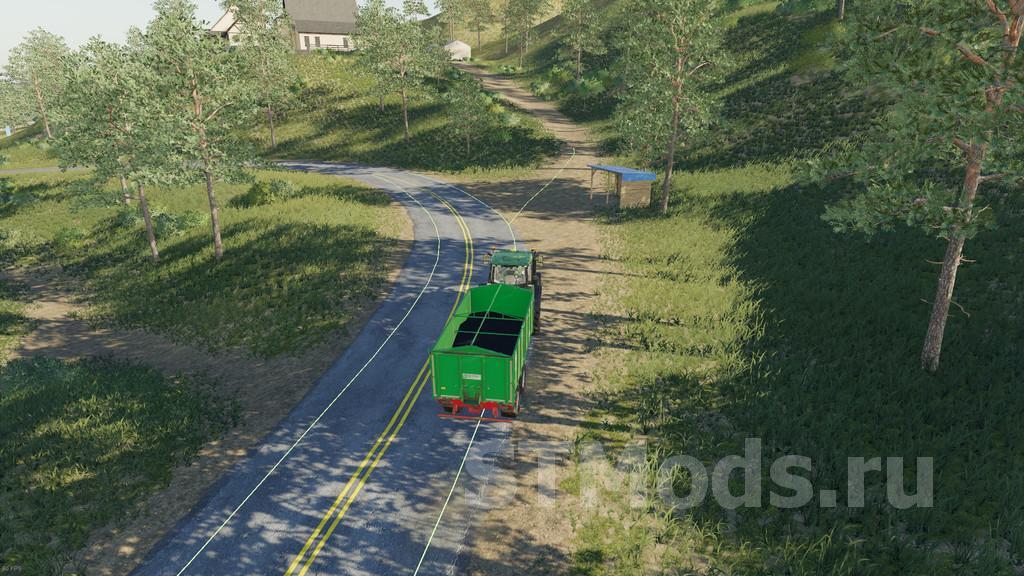
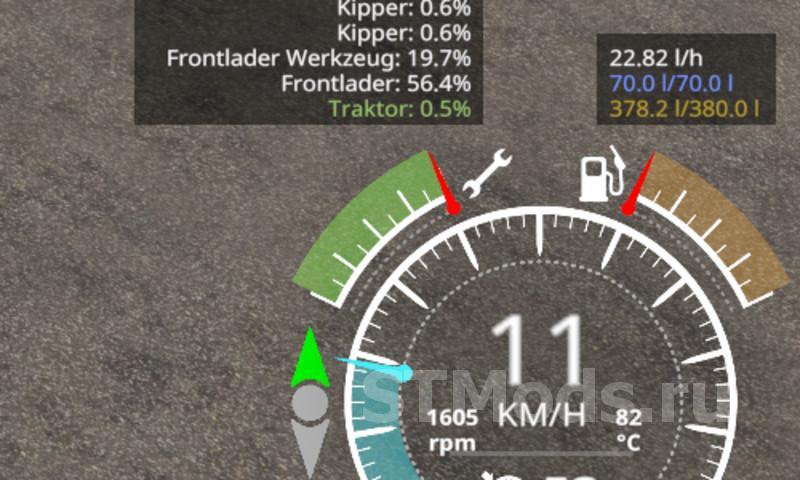
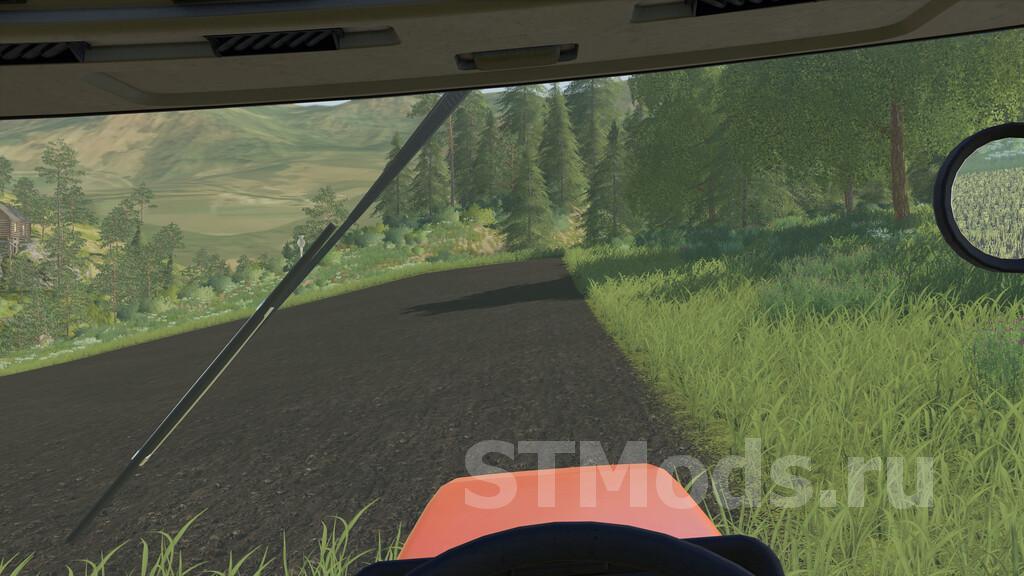

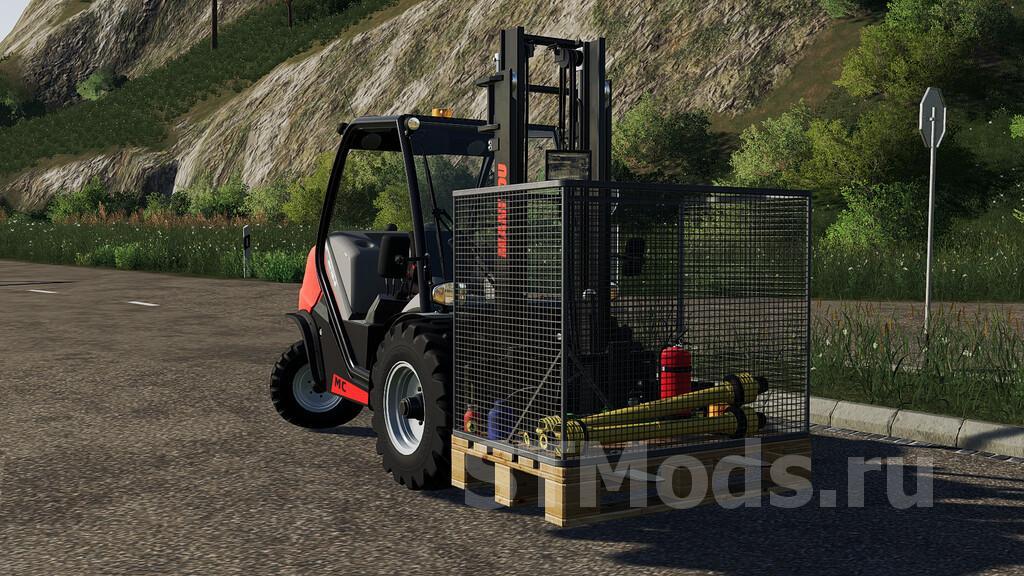
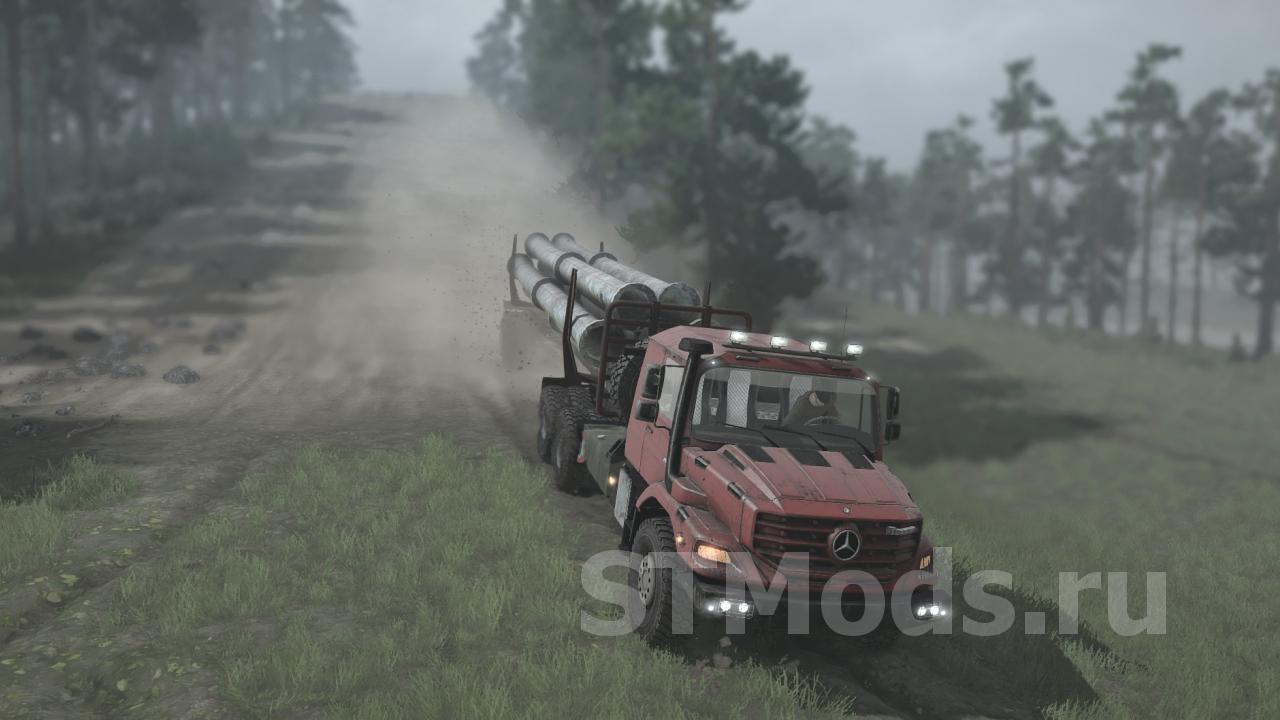
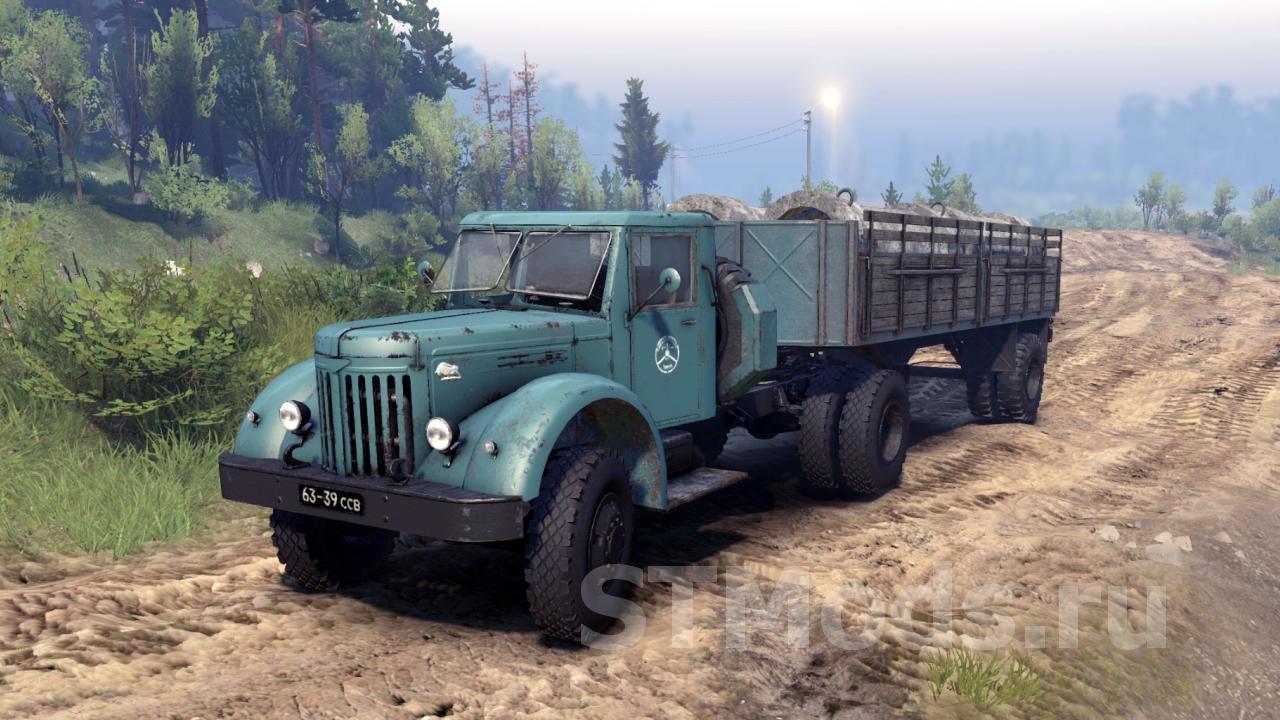
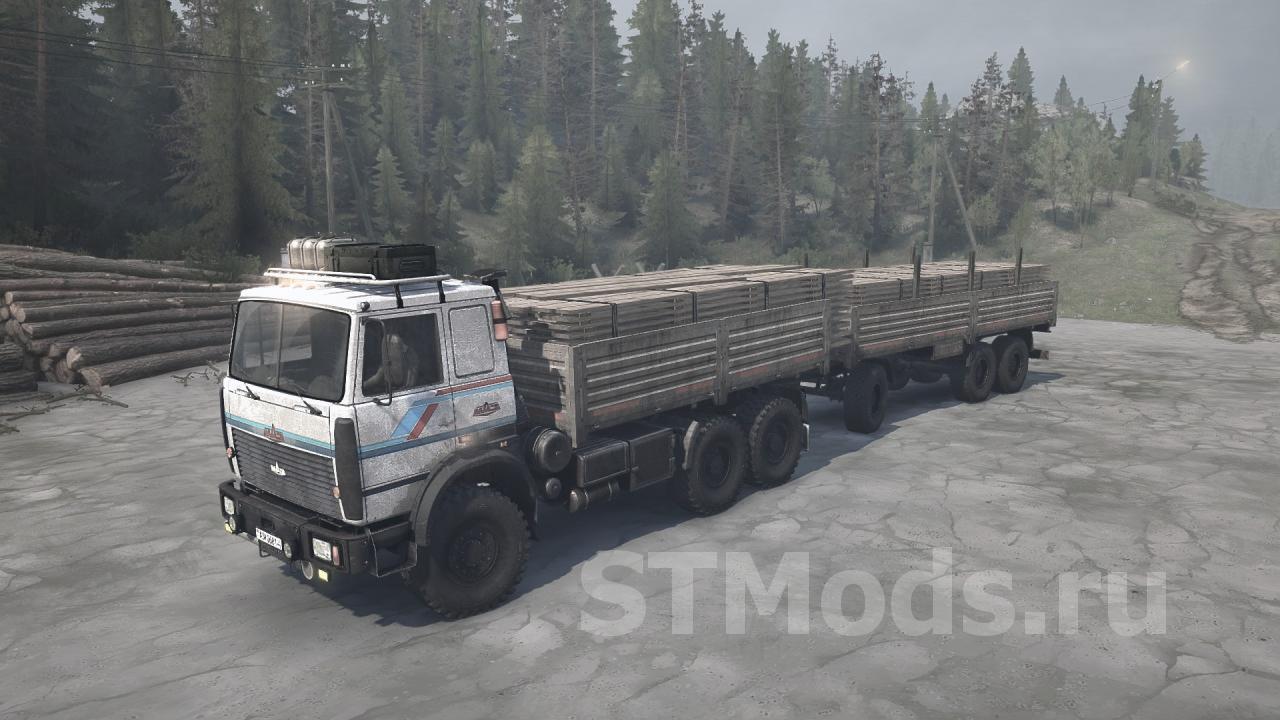
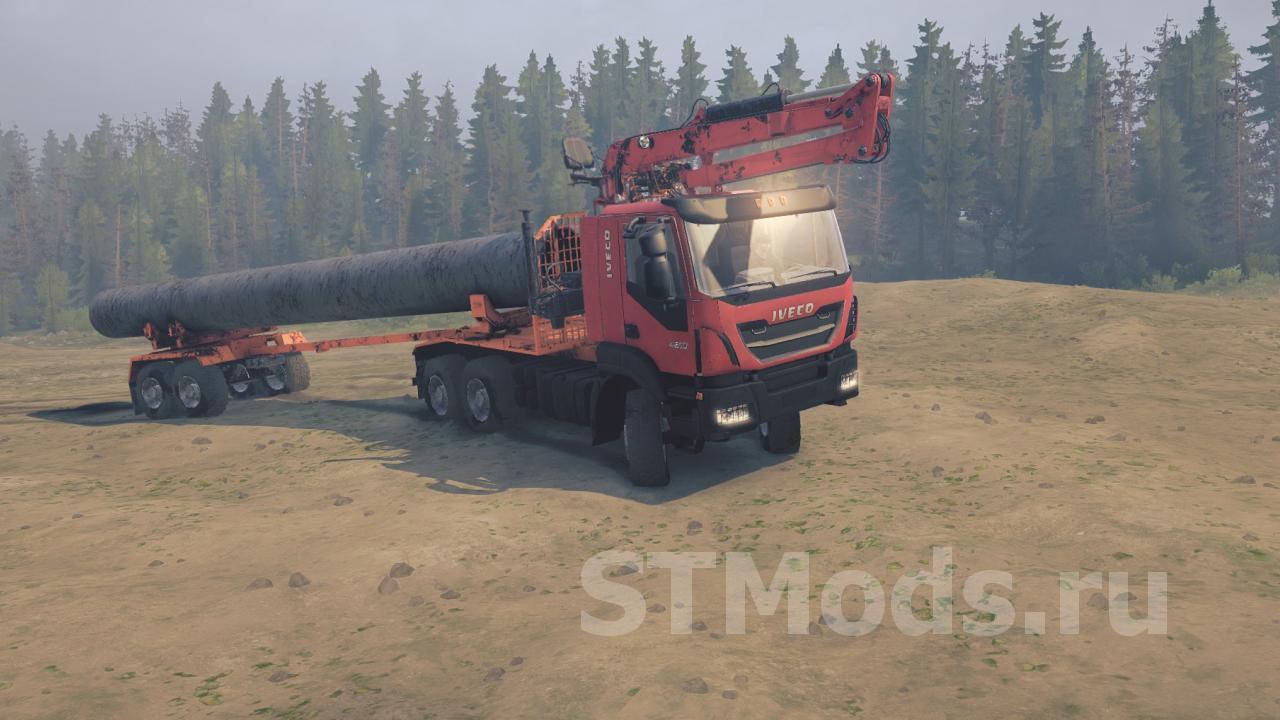
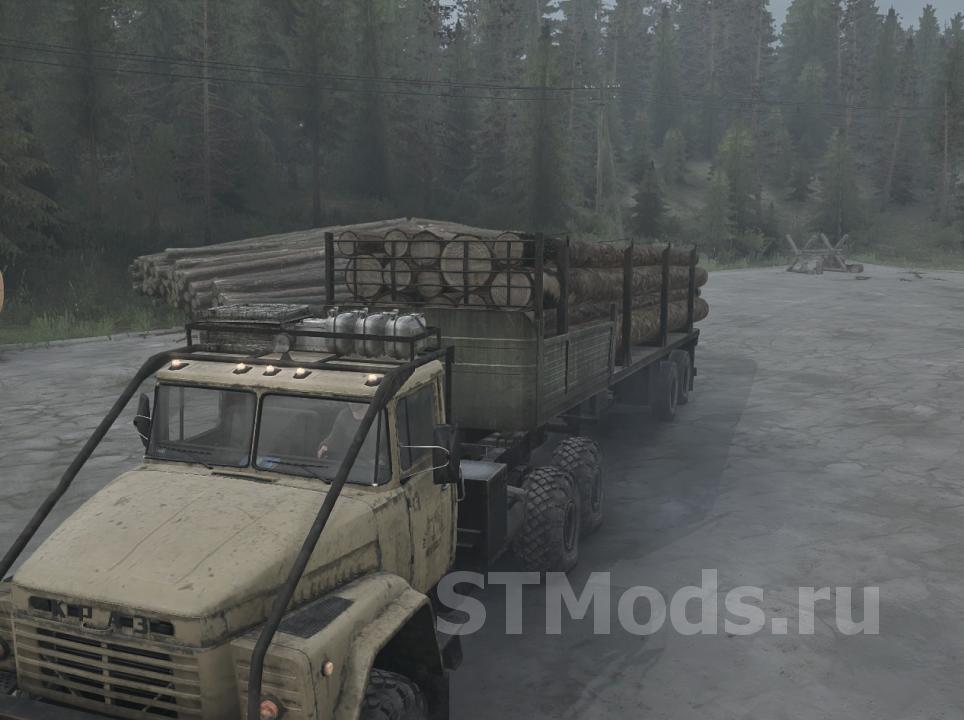
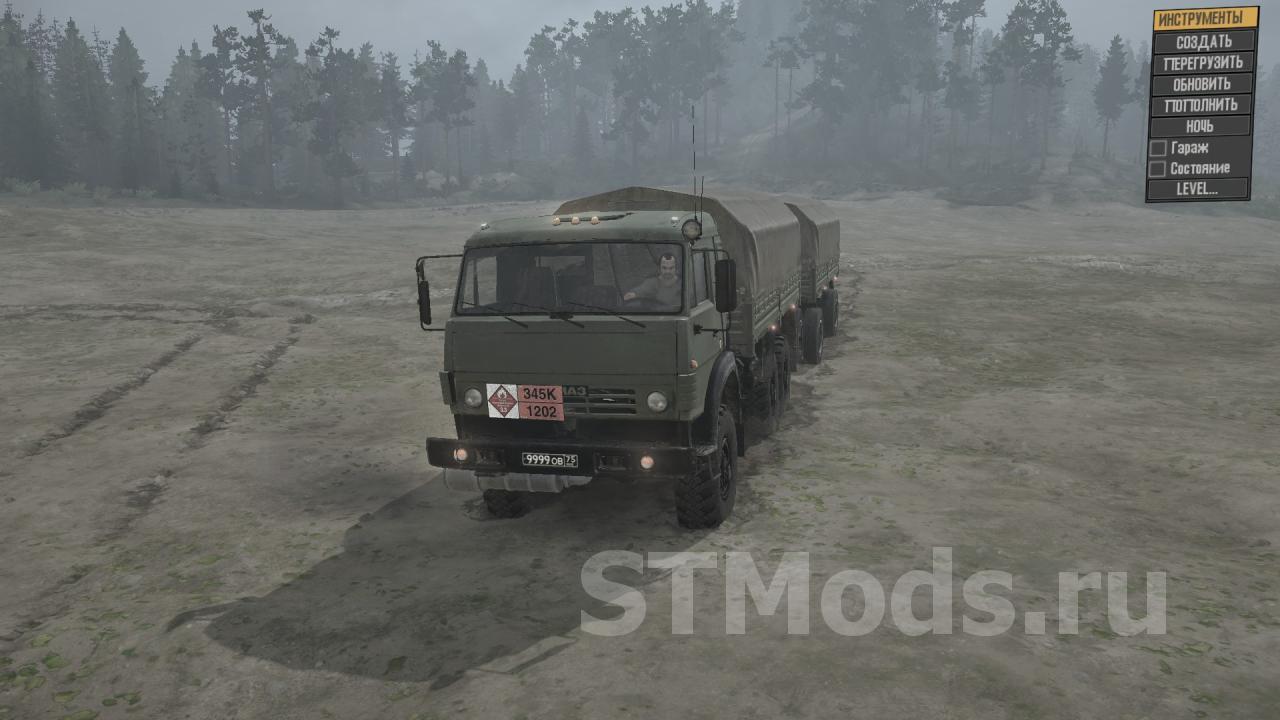
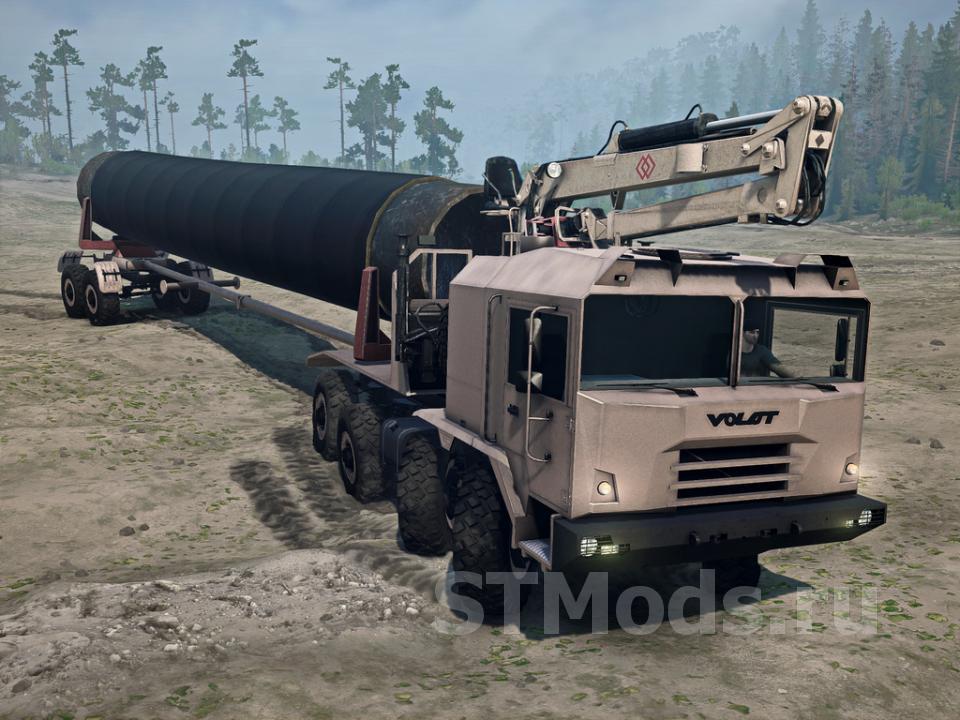
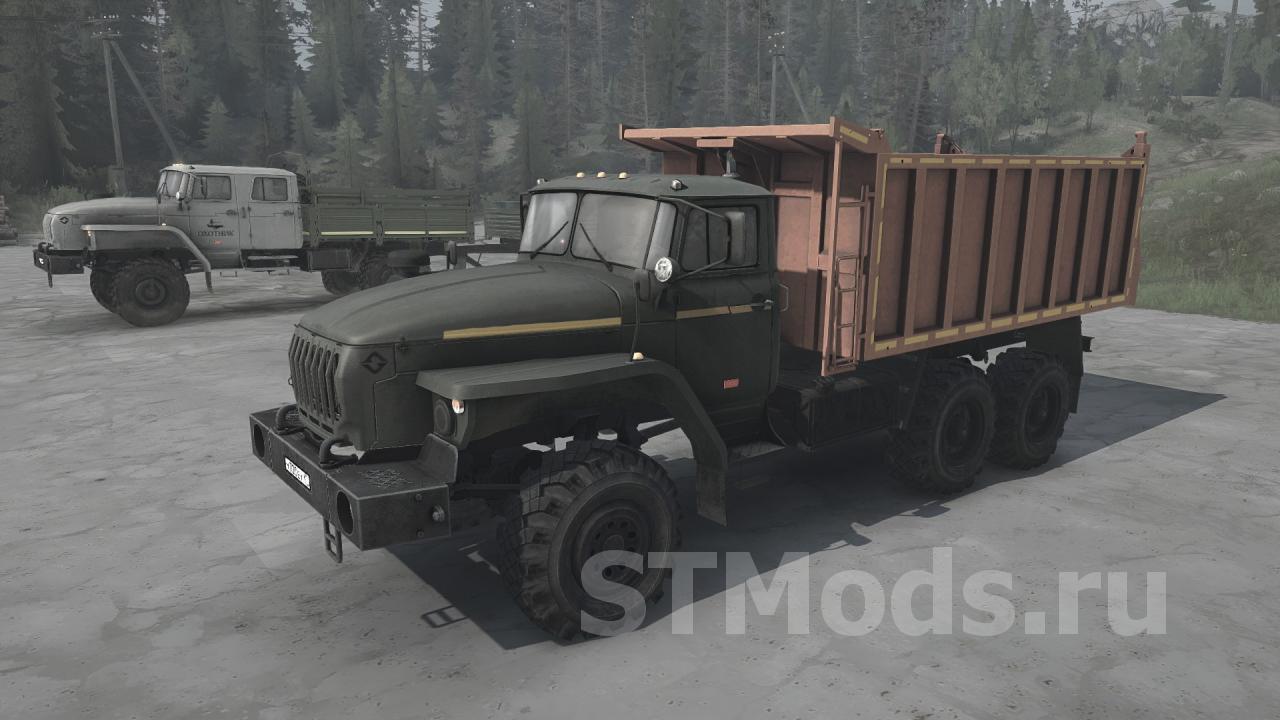
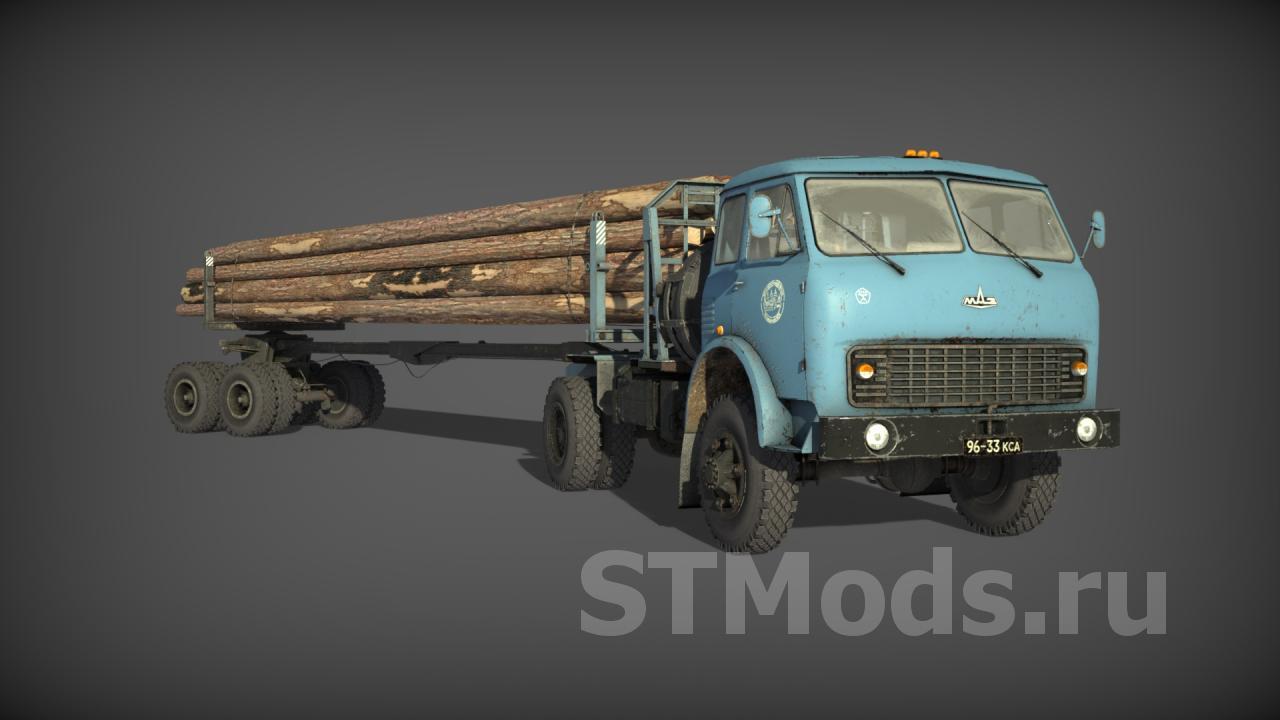
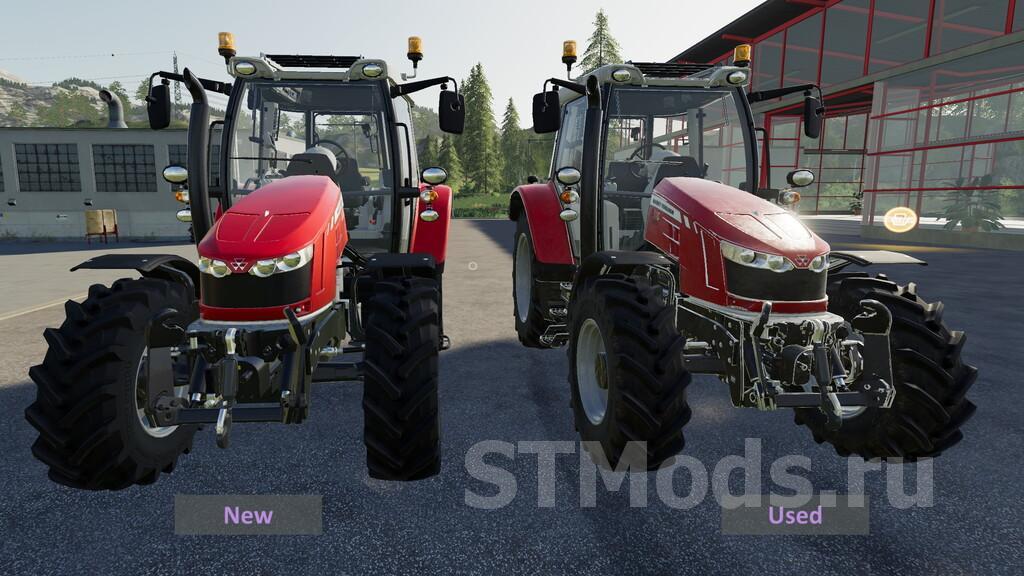
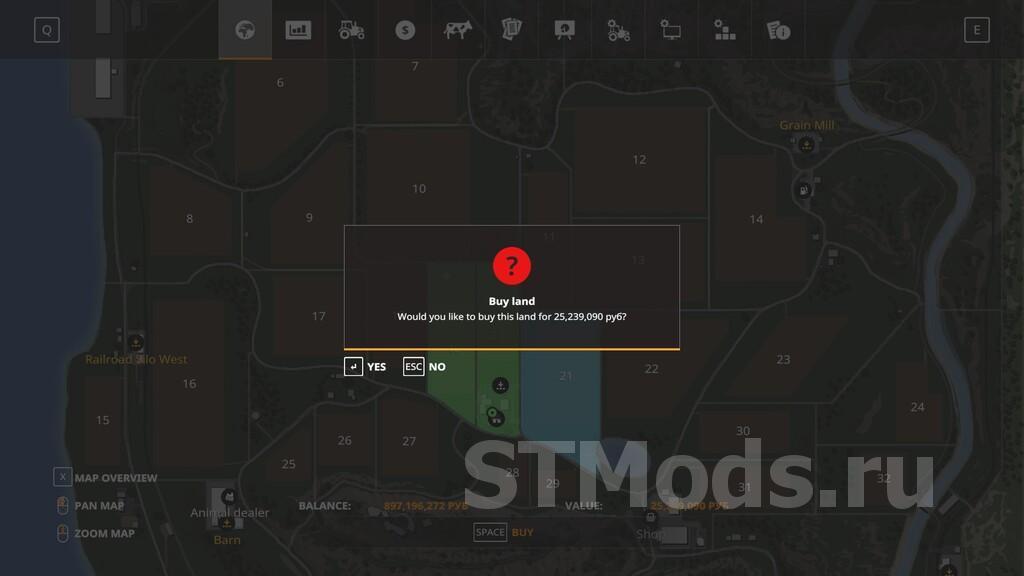
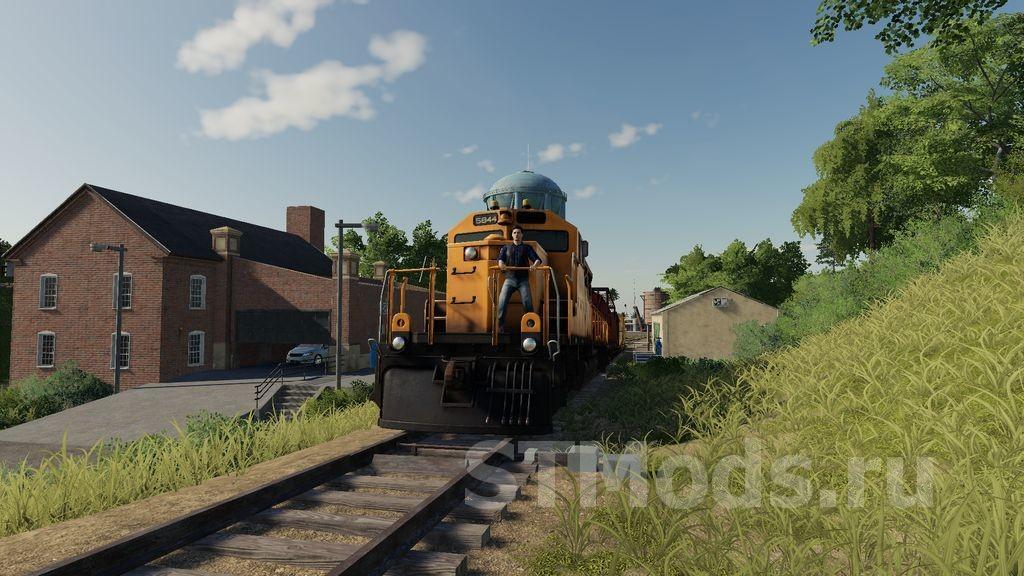
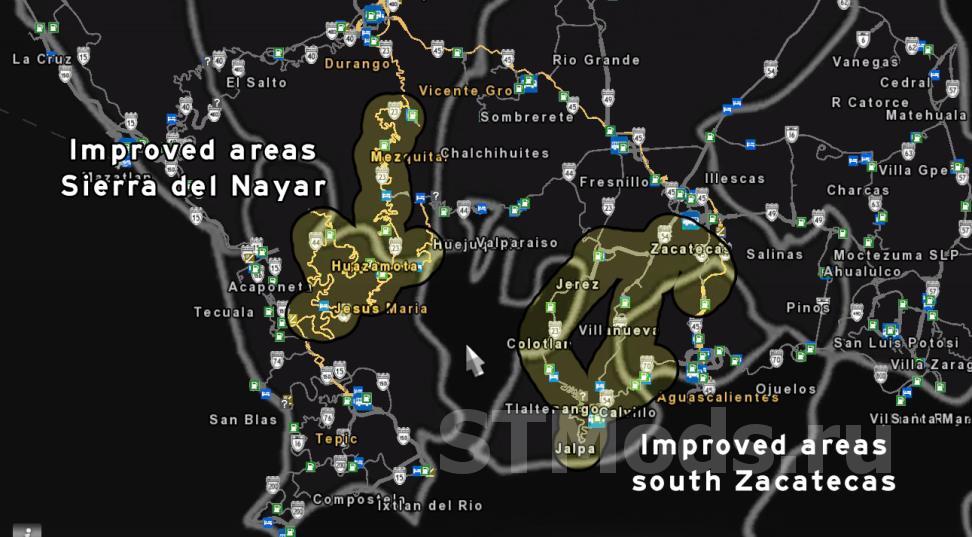
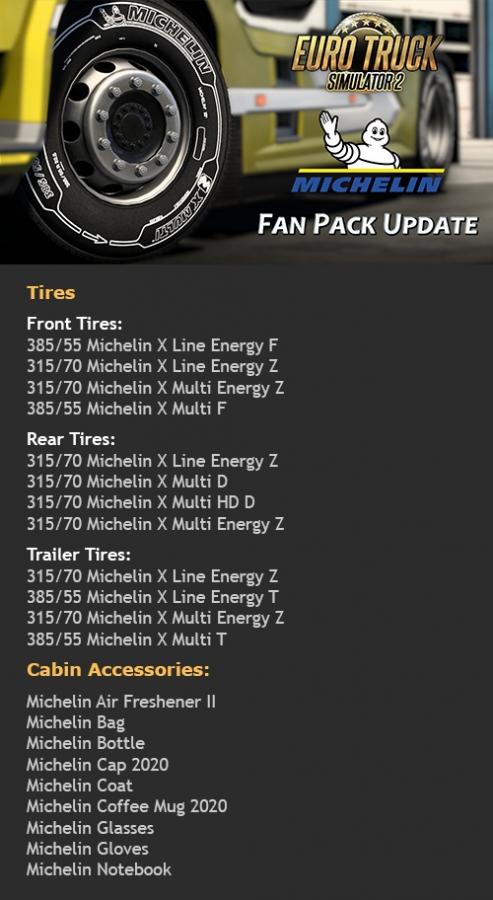




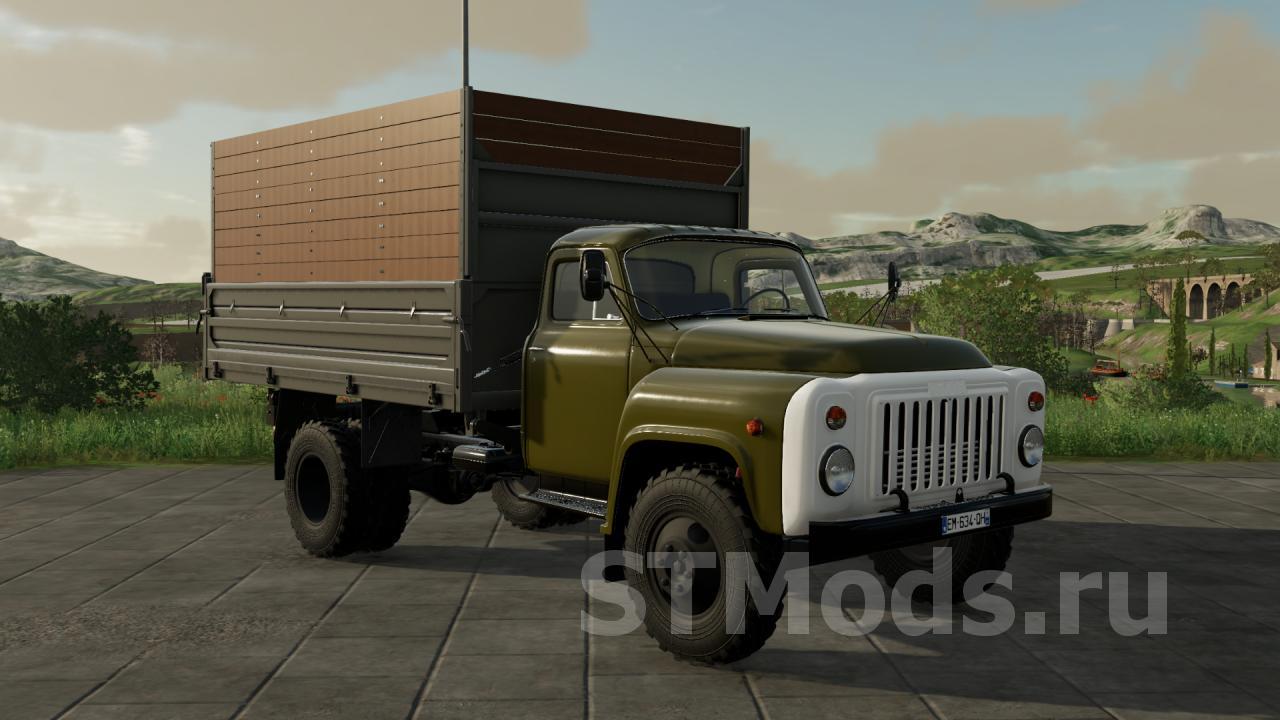





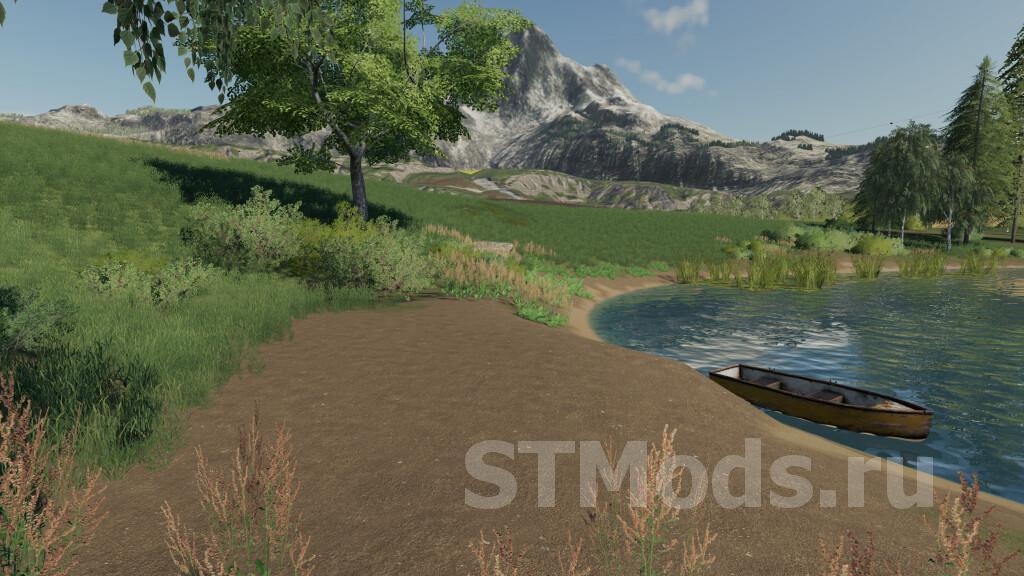
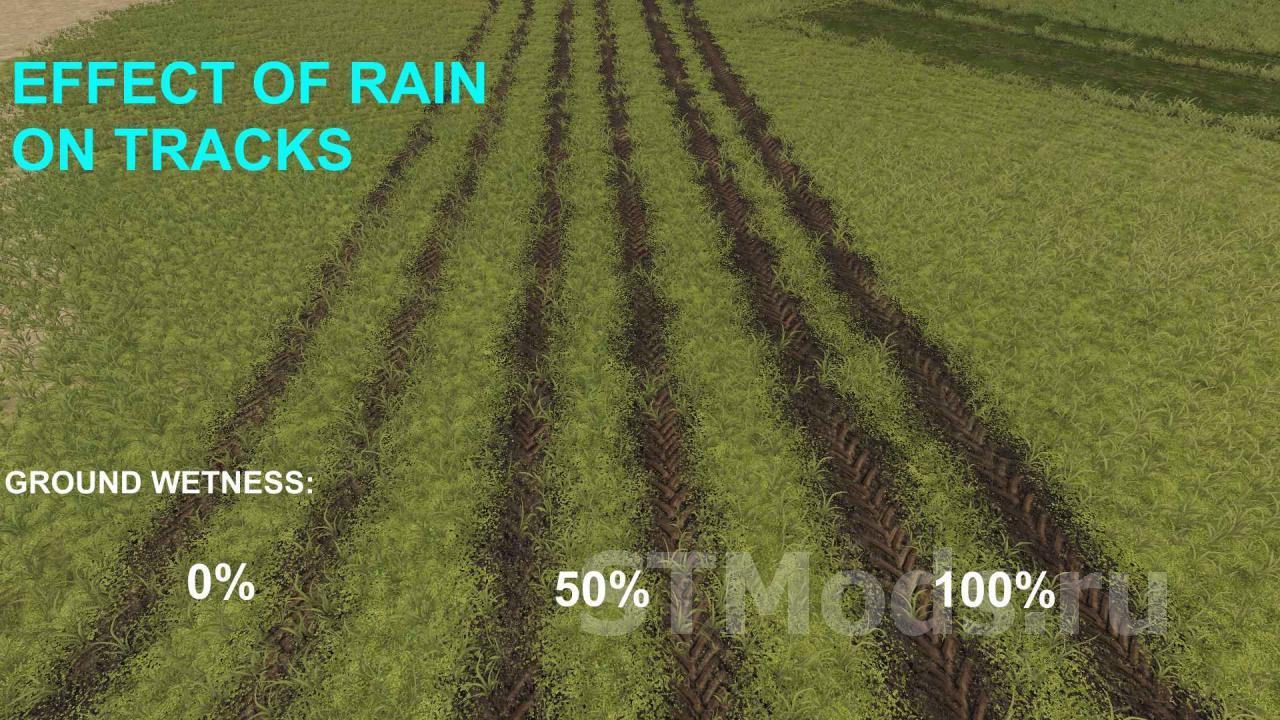

by downloads per week
by downloads per month
There are no mods yet
by downloads per week
by downloads per month
There are no mods yet
by downloads per week
by downloads per month
There are no mods yet
by downloads per week
by downloads per month
There are no mods yet
by downloads per week
by downloads per month
There are no mods yet
by downloads per week
by downloads per month
There are no mods yet
by downloads per week
by downloads per month
There are no mods yet
by downloads per week
by downloads per month
There are no mods yet
by downloads per week
by downloads per month
There are no mods yet
by downloads per week
by downloads per month
There are no mods yet
by downloads per week
by downloads per month
There are no mods yet
by downloads per week
by downloads per month
There are no mods yet
by downloads per week
by downloads per month
There are no mods yet
by downloads per week
by downloads per month
There are no mods yet
Go Up